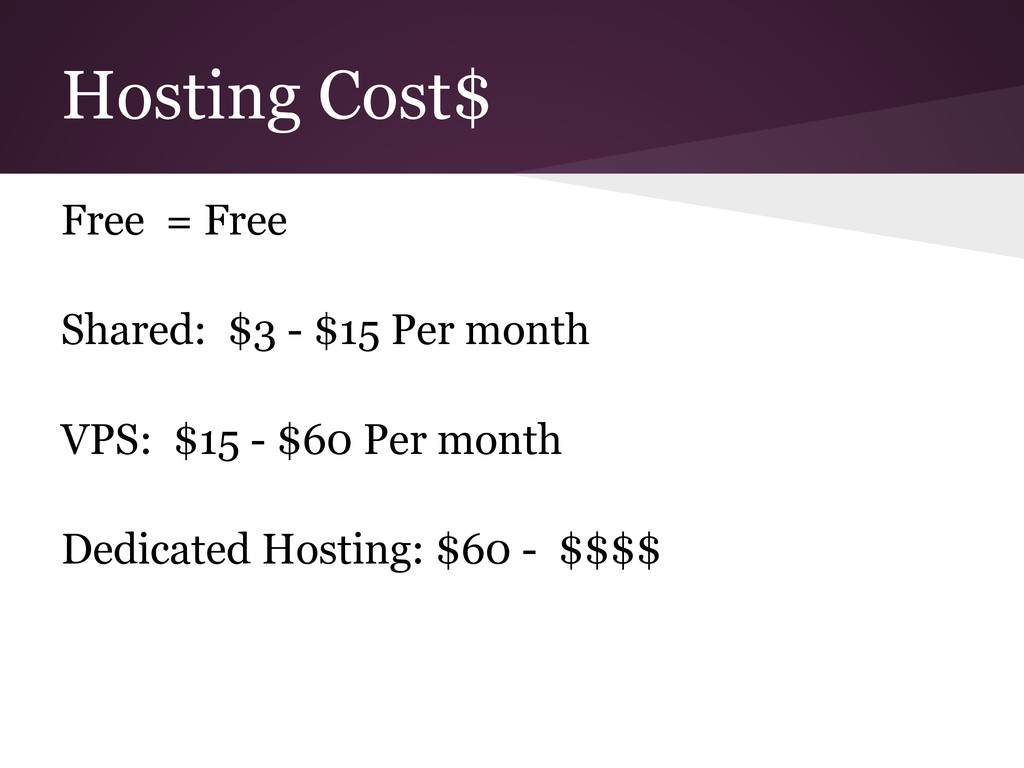
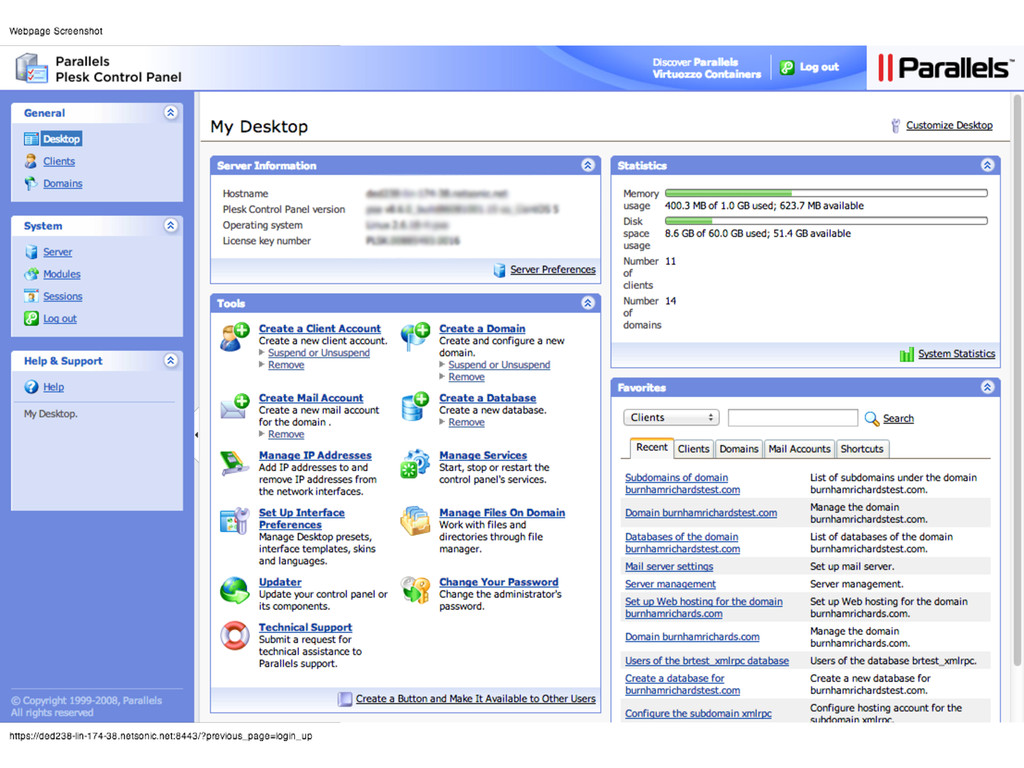
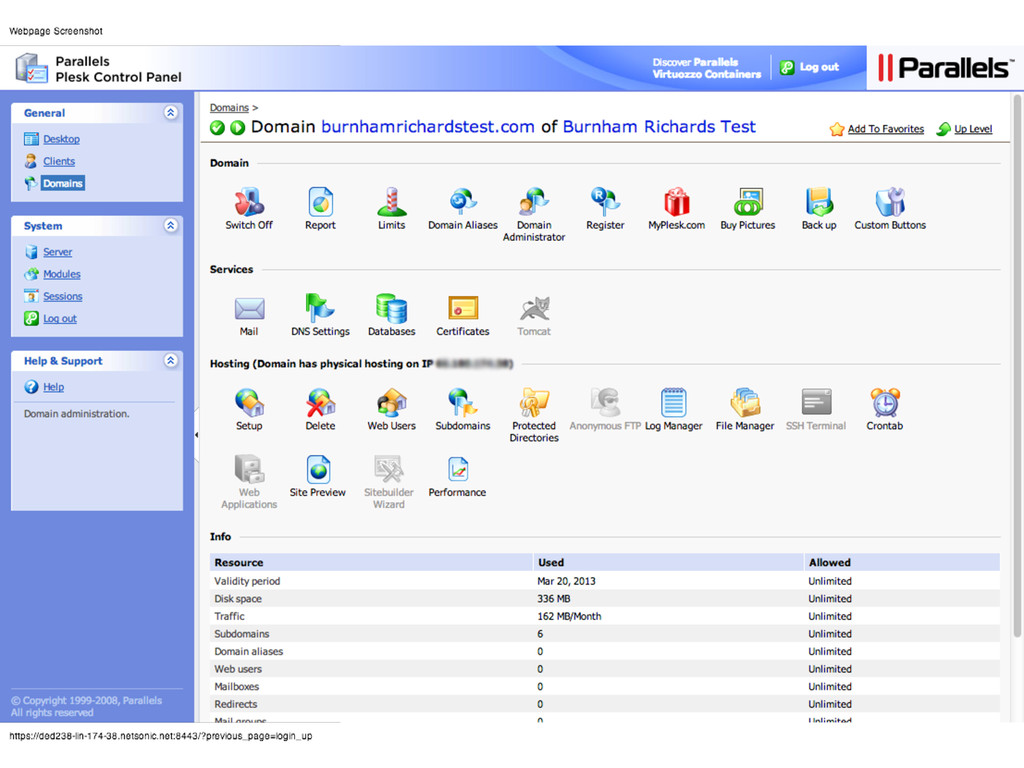
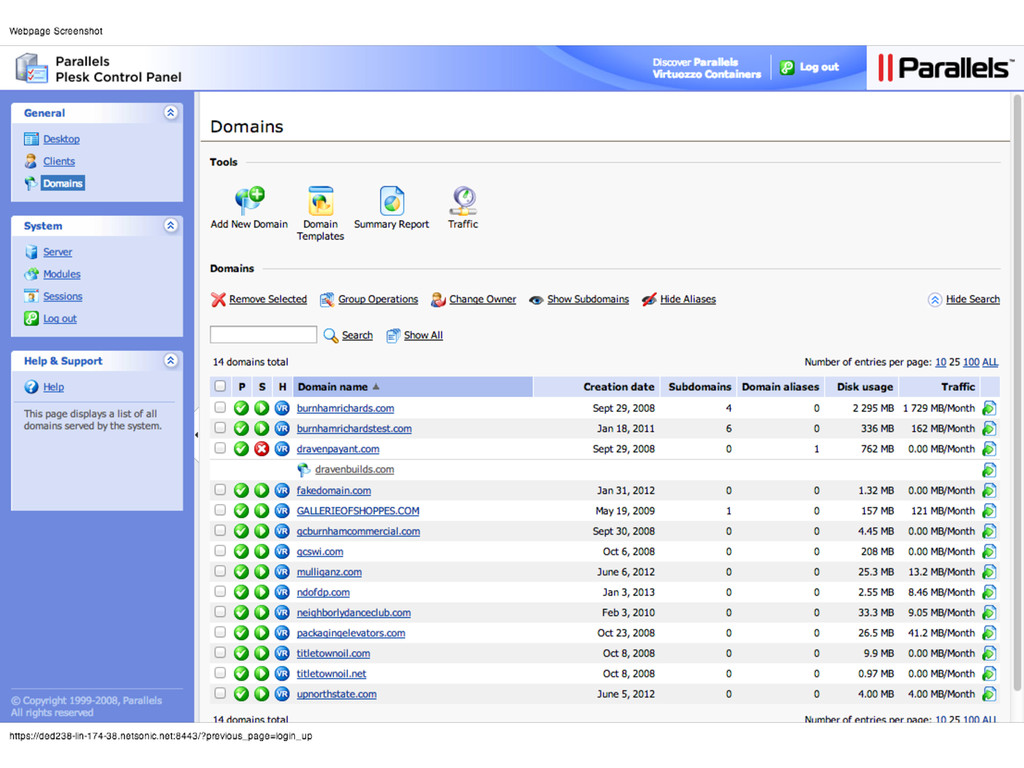
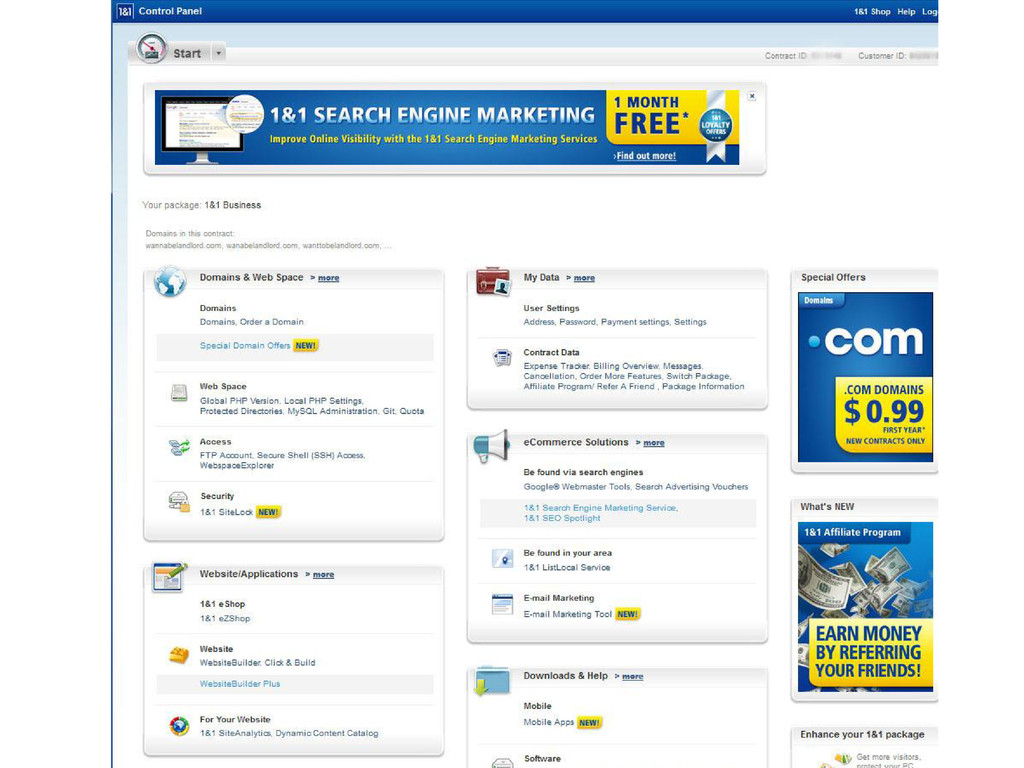
here are far too many different hosts out there for anyone to make the choice easy. Do you go with the $5/month host or a $100/month private server?? What is a VPS??..
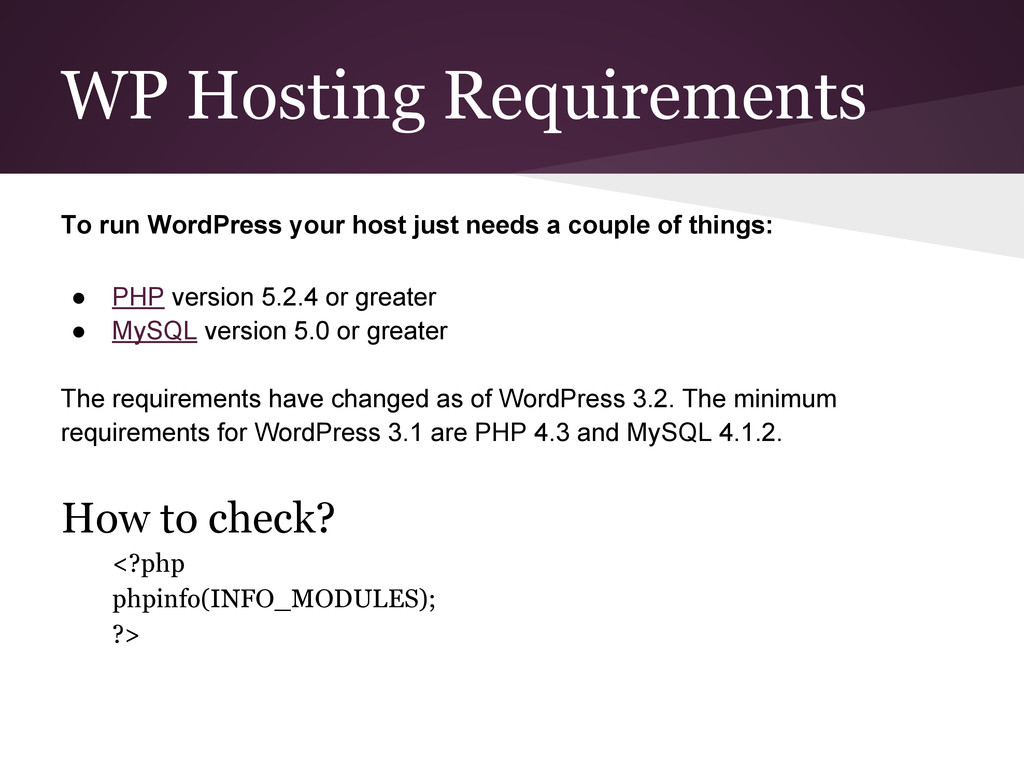
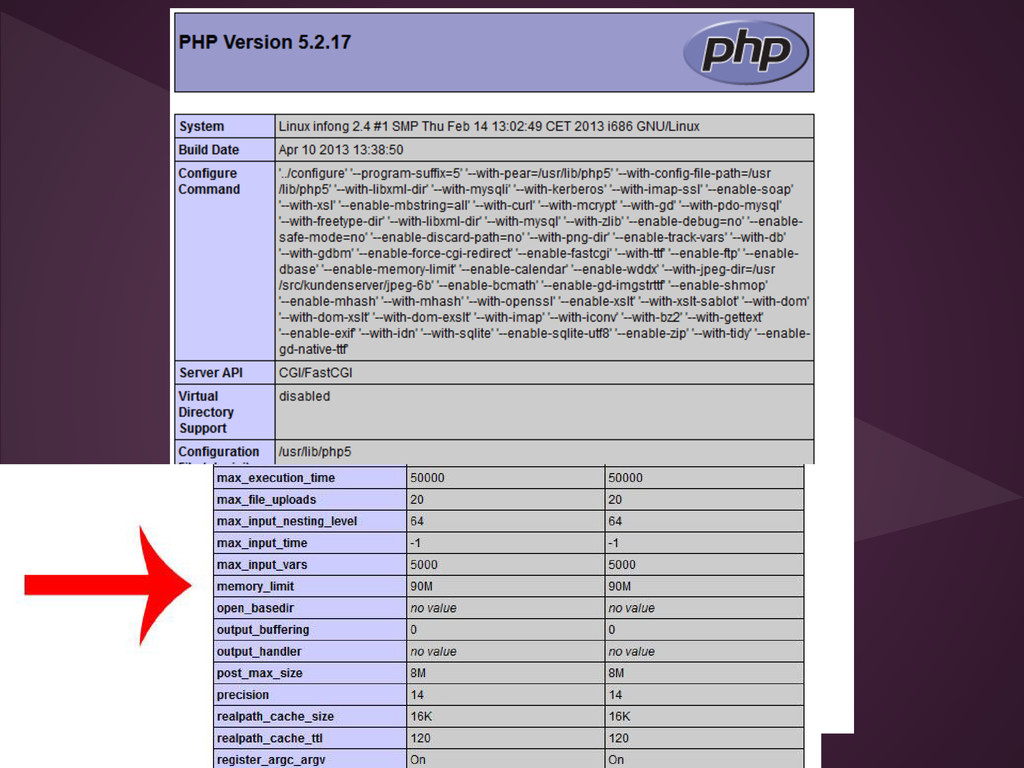
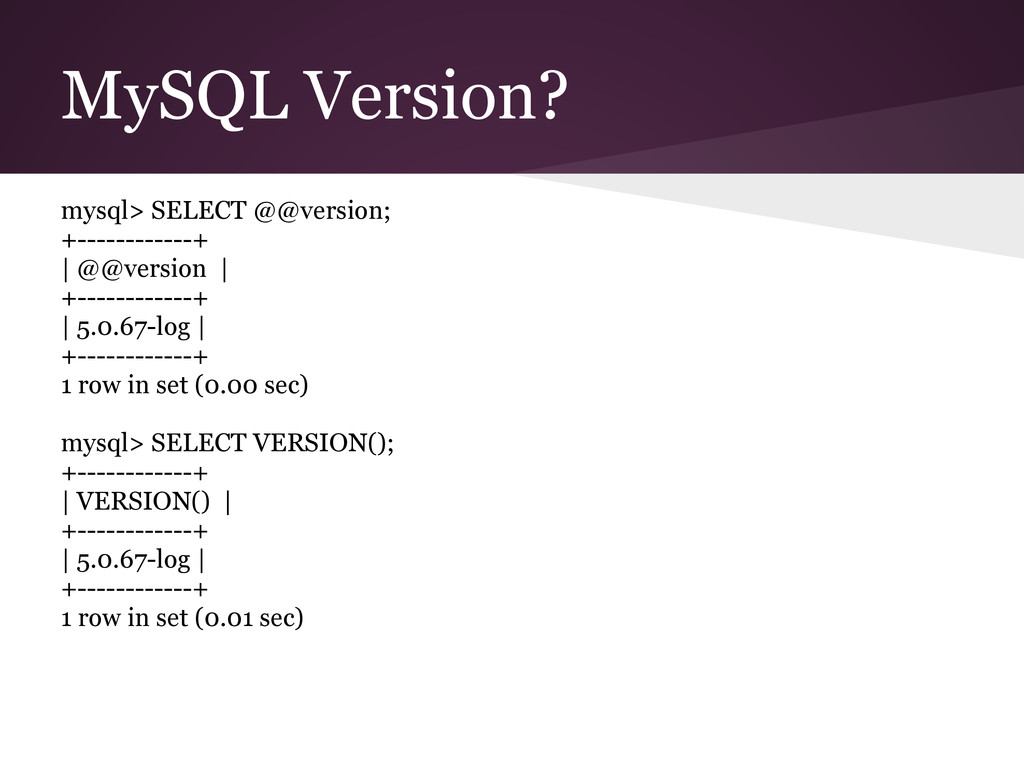
a couple of things: • PHP version 5.2.4 or greater • MySQL version 5.0 or greater The requirements have changed as of WordPress 3.2. The minimum requirements for WordPress 3.1 are PHP 4.3 and MySQL 4.1.2. How to check? <?php phpinfo(INFO_MODULES); ?>
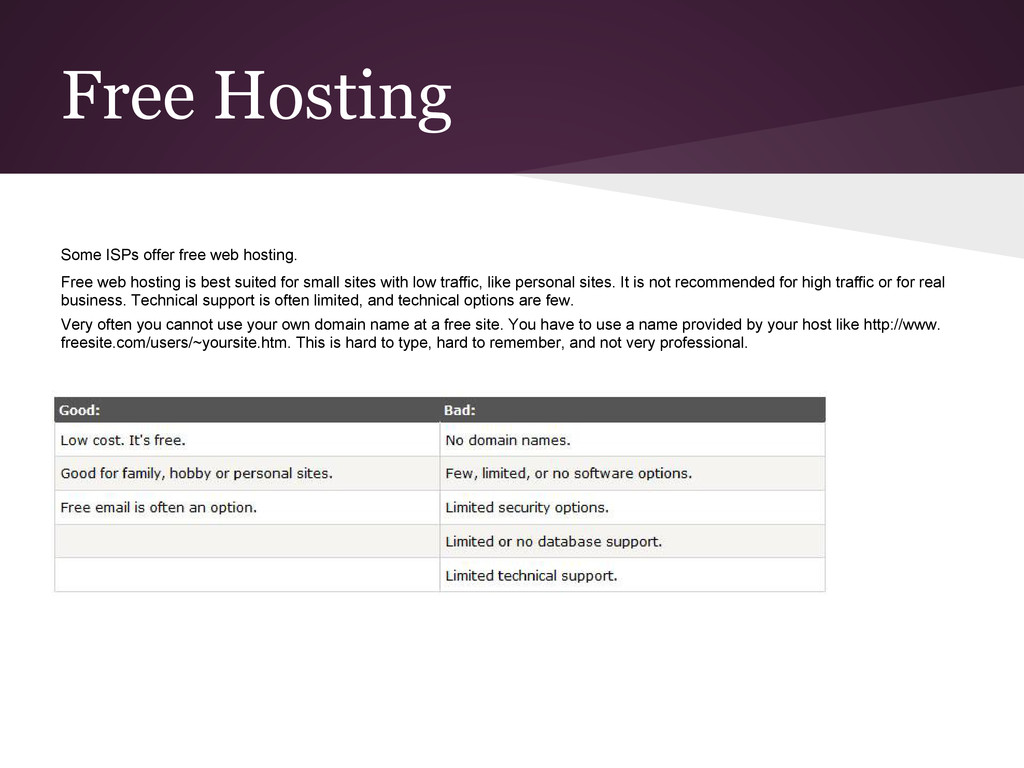
hosting is best suited for small sites with low traffic, like personal sites. It is not recommended for high traffic or for real business. Technical support is often limited, and technical options are few. Very often you cannot use your own domain name at a free site. You have to use a name provided by your host like http://www. freesite.com/users/~yoursite.htm. This is hard to type, hard to remember, and not very professional.
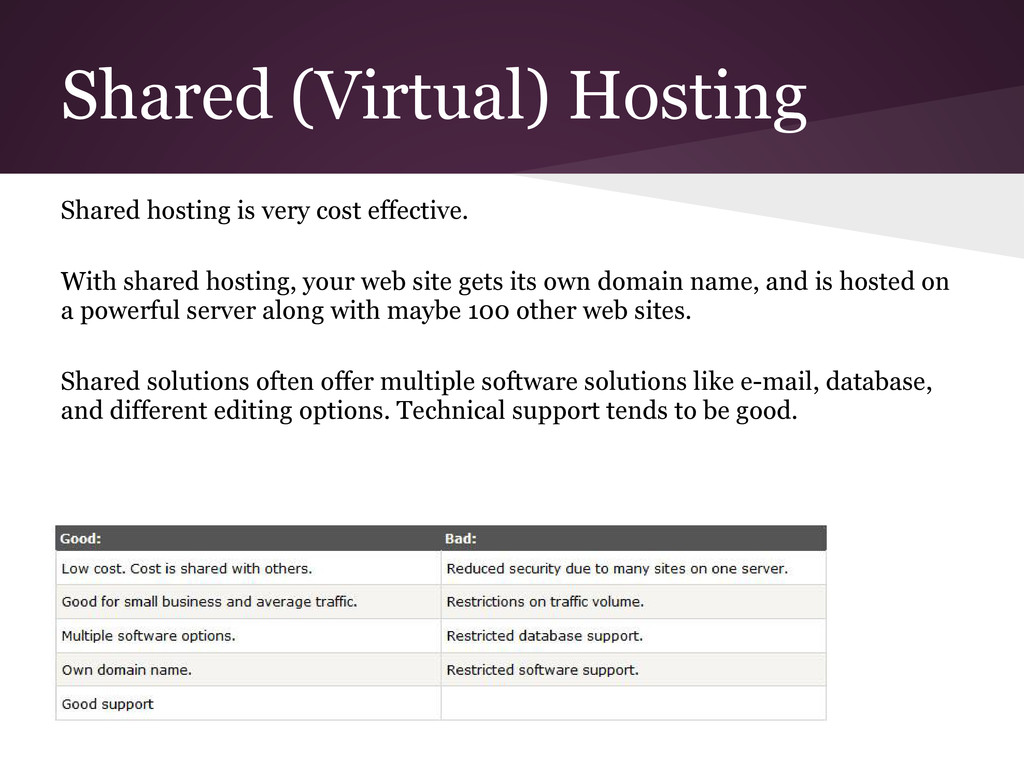
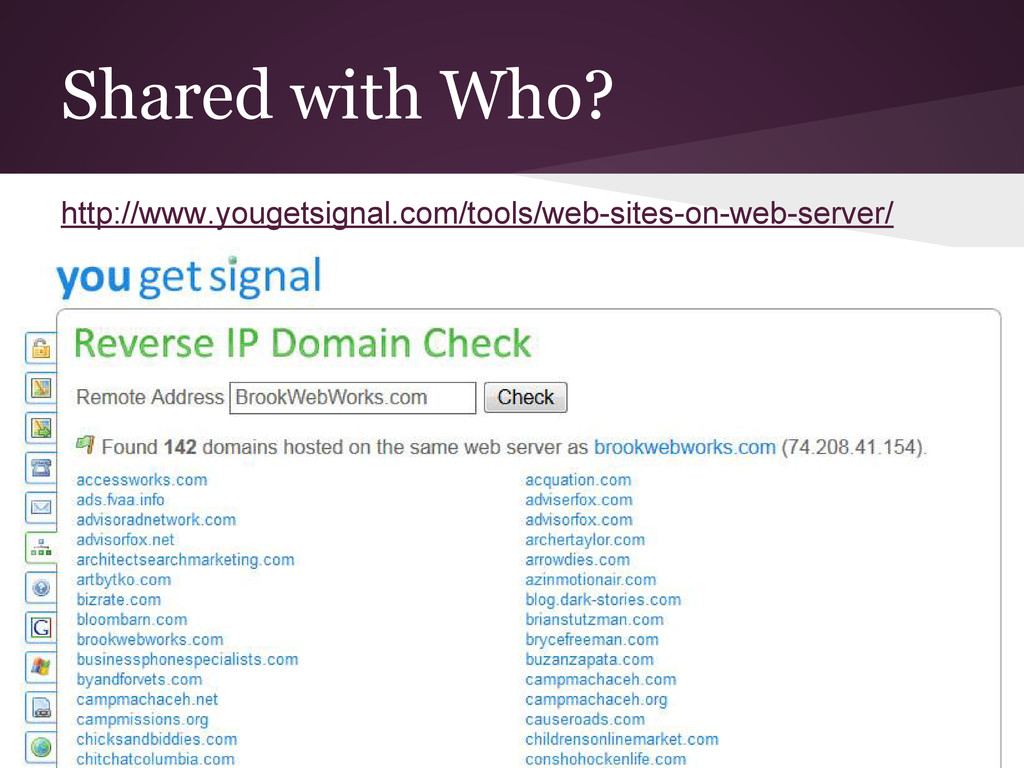
shared hosting, your web site gets its own domain name, and is hosted on a powerful server along with maybe 100 other web sites. Shared solutions often offer multiple software solutions like e-mail, database, and different editing options. Technical support tends to be good.
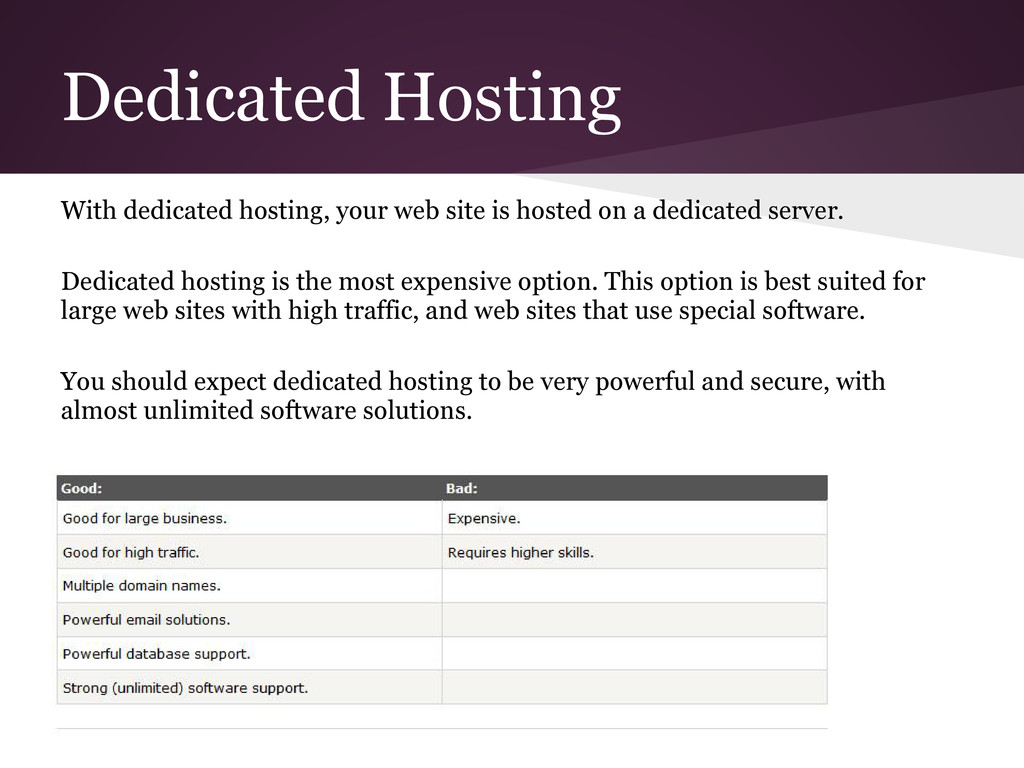
dedicated server. Dedicated hosting is the most expensive option. This option is best suited for large web sites with high traffic, and web sites that use special software. You should expect dedicated hosting to be very powerful and secure, with almost unlimited software solutions. Dedicated Hosting
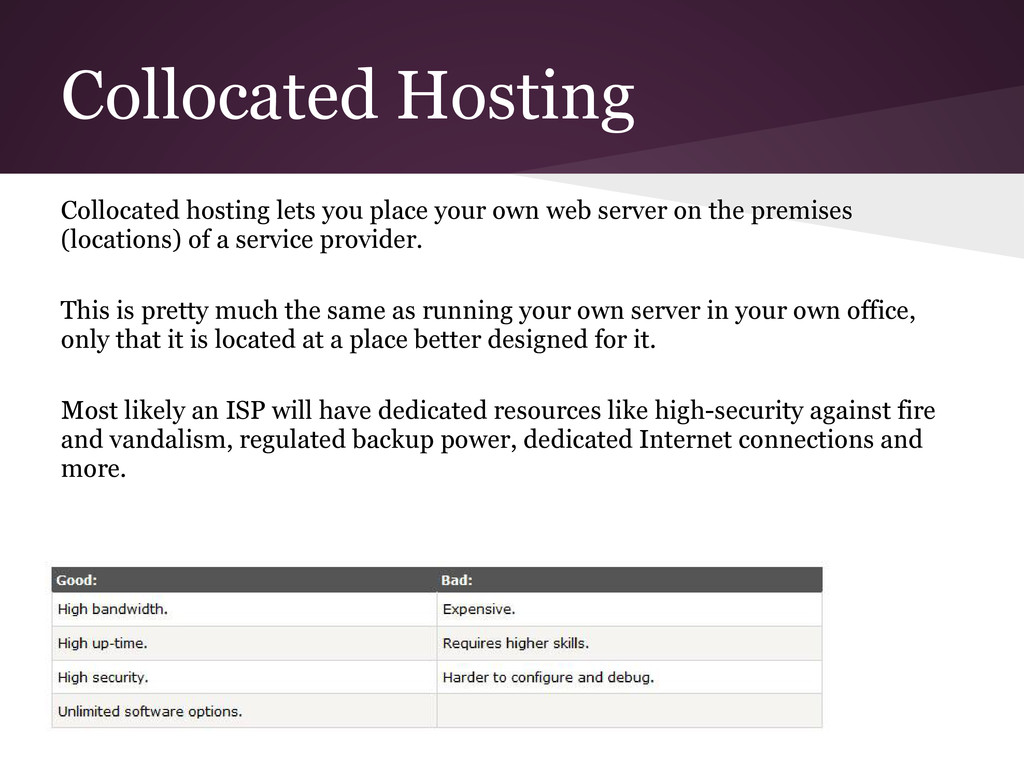
server on the premises (locations) of a service provider. This is pretty much the same as running your own server in your own office, only that it is located at a place better designed for it. Most likely an ISP will have dedicated resources like high-security against fire and vandalism, regulated backup power, dedicated Internet connections and more.
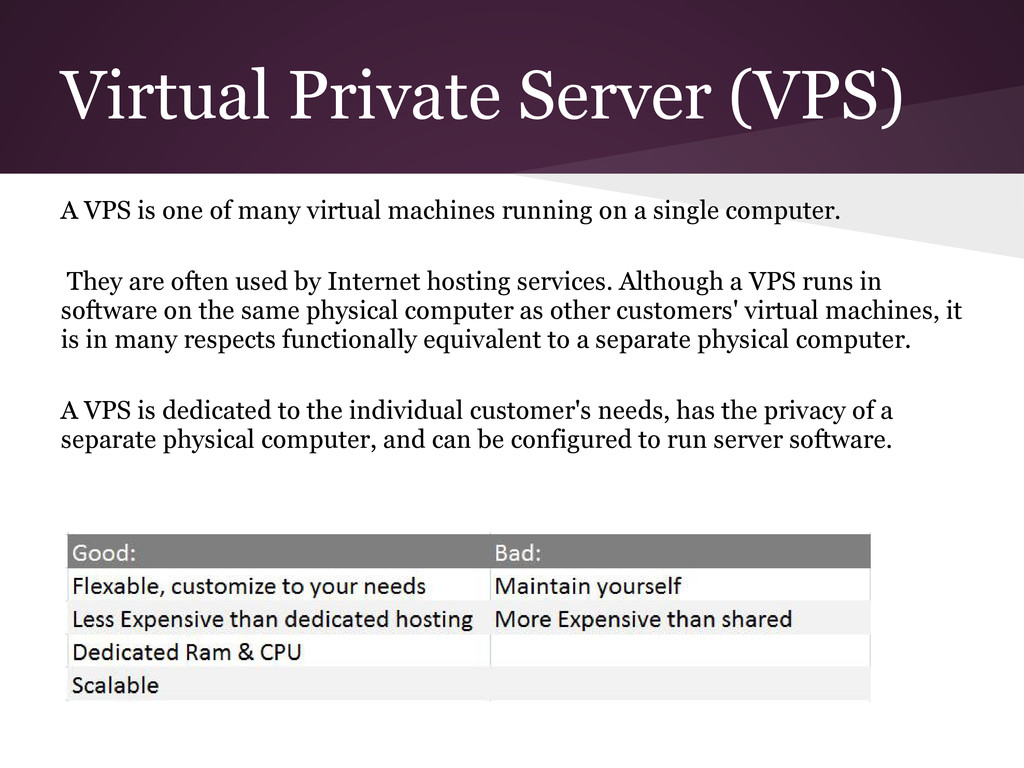
virtual machines running on a single computer. They are often used by Internet hosting services. Although a VPS runs in software on the same physical computer as other customers' virtual machines, it is in many respects functionally equivalent to a separate physical computer. A VPS is dedicated to the individual customer's needs, has the privacy of a separate physical computer, and can be configured to run server software.
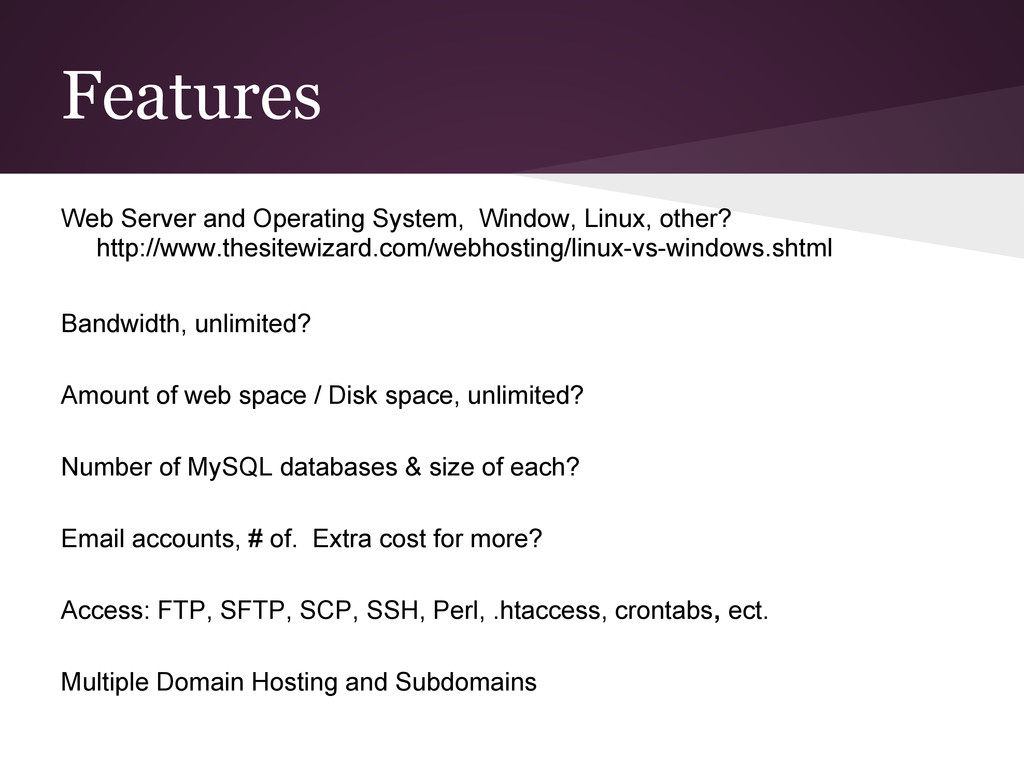
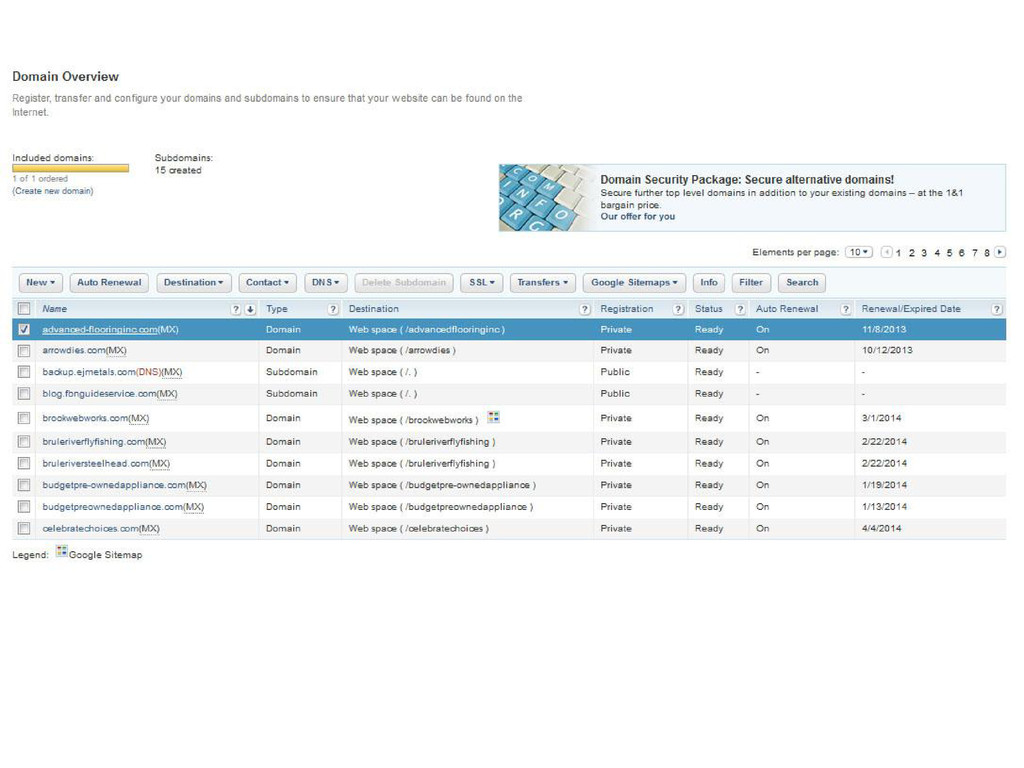
Bandwidth, unlimited? Amount of web space / Disk space, unlimited? Number of MySQL databases & size of each? Email accounts, # of. Extra cost for more? Access: FTP, SFTP, SCP, SSH, Perl, .htaccess, crontabs, ect. Multiple Domain Hosting and Subdomains
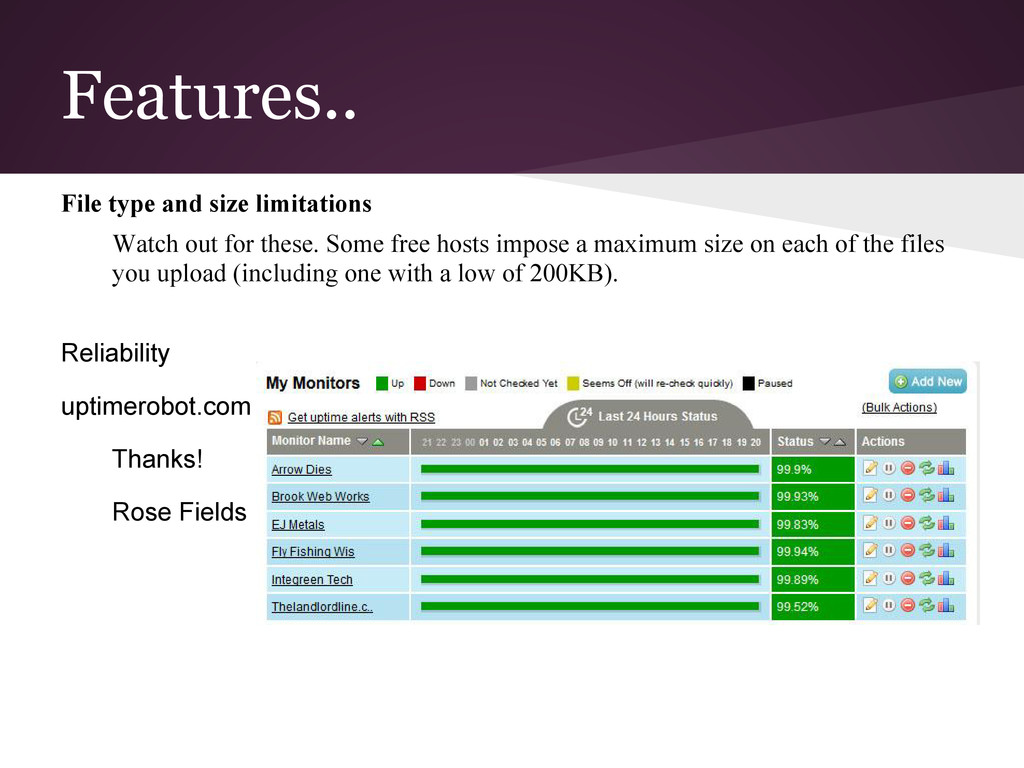
Some free hosts impose a maximum size on each of the files you upload (including one with a low of 200KB). Reliability uptimerobot.com Thanks! Rose Fields
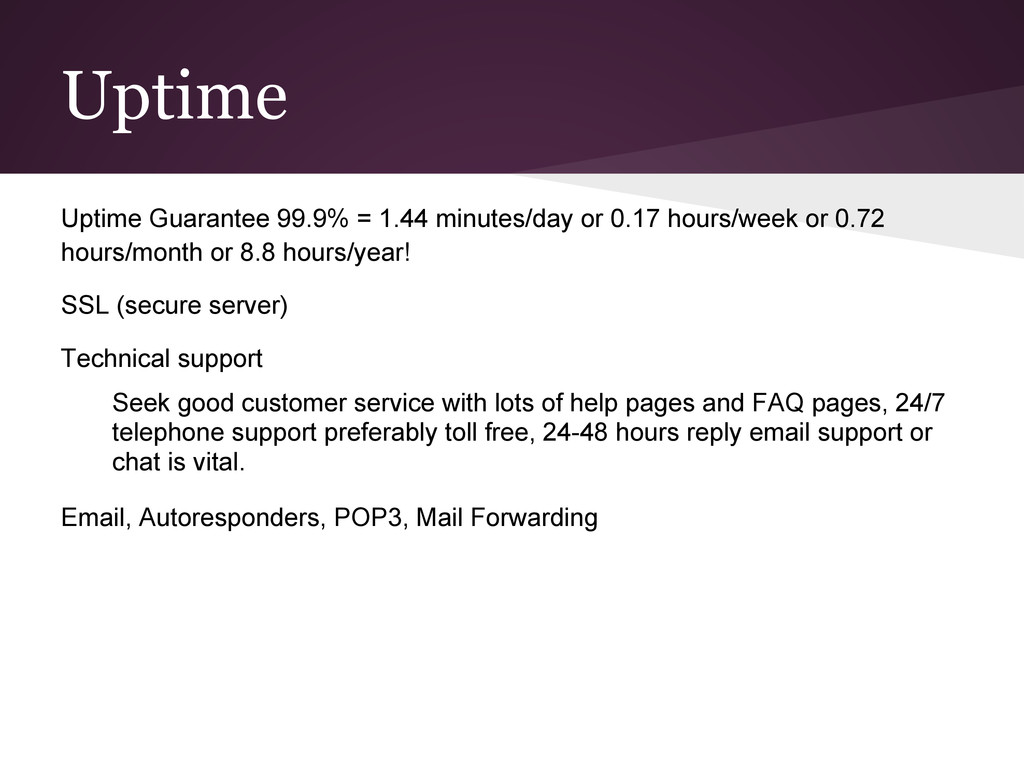
or 0.72 hours/month or 8.8 hours/year! SSL (secure server) Technical support Seek good customer service with lots of help pages and FAQ pages, 24/7 telephone support preferably toll free, 24-48 hours reply email support or chat is vital. Email, Autoresponders, POP3, Mail Forwarding
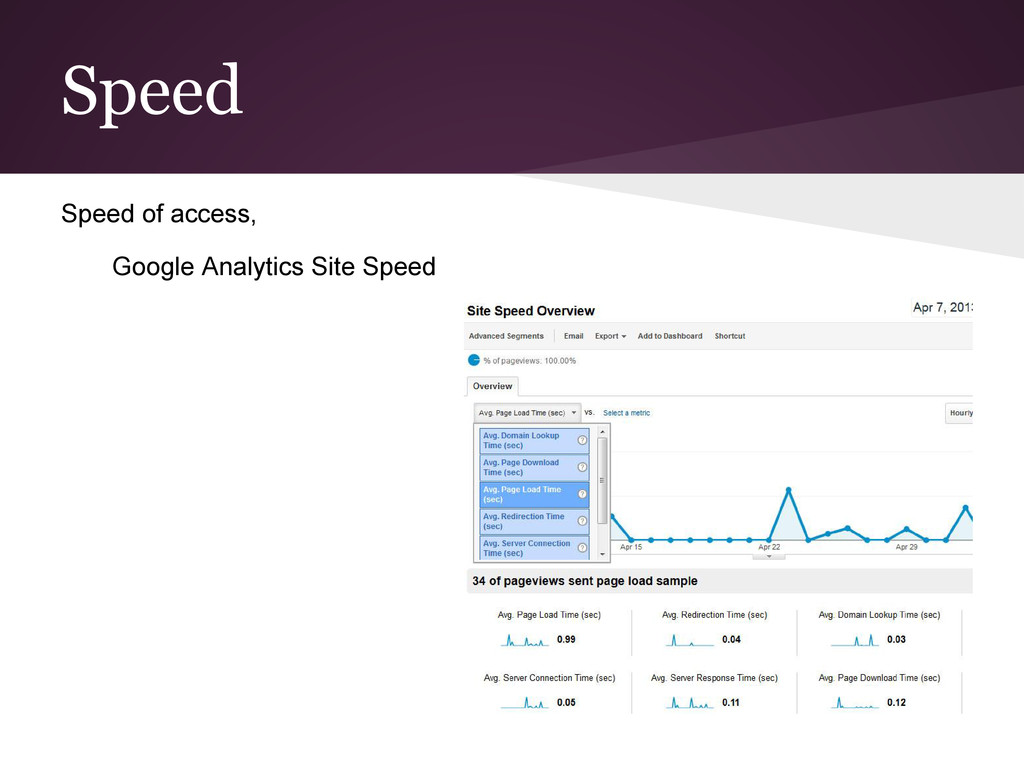
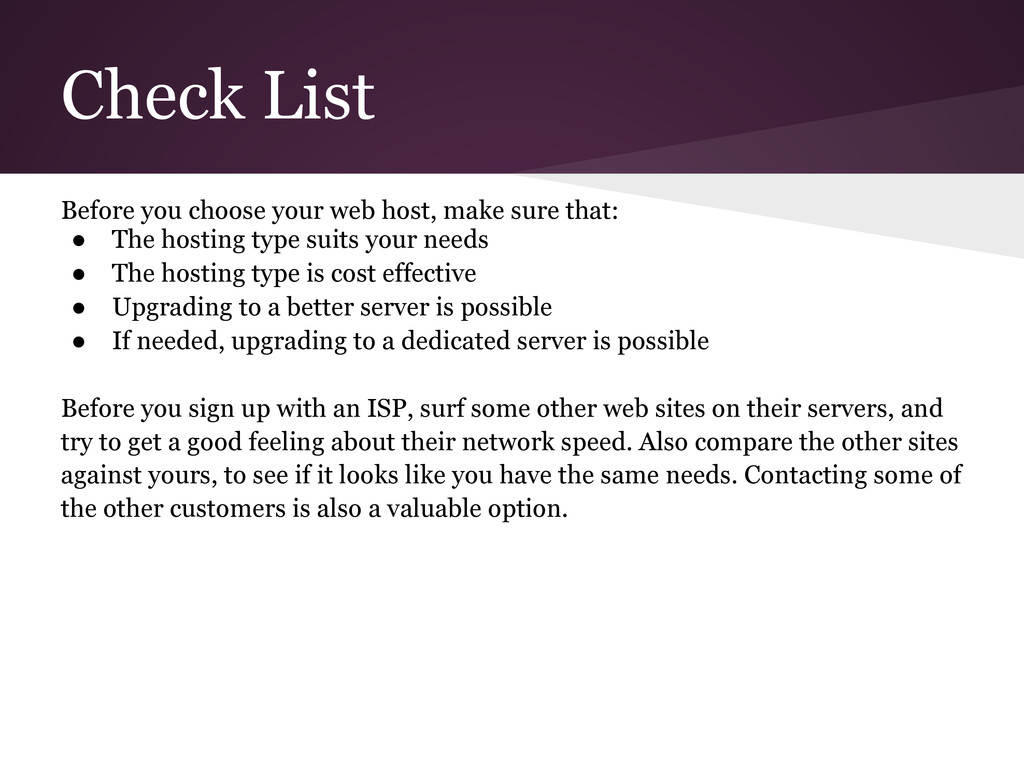
that: • The hosting type suits your needs • The hosting type is cost effective • Upgrading to a better server is possible • If needed, upgrading to a dedicated server is possible Before you sign up with an ISP, surf some other web sites on their servers, and try to get a good feeling about their network speed. Also compare the other sites against yours, to see if it looks like you have the same needs. Contacting some of the other customers is also a valuable option.
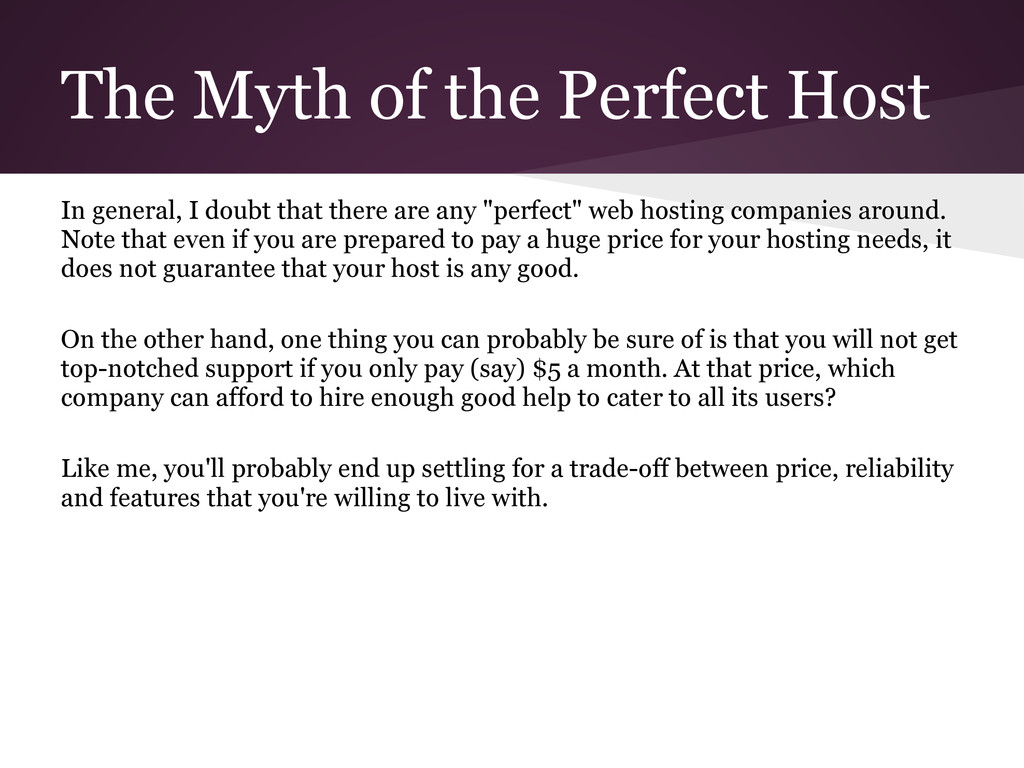
that there are any "perfect" web hosting companies around. Note that even if you are prepared to pay a huge price for your hosting needs, it does not guarantee that your host is any good. On the other hand, one thing you can probably be sure of is that you will not get top-notched support if you only pay (say) $5 a month. At that price, which company can afford to hire enough good help to cater to all its users? Like me, you'll probably end up settling for a trade-off between price, reliability and features that you're willing to live with.


 signer
 arnoknobbe
 juanmartin2026
 mariooc
 ainischool
 pawan_pharm
 akiraasano
 hiola
hiola
 charlesmeaden
.jpg) cargoodrich
cargoodrich
 katiecoart
 tammielis
 baasie
 jonrohan
 cassininazir
 mayatellez
 coloredviolet
 popppiees
 kimpetersen
 aleyda