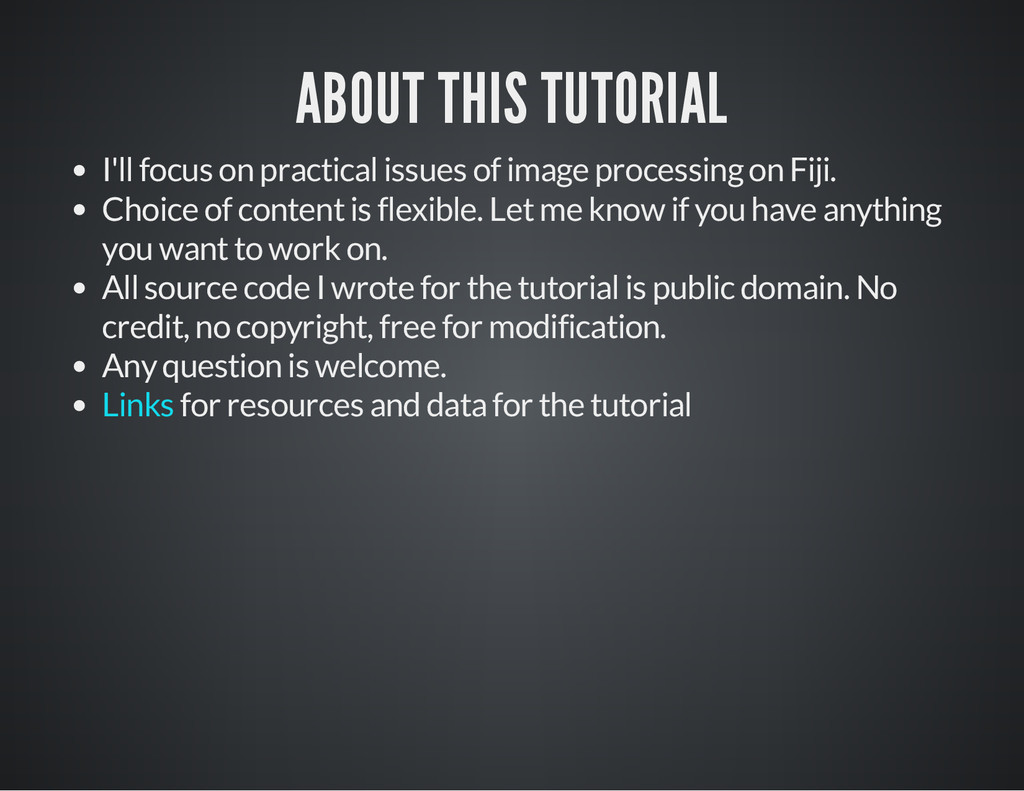
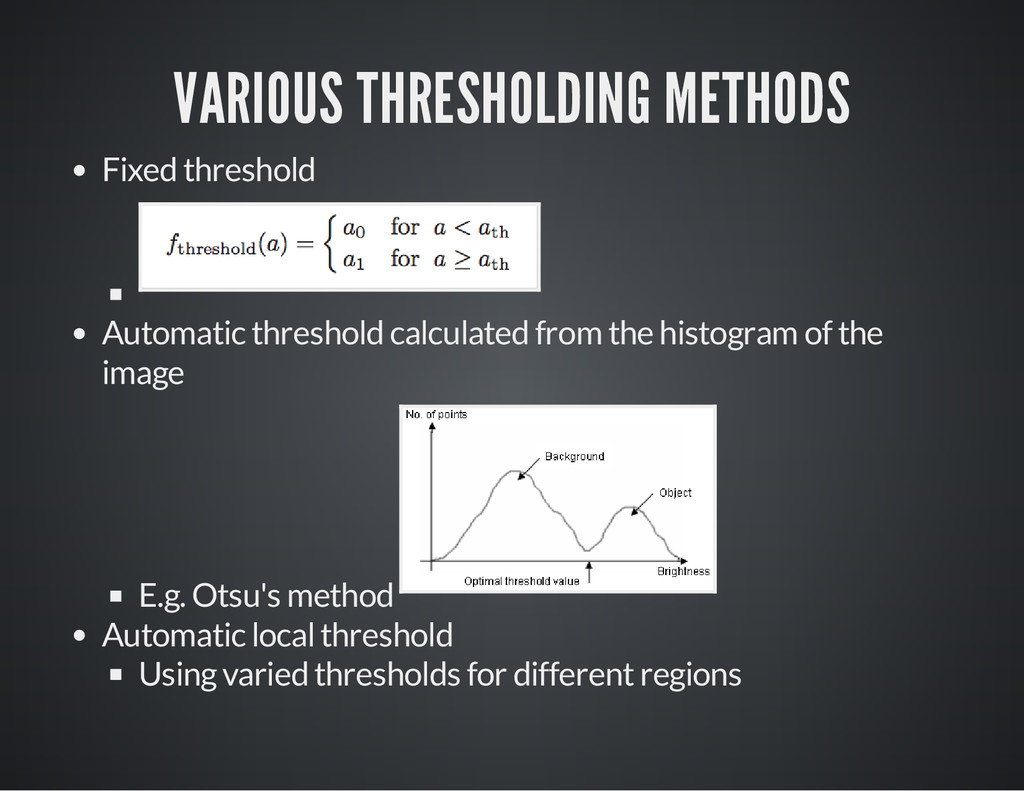
processing on Fiji. Choice of content is flexible. Let me know if you have anything you want to work on. All source code I wrote for the tutorial is public domain. No credit, no copyright, free for modification. Any question is welcome. for resources and data for the tutorial Links
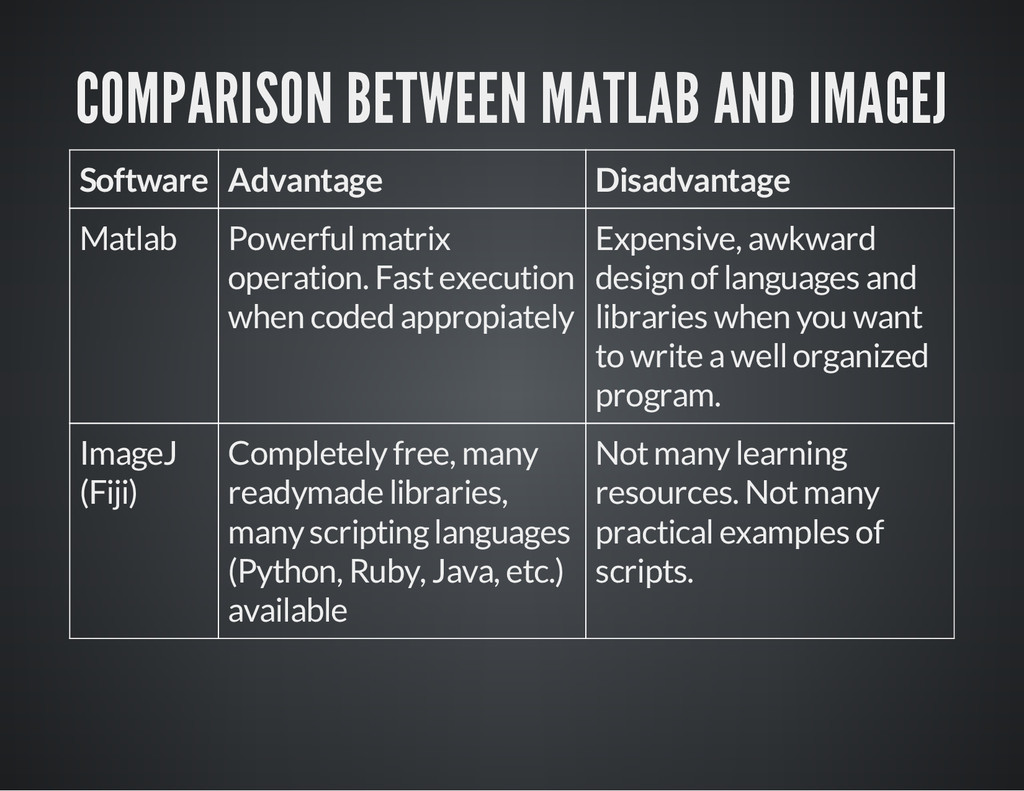
matrix operation. Fast execution when coded appropiately Expensive, awkward design of languages and libraries when you want to write a well organized program. ImageJ (Fiji) Completely free, many readymade libraries, many scripting languages (Python, Ruby, Java, etc.) available Not many learning resources. Not many practical examples of scripts.
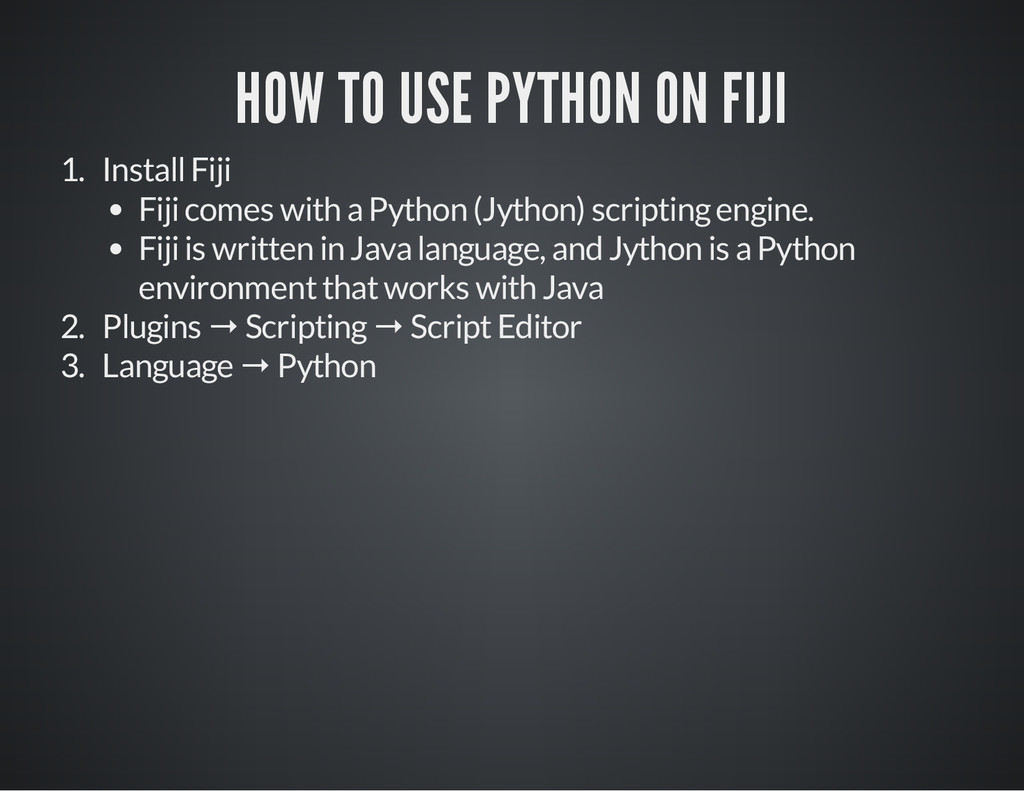
comes with a Python (Jython) scripting engine. Fiji is written in Java language, and Jython is a Python environment that works with Java 2. Plugins → Scripting → Script Editor 3. Language → Python
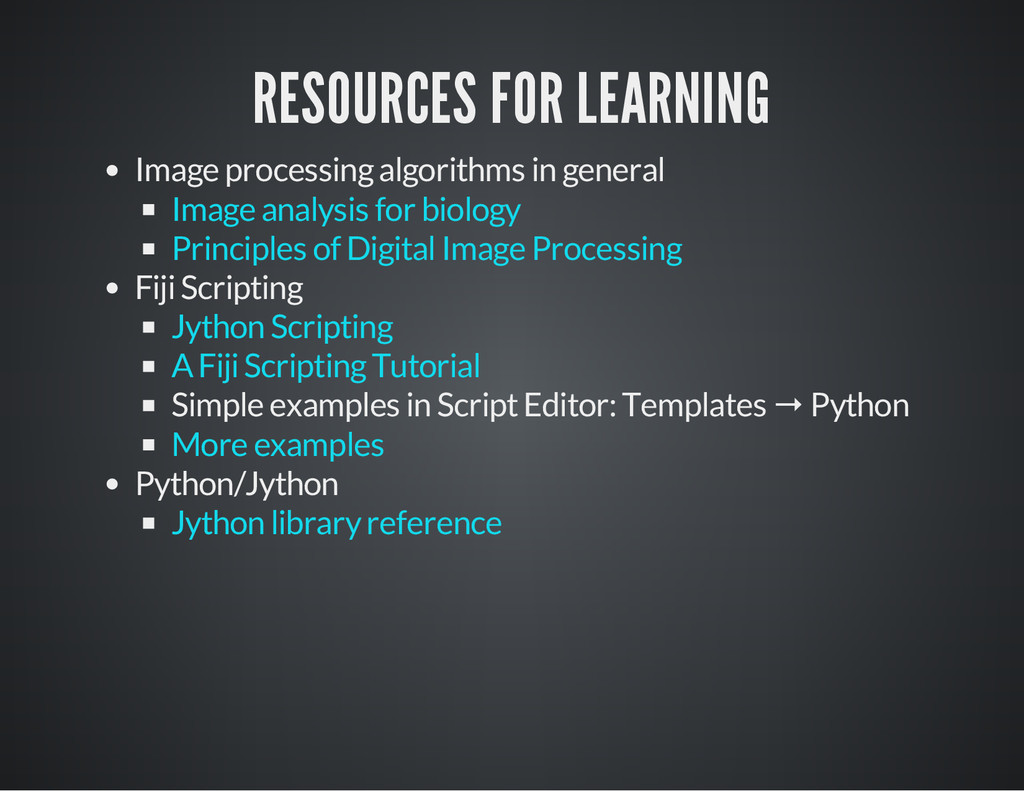
Simple examples in Script Editor: Templates → Python Python/Jython Image analysis for biology Principles of Digital Image Processing Jython Scripting A Fiji Scripting Tutorial More examples Jython library reference
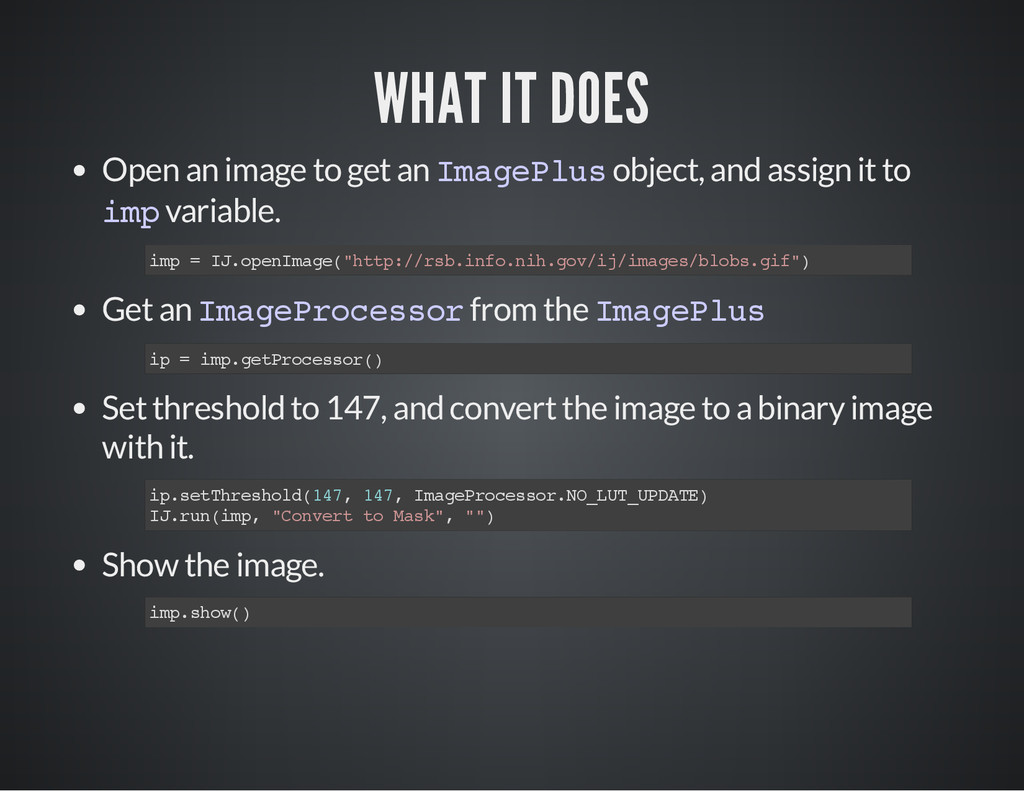
= I J . o p e n I m a g e ( " h t t p : / / r s b . i n f o . n i h . g o v / i j / i m a g e s / b l o b s . g i f " ) i p = i m p . g e t P r o c e s s o r ( ) i p . s e t T h r e s h o l d ( 1 4 7 , 1 4 7 , I m a g e P r o c e s s o r . N O _ L U T _ U P D A T E ) I J . r u n ( i m p , " C o n v e r t t o M a s k " , " " ) i m p . s h o w ( )
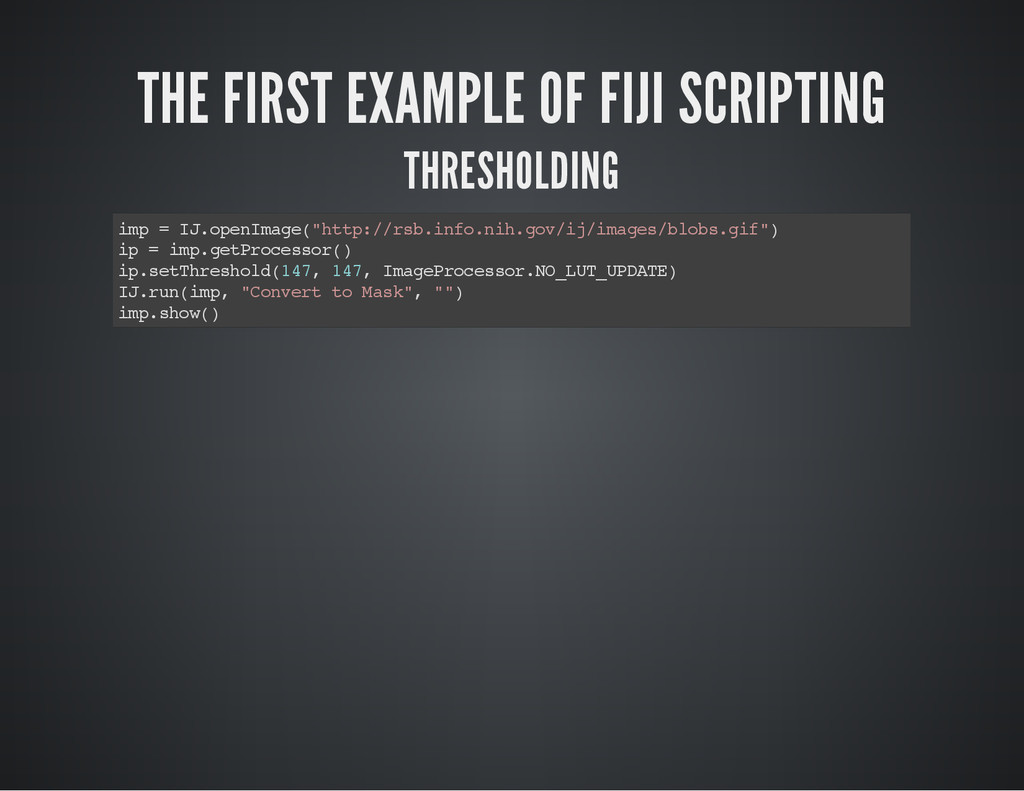
m a g e P l u s object, and assign it to i m p variable. Get an I m a g e P r o c e s s o r from the I m a g e P l u s Set threshold to 147, and convert the image to a binary image with it. Show the image. i m p = I J . o p e n I m a g e ( " h t t p : / / r s b . i n f o . n i h . g o v / i j / i m a g e s / b l o b s . g i f " ) i p = i m p . g e t P r o c e s s o r ( ) i p . s e t T h r e s h o l d ( 1 4 7 , 1 4 7 , I m a g e P r o c e s s o r . N O _ L U T _ U P D A T E ) I J . r u n ( i m p , " C o n v e r t t o M a s k " , " " ) i m p . s h o w ( )
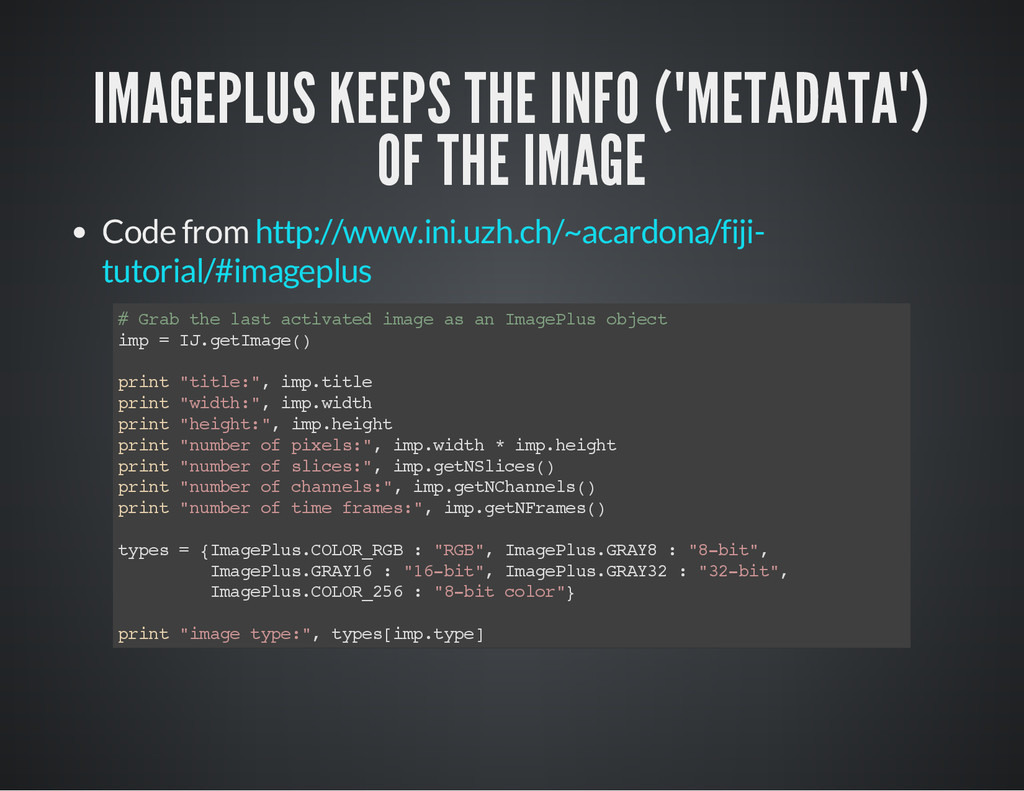
http://www.ini.uzh.ch/~acardona/fiji- tutorial/#imageplus # G r a b t h e l a s t a c t i v a t e d i m a g e a s a n I m a g e P l u s o b j e c t i m p = I J . g e t I m a g e ( ) p r i n t " t i t l e : " , i m p . t i t l e p r i n t " w i d t h : " , i m p . w i d t h p r i n t " h e i g h t : " , i m p . h e i g h t p r i n t " n u m b e r o f p i x e l s : " , i m p . w i d t h * i m p . h e i g h t p r i n t " n u m b e r o f s l i c e s : " , i m p . g e t N S l i c e s ( ) p r i n t " n u m b e r o f c h a n n e l s : " , i m p . g e t N C h a n n e l s ( ) p r i n t " n u m b e r o f t i m e f r a m e s : " , i m p . g e t N F r a m e s ( ) t y p e s = { I m a g e P l u s . C O L O R _ R G B : " R G B " , I m a g e P l u s . G R A Y 8 : " 8 - b i t " , I m a g e P l u s . G R A Y 1 6 : " 1 6 - b i t " , I m a g e P l u s . G R A Y 3 2 : " 3 2 - b i t " , I m a g e P l u s . C O L O R _ 2 5 6 : " 8 - b i t c o l o r " } p r i n t " i m a g e t y p e : " , t y p e s [ i m p . t y p e ]
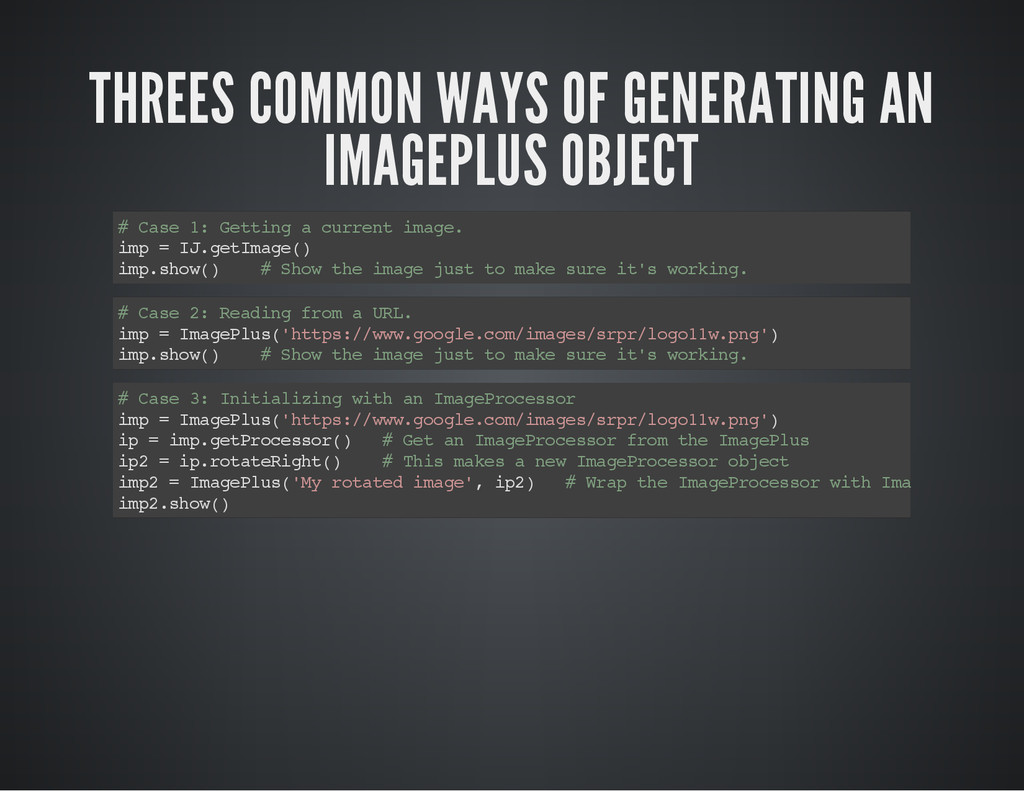
a s e 1 : G e t t i n g a c u r r e n t i m a g e . i m p = I J . g e t I m a g e ( ) i m p . s h o w ( ) # S h o w t h e i m a g e j u s t t o m a k e s u r e i t ' s w o r k i n g . # C a s e 2 : R e a d i n g f r o m a U R L . i m p = I m a g e P l u s ( ' h t t p s : / / w w w . g o o g l e . c o m / i m a g e s / s r p r / l o g o 1 1 w . p n g ' ) i m p . s h o w ( ) # S h o w t h e i m a g e j u s t t o m a k e s u r e i t ' s w o r k i n g . # C a s e 3 : I n i t i a l i z i n g w i t h a n I m a g e P r o c e s s o r i m p = I m a g e P l u s ( ' h t t p s : / / w w w . g o o g l e . c o m / i m a g e s / s r p r / l o g o 1 1 w . p n g ' ) i p = i m p . g e t P r o c e s s o r ( ) # G e t a n I m a g e P r o c e s s o r f r o m t h e I m a g e P l u s i p 2 = i p . r o t a t e R i g h t ( ) # T h i s m a k e s a n e w I m a g e P r o c e s s o r o b j e c t i m p 2 = I m a g e P l u s ( ' M y r o t a t e d i m a g e ' , i p 2 ) # W r a p t h e I m a g e P r o c e s s o r w i t h I m a g e P l u s i m p 2 . s h o w ( )
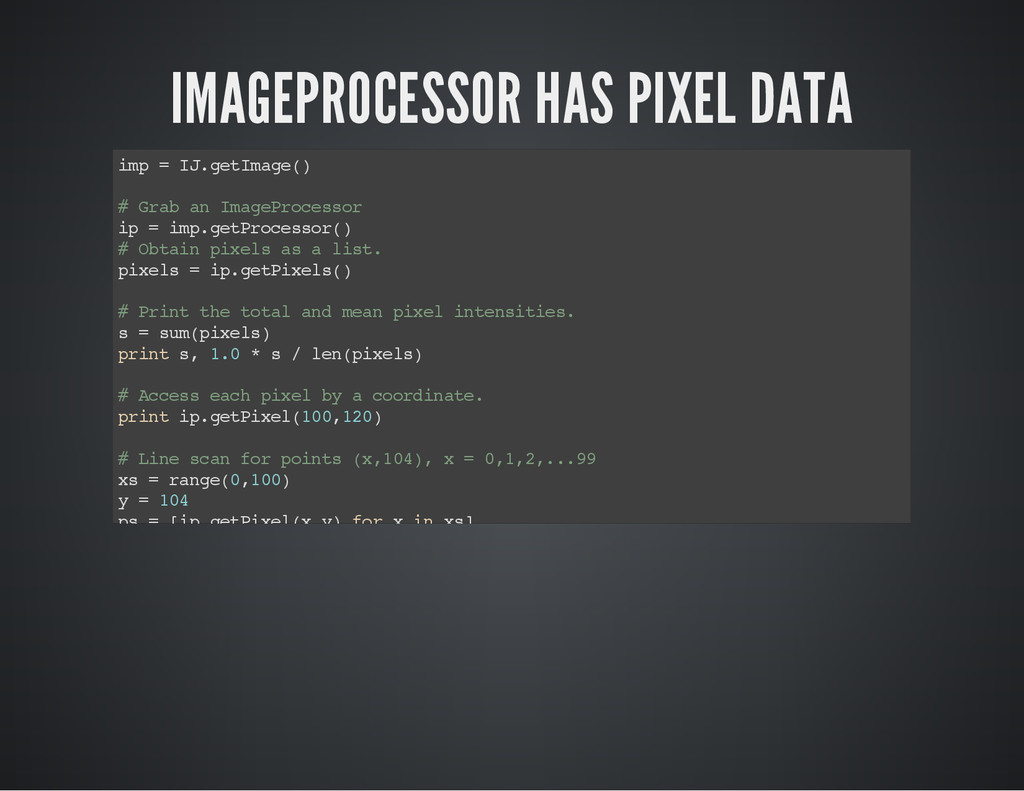
. g e t I m a g e ( ) # G r a b a n I m a g e P r o c e s s o r i p = i m p . g e t P r o c e s s o r ( ) # O b t a i n p i x e l s a s a l i s t . p i x e l s = i p . g e t P i x e l s ( ) # P r i n t t h e t o t a l a n d m e a n p i x e l i n t e n s i t i e s . s = s u m ( p i x e l s ) p r i n t s , 1 . 0 * s / l e n ( p i x e l s ) # A c c e s s e a c h p i x e l b y a c o o r d i n a t e . p r i n t i p . g e t P i x e l ( 1 0 0 , 1 2 0 ) # L i n e s c a n f o r p o i n t s ( x , 1 0 4 ) , x = 0 , 1 , 2 , . . . 9 9 x s = r a n g e ( 0 , 1 0 0 ) y = 1 0 4 p s = [ i p . g e t P i x e l ( x , y ) f o r x i n x s ] p r i n t p s
for running a plugin. 1. Plugins → Macros → Record... 2. Run a plugin you want to use. 3. Copy a recorded code from a Recorder window. 2. Use I J . r u n ( ) with the parameters obtained above. I J . r u n ( " A u t o L o c a l T h r e s h o l d " , " m e t h o d = M i d G r e y r a d i u s = 1 0 0 p a r a m e t e r _ 1 = 0 p a r a m e t e r _ 2 = 0 w h i t e " )
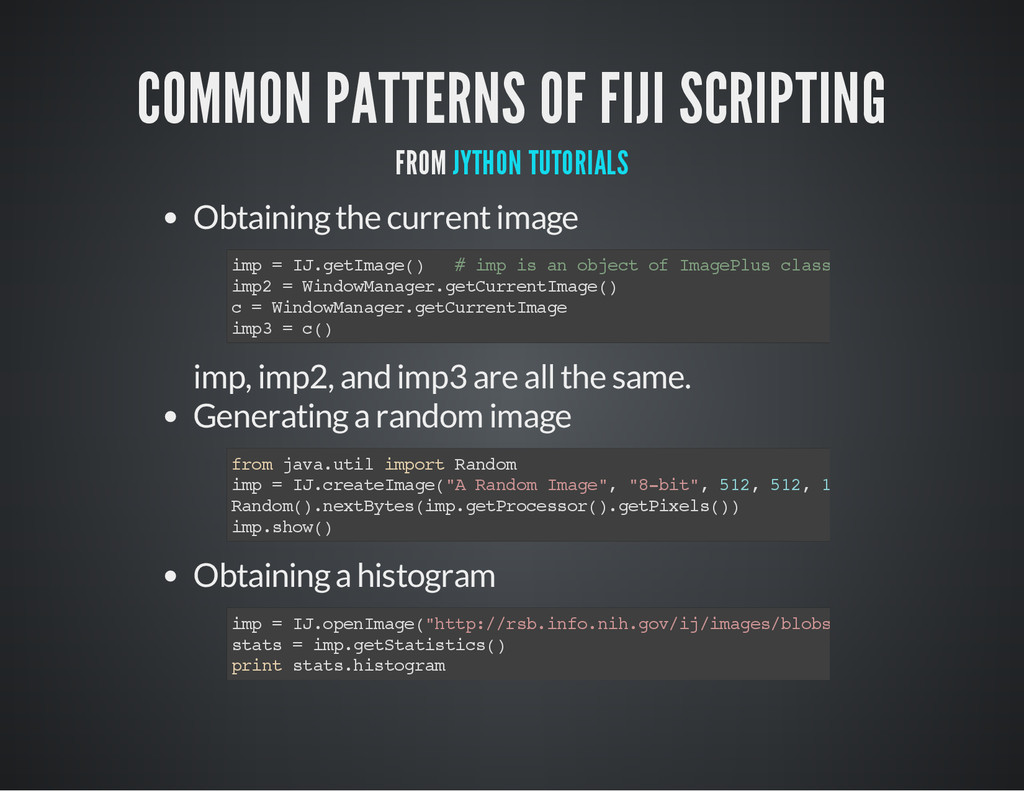
current image imp, imp2, and imp3 are all the same. Generating a random image Obtaining a histogram i m p = I J . g e t I m a g e ( ) # i m p i s a n o b j e c t o f I m a g e P l u s c l a s s i m p 2 = W i n d o w M a n a g e r . g e t C u r r e n t I m a g e ( ) c = W i n d o w M a n a g e r . g e t C u r r e n t I m a g e i m p 3 = c ( ) f r o m j a v a . u t i l i m p o r t R a n d o m i m p = I J . c r e a t e I m a g e ( " A R a n d o m I m a g e " , " 8 - b i t " , 5 1 2 , 5 1 2 , 1 ) R a n d o m ( ) . n e x t B y t e s ( i m p . g e t P r o c e s s o r ( ) . g e t P i x e l s ( ) ) i m p . s h o w ( ) i m p = I J . o p e n I m a g e ( " h t t p : / / r s b . i n f o . n i h . g o v / i j / i m a g e s / b l o b s . g i f " ) s t a t s = i m p . g e t S t a t i s t i c s ( ) p r i n t s t a t s . h i s t o g r a m
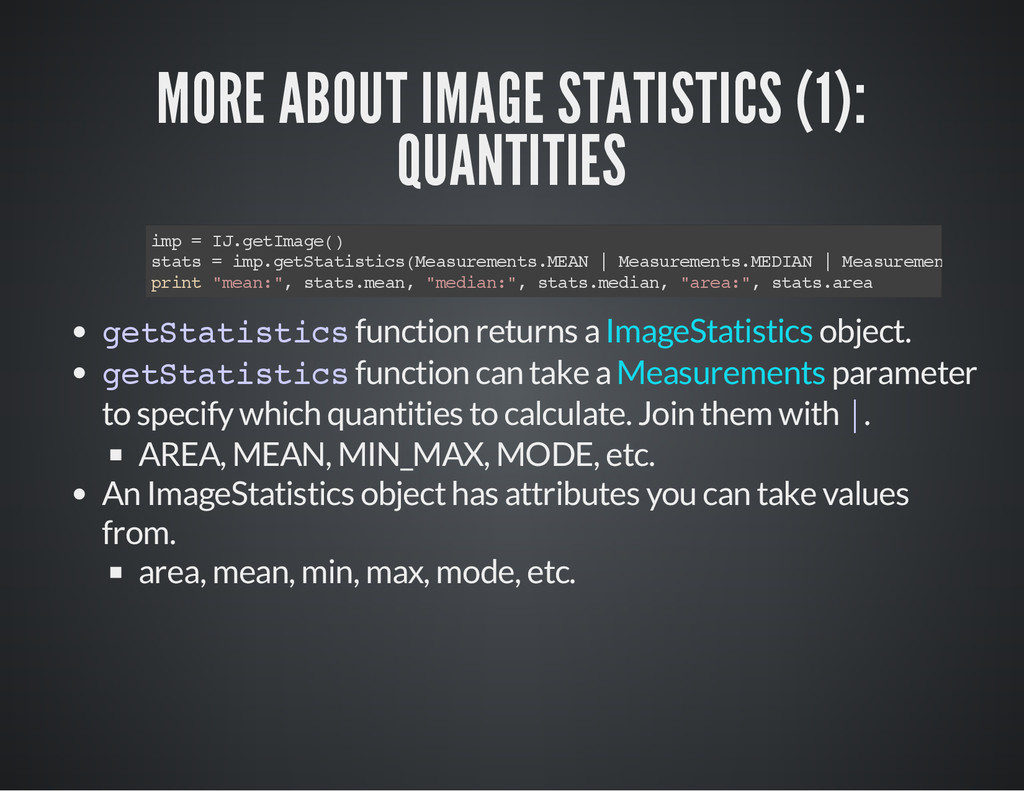
t a t i s t i c s function returns a object. g e t S t a t i s t i c s function can take a parameter to specify which quantities to calculate. Join them with | . AREA, MEAN, MIN_MAX, MODE, etc. An ImageStatistics object has attributes you can take values from. area, mean, min, max, mode, etc. i m p = I J . g e t I m a g e ( ) s t a t s = i m p . g e t S t a t i s t i c s ( M e a s u r e m e n t s . M E A N | M e a s u r e m e n t s . M E D I A N | M e a s u r e m e n t s . A R E A ) p r i n t " m e a n : " , s t a t s . m e a n , " m e d i a n : " , s t a t s . m e d i a n , " a r e a : " , s t a t s . a r e a ImageStatistics Measurements
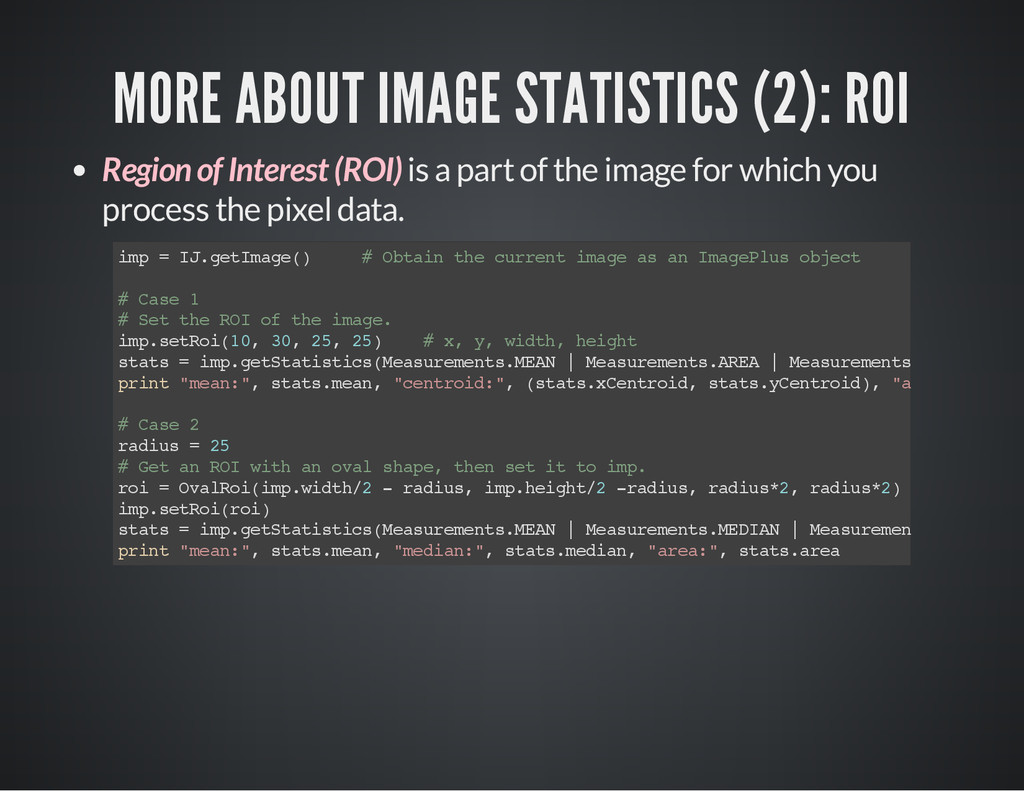
is a part of the image for which you process the pixel data. i m p = I J . g e t I m a g e ( ) # O b t a i n t h e c u r r e n t i m a g e a s a n I m a g e P l u s o b j e c t # C a s e 1 # S e t t h e R O I o f t h e i m a g e . i m p . s e t R o i ( 1 0 , 3 0 , 2 5 , 2 5 ) # x , y , w i d t h , h e i g h t s t a t s = i m p . g e t S t a t i s t i c s ( M e a s u r e m e n t s . M E A N | M e a s u r e m e n t s . A R E A | M e a s u r e m e n t s . C E N T R O I D ) p r i n t " m e a n : " , s t a t s . m e a n , " c e n t r o i d : " , ( s t a t s . x C e n t r o i d , s t a t s . y C e n t r o i d ) , " a r e a : " , s t a t s # C a s e 2 r a d i u s = 2 5 # G e t a n R O I w i t h a n o v a l s h a p e , t h e n s e t i t t o i m p . r o i = O v a l R o i ( i m p . w i d t h / 2 - r a d i u s , i m p . h e i g h t / 2 - r a d i u s , r a d i u s * 2 , r a d i u s * 2 ) i m p . s e t R o i ( r o i ) s t a t s = i m p . g e t S t a t i s t i c s ( M e a s u r e m e n t s . M E A N | M e a s u r e m e n t s . M E D I A N | M e a s u r e m e n t s . A R E A ) p r i n t " m e a n : " , s t a t s . m e a n , " m e d i a n : " , s t a t s . m e d i a n , " a r e a : " , s t a t s . a r e a
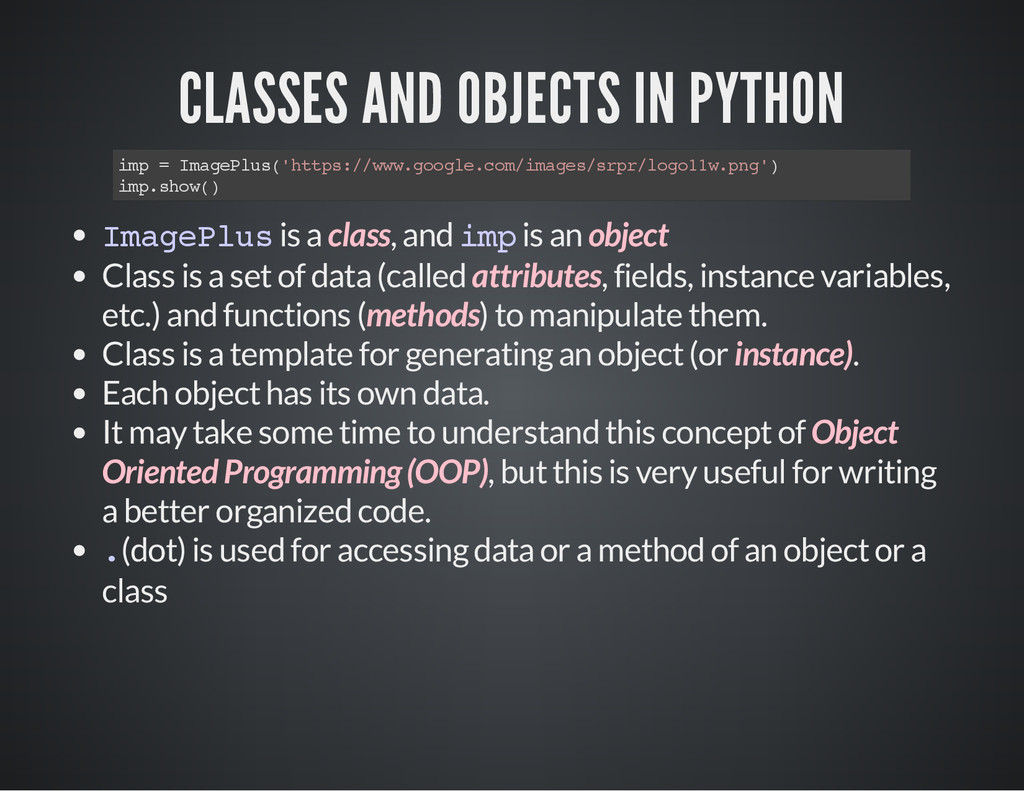
m a g e P l u s ( ' h t t p s : / / w w w . g o o g l e . c o m / i m a g e s / s r p r / l o g o 1 1 w . p n g ' ) i m p . s h o w ( ) I m a g e P l u s is a class, and i m p is an object Class is a set of data (called attributes, fields, instance variables, etc.) and functions (methods) to manipulate them. Class is a template for generating an object (or instance). Each object has its own data. It may take some time to understand this concept of Object Oriented Programming (OOP), but this is very useful for writing a better organized code. . (dot) is used for accessing data or a method of an object or a class
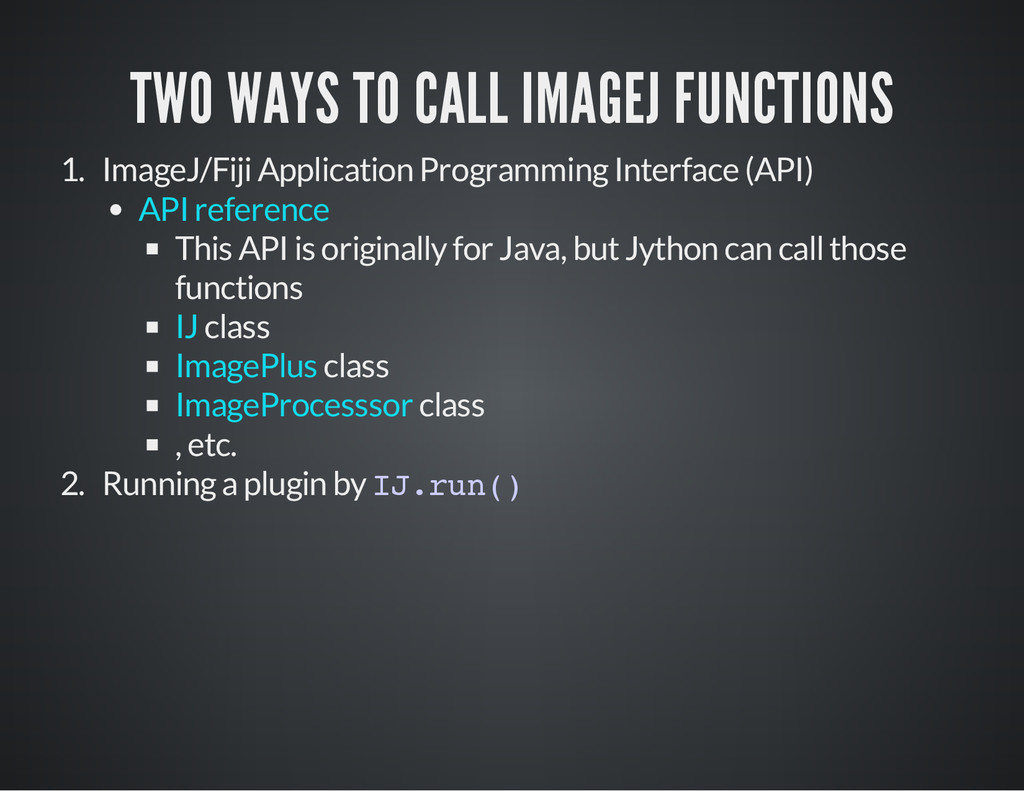
Interface (API) This API is originally for Java, but Jython can call those functions class class class , etc. 2. Running a plugin by I J . r u n ( ) API reference IJ ImagePlus ImageProcesssor
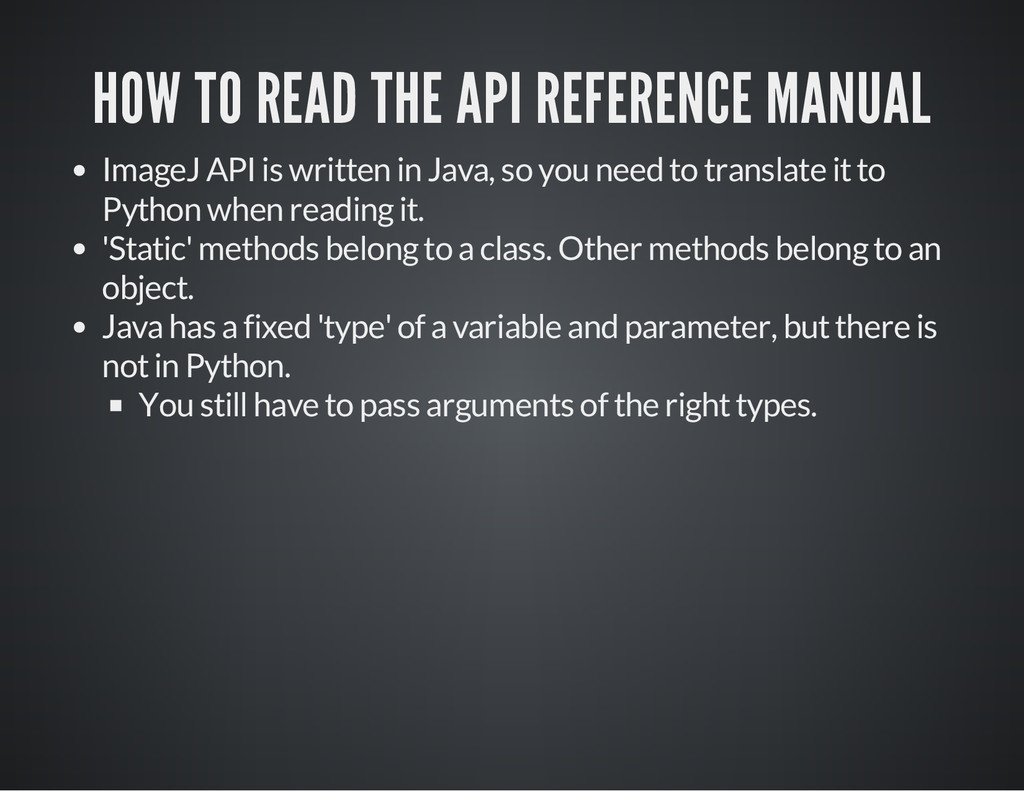
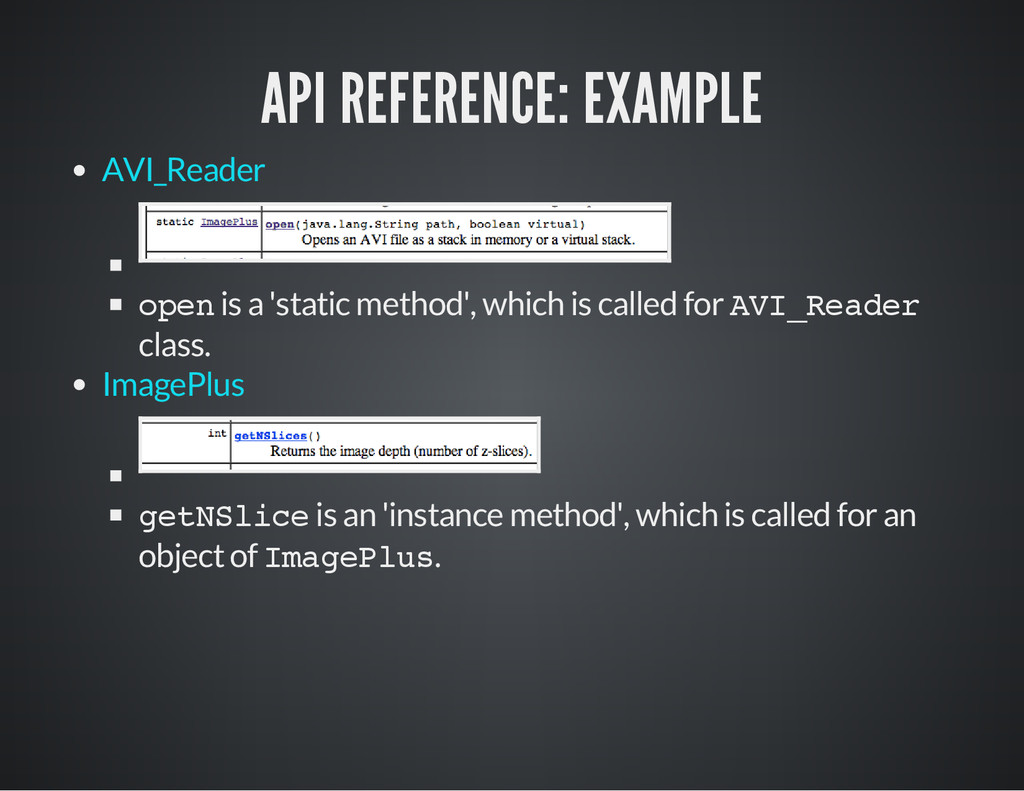
written in Java, so you need to translate it to Python when reading it. 'Static' methods belong to a class. Other methods belong to an object. Java has a fixed 'type' of a variable and parameter, but there is not in Python. You still have to pass arguments of the right types.
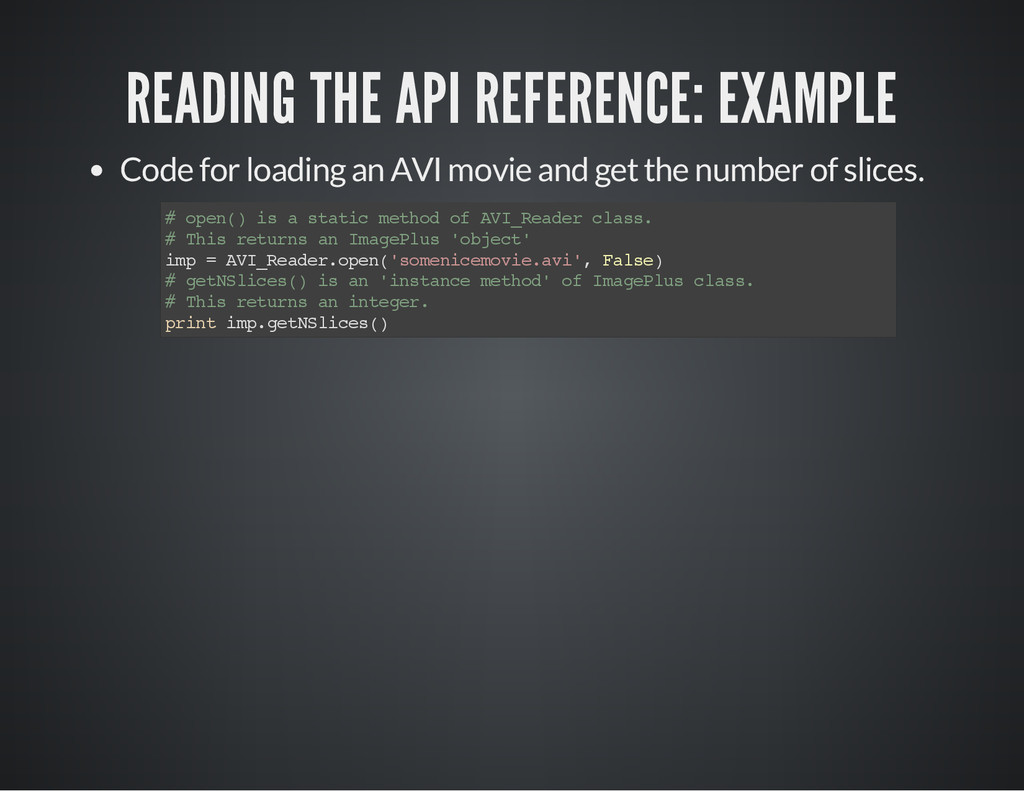
movie and get the number of slices. # o p e n ( ) i s a s t a t i c m e t h o d o f A V I _ R e a d e r c l a s s . # T h i s r e t u r n s a n I m a g e P l u s ' o b j e c t ' i m p = A V I _ R e a d e r . o p e n ( ' s o m e n i c e m o v i e . a v i ' , F a l s e ) # g e t N S l i c e s ( ) i s a n ' i n s t a n c e m e t h o d ' o f I m a g e P l u s c l a s s . # T h i s r e t u r n s a n i n t e g e r . p r i n t i m p . g e t N S l i c e s ( )
method', which is called for A V I _ R e a d e r class. g e t N S l i c e is an 'instance method', which is called for an object of I m a g e P l u s . AVI_Reader ImagePlus
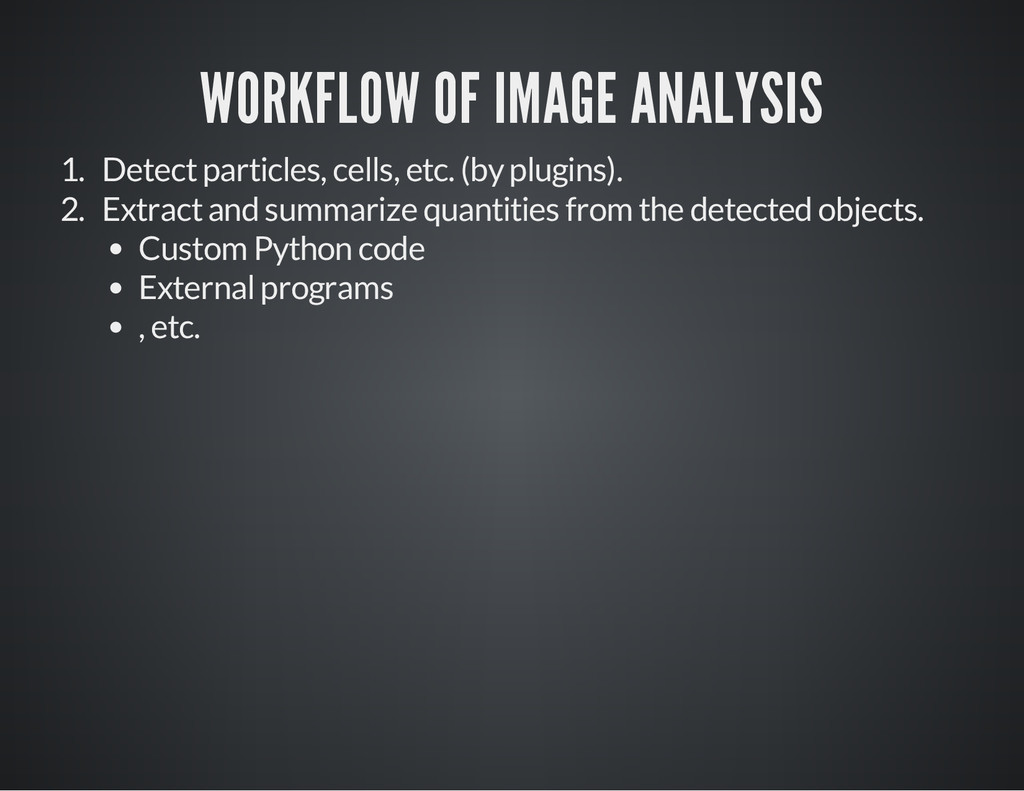
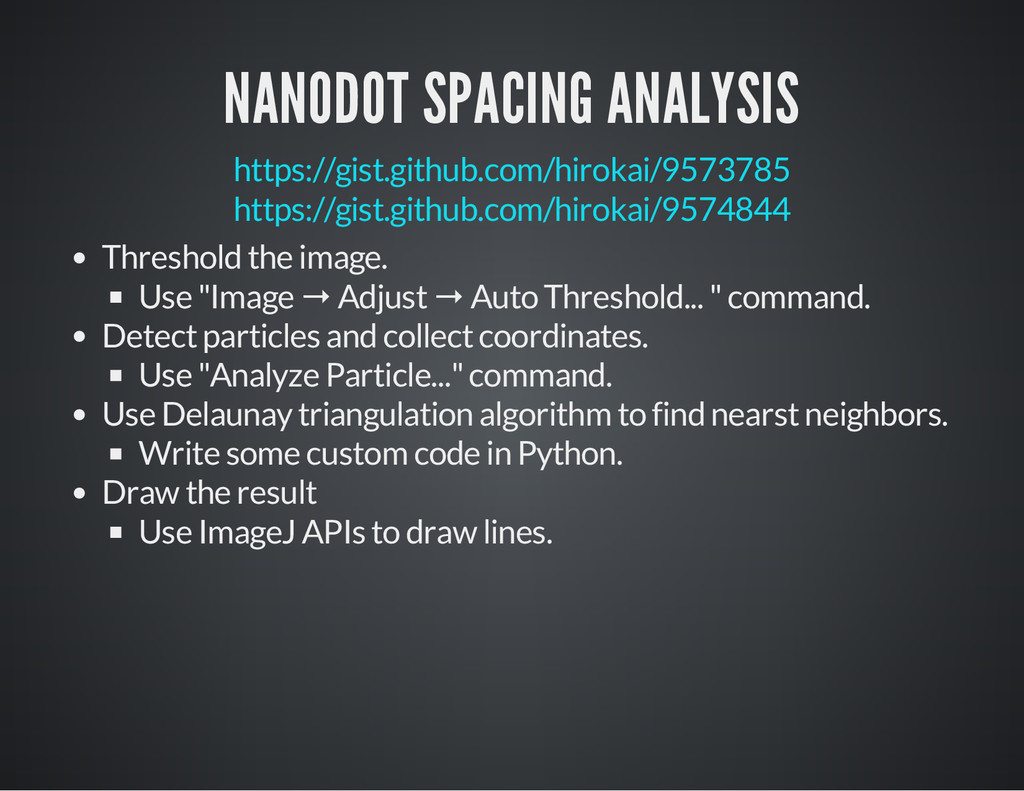
→ Adjust → Auto Threshold... " command. Detect particles and collect coordinates. Use "Analyze Particle..." command. Use Delaunay triangulation algorithm to find nearst neighbors. Write some custom code in Python. Draw the result Use ImageJ APIs to draw lines.
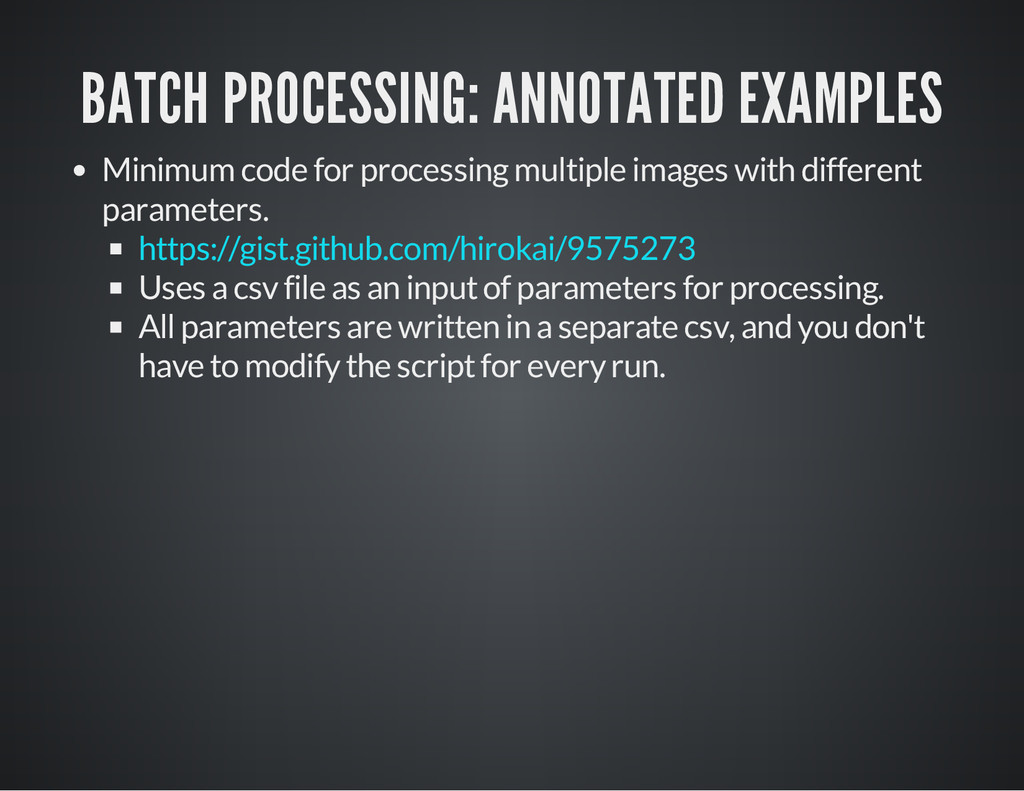
with different parameters. Uses a csv file as an input of parameters for processing. All parameters are written in a separate csv, and you don't have to modify the script for every run. https://gist.github.com/hirokai/9575273
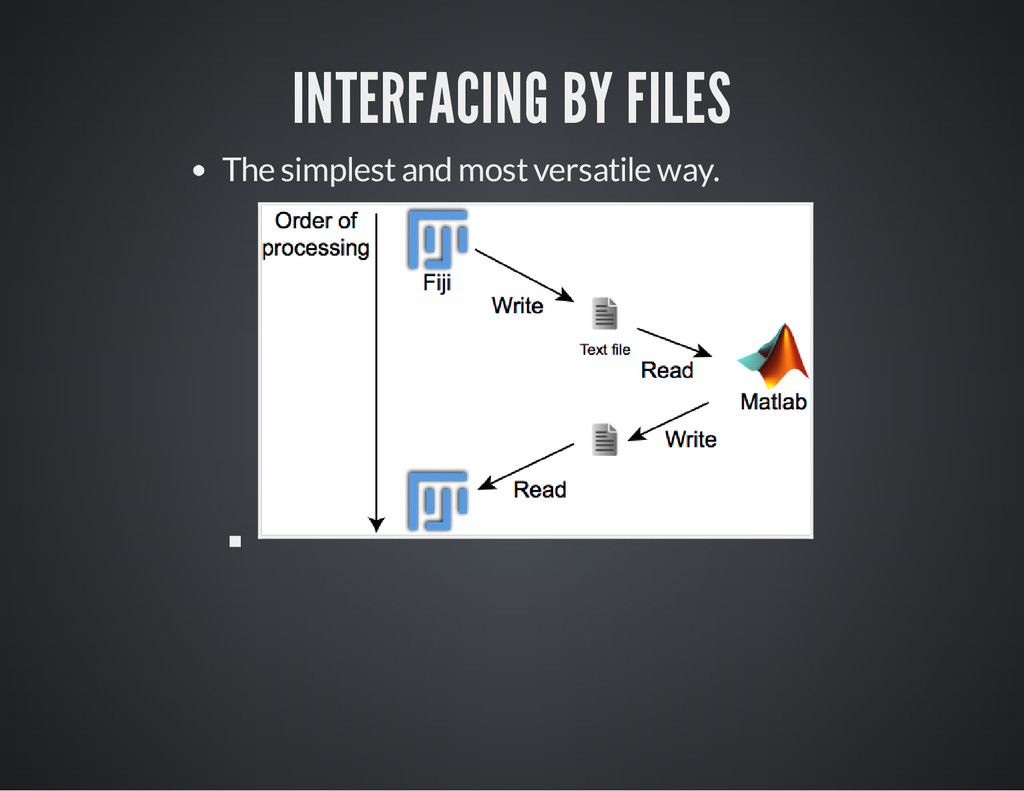
are used in scientific computing Matlab, Igor, ImageJ/Fiji, Python (numpy, scipy), etc. By combining those things, you can do even better jobs more easily. Various ways Interfacing by files. Generate data file from Fiji, and call an external program to process that file, or Generate the result as a file (plain text, csv, Excel, image, etc.) Interfacing by redirect. Interfacing by HTTP server/client
concise yet meaningful way. Don't reuse the same variable for different purposes in one script. Extract the common operation into a separate function. There shouldn't be the duplicate of the same code in different parts of a program. Use functional programming (map, filter, reduce) to keep the code simple. Operation with "side effect" should be minimized. Use immutable variables instead of mutable ones. Collection of common bad situations in development. Don't Repeat Yourself (DRY) Anti-pattern
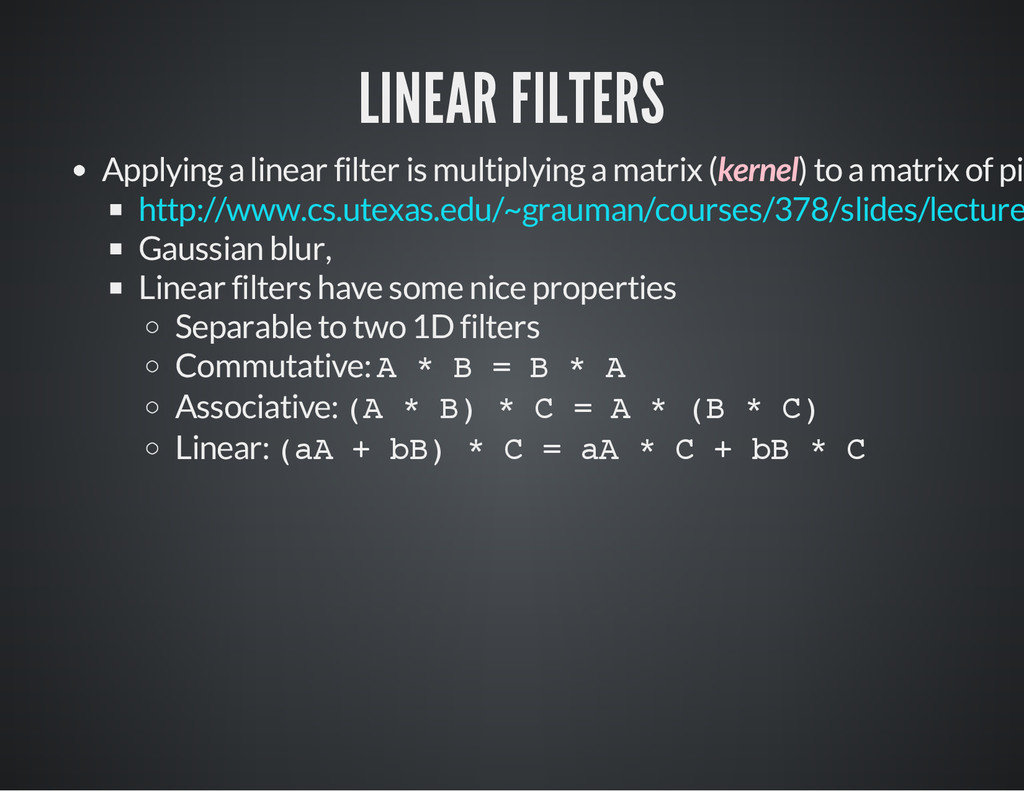
(kernel) to a matrix of pix Gaussian blur, Linear filters have some nice properties Separable to two 1D filters Commutative: A * B = B * A Associative: ( A * B ) * C = A * ( B * C ) Linear: ( a A + b B ) * C = a A * C + b B * C http://www.cs.utexas.edu/~grauman/courses/378/slides/lecture


 hirokai
 kash1064
 ykanoh
 nttcom
 terurou
 satoshi7
 akitoshiga
 codmoninc
 odashi
 4o1sobblue
 ezaki
ezaki
 pfn
pfn
.png) codatum
codatum
 lara
lara
 eileencodes
 addyosmani
 holman
 afnizarnur
 varn
varn
 jlugia
 mclloyd
 jonoalderson
 destraynor
 ipullrank
 katiecoart