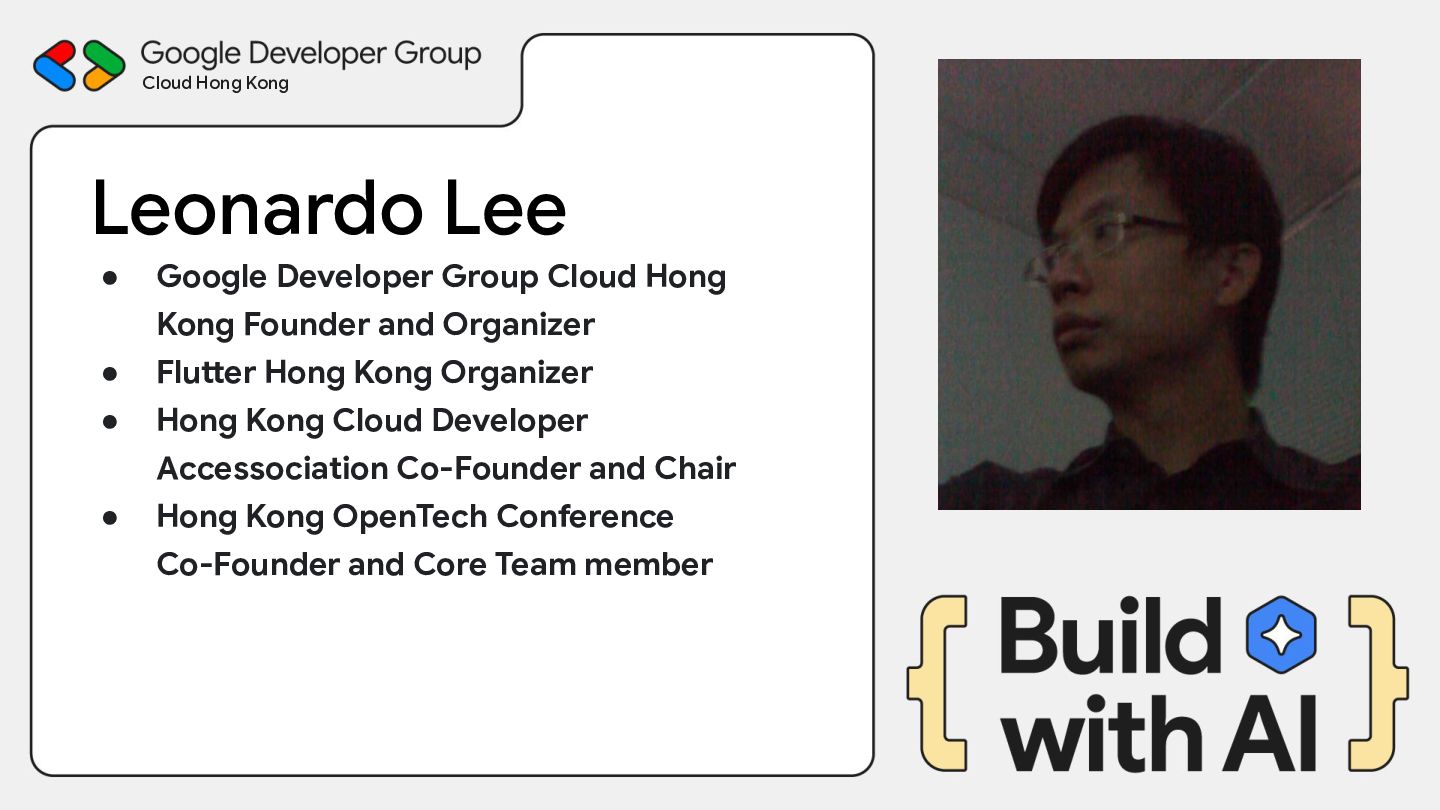
Hong Kong Founder and Organizer • Flutter Hong Kong Organizer • Hong Kong Cloud Developer Accessociation Co-Founder and Chair • Hong Kong OpenTech Conference Co-Founder and Core Team member
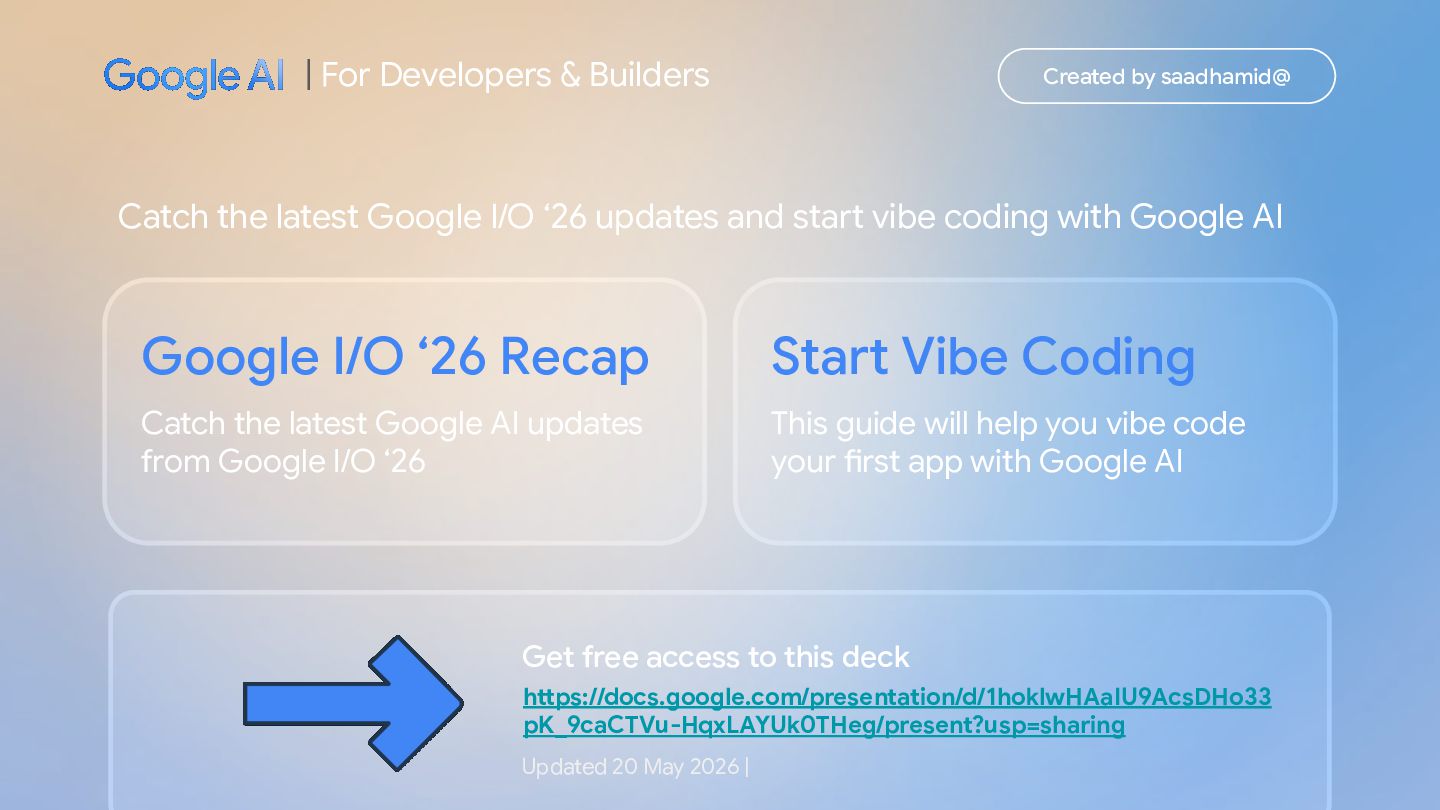
from Google I/O ‘26 Start Vibe Coding This guide will help you vibe code your first app with Google AI | For Developers & Builders Created by saadhamid@ Catch the latest Google I/O ‘26 updates and start vibe coding with Google AI Get free access to this deck Updated 20 May 2026 | https://docs.google.com/presentation/d/1hoklwHAaIU9AcsDHo33 pK_9caCTVu-HqxLAYUk0THeg/present?usp=sharing
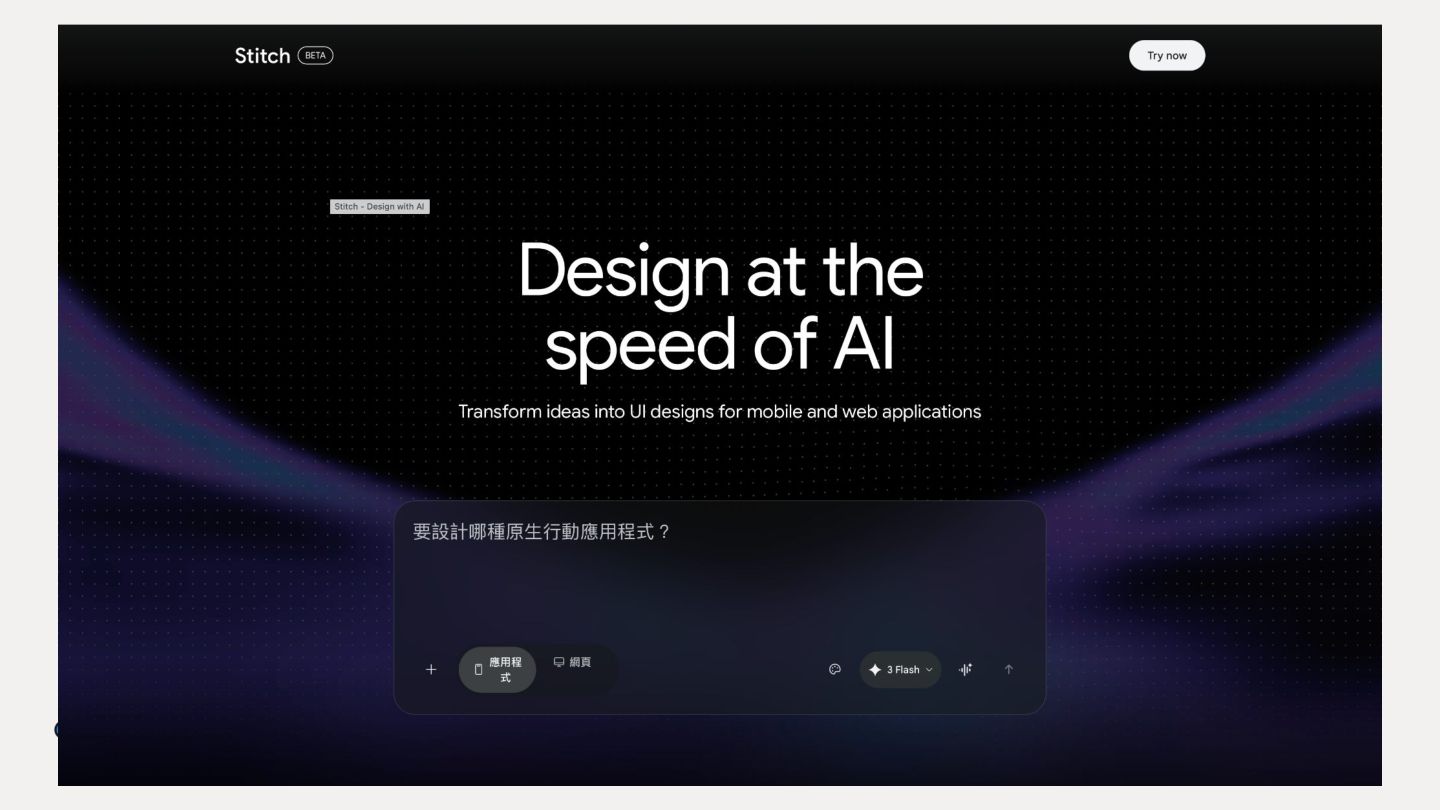
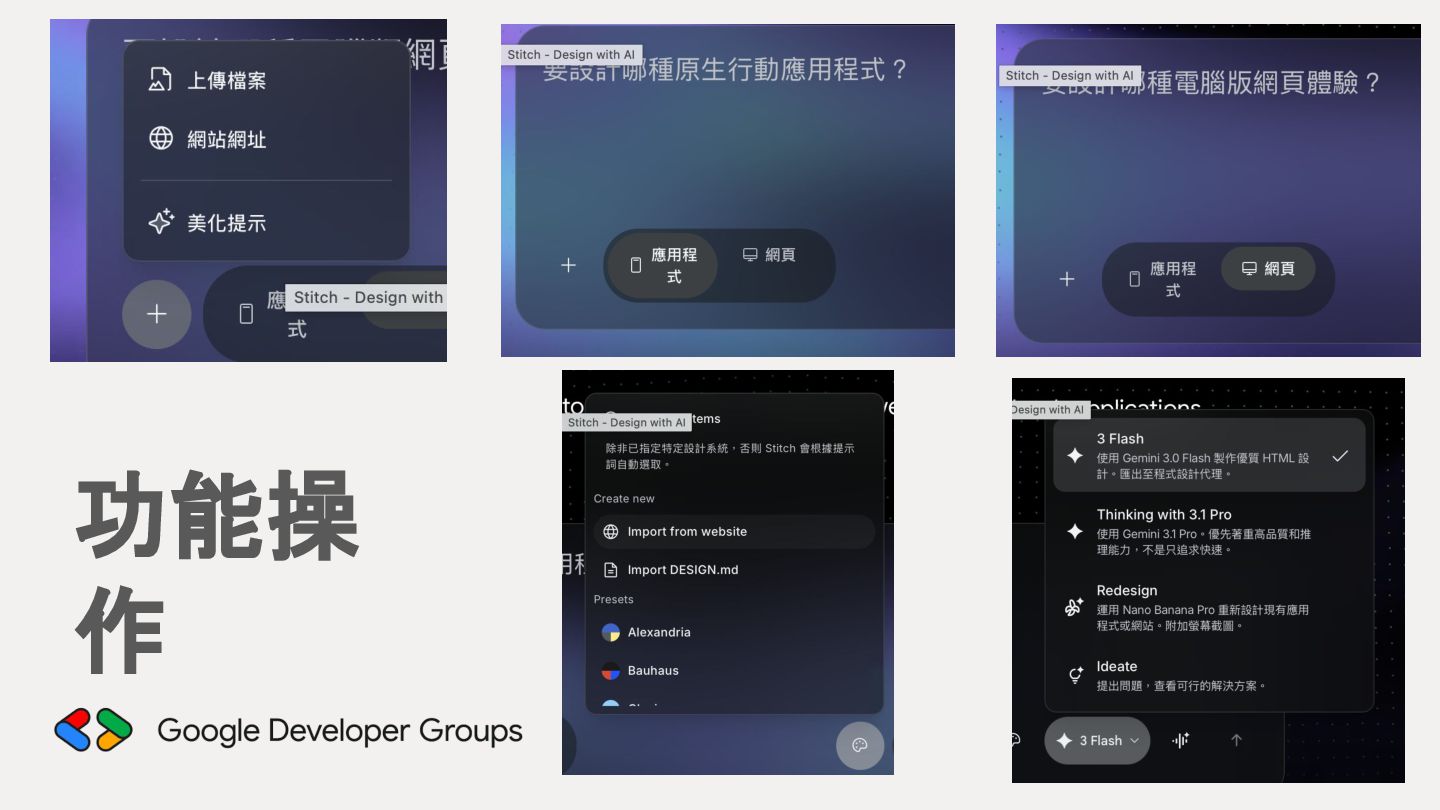
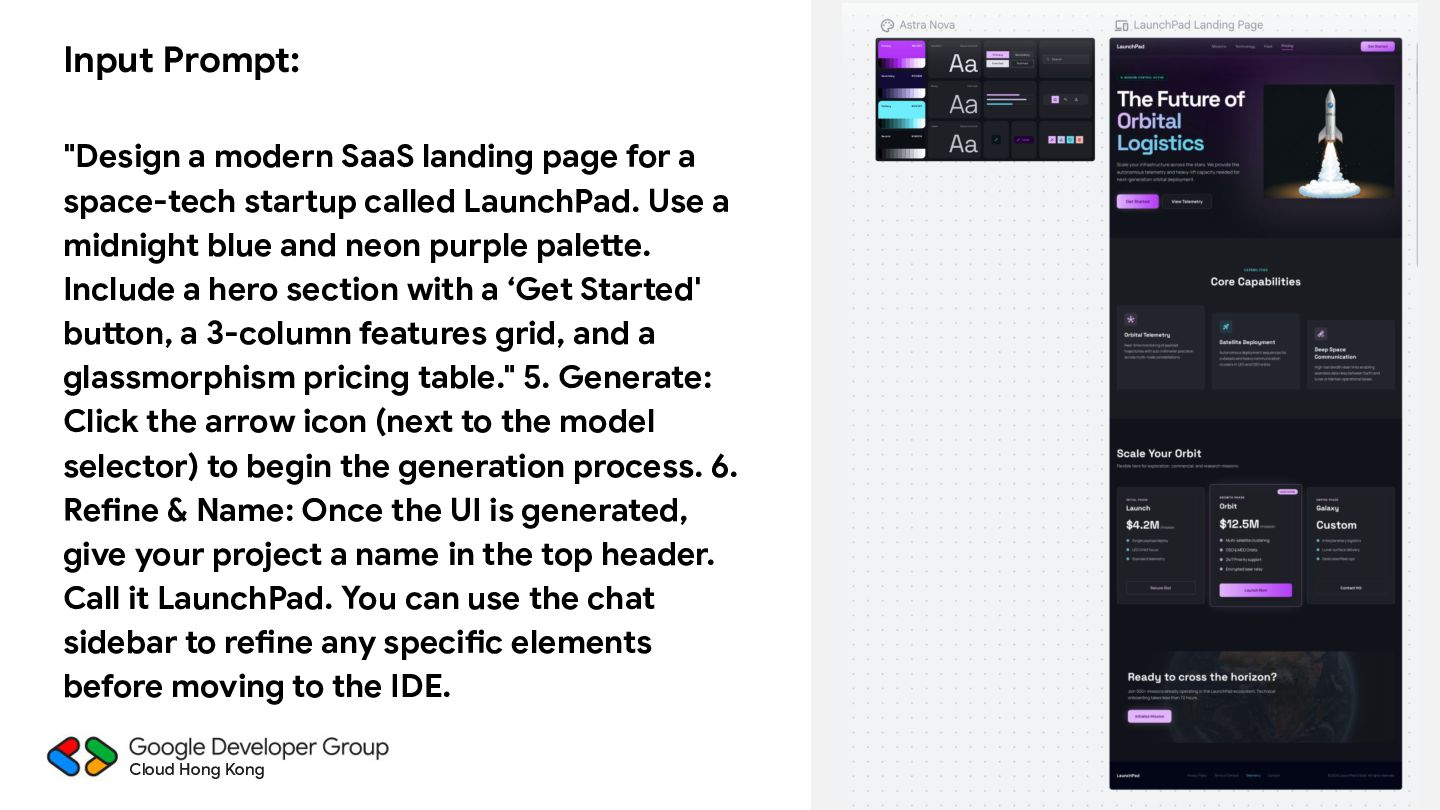
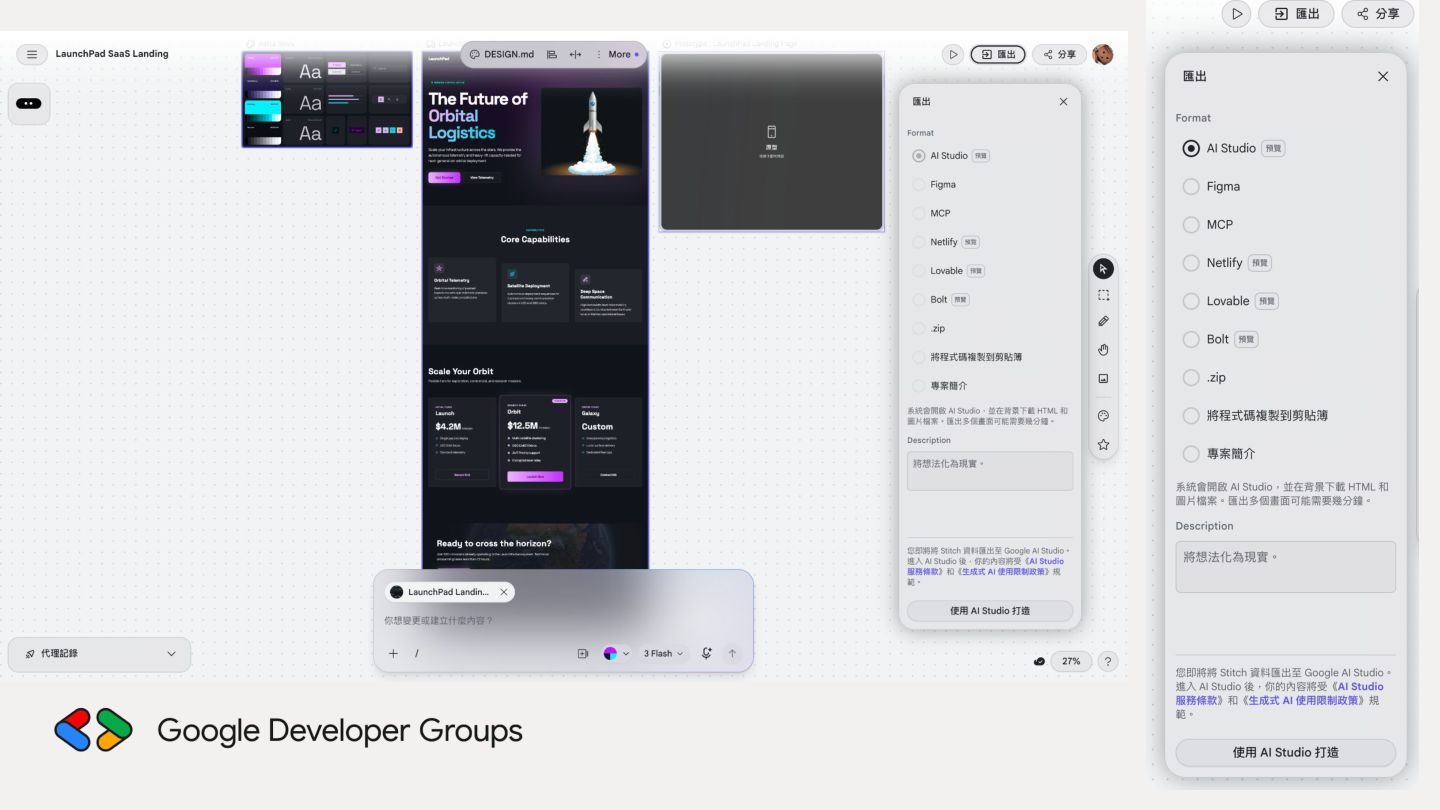
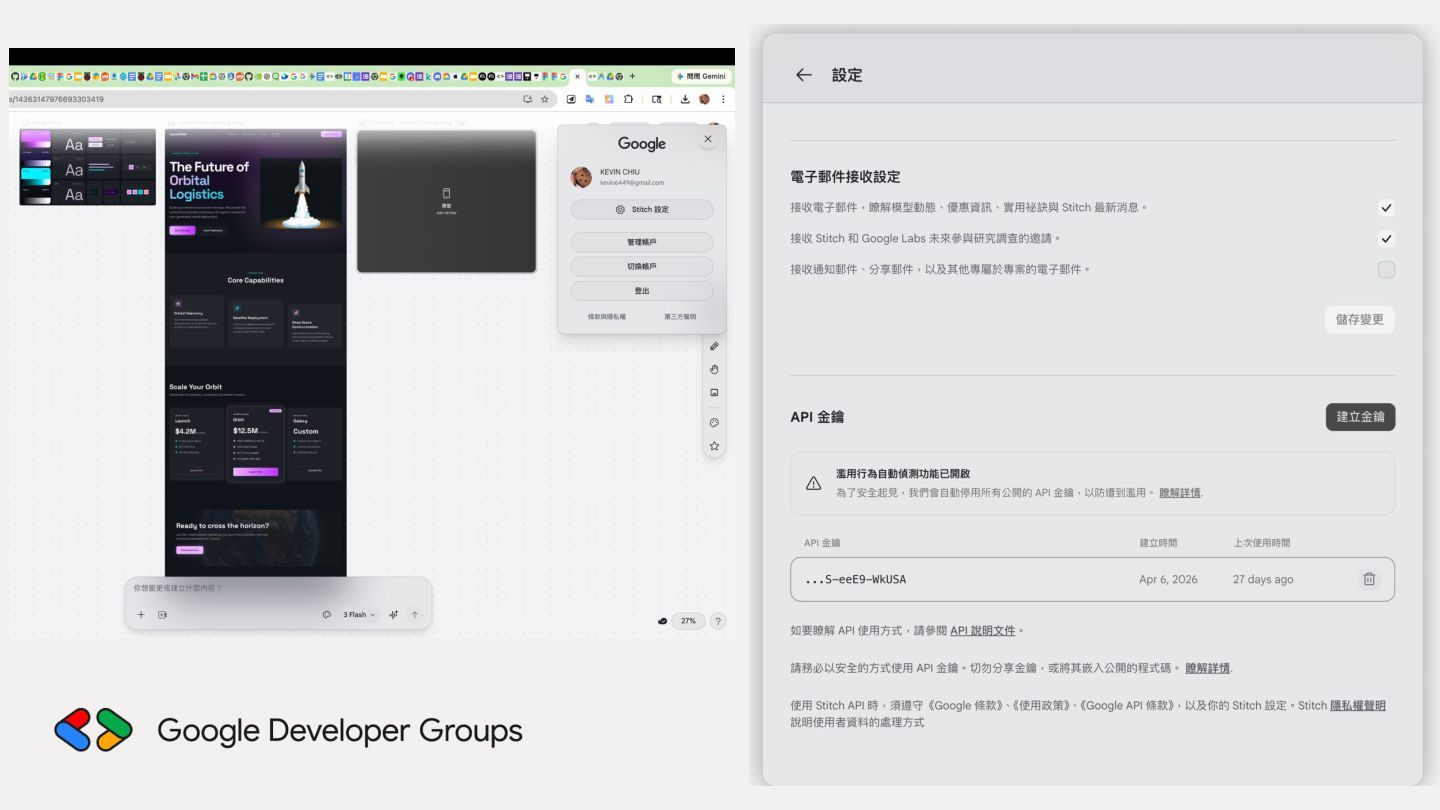
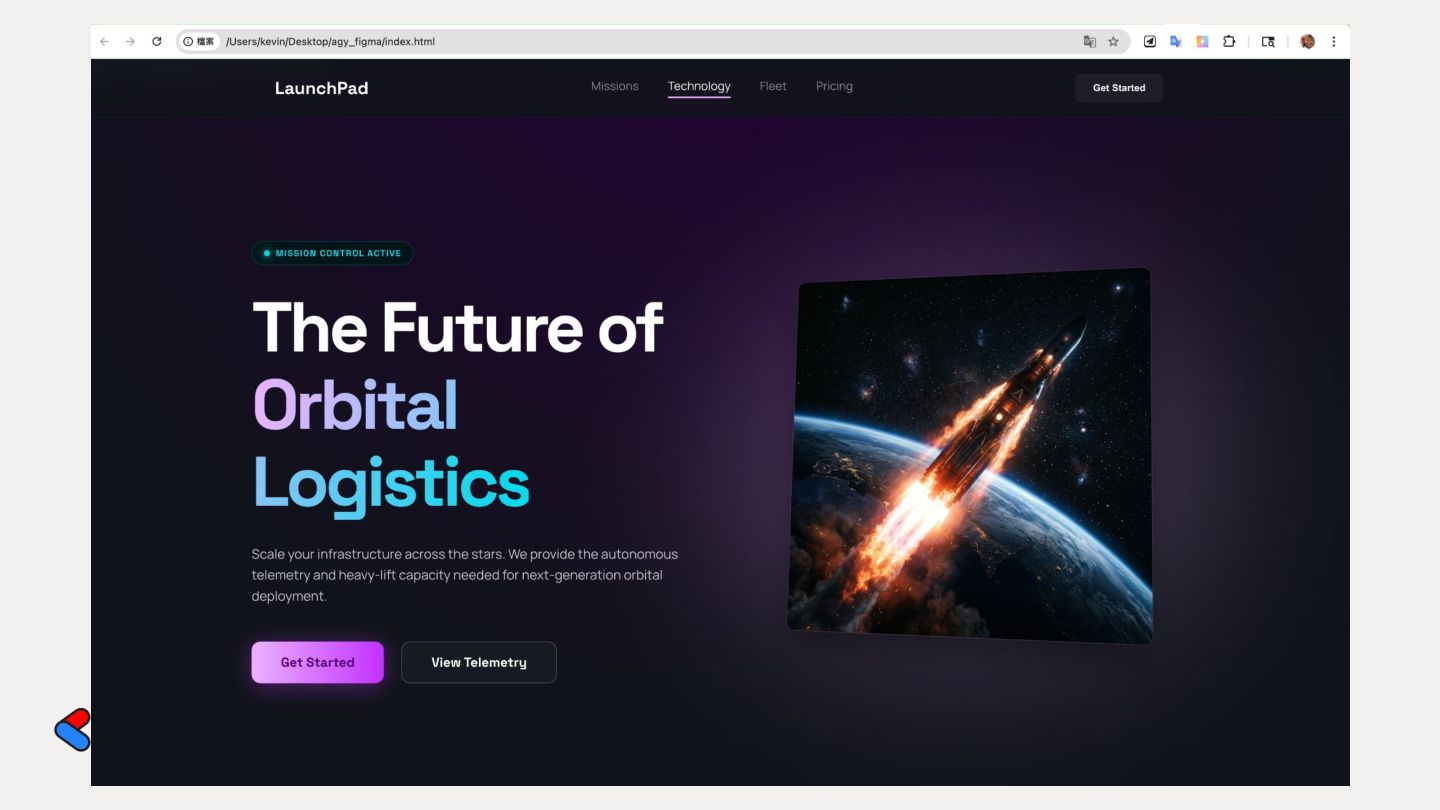
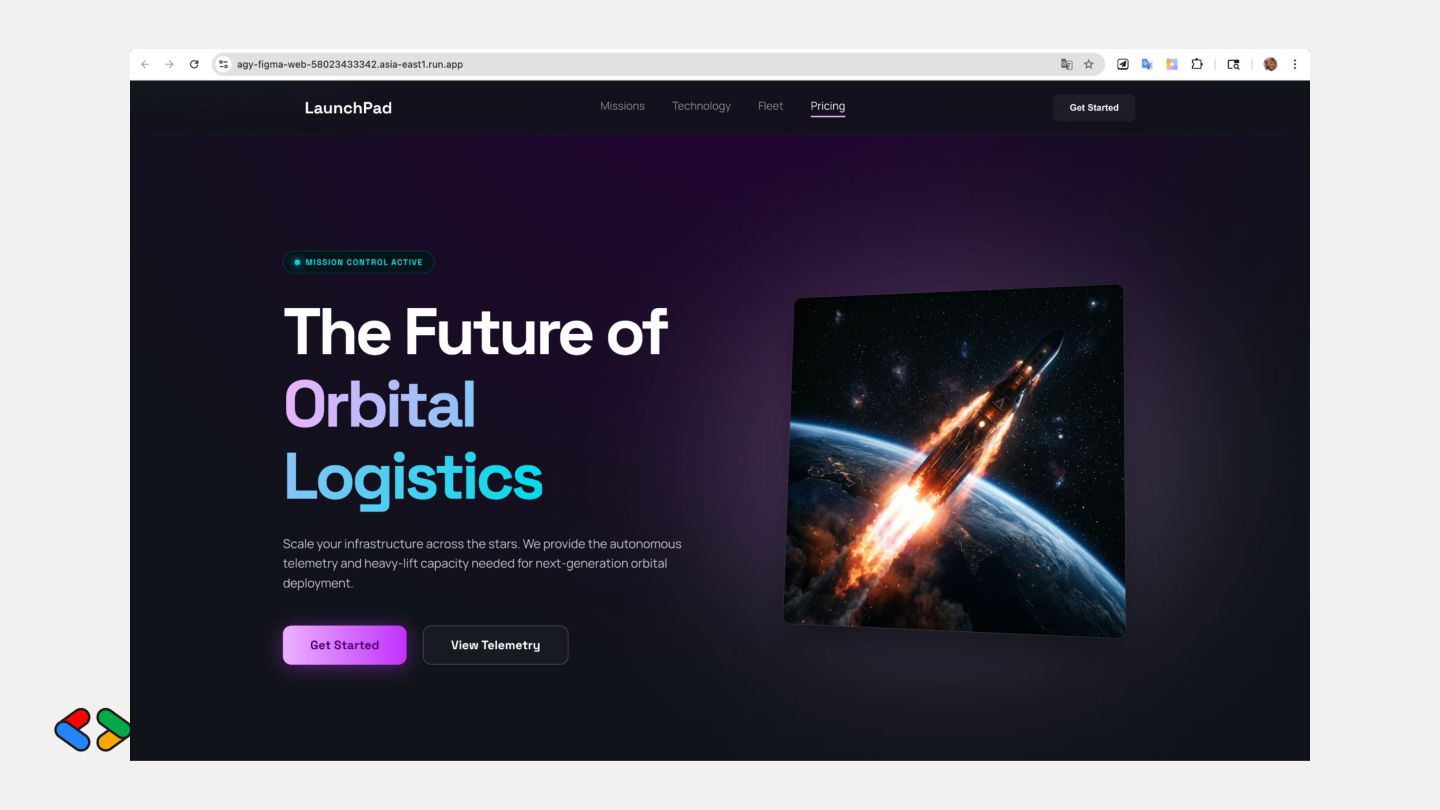
space-tech startup called LaunchPad. Use a midnight blue and neon purple palette. Include a hero section with a ‘Get Started' button, a 3-column features grid, and a glassmorphism pricing table." 5. Generate: Click the arrow icon (next to the model selector) to begin the generation process. 6. Refine & Name: Once the UI is generated, give your project a name in the top header. Call it LaunchPad. You can use the chat sidebar to refine any specific elements before moving to the IDE. Cloud Hong Kong
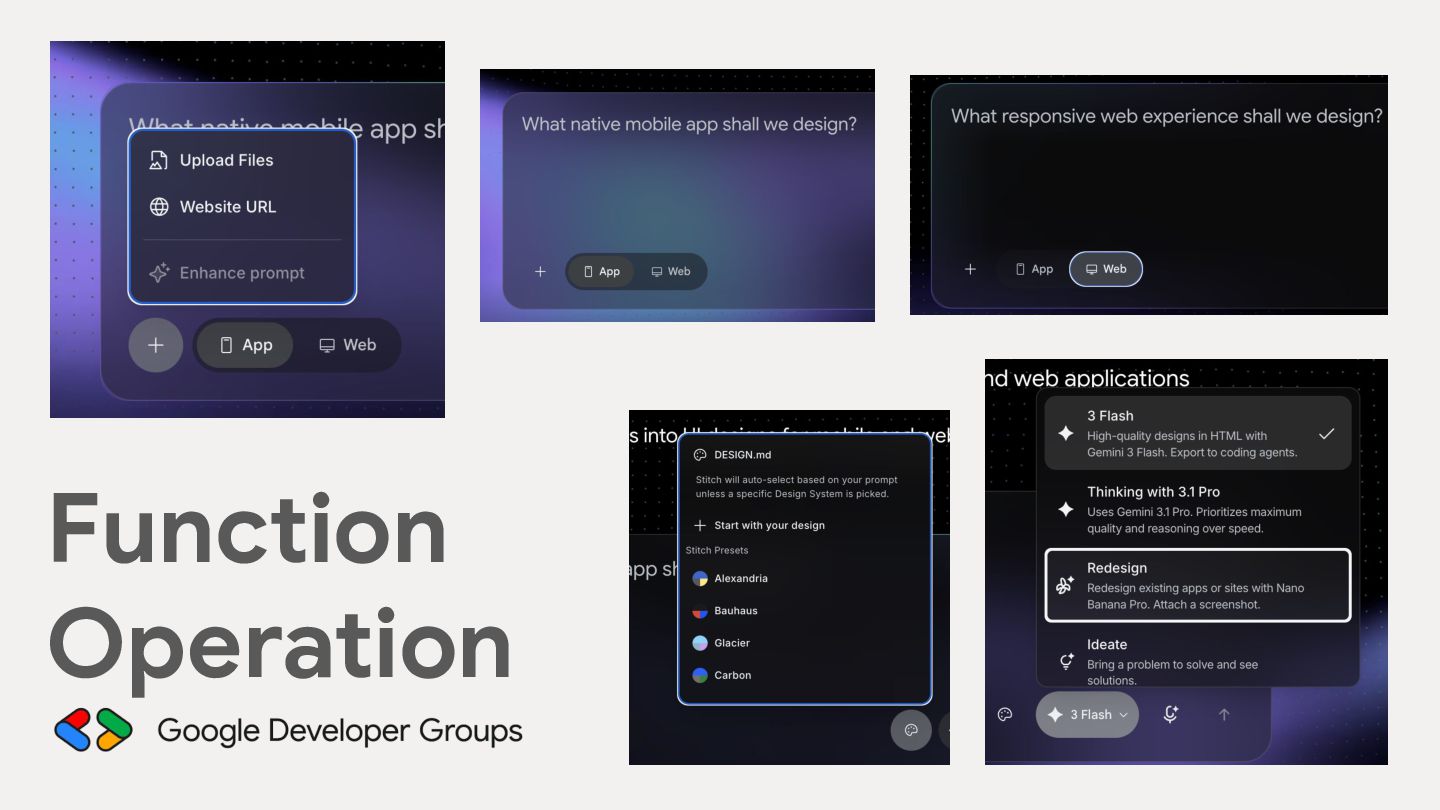
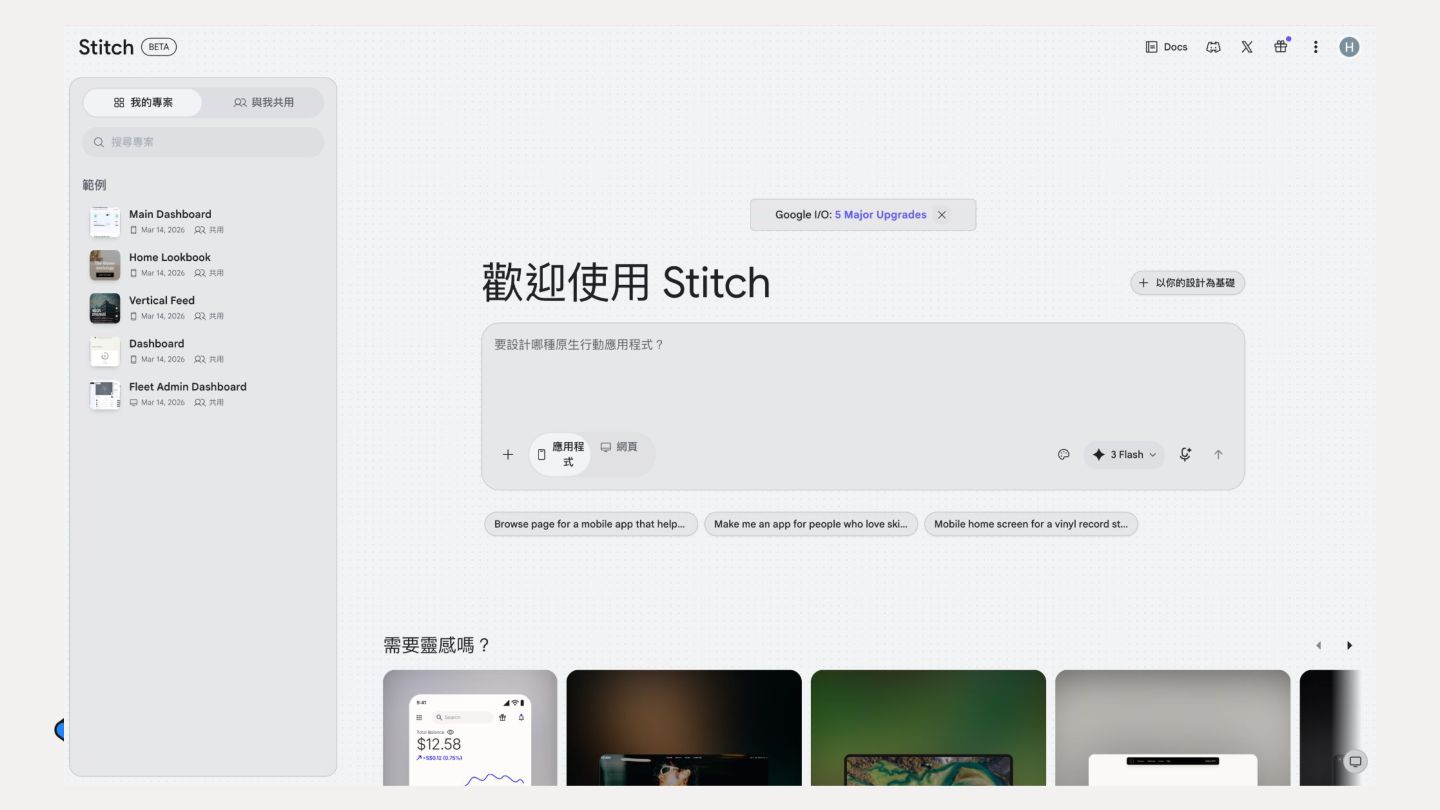
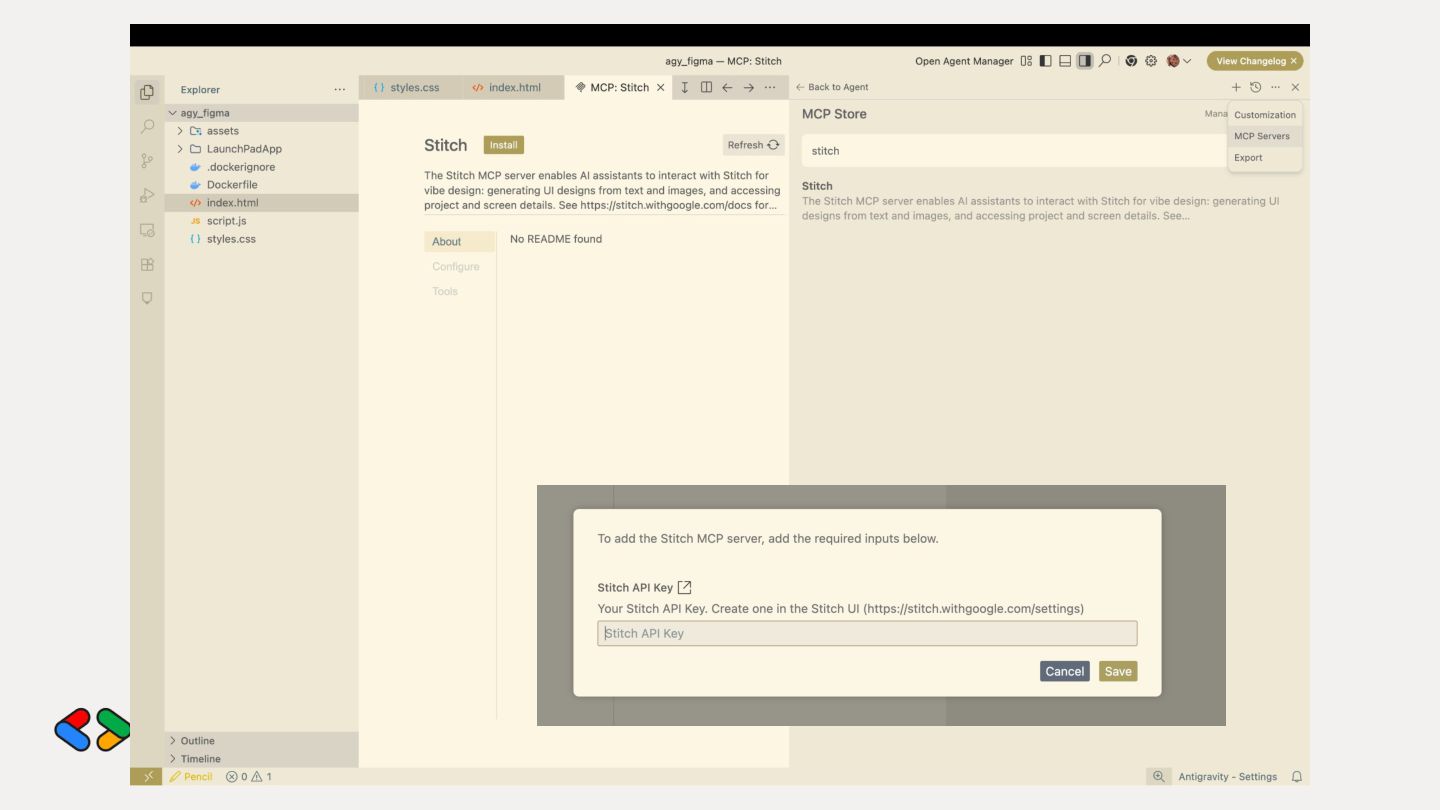
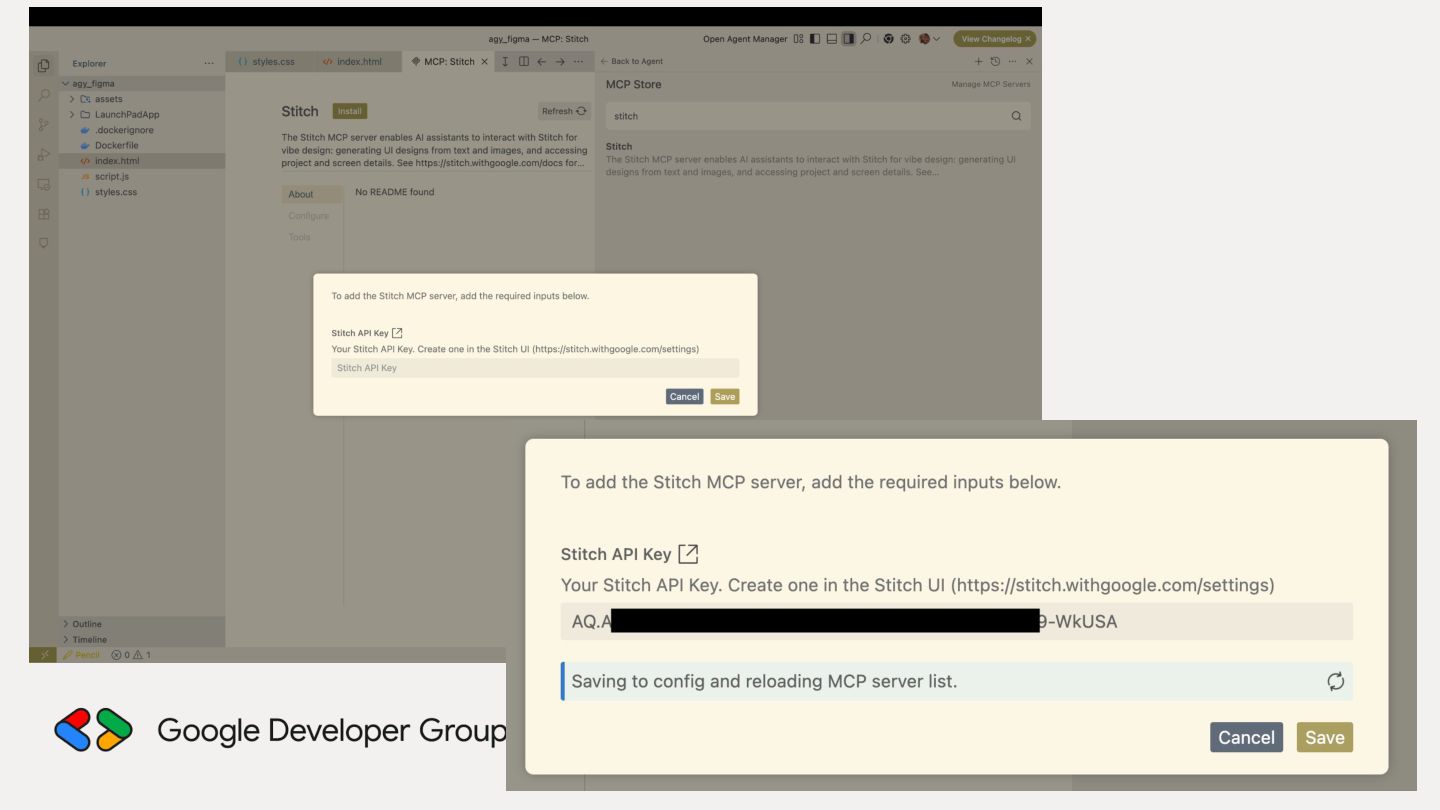
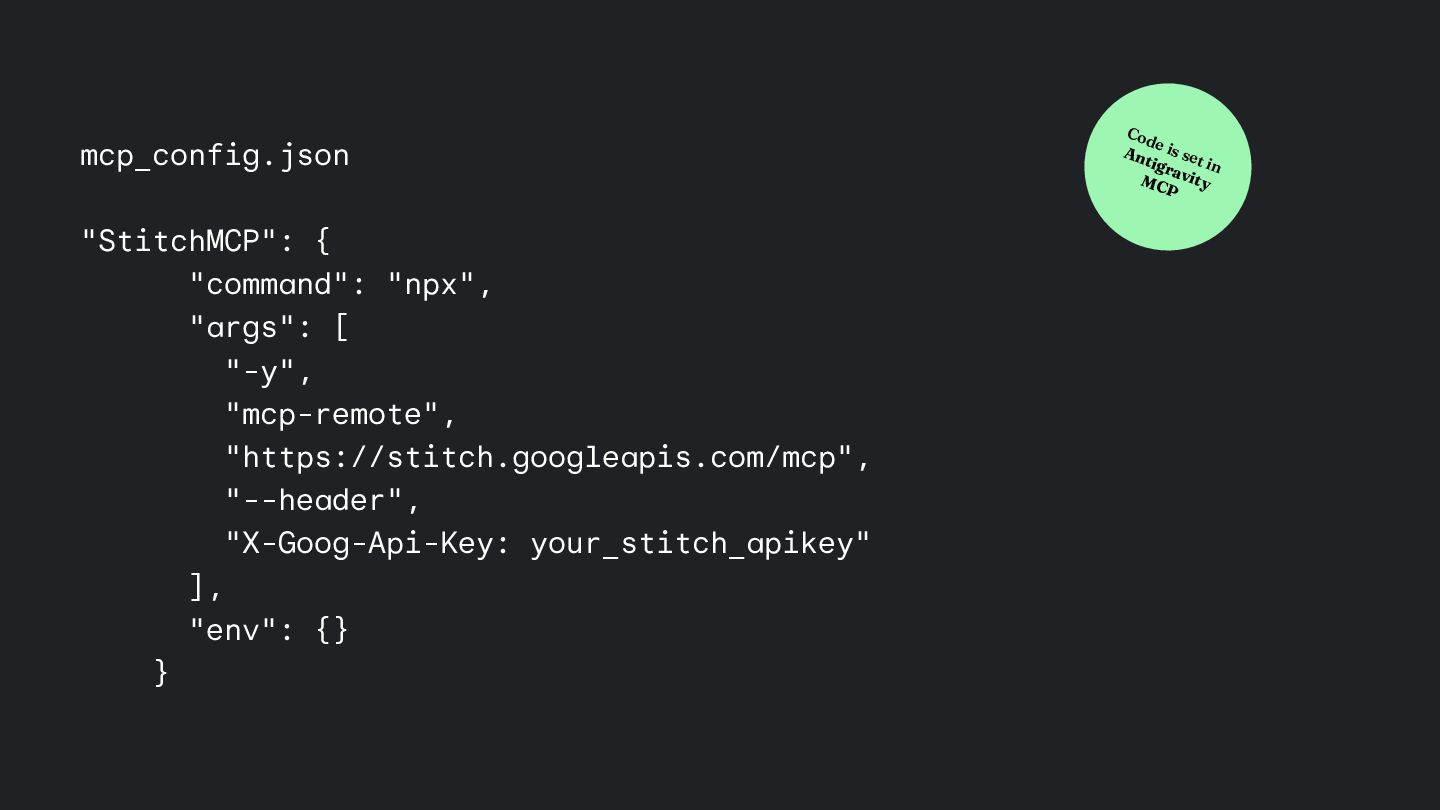
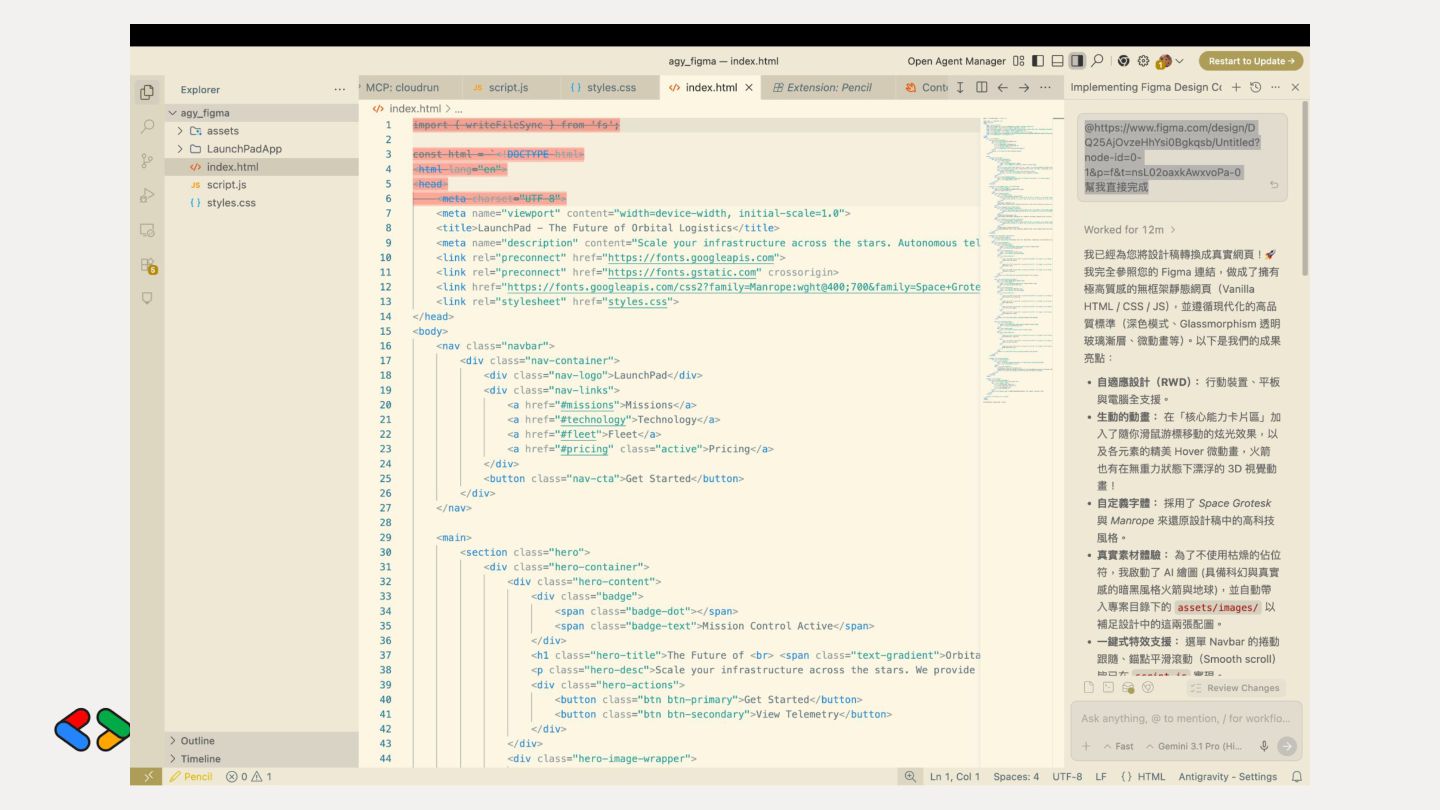
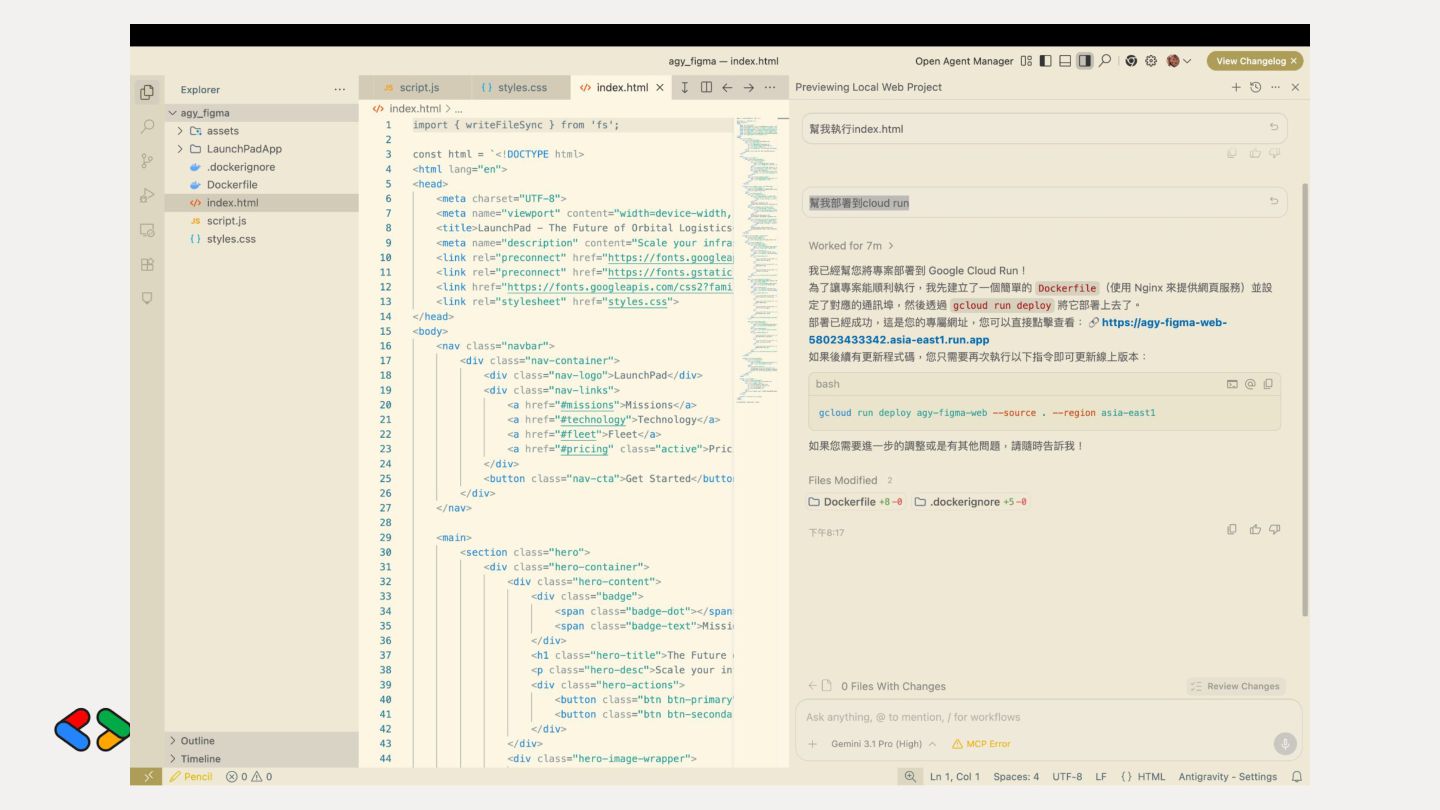
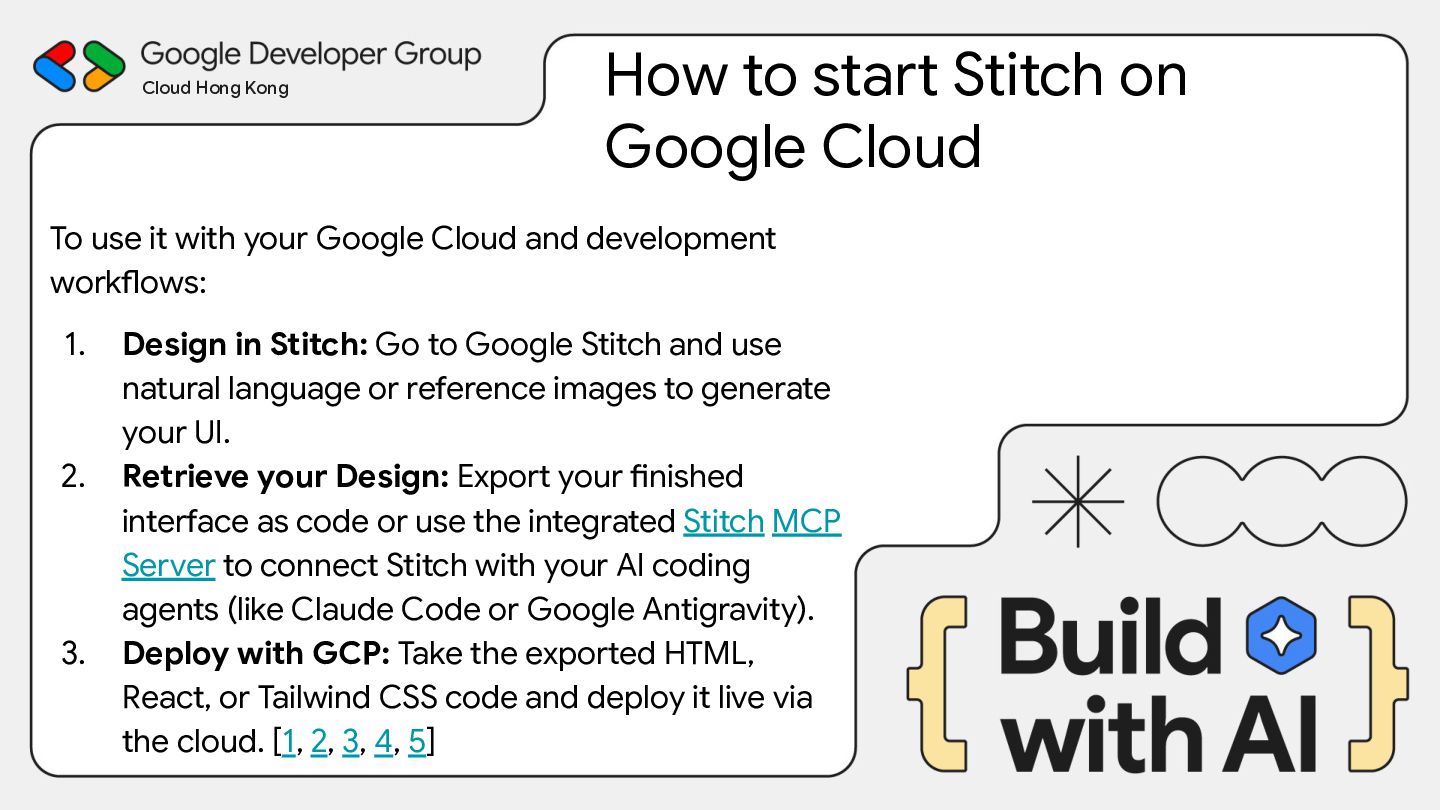
To use it with your Google Cloud and development workflows: 1. Design in Stitch: Go to Google Stitch and use natural language or reference images to generate your UI. 2. Retrieve your Design: Export your finished interface as code or use the integrated Stitch MCP Server to connect Stitch with your AI coding agents (like Claude Code or Google Antigravity). 3. Deploy with GCP: Take the exported HTML, React, or Tailwind CSS code and deploy it live via the cloud. [1, 2, 3, 4, 5]
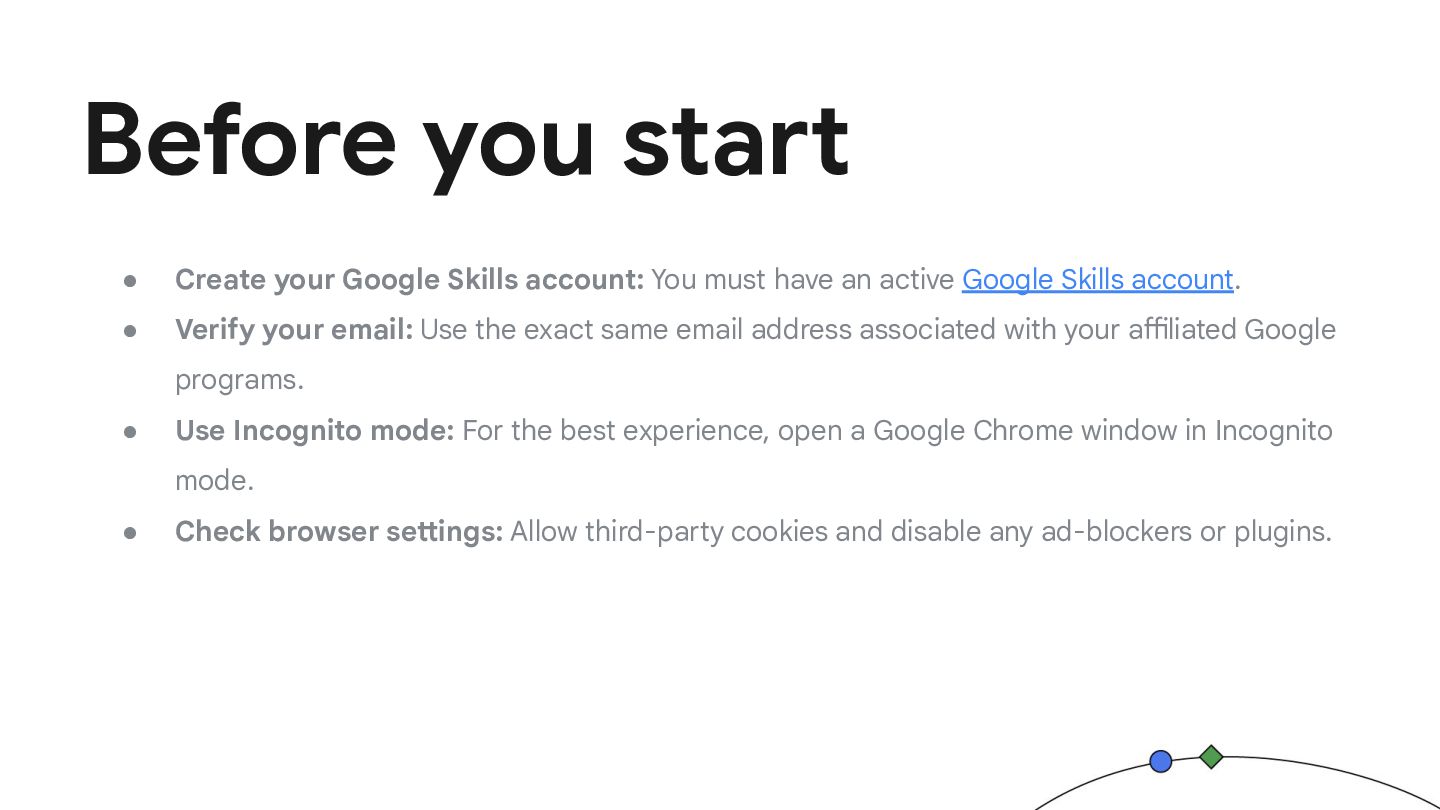
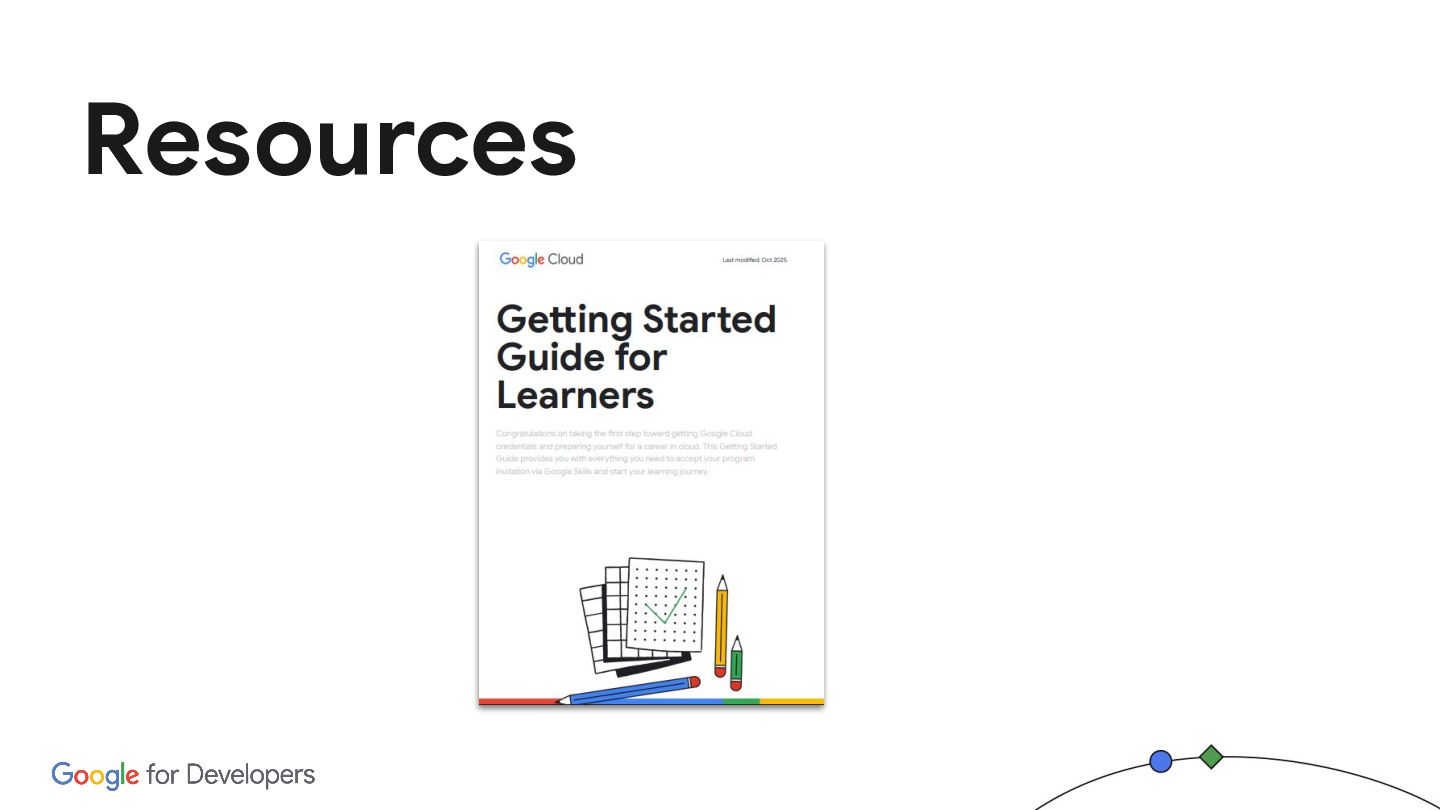
must have an active Google Skills account. • Verify your email: Use the exact same email address associated with your affiliated Google programs. • Use Incognito mode: For the best experience, open a Google Chrome window in Incognito mode. • Check browser settings: Allow third-party cookies and disable any ad-blockers or plugins.
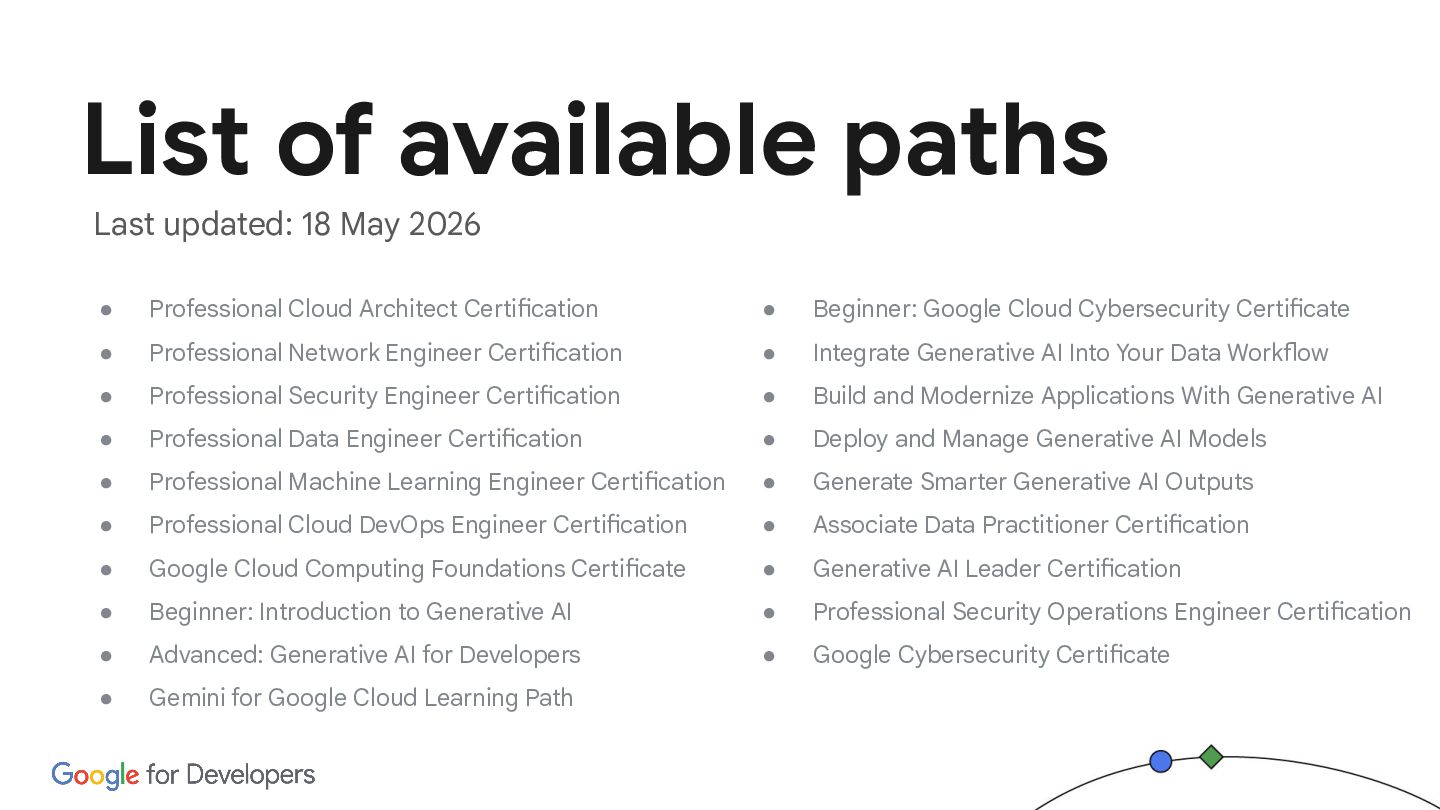
Professional Network Engineer Certification • Professional Security Engineer Certification • Professional Data Engineer Certification • Professional Machine Learning Engineer Certification • Professional Cloud DevOps Engineer Certification • Google Cloud Computing Foundations Certificate • Beginner: Introduction to Generative AI • Advanced: Generative AI for Developers • Gemini for Google Cloud Learning Path • Beginner: Google Cloud Cybersecurity Certificate • Integrate Generative AI Into Your Data Workflow • Build and Modernize Applications With Generative AI • Deploy and Manage Generative AI Models • Generate Smarter Generative AI Outputs • Associate Data Practitioner Certification • Generative AI Leader Certification • Professional Security Operations Engineer Certification • Google Cybersecurity Certificate Last updated: 18 May 2026


 hkwp
hkwp
 miidas
 taiki45
 matsunobu
 kworkdev
 leveragestech
 ennael
 ymiya55
 oracle4engineer
 ysuzuki
 taka_aki
 hironobuiga
 yutakaosada
 lcolladotor
 rkendrick25
 hatefulcrawdad
 lemiorhan
 tamaranovitovic
 tammyeverts
 mojombo
 aleyda
 quramy
 jeffersonlam
 paigeccino
 soysaucechin