Upgrade to Pro — share decks privately, control downloads, hide ads and more …

Digital Accessibility in WordPress

Digital Accessibility in WordPress

More Decks by Hong Kong WordPress Meetup

Other Decks in Technology

Transcript

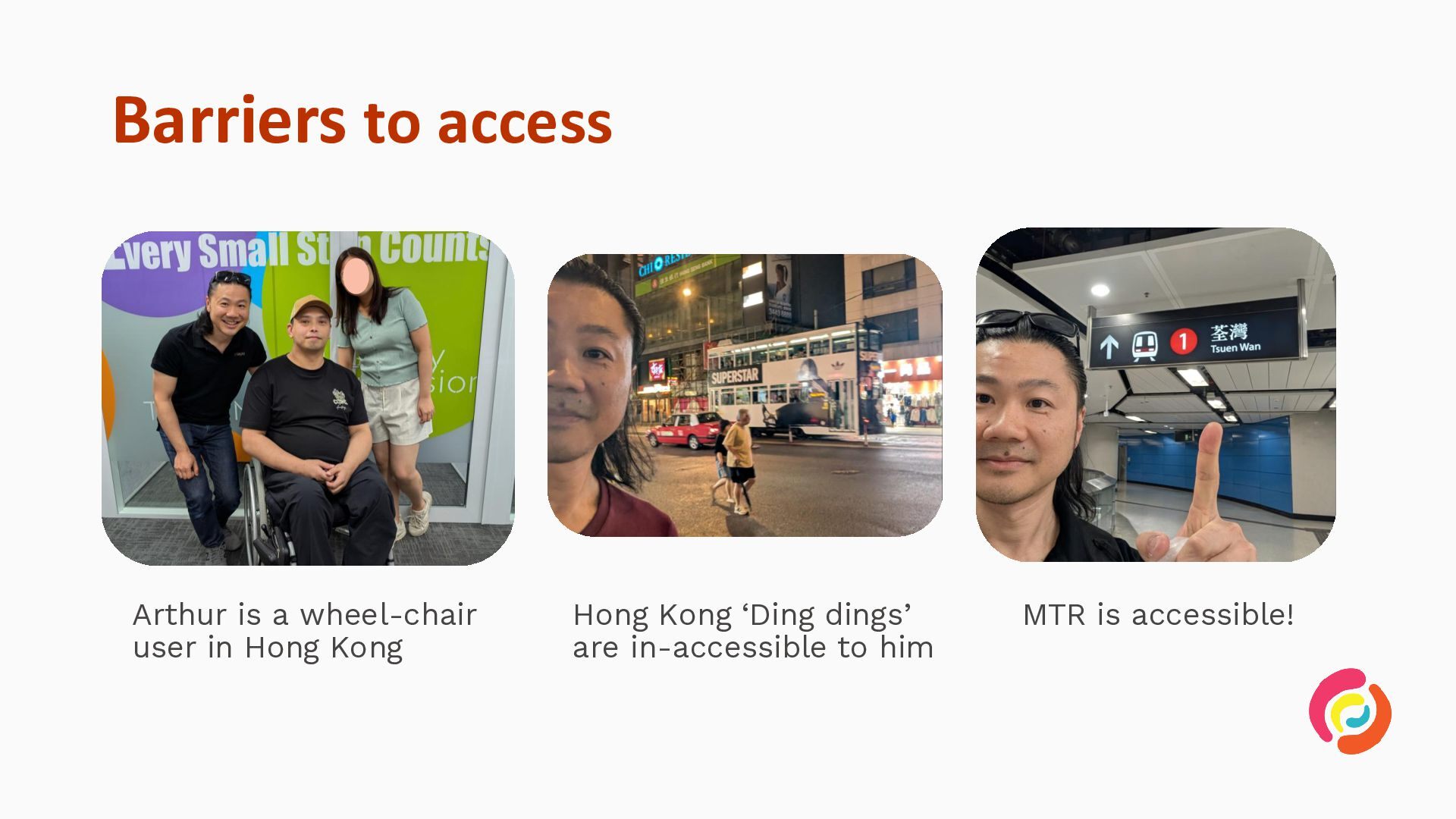
  1. Barriers to access Arthur is a wheel-chair user in Hong

    Kong Hong Kong ‘Ding dings’ are in-accessible to him MTR is accessible!
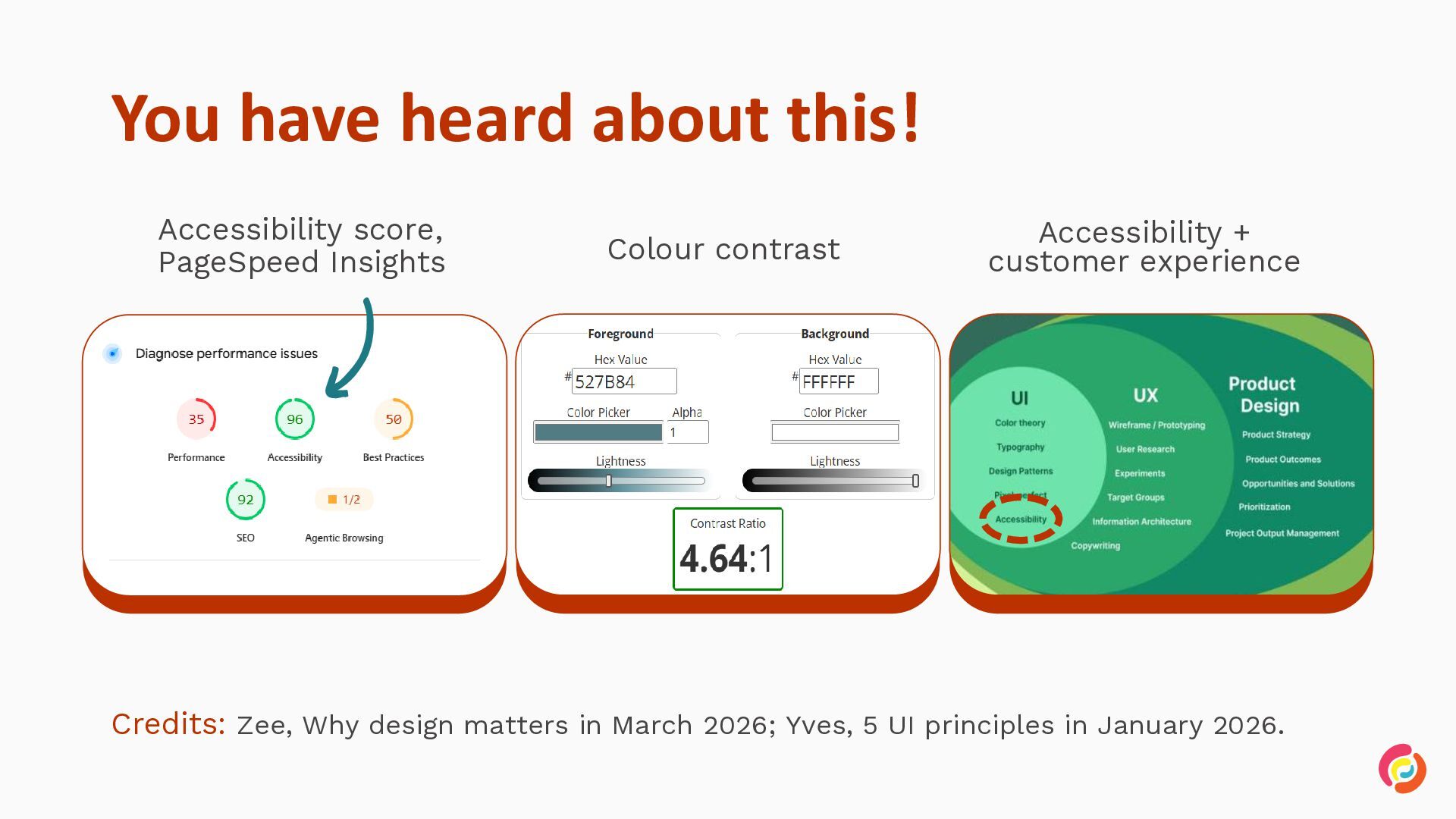
  2. You have heard about this! Accessibility score, PageSpeed Insights Colour

    contrast Accessibility + customer experience Credits: Zee, Why design matters in March 2026; Yves, 5 UI principles in January 2026.
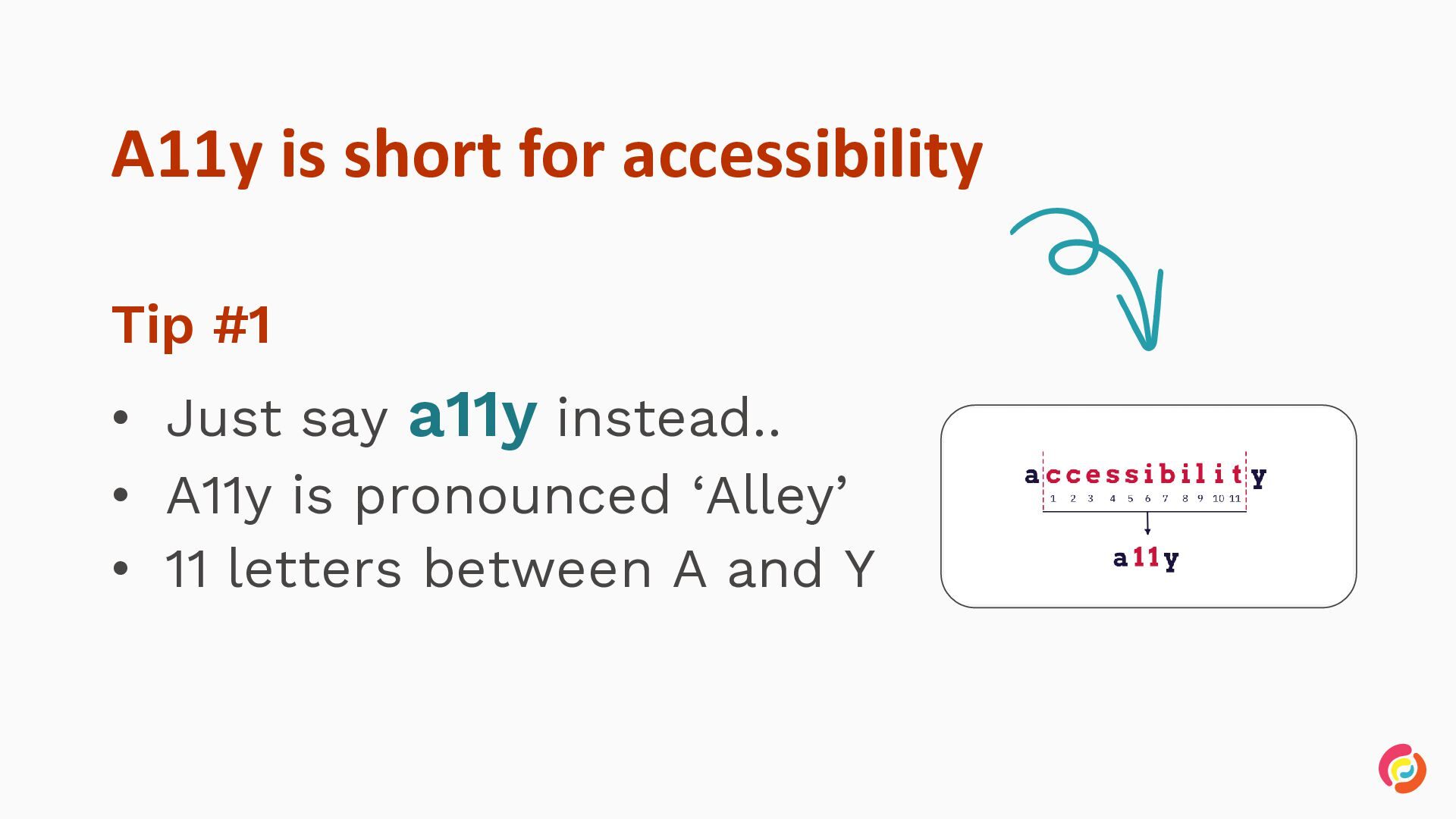
  3. A11y is short for accessibility Tip #1 • Just say

    a11y instead.. • A11y is pronounced ‘Alley’ • 11 letters between A and Y
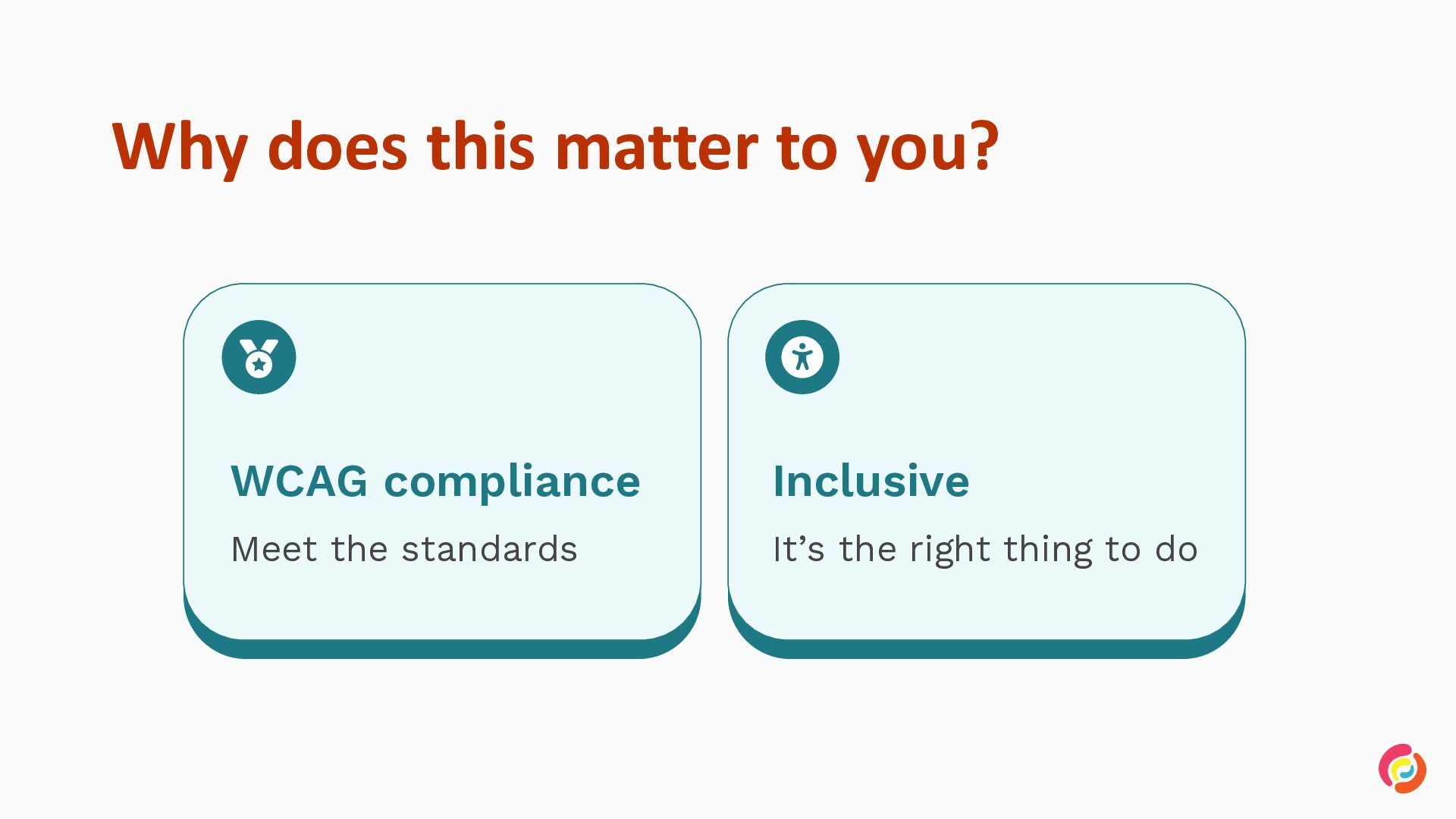
  4. Why does this matter to you? WCAG compliance Inclusive Meet

    the standards It’s the right thing to do
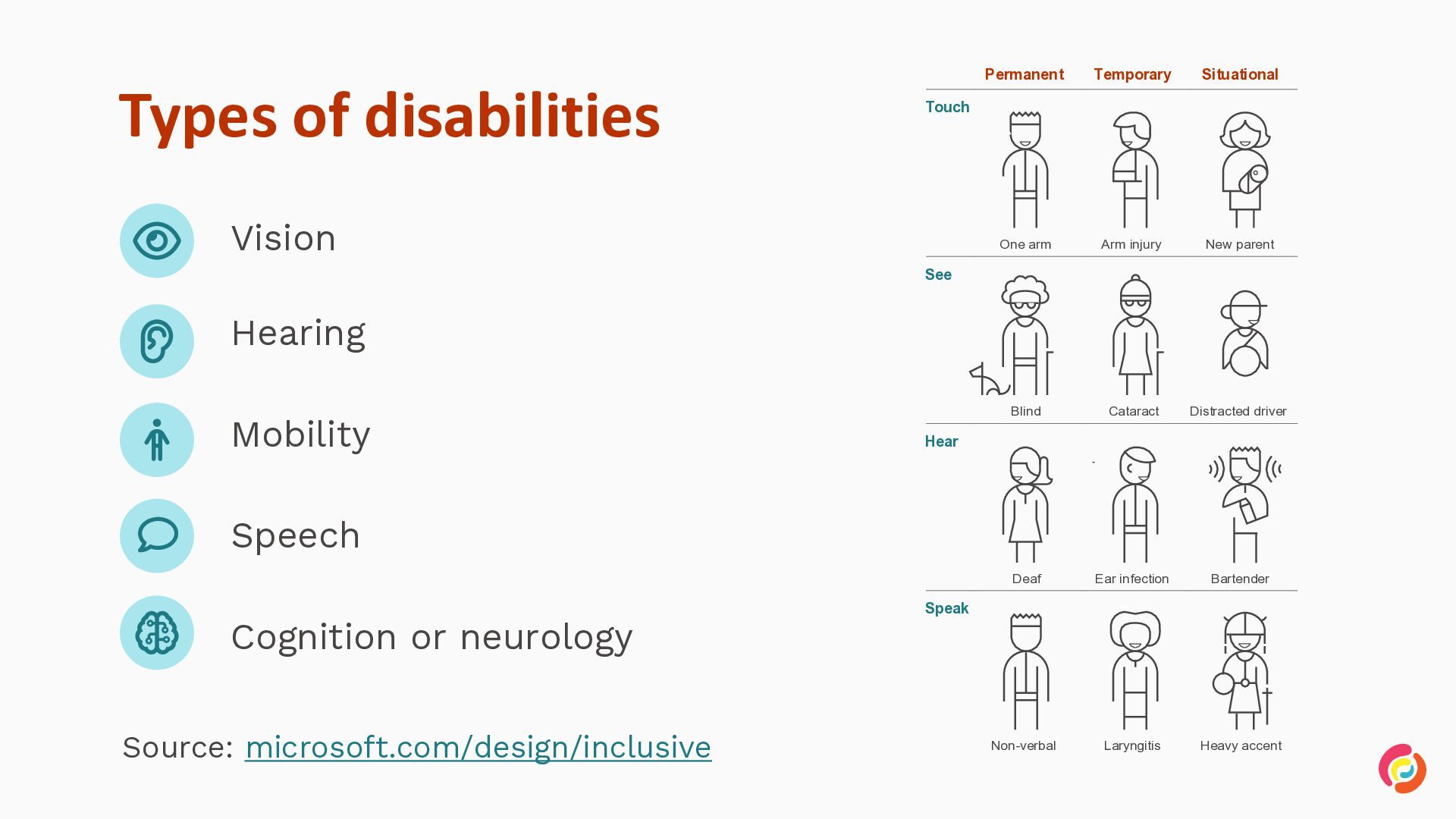
  5. Types of disabilities Permanent Temporary Situational One arm Arm injury

    New parent Blind Cataract Distracted driver Deaf Ear infection Bartender Non-verbal Laryngitis Heavy accent Touch Vision See Hearing Mobility Hear Speech Cognition or neurology Source: microsoft.com/design/inclusive Speak
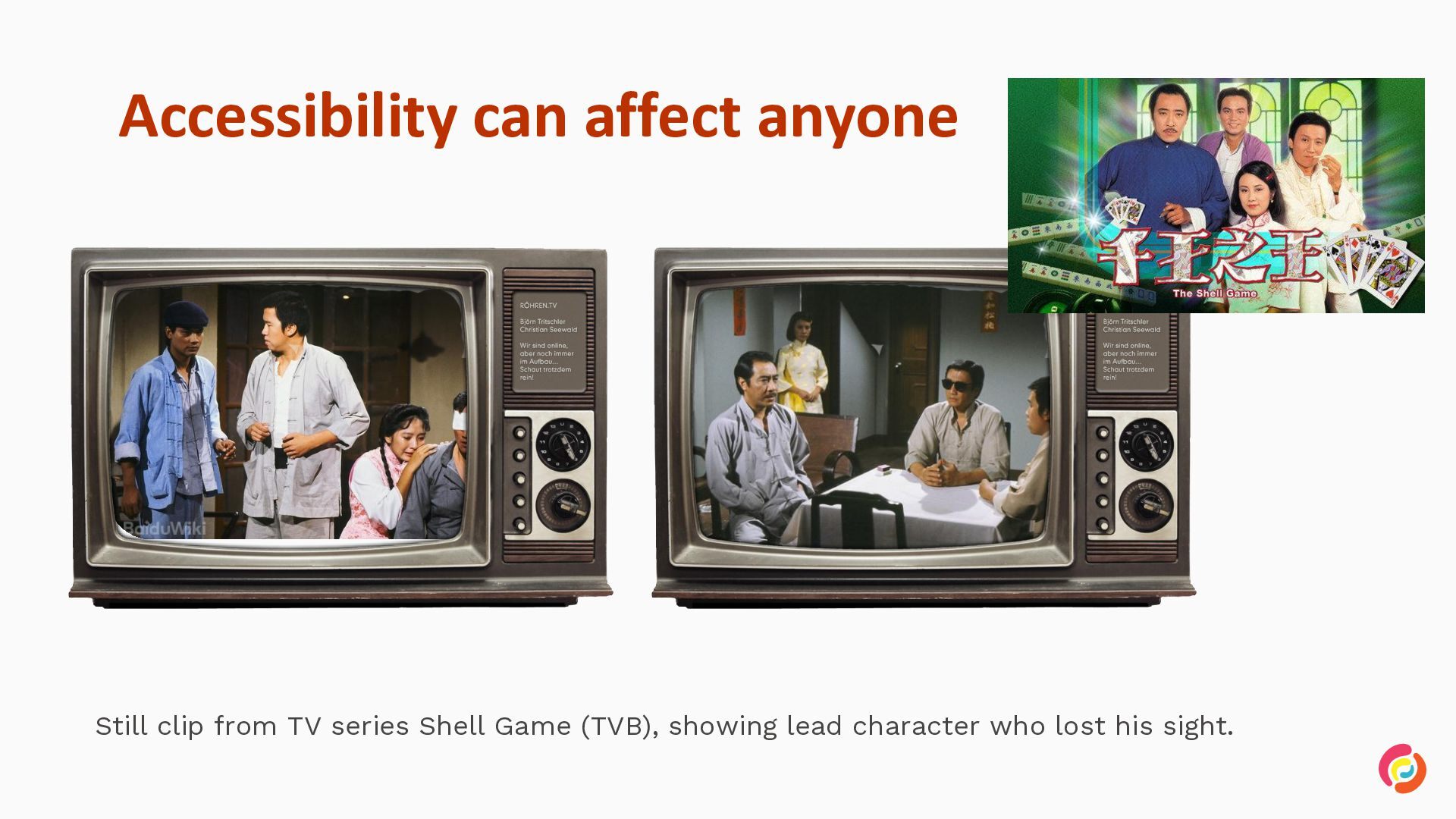
  6. Accessibility can affect anyone Still clip from TV series Shell

    Game (TVB), showing lead character who lost his sight.
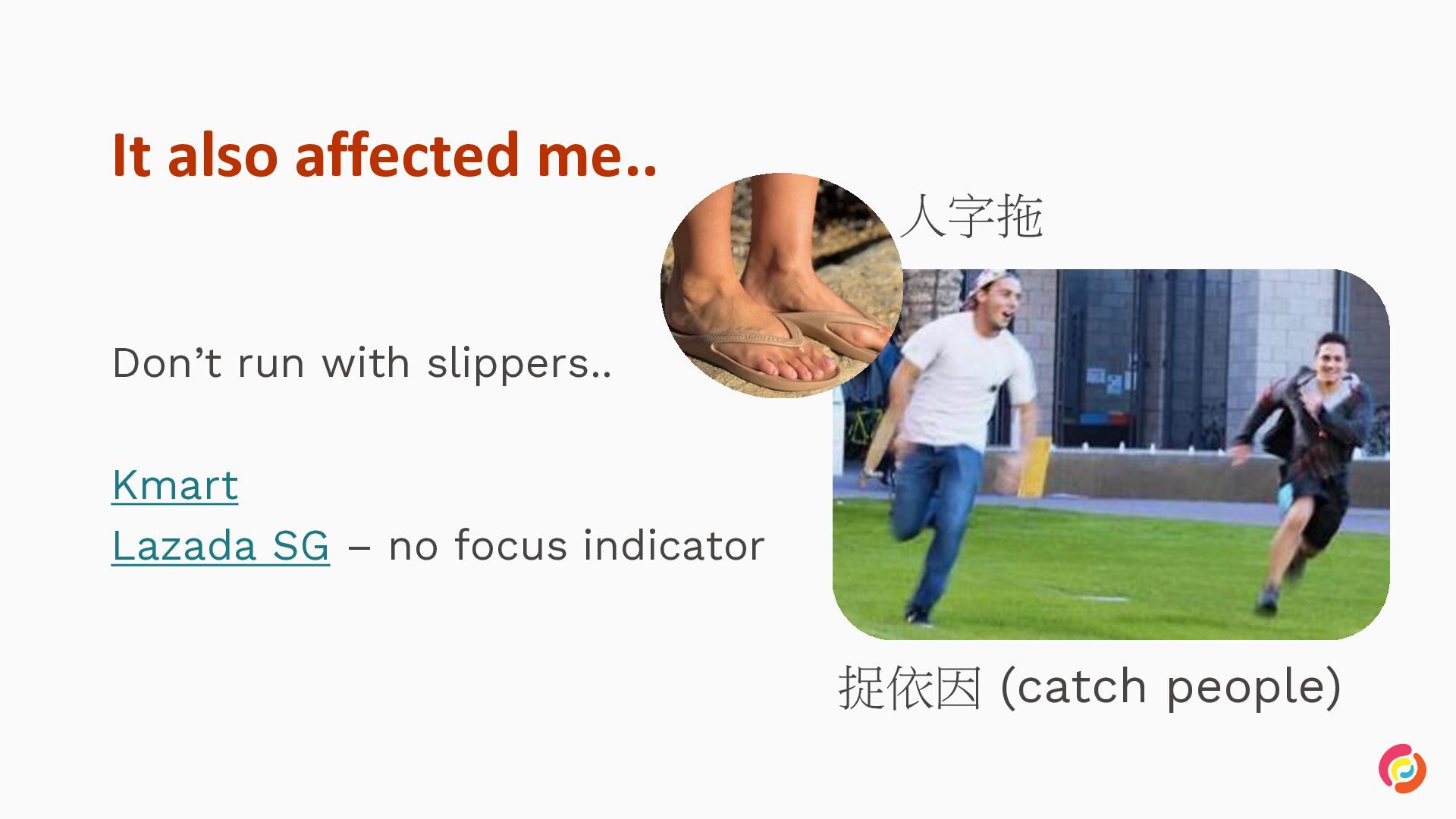
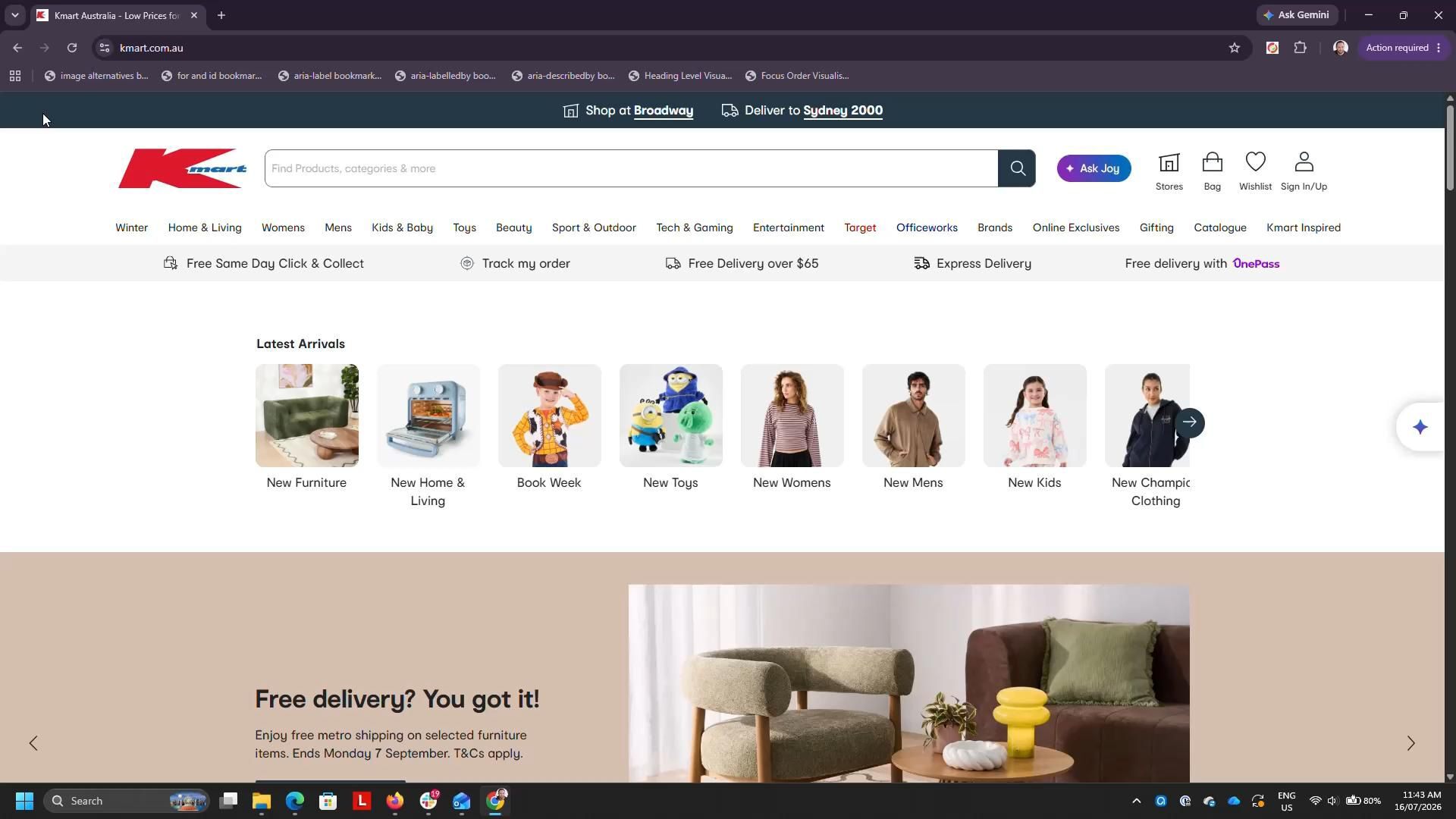
  7. It also affected me.. 人字拖 Don’t run with slippers.. Kmart

    Lazada SG – no focus indicator 捉依因 (catch people)
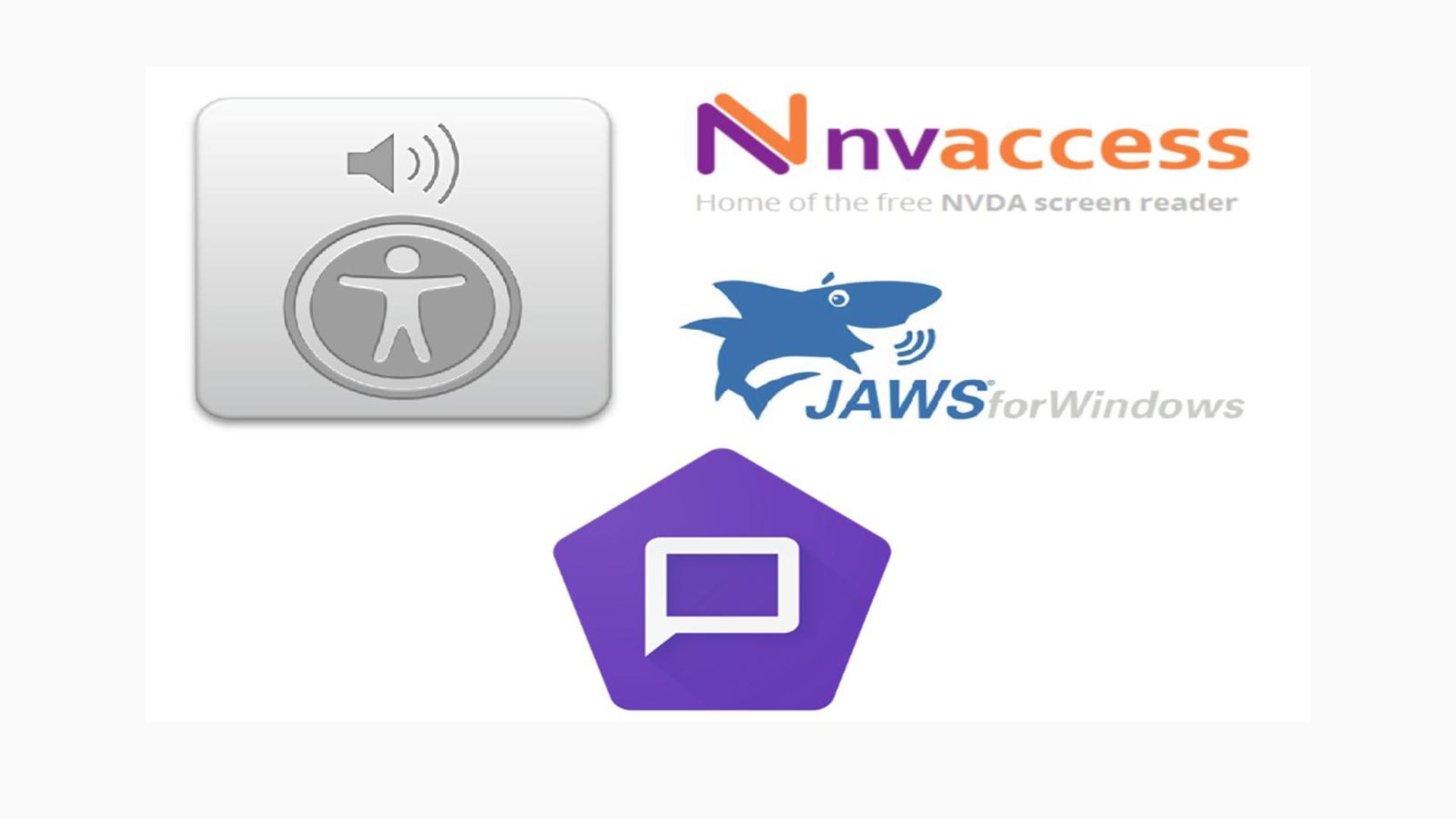
  8. Meet the big four screen readers A screen reader enables

    people with vision impairment to use a computer or smartphone by reading the screen contents aloud.
  9. Legislation in Hong Kong • Disability Discrimination Ordinance (Cap. 487)

    (DDO) • It is “..unlawful discrimination against persons on the ground of their or their associates’ disability..” • “..in respect of their… access to goods, services and facilities…”
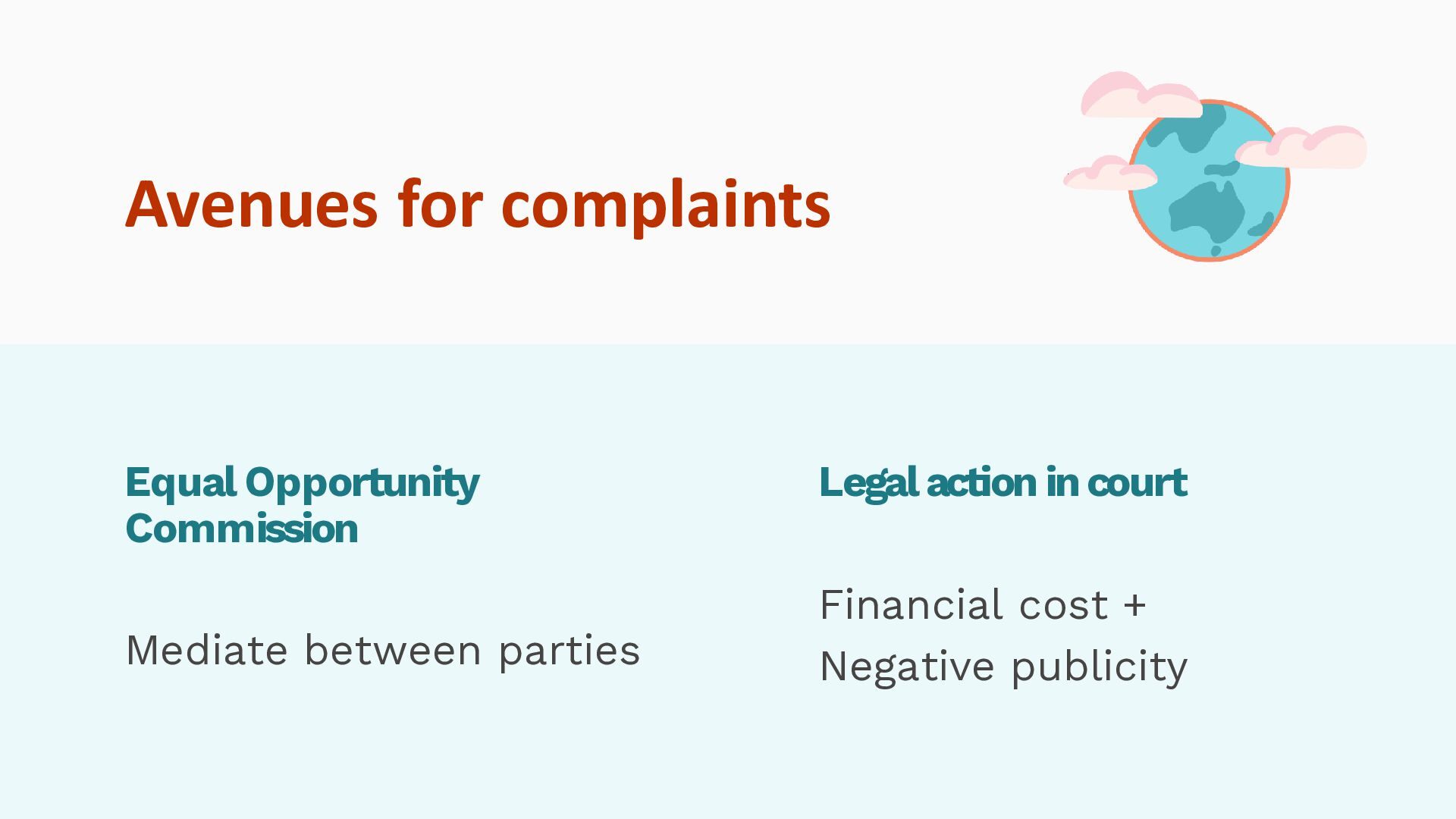
  10. Avenues for complaints Equal Opportunity Commission Mediate between parties Legal

    action in court Financial cost + Negative publicity
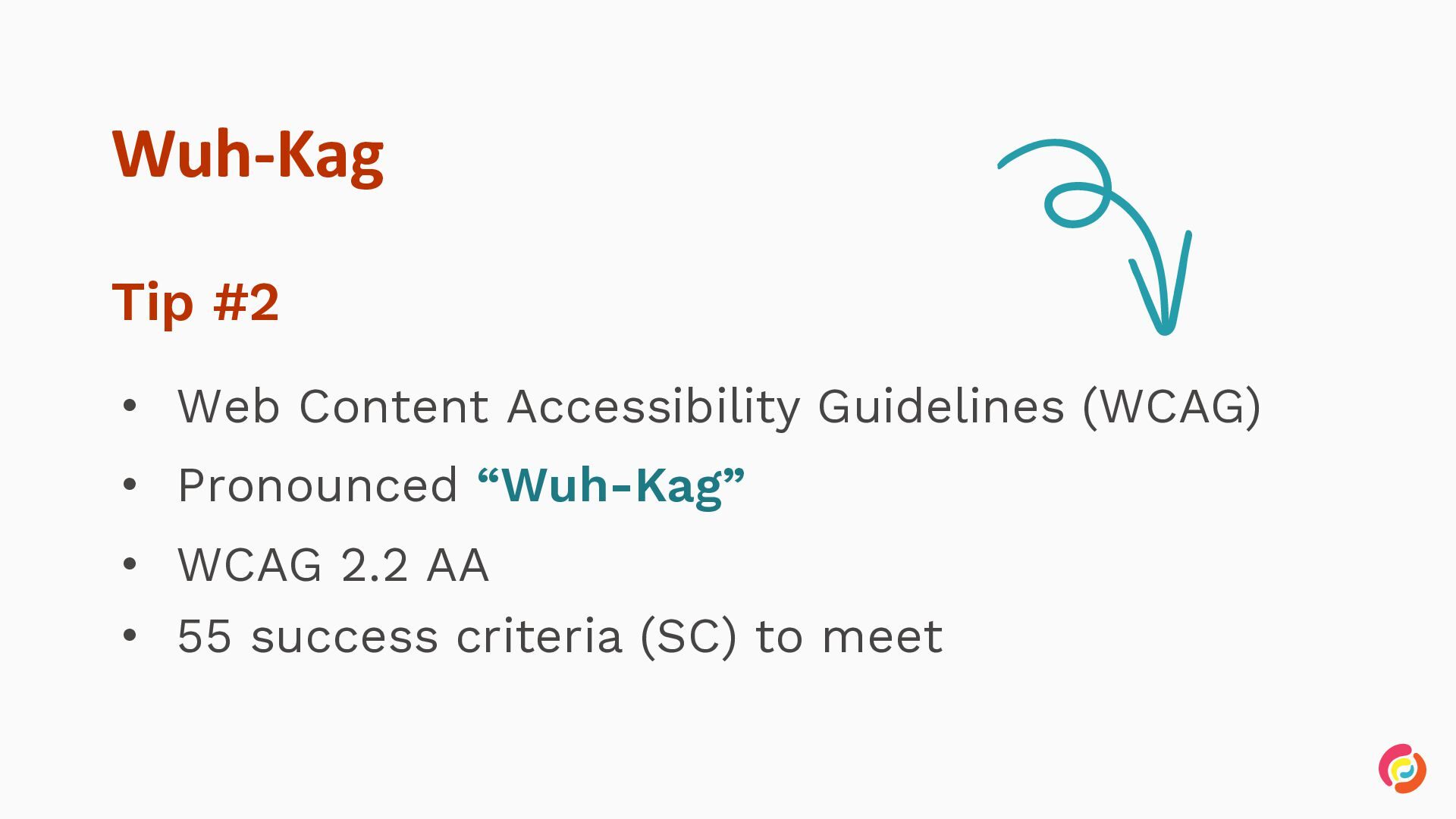
  11. Wuh-Kag Tip #2 • Web Content Accessibility Guidelines (WCAG) •

    Pronounced “Wuh-Kag” • WCAG 2.2 AA • 55 success criteria (SC) to meet
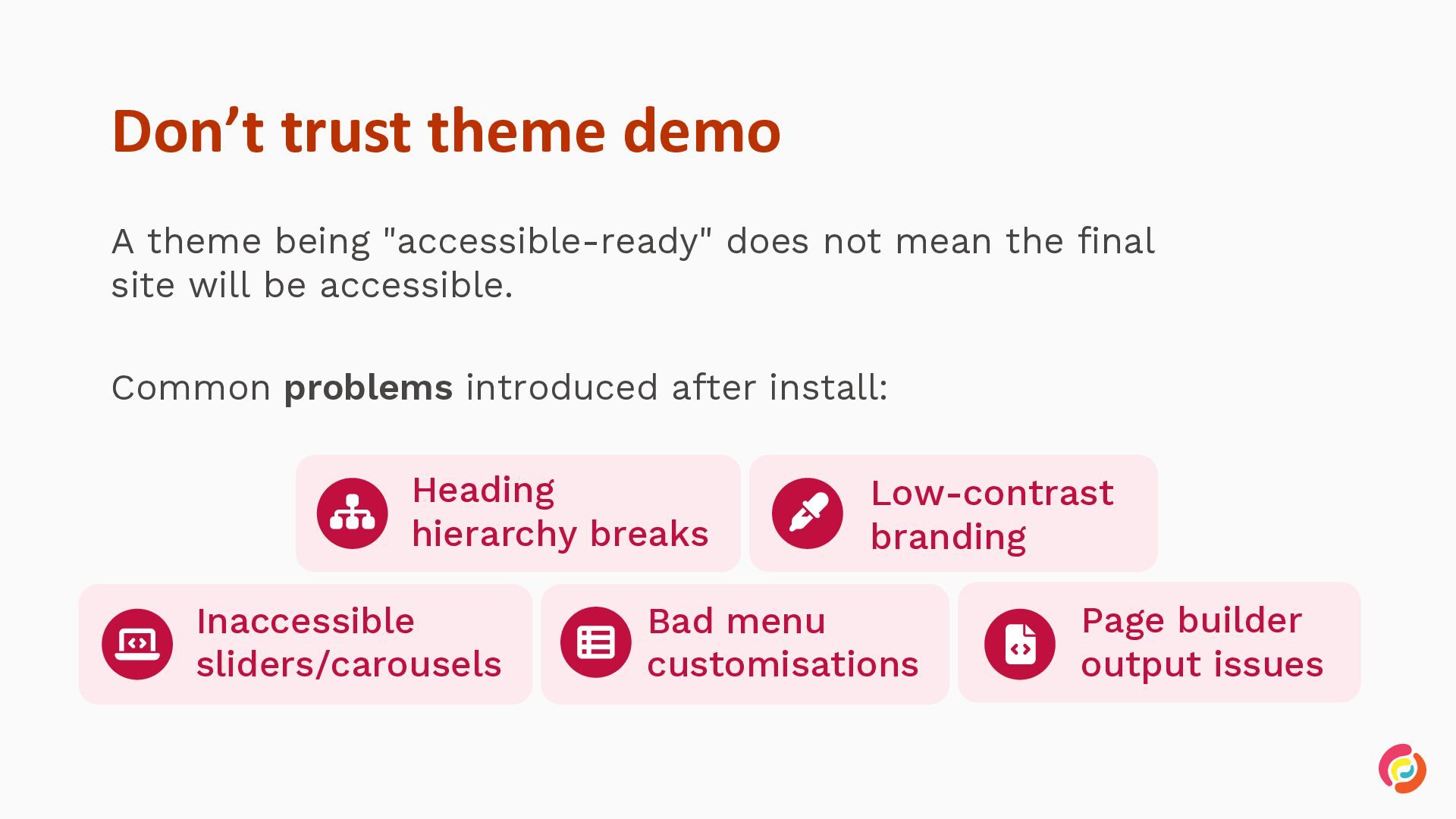
  12. Don’t trust theme demo A theme being "accessible-ready" does not

    mean the final site will be accessible. Common problems introduced after install: Heading hierarchy breaks Inaccessible sliders/carousels Low-contrast branding Bad menu customisations Page builder output issues
  13. Test with only a keyboard A simple test anyone can

    do: Tabbing your site with a keyboard • • • Tab / Shift + Tab — move forward / back Enter / Space — activate Esc — close Check: Can you reach everything? Is focus always visible? Can you get back out?
  14. What is ARIA? WAI-ARIA (Accessible Rich Internet Applications) helps make

    dynamic content and advanced custom controls more accessible for assistive technology users.
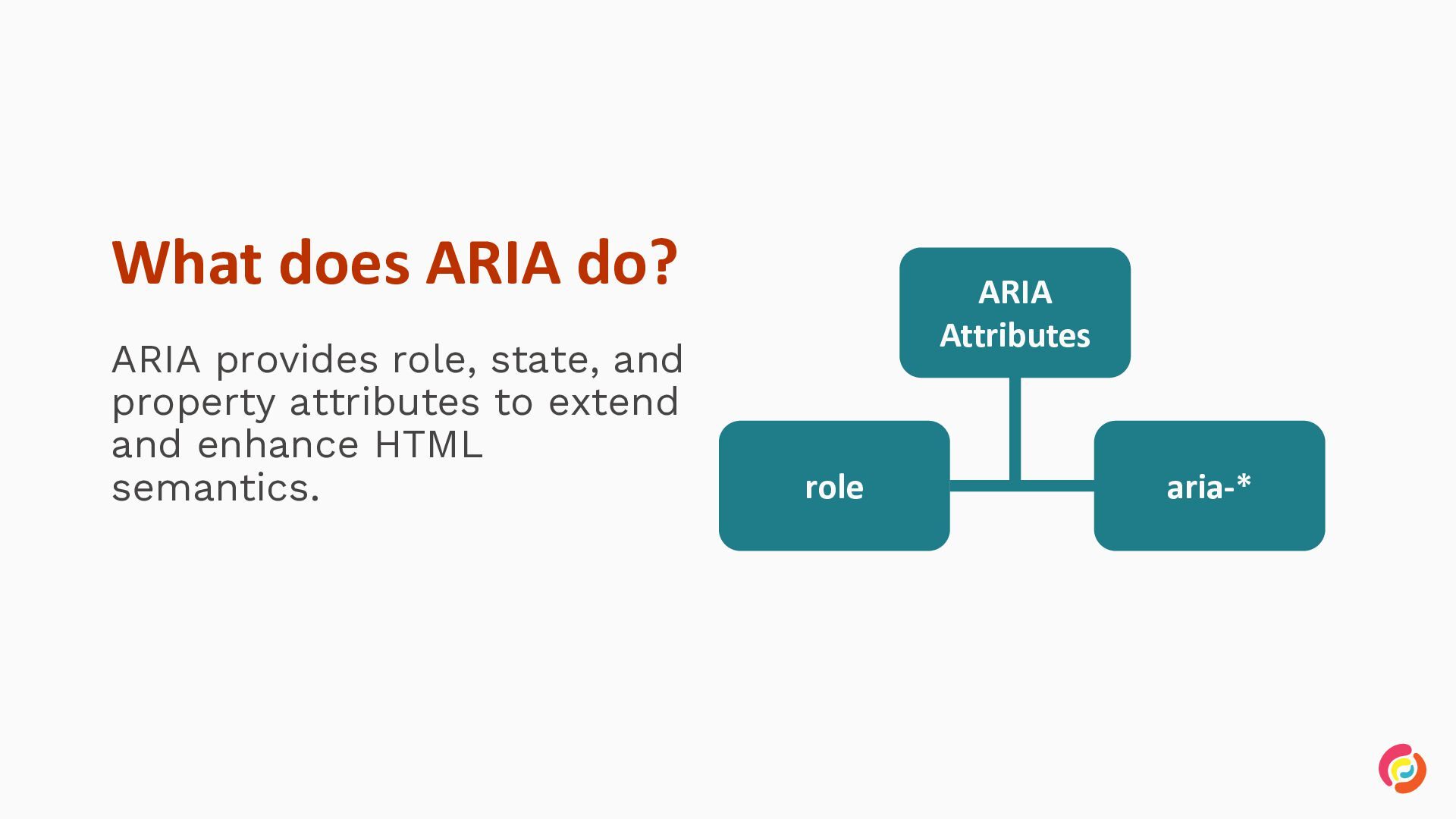
  15. What does ARIA do? ARIA provides role, state, and property

    attributes to extend and enhance HTML semantics. ARIA Attributes role aria-*
  16. What doesn’t ARIA do? • • • • Make components

    focusable Affect event handlers Affect interaction patterns Update property values automatically
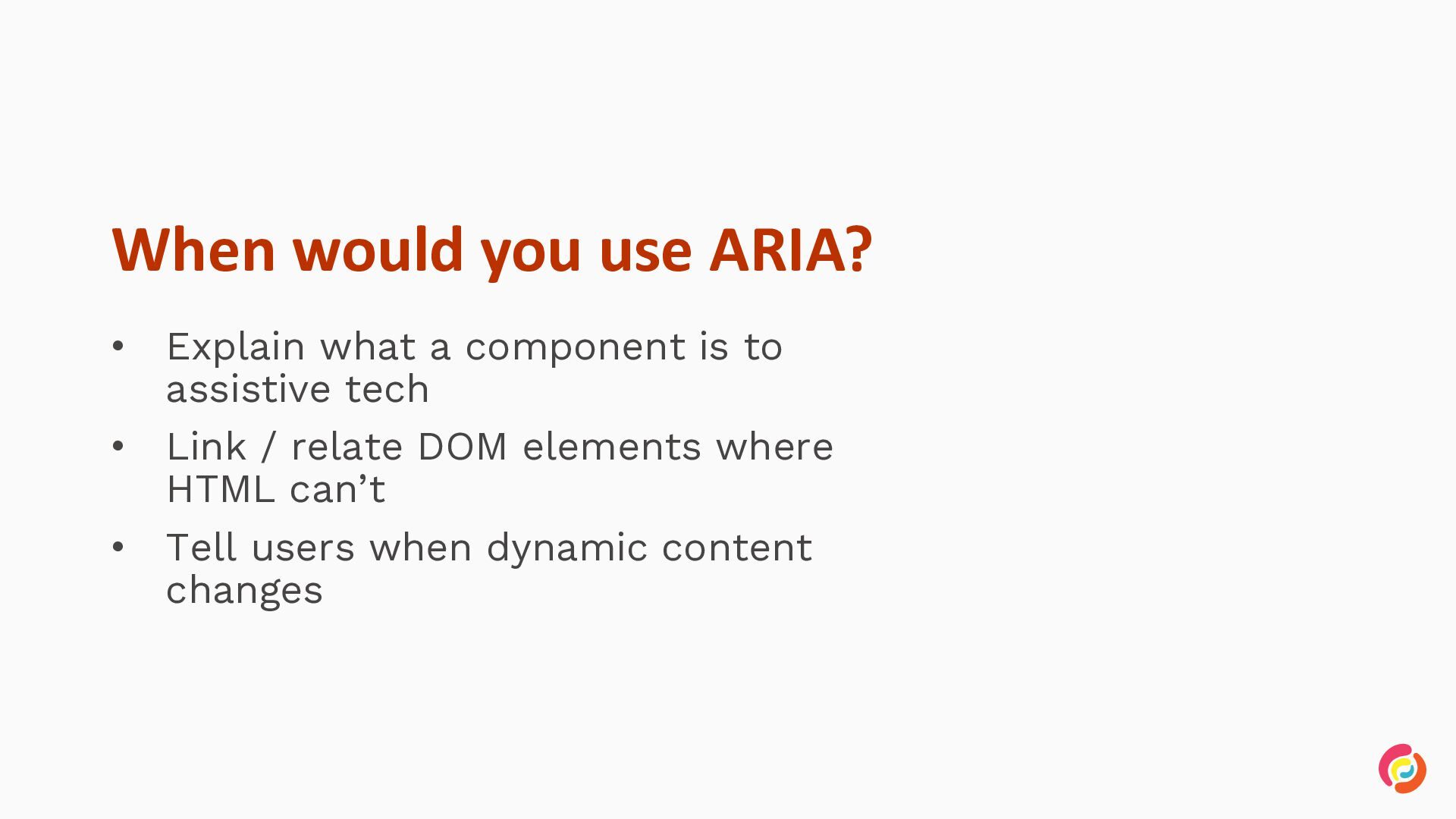
  17. When would you use ARIA? • • • Explain what

    a component is to assistive tech Link / relate DOM elements where HTML can’t Tell users when dynamic content changes
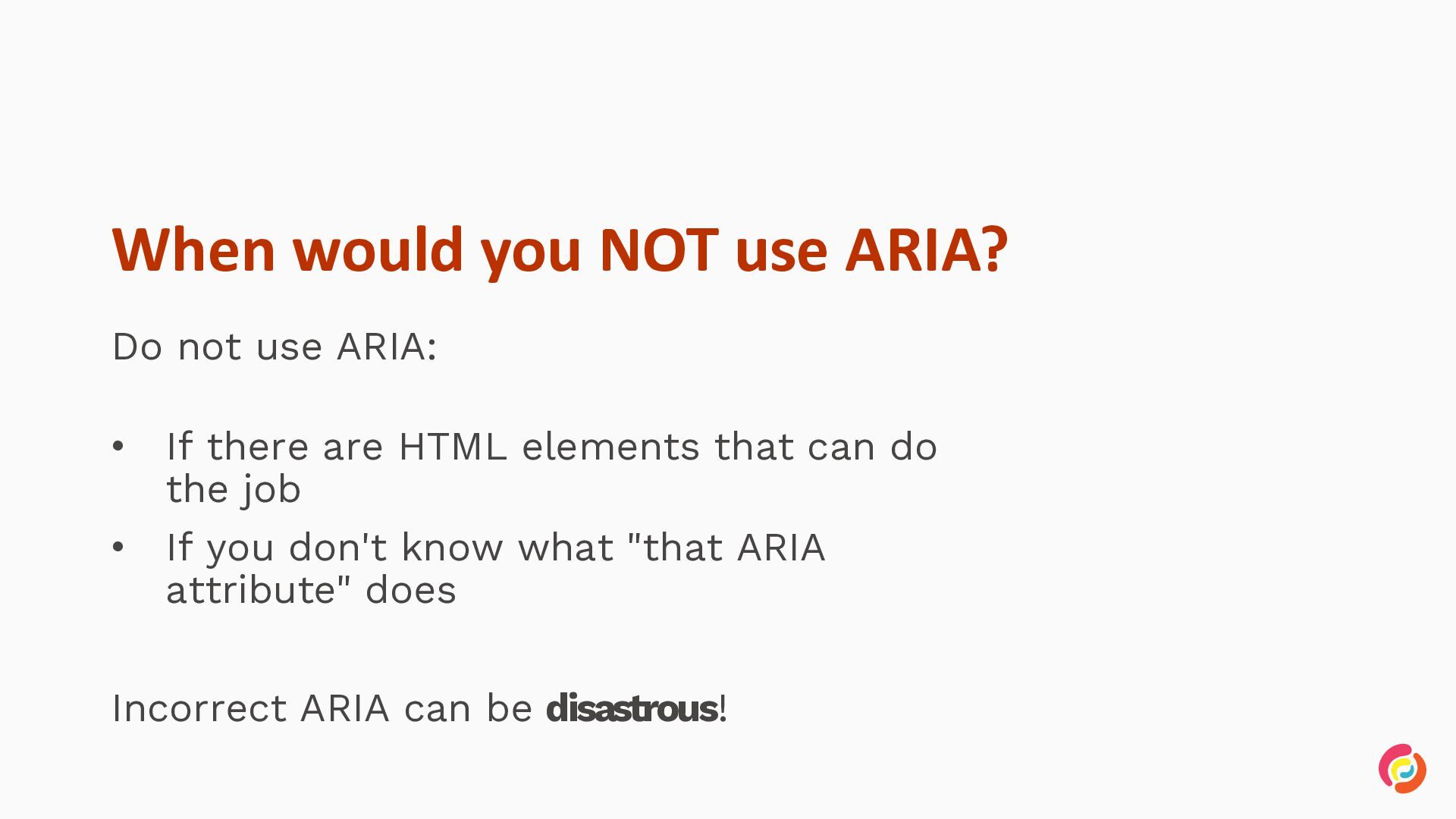
  18. When would you NOT use ARIA? Do not use ARIA:

    • • If there are HTML elements that can do the job If you don't know what "that ARIA attribute" does Incorrect ARIA can be disastrous!
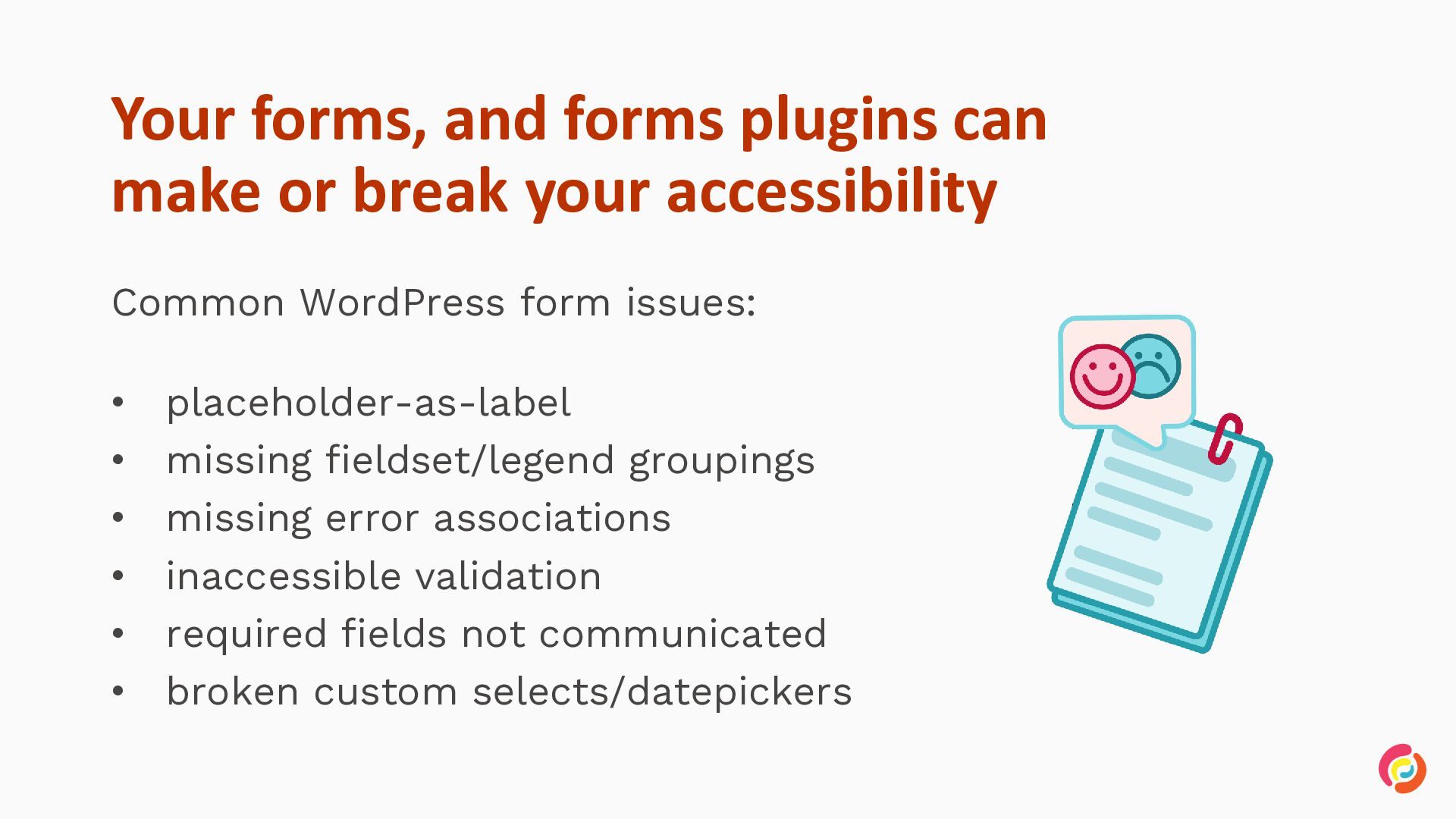
  19. Your forms, and forms plugins can make or break your

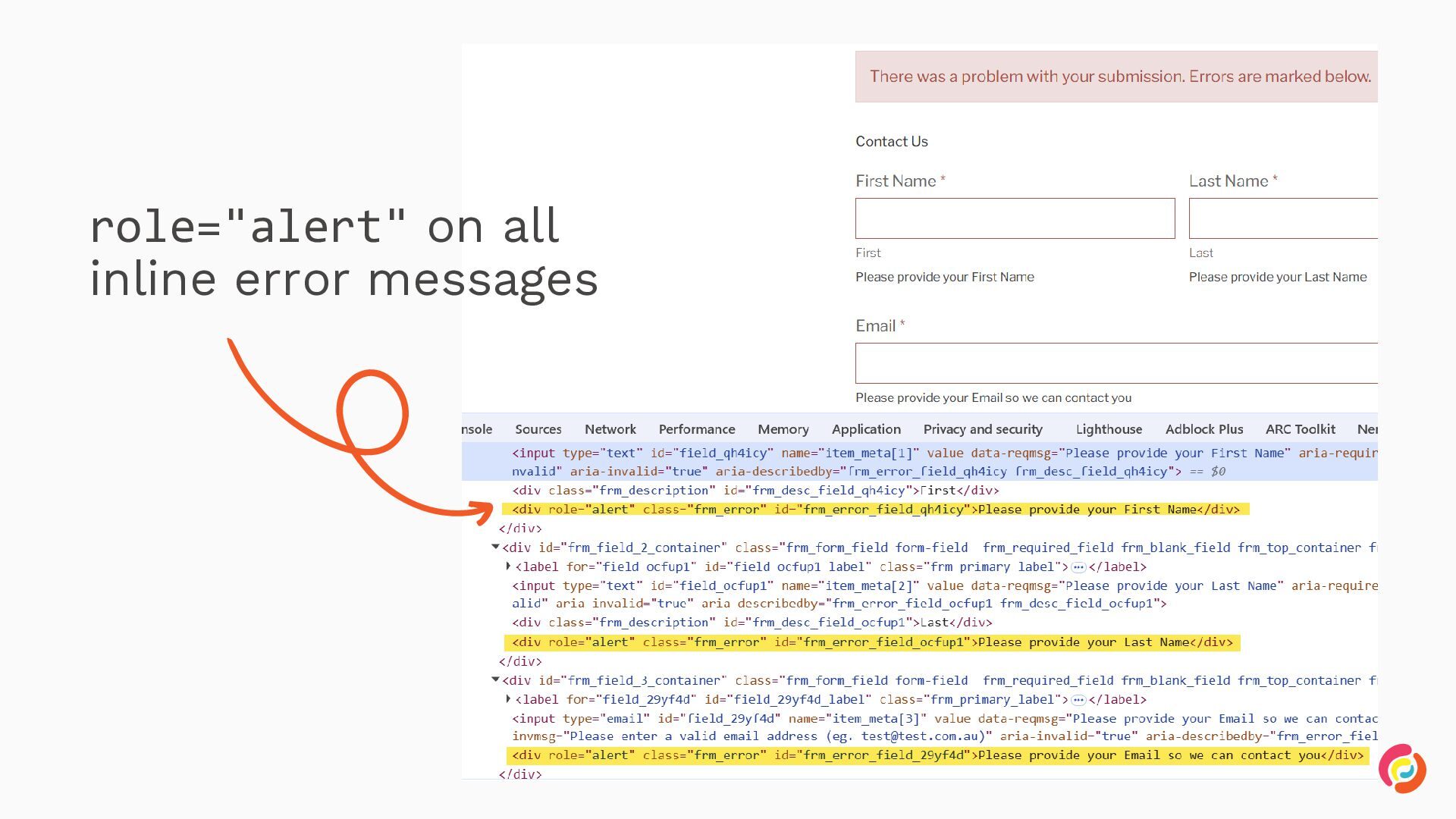
    accessibility Common WordPress form issues: • • • • • • placeholder-as-label missing fieldset/legend groupings missing error associations inaccessible validation required fields not communicated broken custom selects/datepickers
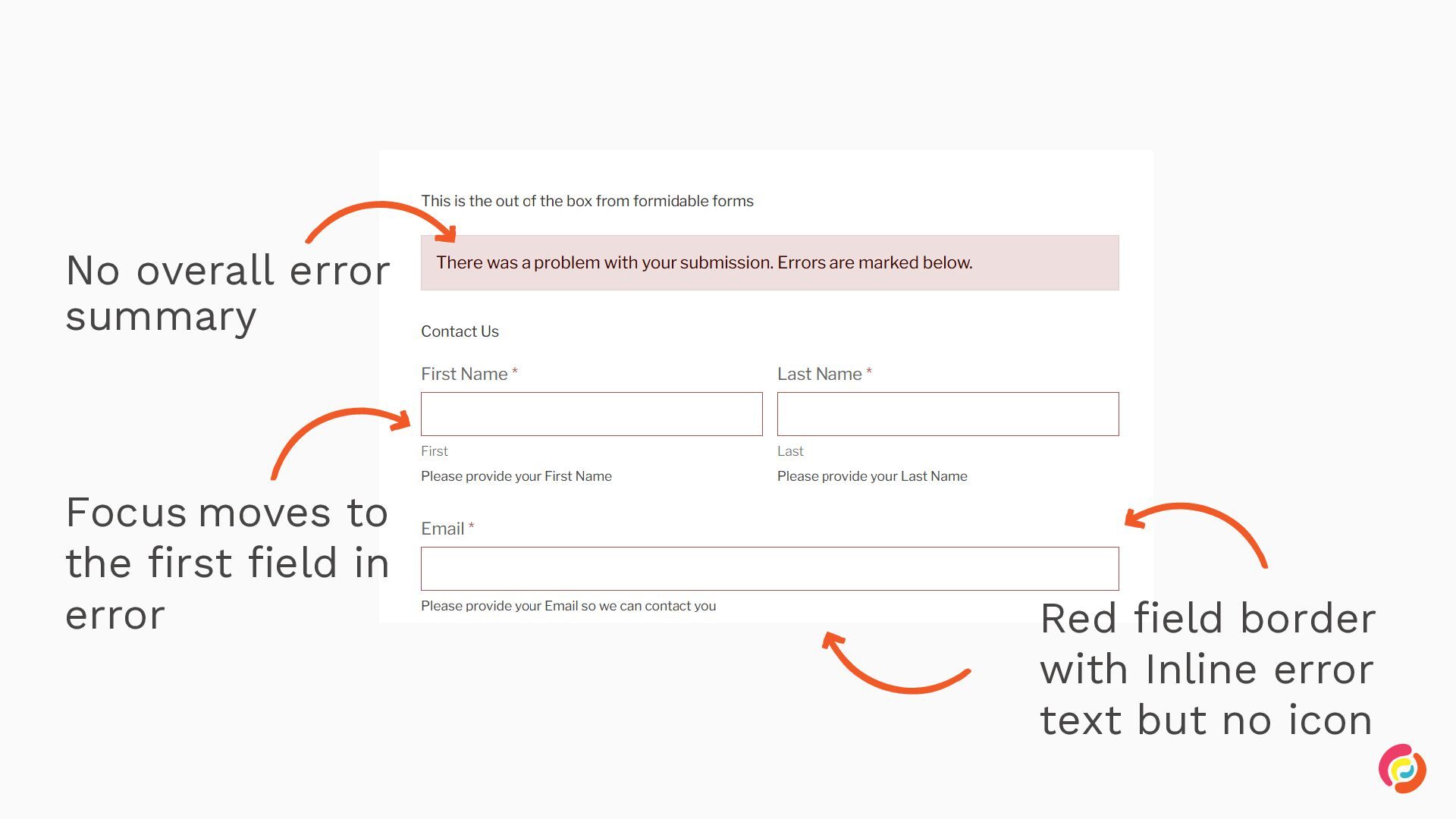
  20. No overall error summary Focus moves to the first field

    in error Red field border with Inline error text but no icon
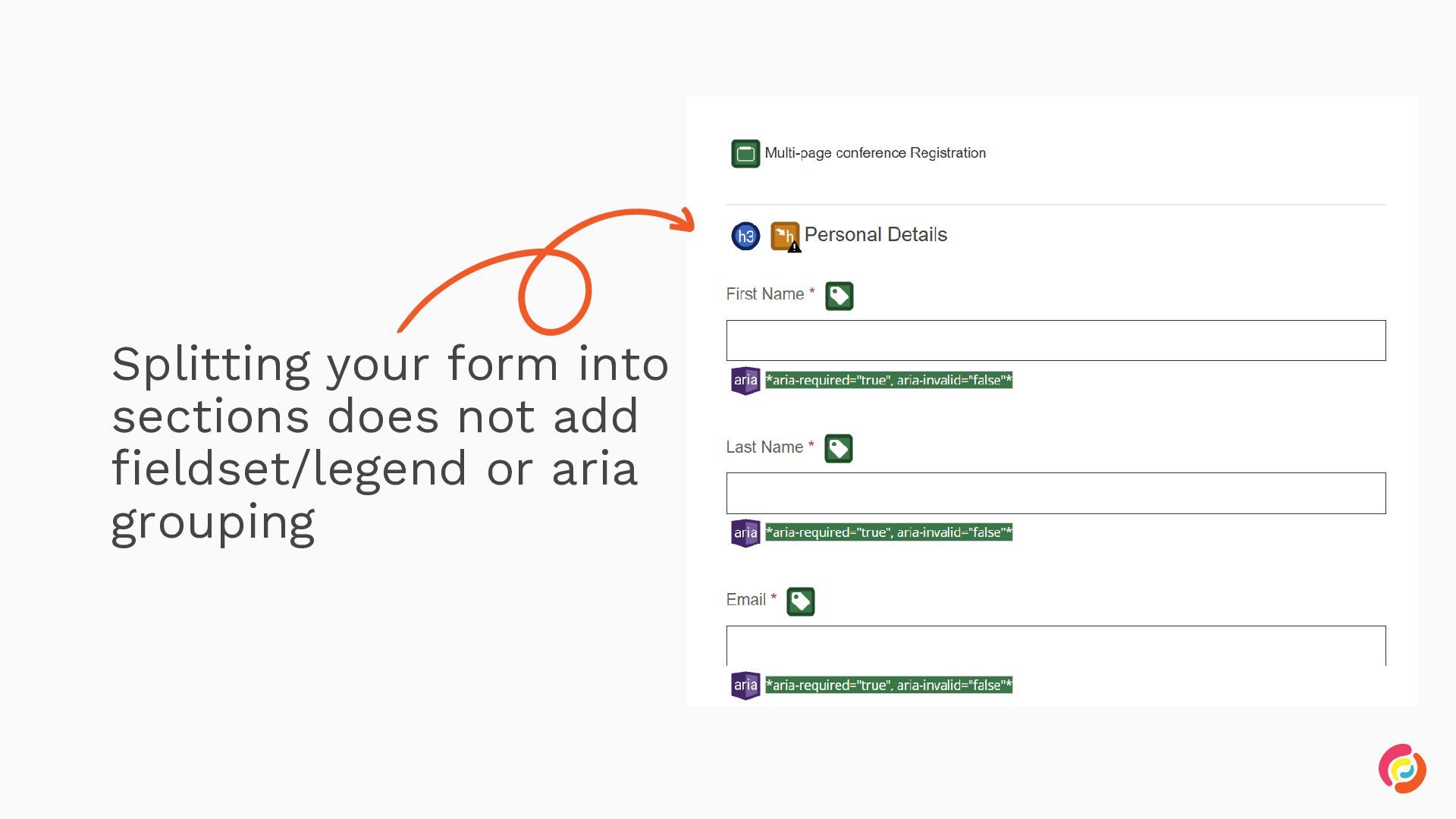
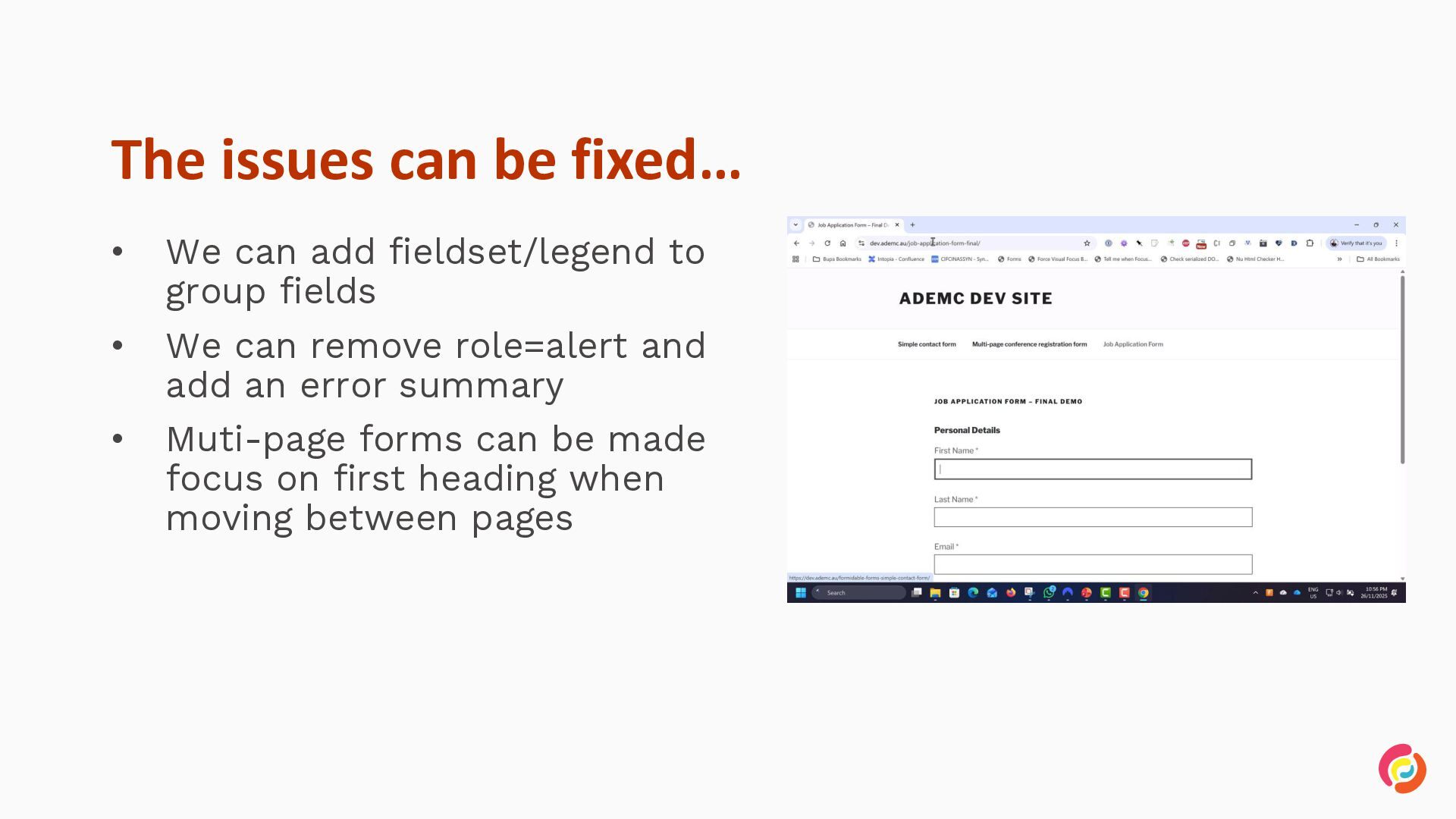
  21. The issues can be fixed… • We can add fieldset/legend

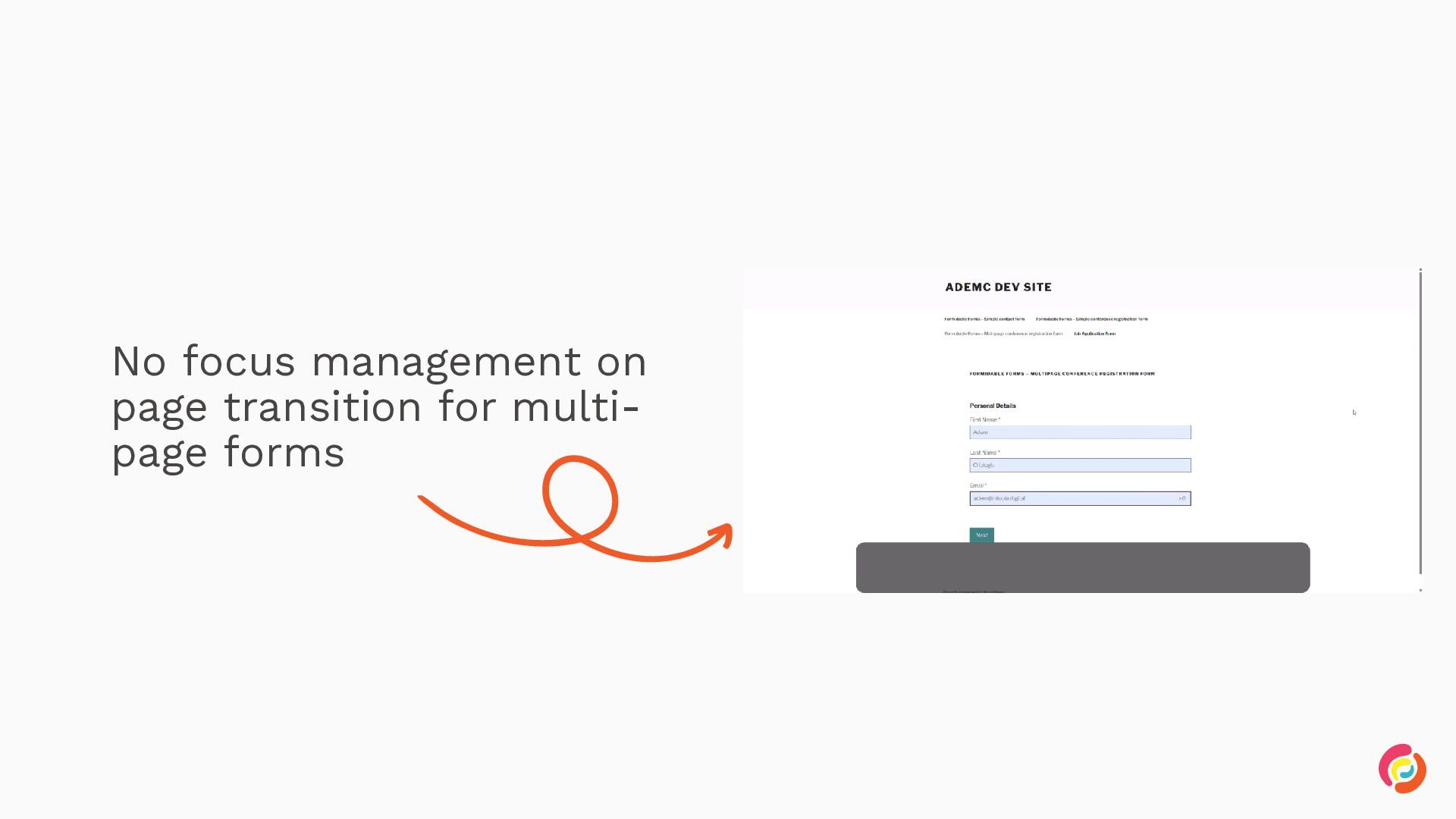
    to group fields • We can remove role=alert and add an error summary Muti-page forms can be made focus on first heading when moving between pages •
  22. Accessibility is easy when included early Accessibility is easier to

    build in. It takes less time and costs less. Build it into: Design systems Component libraries Content workflows Definition of done QA
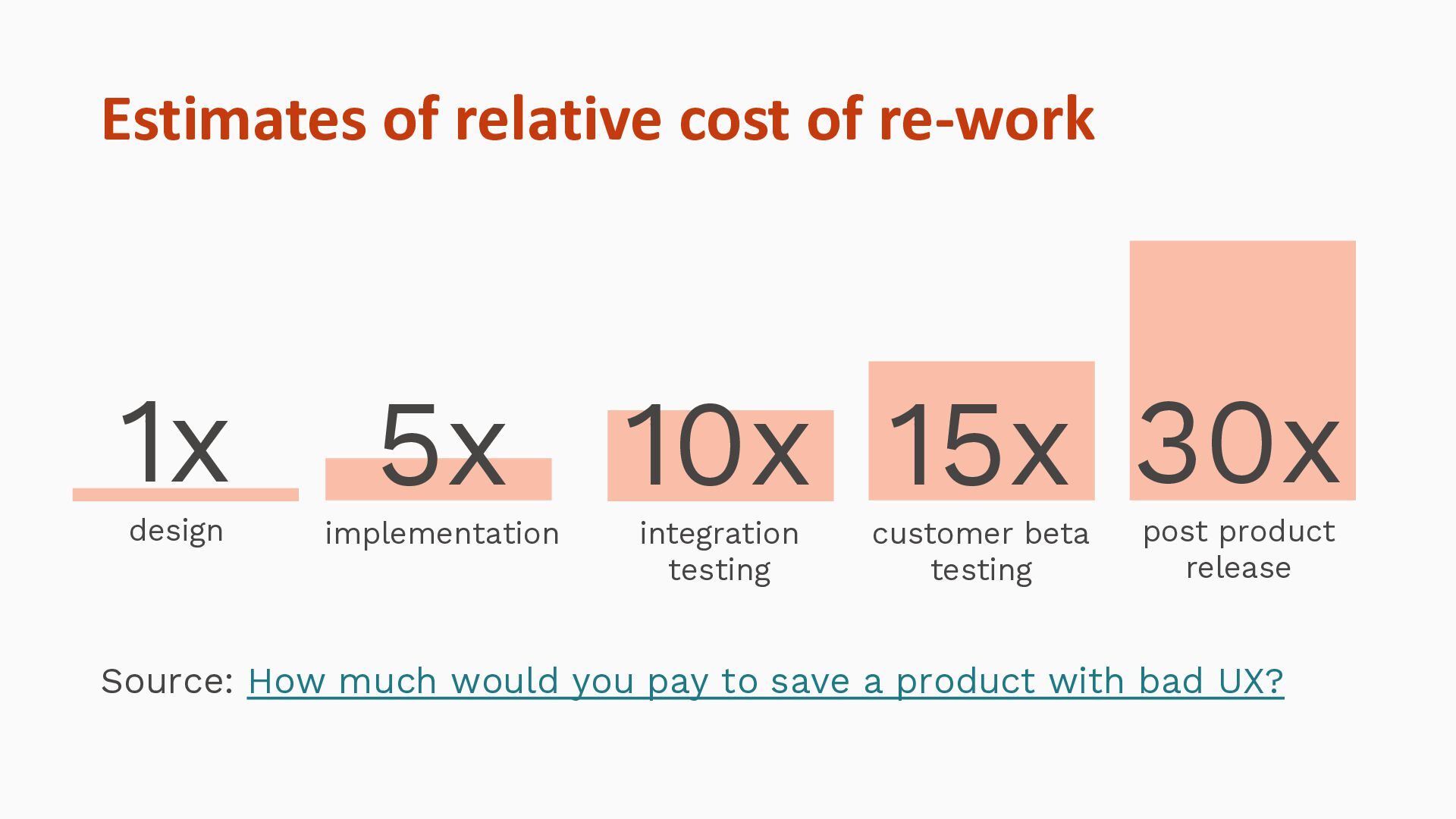
  23. Estimates of relative cost of re-work 1x design 5x 10x

    15x 30x implementation integration testing customer beta testing post product release Source: How much would you pay to save a product with bad UX?
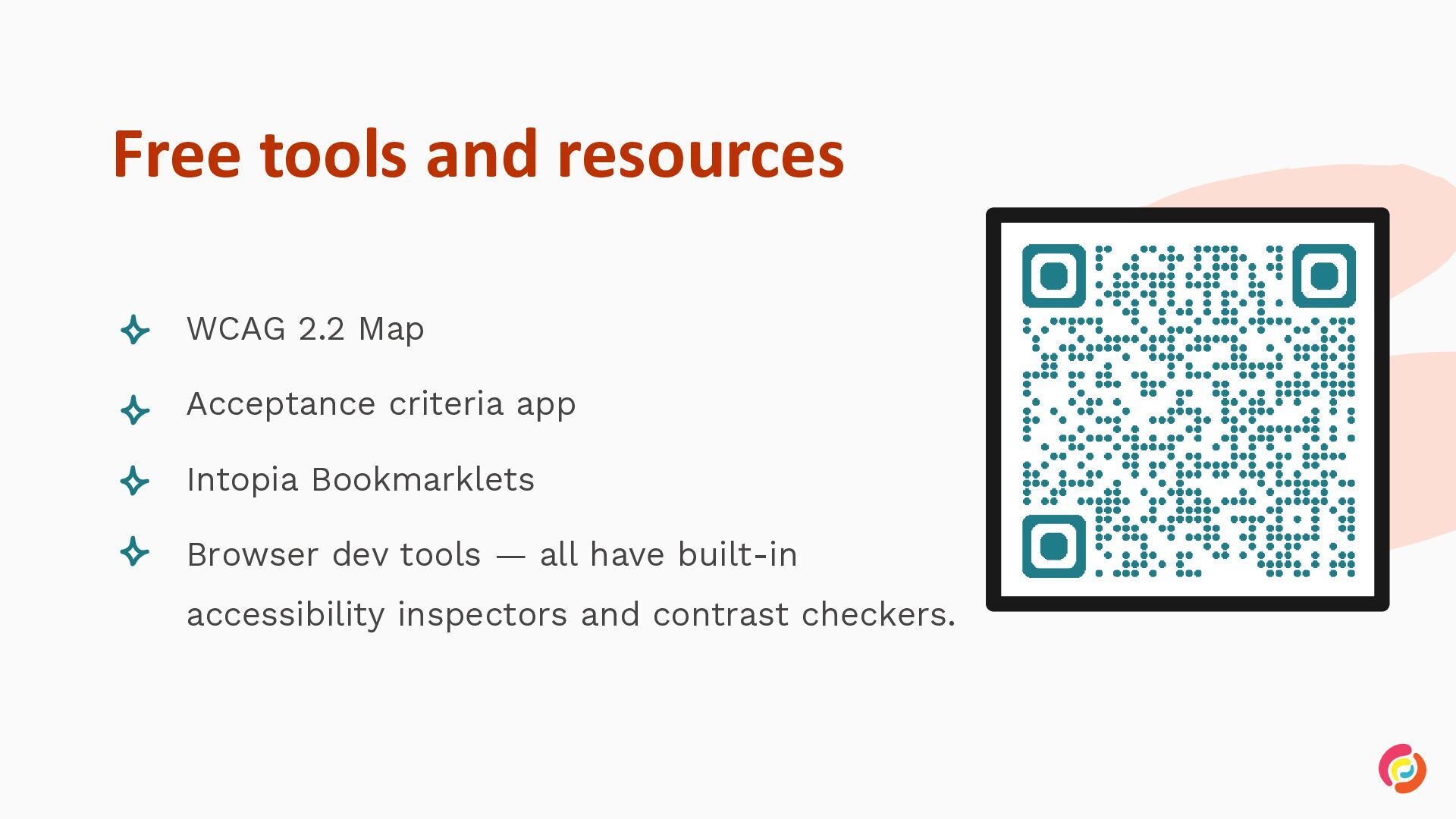
  24. Free tools and resources • WCAG 2.2 Map • Acceptance

    criteria app • Intopia Bookmarklets • Browser dev tools — all have built-in accessibility inspectors and contrast checkers.
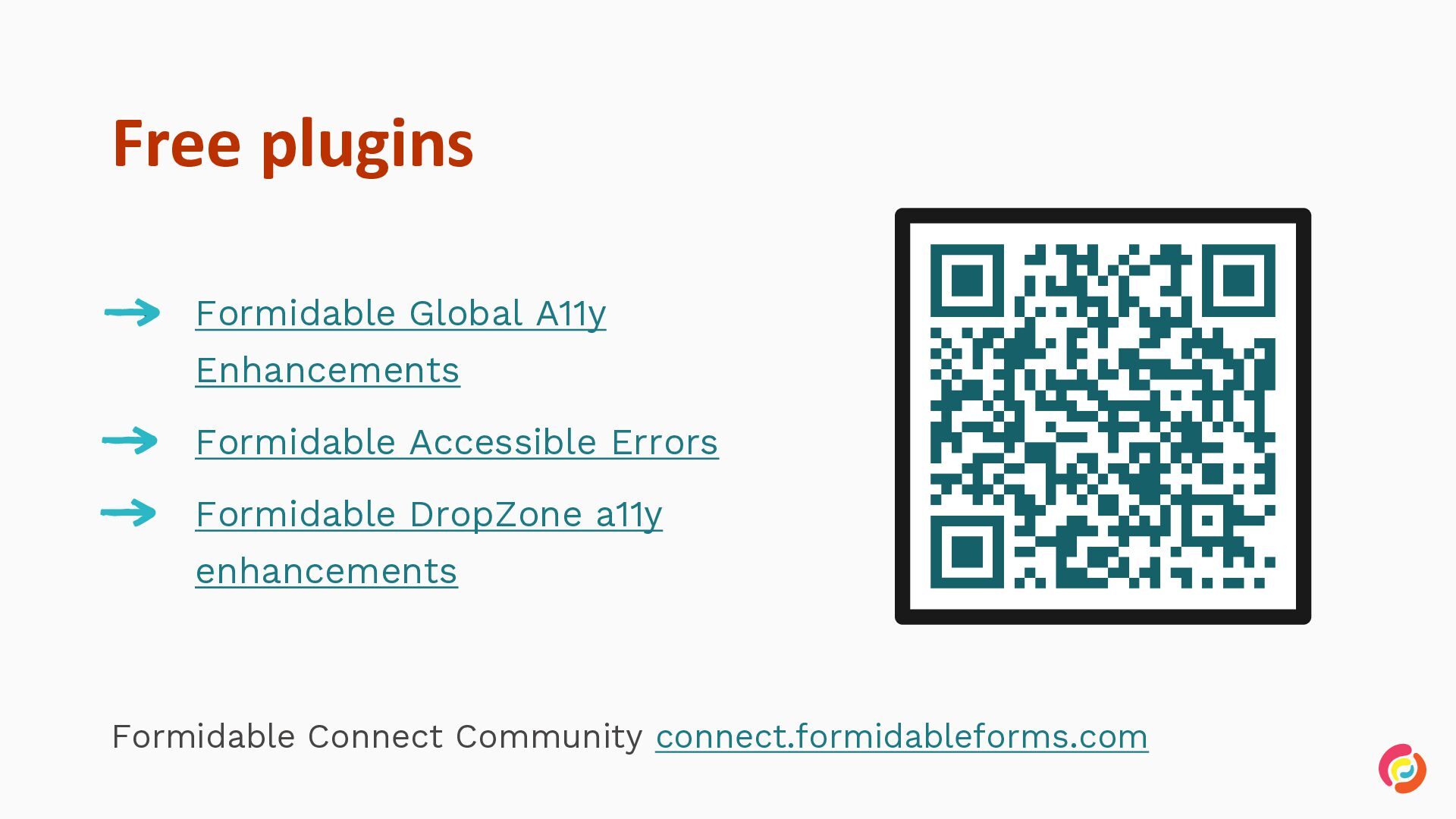
  25. Free plugins • Formidable Global A11y Enhancements • Formidable Accessible

    Errors • Formidable DropZone a11y enhancements Formidable Connect Community connect.formidableforms.com