Upgrade to Pro — share decks privately, control downloads, hide ads and more …

Betclic - Retours d'expériences Xamarin au Micr...

Sponsored · SiteGround - Reliable hosting with speed, security, and support you can count on.
Avatar for hugo hugo
October 05, 2016

Betclic - Retours d'expériences Xamarin au Microsoft Experiences

Avatar for hugo

hugo

October 05, 2016
Tweet

Other Decks in Programming

Transcript

  1. • Business context • Technical context • Our Xamarin journey

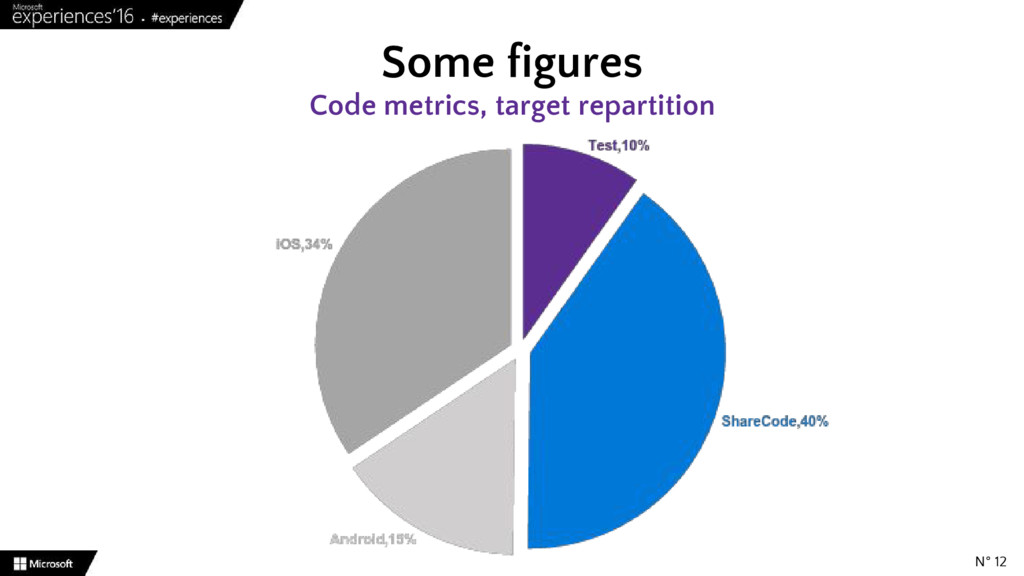
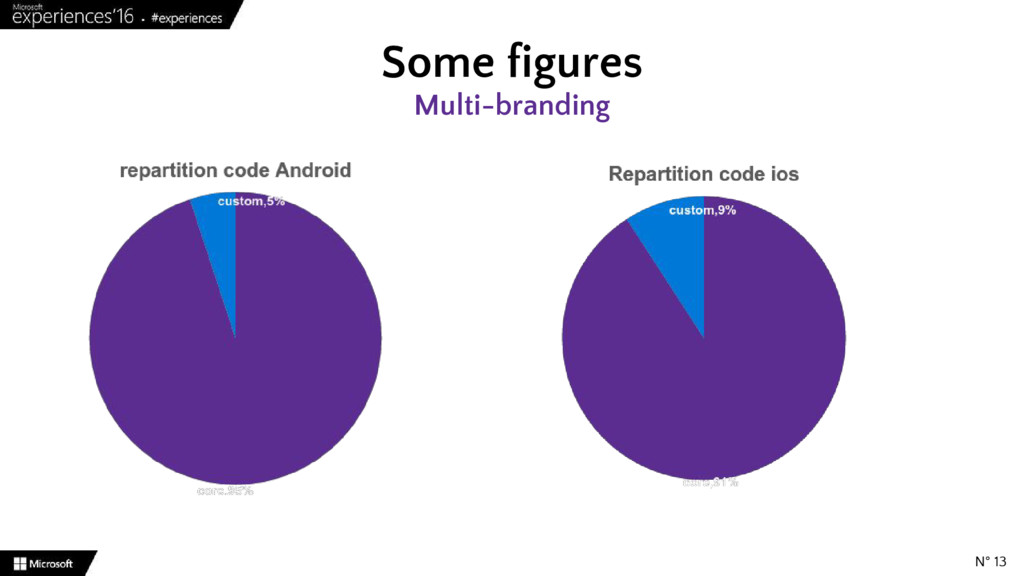
    • Some figures • 4 technicals bullet points – Webview – Performances – Xamarin test cloud – Monitoring • What’s our feeling right now ? Agenda N° 3
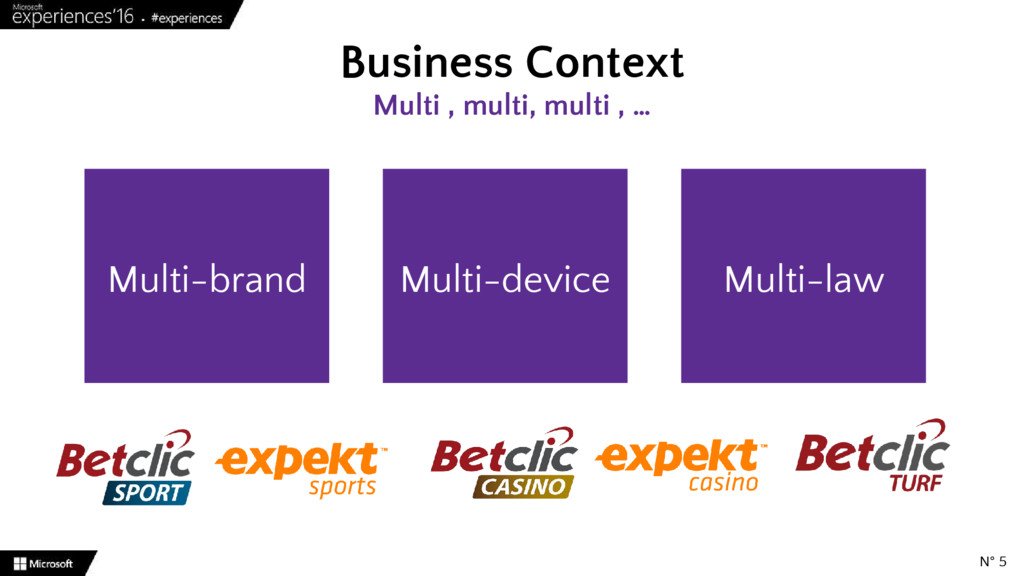
  2. Business Context Multi , multi, multi , … N° 5

    Multi-brand Multi-device Multi-law
  3. Technical context We love microsoft, but … N° 6 •

    Sites Web • ASP.NET MVC 4 • Web Apps • Angular Js • Web API • Asp.Net webapi Mvc REST • Mobile Apps legacy
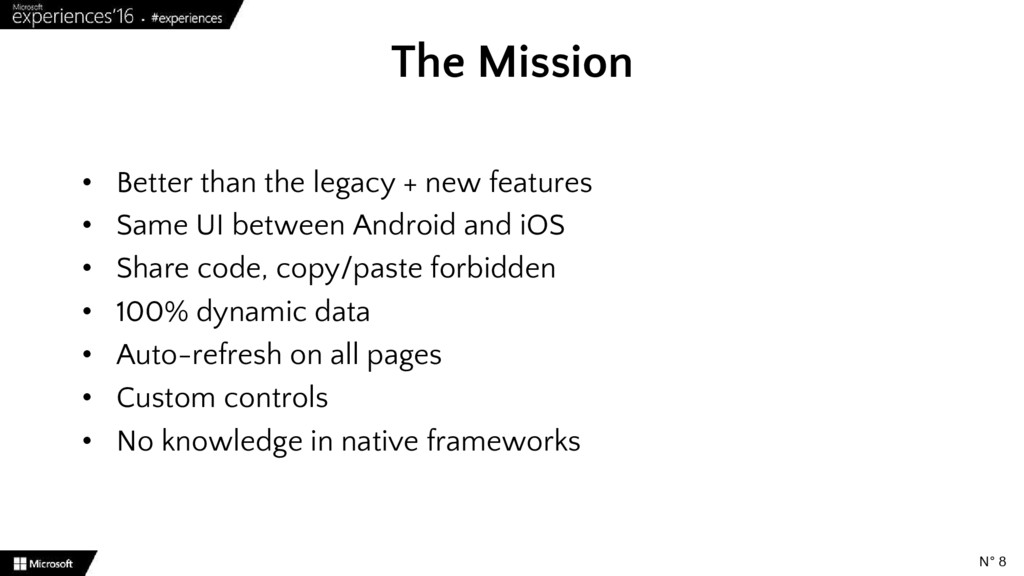
  4. • Better than the legacy + new features • Same

    UI between Android and iOS • Share code, copy/paste forbidden • 100% dynamic data • Auto-refresh on all pages • Custom controls • No knowledge in native frameworks The Mission N° 8
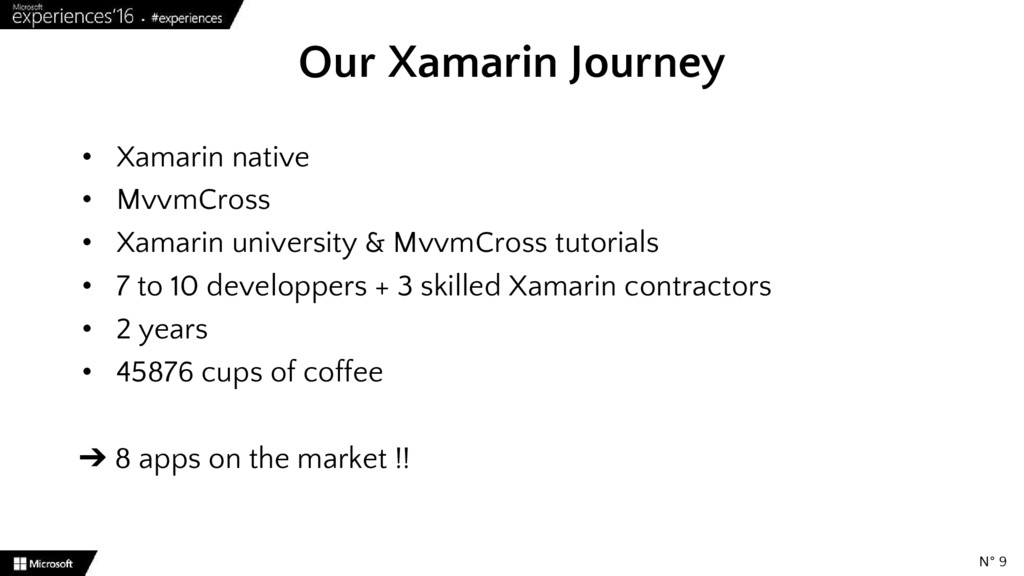
  5. • Xamarin native • MvvmCross • Xamarin university & MvvmCross

    tutorials • 7 to 10 developpers + 3 skilled Xamarin contractors • 2 years • 45876 cups of coffee ➔ 8 apps on the market !! Our Xamarin Journey N° 9
  6. Advantages : • No migration required to native app •

    Always up-to-date Webview Why ? N° 15
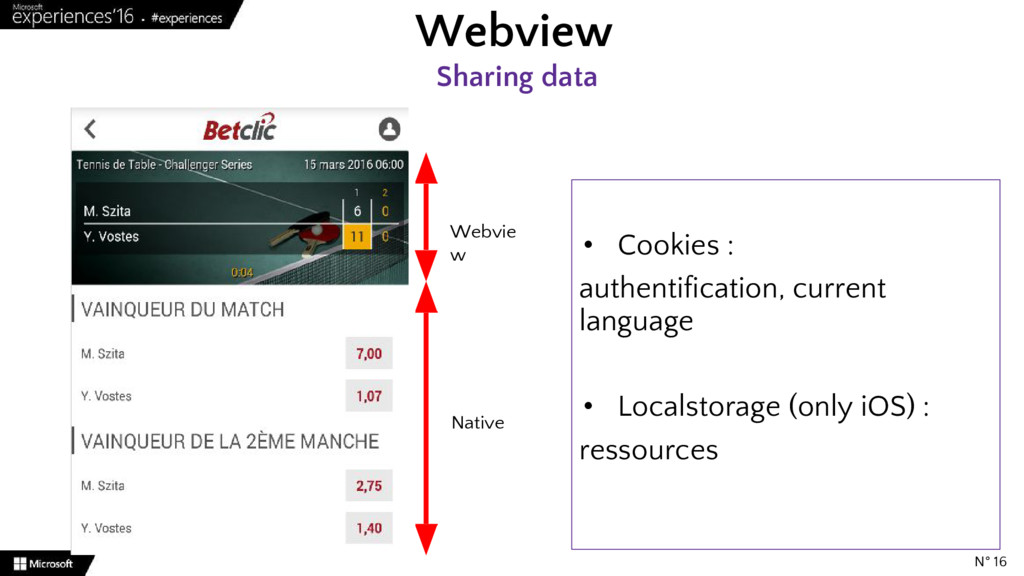
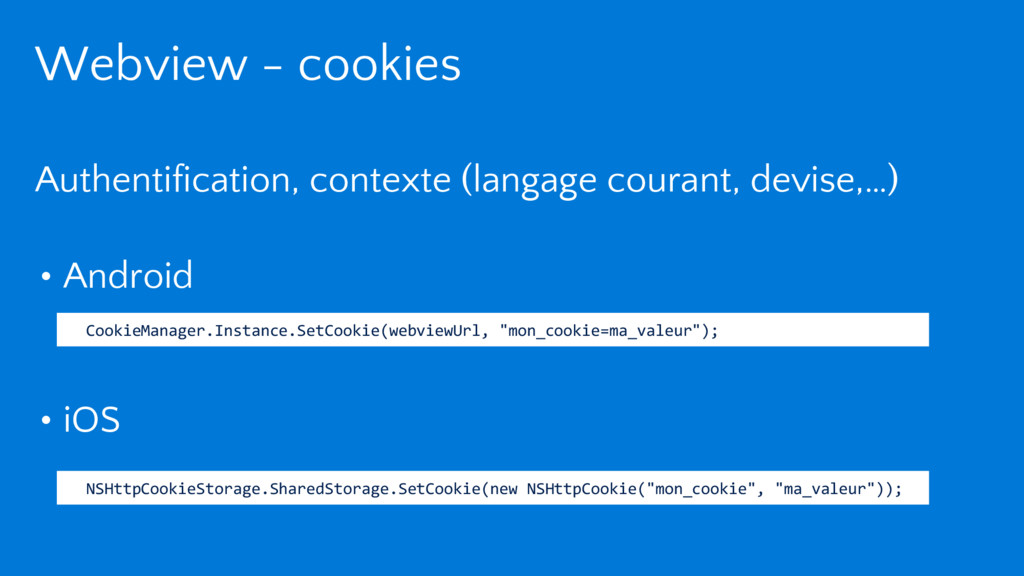
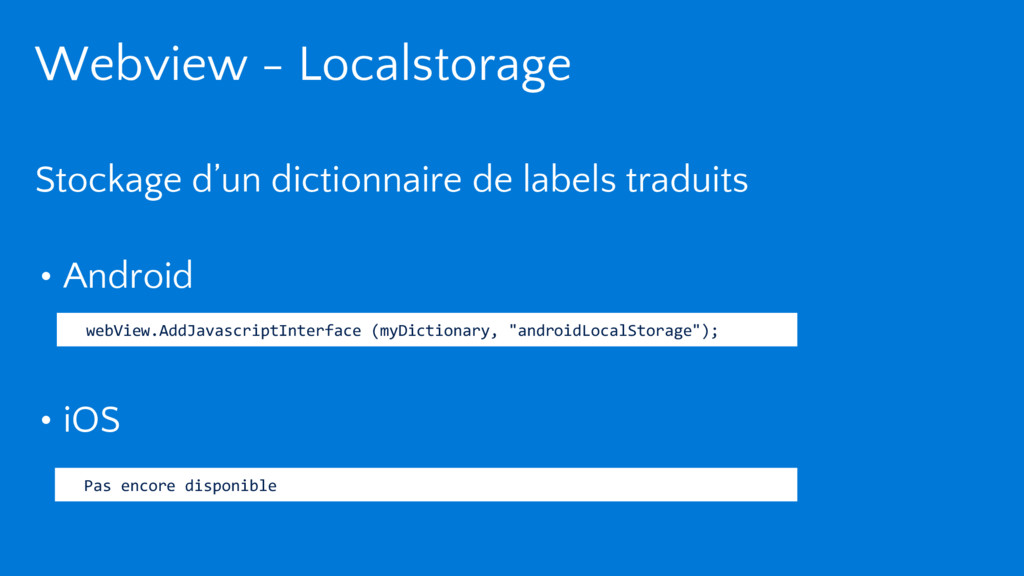
  7. Webview Sharing data N° 16 Webvie w Native • Cookies

    : authentification, current language • Localstorage (only iOS) : ressources
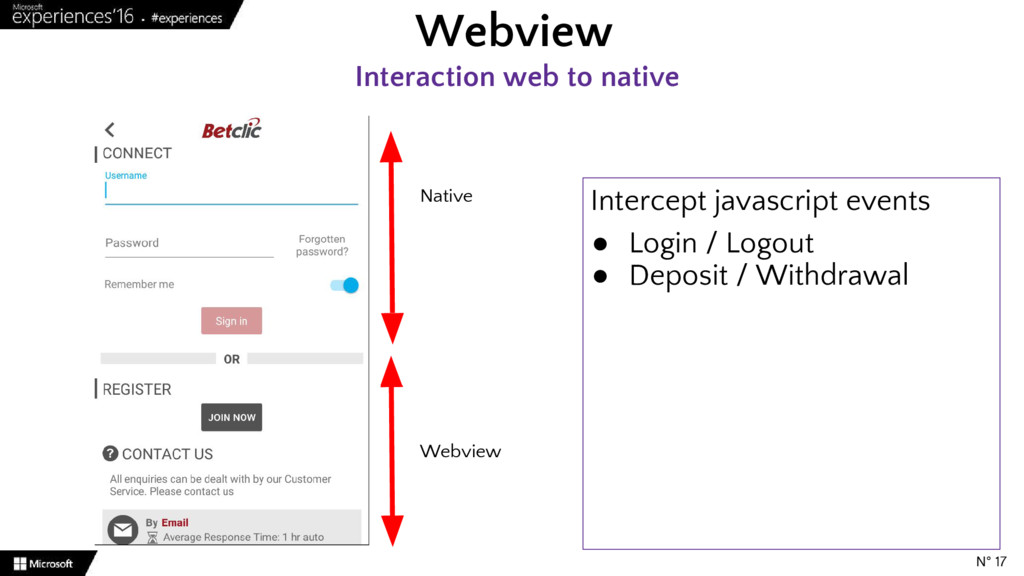
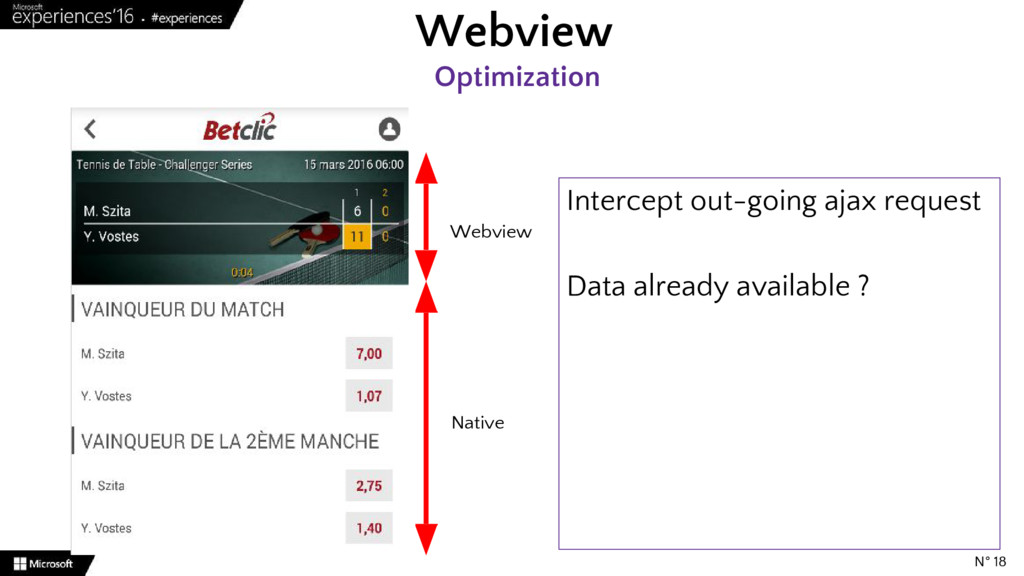
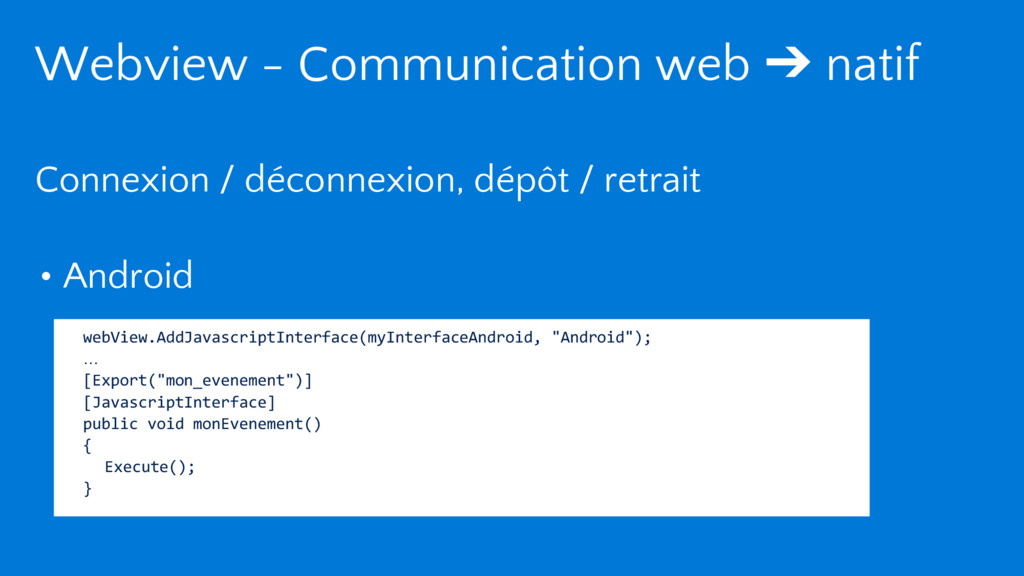
  8. Webview Interaction web to native N° 17 Webview Native Intercept

    javascript events • Login / Logout • Deposit / Withdrawal
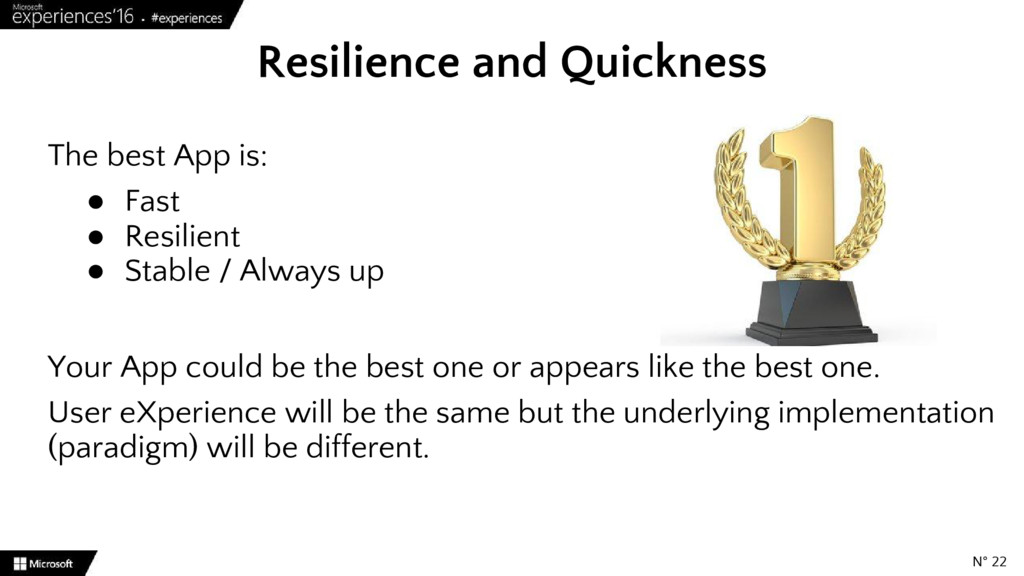
  9. The best App is: • Fast • Resilient • Stable

    / Always up Your App could be the best one or appears like the best one. User eXperience will be the same but the underlying implementation (paradigm) will be different. Resilience and Quickness N° 22
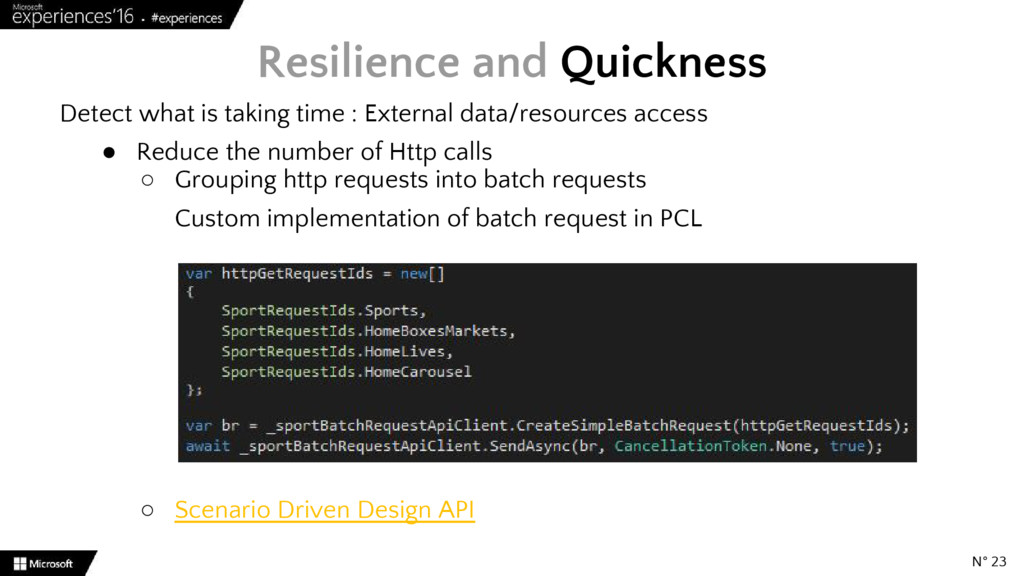
  10. Detect what is taking time : External data/resources access •

    Reduce the number of Http calls ◦ Grouping http requests into batch requests Custom implementation of batch request in PCL ◦ Scenario Driven Design API Resilience and Quickness N° 23
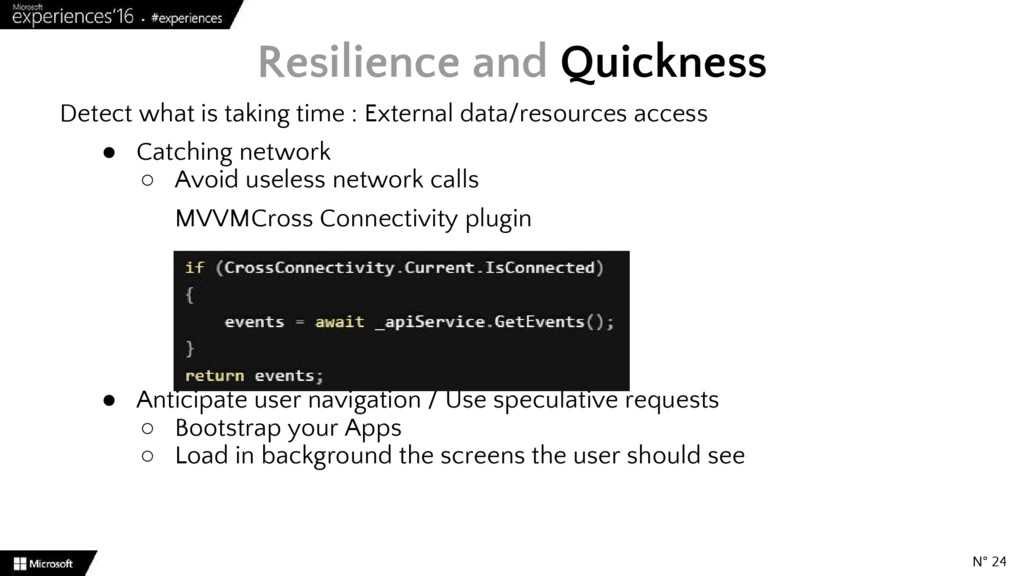
  11. Detect what is taking time : External data/resources access •

    Catching network ◦ Avoid useless network calls MVVMCross Connectivity plugin • Anticipate user navigation / Use speculative requests ◦ Bootstrap your Apps ◦ Load in background the screens the user should see Resilience and Quickness N° 24
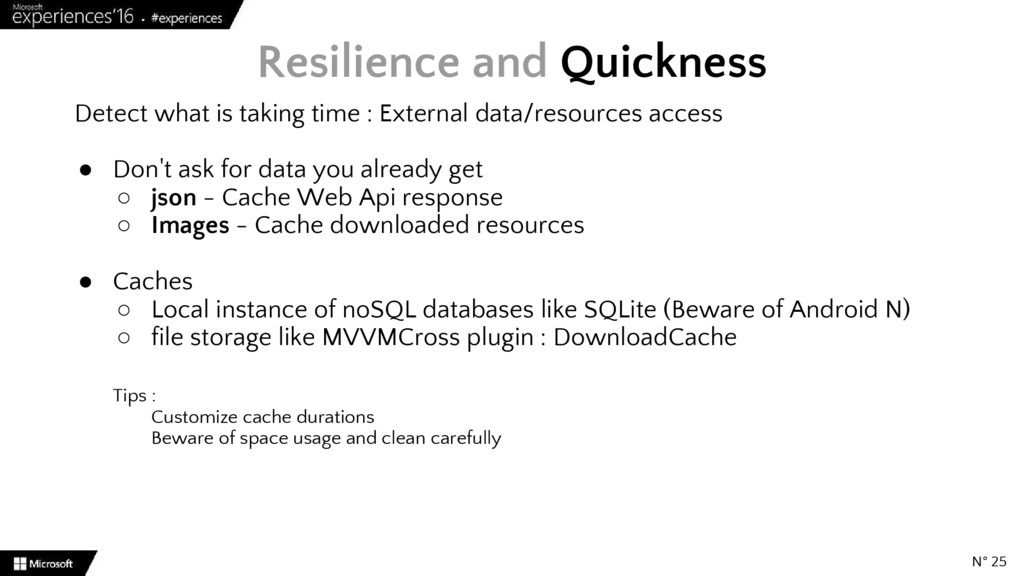
  12. Detect what is taking time : External data/resources access •

    Don't ask for data you already get ◦ json - Cache Web Api response ◦ Images - Cache downloaded resources • Caches ◦ Local instance of noSQL databases like SQLite (Beware of Android N) ◦ file storage like MVVMCross plugin : DownloadCache Tips : Customize cache durations Beware of space usage and clean carefully Resilience and Quickness N° 25
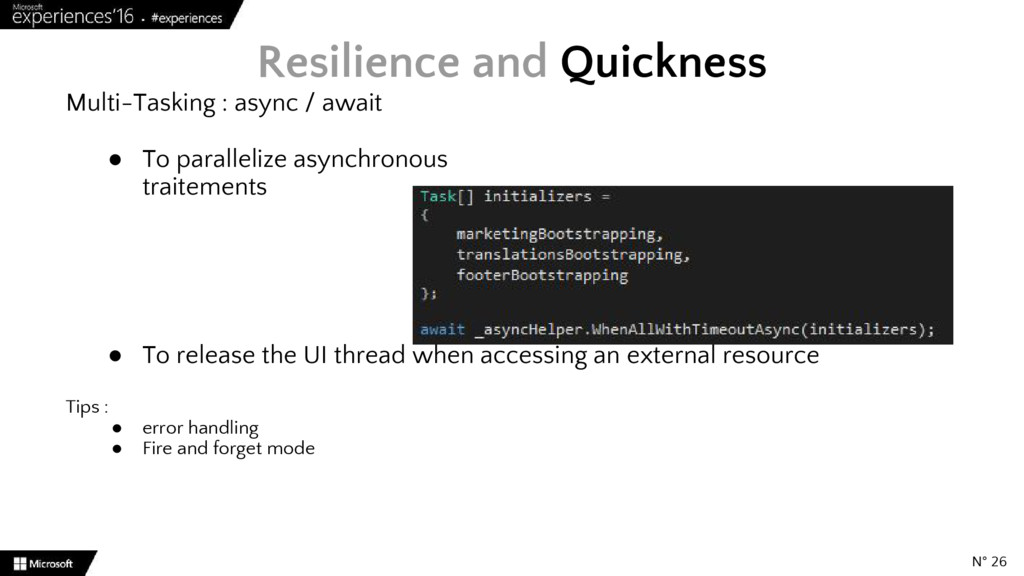
  13. Multi-Tasking : async / await • To parallelize asynchronous traitements

    • To release the UI thread when accessing an external resource Tips : • error handling • Fire and forget mode Resilience and Quickness N° 26
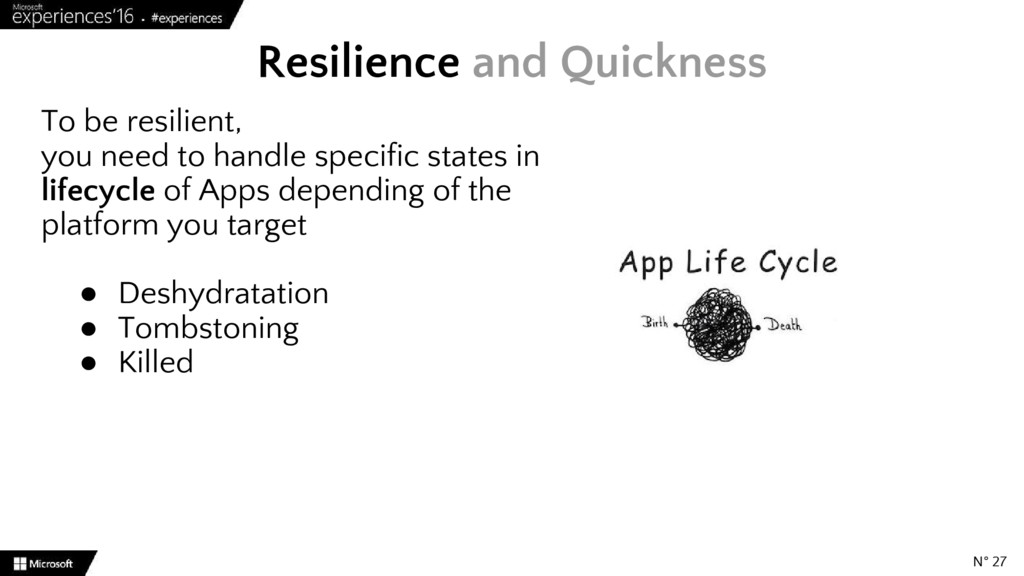
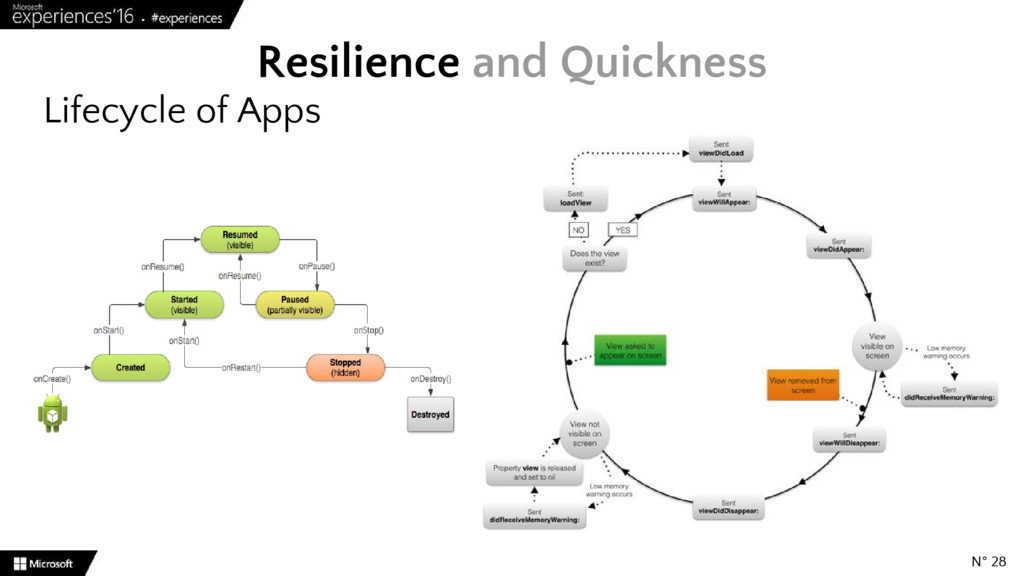
  14. To be resilient, you need to handle specific states in

    lifecycle of Apps depending of the platform you target • Deshydratation • Tombstoning • Killed Resilience and Quickness N° 27
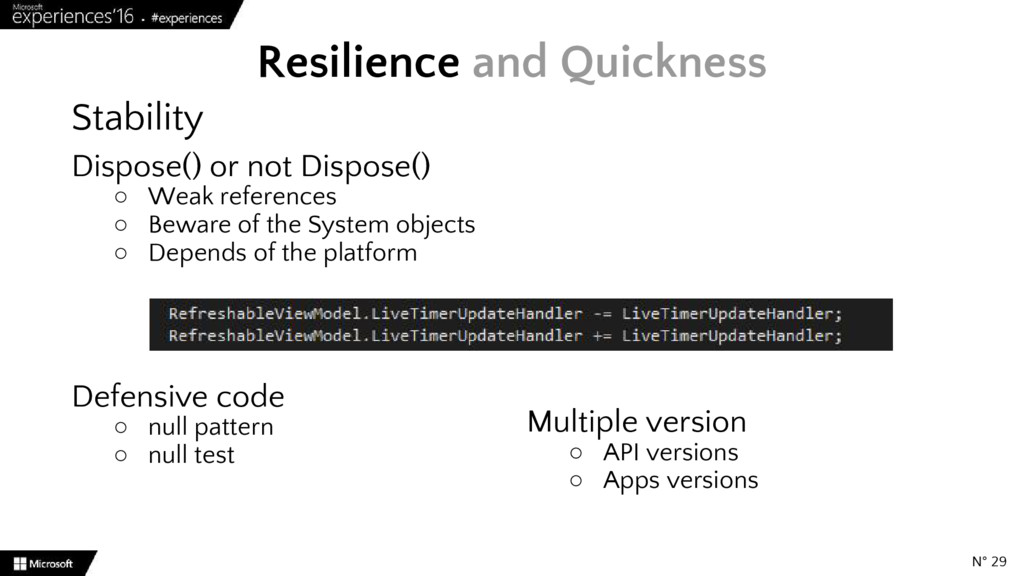
  15. Stability Dispose() or not Dispose() ◦ Weak references ◦ Beware

    of the System objects ◦ Depends of the platform Defensive code ◦ null pattern ◦ null test Resilience and Quickness N° 29 Multiple version ◦ API versions ◦ Apps versions
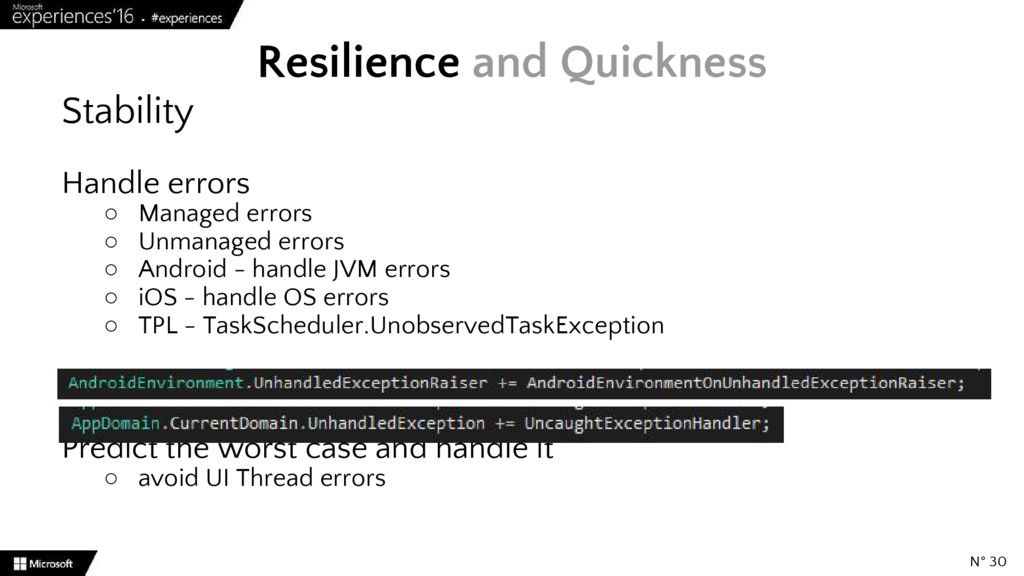
  16. Stability Handle errors ◦ Managed errors ◦ Unmanaged errors ◦

    Android - handle JVM errors ◦ iOS - handle OS errors ◦ TPL - TaskScheduler.UnobservedTaskException Predict the worst case and handle it ◦ avoid UI Thread errors Resilience and Quickness N° 30
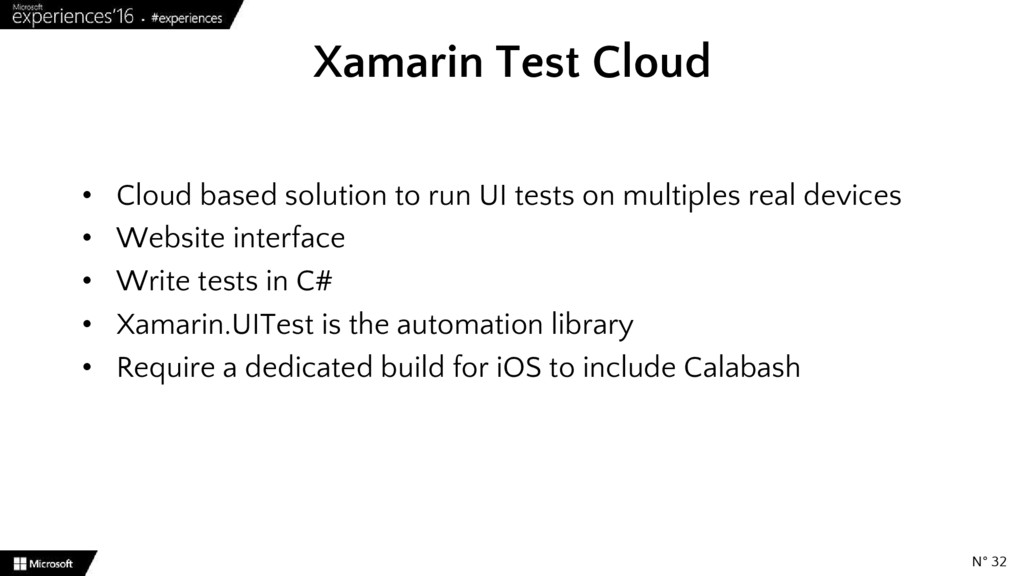
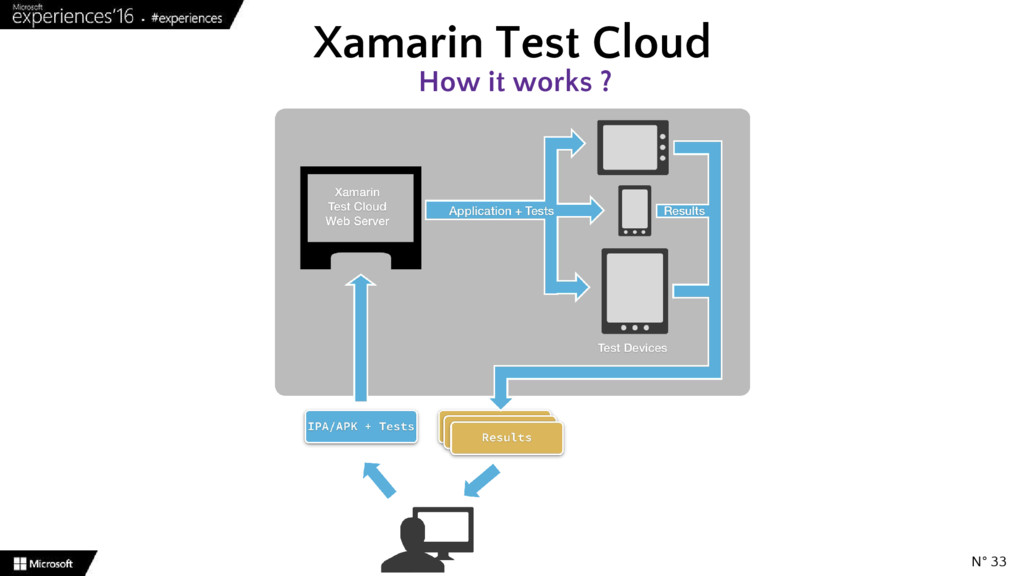
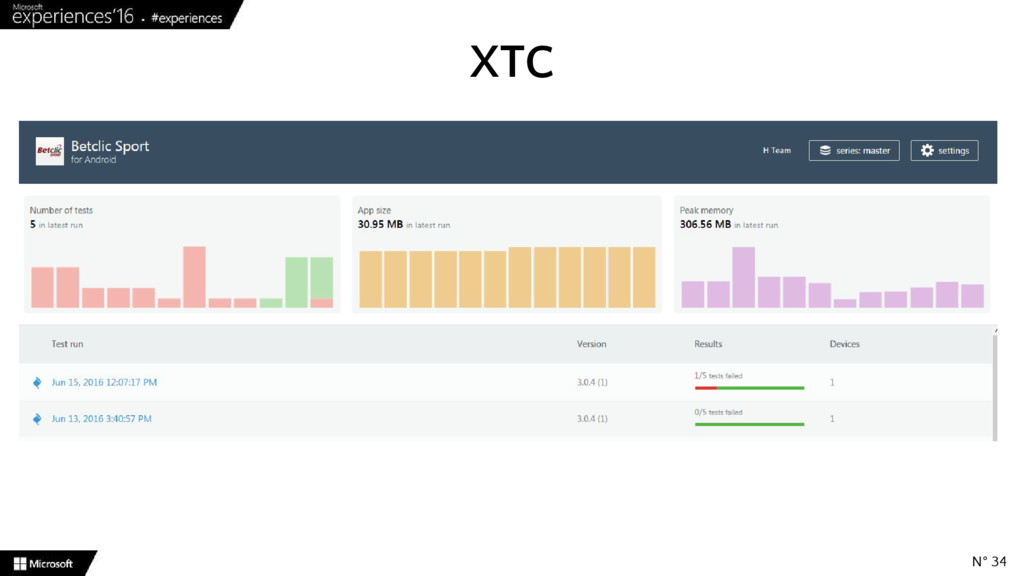
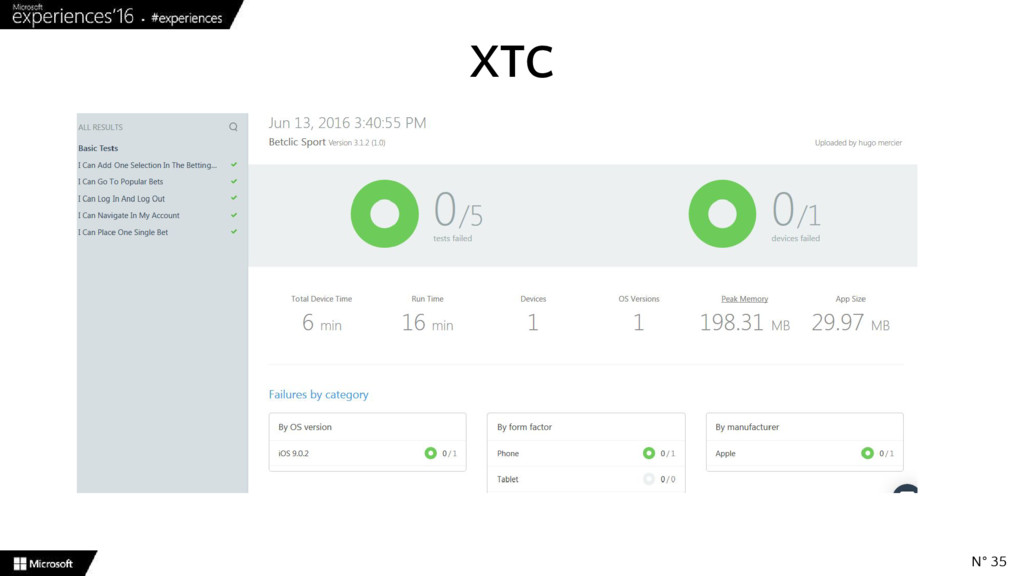
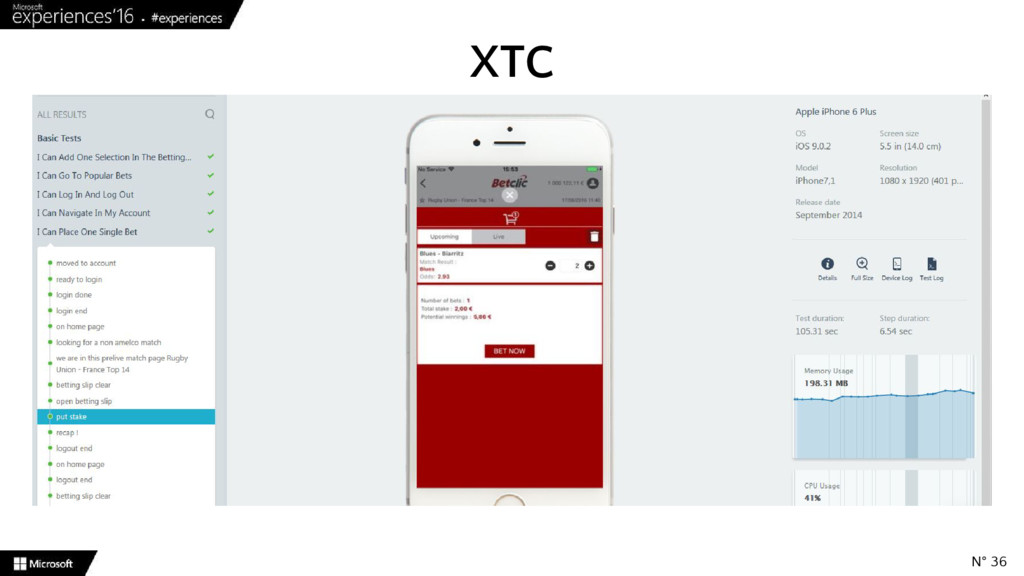
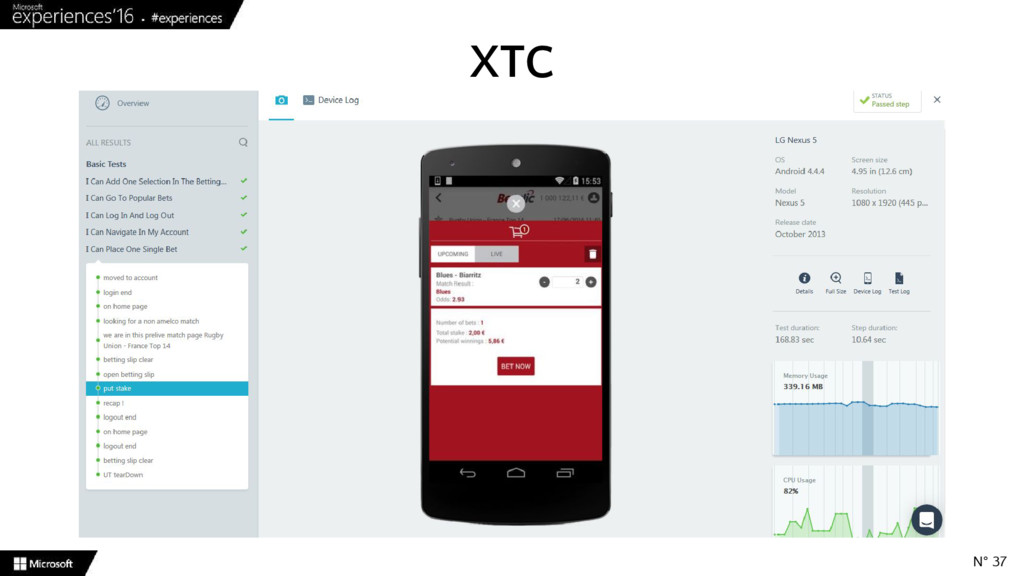
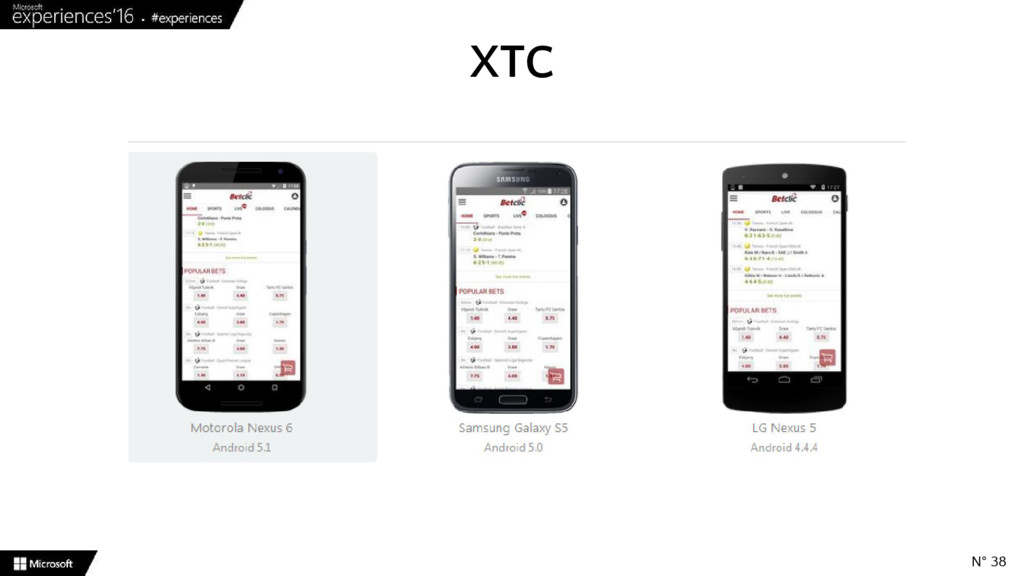
  17. • Cloud based solution to run UI tests on multiples

    real devices • Website interface • Write tests in C# • Xamarin.UITest is the automation library • Require a dedicated build for iOS to include Calabash Xamarin Test Cloud N° 32
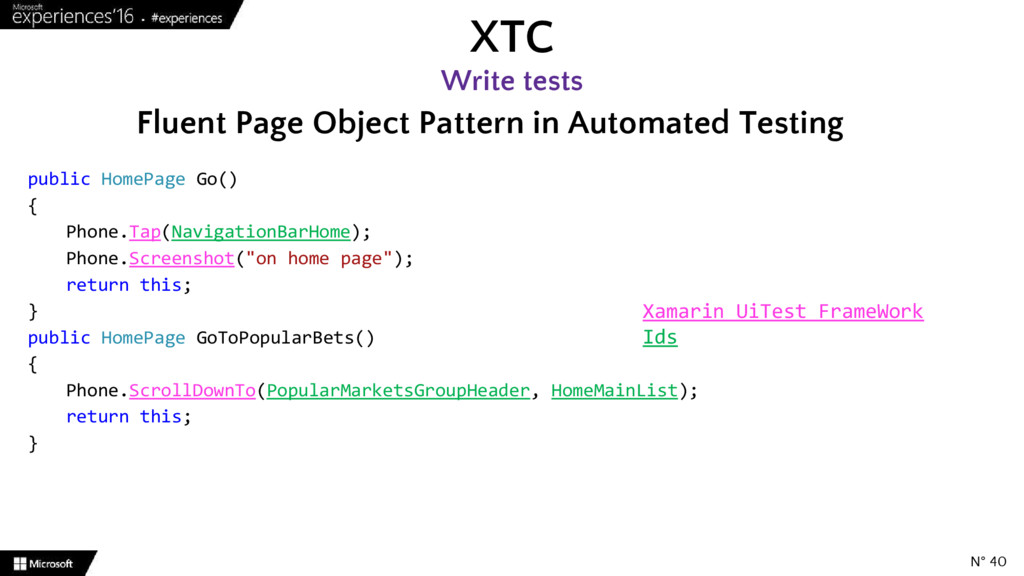
  18. XTC Write tests N° 40 Fluent Page Object Pattern in

    Automated Testing public HomePage Go() { Phone.Tap(NavigationBarHome); Phone.Screenshot("on home page"); return this; } public HomePage GoToPopularBets() { Phone.ScrollDownTo(PopularMarketsGroupHeader, HomeMainList); return this; } Xamarin UiTest FrameWork Ids
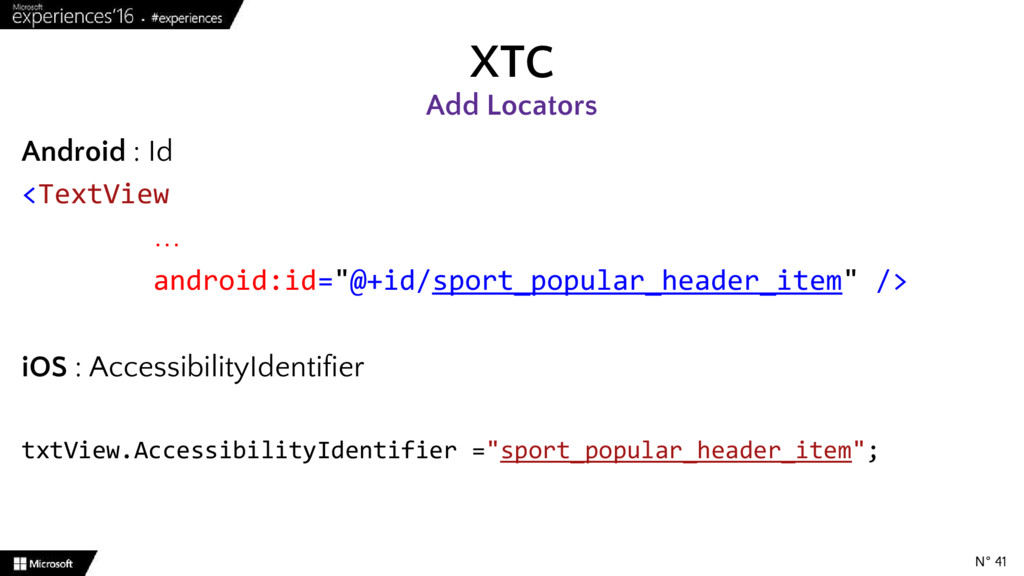
  19. Android : Id <TextView … android:id="@+id/sport_popular_header_item" /> iOS : AccessibilityIdentifier

    txtView.AccessibilityIdentifier ="sport_popular_header_item"; XTC Add Locators N° 41
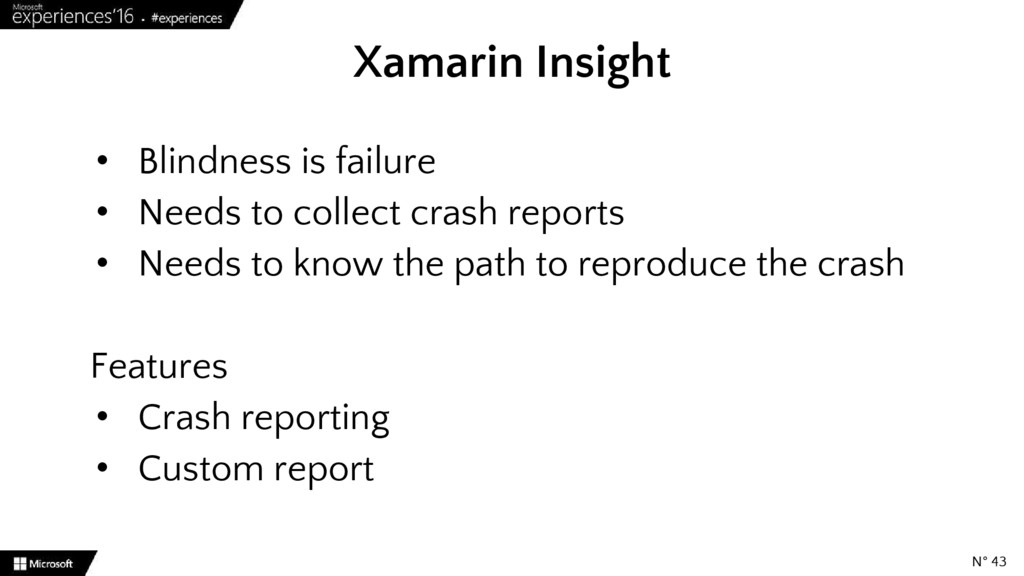
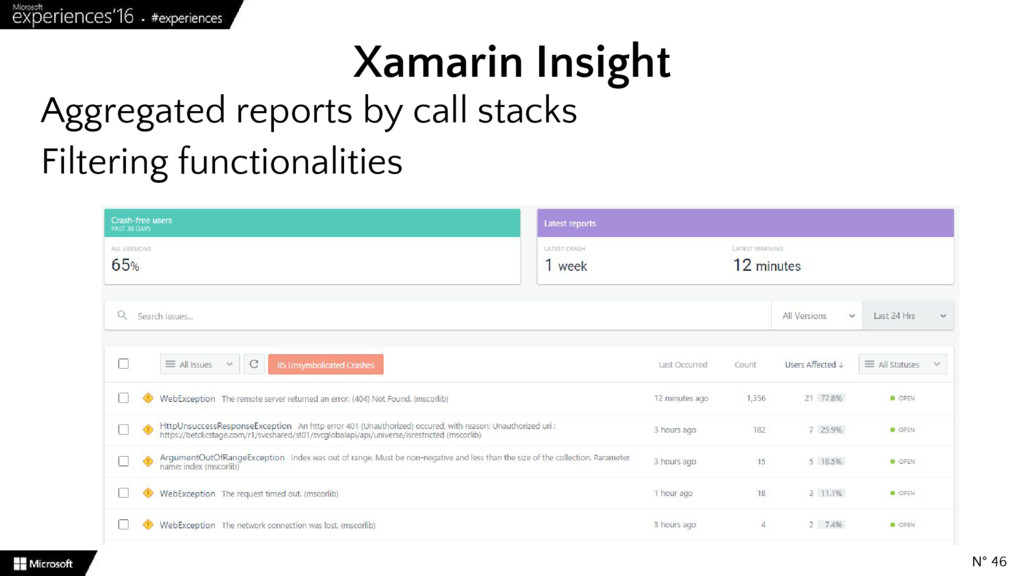
  20. • Blindness is failure • Needs to collect crash reports

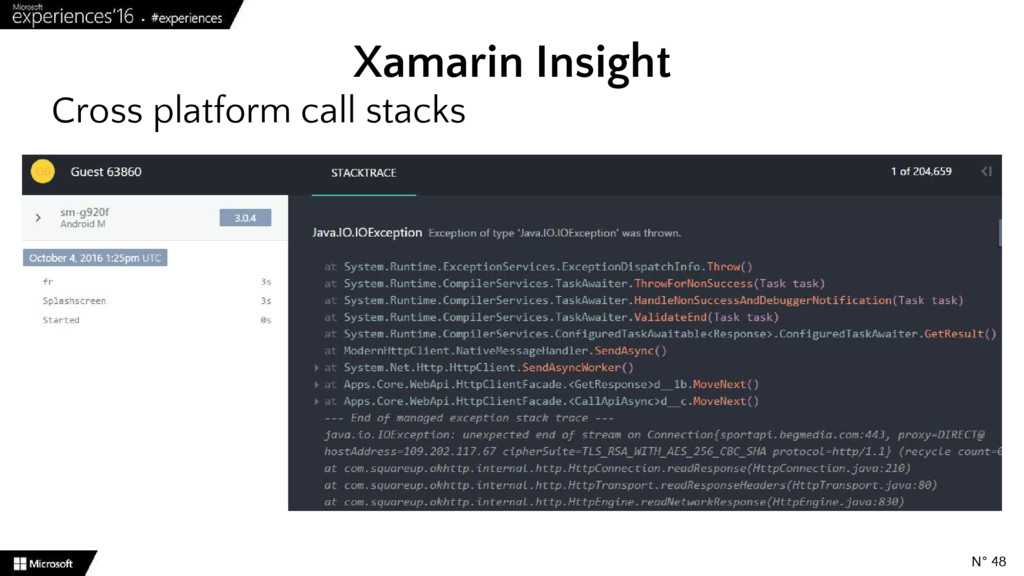
    • Needs to know the path to reproduce the crash Features • Crash reporting • Custom report Xamarin Insight N° 43
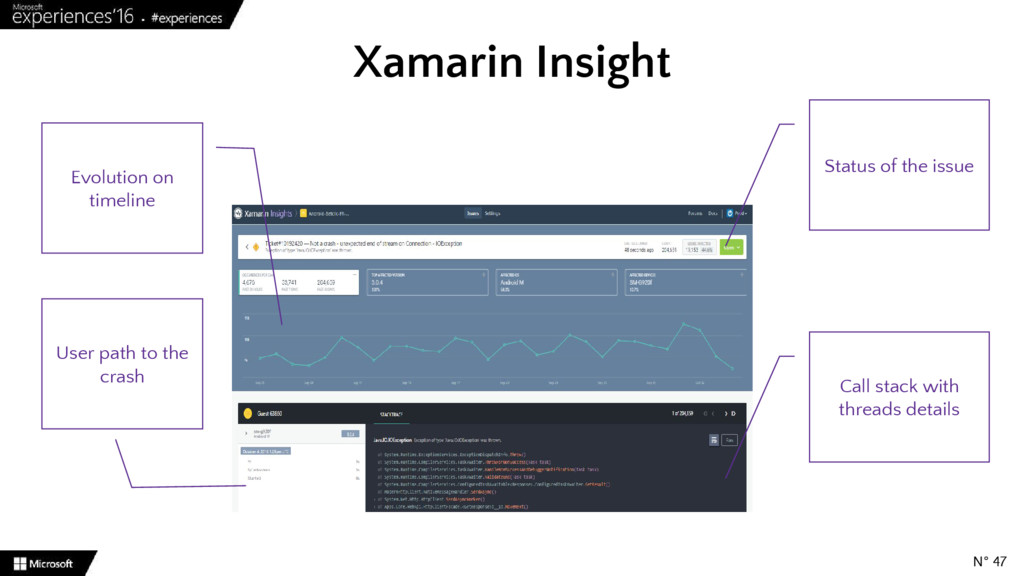
  21. Xamarin Insight Call stack with threads details Evolution on timeline

    User path to the crash Status of the issue N° 47
  22. Xamarin Insight When the issue arises, I have the tools

    to do the autopsy ◦ Report ◦ User path ◦ Call stack ◦ Trends ◦ Status ◦ Version ◦ Additional data I’m able to reproduce the issue so I can fix it ! N° 49
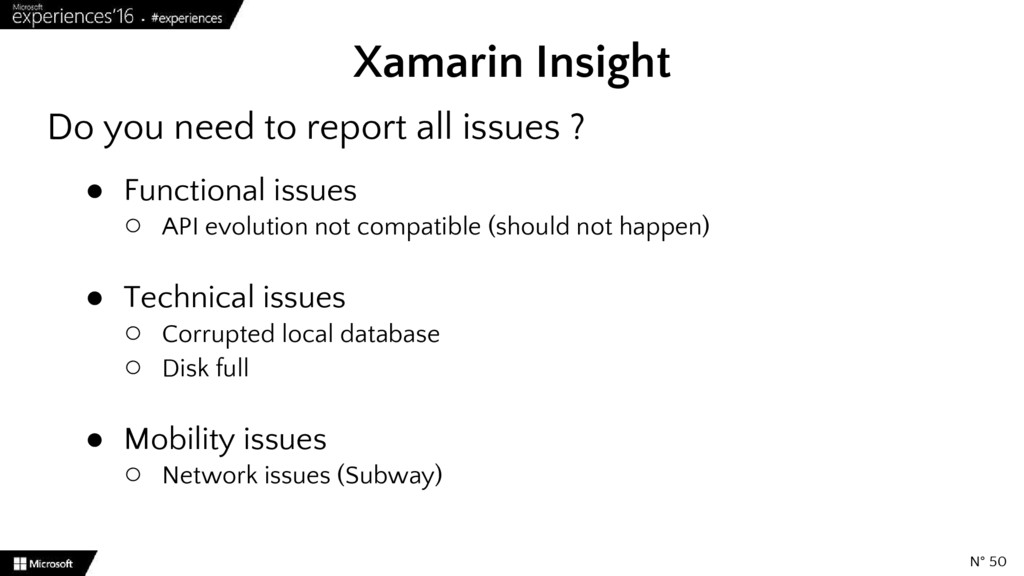
  23. Do you need to report all issues ? • Functional

    issues ◦ API evolution not compatible (should not happen) • Technical issues ◦ Corrupted local database ◦ Disk full • Mobility issues ◦ Network issues (Subway) Xamarin Insight N° 50
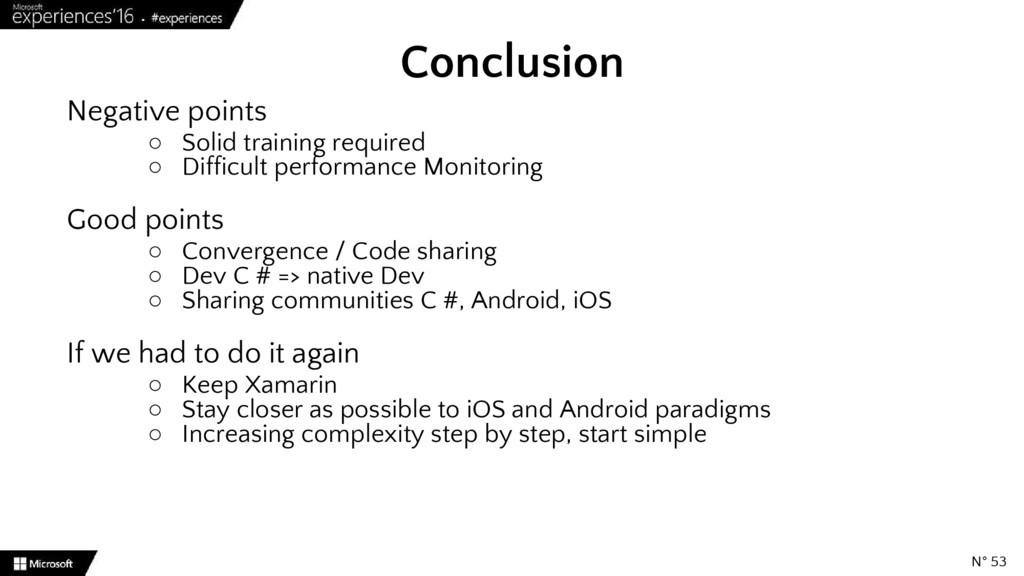
  24. Negative points ◦ Solid training required ◦ Difficult performance Monitoring

    Good points ◦ Convergence / Code sharing ◦ Dev C # => native Dev ◦ Sharing communities C #, Android, iOS If we had to do it again ◦ Keep Xamarin ◦ Stay closer as possible to iOS and Android paradigms ◦ Increasing complexity step by step, start simple Conclusion N° 53
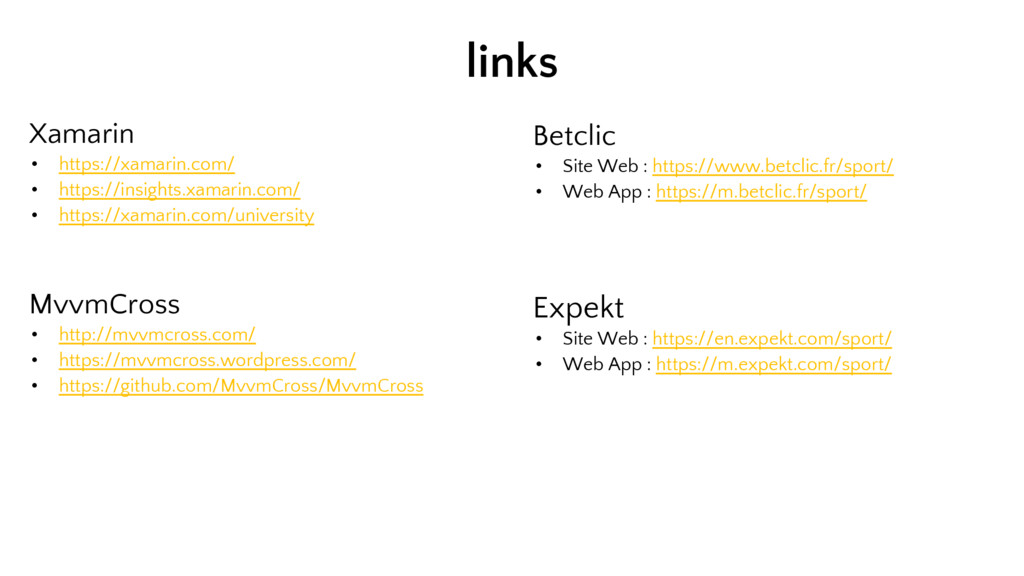
  25. Xamarin • https://xamarin.com/ • https://insights.xamarin.com/ • https://xamarin.com/university MvvmCross • http://mvvmcross.com/

    • https://mvvmcross.wordpress.com/ • https://github.com/MvvmCross/MvvmCross links Betclic • Site Web : https://www.betclic.fr/sport/ • Web App : https://m.betclic.fr/sport/ Expekt • Site Web : https://en.expekt.com/sport/ • Web App : https://m.expekt.com/sport/
  26. Authentification, contexte (langage courant, devise,…) • Android • iOS Webview

    - cookies CookieManager.Instance.SetCookie(webviewUrl, "mon_cookie=ma_valeur"); NSHttpCookieStorage.SharedStorage.SetCookie(new NSHttpCookie("mon_cookie", "ma_valeur"));
  27. Stockage d’un dictionnaire de labels traduits • Android • iOS

    Webview - Localstorage webView.AddJavascriptInterface (myDictionary, "androidLocalStorage"); Pas encore disponible
  28. Connexion / déconnexion, dépôt / retrait • Android Webview -

    Communication web ➔ natif webView.AddJavascriptInterface(myInterfaceAndroid, "Android"); … [Export("mon_evenement")] [JavascriptInterface] public void monEvenement() { Execute(); }
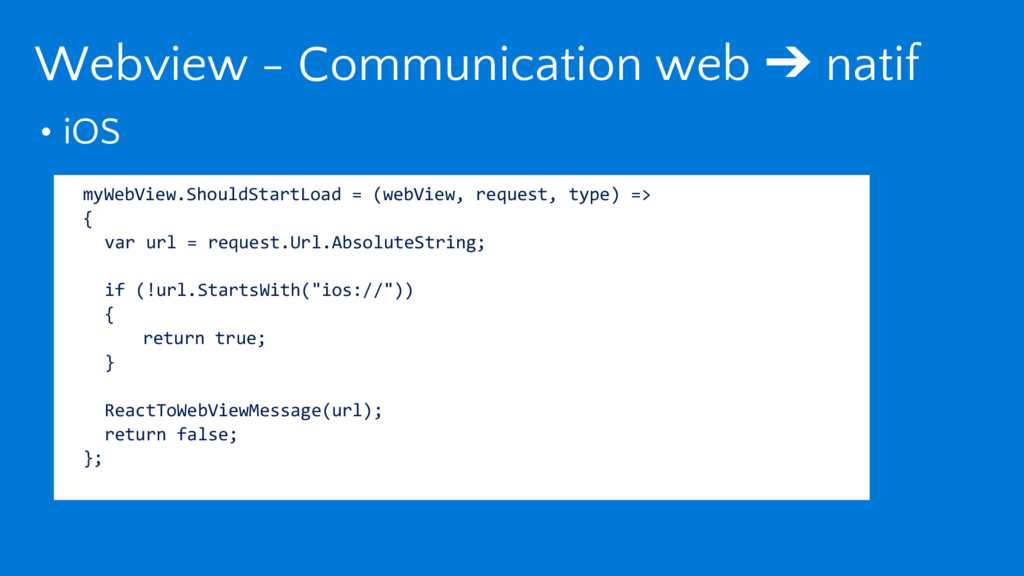
  29. • iOS Webview - Communication web ➔ natif myWebView.ShouldStartLoad =

    (webView, request, type) => { var url = request.Url.AbsoluteString; if (!url.StartsWith("ios://")) { return true; } ReactToWebViewMessage(url); return false; };
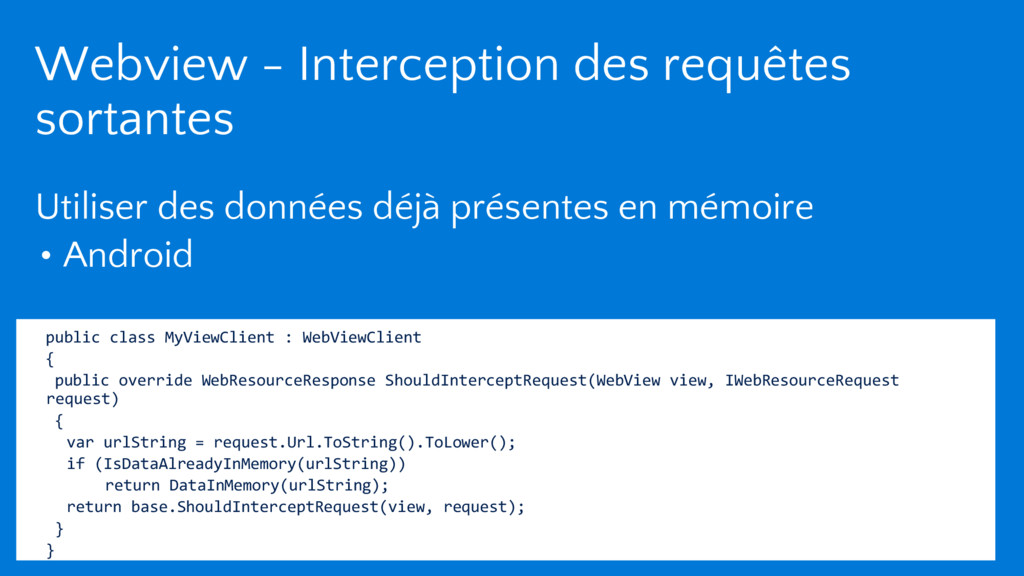
  30. Utiliser des données déjà présentes en mémoire • Android Webview

    - Interception des requêtes sortantes public class MyViewClient : WebViewClient { public override WebResourceResponse ShouldInterceptRequest(WebView view, IWebResourceRequest request) { var urlString = request.Url.ToString().ToLower(); if (IsDataAlreadyInMemory(urlString)) return DataInMemory(urlString); return base.ShouldInterceptRequest(view, request); } }
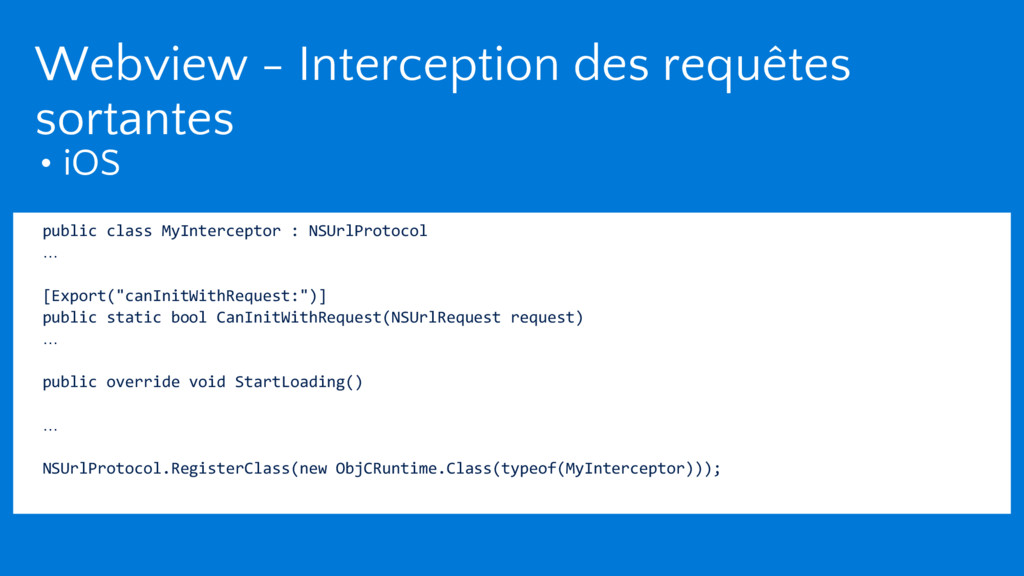
  31. • iOS Webview - Interception des requêtes sortantes public class

    MyInterceptor : NSUrlProtocol … [Export("canInitWithRequest:")] public static bool CanInitWithRequest(NSUrlRequest request) … public override void StartLoading() … NSUrlProtocol.RegisterClass(new ObjCRuntime.Class(typeof(MyInterceptor)));