Share
Embed
Architecture Components
Presented at the Dutch Android User Group meetup on architecture & tools.
Hugo Visser
June 08, 2017
Transcript
35 slides
-
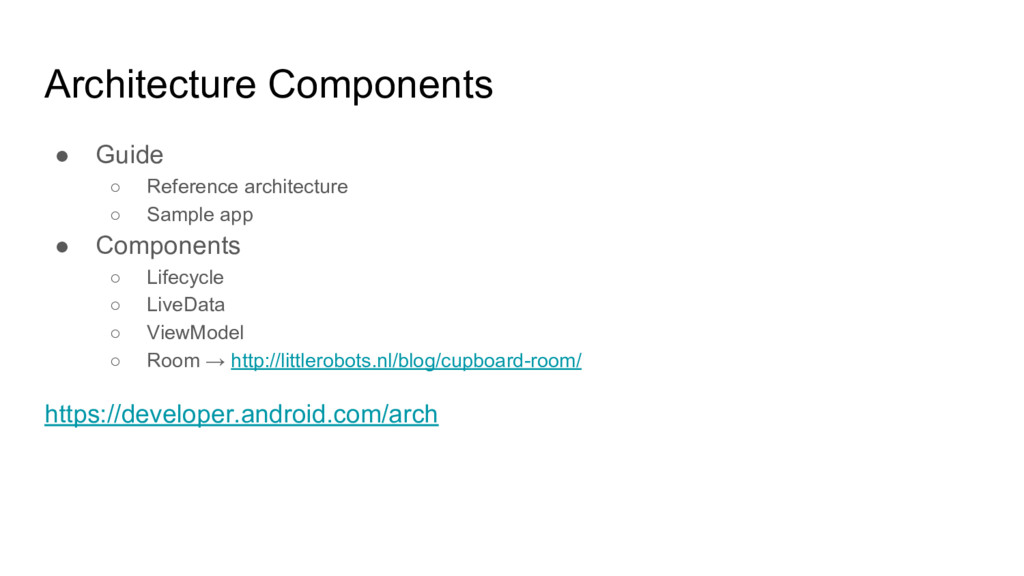
Architecture Components • Guide ◦ Reference architecture ◦ Sample app
• Components ◦ Lifecycle ◦ LiveData ◦ ViewModel ◦ Room → http://littlerobots.nl/blog/cupboard-room/ https://developer.android.com/arch -
Components • Best architecture is the one that works for
you ◦ Separation of concerns ◦ Testable ◦ Consistent ◦ <insert your goal here> • Implement it using Architecture Components ◦ Solve common Android problems ◦ Pick and choose the ones you need -
Why? • Components need to respect the Activity / Fragment
lifecycle • Components need to know about the lifecycle state -
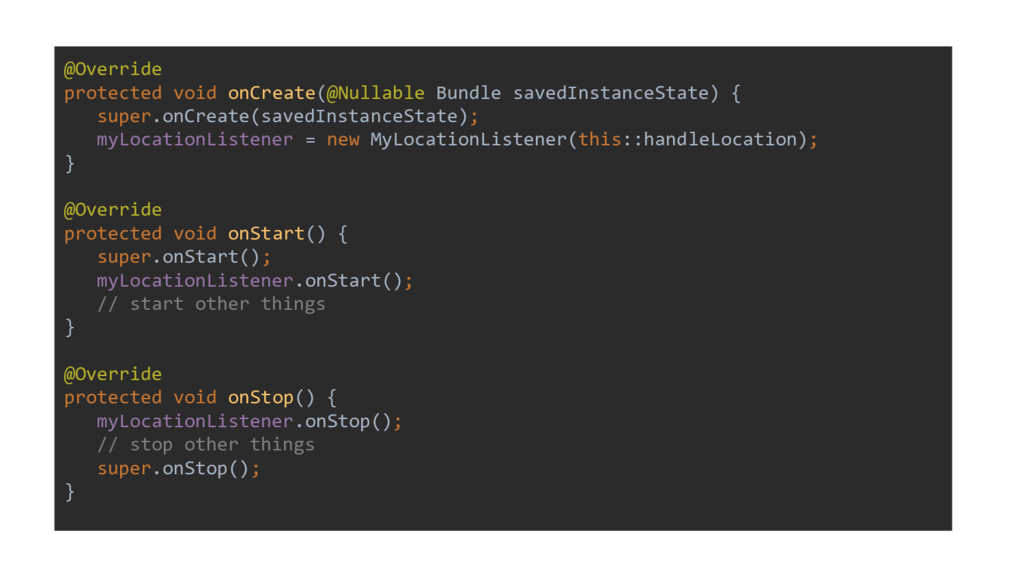
@Override protected void onCreate(@Nullable Bundle savedInstanceState) { super.onCreate(savedInstanceState); myLocationListener =
new MyLocationListener(this::handleLocation); } @Override protected void onStart() { super.onStart(); myLocationListener.onStart(); // start other things } @Override protected void onStop() { myLocationListener.onStop(); // stop other things super.onStop(); } -
public class ArchActivity extends LifecycleActivity { private MyLocationListener myLocationListener; @Override
protected void onCreate(@Nullable Bundle savedInstanceState) { super.onCreate(savedInstanceState); myLocationListener = new MyLocationListener(getLifecycle(), this::handleLocation); } } -
public class MyLocationListener implements LifecycleObserver { public MyLocationListener(Lifecycle lifecycle, Callback
callback) { lifecycle.addObserver(this); } @OnLifecycleEvent(Lifecycle.Event.ON_START) public void onStart() { } @OnLifecycleEvent(Lifecycle.Event.ON_STOP) public void onStop() { } } -
public class MyLocationListener implements LifecycleObserver { public MyLocationListener(Lifecycle lifecycle, Callback
callback) { lifecycle.addObserver(this); } @OnLifecycleEvent(Lifecycle.Event.ON_START) void onStart() { } @OnLifecycleEvent(Lifecycle.Event.ON_STOP) void onStop() { } } -
public class ArchActivity extends LifecycleActivity { private MyLocationListener myLocationListener; @Override
protected void onCreate(@Nullable Bundle savedInstanceState) { super.onCreate(savedInstanceState); myLocationListener = new MyLocationListener(getLifecycle(), this::handleLocation); } } -
public class ArchActivity extends LifecycleActivity { private MyLocationListener myLocationListener; @Override
protected void onCreate(@Nullable Bundle savedInstanceState) { super.onCreate(savedInstanceState); myLocationListener = new MyLocationListener(getLifecycle(), this::handleLocation); } } -
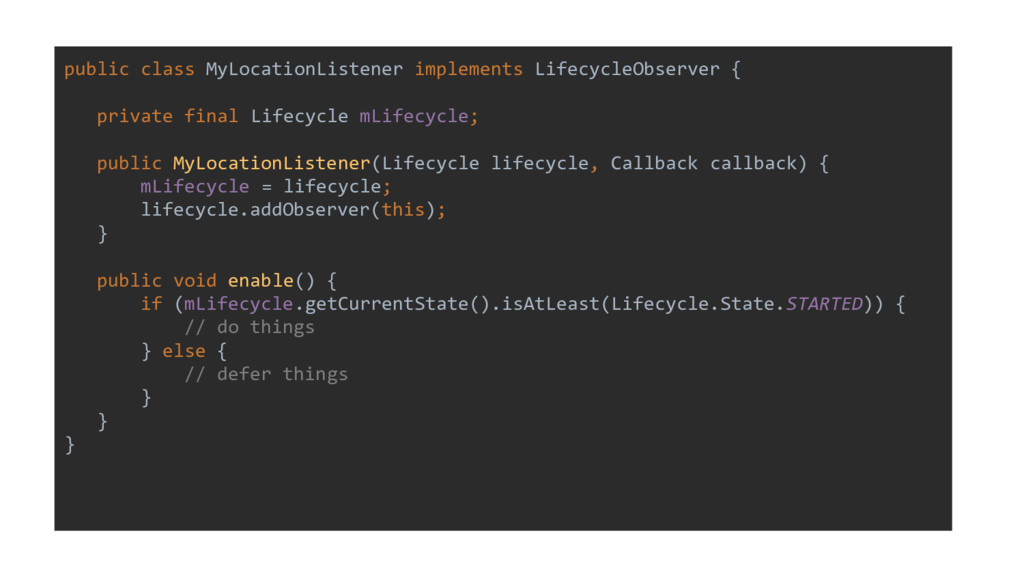
public class MyLocationListener implements LifecycleObserver { private final Lifecycle mLifecycle;
public MyLocationListener(Lifecycle lifecycle, Callback callback) { mLifecycle = lifecycle; lifecycle.addObserver(this); } public void enable() { if (mLifecycle.getCurrentState().isAtLeast(Lifecycle.State.STARTED)) { // do things } else { // defer things } } } -
Lifecycle • Get the Lifecycle class from the LivecyleOwner and
observe it • Annotate methods with @OnLifecycleEvent • Easy to check current state and compare it • Components are self-contained, Activity boilerplate reduced! -
Reactive data holder • Respond to data change, don’t poll
→ reactive • Lifecycle aware component → it relies on Lifecycle -
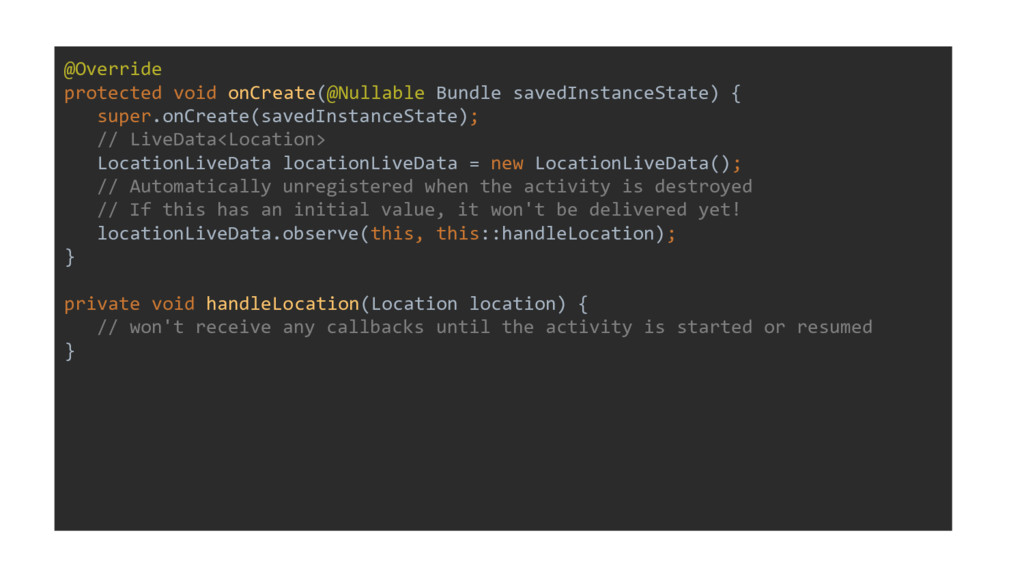
@Override protected void onCreate(@Nullable Bundle savedInstanceState) { super.onCreate(savedInstanceState); // LiveData<Location>
LocationLiveData locationLiveData = new LocationLiveData(); // Automatically unregistered when the activity is destroyed // If this has an initial value, it won't be delivered yet! locationLiveData.observe(this, this::handleLocation); } private void handleLocation(Location location) { // won't receive any callbacks until the activity is started or resumed } -
public class LocationLiveData extends LiveData<Location> implements LocationListener { @Override protected
void onActive() { startListeningForLocation(); } @Override protected void onInactive() { stopListeningForLocation(); } @Override public void onLocationChanged(Location location) { // this value will be cached and delivered to all observers setValue(location); } } -
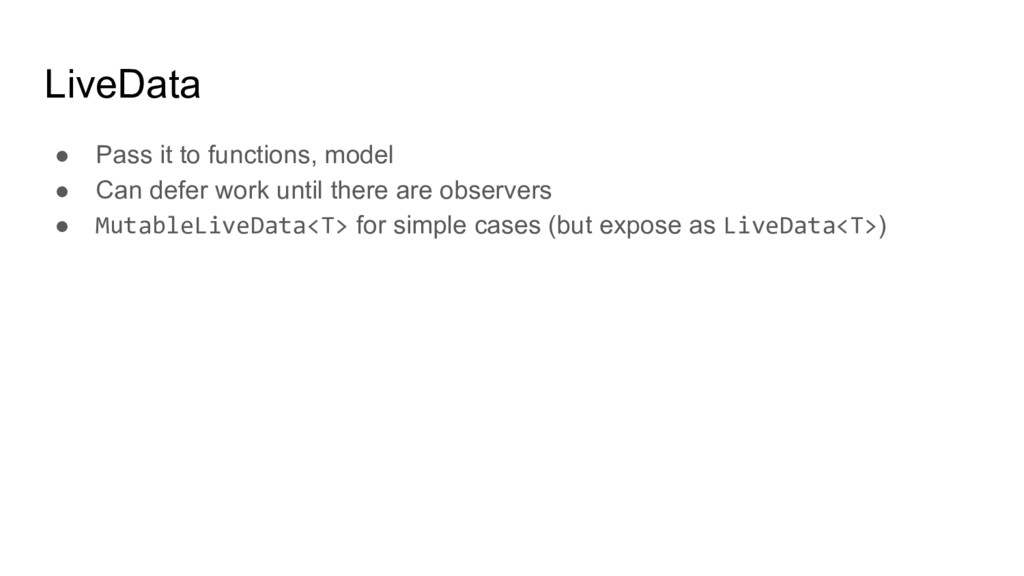
LiveData • Pass it to functions, model • Can defer
work until there are observers • MutableLiveData<T> for simple cases (but expose as LiveData<T>) -
Why? • Scope view model to Activity or Fragment →
single instance • Retain model across life cycle changes (rotation) • Share model across fragments (using the activity context) -
public class MyViewModel extends ViewModel { private MutableLiveData<List<User>> mUsers; public
LiveData<List<User>> getUsers() { if (mUsers == null) { mUsers = new MutableLiveData<>(); loadUsers(); } return mUsers; } private void loadUsers() { // do async operation to fetch users and later use // mUsers.postValue(users) } @Override protected void onCleared() { // Cancel pending operations } } -
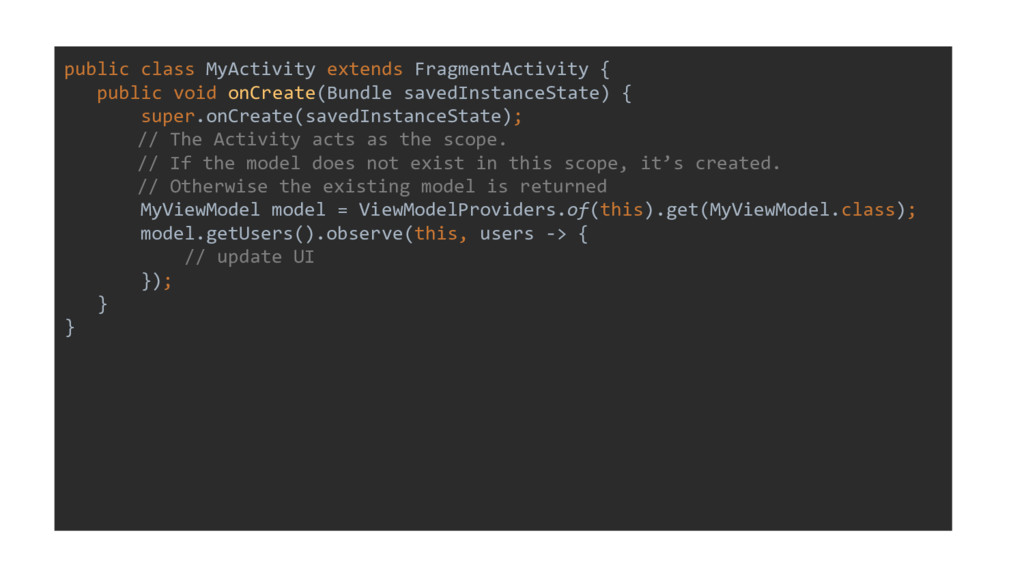
public class MyActivity extends FragmentActivity { public void onCreate(Bundle savedInstanceState)
{ super.onCreate(savedInstanceState); // The Activity acts as the scope. // If the model does not exist in this scope, it’s created. // Otherwise the existing model is returned MyViewModel model = ViewModelProviders.of(this).get(MyViewModel.class); model.getUsers().observe(this, users -> { // update UI }); } } -
ViewModel • Easy way to retain data or objects scoped
to Activity or Fragment • Should not contain references to Views • Combination w/ LiveData -
Architecture components • Allow you to tackle common architectural problems
specific to Android • Mix and match • More to come!