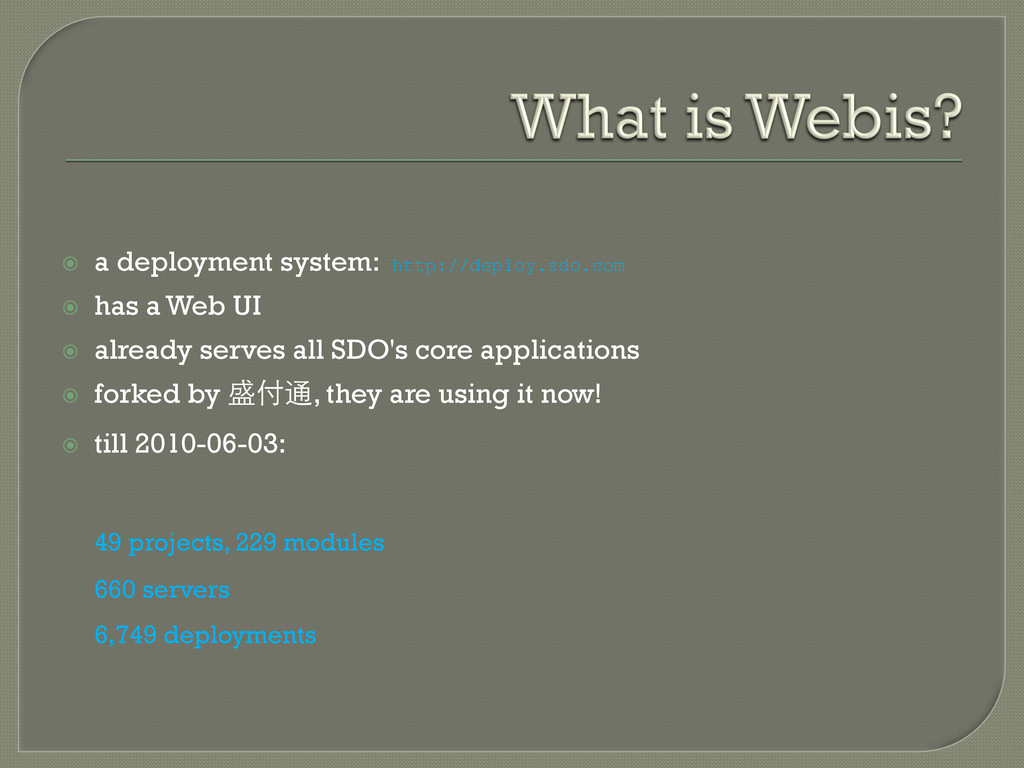
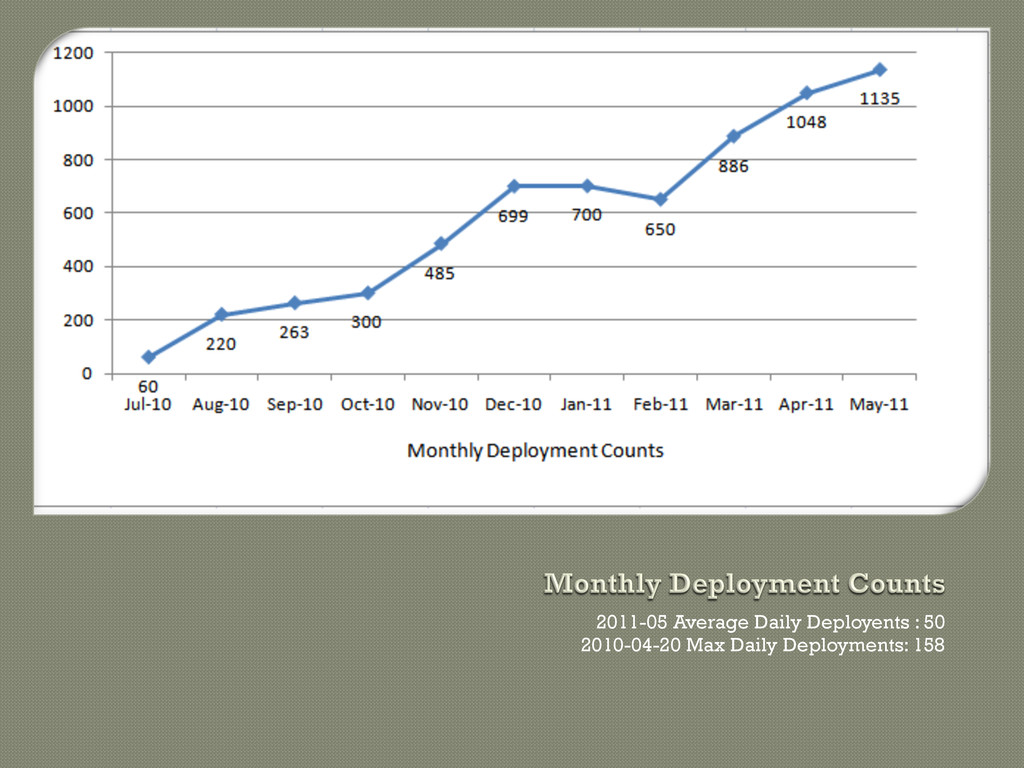
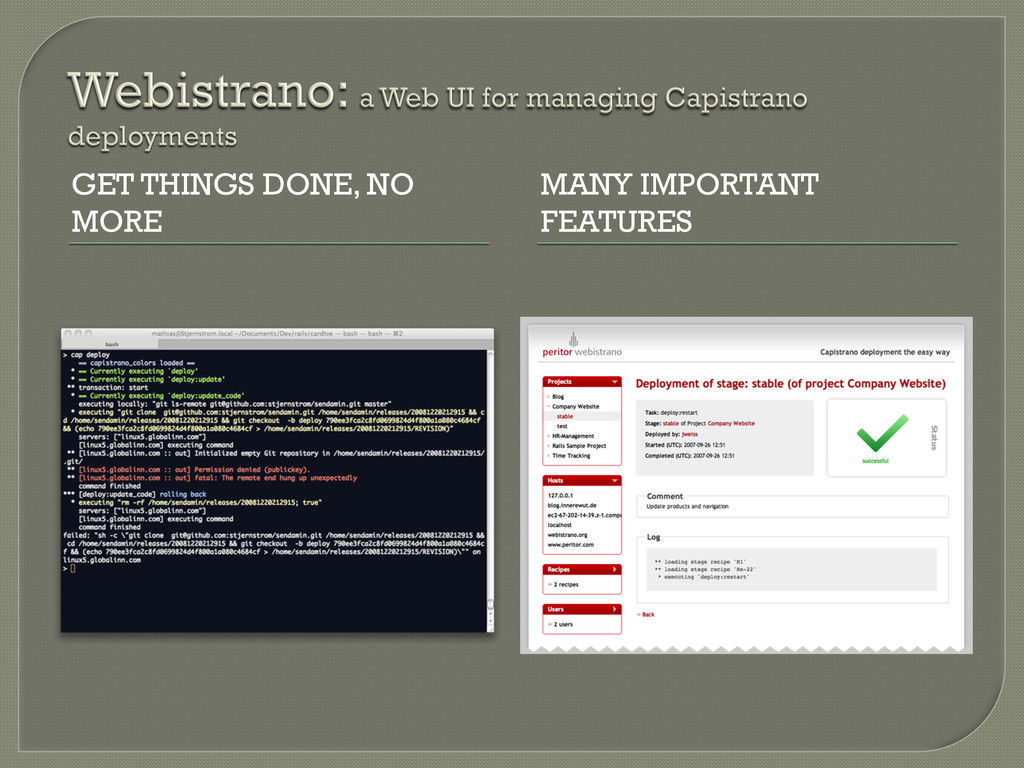
already serves all SDO's core applications forked by 盛付通, they are using it now! till 2010-06-03: 49 projects, 229 modules 660 servers 6,749 deployments
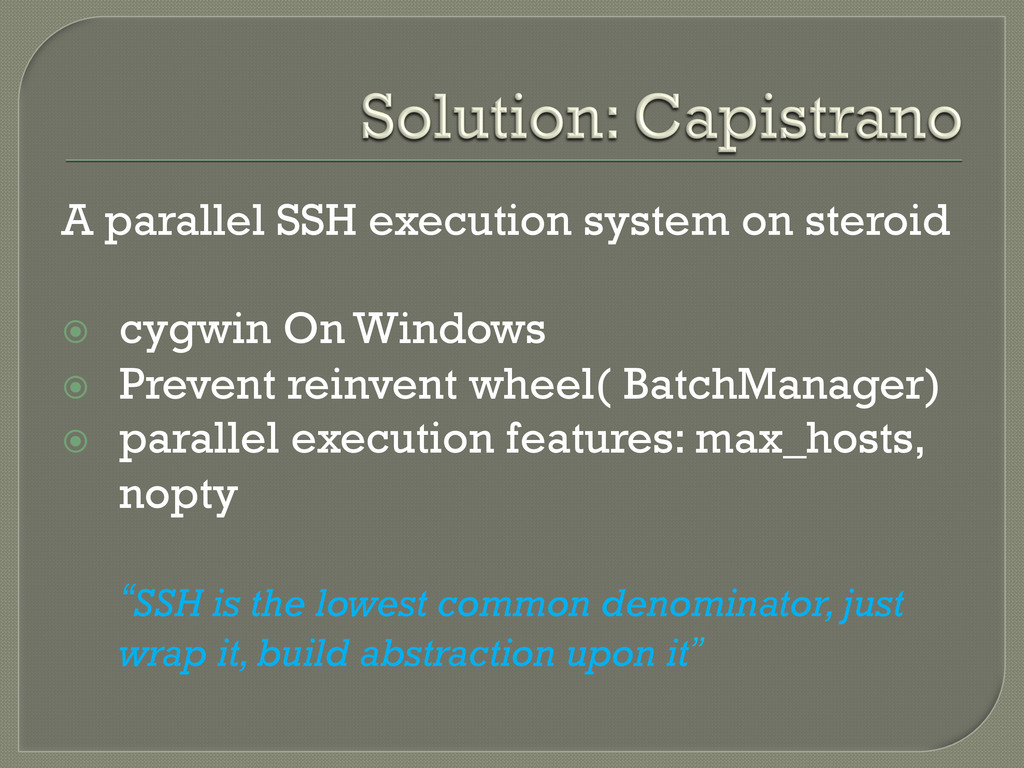
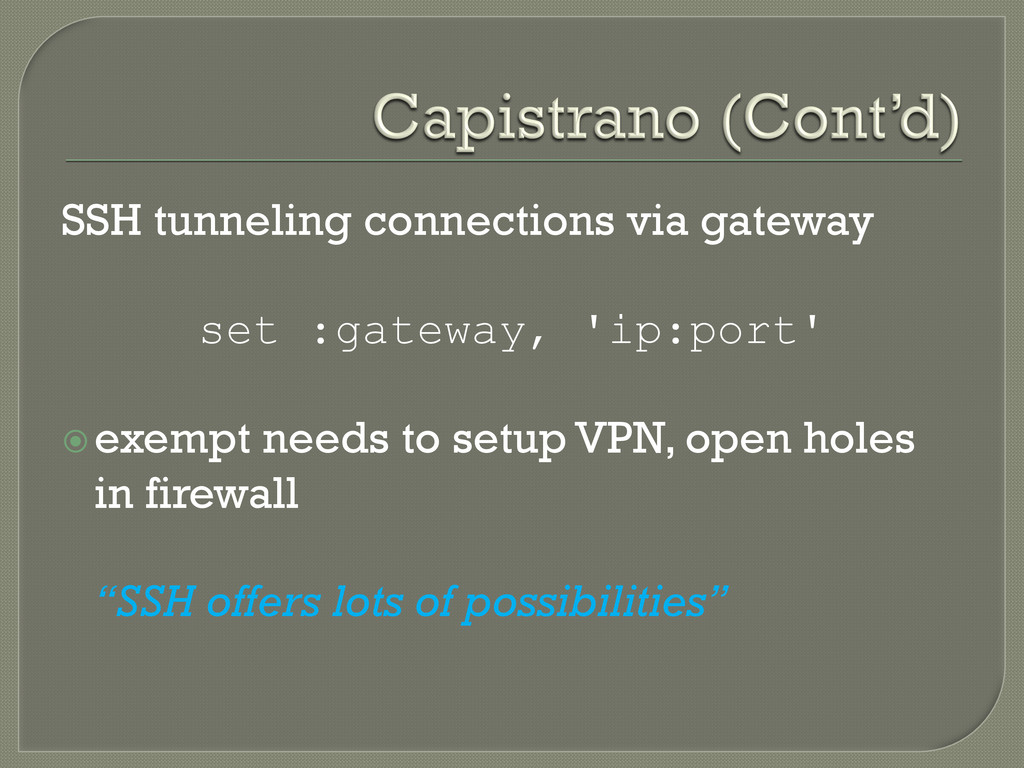
Windows Prevent reinvent wheel( BatchManager) parallel execution features: max_hosts, nopty “SSH is the lowest common denominator, just wrap it, build abstraction upon it”
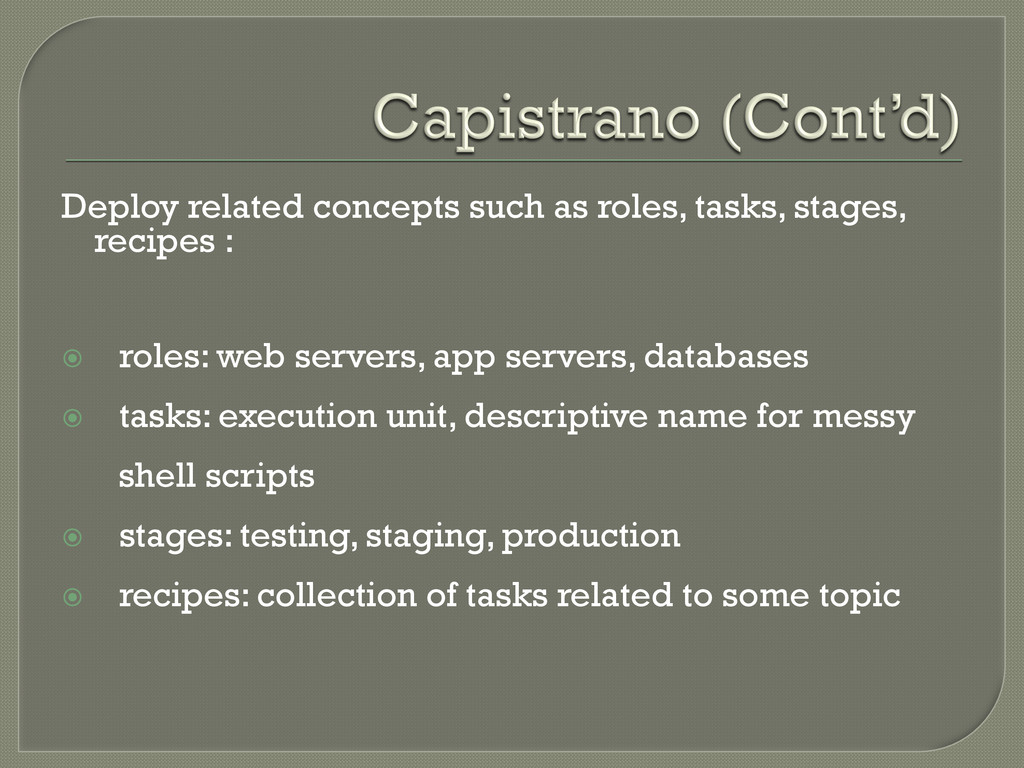
roles: web servers, app servers, databases tasks: execution unit, descriptive name for messy shell scripts stages: testing, staging, production recipes: collection of tasks related to some topic
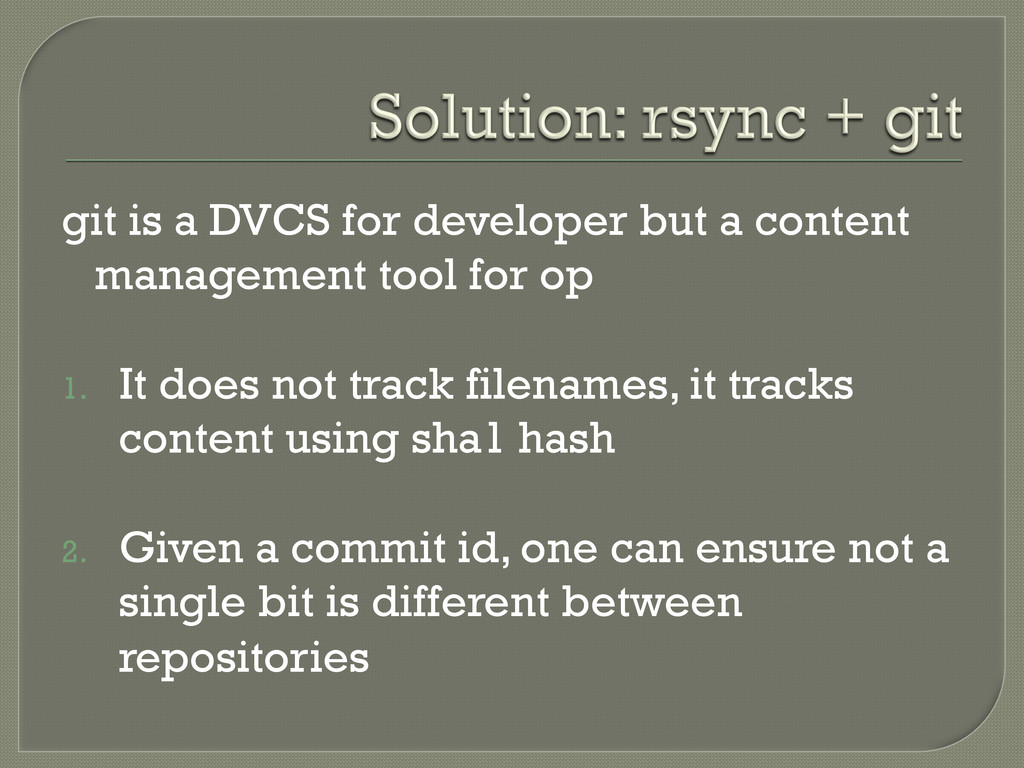
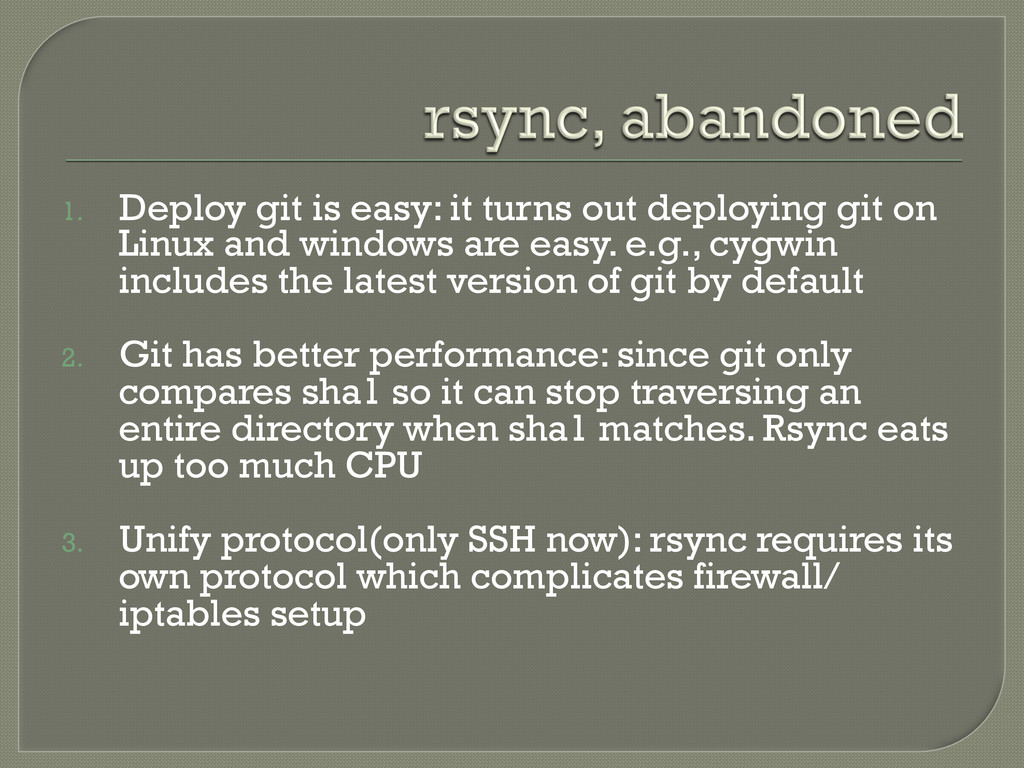
tool for op 1. It does not track filenames, it tracks content using sha1 hash 2. Given a commit id, one can ensure not a single bit is different between repositories
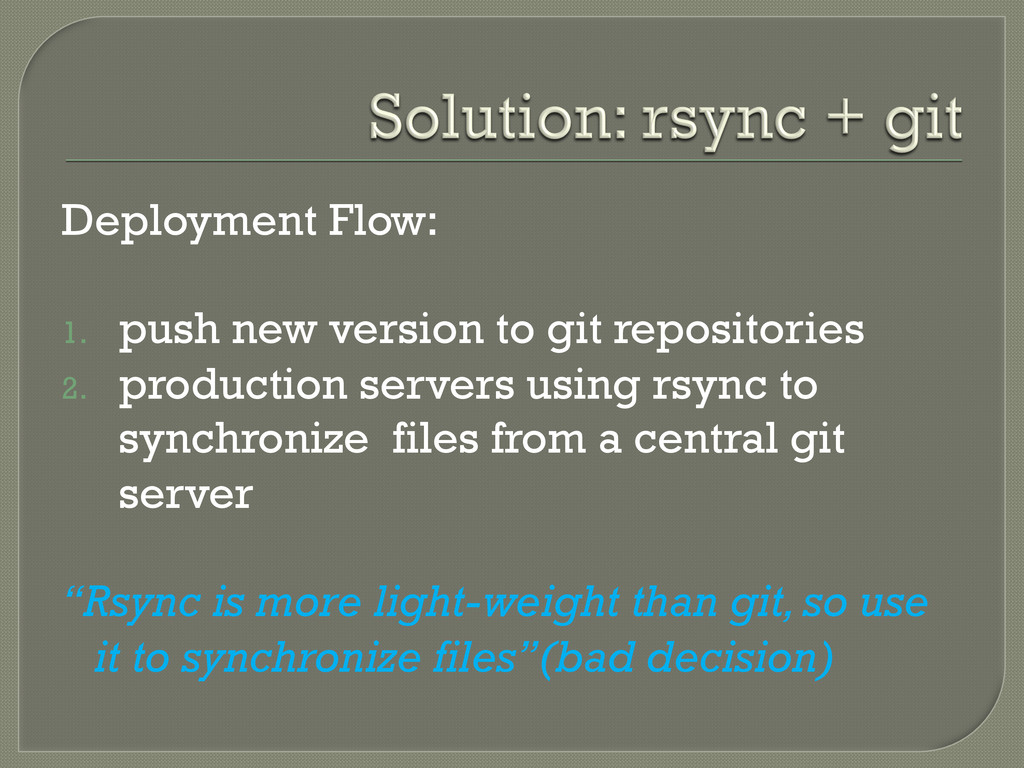
production servers using rsync to synchronize files from a central git server “Rsync is more light-weight than git, so use it to synchronize files”(bad decision)
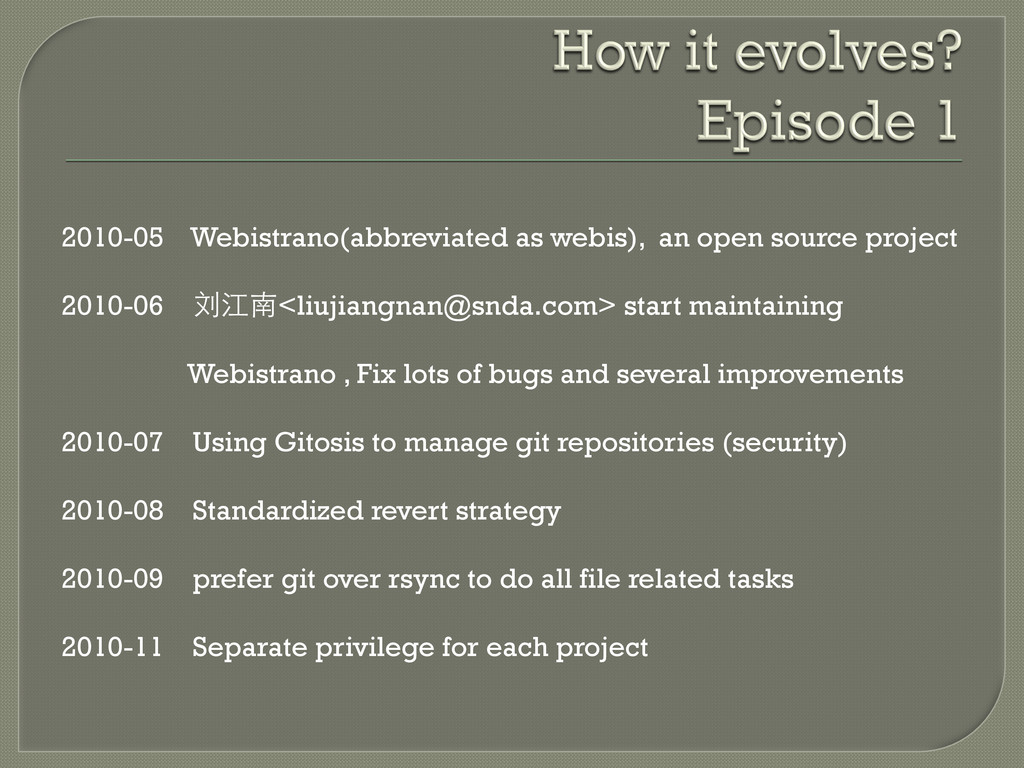
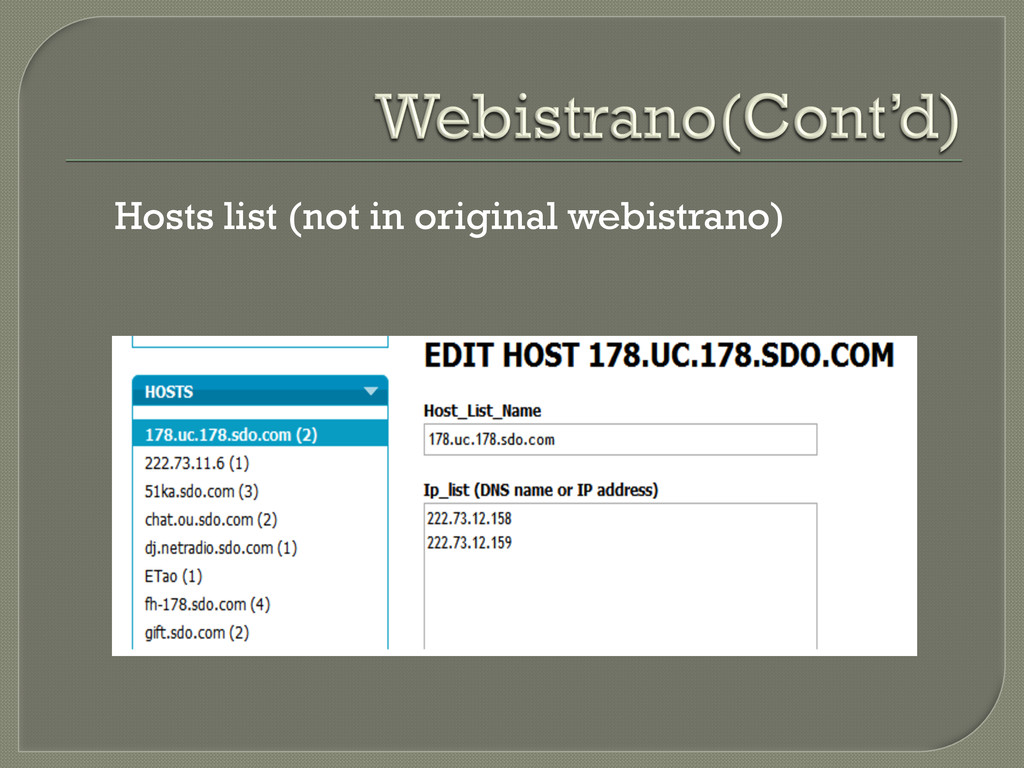
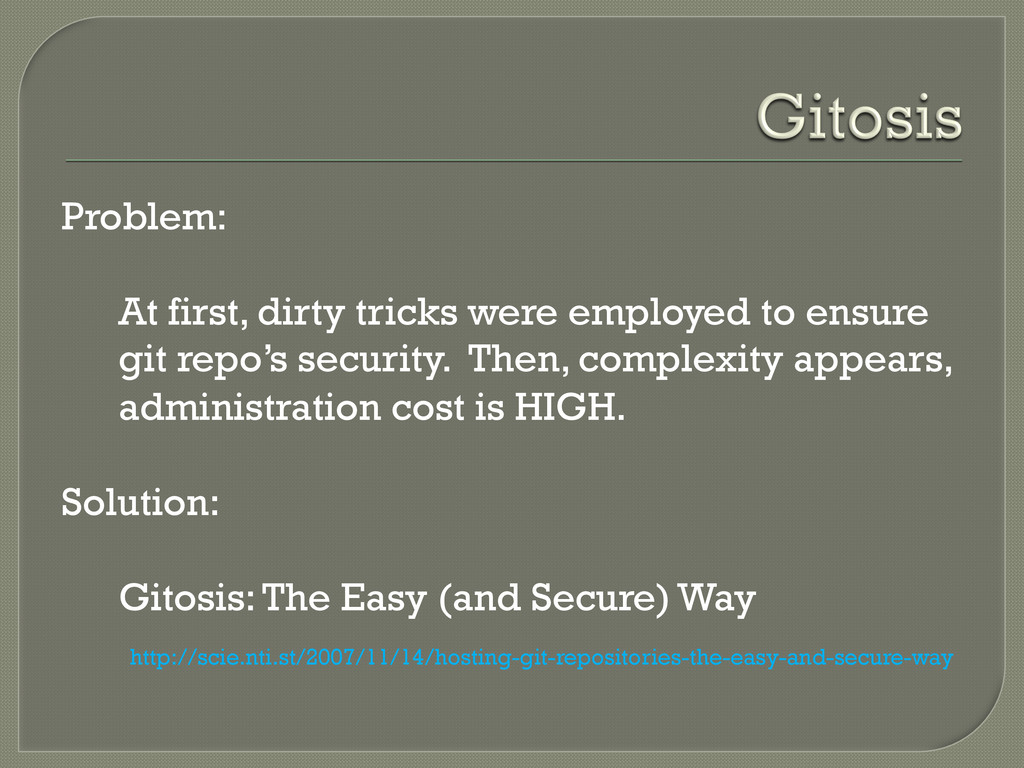
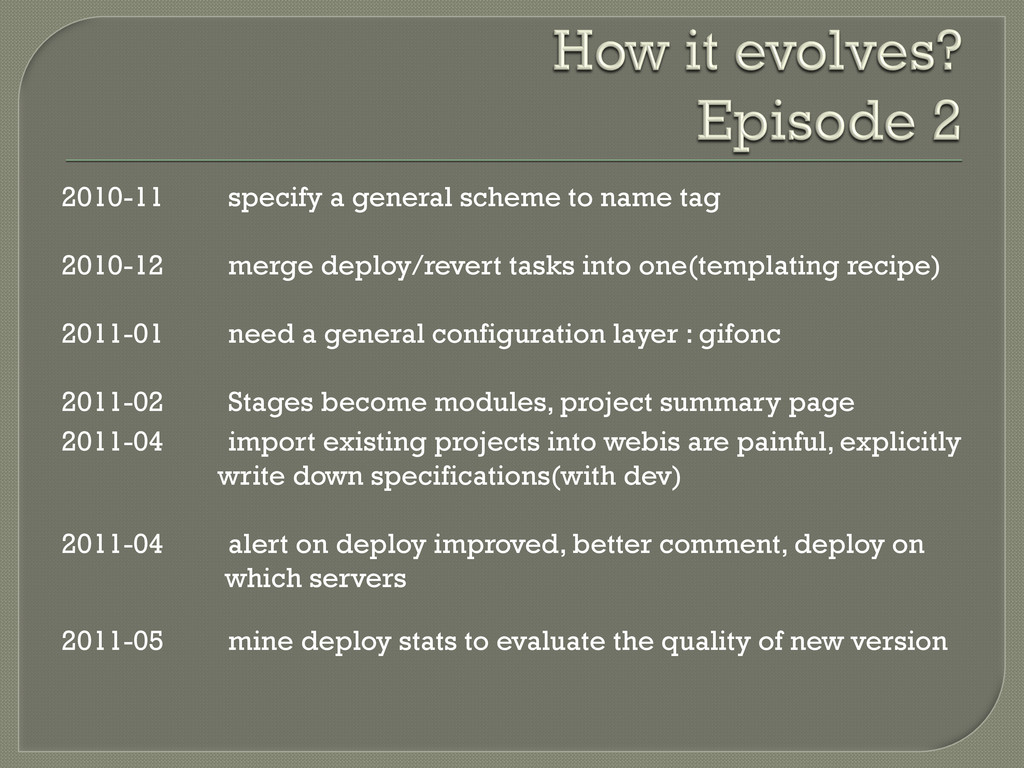
start maintaining Webistrano , Fix lots of bugs and several improvements 2010-07 Using Gitosis to manage git repositories (security) 2010-08 Standardized revert strategy 2010-09 prefer git over rsync to do all file related tasks 2010-11 Separate privilege for each project
on Linux and windows are easy. e.g., cygwin includes the latest version of git by default 2. Git has better performance: since git only compares sha1 so it can stop traversing an entire directory when sha1 matches. Rsync eats up too much CPU 3. Unify protocol(only SSH now): rsync requires its own protocol which complicates firewall/ iptables setup
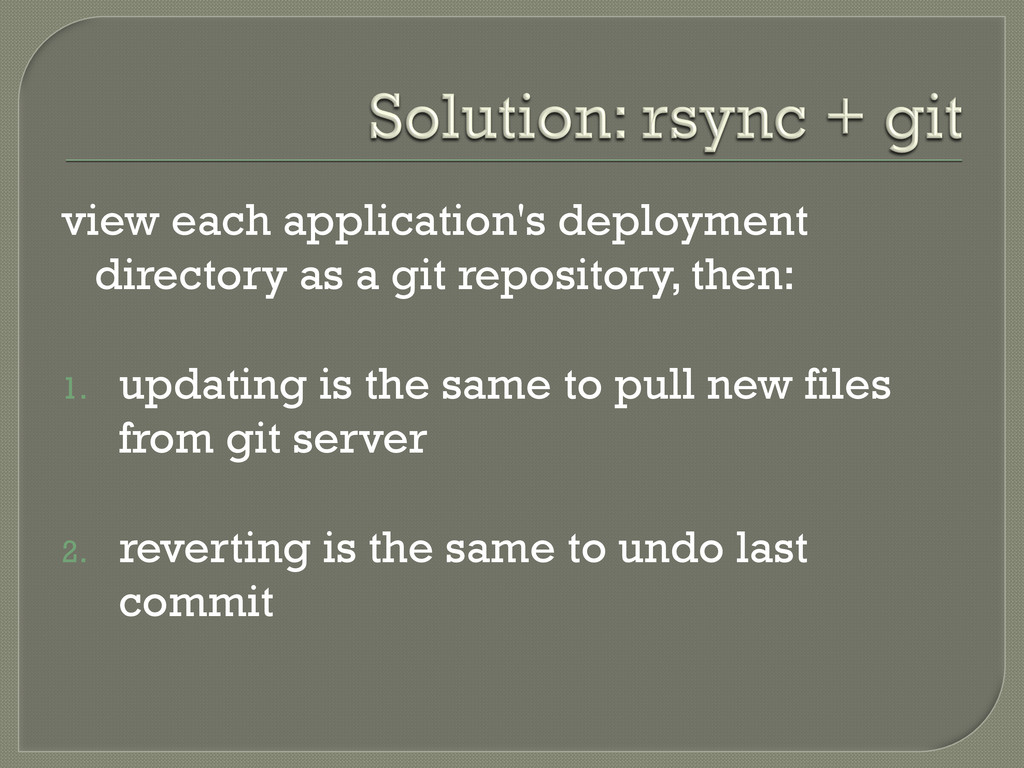
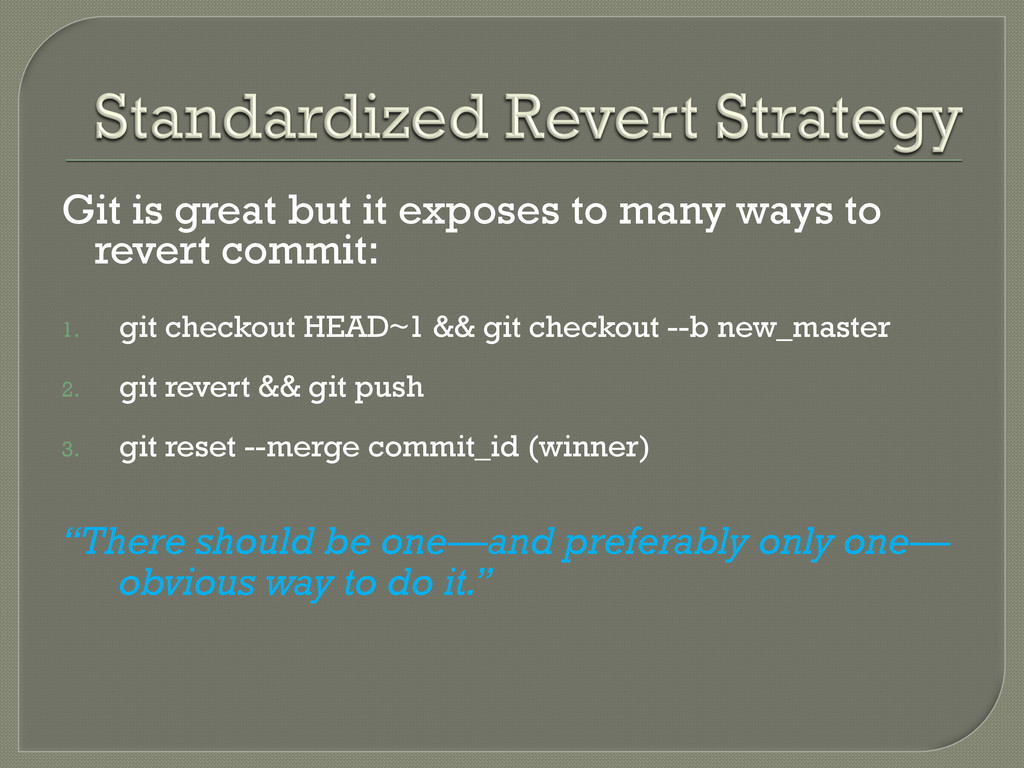
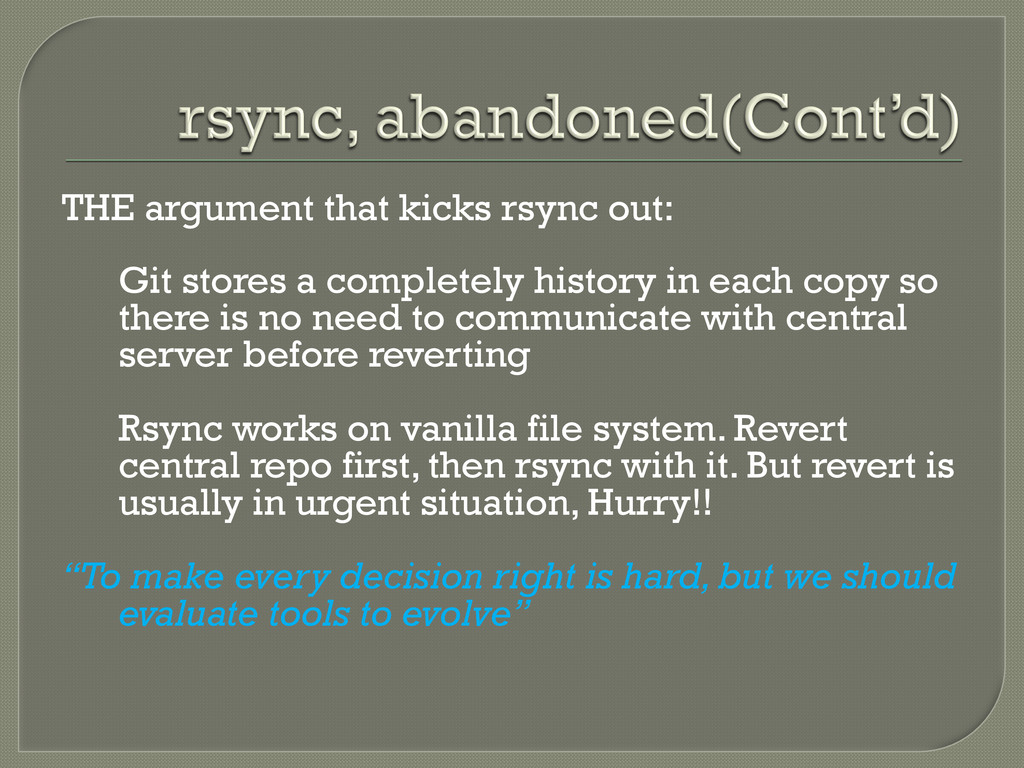
history in each copy so there is no need to communicate with central server before reverting Rsync works on vanilla file system. Revert central repo first, then rsync with it. But revert is usually in urgent situation, Hurry!! “To make every decision right is hard, but we should evaluate tools to evolve”
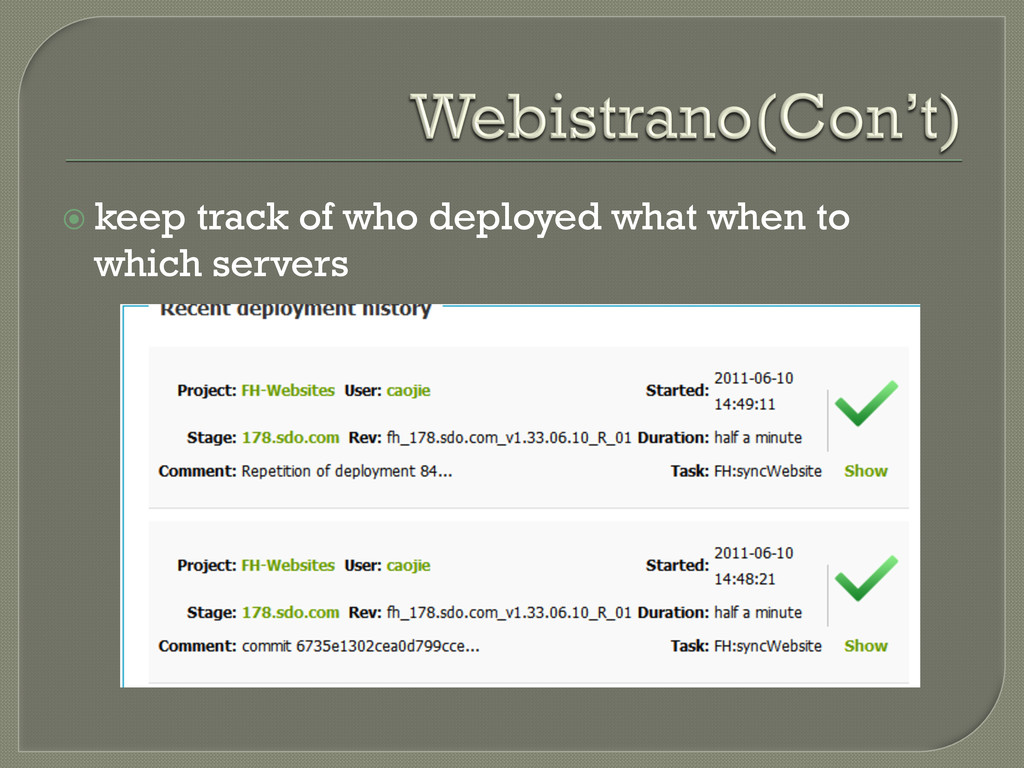
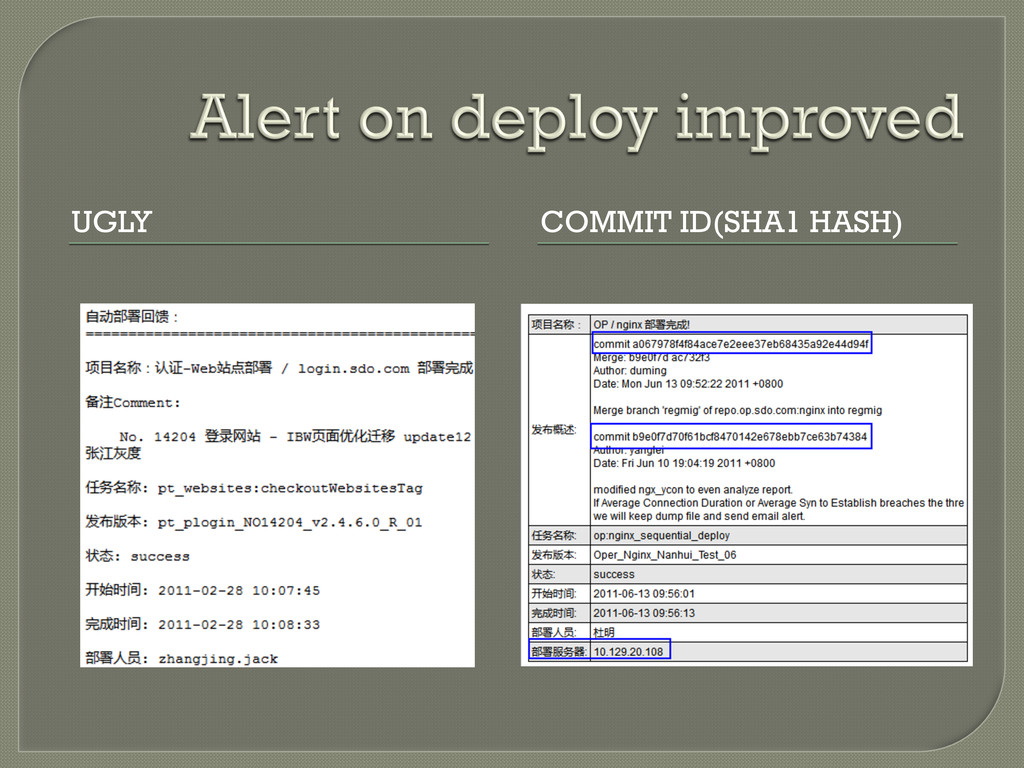
deploy/revert tasks into one(templating recipe) 2011-01 need a general configuration layer : gifonc 2011-02 Stages become modules, project summary page 2011-04 import existing projects into webis are painful, explicitly write down specifications(with dev) 2011-04 alert on deploy improved, better comment, deploy on which servers 2011-05 mine deploy stats to evaluate the quality of new version
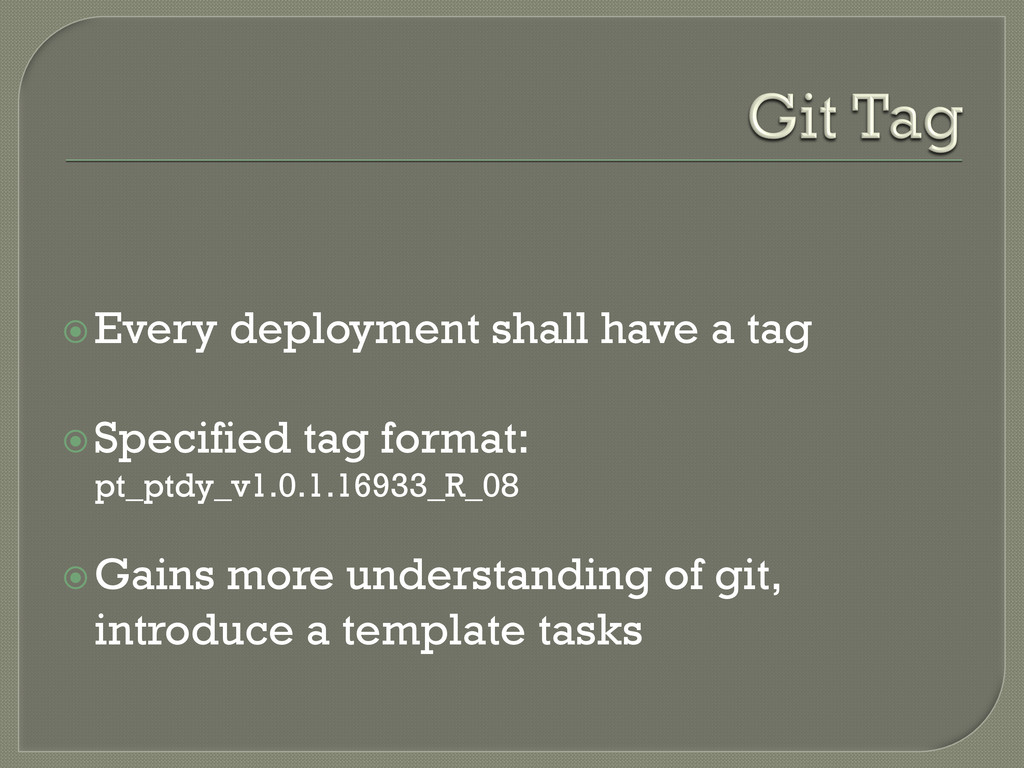
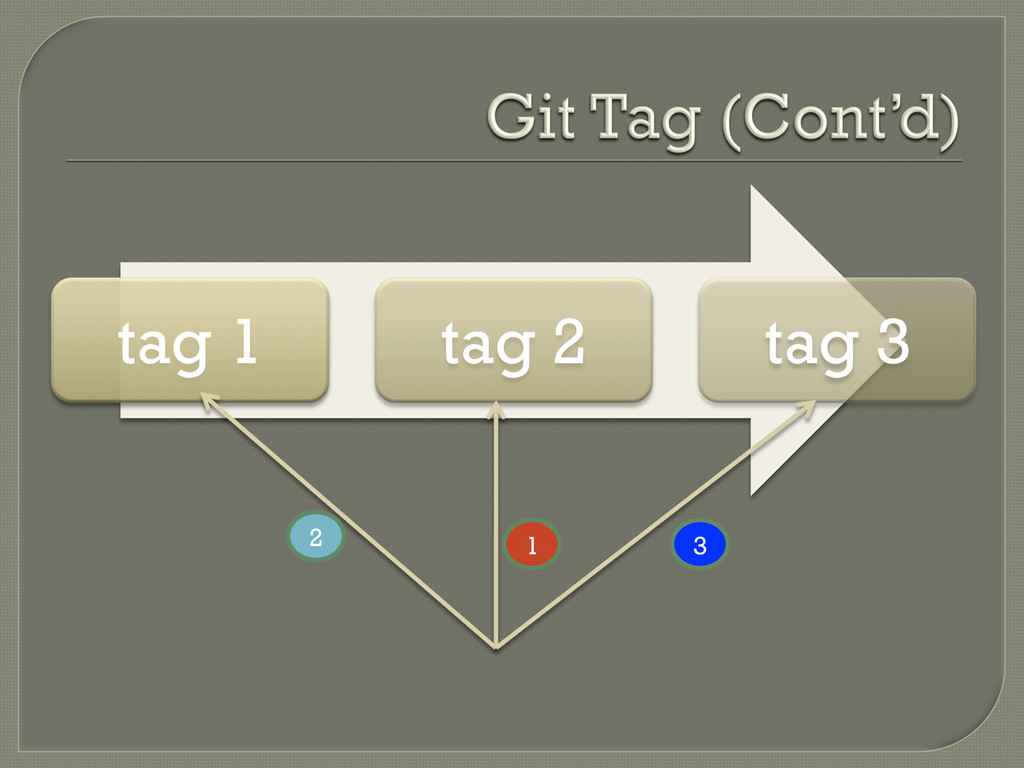
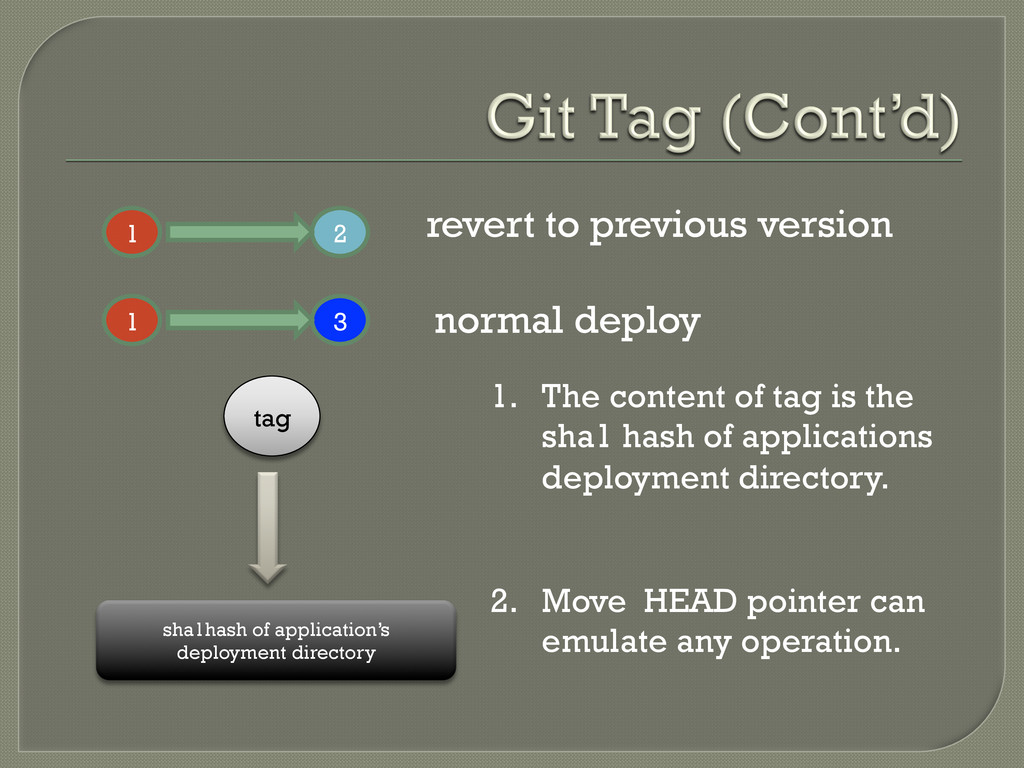
tag sha1hash of application’s deployment directory 1. The content of tag is the sha1 hash of applications deployment directory. 2. Move HEAD pointer can emulate any operation.
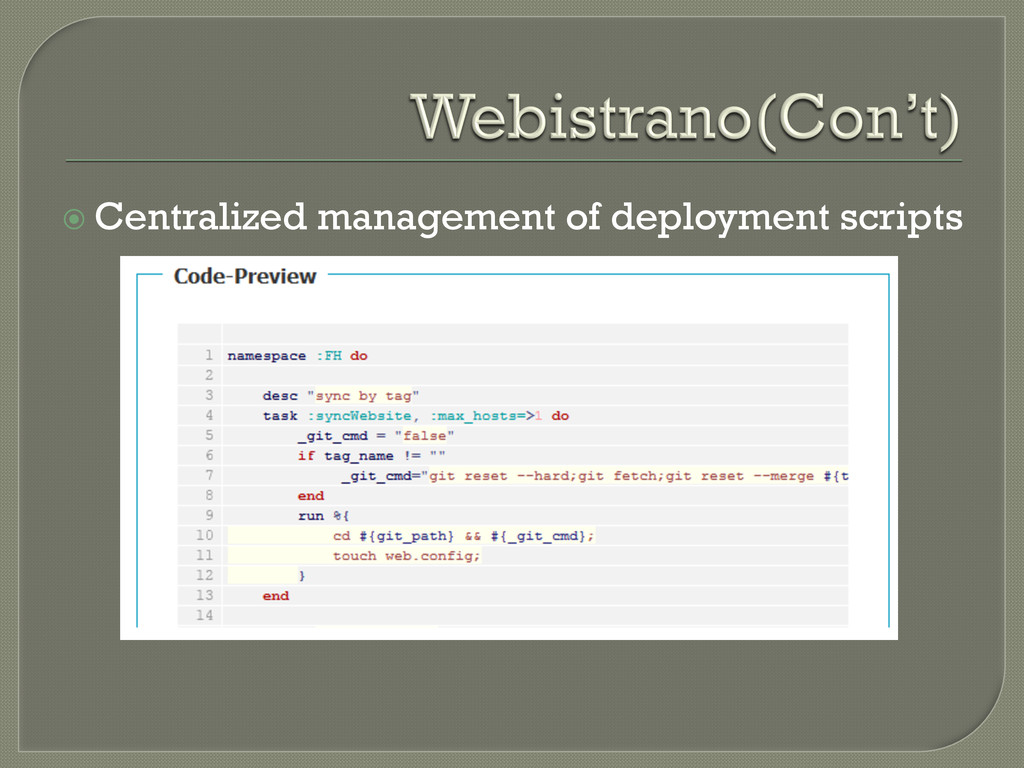
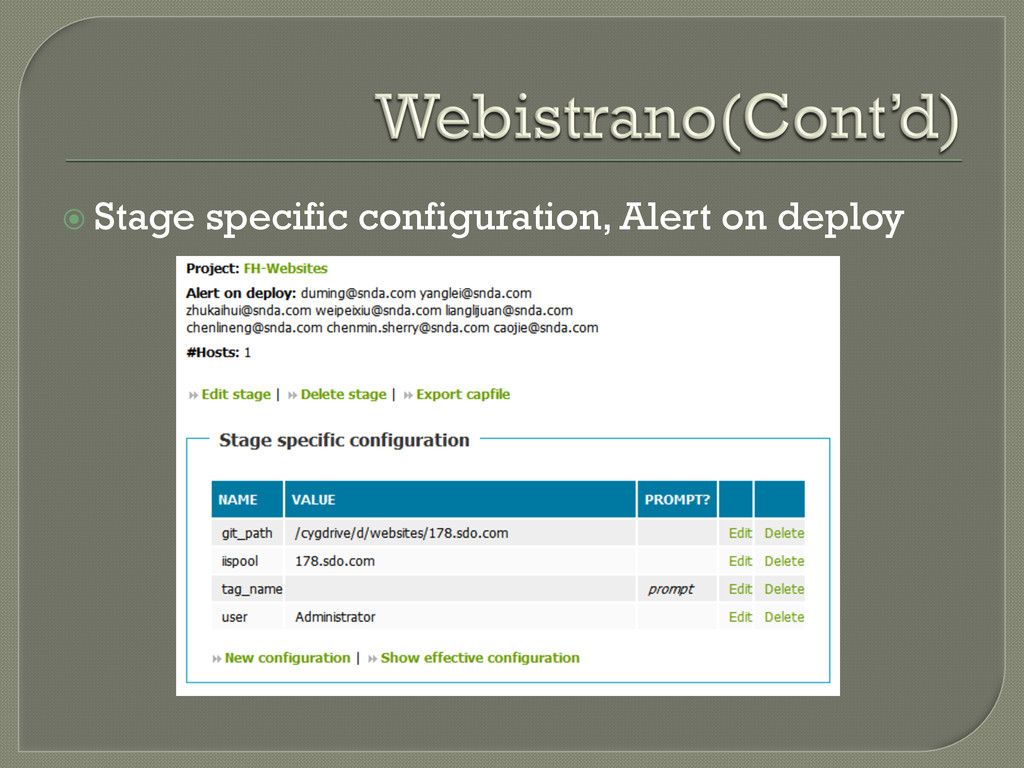
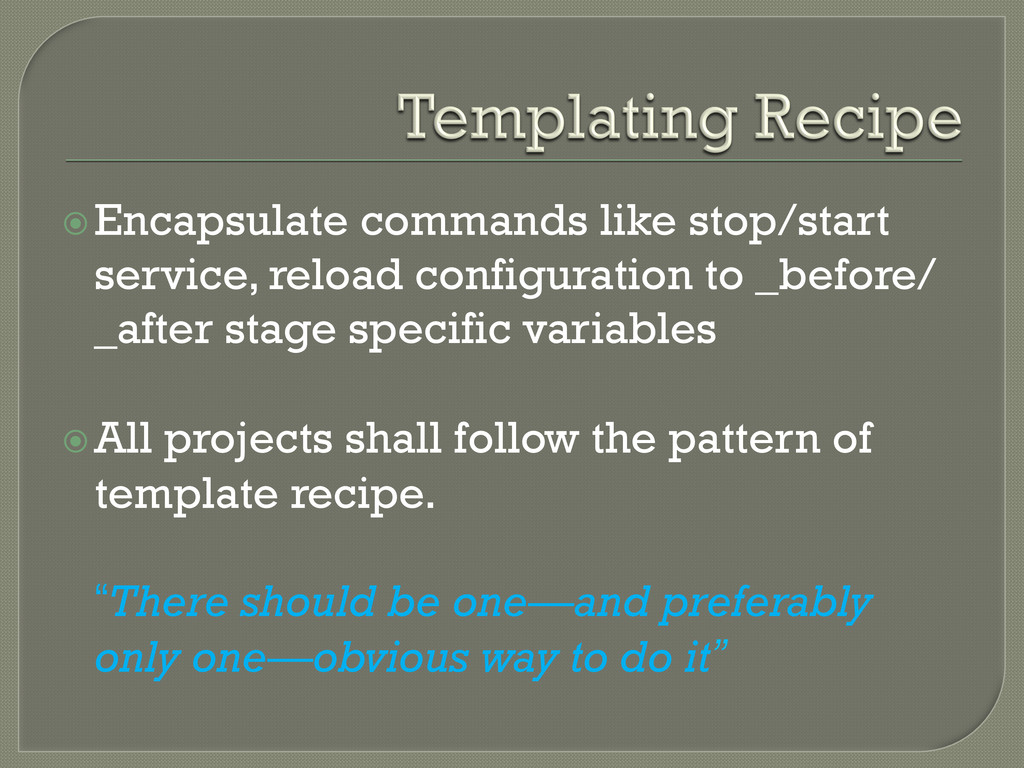
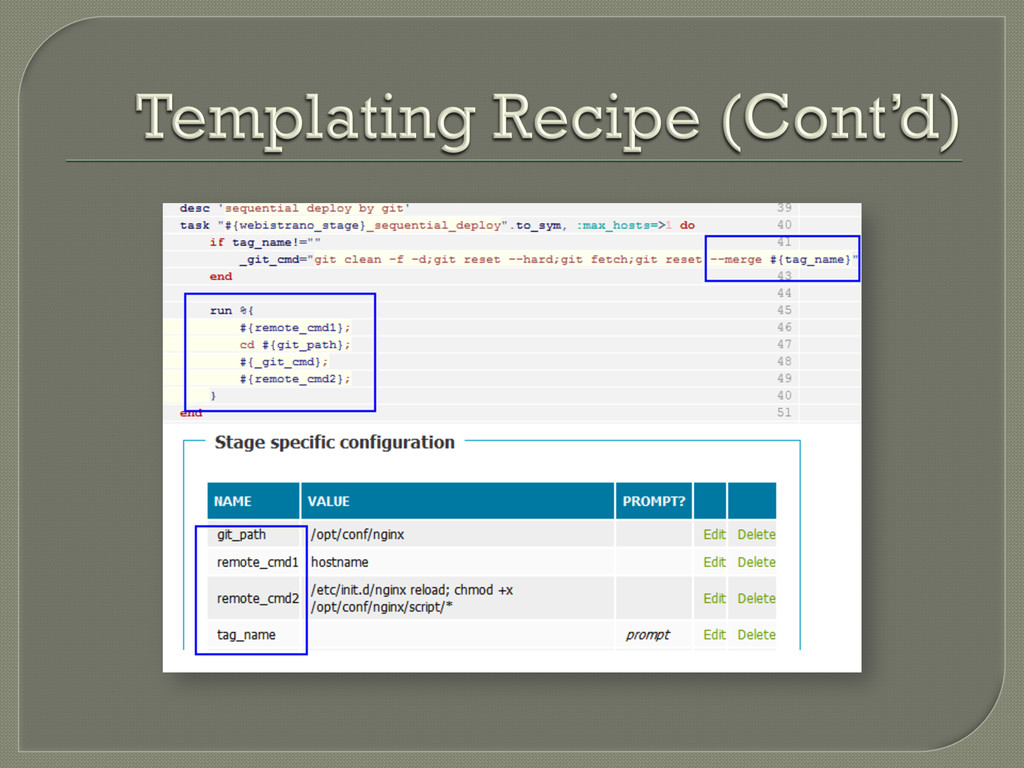
stage specific variables All projects shall follow the pattern of template recipe. “There should be one—and preferably only one—obvious way to do it”
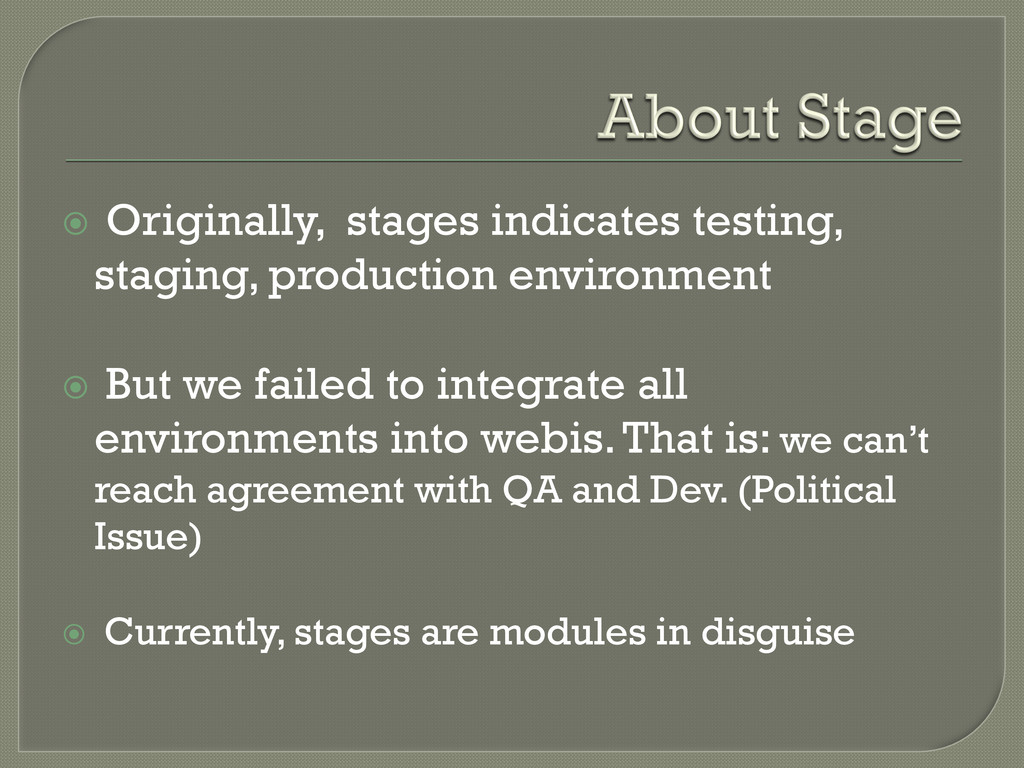
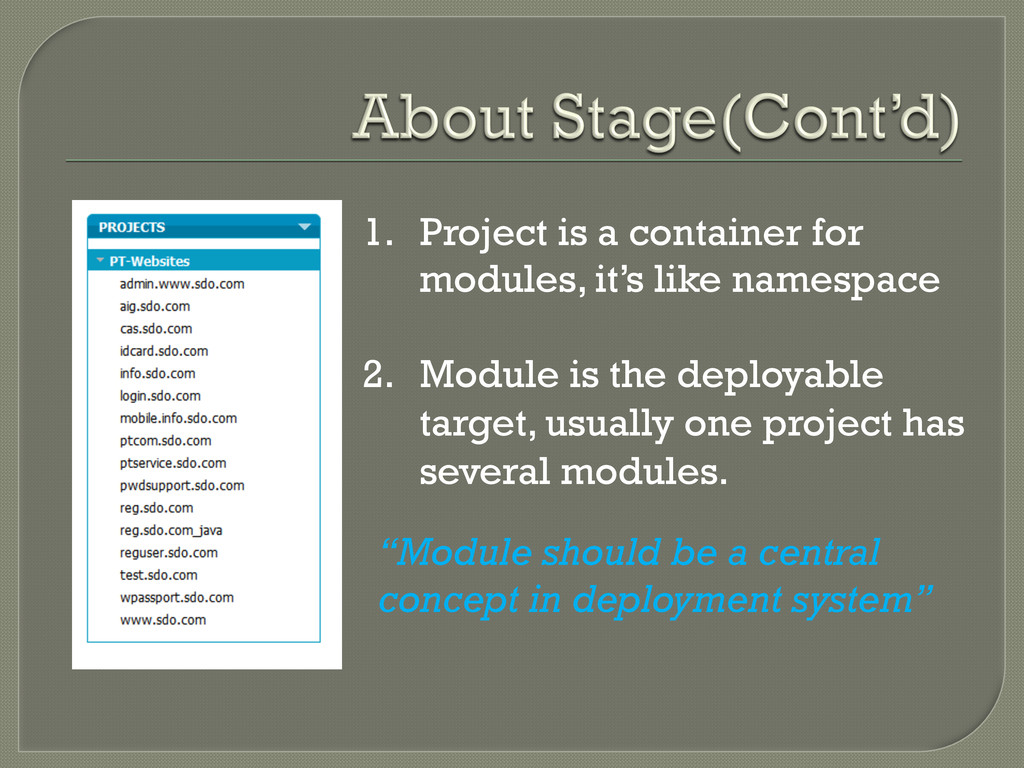
we failed to integrate all environments into webis. That is: we can’t reach agreement with QA and Dev. (Political Issue) Currently, stages are modules in disguise
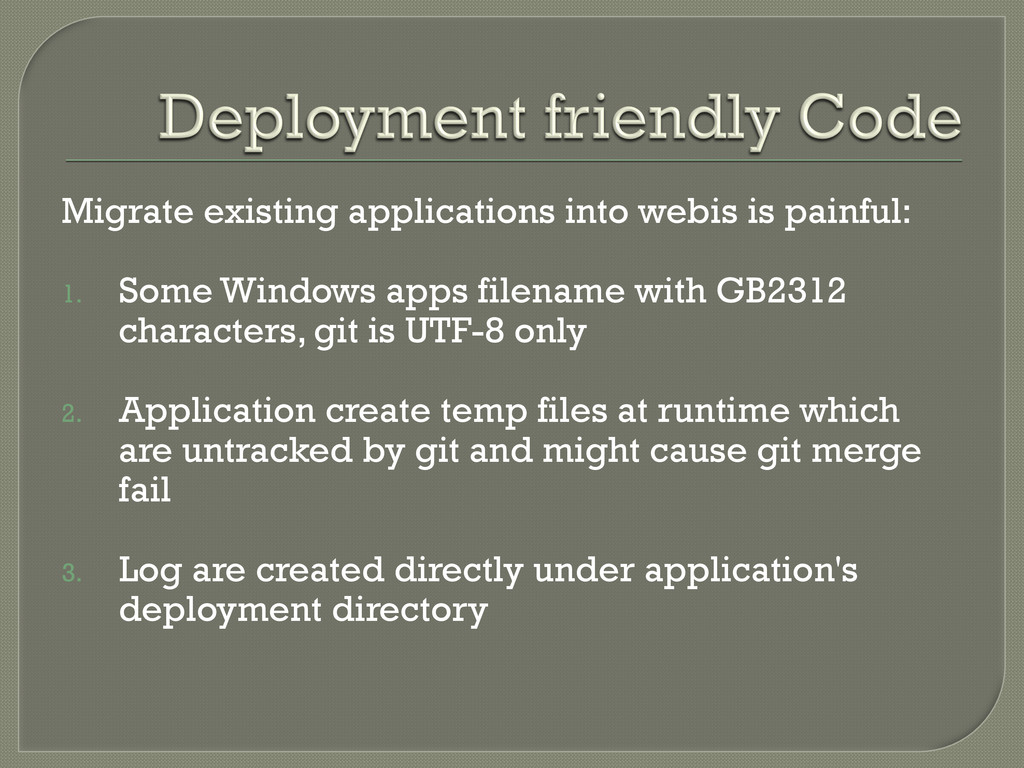
apps filename with GB2312 characters, git is UTF-8 only 2. Application create temp files at runtime which are untracked by git and might cause git merge fail 3. Log are created directly under application's deployment directory
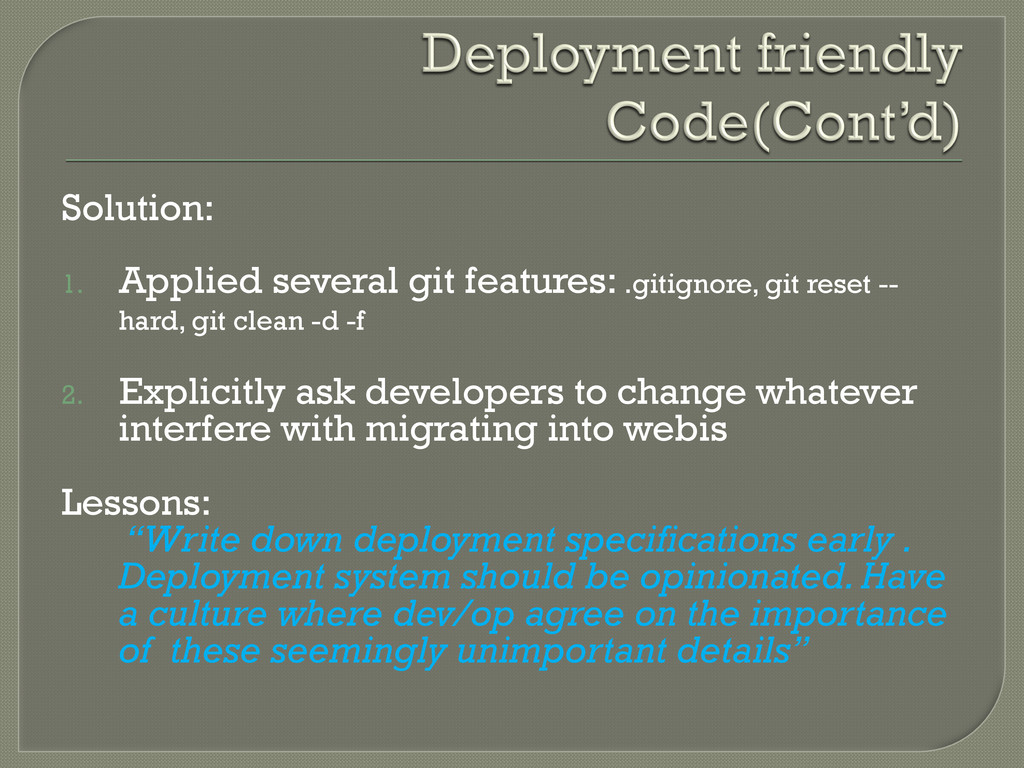
hard, git clean -d -f 2. Explicitly ask developers to change whatever interfere with migrating into webis Lessons: “Write down deployment specifications early . Deployment system should be opinionated. Have a culture where dev/op agree on the importance of these seemingly unimportant details”
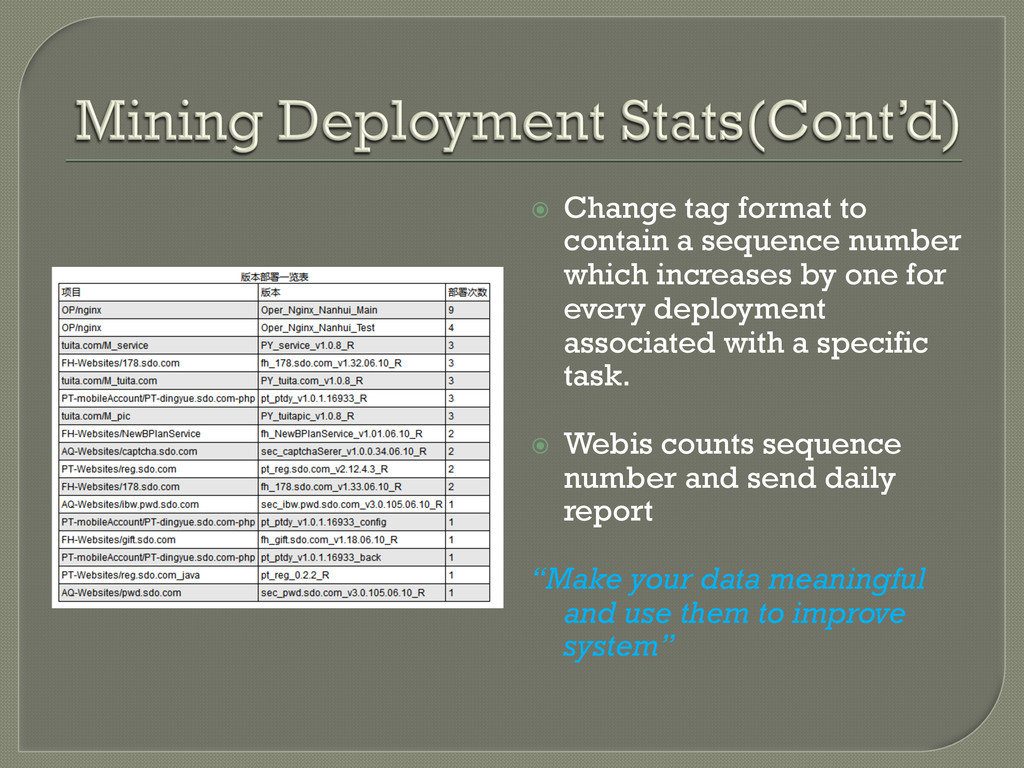
increases by one for every deployment associated with a specific task. Webis counts sequence number and send daily report “Make your data meaningful and use them to improve system”
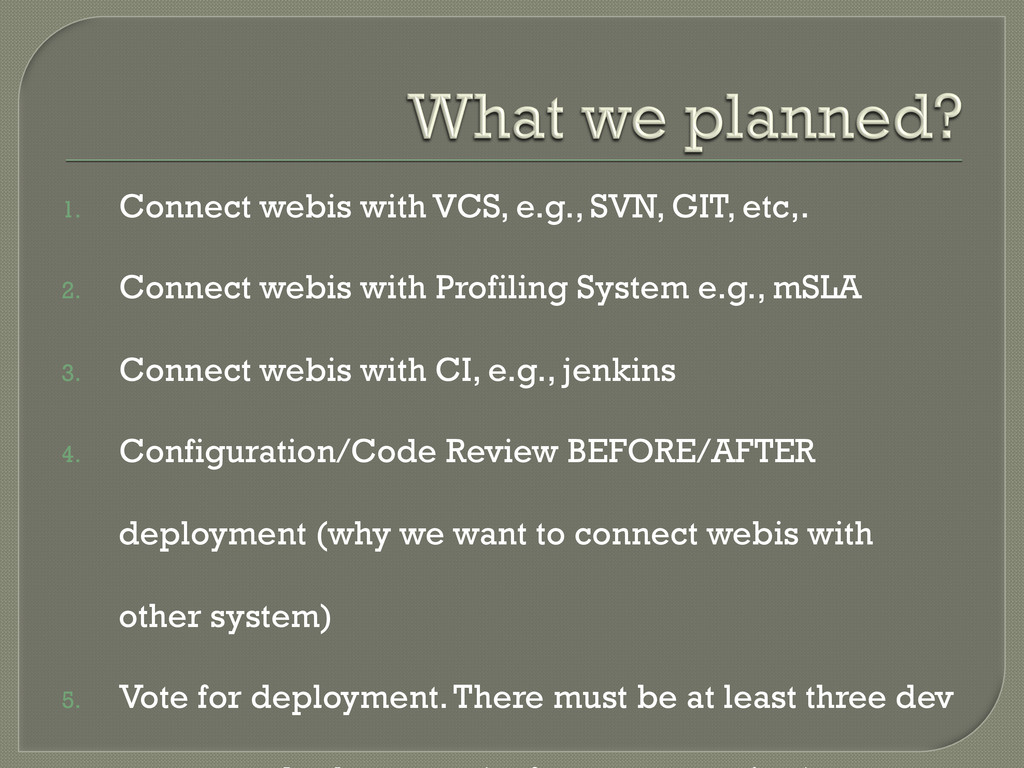
Connect webis with Profiling System e.g., mSLA 3. Connect webis with CI, e.g., jenkins 4. Configuration/Code Review BEFORE/AFTER deployment (why we want to connect webis with other system) 5. Vote for deployment. There must be at least three dev


 hydra35
 inesmontani
 inariku
 jacopen
 wind111
 legalontechnologies
 biwashi
 manabuseki
 csswizardry
 miriamschwab
 koji_kawamura
 knwoop
 takuyay0ne
 marktimemedia
 seathinner
 lindahogenes
 palkan
 productmarketing
 garrettdimon
 portentint
 codingconduct
 varn
 gr2m