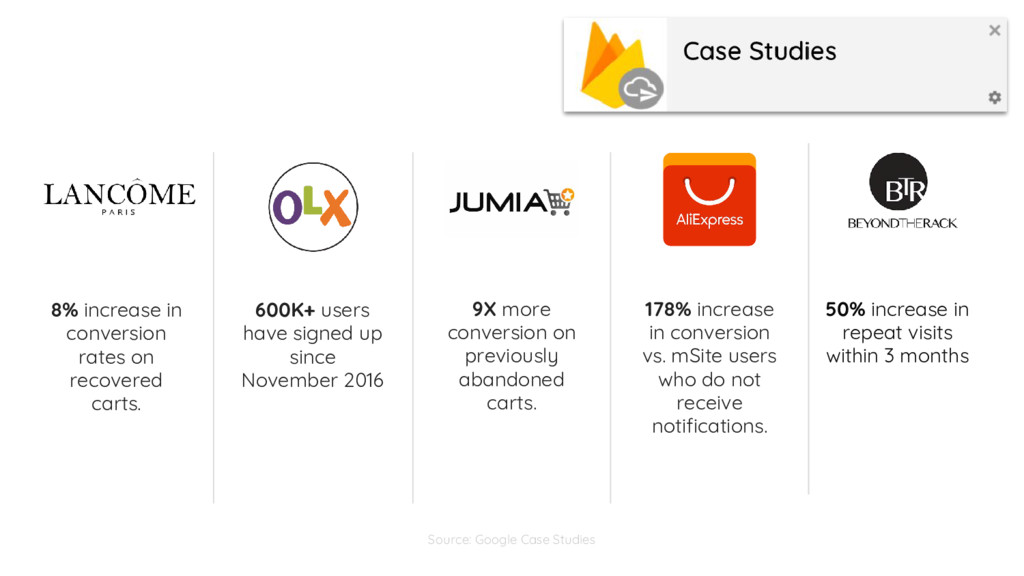
have signed up since November 2016 9X more conversion on previously abandoned carts. 178% increase in conversion vs. mSite users who do not receive notifications. 50% increase in repeat visits within 3 months Source: Google Case Studies
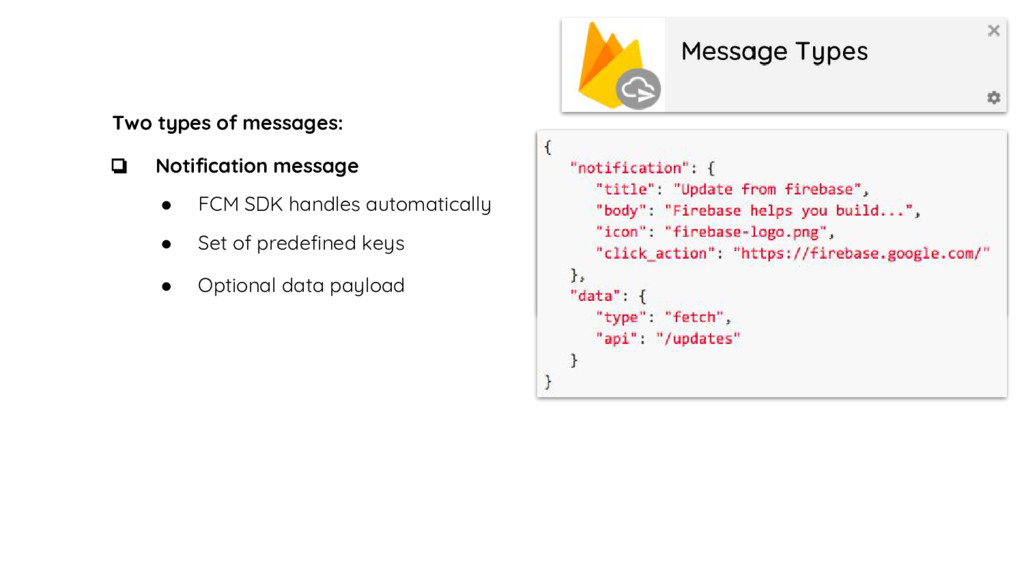
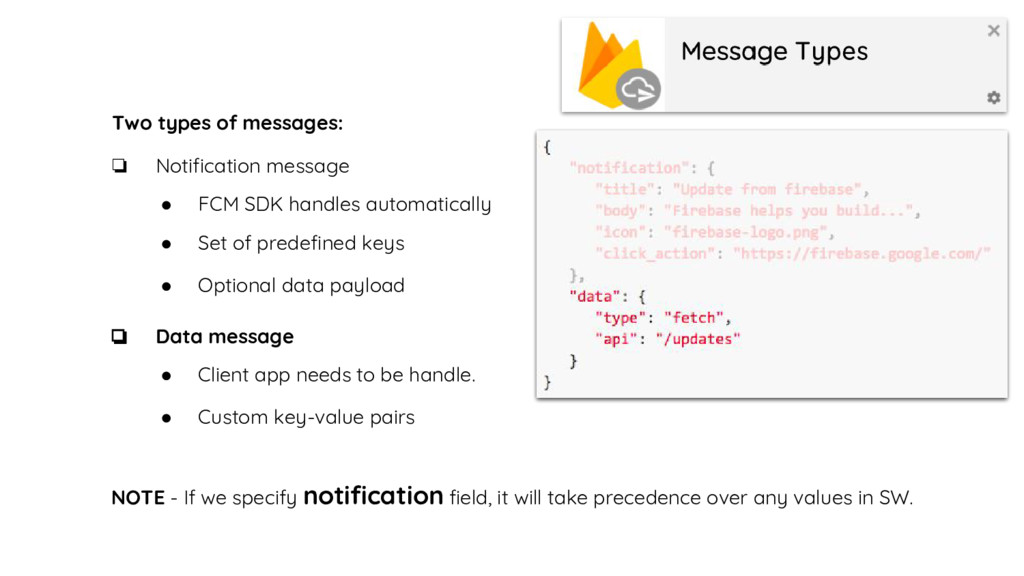
• Set of predefined keys • Optional data payload • FCM SDK handles automatically • Client app needs to be handle. • Custom key-value pairs NOTE - If we specify notification field, it will take precedence over any values in SW.
image. • Title should be precise form of the information. • Don’t use domain name in title or body. • Click action navigation should based on notification information.


 genda
genda
 jtakeda
 riyaamemiya
 takahashim
 kakehashi
 occhi
occhi
 persolserverworks
 yut0naga1_fa
 greenmidori
 kworkdev
 kenichiodo
 terapyon
 ipullrank
 geoffreycrofte
 lynnandtonic
 retrage
 lcolladotor
 cassininazir
 reverentgeek
 marketingsoph
 tapps
tapps
 inesmontani
 codingconduct
 chrislema