Upgrade to Pro — share decks privately, control downloads, hide ads and more …

Usability for site builders and administrators

Avatar for ifrik ifrik
September 29, 2016

Usability for site builders and administrators

One size fits all?
Core conversation at DrupalCon Dublin 2016 about UX and UI.
https://events.drupal.org/dublin2016/sessions/one-size-fits-all-usability-site-builders-and-administrators

Avatar for ifrik

ifrik

September 29, 2016

More Decks by ifrik

Other Decks in Technology

Transcript

  1. One size fits all? Usability for site builders and administrators

    Antje Lorch ifrik Core Conversation https://events.drupal.org/dublin2016/sessions/one-size-fits-all-usability-site-builders-and-administrators
  2. about me Antje Lorch @ ifrik  site builder 

    since Drupal 4.7  freelancer, on my own or in small teams  biologist and scientific editor  Documentation working group and usability
  3. The site builder building websites for others to use 

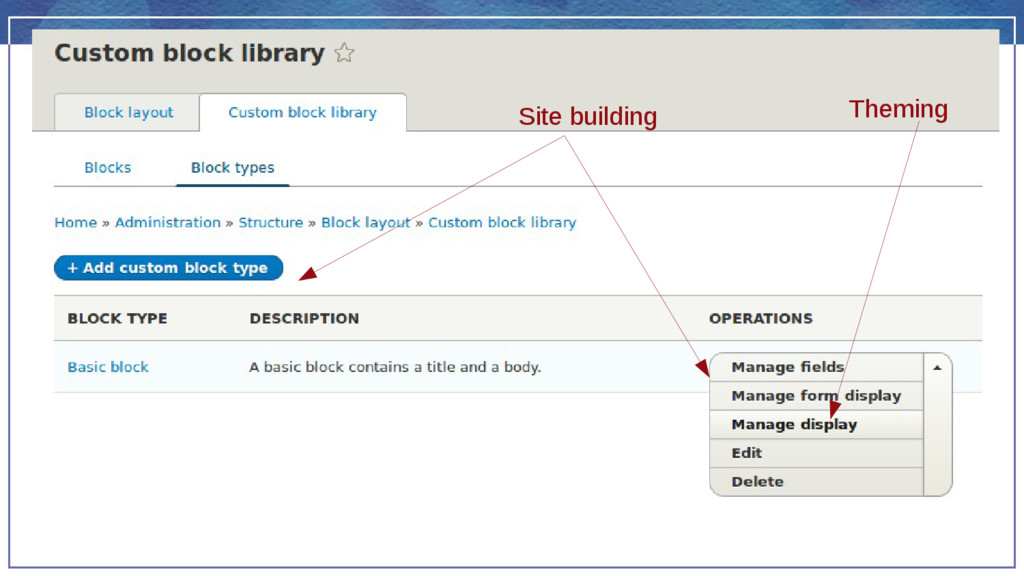
    often in a team with backend developers, frontenders ad/or designers  working with core and contrib  finding and appling patches  managing configuration  preparing the site for other user roles on the production site
  4. The frontender preparing the site to match the design 

    configuring display modes  placing blocks  configuring image styles  often in cooperation with sitebuilders and designers
  5. The advanced administrator working on the production site  managing

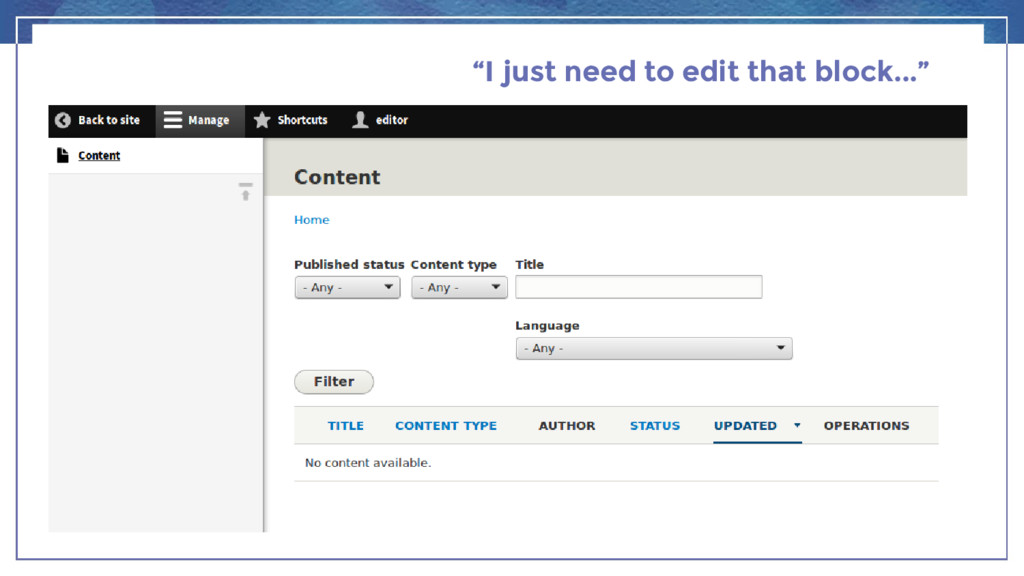
    content and users  changing UI text: in blocks, messages, automated emails  adding or disabling menu items  disabling blocks  adding forms  without constant access to a sitebuilder or themer
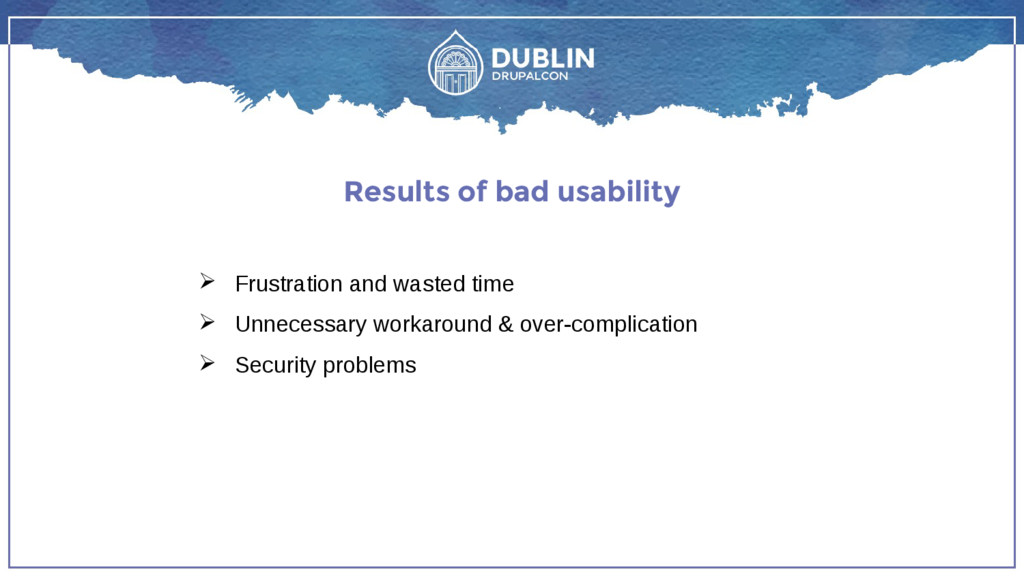
  6. Results of bad usability  Frustration and wasted time 

    Unnecessary workaround & over-complication  Security problems
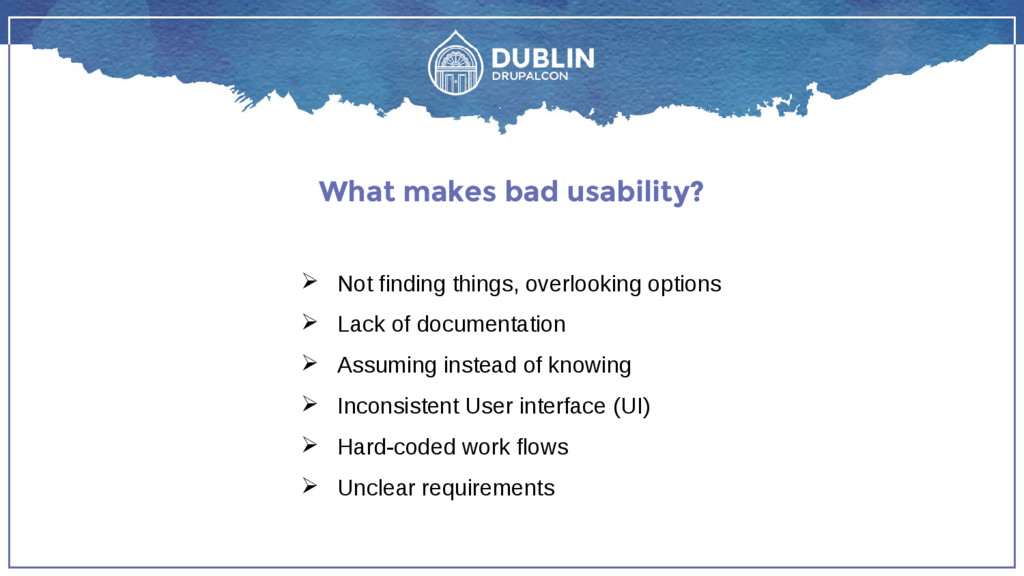
  7. What makes bad usability?  Not finding things, overlooking options

     Lack of documentation  Assuming instead of knowing  Inconsistent User interface (UI)  Hard-coded work flows  Unclear requirements
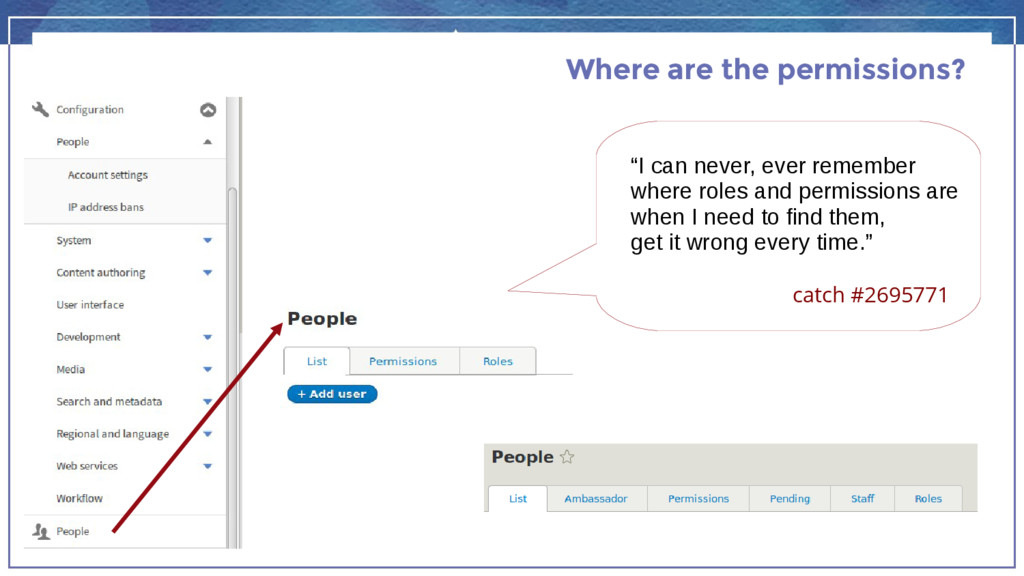
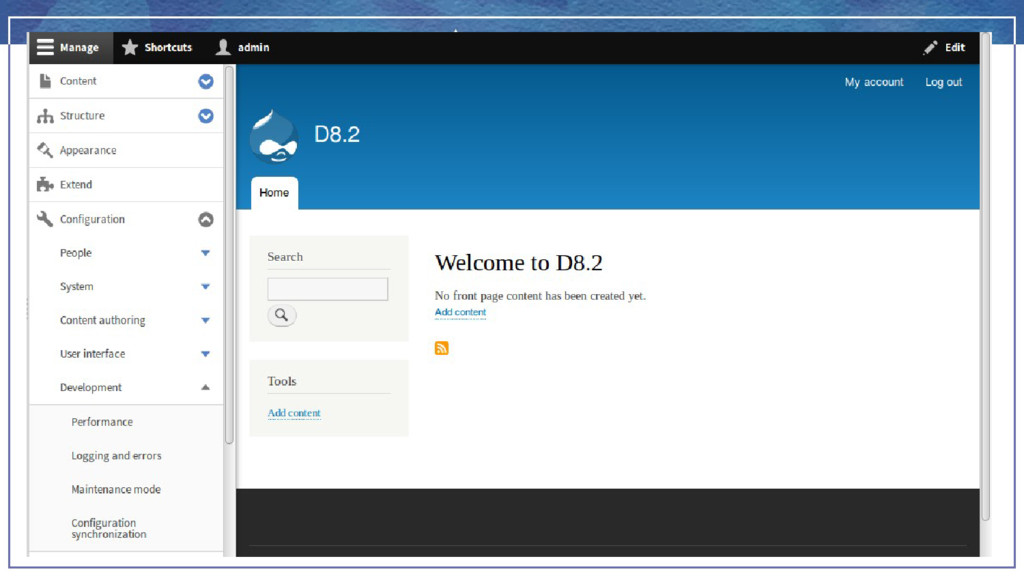
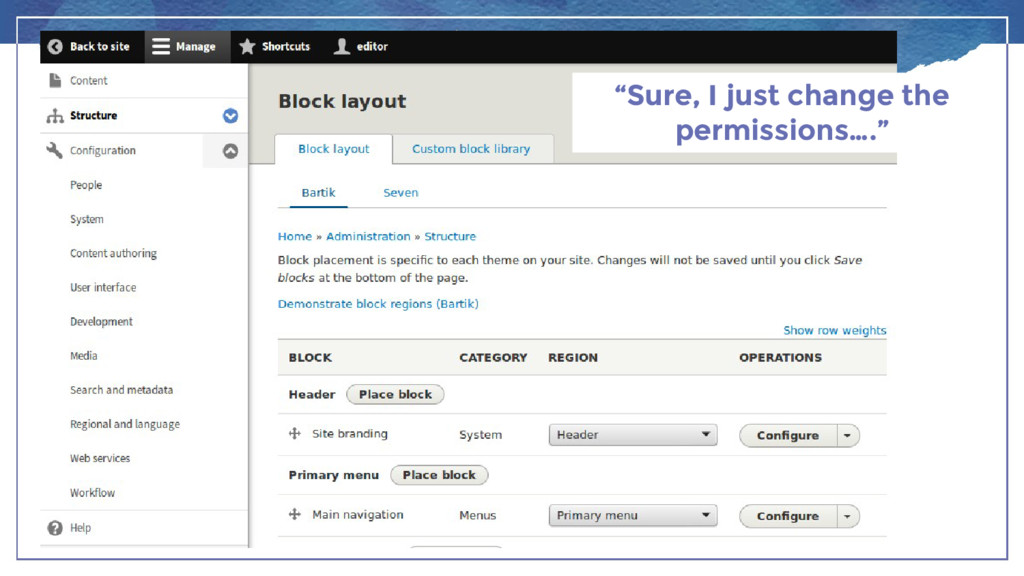
  8. Where are the permissions? “I can never, ever remember where

    roles and permissions are when I need to find them, get it wrong every time.” catch #2695771
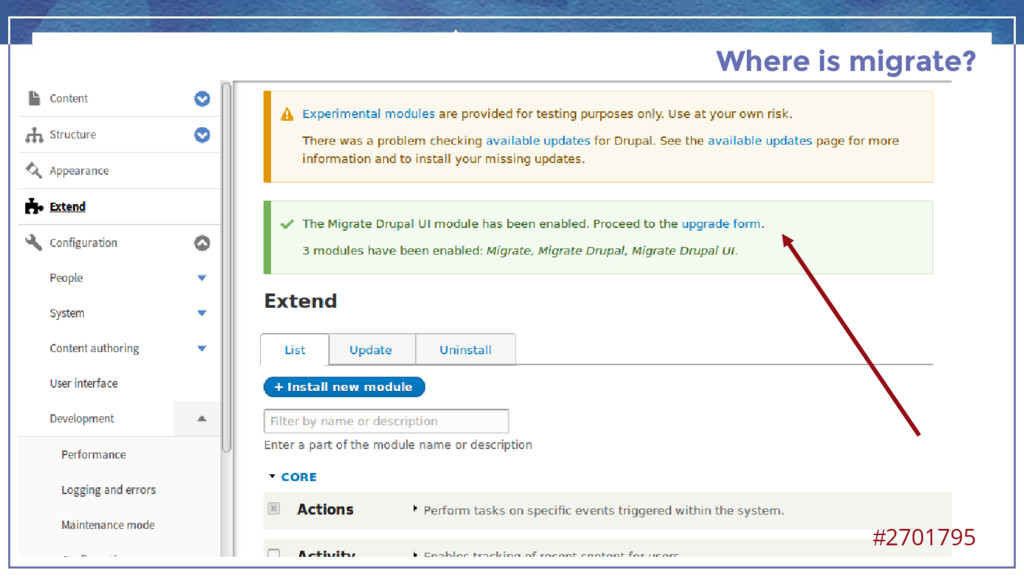
  9. How do you find admin pages of a new module?

    I check the routing.yml file.
  10. … and more  DevDays session “There's a setting for

    that, wasn't there, somewhere?  http://milan2016.drupaldays.org/node/121
  11. Where does bad UX come from?  lack of guidance

    and standards  assumptions about how Drupal will be used  not enough user testing  as a result of user testing
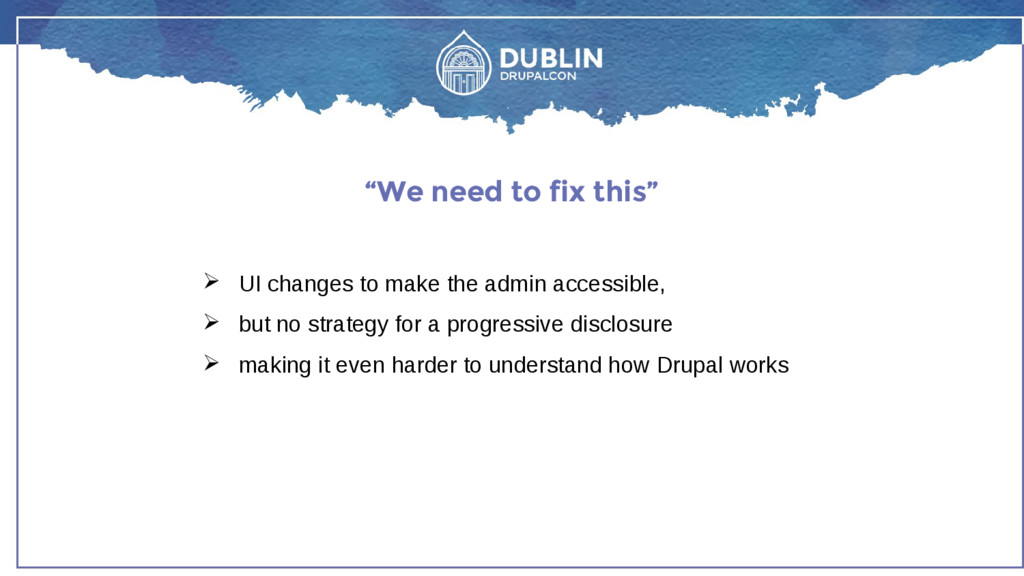
  12. “We need to fix this”  UI changes to make

    the admin accessible,  but no strategy for a progressive disclosure  making it even harder to understand how Drupal works
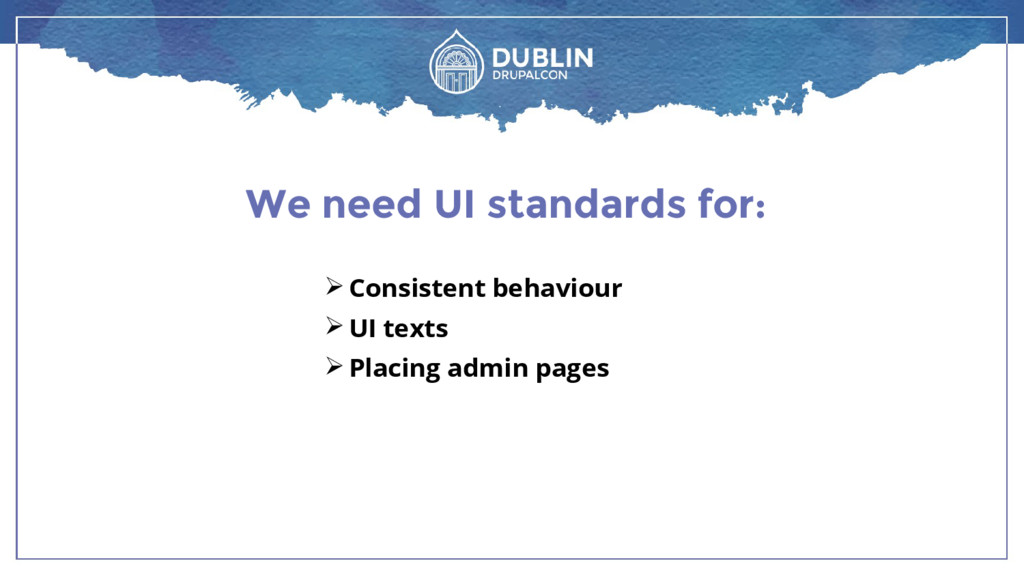
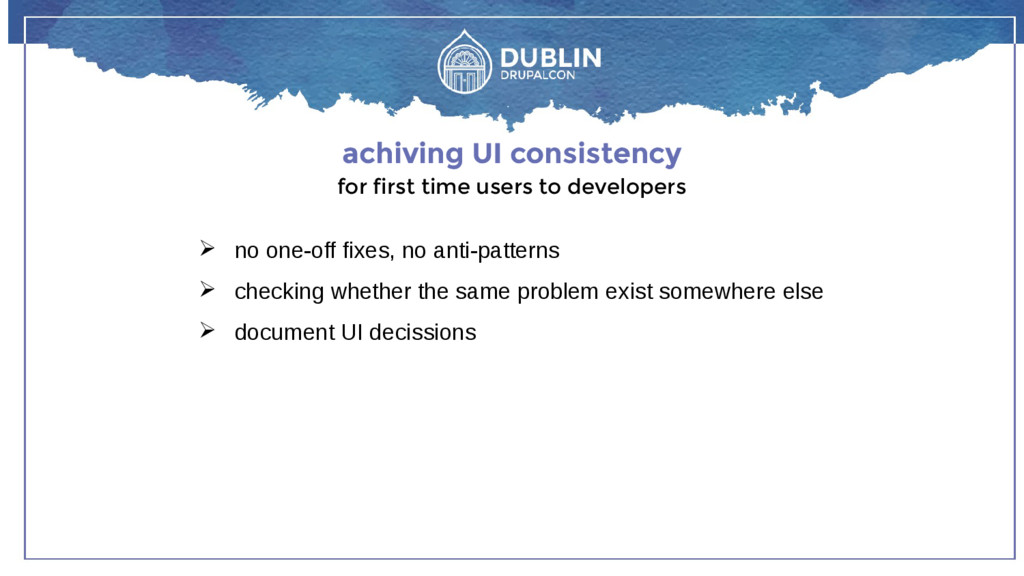
  13. achiving UI consistency for first time users to developers 

    no one-off fixes, no anti-patterns  checking whether the same problem exist somewhere else  document UI decissions
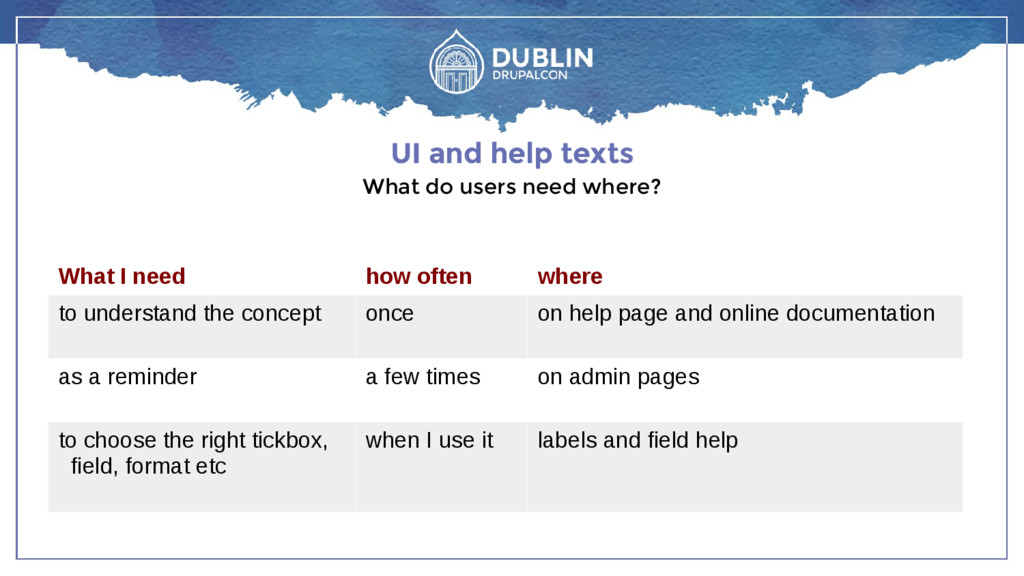
  14. UI and help texts What do users need where? What

    I need how often where to understand the concept once on help page and online documentation as a reminder a few times on admin pages to choose the right tickbox, field, format etc when I use it labels and field help
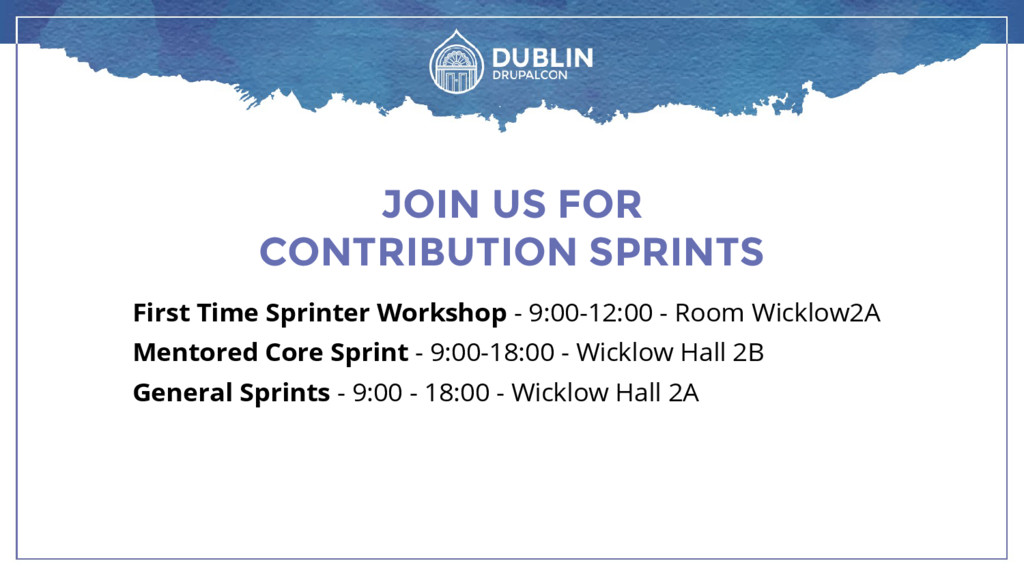
  15. JOIN US FOR CONTRIBUTION SPRINTS First Time Sprinter Workshop -

    9:00-12:00 - Room Wicklow2A Mentored Core Sprint - 9:00-18:00 - Wicklow Hall 2B General Sprints - 9:00 - 18:00 - Wicklow Hall 2A