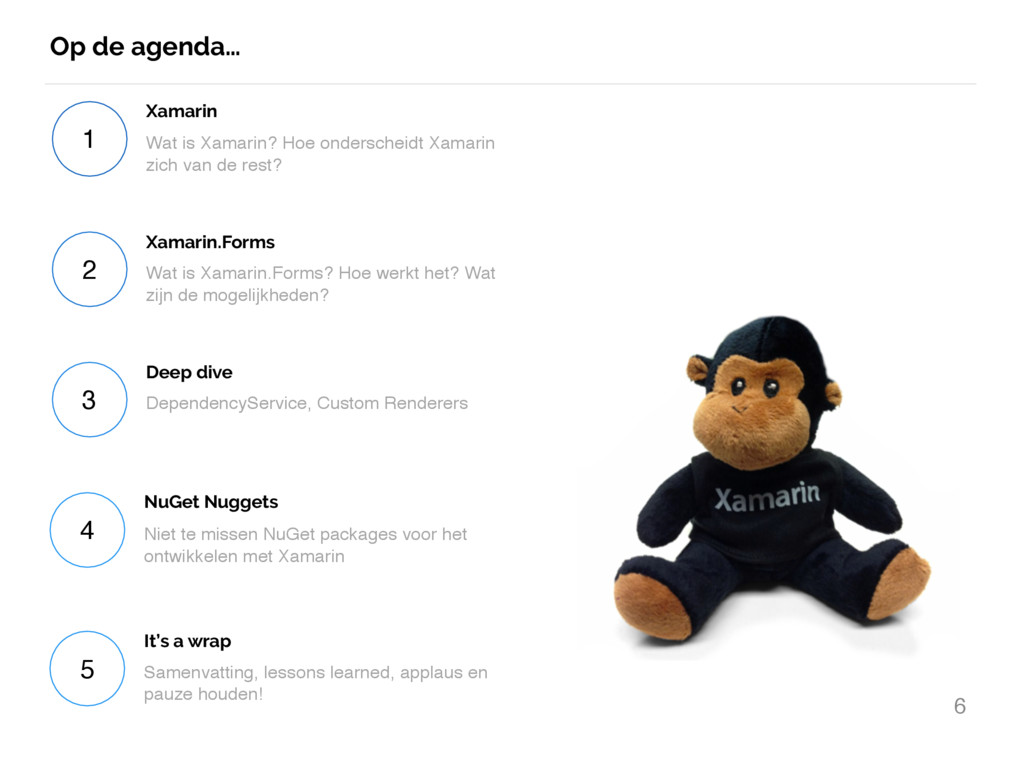
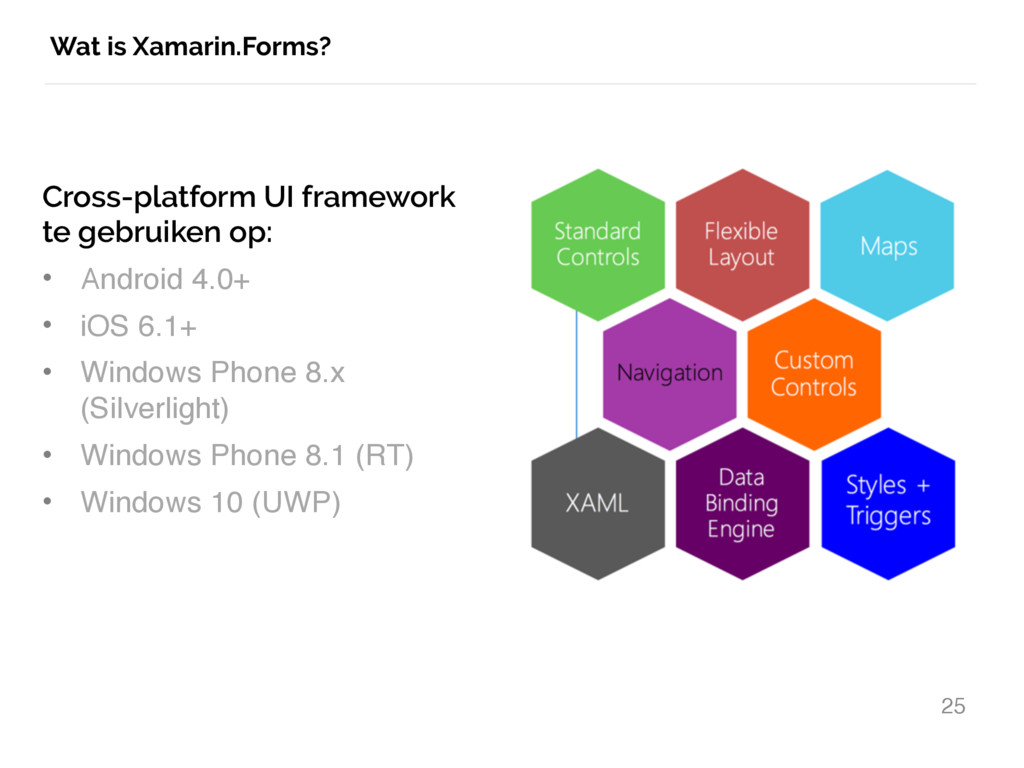
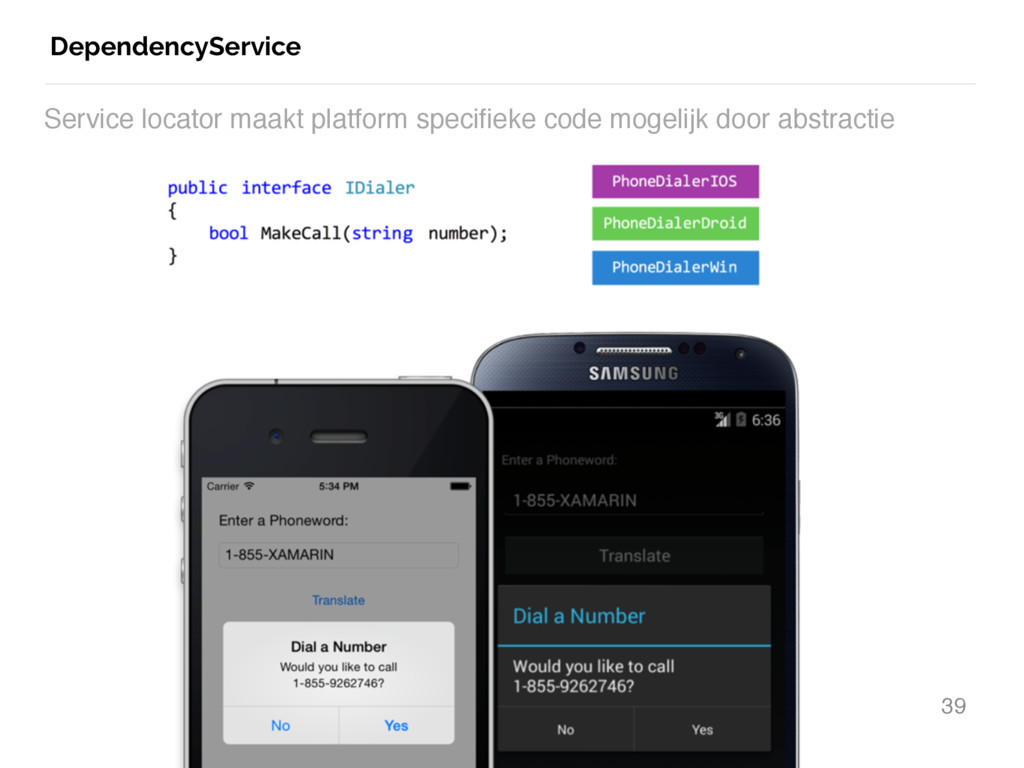
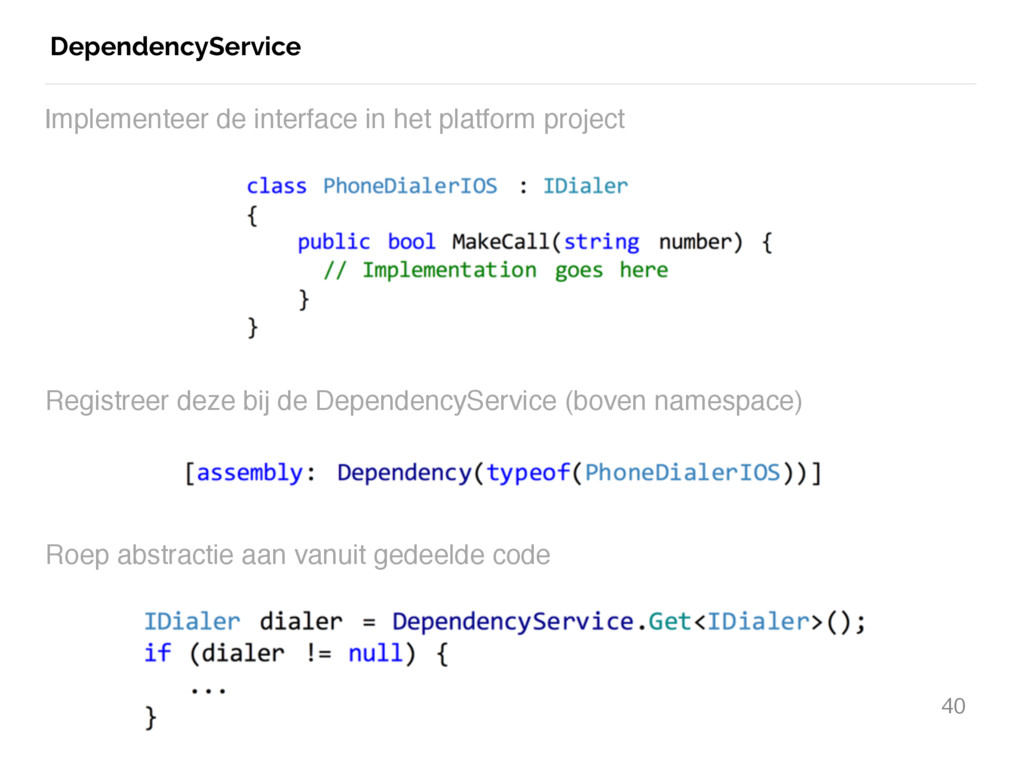
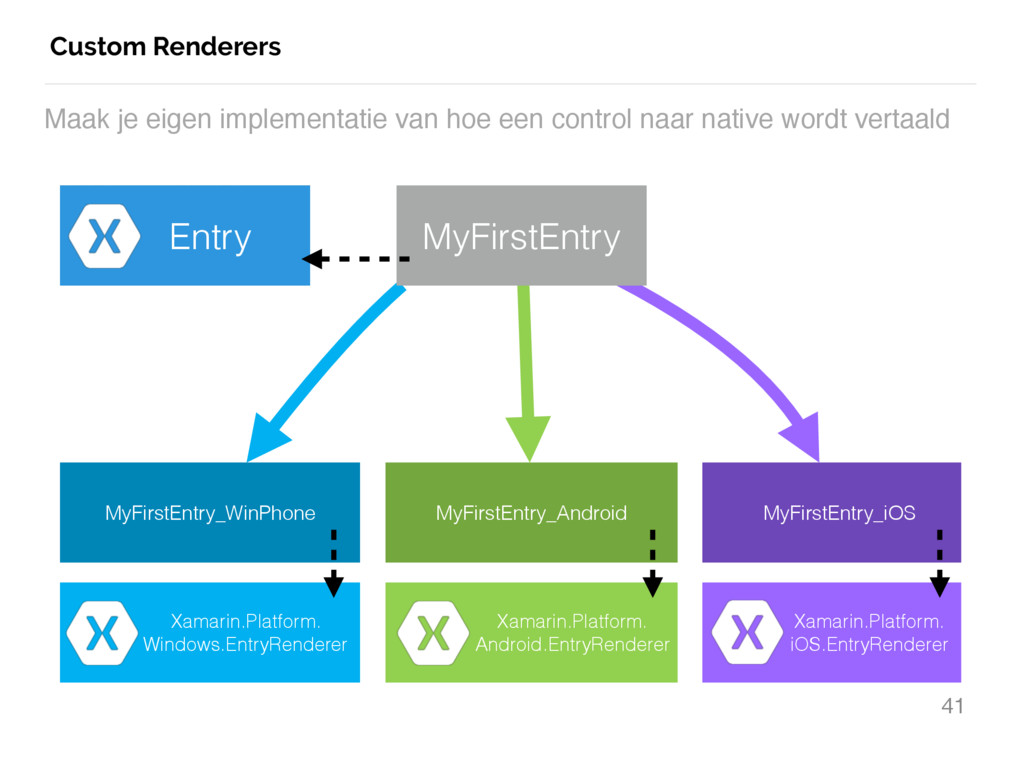
Xamarin zich van de rest? Xamarin 2 Wat is Xamarin.Forms? Hoe werkt het? Wat zijn de mogelijkheden? Xamarin.Forms 3 DependencyService, Custom Renderers Deep dive 4 Niet te missen NuGet packages voor het ontwikkelen met Xamarin NuGet Nuggets 5 Samenvatting, lessons learned, applaus en pauze houden! It’s a wrap
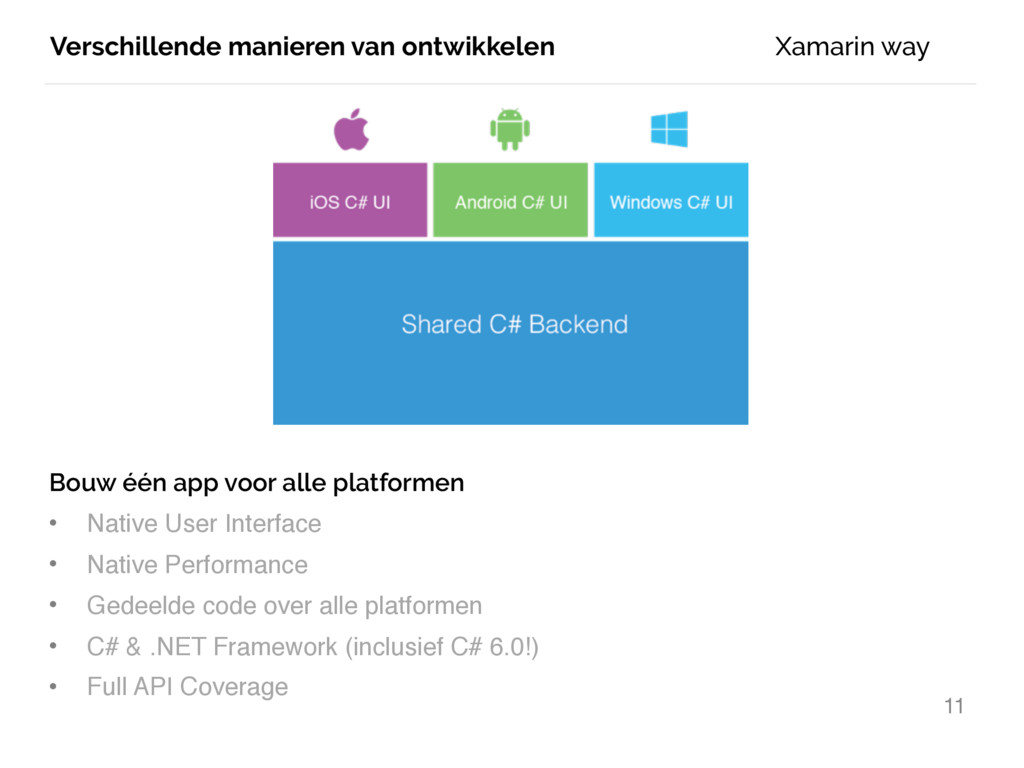
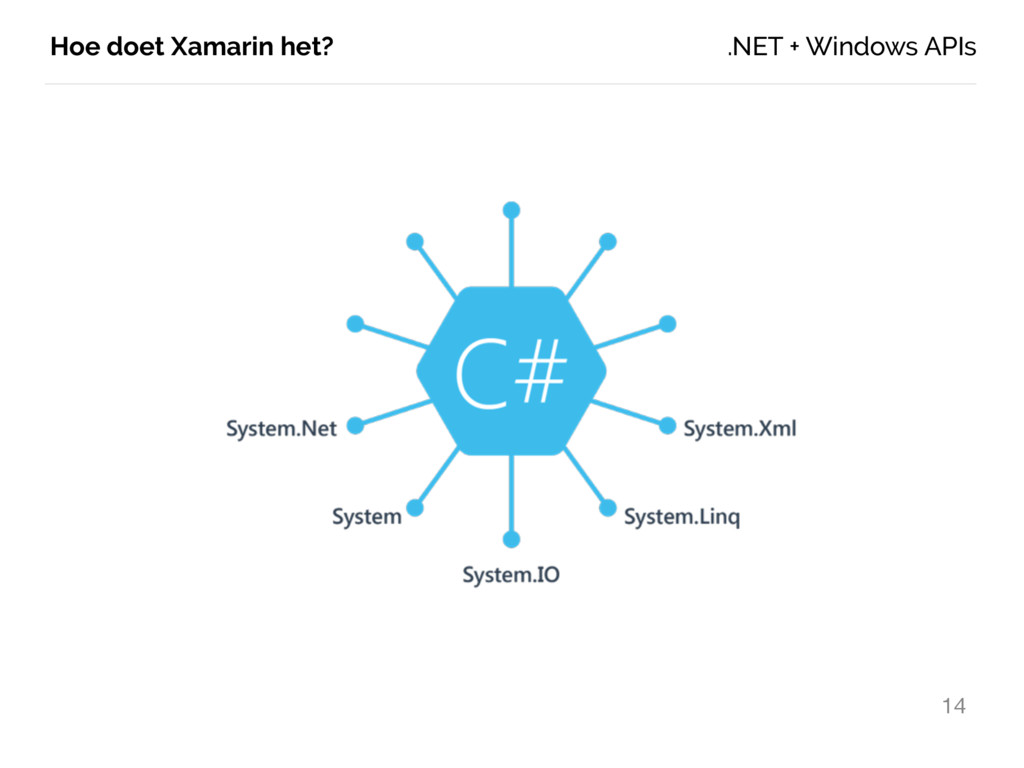
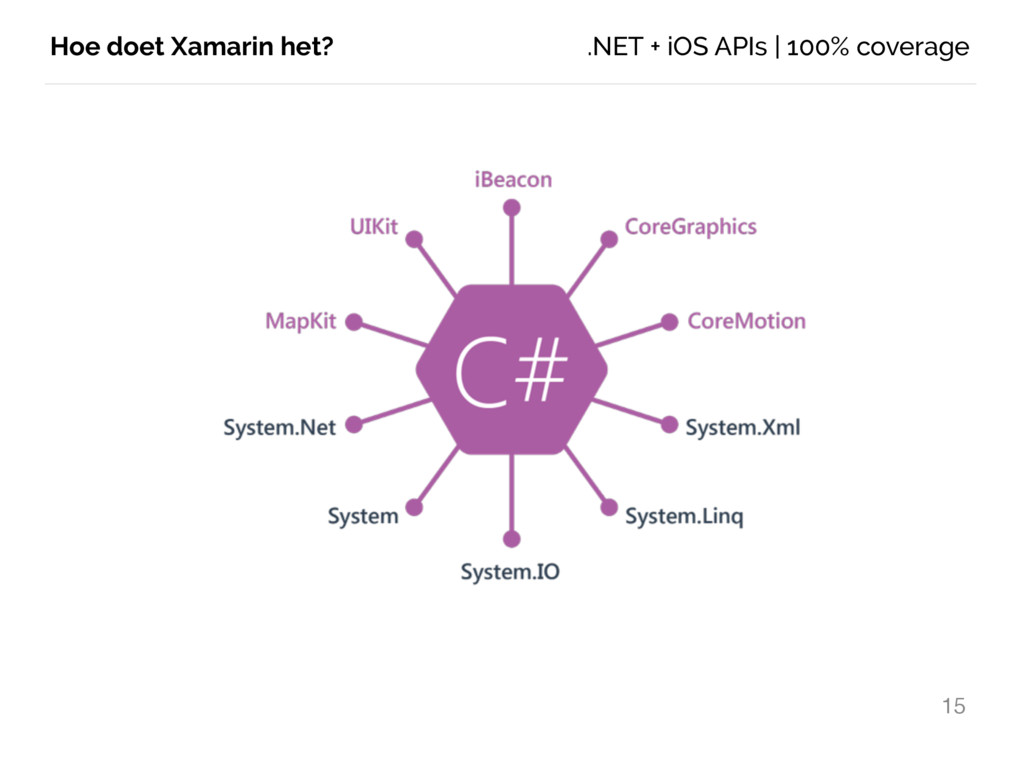
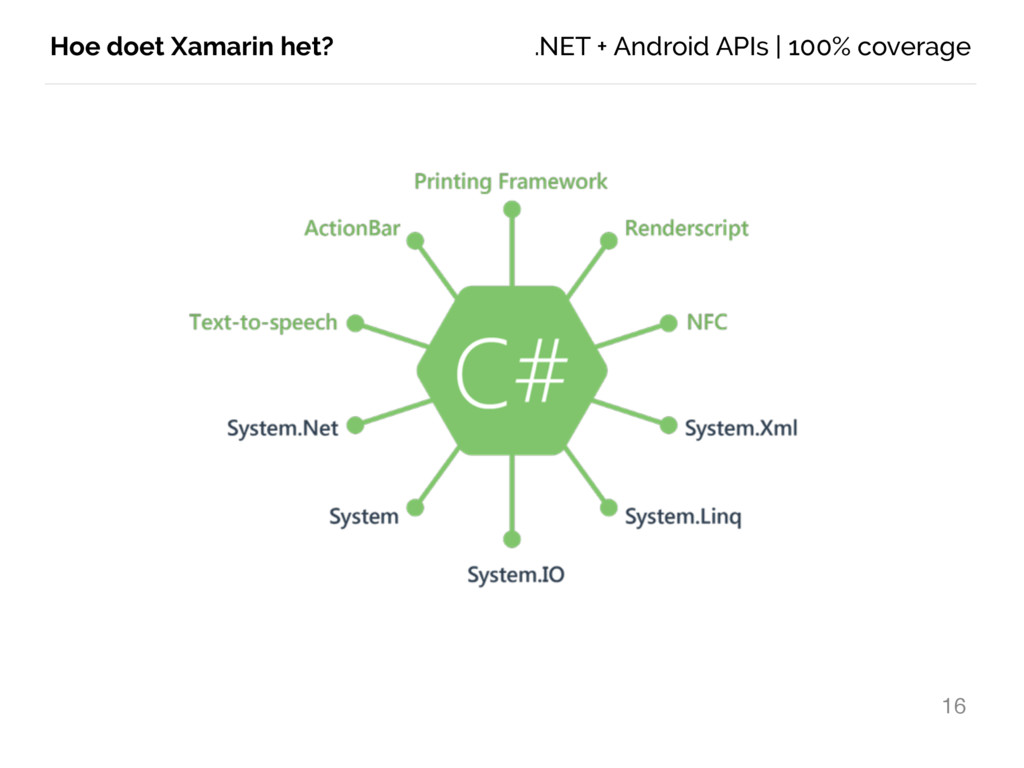
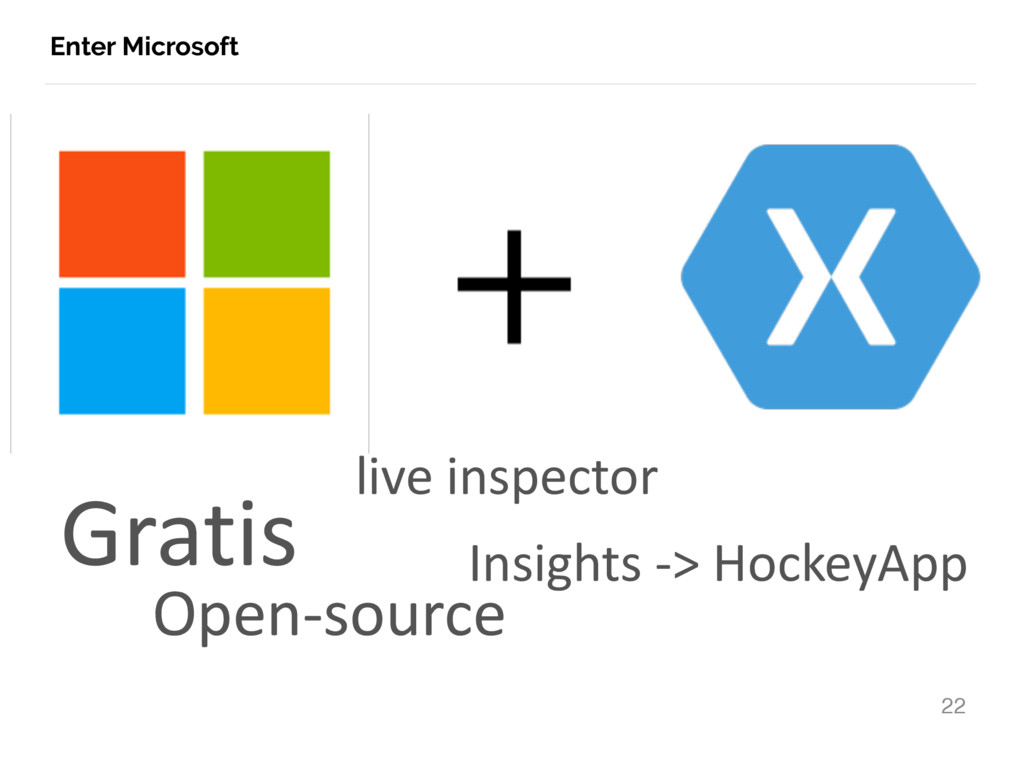
platformen • Native User Interface • Native Performance • Gedeelde code over alle platformen • C# & .NET Framework (inclusief C# 6.0!) • Full API Coverage Xamarin way
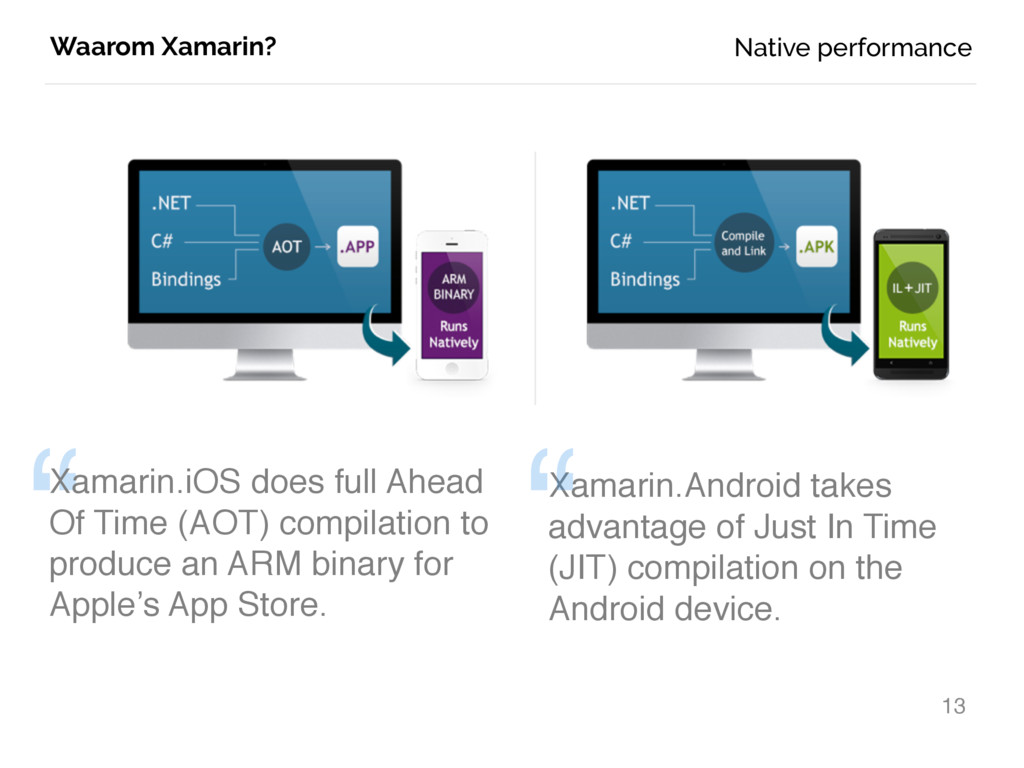
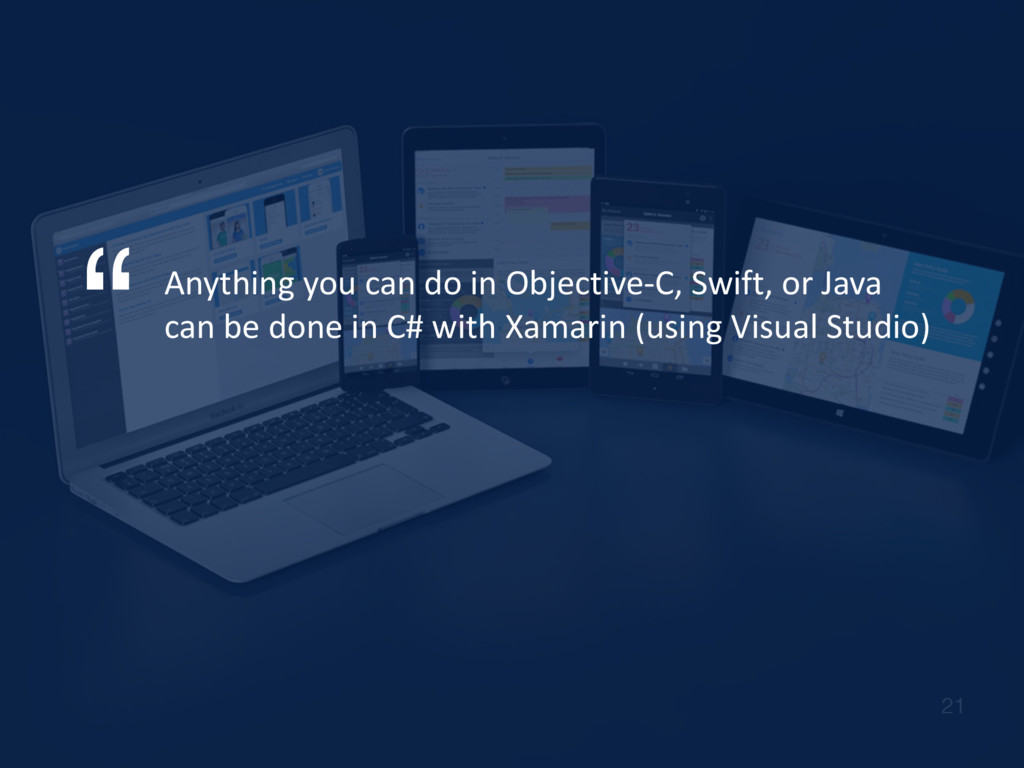
(AOT) compilation to produce an ARM binary for Apple’s App Store. Xamarin.Android takes advantage of Just In Time (JIT) compilation on the Android device. “ Native performance
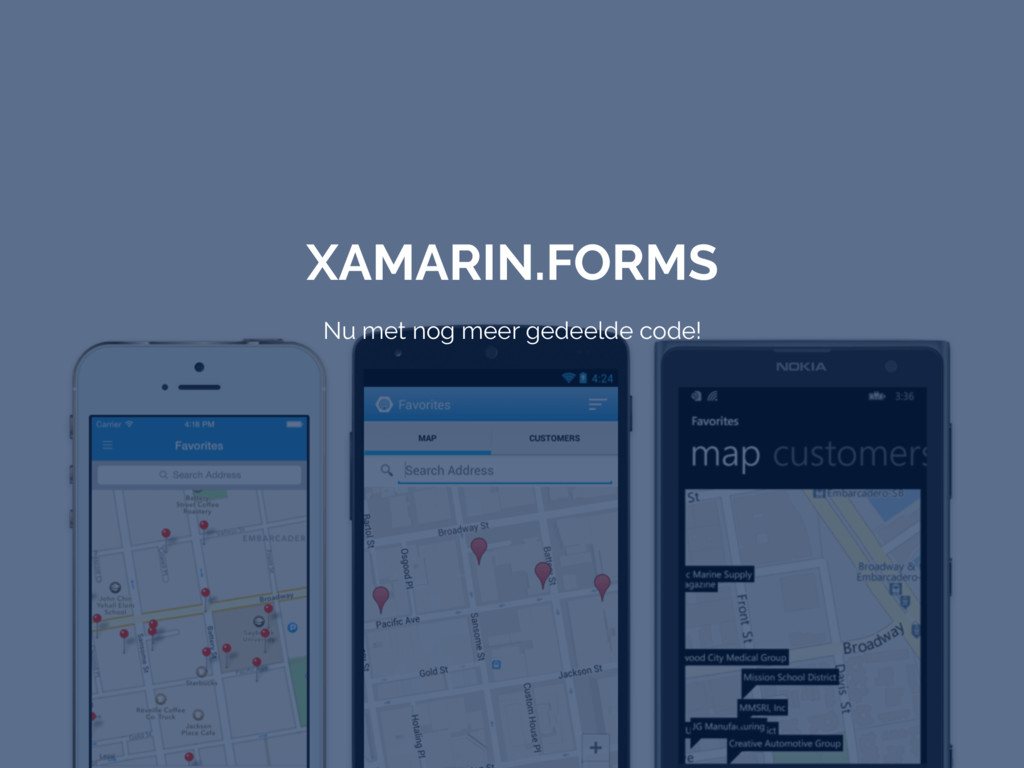
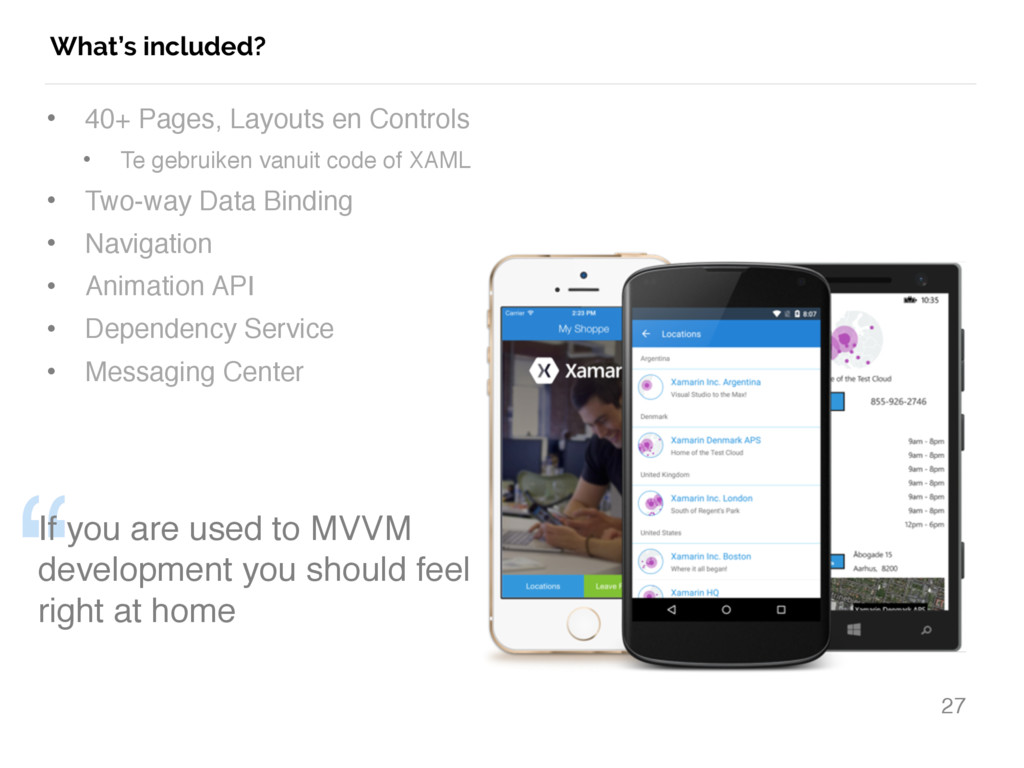
Te gebruiken vanuit code of XAML • Two-way Data Binding • Navigation • Animation API • Dependency Service • Messaging Center “ If you are used to MVVM development you should feel right at home
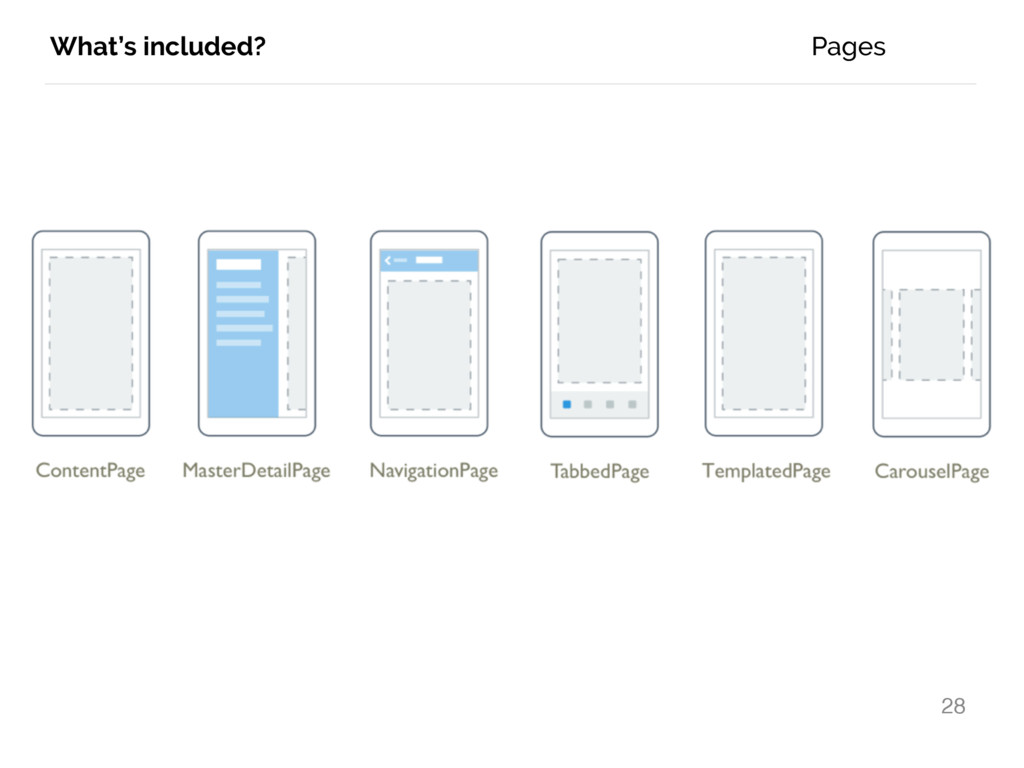
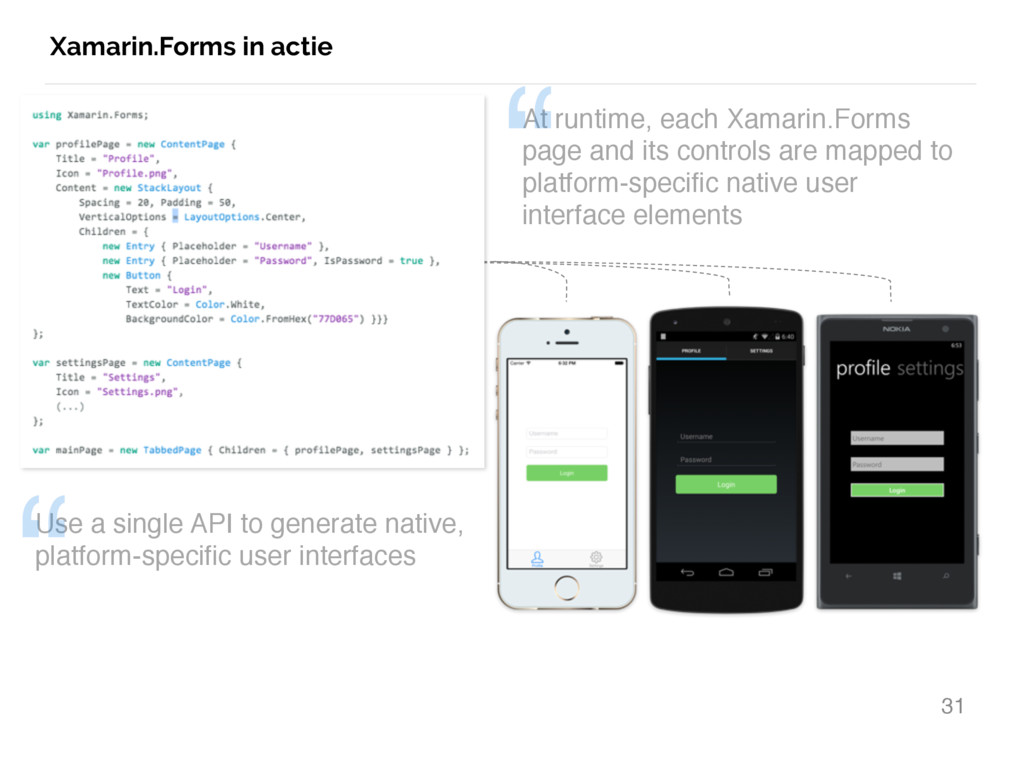
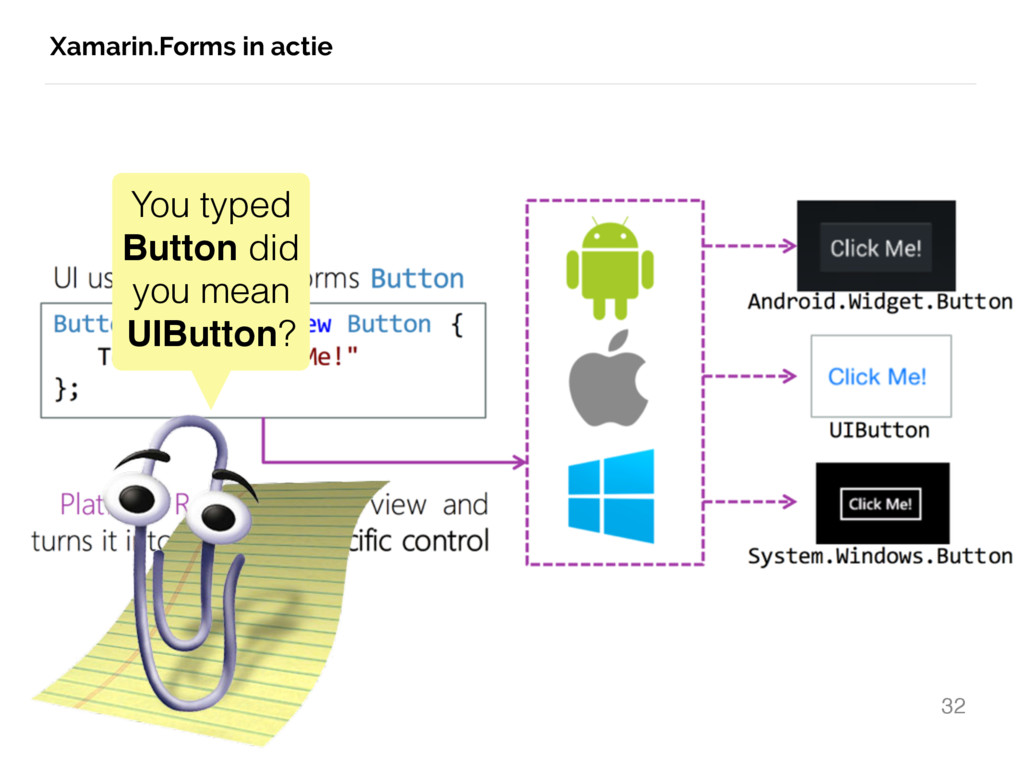
native, platform-specific user interfaces At runtime, each Xamarin.Forms page and its controls are mapped to platform-specific native user interface elements “ “
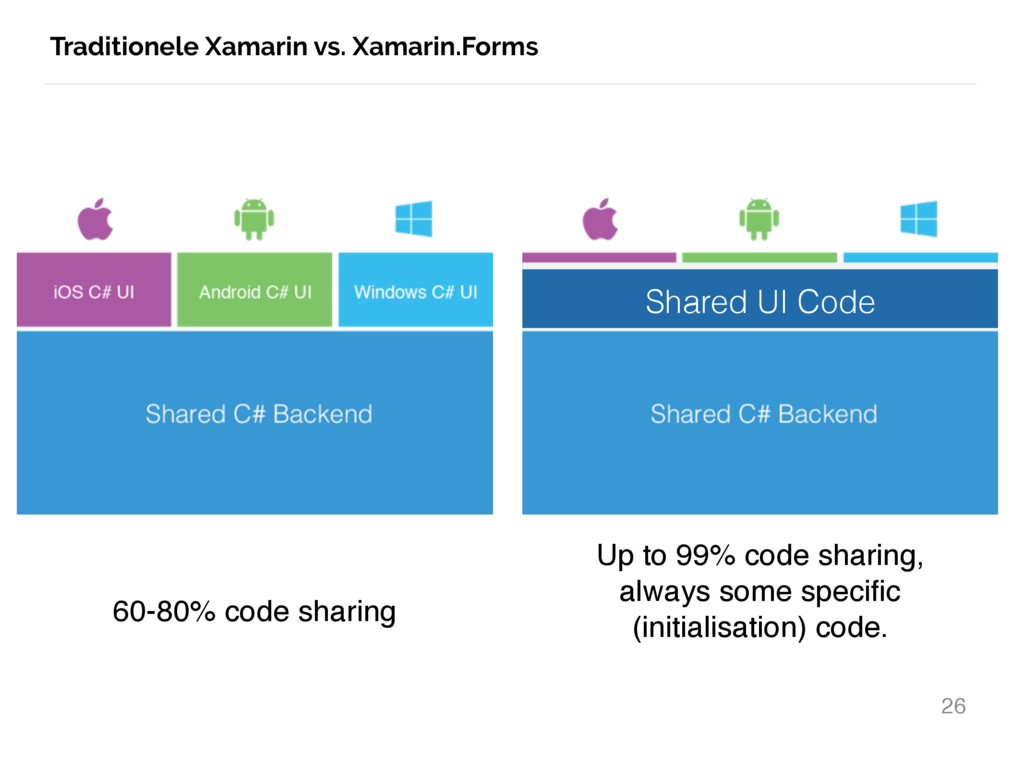
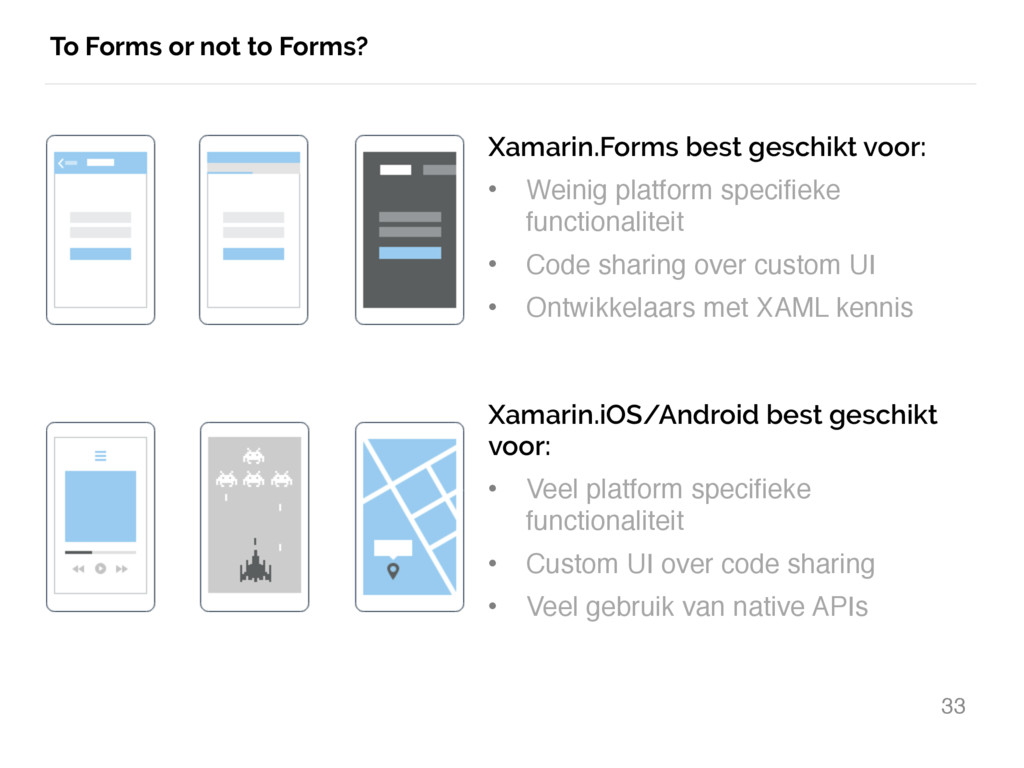
voor: • Weinig platform specifieke functionaliteit • Code sharing over custom UI • Ontwikkelaars met XAML kennis Xamarin.iOS/Android best geschikt voor: • Veel platform specifieke functionaliteit • Custom UI over code sharing • Veel gebruik van native APIs
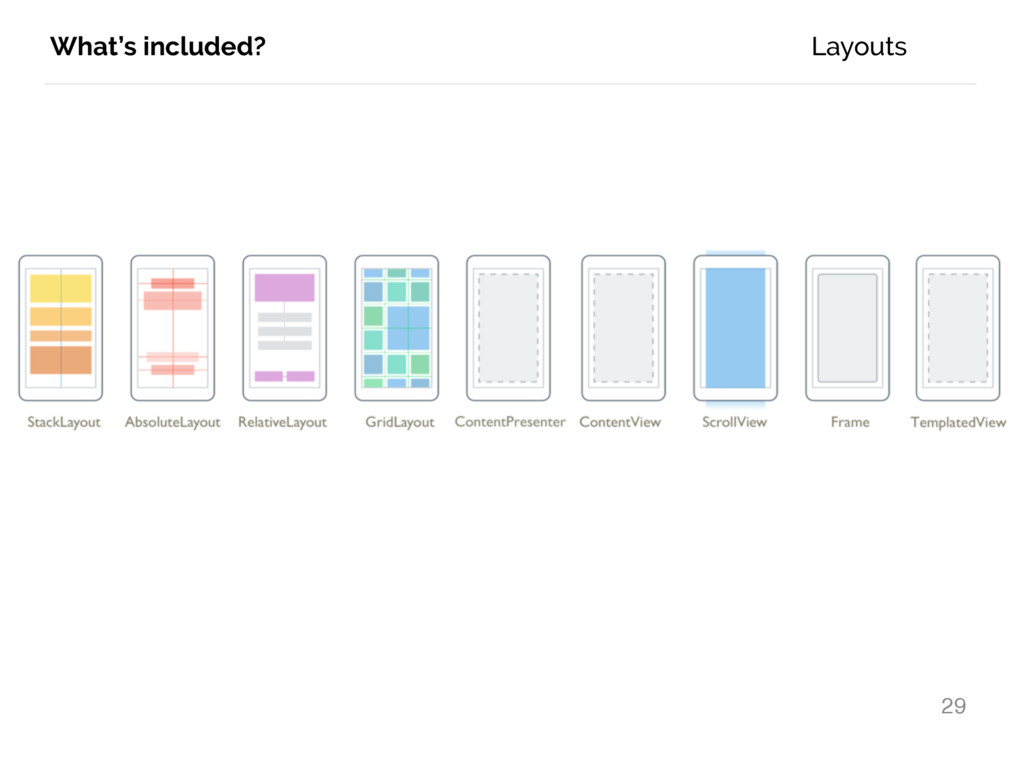
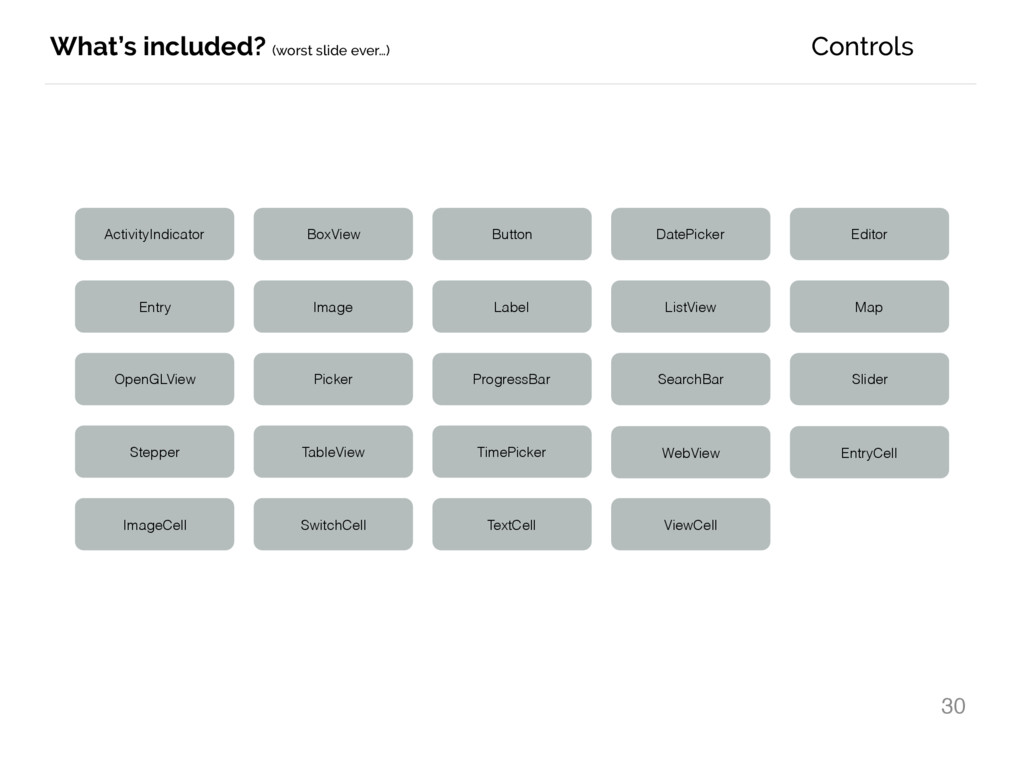
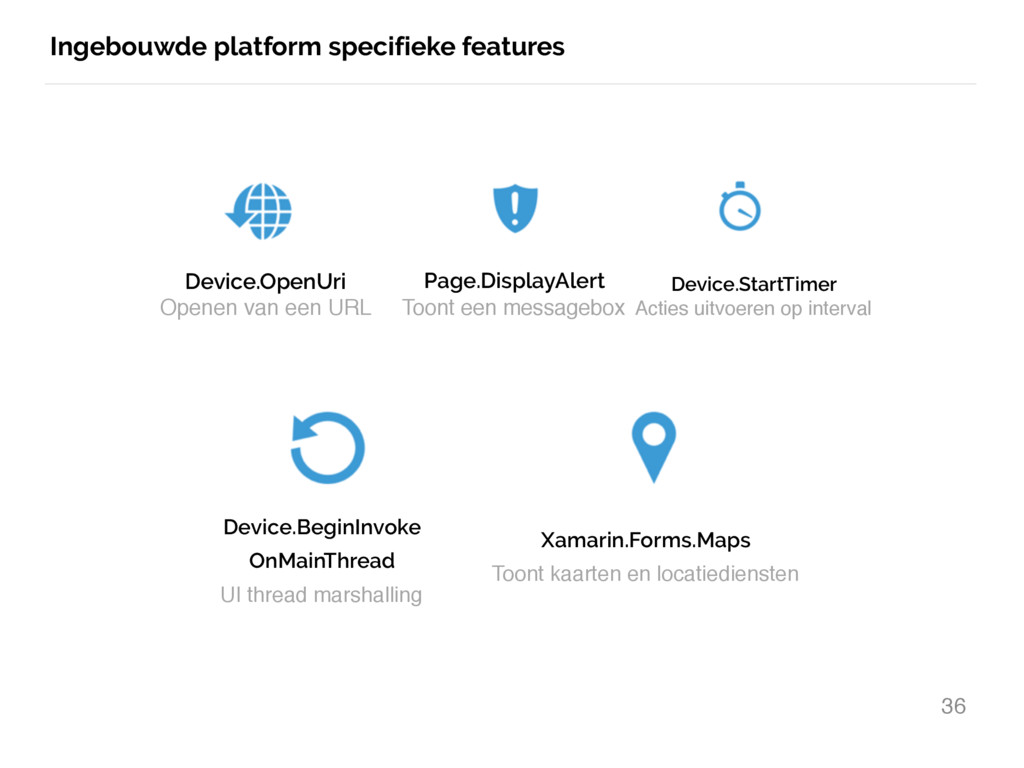
Page.DisplayAlert Toont een messagebox Device.StartTimer Acties uitvoeren op interval Device.BeginInvoke OnMainThread UI thread marshalling Xamarin.Forms.Maps Toont kaarten en locatiediensten
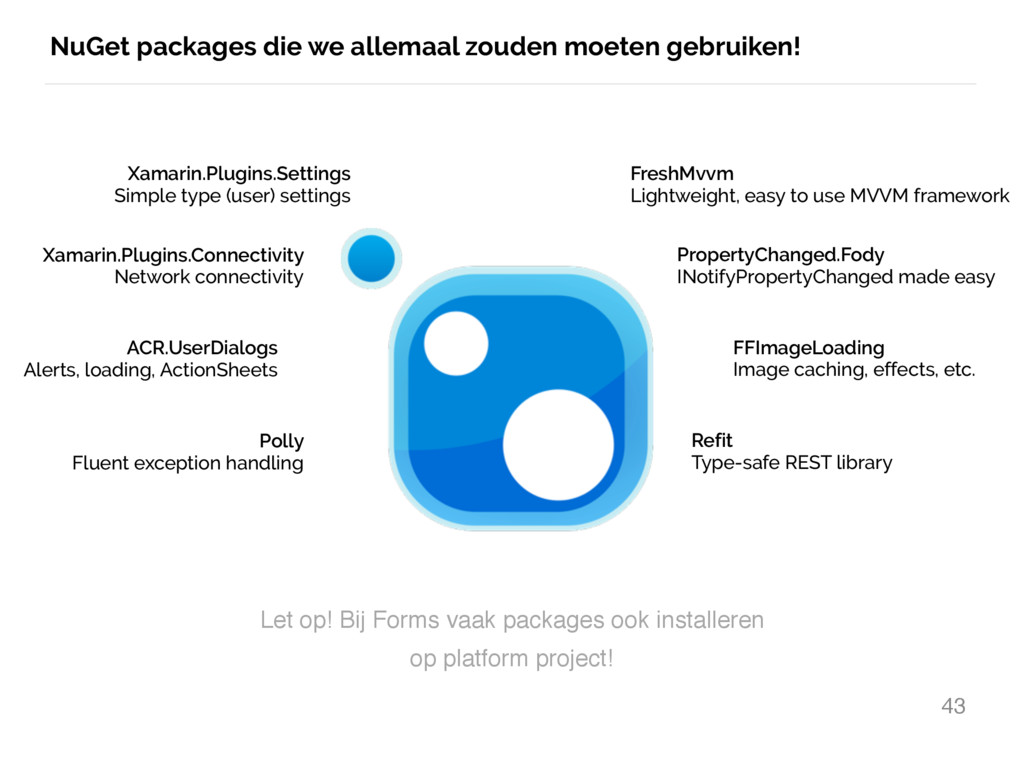
Simple type (user) settings Xamarin.Plugins.Connectivity Network connectivity ACR.UserDialogs Alerts, loading, ActionSheets FreshMvvm Lightweight, easy to use MVVM framework PropertyChanged.Fody INotifyPropertyChanged made easy FFImageLoading Image caching, effects, etc. Polly Fluent exception handling Refit Type-safe REST library Let op! Bij Forms vaak packages ook installeren op platform project!


 jfversluis
 carta_engineering
 ymotongpoo
 satomasahiro2005
 yu23ki14
 terapyon
 kzkhykw1991
 satoshi7
 kairim0
 4o1sobblue
 keeg
keeg
 pfn
pfn
 kash1064
 mongodb
 chrislema
 bryan
bryan
 jlugia
 reverentgeek
 akosma
 lara
lara
 lauravandoore
 marktimemedia
 keathley
 malarkey
 tapps
tapps

![INTRODUCTIE 2 Gerald Versluis @jfversluis blog.verslu.is [email protected]](https://files.speakerdeck.com/presentations/a53dff5fdf7e4da5981c1ec7a83ba09d/slide_1.jpg)
![INTRODUCTIE 3 Gerald Versluis @jfversluis blog.verslu.is [email protected]](https://files.speakerdeck.com/presentations/a53dff5fdf7e4da5981c1ec7a83ba09d/slide_2.jpg)
![INTRODUCTIE 4 Gerald Versluis @jfversluis blog.verslu.is [email protected] #zero2hero #xamarin](https://files.speakerdeck.com/presentations/a53dff5fdf7e4da5981c1ec7a83ba09d/slide_3.jpg)


![#schaamtelozezelfpromotie 47 Gerald Versluis @jfversluis blog.verslu.is [email protected] https:/ /snppts.io](https://files.speakerdeck.com/presentations/a53dff5fdf7e4da5981c1ec7a83ba09d/slide_46.jpg)