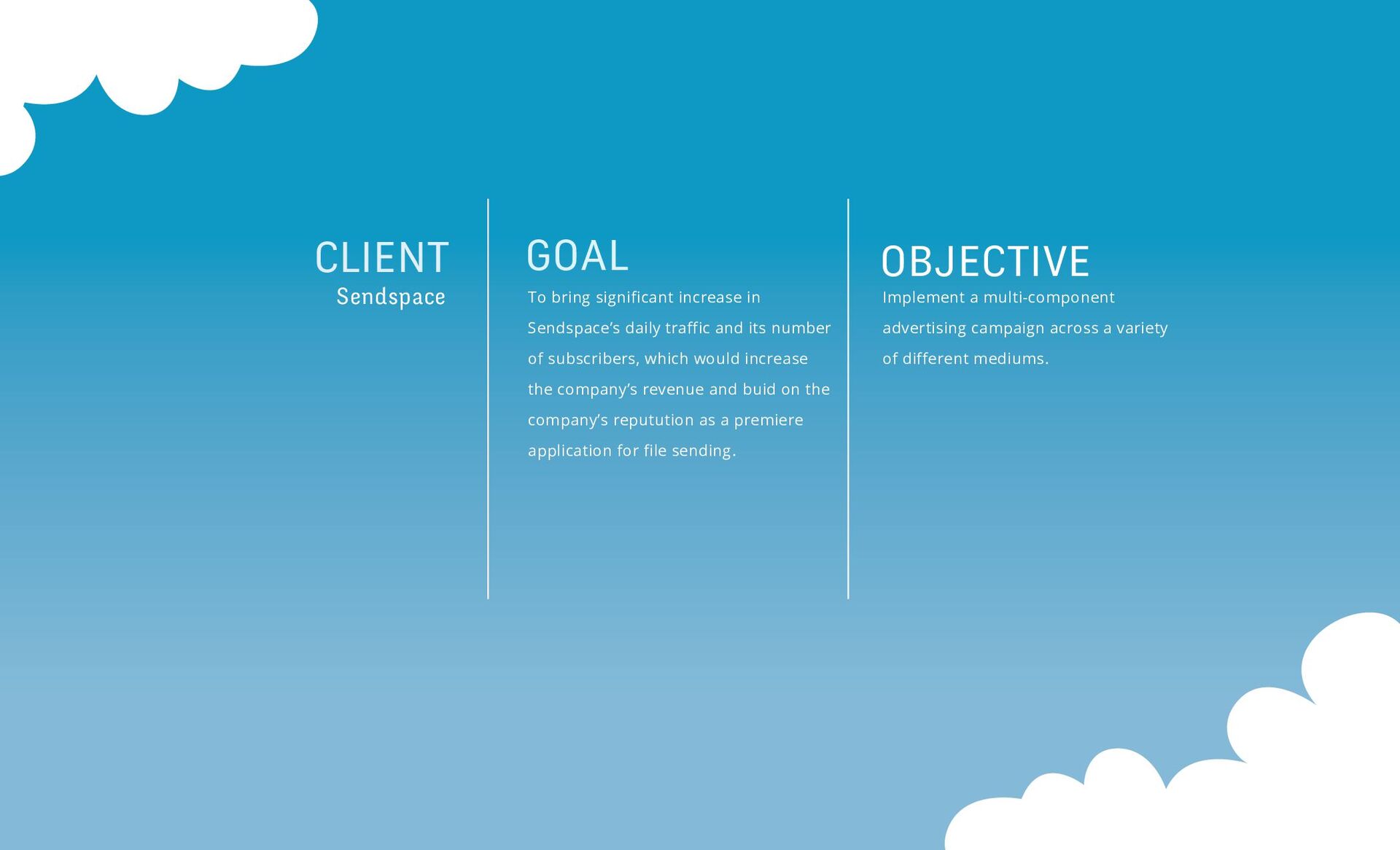
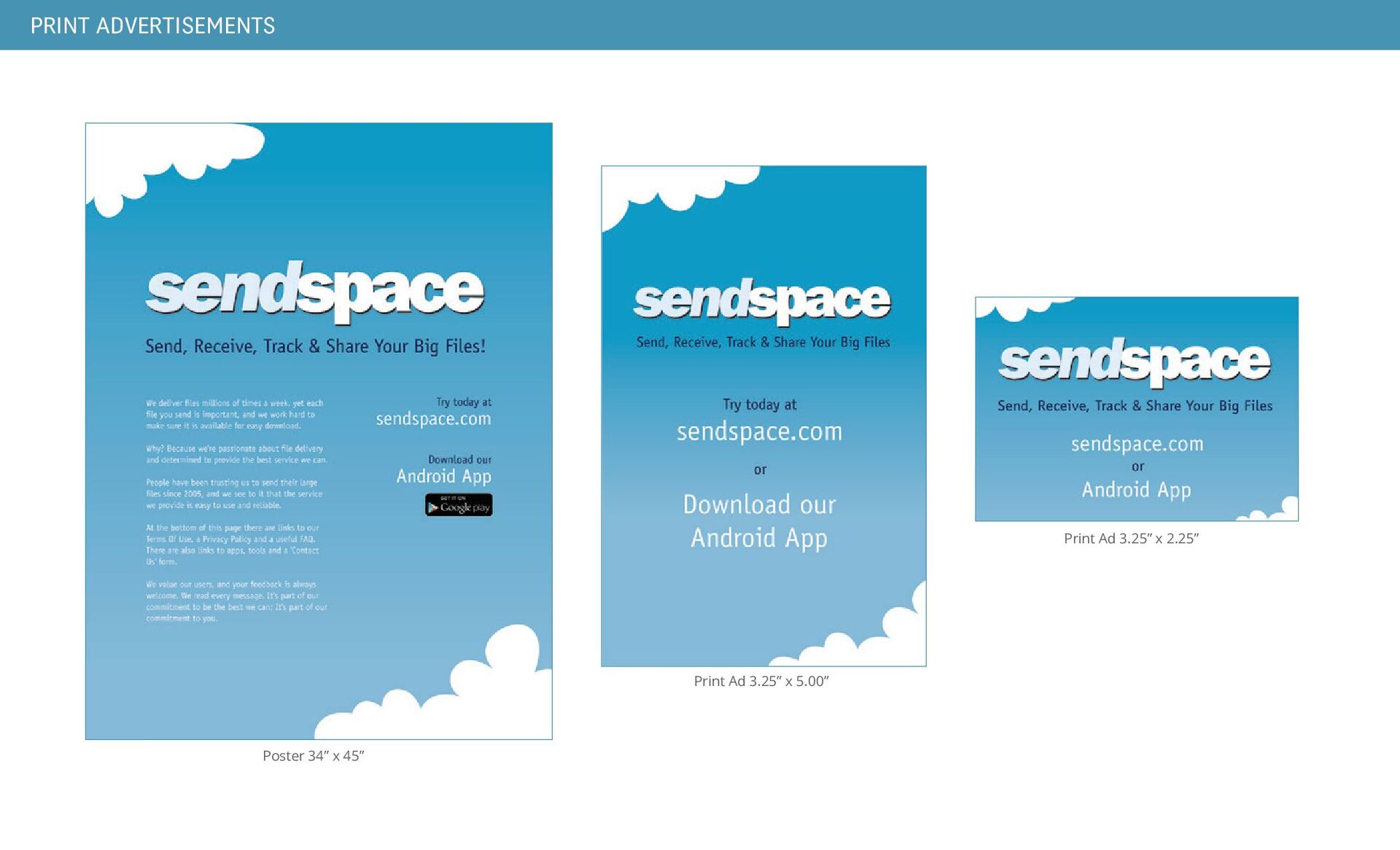
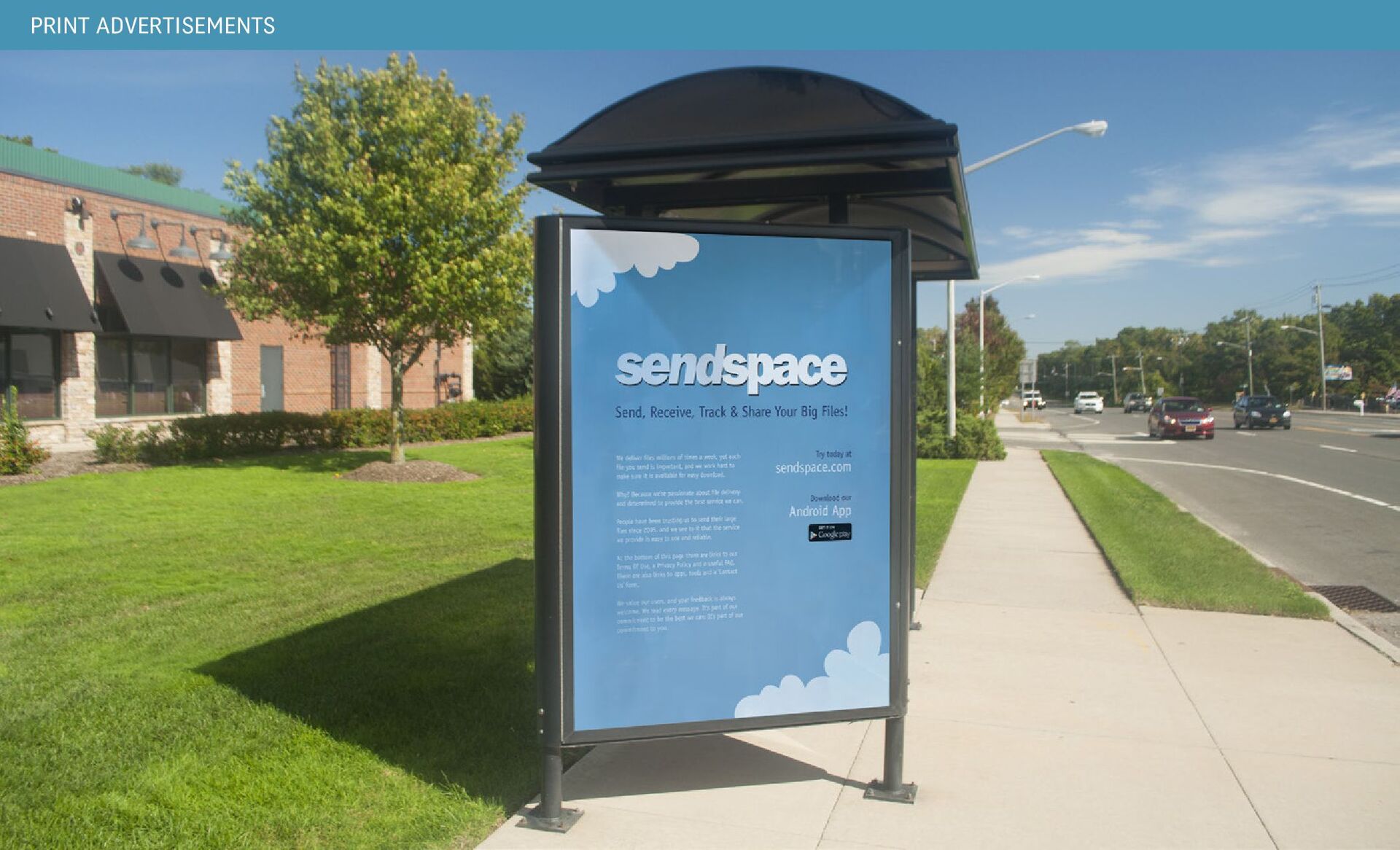
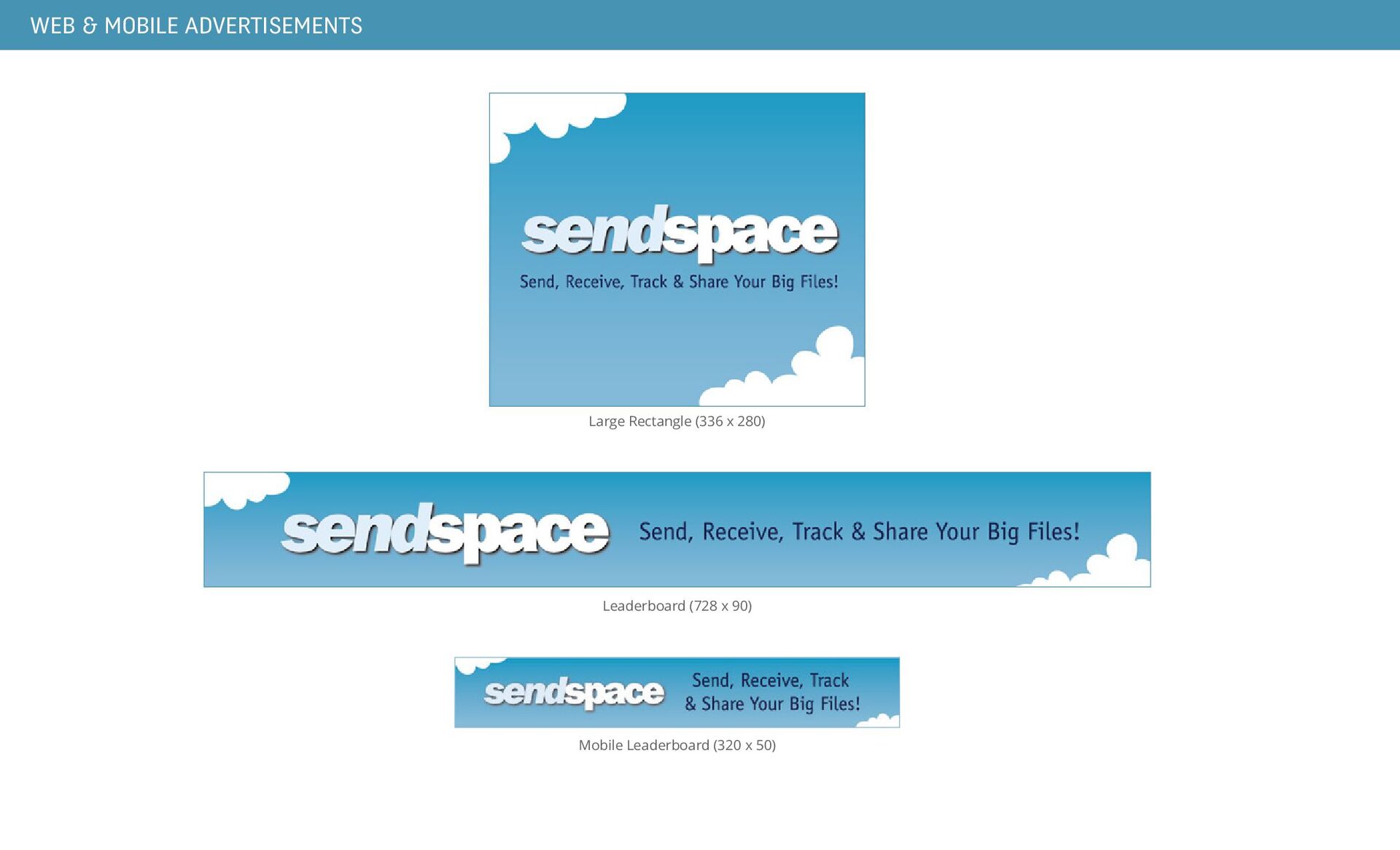
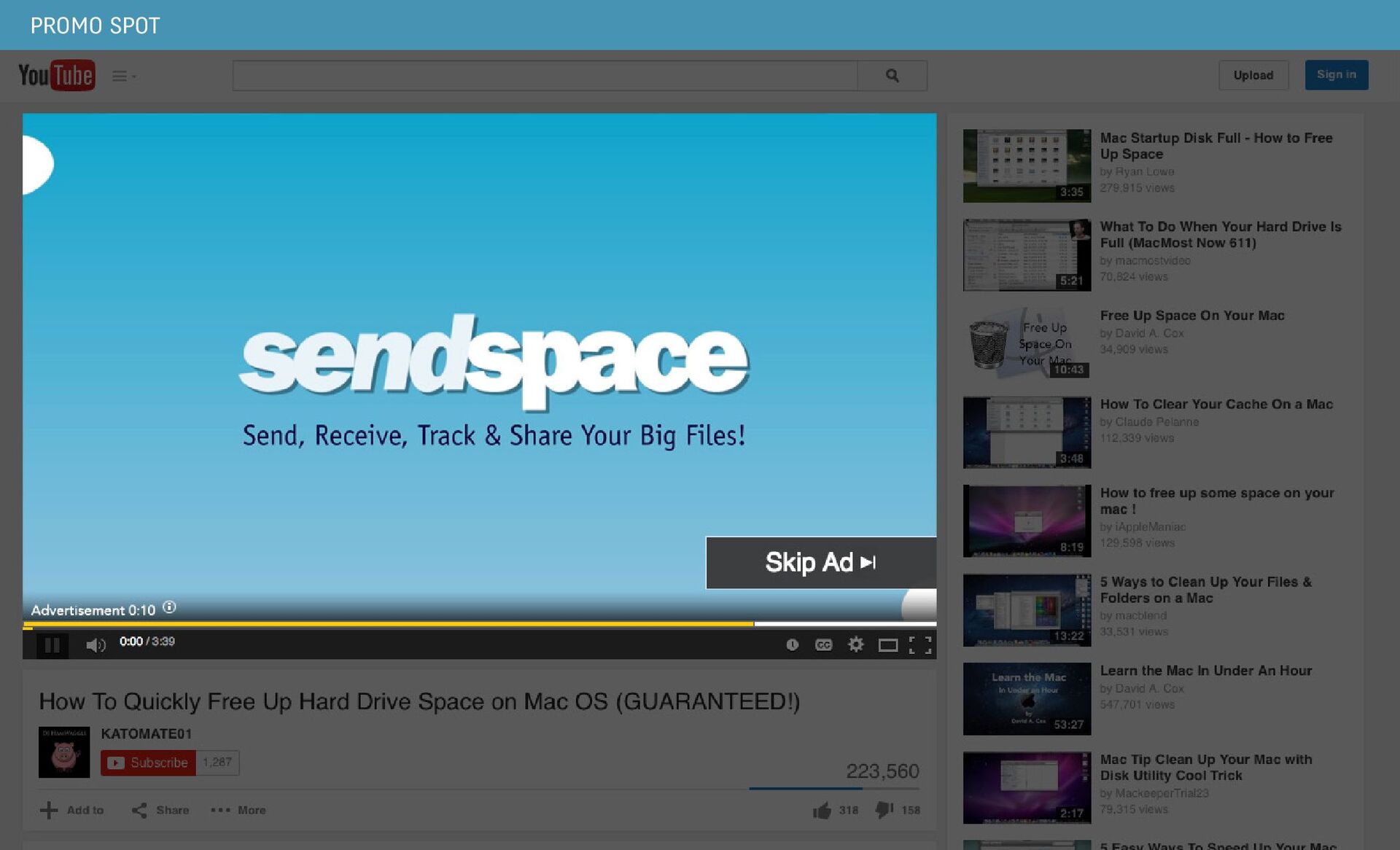
daily traffic and its number of subscribers, which would increase the company’s revenue and buid on the company’s reputution as a premiere application for file sending. Implement a multi-component advertising campaign across a variety of different mediums.
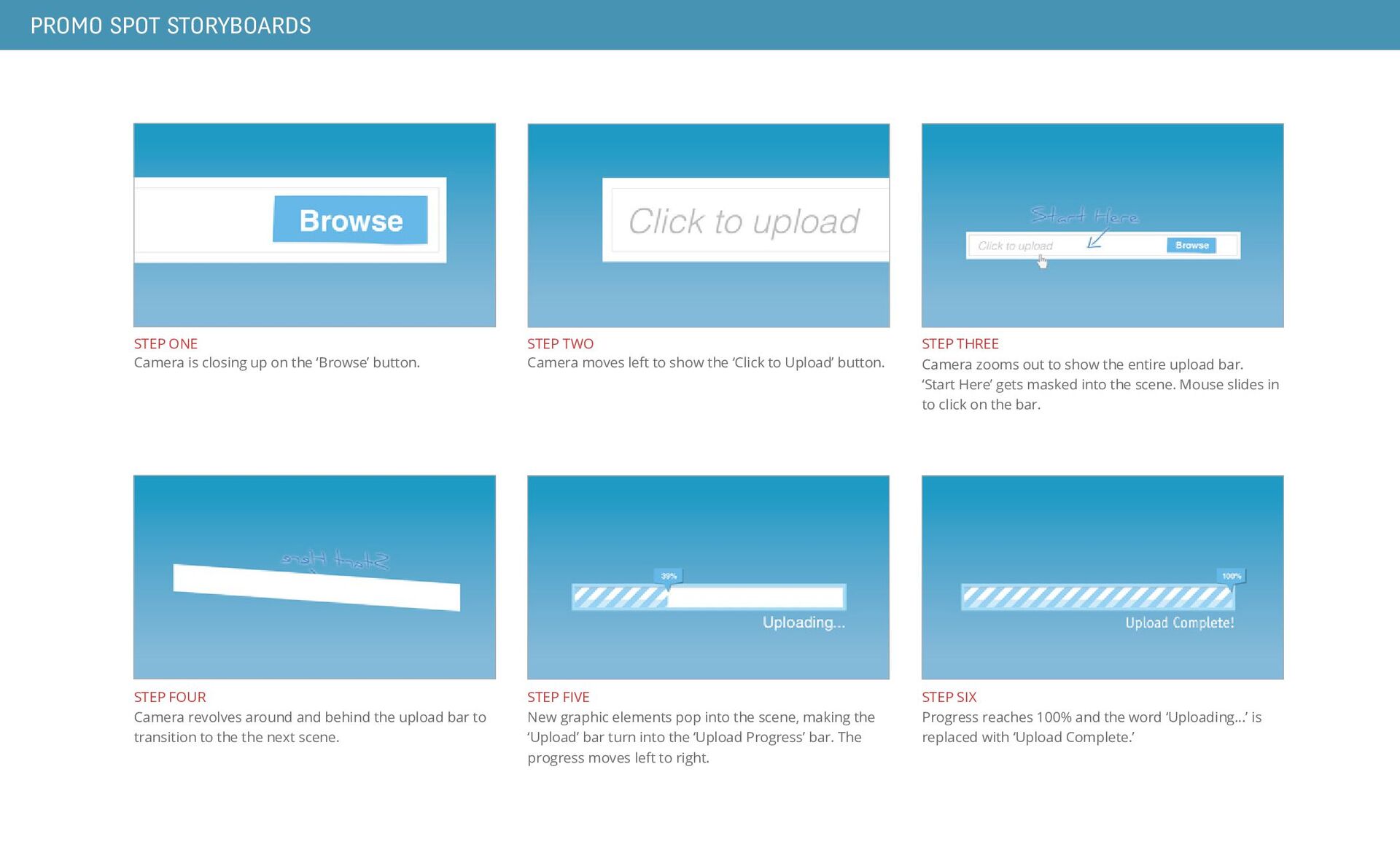
the ‘Browse’ button. STEP FOUR Camera revolves around and behind the upload bar to transition to the the next scene. STEP FIVE New graphic elements pop into the scene, making the ‘Upload’ bar turn into the ‘Upload Progress’ bar. The progress moves left to right. STEP SIX Progress reaches 100% and the word ‘Uploading...’ is replaced with ‘Upload Complete.’ STEP TWO Camera moves left to show the ‘Click to Upload’ button. STEP THREE Camera zooms out to show the entire upload bar. ‘Start Here’ gets masked into the scene. Mouse slides in to click on the bar.
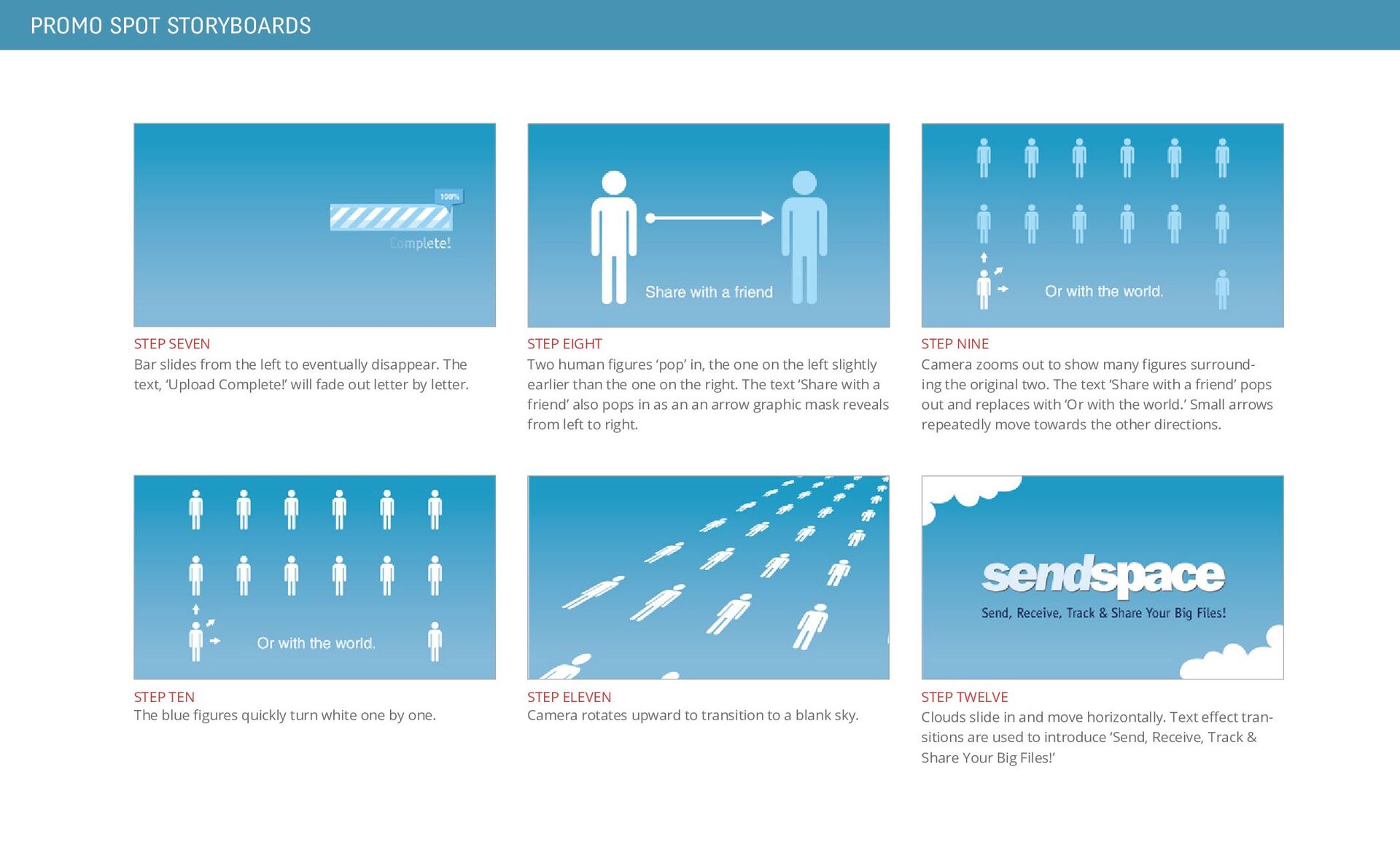
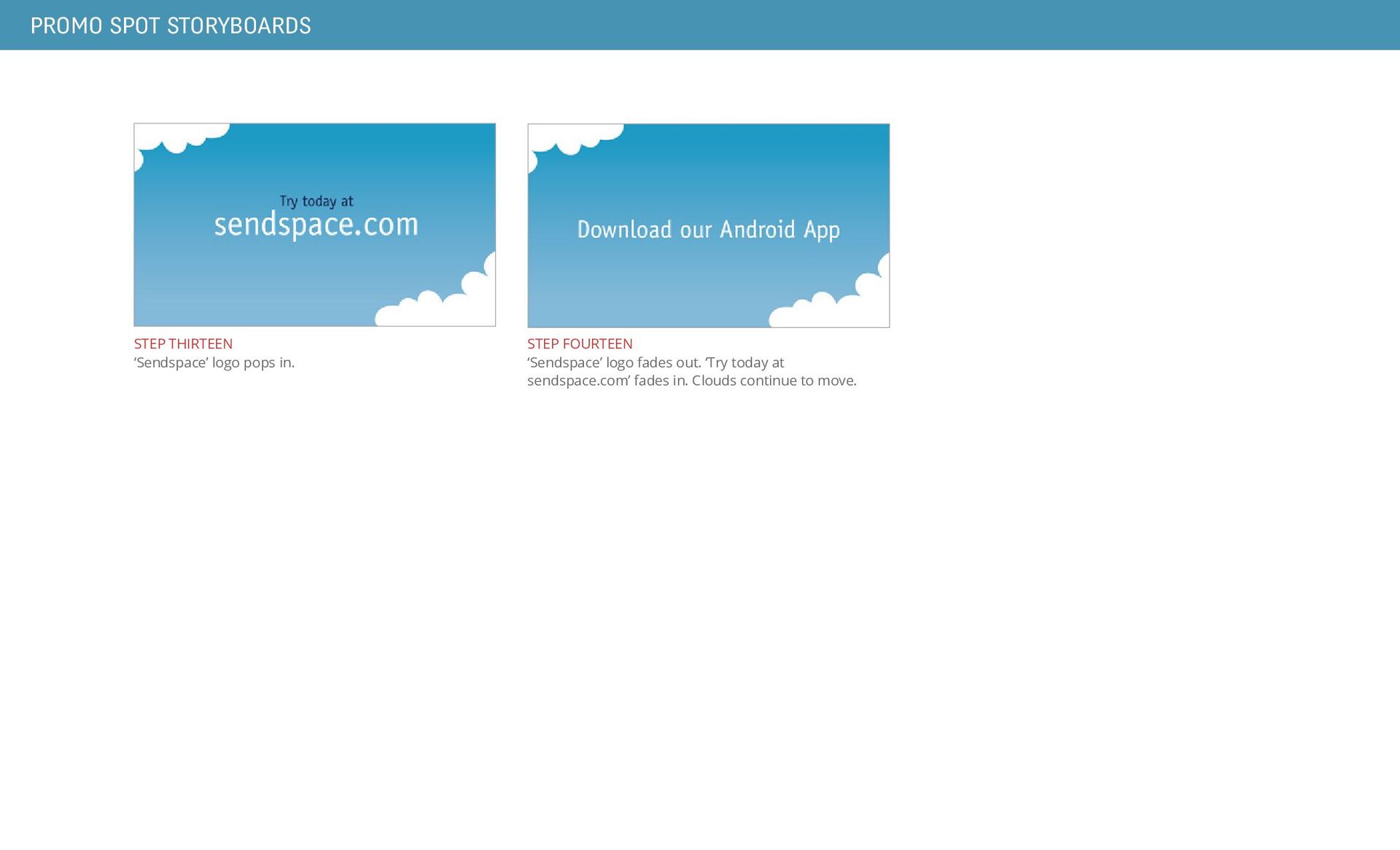
many figures surround- ing the original two. The text ‘Share with a friend’ pops out and replaces with ‘Or with the world.’ Small arrows repeatedly move towards the other directions. STEP EIGHT Two human figures ‘pop’ in, the one on the left slightly earlier than the one on the right. The text ‘Share with a friend’ also pops in as an an arrow graphic mask reveals from left to right. STEP SEVEN Bar slides from the left to eventually disappear. The text, ‘Upload Complete!’ will fade out letter by letter. STEP TWELVE Clouds slide in and move horizontally. Text effect tran- sitions are used to introduce ‘Send, Receive, Track & Share Your Big Files!’ STEP ELEVEN Camera rotates upward to transition to a blank sky. STEP TEN The blue figures quickly turn white one by one.


 josheb_policarpio
 techseoconnect
 eileencodes
 codingconduct
 wayneb77
 jmmastey
 cromwellryan
 letsgokoyo
 thekraken
 kimpetersen
 3n
3n
 auna
auna
.png) helenjbeal
helenjbeal