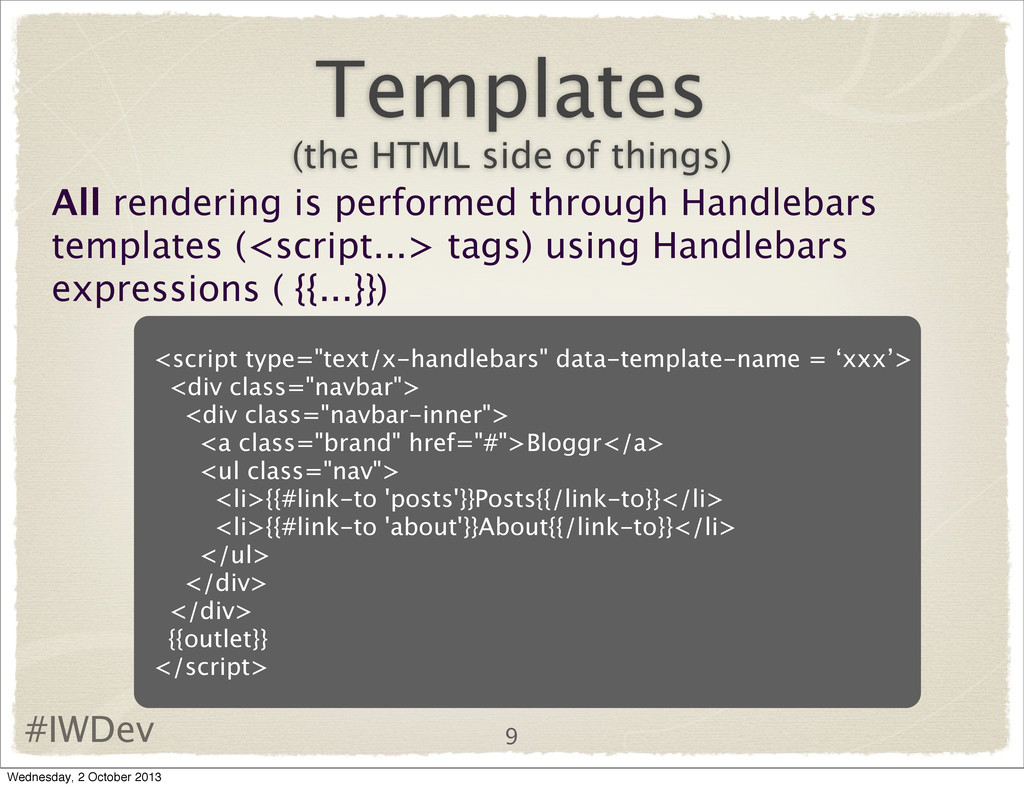
evolved from a project called SproutCore(1/2) owned by a company called Strobe, which was bought by Facebook. Yehuda Katz and Tom Dale(main SproutCore developers) left Strobe and set up a new company called Tilde based on SproutCore and renamed it Ember 3 Wednesday, 2 October 2013
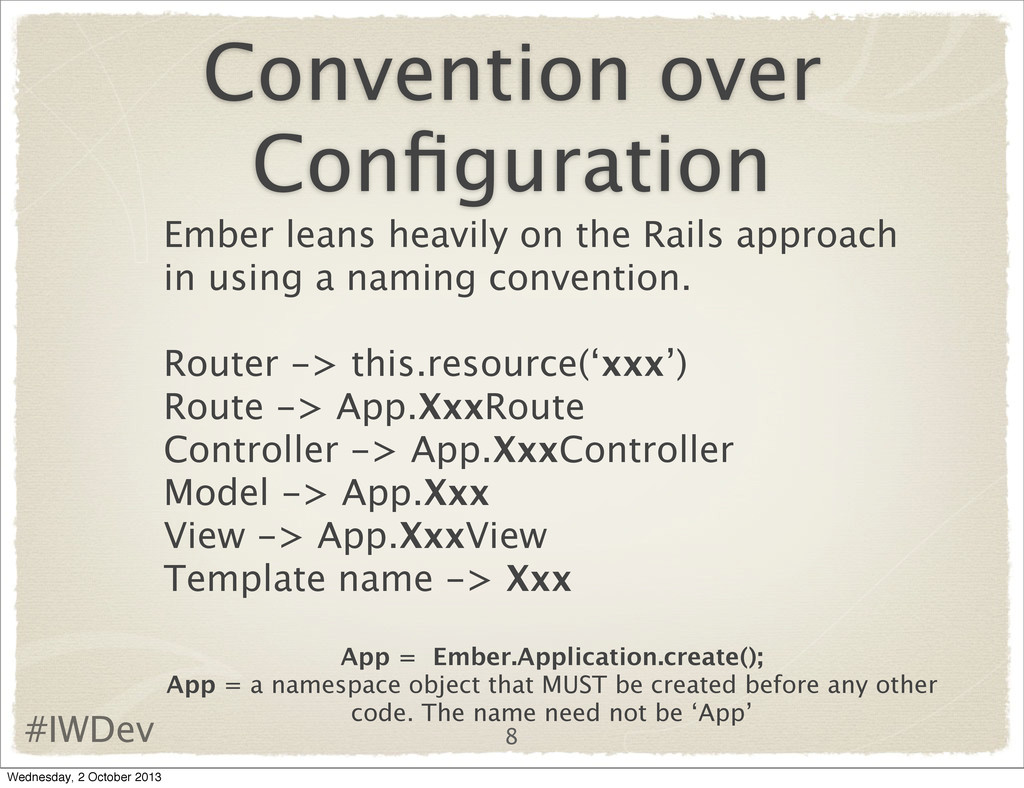
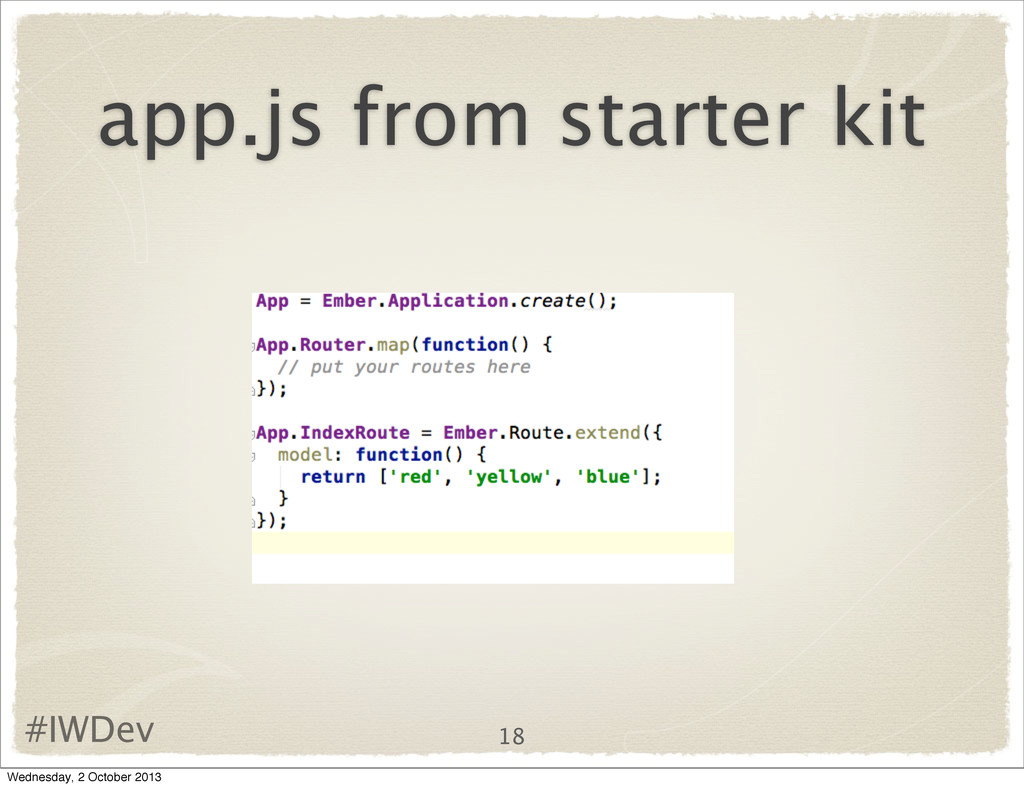
approach in using a naming convention. Router -> this.resource(‘xxx’) Route -> App.XxxRoute Controller -> App.XxxController Model -> App.Xxx View -> App.XxxView Template name -> Xxx App = Ember.Application.create(); App = a namespace object that MUST be created before any other code. The name need not be ‘App’ 8 Wednesday, 2 October 2013
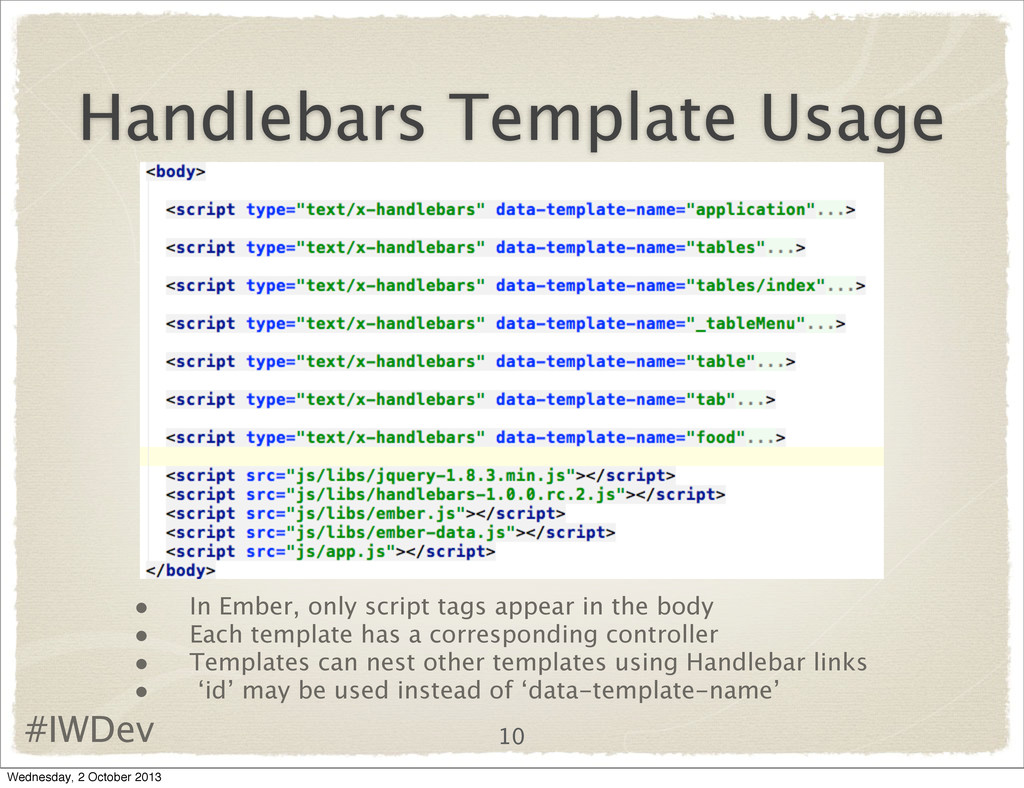
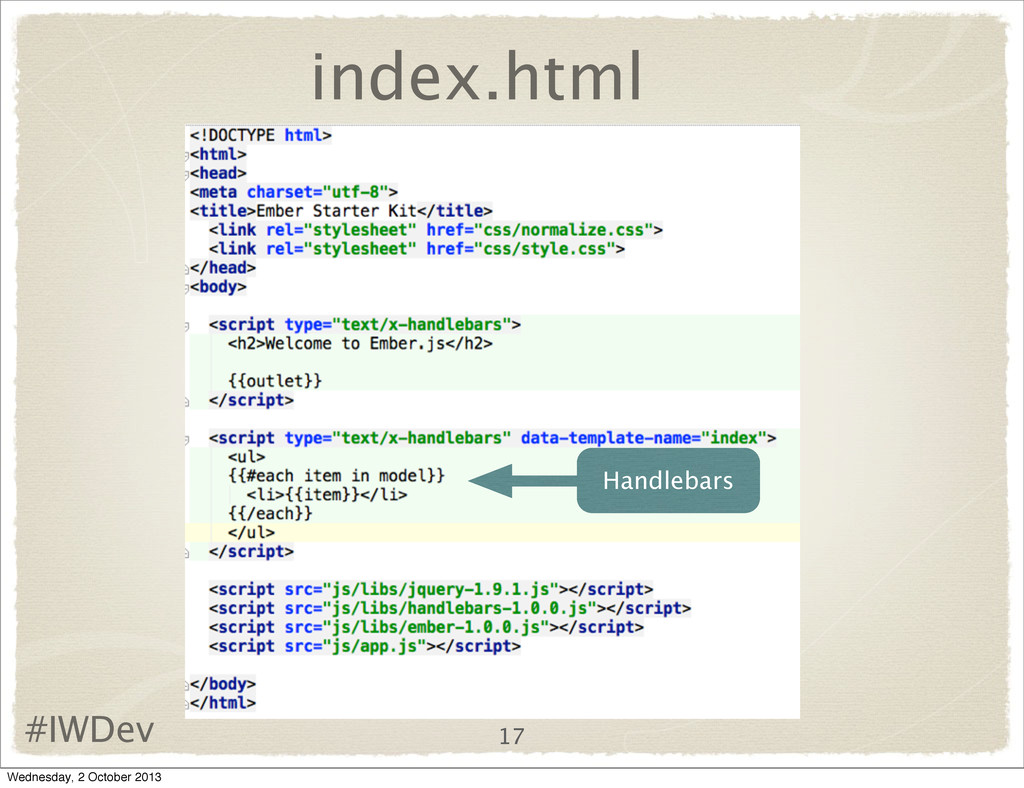
appear in the body • Each template has a corresponding controller • Templates can nest other templates using Handlebar links • ‘id’ may be used instead of ‘data-template-name’ 10 Wednesday, 2 October 2013
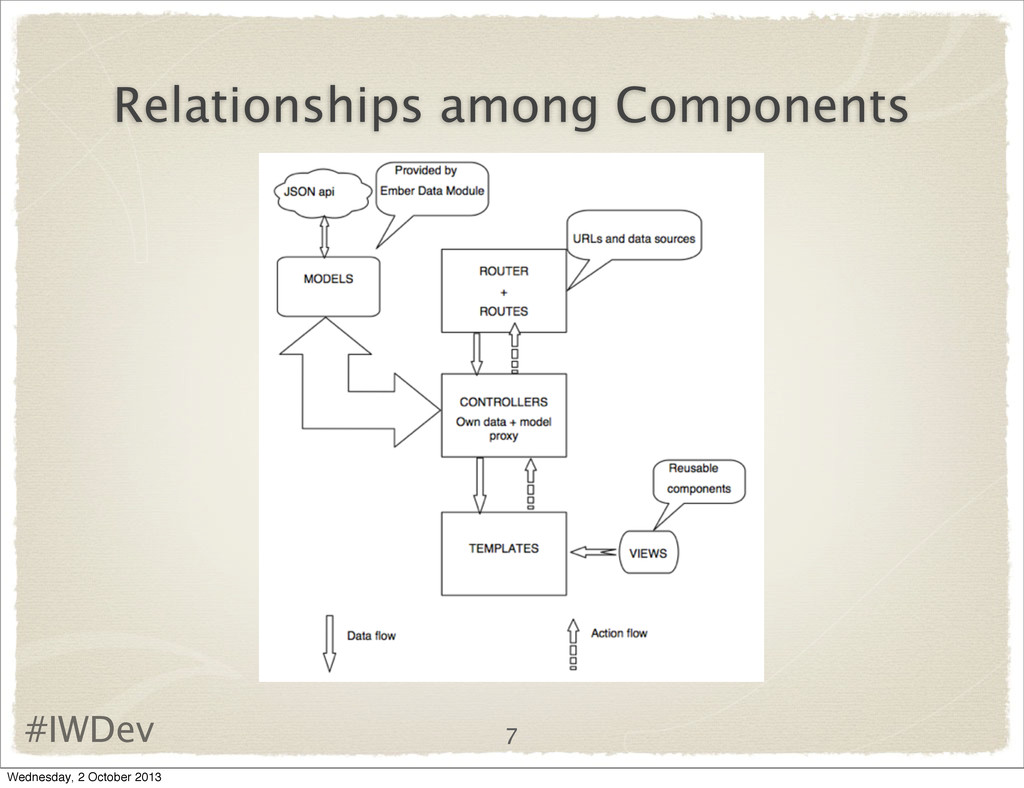
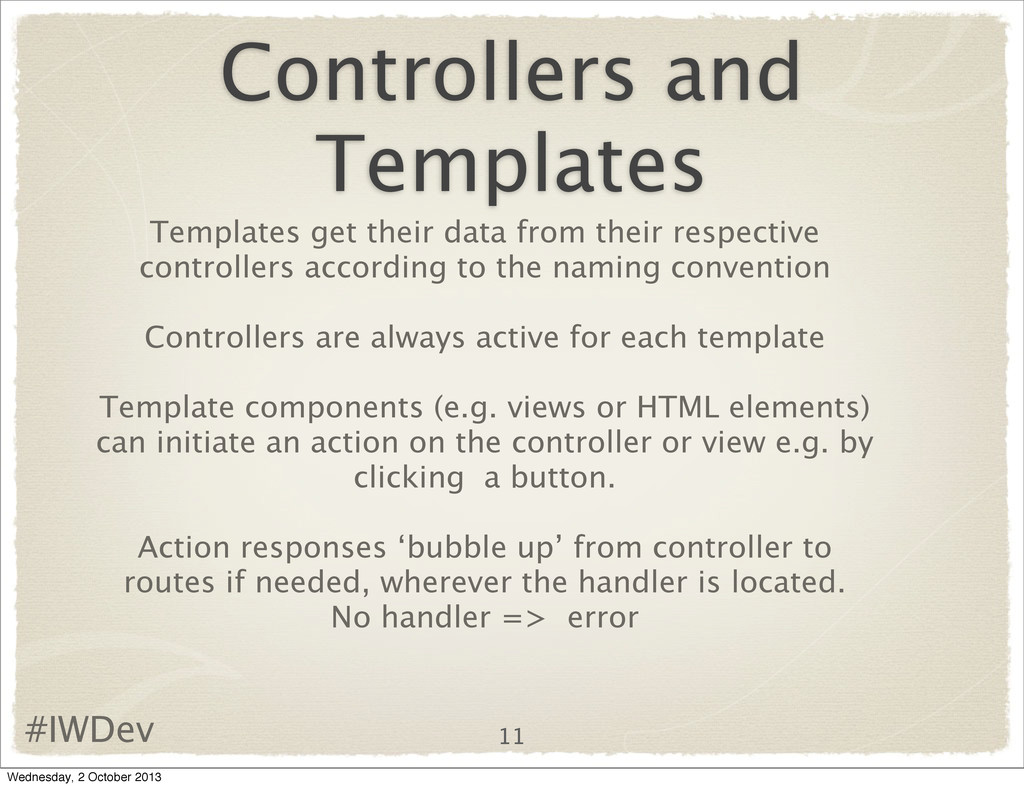
their respective controllers according to the naming convention Controllers are always active for each template Template components (e.g. views or HTML elements) can initiate an action on the controller or view e.g. by clicking a button. Action responses ‘bubble up’ from controller to routes if needed, wherever the handler is located. No handler => error Wednesday, 2 October 2013
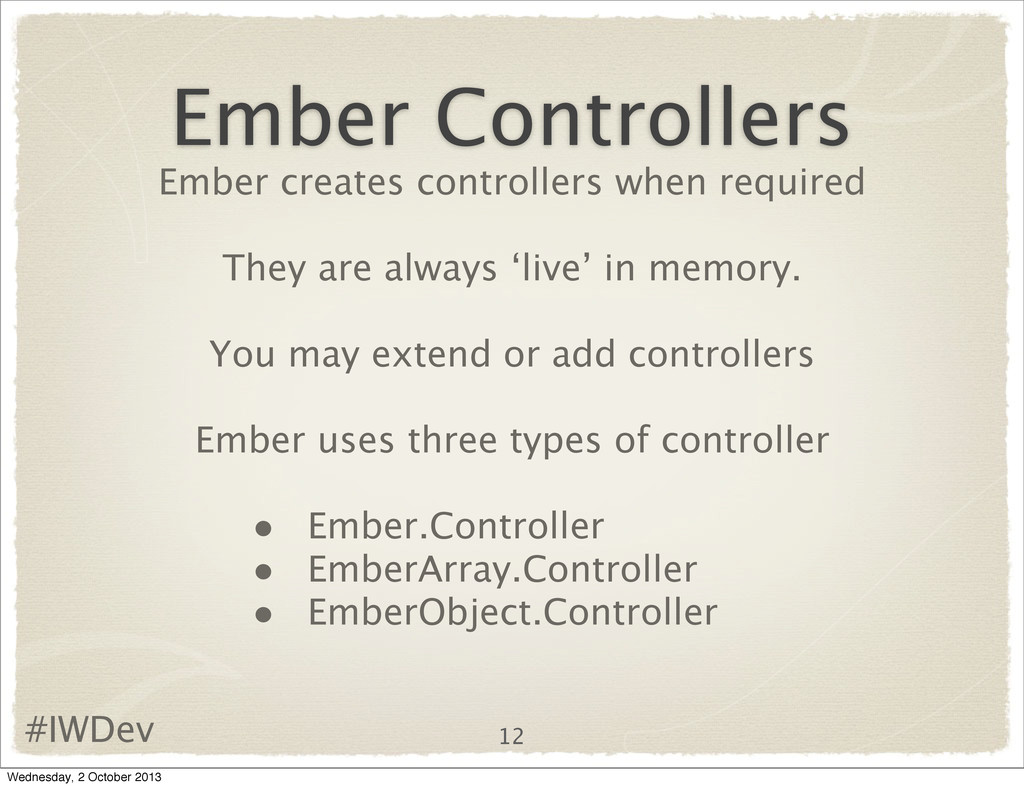
are always ‘live’ in memory. You may extend or add controllers Ember uses three types of controller • Ember.Controller • EmberArray.Controller • EmberObject.Controller Wednesday, 2 October 2013
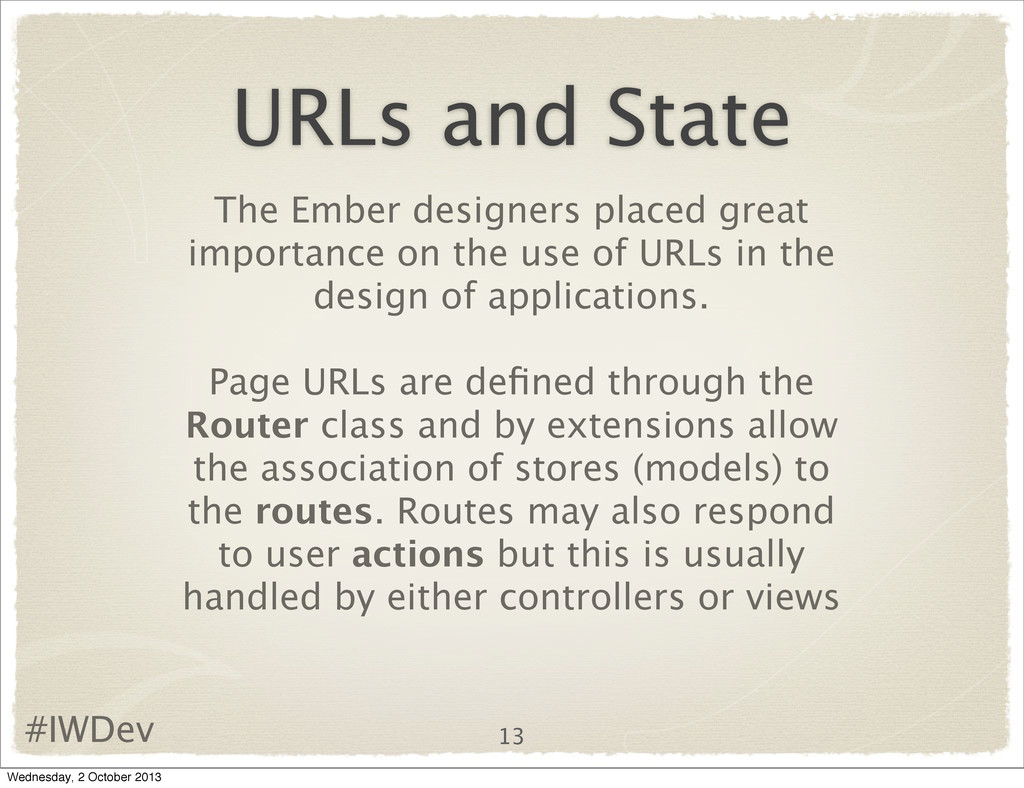
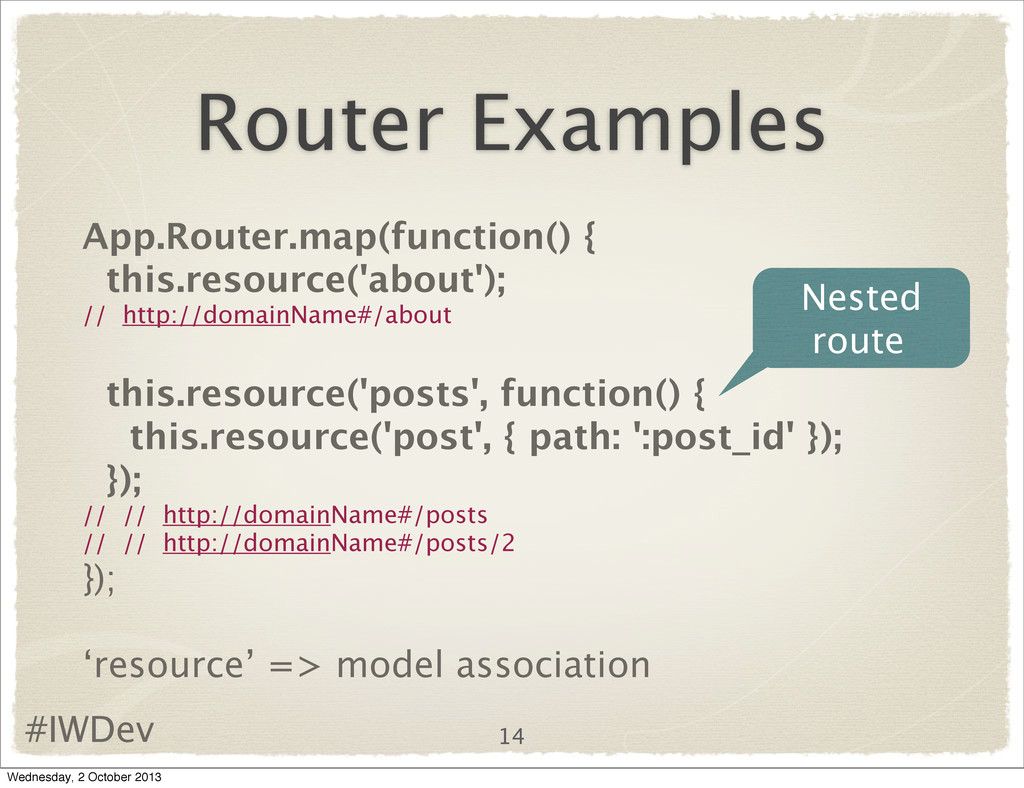
on the use of URLs in the design of applications. Page URLs are defined through the Router class and by extensions allow the association of stores (models) to the routes. Routes may also respond to user actions but this is usually handled by either controllers or views 13 Wednesday, 2 October 2013


 morizo_1984
 hollycummins
 falcon8823
 nabondance
 drumath2237
 taiseiue
 utakaha
 irinanazarova
 htkym
htkym
 lef237
 kenjiyoneyama
 naokihaba
 danielanewman
 mongodb
 skipperchong
 stuffmc
 marktimemedia
 scottboms
.png) helenjbeal
helenjbeal
 aleyda
 lemiorhan
 lauravandoore
 chriscoyier
 lfama
lfama