Upgrade to Pro — share decks privately, control downloads, hide ads and more …

React Server Component & Auth at React Osaka Ju...

Sponsored · Ship Features Fearlessly Turn features on and off without deploys. Used by thousands of Ruby developers.

React Server Component & Auth at React Osaka Jun '25

Avatar for Kenta Kudo

Kenta Kudo

June 23, 2025

More Decks by Kenta Kudo

Other Decks in Programming

Transcript

  1. About Me Freelance software engineer (backend → frontend) Spent 6

    years working in London Moved back to Japan / Tokyo → Kansai First time speaking at this meetup! 2
  2. Today's Agenda 1. Why do we need to rethink auth

    for RSC? 2. When & Where should auth happen? 3. How to implement it in practice? 3
  3. Auth Basics (Quick Refresher) Authentication (authN) = Who is the

    user? Authorisation (authZ) = What can they do? Access Control = authN + authZ 5
  4. The RSC Twist React Server Components blur the boundary between

    client and server. — "How to Think About Security in Next.js" / Next.js team What used to be clearly "backend" is now happening inside your frontend repo. We need to update our mental model of where auth should live—and how to keep it secure. 6
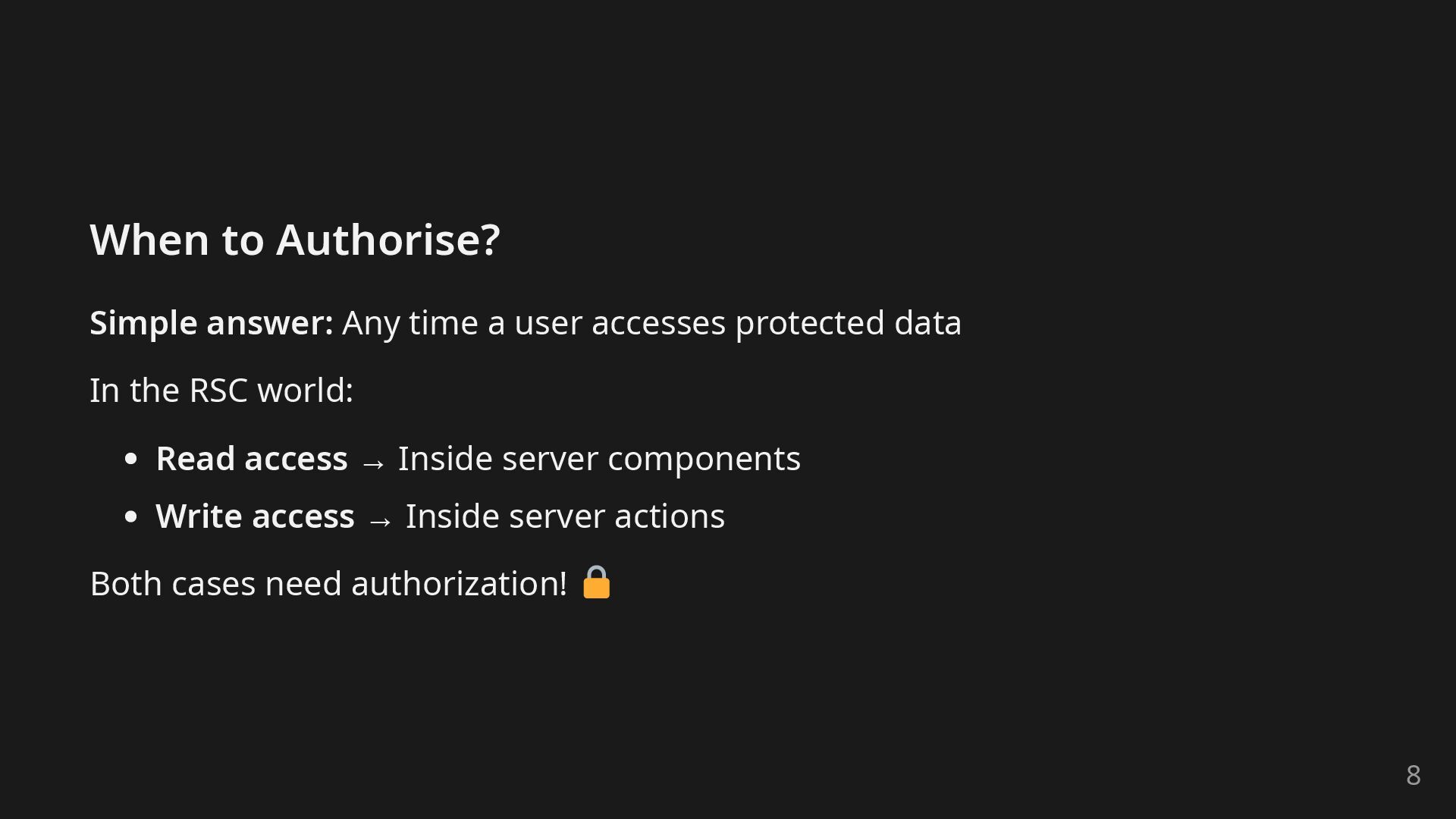
  5. When to Authorise? Simple answer: Any time a user accesses

    protected data In the RSC world: Read access → Inside server components Write access → Inside server actions Both cases need authorization! 8
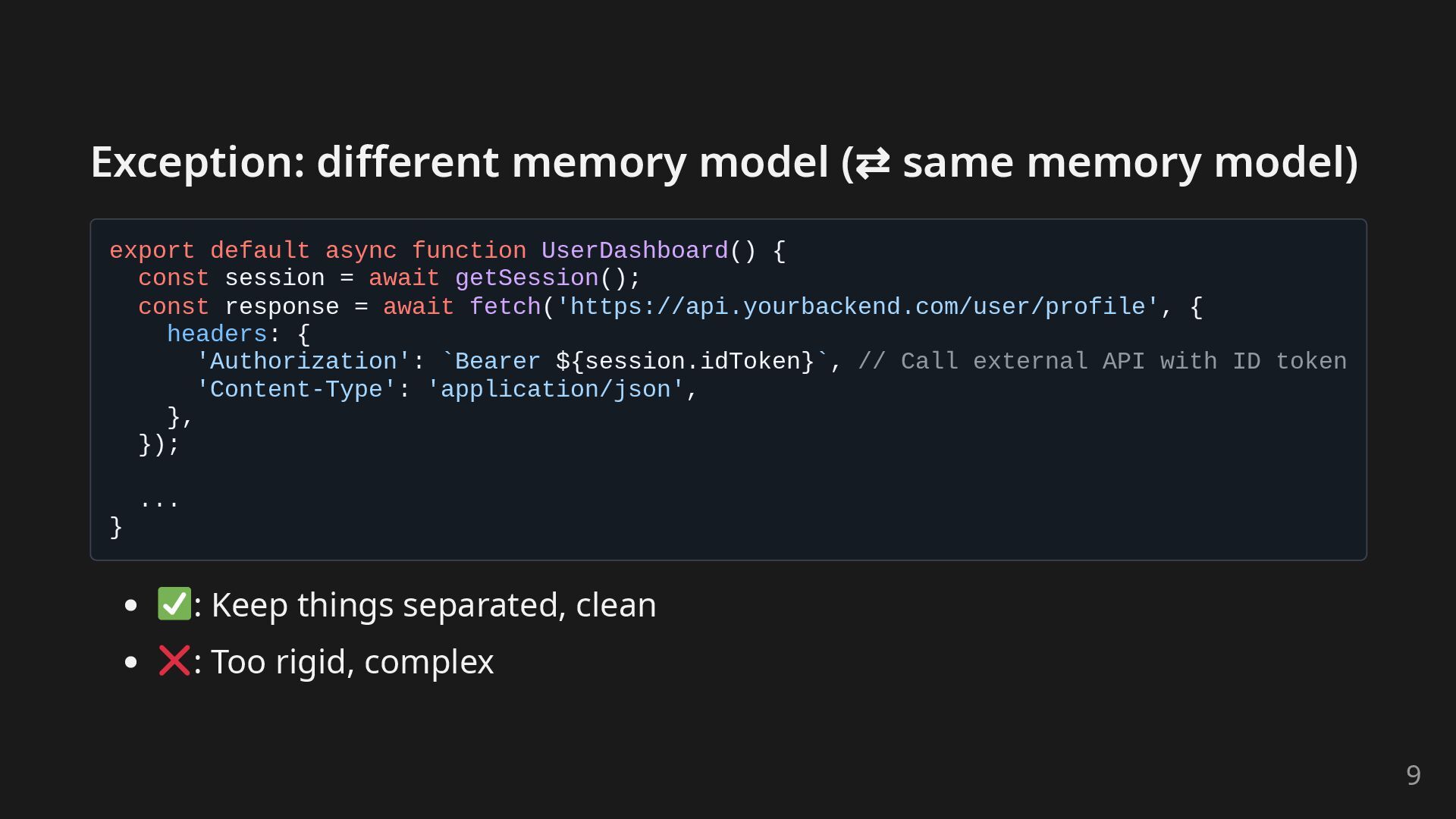
  6. Exception: different memory model (⇄ same memory model) export default

    async function UserDashboard() { const session = await getSession(); const response = await fetch('https://api.yourbackend.com/user/profile', { headers: { 'Authorization': `Bearer ${session.idToken}`, // Call external API with ID token 'Content-Type': 'application/json', }, }); ... } : Keep things separated, clean : Too rigid, complex 9
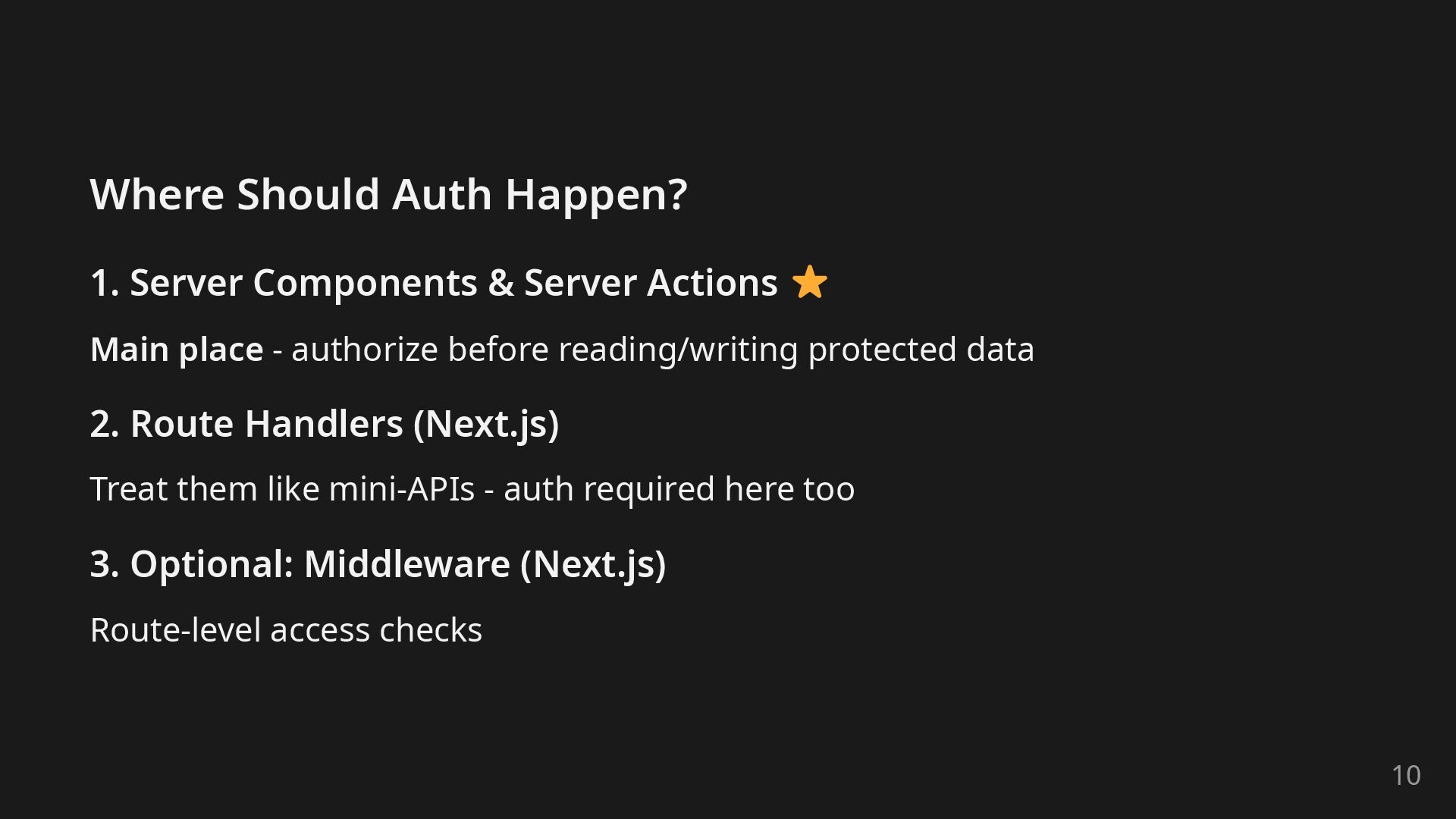
  7. Where Should Auth Happen? 1. Server Components & Server Actions

    Main place - authorize before reading/writing protected data 2. Route Handlers (Next.js) Treat them like mini-APIs - auth required here too 3. Optional: Middleware (Next.js) Route-level access checks 10
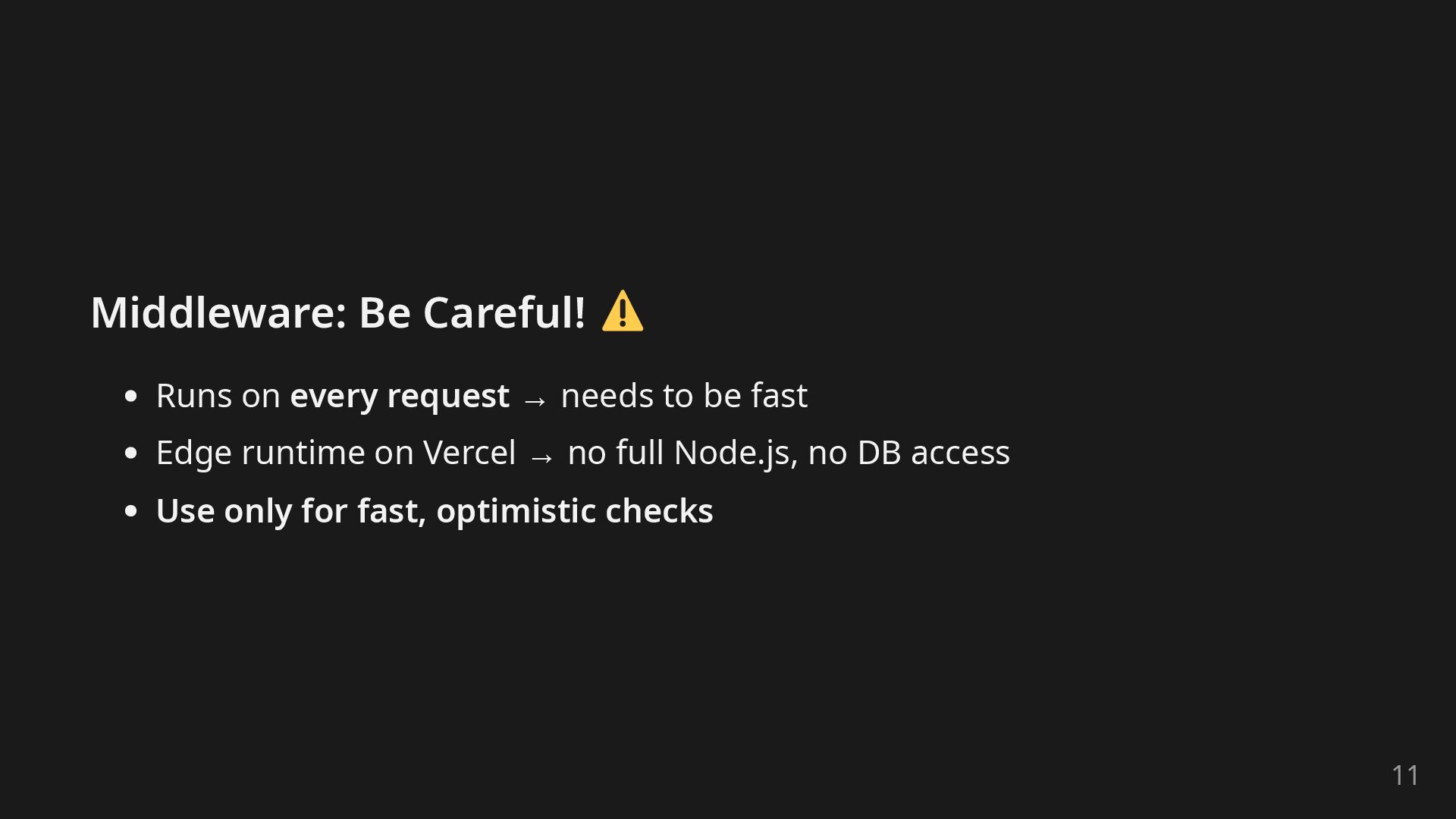
  8. Middleware: Be Careful! Runs on every request → needs to

    be fast Edge runtime on Vercel → no full Node.js, no DB access Use only for fast, optimistic checks 11
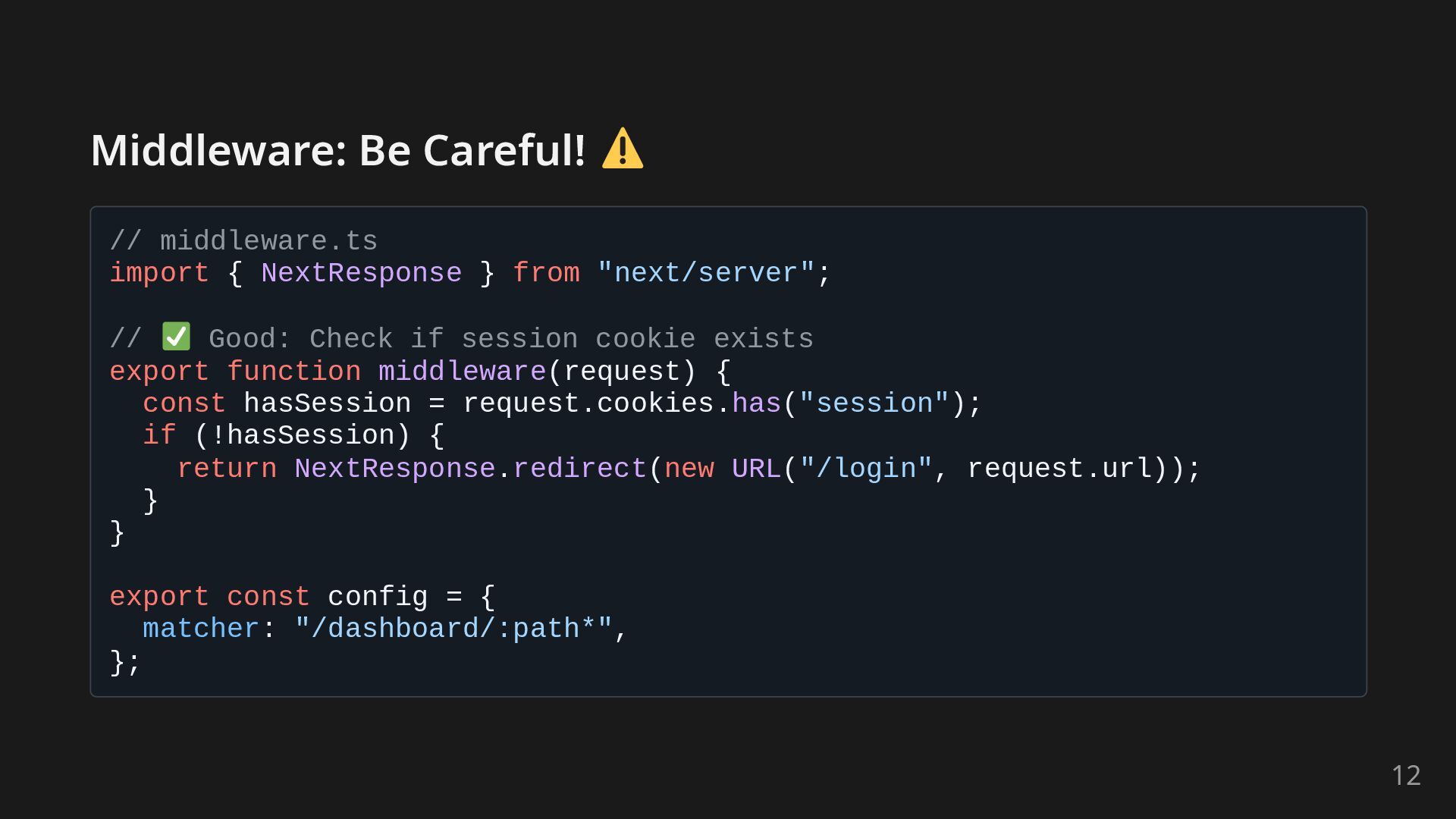
  9. Middleware: Be Careful! // middleware.ts import { NextResponse } from

    "next/server"; // Good: Check if session cookie exists export function middleware(request) { const hasSession = request.cookies.has("session"); if (!hasSession) { return NextResponse.redirect(new URL("/login", request.url)); } } export const config = { matcher: "/dashboard/:path*", }; 12
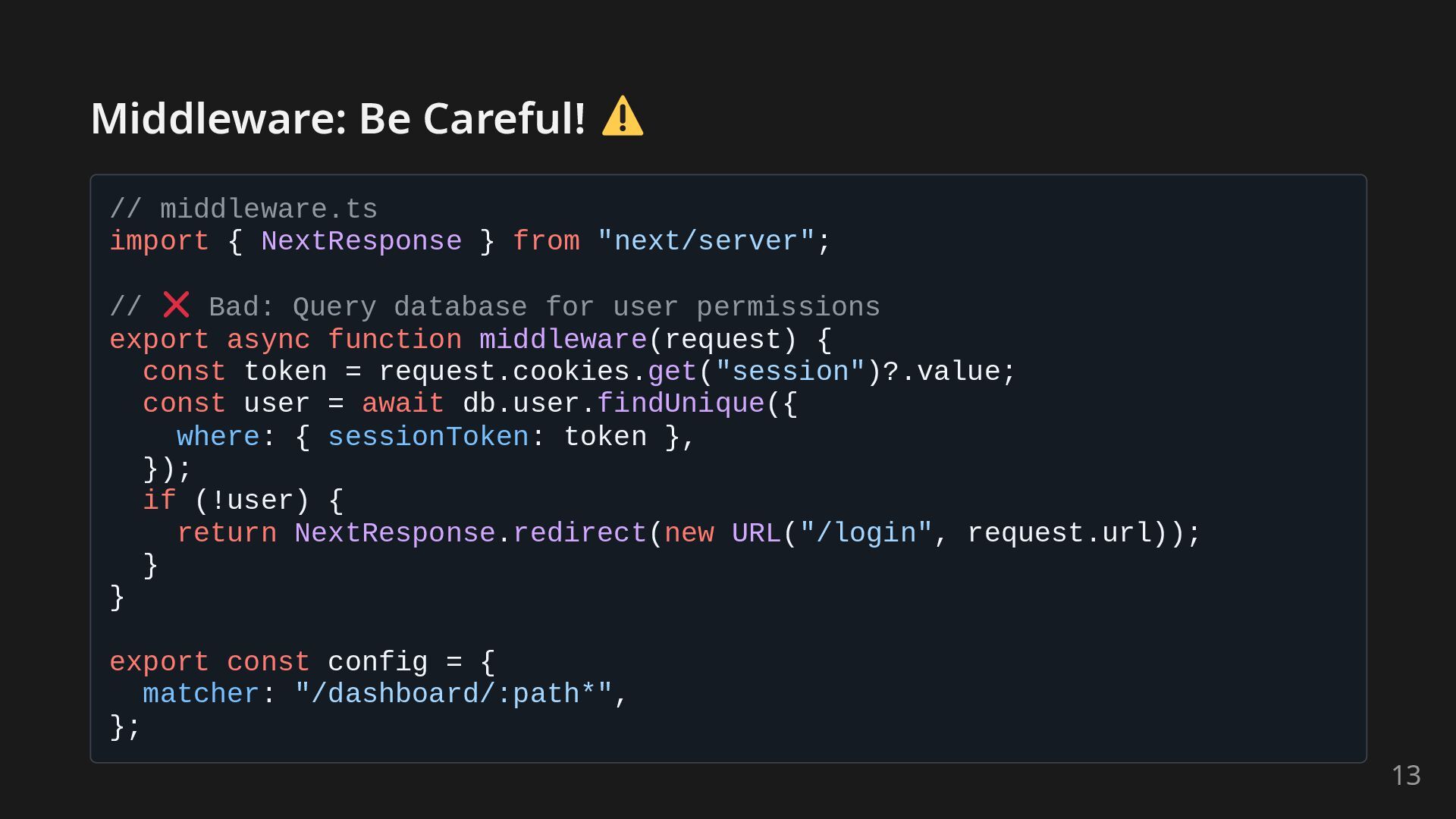
  10. Middleware: Be Careful! // middleware.ts import { NextResponse } from

    "next/server"; // Bad: Query database for user permissions export async function middleware(request) { const token = request.cookies.get("session")?.value; const user = await db.user.findUnique({ where: { sessionToken: token }, }); if (!user) { return NextResponse.redirect(new URL("/login", request.url)); } } export const config = { matcher: "/dashboard/:path*", }; 13
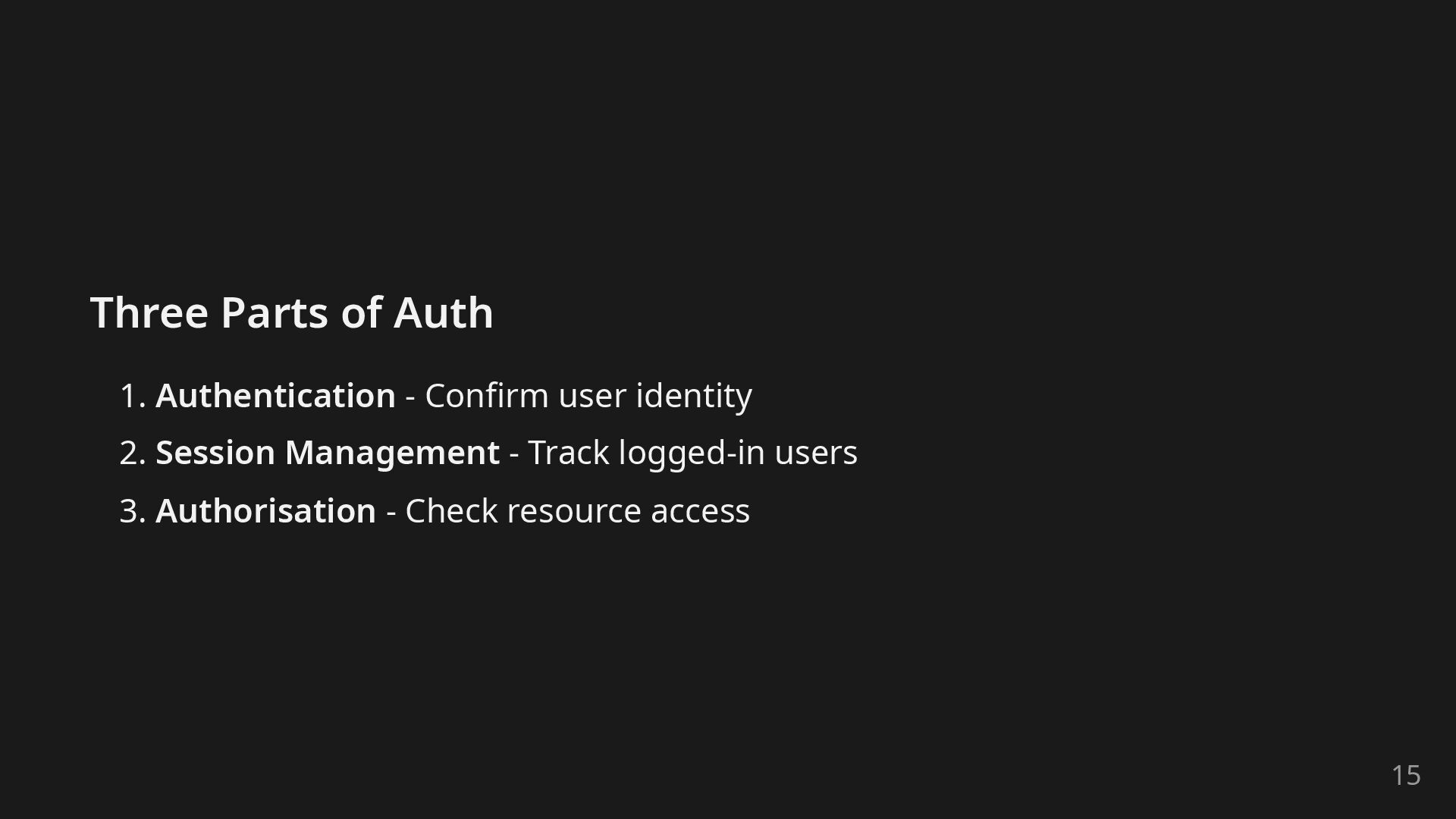
  11. Three Parts of Auth 1. Authentication - Confirm user identity

    2. Session Management - Track logged-in users 3. Authorisation - Check resource access 15
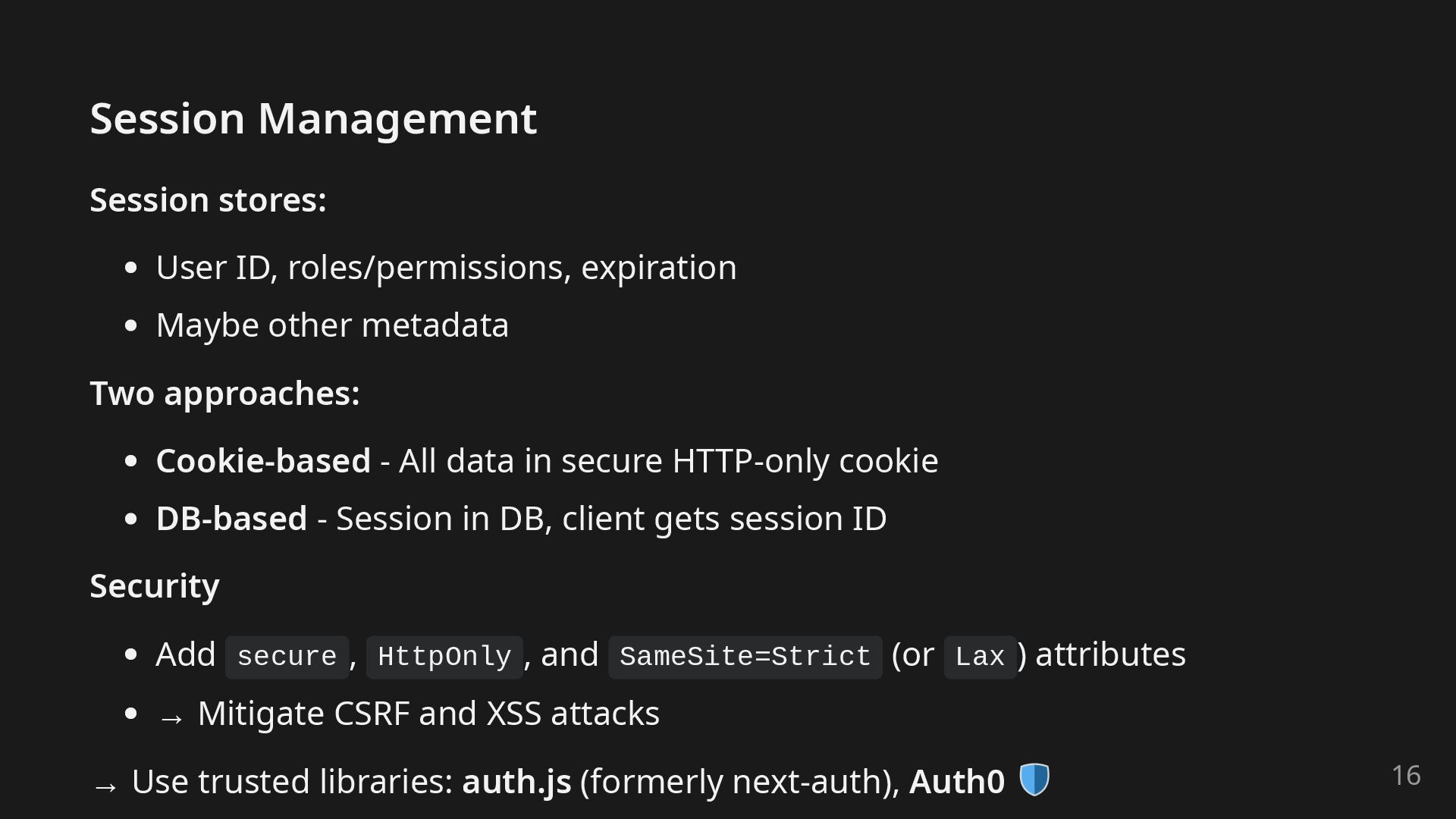
  12. Session Management Session stores: User ID, roles/permissions, expiration Maybe other

    metadata Two approaches: Cookie-based - All data in secure HTTP-only cookie DB-based - Session in DB, client gets session ID Security Add secure , HttpOnly , and SameSite=Strict (or Lax ) attributes → Mitigate CSRF and XSS attacks → Use trusted libraries: auth.js (formerly next-auth), Auth0 16
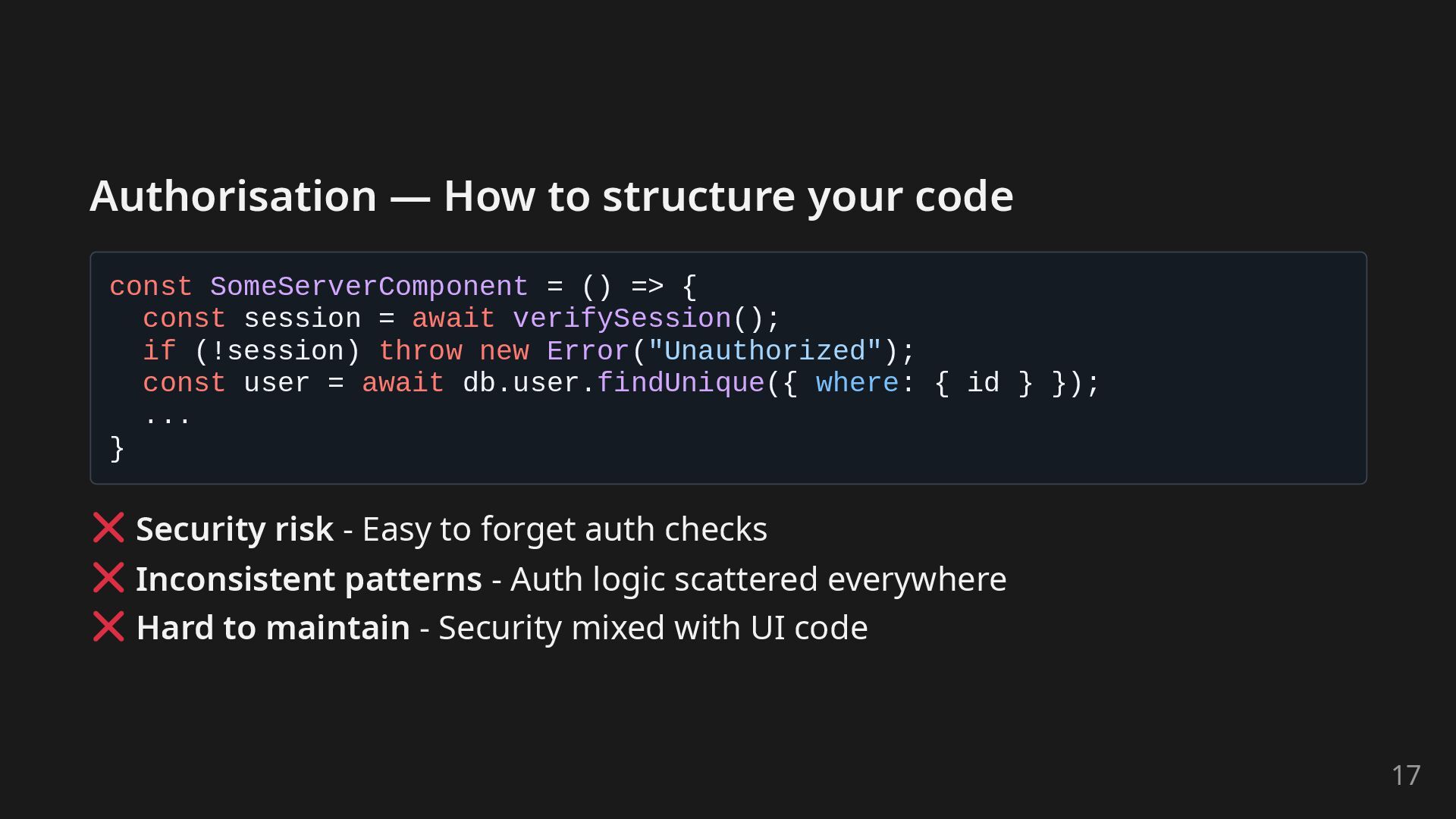
  13. Authorisation — How to structure your code const SomeServerComponent =

    () => { const session = await verifySession(); if (!session) throw new Error("Unauthorized"); const user = await db.user.findUnique({ where: { id } }); ... } Security risk - Easy to forget auth checks Inconsistent patterns - Auth logic scattered everywhere Hard to maintain - Security mixed with UI code 17
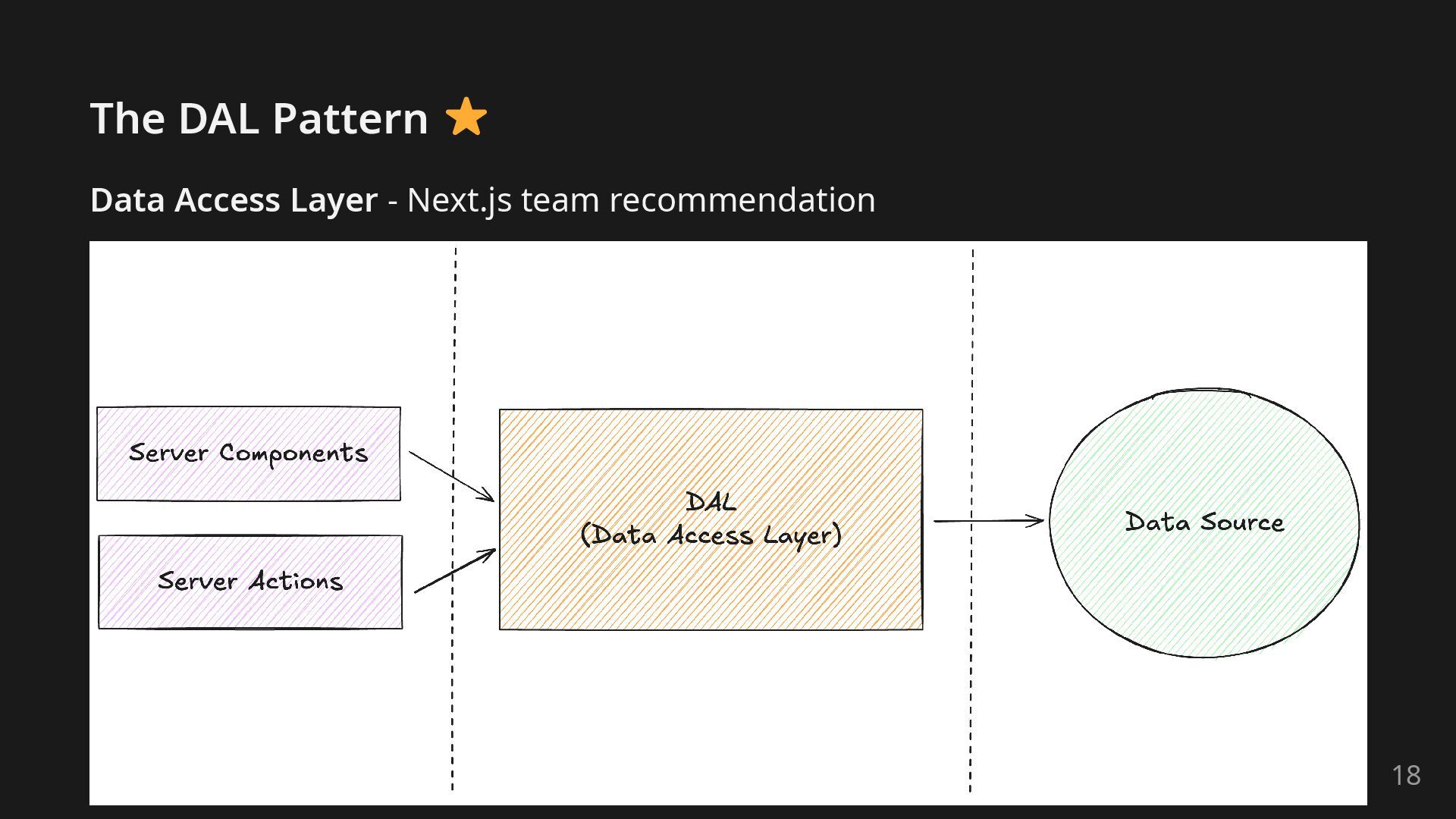
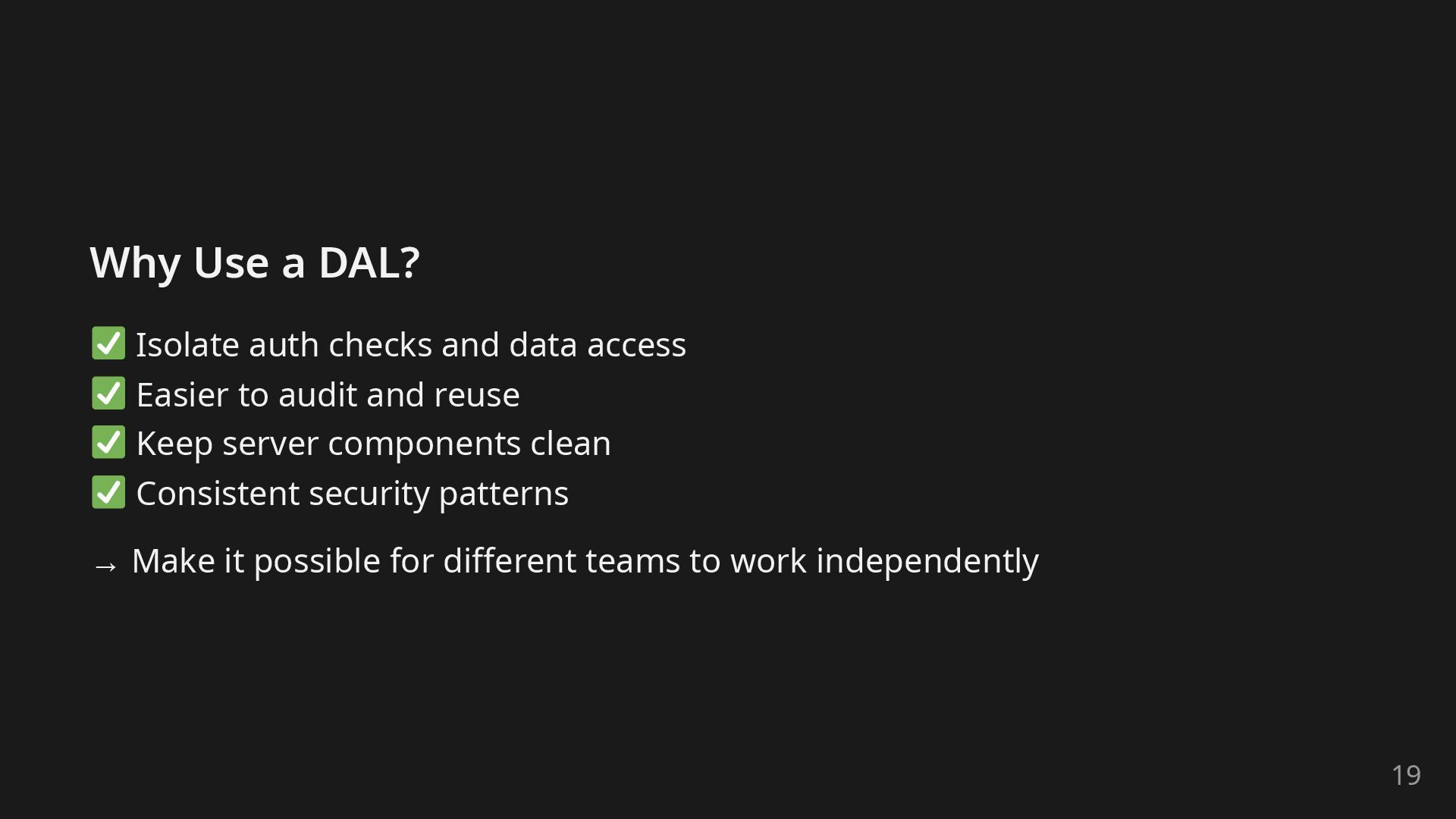
  14. Why Use a DAL? Isolate auth checks and data access

    Easier to audit and reuse Keep server components clean Consistent security patterns → Make it possible for different teams to work independently 19
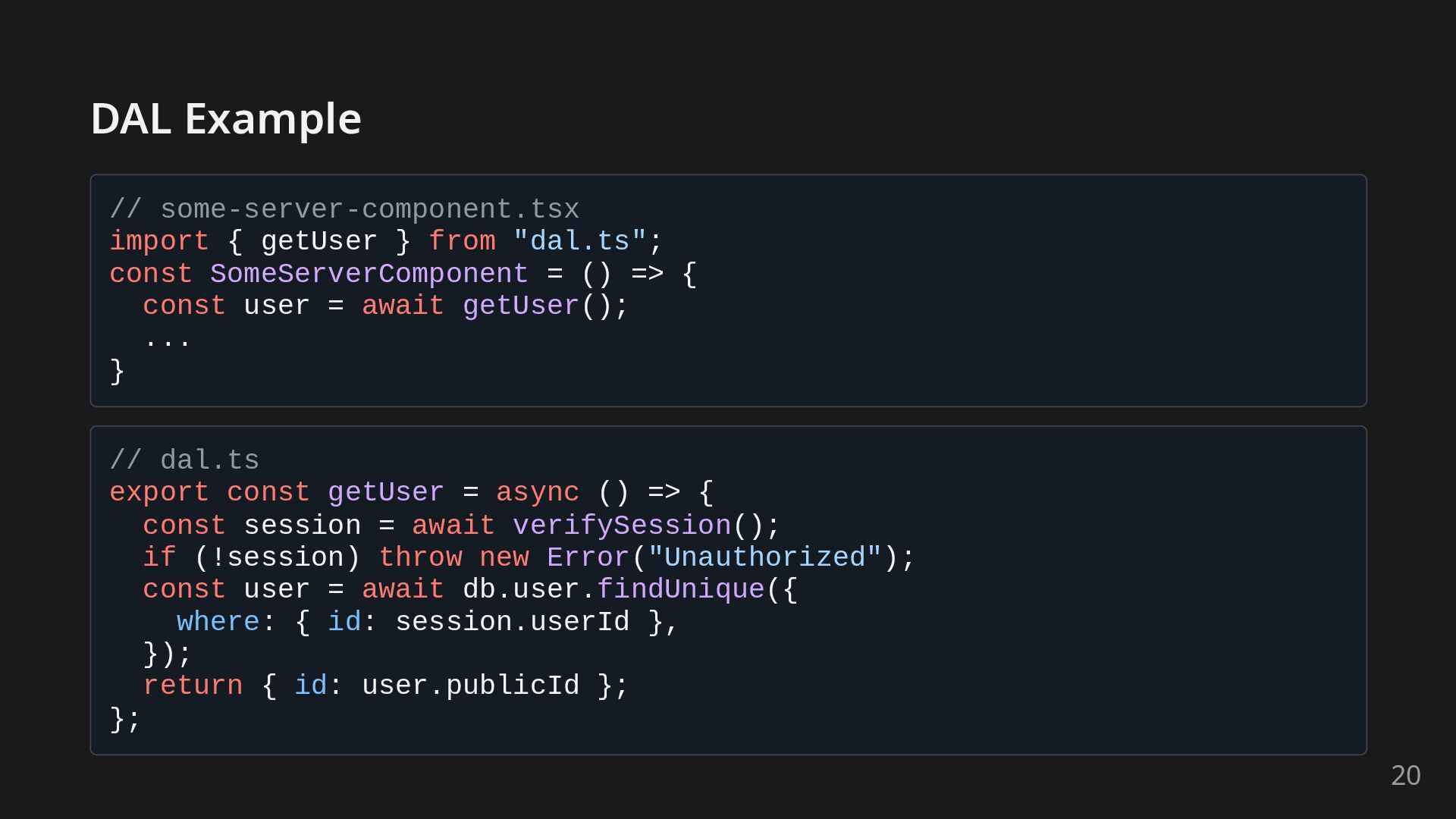
  15. DAL Example // some-server-component.tsx import { getUser } from "dal.ts";

    const SomeServerComponent = () => { const user = await getUser(); ... } // dal.ts export const getUser = async () => { const session = await verifySession(); if (!session) throw new Error("Unauthorized"); const user = await db.user.findUnique({ where: { id: session.userId }, }); return { id: user.publicId }; }; 20
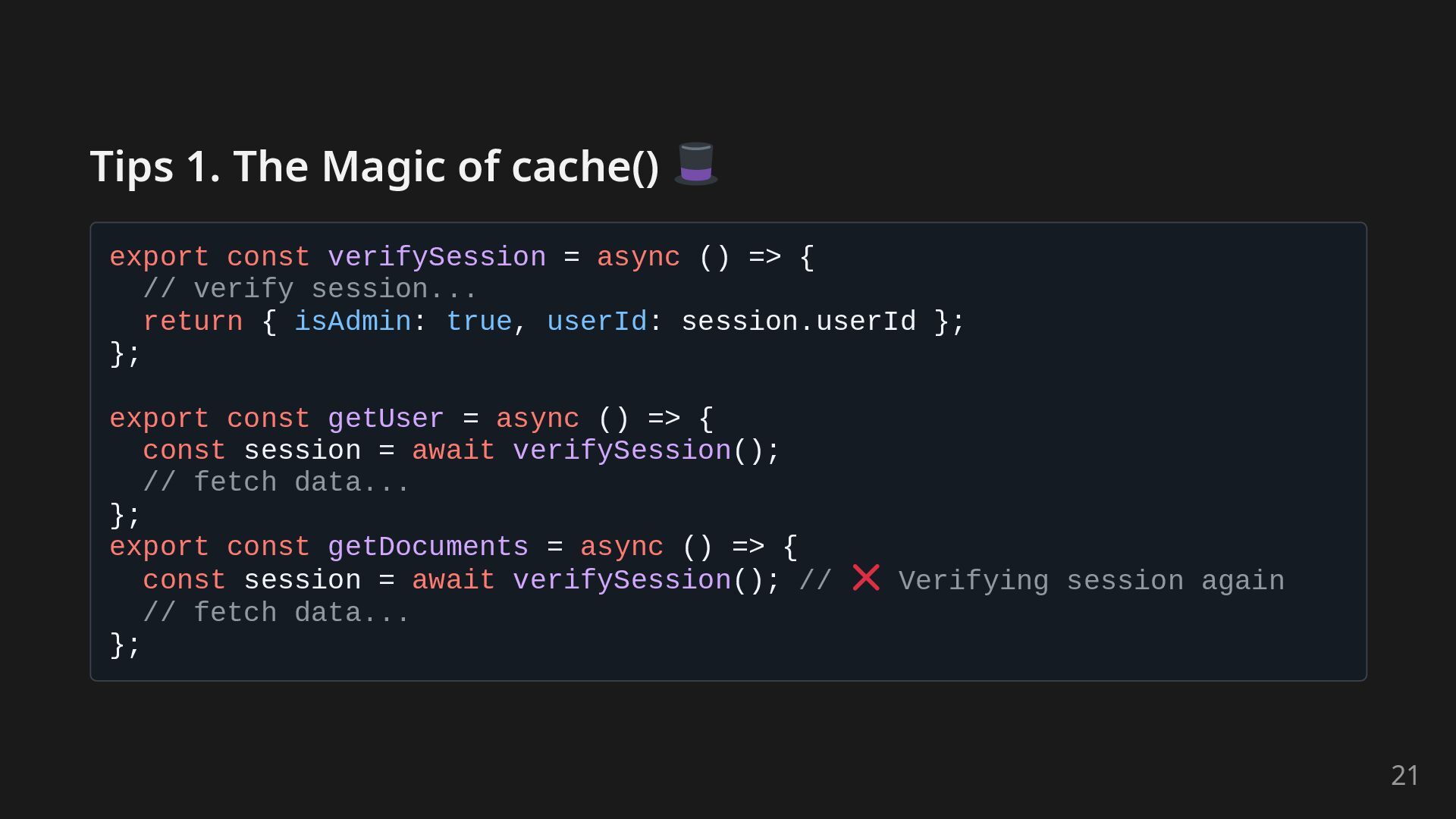
  16. Tips 1. The Magic of cache() export const verifySession =

    async () => { // verify session... return { isAdmin: true, userId: session.userId }; }; export const getUser = async () => { const session = await verifySession(); // fetch data... }; export const getDocuments = async () => { const session = await verifySession(); // Verifying session again // fetch data... }; 21
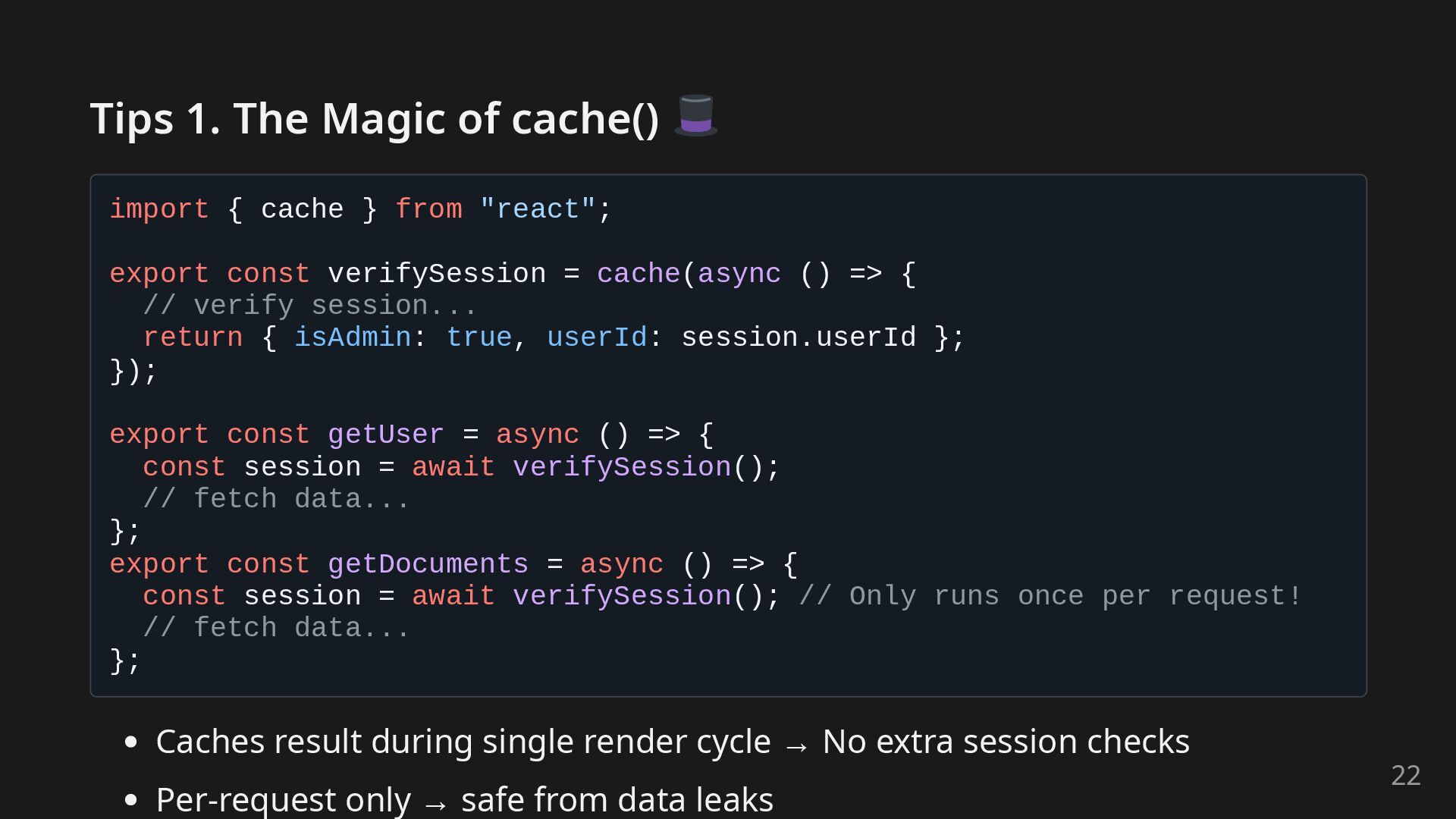
  17. Tips 1. The Magic of cache() import { cache }

    from "react"; export const verifySession = cache(async () => { // verify session... return { isAdmin: true, userId: session.userId }; }); export const getUser = async () => { const session = await verifySession(); // fetch data... }; export const getDocuments = async () => { const session = await verifySession(); // Only runs once per request! // fetch data... }; Caches result during single render cycle → No extra session checks Per-request only → safe from data leaks 22
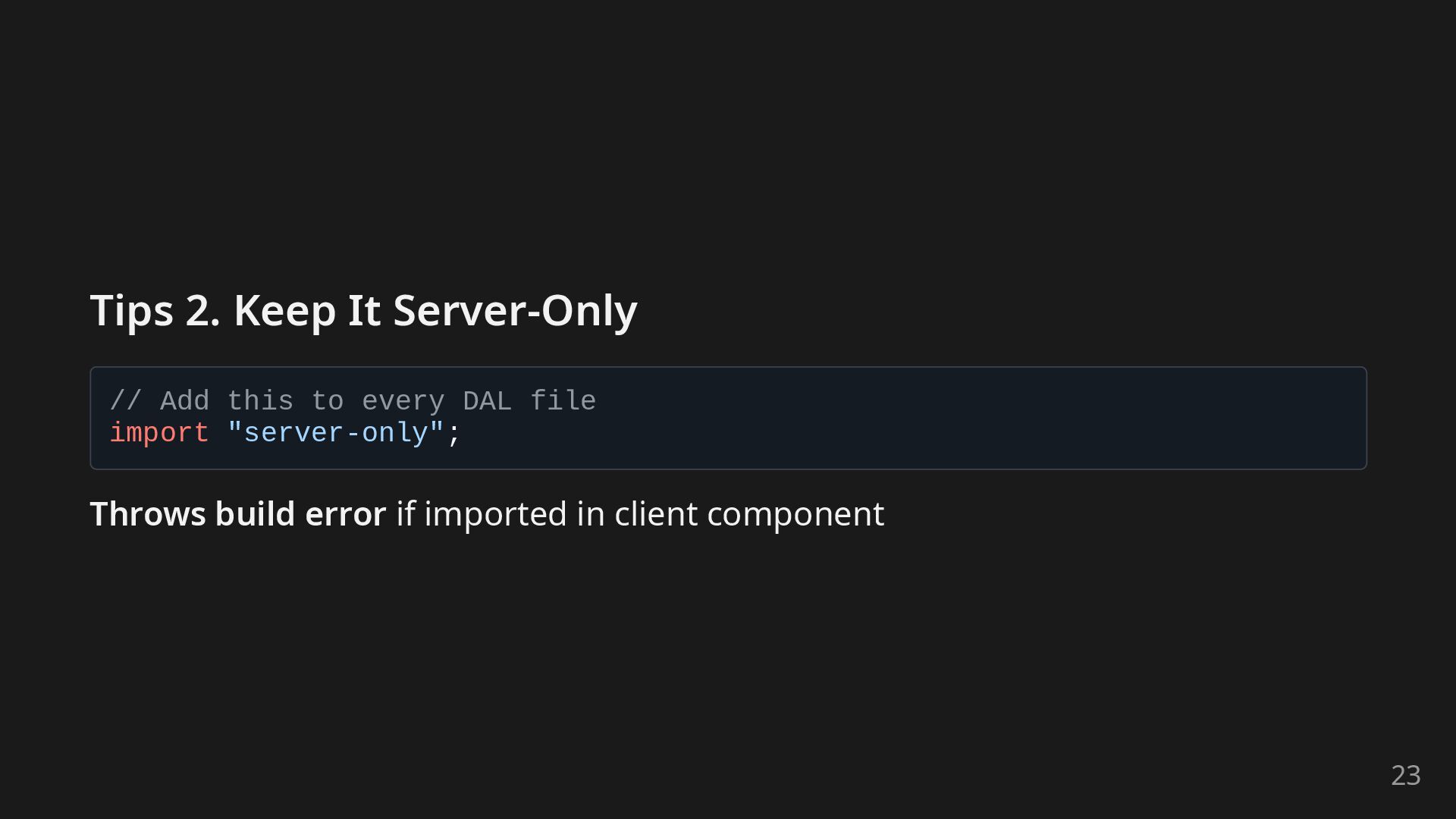
  18. Tips 2. Keep It Server-Only // Add this to every

    DAL file import "server-only"; Throws build error if imported in client component 23
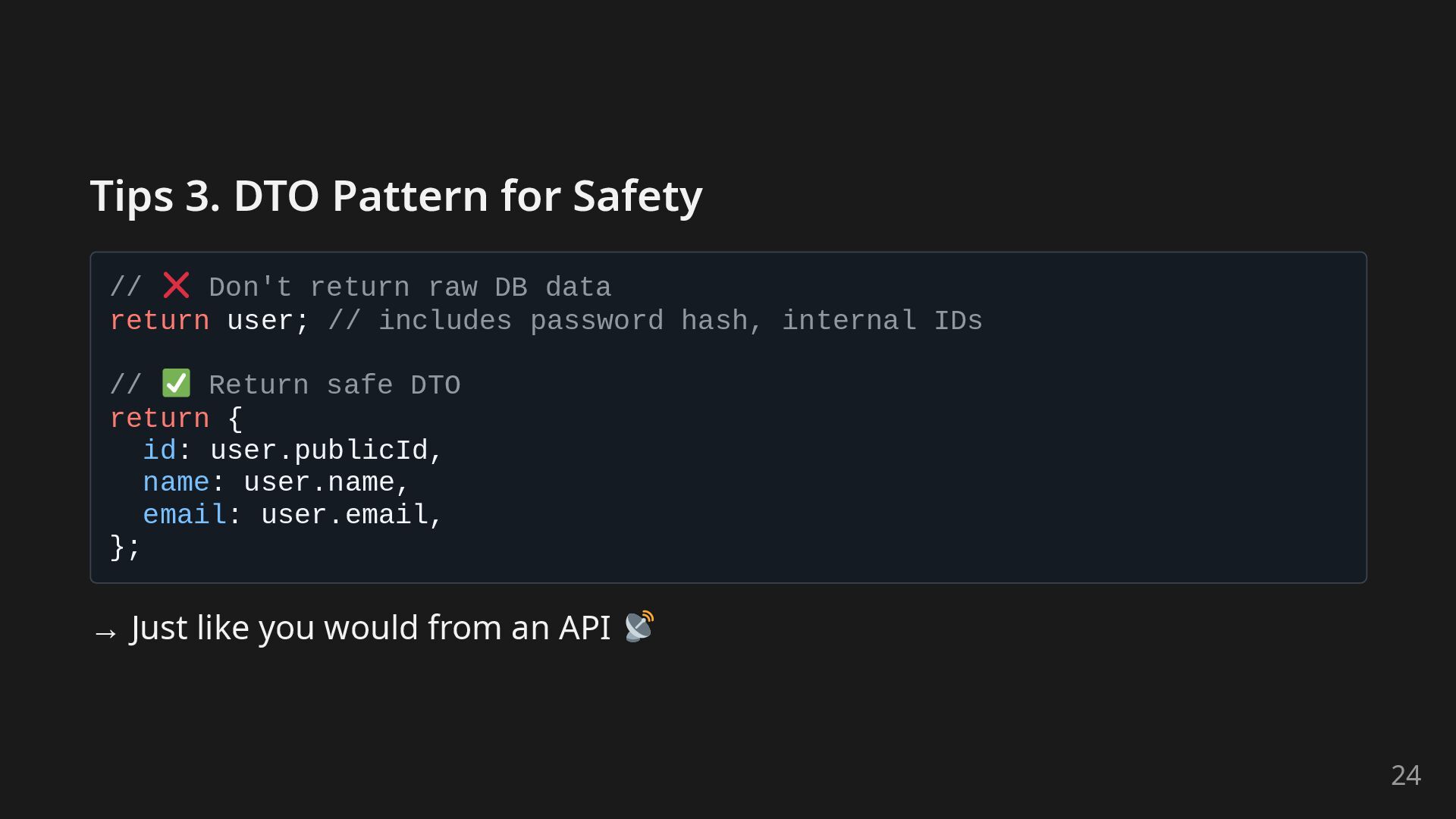
  19. Tips 3. DTO Pattern for Safety // Don't return raw

    DB data return user; // includes password hash, internal IDs // Return safe DTO return { id: user.publicId, name: user.name, email: user.email, }; → Just like you would from an API 24
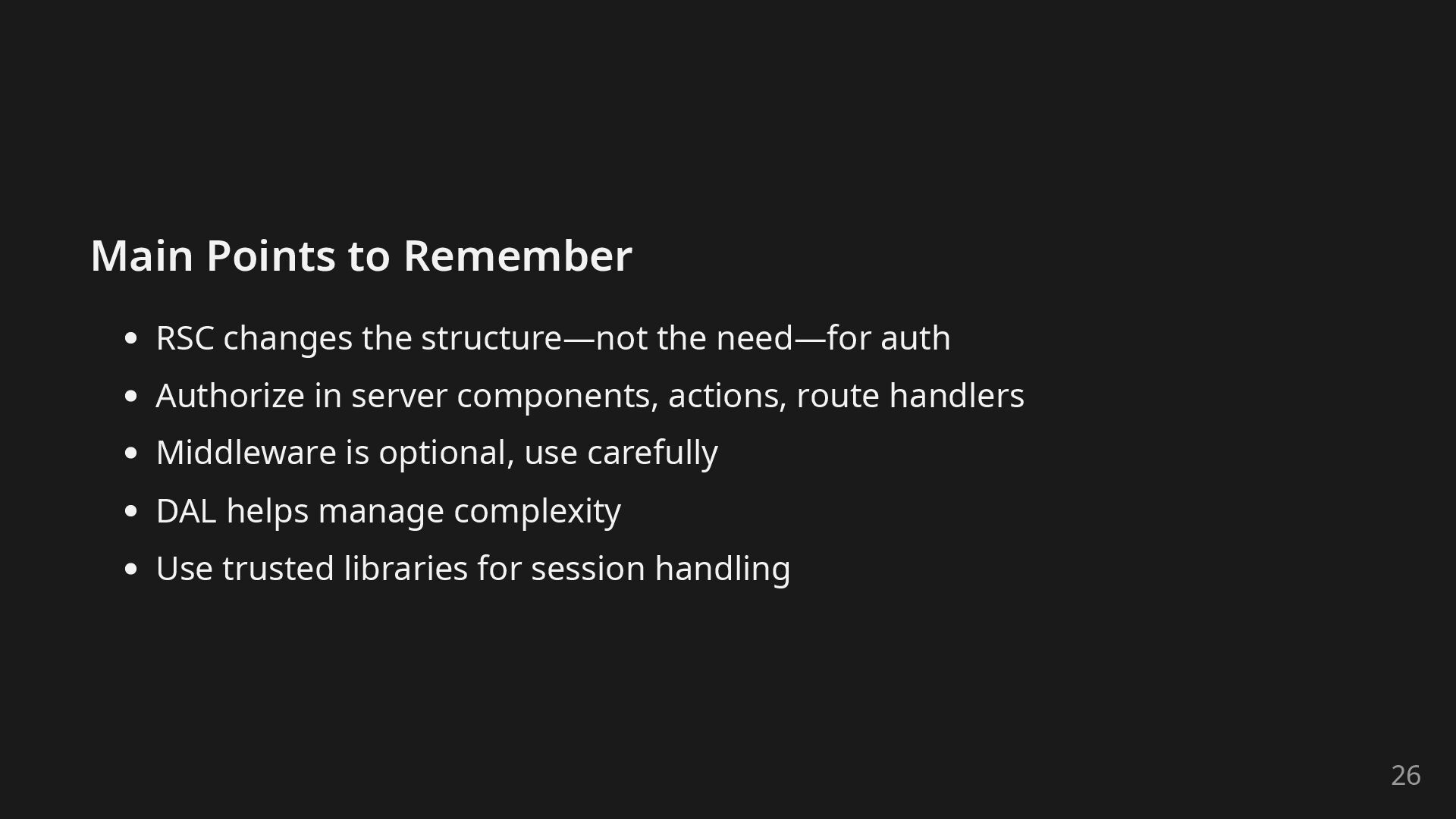
  20. Main Points to Remember RSC changes the structure—not the need—for

    auth Authorize in server components, actions, route handlers Middleware is optional, use carefully DAL helps manage complexity Use trusted libraries for session handling 26
  21. Thanks for listening! References: Next.js documentation on authentication highly recommend

    diving deeper there How to Think About Security in Next.js 27