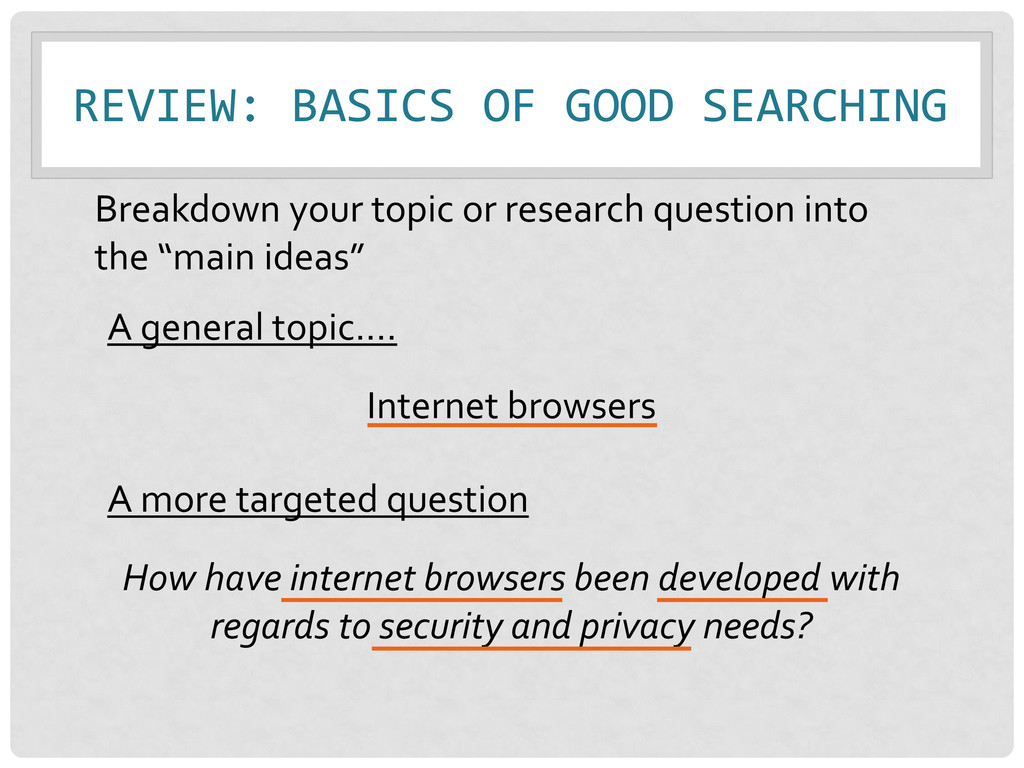
have internet browsers been developed with regards to security and privacy needs? Breakdown your topic or research question into the “main ideas” A general topic…. Internet browsers
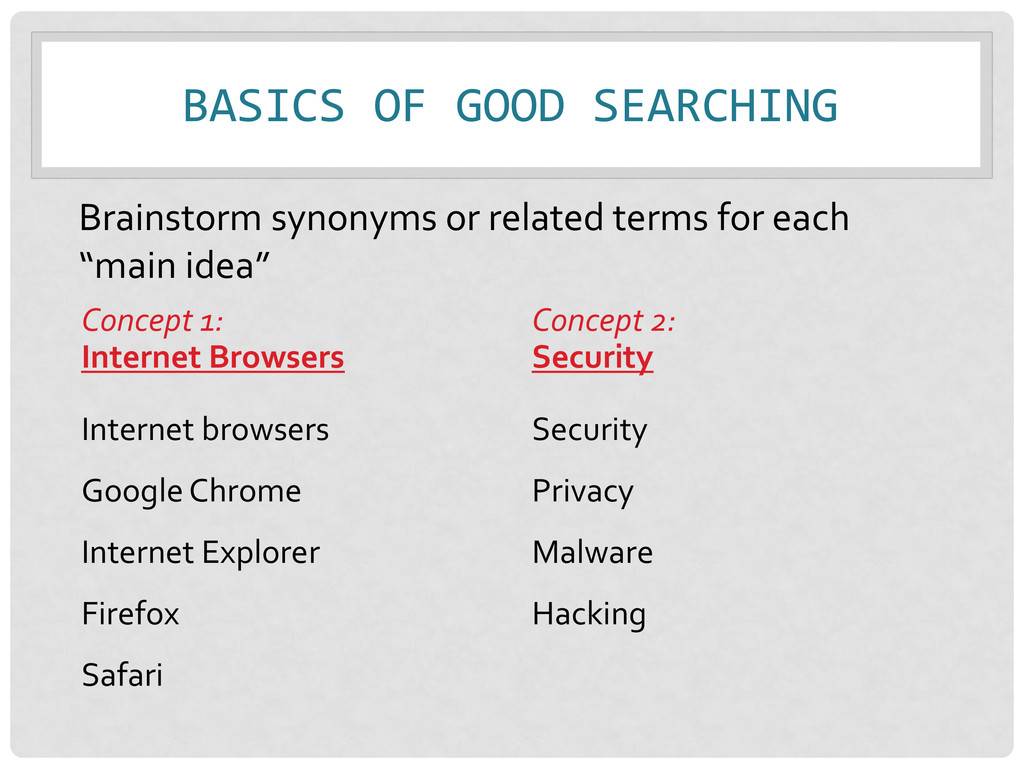
Google Chrome Internet Explorer Firefox Safari Concept 2: Security Security Privacy Malware Hacking Brainstorm synonyms or related terms for each “main idea”
of the Library's resources at once. • Find books, articles, media, government information, and other library resources all in one place. • Search what Towson owns as well as resources at other USMAI Libraries. *but not ALL!!
sources relevant to your research topic • Remember the Course and Subject Gateways, or use Cook OneSearch! • Due: Tuesday, April 9th • Turn in to Kim’s box at the Cook Library Reference Desk
• Allows your readers to verify and identify your information • Gives credit to the creators of the ideas….avoids plagiarism • University Policy • Required for your assignment
WORDS? • Paraphrasing- Borrowing an idea and putting it in your own words • Avoid “paraphrase plagiarism”-- where your paraphrase is too similar to original source • Shift + F7 ≠ your own writing • Remember to cite! A paraphrase must always be documented
= MLA Handbook for Writers of Research Papers (MLA) • Social Sciences = American Psychological Association (APA) http://apastyle.apa.org/ http://www.mla.org/store/CID24/PID363
(Burrows, 2009, para. 5) OR (Burrows, 2009, p. 26) 3. An entry in the References list (the bibliography) at the end of the paper Every in-text citation should have a match in the bibliography
citation (Burrows, 2009) 3. An entry in the References list at the end of the paper Again, every in-text citation should have a match in the bibliography!
least some online classes in 2001 (Virtual school initiatives, 2005) • Teaching online classes time-consuming, requires special techniques (Bender, 2003) • Students taking online courses must be self-starters (Thomas, 2007)
etc. • Alphabetized by first author’s last name (Remember! List authors in the order in which they are listed on the article!) • Format of each entry is based on what it is (e.g., print/electronic book or article, website, etc.)
student learning: Theory, practice, and assessment. Sterling, Va: Stylus Pub. Thomas, C. (2007). Are you a candidate for distance learning? Petersons.com. Retrieved from http://www.petersons.com/distancelearning/code/articles/ distancelearncandidate2.asp Virtual school initiatives increase as study details distance learning. (2005). Electronic Education Report, 12(6), 3-5.
ALA Manual or other resources to understand the format 2. Identify different “parts” of the citation and how the fit together – the formatting of the citation will tell you what each “part” means 3. Write your citation
B. (2004). The past and present of electronic reserves: 1991-204. Journal of Interlibrary Loan, Document Delivery & Electronic Reserve, 15(2), 33-42. doi: 10.1300/J47v15n02-06 Last Name, First Initial. (Year). Article title. Journal Title, Volume(Issue), pages. doi
for ONE source you found in the “Finding Sources” part of the assignment • Due: Tuesday, April 9th • Due to Kim’s box at the Cook Library Reference Desk


 kimberlymiller3
 asonas
 geshan
 frankvandijk
 kimpetersen
 uxyall
 axbom
axbom
 codingconduct
 sferik
 samanthasiow
 aleyda
 sonatard
 cassininazir




![QUESTIONS? • Kimberly Miller • [email protected] • 410-704-6324 • Reference](https://files.speakerdeck.com/presentations/b4a0d7e079f20130a8d9123138098c12/slide_36.jpg)