Upgrade to Pro
— share decks privately, control downloads, hide ads and more …
Speaker Deck
Sign up for free
Menu
Search
Features
All features
Private URLs
Password Protection
Custom URLS
Scheduled publishing
Remove Branding
Restrict embedding
Deck Collections
Notes
Features
All features
Private URLs
Password Protection
Custom URLS
Scheduled publishing
Remove Branding
Restrict embedding
Deck Collections
Notes
Explore
Featured decks
Featured speakers
Programming
Technology
Storyboards
Explore
Featured decks
Featured speakers
Programming
Technology
Storyboards
Pricing
Search
Sign in
Sign up for free
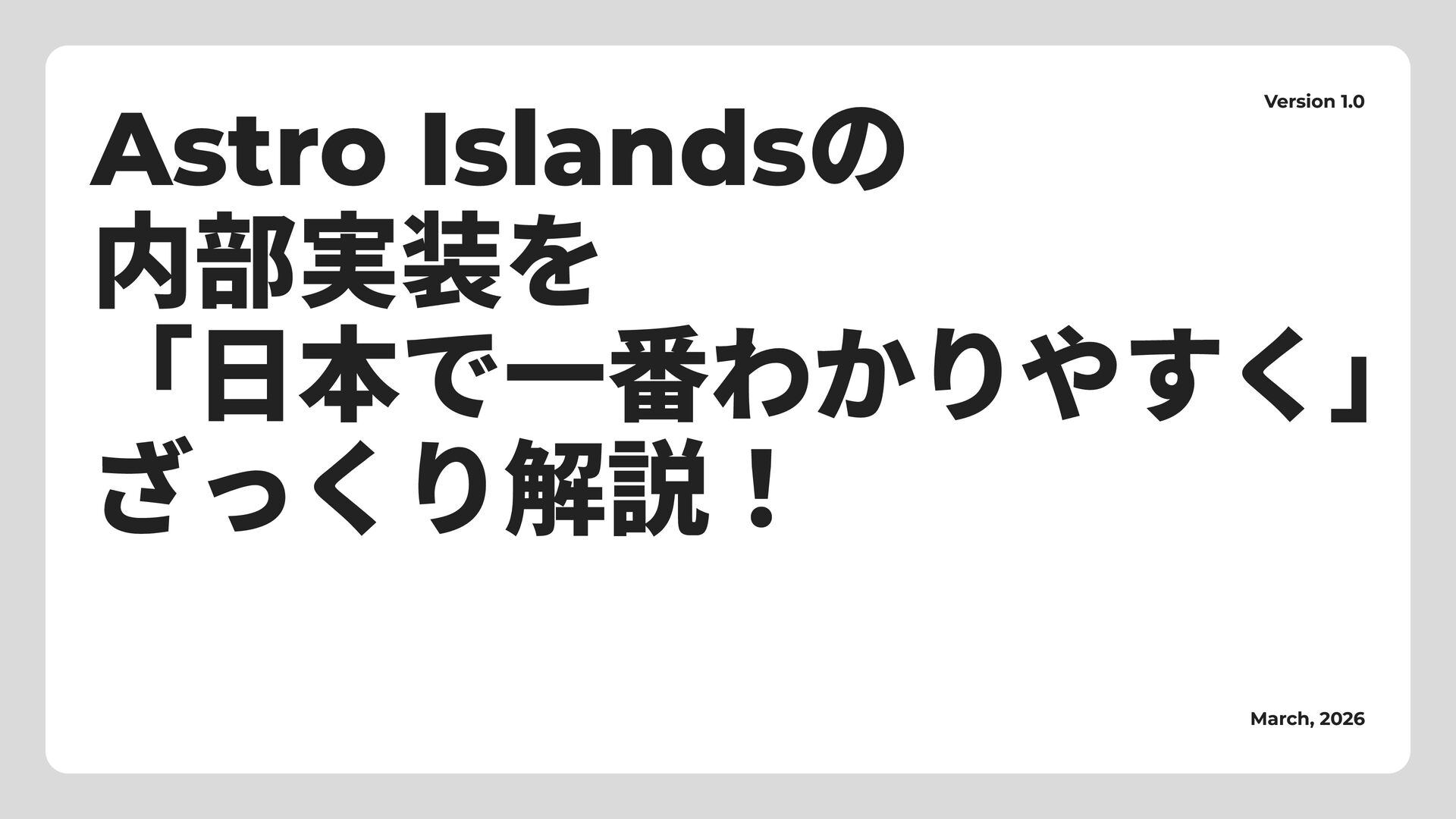
Astro Islandsの 内部実装を 「日本で一番わかりやすく」 ざっくり解説!
Search
Wu Kenji
March 23, 2026
Technology
580
1
Share
Embed
Copy iframe code
Copy JS code
Copy link
Start on current slide
Astro Islandsの 内部実装を 「日本で一番わかりやすく」 ざっくり解説!
Wu Kenji
March 23, 2026
Other Decks in Technology
See All in Technology
IR Today: Theory, Practice, and Agents
dtunkelang
0
350
DWH の限界突破! AI エージェント向け爆速リアルタイムデータ基盤 ClickHouse
jozono
1
110
freeeらしさをAIとともに作る / Creating the freee Experience with AI
ymrl
0
200
いちAWSエンジニアのAI活用を振り返る #devio2026 / devio osaka 2026 kawahara
masahirokawahara
2
390
全社共通データ基盤をつくる。ソニーのDatabricks活用とデータガバナンス設計の裏側
sony
0
430
Datadog の学び方 - あるいは、オブザーバビリティを学ぶとは何か
mananyuki
1
490
BedrockとLambdaで作る リアルタイム進行型推理ゲーム
kawametho
0
190
React Nativeでの OTA Updateって、 どう説明する?
ichiki1023
0
150
「とりあえず動く」の先へ。 AI時代のチーム開発と内部設計/2026-slsdays
slsops
0
150
生成AIで高い生産性を求められて、 悩み、乗り越えた話
mot_techtalk
2
130
転んだ話が背中を預ける理由になる / A_story_about_falling_down_gives_you_a_reason_to_watch_each_other_s_backs.pdf
pauli
3
270
実体験から学ぶ分析エージェントの開発と運⽤
recruitengineers
PRO
1
220
Featured
See All Featured
The World Runs on Bad Software
bkeepers
PRO
72
12k
We Have a Design System, Now What?
morganepeng
55
8.4k
ReactJS: Keep Simple. Everything can be a component!
pedronauck
666
130k
Fireside Chat
paigeccino
43
4.1k
Sharpening the Axe: The Primacy of Toolmaking
bcantrill
46
3k
Un-Boring Meetings
codingconduct
0
440
Optimizing for Happiness
mojombo
378
71k
DevOps and Value Stream Thinking: Enabling flow, efficiency and business value
helenjbeal
1
400
The SEO Collaboration Effect
kristinabergwall1
1
590
Understanding Cognitive Biases in Performance Measurement
bluesmoon
32
3k
Jamie Indigo - Trashchat’s Guide to Black Boxes: Technical SEO Tactics for LLMs
techseoconnect
PRO
0
690
Impact Scores and Hybrid Strategies: The future of link building
tamaranovitovic
0
450
Transcript
Astro Islandsの 内部実装を 「日本で一番わかりやすく」 ざっくり解説! Version 1.0 March, 2026
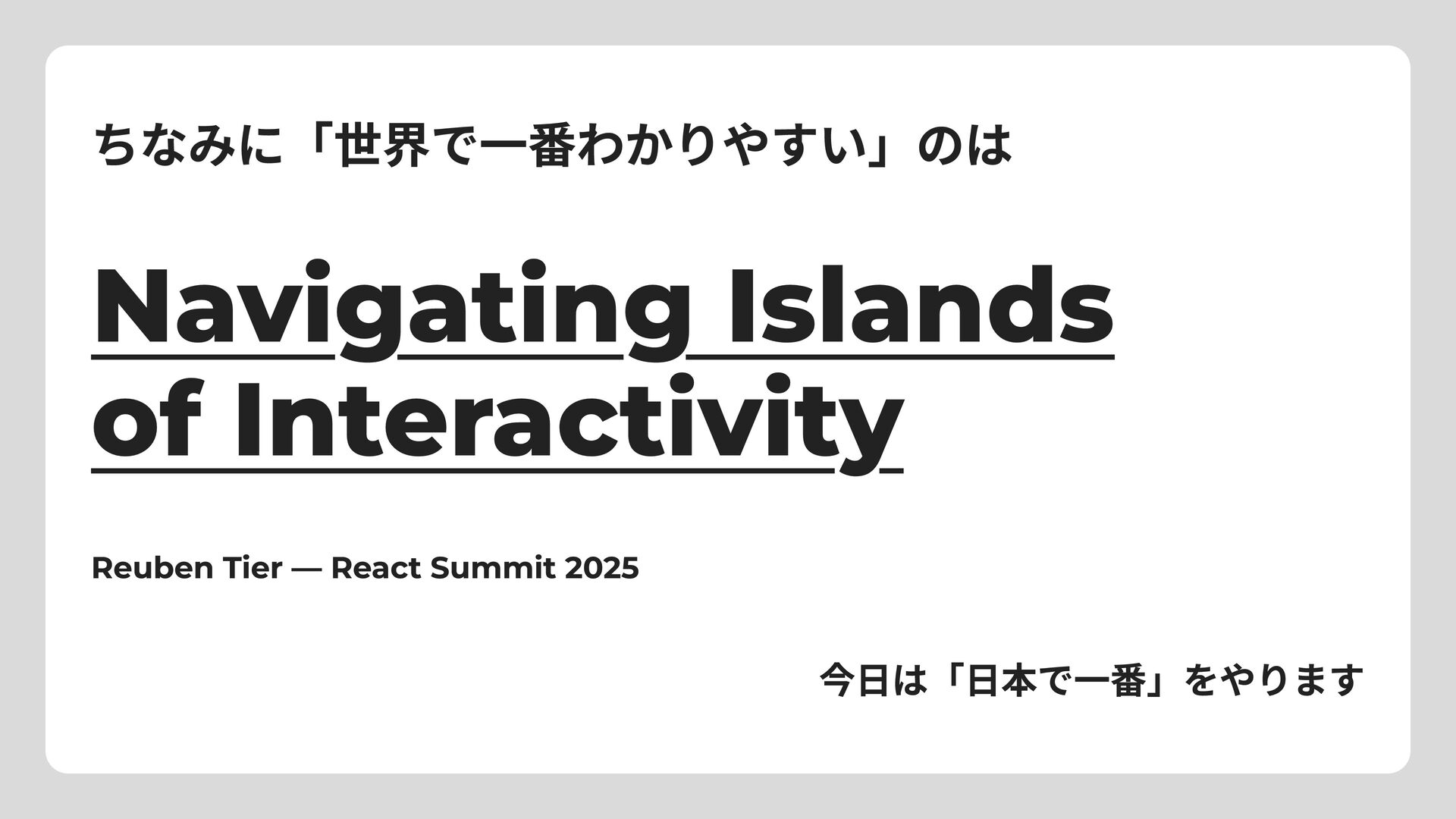
ちなみに「世界で一番わかりやすい」のは Navigating Islands of Interactivity Reuben Tier — React Summit
2025 今日は「日本で一番」をやります
ケンジ Bluesky : jp-knj GitHub : jp-knj
ウェブの普遍的な パターンの話
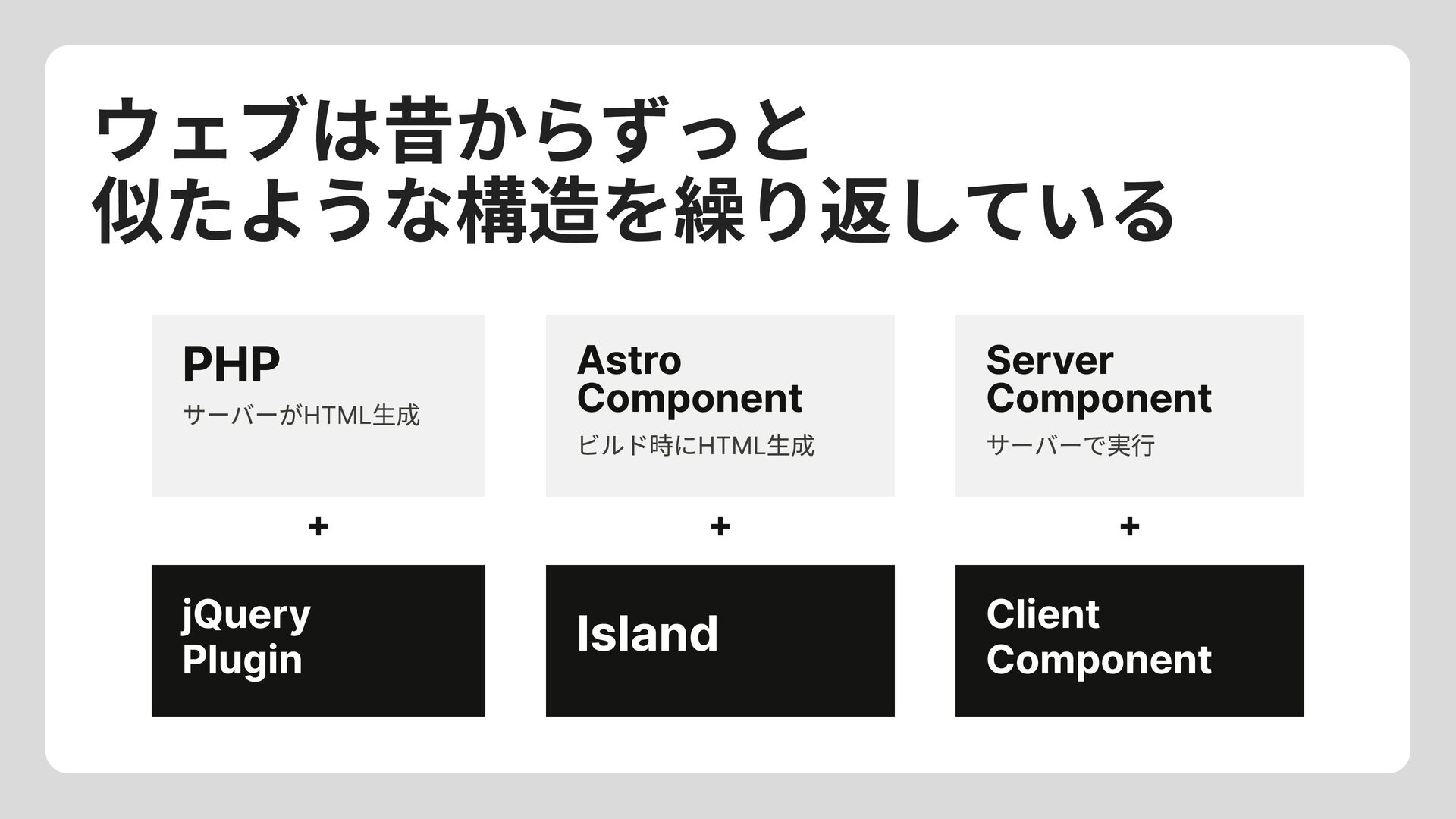
ウェブは昔からずっと 似たような構造を繰り返している PHP サーバーがHTML生成 Astro Component Server Component ビルド時にHTML生成 サーバーで実行
+ + + jQuery Plugin Client Component Island
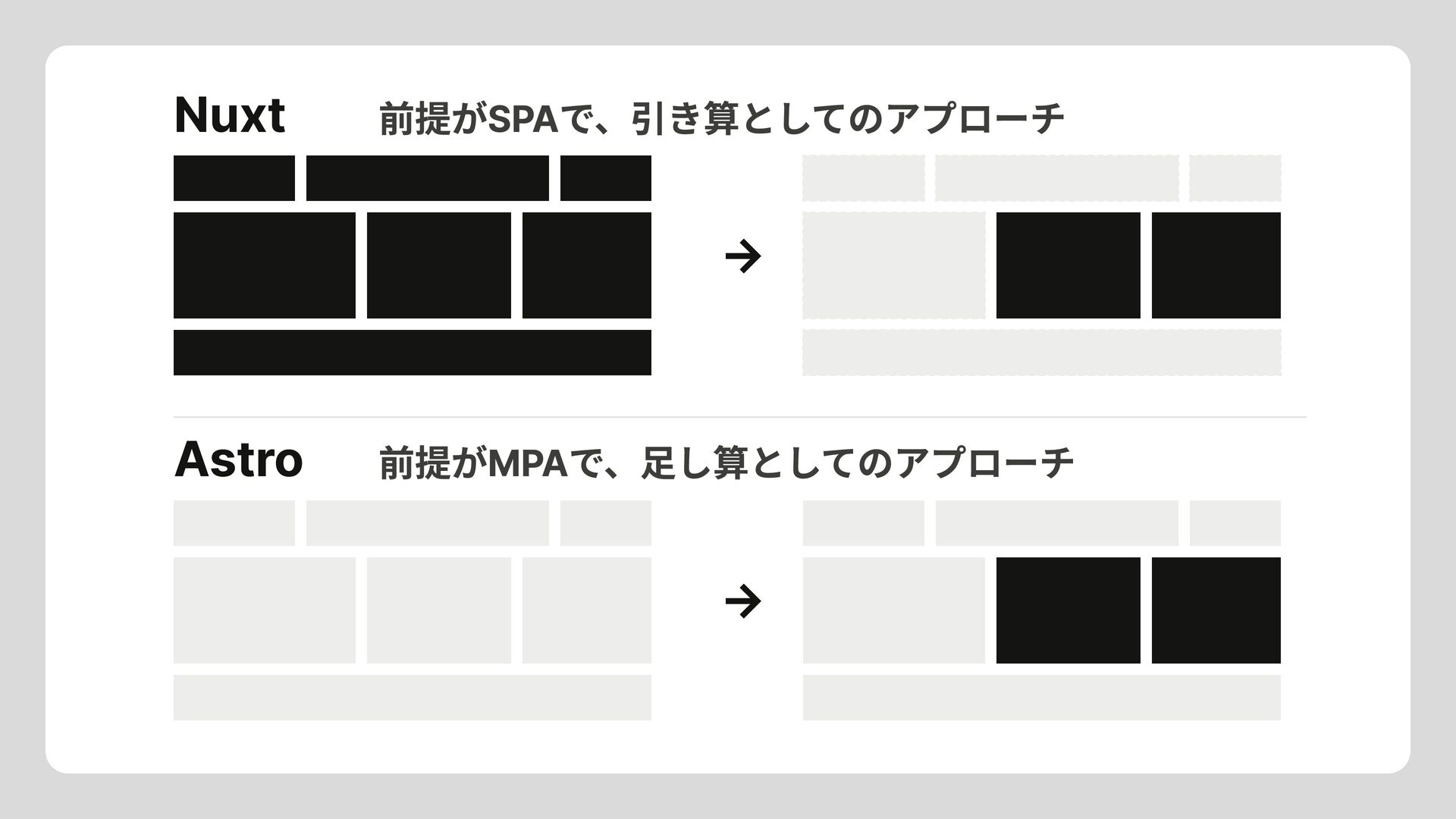
だいたい、 クライアントとサーバサイドの境界を コンポーネント単位で決めれる みたいな話 でも、前提が違ったりする
Nuxt Astro 前提がSPAで、引き算としてのアプローチ → 前提がMPAで、足し算としてのアプローチ →
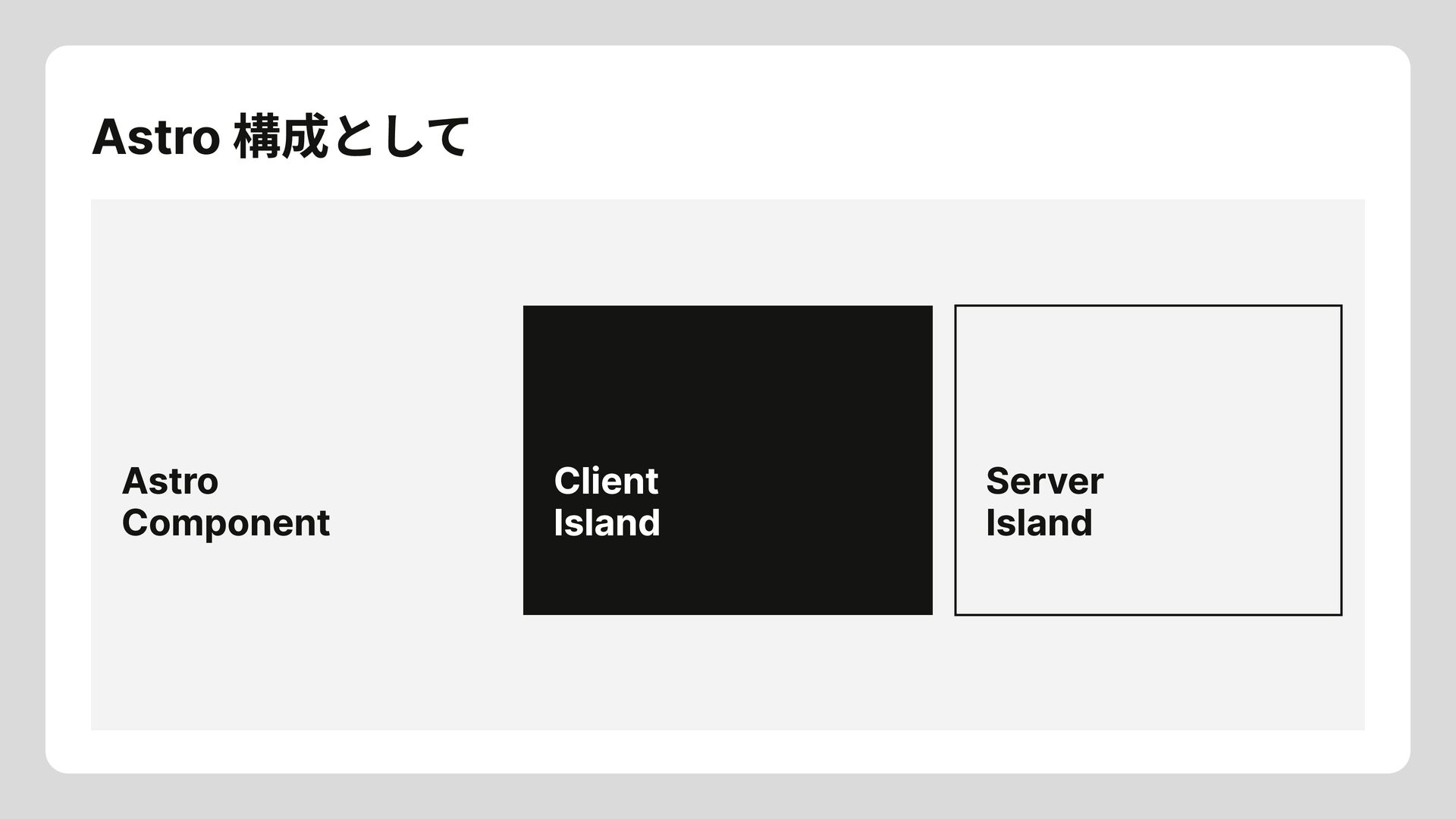
Astro 構成として Astro Component Client Island Server Island
Client Islandは この足し算の中で 何が起きているのか?
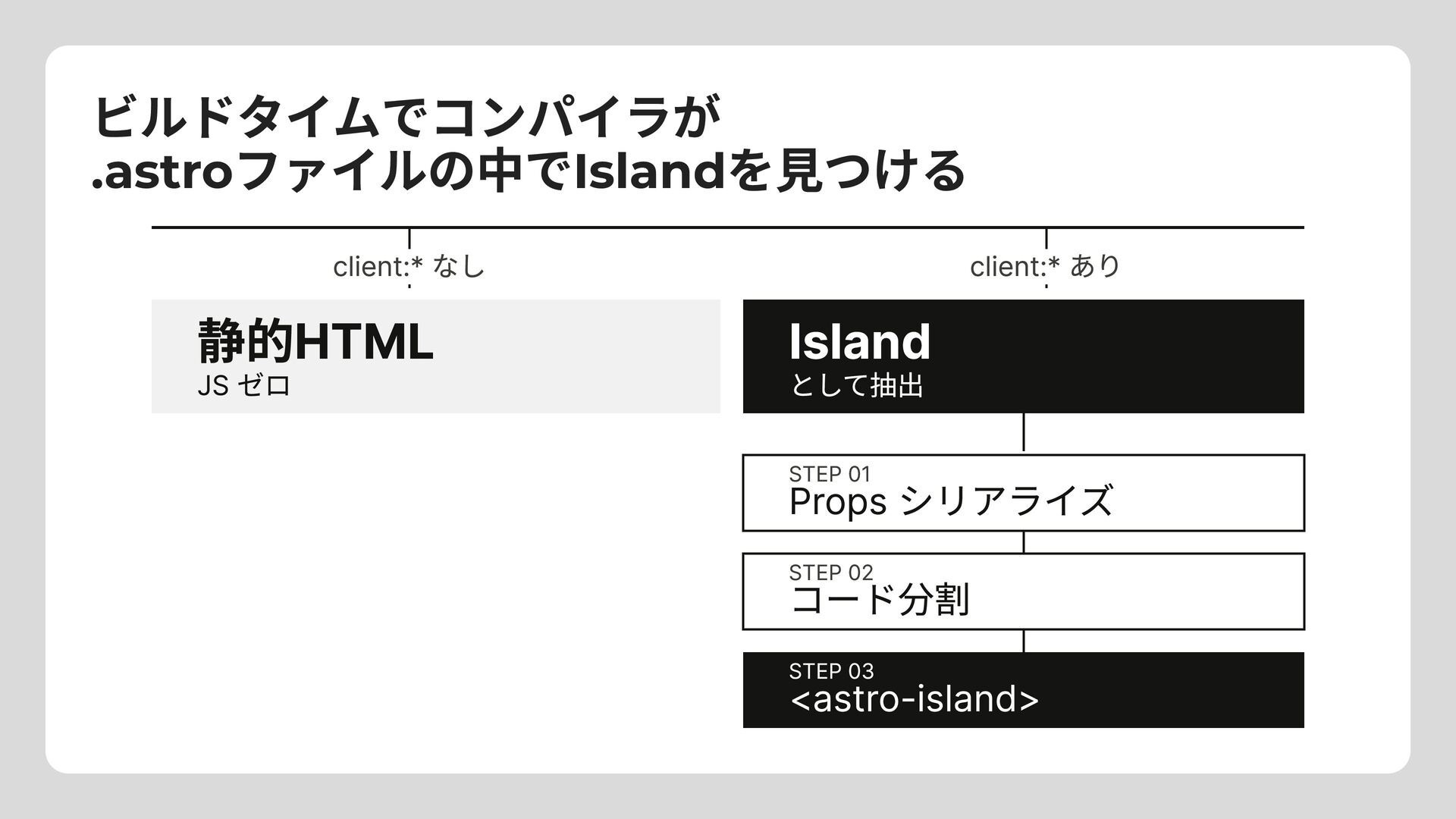
ビルドタイムでコンパイラが .astroファイルの中でIslandを見つける client:* なし client:* あり 静的HTML JS ゼロ Island
として抽出 STEP 01 Props シリアライズ STEP 02 コード分割 STEP 03 <astro-island>
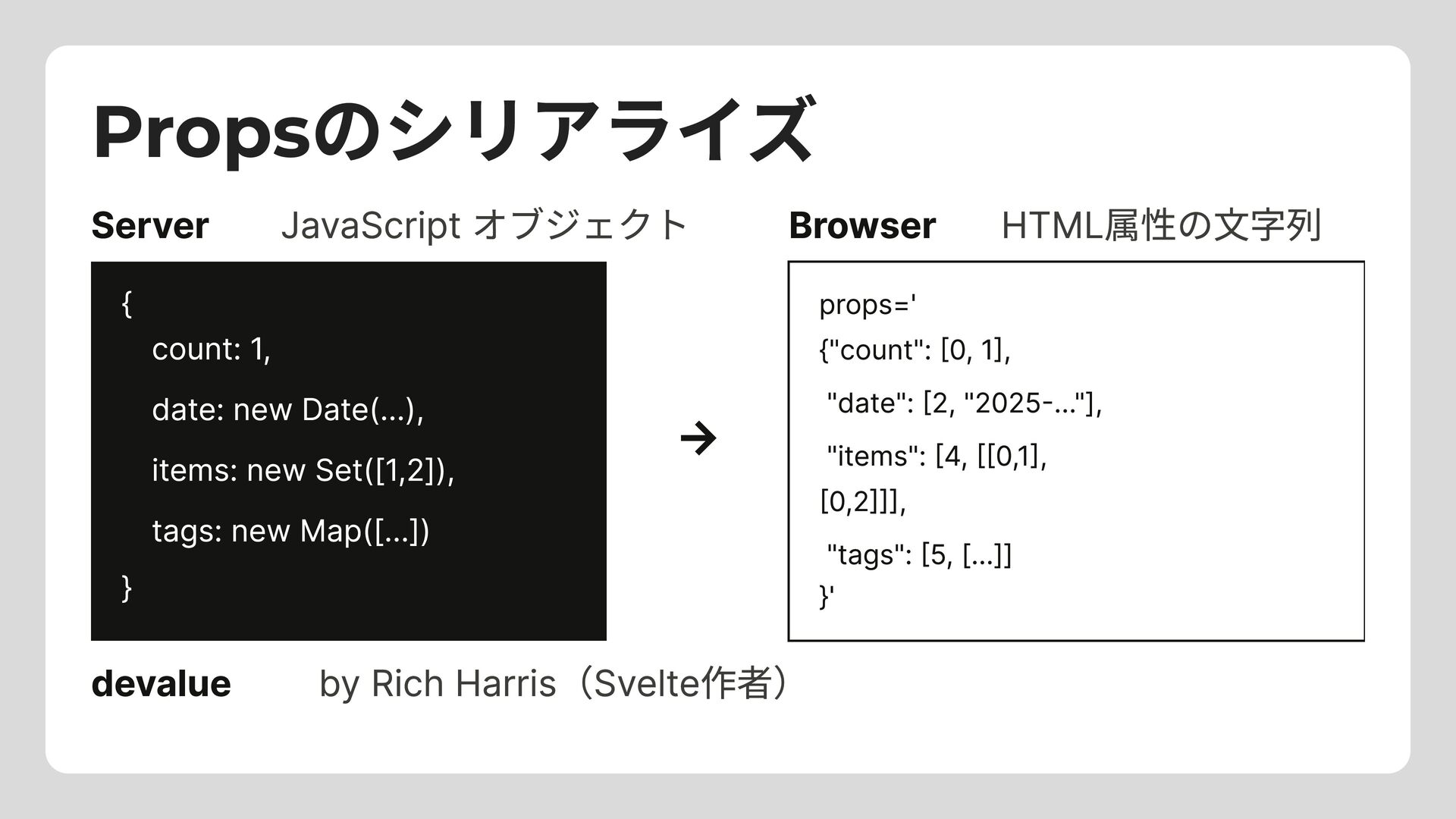
Propsのシリアライズ Server JavaScript オブジェクト Browser HTML属性の文字列 { } count: 1,
date: new Date(...), items: new Set([1,2]), tags: new Map([...]) props=' {"count": [0, 1], "date": [2, "2025-..."], "items": [4, [[0,1], [0,2]]], "tags": [5, [...]] }' → devalue by Rich Harris(Svelte作者)
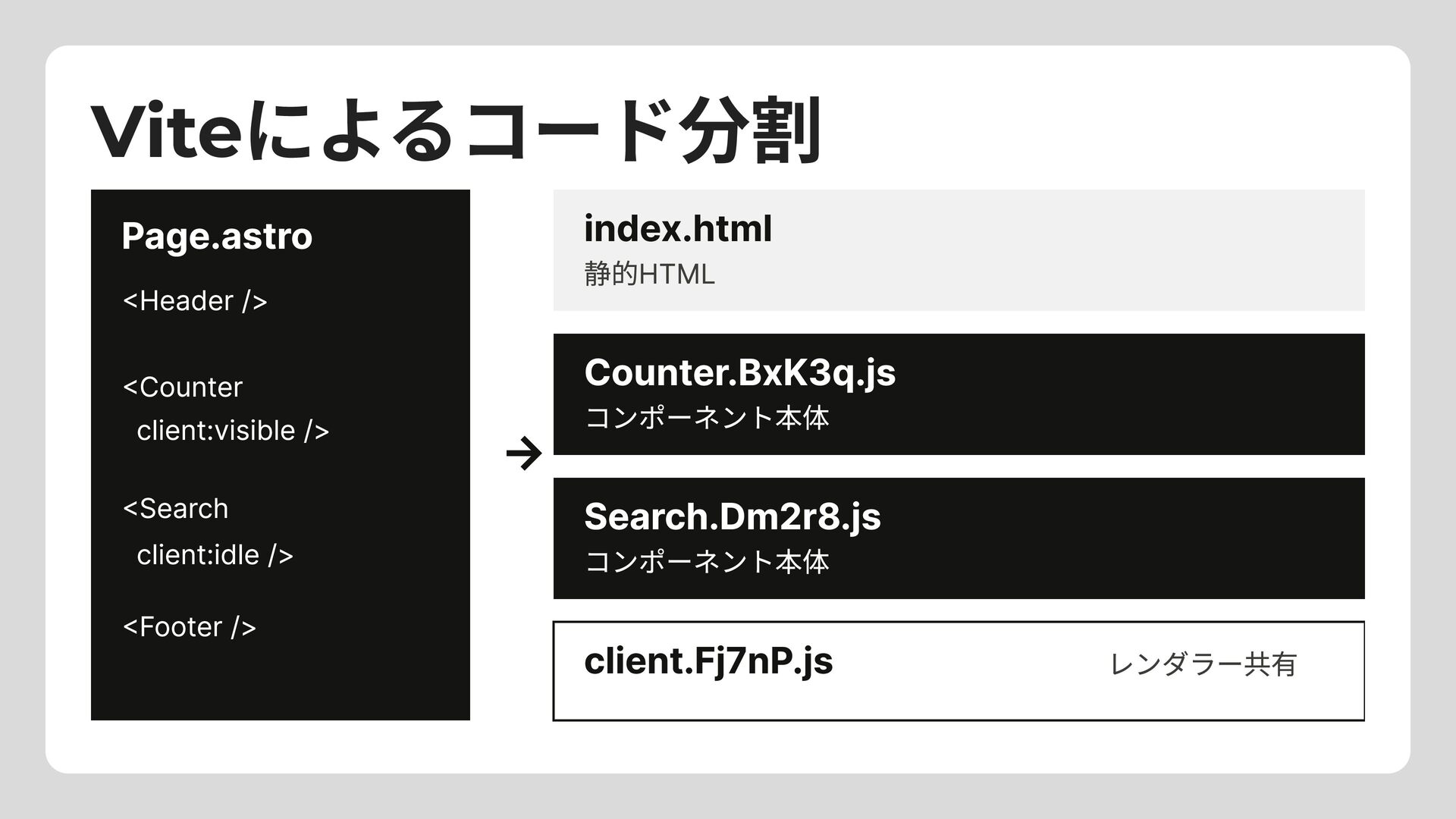
Viteによるコード分割 index.html 静的HTML Page.astro <Header /> → Counter.BxK3q.js コンポーネント本体 Search.Dm2r8.js
コンポーネント本体 <Counter client:visible /> <Search client:idle /> <Footer /> client.Fj7nP.js レンダラー共有
<astro-island> でラッピング <body> <header>My Site</header> <astro-island component-url="/_astro/Counter.BxK3q.js" renderer-url="/_astro/client.Fj7nP.js" props='{"count":[0,1]}' client="visible">
<div>0</div> </astro-island> <footer>© 2025</footer> </body>
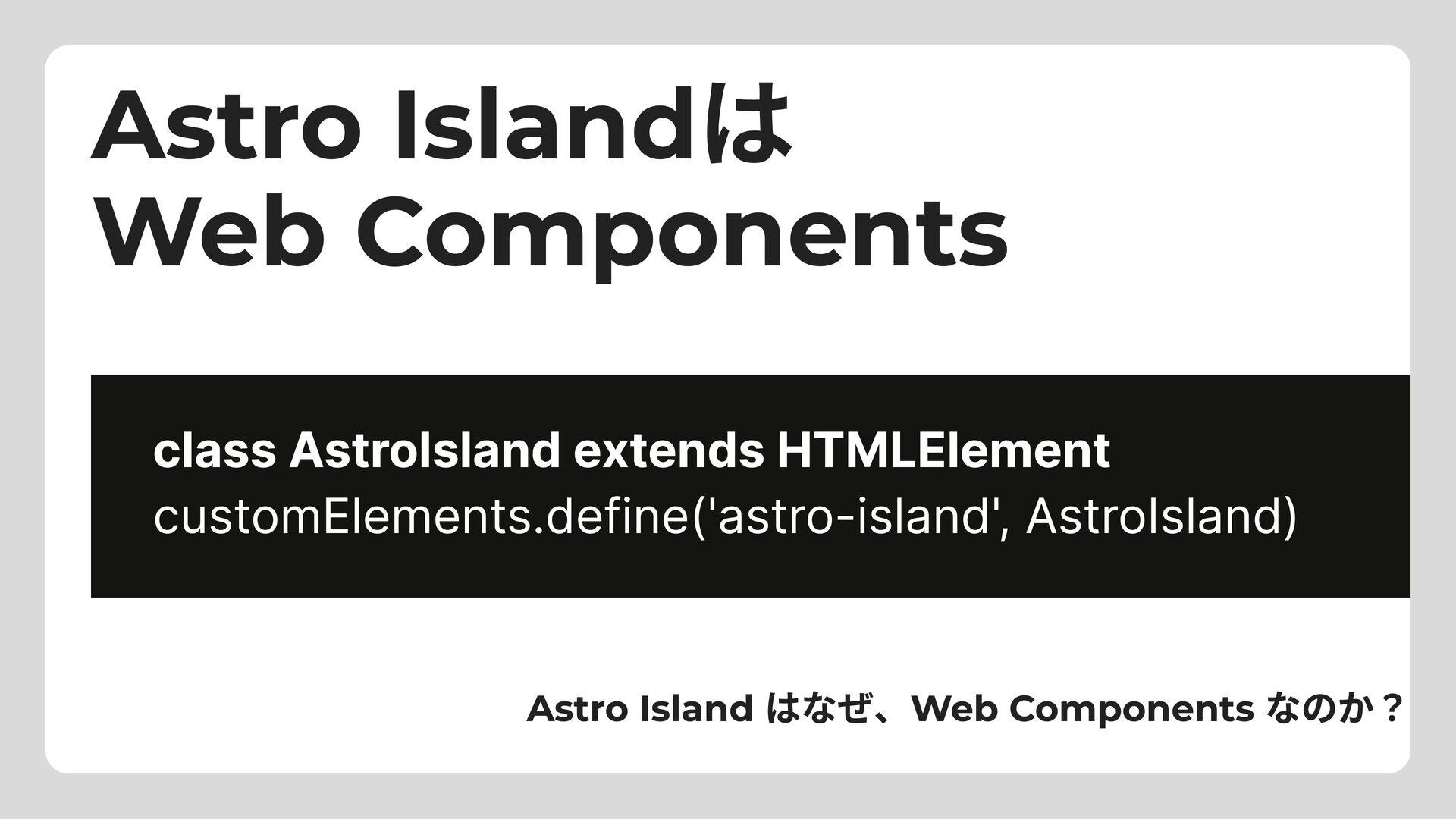
Astro Islandは Web Components class AstroIsland extends HTMLElement customElements.define('astro-island', AstroIsland)
Astro Island はなぜ、Web Components なのか?
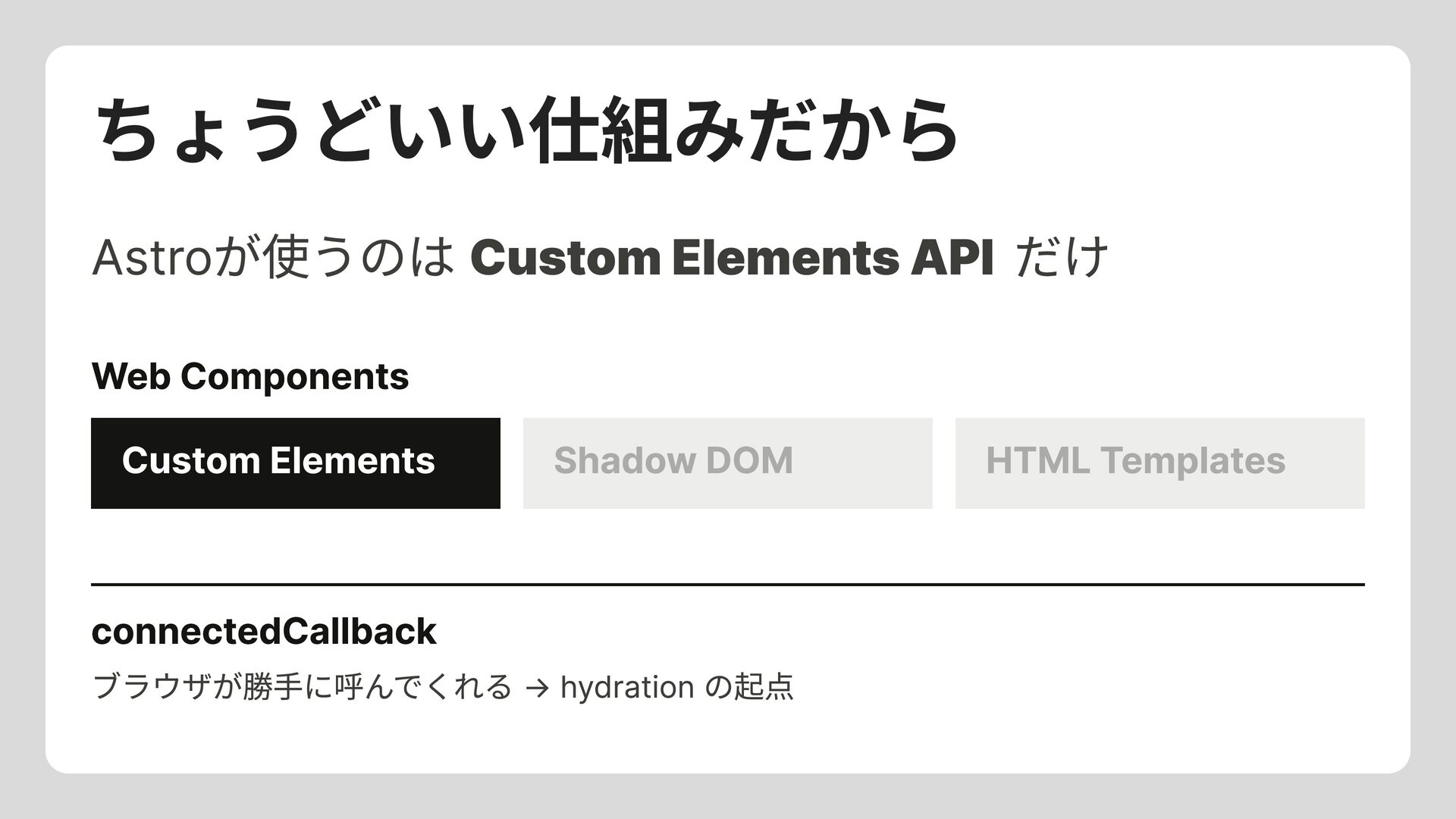
ちょうどいい仕組みだから Astroが使うのは Custom Elements API だけ Web Components Custom Elements
Shadow DOM HTML Templates connectedCallback ブラウザが勝手に呼んでくれる → hydration の起点
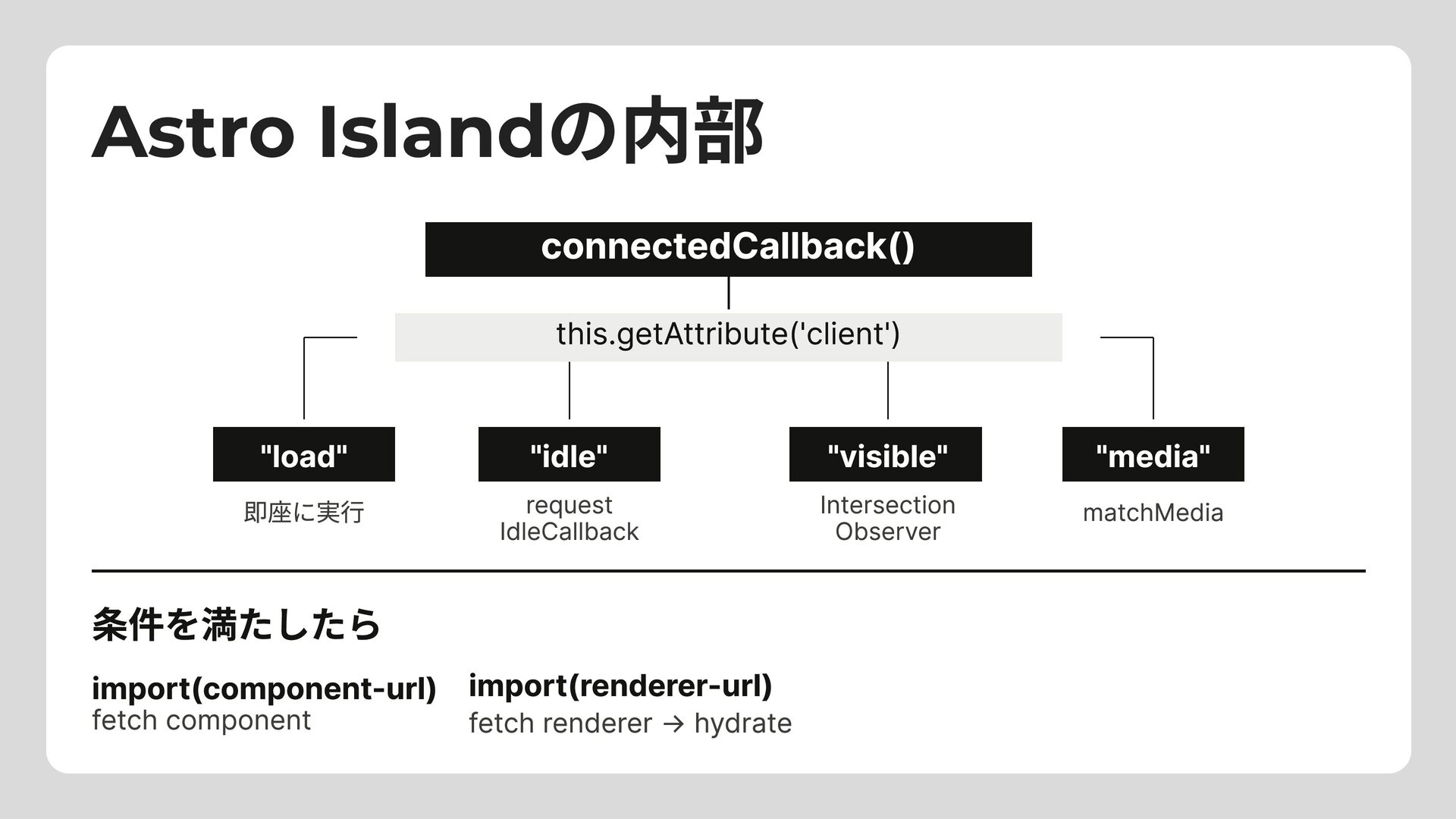
Astro Islandの内部 connectedCallback() this.getAttribute('client') "load" 即座に実行 "idle" "visible" "media" matchMedia
IdleCallback request Intersection Observer 条件を満たしたら import(renderer-url) fetch renderer → hydrate import(component-url) fetch component
だいたい "ブラウザが持っている力" Astroのランタイムは本当に短い。
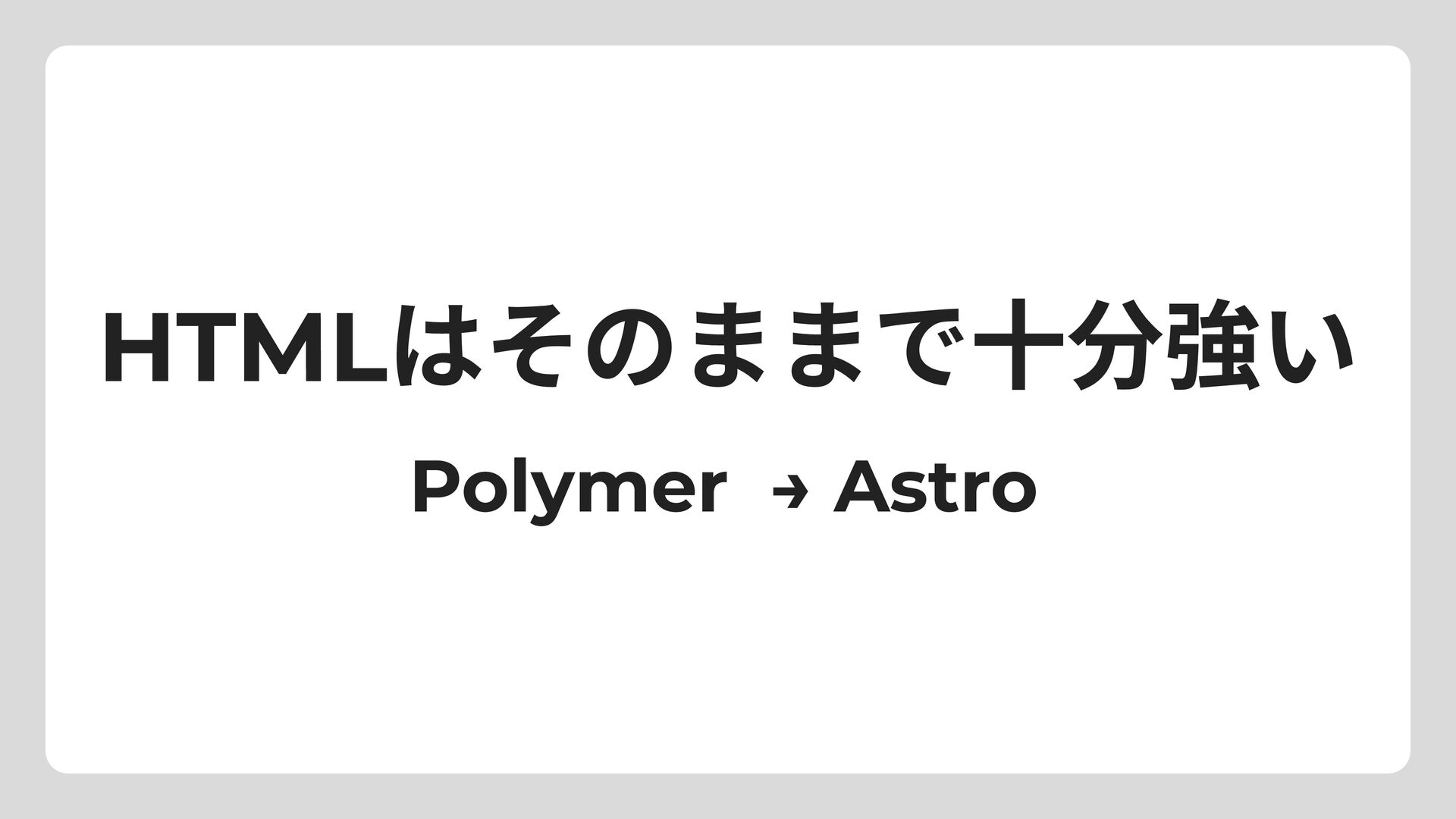
HTMLはそのままで十分強い Polymer → Astro
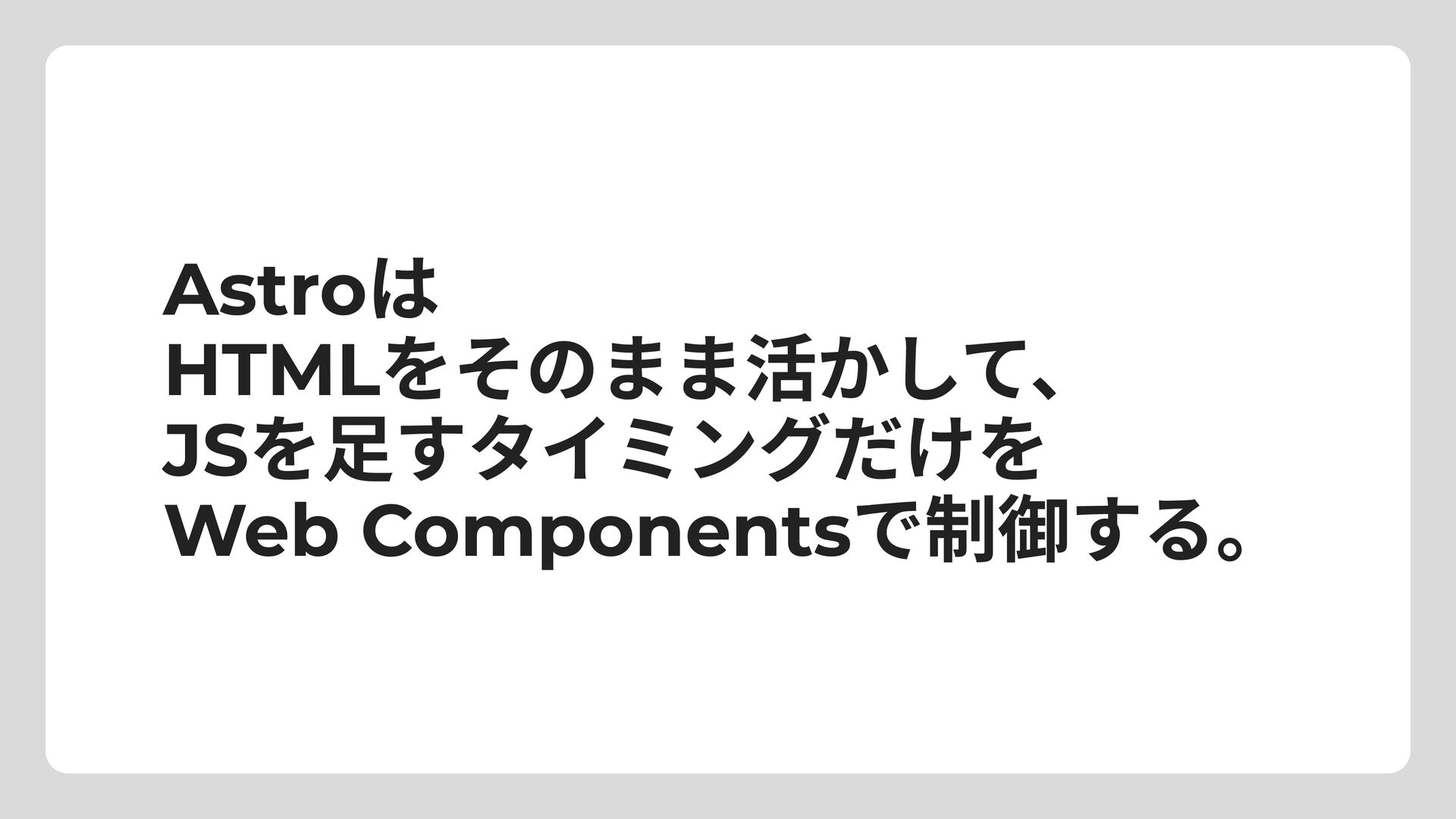
Astroは HTMLをそのまま活かして、 JSを足すタイミングだけを Web Componentsで制御する。
おしまい


 dtunkelang
 jozono
 ymrl
ymrl
 masahirokawahara
 sony
sony
 mananyuki
 kawametho
 ichiki1023
 slsops
 mot_techtalk
 pauli
pauli
 recruitengineers
 bkeepers
 morganepeng
 pedronauck
 paigeccino
 bcantrill
 codingconduct
 mojombo
.png) helenjbeal
helenjbeal
 kristinabergwall1
 bluesmoon
 techseoconnect
 tamaranovitovic


![<astro-island> でラッピング <body> <header>My Site</header> <astro-island component-url="/_astro/Counter.BxK3q.js" renderer-url="/_astro/client.Fj7nP.js" props='{"count":[0,1]}' client="visible">](https://files.speakerdeck.com/presentations/276de55e7c4944c5a9dca77ef4af339c/slide_12.jpg)