Upgrade to Pro — share decks privately, control downloads, hide ads and more …

How to become a maker using raspberry pi - Lent...

How to become a maker using raspberry pi - Lentin Joseph

Talk on "how to become a maker using raspberry pi" by Lentin Joseph at Kochi Python Meetup on 3rd January, 2015

Avatar for Kochi Python

Kochi Python

January 03, 2015

Other Decks in Technology

Transcript

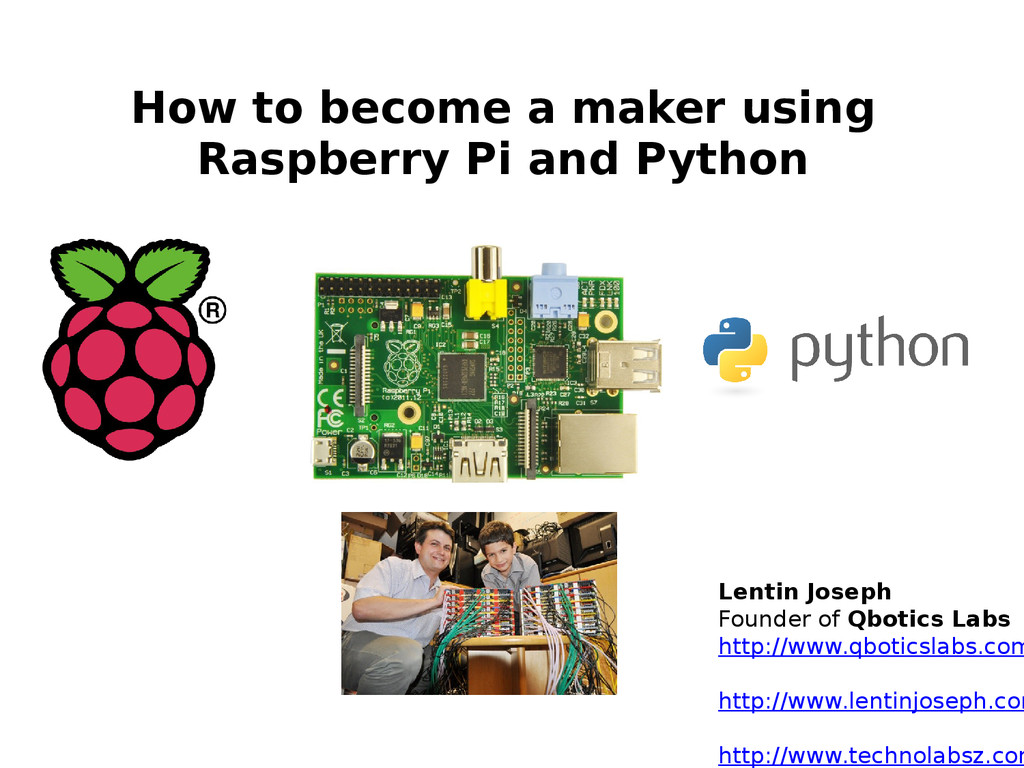
  1. How to become a maker using Raspberry Pi and Python

    Lentin Joseph Founder of Qbotics Labs http://www.qboticslabs.com http://www.lentinjoseph.com http://www.technolabsz.com
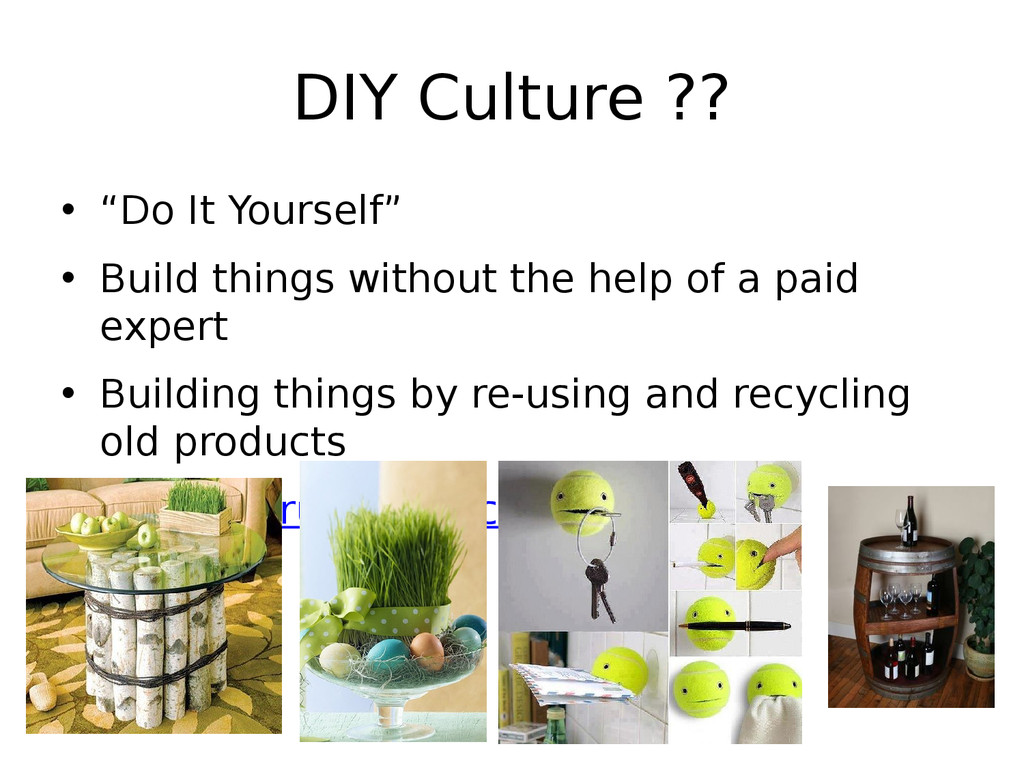
  2. DIY Culture ?? • “Do It Yourself” • Build things

    without the help of a paid expert • Building things by re-using and recycling old products • www.instructables.com
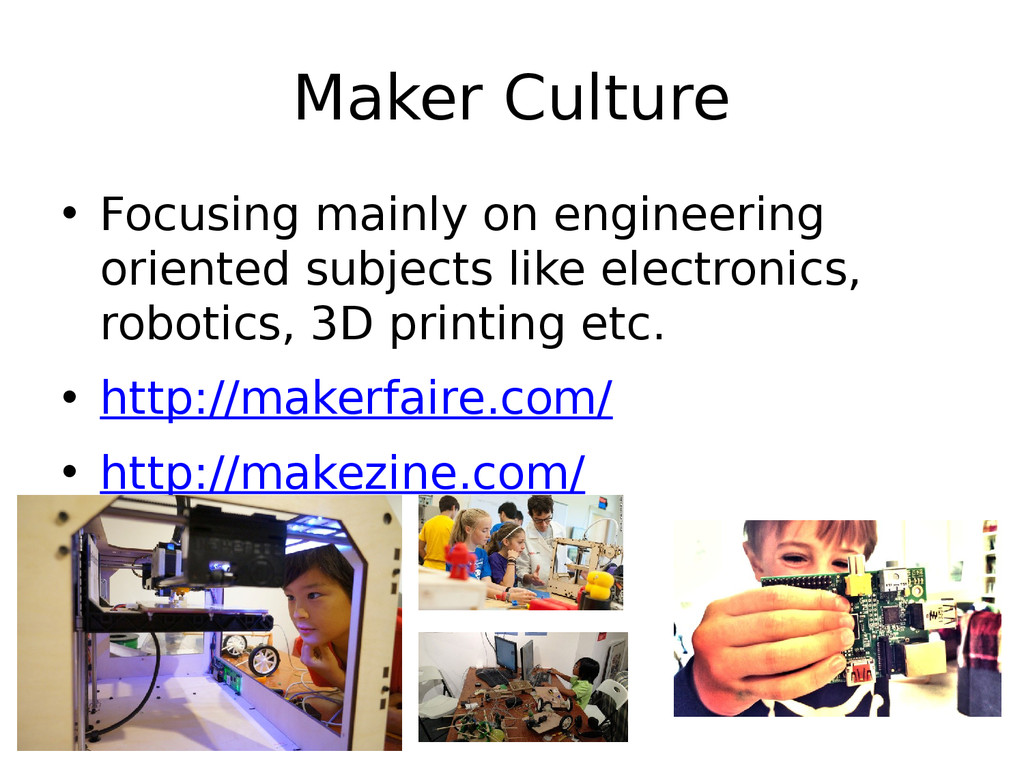
  3. Maker Culture • Focusing mainly on engineering oriented subjects like

    electronics, robotics, 3D printing etc. • http://makerfaire.com/ • http://makezine.com/
  4. What is Python ? Is it a game like snake

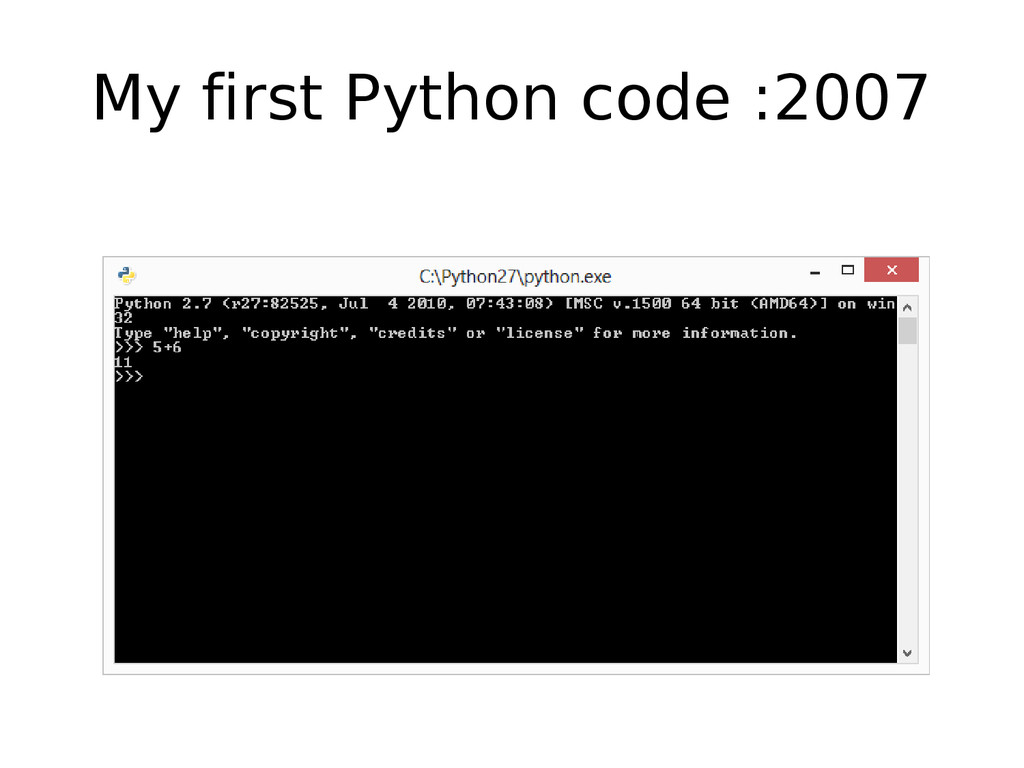
    ????? : 2007 Hmm..Python . Looks like it’s a game like snake. Let’s Download it Python
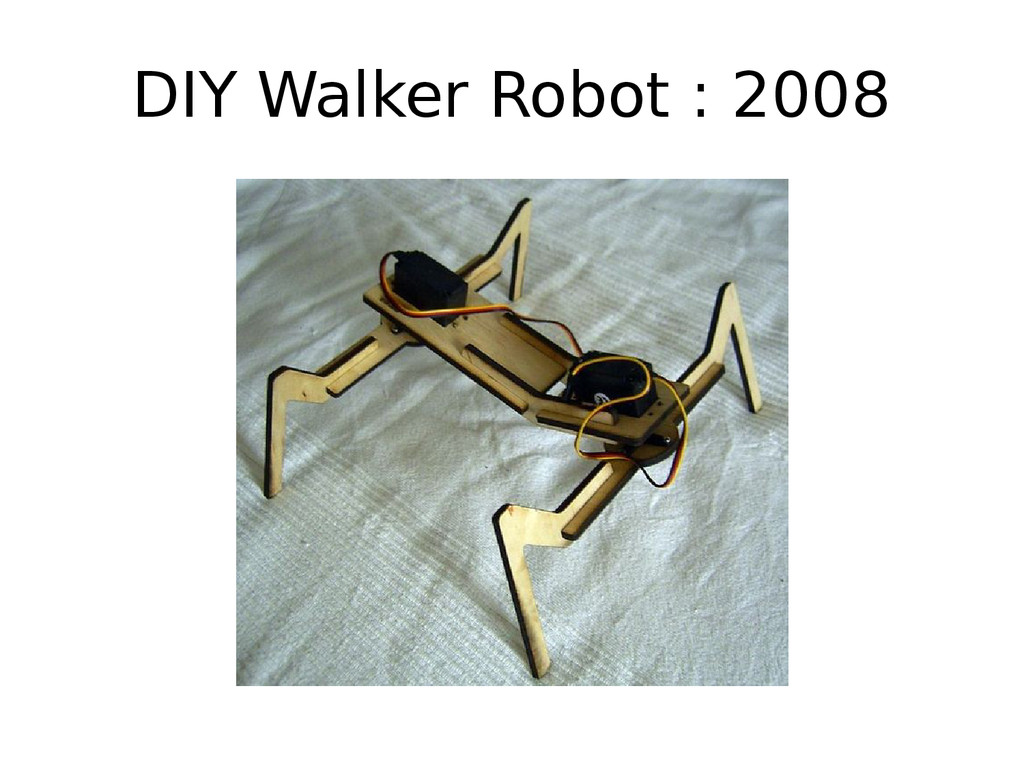
  5. Joined FISAT Research Team : 2008 • Python helped me

    to get in this group • Learned more about Python from this Group too.
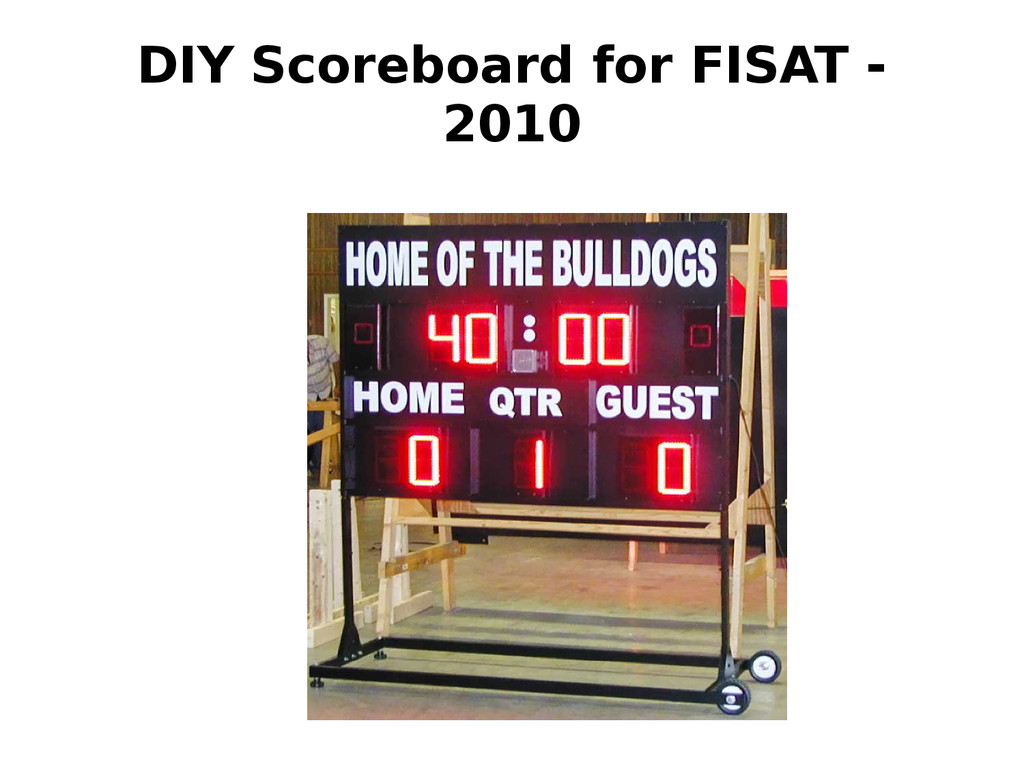
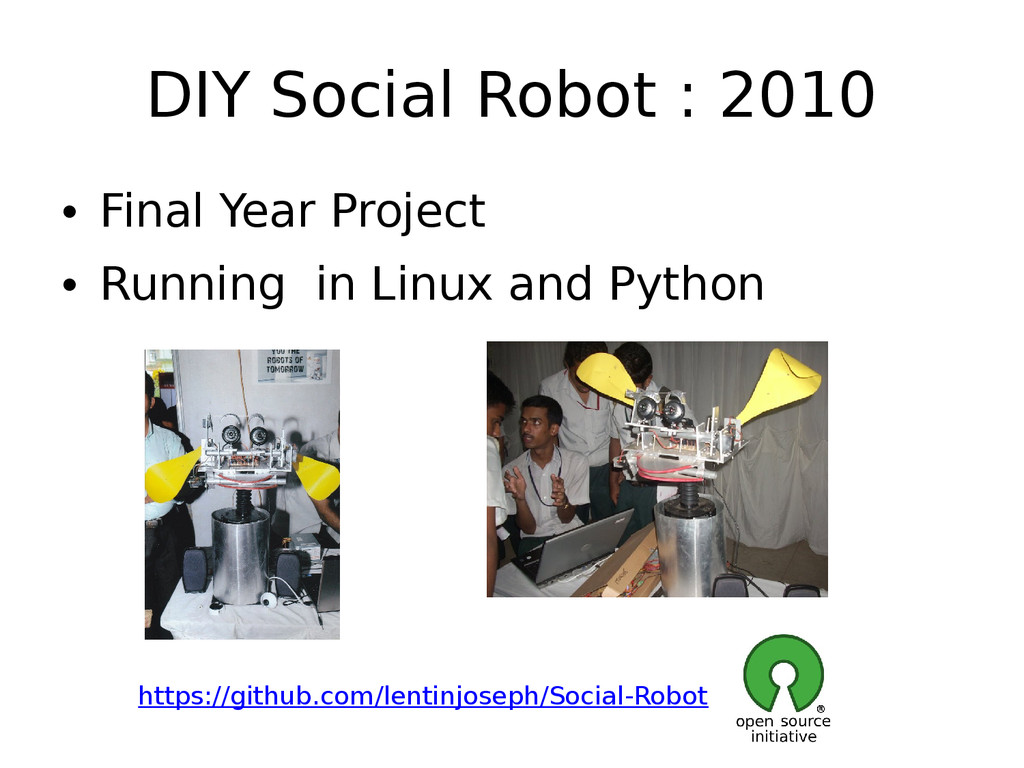
  6. DIY Social Robot : 2010 • Final Year Project •

    Running in Linux and Python https://github.com/lentinjoseph/Social-Robot
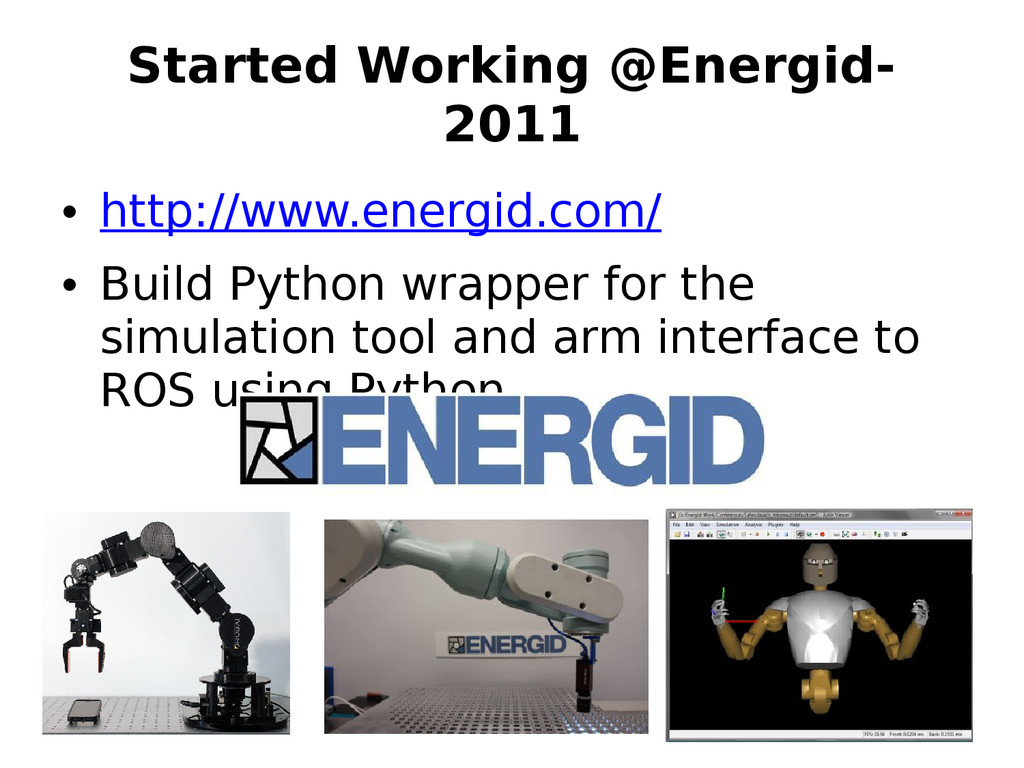
  7. Started Working @Energid- 2011 • http://www.energid.com/ • Build Python wrapper

    for the simulation tool and arm interface to ROS using Python
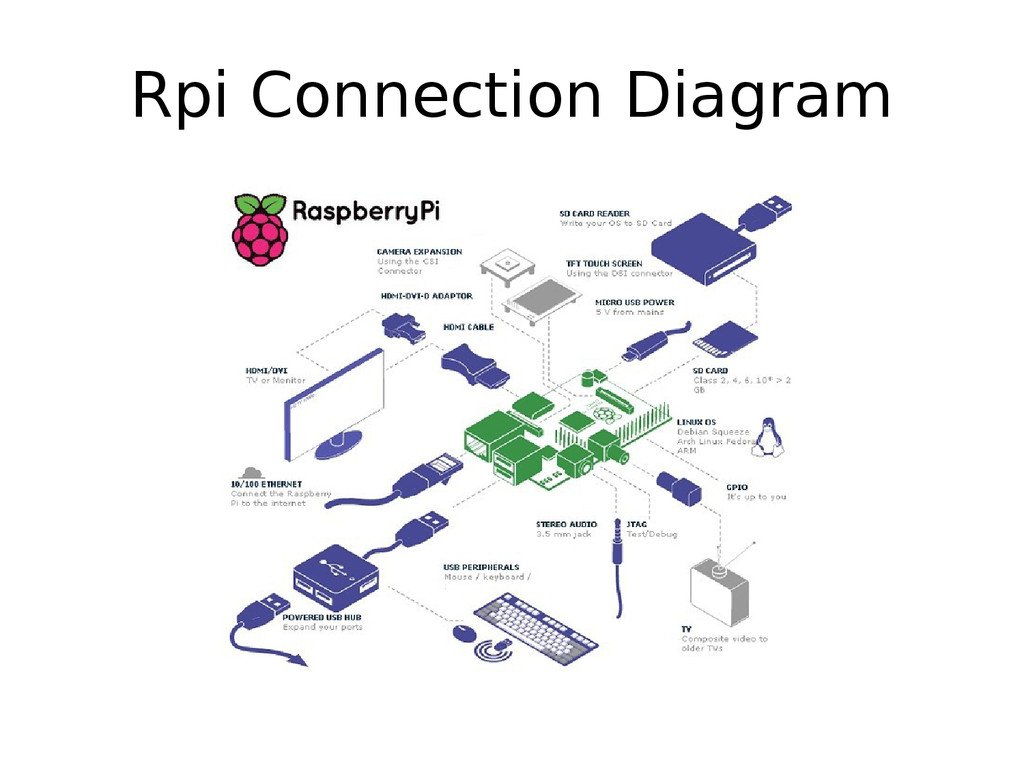
  8. Agenda • Introduction to Raspberry • Hardware description • Installation

    of OS • OS Introduction • Remote Access using SSH, VNC • Package Management • GPIO, I2C, SPI
  9. Agenda • Wiring Pi and Python GPIO • Hello World

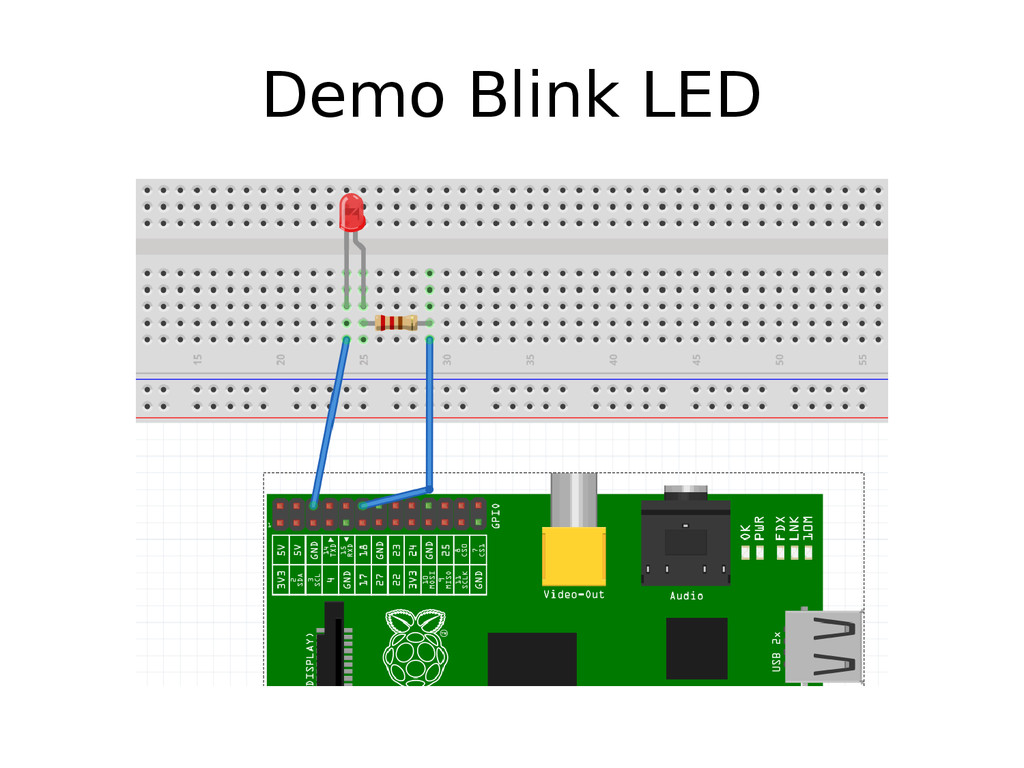
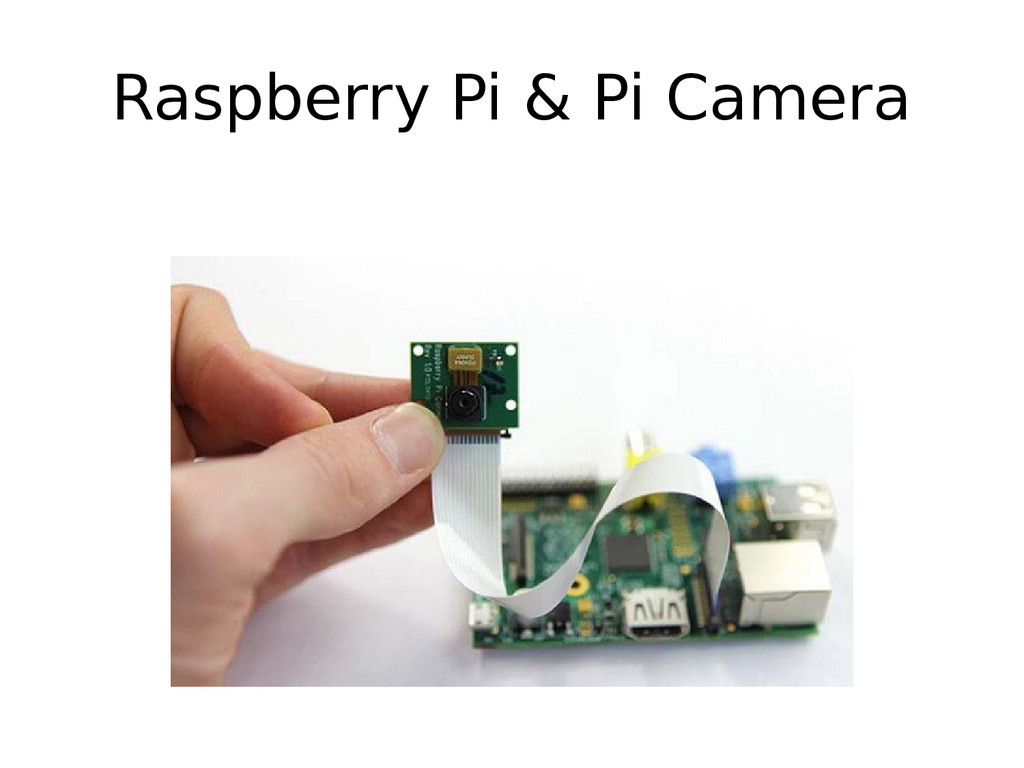
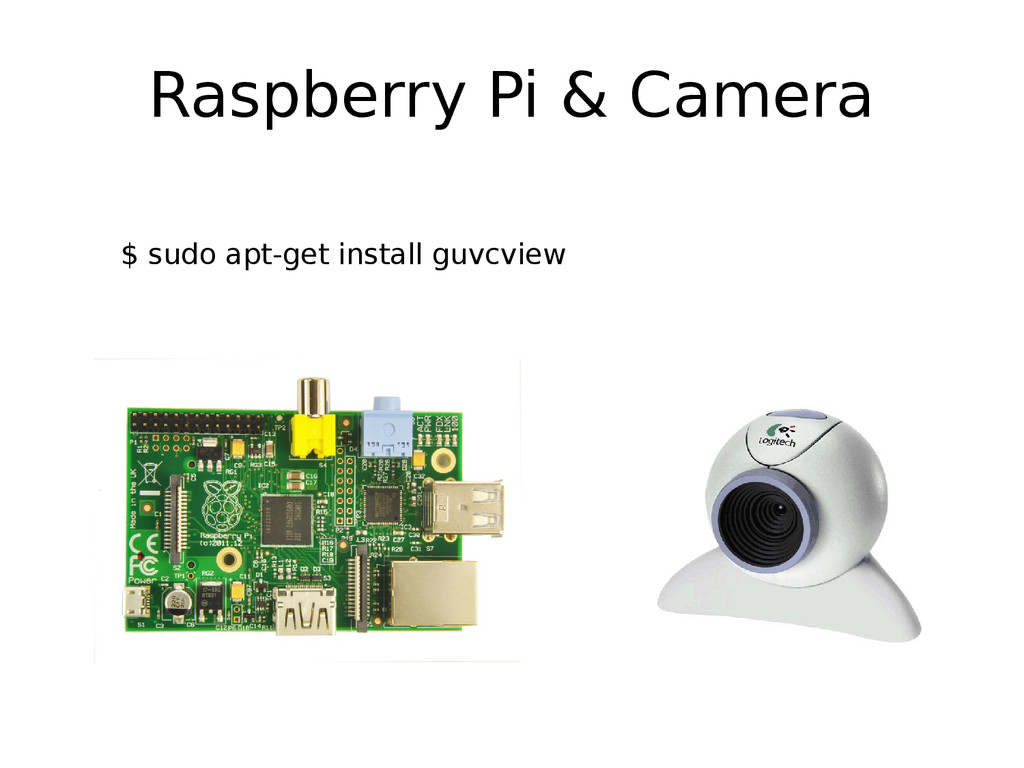
    demo • LED Blink, PWM etc • Raspberry Pi and Arduino • Raspberry Pi and Camera
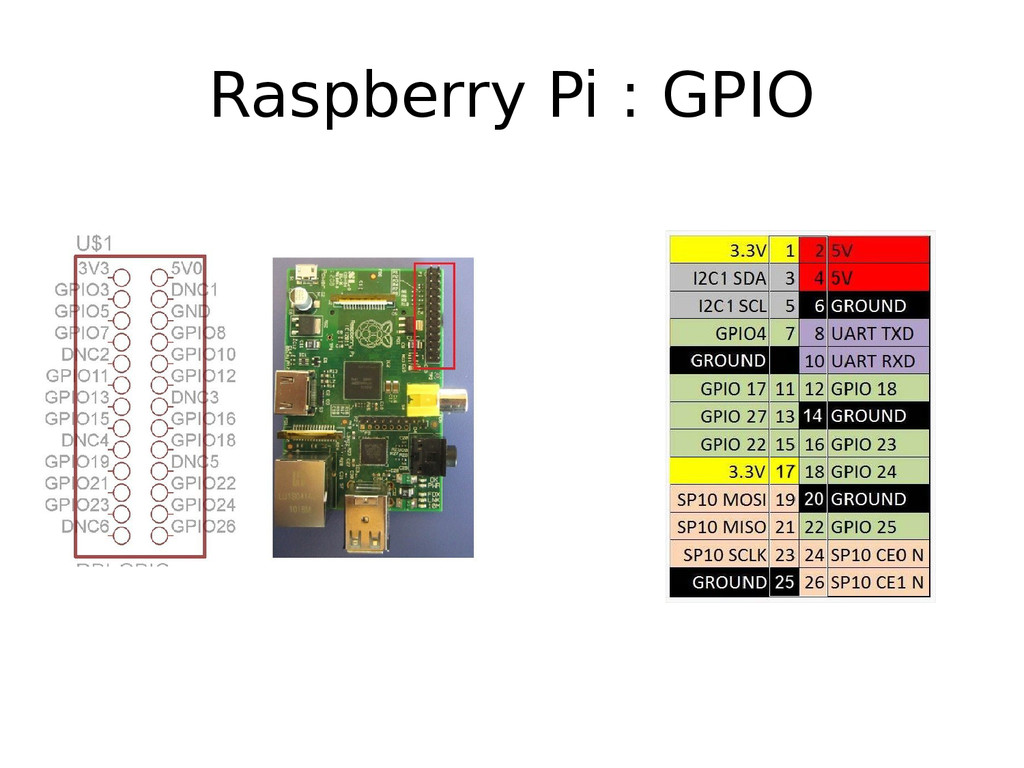
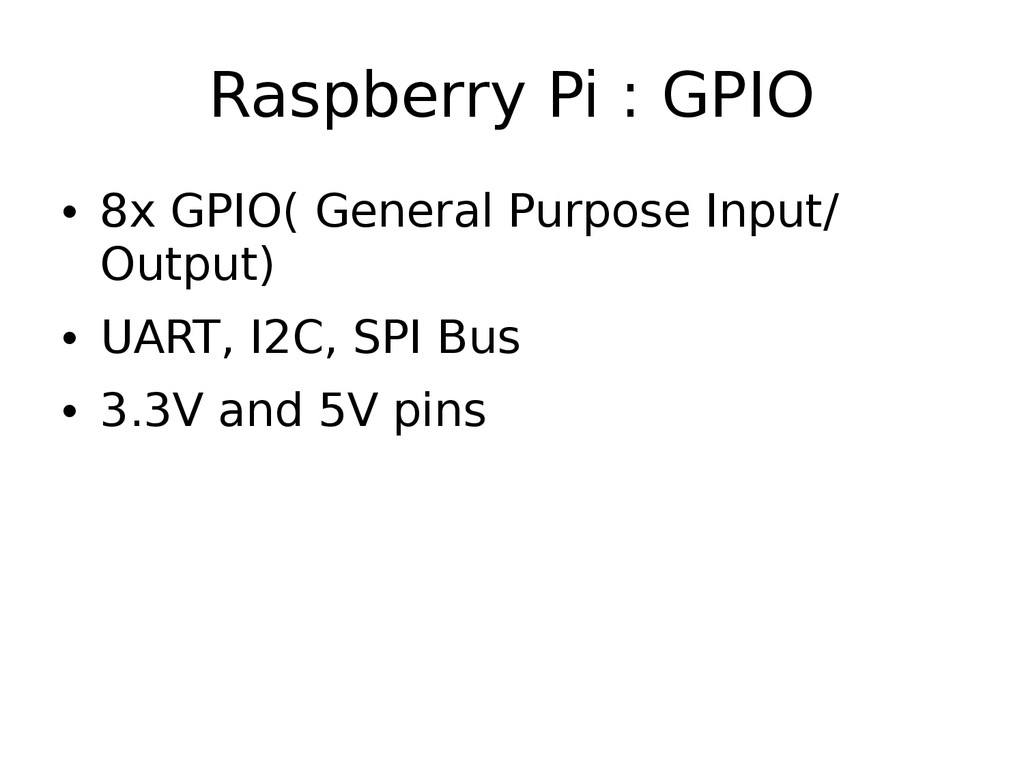
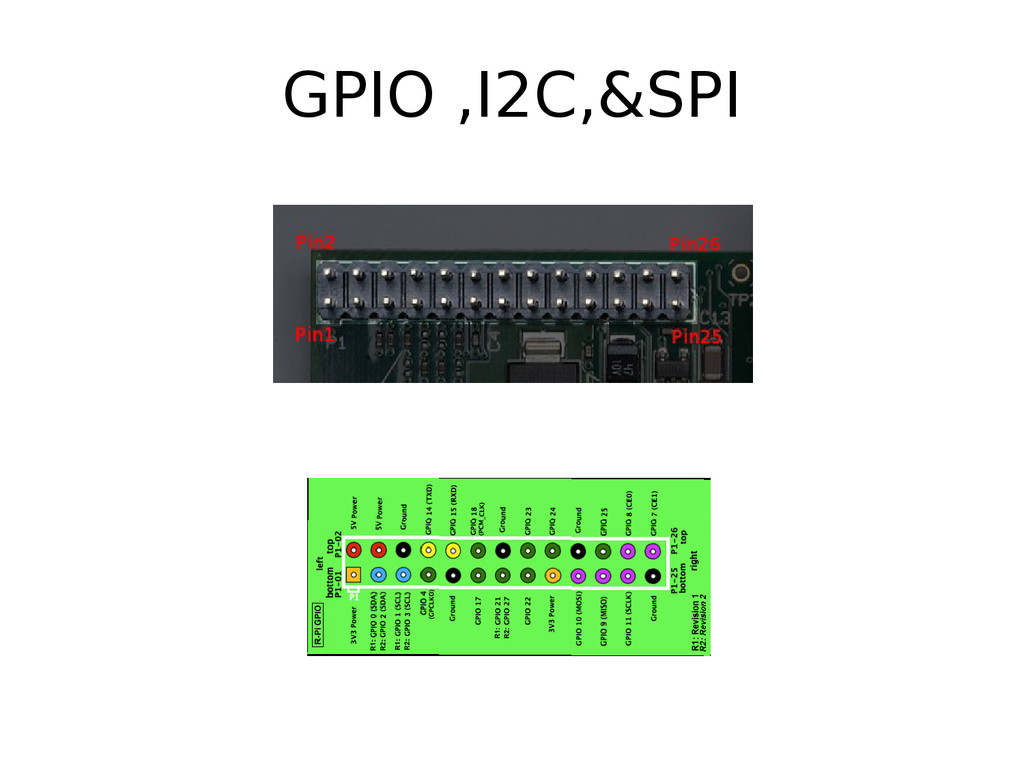
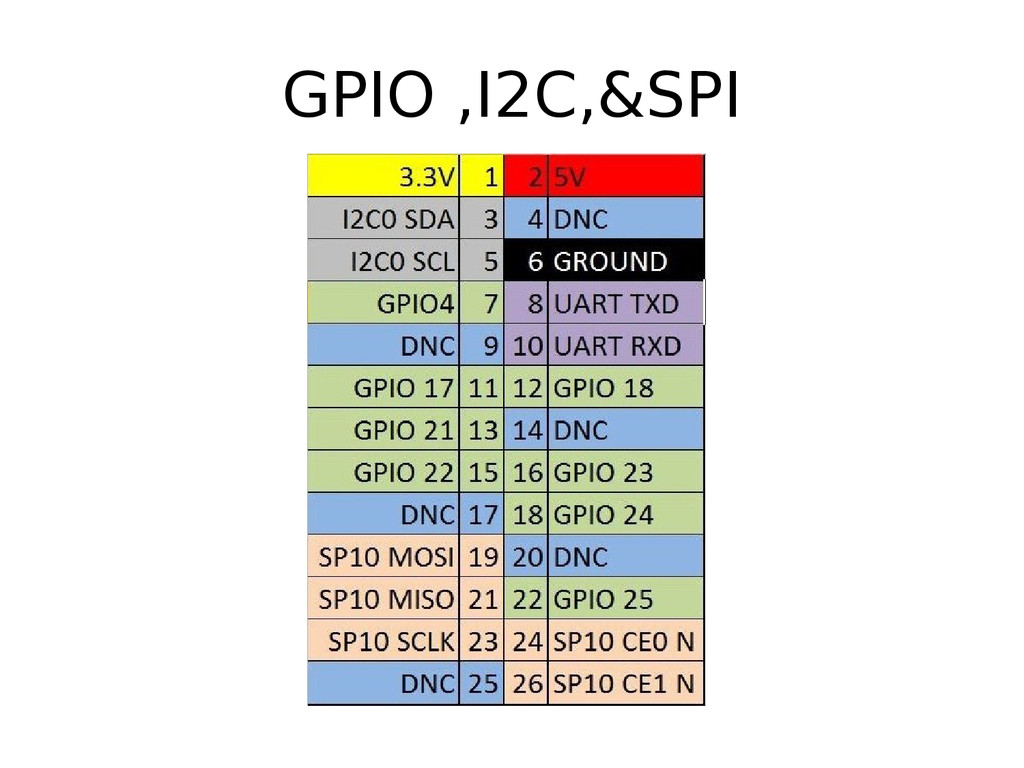
  10. Raspberry Pi : GPIO • 8x GPIO( General Purpose Input/

    Output) • UART, I2C, SPI Bus • 3.3V and 5V pins
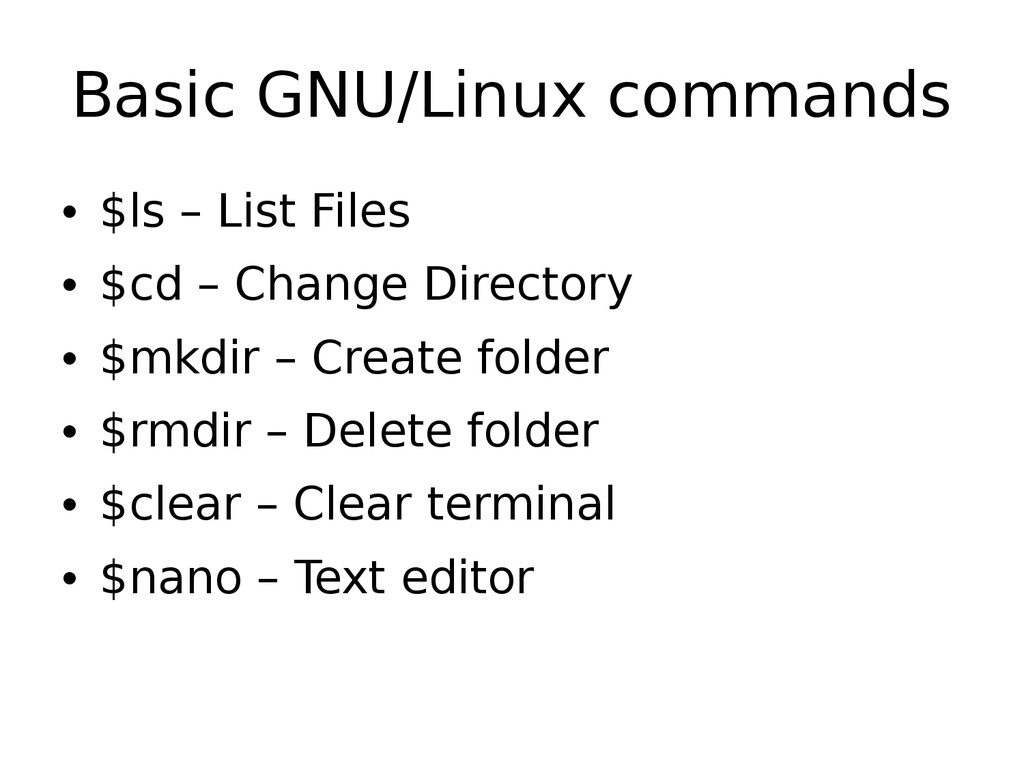
  11. Basic GNU/Linux commands • $ls – List Files • $cd

    – Change Directory • $mkdir – Create folder • $rmdir – Delete folder • $clear – Clear terminal • $nano – Text editor
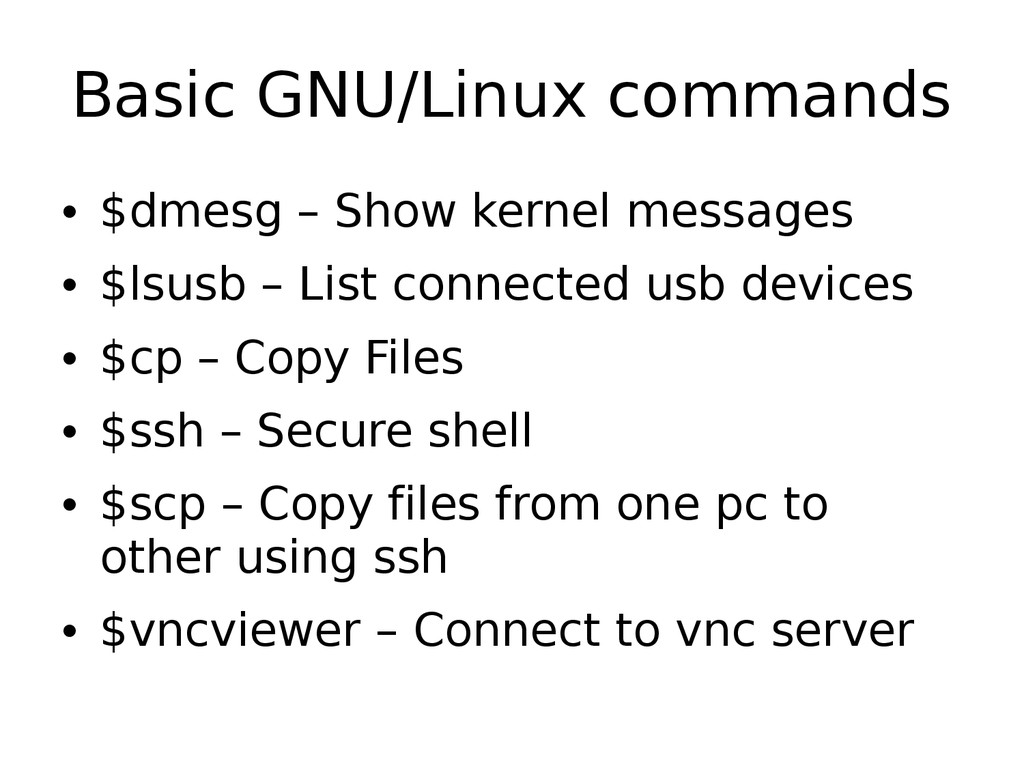
  12. Basic GNU/Linux commands • $dmesg – Show kernel messages •

    $lsusb – List connected usb devices • $cp – Copy Files • $ssh – Secure shell • $scp – Copy files from one pc to other using ssh • $vncviewer – Connect to vnc server
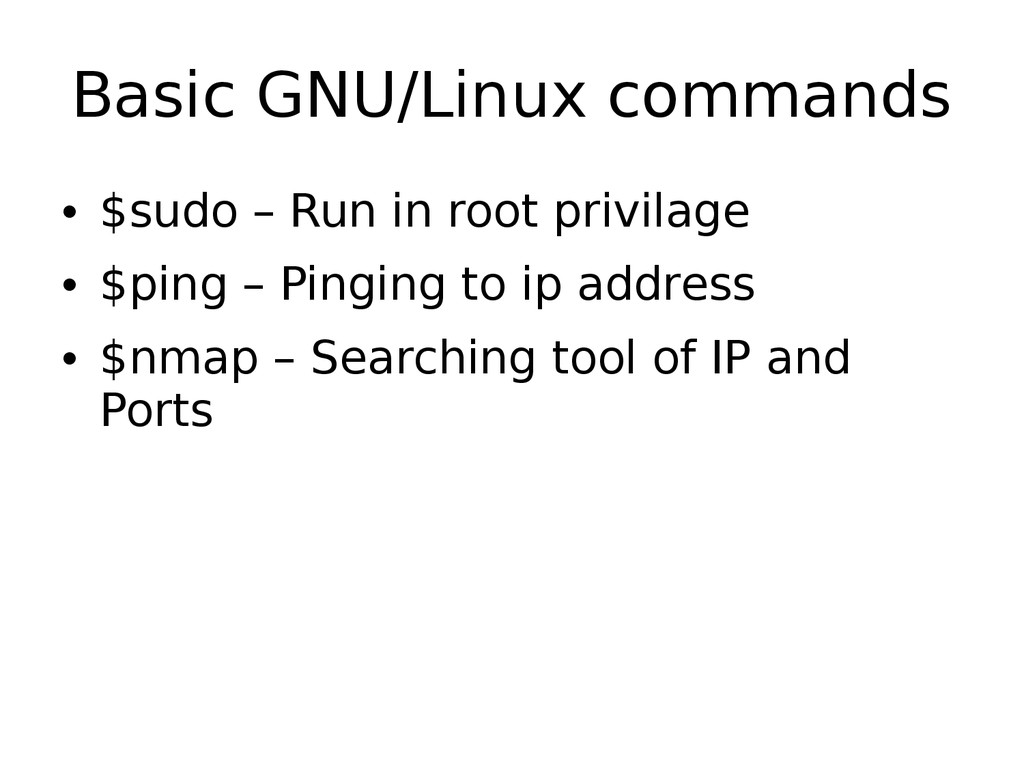
  13. Basic GNU/Linux commands • $sudo – Run in root privilage

    • $ping – Pinging to ip address • $nmap – Searching tool of IP and Ports
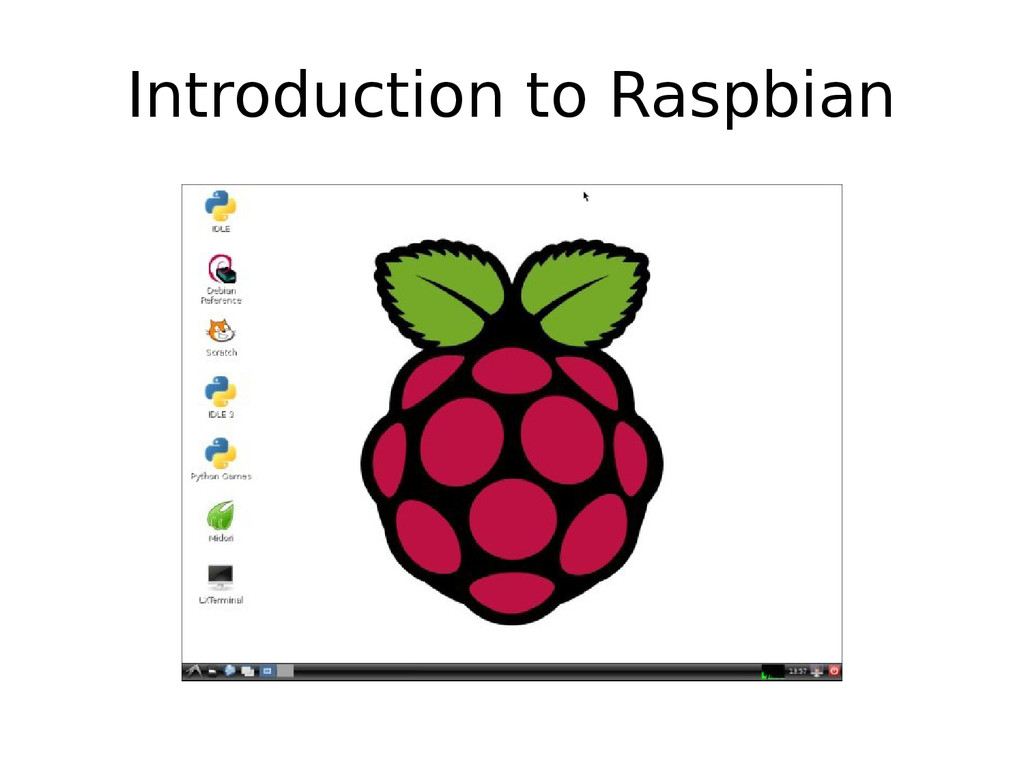
  14. Installation of OS • OS Name : Raspbian/Linux • Download

    link: • http://www.raspberrypi.org/downloads • Based on Debian operating system • Desktop Enviornment : LXDE • Light weight OS
  15. Installation of OS • Installation tools • For Windows –

    Win32DiskImager.exe – http://sourceforge.net/projects/win32diskimag er/ • For Linux – $dd( Disk Dump)
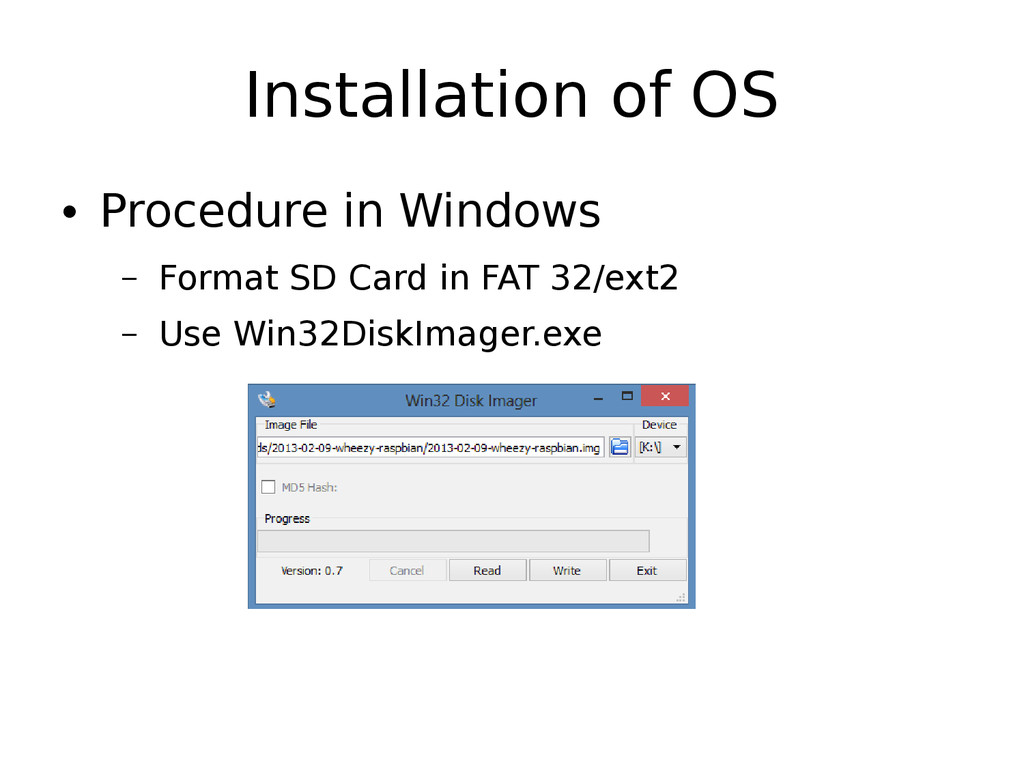
  16. Installation of OS • Procedure in Windows – Format SD

    Card in FAT 32/ext2 – Use Win32DiskImager.exe
  17. Installation of OS • Procedure in Linux – Format SD

    Card in FAT 32/ext2 – $ sudo apt-get install pv( pipe viewer) – $ dd bs=1M if=<img_name>.img | pv | sudo dd of=<dev_name> – Eg: $ dd bs=4M if=2013-02-09-wheezy- raspbian.img | pv | sudo dd of=/dev/mmcblk0
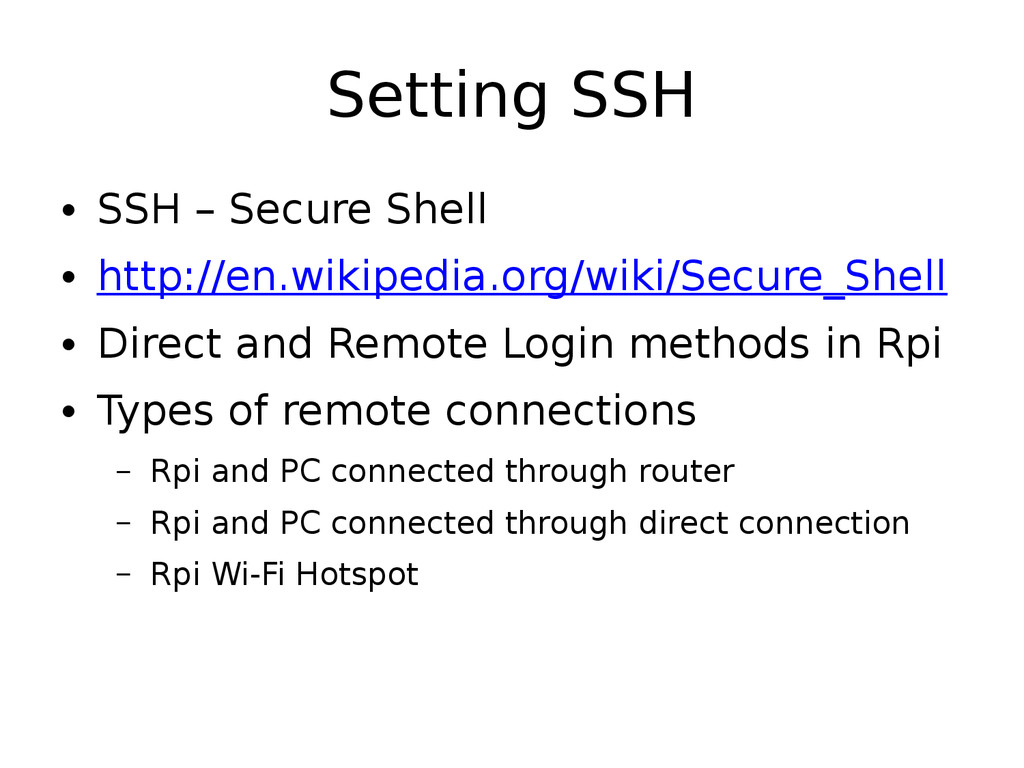
  18. Setting SSH • SSH – Secure Shell • http://en.wikipedia.org/wiki/Secure_Shell •

    Direct and Remote Login methods in Rpi • Types of remote connections – Rpi and PC connected through router – Rpi and PC connected through direct connection – Rpi Wi-Fi Hotspot
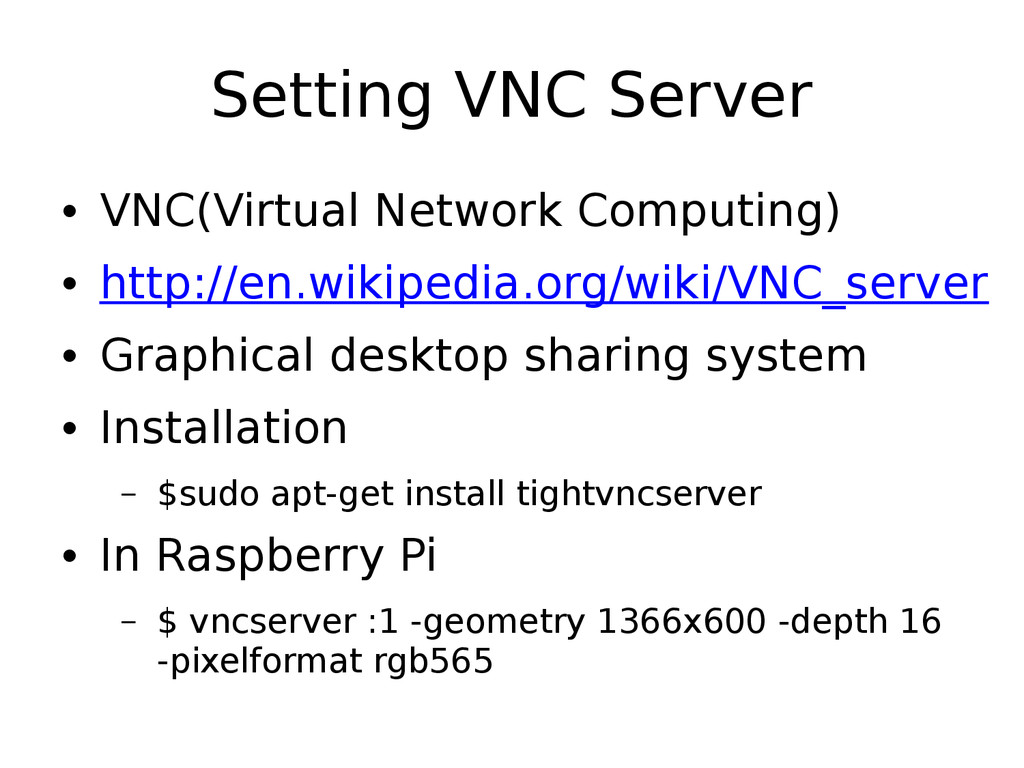
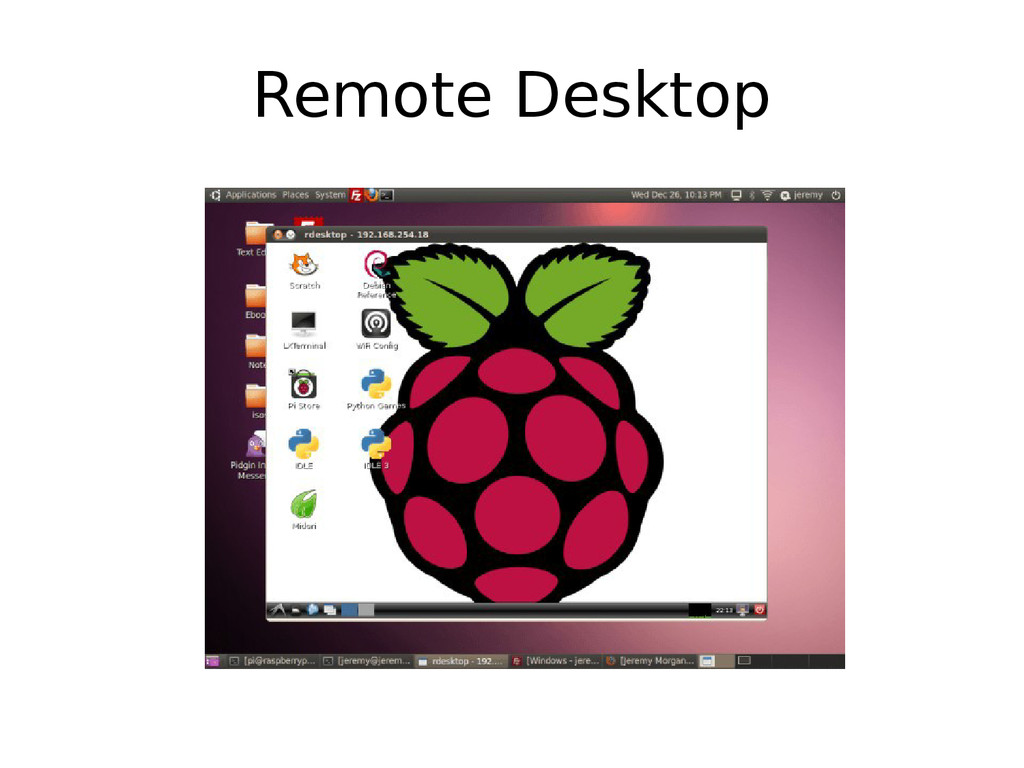
  19. Setting VNC Server • VNC(Virtual Network Computing) • http://en.wikipedia.org/wiki/VNC_server •

    Graphical desktop sharing system • Installation – $sudo apt-get install tightvncserver • In Raspberry Pi – $ vncserver :1 -geometry 1366x600 -depth 16 -pixelformat rgb565
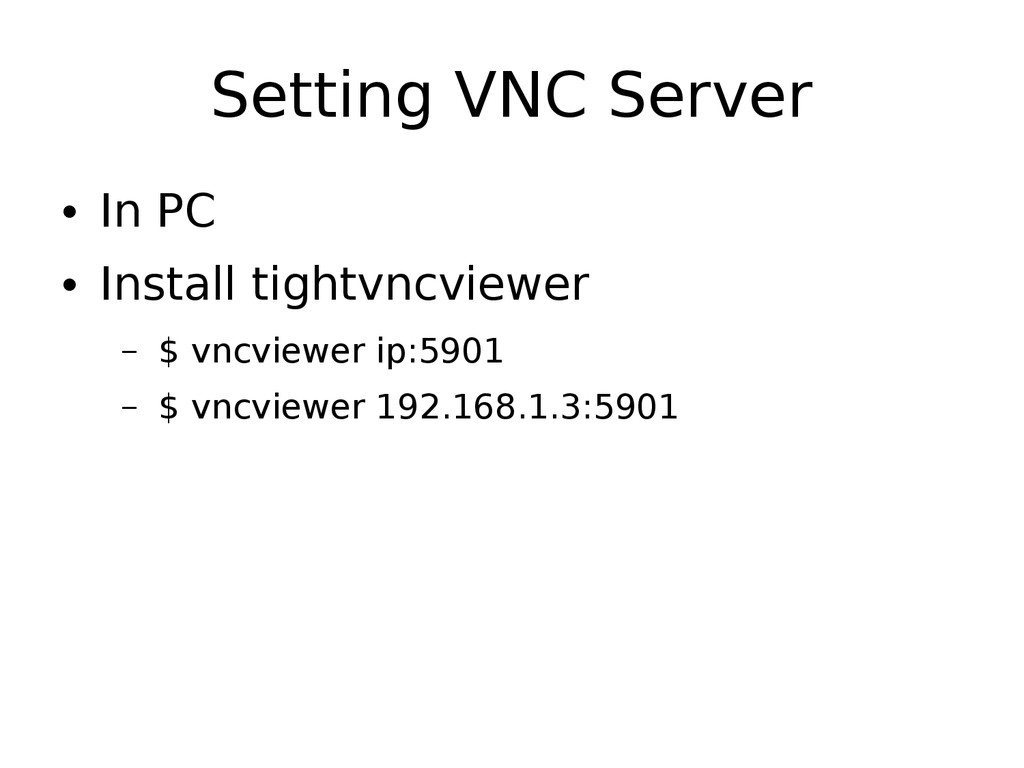
  20. Setting VNC Server • In PC • Install tightvncviewer –

    $ vncviewer ip:5901 – $ vncviewer 192.168.1.3:5901
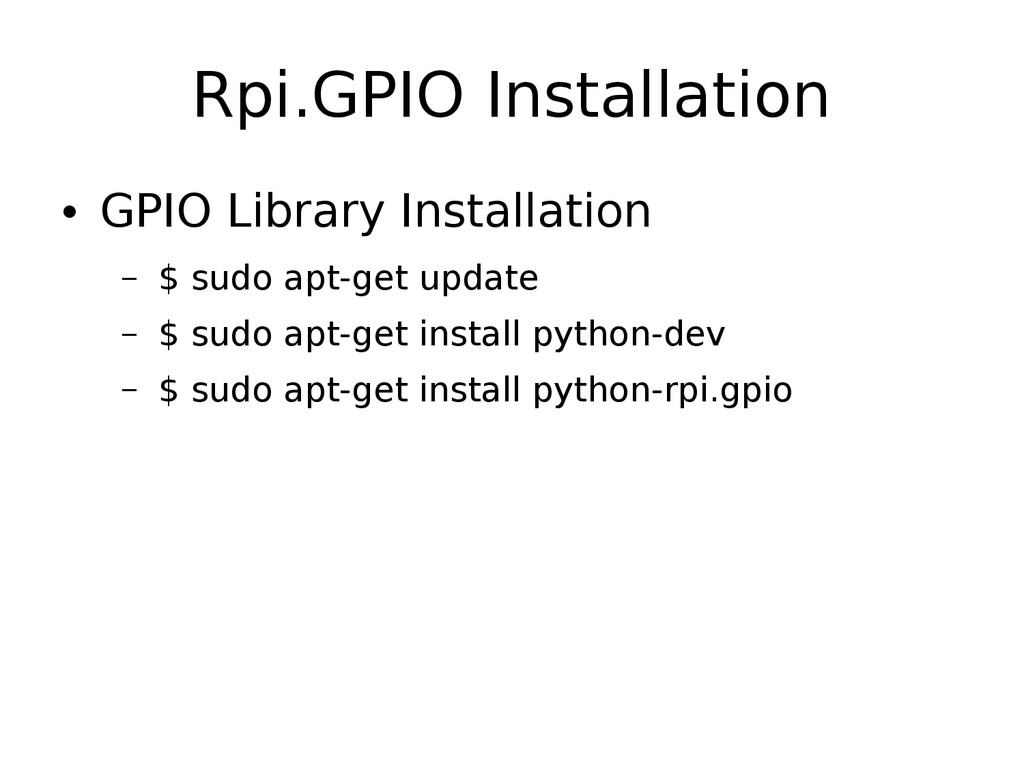
  21. Rpi.GPIO Installation • GPIO Library Installation – $ sudo apt-get

    update – $ sudo apt-get install python-dev – $ sudo apt-get install python-rpi.gpio
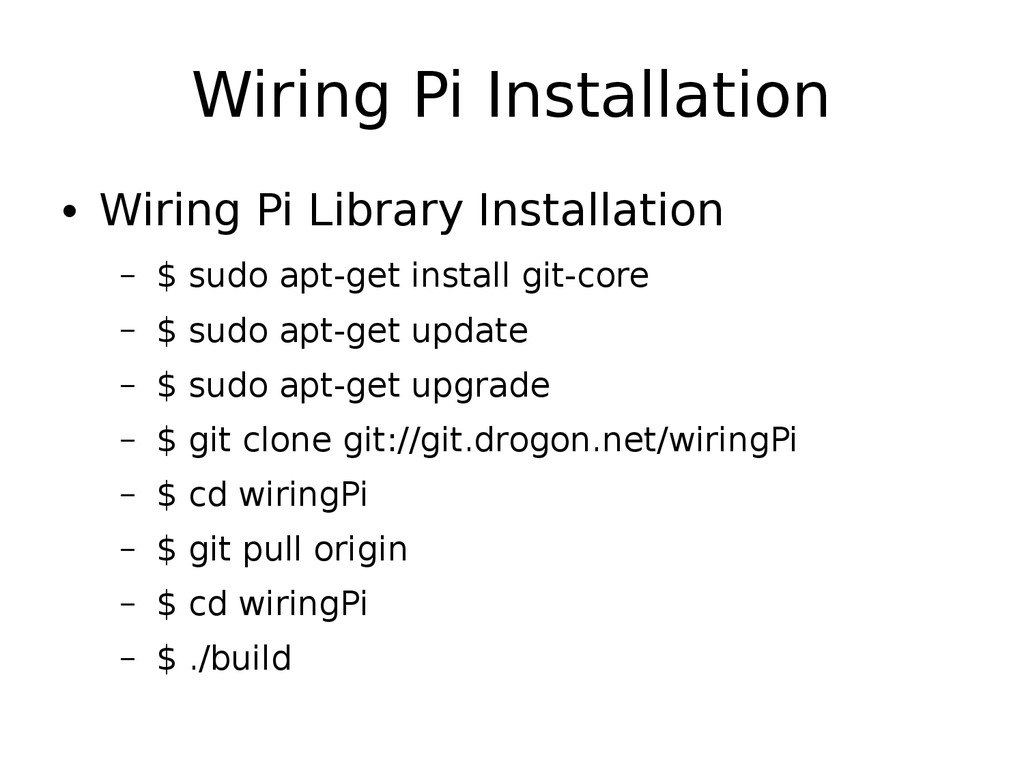
  22. Wiring Pi Installation • Wiring Pi Library Installation – $

    sudo apt-get install git-core – $ sudo apt-get update – $ sudo apt-get upgrade – $ git clone git://git.drogon.net/wiringPi – $ cd wiringPi – $ git pull origin – $ cd wiringPi – $ ./build
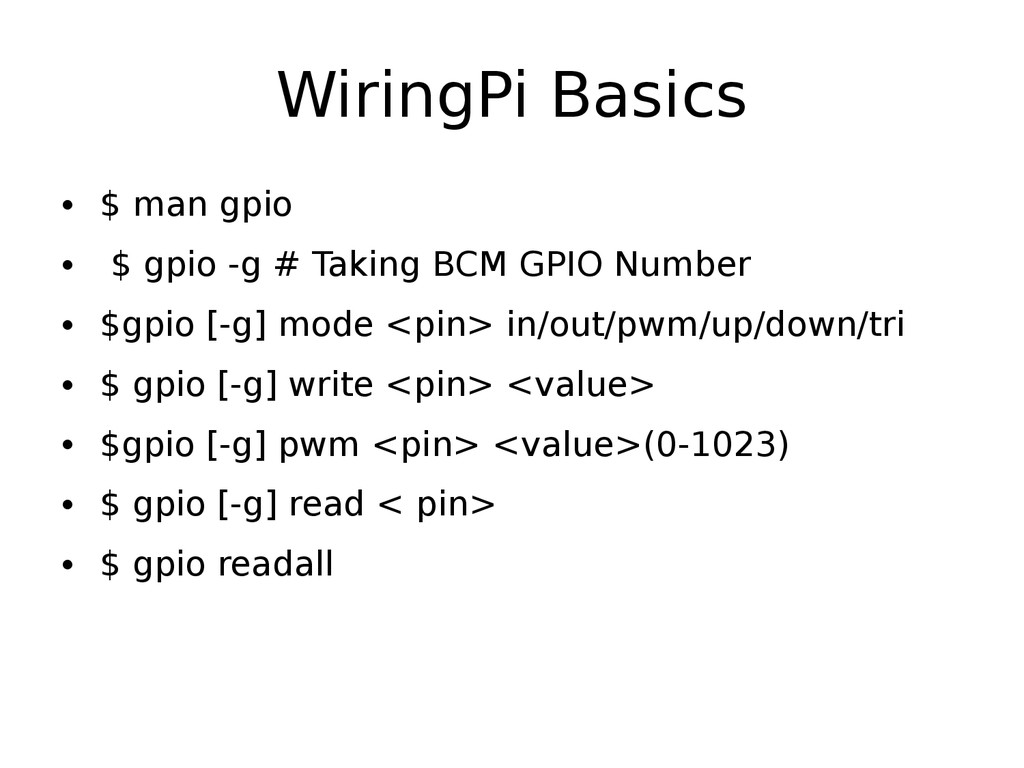
  23. WiringPi Basics • $ man gpio • $ gpio -g

    # Taking BCM GPIO Number • $gpio [-g] mode <pin> in/out/pwm/up/down/tri • $ gpio [-g] write <pin> <value> • $gpio [-g] pwm <pin> <value>(0-1023) • $ gpio [-g] read < pin> • $ gpio readall
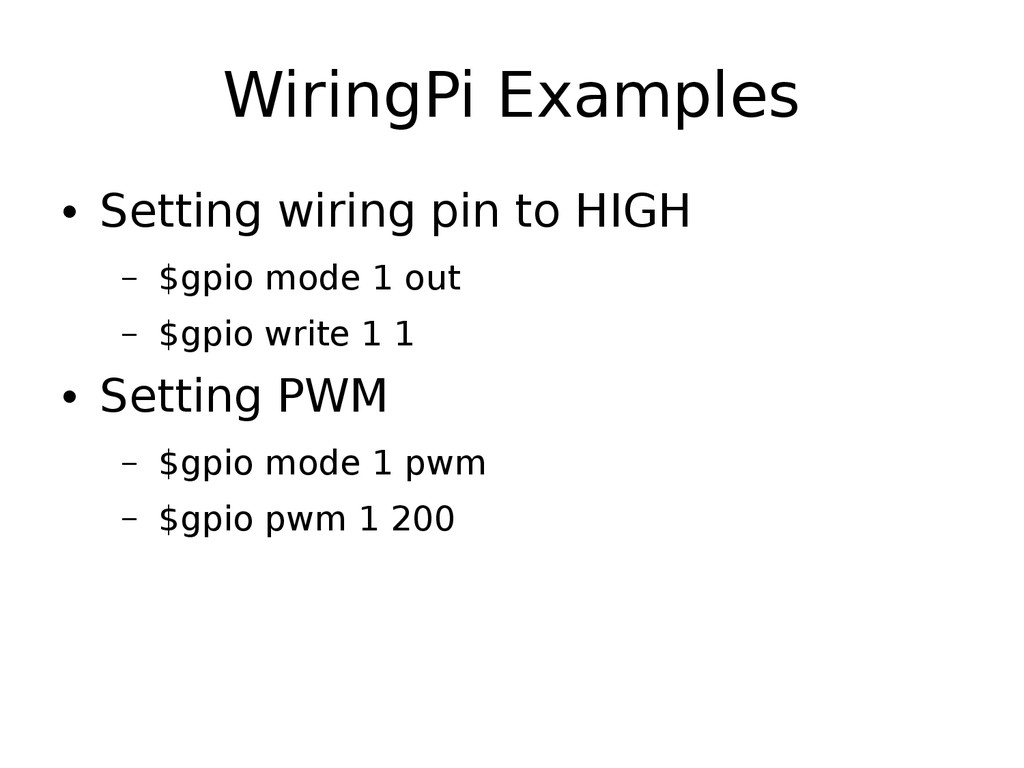
  24. WiringPi Examples • Setting wiring pin to HIGH – $gpio

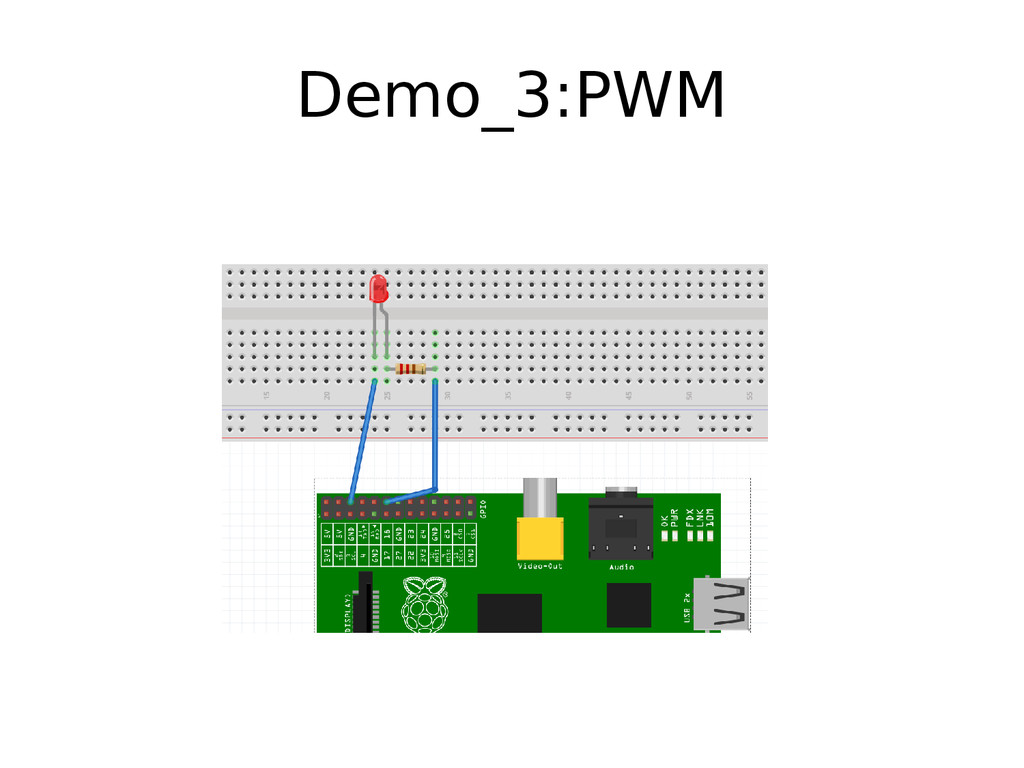
    mode 1 out – $gpio write 1 1 • Setting PWM – $gpio mode 1 pwm – $gpio pwm 1 200
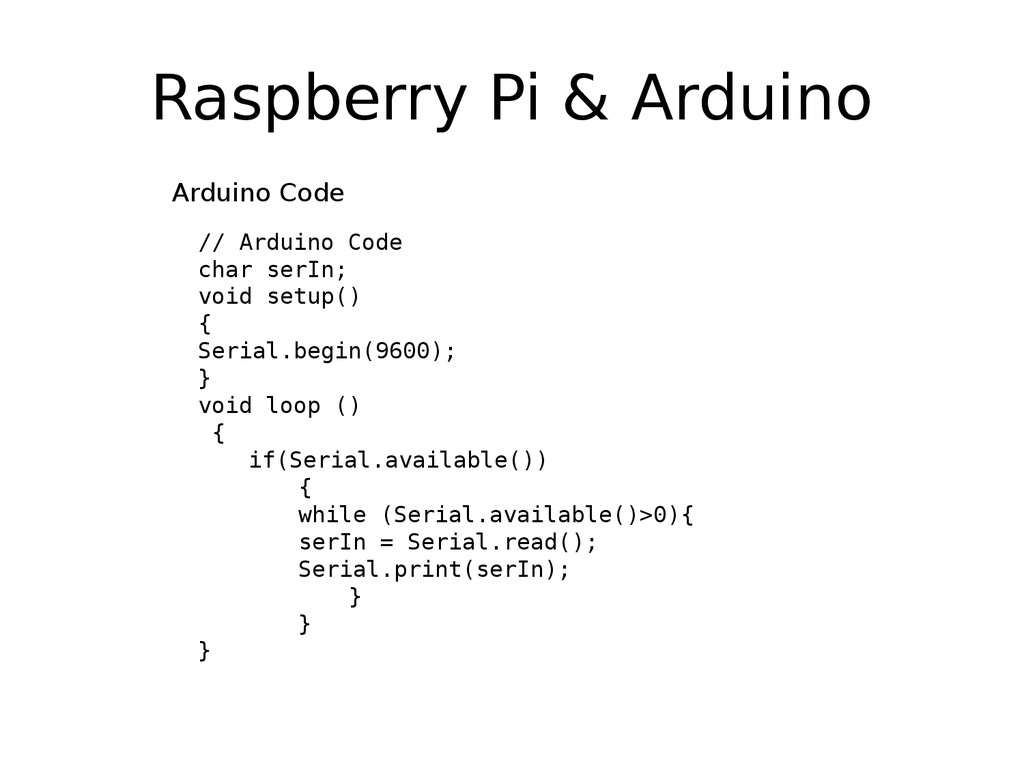
  25. Raspberry Pi & Arduino // Arduino Code char serIn; void

    setup() { Serial.begin(9600); } void loop () { if(Serial.available()) { while (Serial.available()>0){ serIn = Serial.read(); Serial.print(serIn); } } } Arduino Code
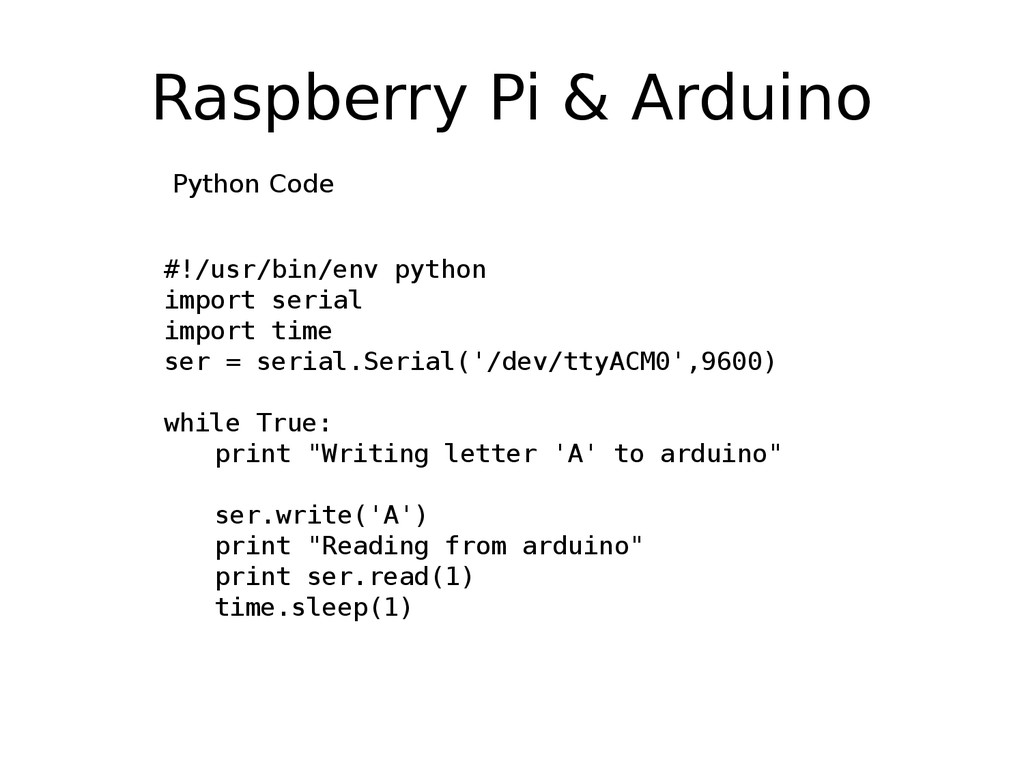
  26. Raspberry Pi & Arduino #!/usr/bin/env python import serial import time

    ser = serial.Serial('/dev/ttyACM0',9600) while True: print "Writing letter 'A' to arduino" ser.write('A') print "Reading from arduino" print ser.read(1) time.sleep(1) Python Code
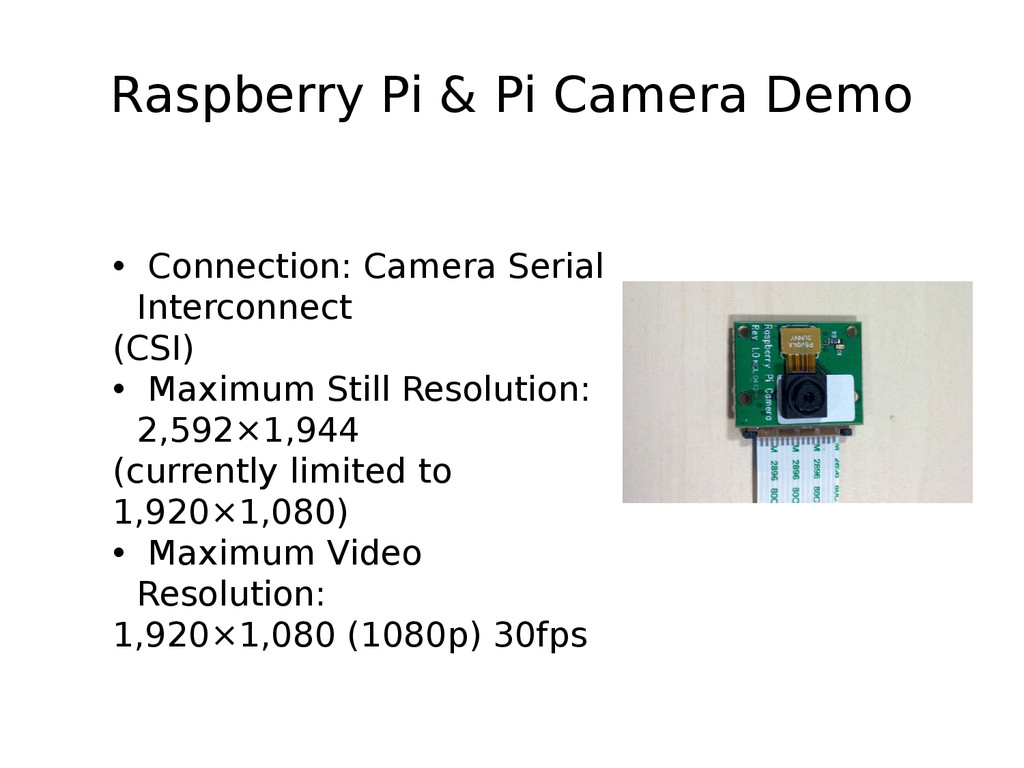
  27. Raspberry Pi & Pi Camera Demo • Connection: Camera Serial

    Interconnect (CSI) • Maximum Still Resolution: 2,592×1,944 (currently limited to 1,920×1,080) • Maximum Video Resolution: 1,920×1,080 (1080p) 30fps