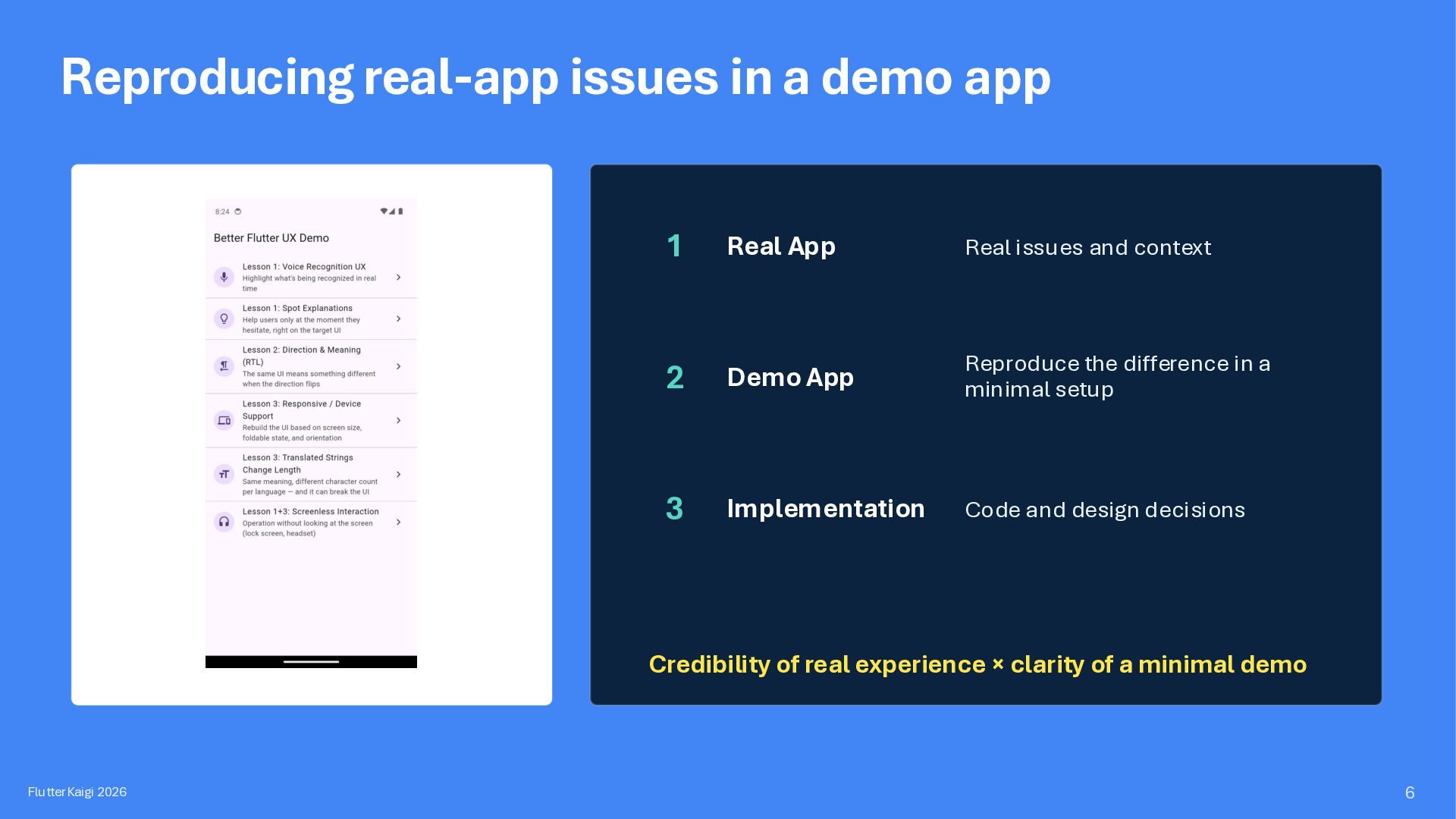
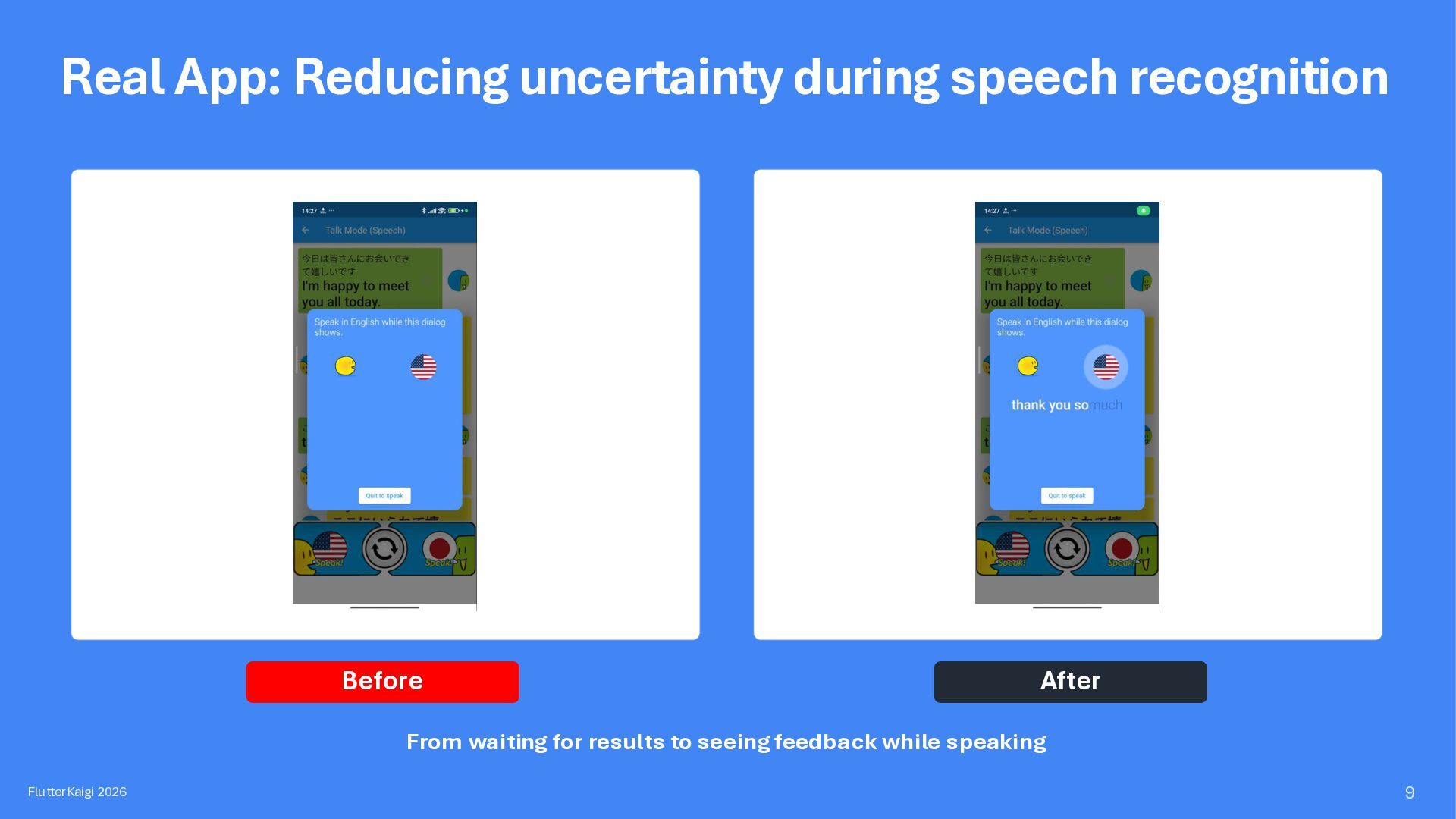
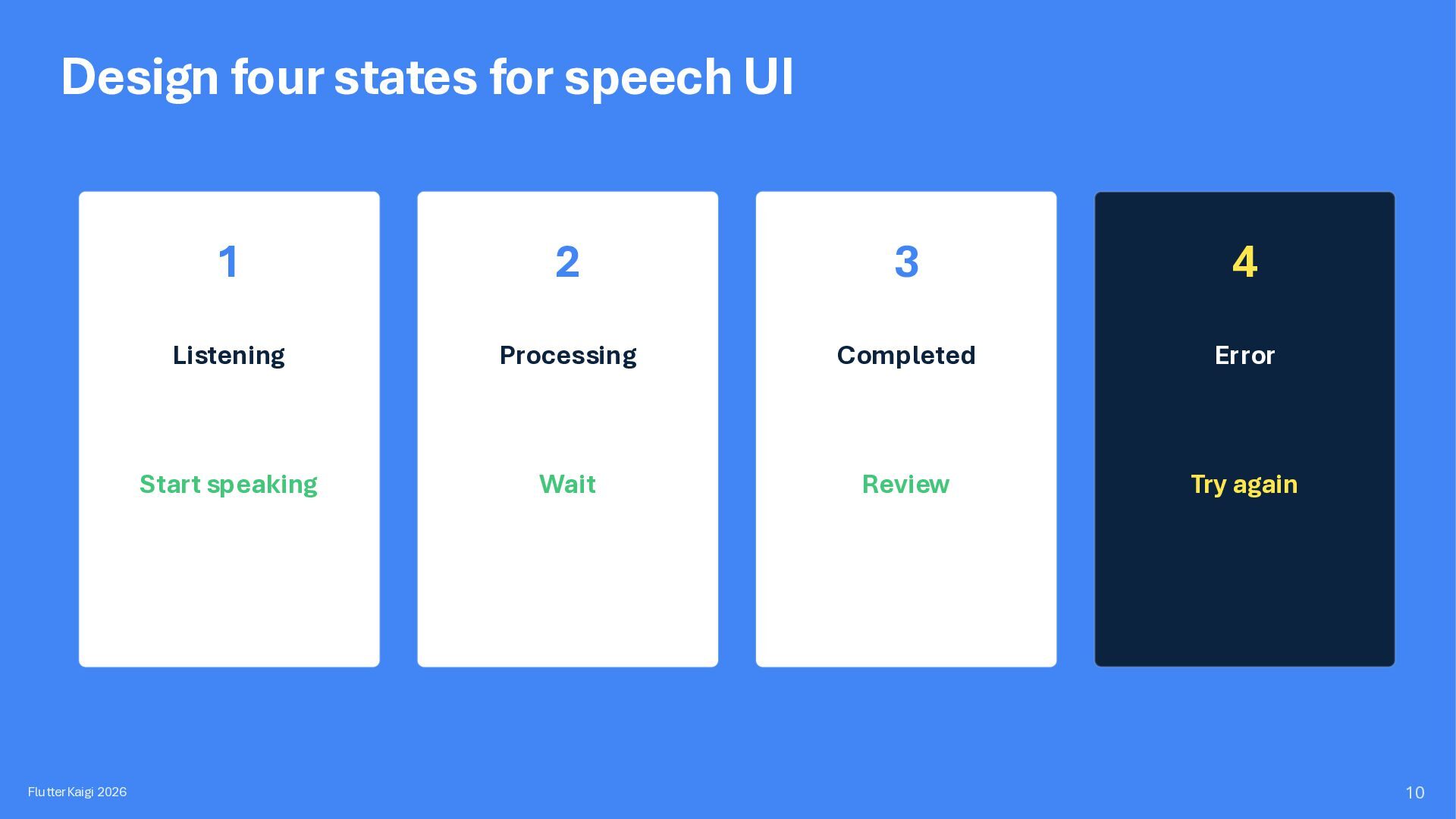
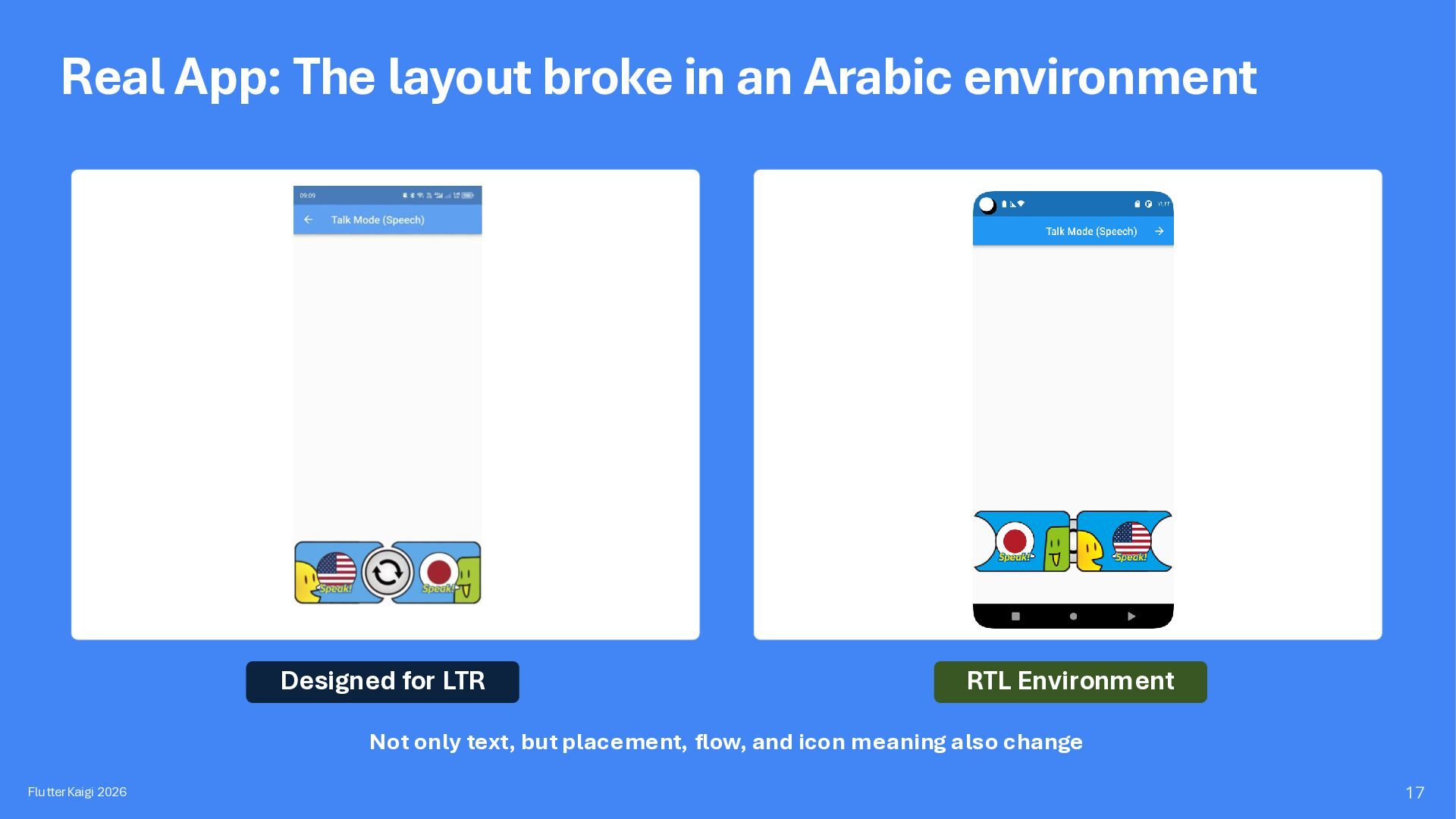
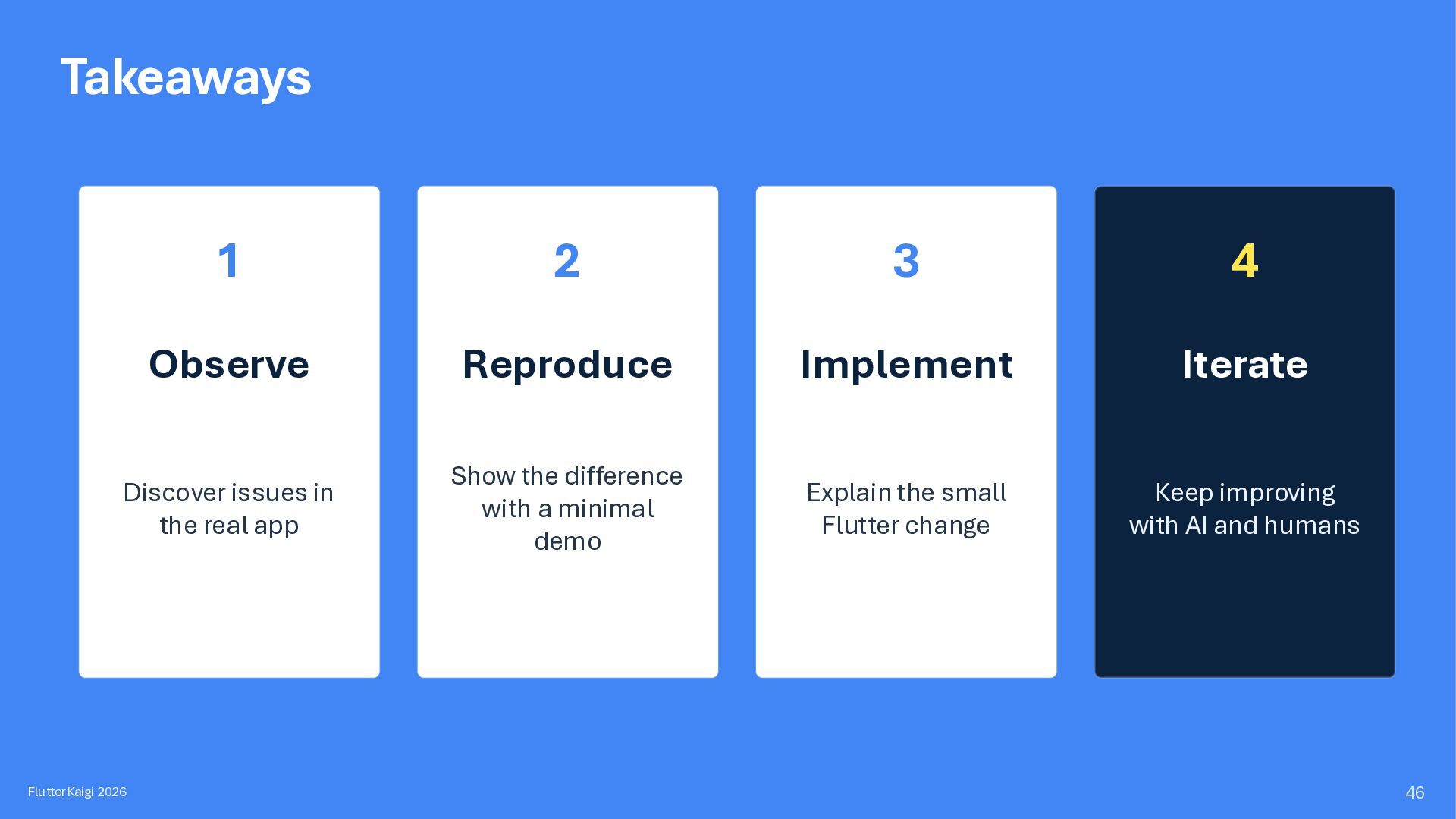
Real issues and context 2 Demo App Reproduce the difference in a minimal setup 3 Implementation Code and design decisions Credibility of real experience × clarity of a minimal demo FlutterKaigi 2026 6
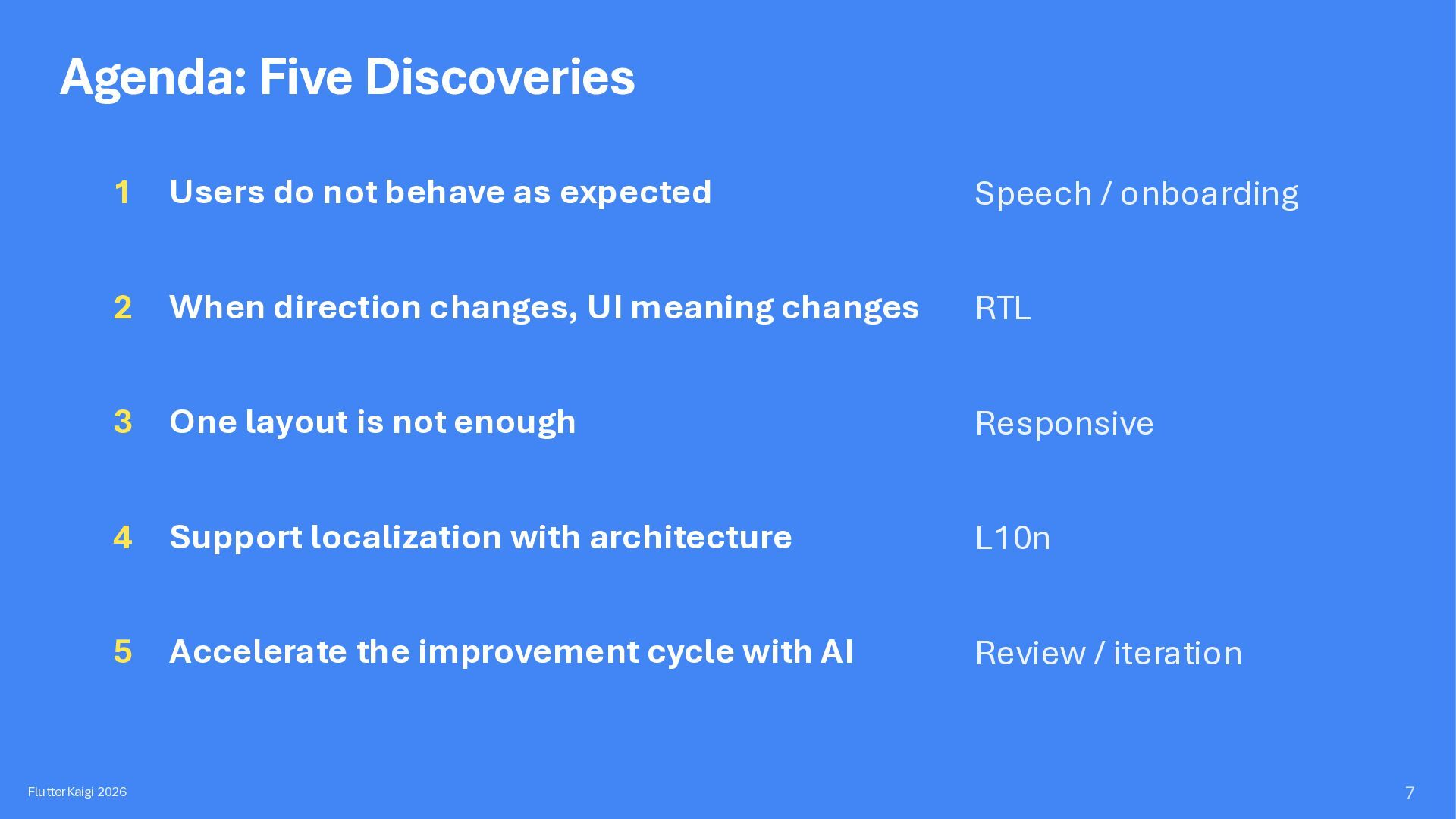
Speech / onboarding 2 When direction changes, UI meaning changes RTL 3 One layout is not enough Responsive 4 Support localization with architecture L10n 5 Accelerate the improvement cycle with AI Review / iteration FlutterKaigi 2026 7
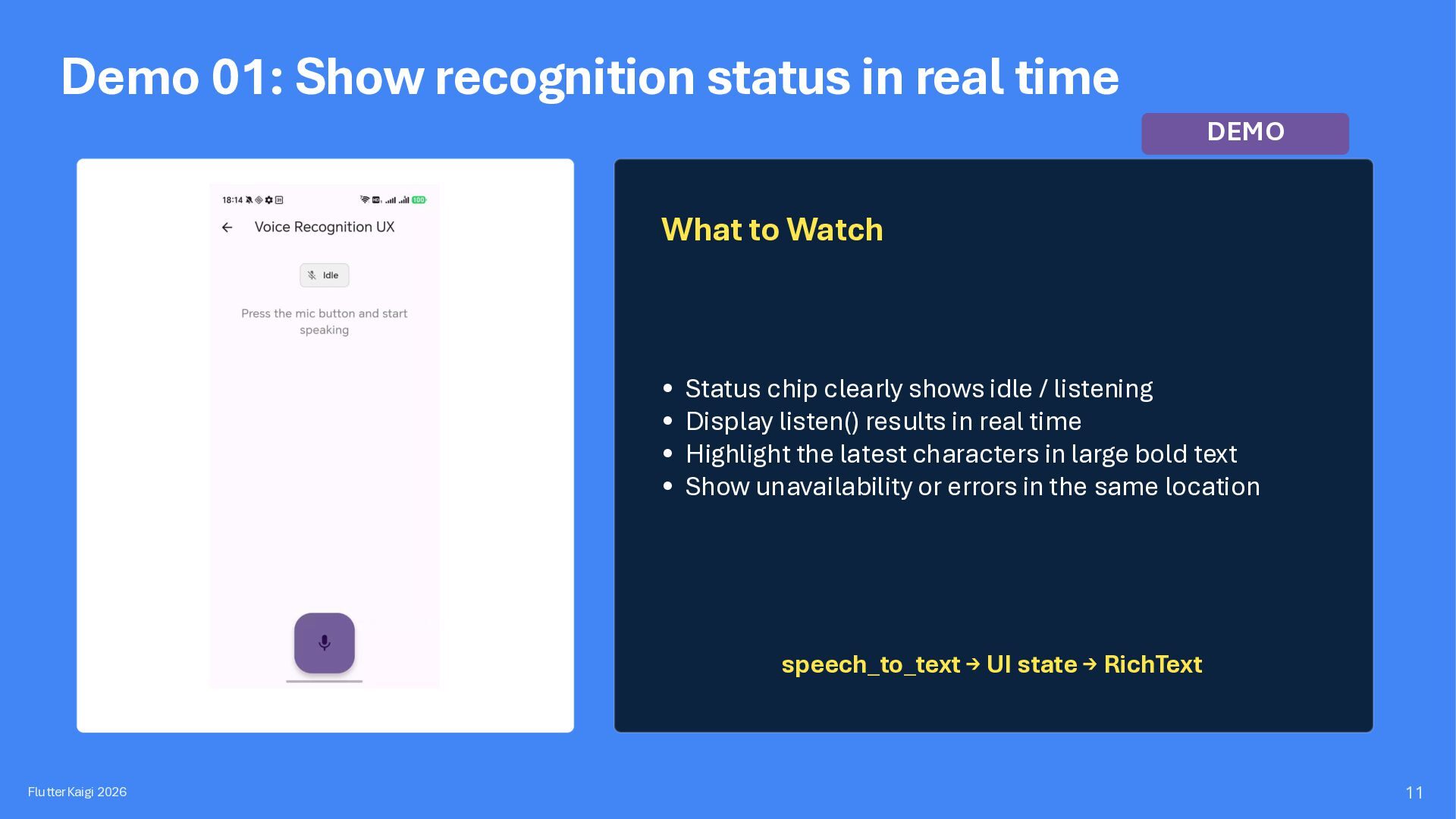
to Watch • Status chip clearly shows idle / listening • Display listen() results in real time • Highlight the latest characters in large bold text • Show unavailability or errors in the same location speech_to_text → UI state → RichText FlutterKaigi 2026 11
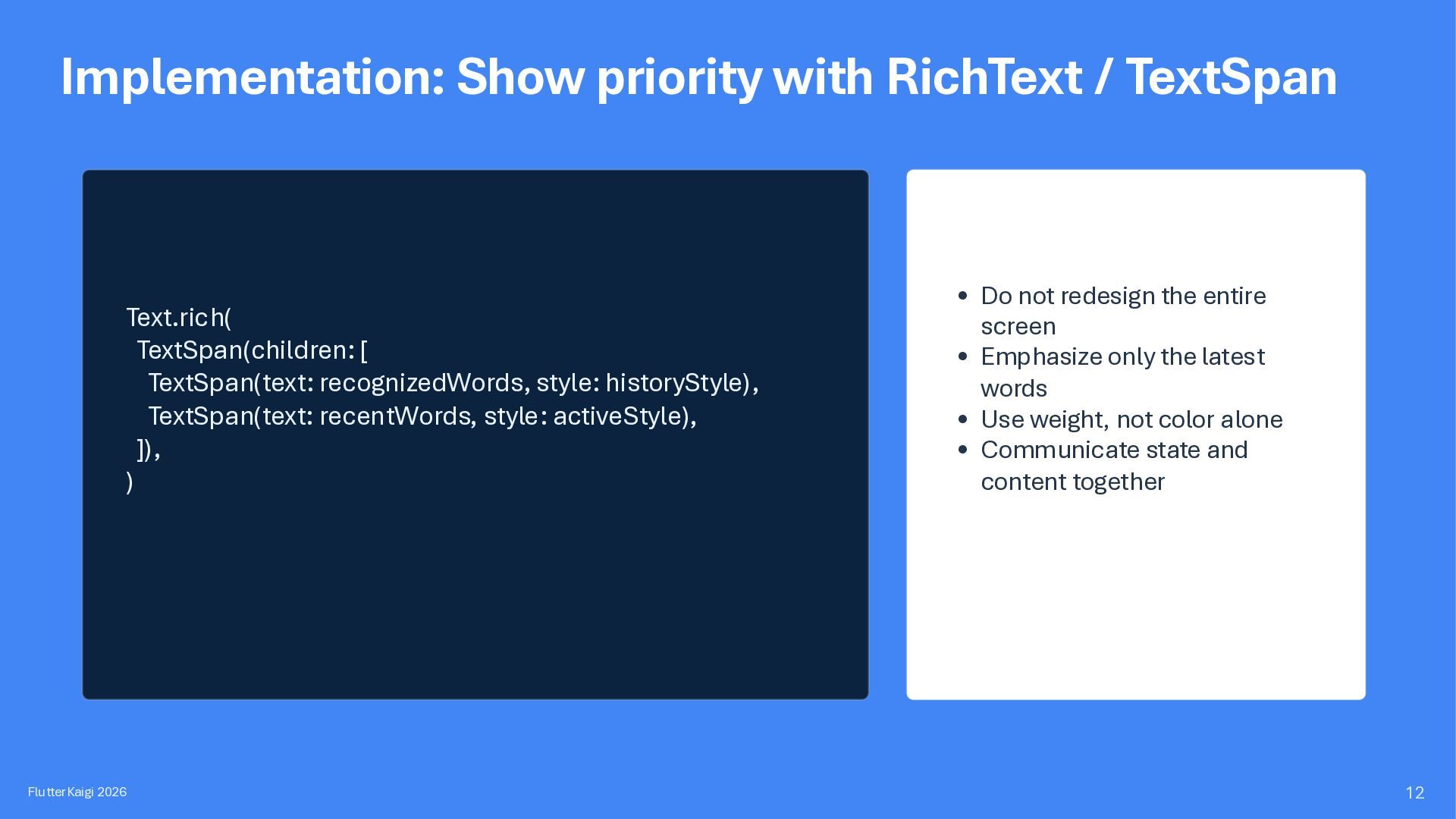
TextSpan(text: recognizedWords, style: historyStyle), TextSpan(text: recentWords, style: activeStyle), ]), ) FlutterKaigi 2026 • Do not redesign the entire screen • Emphasize only the latest words • Use weight, not color alone • Communicate state and content together 12
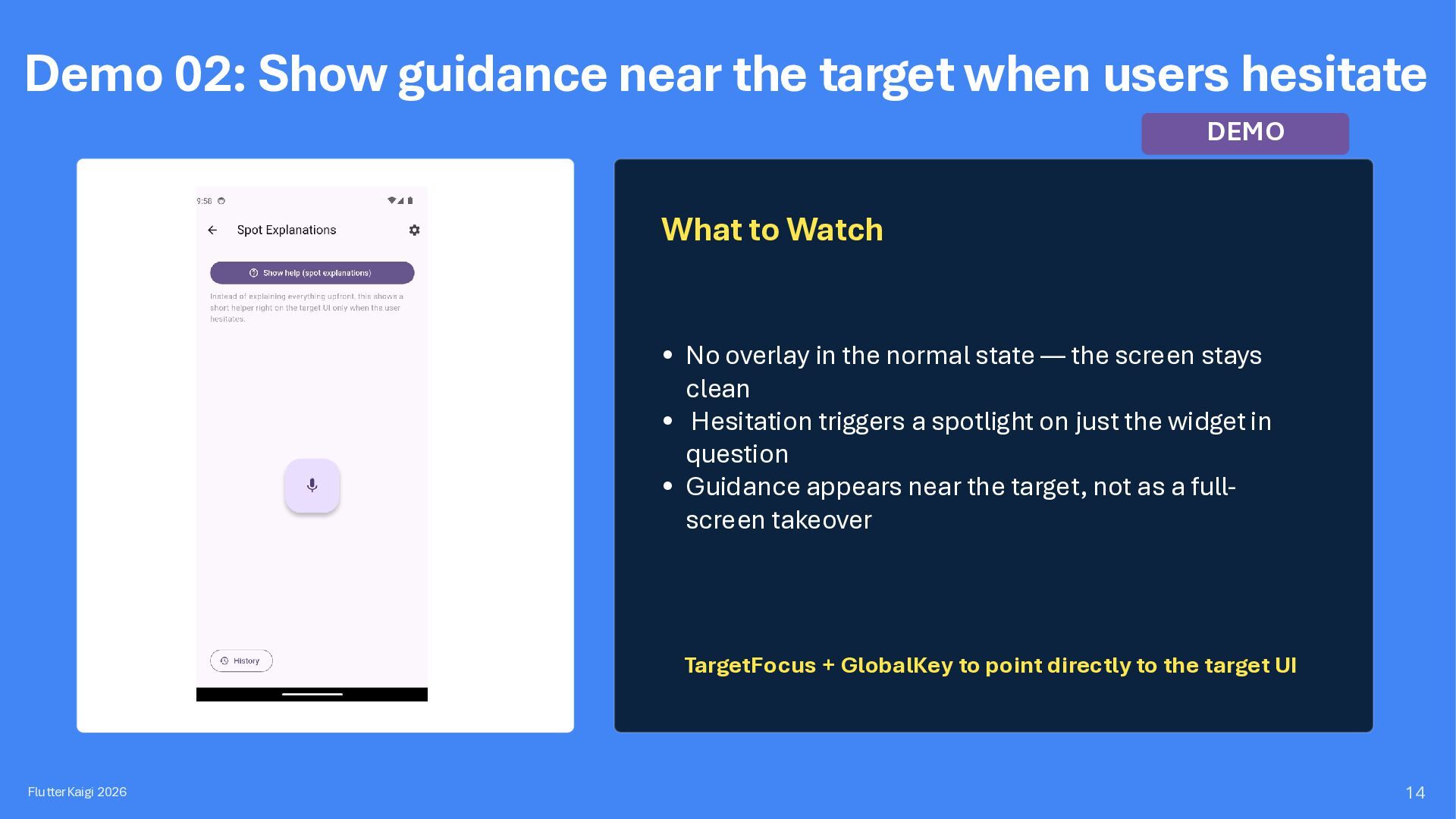
DEMO What to Watch • No overlay in the normal state — the screen stays clean • Hesitation triggers a spotlight on just the widget in question • Guidance appears near the target, not as a fullscreen takeover TargetFocus + GlobalKey to point directly to the target UI FlutterKaigi 2026 14
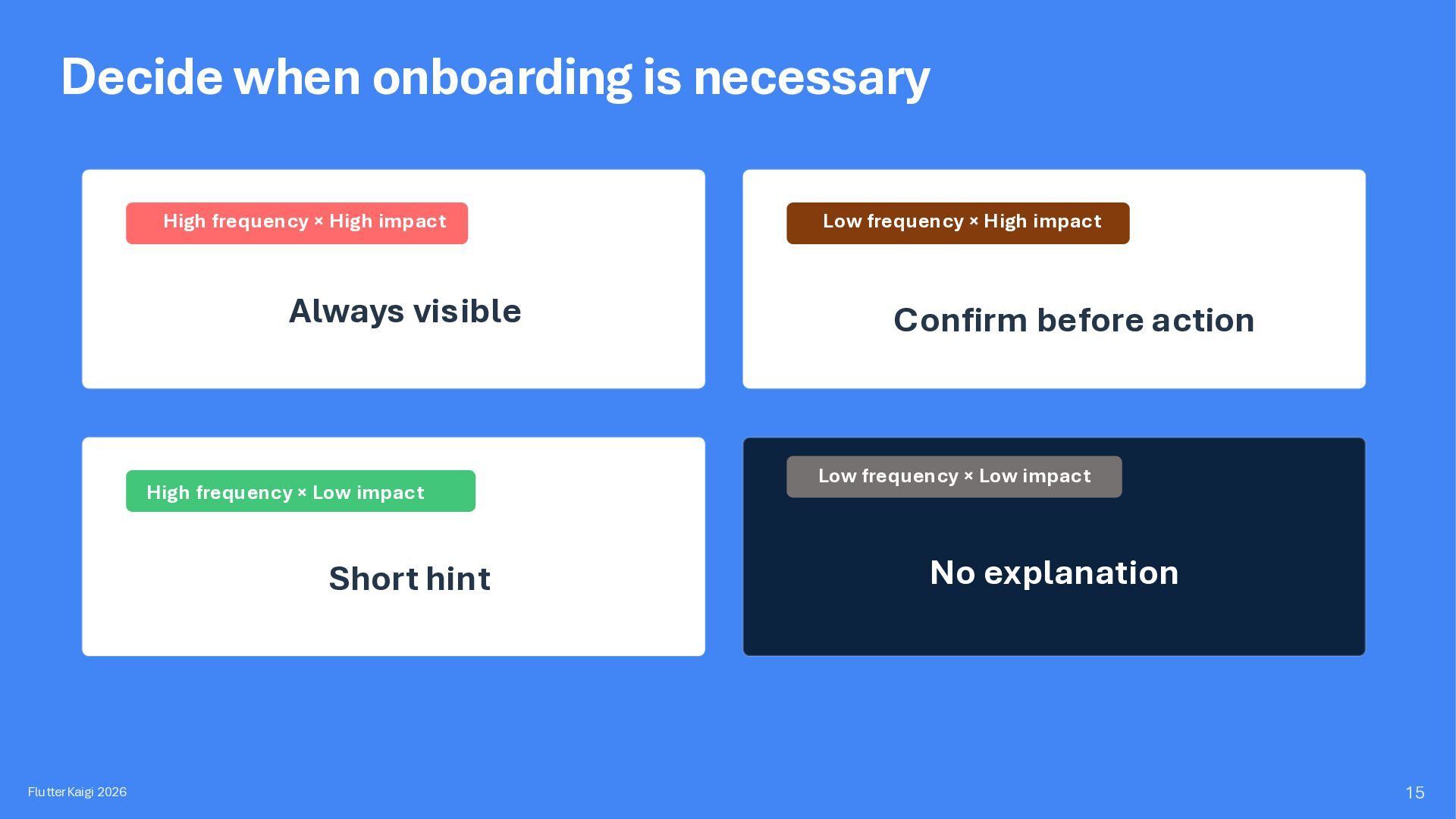
Always visible High frequency × Low impact Short hint FlutterKaigi 2026 Low frequency × High impact Confirm before action Low frequency × Low impact No explanation 15
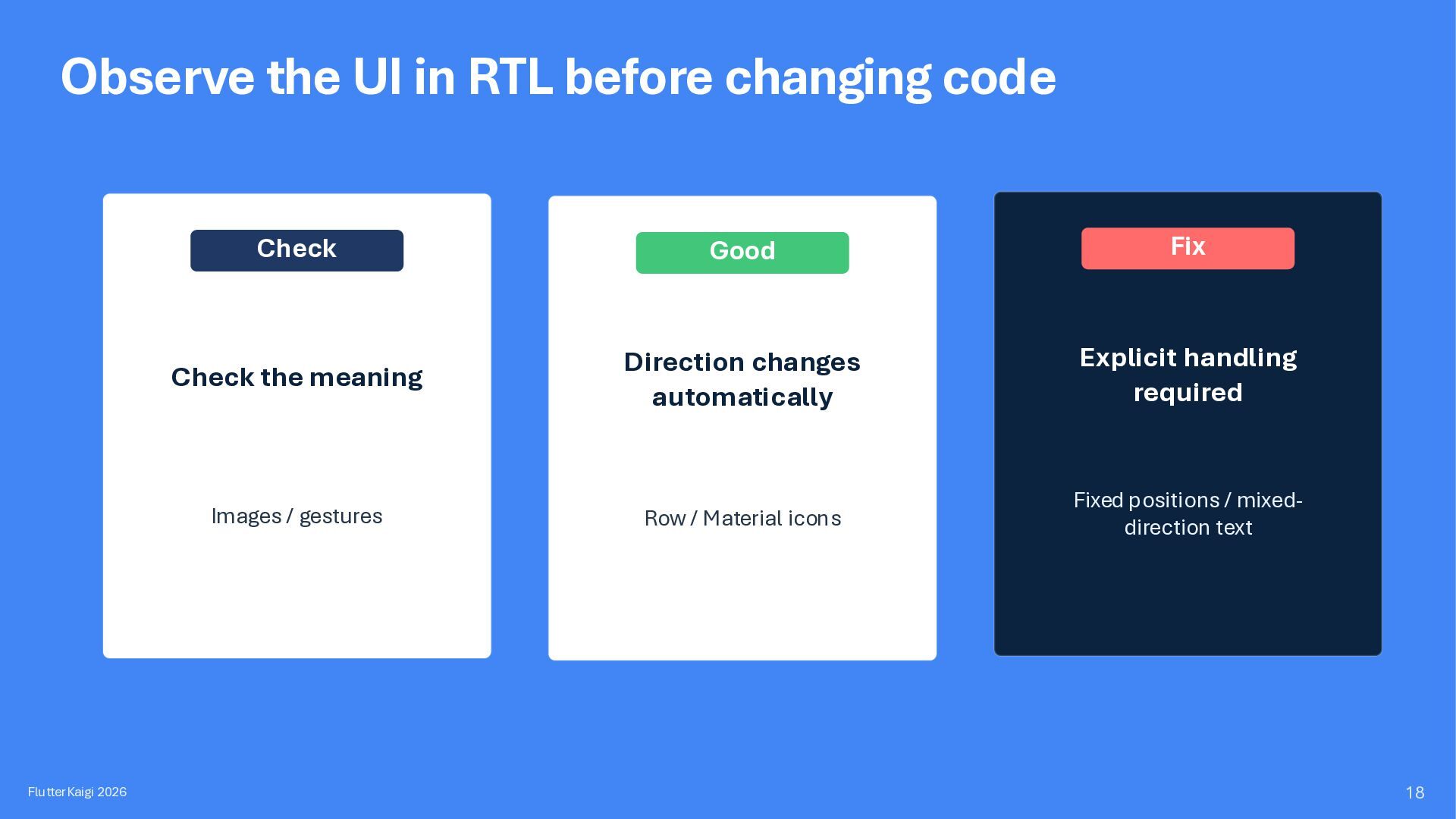
Check Good Fix Check the meaning Direction changes automatically Explicit handling required Images / gestures Row / Material icons Fixed positions / mixeddirection text 18
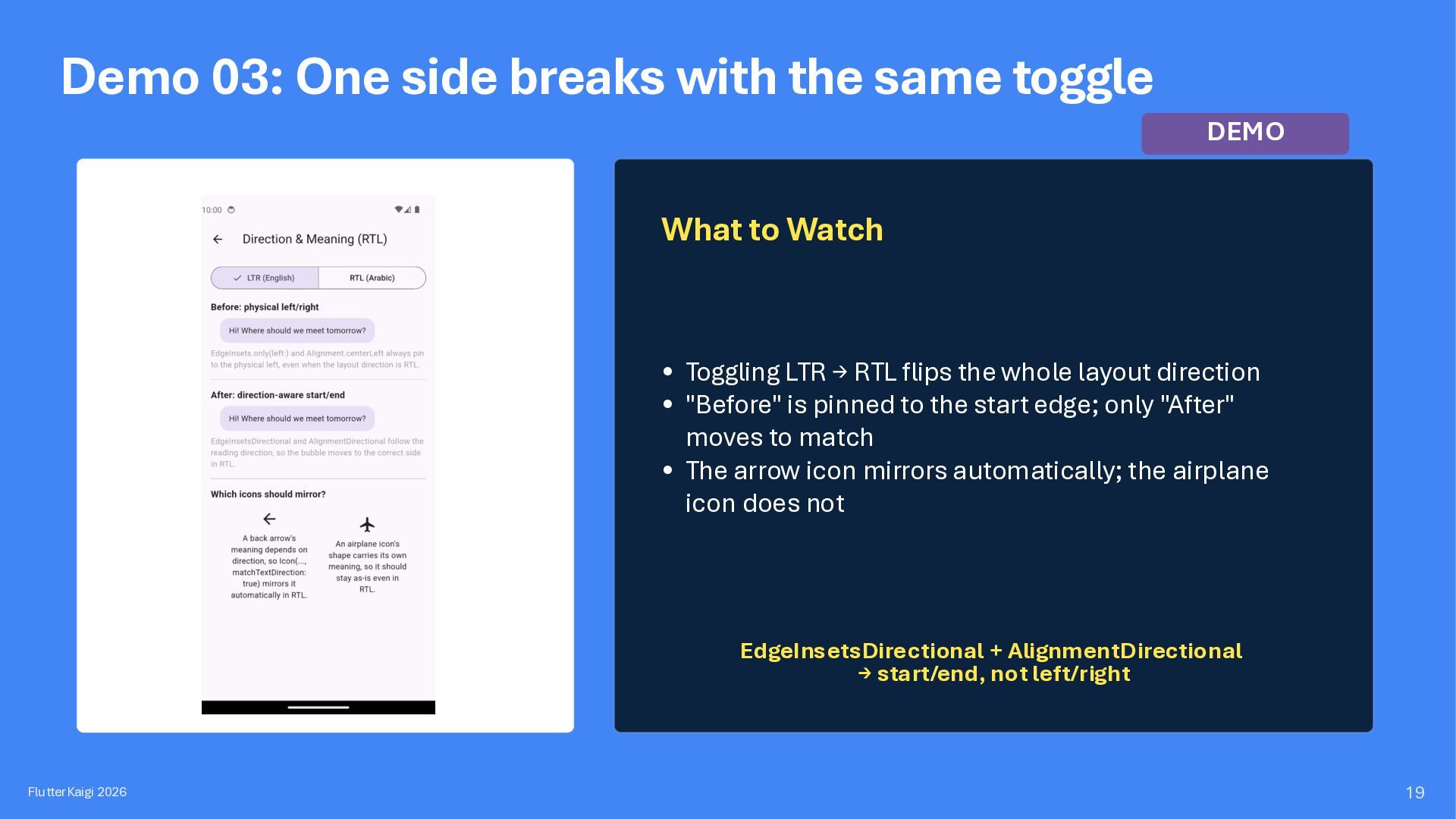
What to Watch • Toggling LTR → RTL flips the whole layout direction • "Before" is pinned to the start edge; only "After" moves to match • The arrow icon mirrors automatically; the airplane icon does not EdgeInsetsDirectional + AlignmentDirectional → start/end, not left/right FlutterKaigi 2026 19
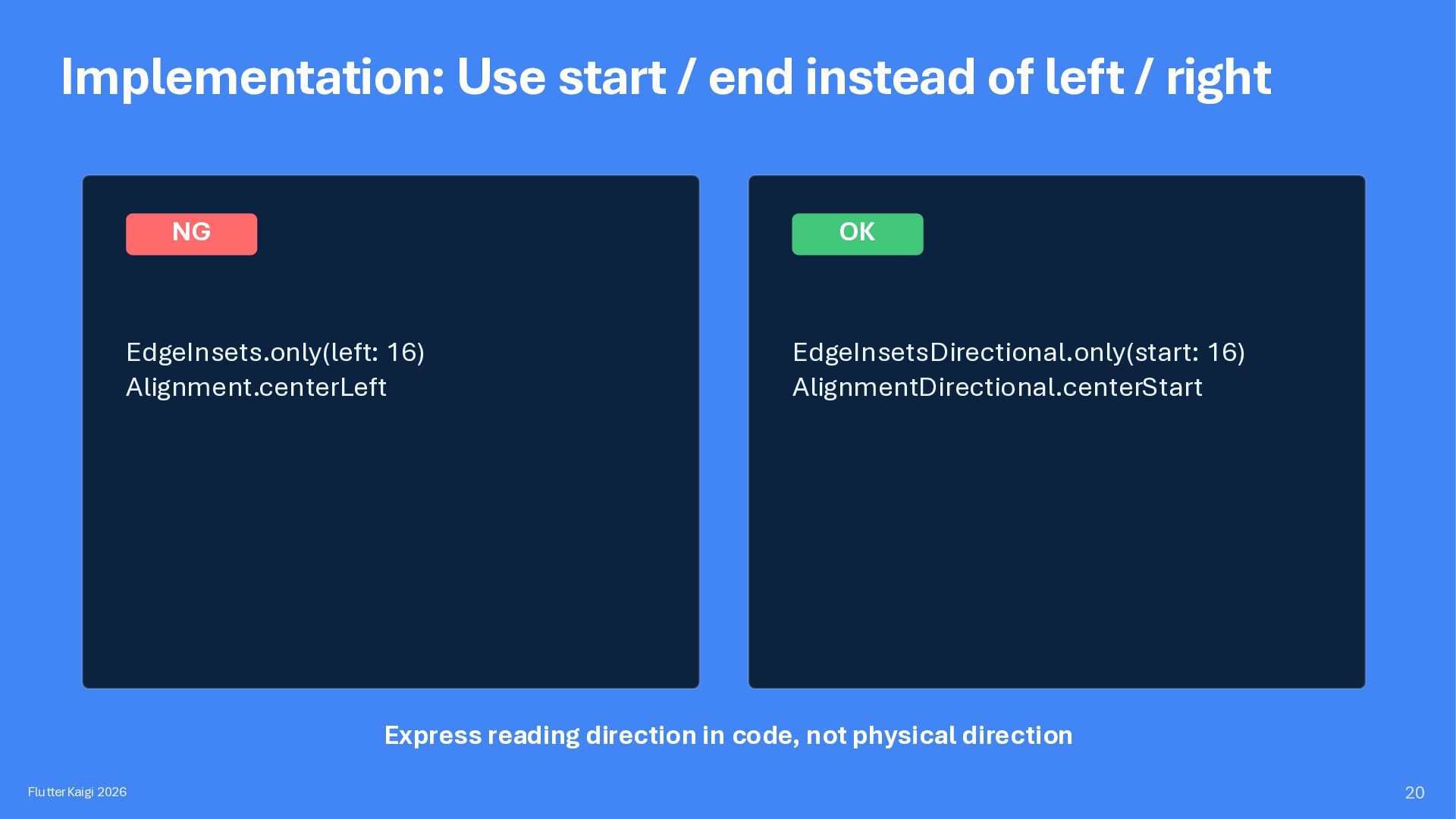
NG OK EdgeInsets.only(left: 16) Alignment.centerLeft EdgeInsetsDirectional.only(start: 16) AlignmentDirectional.centerStart Express reading direction in code, not physical direction FlutterKaigi 2026 20
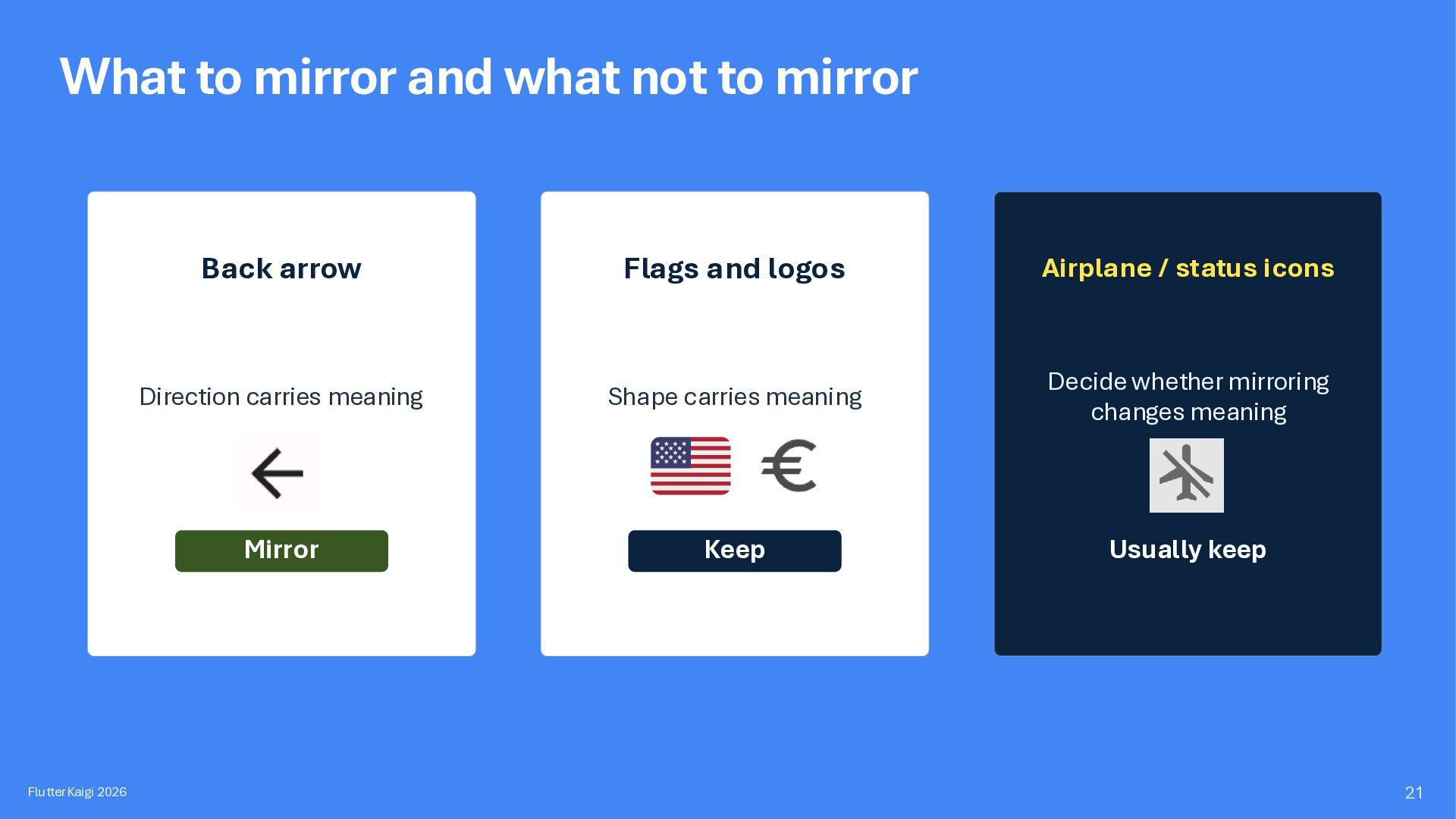
Back arrow Flags and logos Airplane / status icons Direction carries meaning Shape carries meaning Decide whether mirroring changes meaning Mirror Keep Usually keep 21
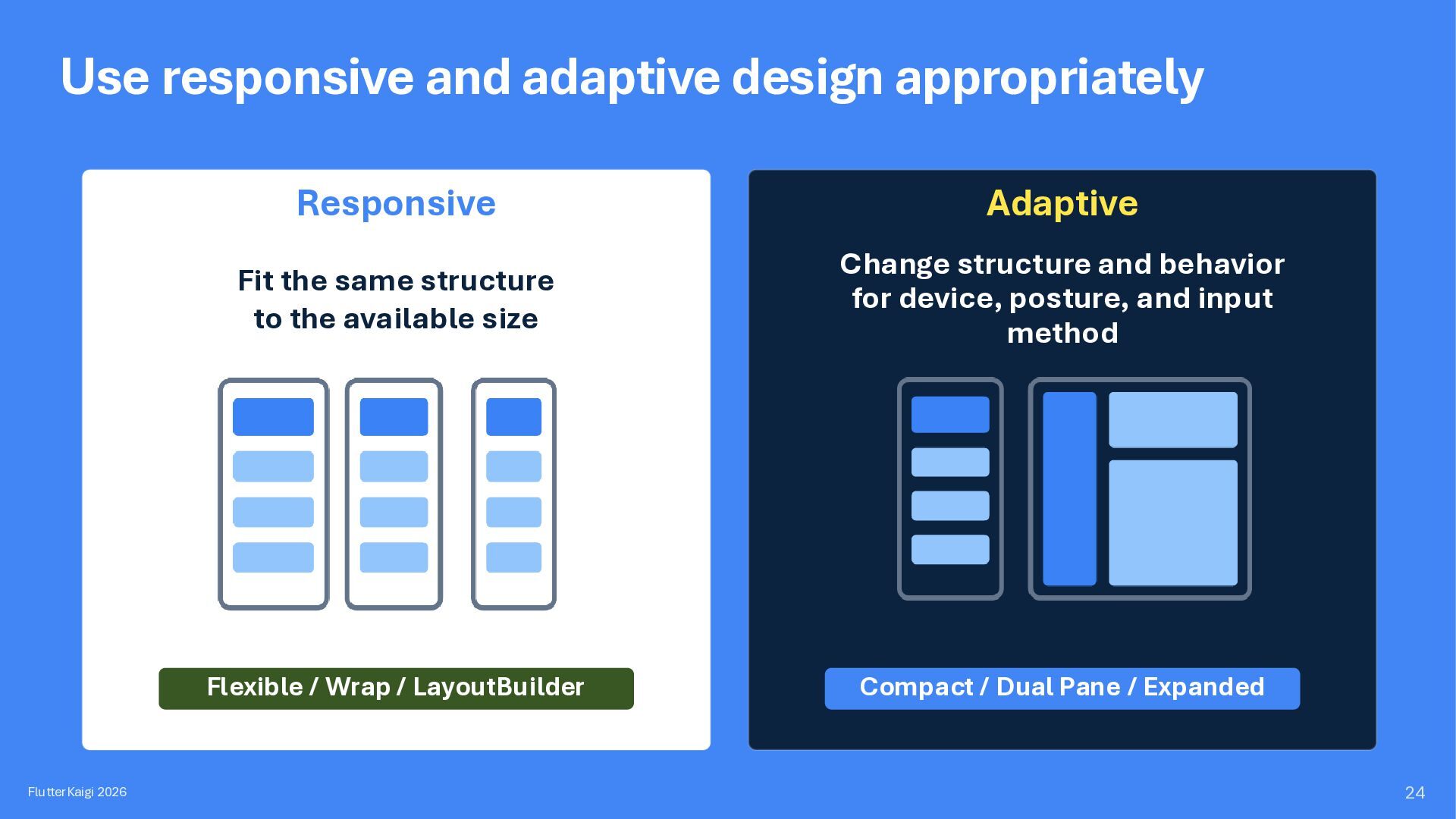
Fit the same structure to the available size Change structure and behavior for device, posture, and input method Flexible / Wrap / LayoutBuilder Compact / Dual Pane / Expanded 24
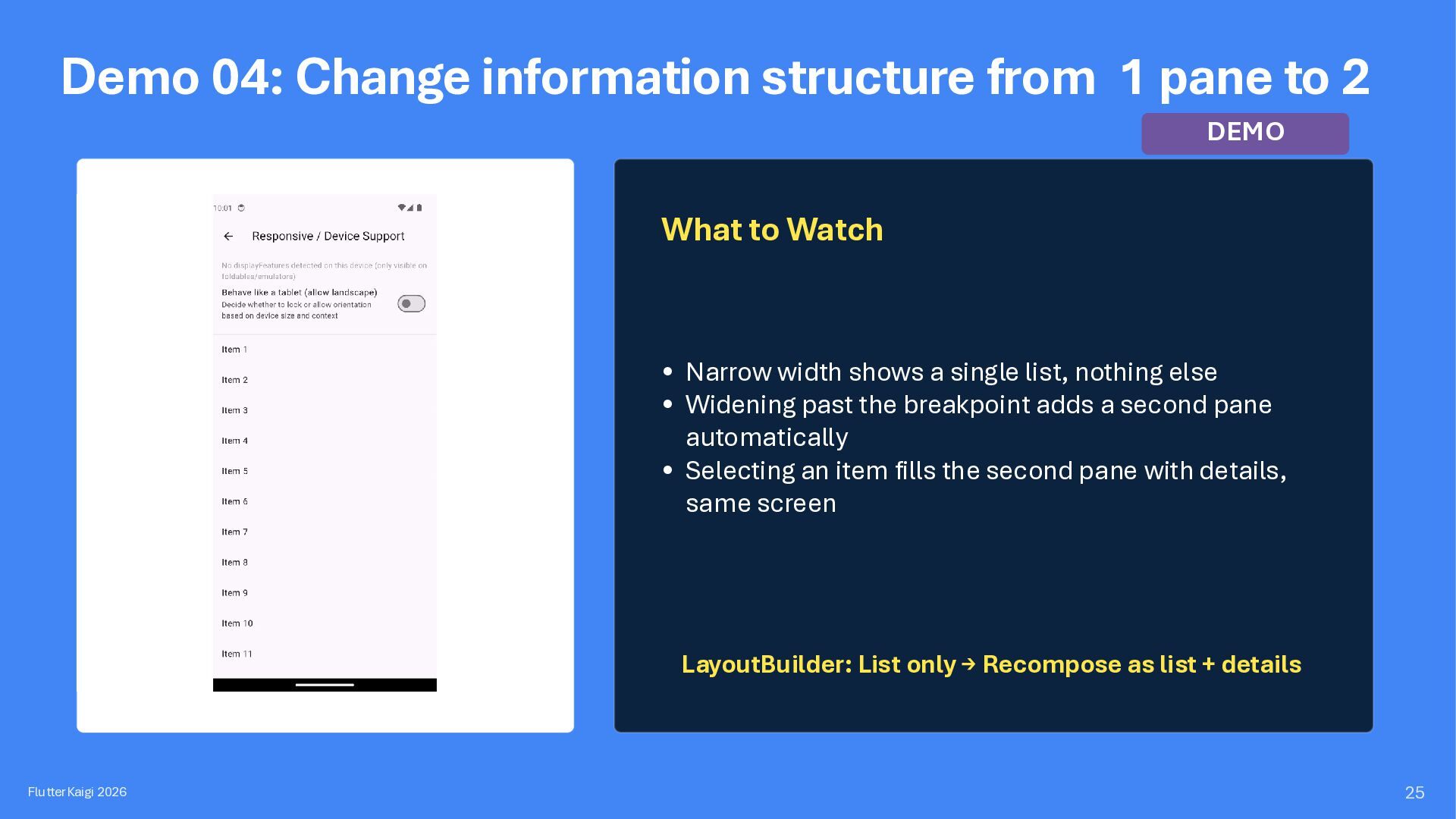
DEMO What to Watch • Narrow width shows a single list, nothing else • Widening past the breakpoint adds a second pane automatically • Selecting an item fills the second pane with details, same screen LayoutBuilder: List only → Recompose as list + details FlutterKaigi 2026 25
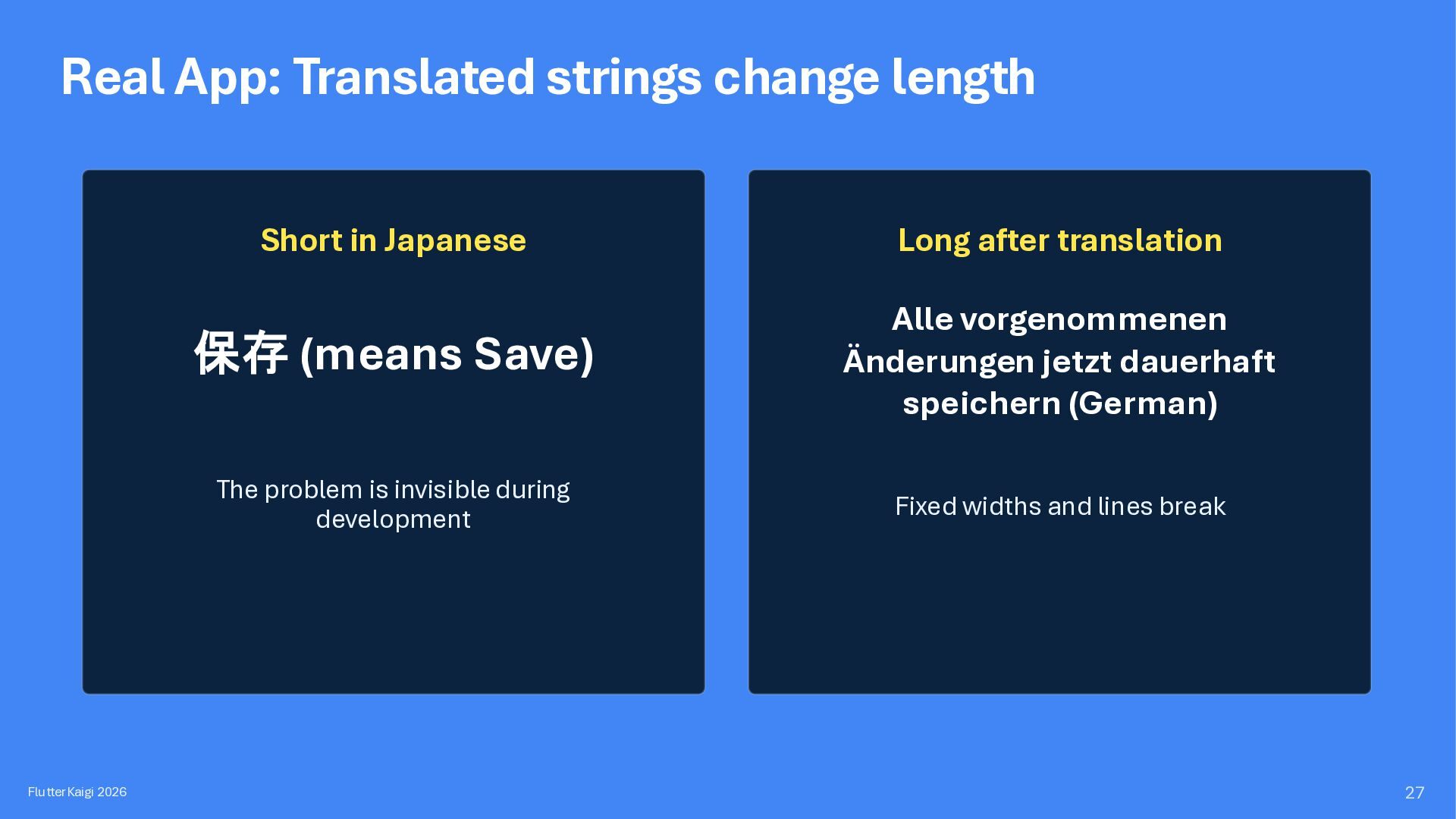
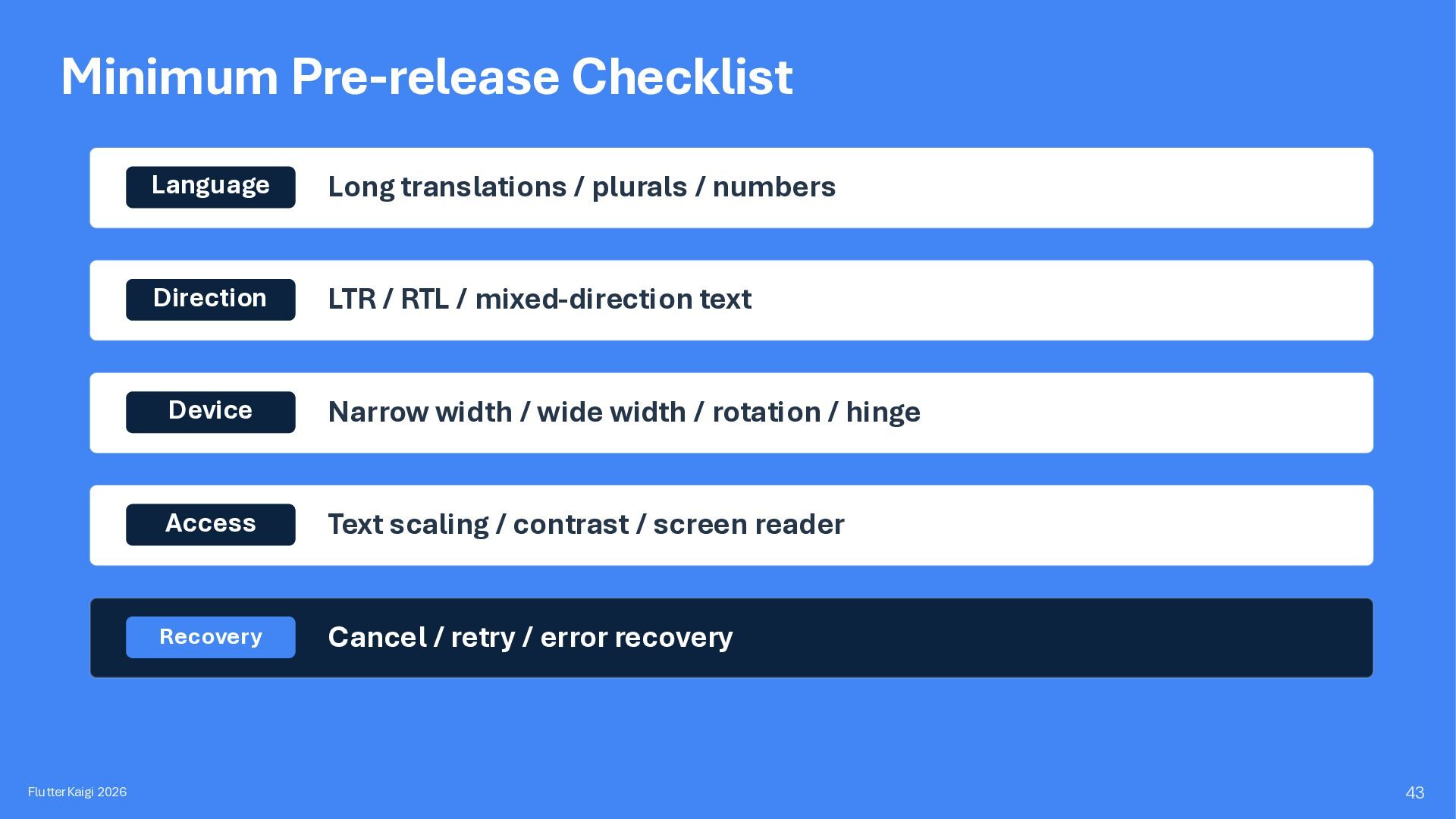
Japanese Long after translation 保存 (means Save) Alle vorgenommenen Änderungen jetzt dauerhaft speichern (German) The problem is invisible during development Fixed widths and lines break 27
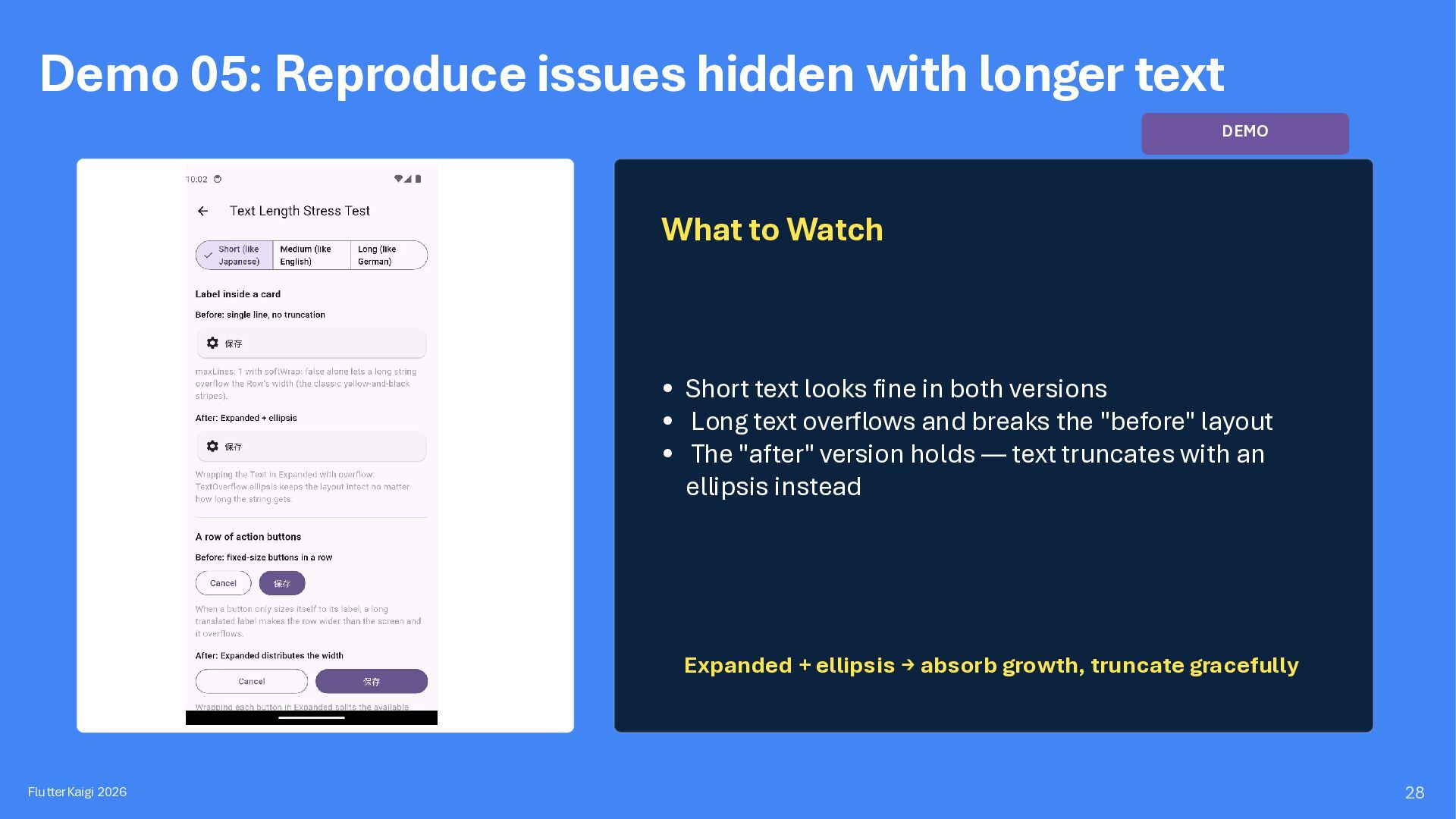
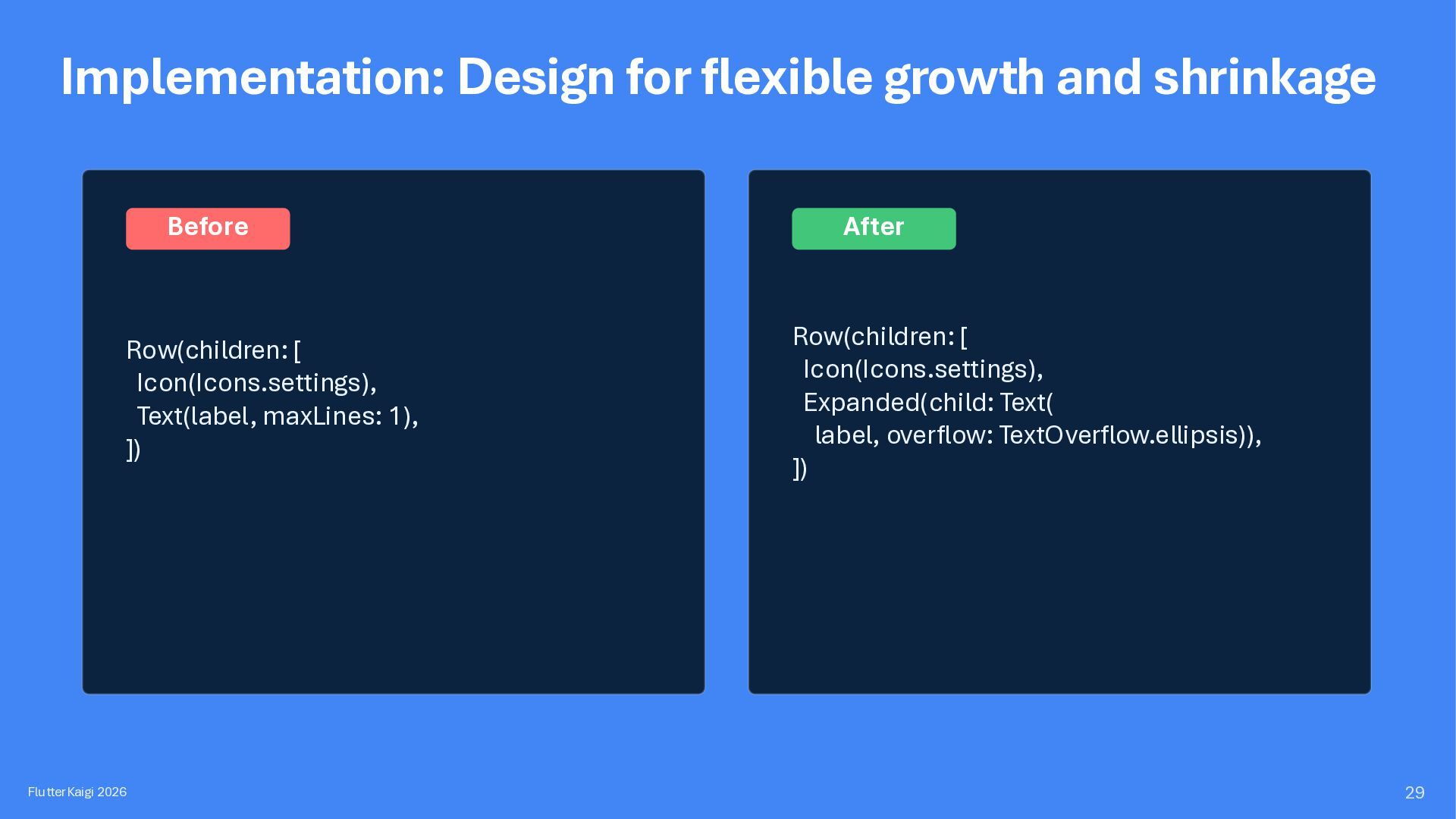
to Watch • Short text looks fine in both versions • Long text overflows and breaks the "before" layout • The "after" version holds — text truncates with an ellipsis instead Expanded + ellipsis → absorb growth, truncate gracefully FlutterKaigi 2026 28
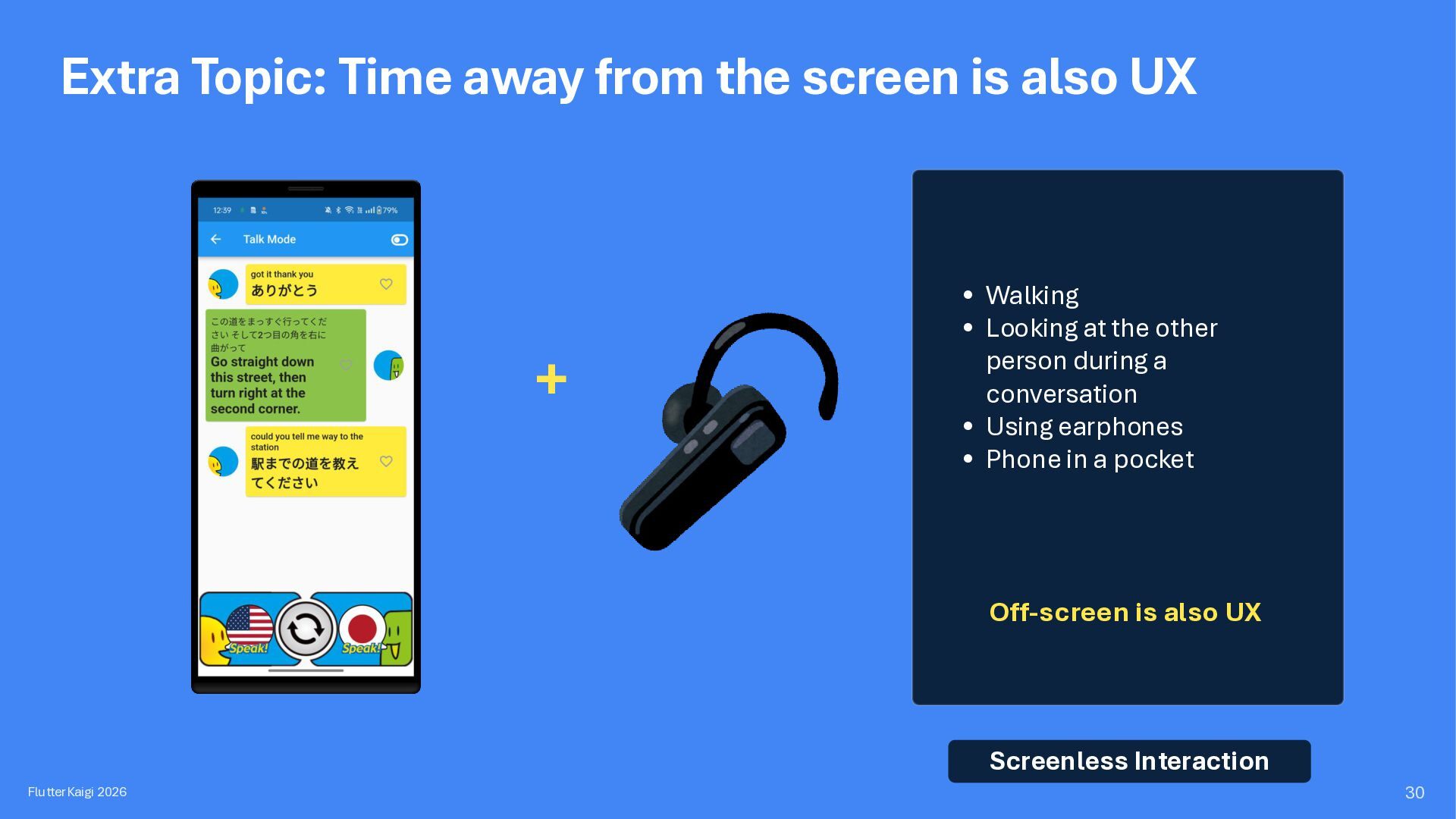
+ • Walking • Looking at the other person during a conversation • Using earphones • Phone in a pocket Off-screen is also UX Screenless Interaction FlutterKaigi 2026 30
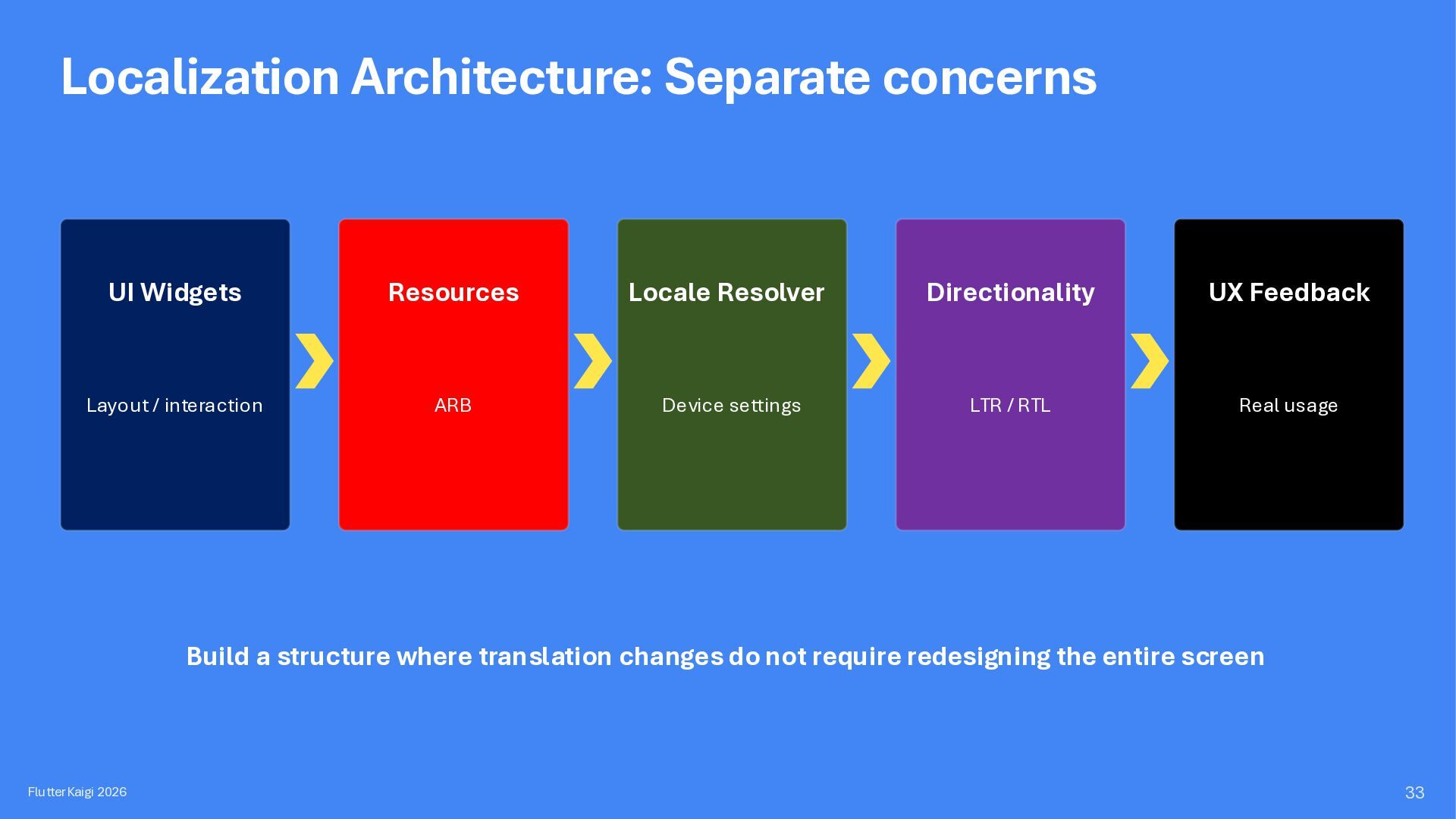
UX Feedback Layout / interaction ARB Device settings LTR / RTL Real usage Build a structure where translation changes do not require redesigning the entire screen FlutterKaigi 2026 33
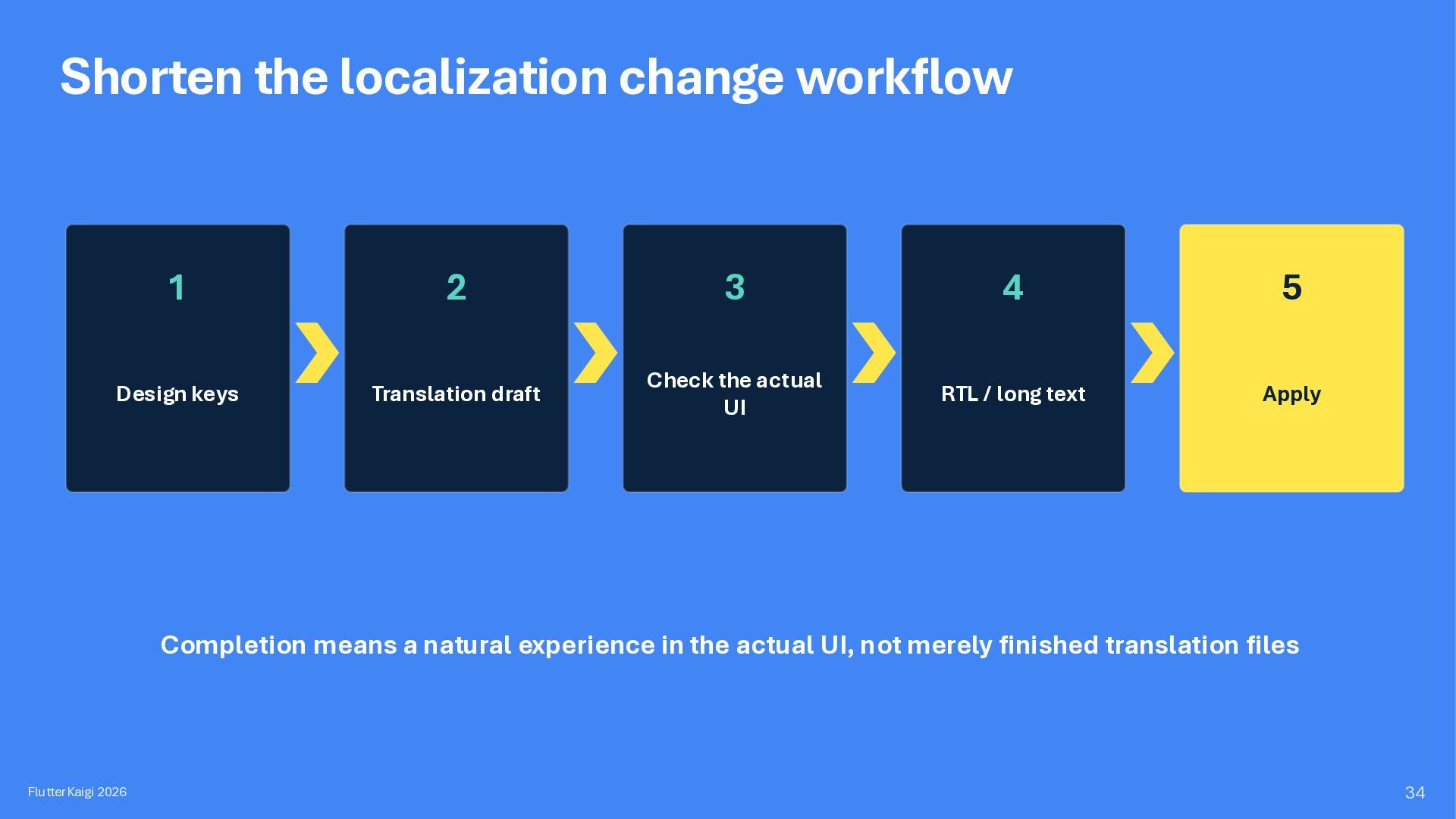
Design keys Translation draft Check the actual UI RTL / long text Apply Completion means a natural experience in the actual UI, not merely finished translation files FlutterKaigi 2026 34
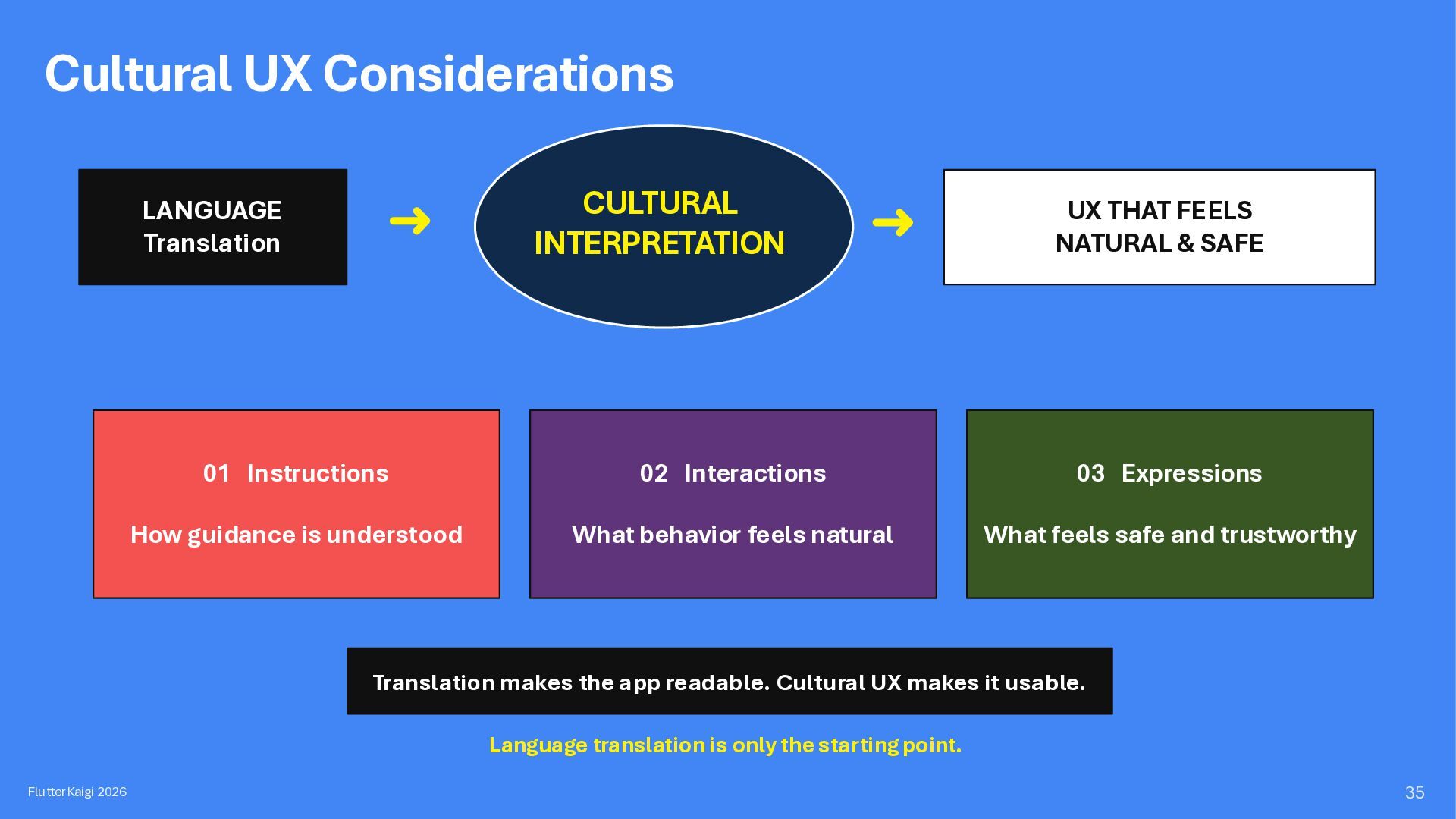
THAT FEELS NATURAL & SAFE 01 Instructions 02 Interactions 03 Expressions How guidance is understood What behavior feels natural What feels safe and trustworthy Translation makes the app readable. Cultural UX makes it usable. Language translation is only the starting point. FlutterKaigi 2026 35
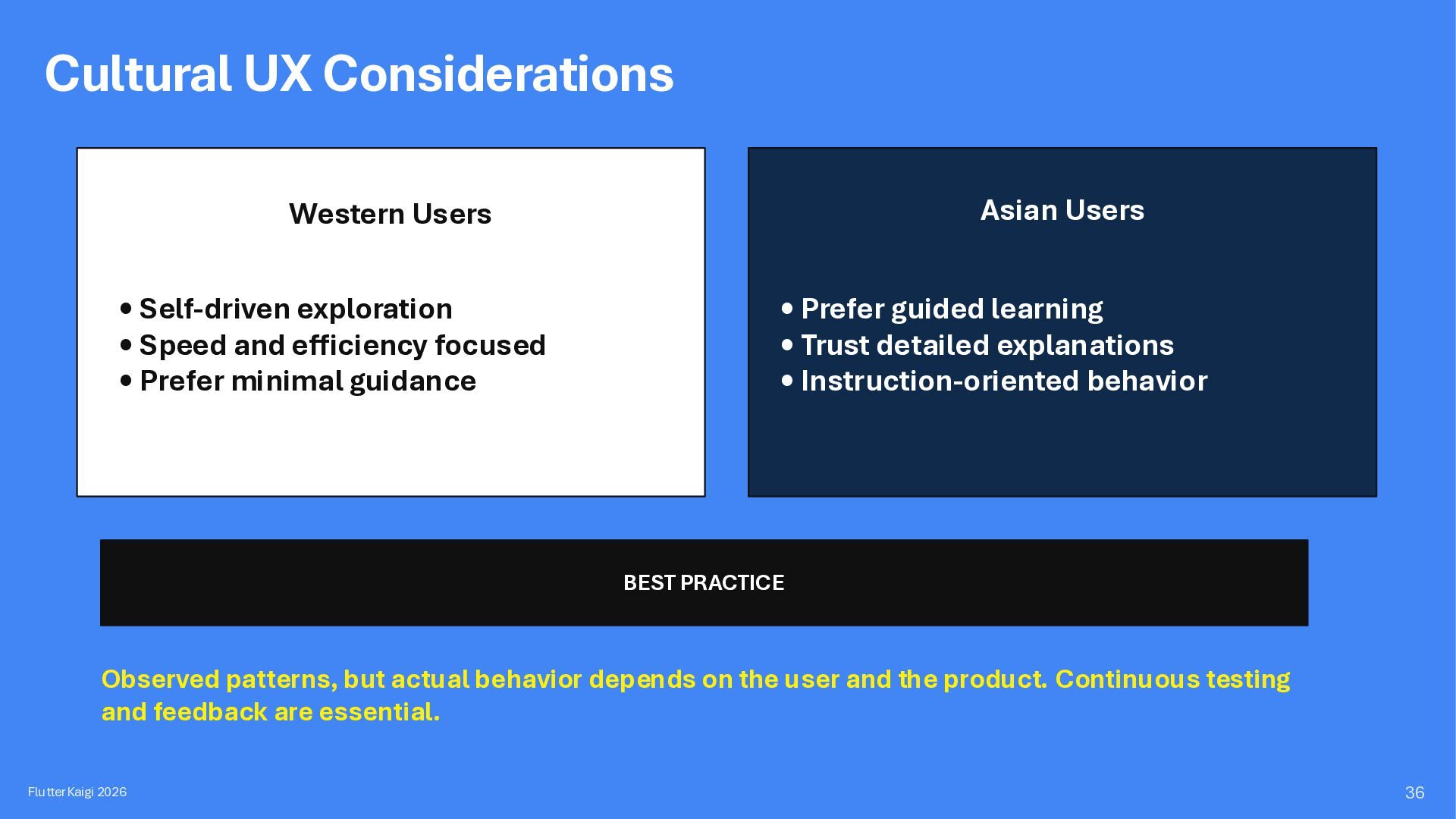
• Speed and efficiency focused • Prefer minimal guidance • Prefer guided learning • Trust detailed explanations • Instruction-oriented behavior BEST PRACTICE Observed patterns, but actual behavior depends on the user and the product. Continuous testing and feedback are essential. FlutterKaigi 2026 36
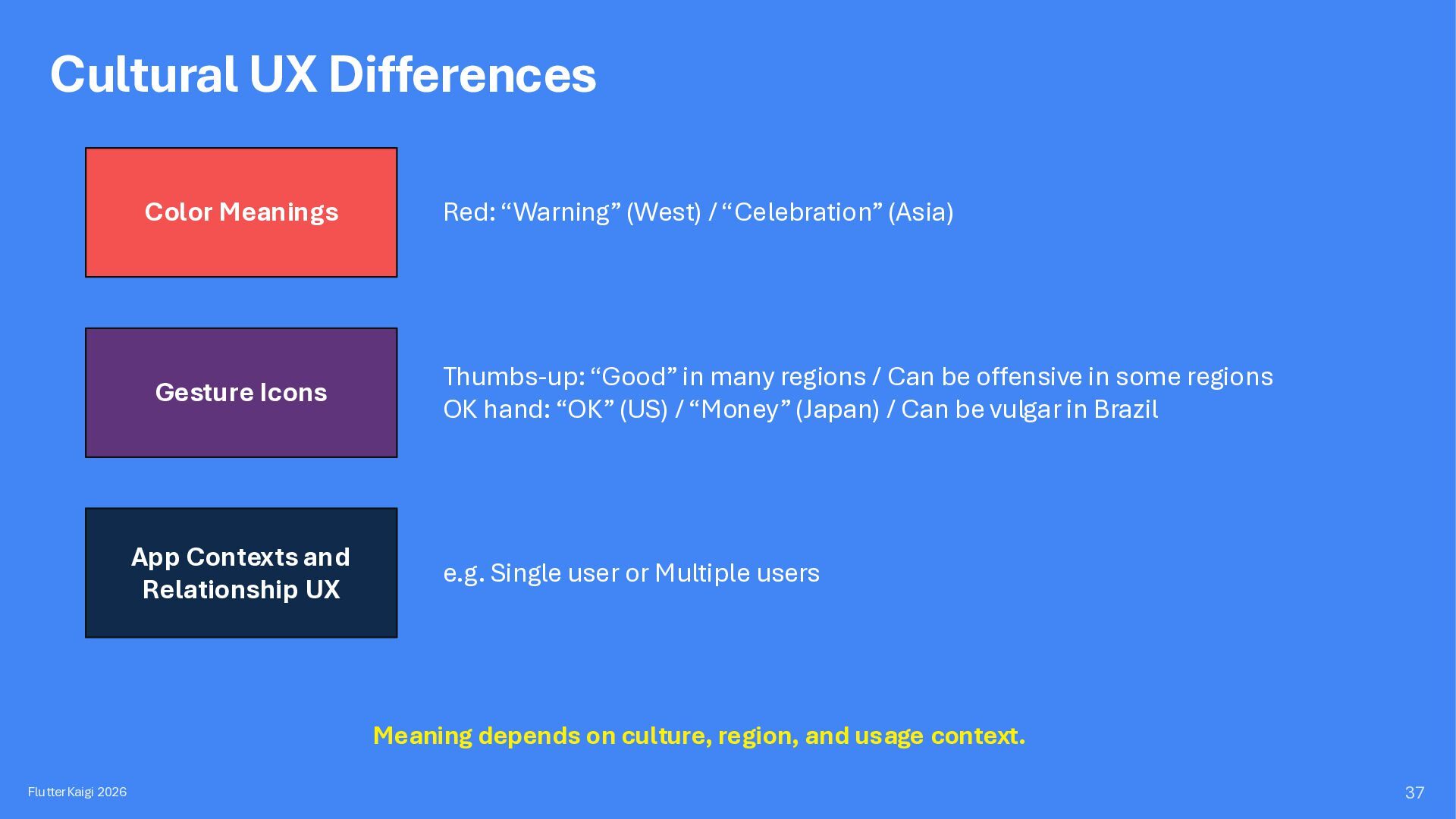
(Asia) Gesture Icons Thumbs-up: “Good” in many regions / Can be offensive in some regions OK hand: “OK” (US) / “Money” (Japan) / Can be vulgar in Brazil App Contexts and Relationship UX e.g. Single user or Multiple users Meaning depends on culture, region, and usage context. FlutterKaigi 2026 37
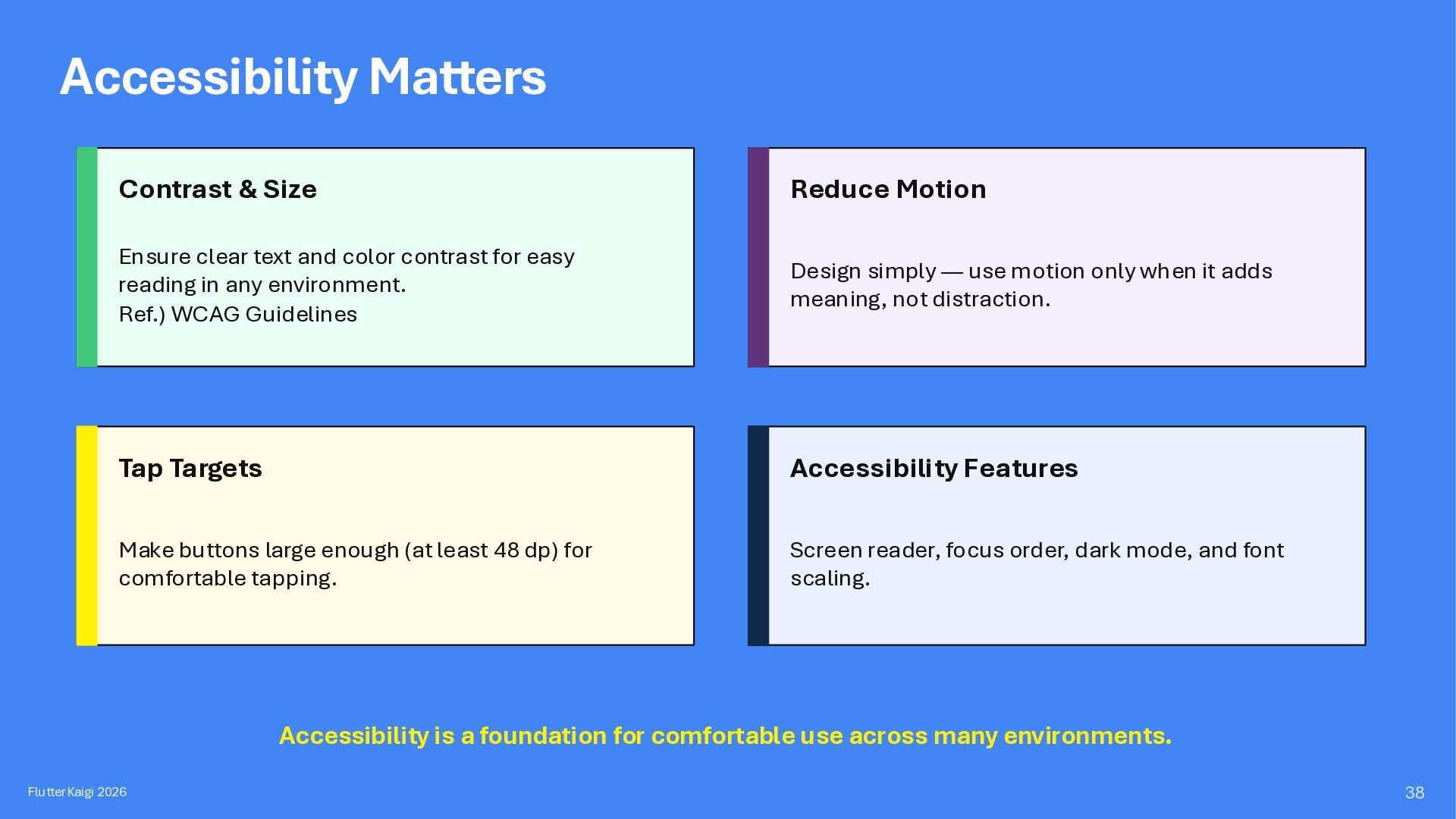
and color contrast for easy reading in any environment. Ref.) WCAG Guidelines Design simply — use motion only when it adds meaning, not distraction. Tap Targets Accessibility Features Make buttons large enough (at least 48 dp) for comfortable tapping. Screen reader, focus order, dark mode, and font scaling. Accessibility is a foundation for comfortable use across many environments. FlutterKaigi 2026 38
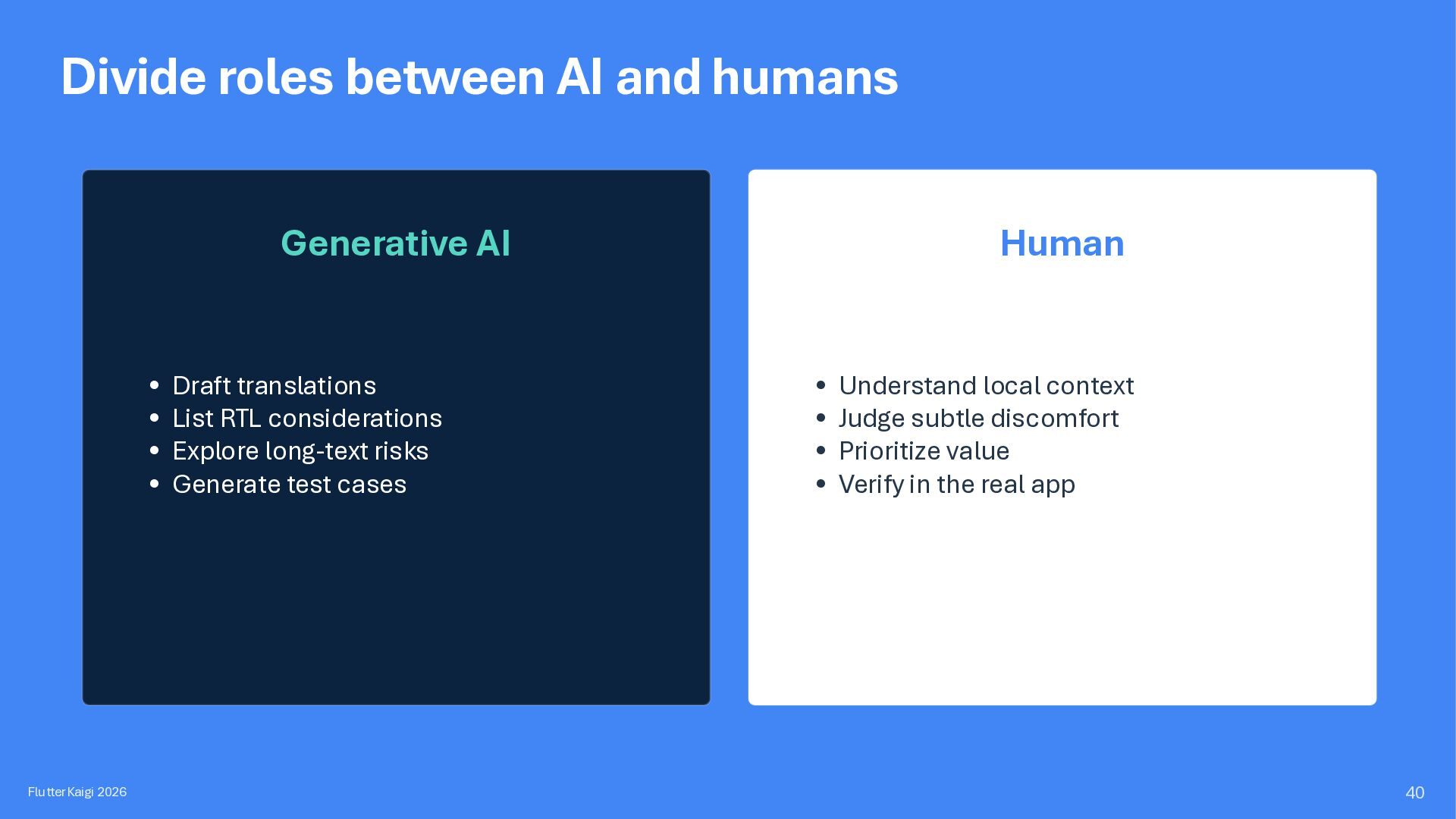
translations • List RTL considerations • Explore long-text risks • Generate test cases FlutterKaigi 2026 Human • Understand local context • Judge subtle discomfort • Prioritize value • Verify in the real app 40
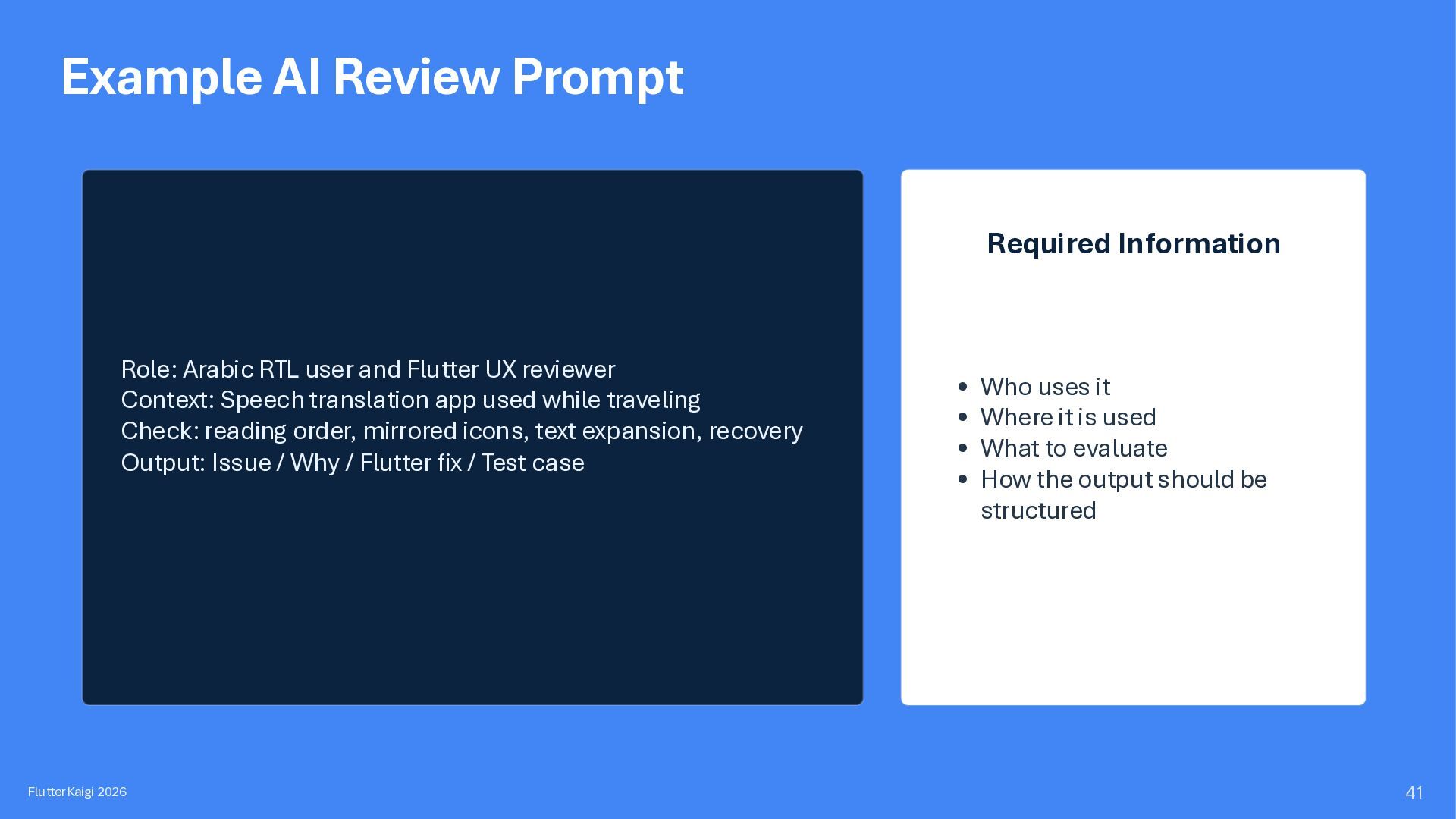
and Flutter UX reviewer Context: Speech translation app used while traveling Check: reading order, mirrored icons, text expansion, recovery Output: Issue / Why / Flutter fix / Test case FlutterKaigi 2026 • Who uses it • Where it is used • What to evaluate • How the output should be structured 41
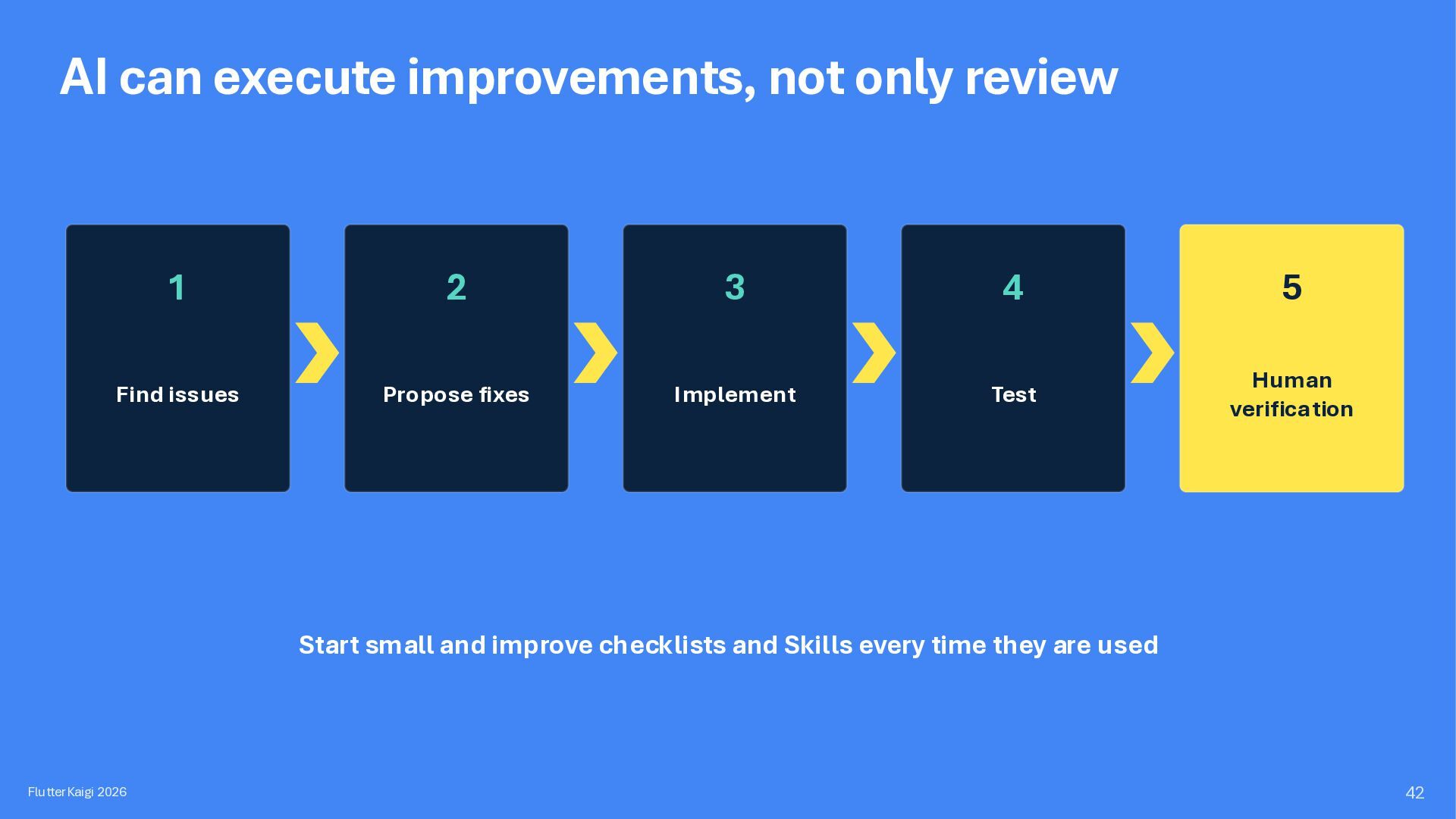
4 5 Find issues Propose fixes Implement Test Human verification Start small and improve checklists and Skills every time they are used FlutterKaigi 2026 42
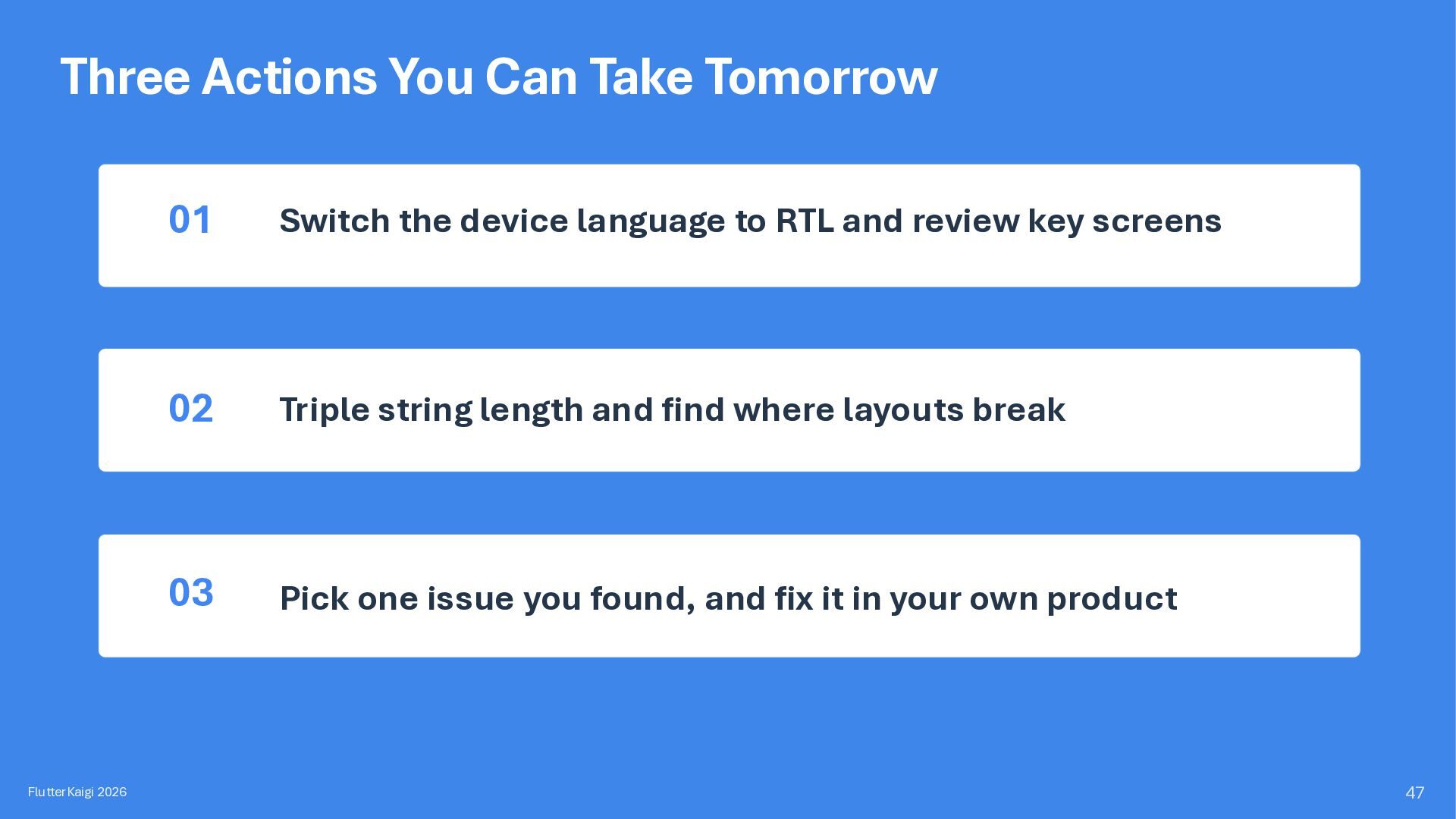
the device language to RTL and review key screens 02 Triple string length and find where layouts break 03 Pick one issue you found, and fix it in your own product 47
technical speeches, writing, or other inquiries. Facebook:http://fb.com/kanbara.kenichi X:@korodroid LinkedIn:http://www.linkedin.com/in/korodroid FlutterCon EU 2026 FlutterKaigi 2026 66


 korodroid
 delhi09
 l1ghthouse
 happysamurai294
 yukiogawa
 clairegiordano
.jpg) lamaglama39
lamaglama39
 kawaguti
 recruitengineers
 freee
freee
 yamahiro
 snoozer05
 addyosmani
 danielanewman
 soudai
 mojombo
 afnizarnur
 dougneiner
 jct
jct
 eileencodes
 eitanlees
 baasie
 hannesfritz
 hatefulcrawdad