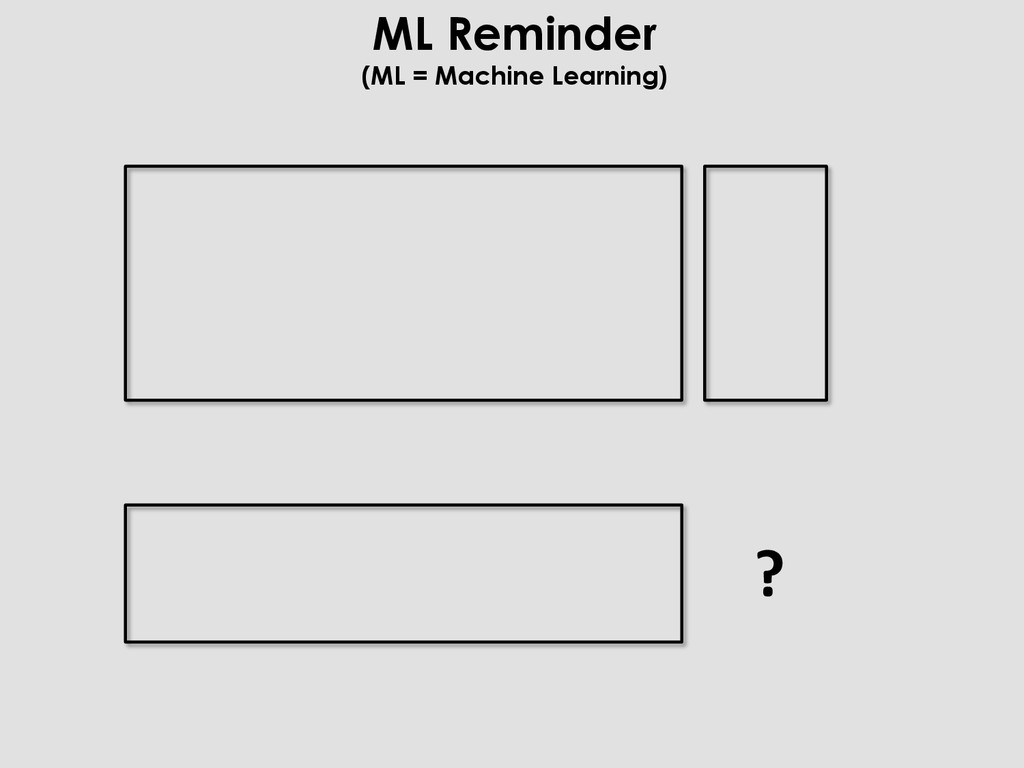
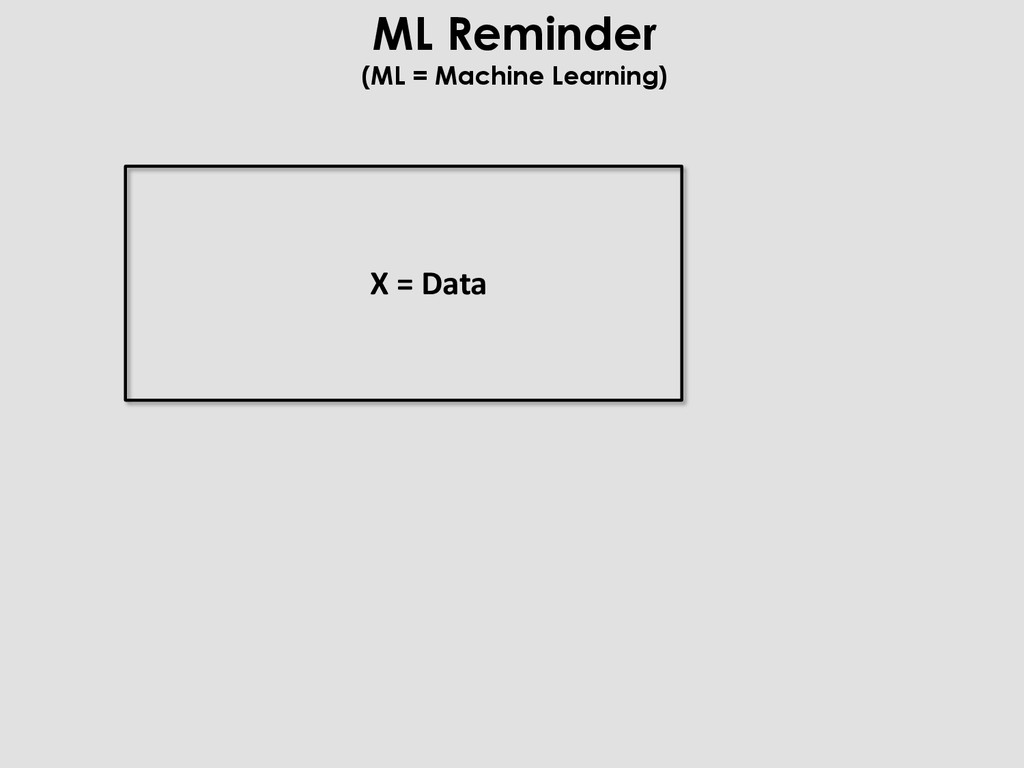
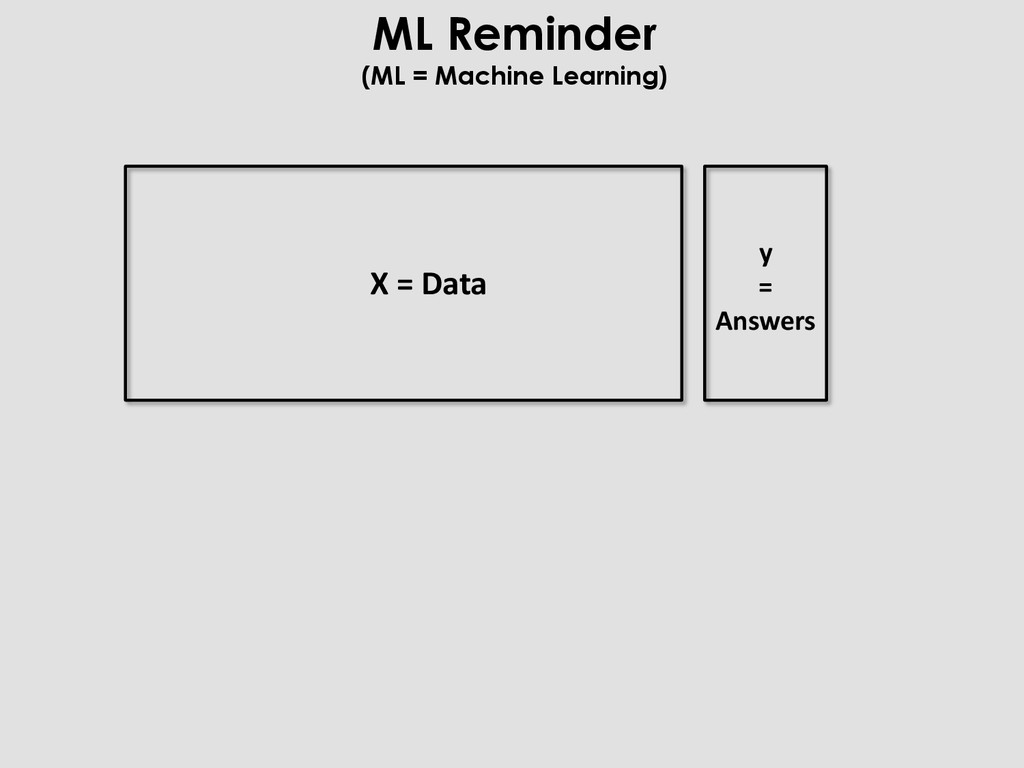
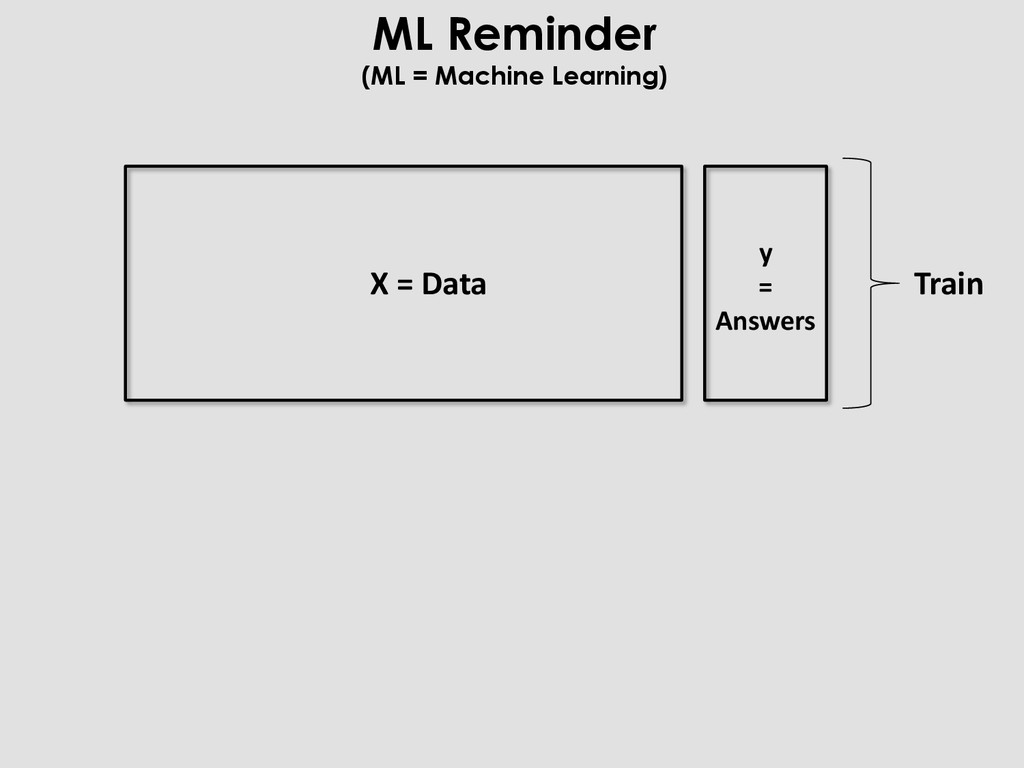
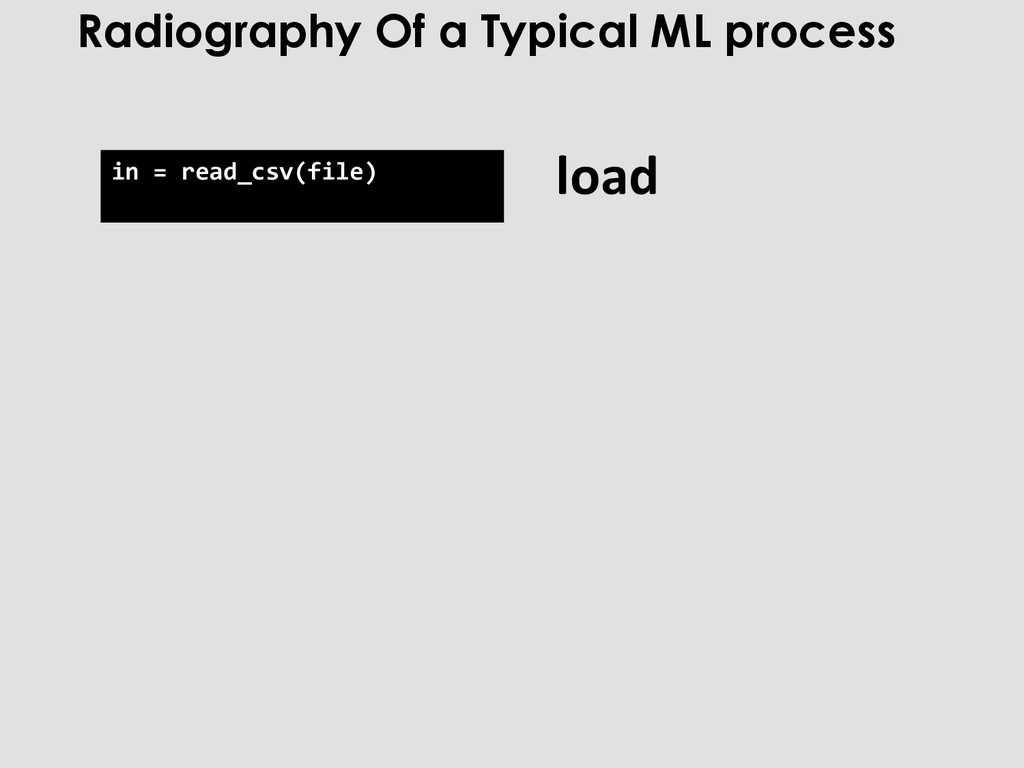
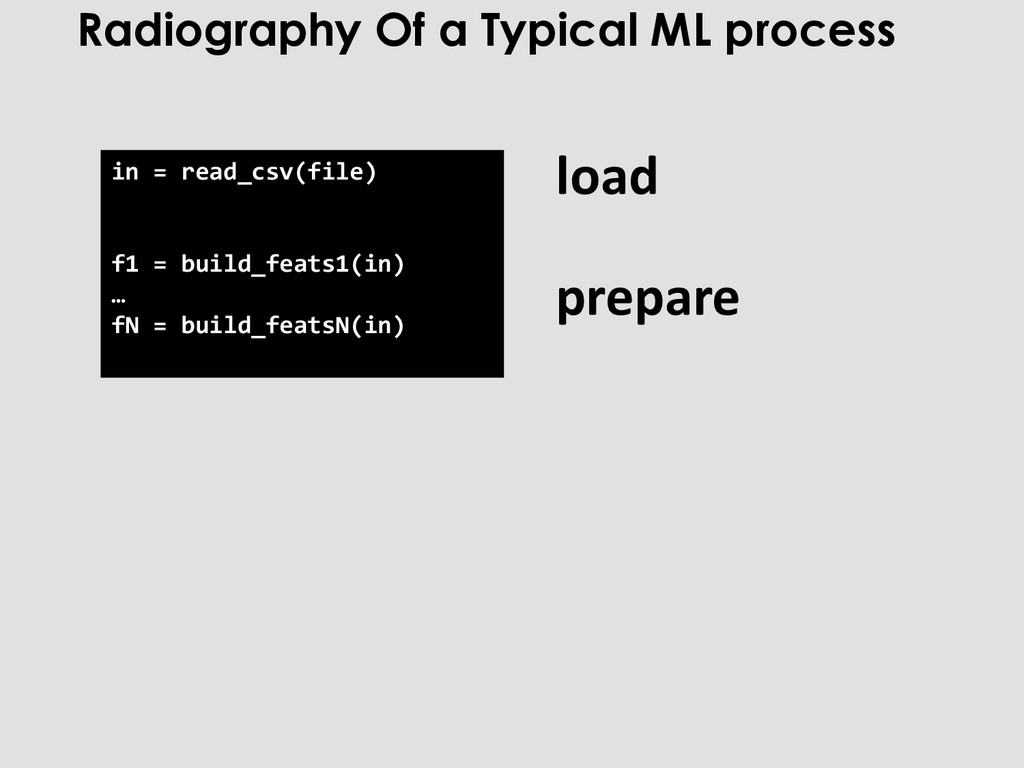
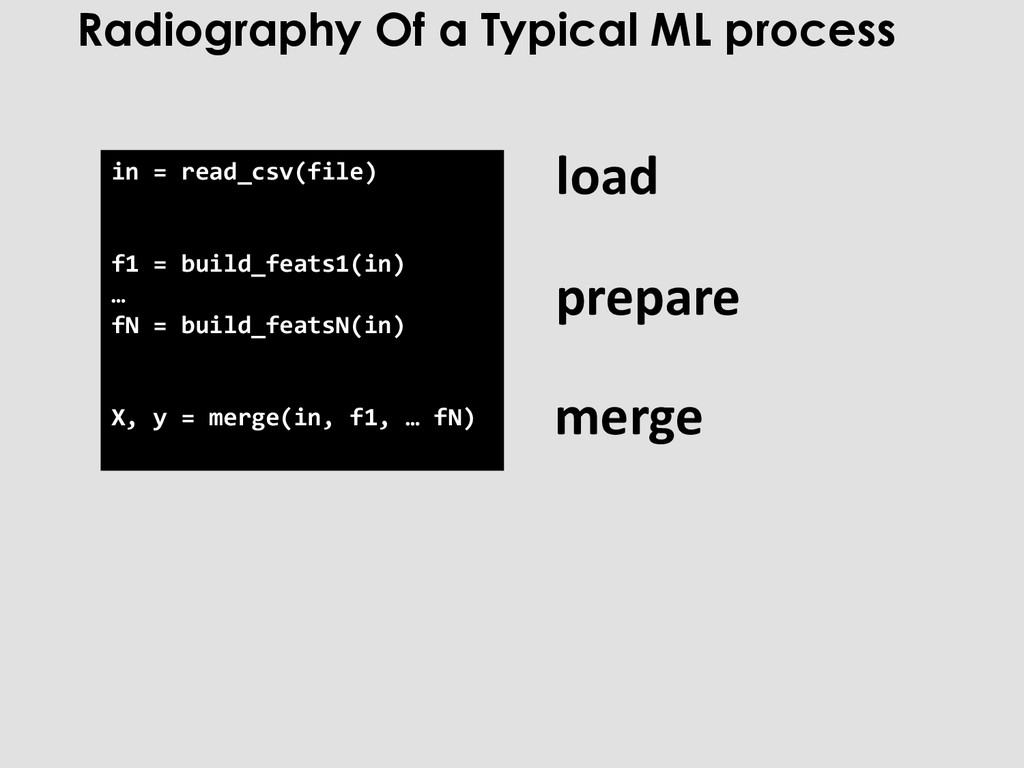
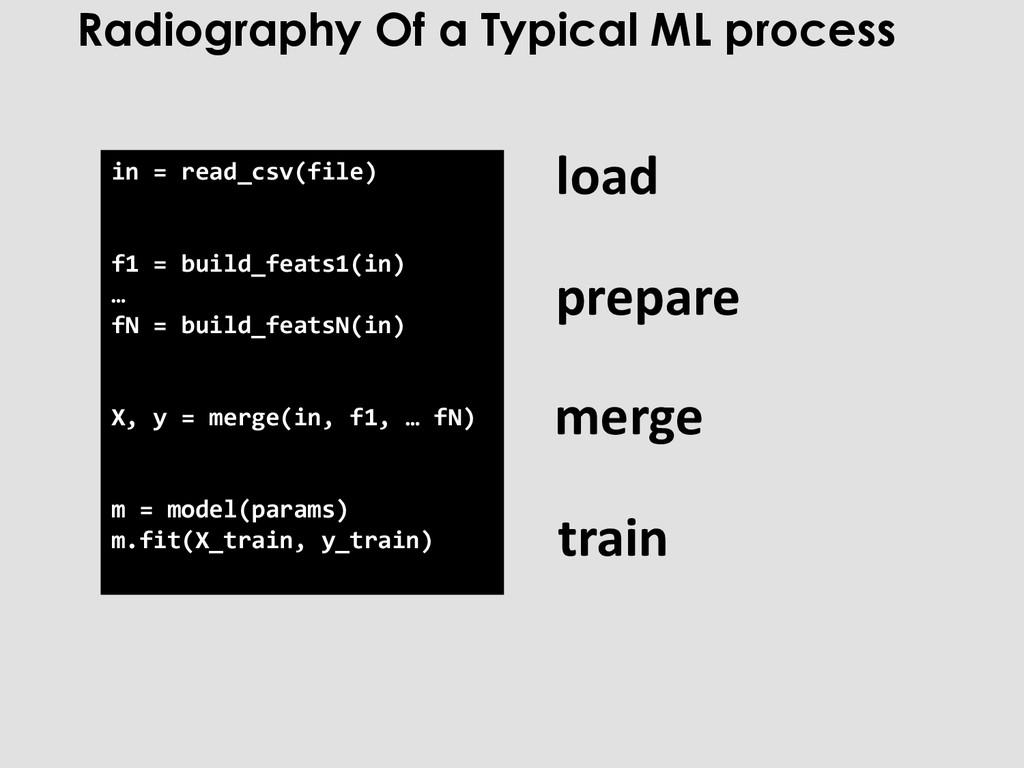
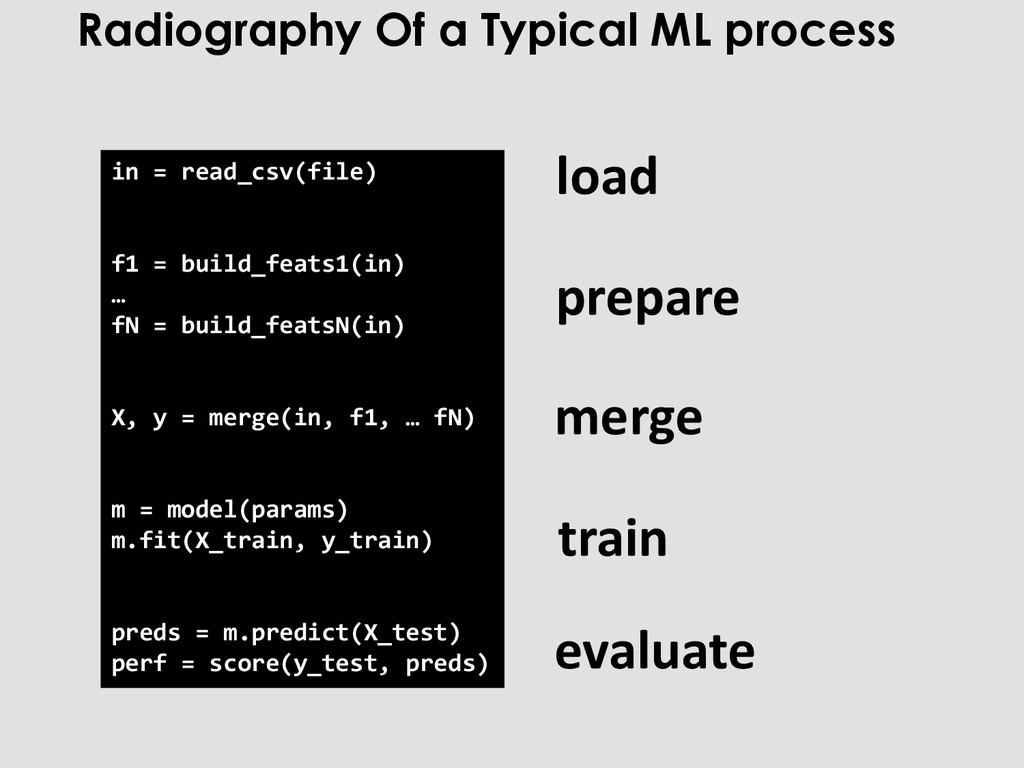
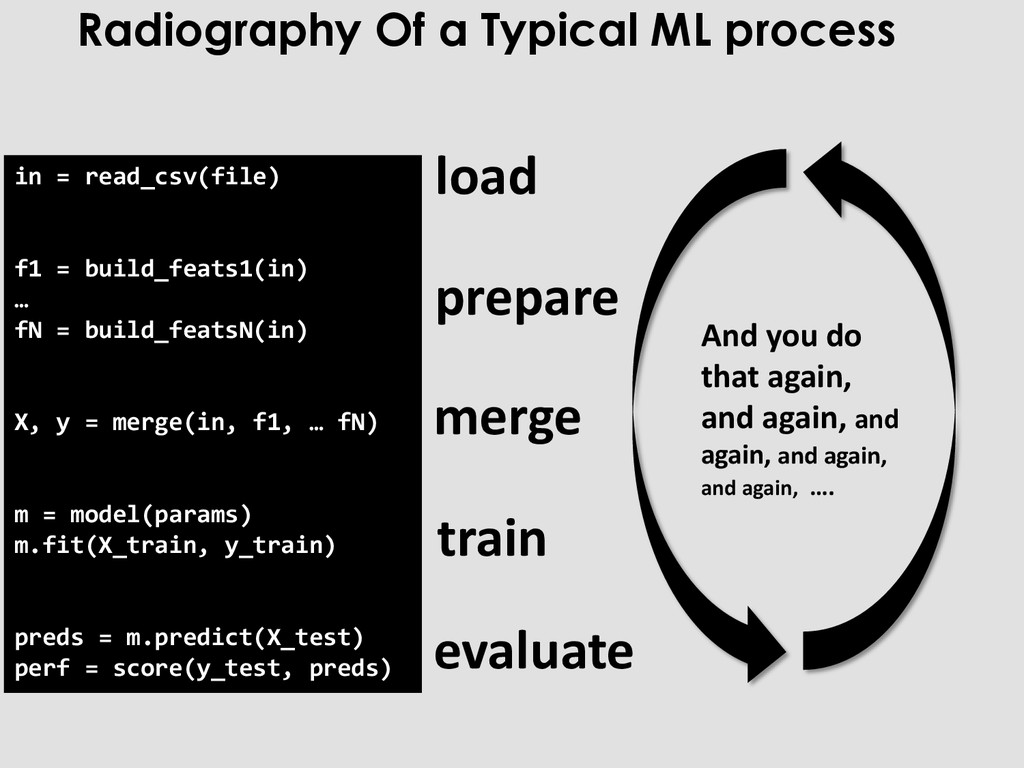
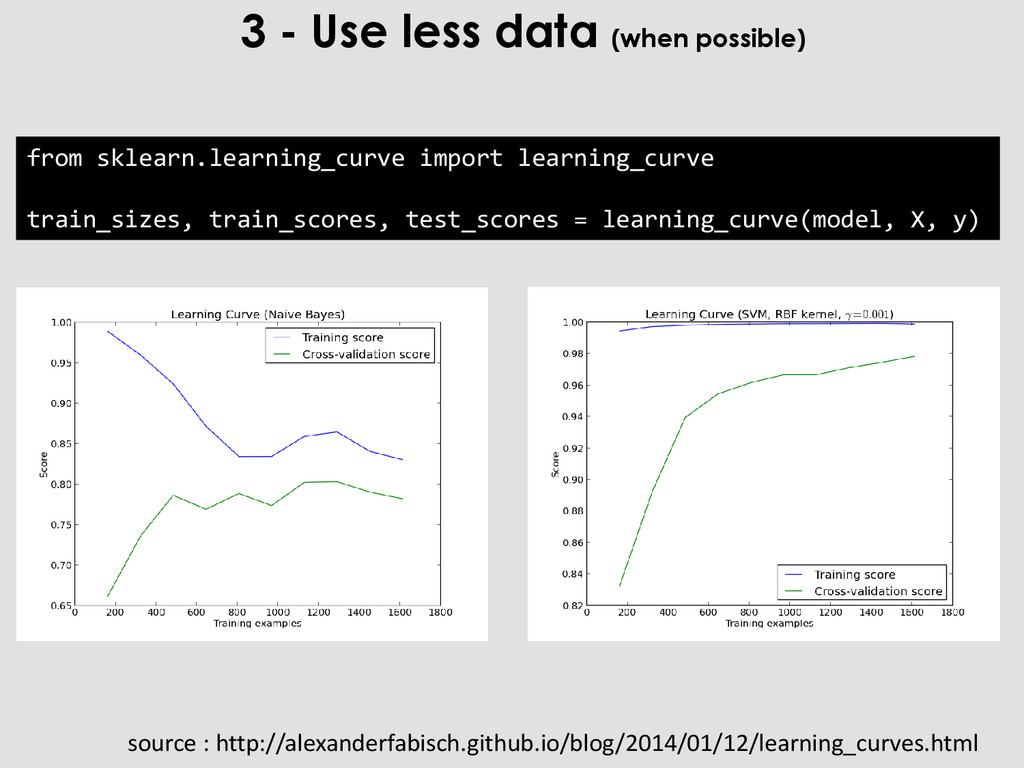
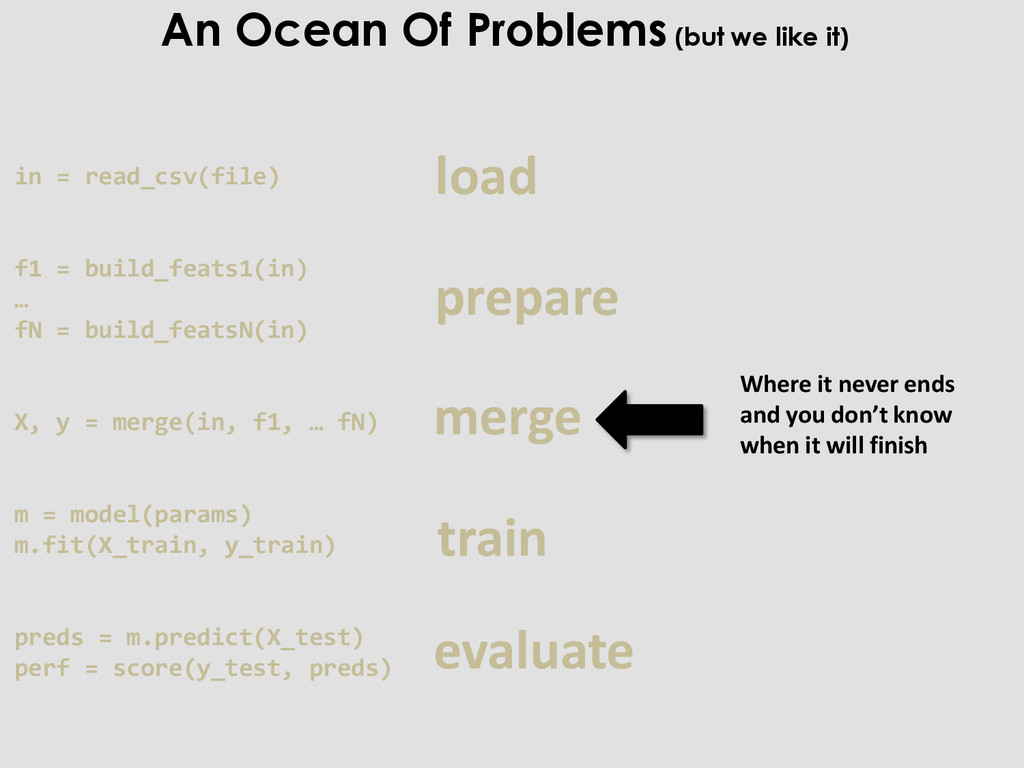
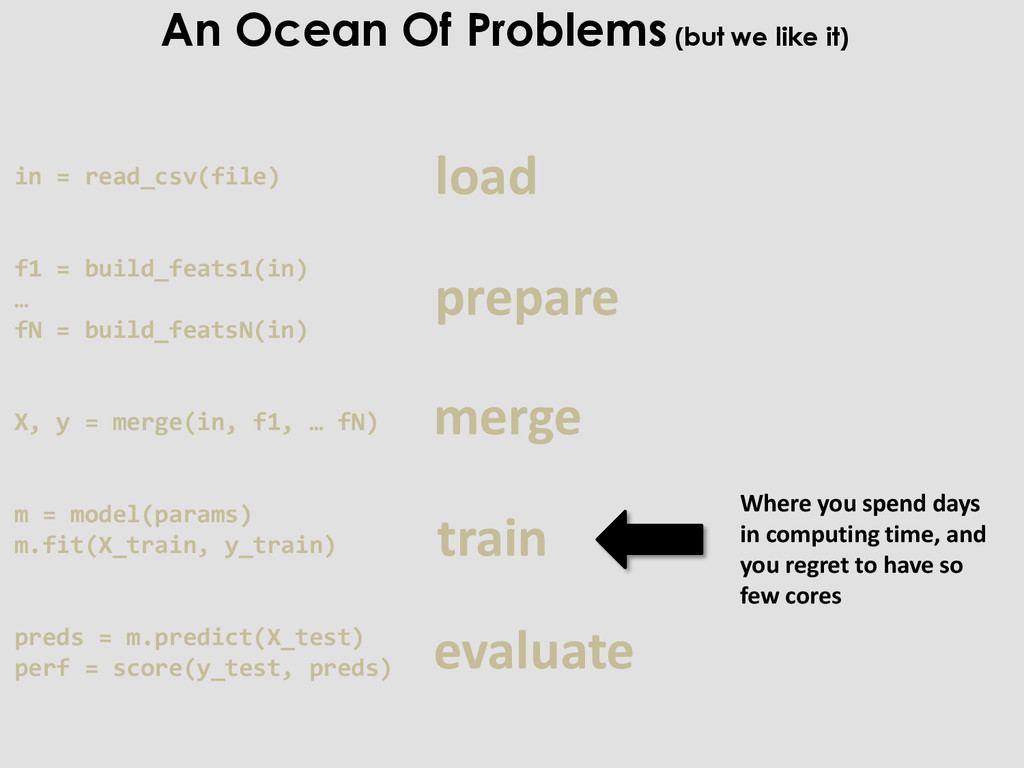
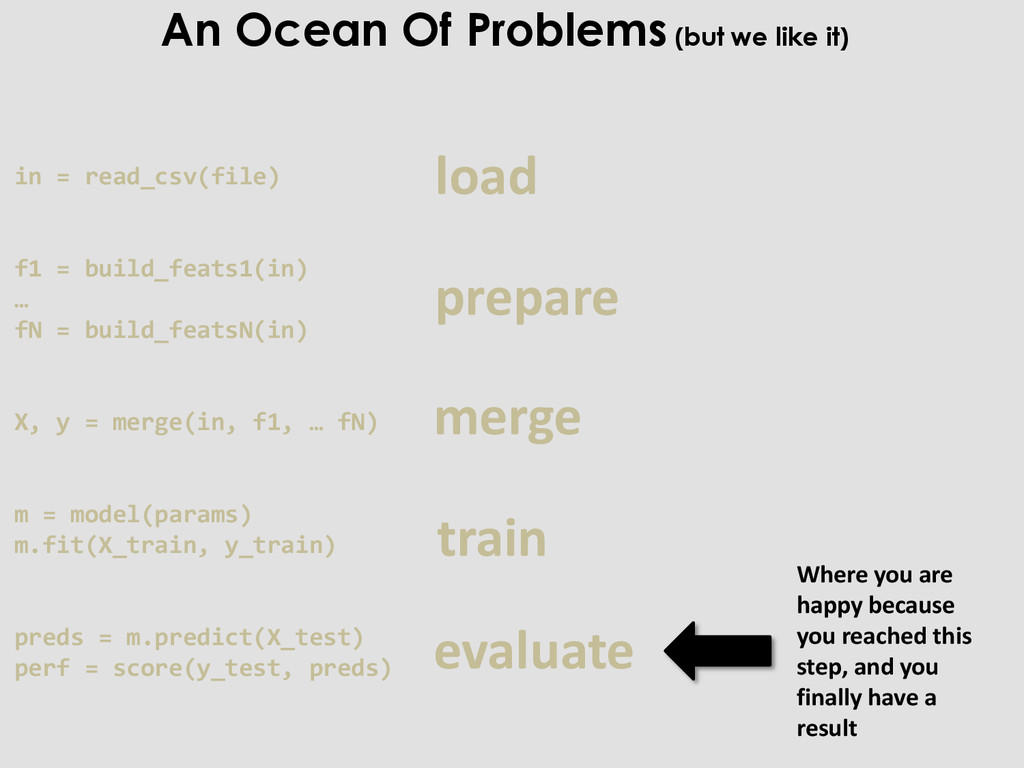
X, y = merge(in, f1, … fN) m = model(params) m.fit(X_train, y_train) preds = m.predict(X_test) perf = score(y_test, preds) load prepare merge train evaluate Radiography Of a Typical ML process
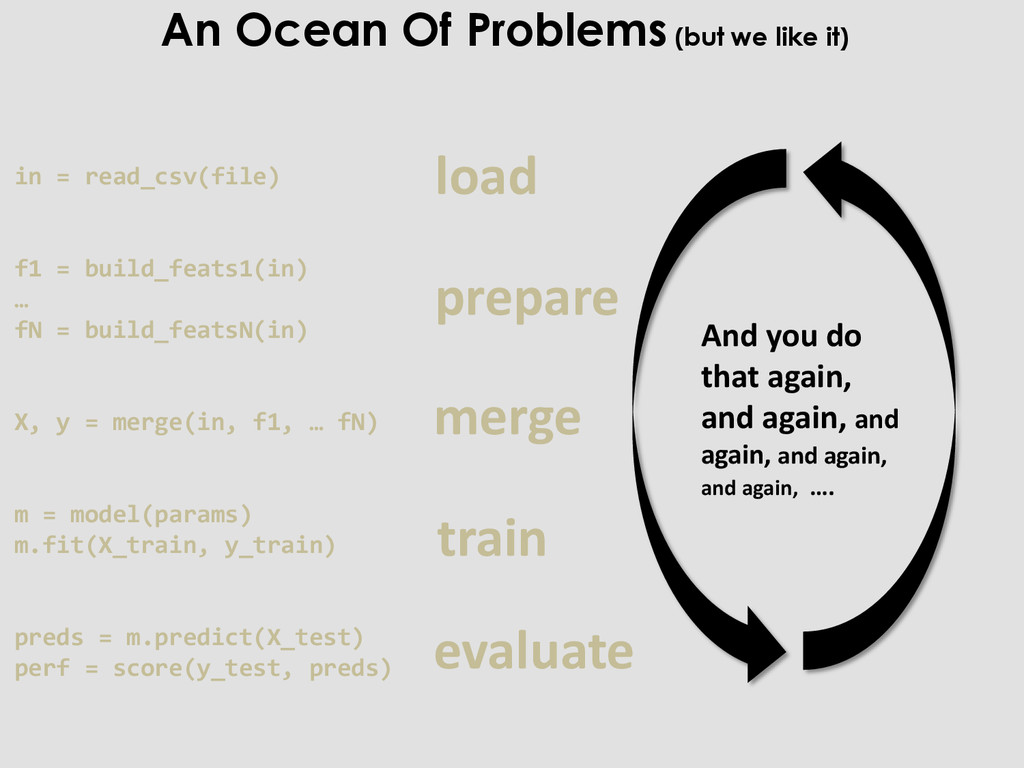
X, y = merge(in, f1, … fN) m = model(params) m.fit(X_train, y_train) preds = m.predict(X_test) perf = score(y_test, preds) load prepare merge train evaluate And you do that again, and again, and again, and again, and again, …. Radiography Of a Typical ML process
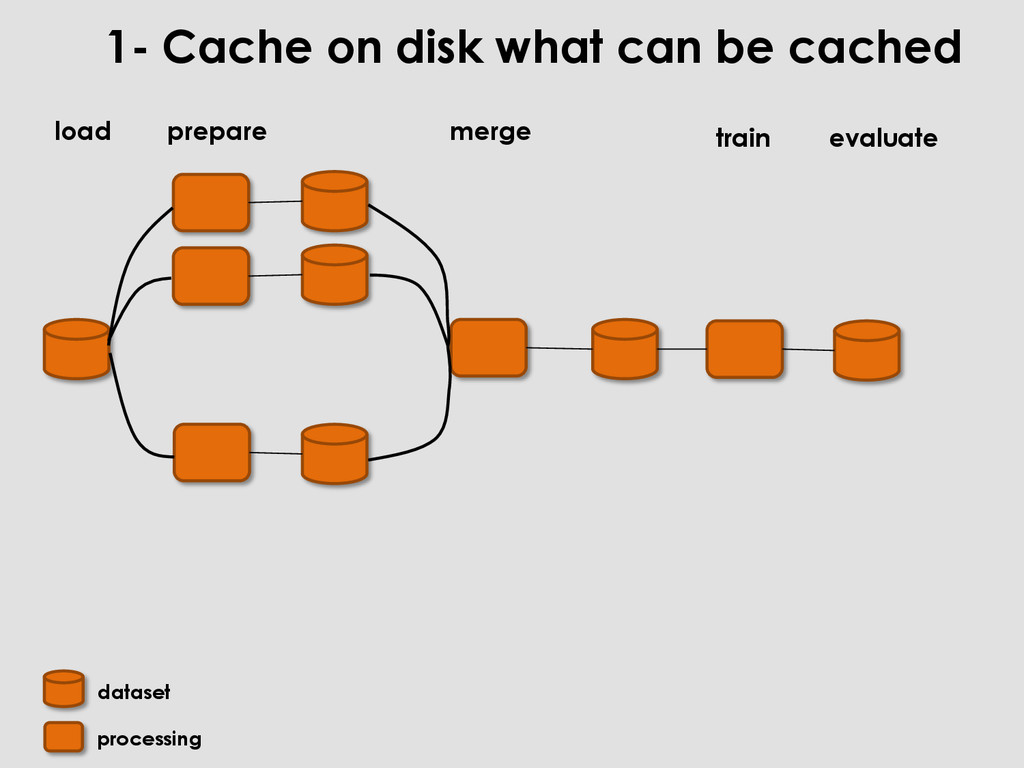
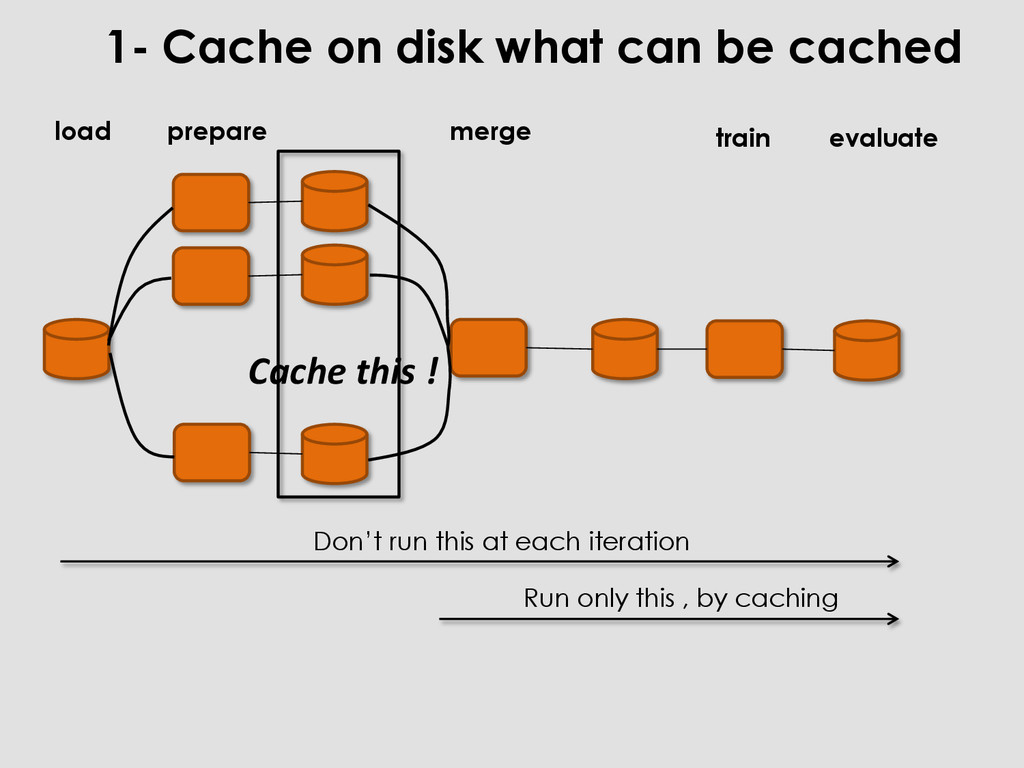
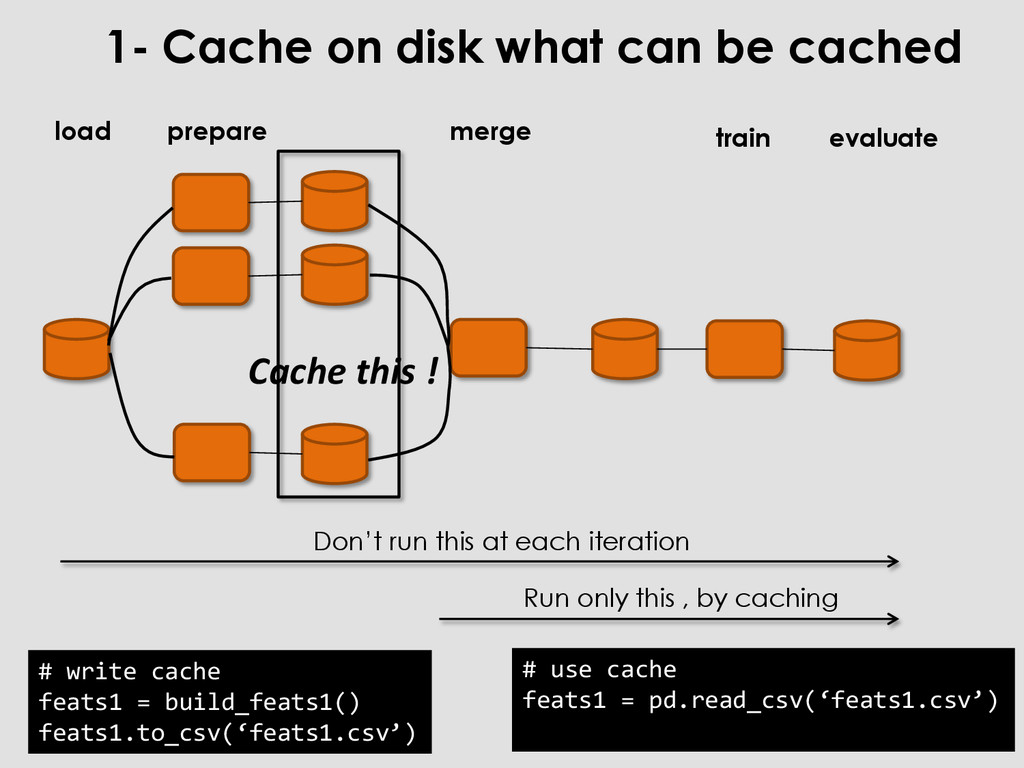
feats1 = pd.read_csv(‘feats1.csv’) 1- Cache on disk what can be cached merge train prepare Don’t run this at each iteration Run only this , by caching Cache this ! load evaluate
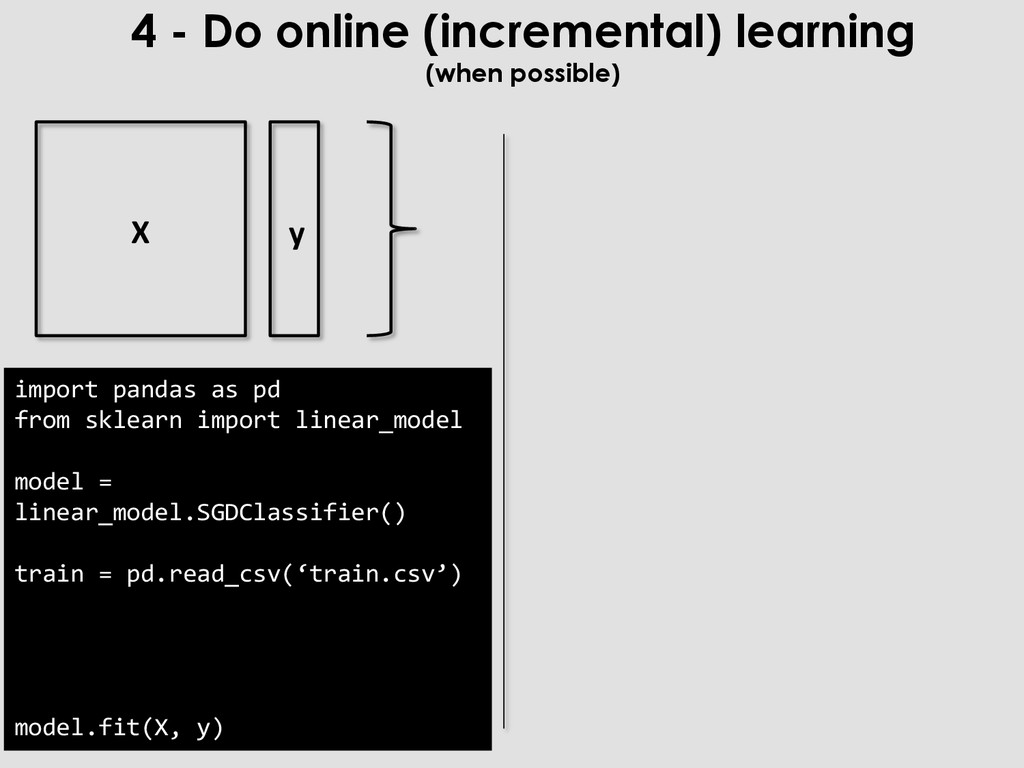
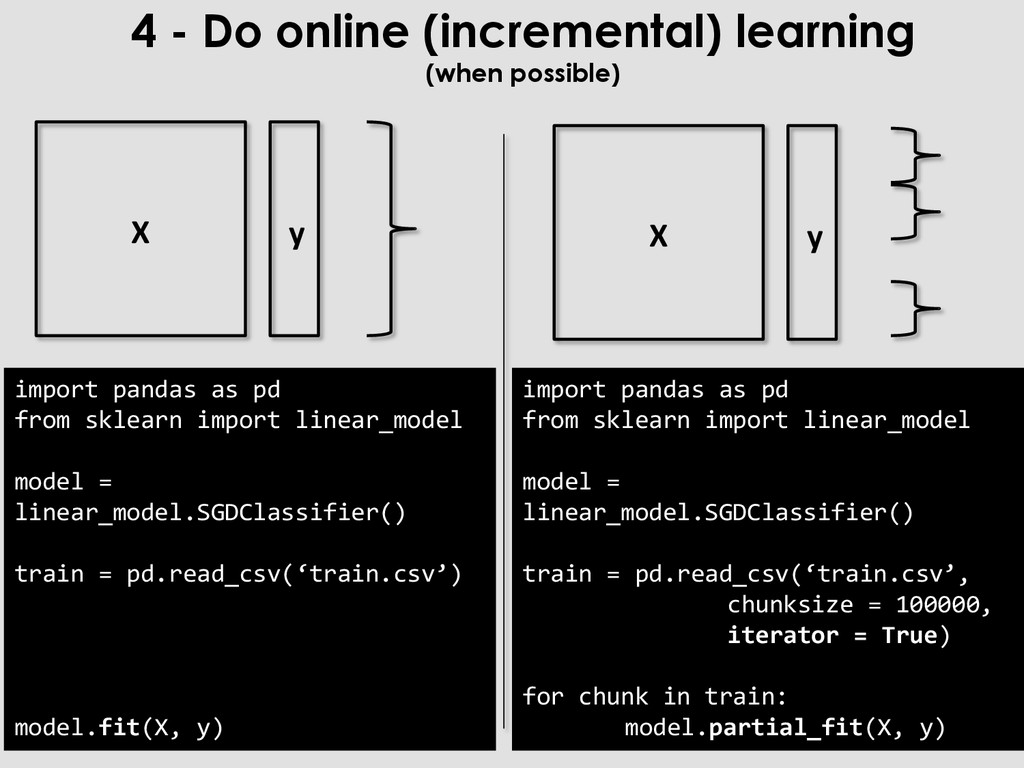
as pd from sklearn import linear_model model = linear_model.SGDClassifier() train = pd.read_csv(‘train.csv’, chunksize = 100000, iterator = True) for chunk in train: model.partial_fit(X, y) import pandas as pd from sklearn import linear_model model = linear_model.SGDClassifier() train = pd.read_csv(‘train.csv’) model.fit(X, y) X y X y
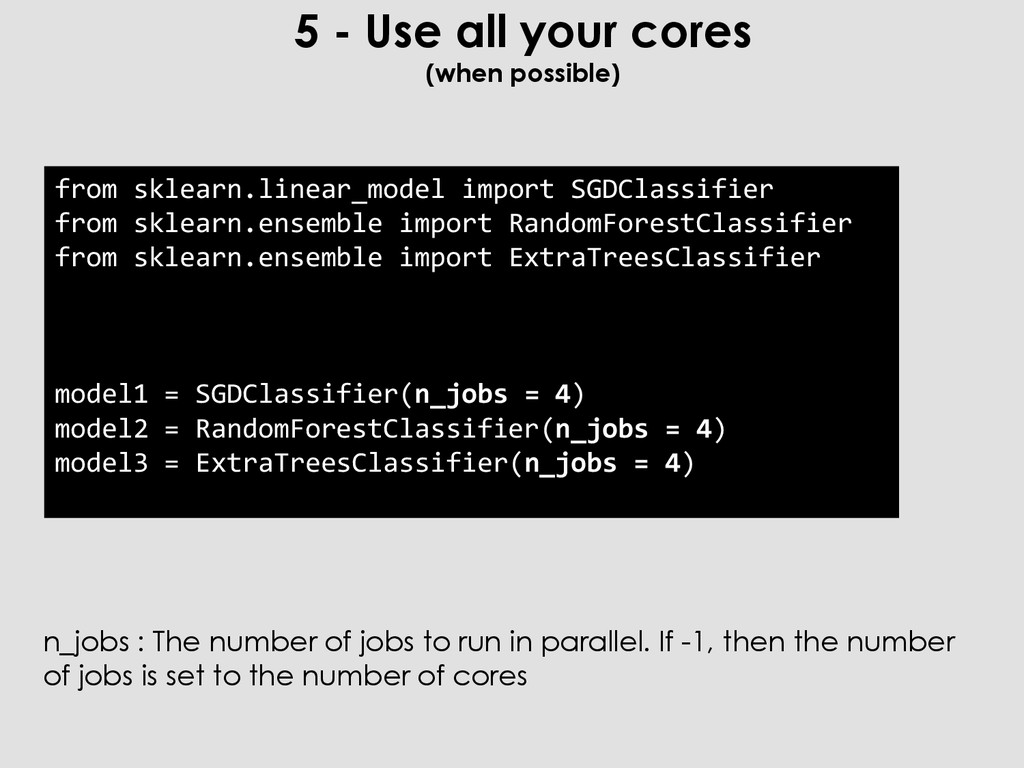
import SGDClassifier from sklearn.ensemble import RandomForestClassifier from sklearn.ensemble import ExtraTreesClassifier model1 = SGDClassifier(n_jobs = 4) model2 = RandomForestClassifier(n_jobs = 4) model3 = ExtraTreesClassifier(n_jobs = 4) n_jobs : The number of jobs to run in parallel. If -1, then the number of jobs is set to the number of cores
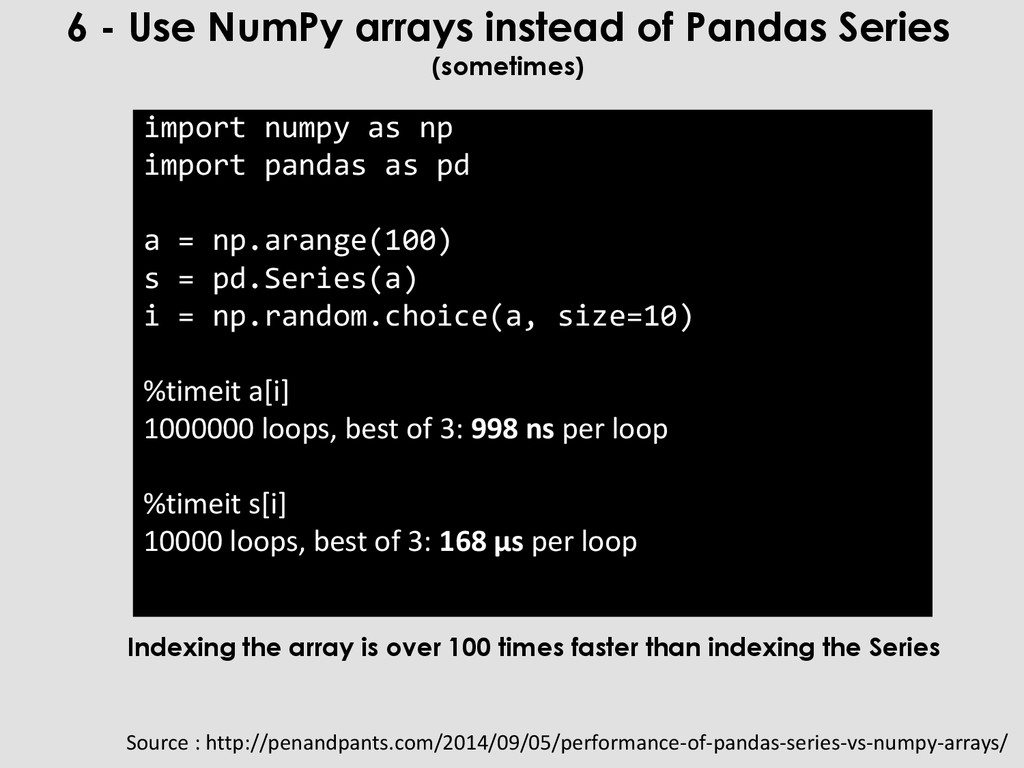
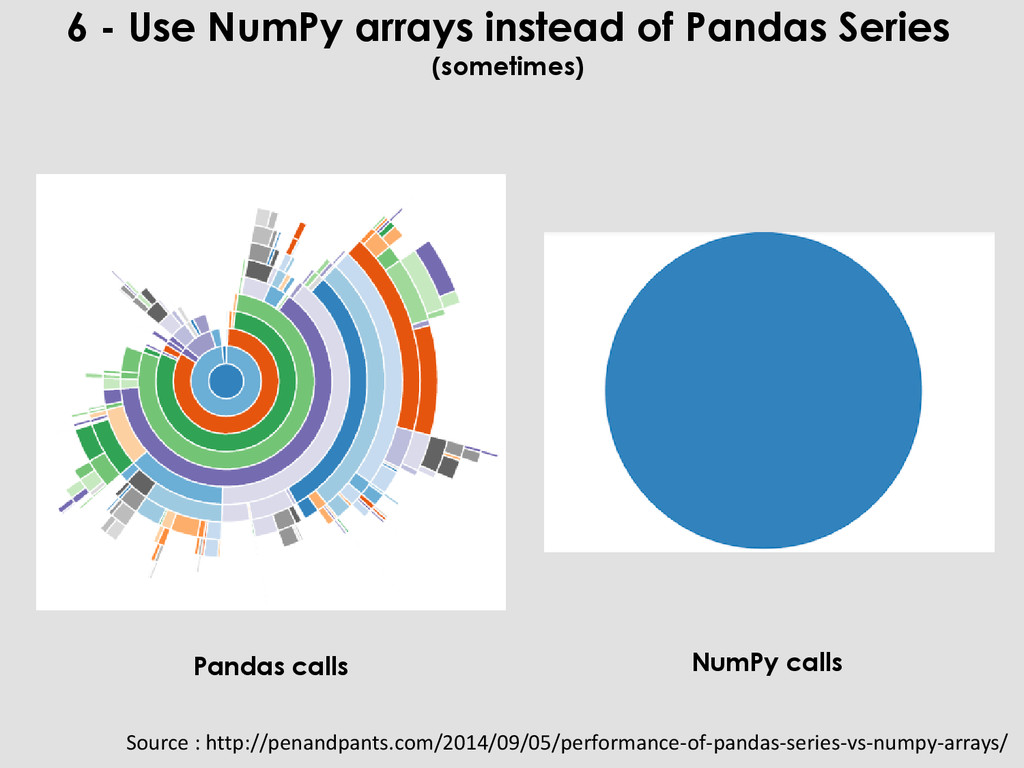
np.arange(100) s = pd.Series(a) i = np.random.choice(a, size=10) %timeit a[i] 1000000 loops, best of 3: 998 ns per loop %timeit s[i] 10000 loops, best of 3: 168 µs per loop 6 - Use NumPy arrays instead of Pandas Series (sometimes) Source : http://penandpants.com/2014/09/05/performance-of-pandas-series-vs-numpy-arrays/ Indexing the array is over 100 times faster than indexing the Series
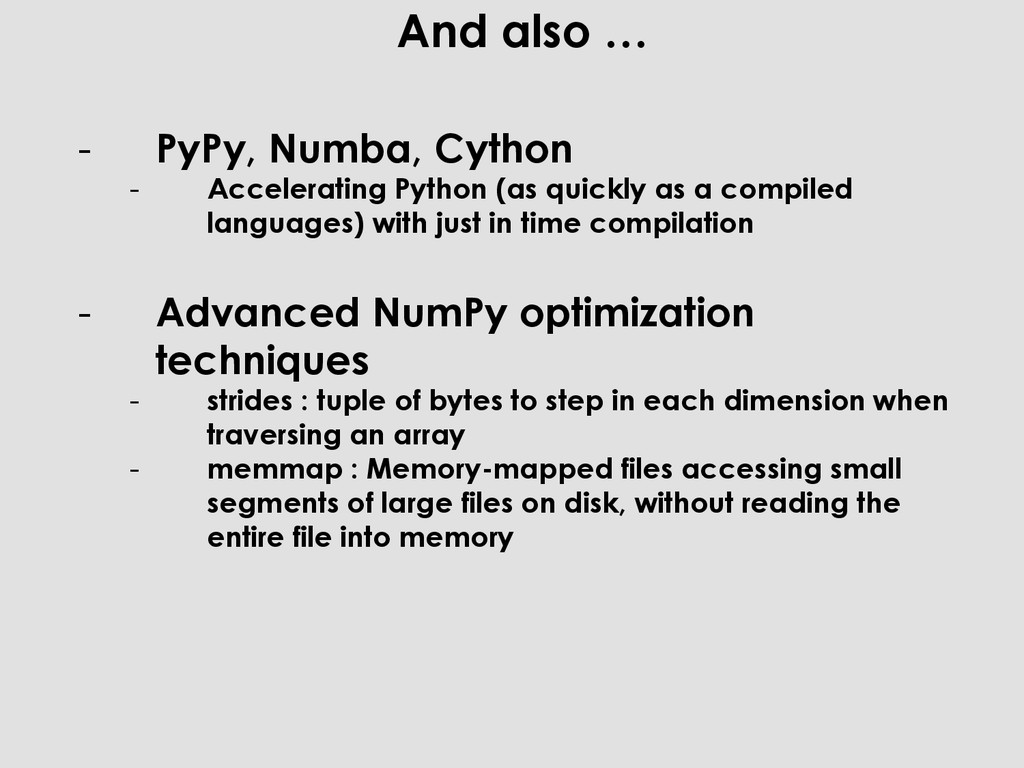
(as quickly as a compiled languages) with just in time compilation - Advanced NumPy optimization techniques - strides : tuple of bytes to step in each dimension when traversing an array - memmap : Memory-mapped files accessing small segments of large files on disk, without reading the entire file into memory
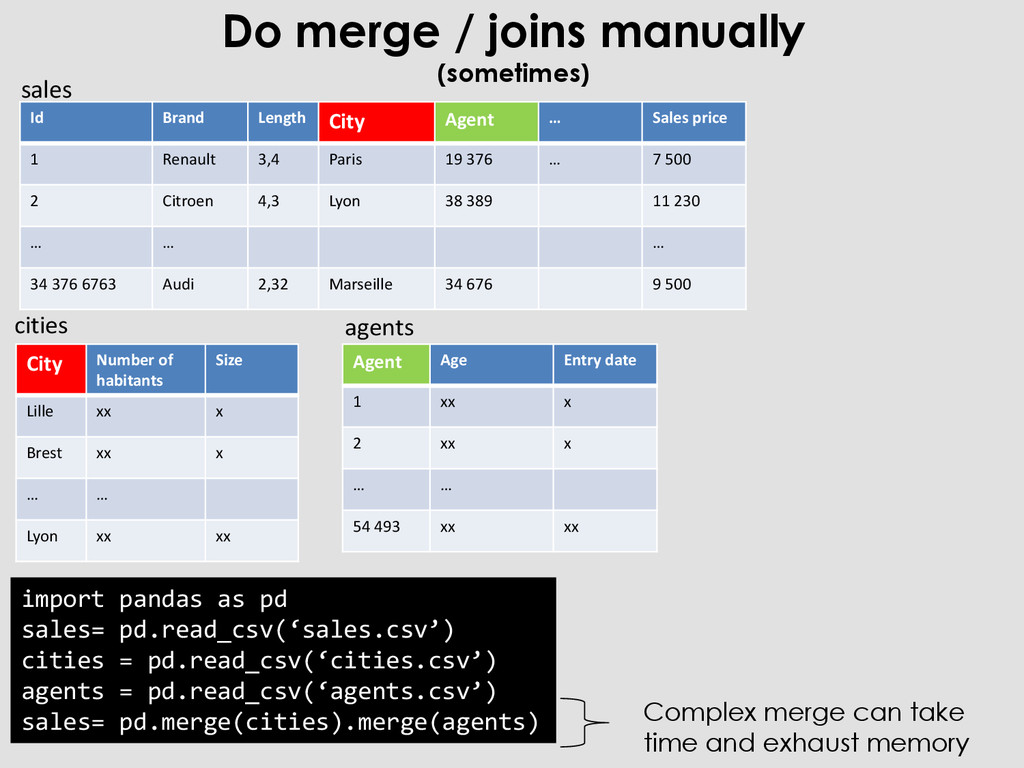
Agent … Sales price 1 Renault 3,4 Paris 19 376 … 7 500 2 Citroen 4,3 Lyon 38 389 11 230 … … … 34 376 6763 Audi 2,32 Marseille 34 676 9 500 City Number of habitants Size Lille xx x Brest xx x … … Lyon xx xx Agent Age Entry date 1 xx x 2 xx x … … 54 493 xx xx import pandas as pd sales= pd.read_csv(‘sales.csv’) cities = pd.read_csv(‘cities.csv’) agents = pd.read_csv(‘agents.csv’) sales= pd.merge(cities).merge(agents) sales cities agents Complex merge can take time and exhaust memory
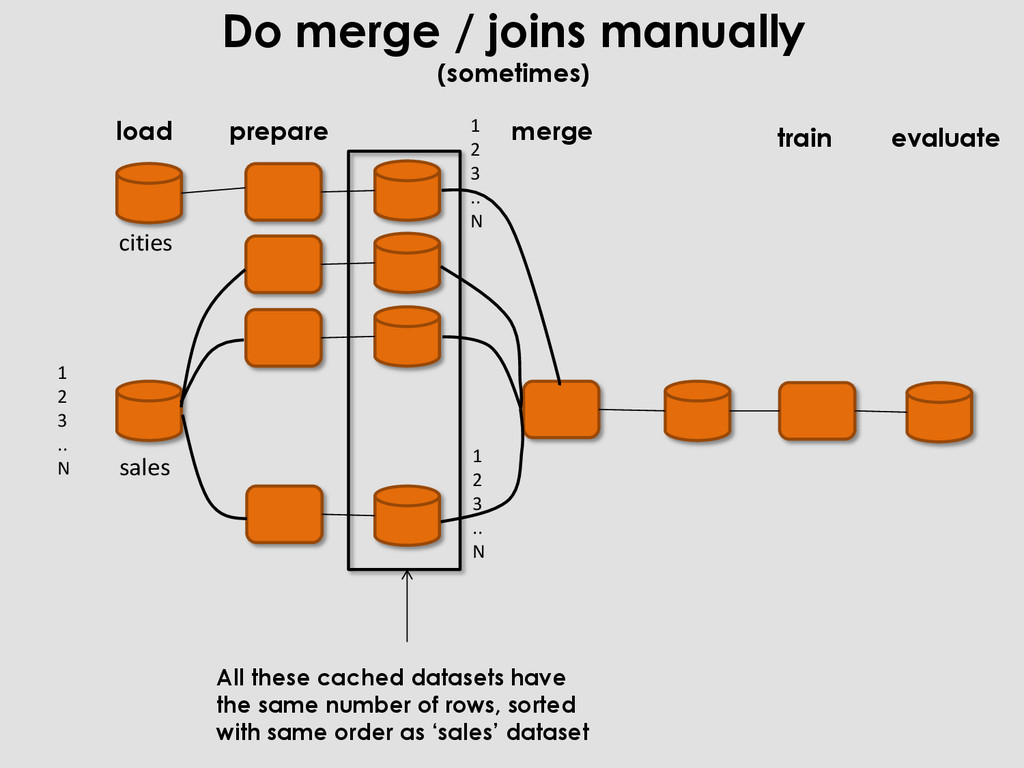
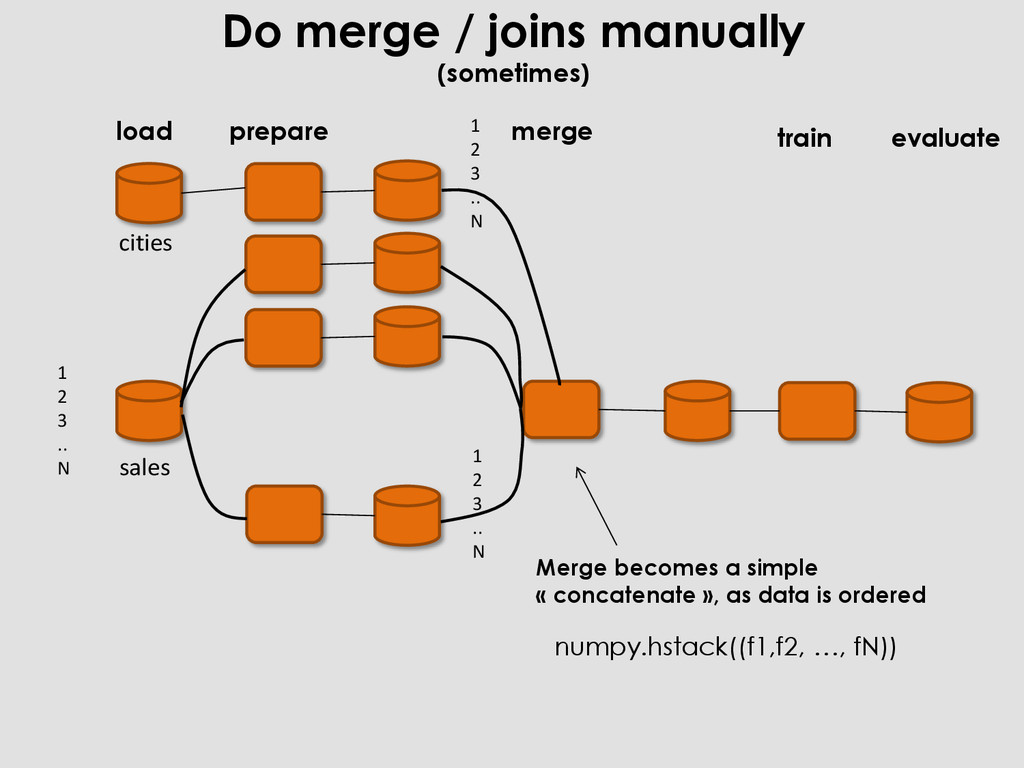
prepare load evaluate 1 2 3 .. N 1 2 3 .. N 1 2 3 .. N All these cached datasets have the same number of rows, sorted with same order as ‘sales’ dataset
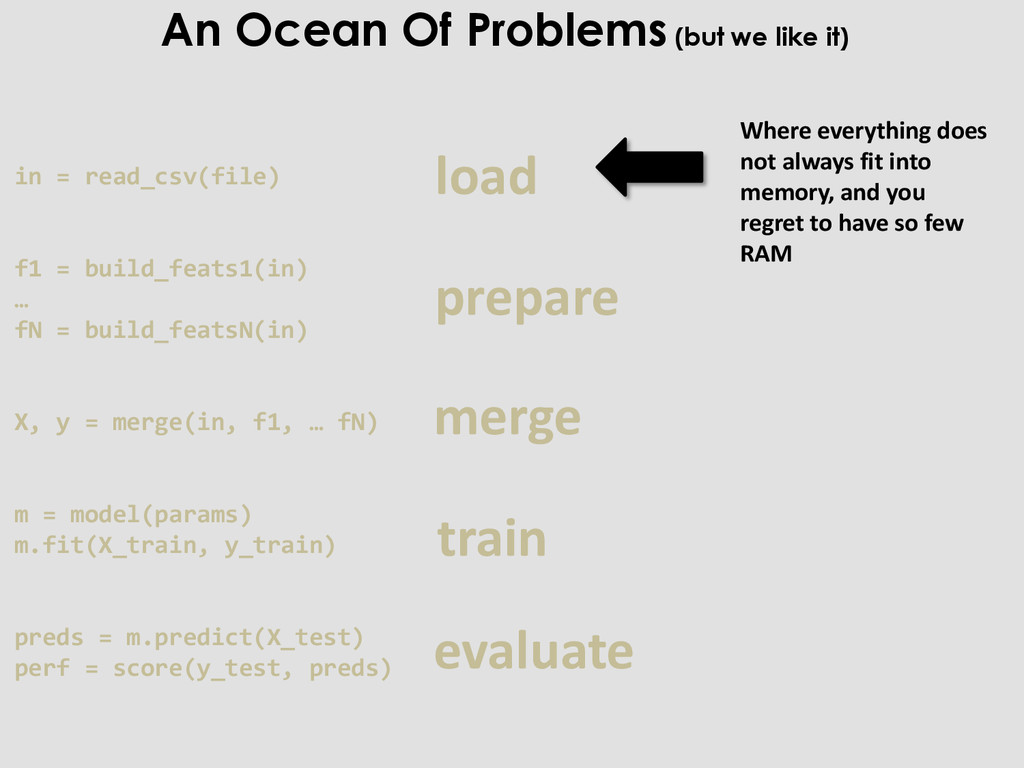
merge train evaluate Where everything does not always fit into memory, and you regret to have so few RAM in = read_csv(file) f1 = build_feats1(in) … fN = build_featsN(in) X, y = merge(in, f1, … fN) m = model(params) m.fit(X_train, y_train) preds = m.predict(X_test) perf = score(y_test, preds)
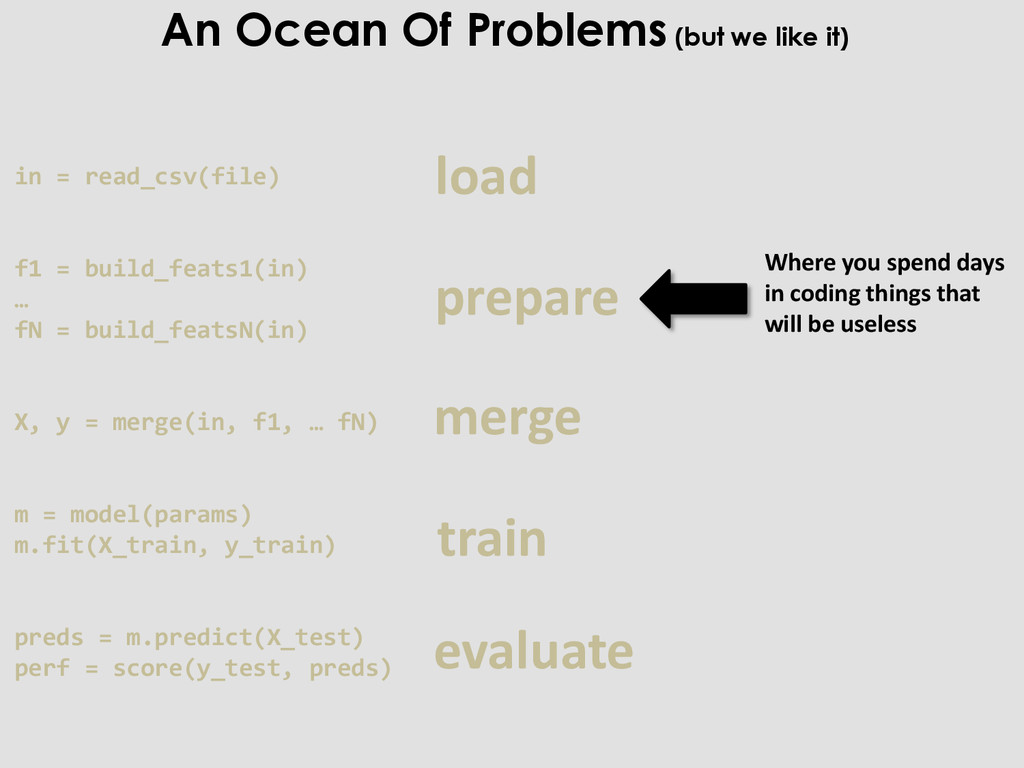
coding things that will be useless in = read_csv(file) f1 = build_feats1(in) … fN = build_featsN(in) X, y = merge(in, f1, … fN) m = model(params) m.fit(X_train, y_train) preds = m.predict(X_test) perf = score(y_test, preds) An Ocean Of Problems (but we like it)
you don’t know when it will finish in = read_csv(file) f1 = build_feats1(in) … fN = build_featsN(in) X, y = merge(in, f1, … fN) m = model(params) m.fit(X_train, y_train) preds = m.predict(X_test) perf = score(y_test, preds) An Ocean Of Problems (but we like it)
computing time, and you regret to have so few cores in = read_csv(file) f1 = build_feats1(in) … fN = build_featsN(in) X, y = merge(in, f1, … fN) m = model(params) m.fit(X_train, y_train) preds = m.predict(X_test) perf = score(y_test, preds) An Ocean Of Problems (but we like it)
you reached this step, and you finally have a result in = read_csv(file) f1 = build_feats1(in) … fN = build_featsN(in) X, y = merge(in, f1, … fN) m = model(params) m.fit(X_train, y_train) preds = m.predict(X_test) perf = score(y_test, preds) An Ocean Of Problems (but we like it)
X, y = merge(in, f1, … fN) m = model(params) m.fit(X_train, y_train) preds = m.predict(X_test) perf = score(y_test, preds) load prepare merge train evaluate And you do that again, and again, and again, and again, and again, …. An Ocean Of Problems (but we like it)


 kriss
 inariku
 oracle4engineer
 bulbulpaul
 jirtosterone
 ham0215
 yama3133
 kmotohas
 sh_fk2
 henryofficial
 yahonda
 ayaka_egaaa
 aleyda
 garrettdimon
 codingconduct
 sarafernandez
 katiecoart
 chikuwait
 ryanjones
 holman
 akademiya2063
 csswizardry
 katarinadahlin