Upgrade to Pro — share decks privately, control downloads, hide ads and more …

Why is my site slow?

Sponsored · SiteGround - Reliable hosting with speed, security, and support you can count on. →
Avatar for kurtpayne kurtpayne
February 27, 2014

Why is my site slow?

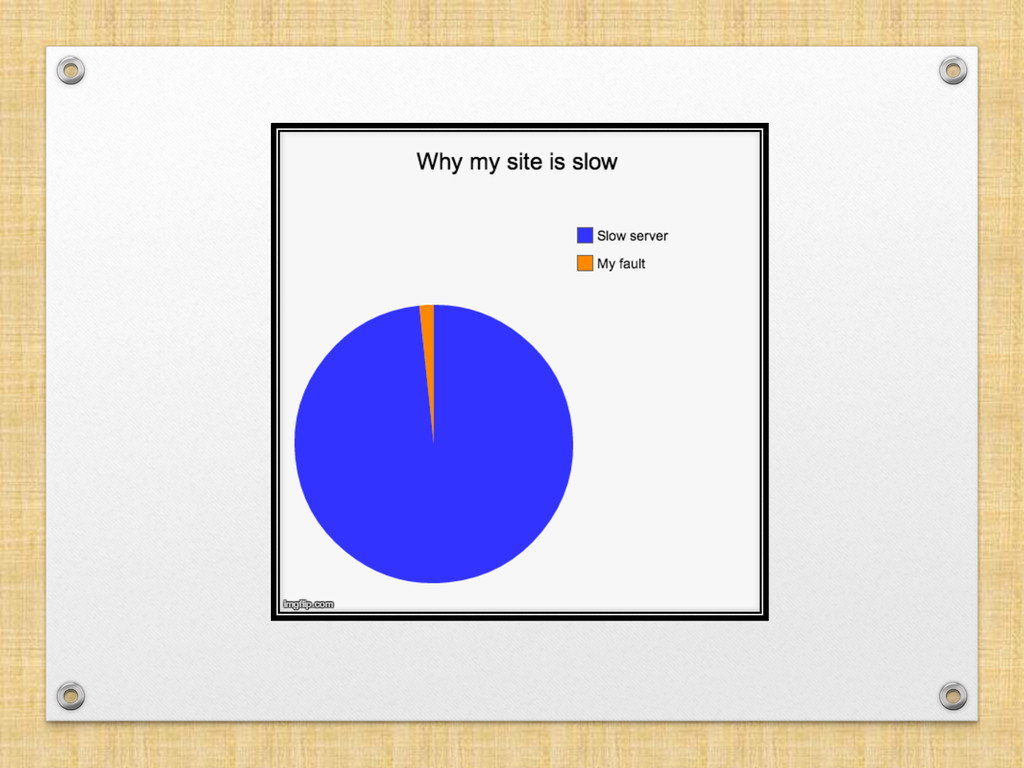
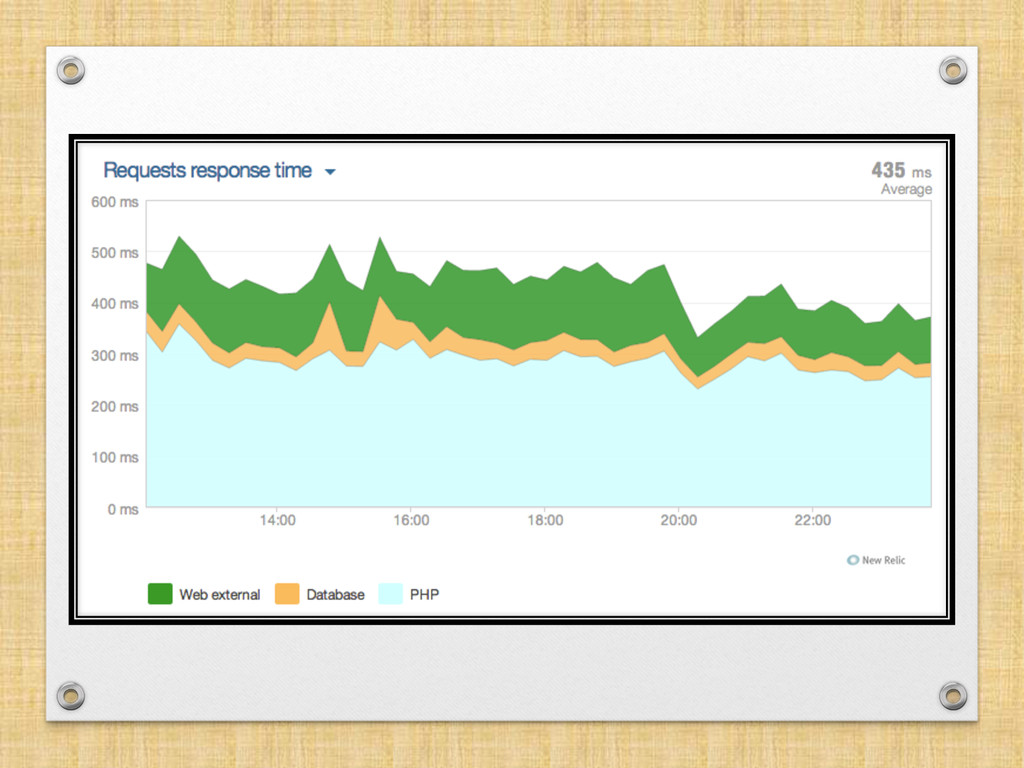
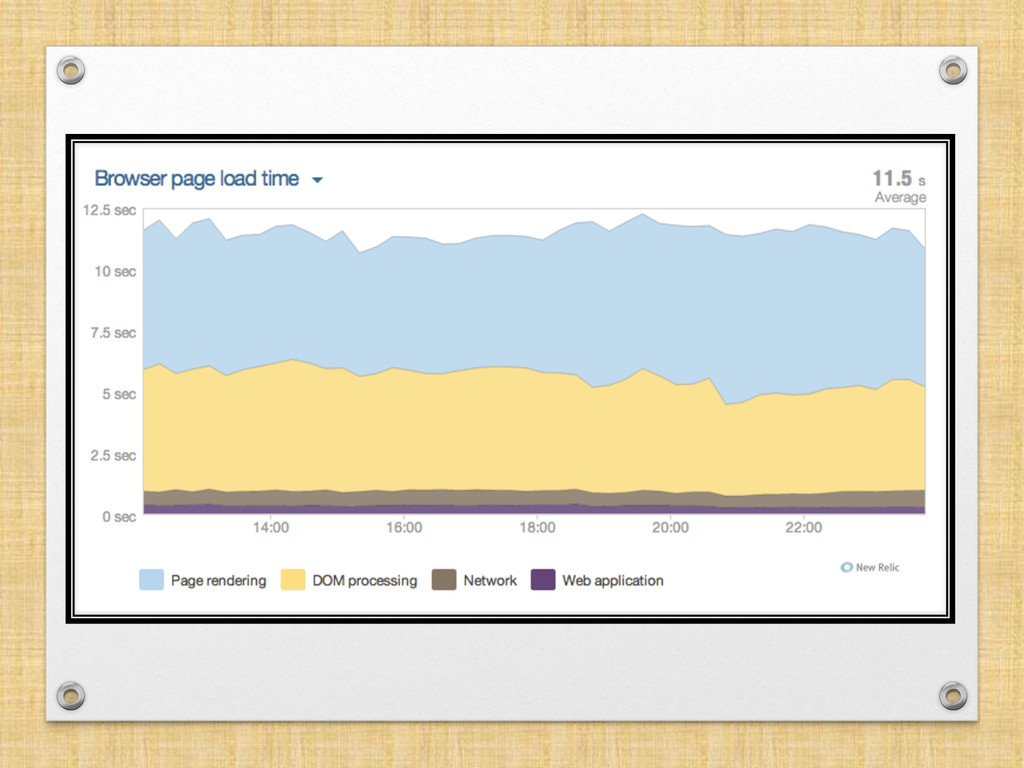
Much of the time a slow website is not due to a slow server, but to poor choices in terms of widgets and plugins. A good understanding of performance using tools like Webpage Test will empower you to make your site faster. Unfortunately /most/ of this talk is a live demo and discussion, but please visit the links!

Avatar for kurtpayne

kurtpayne

February 27, 2014

Other Decks in Programming

Transcript

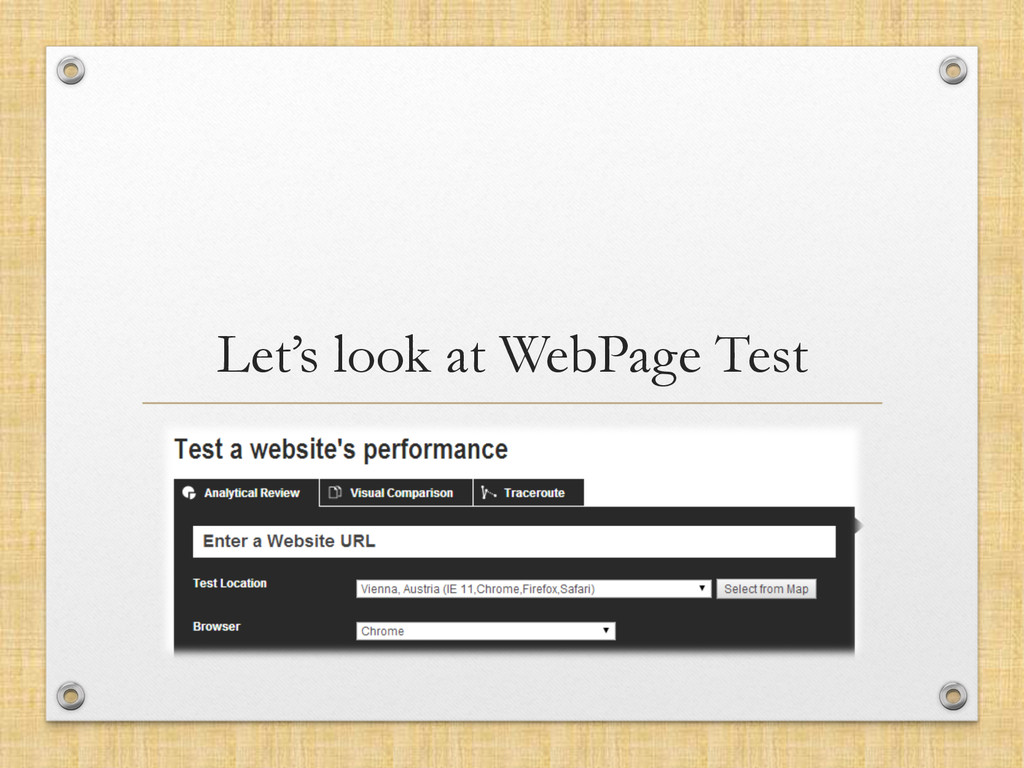
  1. Your Toolbox •  WebpageTest.org •  http://webpagetest.org/ •  Google Page Insights

    •  https://developers.google.com/speed/pagespeed/insights/ •  Pingdom Tools •  http://tools.pingdom.com/fpt/ •  YSlow.org •  http://yslow.org/ •  New Relic •  http://newrelic.com/ •  http://en.wikipedia.org/wiki/Apdex * Other tools like gtmetrix, sitespeed.io are based off these rulesets. ** Unit-test performance with phantomas
  2. Cloudflare •  Transfer your entire DNS zone to them • 

    They protect you •  DDoS mitigation •  Comment Spam protection •  Login protection •  They do neat things to CSS / JS / HTML / Mobile •  Can cause some integration headaches •  analytics •  optimizations •  security •  ftp / ssh •  Really easy •  Probably should use their WP plugin
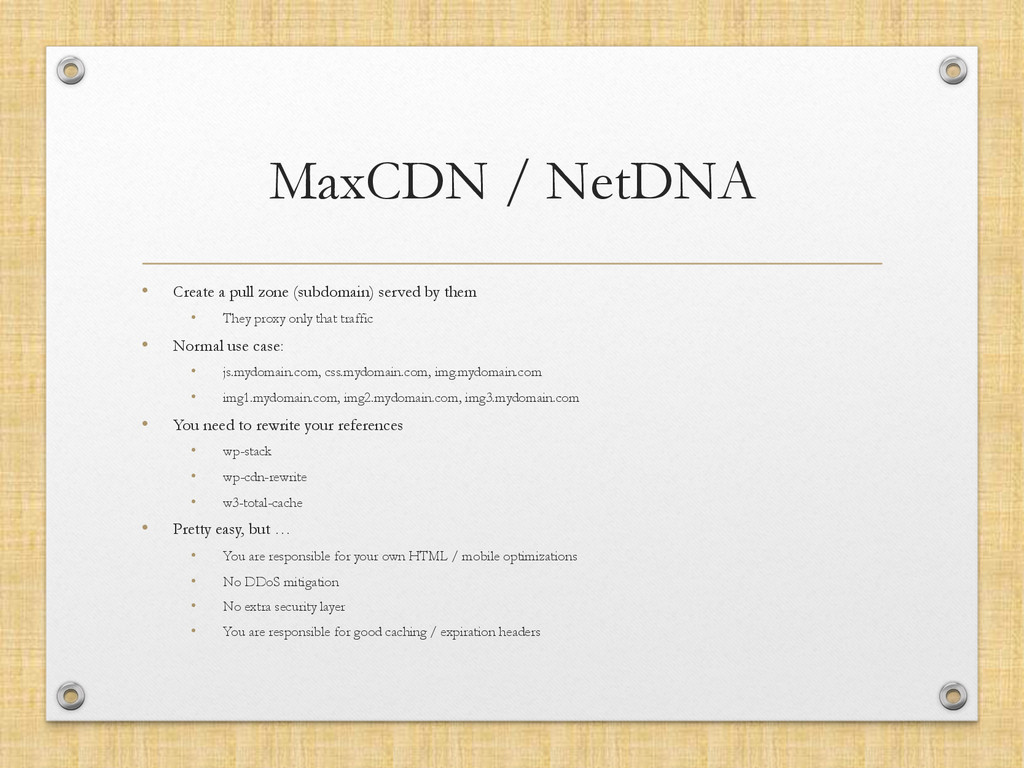
  3. MaxCDN / NetDNA •  Create a pull zone (subdomain) served

    by them •  They proxy only that traffic •  Normal use case: •  js.mydomain.com, css.mydomain.com, img.mydomain.com •  img1.mydomain.com, img2.mydomain.com, img3.mydomain.com •  You need to rewrite your references •  wp-stack •  wp-cdn-rewrite •  w3-total-cache •  Pretty easy, but … •  You are responsible for your own HTML / mobile optimizations •  No DDoS mitigation •  No extra security layer •  You are responsible for good caching / expiration headers
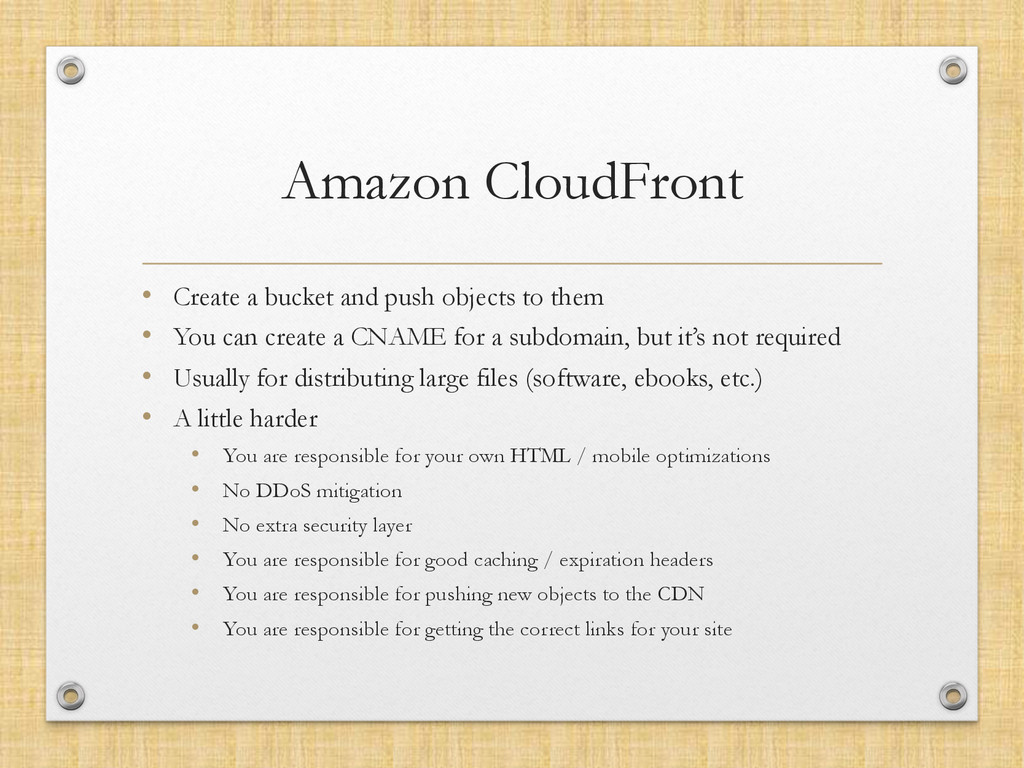
  4. Amazon CloudFront •  Create a bucket and push objects to

    them •  You can create a CNAME for a subdomain, but it’s not required •  Usually for distributing large files (software, ebooks, etc.) •  A little harder •  You are responsible for your own HTML / mobile optimizations •  No DDoS mitigation •  No extra security layer •  You are responsible for good caching / expiration headers •  You are responsible for pushing new objects to the CDN •  You are responsible for getting the correct links for your site
  5. CDNs (can) solve problems •  Increasing browser connection limits • 

    Serving geographically closer content •  Serving content faster •  Relieving your server of handling easy requests
  6. But is it worth it? •  New requests •  New

    connections (handshakes, SSL negotiations) •  New DNS lookups •  HTTP 1.1 pipelining may be faster, in aggregate •  Some CDNs are spikey Bottom line: If you’re considering a CDN, test it.
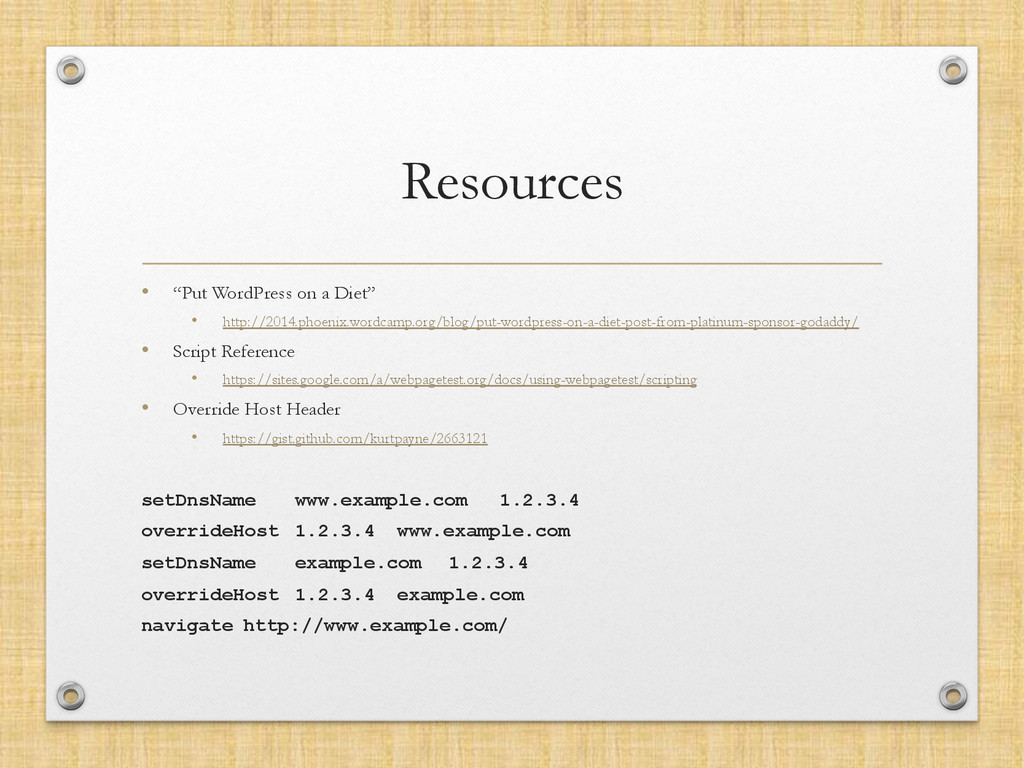
  7. Resources •  “Put WordPress on a Diet” •  http://2014.phoenix.wordcamp.org/blog/put-wordpress-on-a-diet-post-from-platinum-sponsor-godaddy/ • 

    Script Reference •  https://sites.google.com/a/webpagetest.org/docs/using-webpagetest/scripting •  Override Host Header •  https://gist.github.com/kurtpayne/2663121 setDnsName www.example.com 1.2.3.4 overrideHost 1.2.3.4 www.example.com setDnsName example.com 1.2.3.4 overrideHost 1.2.3.4 example.com navigate http://www.example.com/
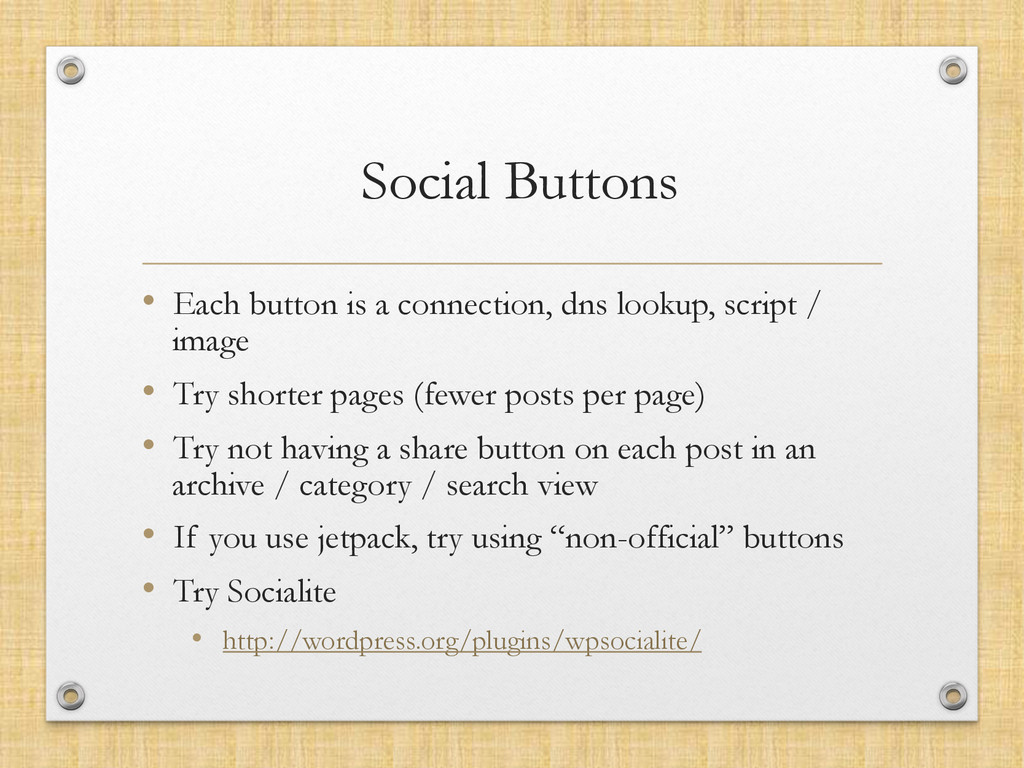
  8. Social Buttons •  Each button is a connection, dns lookup,

    script / image •  Try shorter pages (fewer posts per page) •  Try not having a share button on each post in an archive / category / search view •  If you use jetpack, try using “non-official” buttons •  Try Socialite •  http://wordpress.org/plugins/wpsocialite/
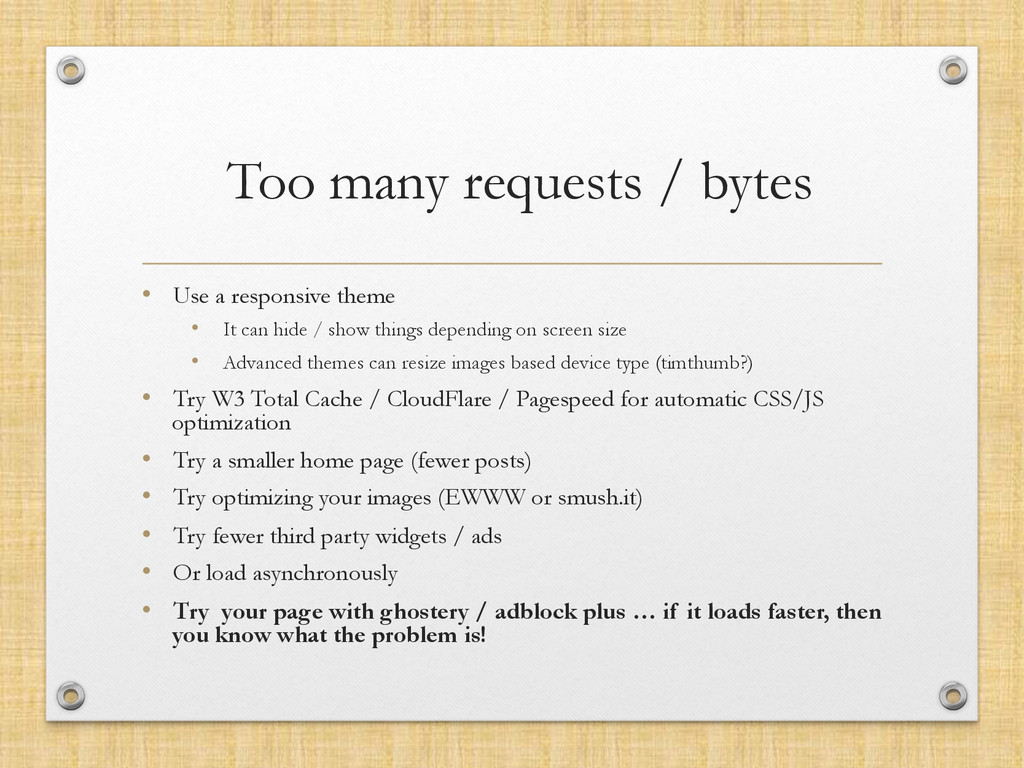
  9. Too many requests / bytes •  Use a responsive theme

    •  It can hide / show things depending on screen size •  Advanced themes can resize images based device type (timthumb?) •  Try W3 Total Cache / CloudFlare / Pagespeed for automatic CSS/JS optimization •  Try a smaller home page (fewer posts) •  Try optimizing your images (EWWW or smush.it) •  Try fewer third party widgets / ads •  Or load asynchronously •  Try your page with ghostery / adblock plus … if it loads faster, then you know what the problem is!
  10. Too many embedded widgets •  Each youtube video is a

    javascript file and a thumbnail •  Ditto for Facebook threads •  Same for Twitter feeds •  You can cache some of that to a transient server side (sometimes) •  or just •  use •  less •  of •  them
  11. Too many RSS feeds •  They’re saved to WordPress transients

    •  Transients don’t always work like you think •  Having a lot of transients expire at the same time is bad
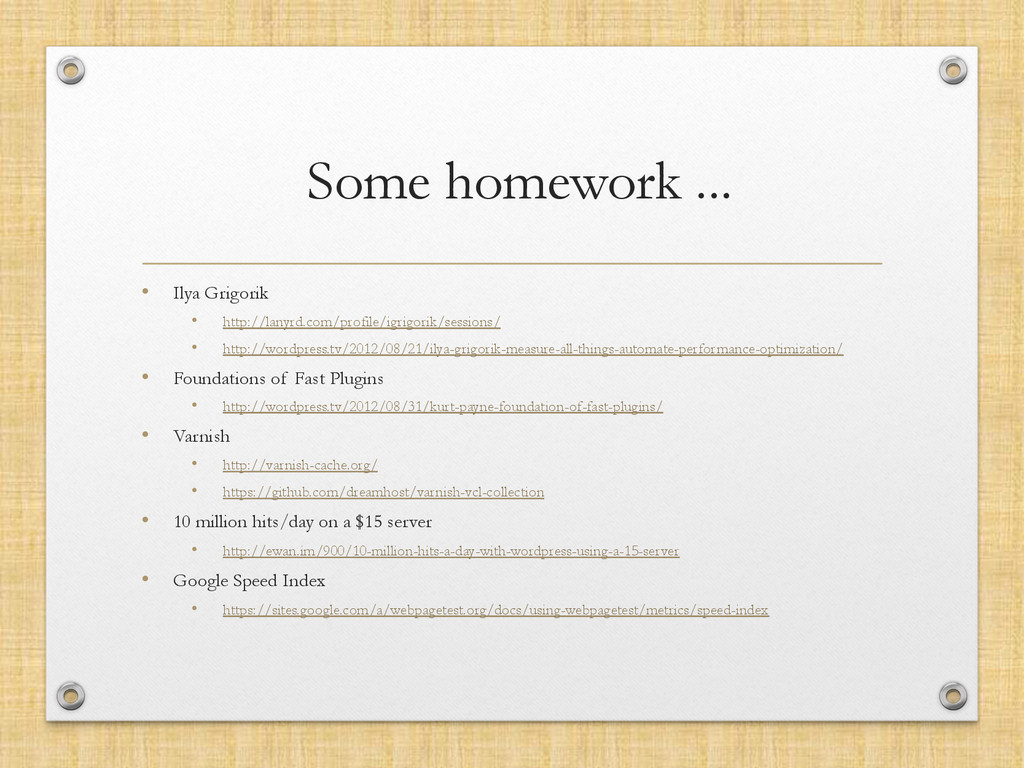
  12. Some homework ... •  Ilya Grigorik •  http://lanyrd.com/profile/igrigorik/sessions/ •  http://wordpress.tv/2012/08/21/ilya-grigorik-measure-all-things-automate-performance-optimization/

    •  Foundations of Fast Plugins •  http://wordpress.tv/2012/08/31/kurt-payne-foundation-of-fast-plugins/ •  Varnish •  http://varnish-cache.org/ •  https://github.com/dreamhost/varnish-vcl-collection •  10 million hits/day on a $15 server •  http://ewan.im/900/10-million-hits-a-day-with-wordpress-using-a-15-server •  Google Speed Index •  https://sites.google.com/a/webpagetest.org/docs/using-webpagetest/metrics/speed-index