Upgrade to Pro — share decks privately, control downloads, hide ads and more …

Practical Online Security

Practical Online Security

Learn how to secure your online life through practical, everyday measures.

Avatar for Ky-Cuong Huynh

Ky-Cuong Huynh

April 12, 2016

More Decks by Ky-Cuong Huynh

Other Decks in Technology

Transcript

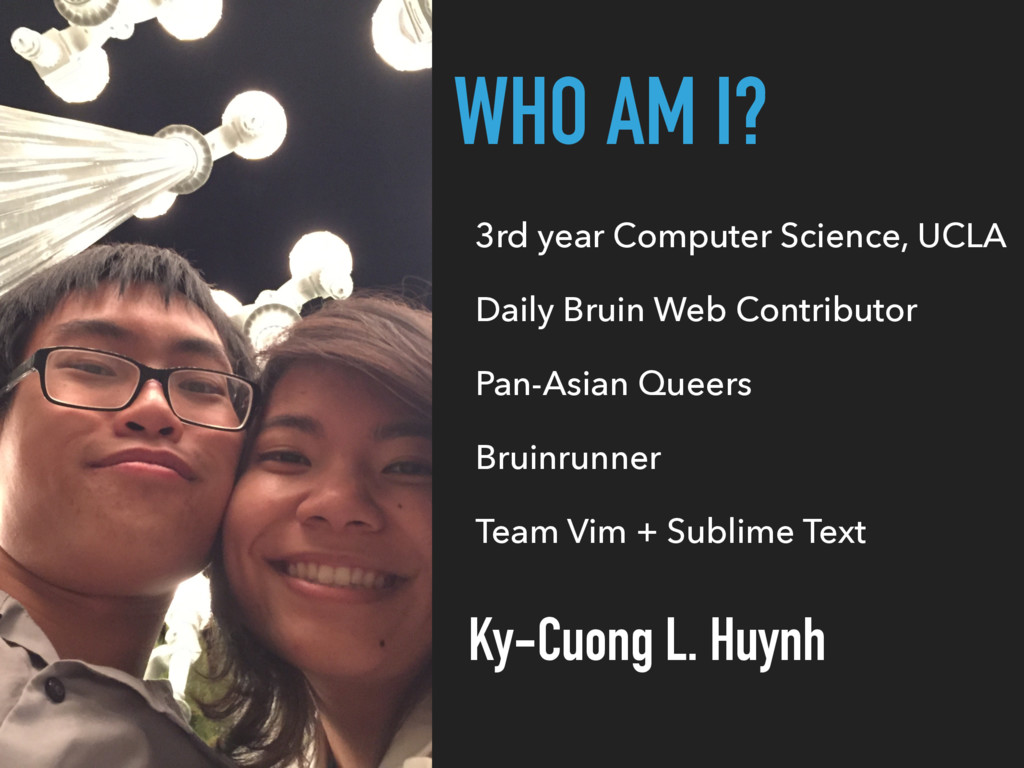
  1. WHO AM I? Ky-Cuong L. Huynh 3rd year Computer Science,

    UCLA Daily Bruin Web Contributor Pan-Asian Queers Bruinrunner Team Vim + Sublime Text
  2. MY BACKGROUND CS 136 — Computer Security IT Staff at

    the UCLA Lab School Web of Trust (WOT) volunteer PhishTank volunteer
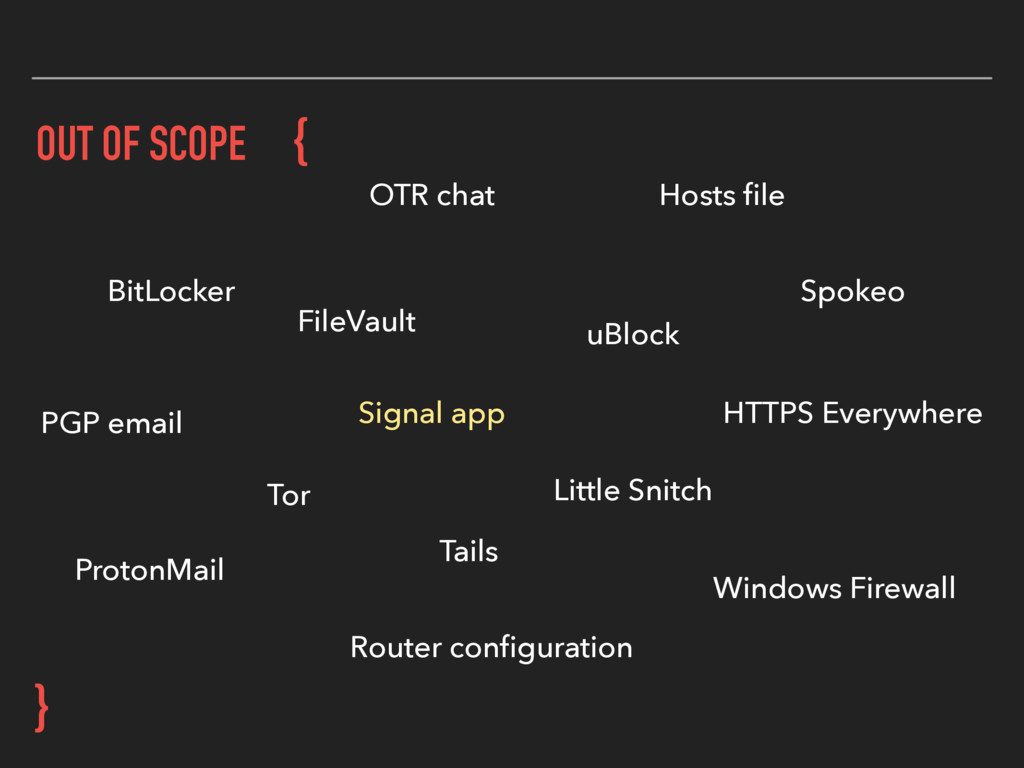
  3. OUT OF SCOPE } { Hosts file HTTPS Everywhere PGP

    email Signal app Router configuration Tails FileVault Tor uBlock Spokeo ProtonMail OTR chat BitLocker Little Snitch Windows Firewall
  4. COMMON MYTHS ▸ “No one cares about my computer.” ▸

    “I have nothing worth stealing.”
  5. COMMON MYTHS ▸ “No one cares about my computer.” ▸

    “I have nothing worth stealing.” ▸ “Who would go through the effort of targeting me?”
  6. COMMON MYTHS ▸ “No one cares about my computer.” ▸

    “I have nothing worth stealing.” ▸ “Who would go through the effort of targeting me?” ▸ “It would be obvious if my computer were compromised.”
  7. THE REALITY ▸ Attacks are easily automated ▸ Spam, phishing,

    botnets, malvertising—and much more ▸ There are billions to be made off of insecure computers
  8. THE REALITY ▸ Attacks are easily automated ▸ Spam, phishing,

    botnets, malvertising—and much more ▸ There are billions to be made off of insecure computers ▸ Stolen money, but also: identities, corporate data, etc.
  9. THE REALITY ▸ Attacks are easily automated ▸ Spam, phishing,

    botnets, malvertising—and much more ▸ There are billions to be made off of insecure computers ▸ Stolen money, but also: identities, corporate data, etc. ▸ Many of you will become valuable targets
  10. THE REALITY ▸ Attacks are easily automated ▸ Spam, phishing,

    botnets, malvertising—and much more ▸ There are billions to be made off of insecure computers ▸ Stolen money, but also: identities, corporate data, etc. ▸ Many of you will become valuable targets ▸ Executives, engineers, sysadmins, and more
  11. THE THREATS ▸ Strong defense against: ▸ Automated attacks ▸

    Social engineering ▸ Password cracking ▸ Weak defense against:
  12. THE THREATS ▸ Strong defense against: ▸ Automated attacks ▸

    Social engineering ▸ Password cracking ▸ Weak defense against: ▸ NSA/FBI/CIA/…
  13. THE THREATS ▸ Strong defense against: ▸ Automated attacks ▸

    Social engineering ▸ Password cracking ▸ Weak defense against: ▸ NSA/FBI/CIA/… ▸ Industrial espionage
  14. THE ASSETS ▸ Online accounts ▸ Identity & personal safety

    ▸ Computing resources ▸ No aid to cybercrime
  15. THE ASSETS ▸ Online accounts ▸ Identity & personal safety

    ▸ Computing resources ▸ No aid to cybercrime ▸ Personal data
  16. THE ASSETS ▸ Online accounts ▸ Identity & personal safety

    ▸ Computing resources ▸ No aid to cybercrime ▸ Personal data ▸ Hands off!
  17. THE ASSETS ▸ Online accounts ▸ Identity & personal safety

    ▸ Computing resources ▸ No aid to cybercrime ▸ Personal data ▸ Hands off! ▸ Always available to us
  18. “…AN UNPROTECTED PC CAN GET HIJACKED WITHIN [20] MINUTES OF

    ACCESSING THE INTERNET.” — USA Today
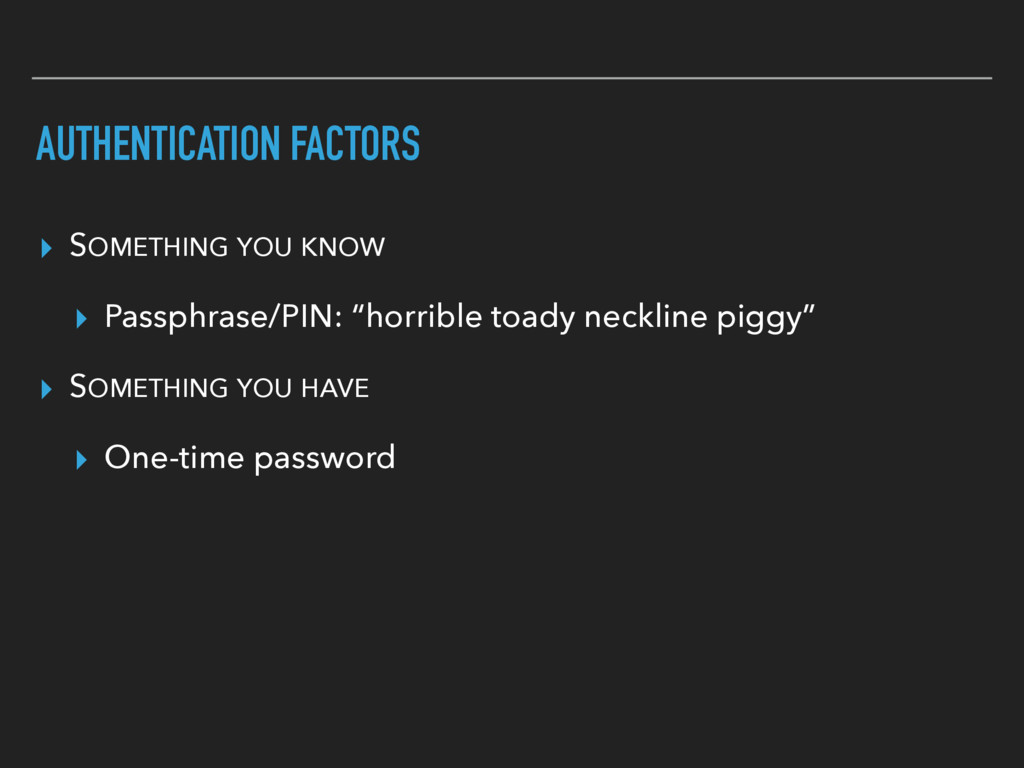
  19. AUTHENTICATION FACTORS ▸ SOMETHING YOU KNOW ▸ Passphrase/PIN: “horrible toady

    neckline piggy” ▸ SOMETHING YOU HAVE ▸ One-time password
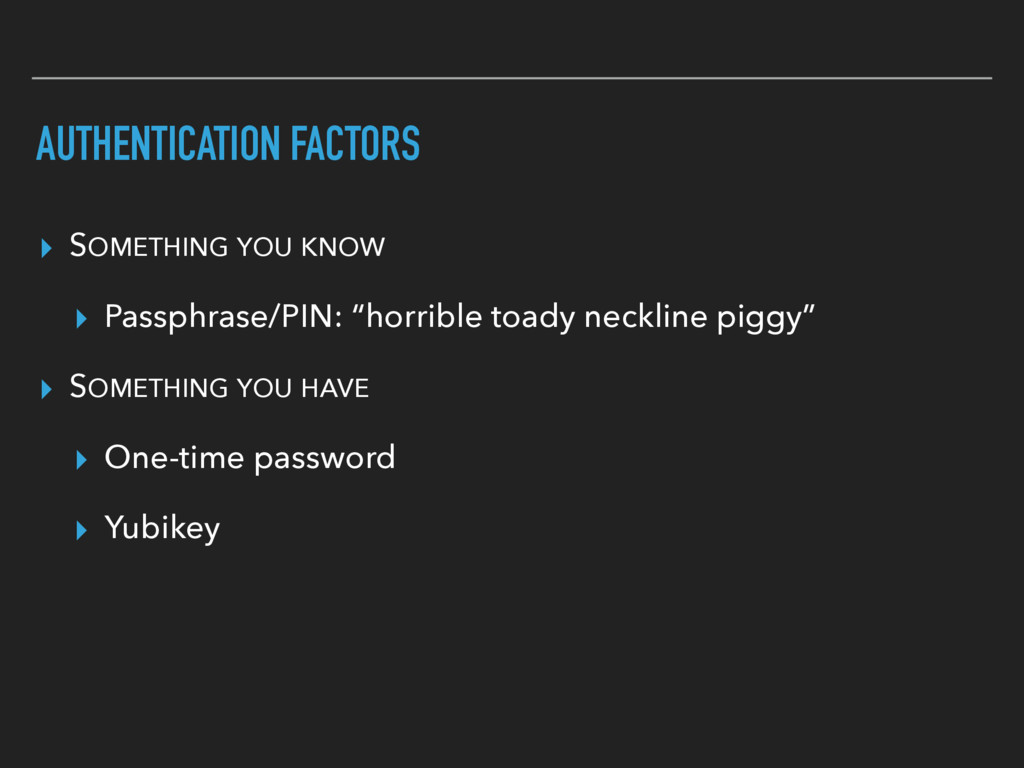
  20. AUTHENTICATION FACTORS ▸ SOMETHING YOU KNOW ▸ Passphrase/PIN: “horrible toady

    neckline piggy” ▸ SOMETHING YOU HAVE ▸ One-time password ▸ Yubikey
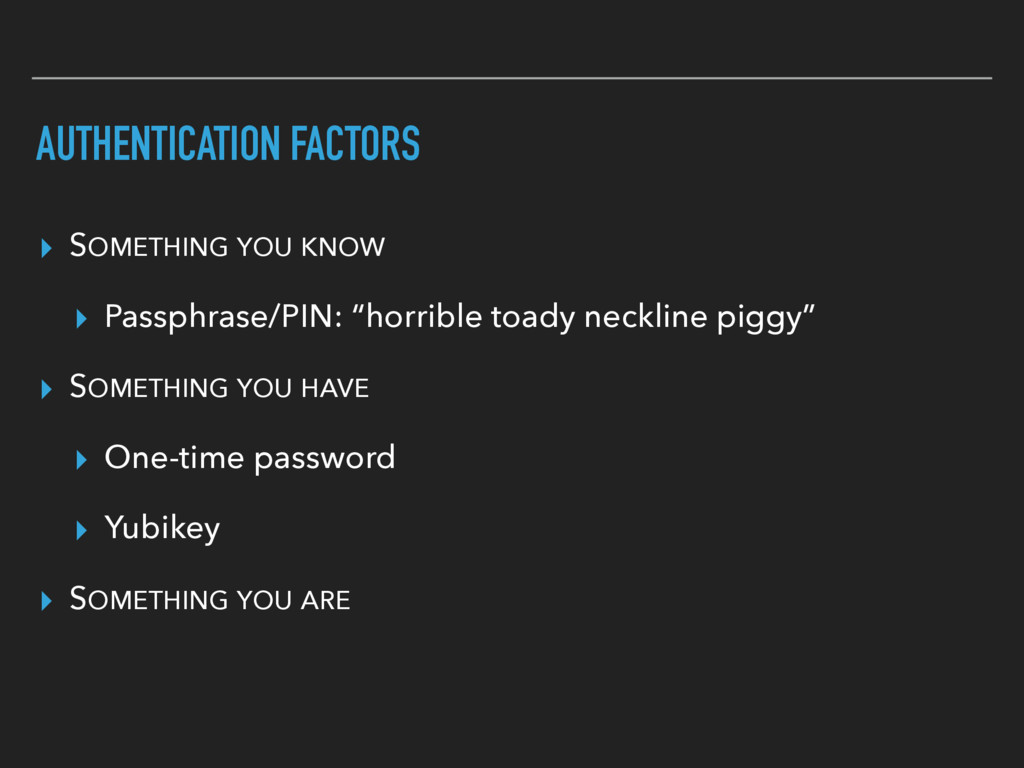
  21. AUTHENTICATION FACTORS ▸ SOMETHING YOU KNOW ▸ Passphrase/PIN: “horrible toady

    neckline piggy” ▸ SOMETHING YOU HAVE ▸ One-time password ▸ Yubikey ▸ SOMETHING YOU ARE
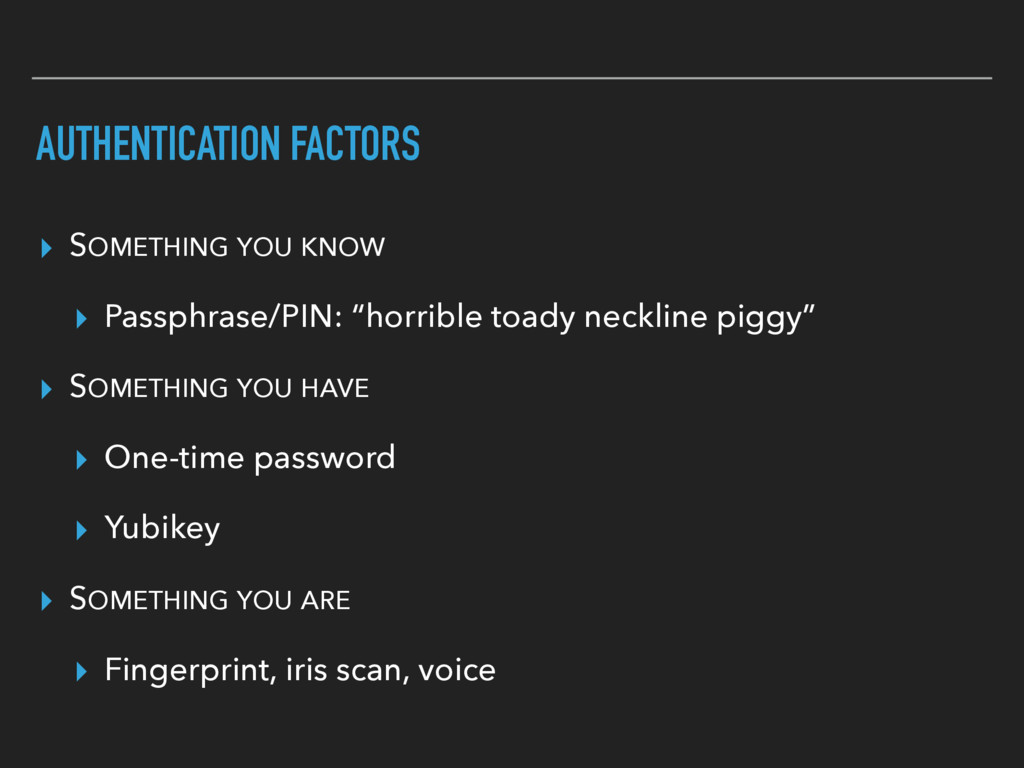
  22. AUTHENTICATION FACTORS ▸ SOMETHING YOU KNOW ▸ Passphrase/PIN: “horrible toady

    neckline piggy” ▸ SOMETHING YOU HAVE ▸ One-time password ▸ Yubikey ▸ SOMETHING YOU ARE ▸ Fingerprint, iris scan, voice
  23. “THERE ARE TWO KINDS OF COMPUTER USERS: THOSE WHO HAVE

    SUFFERED A CATASTROPHIC DISK FAILURE—AND THOSE WHO WILL.” Computing proverb
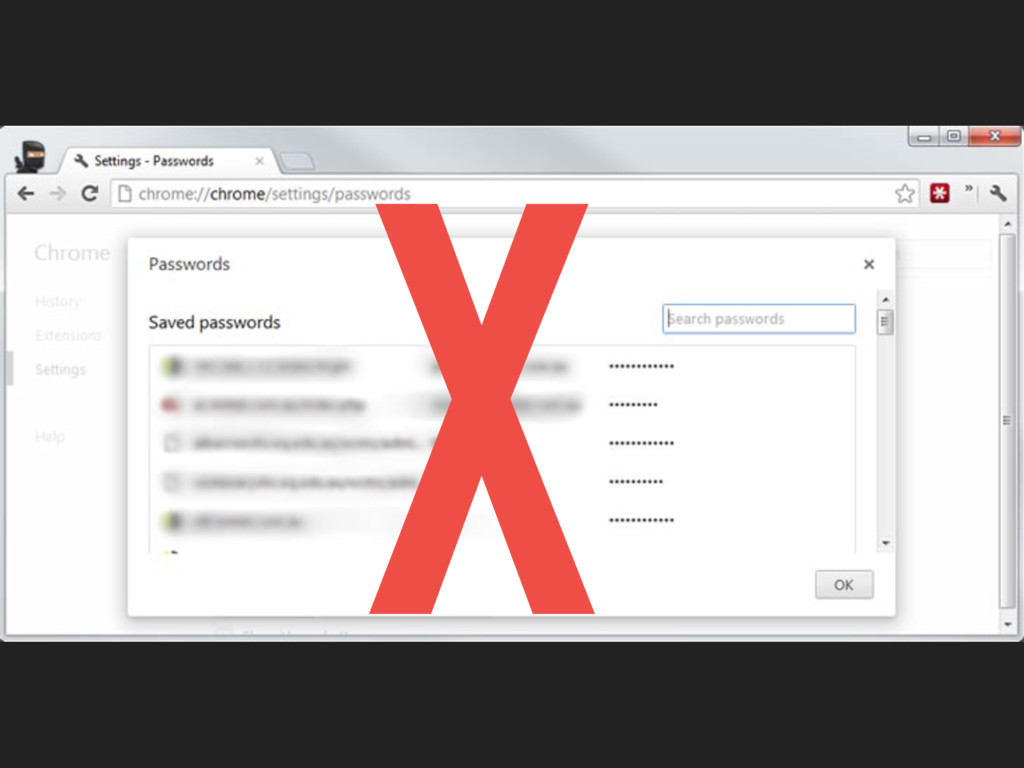
  24. X

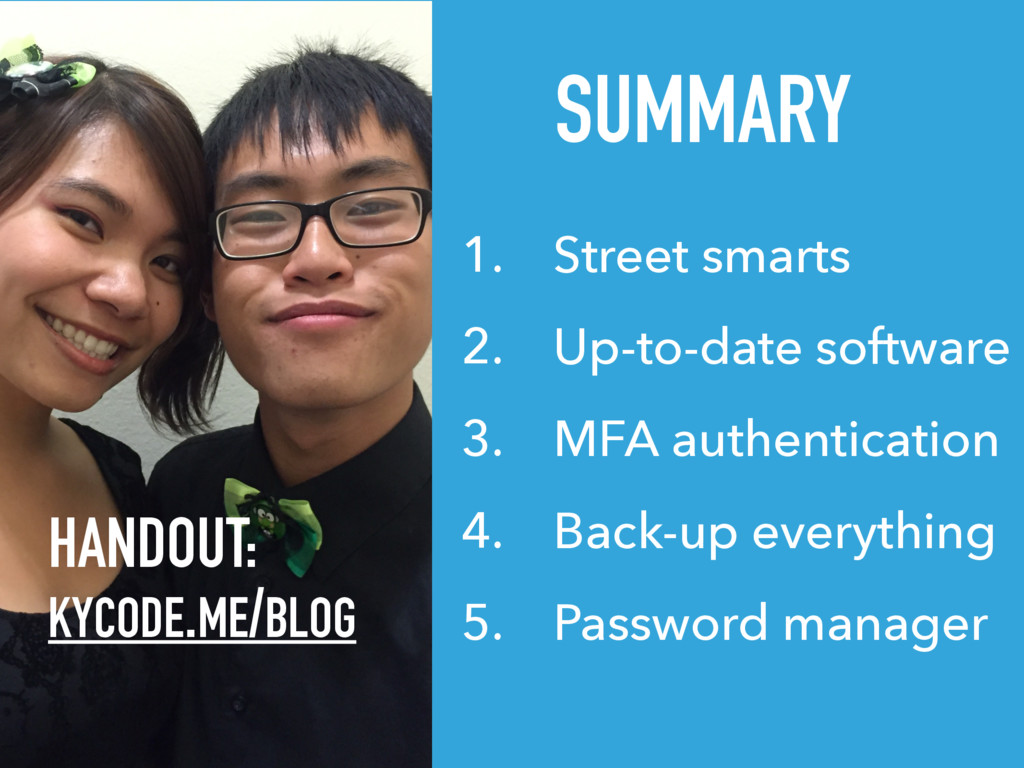
  25. SUMMARY 1. Street smarts 2. Up-to-date software 3. MFA authentication

    4. Back-up everything 5. Password manager HANDOUT: KYCODE.ME/BLOG