for data in a table. • Constraints are used to limit the type of data that can go into a table. This ensures the accuracy and reliability of the data in the table. • If there is any violation between the constraint and the data action, the action is aborted. • Constraints can be column level or table level. Column level constraints apply to a column, and table level constraints apply to the whole table.
NOT NULL - Ensures that a column cannot have a NULL value • UNIQUE - Ensures that all values in a column are different • PRIMARY KEY - A combination of a NOT NULL and UNIQUE. Uniquely identifies each row in a table • FOREIGN KEY - Prevents actions that would destroy links between tables • CHECK - Ensures that the values in a column satisfies a specific condition • DEFAULT - Sets a default value for a column if no value is specified • CREATE INDEX - Used to create and retrieve data from the database very quickly
hold NULL values. • The NOT NULL constraint enforces a column to NOT accept NULL values. • This enforces a field to always contain a value, which means that you cannot insert a new record, or update a record without adding a value to this field.
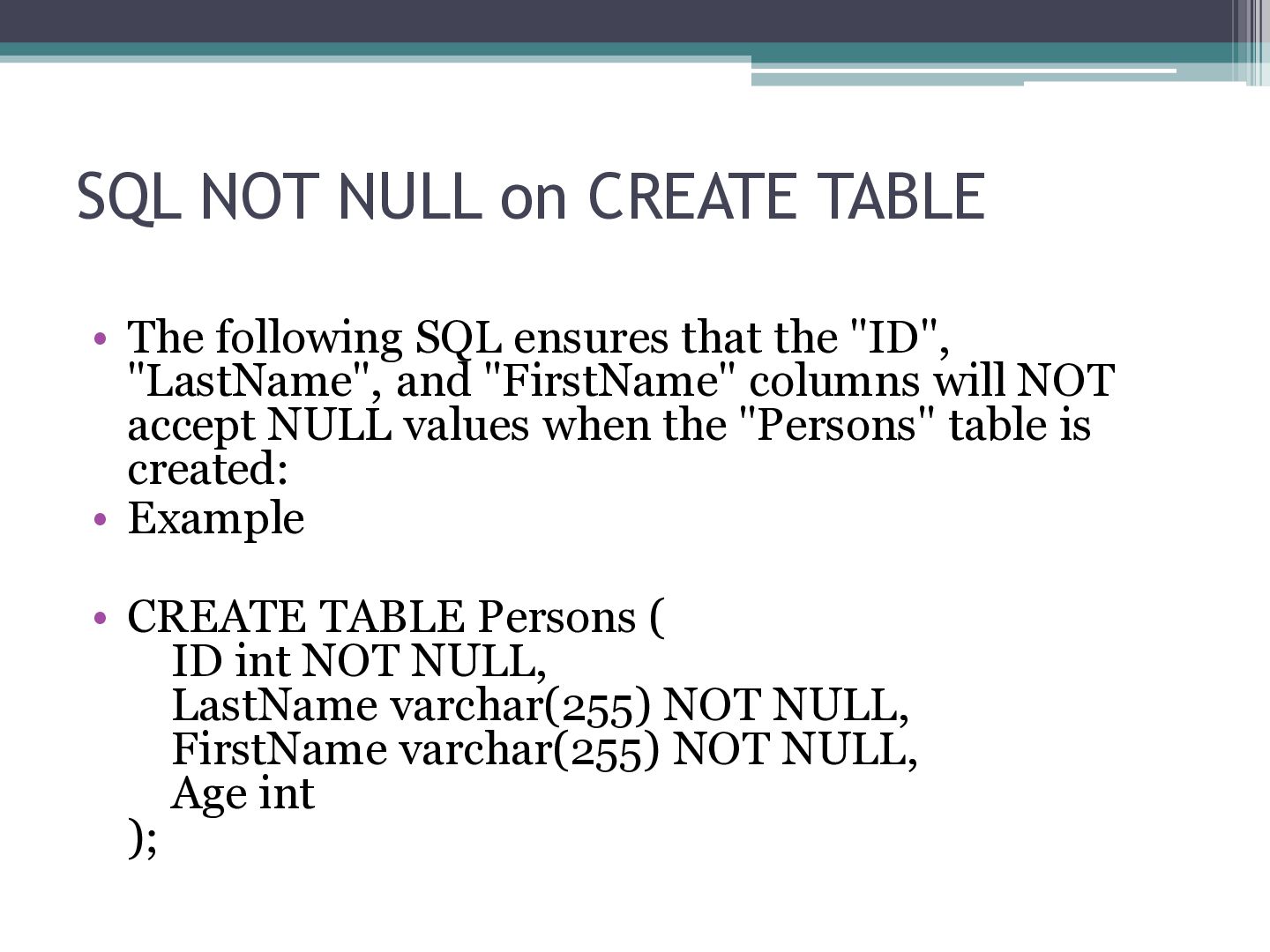
ensures that the "ID", "LastName", and "FirstName" columns will NOT accept NULL values when the "Persons" table is created: • Example • CREATE TABLE Persons ( ID int NOT NULL, LastName varchar(255) NOT NULL, FirstName varchar(255) NOT NULL, Age int );
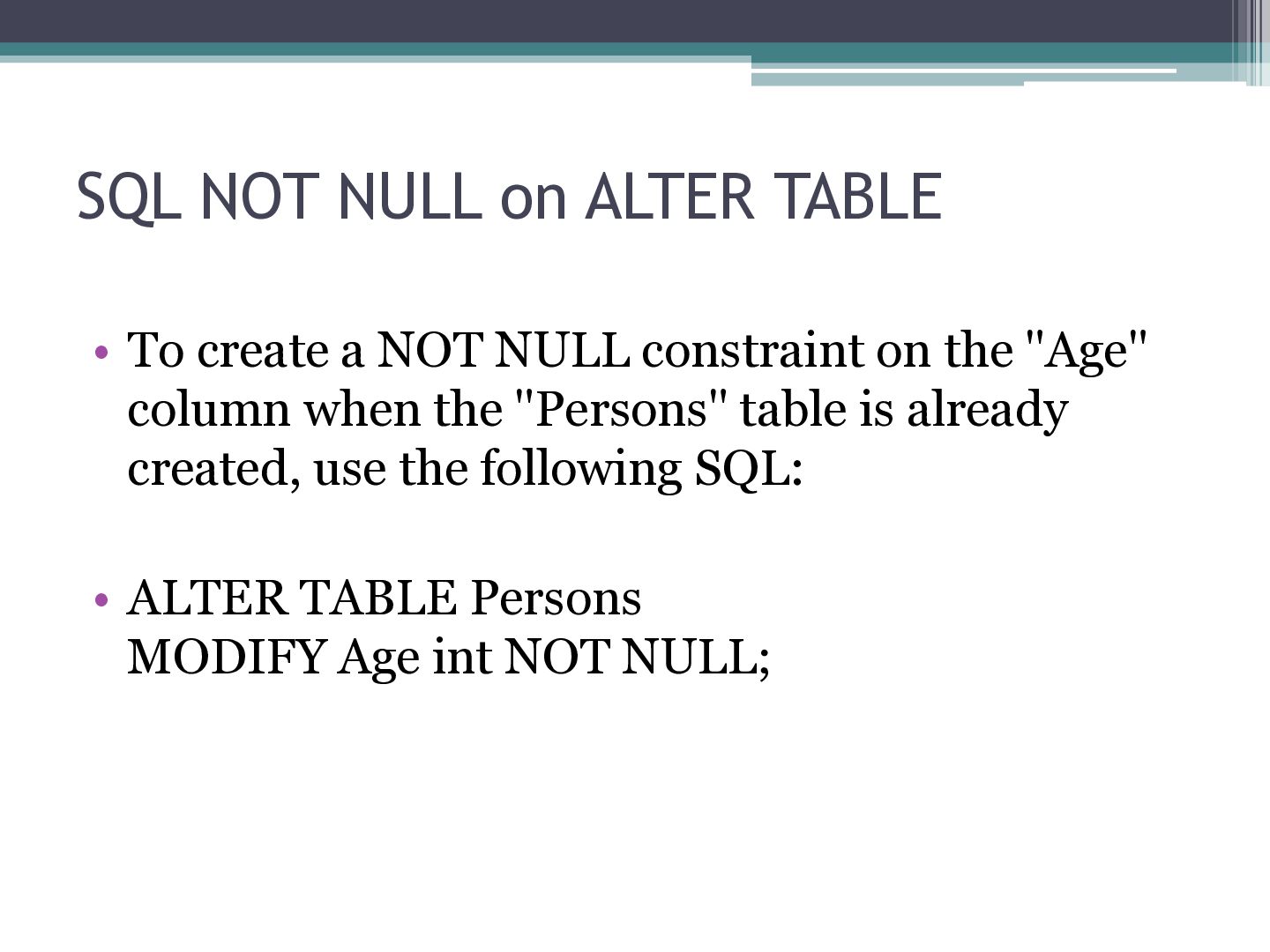
NOT NULL constraint on the "Age" column when the "Persons" table is already created, use the following SQL: • ALTER TABLE Persons MODIFY Age int NOT NULL;
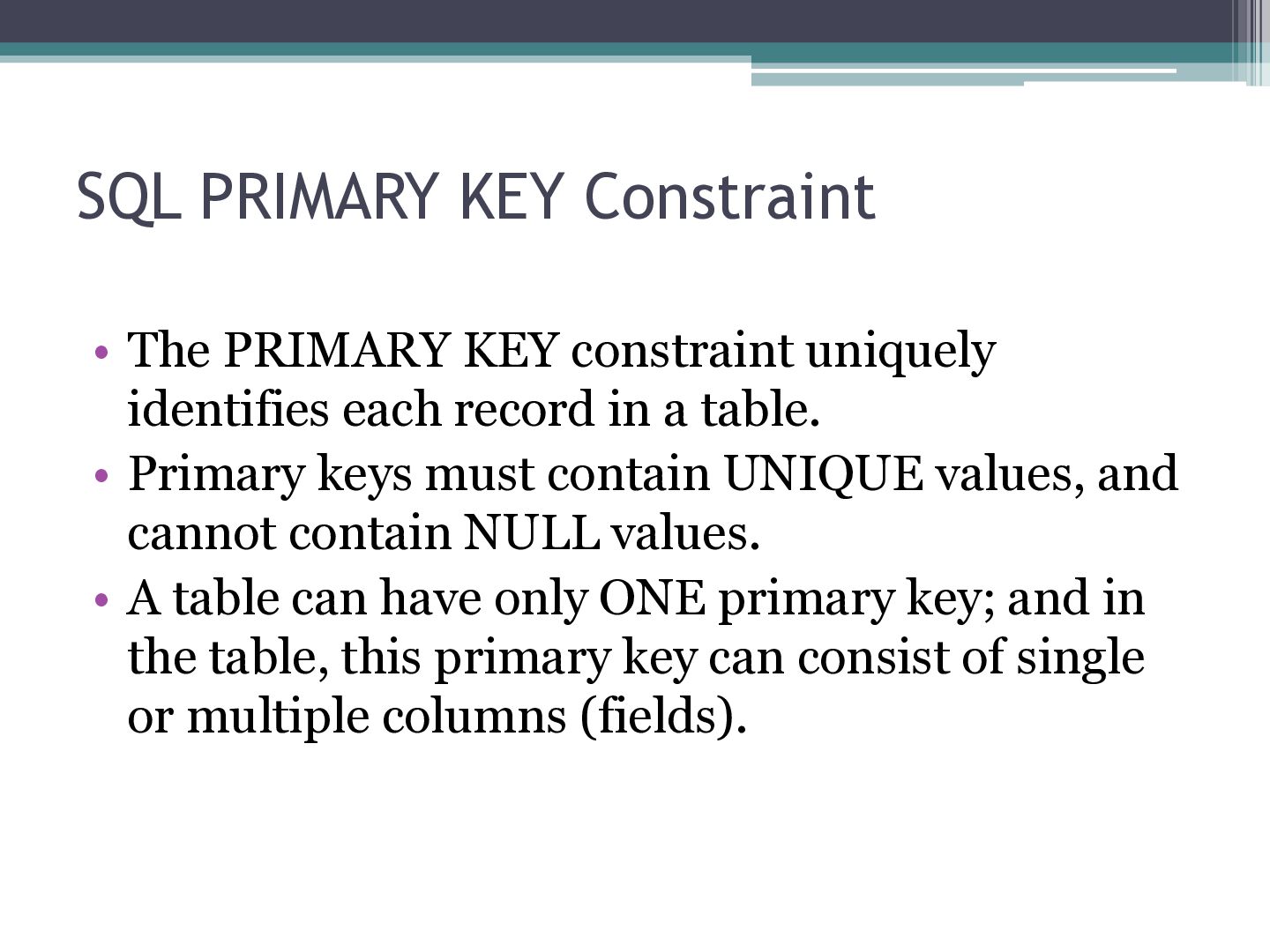
identifies each record in a table. • Primary keys must contain UNIQUE values, and cannot contain NULL values. • A table can have only ONE primary key; and in the table, this primary key can consist of single or multiple columns (fields).
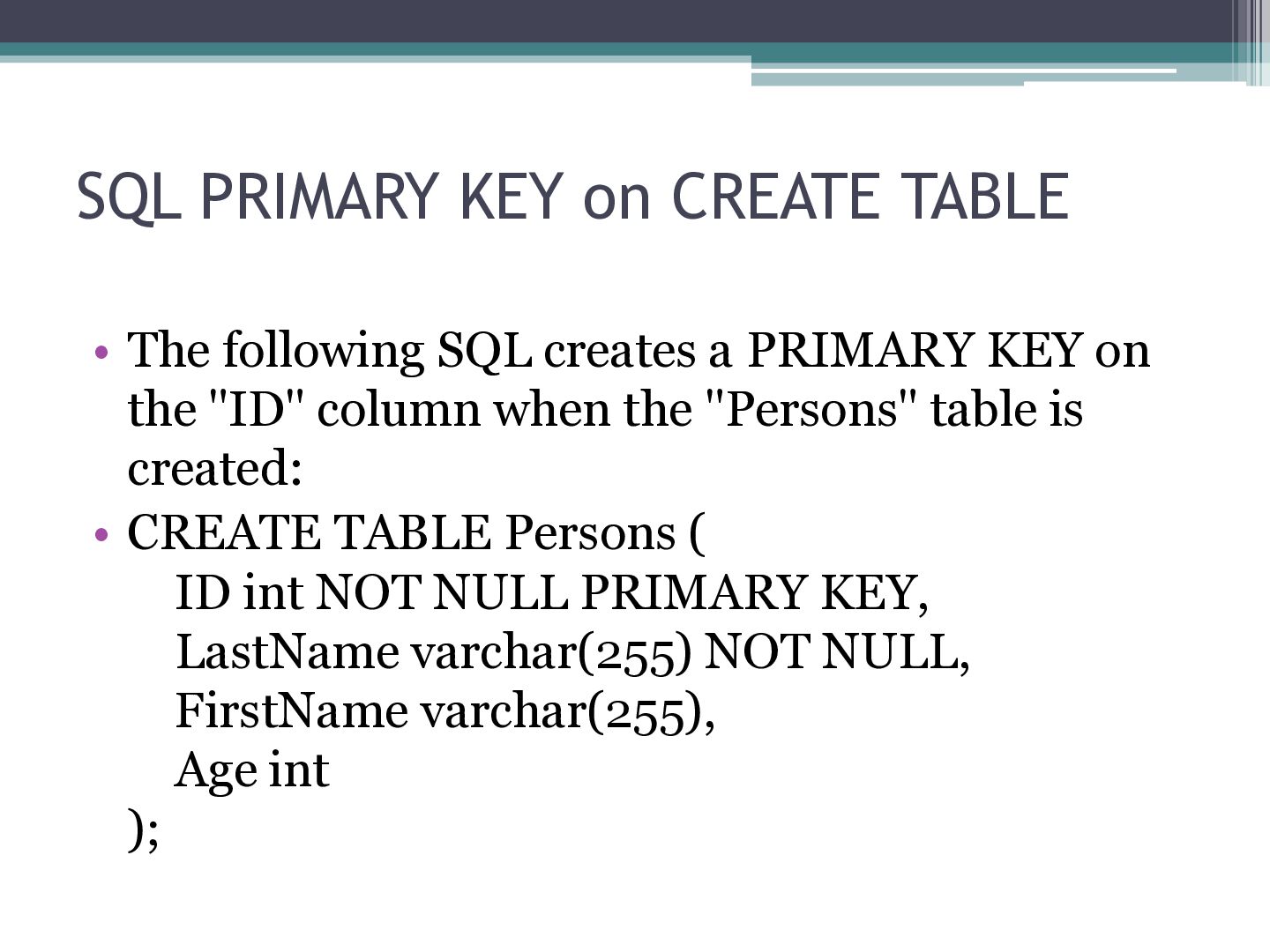
creates a PRIMARY KEY on the "ID" column when the "Persons" table is created: • CREATE TABLE Persons ( ID int NOT NULL PRIMARY KEY, LastName varchar(255) NOT NULL, FirstName varchar(255), Age int );
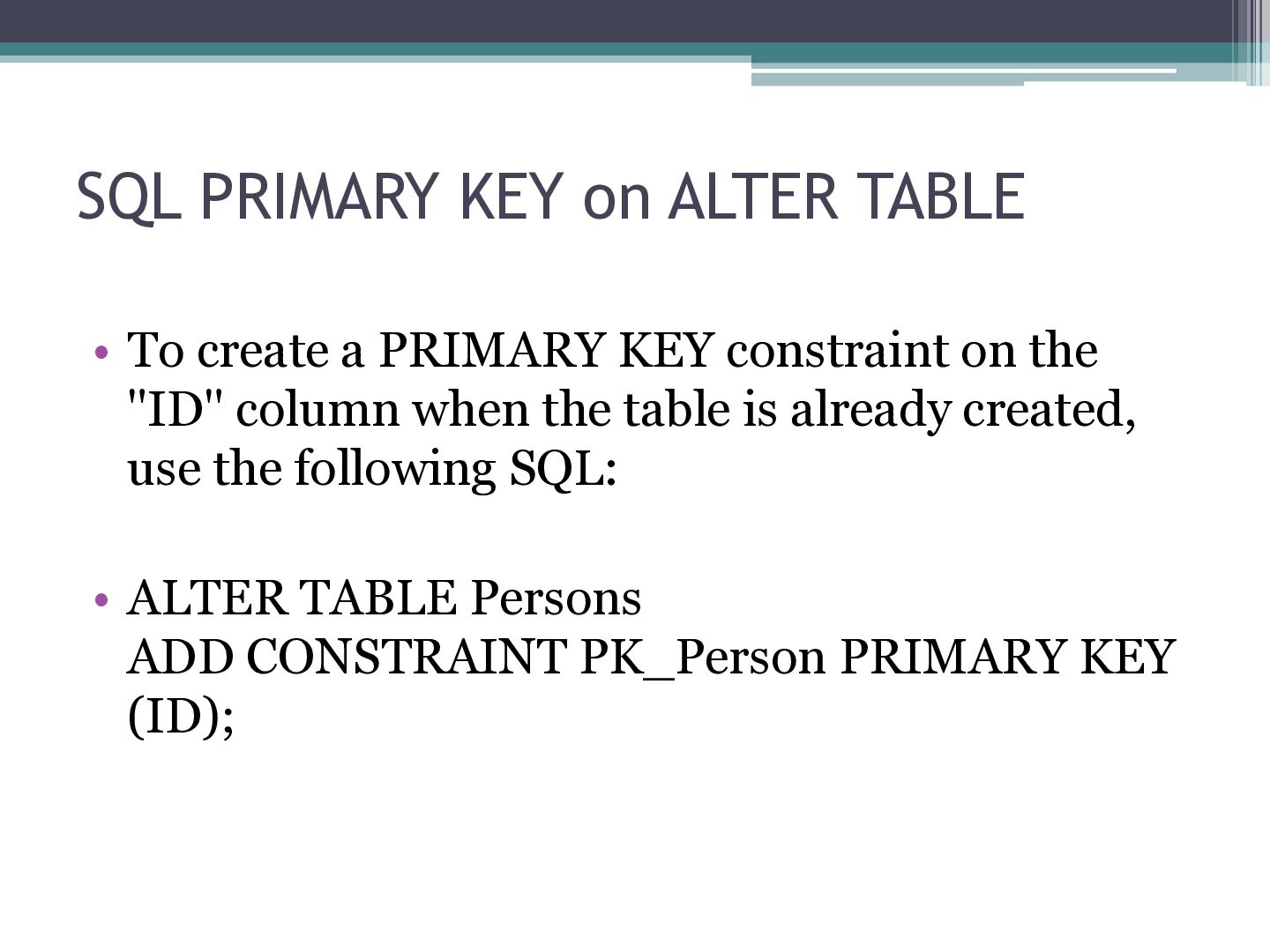
PRIMARY KEY constraint on the "ID" column when the table is already created, use the following SQL: • ALTER TABLE Persons ADD CONSTRAINT PK_Person PRIMARY KEY (ID);
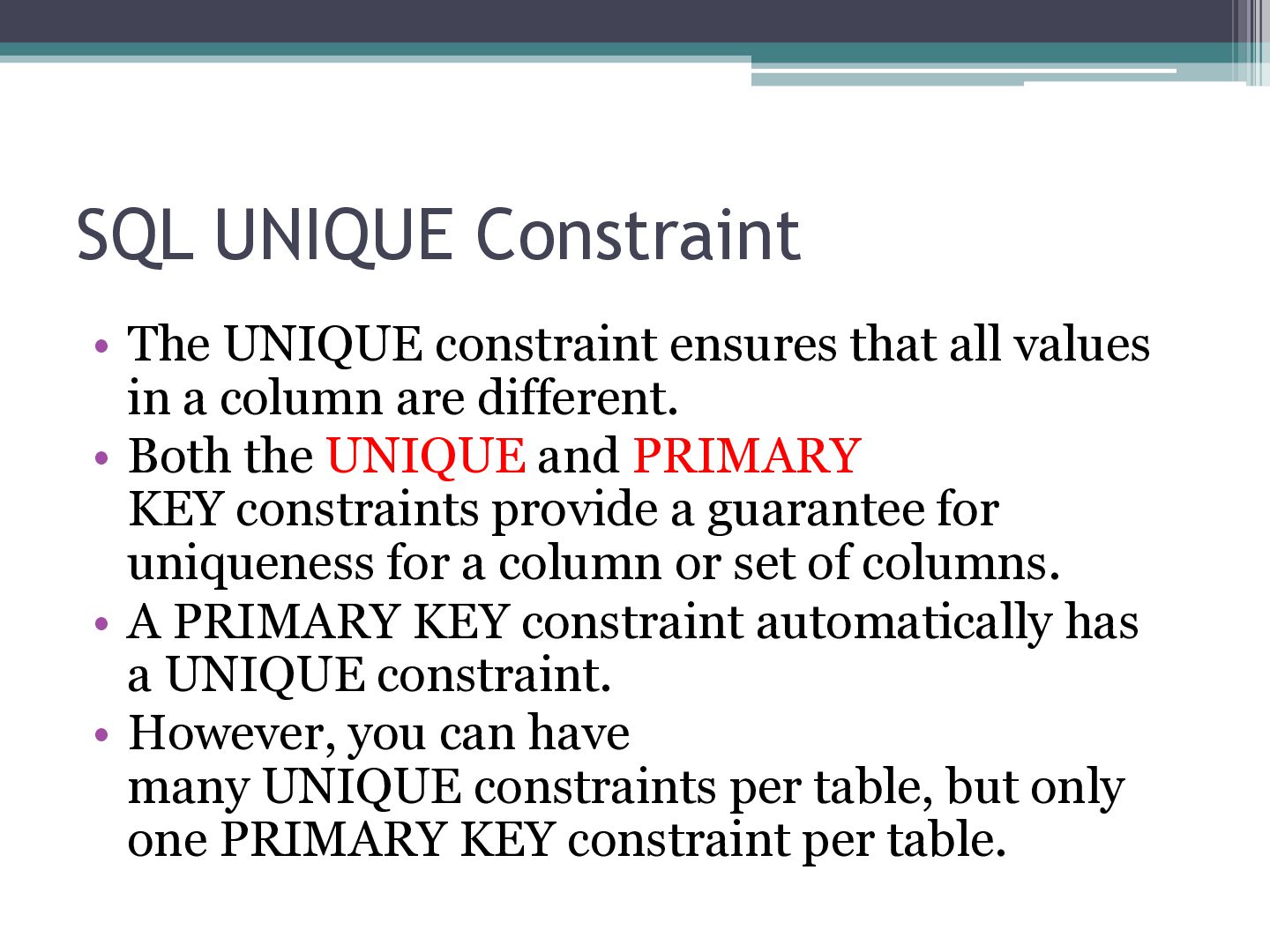
values in a column are different. • Both the UNIQUE and PRIMARY KEY constraints provide a guarantee for uniqueness for a column or set of columns. • A PRIMARY KEY constraint automatically has a UNIQUE constraint. • However, you can have many UNIQUE constraints per table, but only one PRIMARY KEY constraint per table.
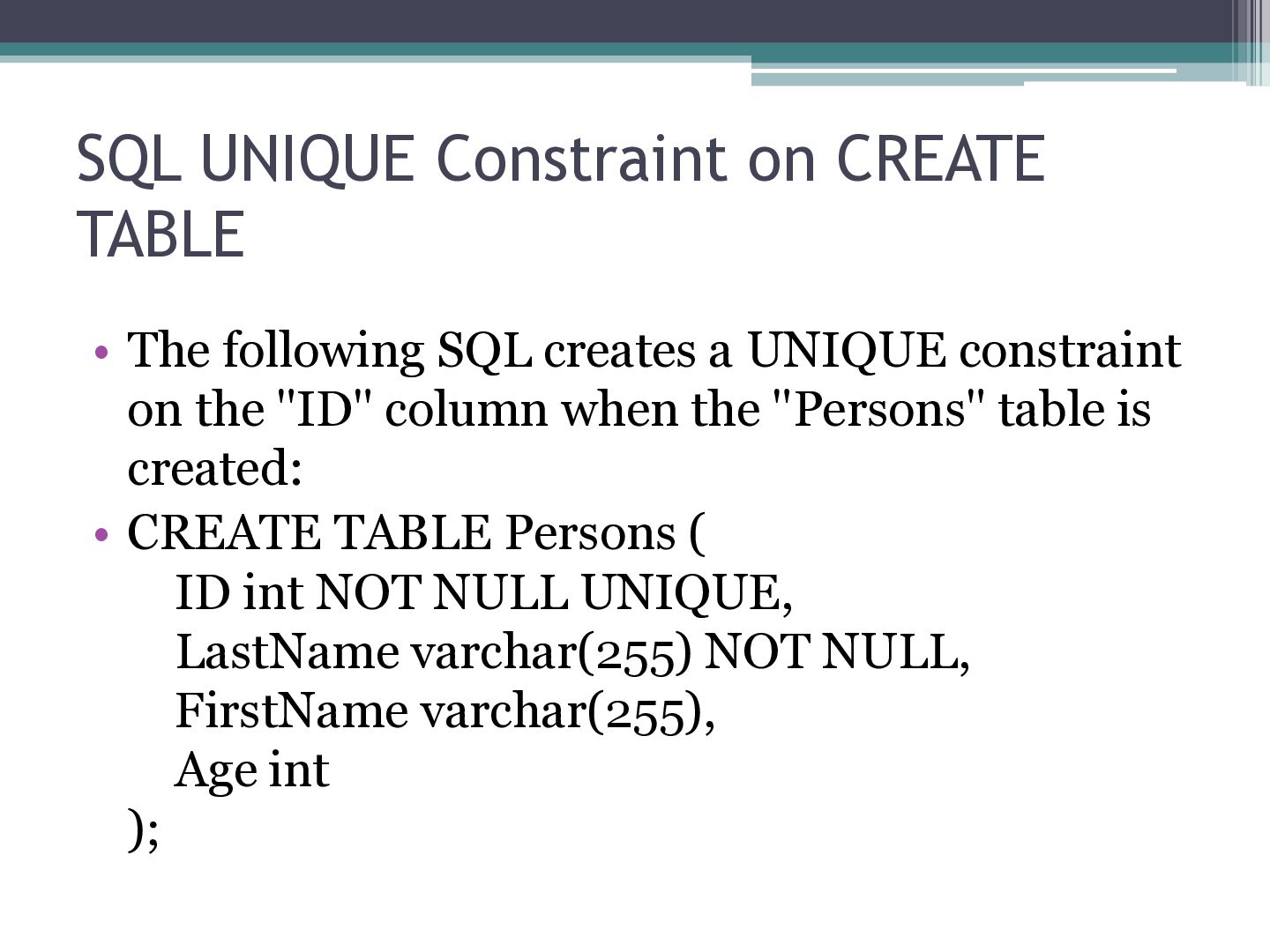
creates a UNIQUE constraint on the "ID" column when the "Persons" table is created: • CREATE TABLE Persons ( ID int NOT NULL UNIQUE, LastName varchar(255) NOT NULL, FirstName varchar(255), Age int );
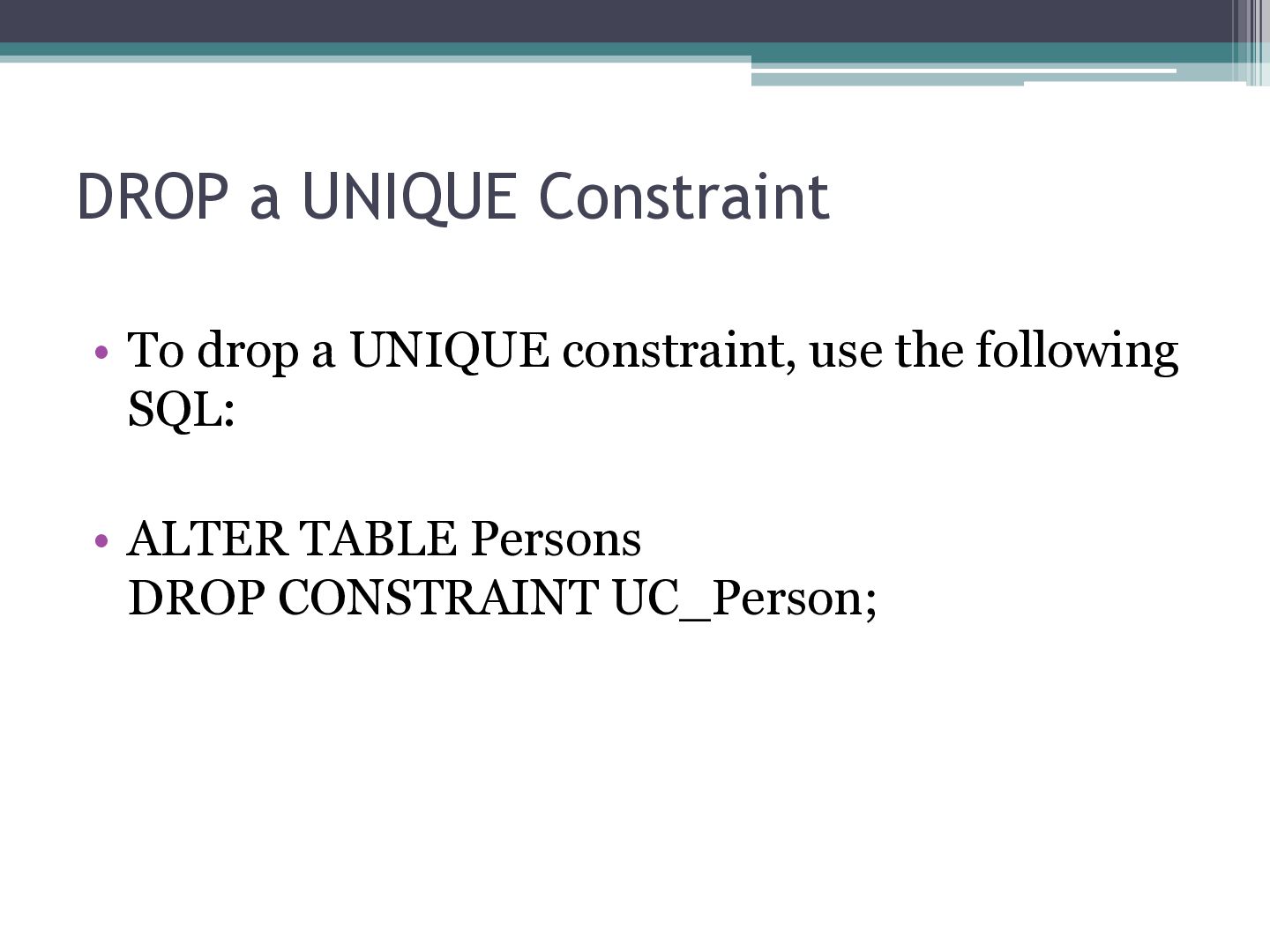
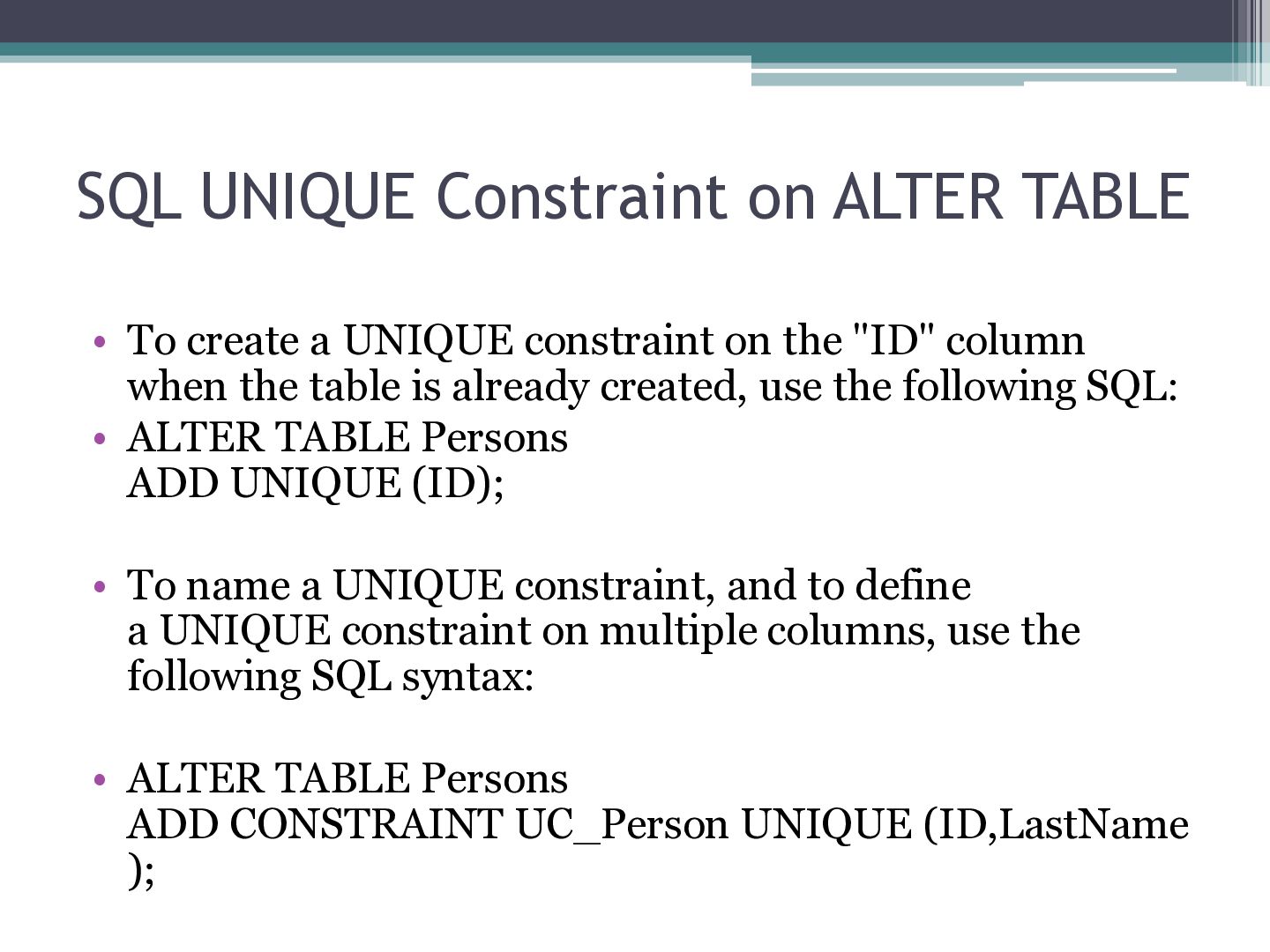
UNIQUE constraint on the "ID" column when the table is already created, use the following SQL: • ALTER TABLE Persons ADD UNIQUE (ID); • To name a UNIQUE constraint, and to define a UNIQUE constraint on multiple columns, use the following SQL syntax: • ALTER TABLE Persons ADD CONSTRAINT UC_Person UNIQUE (ID,LastName );
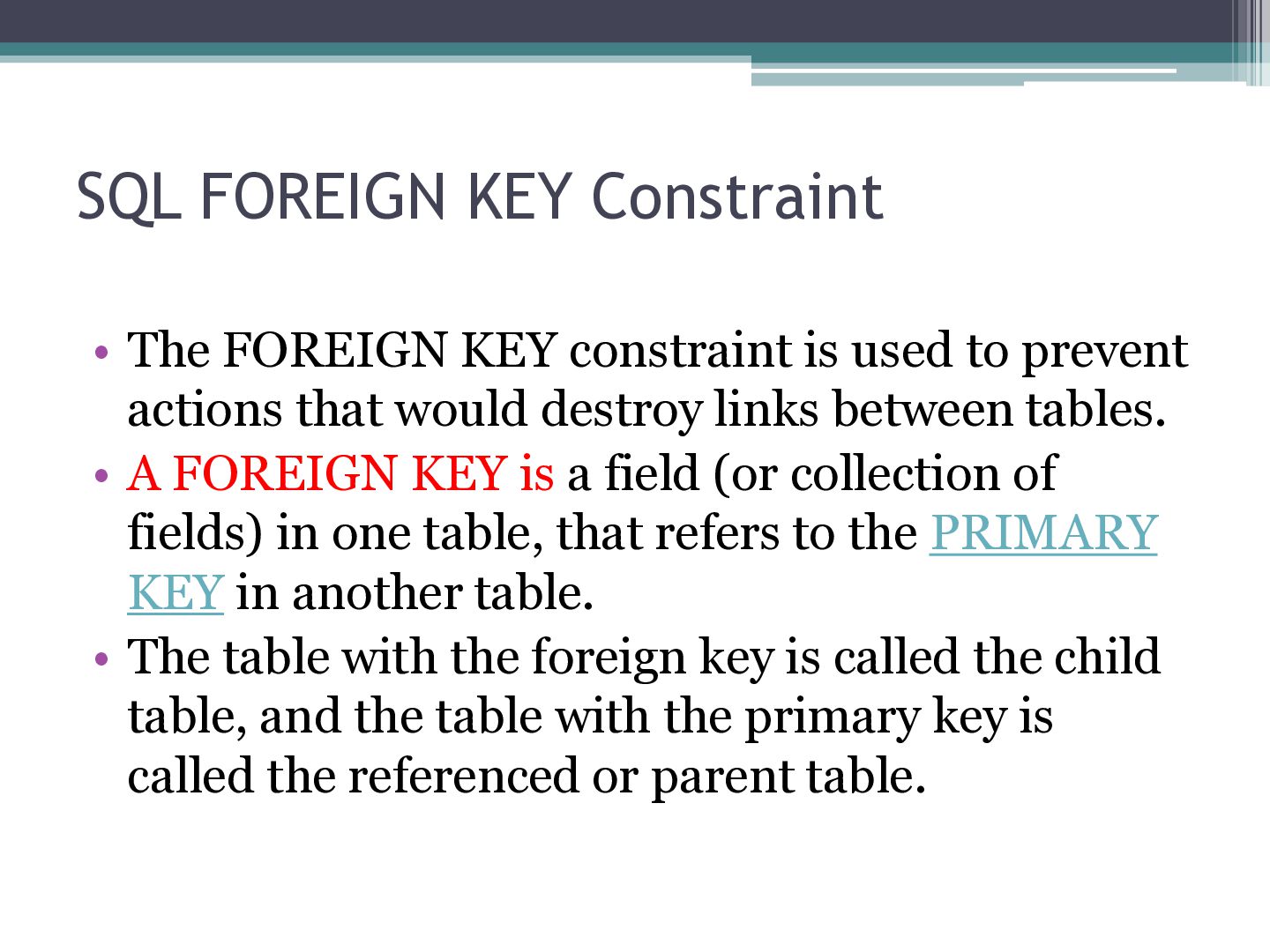
used to prevent actions that would destroy links between tables. • A FOREIGN KEY is a field (or collection of fields) in one table, that refers to the PRIMARY KEY in another table. • The table with the foreign key is called the child table, and the table with the primary key is called the referenced or parent table.
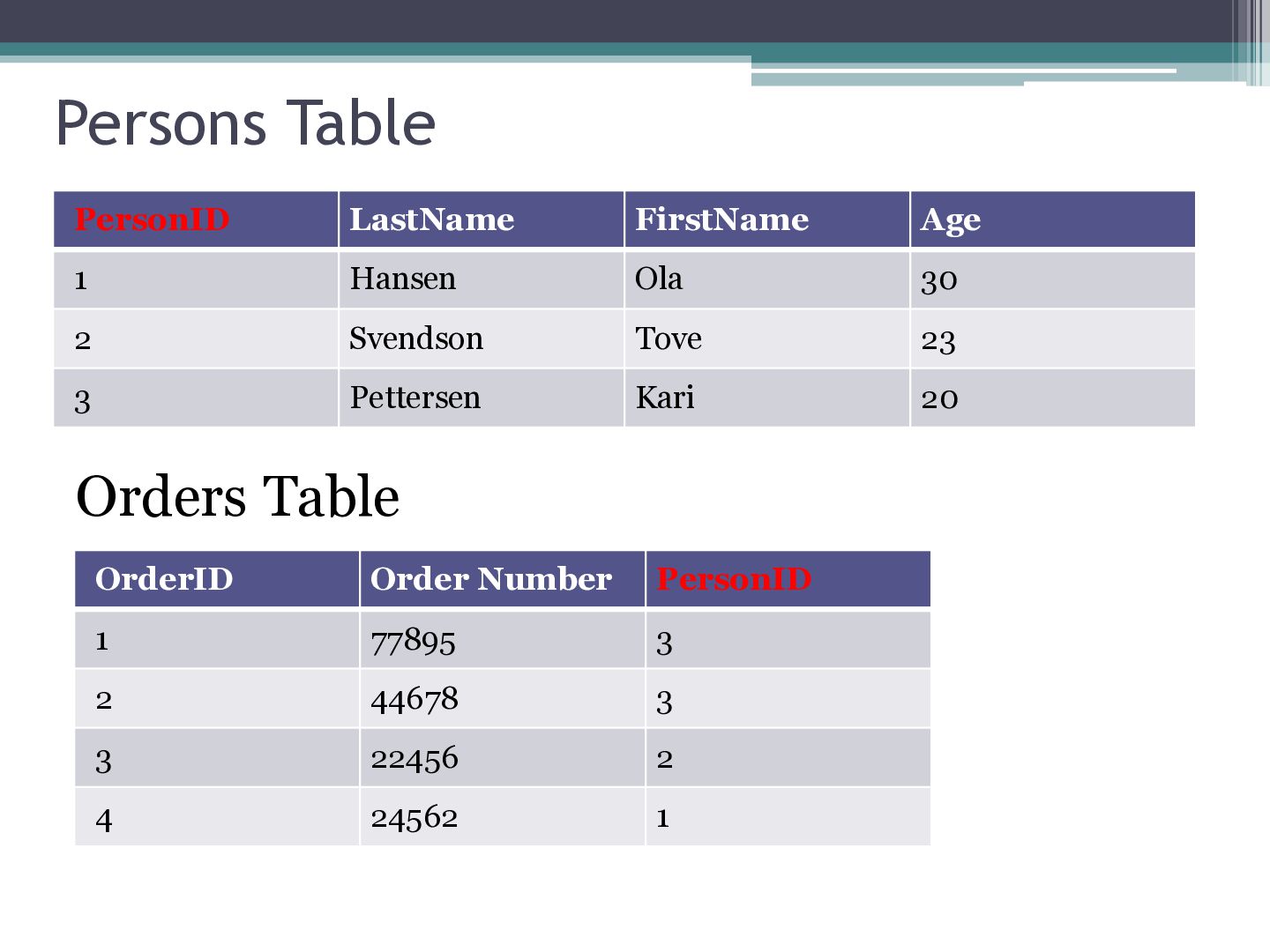
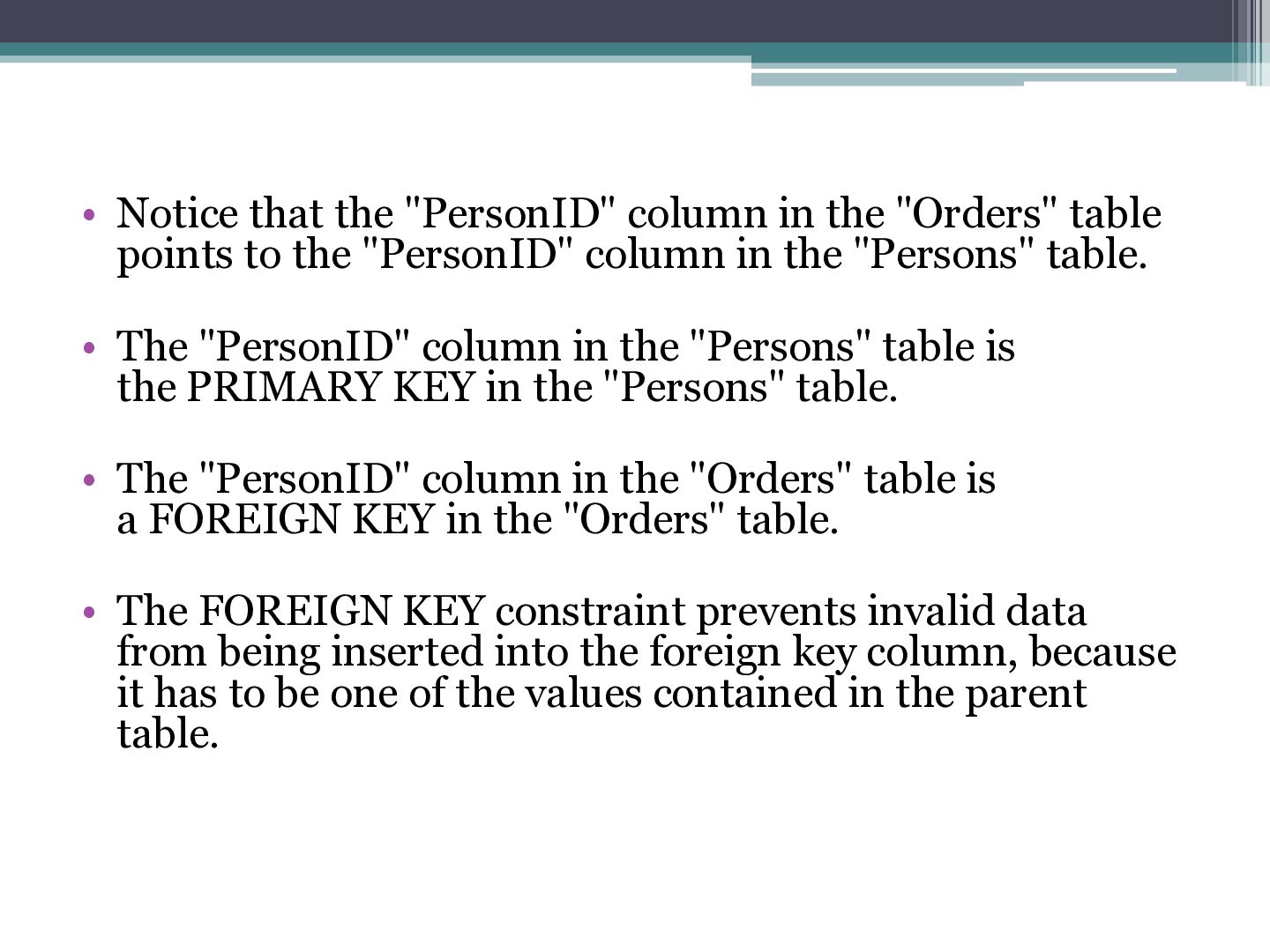
points to the "PersonID" column in the "Persons" table. • The "PersonID" column in the "Persons" table is the PRIMARY KEY in the "Persons" table. • The "PersonID" column in the "Orders" table is a FOREIGN KEY in the "Orders" table. • The FOREIGN KEY constraint prevents invalid data from being inserted into the foreign key column, because it has to be one of the values contained in the parent table.
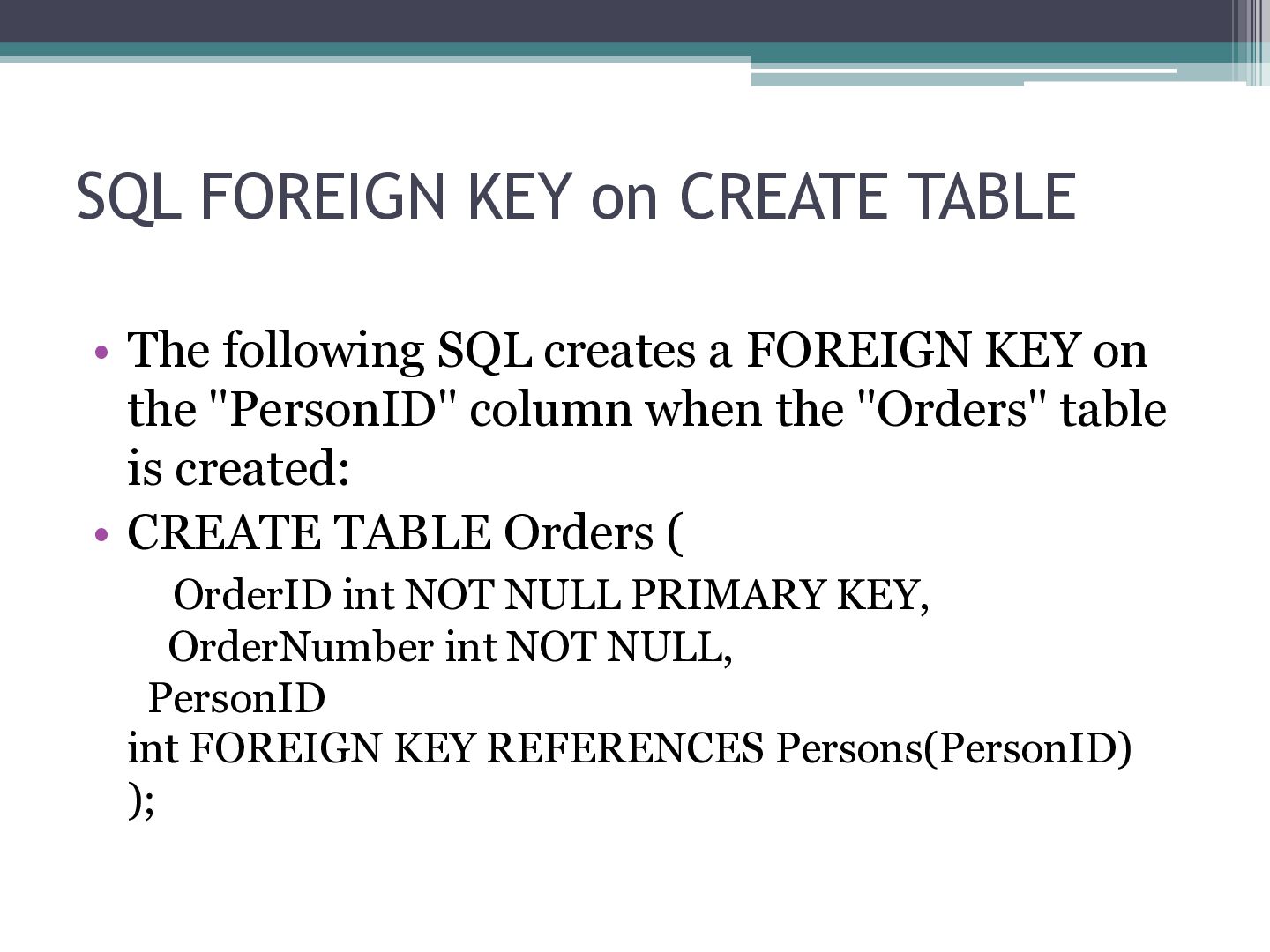
creates a FOREIGN KEY on the "PersonID" column when the "Orders" table is created: • CREATE TABLE Orders ( OrderID int NOT NULL PRIMARY KEY, OrderNumber int NOT NULL, PersonID int FOREIGN KEY REFERENCES Persons(PersonID) );
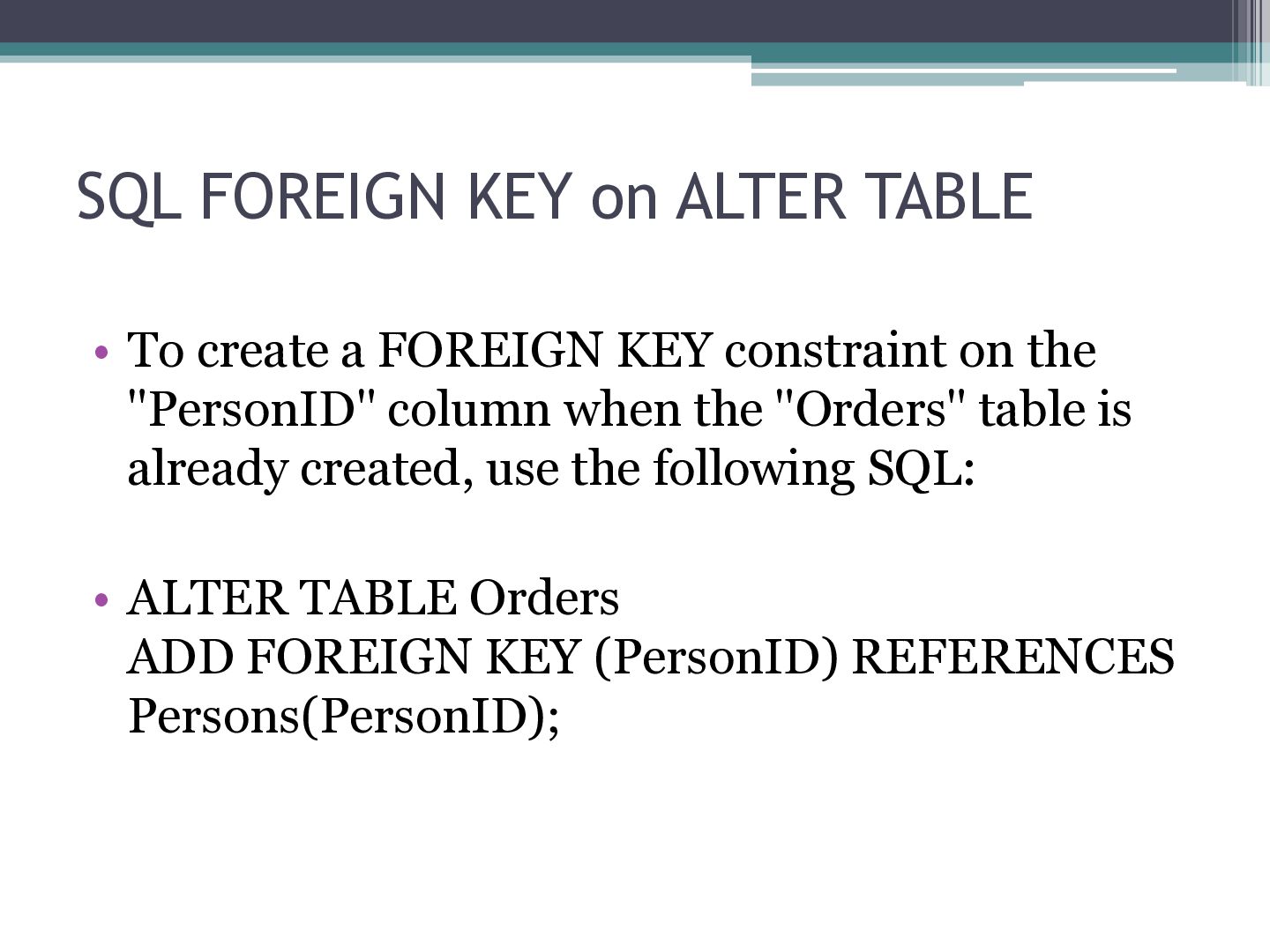
FOREIGN KEY constraint on the "PersonID" column when the "Orders" table is already created, use the following SQL: • ALTER TABLE Orders ADD FOREIGN KEY (PersonID) REFERENCES Persons(PersonID);
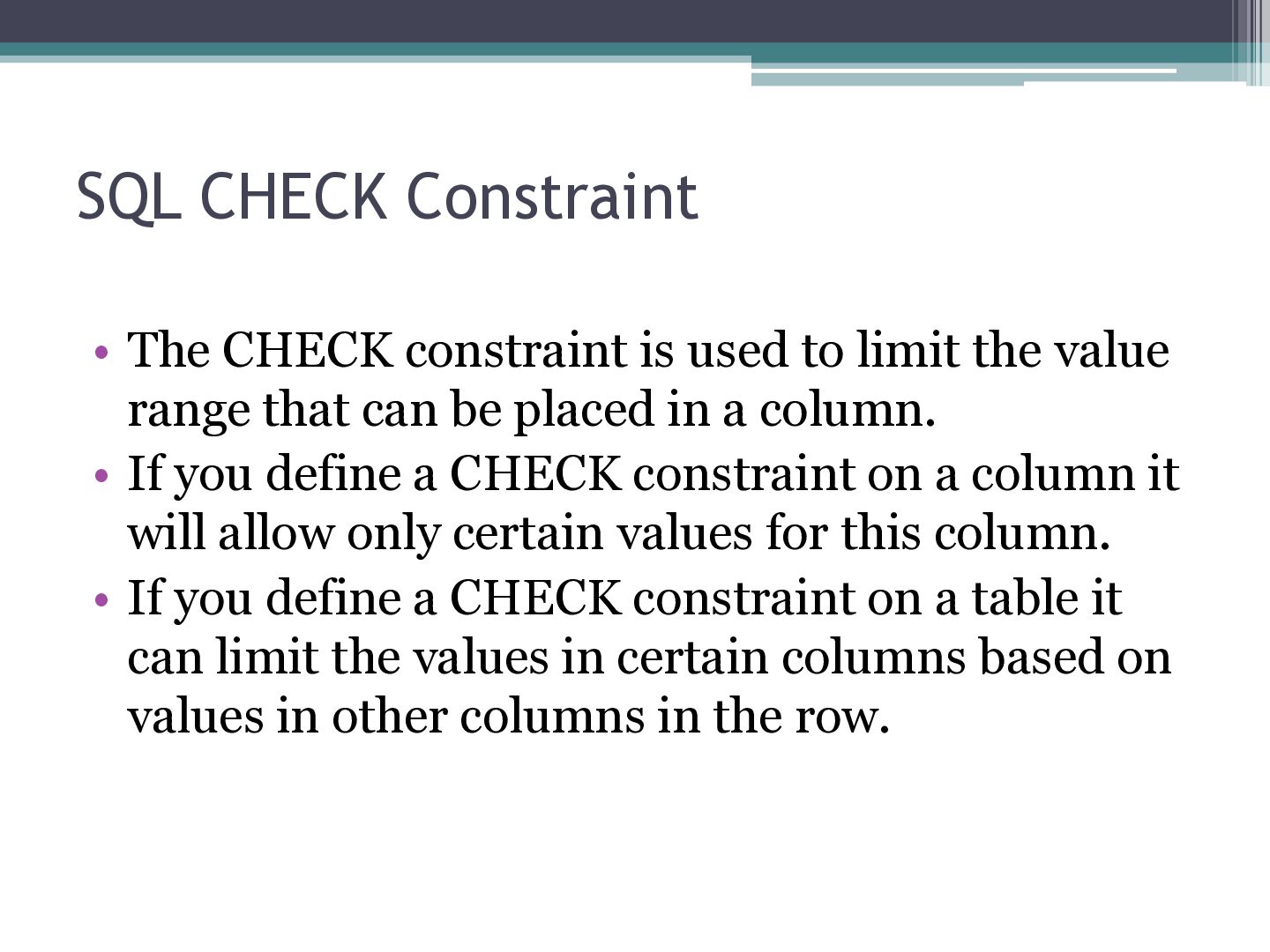
limit the value range that can be placed in a column. • If you define a CHECK constraint on a column it will allow only certain values for this column. • If you define a CHECK constraint on a table it can limit the values in certain columns based on values in other columns in the row.
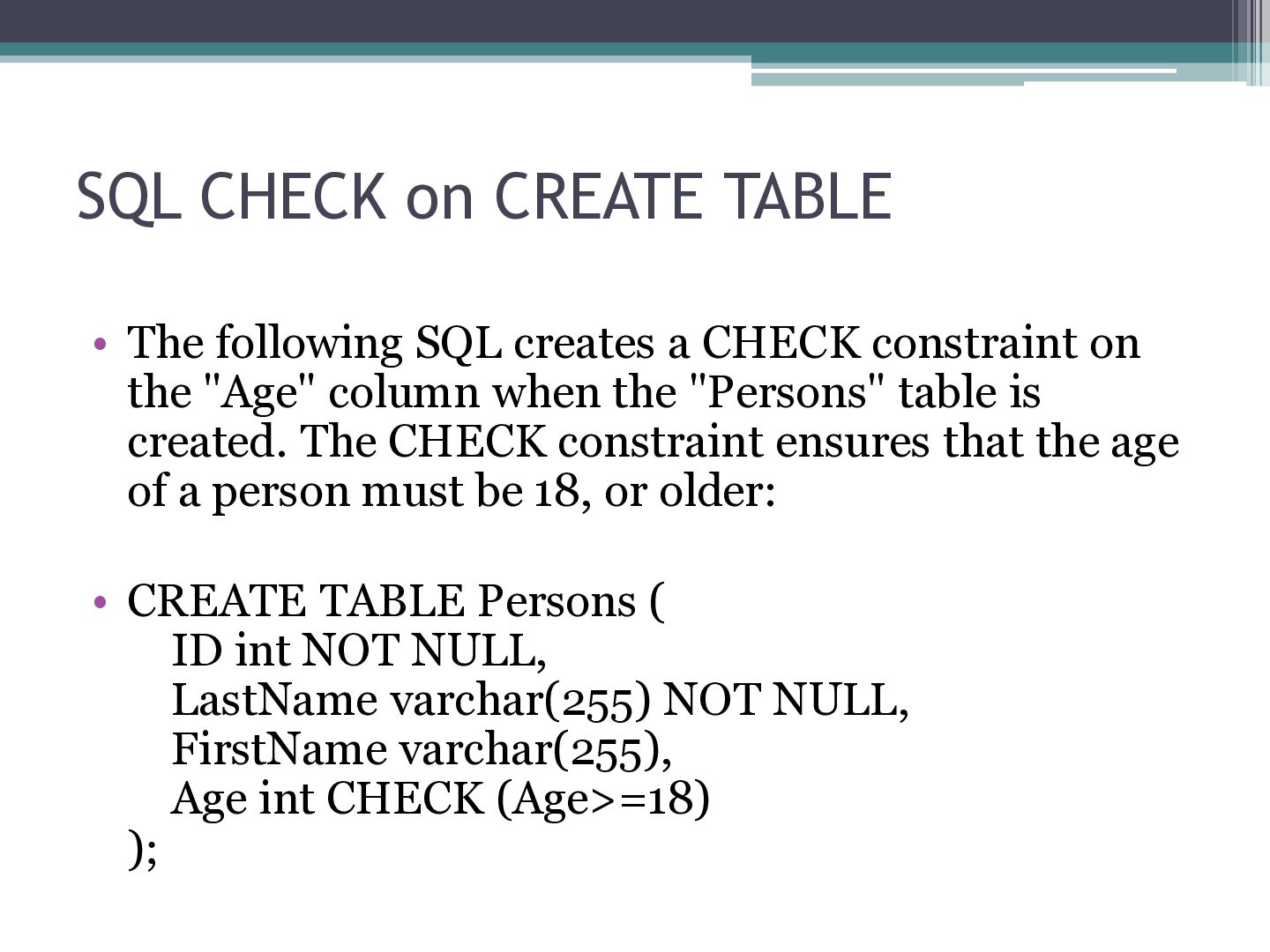
a CHECK constraint on the "Age" column when the "Persons" table is created. The CHECK constraint ensures that the age of a person must be 18, or older: • CREATE TABLE Persons ( ID int NOT NULL, LastName varchar(255) NOT NULL, FirstName varchar(255), Age int CHECK (Age>=18) );
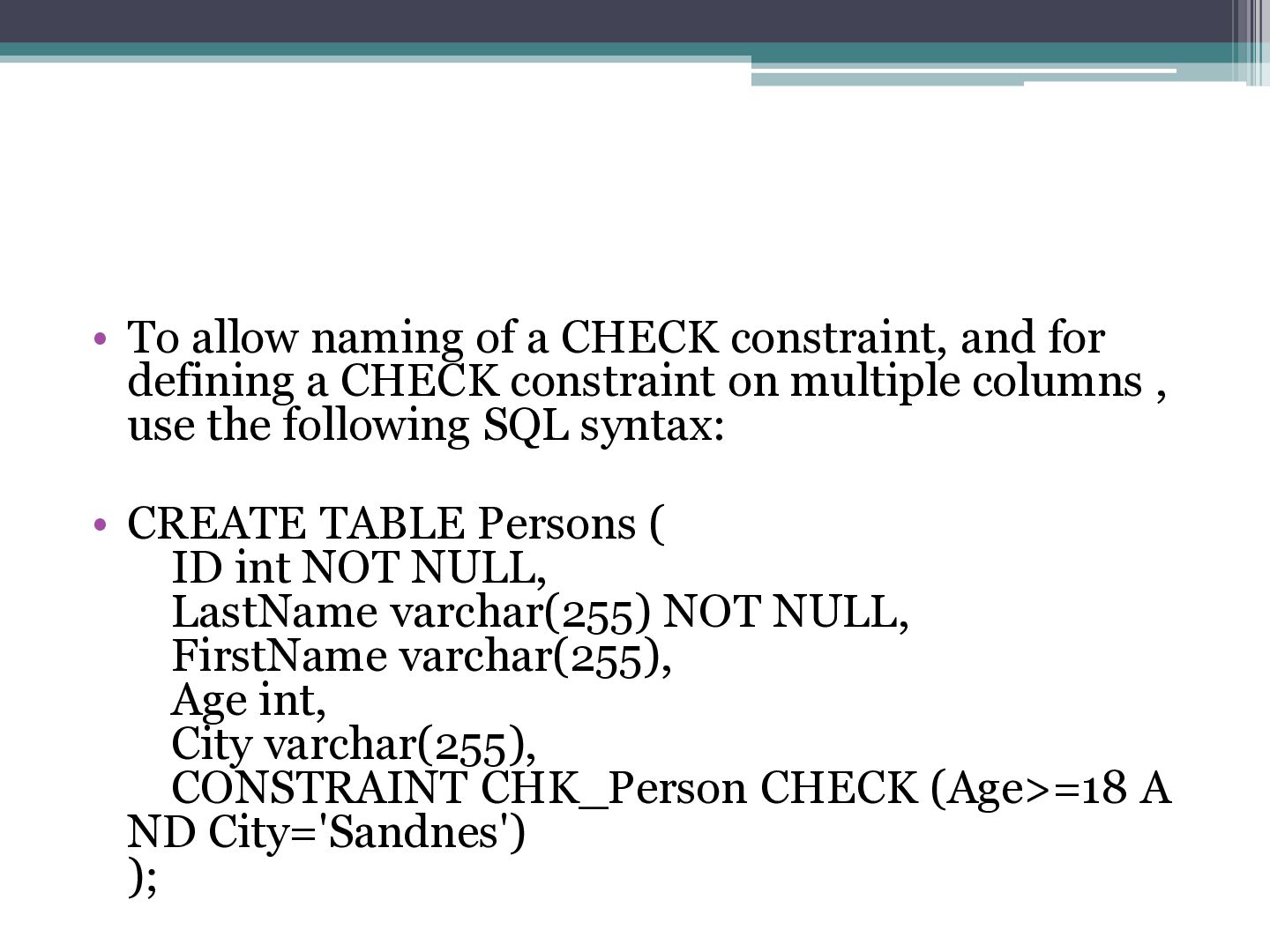
defining a CHECK constraint on multiple columns , use the following SQL syntax: • CREATE TABLE Persons ( ID int NOT NULL, LastName varchar(255) NOT NULL, FirstName varchar(255), Age int, City varchar(255), CONSTRAINT CHK_Person CHECK (Age>=18 A ND City='Sandnes') );
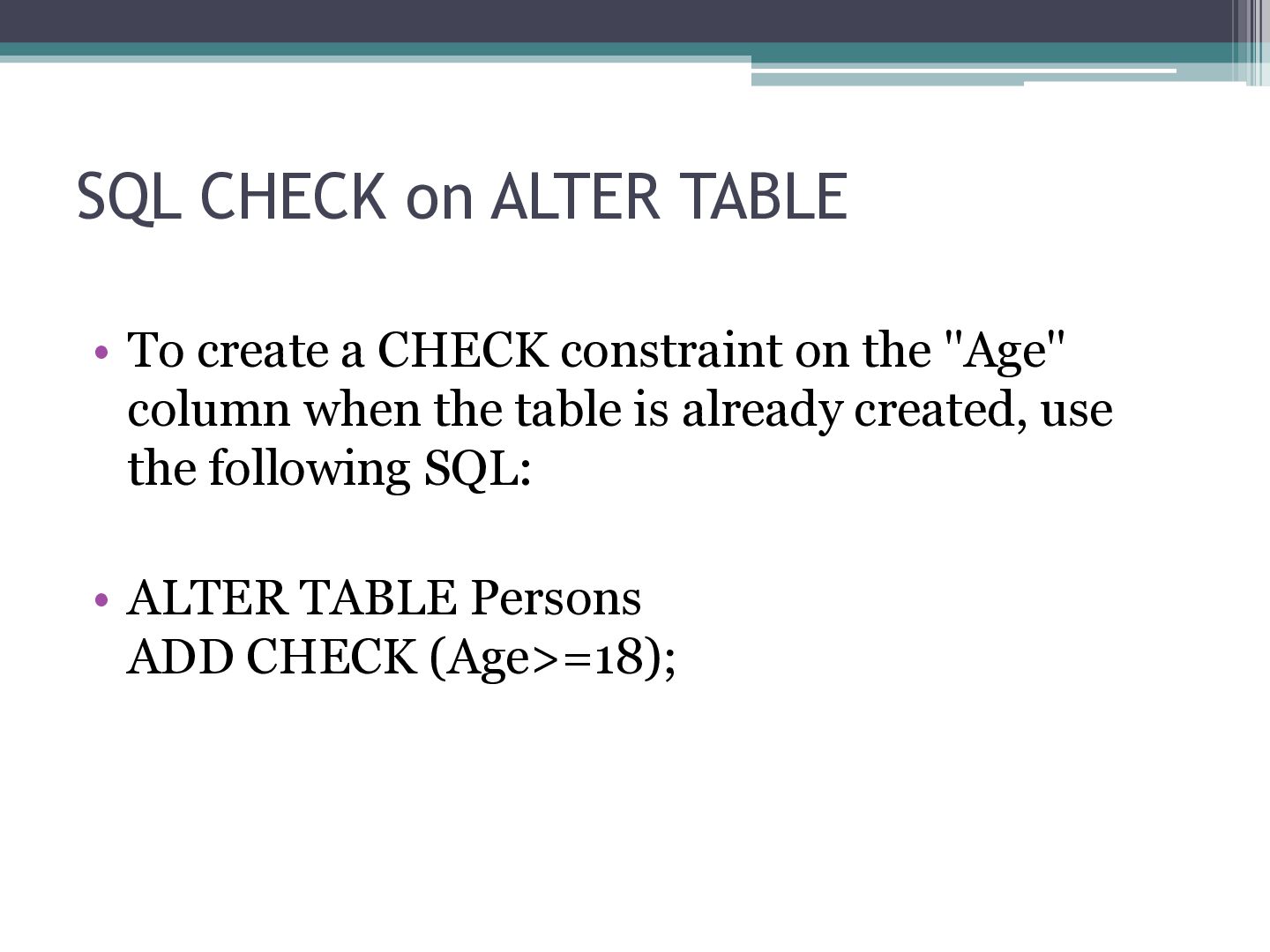
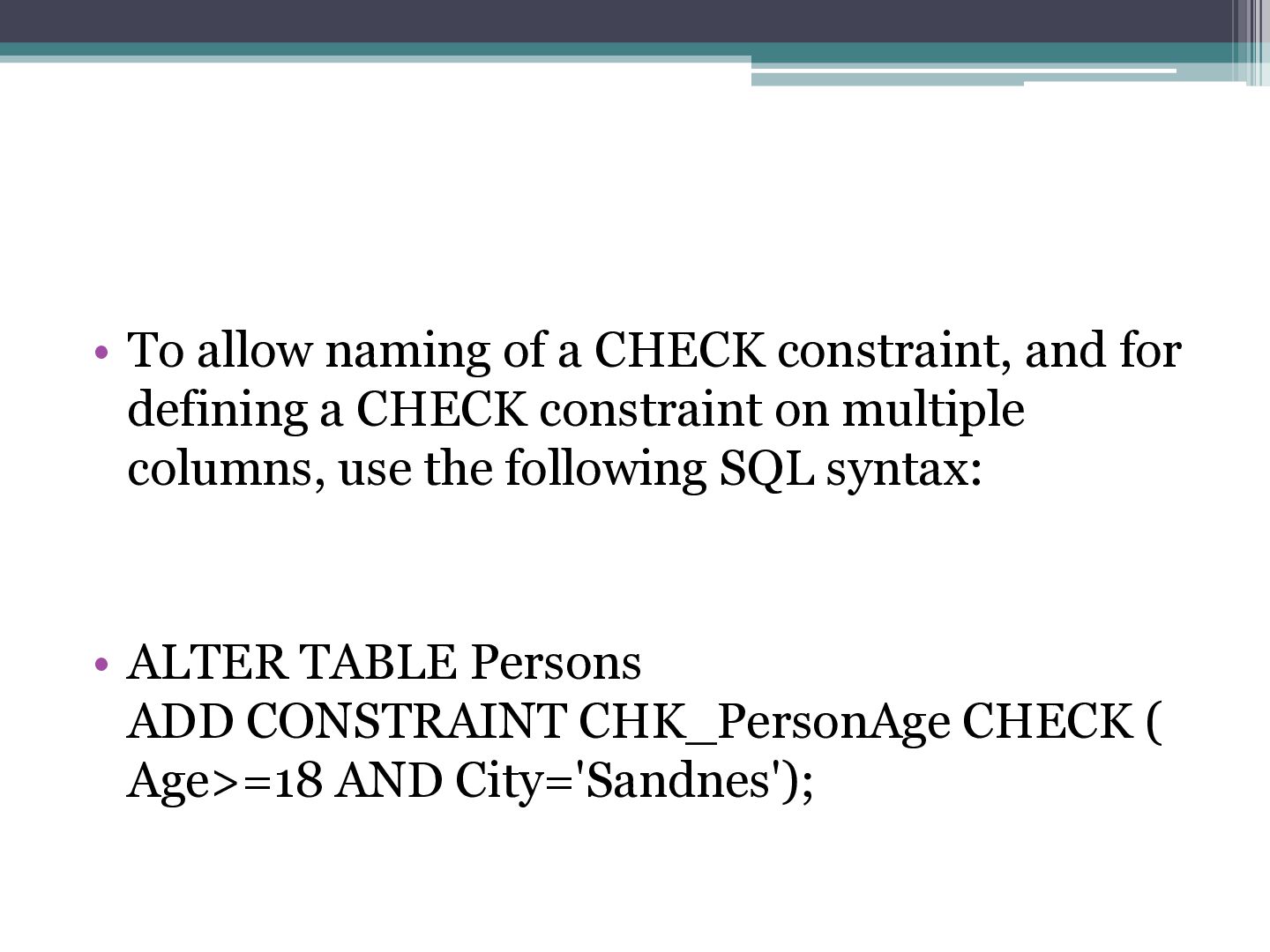
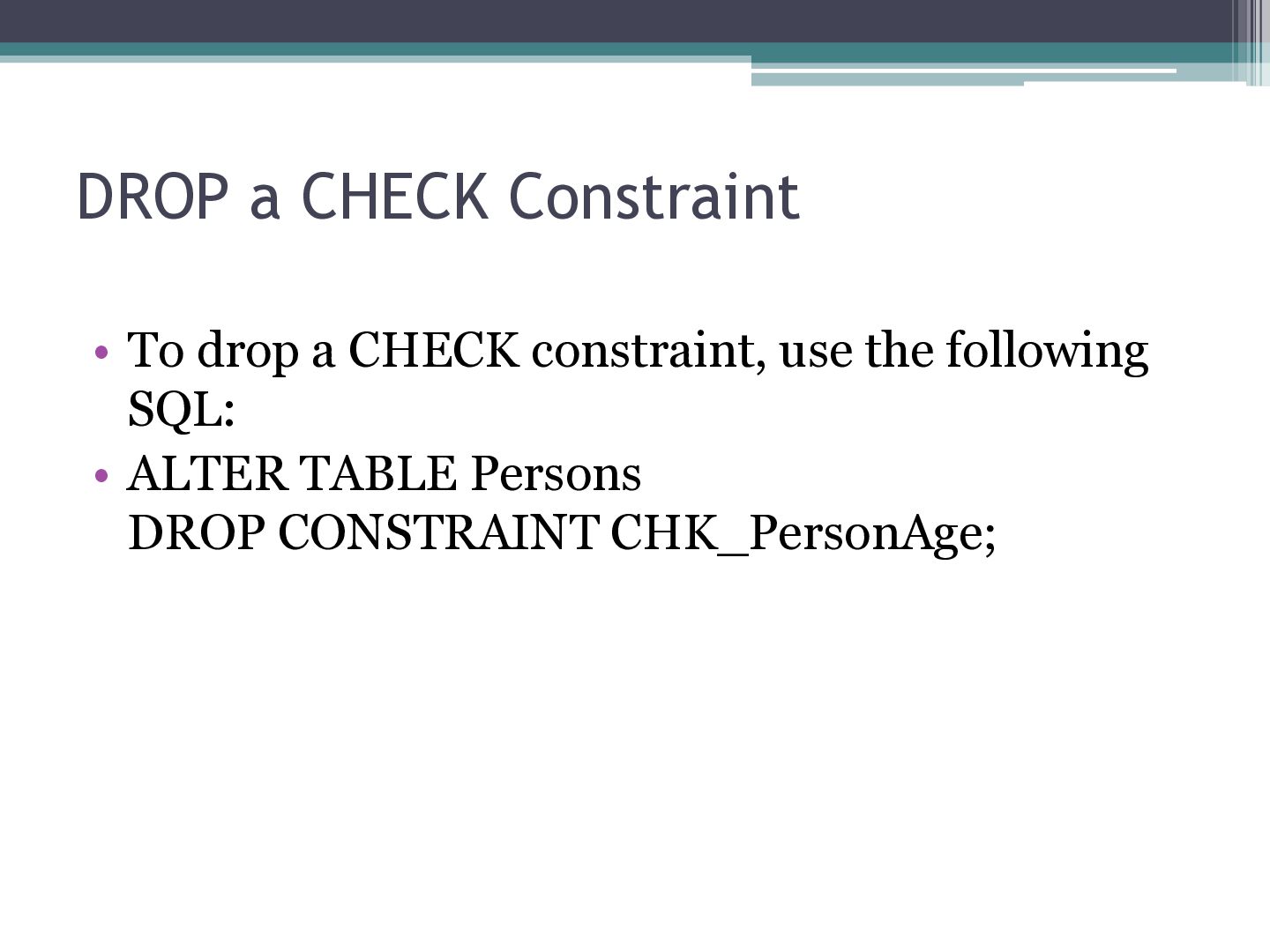
defining a CHECK constraint on multiple columns, use the following SQL syntax: • ALTER TABLE Persons ADD CONSTRAINT CHK_PersonAge CHECK ( Age>=18 AND City='Sandnes');
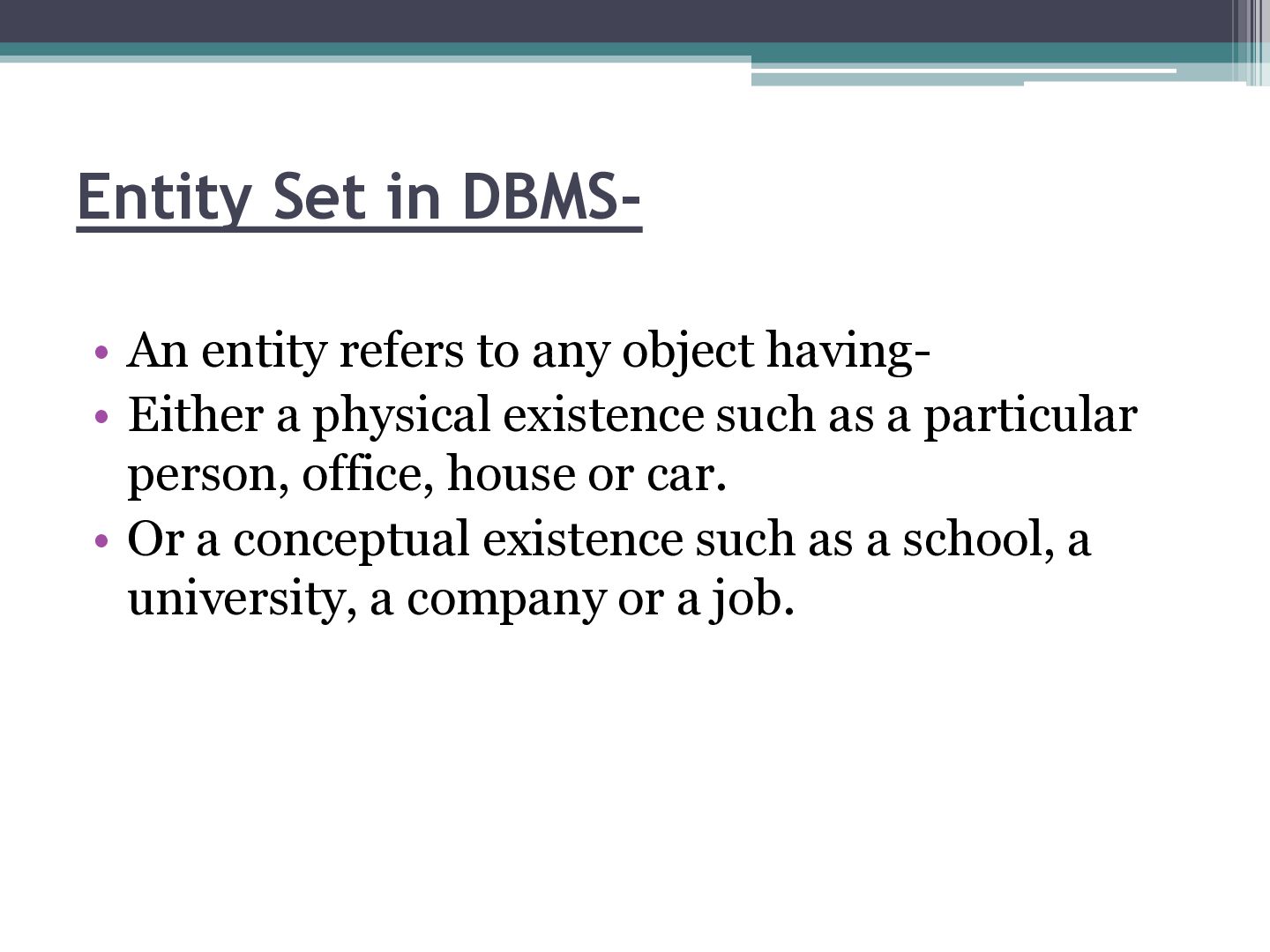
having• Either a physical existence such as a particular person, office, house or car. • Or a conceptual existence such as a school, a university, a company or a job.
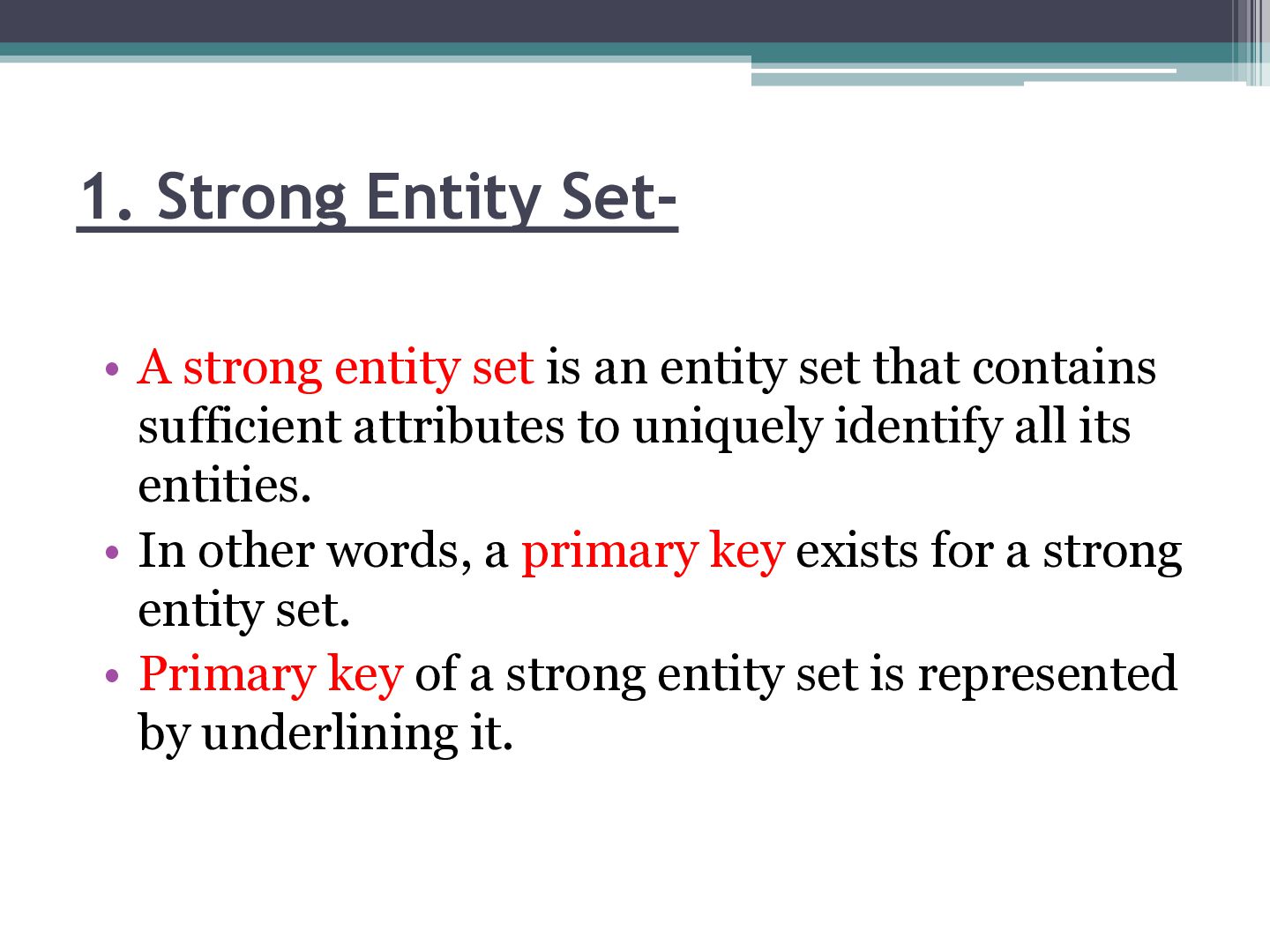
entity set that contains sufficient attributes to uniquely identify all its entities. • In other words, a primary key exists for a strong entity set. • Primary key of a strong entity set is represented by underlining it.
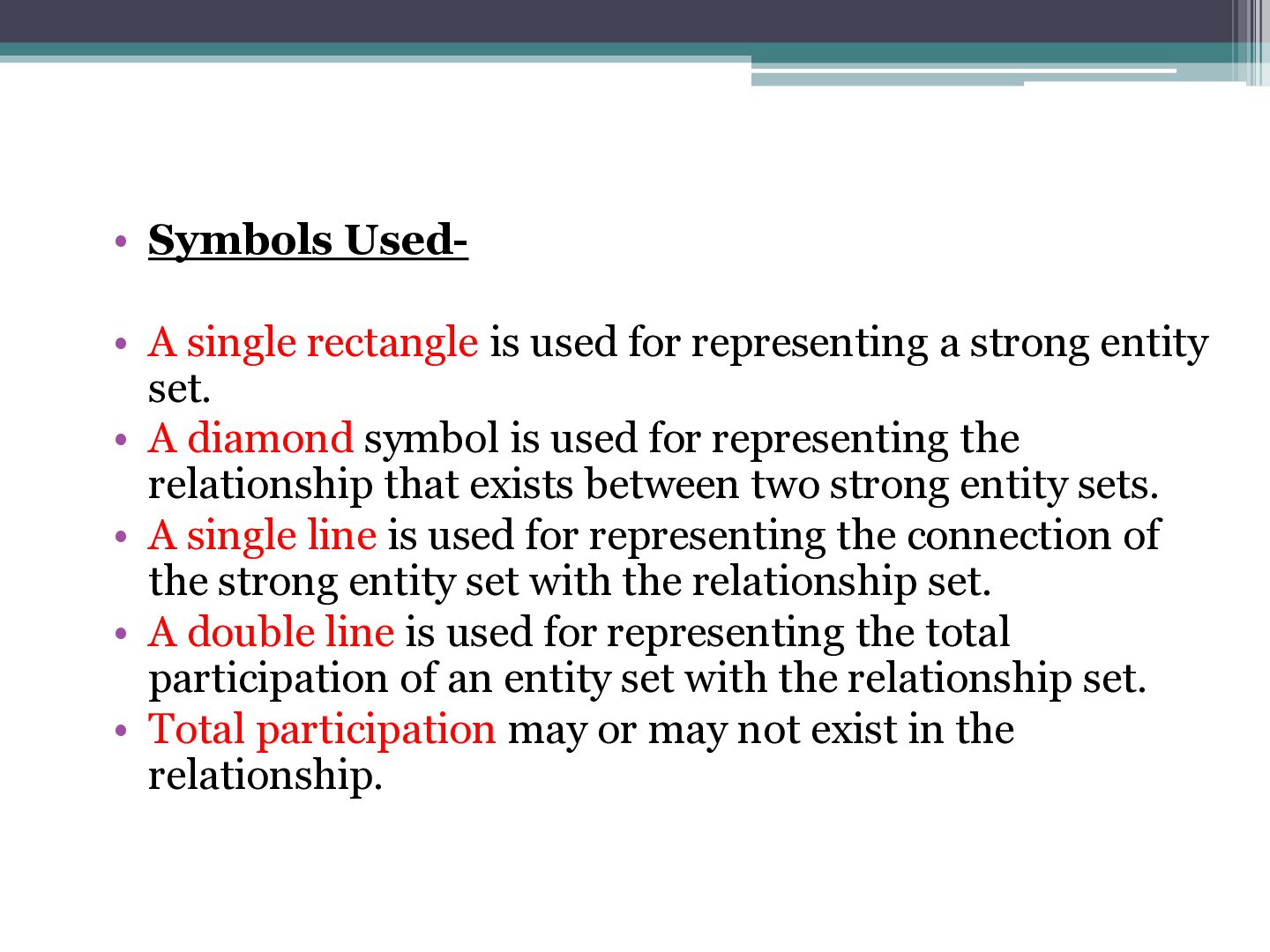
a strong entity set. • A diamond symbol is used for representing the relationship that exists between two strong entity sets. • A single line is used for representing the connection of the strong entity set with the relationship set. • A double line is used for representing the total participation of an entity set with the relationship set. • Total participation may or may not exist in the relationship.
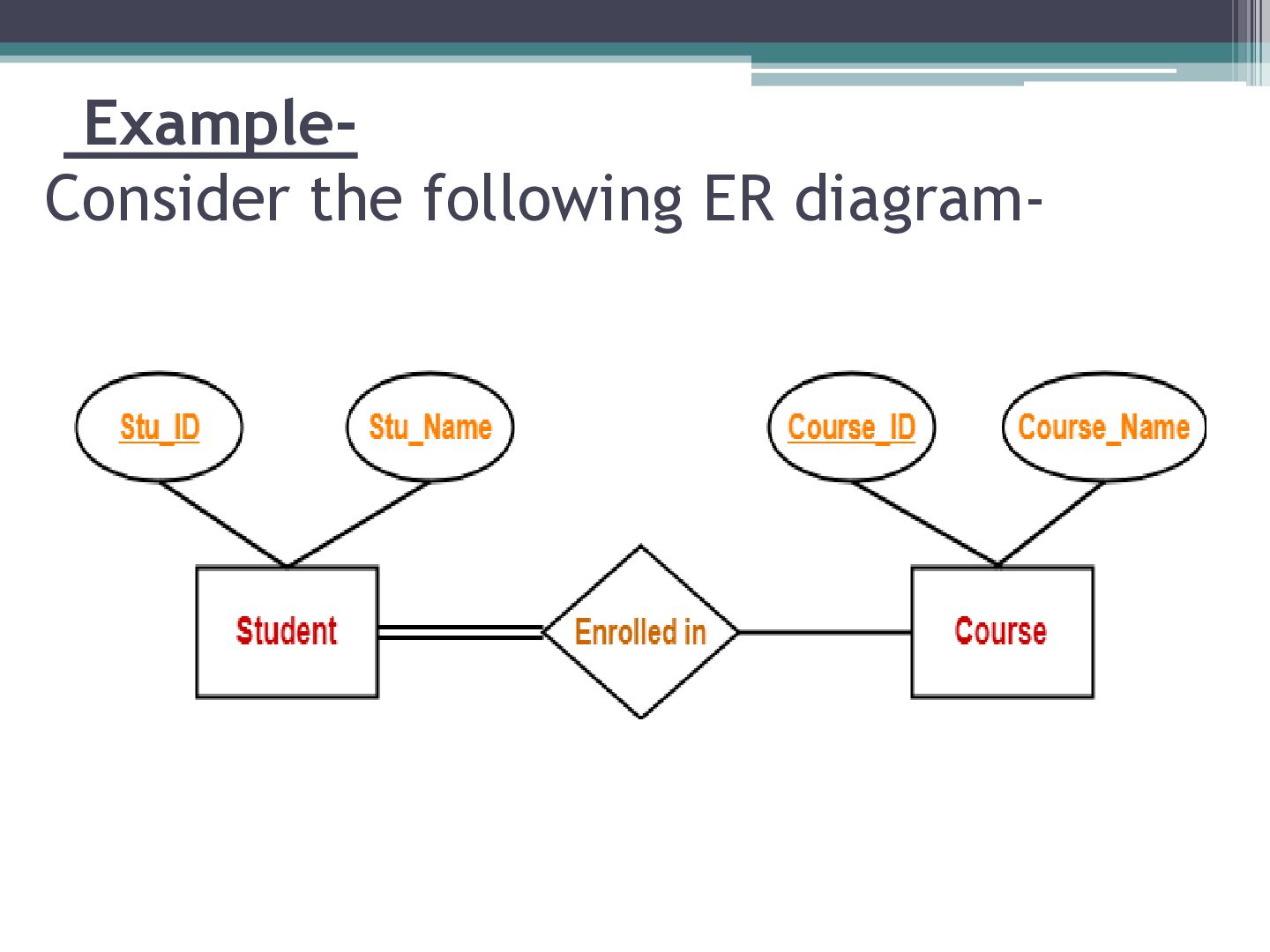
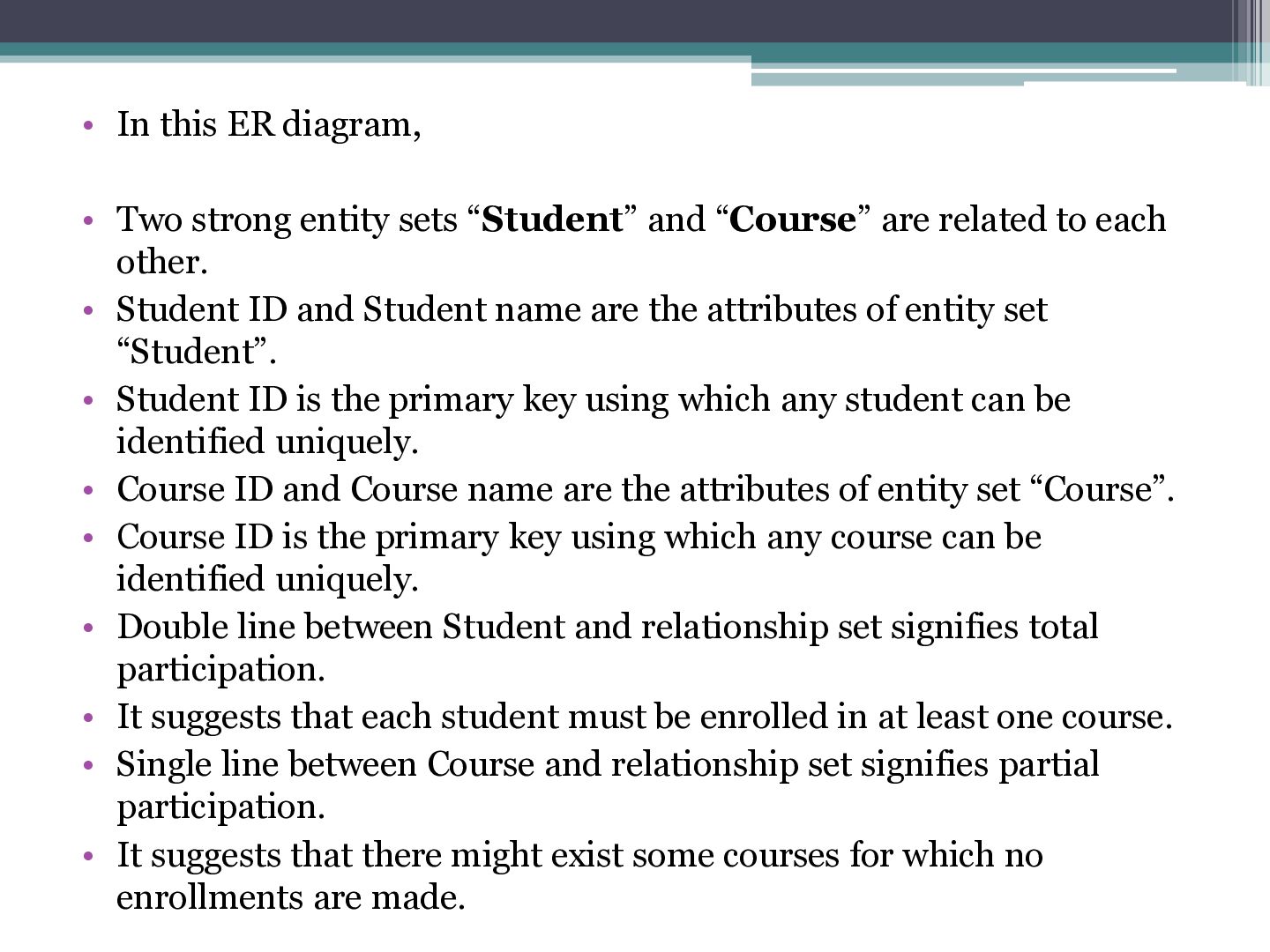
“Student” and “Course” are related to each other. • Student ID and Student name are the attributes of entity set “Student”. • Student ID is the primary key using which any student can be identified uniquely. • Course ID and Course name are the attributes of entity set “Course”. • Course ID is the primary key using which any course can be identified uniquely. • Double line between Student and relationship set signifies total participation. • It suggests that each student must be enrolled in at least one course. • Single line between Course and relationship set signifies partial participation. • It suggests that there might exist some courses for which no enrollments are made.
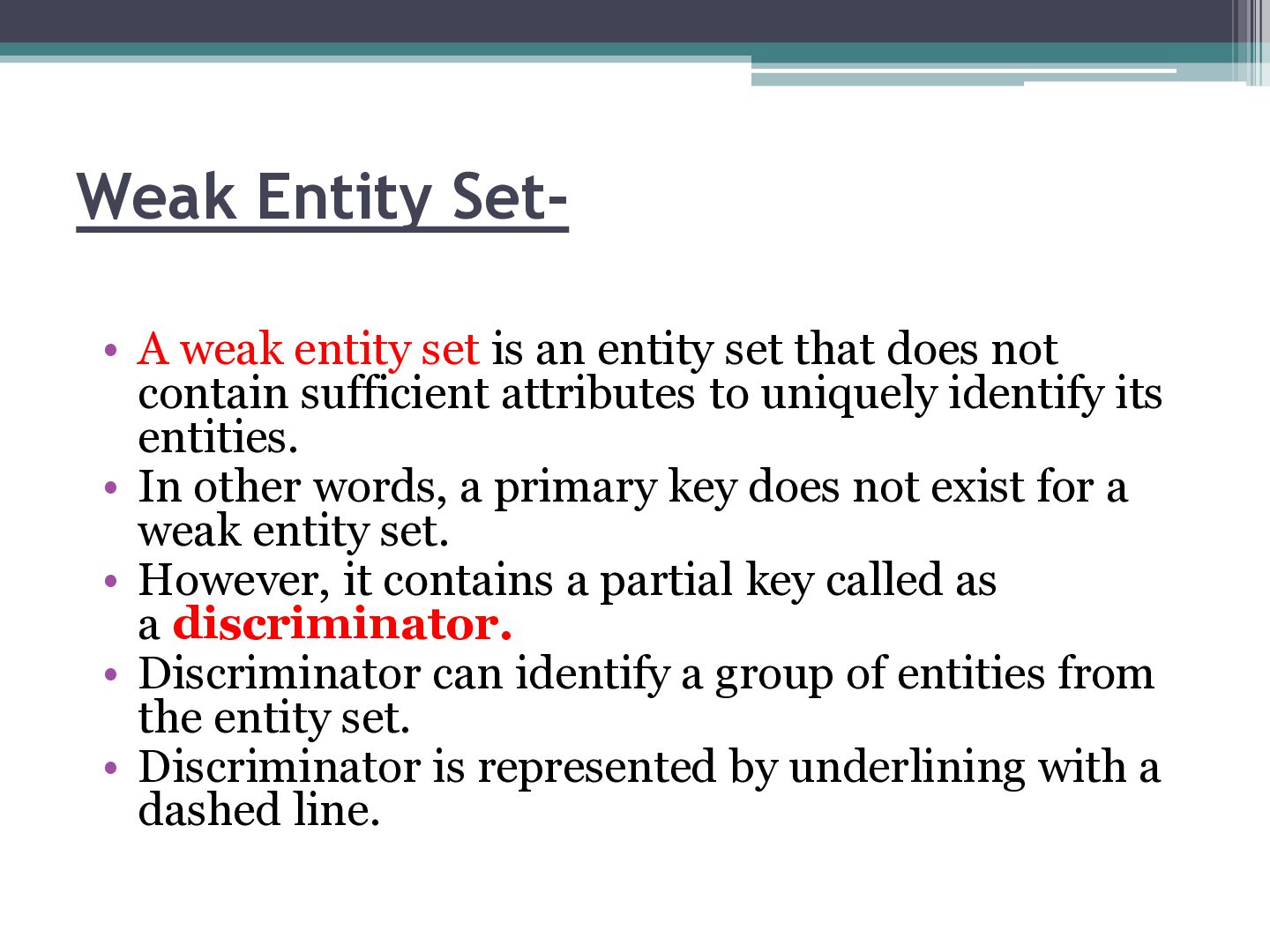
set that does not contain sufficient attributes to uniquely identify its entities. • In other words, a primary key does not exist for a weak entity set. • However, it contains a partial key called as a discriminator. • Discriminator can identify a group of entities from the entity set. • Discriminator is represented by underlining with a dashed line.
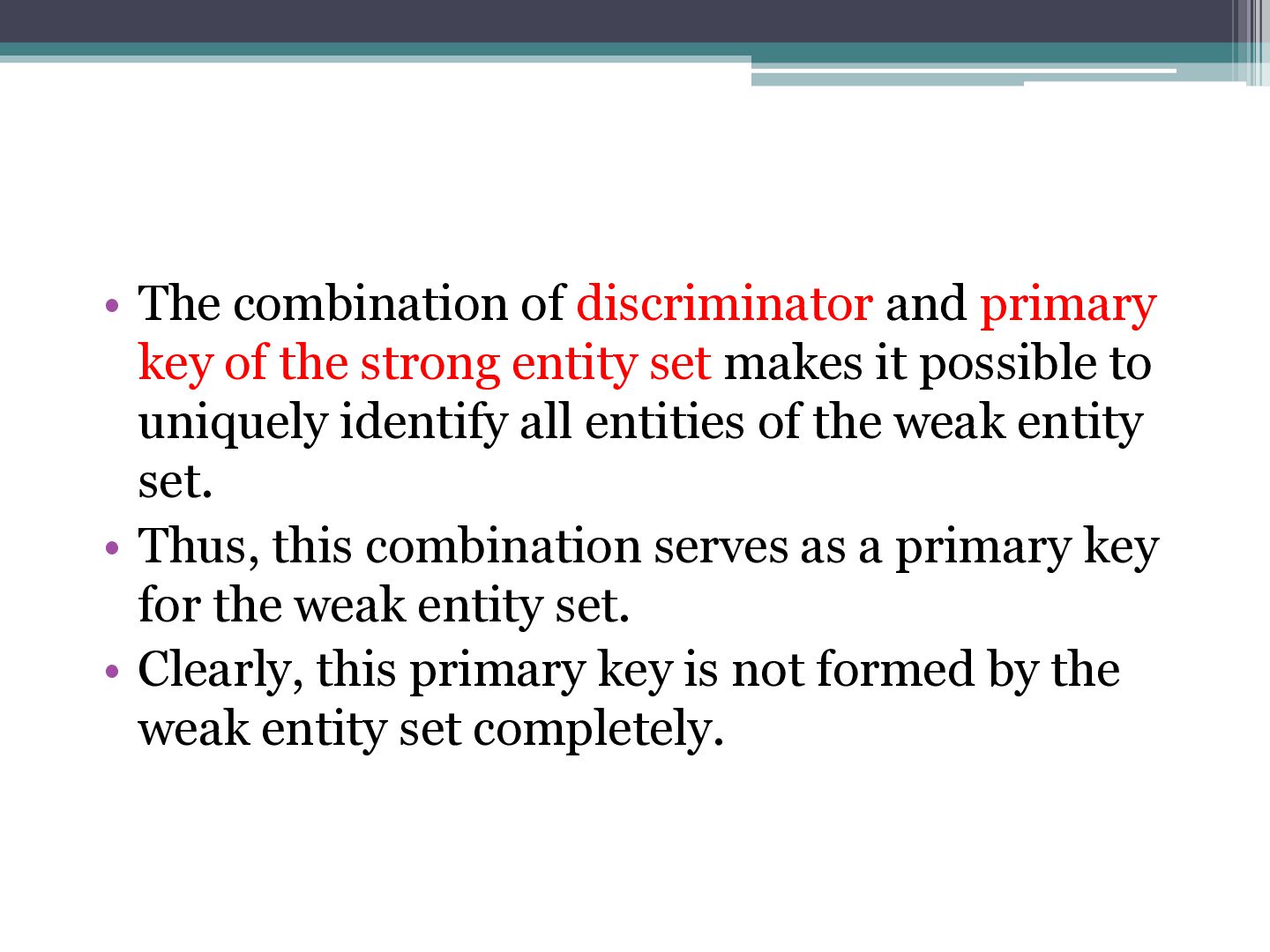
strong entity set makes it possible to uniquely identify all entities of the weak entity set. • Thus, this combination serves as a primary key for the weak entity set. • Clearly, this primary key is not formed by the weak entity set completely.
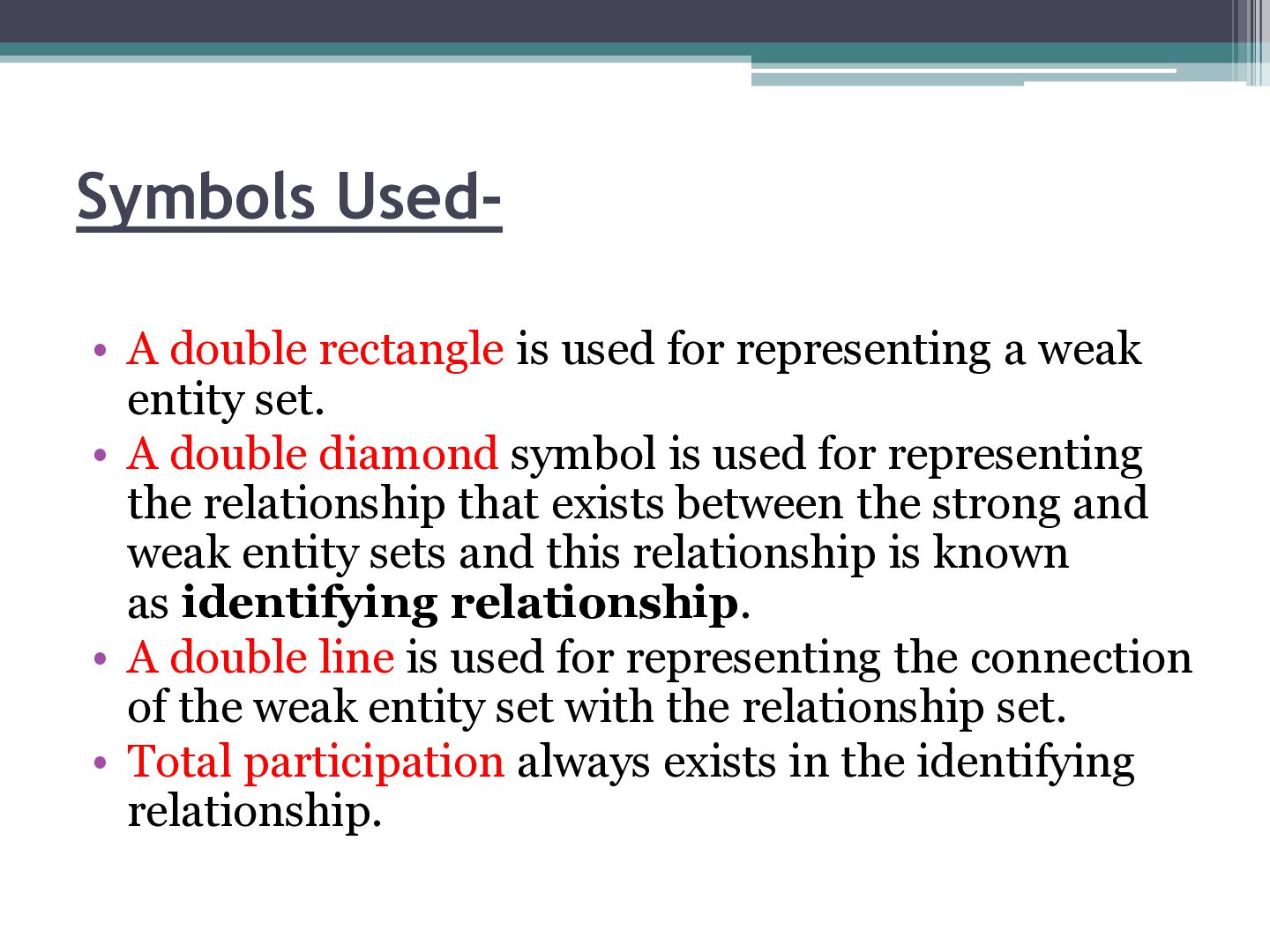
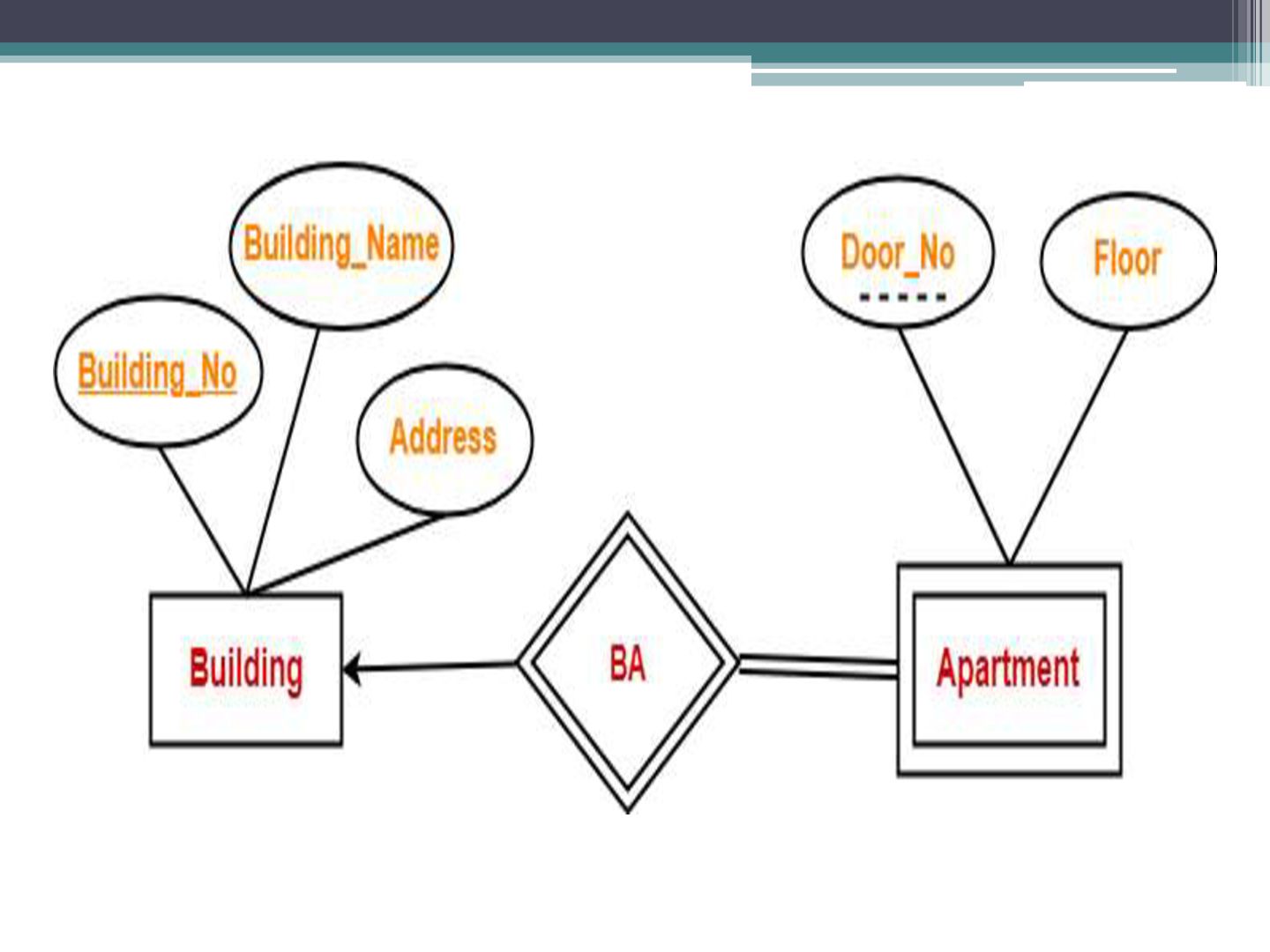
weak entity set. • A double diamond symbol is used for representing the relationship that exists between the strong and weak entity sets and this relationship is known as identifying relationship. • A double line is used for representing the connection of the weak entity set with the relationship set. • Total participation always exists in the identifying relationship.
“Building” and one weak entity set “Apartment” are related to each other. • Strong entity set “Building” has building number as its primary key. • Door number is the discriminator of the weak entity set “Apartment”. • This is because door number alone can not identify an apartment uniquely as there may be several other buildings having the same door number. • Double line between Apartment and relationship set signifies total participation. • It suggests that each apartment must be present in at least one building. • Single line between Building and relationship set signifies partial participation. • It suggests that there might exist some buildings which has no apartment.
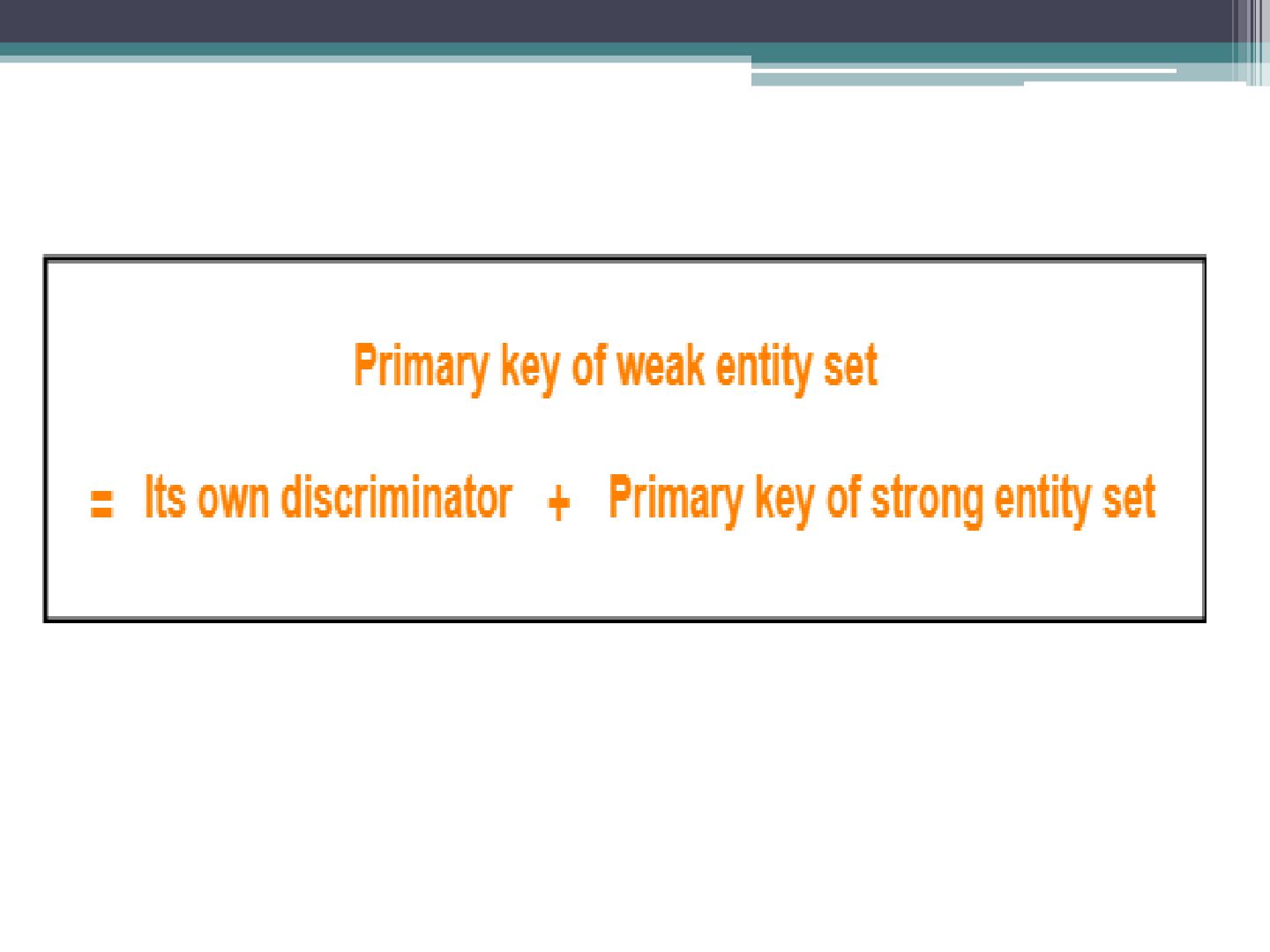
is required to identify the particular building. • Secondly, door number of the apartment is required to uniquely identify the apartment. • Thus, • Primary key of Apartment • = Primary key of Building + Its own discriminator
model that incorporates the extensions to the original ER model. Enhanced ER models are high level models that represent the requirements and complexities of complex databases. • The extended Entity Relationship (ER) models are three types as given below − • Aggregation • Specialization • Generalization
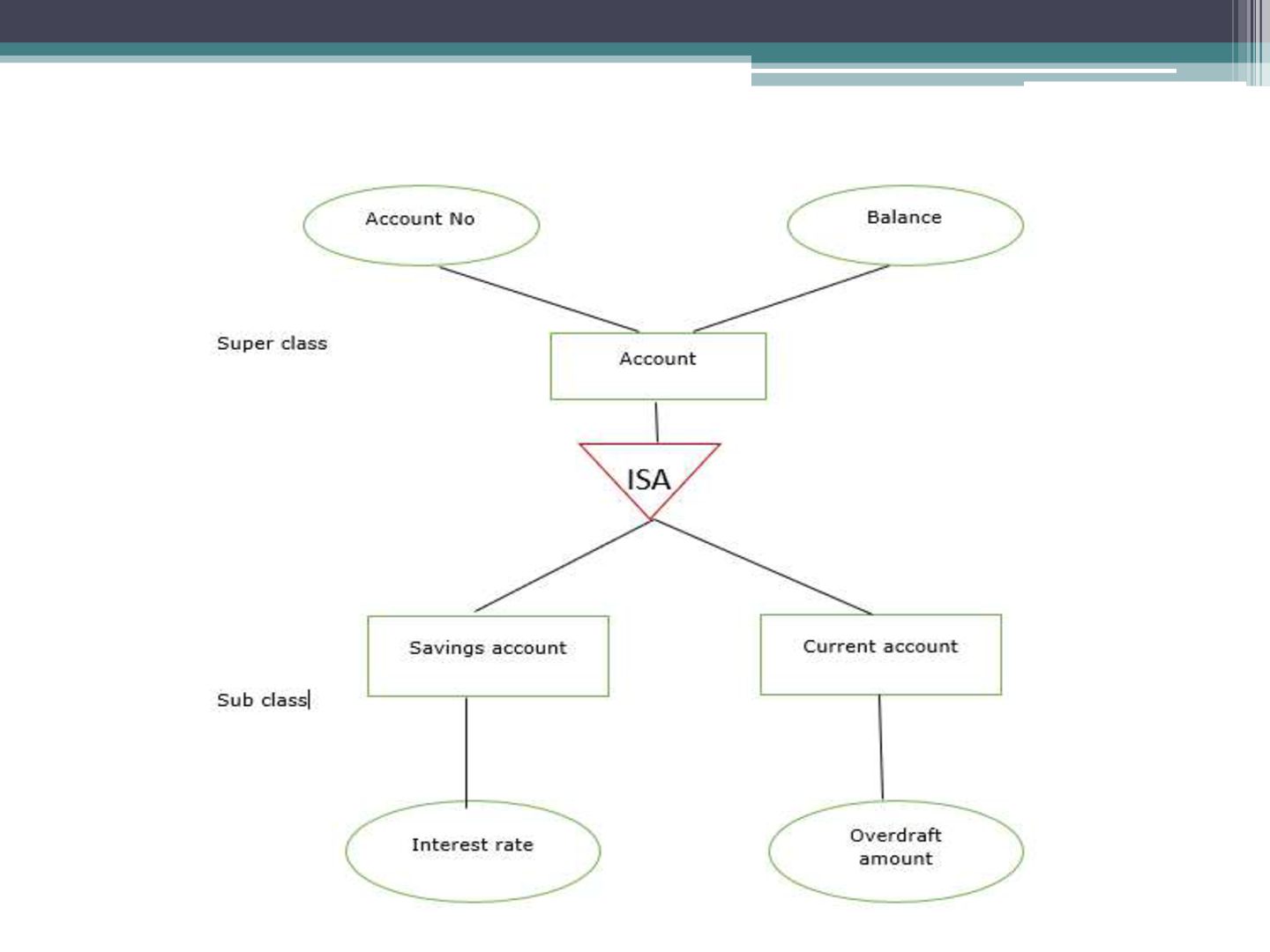
entity set is called specialization. It is a top-down process. If an entity set is given with all the attributes in which the instances of the entity set are differentiated according to the given attribute value, then that subclasses or the sub-entity sets can be formed from the given attribute. • Example • Specialization of a person allows us to distinguish a person according to whether they are employees or customers. Specialization of account creates two entity sets: savings account and current account. • In the E-R diagram specialization is represented by triangle components labeled ISA. The ISA relationship is referred as superclass- subclass relationship as shown below −
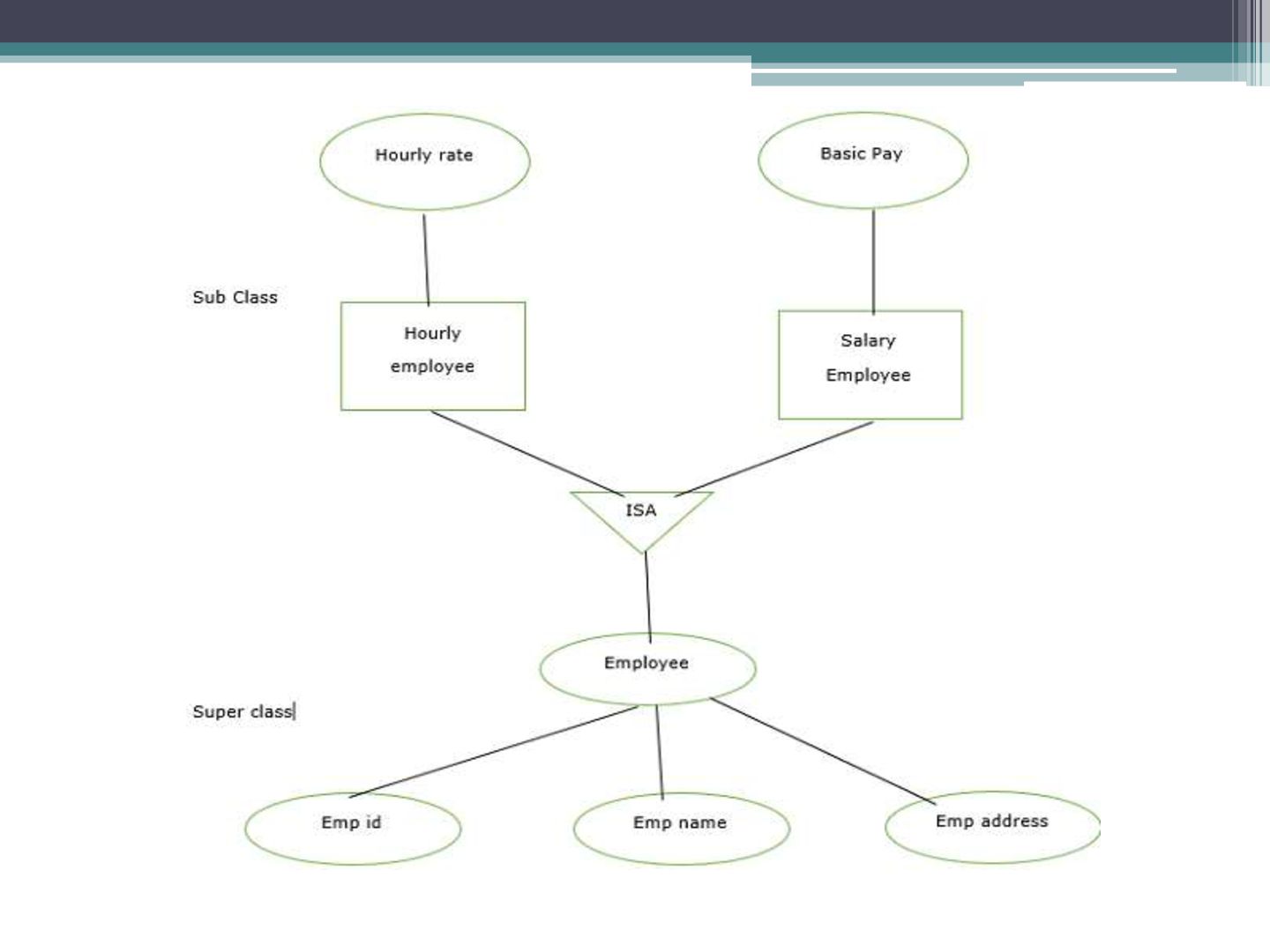
is a bottom-up approach. • It converts subclasses to superclasses. This process combines a number of entity sets that share the same features into higher-level entity sets. • If the sub-class information is given for the given entity set then, ISA relationship type will be used to represent the connectivity between the subclass and superclass as shown below −
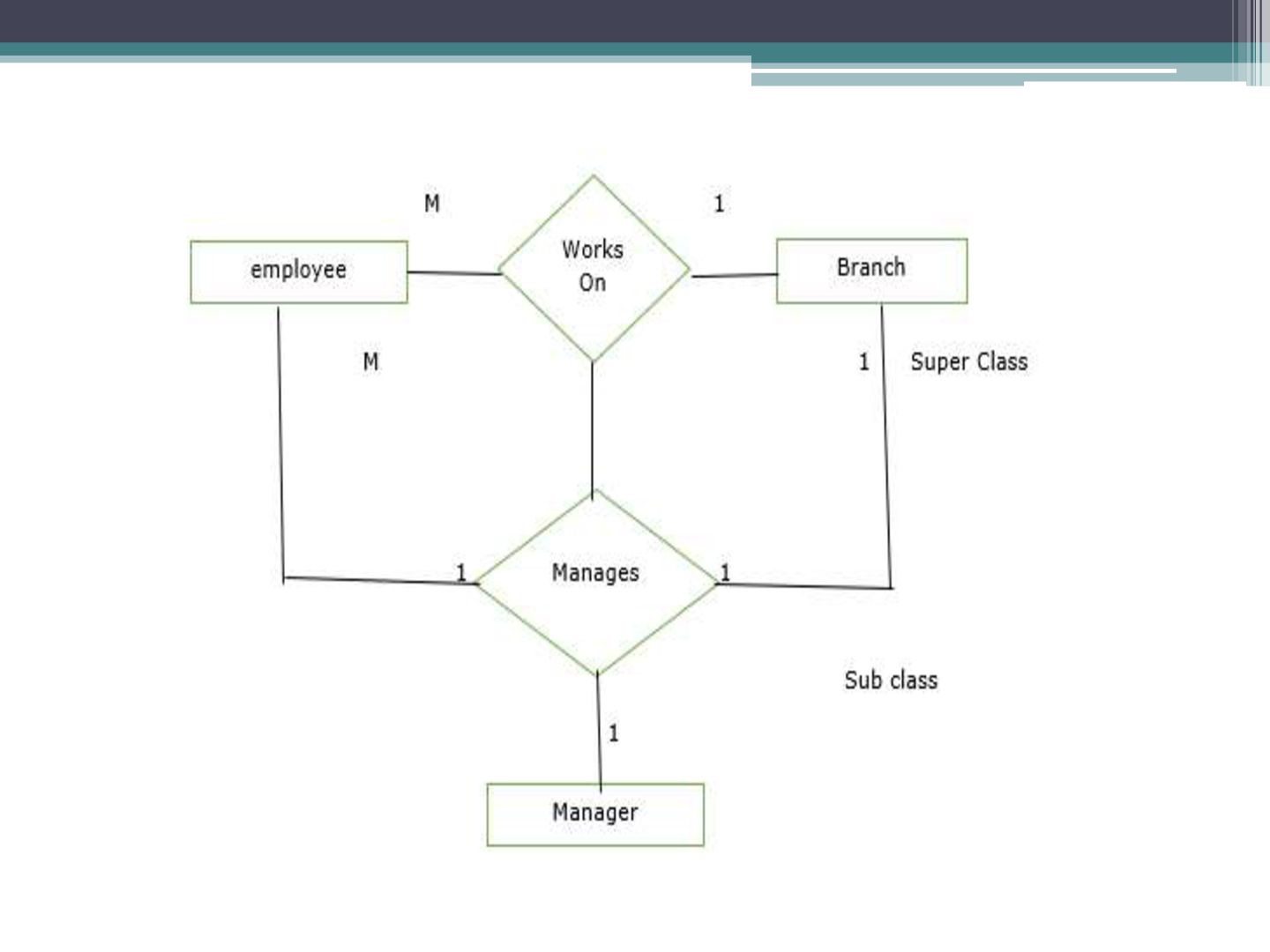
are treated as higher level entity sets and can participate in relationships. Aggregation allows us to indicate that a relationship set participates in another relationship set. • Aggregation is used to simplify the details of a given database where ternary relationships will be changed into binary relationships. Ternary relation is only one type of relationship which is working between three entities.


 langde2912
 rakko
rakko
 ryanjones
 tammyeverts
 speakerdeck
 scottboms
 danielanewman
 akosma
 andyhume
 geshan
 tomoyanonymous
 sstephenson
 lcolladotor