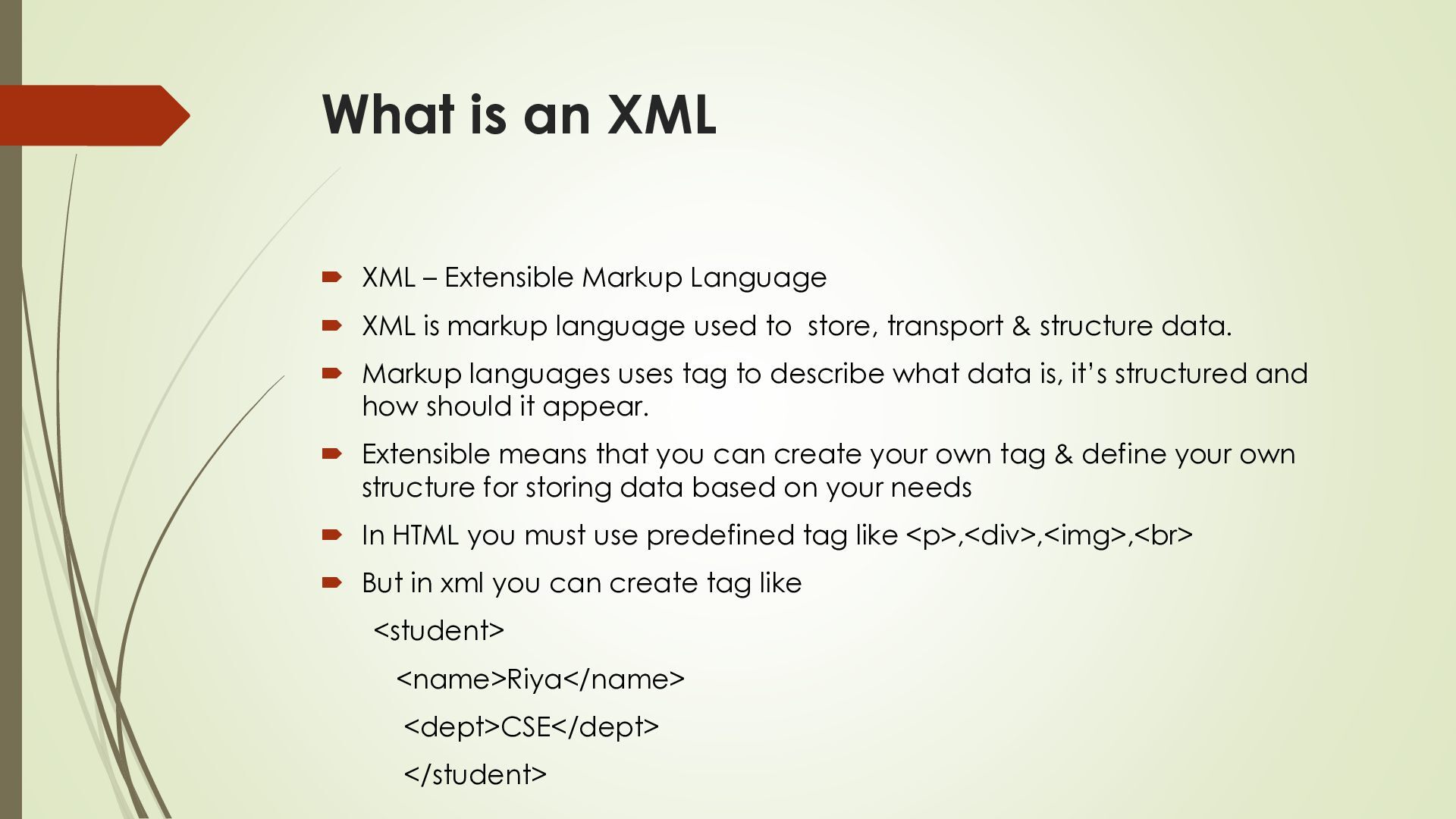
XML is markup language used to store, transport & structure data. Markup languages uses tag to describe what data is, it’s structured and how should it appear. Extensible means that you can create your own tag & define your own structure for storing data based on your needs In HTML you must use predefined tag like <p>,<div>,<img>,<br> But in xml you can create tag like <student> <name>Riya</name> <dept>CSE</dept> </student>
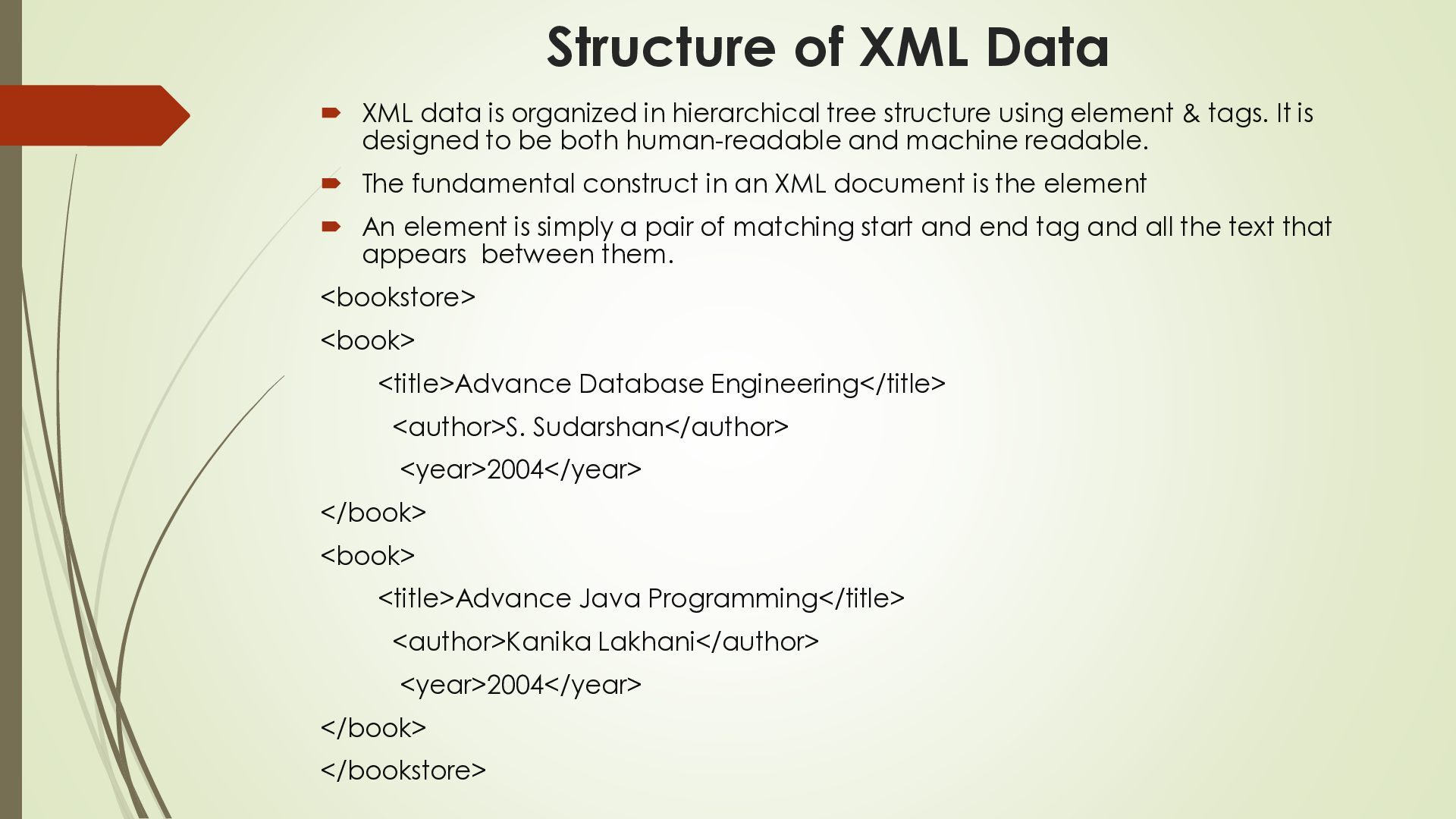
hierarchical tree structure using element & tags. It is designed to be both human-readable and machine readable. The fundamental construct in an XML document is the element An element is simply a pair of matching start and end tag and all the text that appears between them. <bookstore> <book> <title>Advance Database Engineering</title> <author>S. Sudarshan</author> <year>2004</year> </book> <book> <title>Advance Java Programming</title> <author>Kanika Lakhani</author> <year>2004</year> </book> </bookstore>
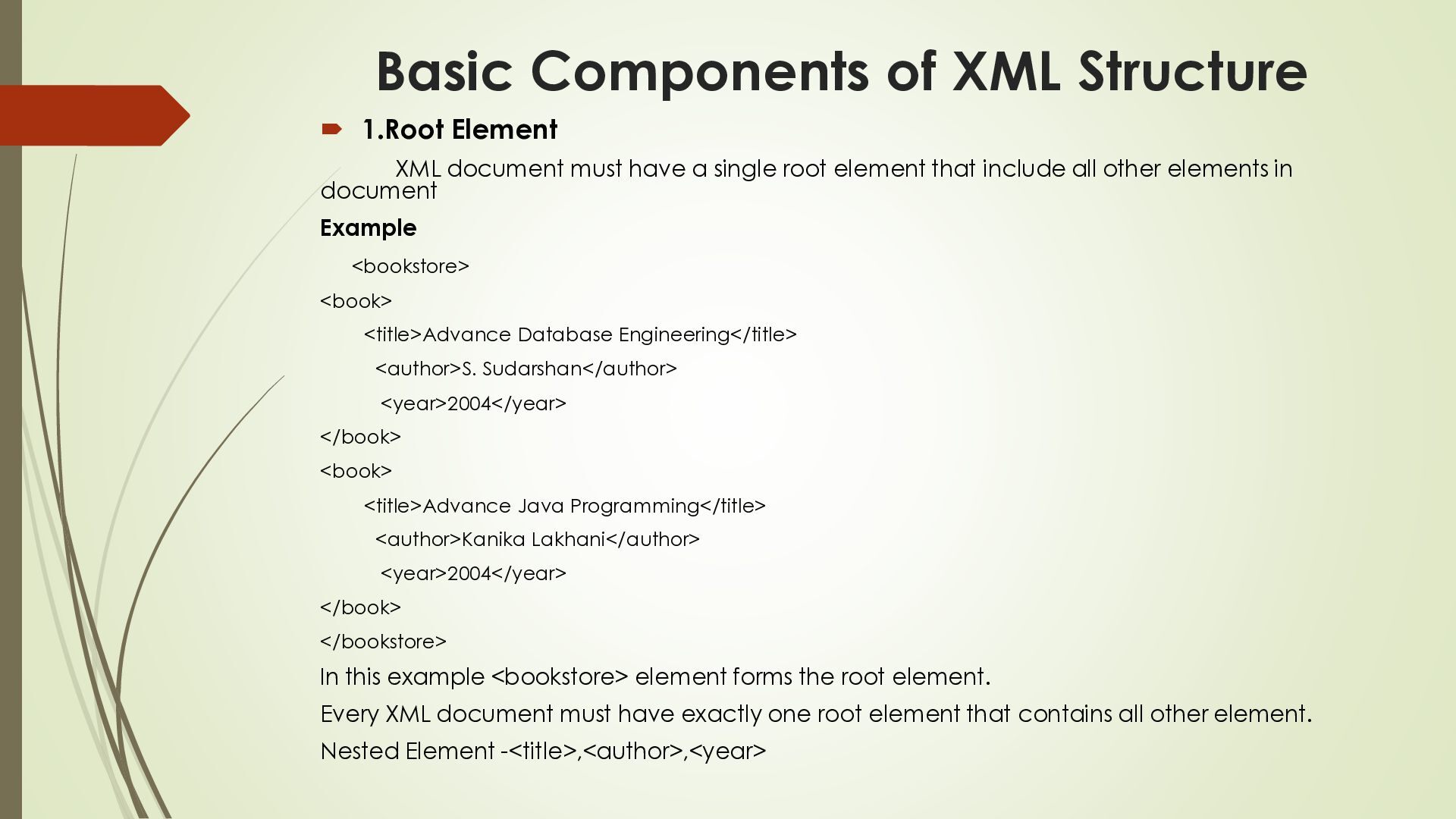
must have a single root element that include all other elements in document Example <bookstore> <book> <title>Advance Database Engineering</title> <author>S. Sudarshan</author> <year>2004</year> </book> <book> <title>Advance Java Programming</title> <author>Kanika Lakhani</author> <year>2004</year> </book> </bookstore> In this example <bookstore> element forms the root element. Every XML document must have exactly one root element that contains all other element. Nested Element -<title>,<author>,<year>
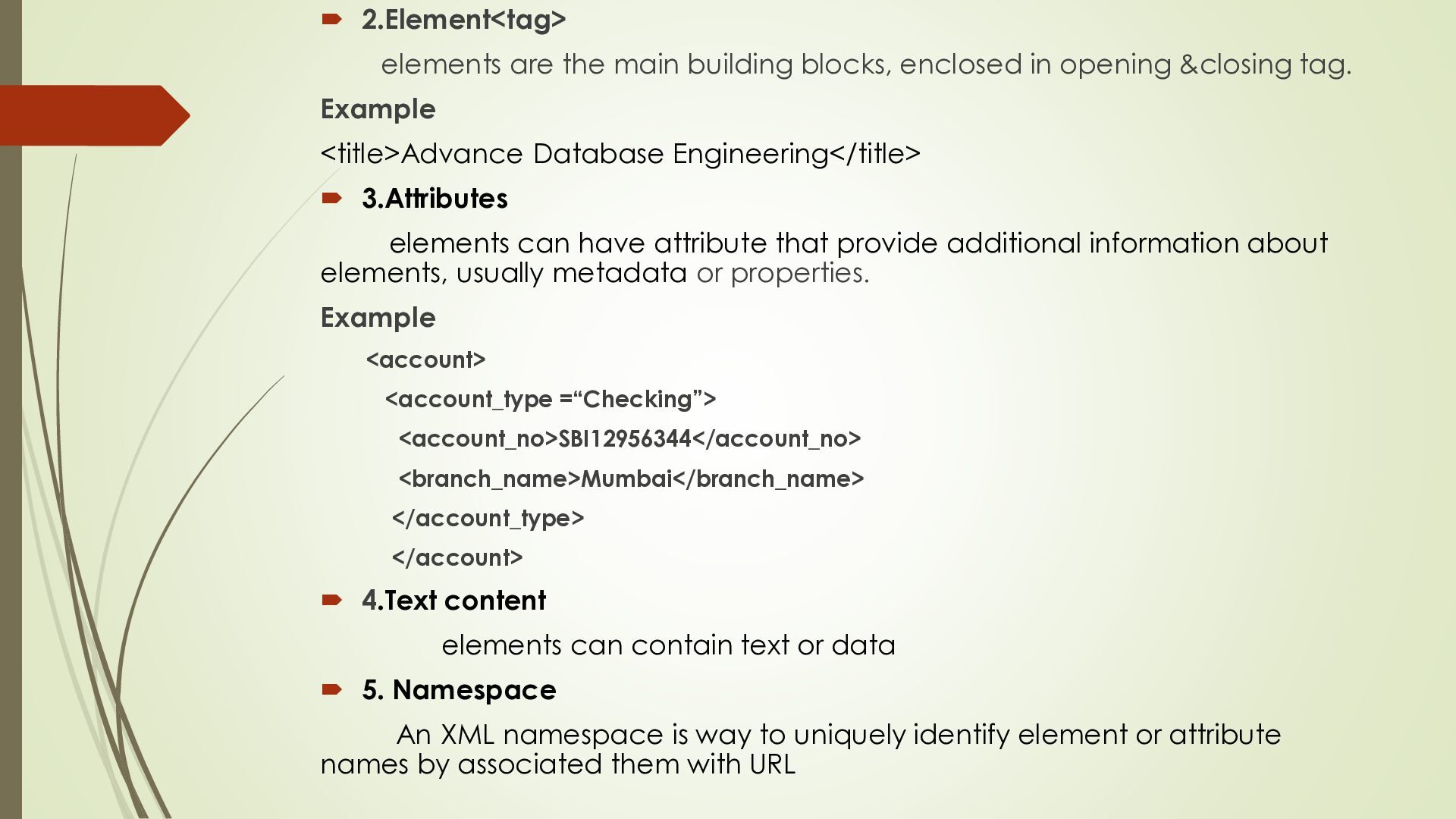
opening &closing tag. Example <title>Advance Database Engineering</title> 3.Attributes elements can have attribute that provide additional information about elements, usually metadata or properties. Example <account> <account_type =“Checking”> <account_no>SBI12956344</account_no> <branch_name>Mumbai</branch_name> </account_type> </account> 4.Text content elements can contain text or data 5. Namespace An XML namespace is way to uniquely identify element or attribute names by associated them with URL
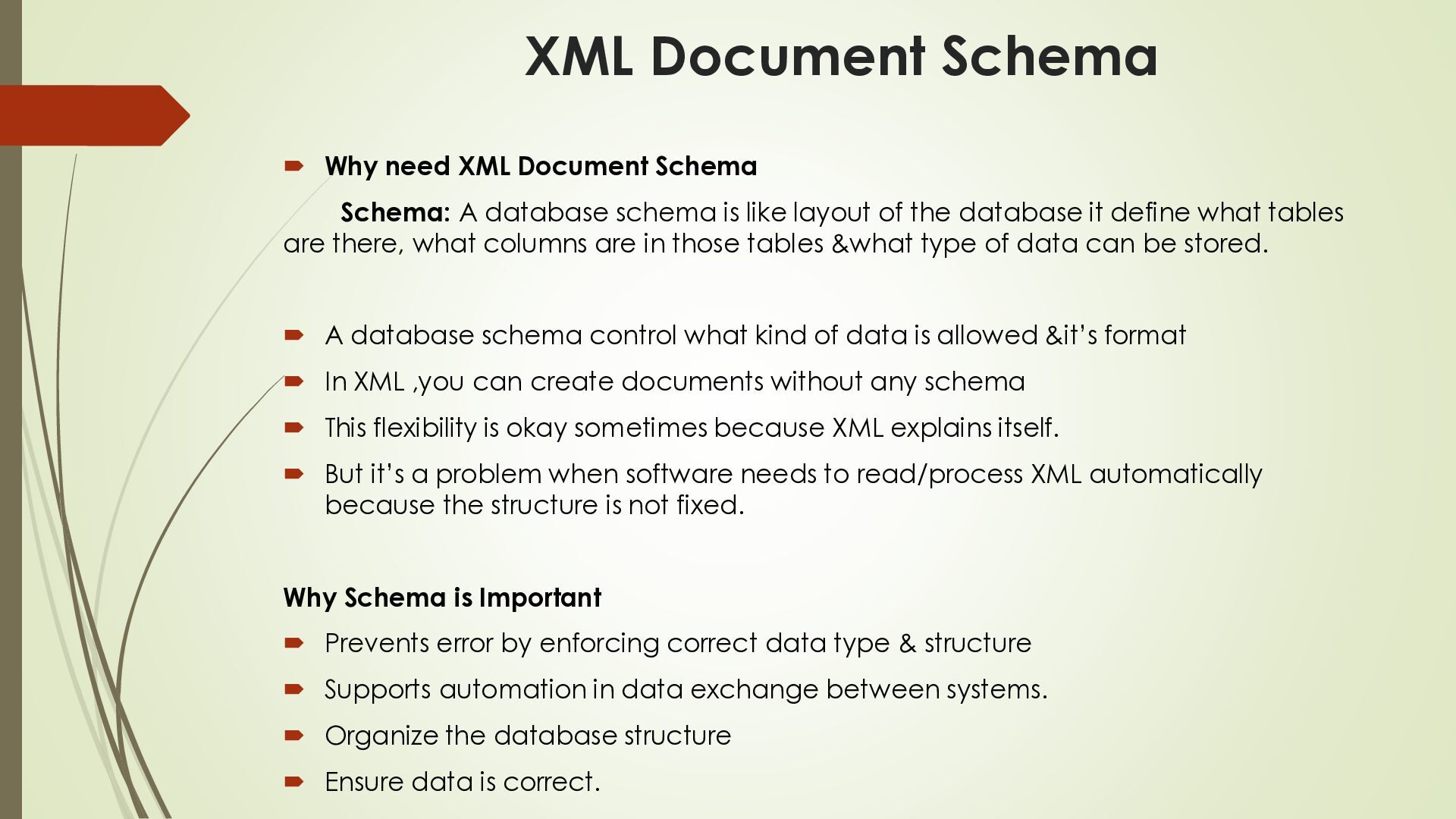
A database schema is like layout of the database it define what tables are there, what columns are in those tables &what type of data can be stored. A database schema control what kind of data is allowed &it’s format In XML ,you can create documents without any schema This flexibility is okay sometimes because XML explains itself. But it’s a problem when software needs to read/process XML automatically because the structure is not fixed. Why Schema is Important Prevents error by enforcing correct data type & structure Supports automation in data exchange between systems. Organize the database structure Ensure data is correct.
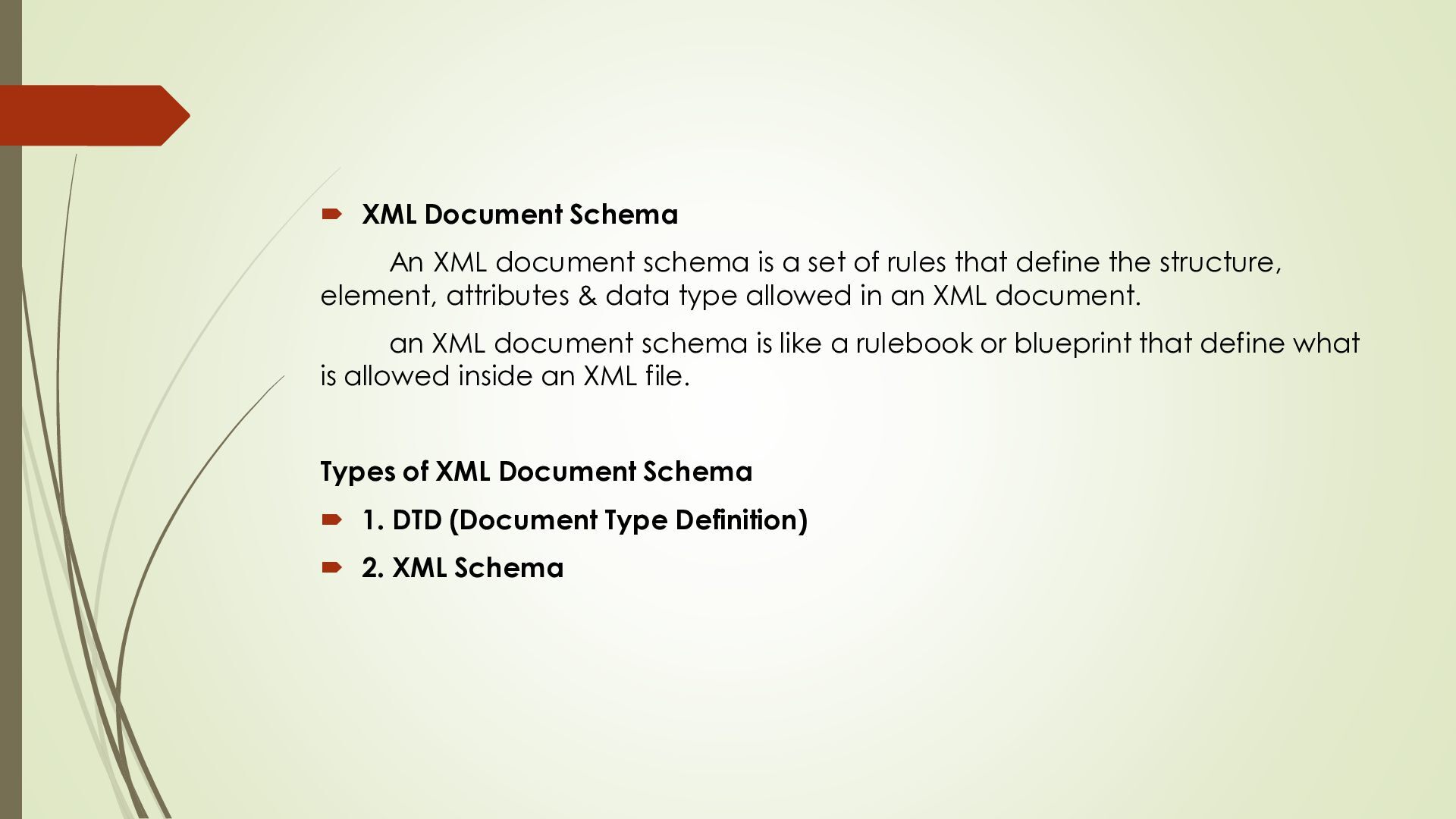
set of rules that define the structure, element, attributes & data type allowed in an XML document. an XML document schema is like a rulebook or blueprint that define what is allowed inside an XML file. Types of XML Document Schema 1. DTD (Document Type Definition) 2. XML Schema
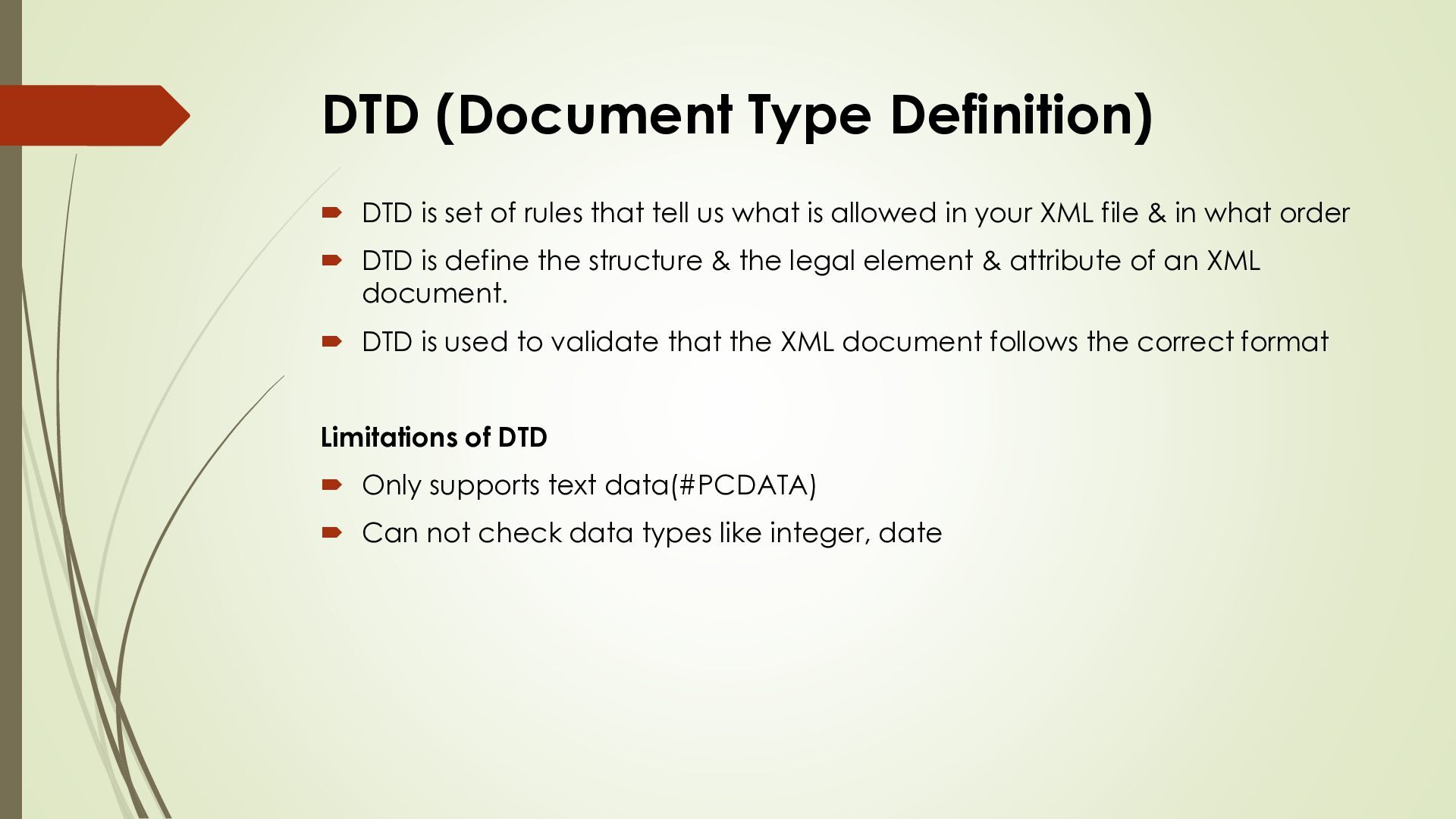
that tell us what is allowed in your XML file & in what order DTD is define the structure & the legal element & attribute of an XML document. DTD is used to validate that the XML document follows the correct format Limitations of DTD Only supports text data(#PCDATA) Can not check data types like integer, date
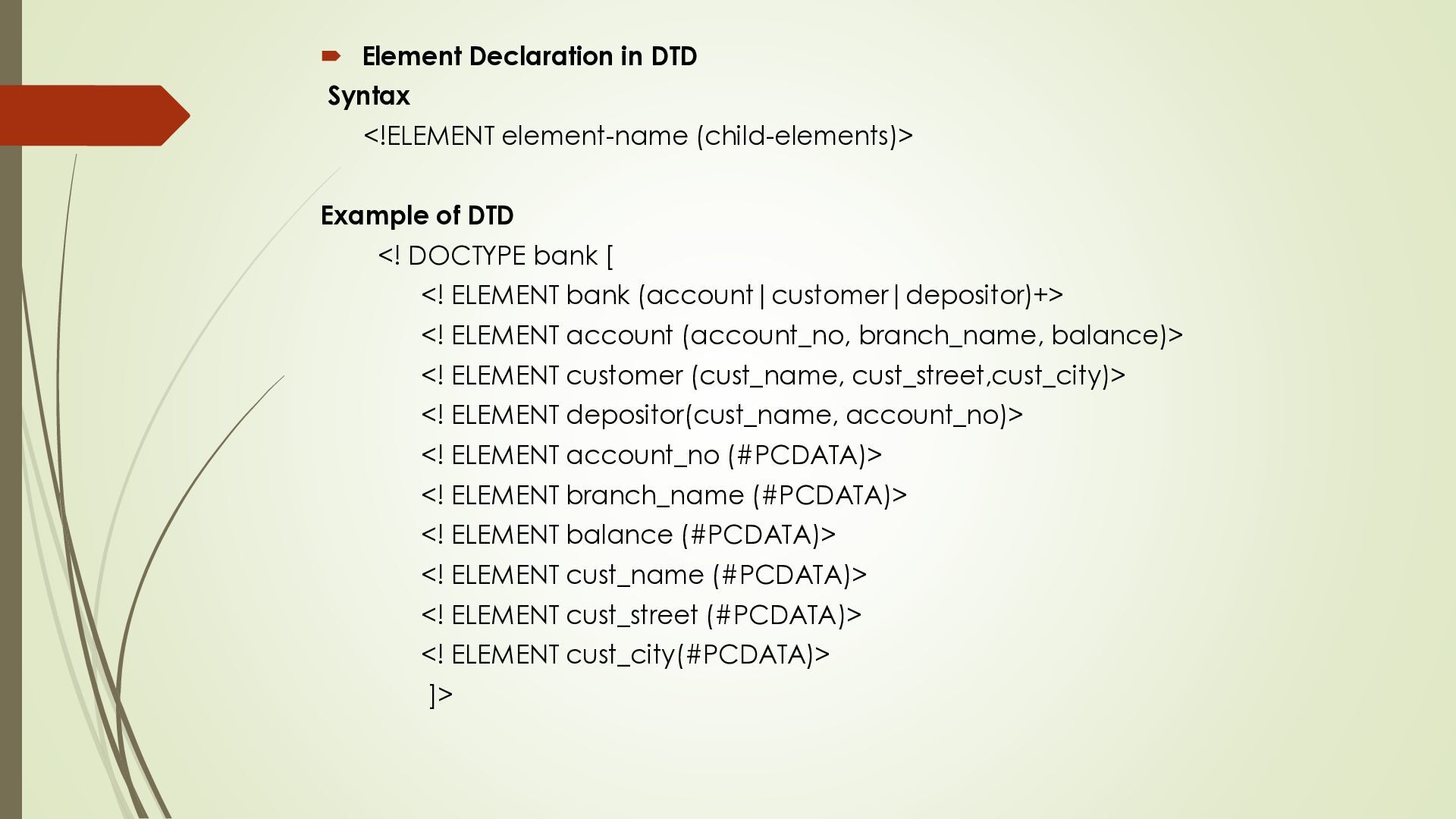
of DTD <! DOCTYPE bank [ <! ELEMENT bank (account|customer|depositor)+> <! ELEMENT account (account_no, branch_name, balance)> <! ELEMENT customer (cust_name, cust_street,cust_city)> <! ELEMENT depositor(cust_name, account_no)> <! ELEMENT account_no (#PCDATA)> <! ELEMENT branch_name (#PCDATA)> <! ELEMENT balance (#PCDATA)> <! ELEMENT cust_name (#PCDATA)> <! ELEMENT cust_street (#PCDATA)> <! ELEMENT cust_city(#PCDATA)> ]>
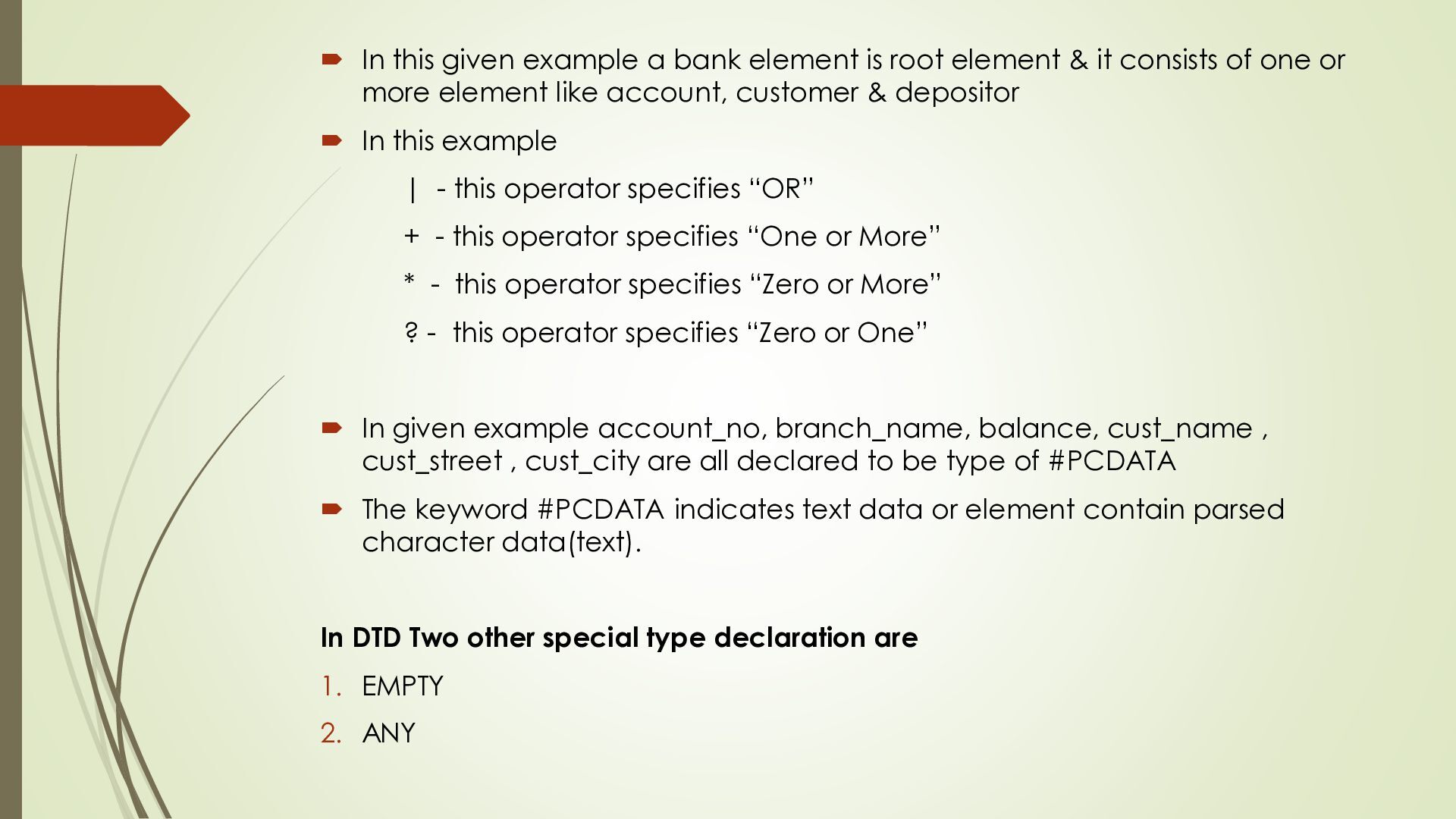
element & it consists of one or more element like account, customer & depositor In this example | - this operator specifies “OR” + - this operator specifies “One or More” * - this operator specifies “Zero or More” ? - this operator specifies “Zero or One” In given example account_no, branch_name, balance, cust_name , cust_street , cust_city are all declared to be type of #PCDATA The keyword #PCDATA indicates text data or element contain parsed character data(text). In DTD Two other special type declaration are 1. EMPTY 2. ANY
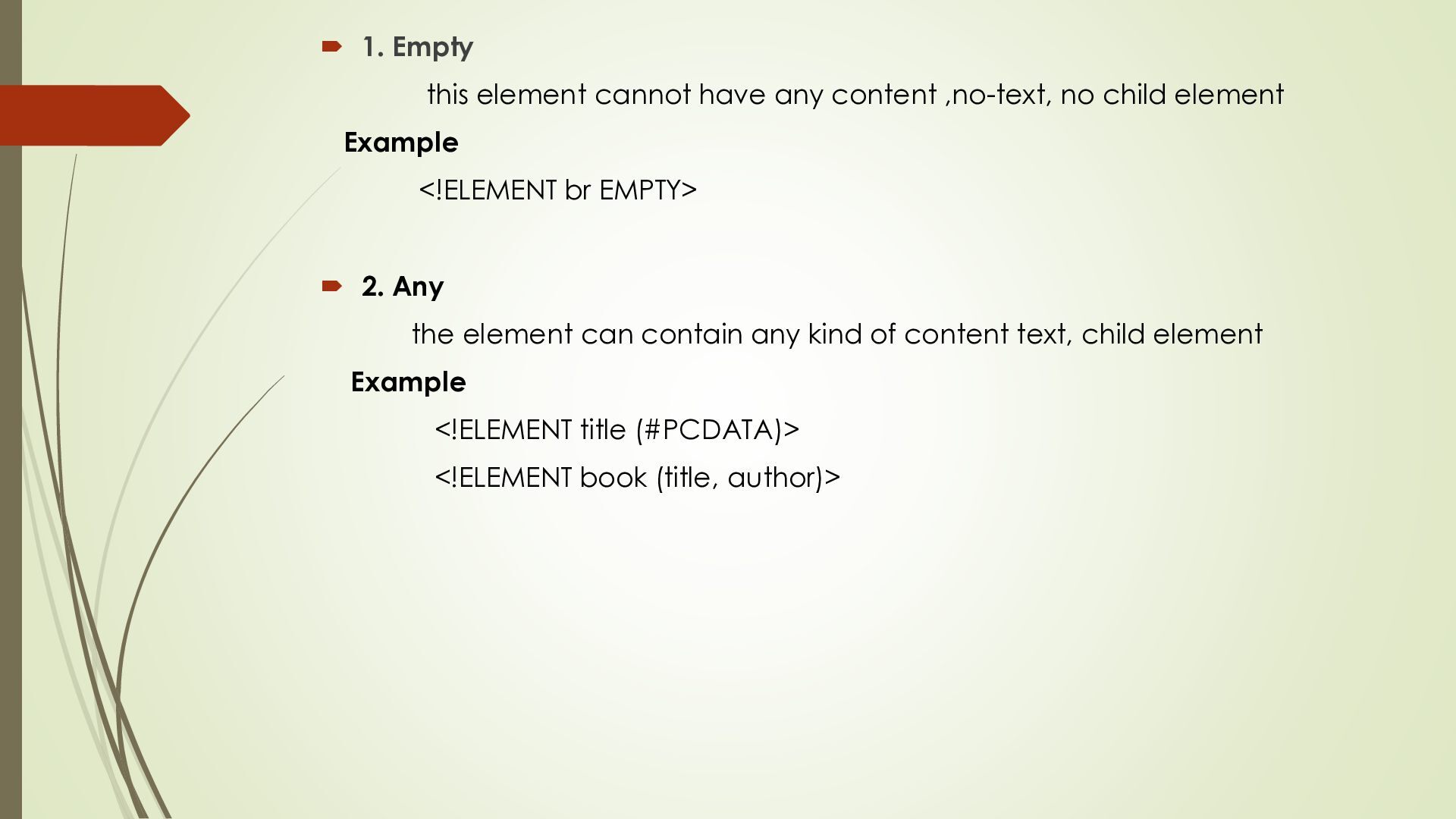
no child element Example <!ELEMENT br EMPTY> 2. Any the element can contain any kind of content text, child element Example <!ELEMENT title (#PCDATA)> <!ELEMENT book (title, author)>
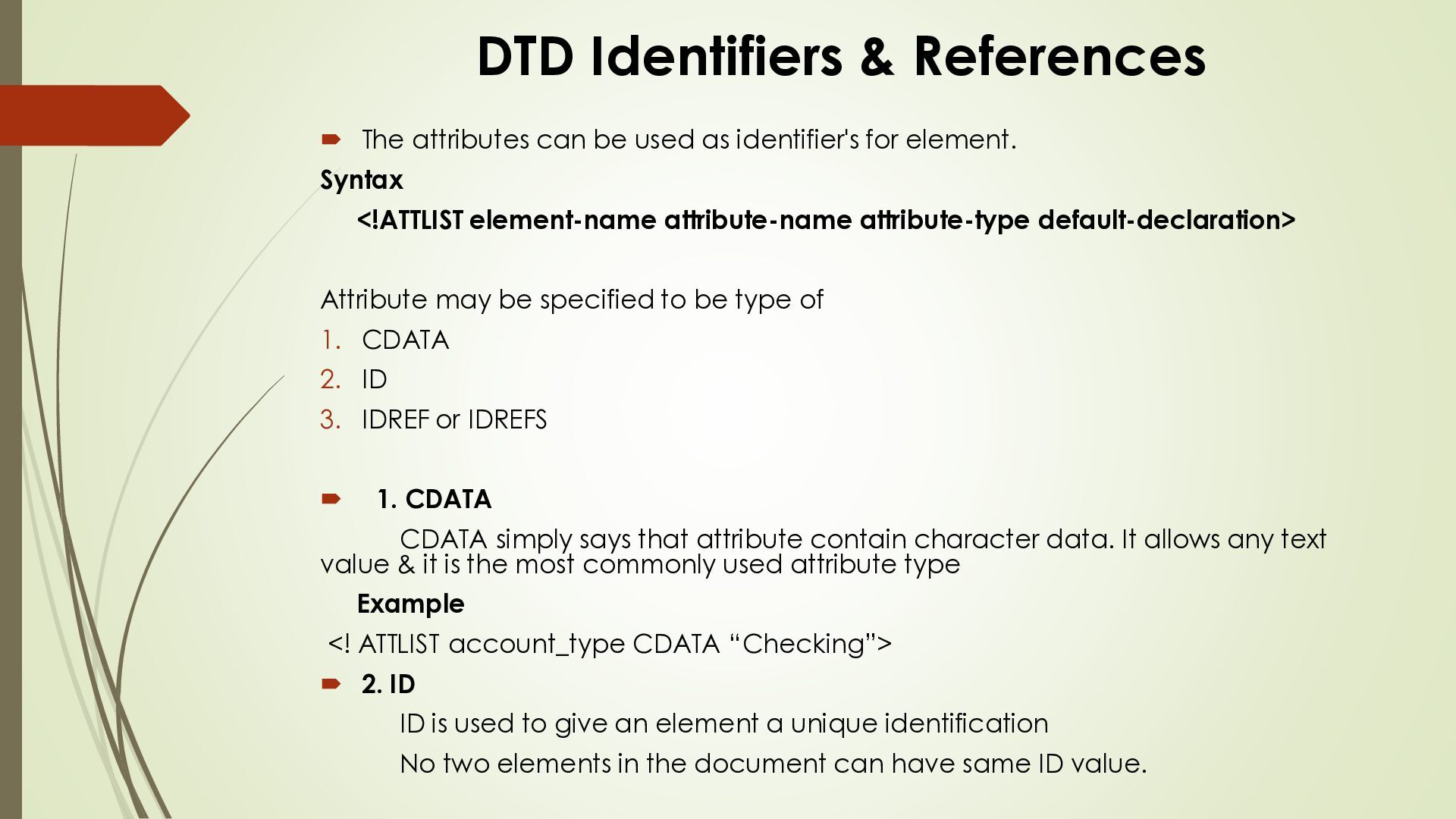
as identifier's for element. Syntax <!ATTLIST element-name attribute-name attribute-type default-declaration> Attribute may be specified to be type of 1. CDATA 2. ID 3. IDREF or IDREFS 1. CDATA CDATA simply says that attribute contain character data. It allows any text value & it is the most commonly used attribute type Example <! ATTLIST account_type CDATA “Checking”> 2. ID ID is used to give an element a unique identification No two elements in the document can have same ID value.
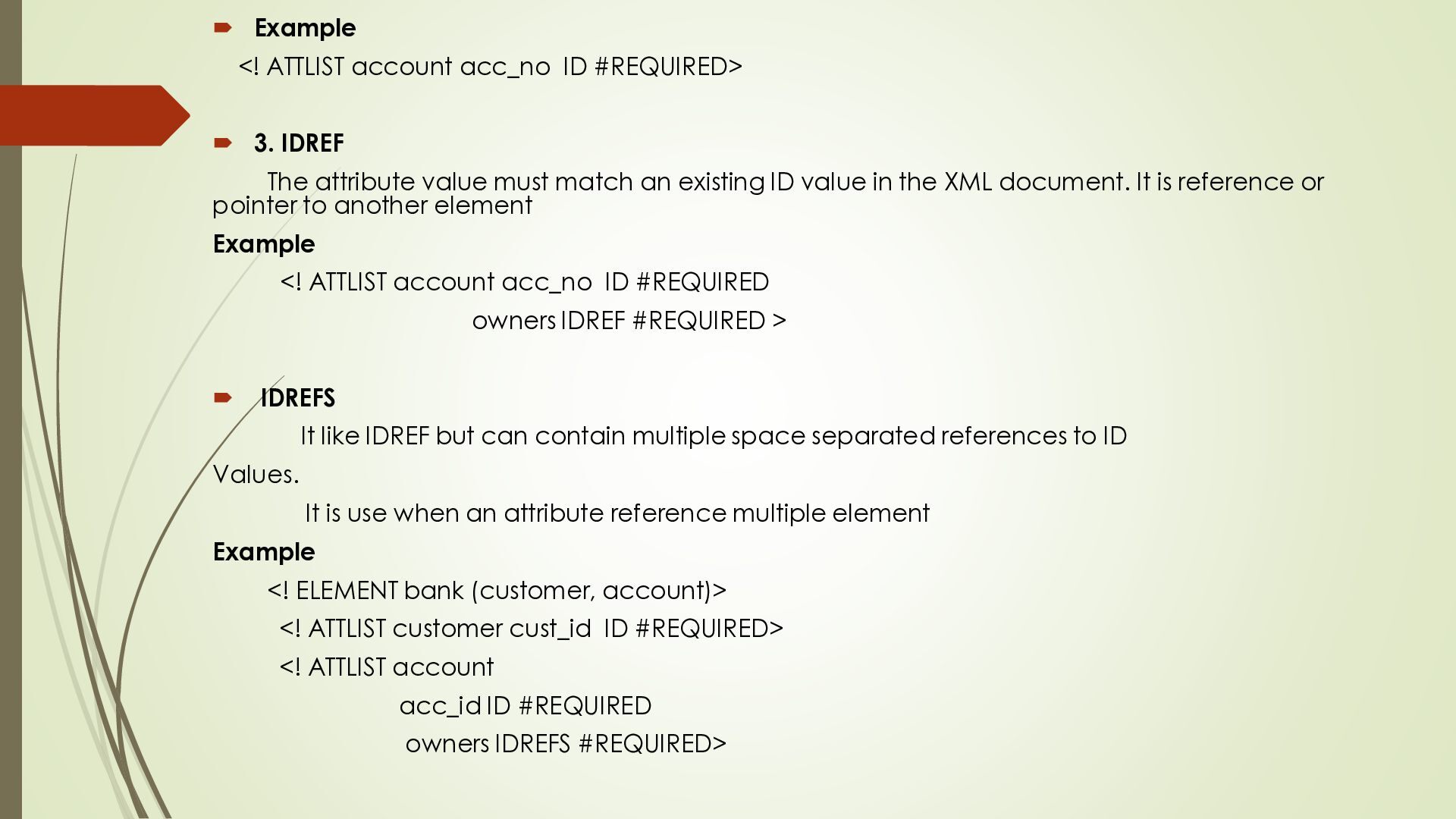
IDREF The attribute value must match an existing ID value in the XML document. It is reference or pointer to another element Example <! ATTLIST account acc_no ID #REQUIRED owners IDREF #REQUIRED > IDREFS It like IDREF but can contain multiple space separated references to ID Values. It is use when an attribute reference multiple element Example <! ELEMENT bank (customer, account)> <! ATTLIST customer cust_id ID #REQUIRED> <! ATTLIST account acc_id ID #REQUIRED owners IDREFS #REQUIRED>
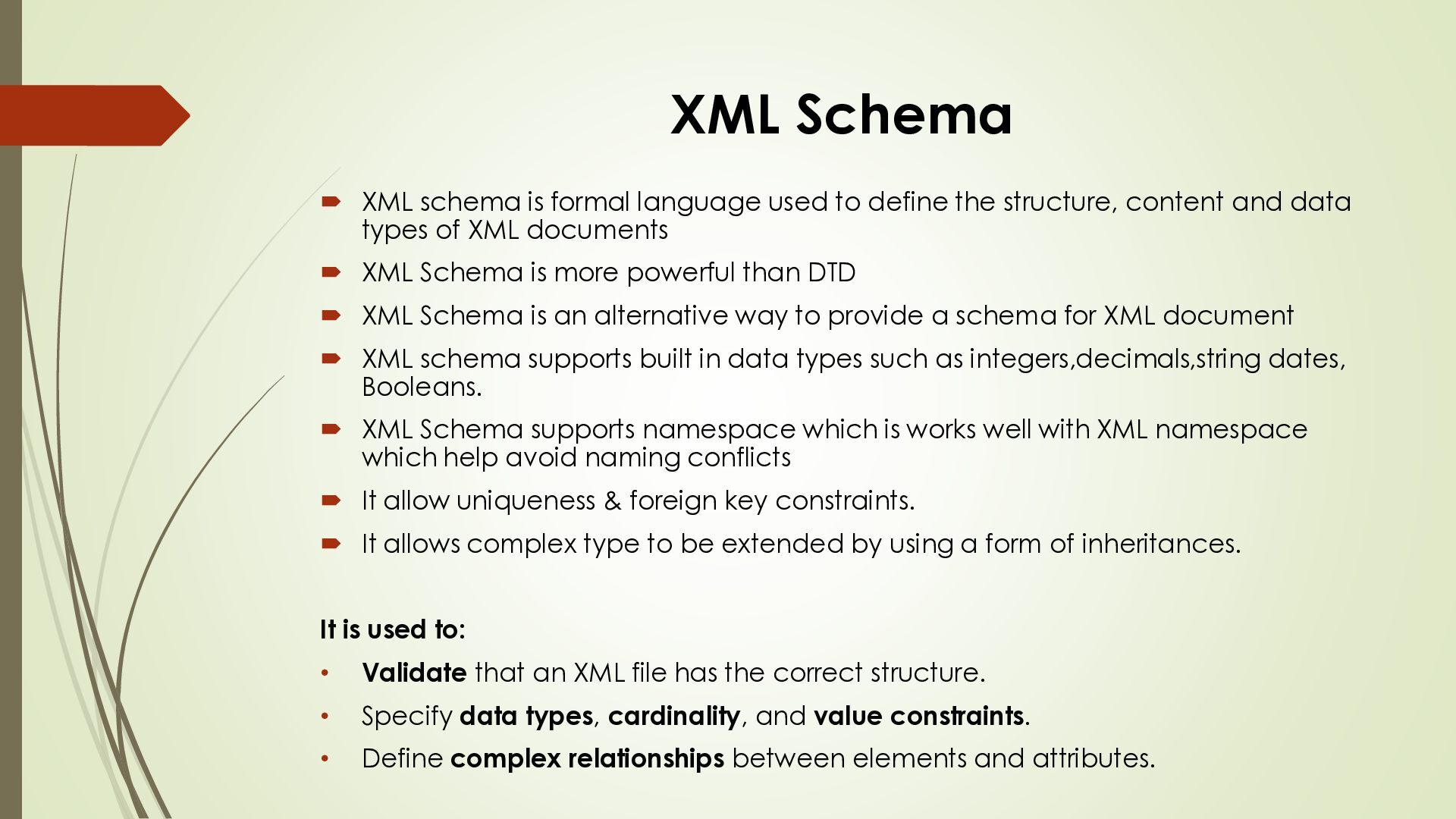
define the structure, content and data types of XML documents XML Schema is more powerful than DTD XML Schema is an alternative way to provide a schema for XML document XML schema supports built in data types such as integers,decimals,string dates, Booleans. XML Schema supports namespace which is works well with XML namespace which help avoid naming conflicts It allow uniqueness & foreign key constraints. It allows complex type to be extended by using a form of inheritances. It is used to: • Validate that an XML file has the correct structure. • Specify data types, cardinality, and value constraints. • Define complex relationships between elements and attributes.
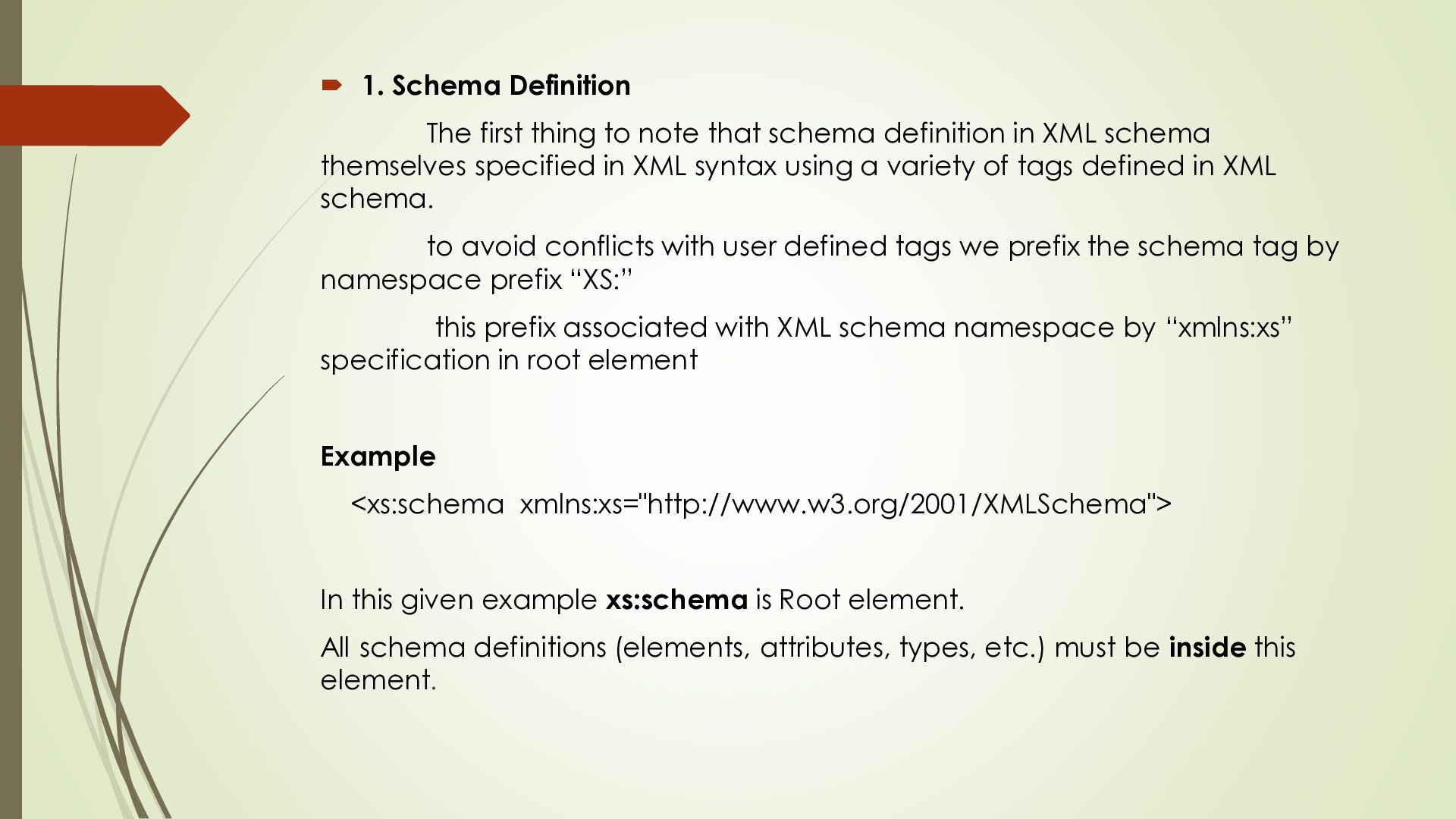
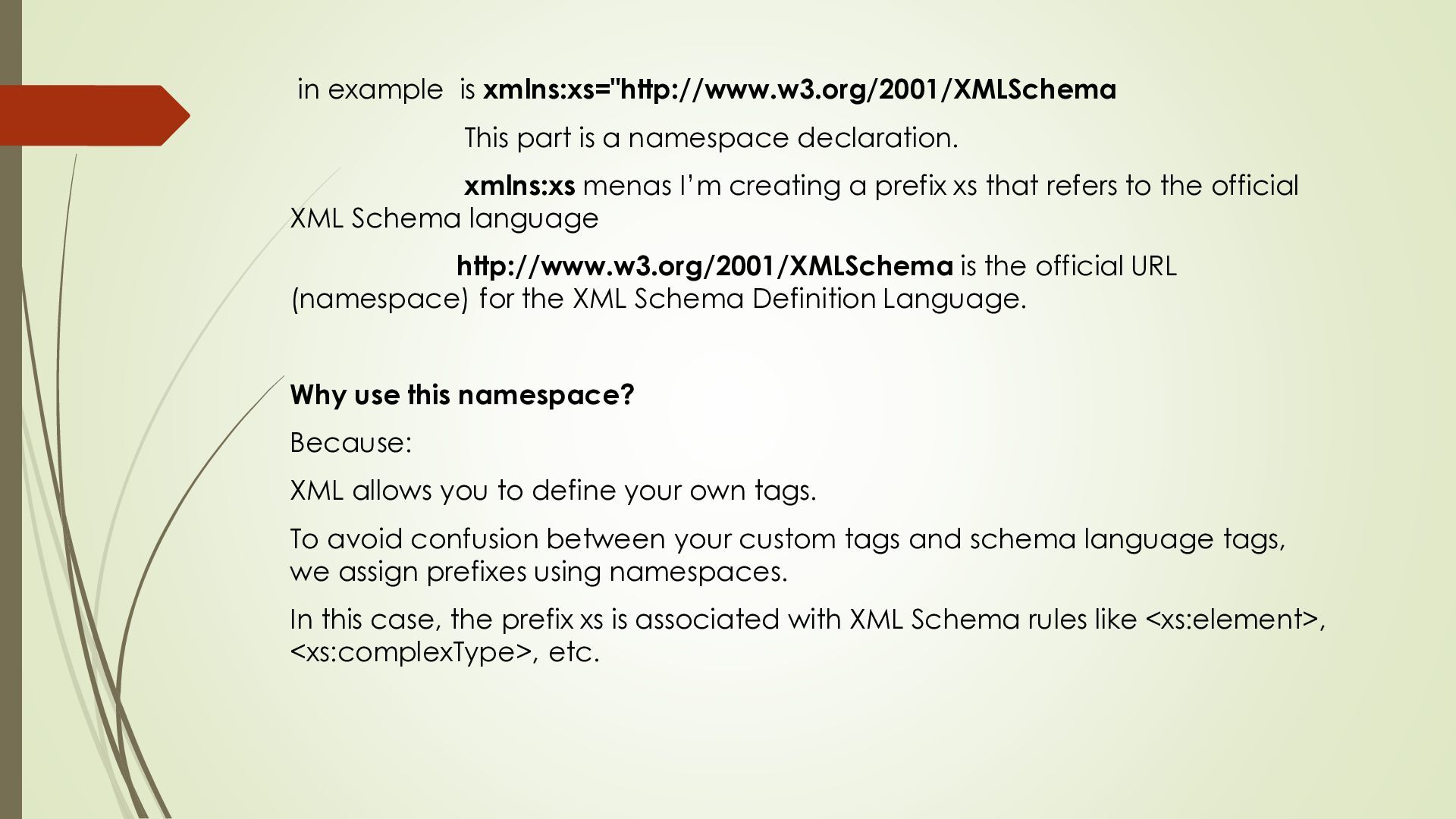
schema definition in XML schema themselves specified in XML syntax using a variety of tags defined in XML schema. to avoid conflicts with user defined tags we prefix the schema tag by namespace prefix “XS:” this prefix associated with XML schema namespace by “xmlns:xs” specification in root element Example <xs:schema xmlns:xs="http://www.w3.org/2001/XMLSchema"> In this given example xs:schema is Root element. All schema definitions (elements, attributes, types, etc.) must be inside this element.
xmlns:xs menas I’m creating a prefix xs that refers to the official XML Schema language http://www.w3.org/2001/XMLSchema is the official URL (namespace) for the XML Schema Definition Language. Why use this namespace? Because: XML allows you to define your own tags. To avoid confusion between your custom tags and schema language tags, we assign prefixes using namespaces. In this case, the prefix xs is associated with XML Schema rules like <xs:element>, <xs:complexType>, etc.
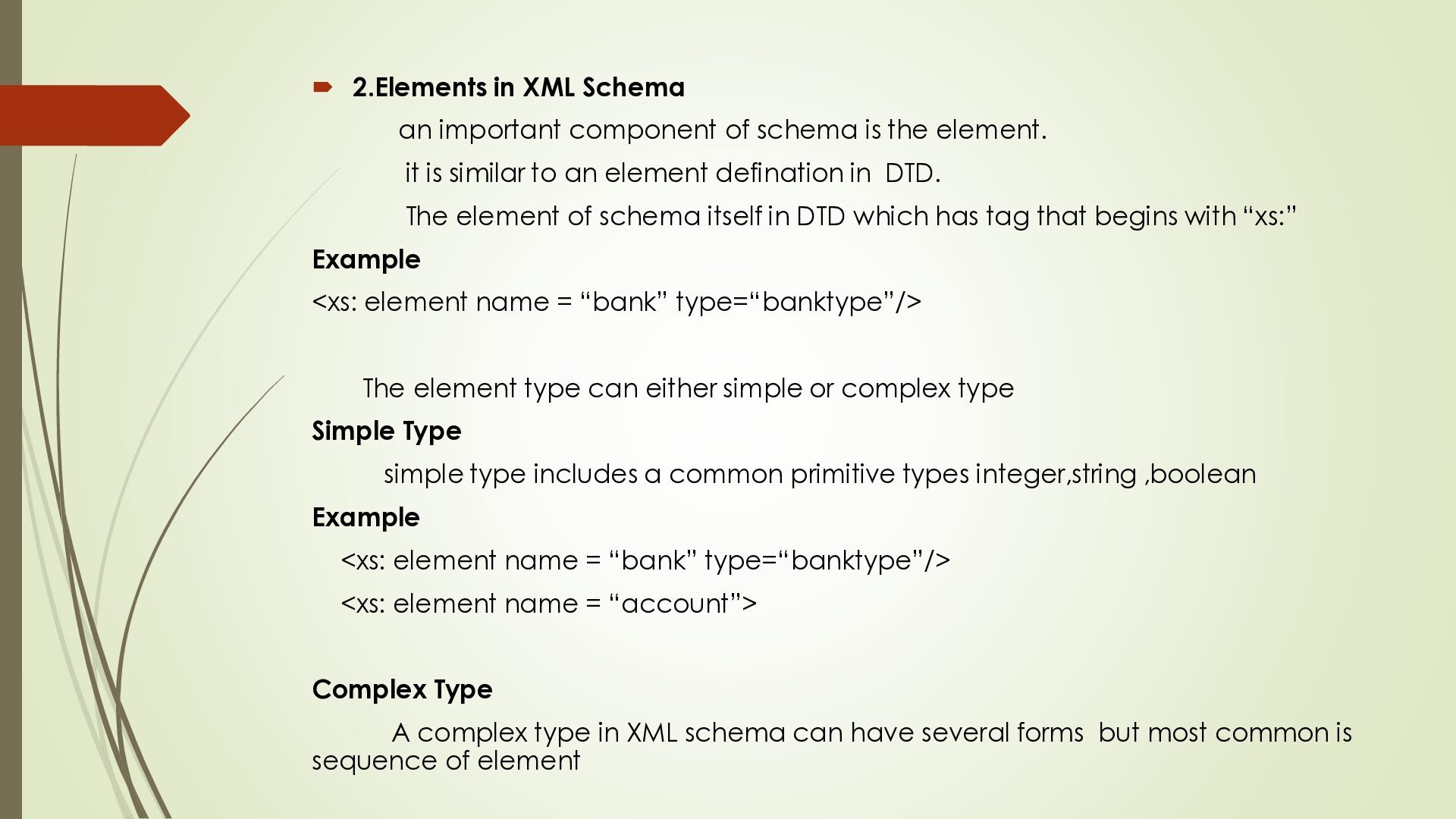
is the element. it is similar to an element defination in DTD. The element of schema itself in DTD which has tag that begins with “xs:” Example <xs: element name = “bank” type=“banktype”/> The element type can either simple or complex type Simple Type simple type includes a common primitive types integer,string ,boolean Example <xs: element name = “bank” type=“banktype”/> <xs: element name = “account”> Complex Type A complex type in XML schema can have several forms but most common is sequence of element
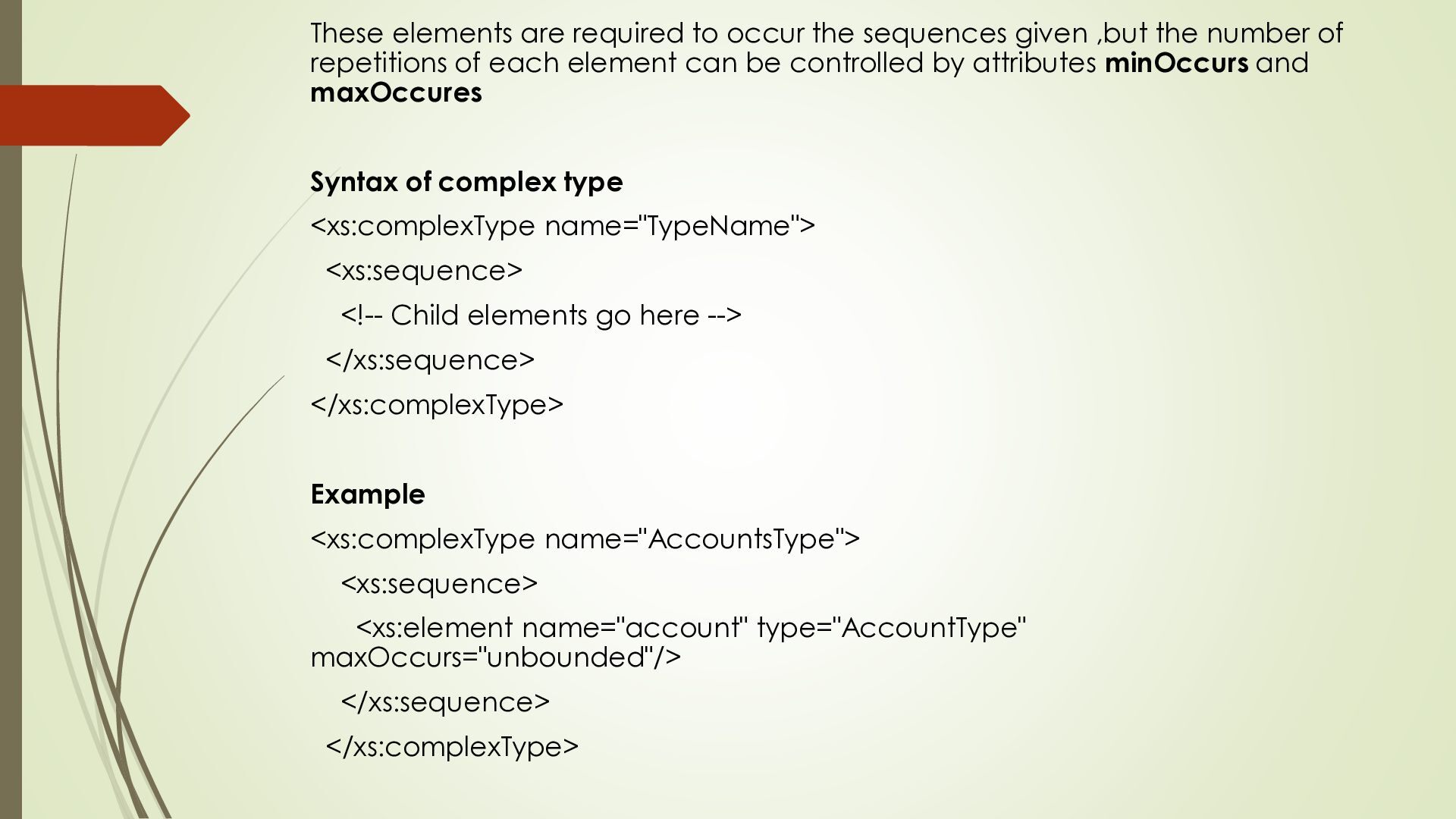
the number of repetitions of each element can be controlled by attributes minOccurs and maxOccures Syntax of complex type <xs:complexType name="TypeName"> <xs:sequence> <!-- Child elements go here --> </xs:sequence> </xs:complexType> Example <xs:complexType name="AccountsType"> <xs:sequence> <xs:element name="account" type="AccountType" maxOccurs="unbounded"/> </xs:sequence> </xs:complexType>
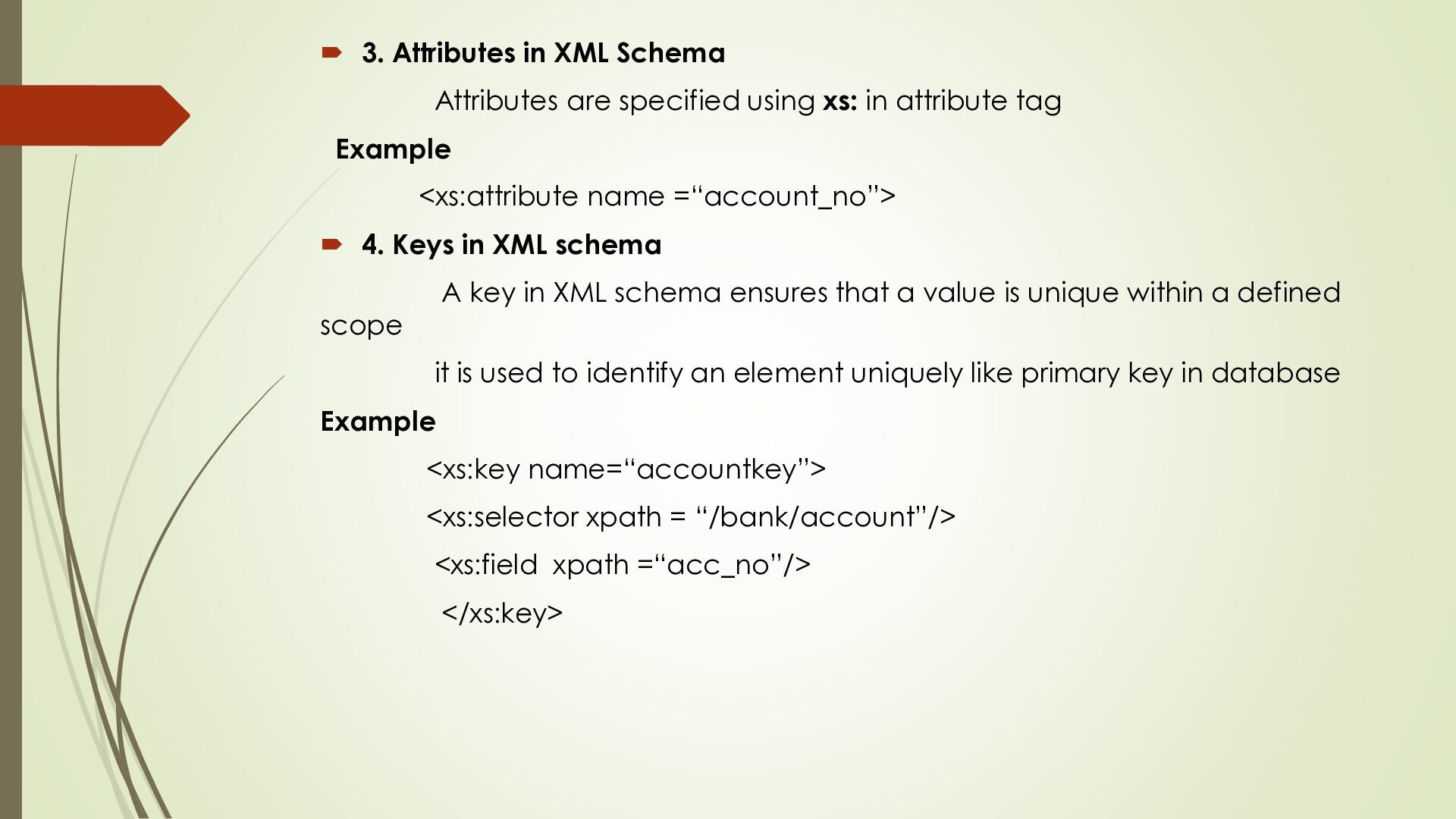
xs: in attribute tag Example <xs:attribute name =“account_no”> 4. Keys in XML schema A key in XML schema ensures that a value is unique within a defined scope it is used to identify an element uniquely like primary key in database Example <xs:key name=“accountkey”> <xs:selector xpath = “/bank/account”/> <xs:field xpath =“acc_no”/> </xs:key>
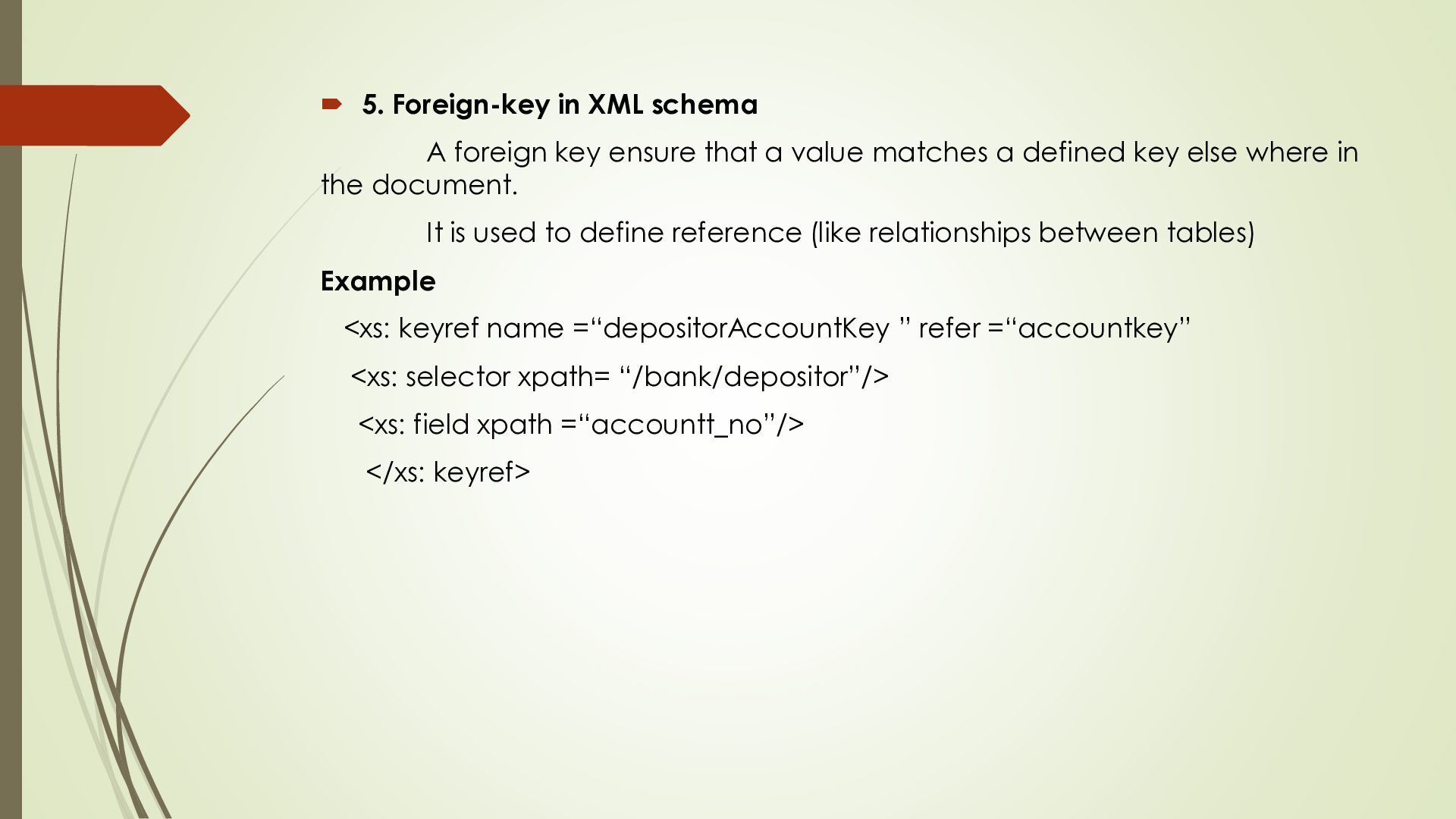
that a value matches a defined key else where in the document. It is used to define reference (like relationships between tables) Example <xs: keyref name =“depositorAccountKey ” refer =“accountkey” <xs: selector xpath= “/bank/depositor”/> <xs: field xpath =“accountt_no”/> </xs: keyref>
share, process, and store data, it's becoming more important to have tools that manage XML effectively. Two key types of tools are those for querying XML and for transforming XML. Querying in XML Querying XML means extracting or searching for specific data from an XML document. just like we use SQL to query database, we use xPath, xQuery and sometimes XSLT to query XML data. Querying is the process of extracting information from an XML document. XML is hierarchical & structured. Querying help us navigate the document & retrieve specific data without processing the entire file manually Why Query in XML To find specific nodes or element value To filter based on condition(e.g, price>300 ) To manipulate or join multiple XML files
1. XPath XQuery. a language used to find paths and elements in XML. It is also a key part of navigating XML trees selecting nodes, attributes or values. 2. XQuery Query – a standard language for querying XML. It's similar to SQL (used in databases), but it's designed to work with XML's nested structure. It also uses XPath inside it. filtering, sorting, grouping and transforming XML
formats (or schemas) Transformation is used to convert XML data into another format (HTML, another XML schema, plain text, etc.). Just like a database query gives you a table, an XML query gives you an XML document. This means we can use one tool to both query and transform XML. Another language, XSLT, is also used to transform XML, but it's mostly used for formatting documents (like turning XML into HTML).
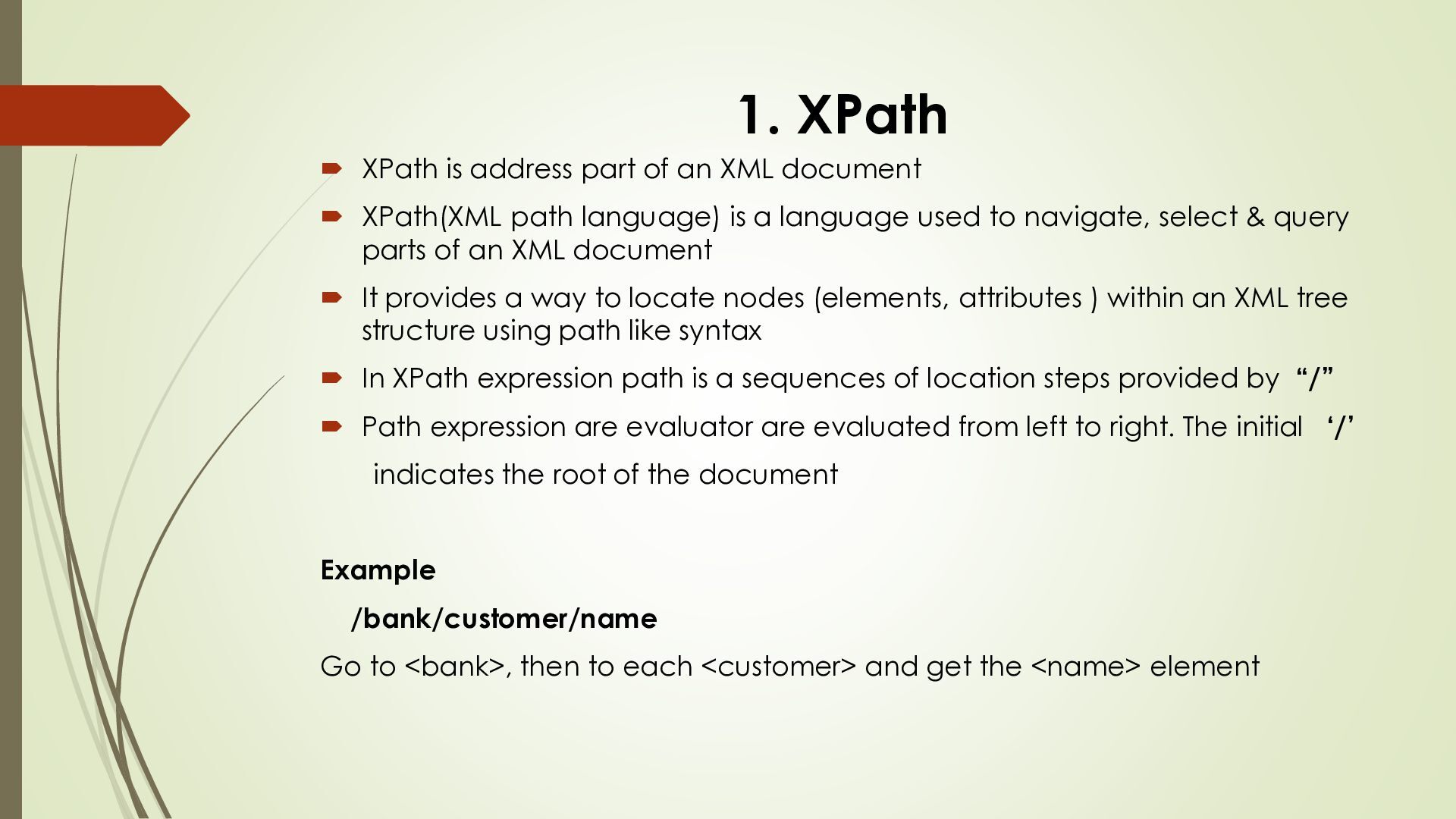
document XPath(XML path language) is a language used to navigate, select & query parts of an XML document It provides a way to locate nodes (elements, attributes ) within an XML tree structure using path like syntax In XPath expression path is a sequences of location steps provided by “/” Path expression are evaluator are evaluated from left to right. The initial ‘/’ indicates the root of the document Example /bank/customer/name Go to <bank>, then to each <customer> and get the <name> element
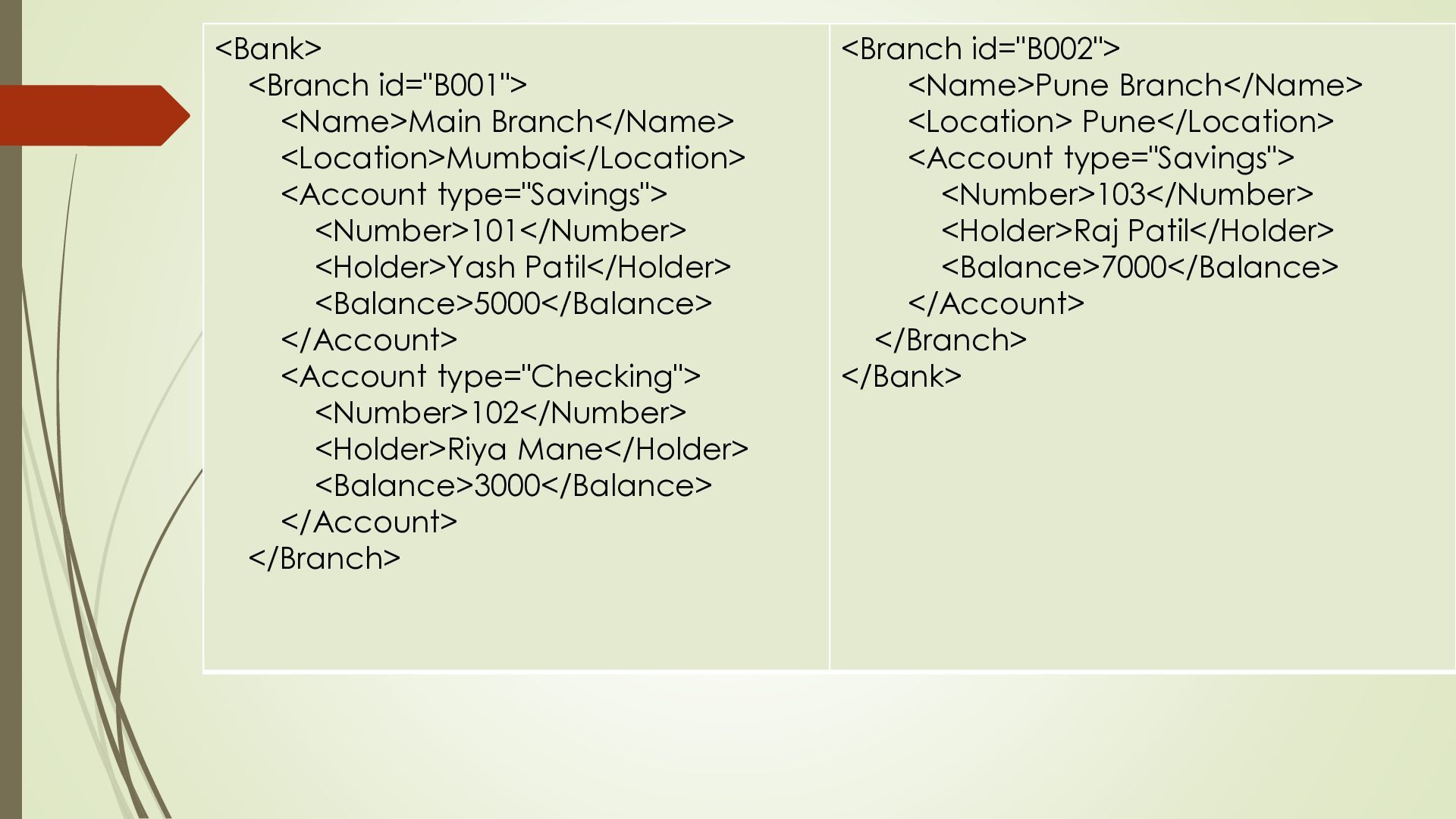
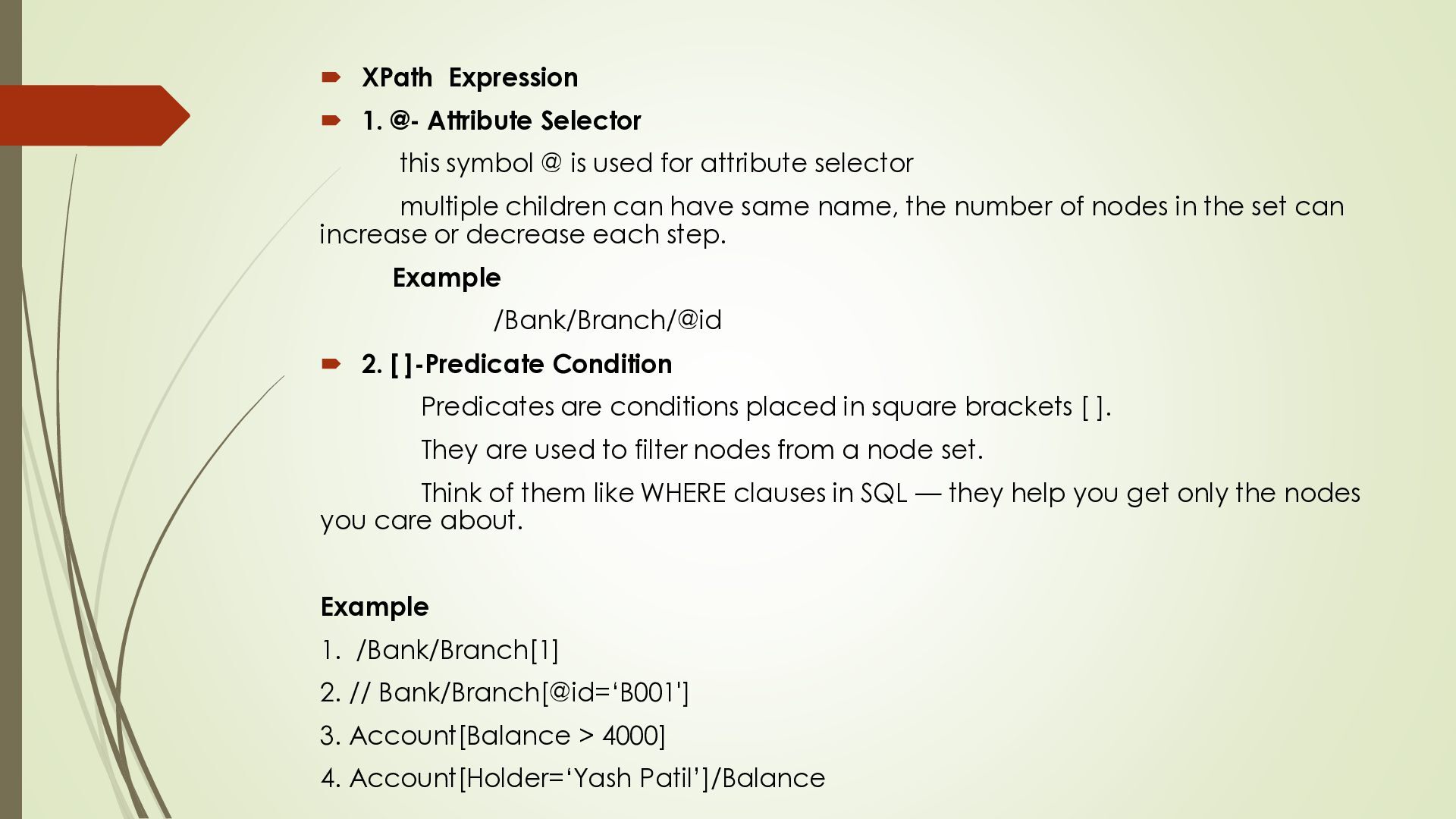
@ is used for attribute selector multiple children can have same name, the number of nodes in the set can increase or decrease each step. Example /Bank/Branch/@id 2. [ ]-Predicate Condition Predicates are conditions placed in square brackets [ ]. They are used to filter nodes from a node set. Think of them like WHERE clauses in SQL — they help you get only the nodes you care about. Example 1. /Bank/Branch[1] 2. // Bank/Branch[@id=‘B001'] 3. Account[Balance > 4000] 4. Account[Holder=‘Yash Patil’]/Balance
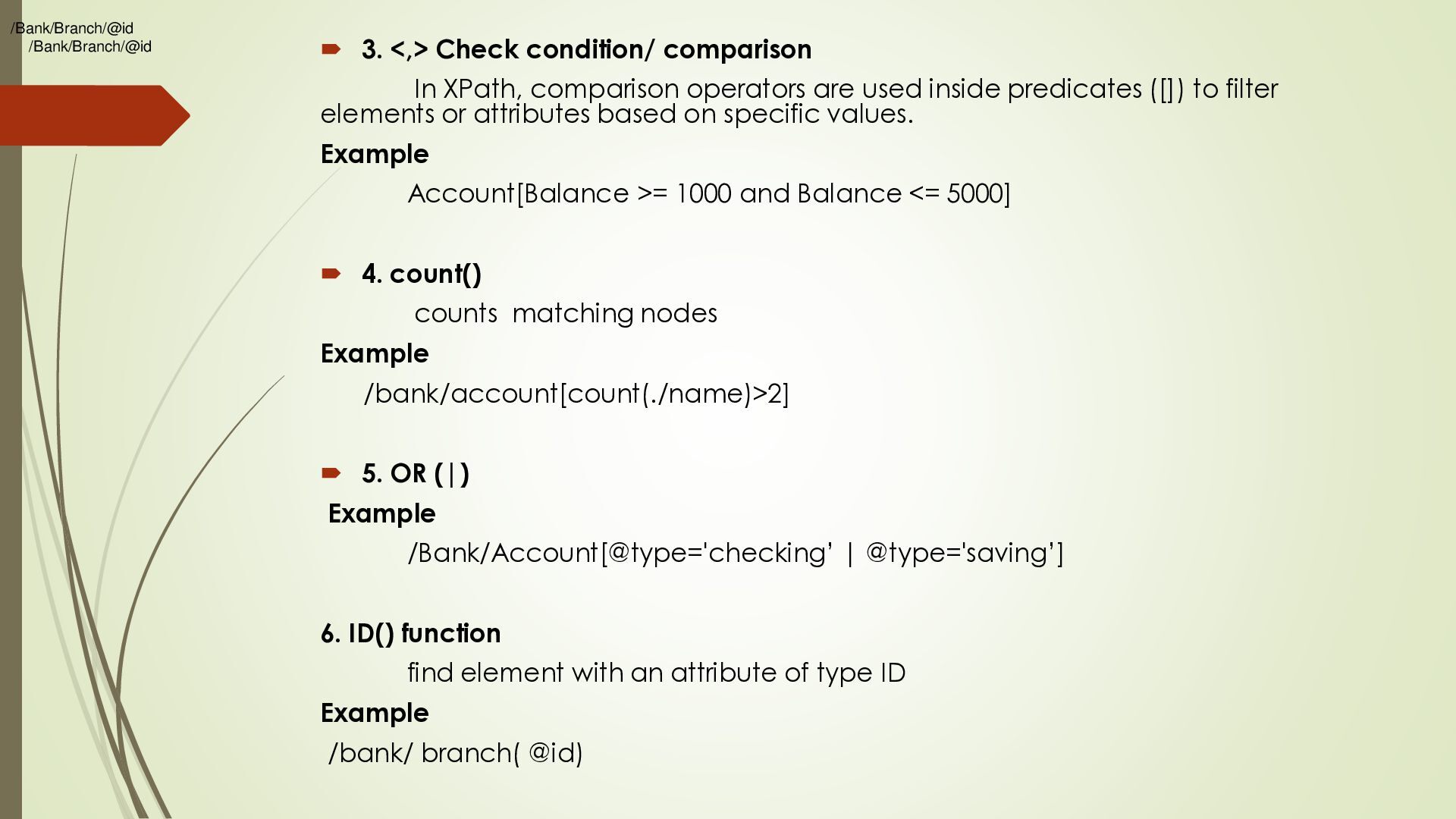
comparison operators are used inside predicates ([]) to filter elements or attributes based on specific values. Example Account[Balance >= 1000 and Balance <= 5000] 4. count() counts matching nodes Example /bank/account[count(./name)>2] 5. OR (|) Example /Bank/Account[@type='checking’ | @type='saving’] 6. ID() function find element with an attribute of type ID Example /bank/ branch( @id)
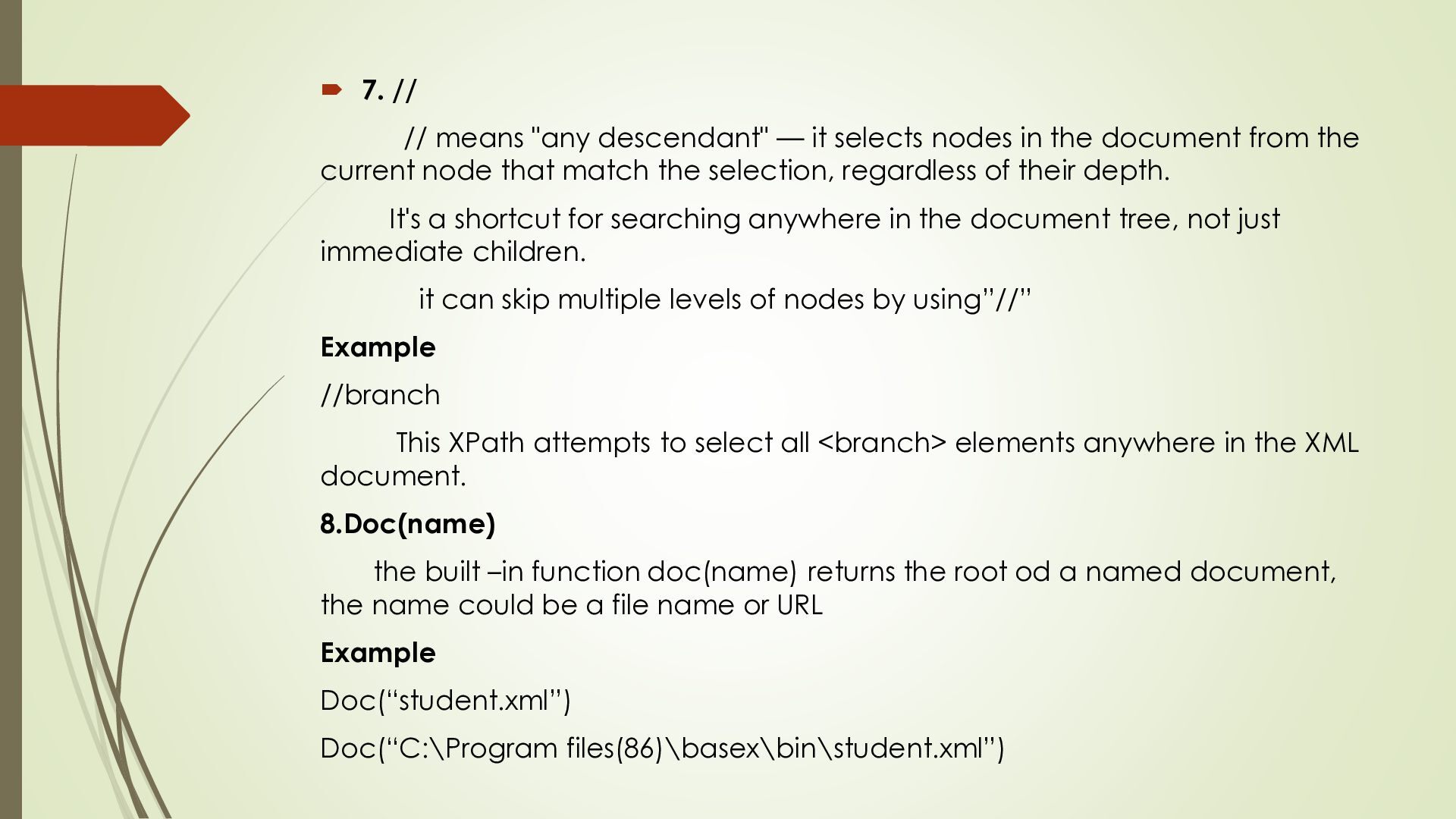
nodes in the document from the current node that match the selection, regardless of their depth. It's a shortcut for searching anywhere in the document tree, not just immediate children. it can skip multiple levels of nodes by using”//” Example //branch This XPath attempts to select all <branch> elements anywhere in the XML document. 8.Doc(name) the built –in function doc(name) returns the root od a named document, the name could be a file name or URL Example Doc(“student.xml”) Doc(“C:\Program files(86)\basex\bin\student.xml”)
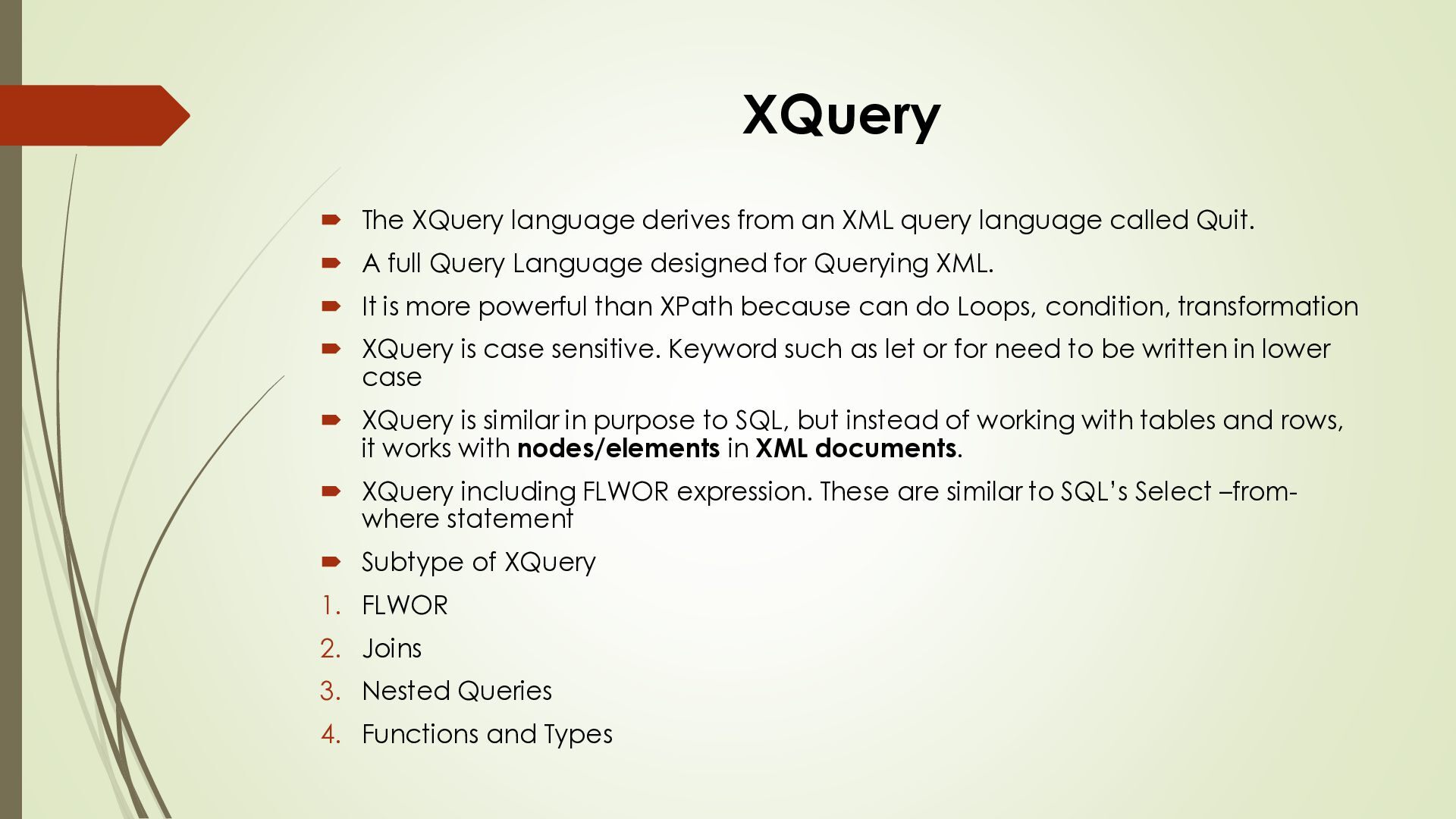
language called Quit. A full Query Language designed for Querying XML. It is more powerful than XPath because can do Loops, condition, transformation XQuery is case sensitive. Keyword such as let or for need to be written in lower case XQuery is similar in purpose to SQL, but instead of working with tables and rows, it works with nodes/elements in XML documents. XQuery including FLWOR expression. These are similar to SQL’s Select –fromwhere statement Subtype of XQuery 1. FLWOR 2. Joins 3. Nested Queries 4. Functions and Types
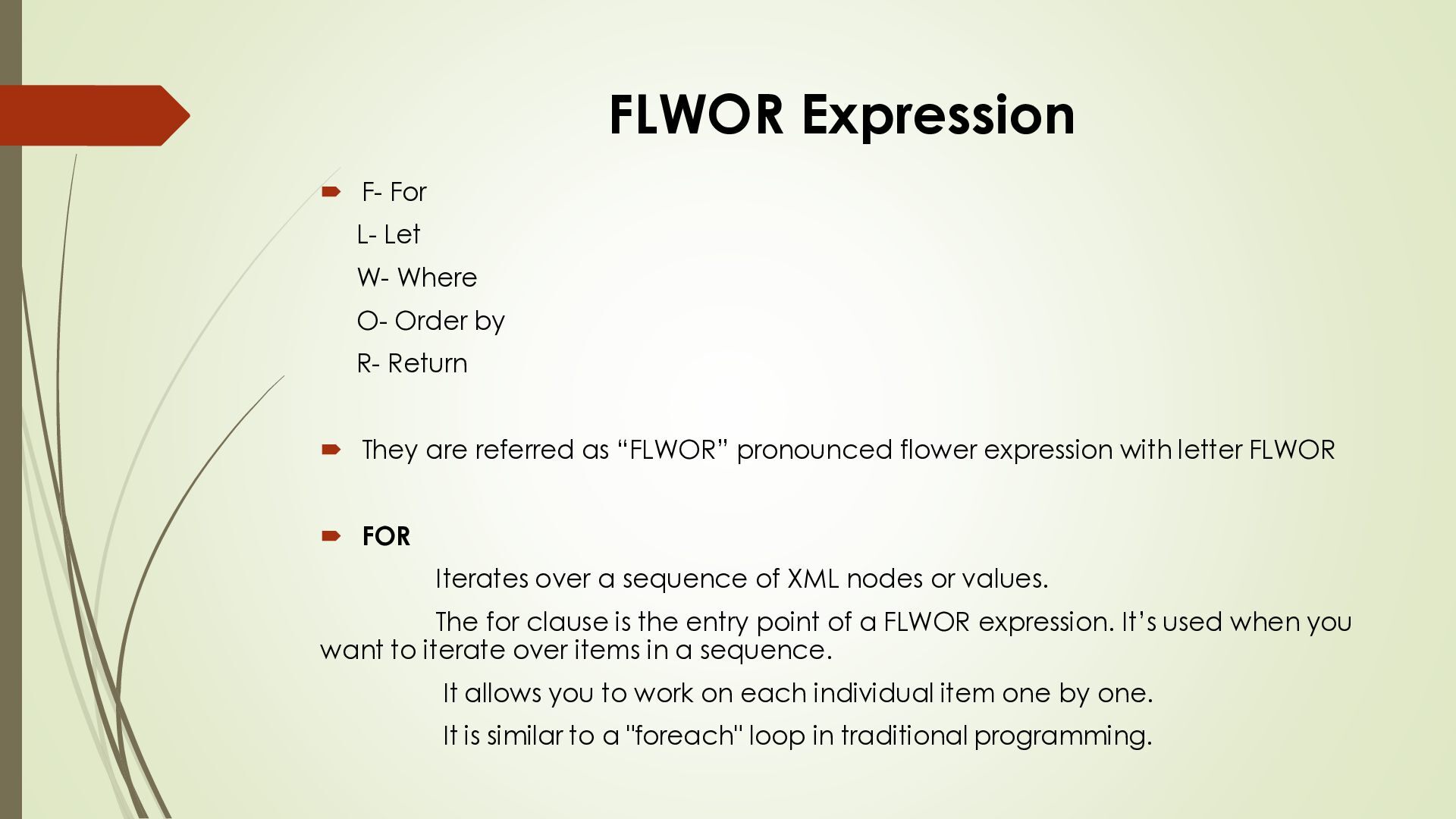
Order by R- Return They are referred as “FLWOR” pronounced flower expression with letter FLWOR FOR Iterates over a sequence of XML nodes or values. The for clause is the entry point of a FLWOR expression. It’s used when you want to iterate over items in a sequence. It allows you to work on each individual item one by one. It is similar to a "foreach" loop in traditional programming.
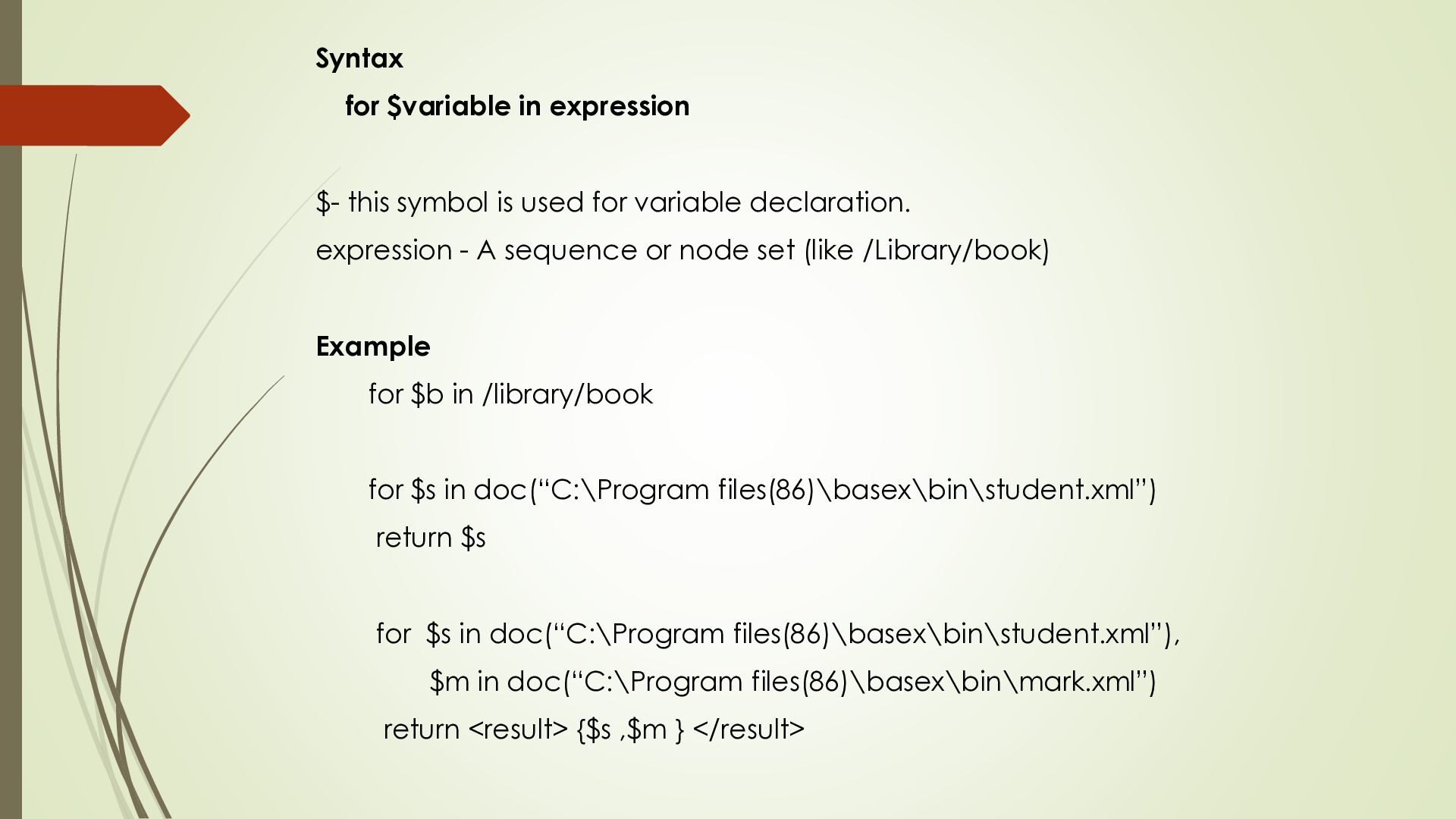
for variable declaration. expression - A sequence or node set (like /Library/book) Example for $b in /library/book for $s in doc(“C:\Program files(86)\basex\bin\student.xml”) return $s for $s in doc(“C:\Program files(86)\basex\bin\student.xml”), $m in doc(“C:\Program files(86)\basex\bin\mark.xml”) return <result> {$s ,$m } </result>
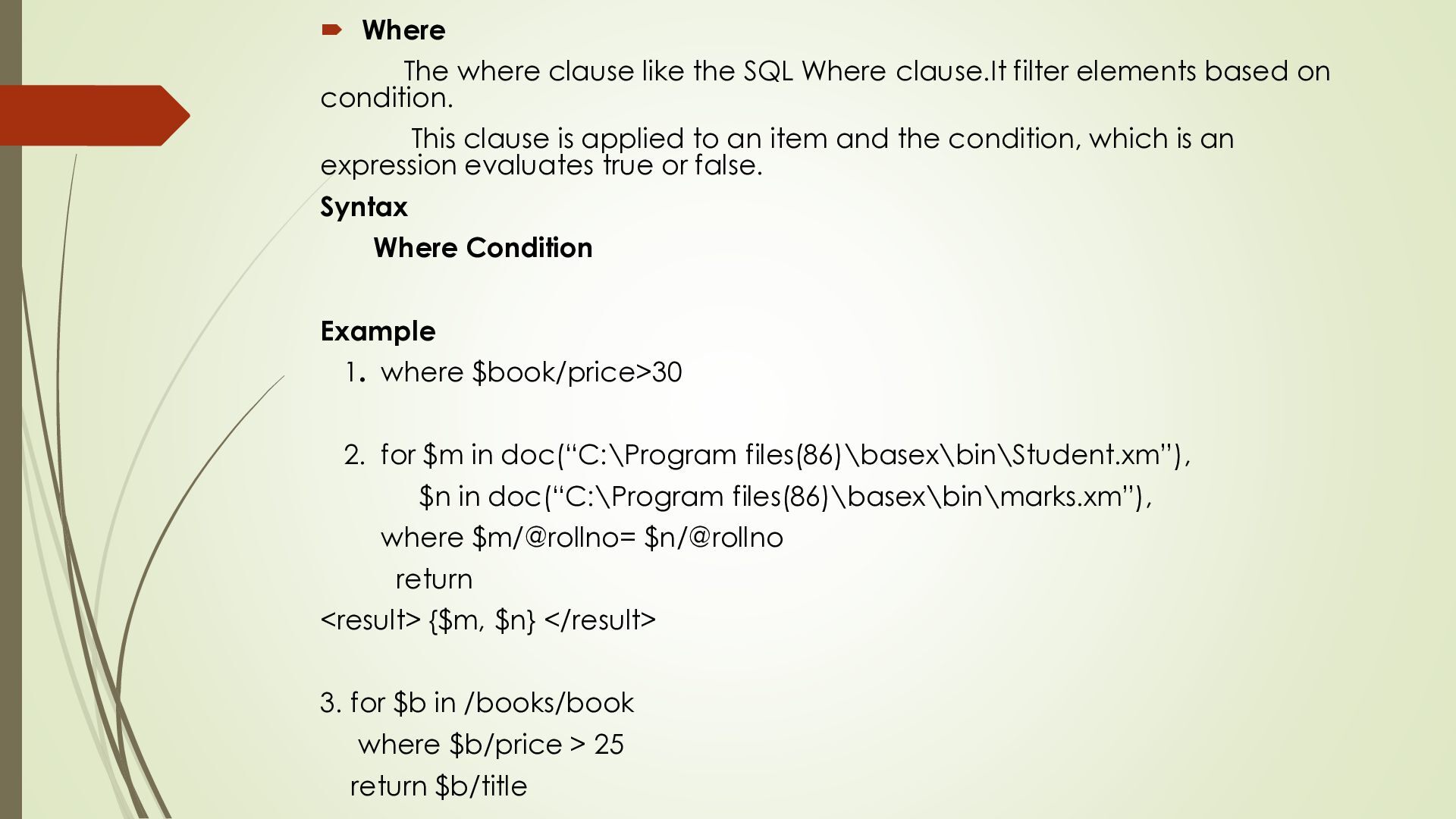
filter elements based on condition. This clause is applied to an item and the condition, which is an expression evaluates true or false. Syntax Where Condition Example 1. where $book/price>30 2. for $m in doc(“C:\Program files(86)\basex\bin\Student.xm”), $n in doc(“C:\Program files(86)\basex\bin\marks.xm”), where $m/@rollno= $n/@rollno return <result> {$m, $n} </result> 3. for $b in /books/book where $b/price > 25 return $b/title
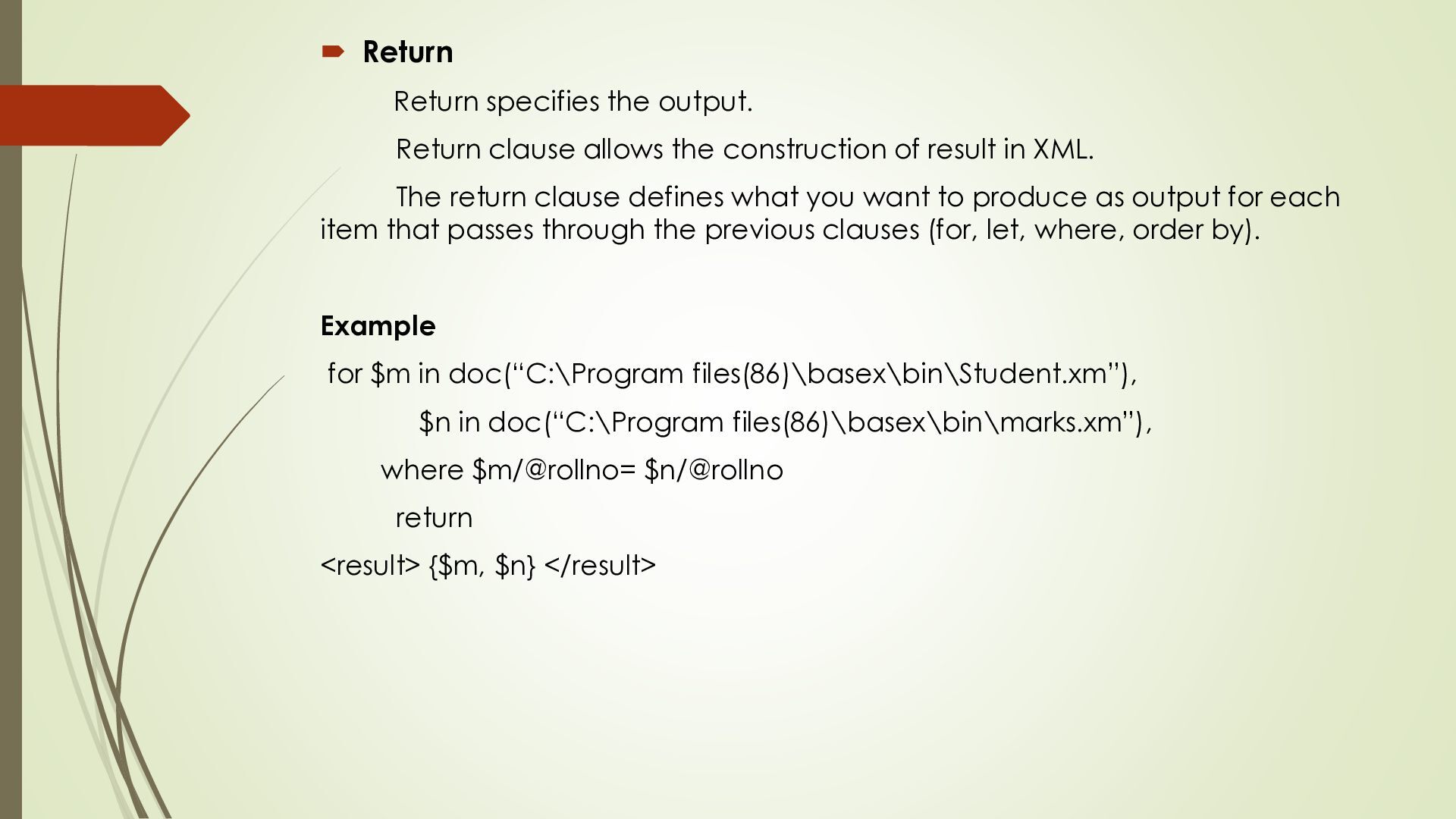
construction of result in XML. The return clause defines what you want to produce as output for each item that passes through the previous clauses (for, let, where, order by). Example for $m in doc(“C:\Program files(86)\basex\bin\Student.xm”), $n in doc(“C:\Program files(86)\basex\bin\marks.xm”), where $m/@rollno= $n/@rollno return <result> {$m, $n} </result>
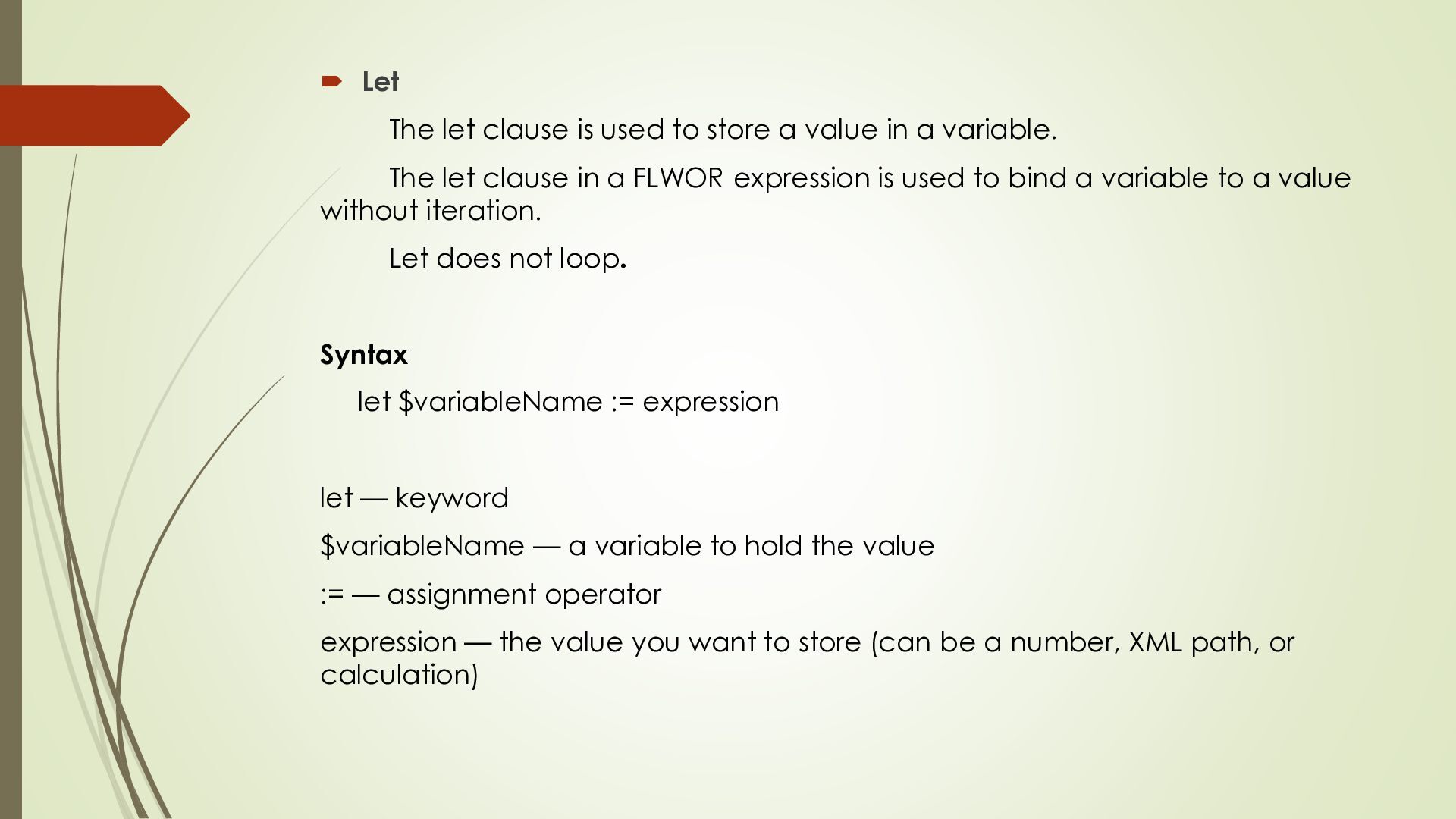
value in a variable. The let clause in a FLWOR expression is used to bind a variable to a value without iteration. Let does not loop. Syntax let $variableName := expression let — keyword $variableName — a variable to hold the value := — assignment operator expression — the value you want to store (can be a number, XML path, or calculation)
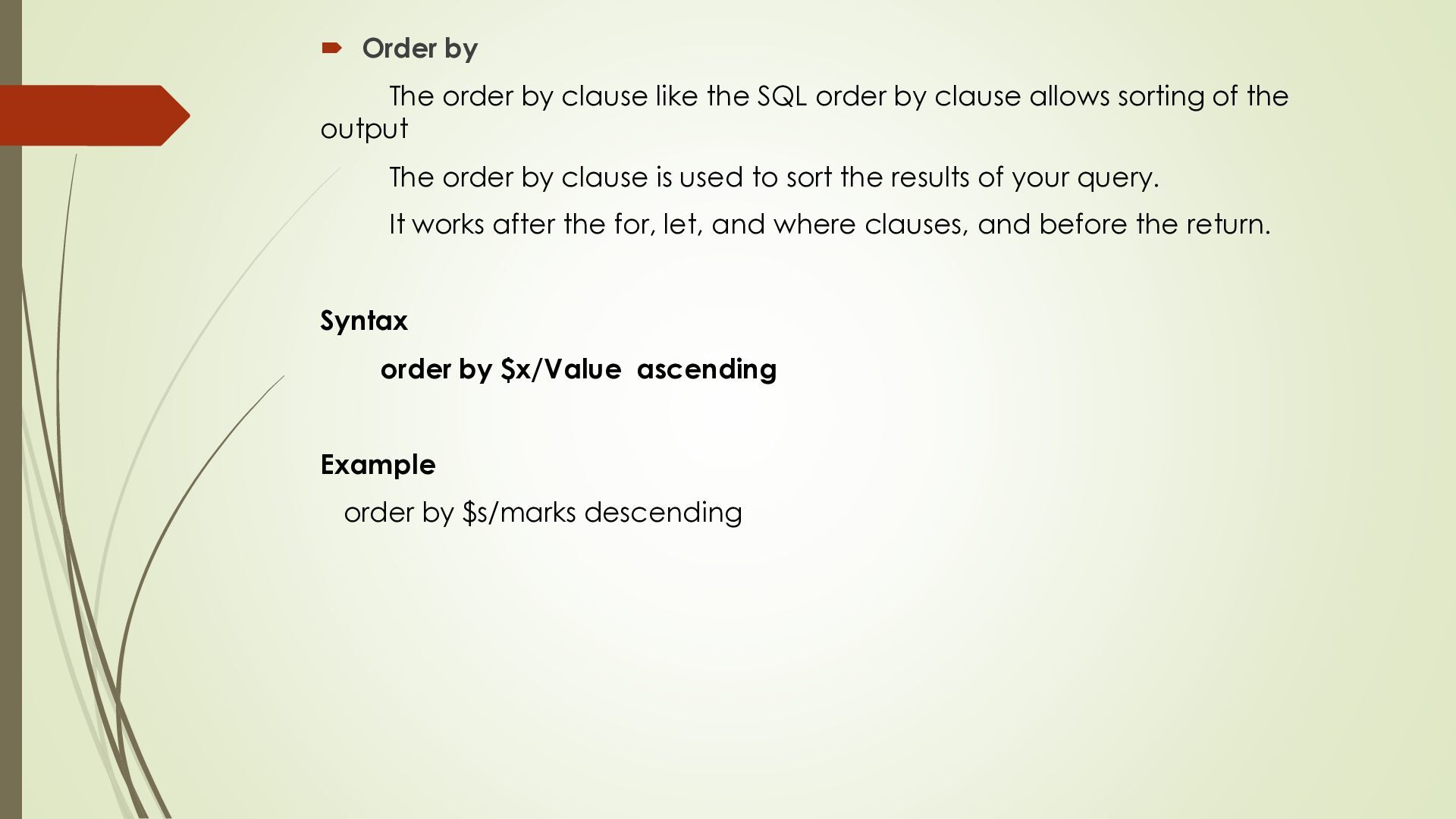
order by clause allows sorting of the output The order by clause is used to sort the results of your query. It works after the for, let, and where clauses, and before the return. Syntax order by $x/Value ascending Example order by $s/marks descending
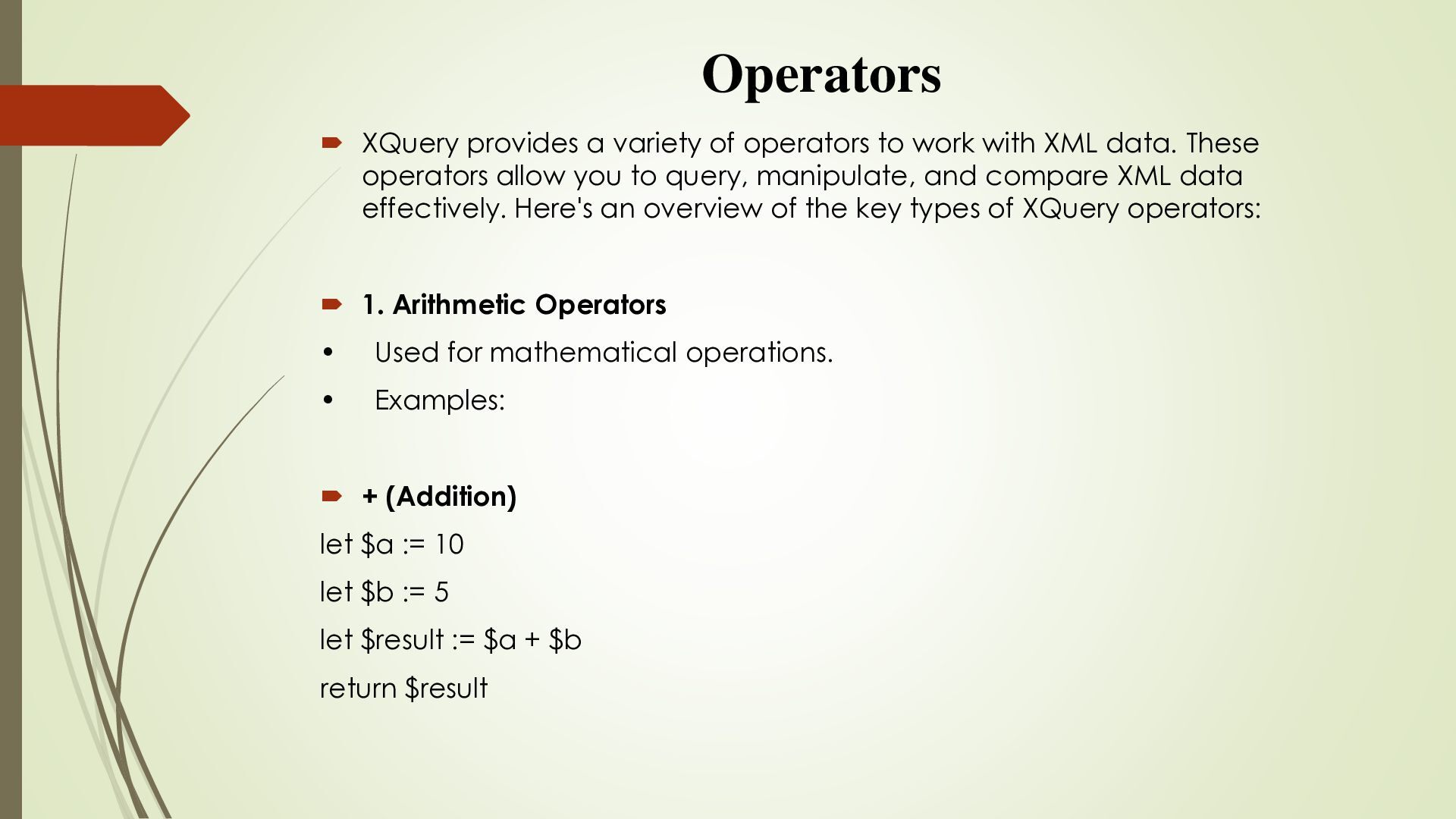
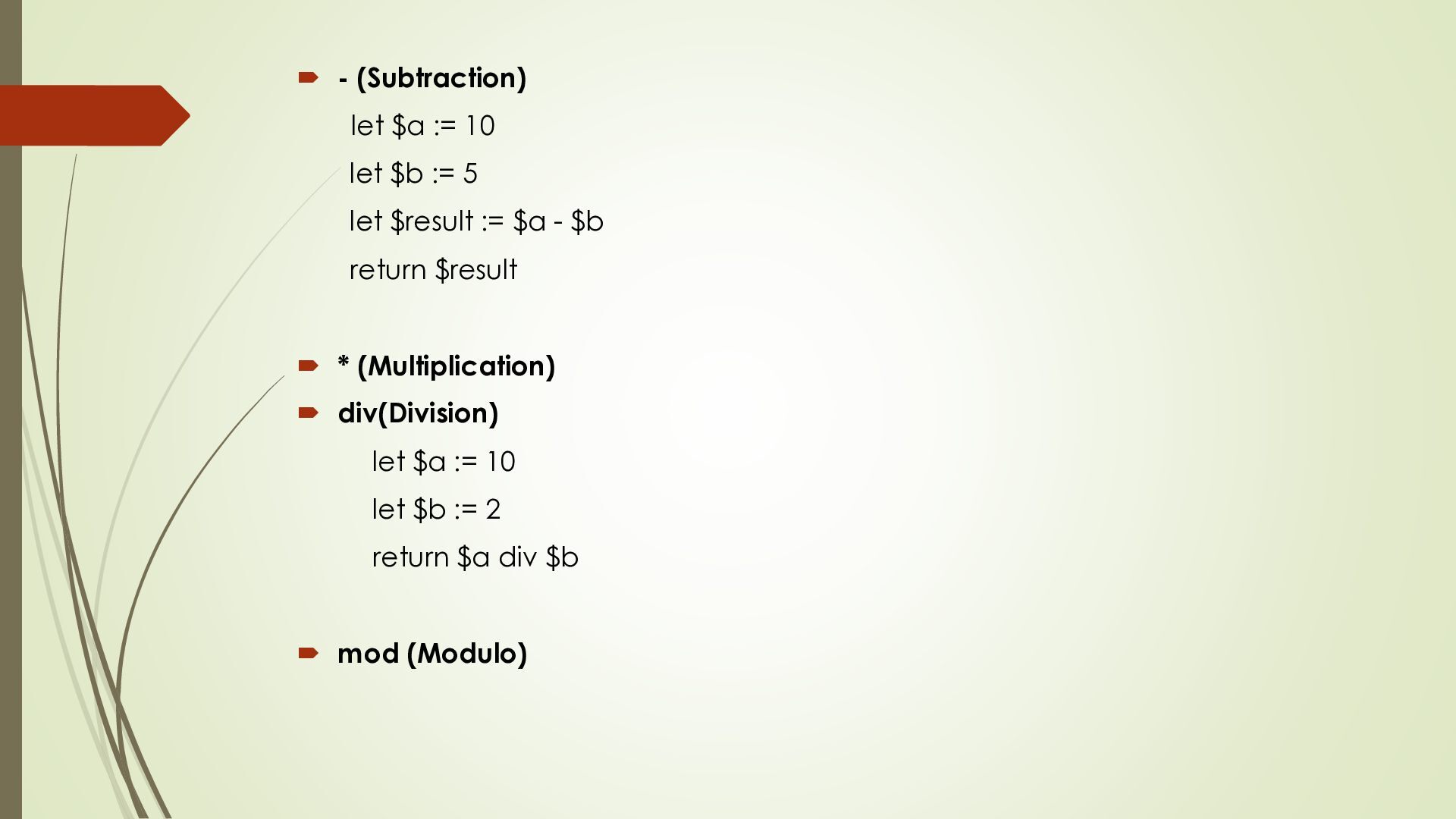
with XML data. These operators allow you to query, manipulate, and compare XML data effectively. Here's an overview of the key types of XQuery operators: 1. Arithmetic Operators • Used for mathematical operations. • Examples: + (Addition) let $a := 10 let $b := 5 let $result := $a + $b return $result
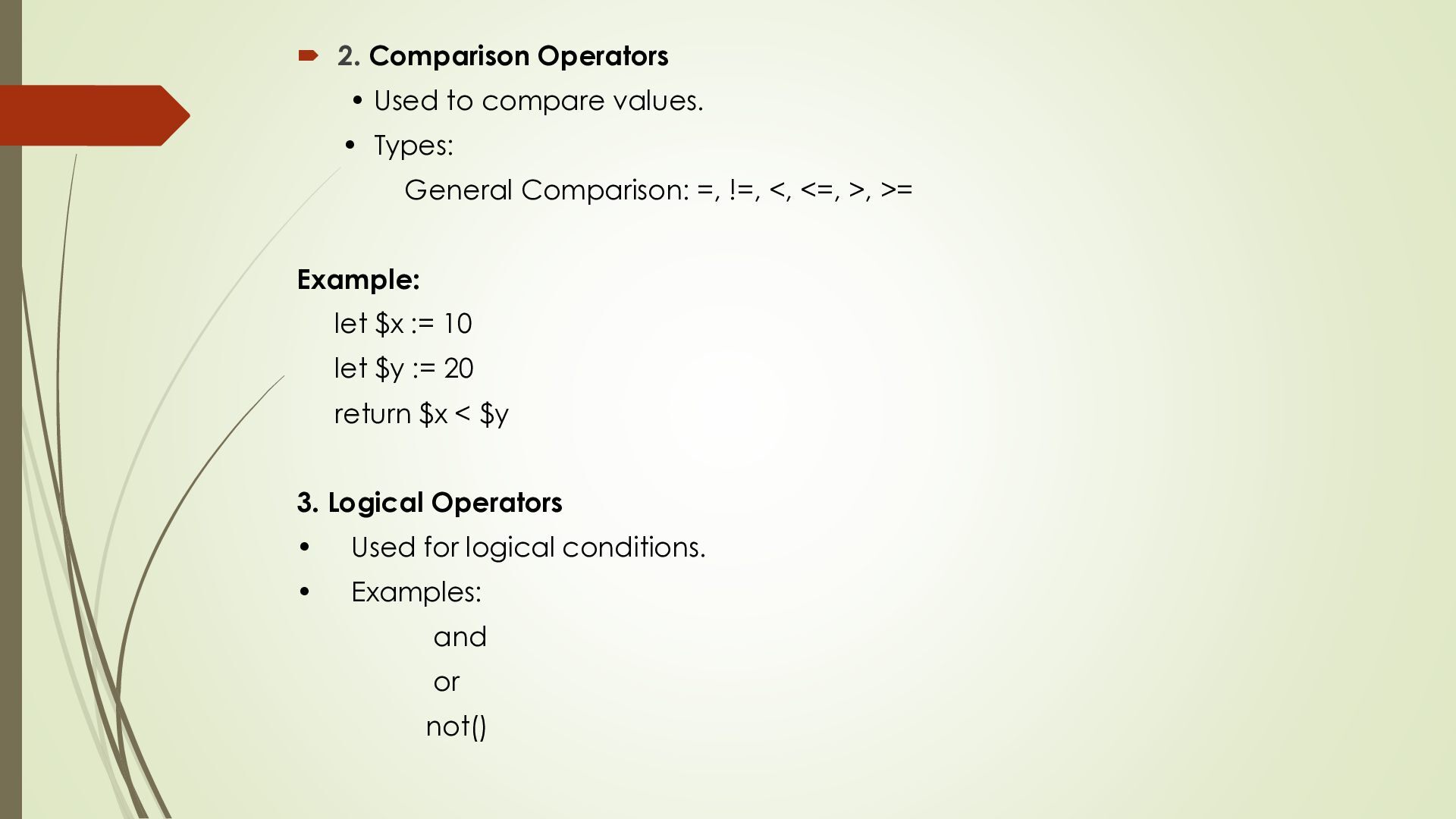
Types: General Comparison: =, !=, <, <=, >, >= Example: let $x := 10 let $y := 20 return $x < $y 3. Logical Operators • Used for logical conditions. • Examples: and or not()
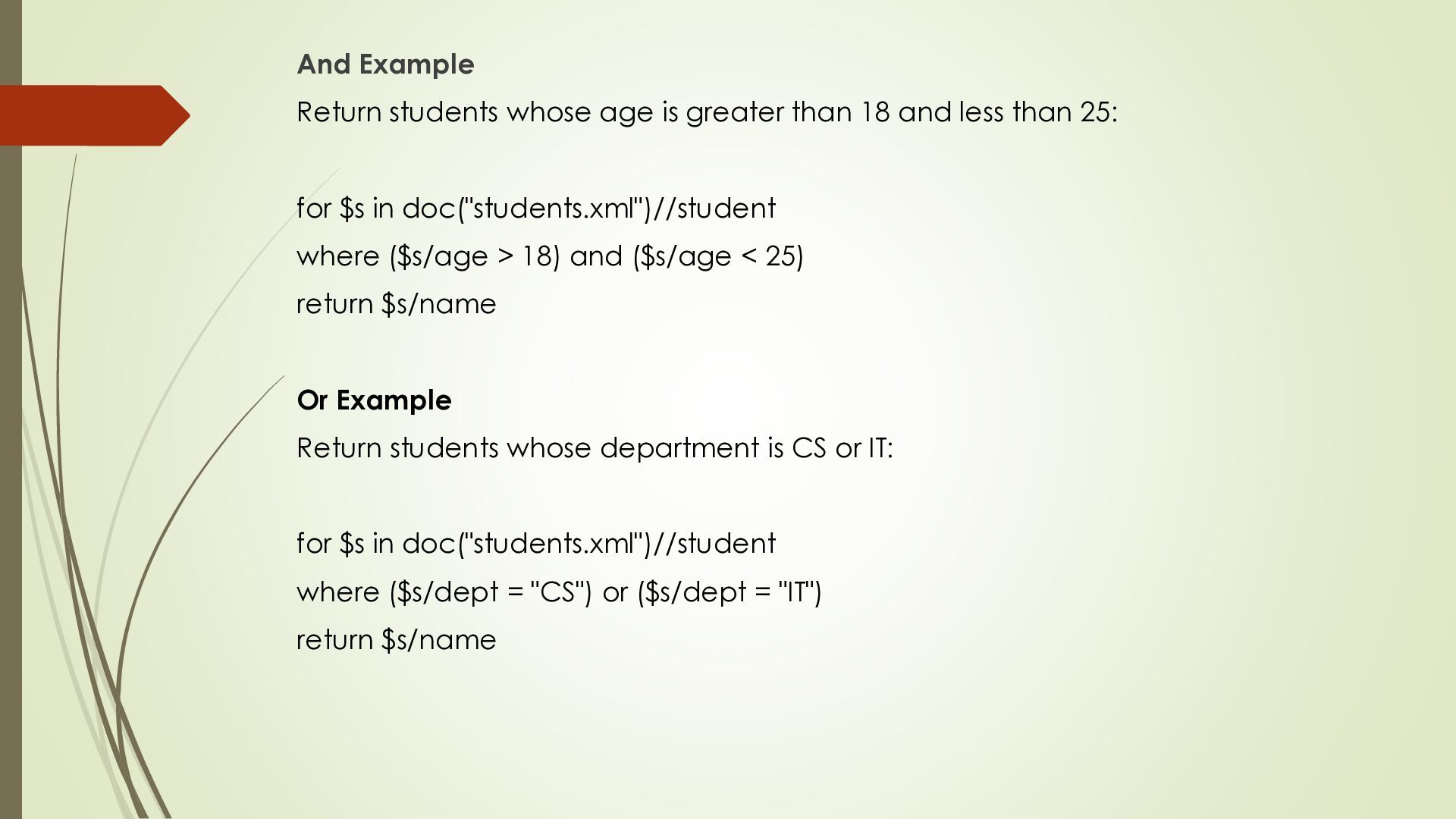
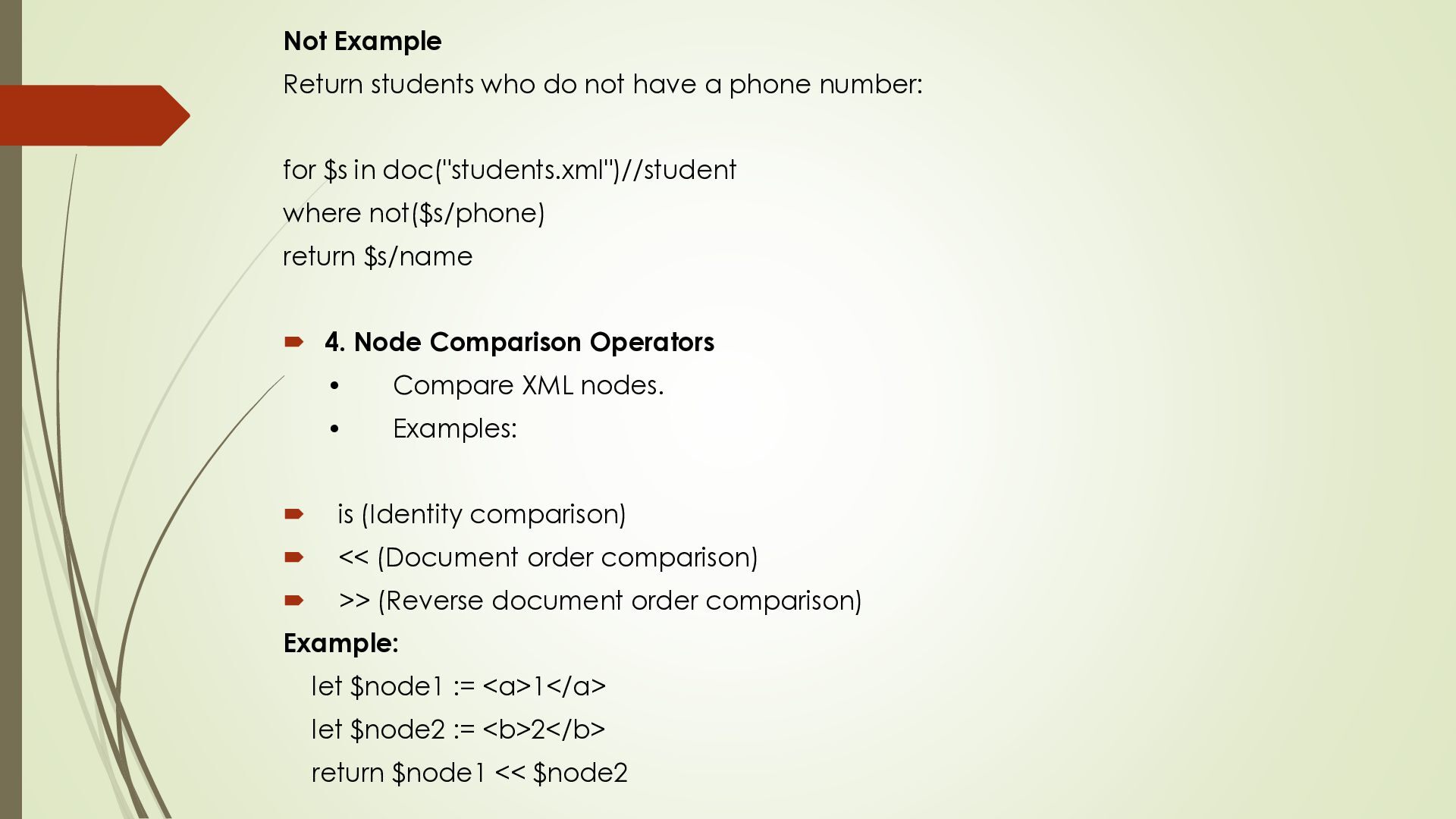
and less than 25: for $s in doc("students.xml")//student where ($s/age > 18) and ($s/age < 25) return $s/name Or Example Return students whose department is CS or IT: for $s in doc("students.xml")//student where ($s/dept = "CS") or ($s/dept = "IT") return $s/name
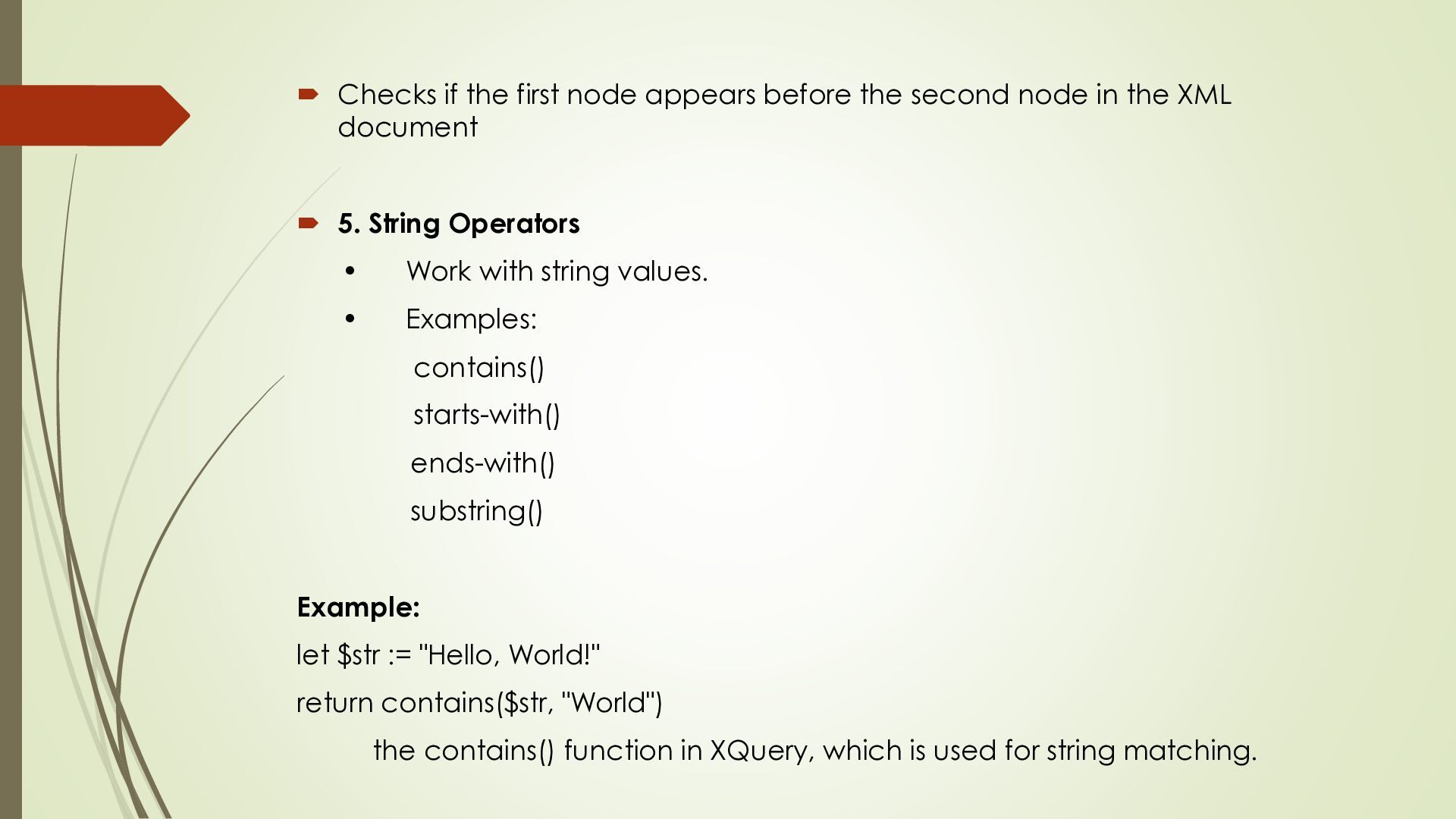
node in the XML document 5. String Operators • Work with string values. • Examples: contains() starts-with() ends-with() substring() Example: let $str := "Hello, World!" return contains($str, "World") the contains() function in XQuery, which is used for string matching.
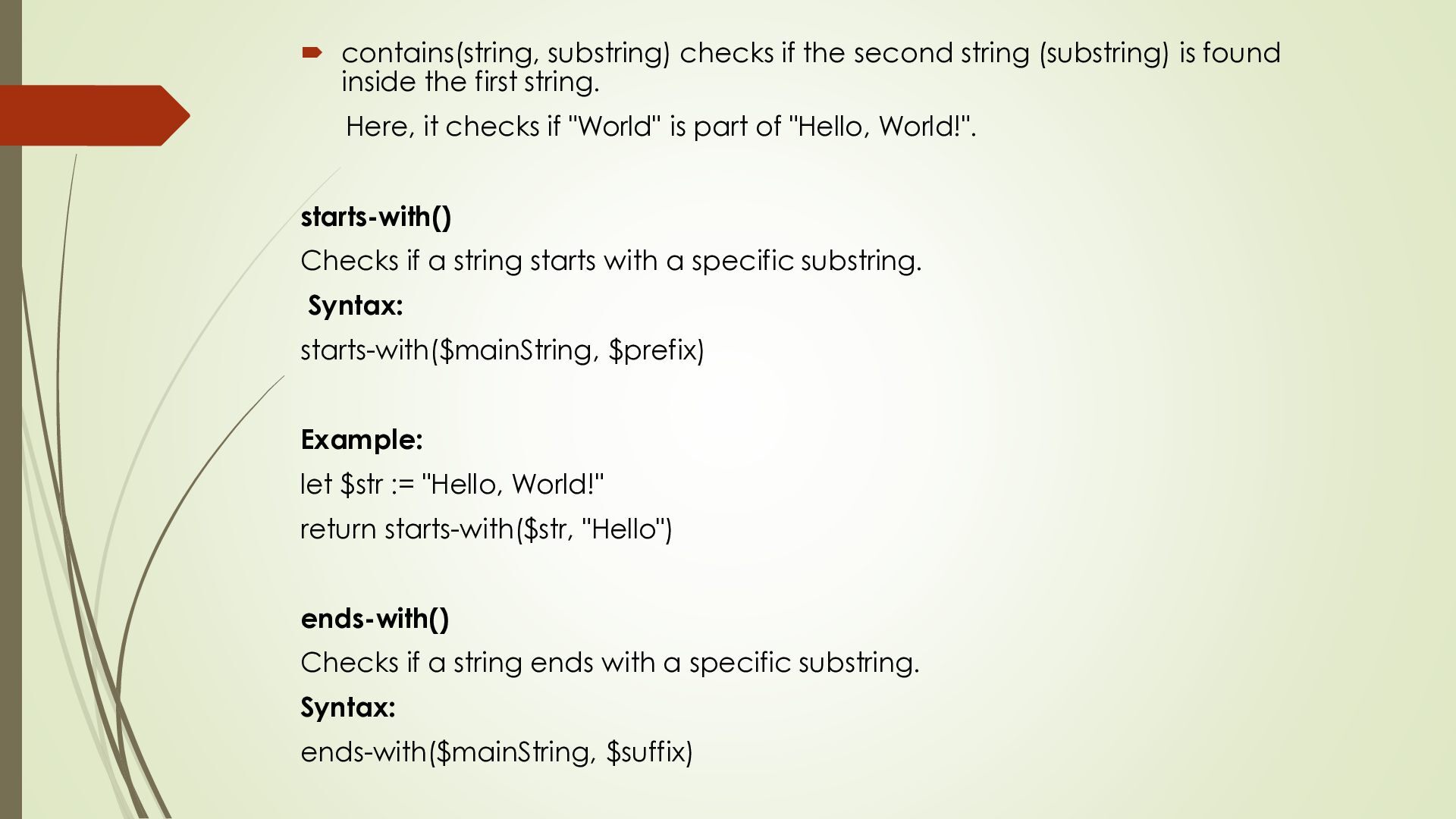
found inside the first string. Here, it checks if "World" is part of "Hello, World!". starts-with() Checks if a string starts with a specific substring. Syntax: starts-with($mainString, $prefix) Example: let $str := "Hello, World!" return starts-with($str, "Hello") ends-with() Checks if a string ends with a specific substring. Syntax: ends-with($mainString, $suffix)
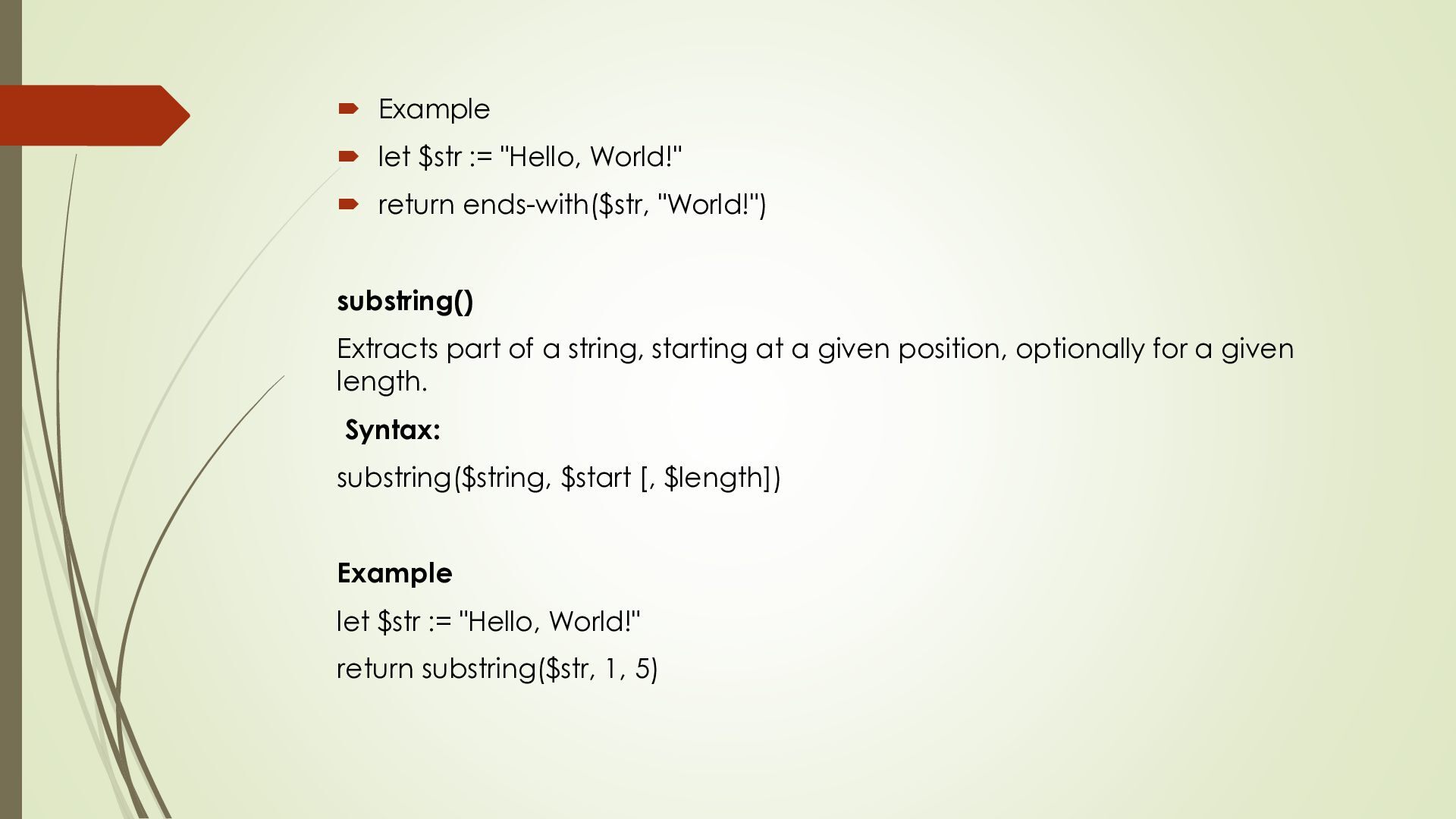
ends-with($str, "World!") substring() Extracts part of a string, starting at a given position, optionally for a given length. Syntax: substring($string, $start [, $length]) Example let $str := "Hello, World!" return substring($str, 1, 5)
join. It combines data from two or more XML document based on common key or condition. You usually write joins using multiple for clauses and a where clause to match items. To combine information that is logically connected but stored in separate XML documents or different parts of same document For Example – Link customers to their orders, or employee to their department Types of XML Query Languages That Support Joins 1. XQuery – The most powerful and expressive for joining. 2. XPath – Limited but can be used for simple matching. 3. XSLT – Often used to transform XML and can perform joins. Example of Join
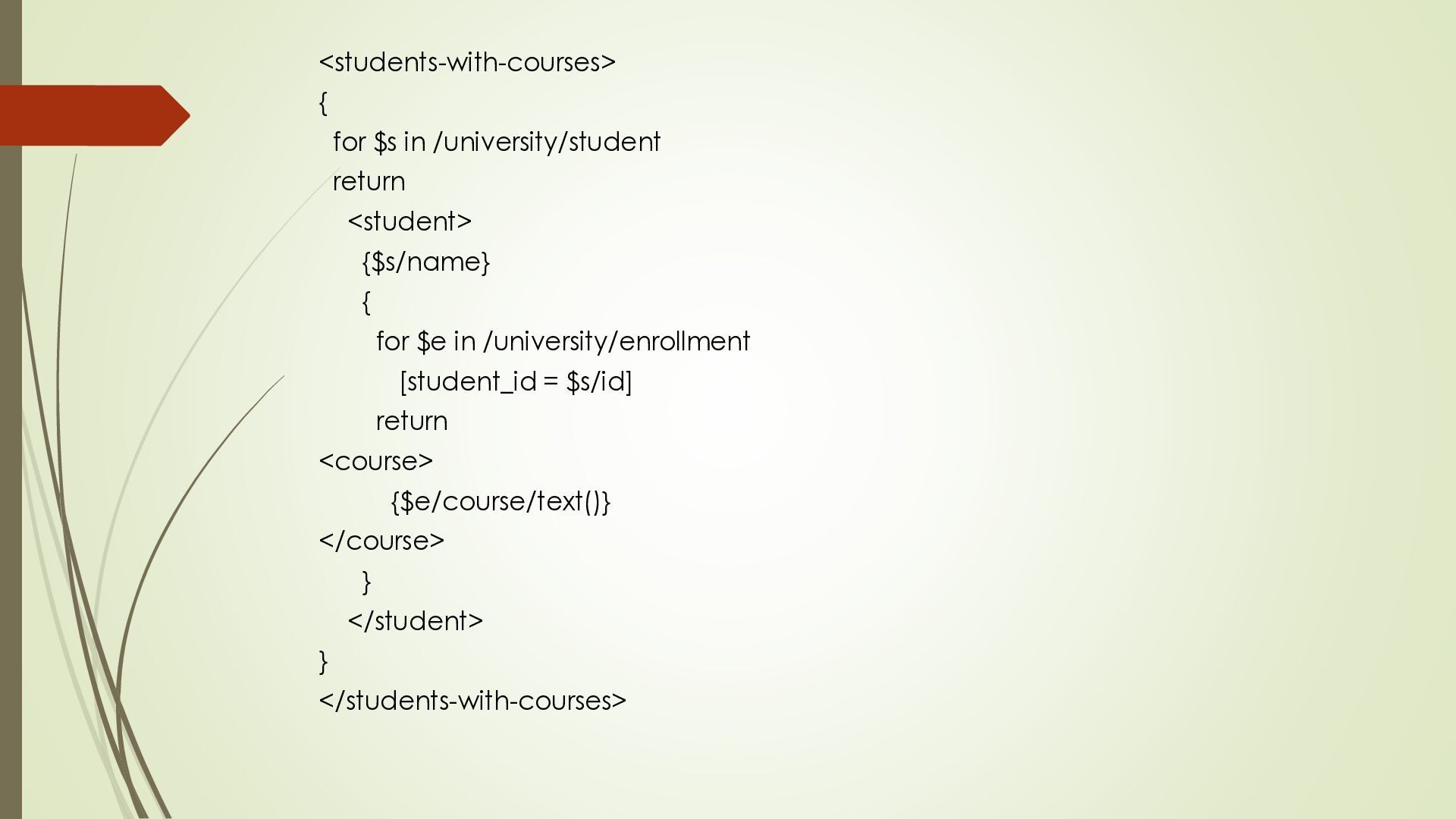
inside another. The inner query runs first & it’s results are used by the outer query This is similar to subqueries in SQL. Nested queries help in filtering, computing or transformation data based on some intermediate result. They allow breaking down complex problems into simpler parts XQuery FLWOR expression can be nested in the return clause in order to generate element nesting that do not appear in the source document. This features is similar to nested subqueries in the from clause of SQL Queries. Example


 langde2912
 morizo_1984
 yuta_onishi_97
 neuecc
 nokomoro3
 hollycummins
 mofurune
 minodriven
 iwatsukayura
.jpg) yumnumm
yumnumm
 andpad
 tomokon
 yub0n
yub0n
 tmiket
 jonoalderson
 kimpetersen
 paigeccino
 aleyda
 helmedeiros
 trishagee
 brad_frost
 chriscoyier
 samlambert
 addyosmani
 retrage