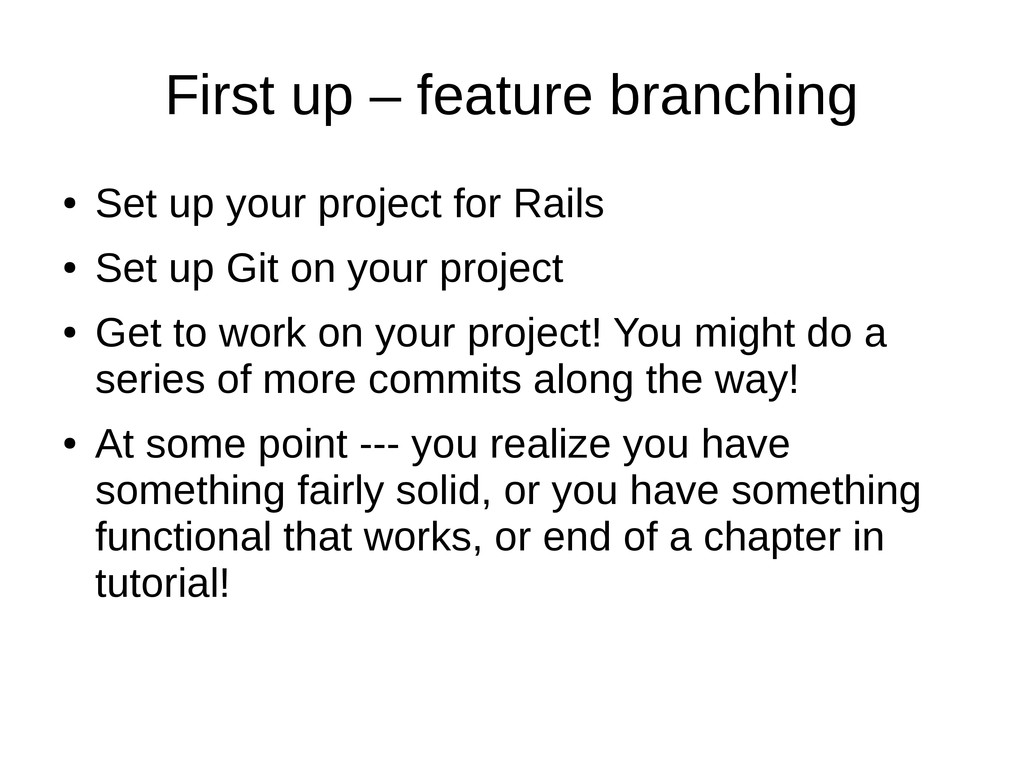
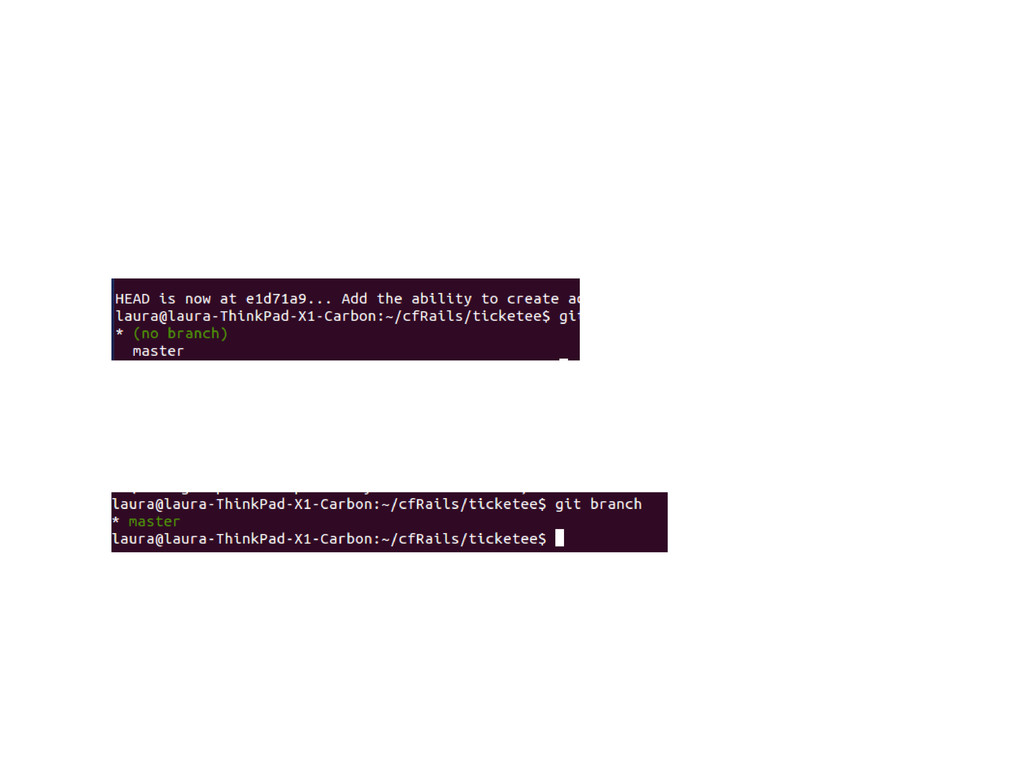
for Rails • Set up Git on your project • Get to work on your project! You might do a series of more commits along the way! • At some point --- you realize you have something fairly solid, or you have something functional that works, or end of a chapter in tutorial!
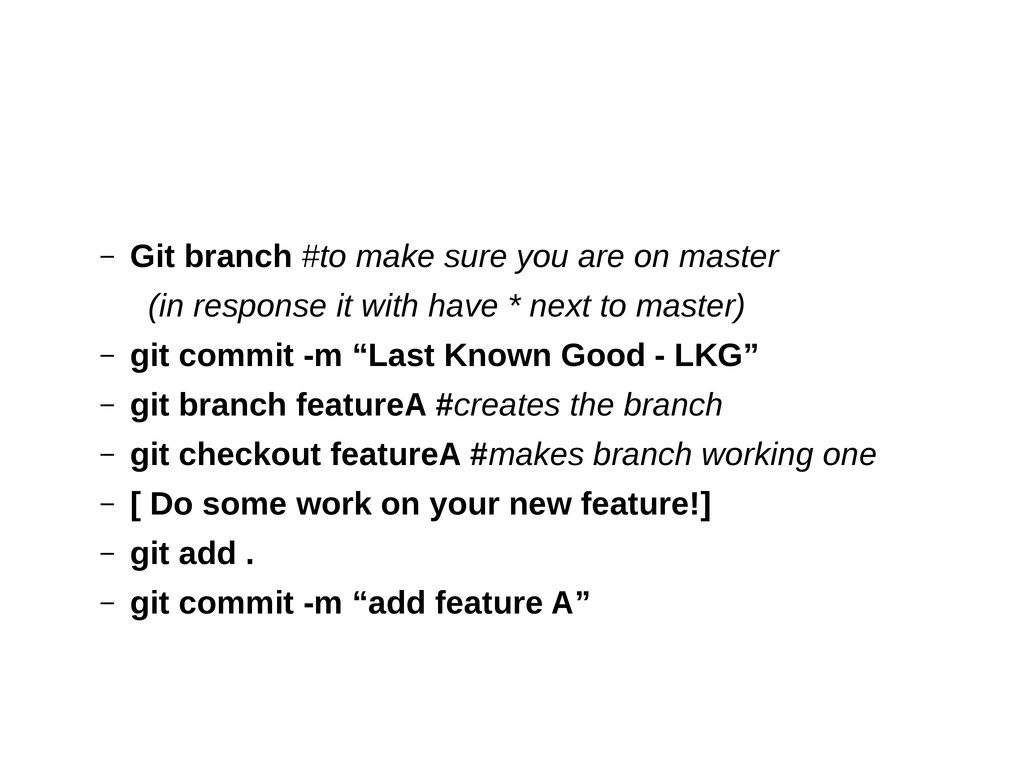
(in response it with have * next to master) – git commit -m “Last Known Good - LKG” – git branch featureA #creates the branch – git checkout featureA #makes branch working one – [ Do some work on your new feature!] – git add . – git commit -m “add feature A”
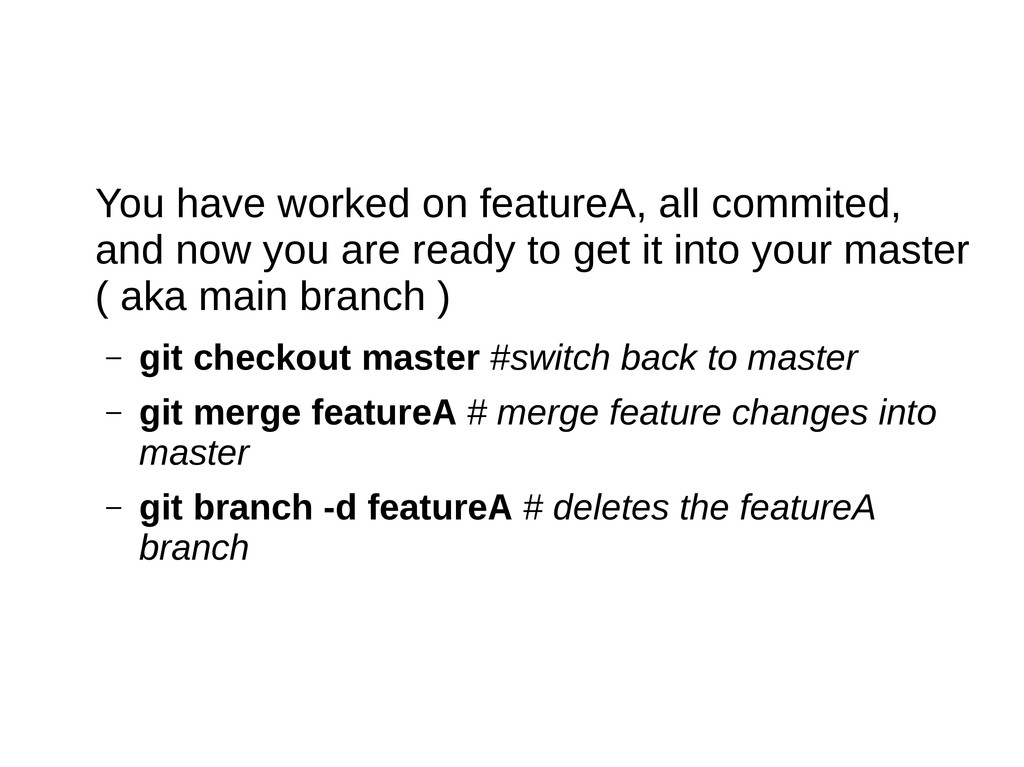
are ready to get it into your master ( aka main branch ) – git checkout master #switch back to master – git merge featureA # merge feature changes into master – git branch -d featureA # deletes the featureA branch
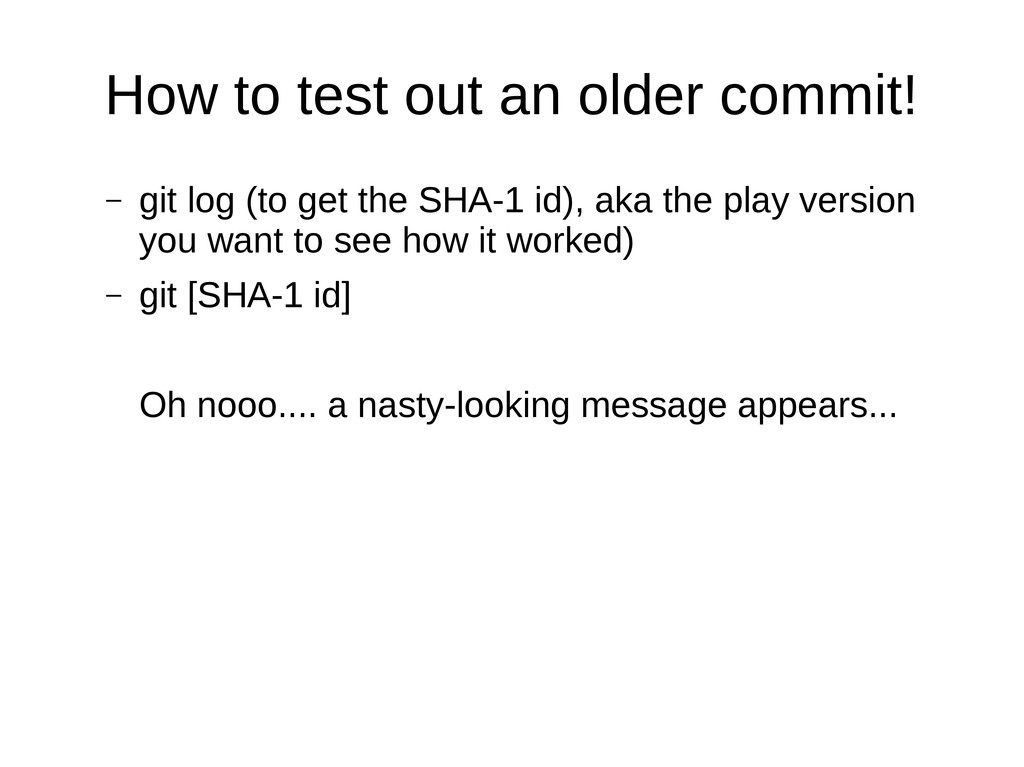
on your own machine – start now! And you can play with Detached Heads! • Cheat sheet: https://na1.salesforce.com/help/doc/en/salesfo rce_git_developer_cheatsheet.pdf • Google exactly this: Git Docs (Bonus tip from Lauren Hughs – you can find her on LinkedIn!) • or... Online version of the command line help: – https://www.kernel.org/pub/software/scm/git/docs/user-manual.html


 clockmaker
 sylph01
 florets1
 yutobara
 tomokon
 timakin
 jame2408
 hollycummins
 eed3si9n
 kenjiyoneyama
 optim
optim
 marcoroth
 geshan
 philnash
 tomoyanonymous
.png) helenjbeal
helenjbeal
 keithpitt
 yeseniaperezcruz
 axbom
axbom
 watany
 aleyda
 techseoconnect
 chrisshort
 coloredviolet