Flutter has been around for a while, and it’s getting huge and real.
But what is it? What does it make it so special?
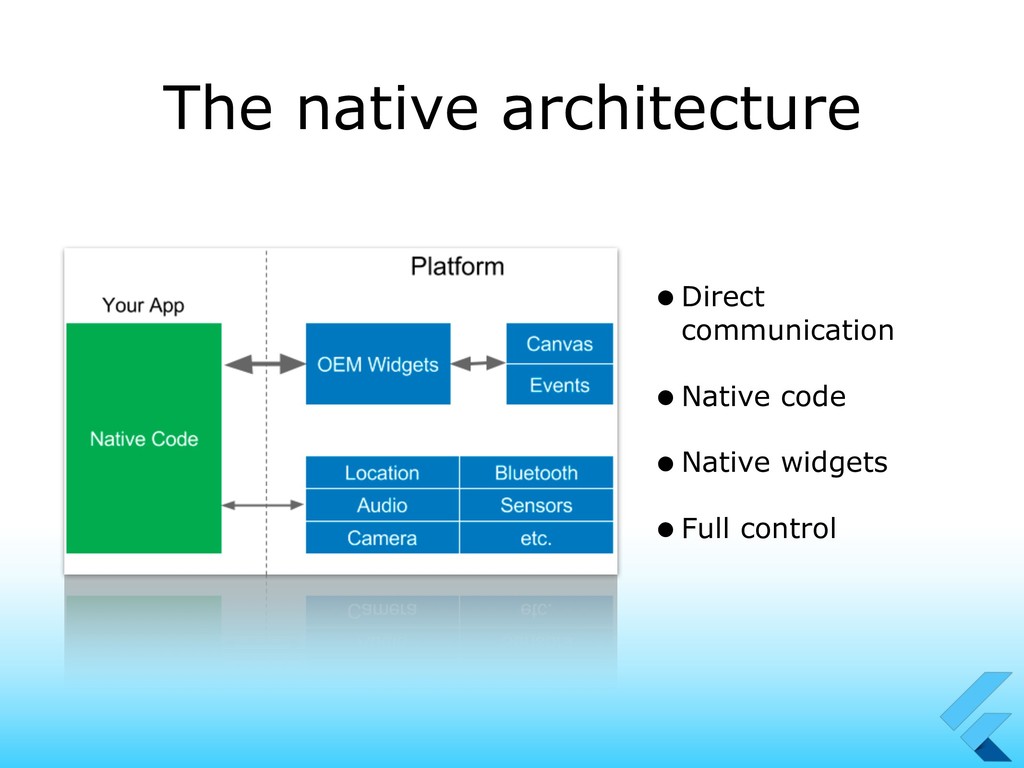
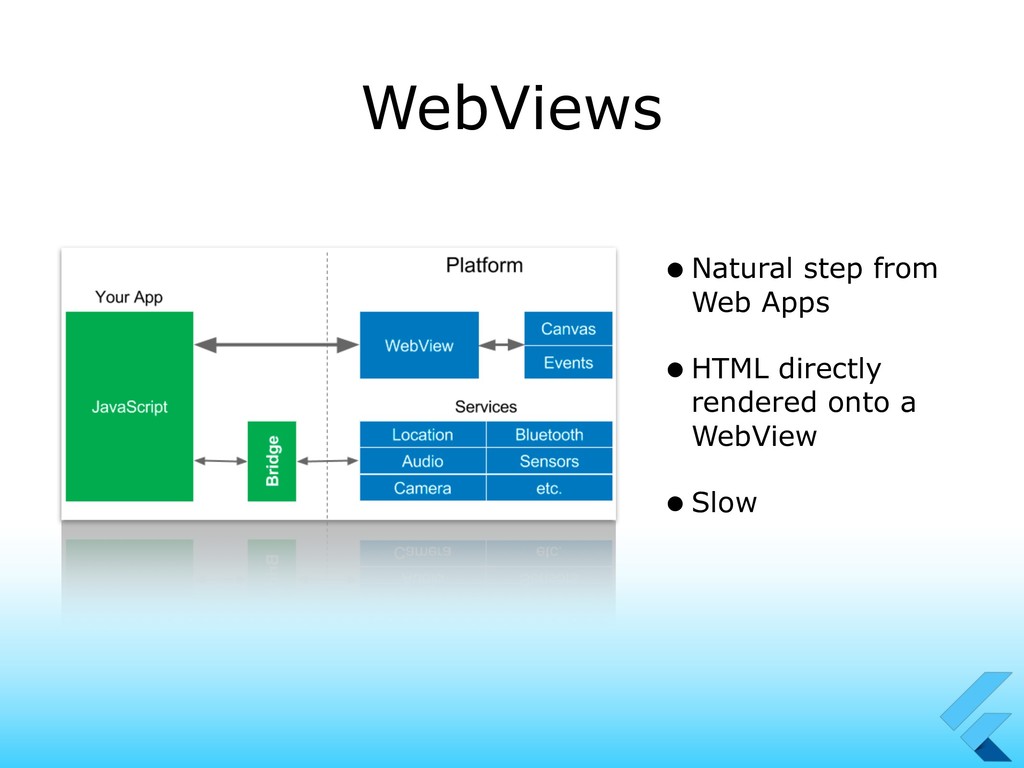
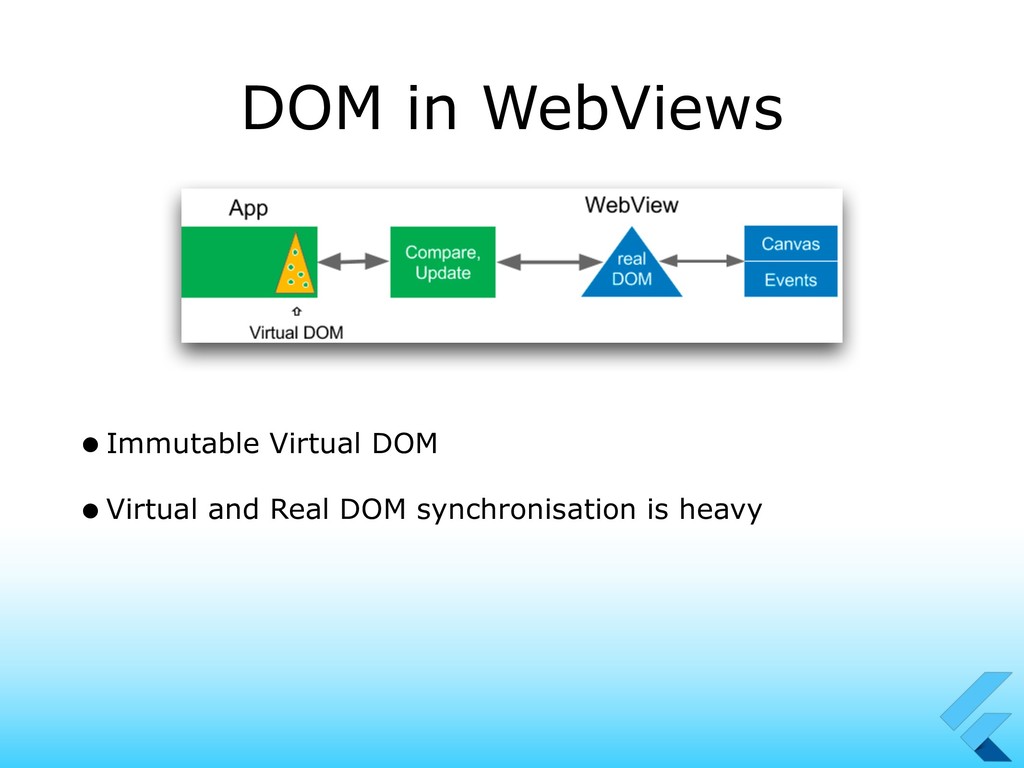
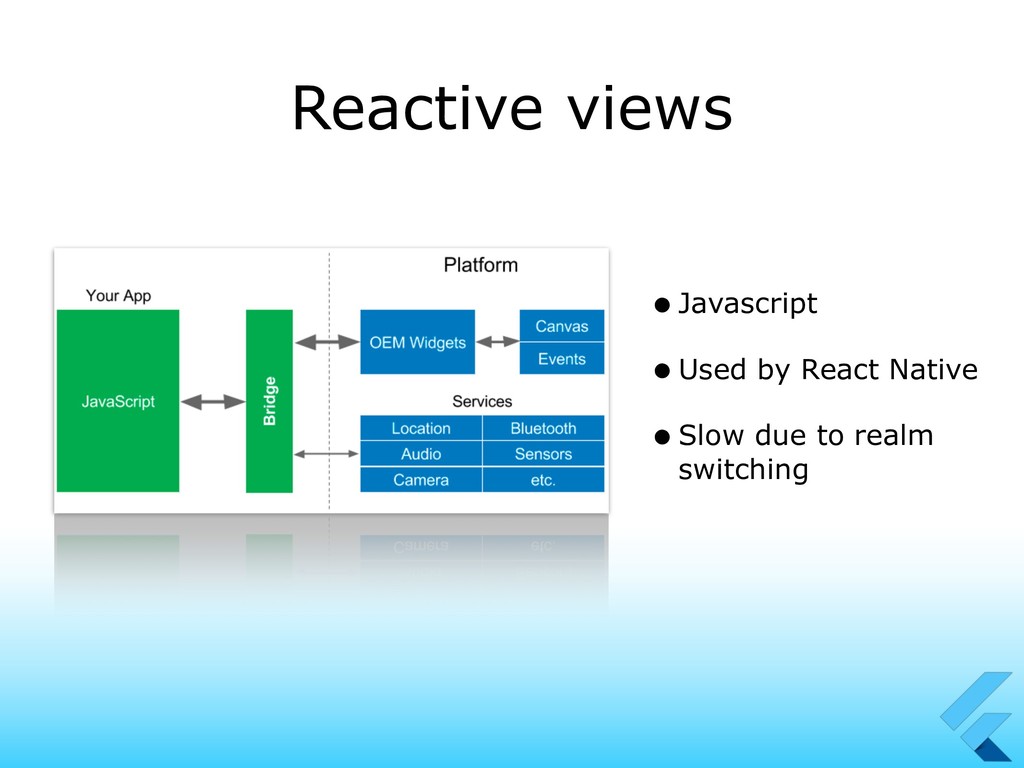
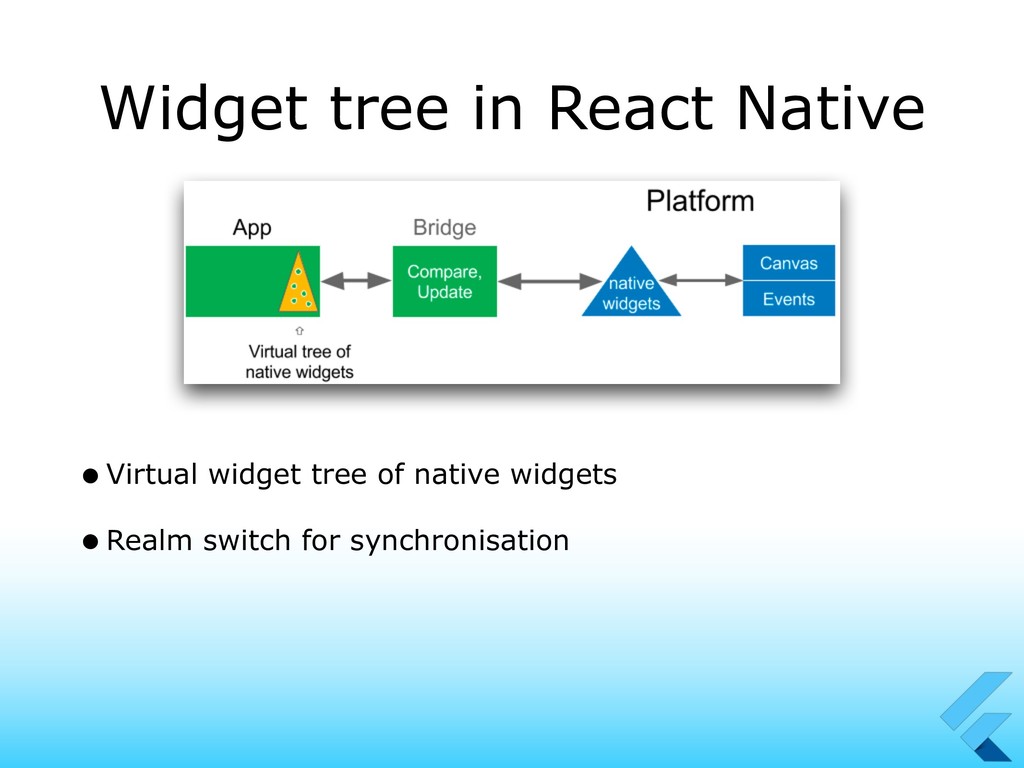
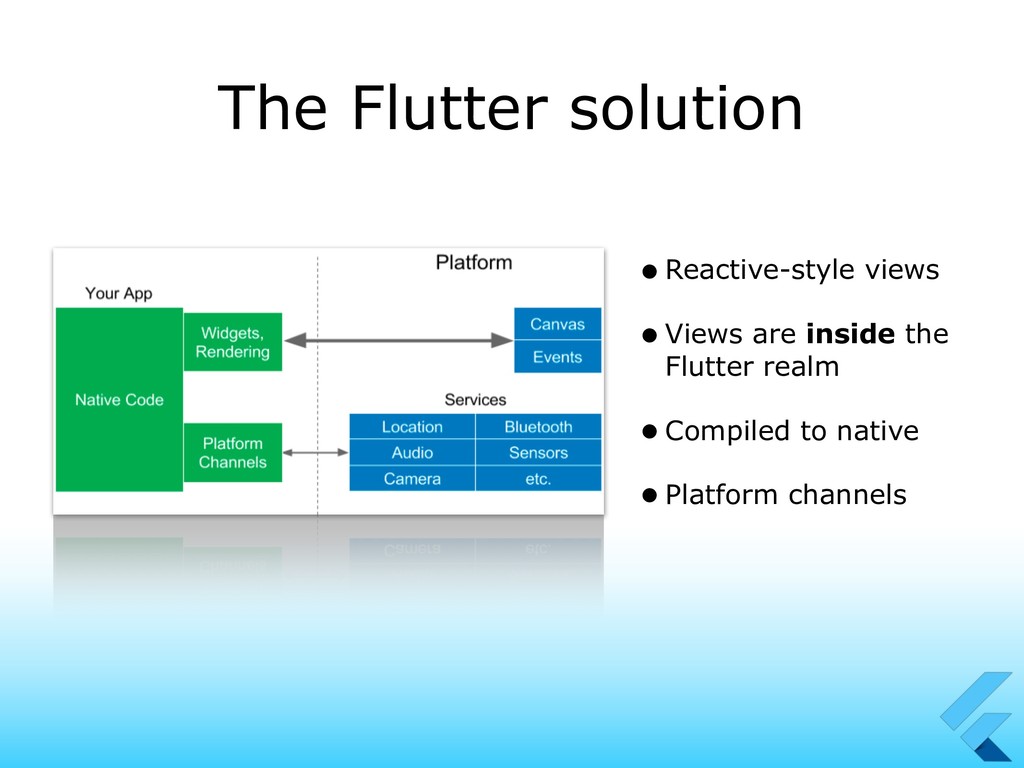
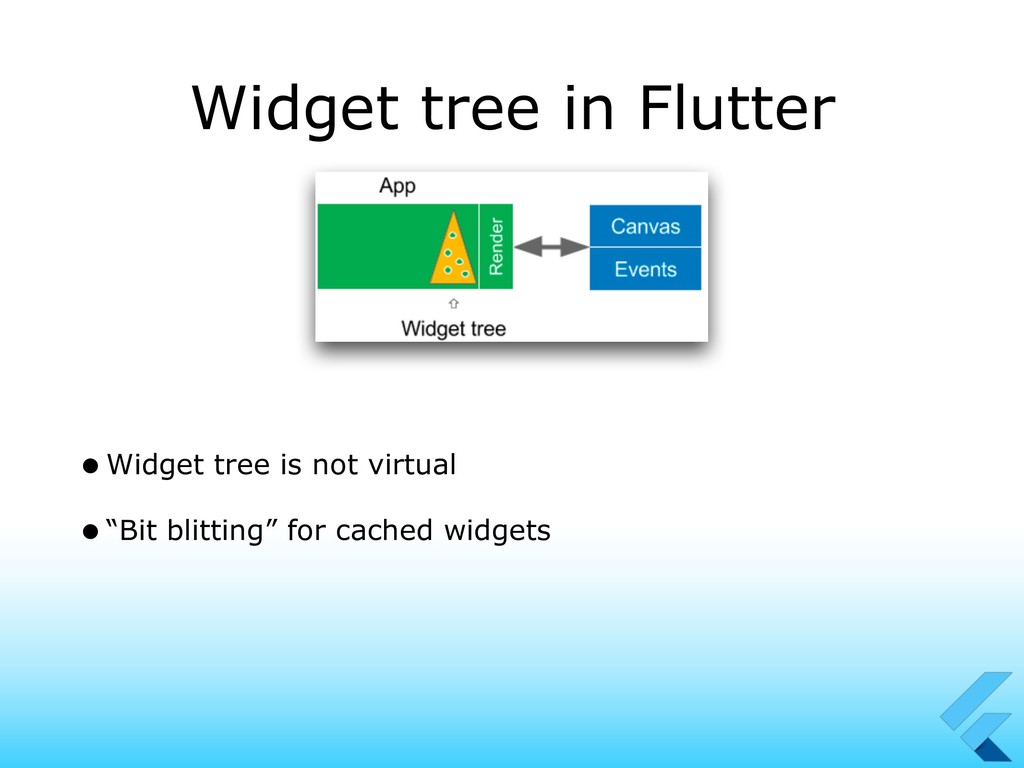
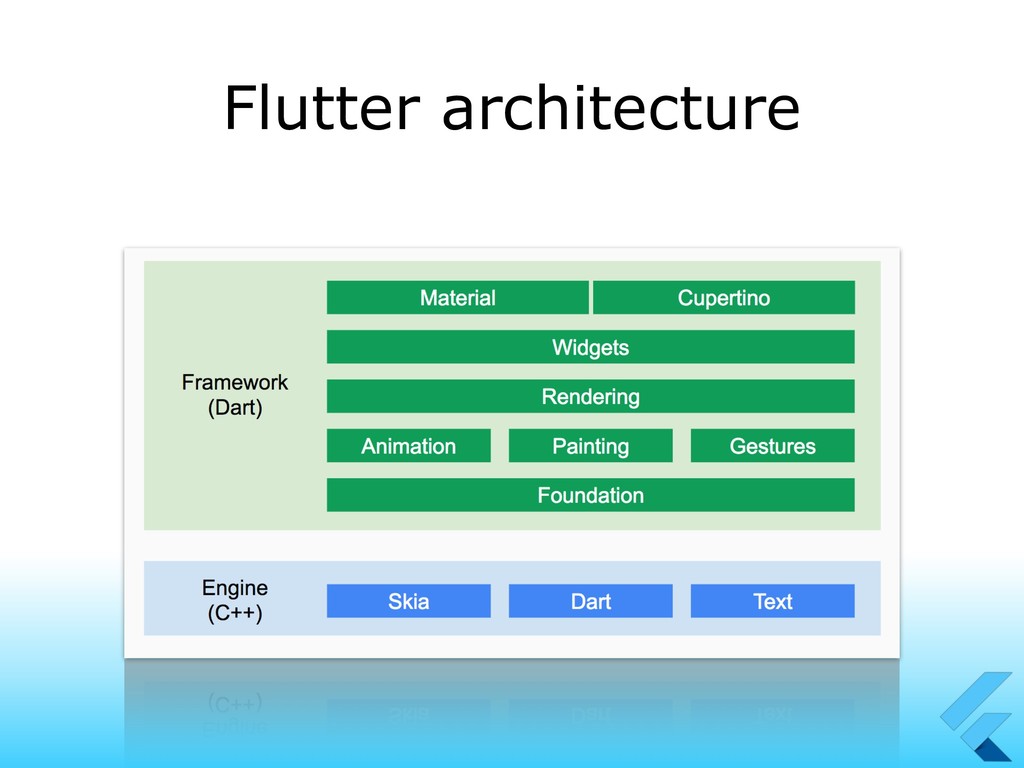
We’ll explore the Flutter architecture and its difference with the mainstream hybrid solutions.
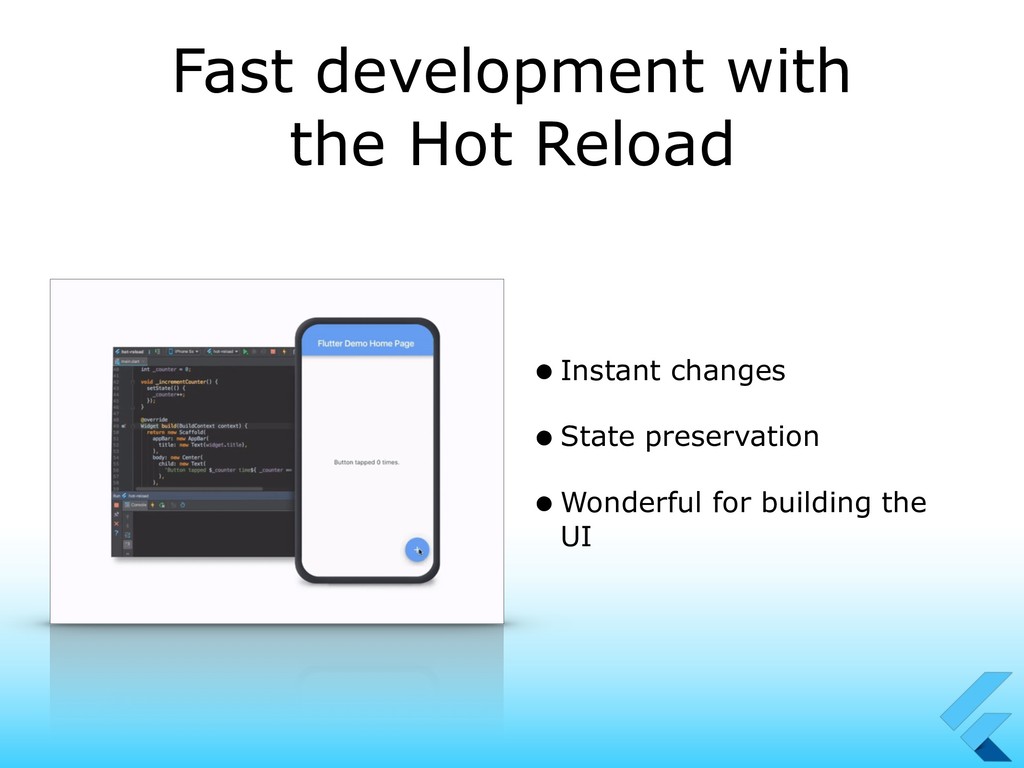
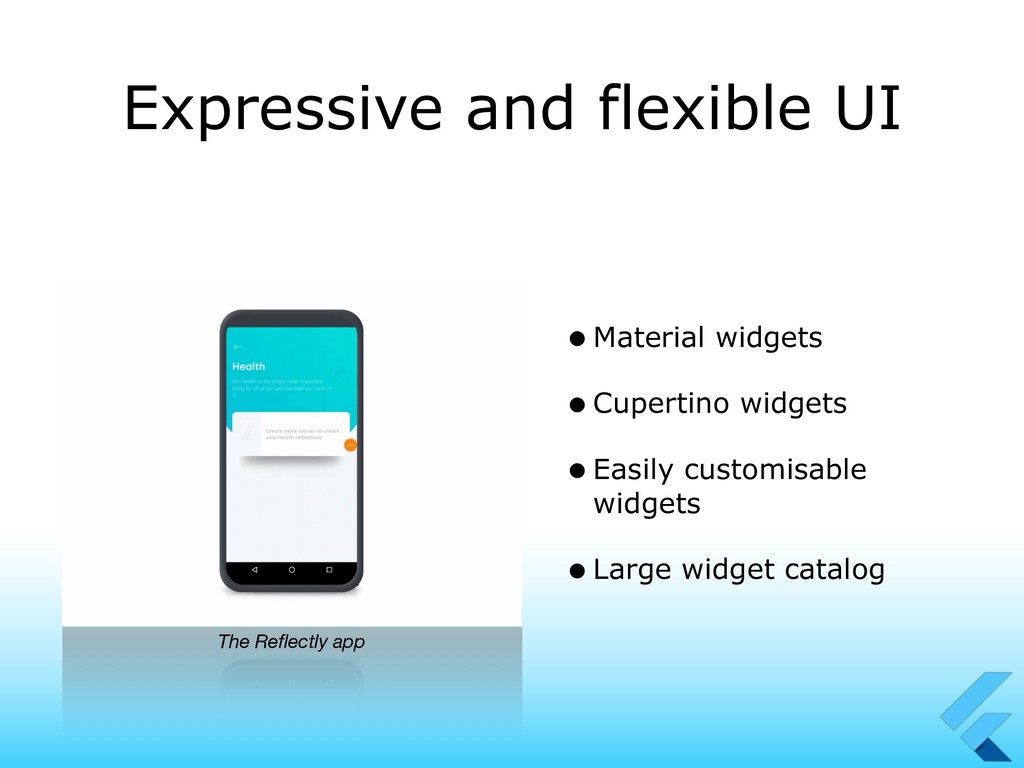
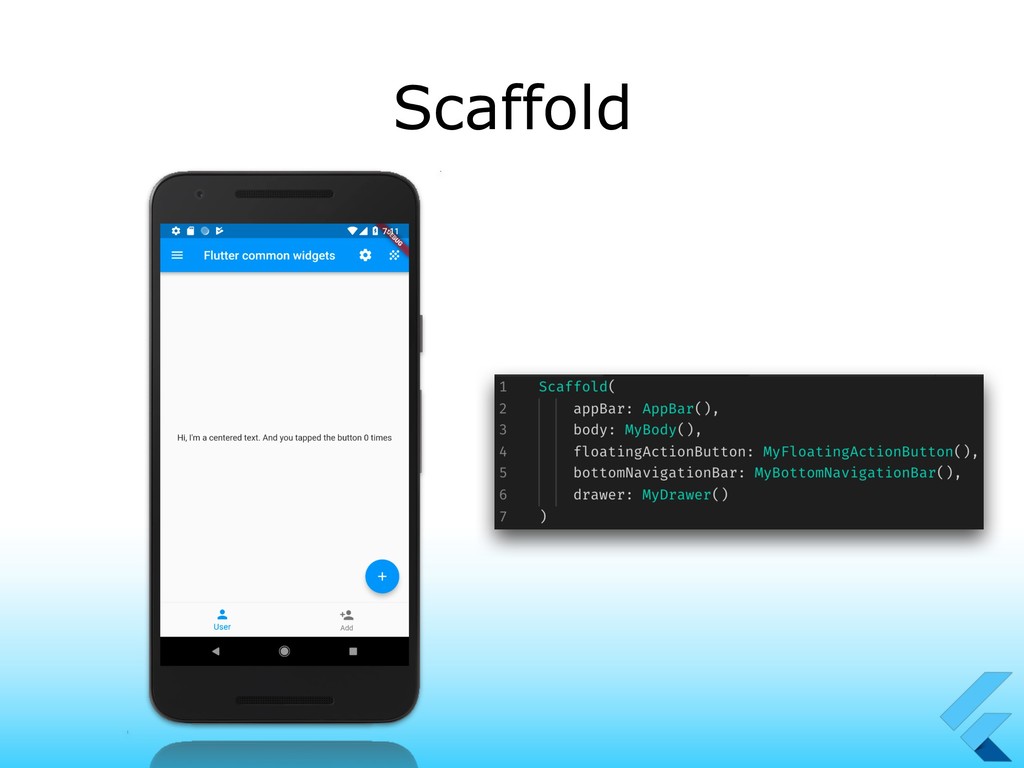
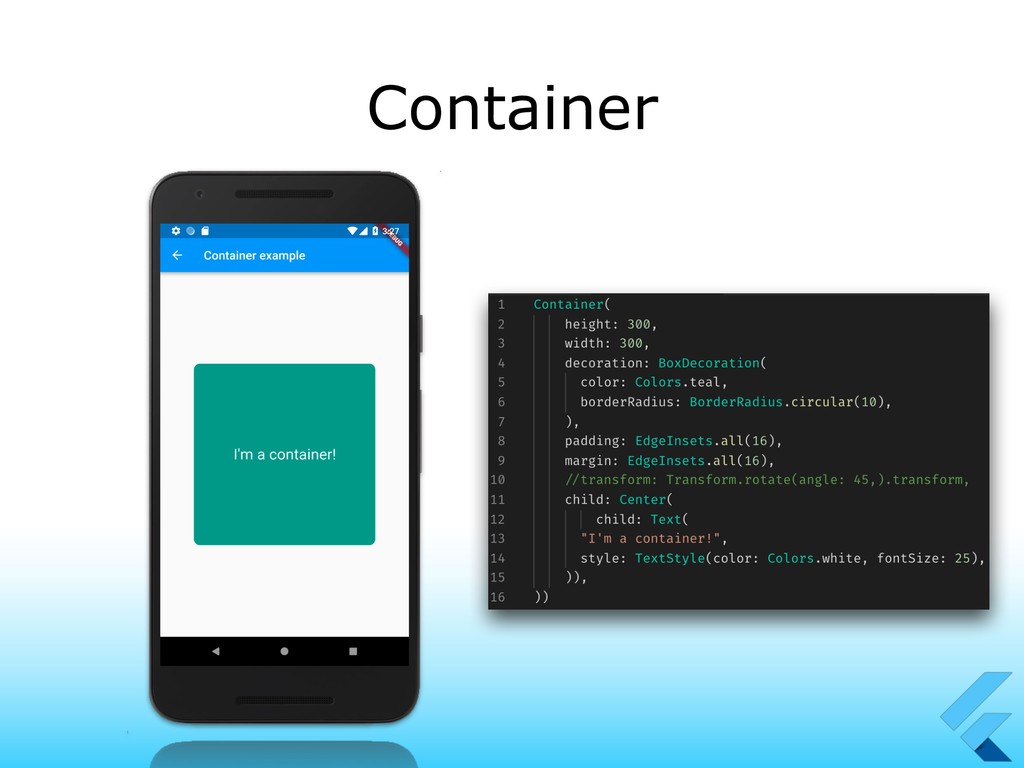
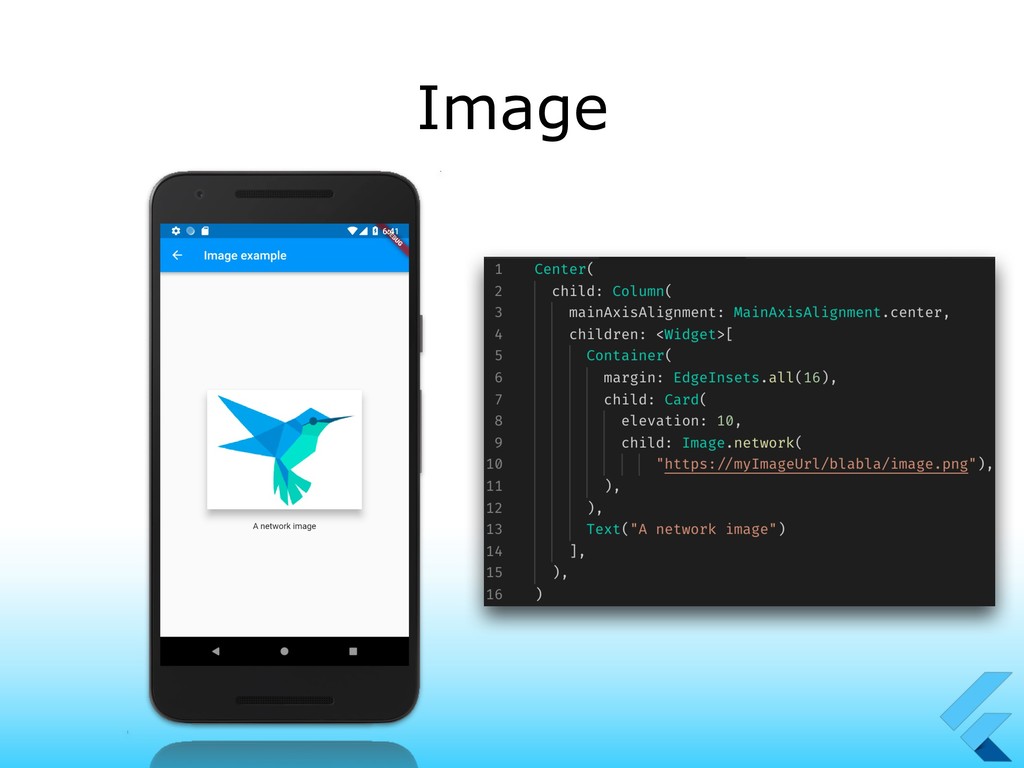
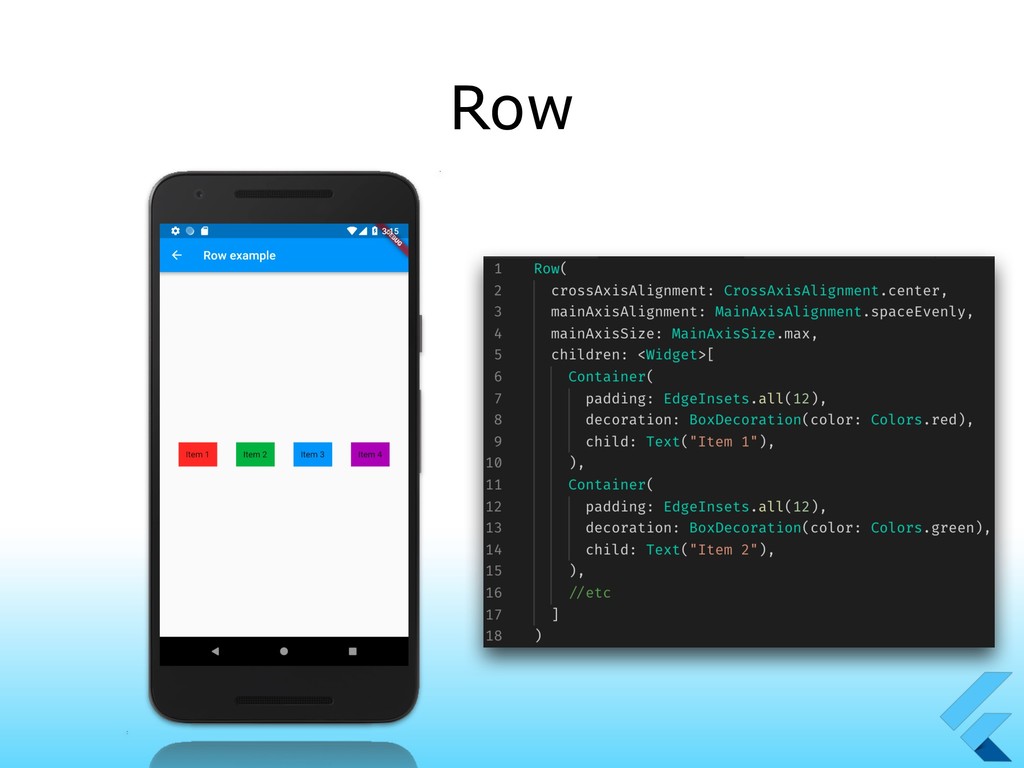
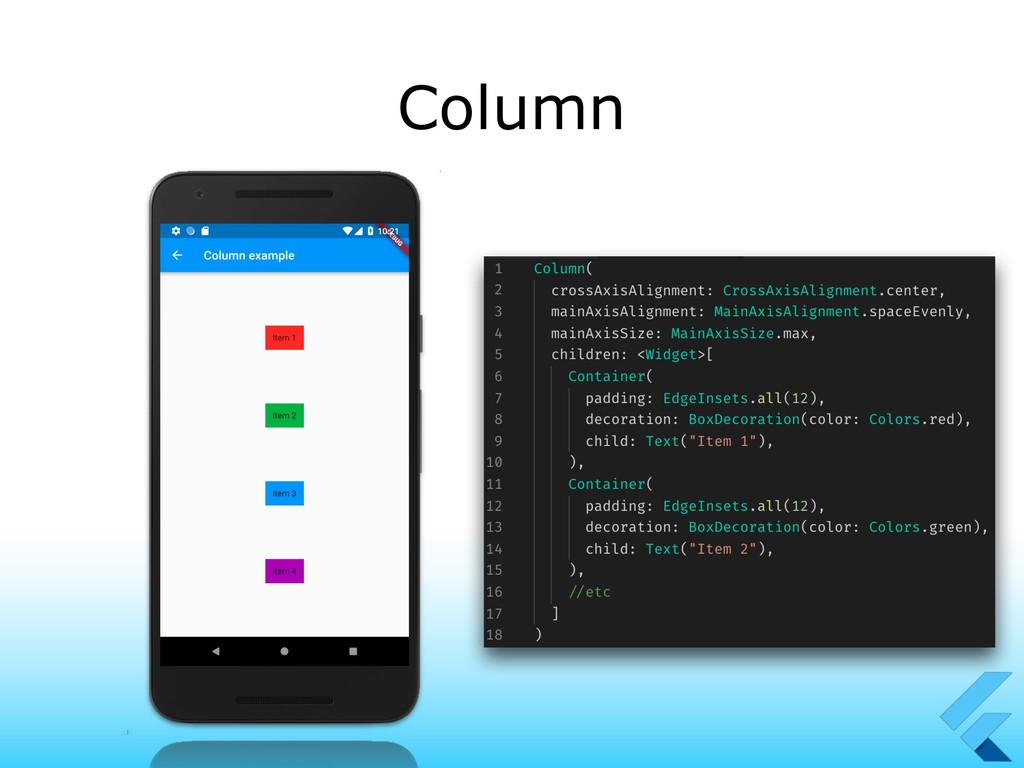
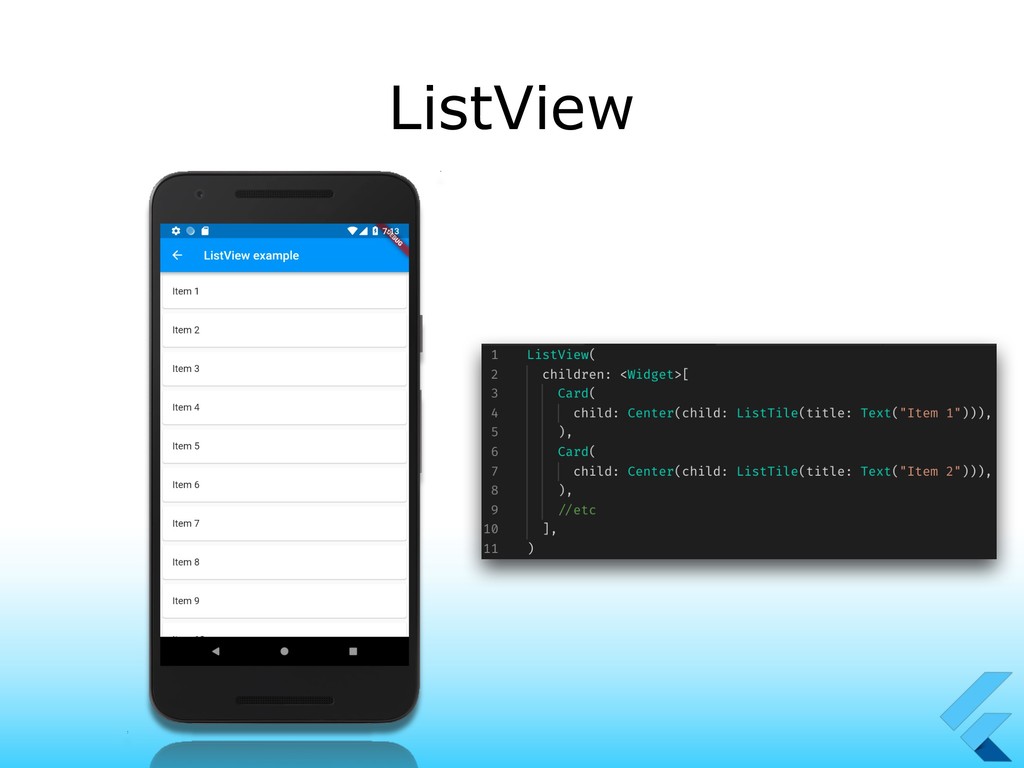
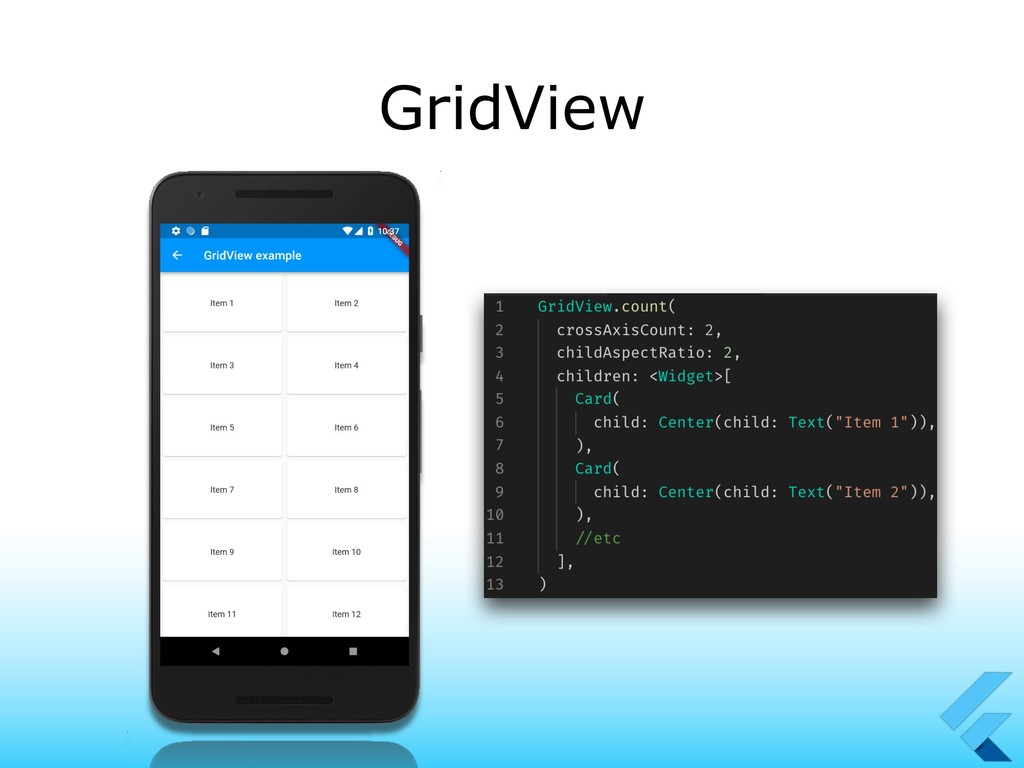
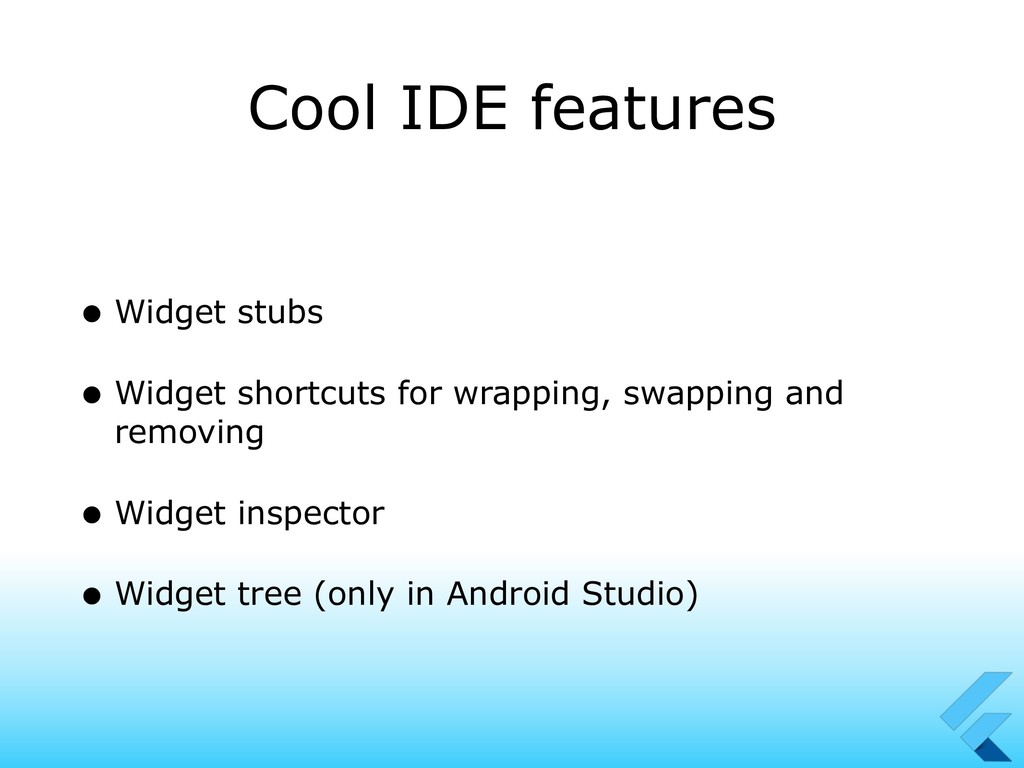
Walking together through the YANA app, we’ll explore what are some commonly used widgets, used to build layouts at super speed, how hot reloading our app makes really smooth our workflow.
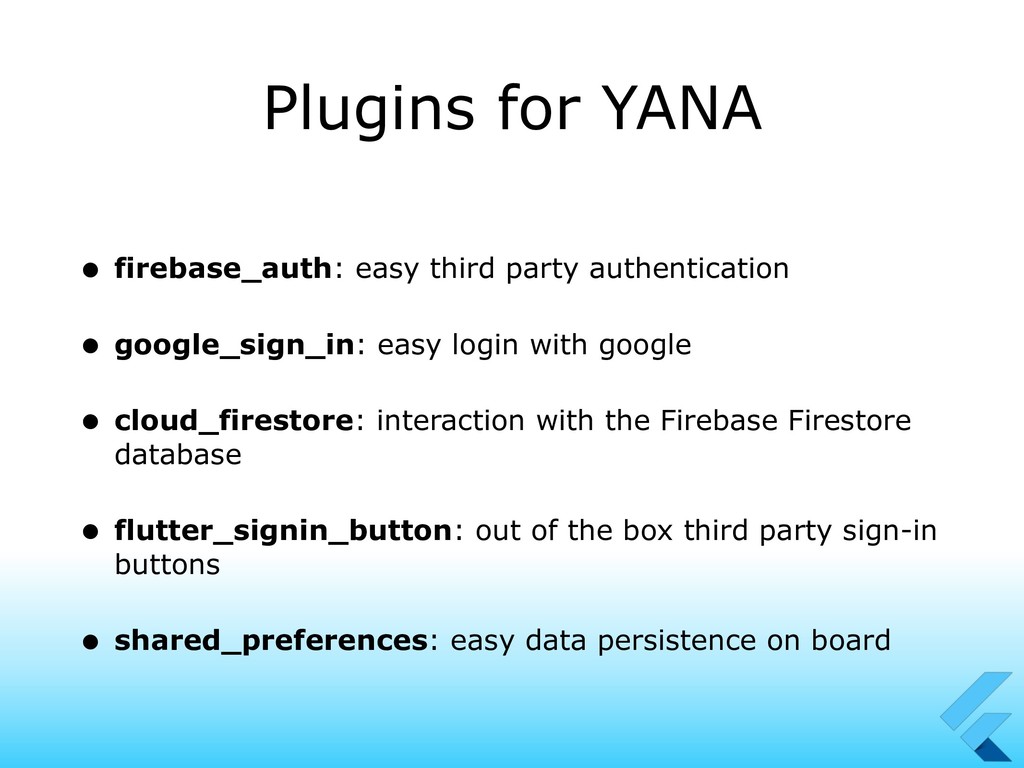
Going further, we’ll see how to keep ourselves synced thanks to the firebase plugins, which make authentication and database work super easy, and to save little pieces of data on board easily.
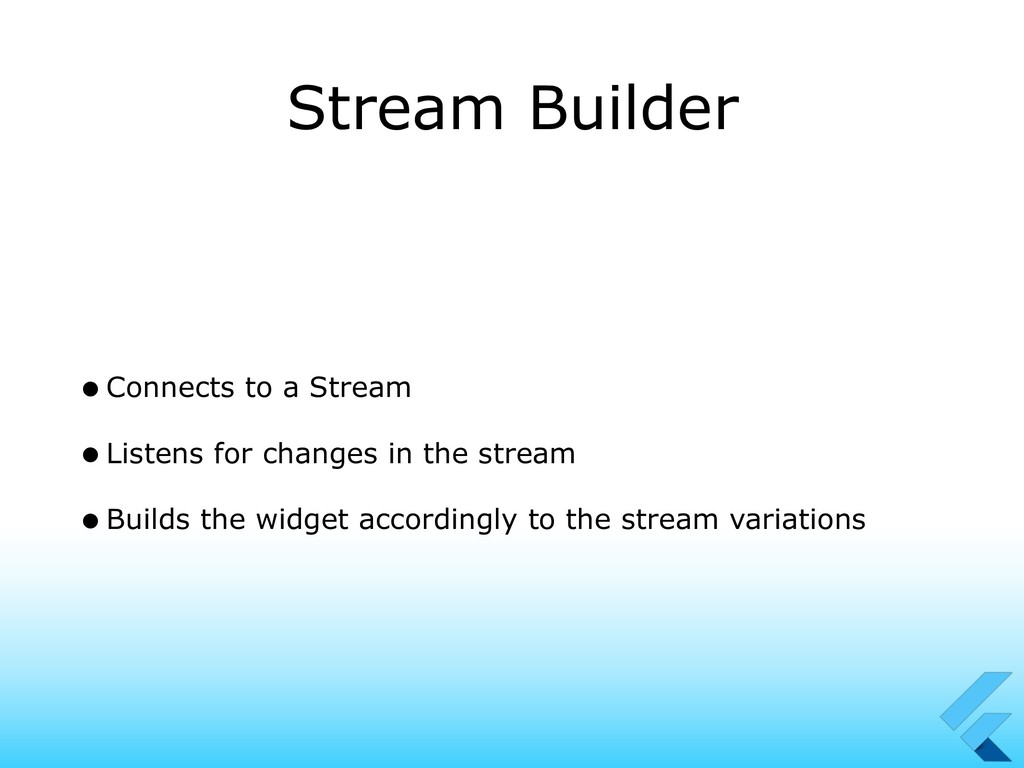
Common basic widget are not the only widgets we’ll see, as we’ll see some more advanced stuff that we can use to easily build UI accordingly to the network state.


 magicleon94
 takai
takai
 gonta
gonta
 ivargrimstad
 utakaha
 kinopeee
 ___akari11
 florets1
 akase244
 siroemk
 a_matsuda
 xleitix
 nokomoro3
 malarkey
 bluesmoon
 jdejongh
 frankvandijk
 speakerdeck
 katarinadahlin
 danielanewman
 cassininazir
 inesmontani
 kimpetersen
 lcolladotor
 garrettdimon