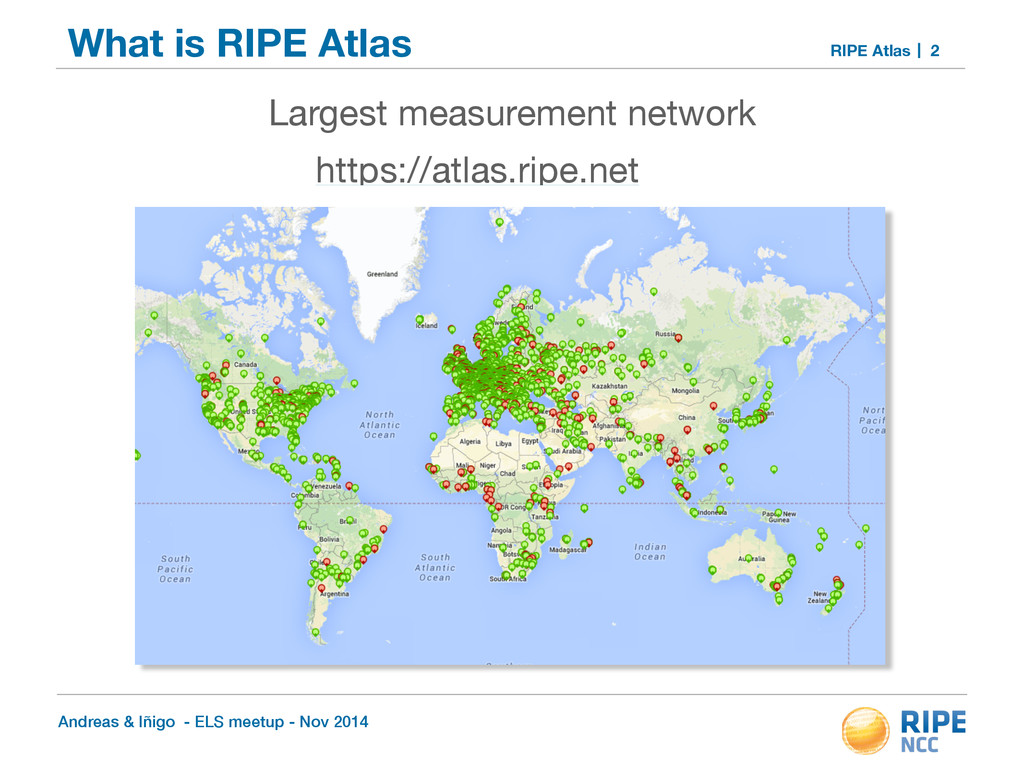
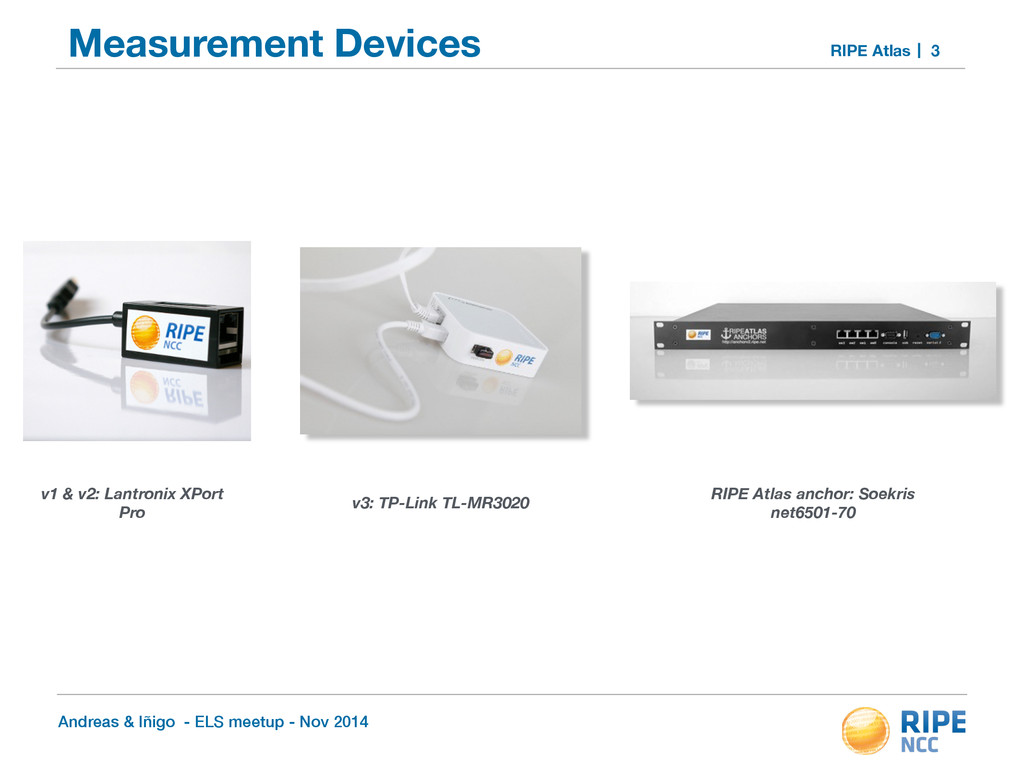
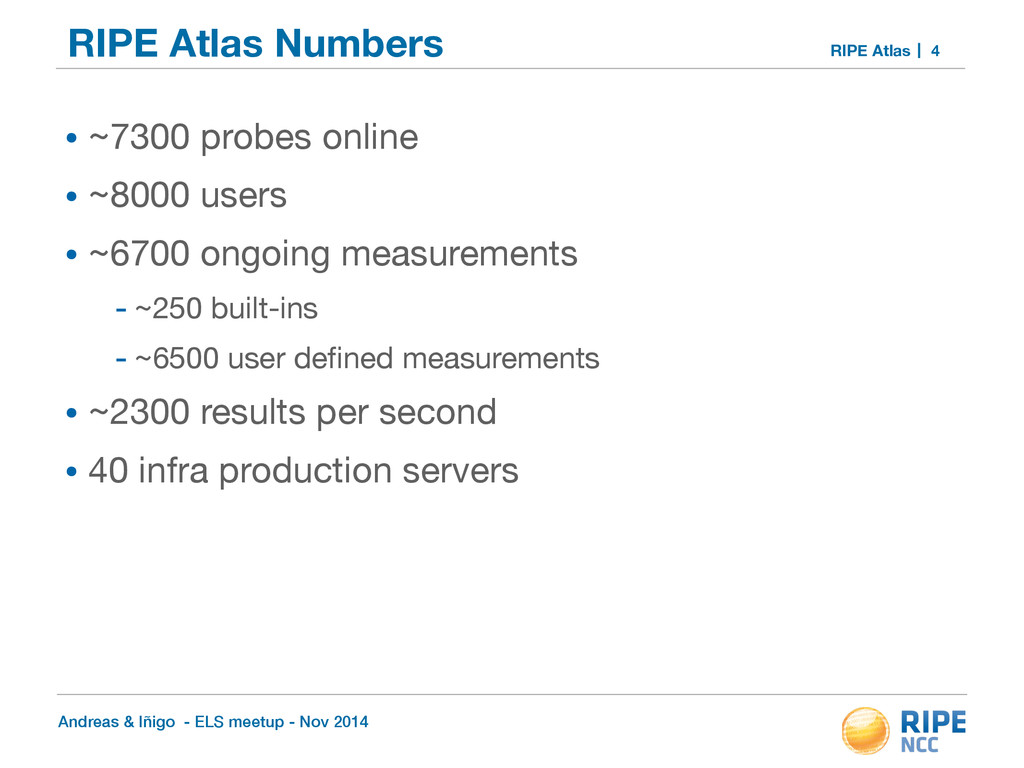
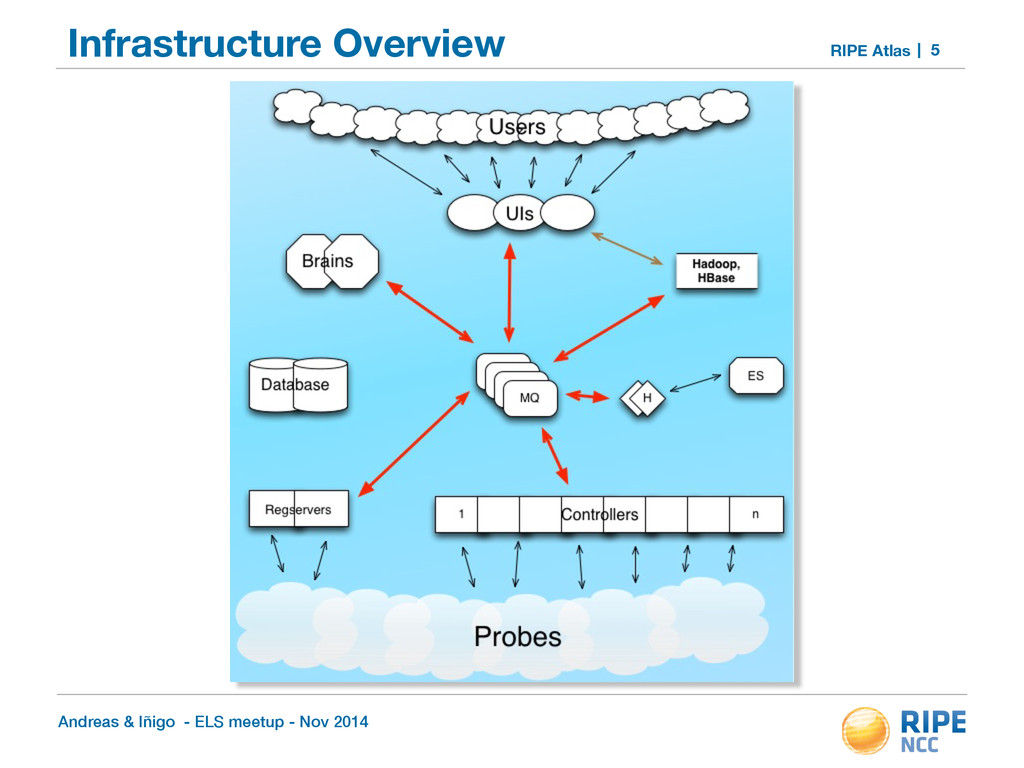
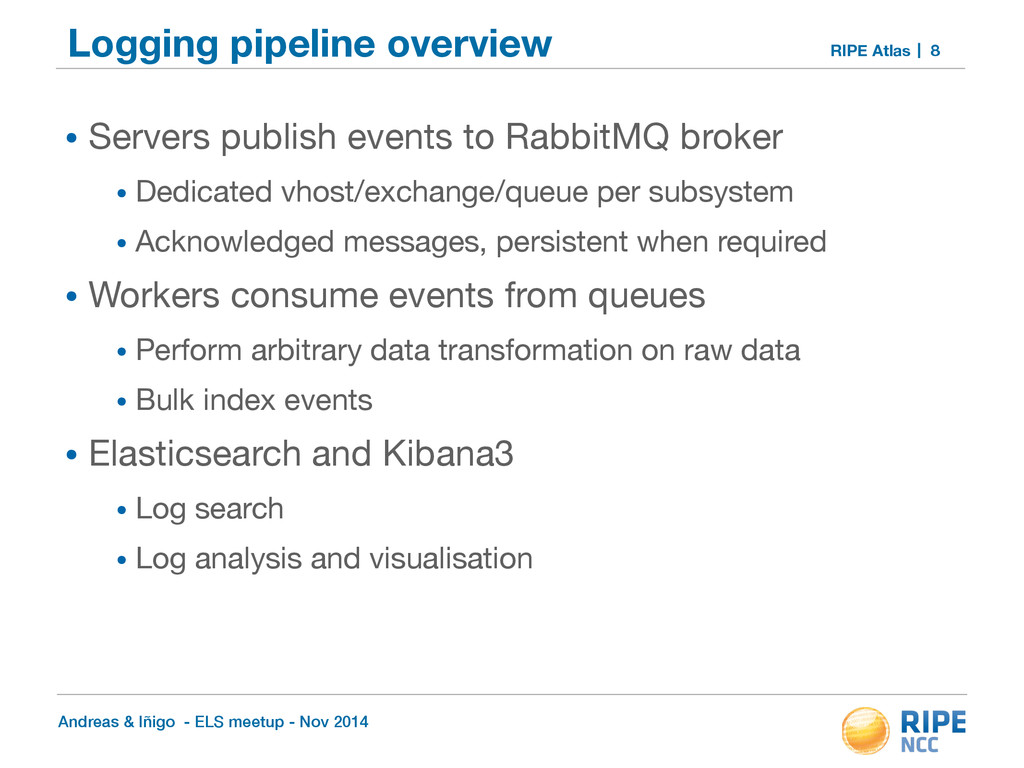
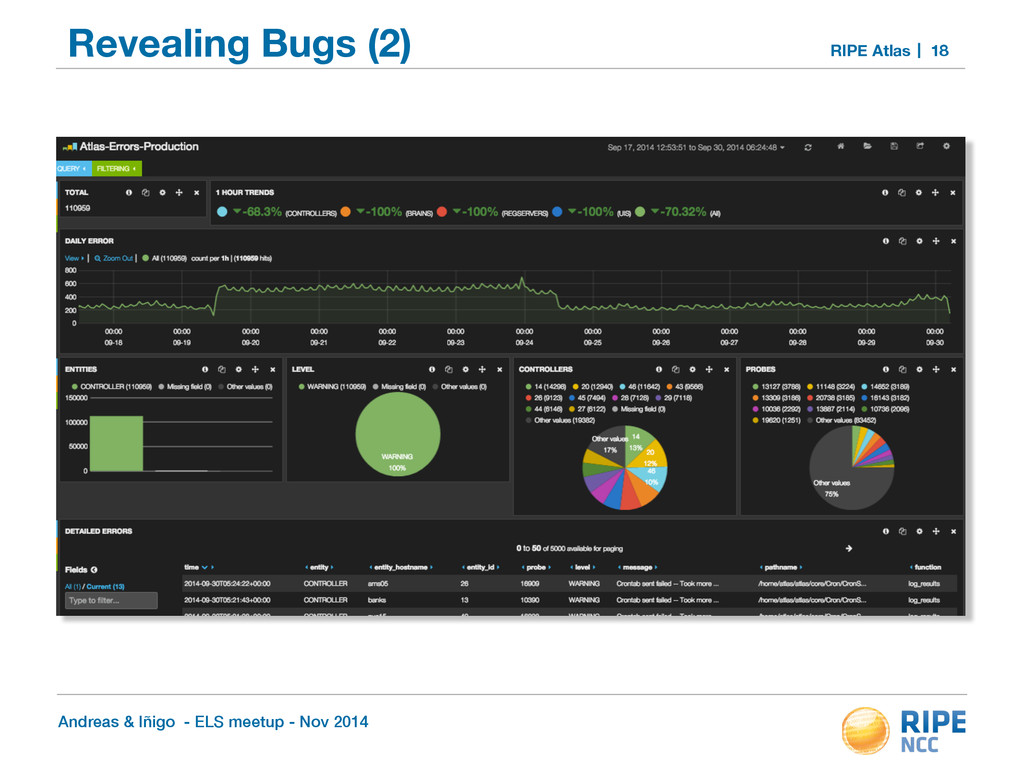
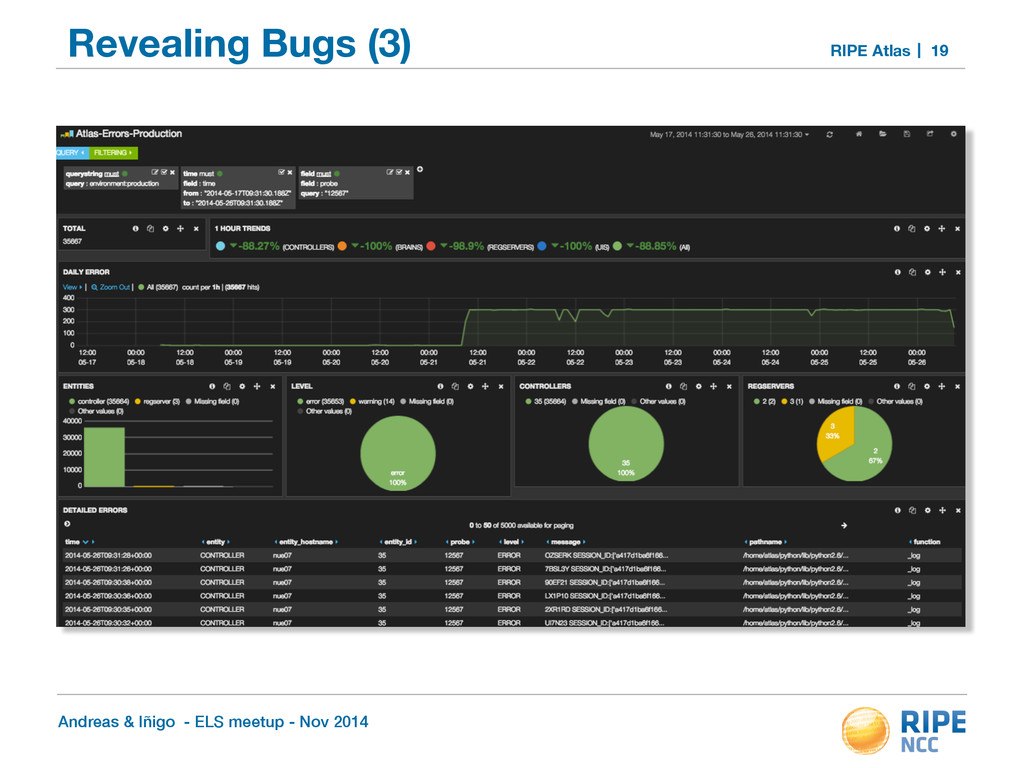
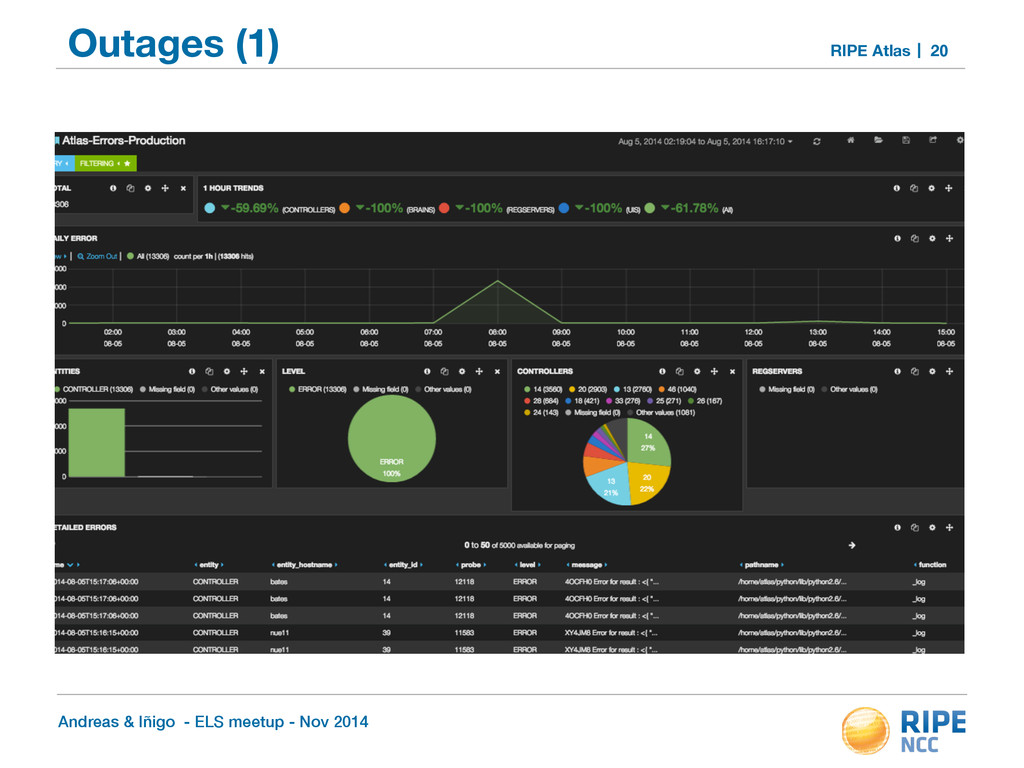
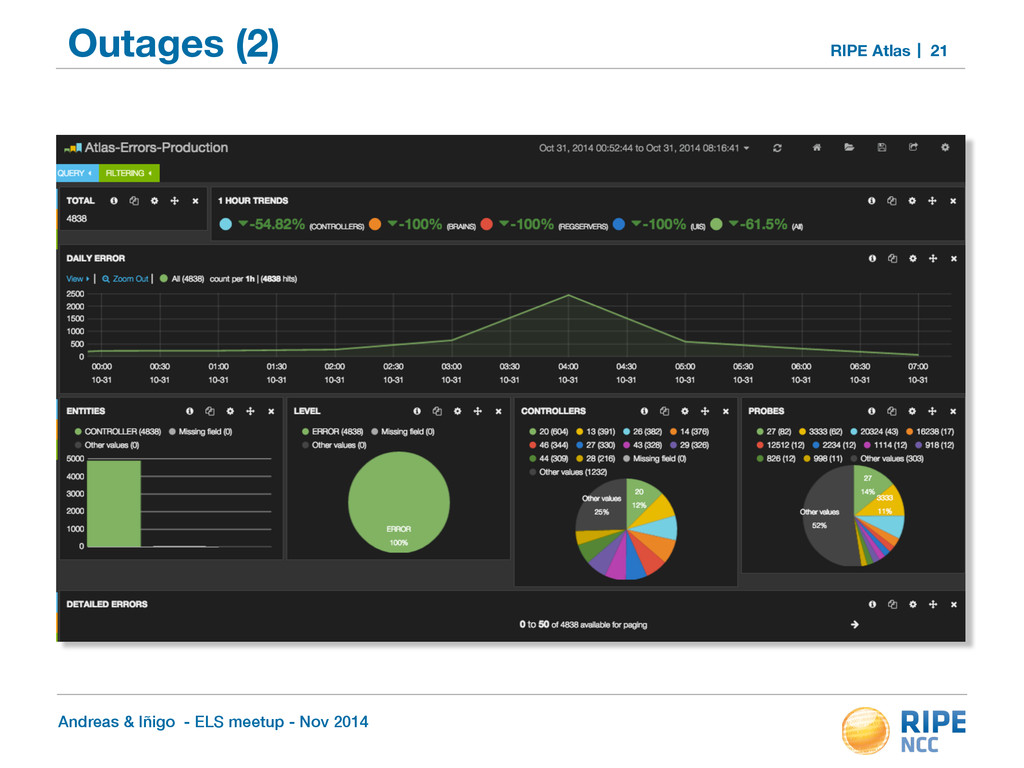
Atlas Logging pipeline overview • Servers publish events to RabbitMQ broker • Dedicated vhost/exchange/queue per subsystem • Acknowledged messages, persistent when required • Workers consume events from queues • Perform arbitrary data transformation on raw data • Bulk index events • Elasticsearch and Kibana3 • Log search • Log analysis and visualisation 8
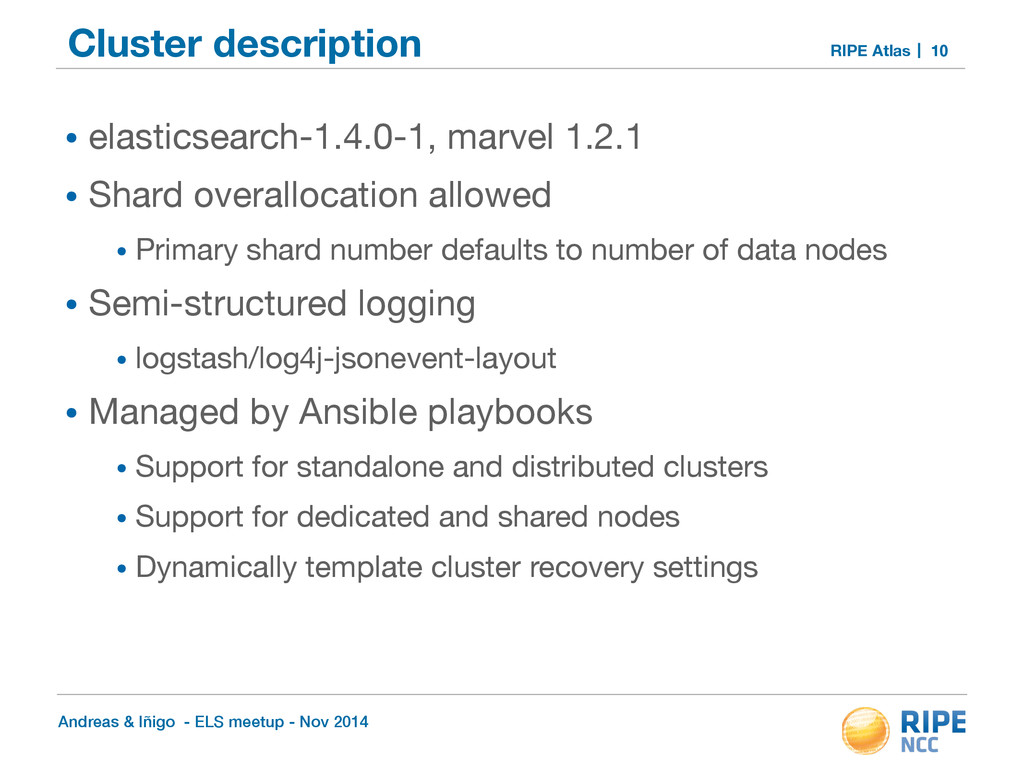
Atlas Cluster description • elasticsearch-1.4.0-1, marvel 1.2.1 • Shard overallocation allowed • Primary shard number defaults to number of data nodes • Semi-structured logging • logstash/log4j-jsonevent-layout • Managed by Ansible playbooks • Support for standalone and distributed clusters • Support for dedicated and shared nodes • Dynamically template cluster recovery settings 10
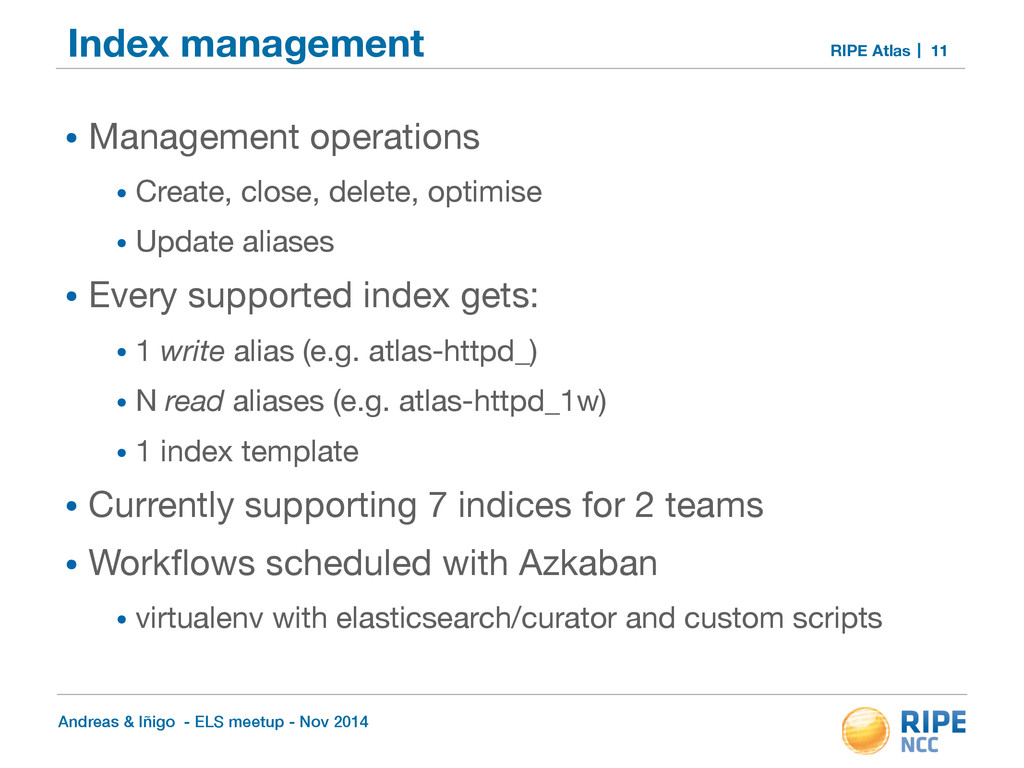
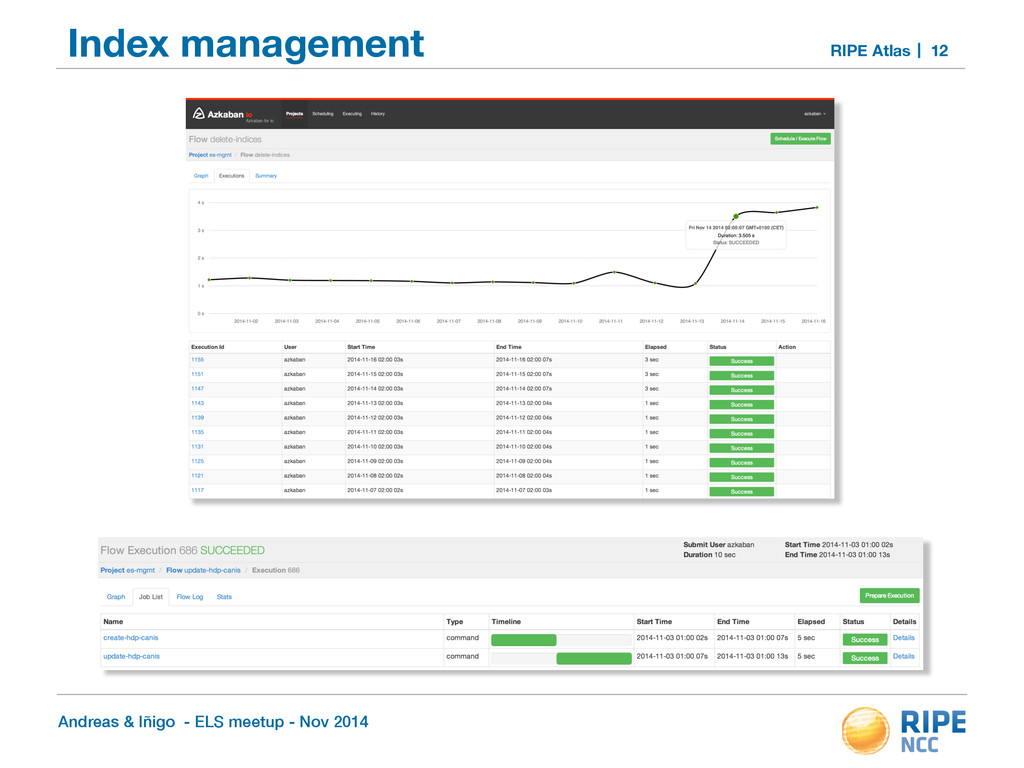
Atlas Index management • Management operations • Create, close, delete, optimise • Update aliases • Every supported index gets: • 1 write alias (e.g. atlas-httpd_) • N read aliases (e.g. atlas-httpd_1w) • 1 index template • Currently supporting 7 indices for 2 teams • Workflows scheduled with Azkaban • virtualenv with elasticsearch/curator and custom scripts 11
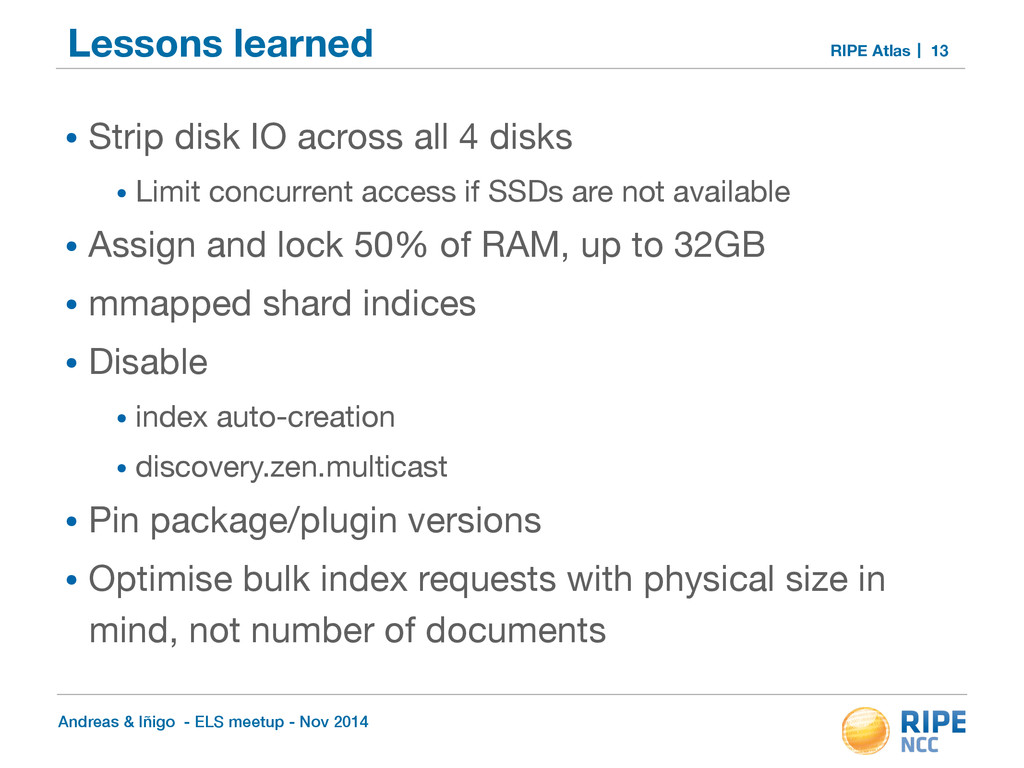
Atlas Lessons learned • Strip disk IO across all 4 disks • Limit concurrent access if SSDs are not available • Assign and lock 50% of RAM, up to 32GB • mmapped shard indices • Disable • index auto-creation • discovery.zen.multicast • Pin package/plugin versions • Optimise bulk index requests with physical size in mind, not number of documents 13
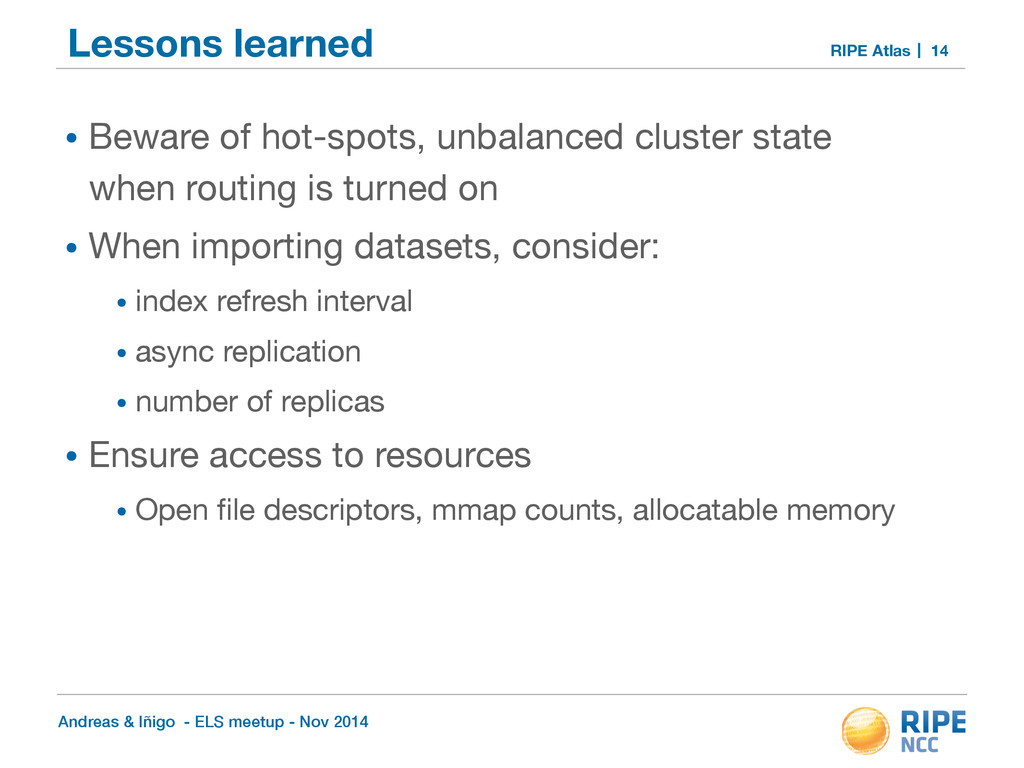
Atlas Lessons learned • Beware of hot-spots, unbalanced cluster state when routing is turned on • When importing datasets, consider: • index refresh interval • async replication • number of replicas • Ensure access to resources • Open file descriptors, mmap counts, allocatable memory 14
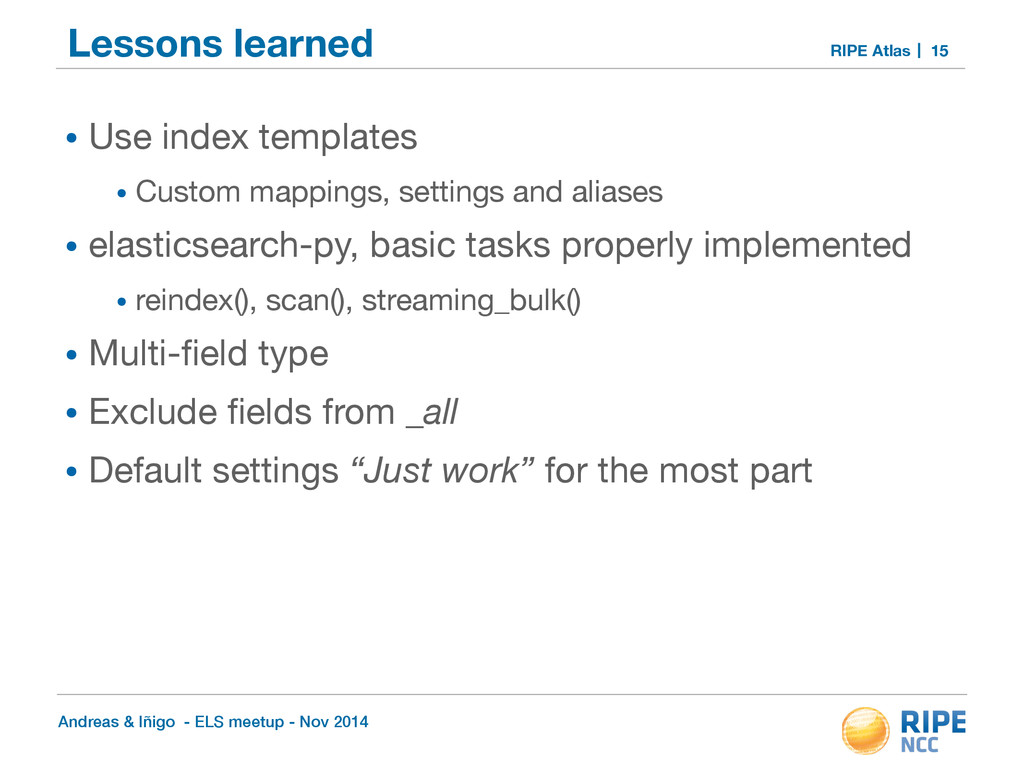
Atlas Lessons learned • Use index templates • Custom mappings, settings and aliases • elasticsearch-py, basic tasks properly implemented • reindex(), scan(), streaming_bulk() • Multi-field type • Exclude fields from _all • Default settings “Just work” for the most part 15


 pfn
pfn
 kworkdev
 syuchimu
 bengo4com
 recruitengineers
 ueponx
 shugo
shugo
 occhi
occhi
 glaforge
 jyouryuusui
 ykanoh
 persolserverworks
 sarafernandez
 tammyeverts
 inesmontani
 morganepeng
 aleyda
 addyosmani
 honzajavorek
 rkendrick25
 keithpitt
 greggifford
 iamctodd
 marcduiker