Upgrade to Pro — share decks privately, control downloads, hide ads and more …

web development with Python and Mod_Apache

Sponsored · Your Podcast. Everywhere. Effortlessly. Share. Educate. Inspire. Entertain. You do you. We'll handle the rest. →

web development with Python and Mod_Apache

web development with Python and Mod_Python and my ideal web handler function - (remarkably like wsgi) has a good background on http and dynamic content mechanisms for web developers

Avatar for George Lambert

George Lambert

November 21, 2007

Other Decks in Programming

Transcript

  1. Python Web Development s Part I - Options - options

    and more options s Part II - HTTP COMMUNICATIONS s Part III - HTTP PROCESSING with Mod_Python s Part IV - Reference Materials Questions
  2. Part I - Options - options and more options s

    sifting through the options
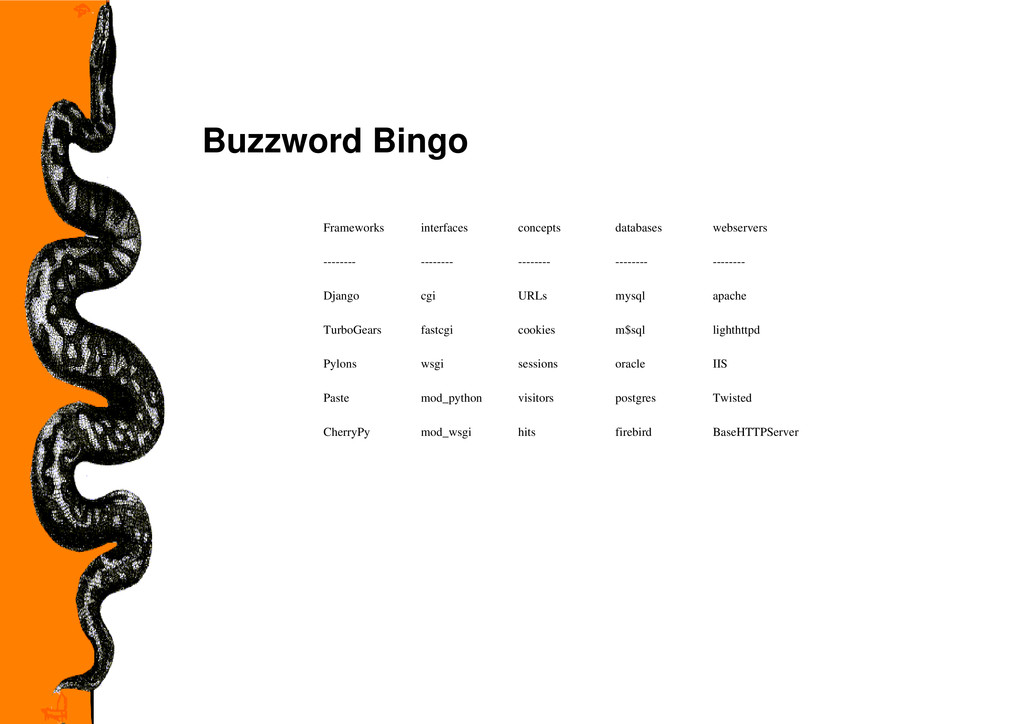
  3. Buzzword Bingo Frameworks interfaces concepts databases webservers -------- -------- --------

    -------- -------- Django cgi URLs mysql apache TurboGears fastcgi cookies m$sql lighthttpd Pylons wsgi sessions oracle IIS Paste mod_python visitors postgres Twisted CherryPy mod_wsgi hits firebird BaseHTTPServer
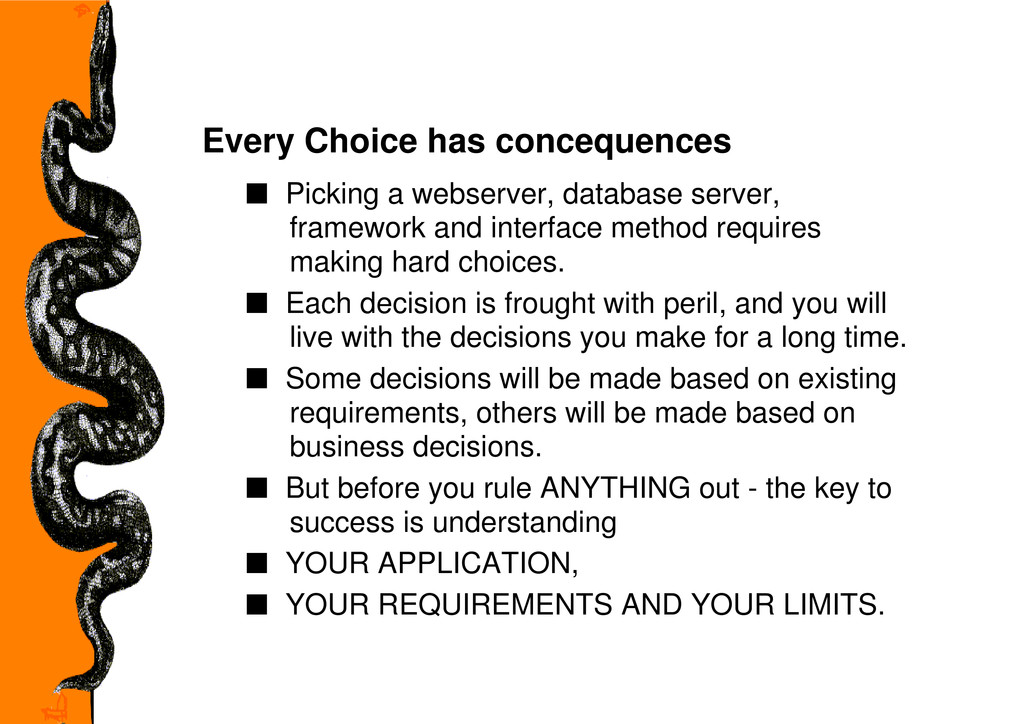
  4. Every Choice has concequences s Picking a webserver, database server,

    framework and interface method requires making hard choices. s Each decision is frought with peril, and you will live with the decisions you make for a long time. s Some decisions will be made based on existing requirements, others will be made based on business decisions. s But before you rule ANYTHING out - the key to success is understanding s YOUR APPLICATION, s YOUR REQUIREMENTS AND YOUR LIMITS.
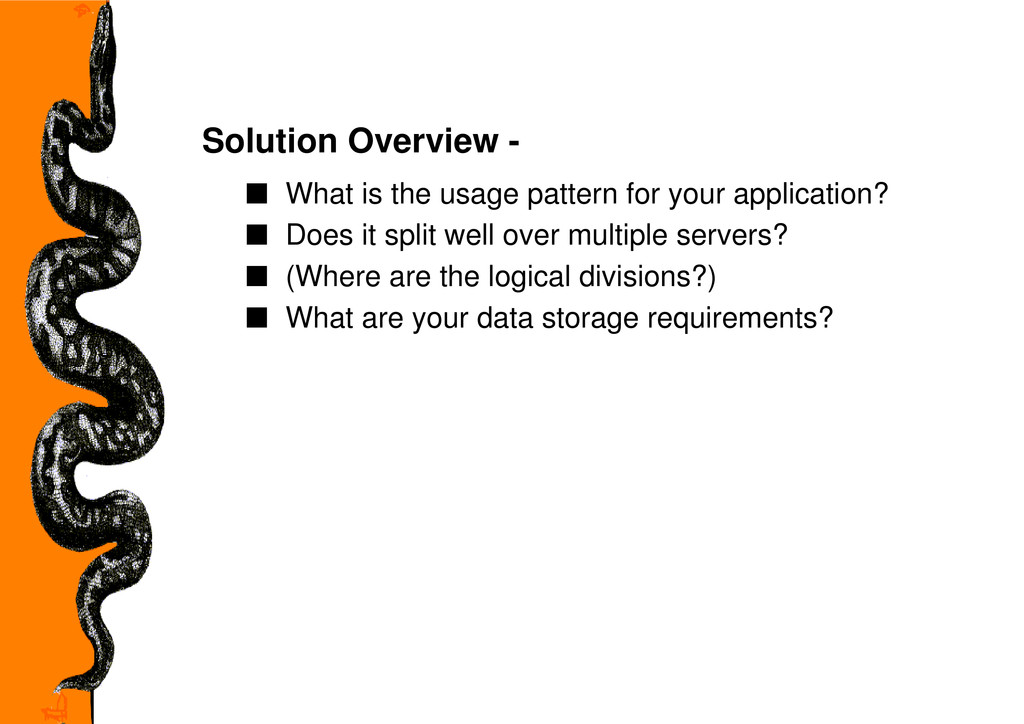
  5. Solution Overview - s What is the usage pattern for

    your application? s Does it split well over multiple servers? s (Where are the logical divisions?) s What are your data storage requirements?
  6. Development Plan - s What is the timeframe for deployment?

    s Who will write your app? s Who will maintain your app
  7. USER EXPERIENCE - s What does your app need to

    interface with? s What API's will you consume data from? s What API's will your users use to consume data? s Will your users only use the app interactively? s Will you produce an API? s Do you want to control API Access?
  8. Budgeting - s What is your licensing budget? s Does

    that budget adjust for growth? s What is your hardware platform? s Does that budget adjust for growth? s What is your bandwidth solution? s Does that budget adjust for growth?
  9. SOME CHOICE LIMITS ARE OPERATING SYSTEM BASED s webservers s

    apache s lighthttpd s IIS s Twisted s BaseHTTPServer
  10. SOME CHOICE LIMITS ARE OPERATING SYSTEM BASED s databases s

    mysql s m$sql s oracle s postgres s firebird
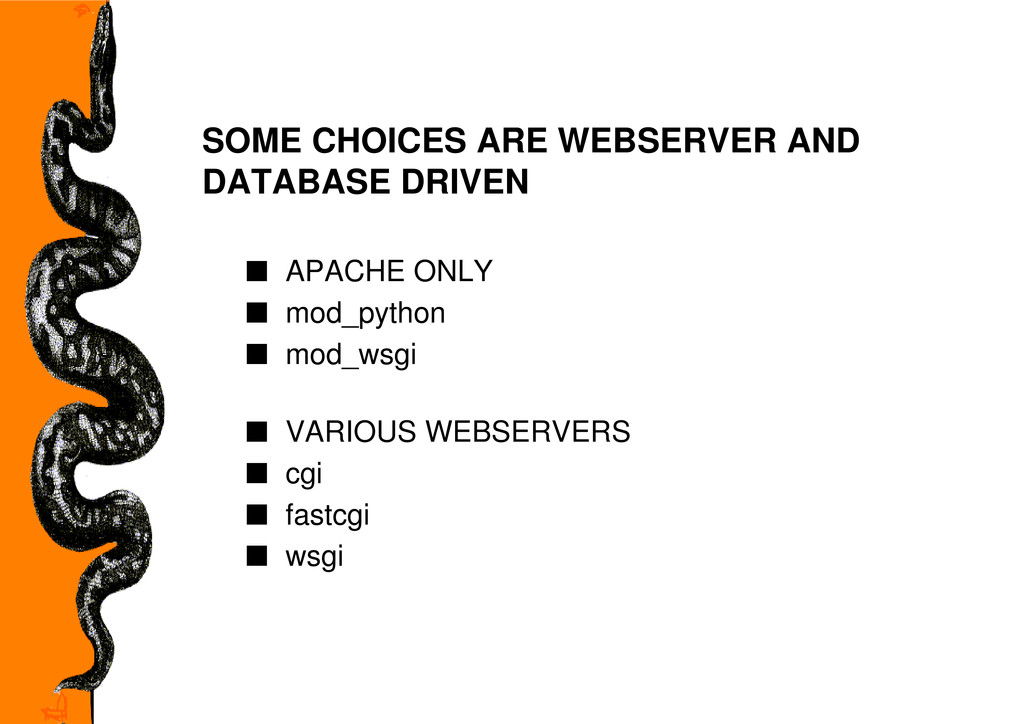
  11. SOME CHOICES ARE WEBSERVER AND DATABASE DRIVEN s APACHE ONLY

    s mod_python s mod_wsgi s VARIOUS WEBSERVERS s cgi s fastcgi s wsgi
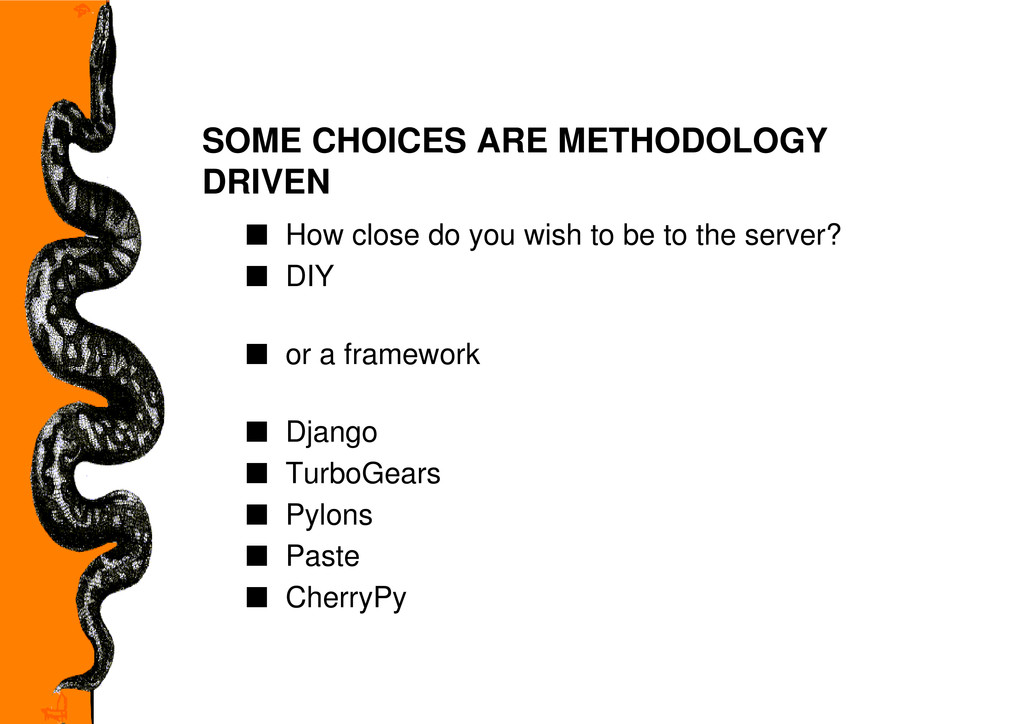
  12. SOME CHOICES ARE METHODOLOGY DRIVEN s How close do you

    wish to be to the server? s DIY s or a framework s Django s TurboGears s Pylons s Paste s CherryPy
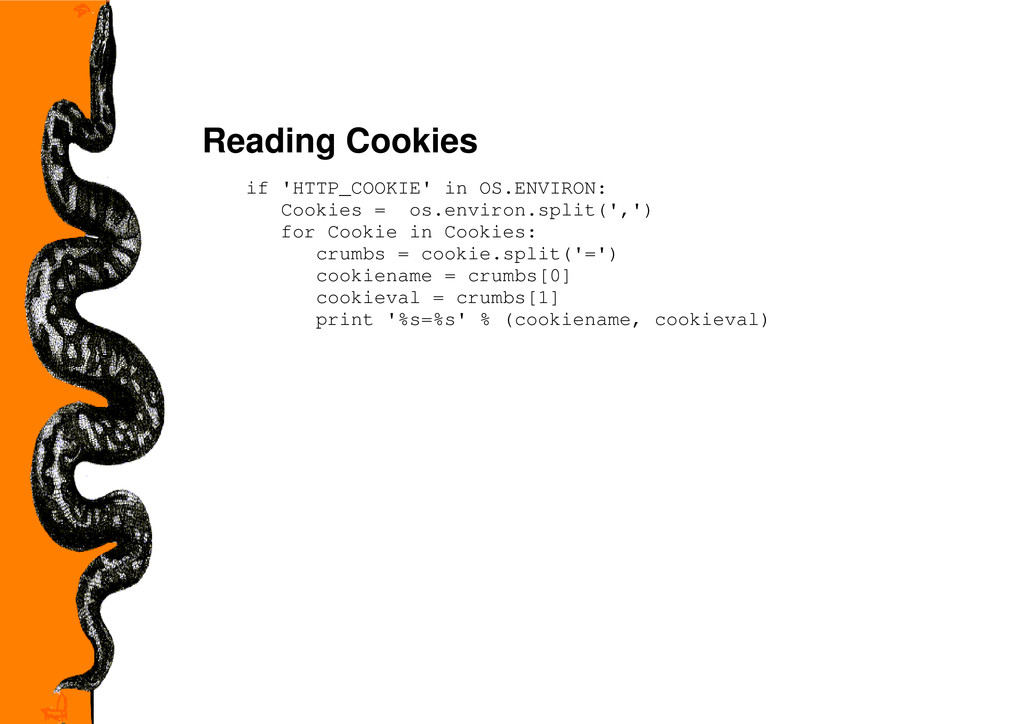
  13. Reading Cookies if 'HTTP_COOKIE' in OS.ENVIRON: Cookies = os.environ.split(',') for

    Cookie in Cookies: crumbs = cookie.split('=') cookiename = crumbs[0] cookieval = crumbs[1] print '%s=%s' % (cookiename, cookieval)
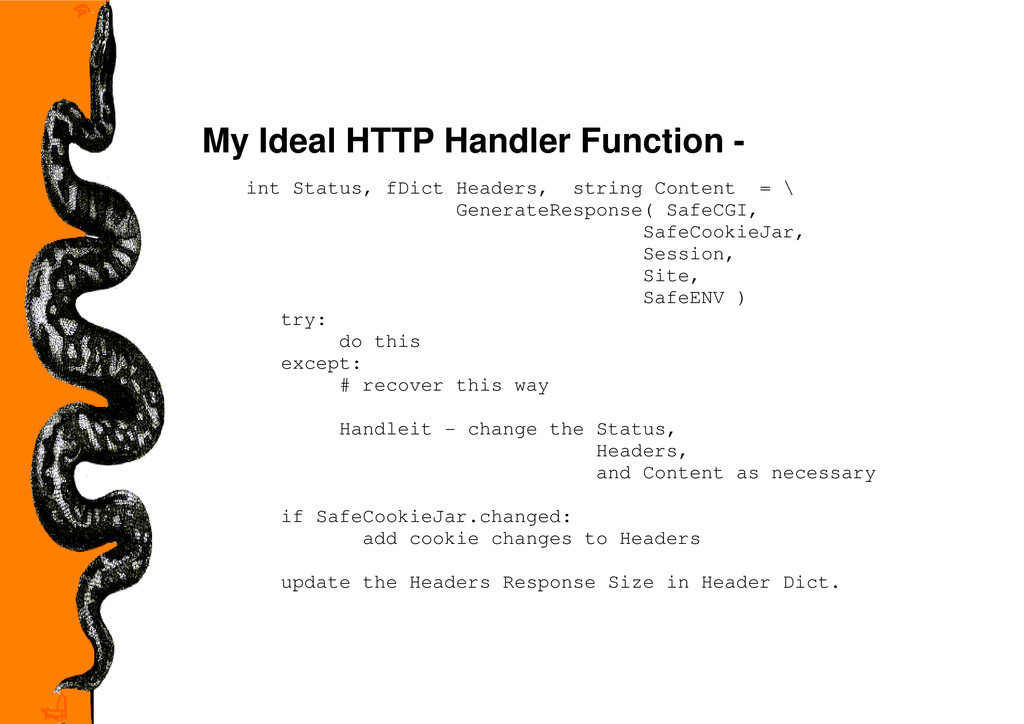
  14. My Ideal HTTP Handler Function - int Status, fDict Headers,

    string Content = \ GenerateResponse( SafeCGI, SafeCookieJar, Session, Site, SafeENV ) try: do this except: # recover this way Handleit - change the Status, Headers, and Content as necessary if SafeCookieJar.changed: add cookie changes to Headers update the Headers Response Size in Header Dict.
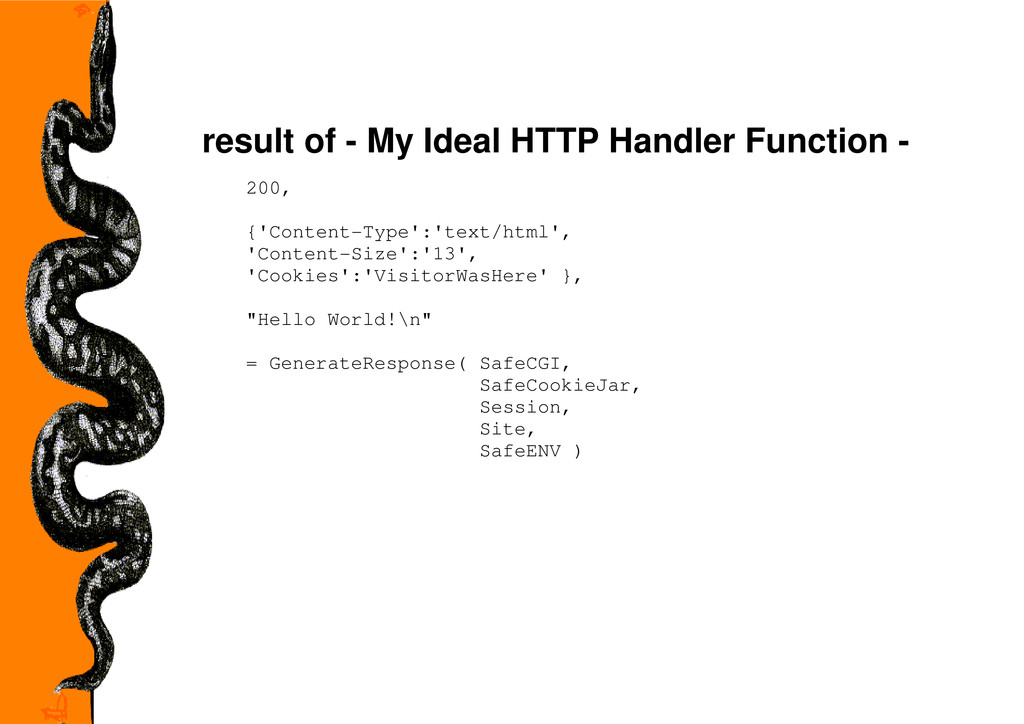
  15. result of - My Ideal HTTP Handler Function - 200,

    {'Content-Type':'text/html', 'Content-Size':'13', 'Cookies':'VisitorWasHere' }, "Hello World!\n" = GenerateResponse( SafeCGI, SafeCookieJar, Session, Site, SafeENV )
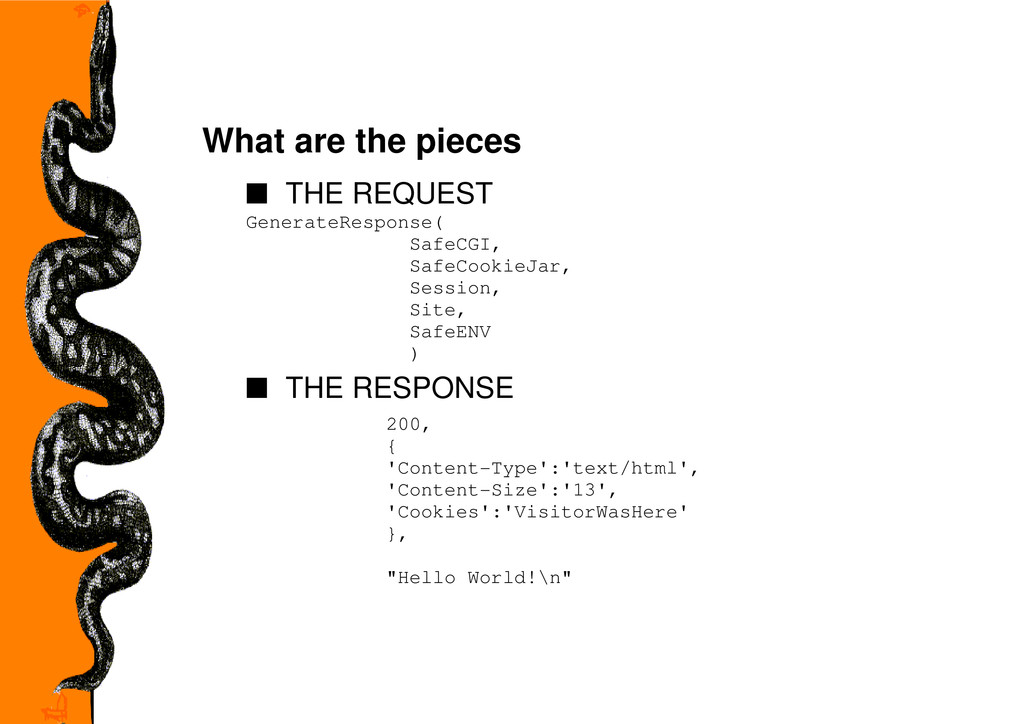
  16. What are the pieces s THE REQUEST GenerateResponse( SafeCGI, SafeCookieJar,

    Session, Site, SafeENV ) s THE RESPONSE 200, { 'Content-Type':'text/html', 'Content-Size':'13', 'Cookies':'VisitorWasHere' }, "Hello World!\n"
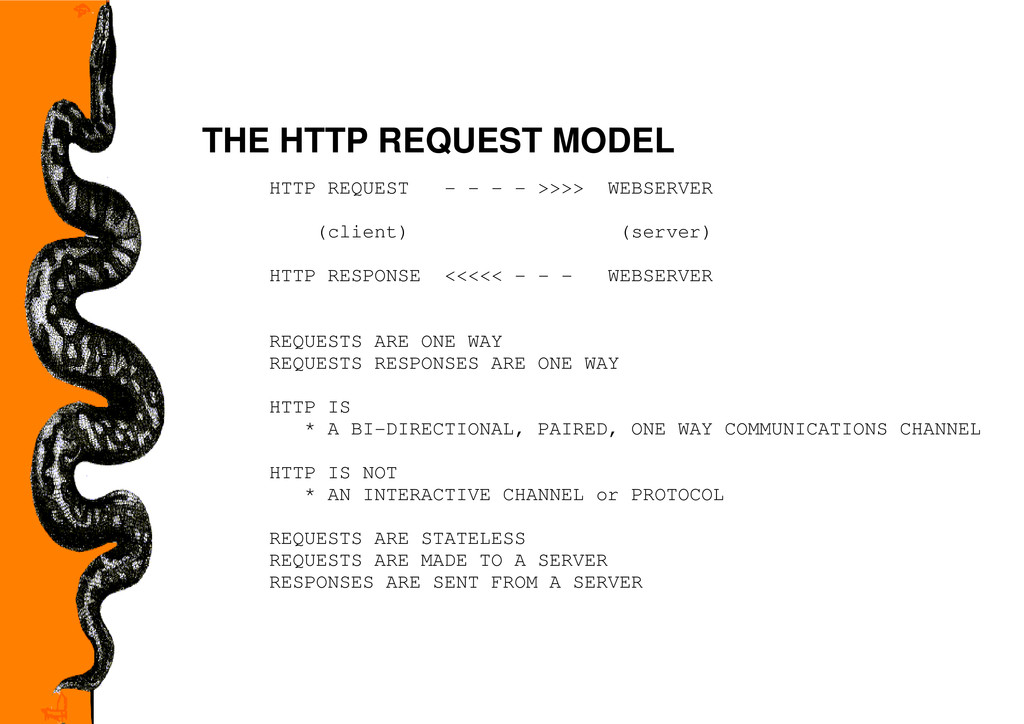
  17. THE HTTP REQUEST MODEL HTTP REQUEST - - - -

    >>>> WEBSERVER (client) (server) HTTP RESPONSE <<<<< - - - WEBSERVER REQUESTS ARE ONE WAY REQUESTS RESPONSES ARE ONE WAY HTTP IS * A BI-DIRECTIONAL, PAIRED, ONE WAY COMMUNICATIONS CHANNEL HTTP IS NOT * AN INTERACTIVE CHANNEL or PROTOCOL REQUESTS ARE STATELESS REQUESTS ARE MADE TO A SERVER RESPONSES ARE SENT FROM A SERVER
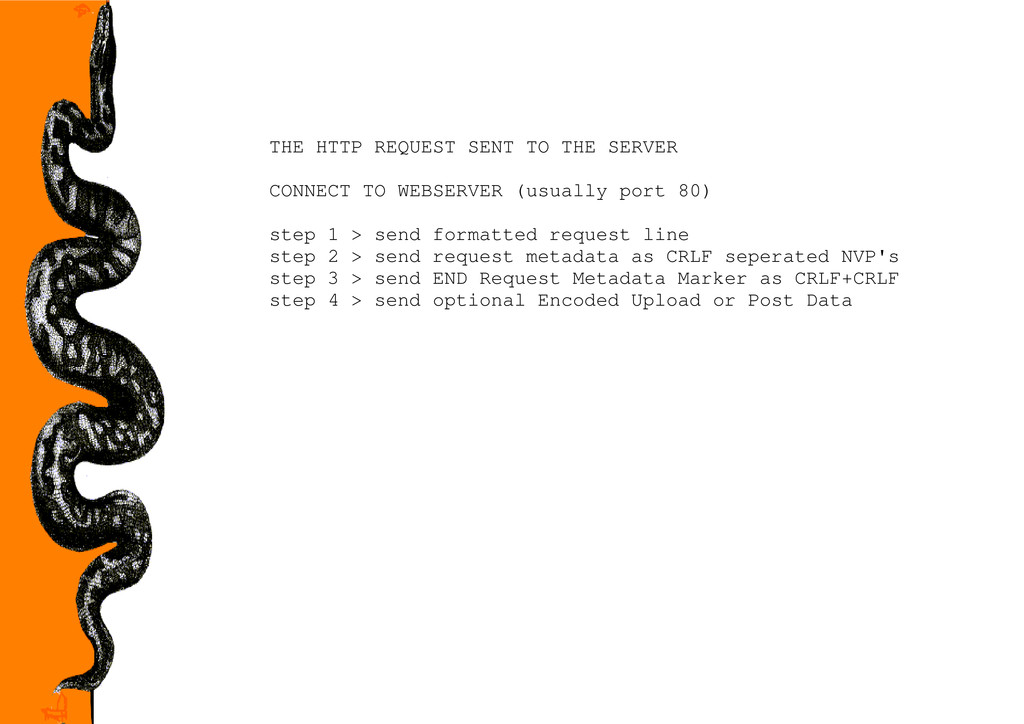
  18. THE HTTP REQUEST SENT TO THE SERVER CONNECT TO WEBSERVER

    (usually port 80) step 1 > send formatted request line step 2 > send request metadata as CRLF seperated NVP's step 3 > send END Request Metadata Marker as CRLF+CRLF step 4 > send optional Encoded Upload or Post Data
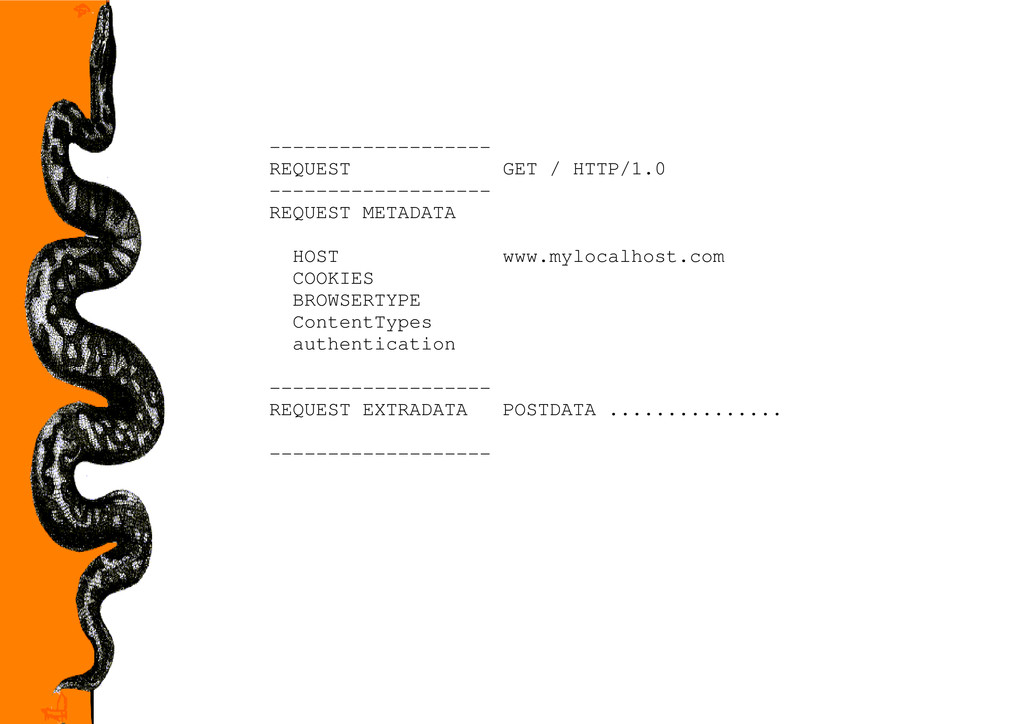
  19. ------------------- REQUEST GET / HTTP/1.0 ------------------- REQUEST METADATA HOST www.mylocalhost.com

    COOKIES BROWSERTYPE ContentTypes authentication ------------------- REQUEST EXTRADATA POSTDATA ............... -------------------
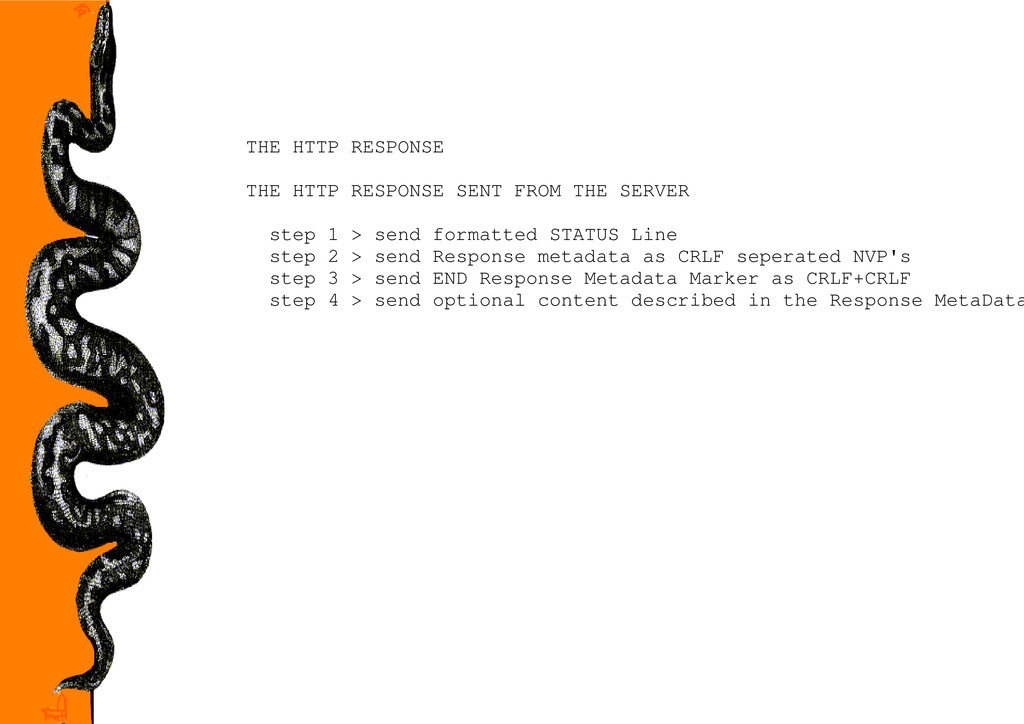
  20. THE HTTP RESPONSE THE HTTP RESPONSE SENT FROM THE SERVER

    step 1 > send formatted STATUS Line step 2 > send Response metadata as CRLF seperated NVP's step 3 > send END Response Metadata Marker as CRLF+CRLF step 4 > send optional content described in the Response MetaData
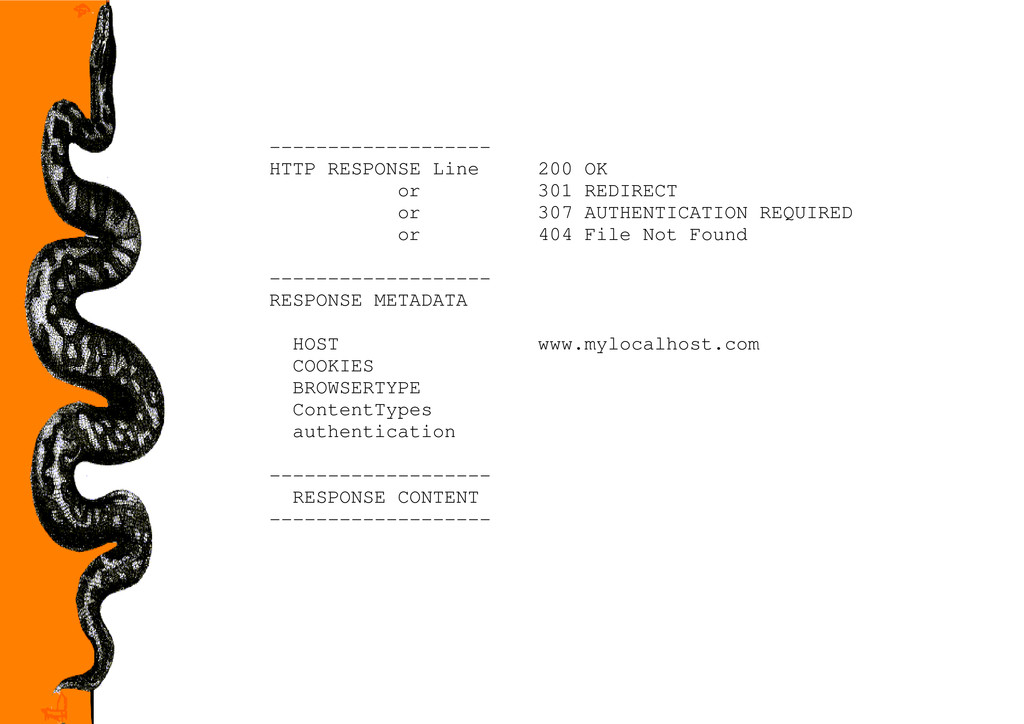
  21. ------------------- HTTP RESPONSE Line 200 OK or 301 REDIRECT or

    307 AUTHENTICATION REQUIRED or 404 File Not Found ------------------- RESPONSE METADATA HOST www.mylocalhost.com COOKIES BROWSERTYPE ContentTypes authentication ------------------- RESPONSE CONTENT -------------------
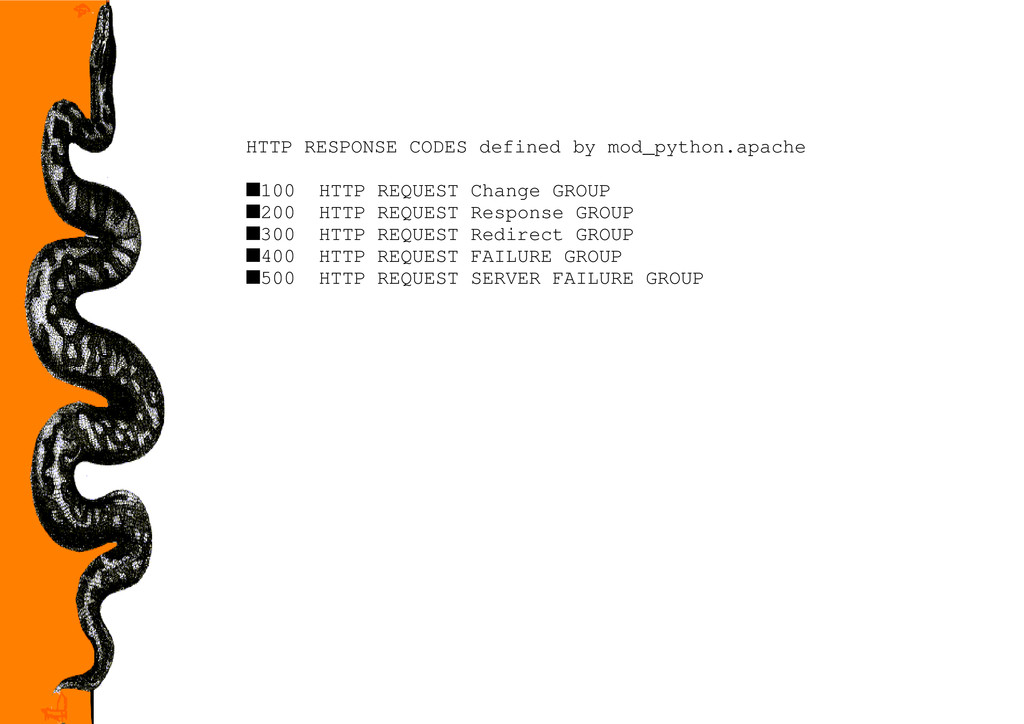
  22. HTTP RESPONSE CODES defined by mod_python.apache s100 HTTP REQUEST Change

    GROUP s200 HTTP REQUEST Response GROUP s300 HTTP REQUEST Redirect GROUP s400 HTTP REQUEST FAILURE GROUP s500 HTTP REQUEST SERVER FAILURE GROUP
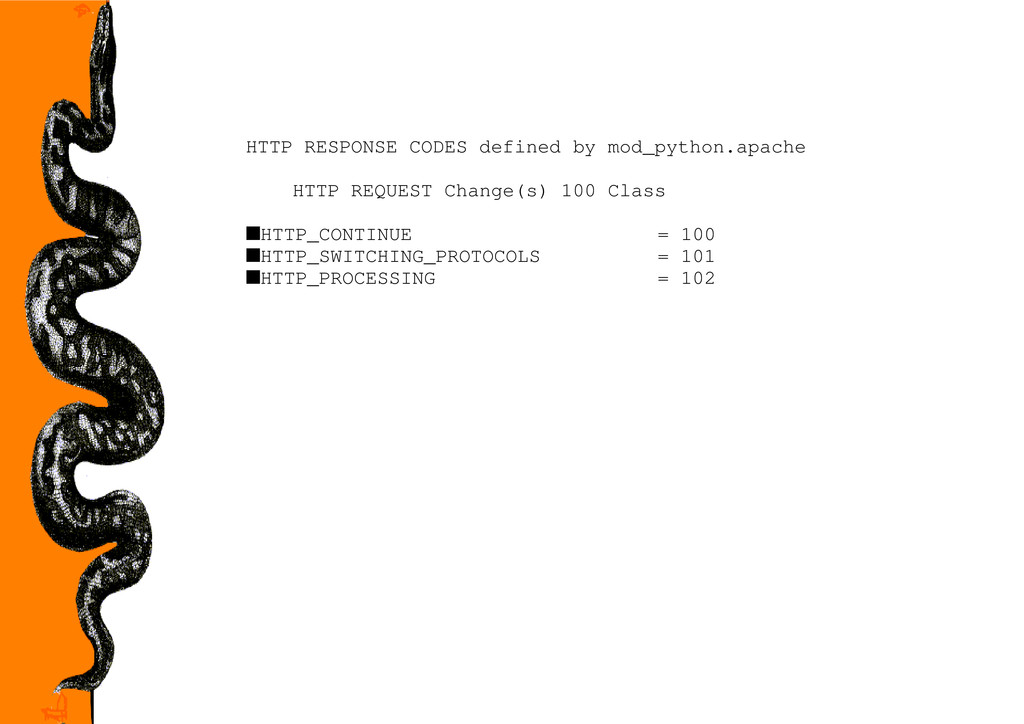
  23. HTTP RESPONSE CODES defined by mod_python.apache HTTP REQUEST Change(s) 100

    Class sHTTP_CONTINUE = 100 sHTTP_SWITCHING_PROTOCOLS = 101 sHTTP_PROCESSING = 102
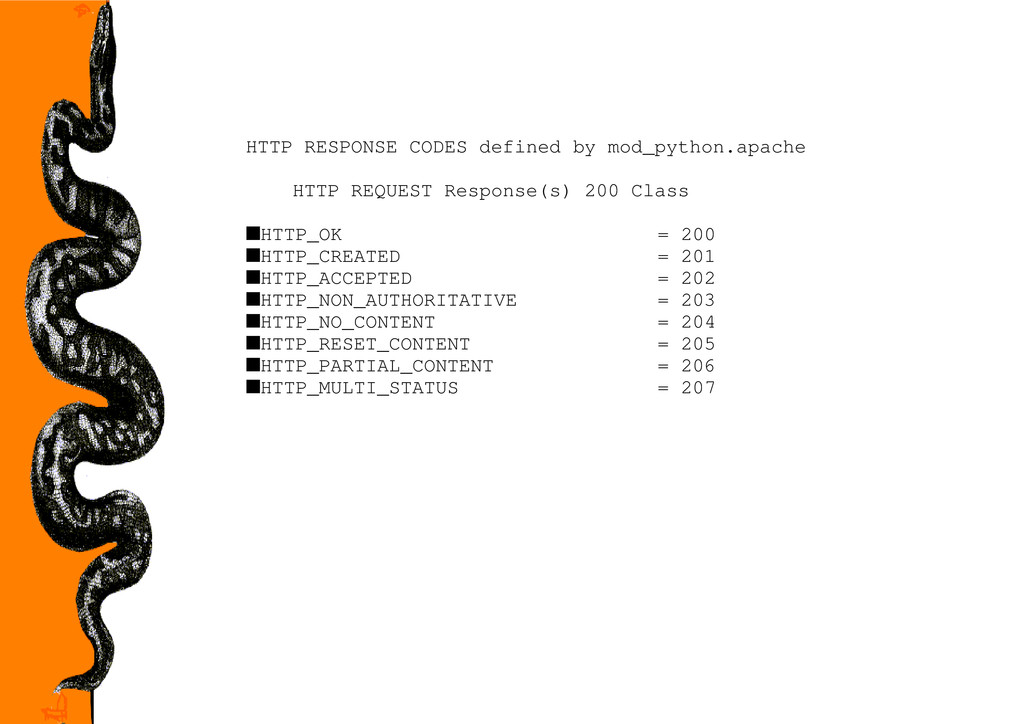
  24. HTTP RESPONSE CODES defined by mod_python.apache HTTP REQUEST Response(s) 200

    Class sHTTP_OK = 200 sHTTP_CREATED = 201 sHTTP_ACCEPTED = 202 sHTTP_NON_AUTHORITATIVE = 203 sHTTP_NO_CONTENT = 204 sHTTP_RESET_CONTENT = 205 sHTTP_PARTIAL_CONTENT = 206 sHTTP_MULTI_STATUS = 207
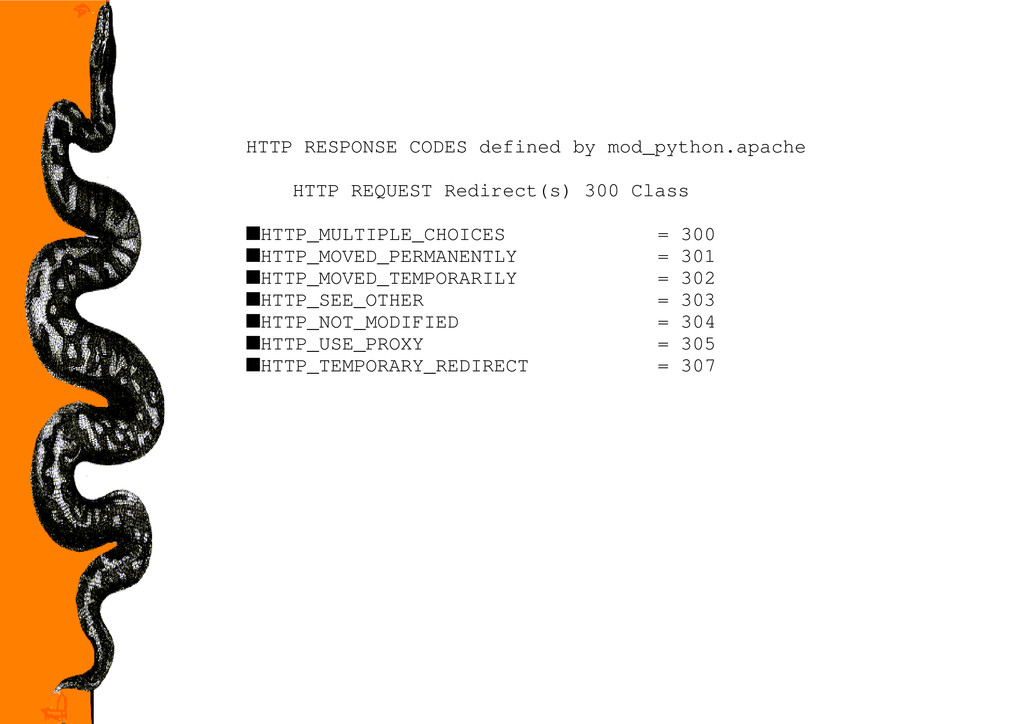
  25. HTTP RESPONSE CODES defined by mod_python.apache HTTP REQUEST Redirect(s) 300

    Class sHTTP_MULTIPLE_CHOICES = 300 sHTTP_MOVED_PERMANENTLY = 301 sHTTP_MOVED_TEMPORARILY = 302 sHTTP_SEE_OTHER = 303 sHTTP_NOT_MODIFIED = 304 sHTTP_USE_PROXY = 305 sHTTP_TEMPORARY_REDIRECT = 307
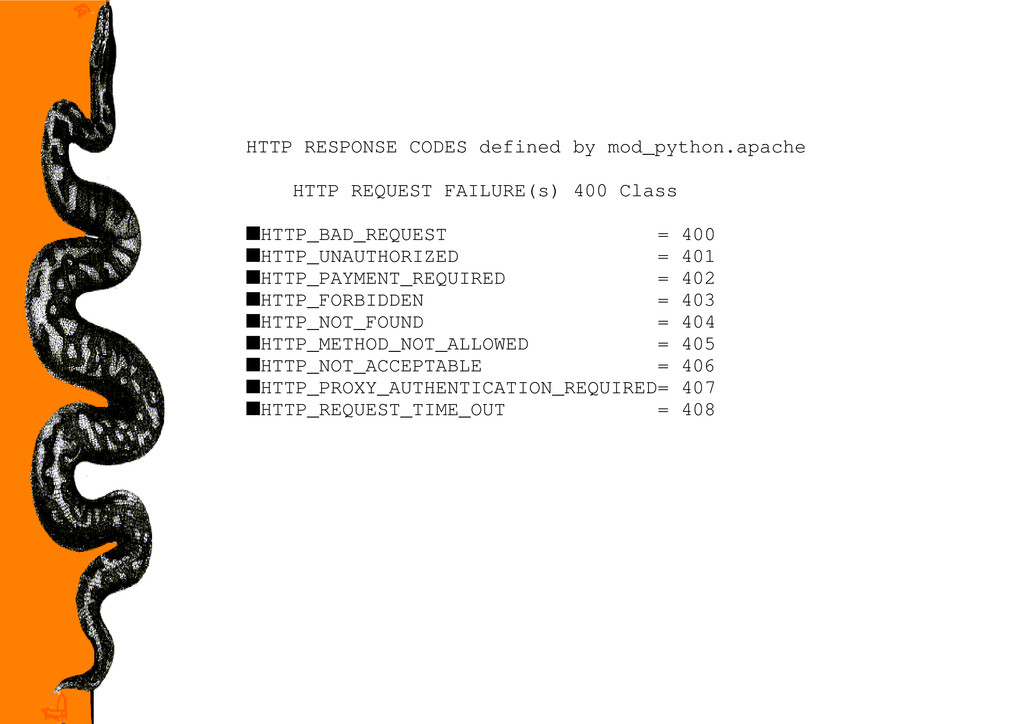
  26. HTTP RESPONSE CODES defined by mod_python.apache HTTP REQUEST FAILURE(s) 400

    Class sHTTP_BAD_REQUEST = 400 sHTTP_UNAUTHORIZED = 401 sHTTP_PAYMENT_REQUIRED = 402 sHTTP_FORBIDDEN = 403 sHTTP_NOT_FOUND = 404 sHTTP_METHOD_NOT_ALLOWED = 405 sHTTP_NOT_ACCEPTABLE = 406 sHTTP_PROXY_AUTHENTICATION_REQUIRED= 407 sHTTP_REQUEST_TIME_OUT = 408
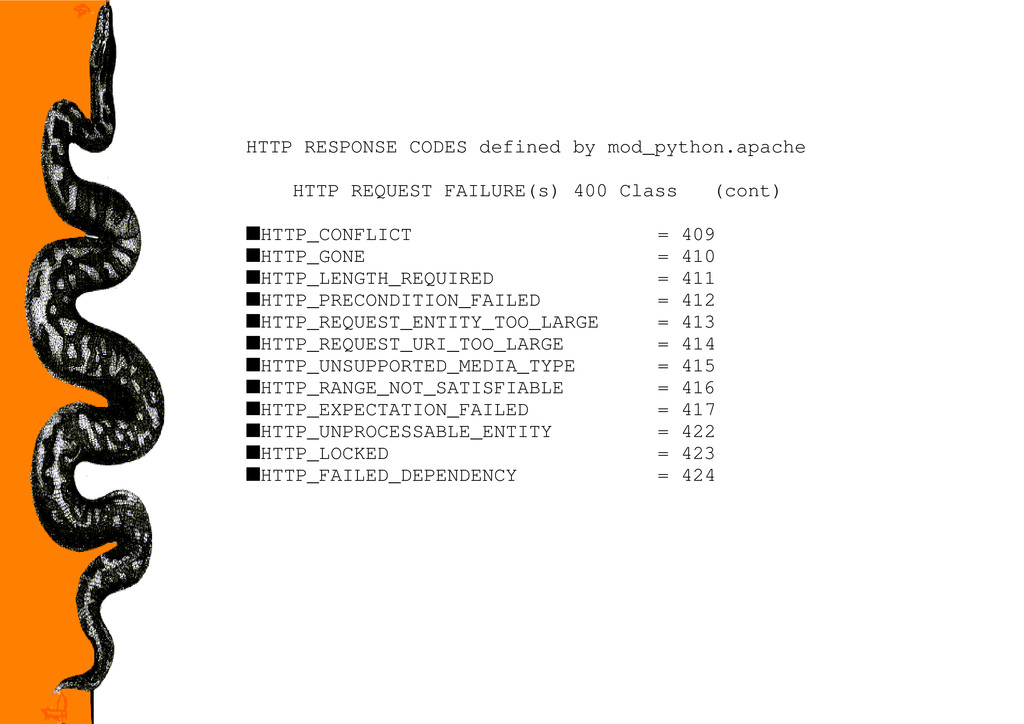
  27. HTTP RESPONSE CODES defined by mod_python.apache HTTP REQUEST FAILURE(s) 400

    Class (cont) sHTTP_CONFLICT = 409 sHTTP_GONE = 410 sHTTP_LENGTH_REQUIRED = 411 sHTTP_PRECONDITION_FAILED = 412 sHTTP_REQUEST_ENTITY_TOO_LARGE = 413 sHTTP_REQUEST_URI_TOO_LARGE = 414 sHTTP_UNSUPPORTED_MEDIA_TYPE = 415 sHTTP_RANGE_NOT_SATISFIABLE = 416 sHTTP_EXPECTATION_FAILED = 417 sHTTP_UNPROCESSABLE_ENTITY = 422 sHTTP_LOCKED = 423 sHTTP_FAILED_DEPENDENCY = 424
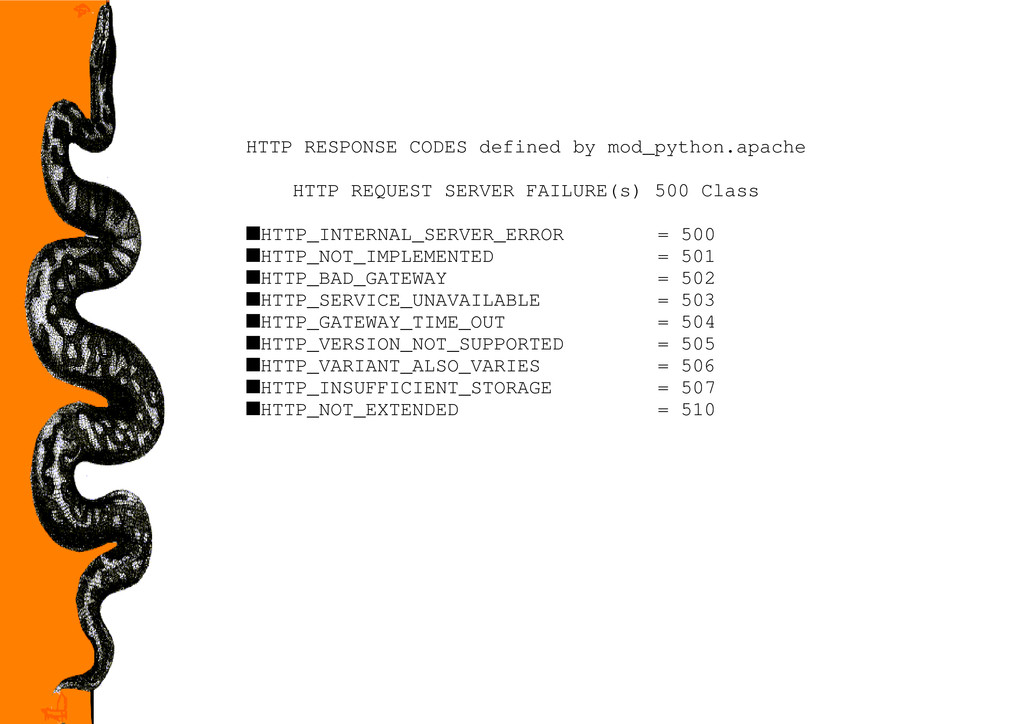
  28. HTTP RESPONSE CODES defined by mod_python.apache HTTP REQUEST SERVER FAILURE(s)

    500 Class sHTTP_INTERNAL_SERVER_ERROR = 500 sHTTP_NOT_IMPLEMENTED = 501 sHTTP_BAD_GATEWAY = 502 sHTTP_SERVICE_UNAVAILABLE = 503 sHTTP_GATEWAY_TIME_OUT = 504 sHTTP_VERSION_NOT_SUPPORTED = 505 sHTTP_VARIANT_ALSO_VARIES = 506 sHTTP_INSUFFICIENT_STORAGE = 507 sHTTP_NOT_EXTENDED = 510
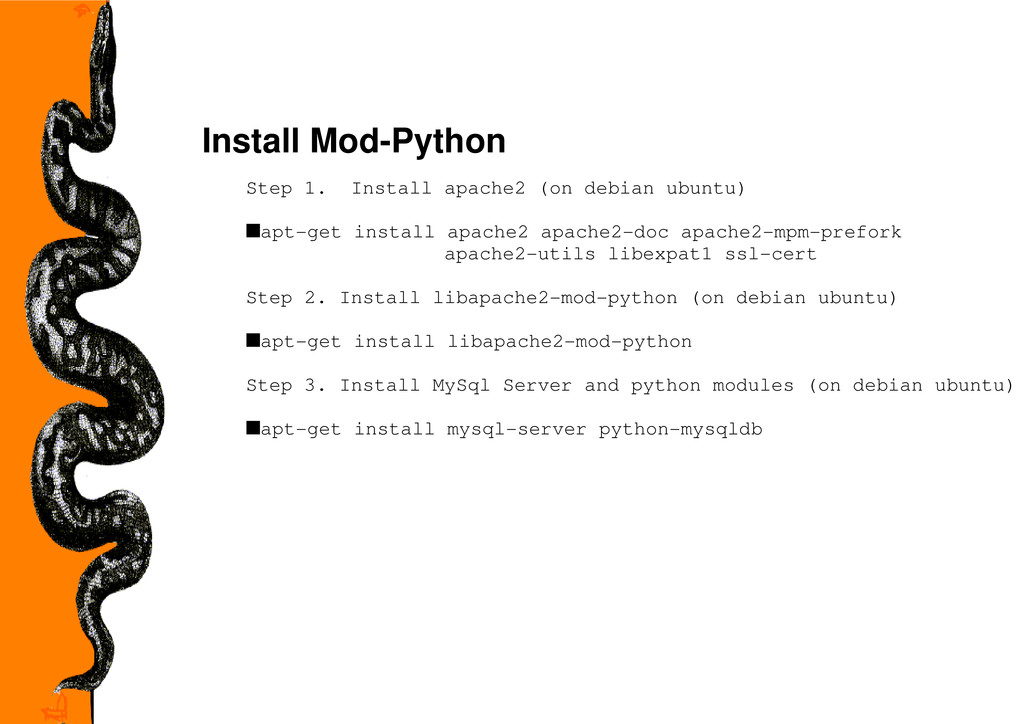
  29. Install Mod-Python Step 1. Install apache2 (on debian ubuntu) sapt-get

    install apache2 apache2-doc apache2-mpm-prefork apache2-utils libexpat1 ssl-cert Step 2. Install libapache2-mod-python (on debian ubuntu) sapt-get install libapache2-mod-python Step 3. Install MySql Server and python modules (on debian ubuntu) sapt-get install mysql-server python-mysqldb
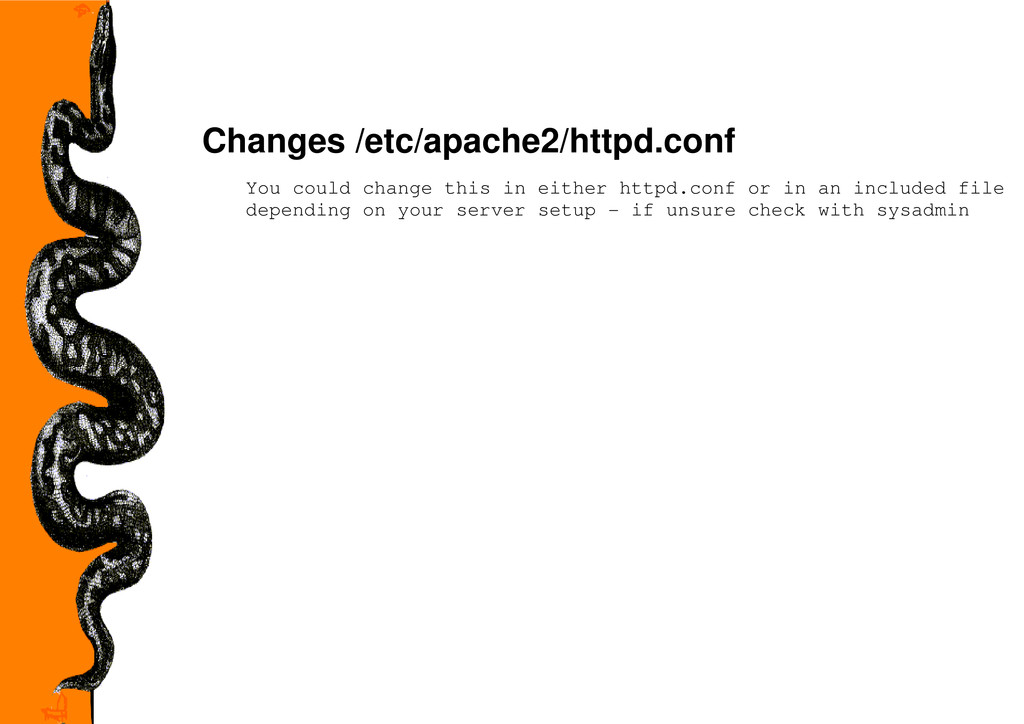
  30. Changes /etc/apache2/httpd.conf You could change this in either httpd.conf or

    in an included file depending on your server setup - if unsure check with sysadmin
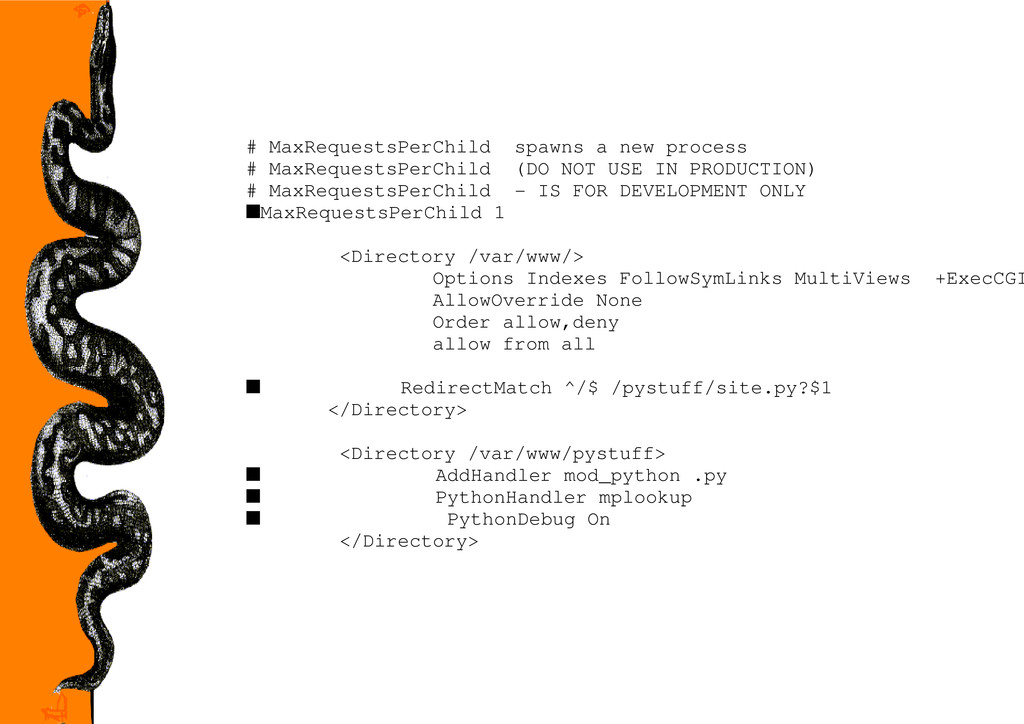
  31. # MaxRequestsPerChild spawns a new process # MaxRequestsPerChild (DO NOT

    USE IN PRODUCTION) # MaxRequestsPerChild - IS FOR DEVELOPMENT ONLY sMaxRequestsPerChild 1 <Directory /var/www/> Options Indexes FollowSymLinks MultiViews +ExecCGI AllowOverride None Order allow,deny allow from all s RedirectMatch ^/$ /pystuff/site.py?$1 </Directory> <Directory /var/www/pystuff> s AddHandler mod_python .py s PythonHandler mplookup s PythonDebug On </Directory>
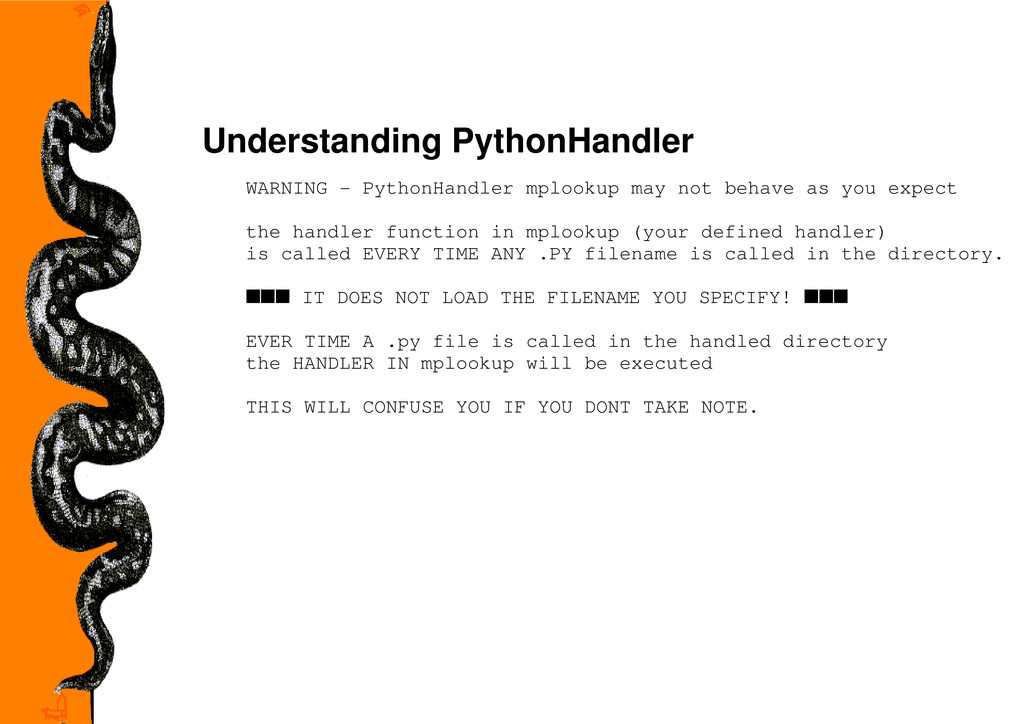
  32. Understanding PythonHandler WARNING - PythonHandler mplookup may not behave as

    you expect the handler function in mplookup (your defined handler) is called EVERY TIME ANY .PY filename is called in the directory. sss IT DOES NOT LOAD THE FILENAME YOU SPECIFY! sss EVER TIME A .py file is called in the handled directory the HANDLER IN mplookup will be executed THIS WILL CONFUSE YOU IF YOU DONT TAKE NOTE.
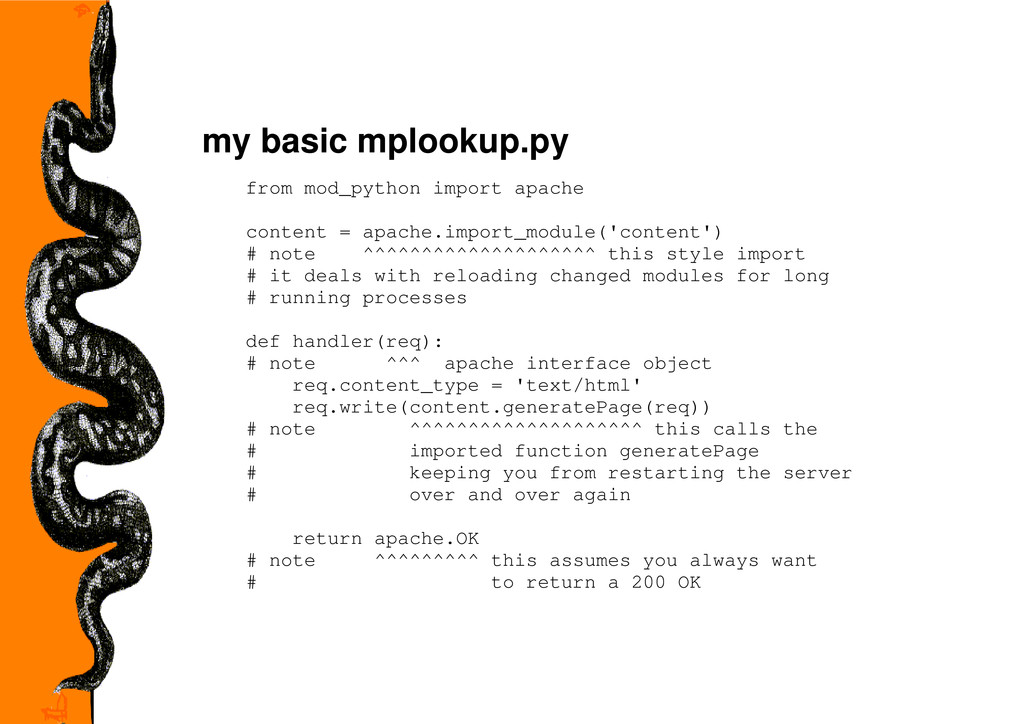
  33. my basic mplookup.py from mod_python import apache content = apache.import_module('content')

    # note ^^^^^^^^^^^^^^^^^^^^ this style import # it deals with reloading changed modules for long # running processes def handler(req): # note ^^^ apache interface object req.content_type = 'text/html' req.write(content.generatePage(req)) # note ^^^^^^^^^^^^^^^^^^^^ this calls the # imported function generatePage # keeping you from restarting the server # over and over again return apache.OK # note ^^^^^^^^^ this assumes you always want # to return a 200 OK
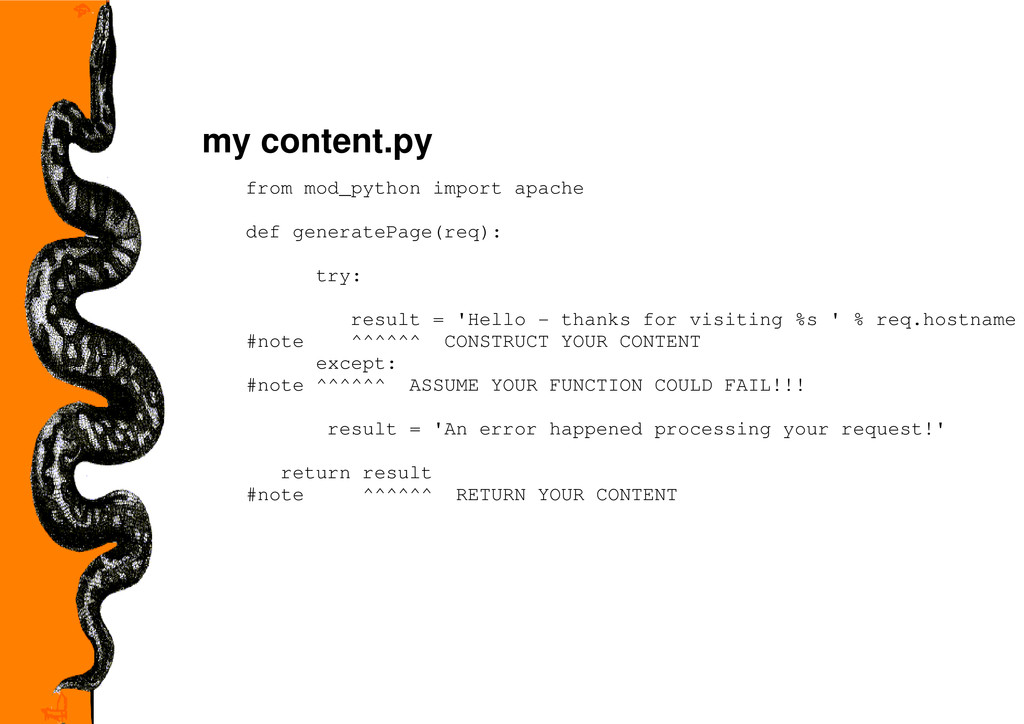
  34. my content.py from mod_python import apache def generatePage(req): try: result

    = 'Hello - thanks for visiting %s ' % req.hostname #note ^^^^^^ CONSTRUCT YOUR CONTENT except: #note ^^^^^^ ASSUME YOUR FUNCTION COULD FAIL!!! result = 'An error happened processing your request!' return result #note ^^^^^^ RETURN YOUR CONTENT
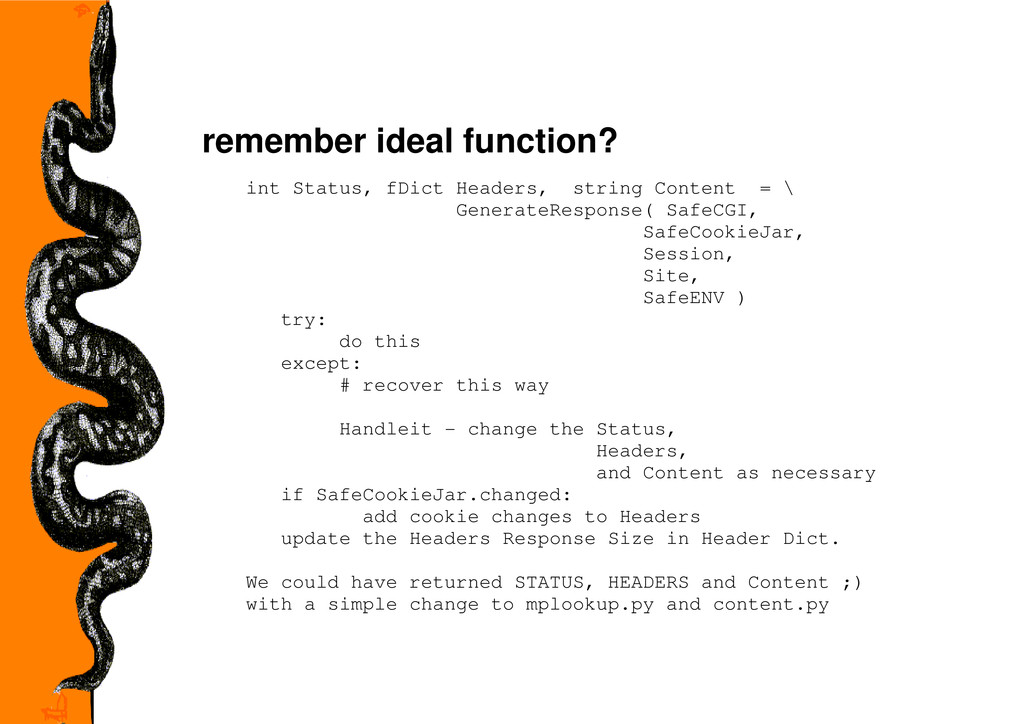
  35. remember ideal function? int Status, fDict Headers, string Content =

    \ GenerateResponse( SafeCGI, SafeCookieJar, Session, Site, SafeENV ) try: do this except: # recover this way Handleit - change the Status, Headers, and Content as necessary if SafeCookieJar.changed: add cookie changes to Headers update the Headers Response Size in Header Dict. We could have returned STATUS, HEADERS and Content ;) with a simple change to mplookup.py and content.py