Share
Embed
Image Processing with TensorFlow
Talk conducted during GDGCDO DevFest 2017 at Rosario Pavilion, Rosario Strip, Limketkai Drive, Cagayan de Oro on November 26, 2017.
Marc Anthony Reyes
November 26, 2017
Transcript
29 slides
-
About Marc • Third year BS Computer Science student, Xavier
University • Freelance Front-End Web Developer • Aspiring Data Scientist and Machine Learning engineer • Loves The Purge -
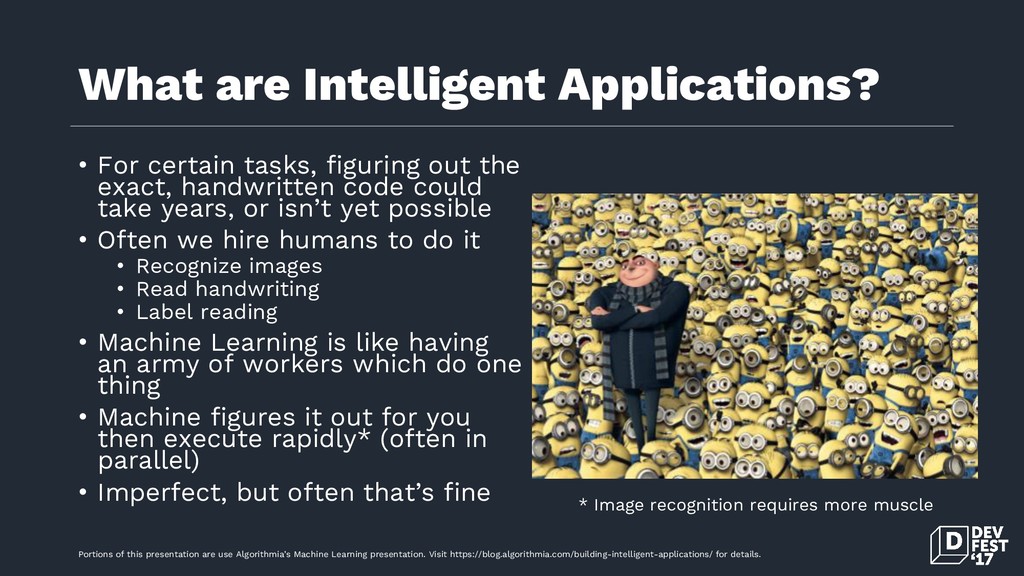
What are Intelligent Applications? • For certain tasks, figuring out
the exact, handwritten code could take years, or isn’t yet possible • Often we hire humans to do it • Recognize images • Read handwriting • Label reading • Machine Learning is like having an army of workers which do one thing • Machine figures it out for you then execute rapidly* (often in parallel) • Imperfect, but often that’s fine * Image recognition requires more muscle Portions of this presentation are use Algorithmia’s Machine Learning presentation. Visit https://blog.algorithmia.com/building-intelligent-applications/ for details. -
What intelligent applications do Portions of this presentation are use
Algorithmia’s Machine Learning presentation. Visit https://blog.algorithmia.com/building-intelligent-applications/ for details. -
What is Machine Learning? • Arthur Samuel, an American pioneer
in the field of computer gaming and artificial intelligence, coined the term “Machine Learning” in 1959 while at IBM. • “A computer program is said to learn from experience E with respect to some class of tasks T and performance measure P if its performance at tasks in T, as measured by P, improves with experience E” (Mitchell, 1997) Portions of this presentation are use Algorithmia’s Machine Learning presentation. Visit https://blog.algorithmia.com/building-intelligent-applications/ for details. -
Types of Learning • Supervised learning The computer is presented
with example inputs and their desired outputs, given by a “teacher”, and the goal is to learn a general rule that maps inputs to outputs. • Unsupervised learning No labels are given to the learning algorithm, leaving it on its own to find structure in its input. Unsupervised learning can be a goal in itself (discovering hidden patterns in data) or a means towards an end (feature learning) Portions of this presentation are use Algorithmia’s Machine Learning presentation. Visit https://blog.algorithmia.com/building-intelligent-applications/ for details. -
What can Machine Learning do? • Natural Language Processing (NLP)
• Sentiment analysis (“I do not like that book”) • Language detection • Image recognition • Cat or dog, model of car, types of objects in frame • Facial recognition (group photos by individual) • Hotdog or not hotdog? • Prediction • Trends (weather, stocks, product sales) • Agents • Automated game players, chatbots Portions of this presentation are use Algorithmia’s Machine Learning presentation. Visit https://blog.algorithmia.com/building-intelligent-applications/ for details. -
Machine Learning Libraries • Natural Language Toolkit (NLTK) • Language
processing in Python: import nltk • Parts of speech, named entities, parse trees • TensorFlow • Open source software library for numerical computation • Flexible architecture • Originally made by researchers and engineers at Google Brain • TensorFlow Lite: Machine Learning apps for android Portions of this presentation are use Algorithmia’s Machine Learning presentation. Visit https://blog.algorithmia.com/building-intelligent-applications/ for details. -
What is TensorFlow? • TensorFlow is an open-source software library
for dataflow programming across a range of tasks. It is a symbolic math library, and also used for machine learning applications such as neural networks. • In May 2017 Google announced a software stack specifically for Android development, TensorFlow Lite, beginning with Android Oreo. Portions of this presentation are use Algorithmia’s Machine Learning presentation. Visit https://blog.algorithmia.com/building-intelligent-applications/ for details. -
What is required from me? • Statistics • Basic understanding
of Statistics and Linear Algebra • Programming • Knowledge in Python, Scala, Java, or R • Domain Knowledge • Know your problem and your data • Software Engineering • Questions about performance and integration of ML models • Burning passion to pursue ML • Don’t get frustrated if you don’t get it the first time • Practice, practice, practice • Read books Portions of this presentation are use Algorithmia’s Machine Learning presentation. Visit https://blog.algorithmia.com/building-intelligent-applications/ for details. -
Image Processing • The use of images as training models
for your machine learning application • Apps include image classification, labelling, or creating a new image based from the “learned” image dataset • Involves a series of processes such as batch processing, convolution, and 2D/3D/4D kernel filtering • Supervised learning in nature -
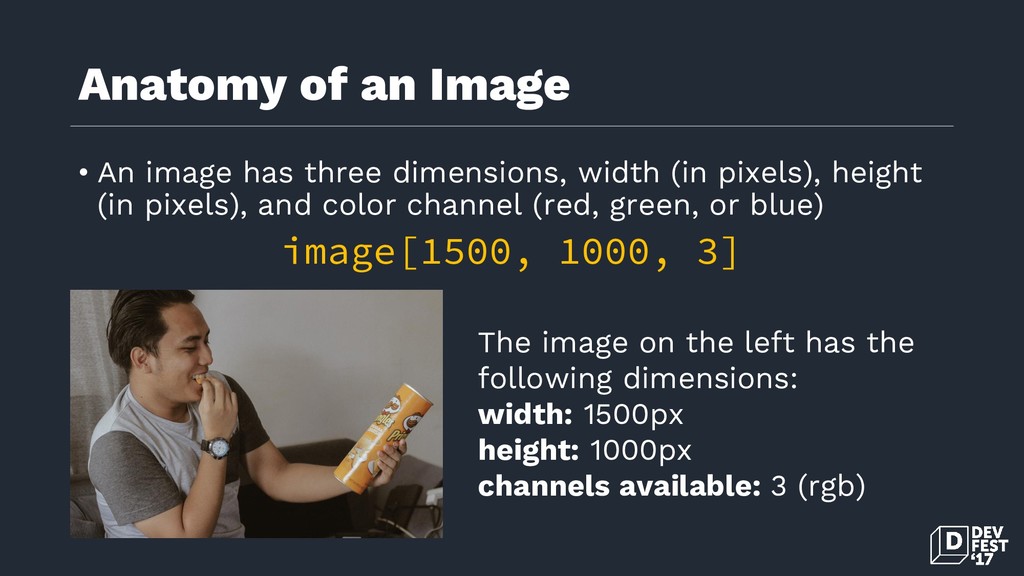
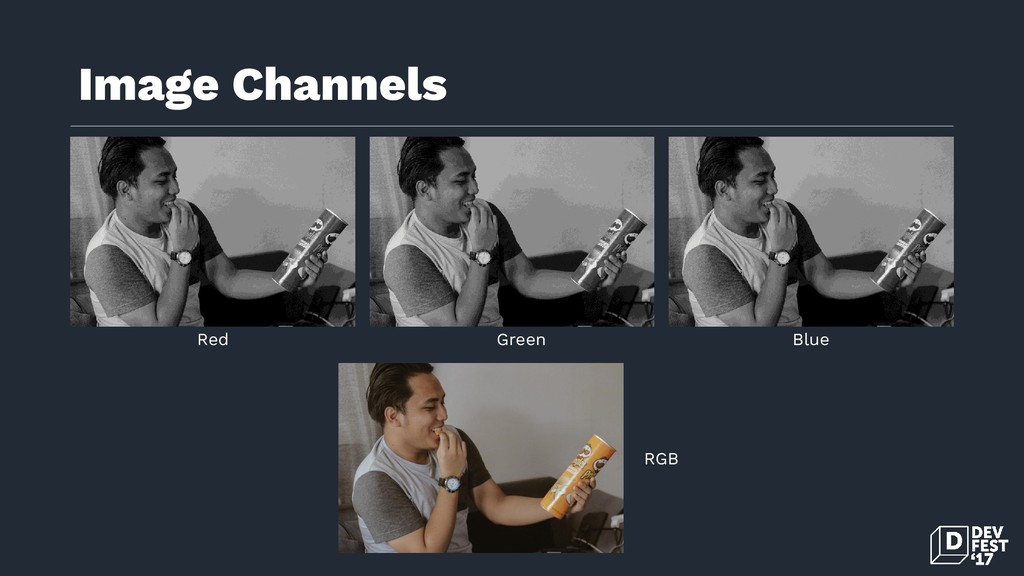
Anatomy of an Image • An image has three dimensions,
width (in pixels), height (in pixels), and color channel (red, green, or blue) image[1500, 1000, 3] The image on the left has the following dimensions: width: 1500px height: 1000px channels available: 3 (rgb) -
What do I need? TensorFlow Data Processing Libraries (matplotlib, ggplot2,
numpy, scipy) Interactive IDE (Jupyter Notebook) -
Basic Image Processing Steps • Import libraries import numpy as
np import matplotlib.pyplot as plt import scipy.misc import imresize import tensorflow as tf -
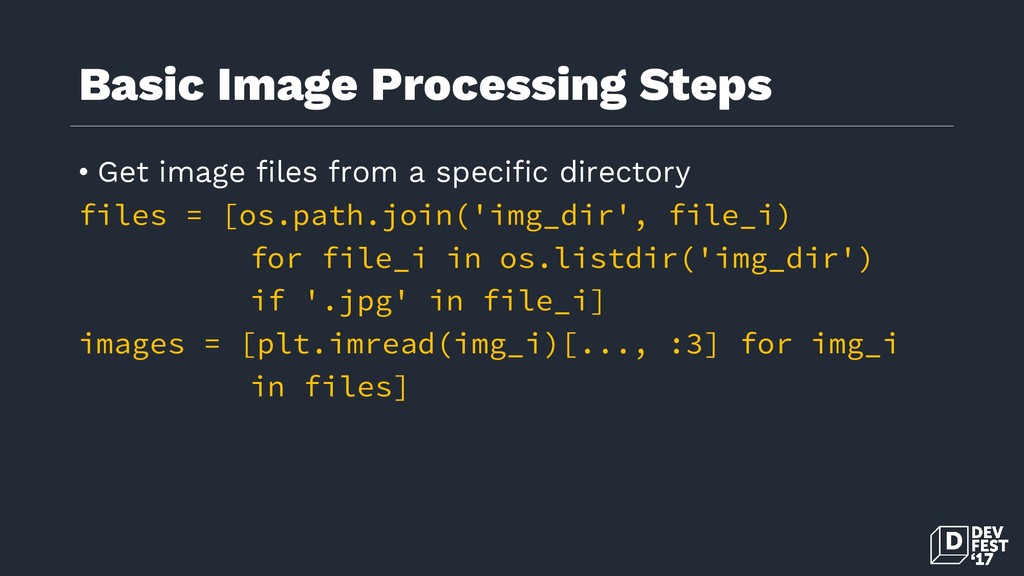
Basic Image Processing Steps • Get image files from a
specific directory files = [os.path.join('img_dir', file_i) for file_i in os.listdir('img_dir') if '.jpg' in file_i] images = [plt.imread(img_i)[..., :3] for img_i in files] -
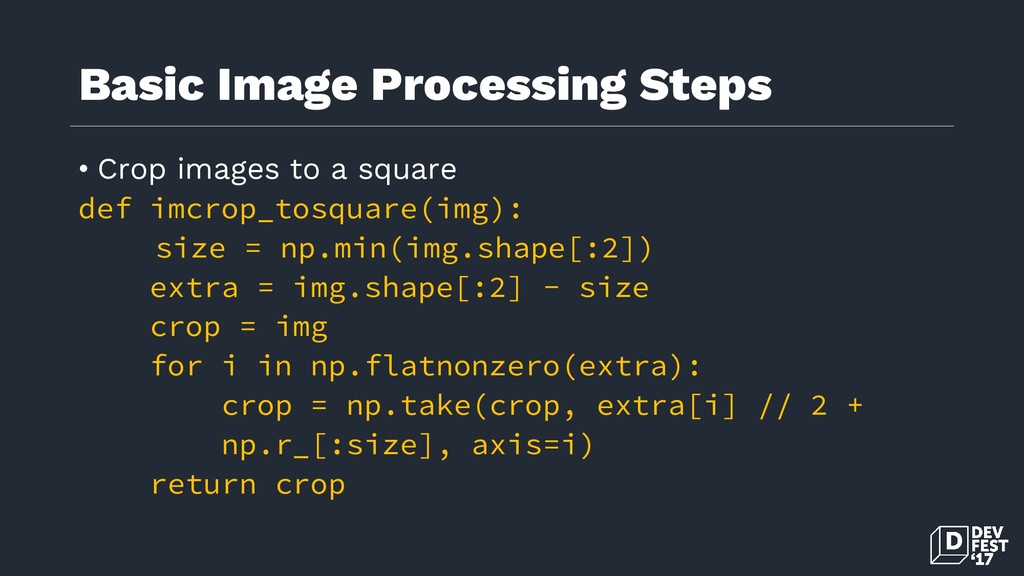
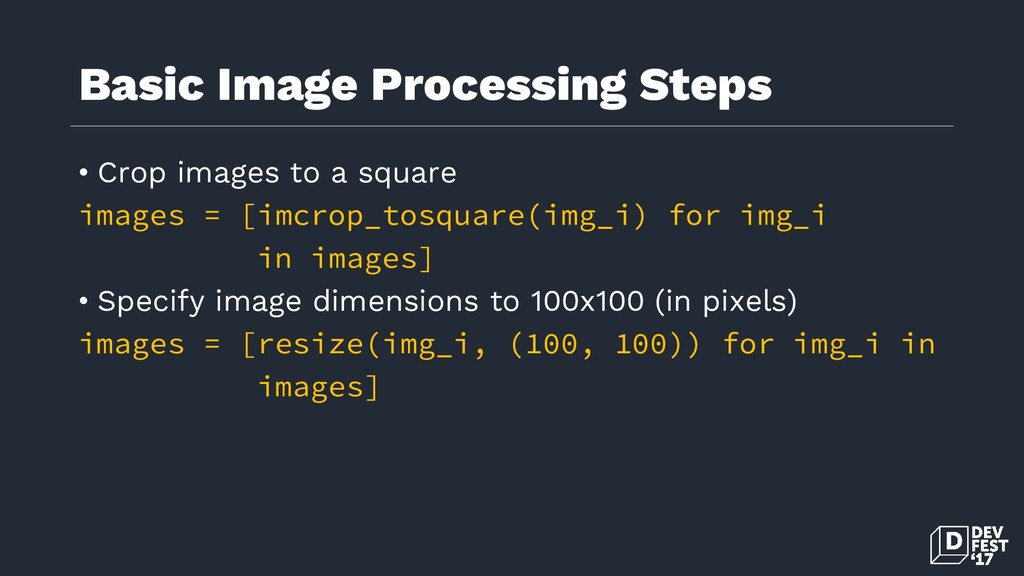
Basic Image Processing Steps • Crop images to a square
def imcrop_tosquare(img): size = np.min(img.shape[:2]) extra = img.shape[:2] - size crop = img for i in np.flatnonzero(extra): crop = np.take(crop, extra[i] // 2 + np.r_[:size], axis=i) return crop -
Basic Image Processing Steps • Crop images to a square
images = [imcrop_tosquare(img_i) for img_i in images] • Specify image dimensions to 100x100 (in pixels) images = [resize(img_i, (100, 100)) for img_i in images] -
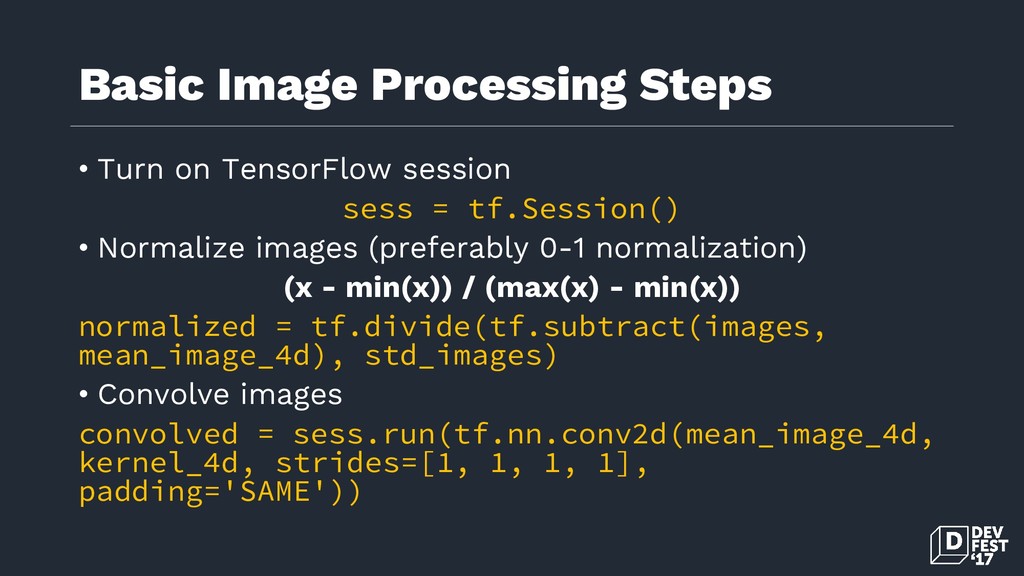
Basic Image Processing Steps • Turn on TensorFlow session sess
= tf.Session() • Normalize images (preferably 0-1 normalization) (x - min(x)) / (max(x) - min(x)) normalized = tf.divide(tf.subtract(images, mean_image_4d), std_images) • Convolve images convolved = sess.run(tf.nn.conv2d(mean_image_4d, kernel_4d, strides=[1, 1, 1, 1], padding='SAME')) -
The batch dimension • Converting a whole image dataset into
a batch dimension has the following dimensions: NxWxHxC images[100, 100, 100, 3] Where N is the number of images in the dataset W is the width in pixels H is the height in pixels C is the channels available (red, green, or blue) -
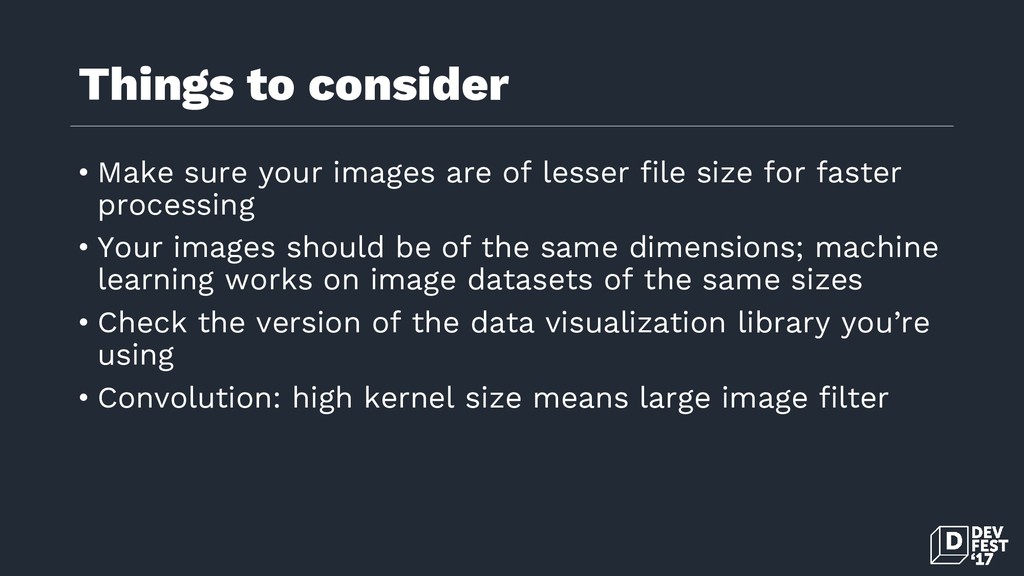
Things to consider • Make sure your images are of
lesser file size for faster processing • Your images should be of the same dimensions; machine learning works on image datasets of the same sizes • Check the version of the data visualization library you’re using • Convolution: high kernel size means large image filter -
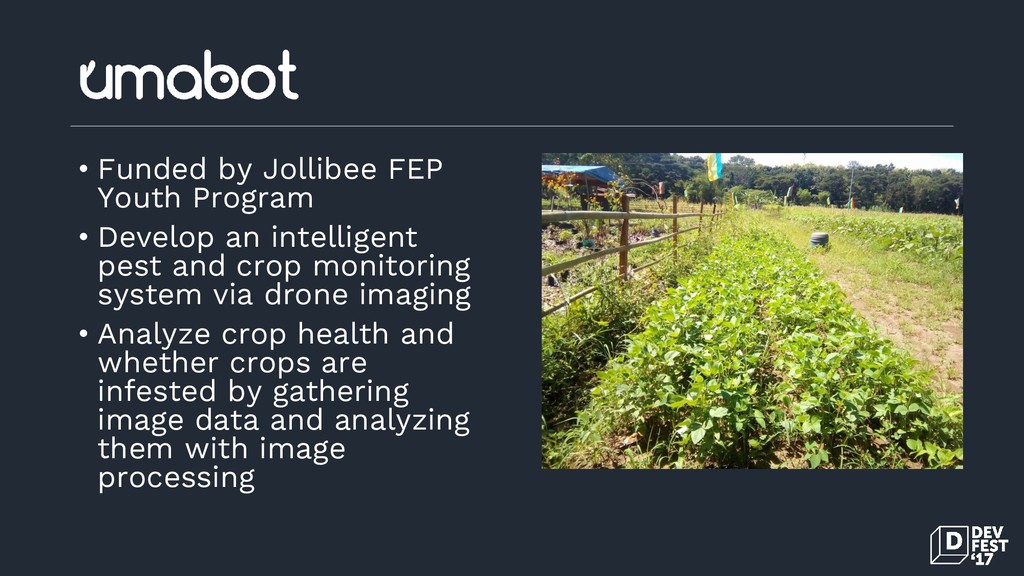
• Funded by Jollibee FEP Youth Program • Develop an
intelligent pest and crop monitoring system via drone imaging • Analyze crop health and whether crops are infested by gathering image data and analyzing them with image processing -
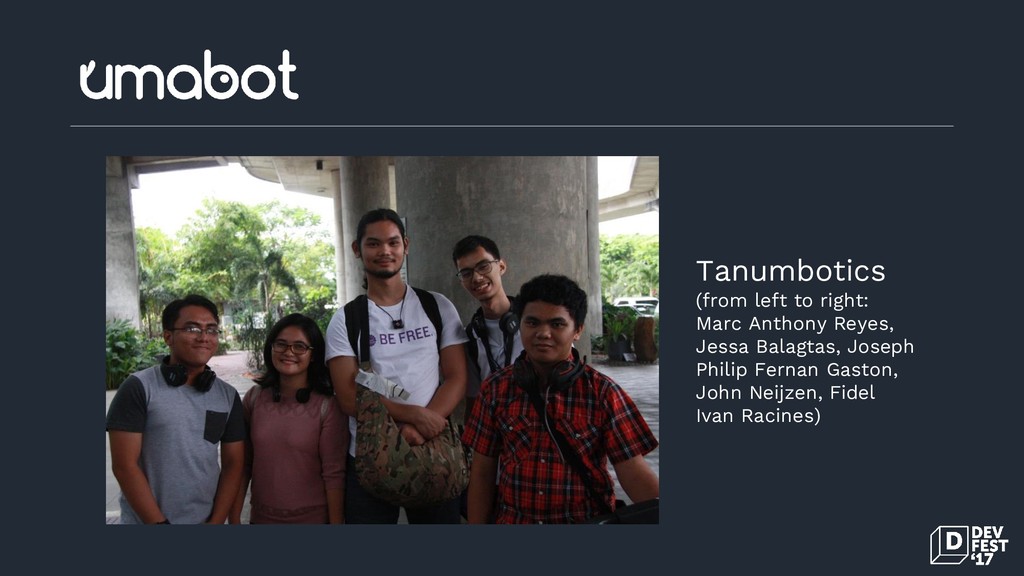
Tanumbotics (from left to right: Marc Anthony Reyes, Jessa Balagtas,
Joseph Philip Fernan Gaston, John Neijzen, Fidel Ivan Racines) -
Questions? Contact me GitHub / @marcreyesph Facebook / @marcxplanet E-mail
/ [email protected] Website / www.marcreyes.ph