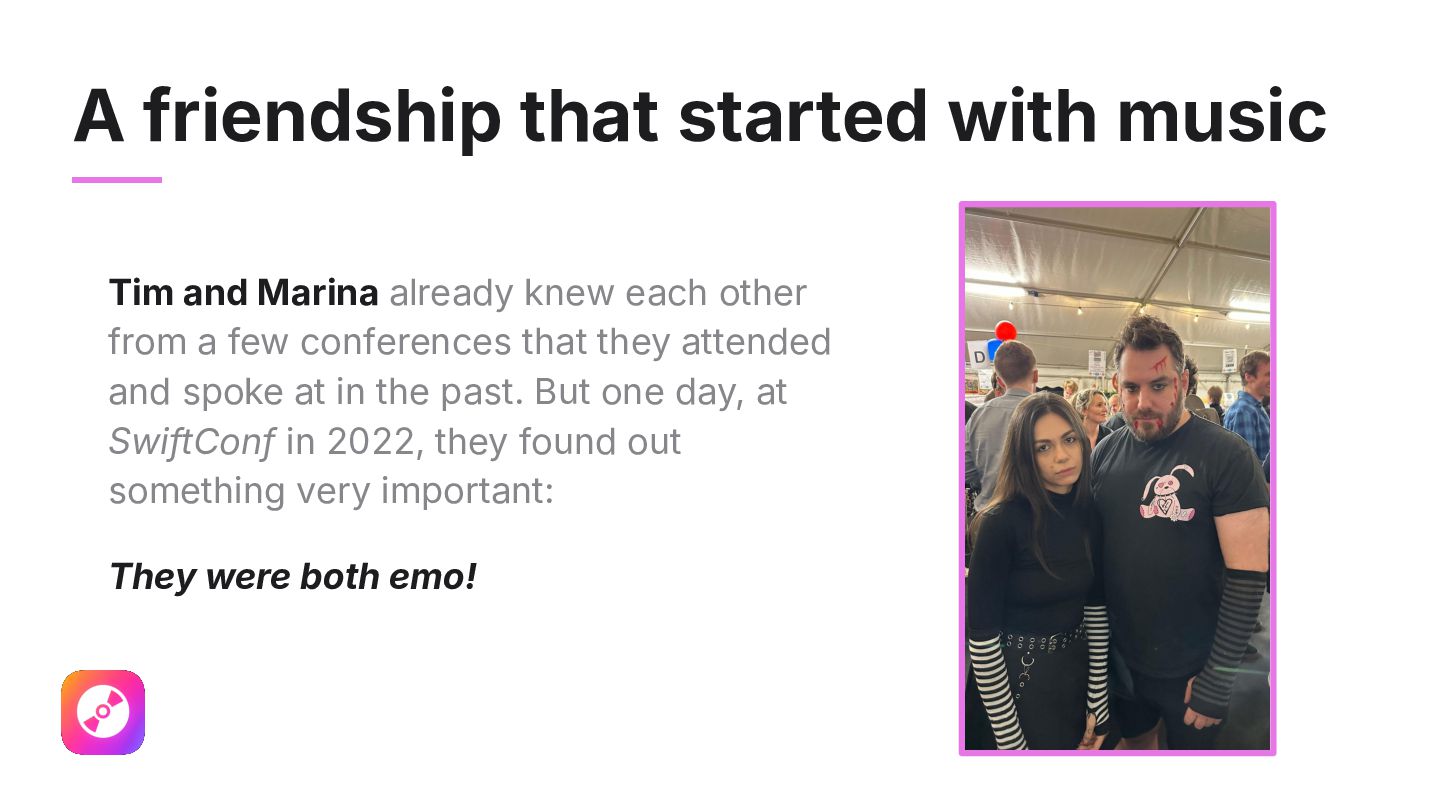
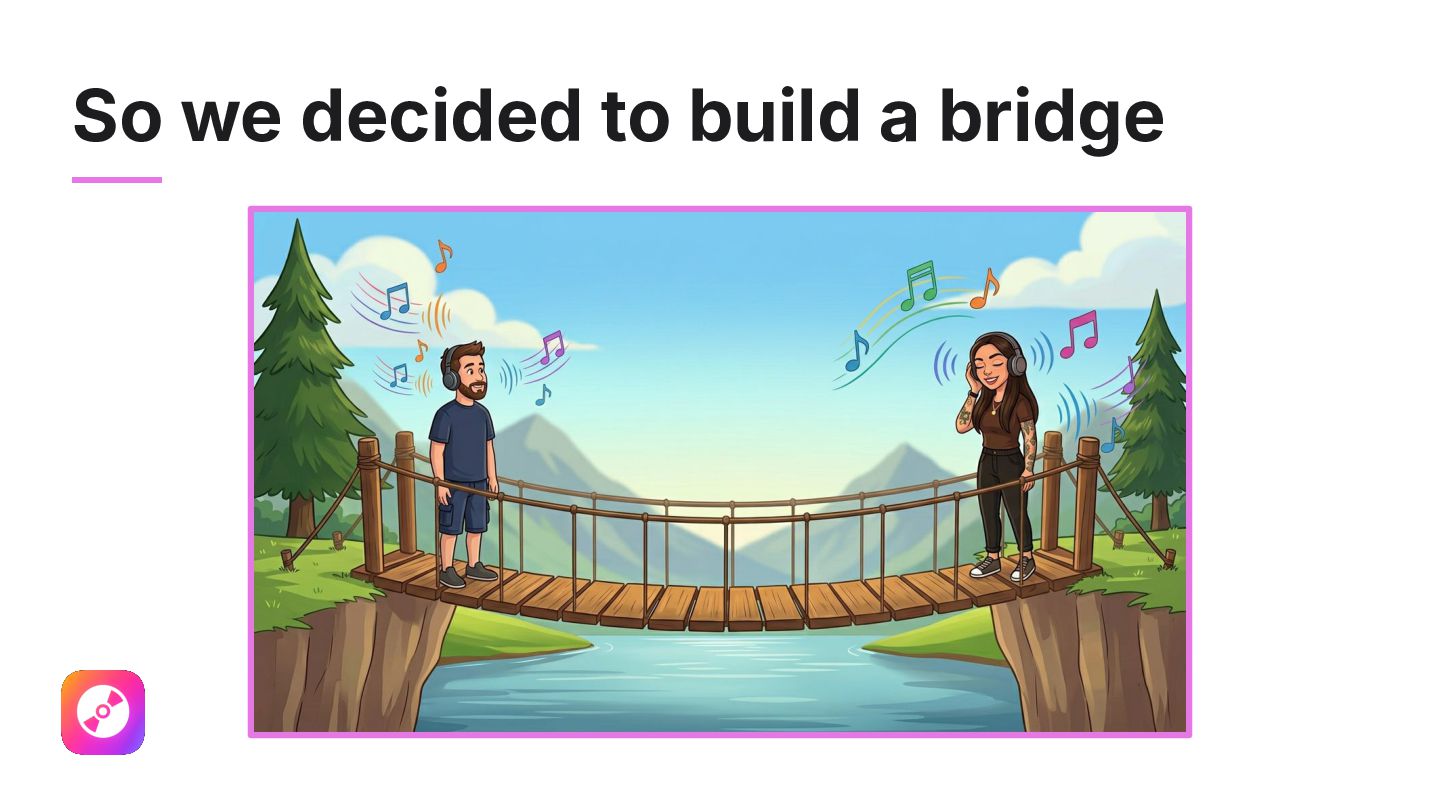
knew each other from a few conferences that they attended and spoke at in the past. But one day, at SwiftConf in 2022, they found out something very important: They were both emo!
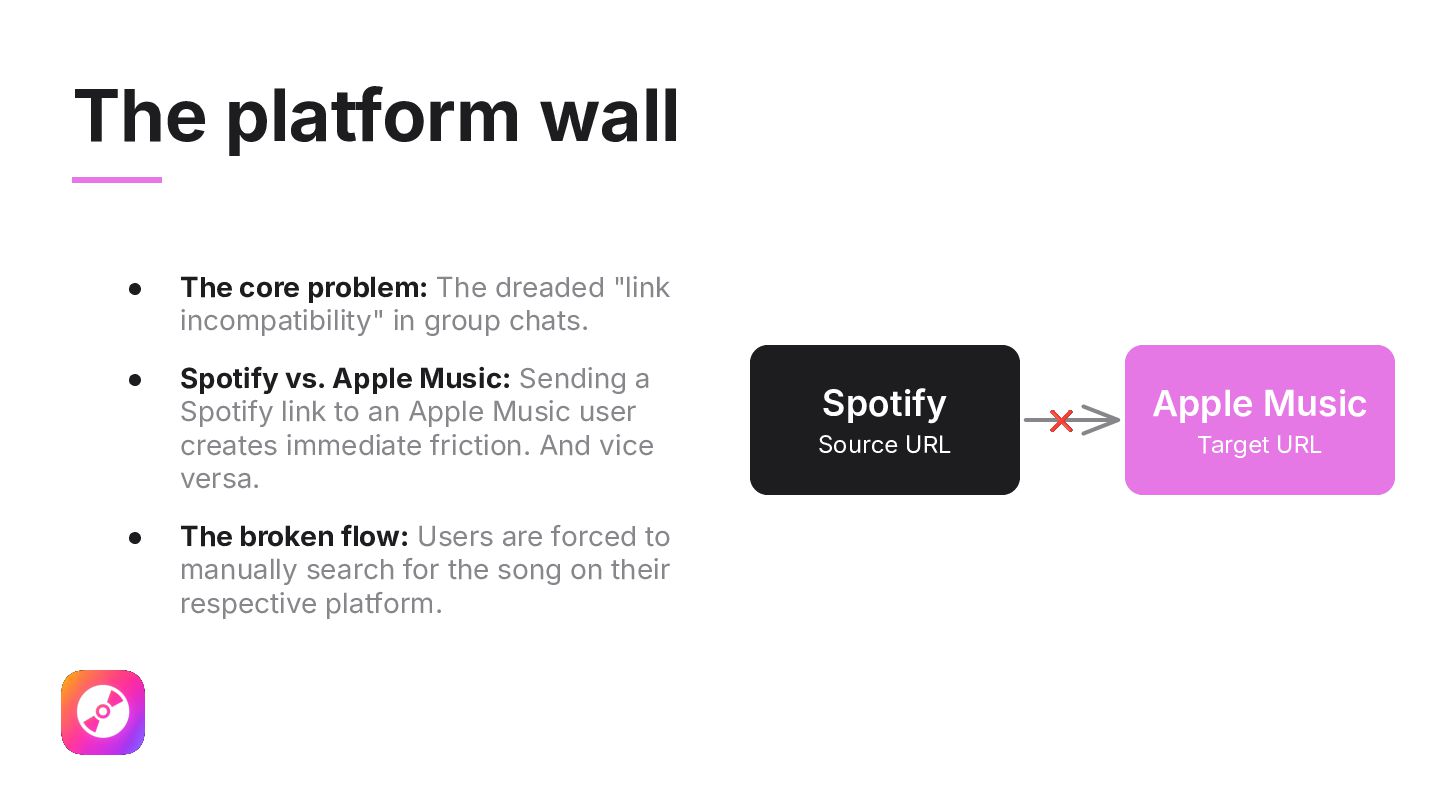
incompatibility" in group chats. • Spotify vs. Apple Music: Sending a Spotify link to an Apple Music user creates immediate friction. And vice versa. • The broken flow: Users are forced to manually search for the song on their respective platform. Spotify Source URL ❌ Apple Music Target URL
app ideas hide in everyday annoyances. • The philosophy: Don't ignore tiny hurdles; build a bridge over them. • Be creative: Transform a daily complaint into a weekend side project. A thousand app ideas are waiting in your daily routine!
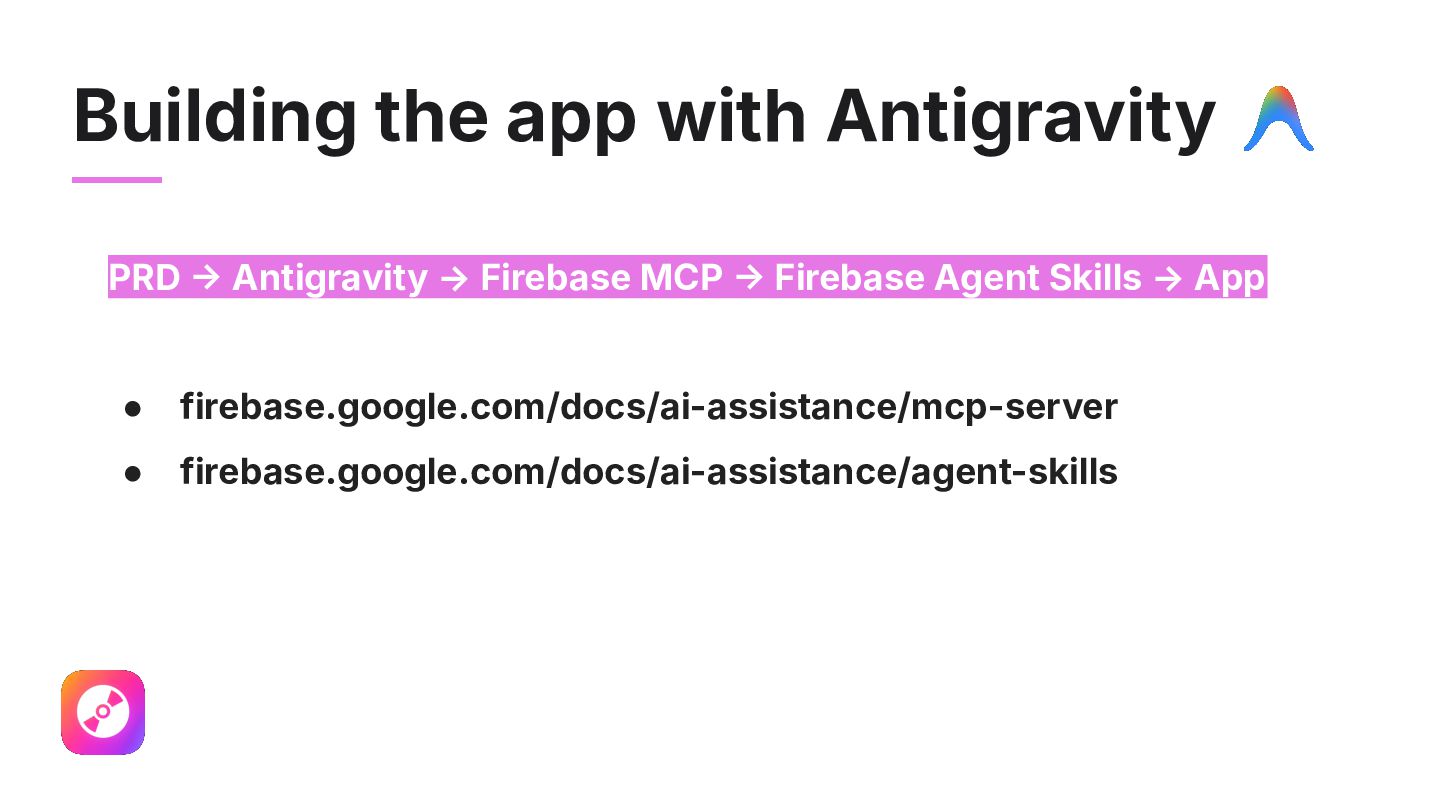
like? What tools do we need? 2. PRD Prompt Gemini to create a Product Requirement Document 3. Build: Ask Antigravity Marina and Claude Tim to vibe code the app 4. Test: Upload app to Testflight, test on real devices and spot problems 5. Fix problems: Fix problems and upload new version to Testflight 6. Iterate: Repeats steps 3 to 5 until weʼre happy with the app!
look like? What tools do we need? 2. PRD Prompt Gemini to create a Product Requirement Document 3. Build: Ask Antigravity Marina and Claude Tim to vibe code the app 4. Test: Upload app to Testflight, test on real devices and spot problems 5. Fix problems: Fix problems and upload new version to Testflight 6. Iterate: Repeats steps 3 to 5 until weʼre happy with the app!
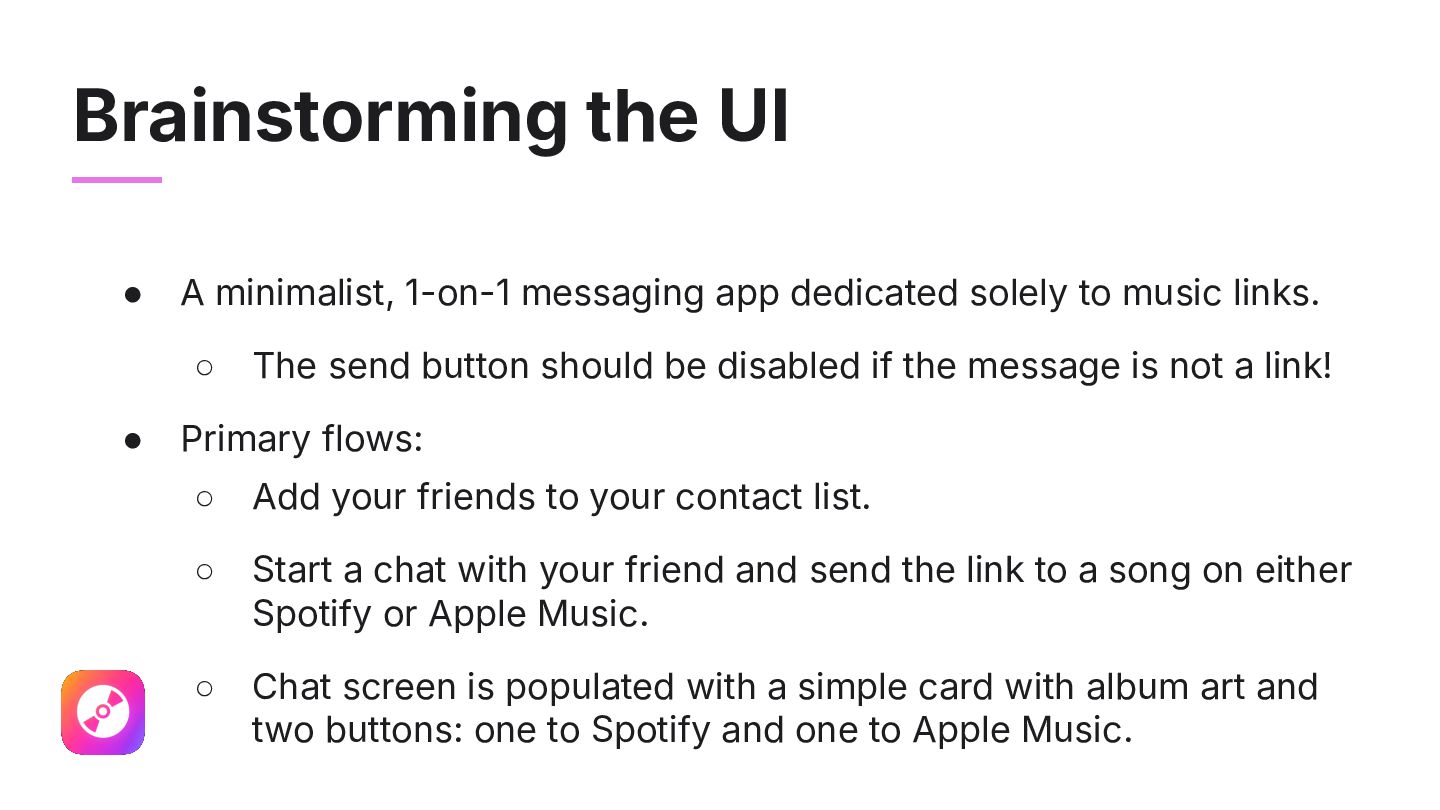
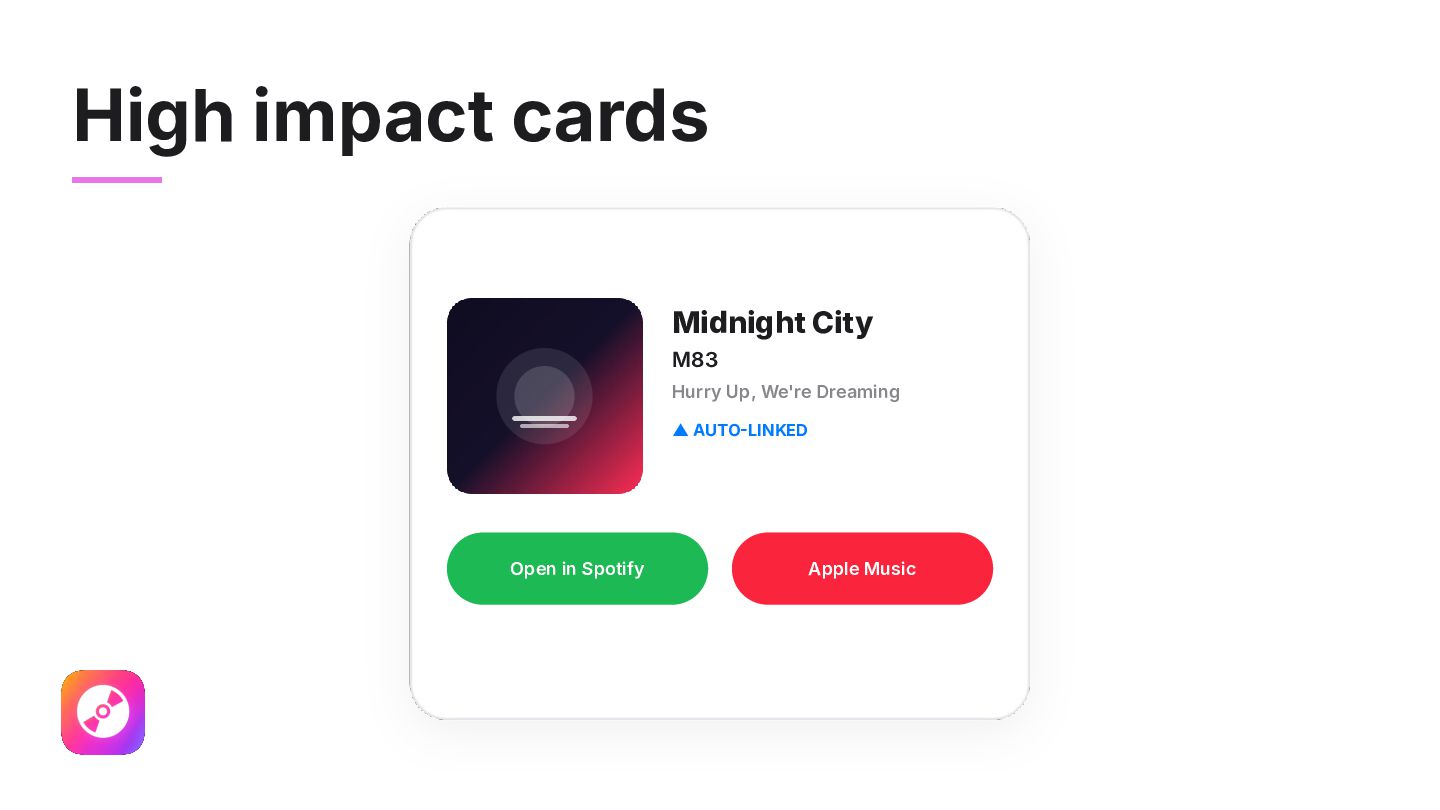
solely to music links. ◦ • The send button should be disabled if the message is not a link! Primary flows: ◦ Add your friends to your contact list. ◦ Start a chat with your friend and send the link to a song on either Spotify or Apple Music. ◦ Chat screen is populated with a simple card with album art and two buttons: one to Spotify and one to Apple Music.
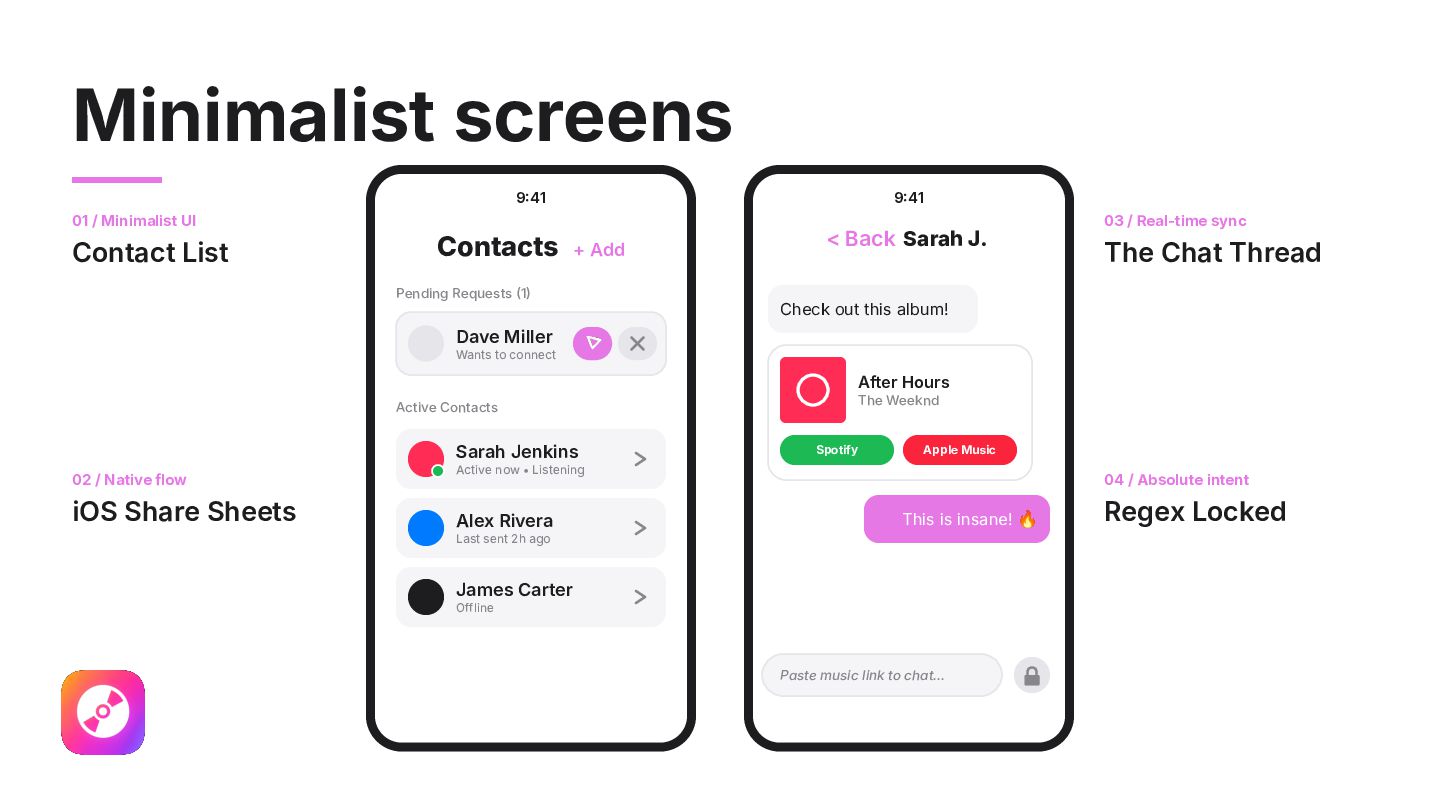
Contacts + Add < Back Sarah J. Pending Requests 1 03 / Real-time sync The Chat Thread Check out this album! Dave Miller Wants to connect After Hours Active Contacts Sarah Jenkins 02 / Native flow iOS Share Sheets The Weeknd Spotify Apple Music Active now • Listening Alex Rivera 04 / Absolute intent This is insane! 🔥 Last sent 2h ago James Carter Offline Paste music link to chat... Regex Locked
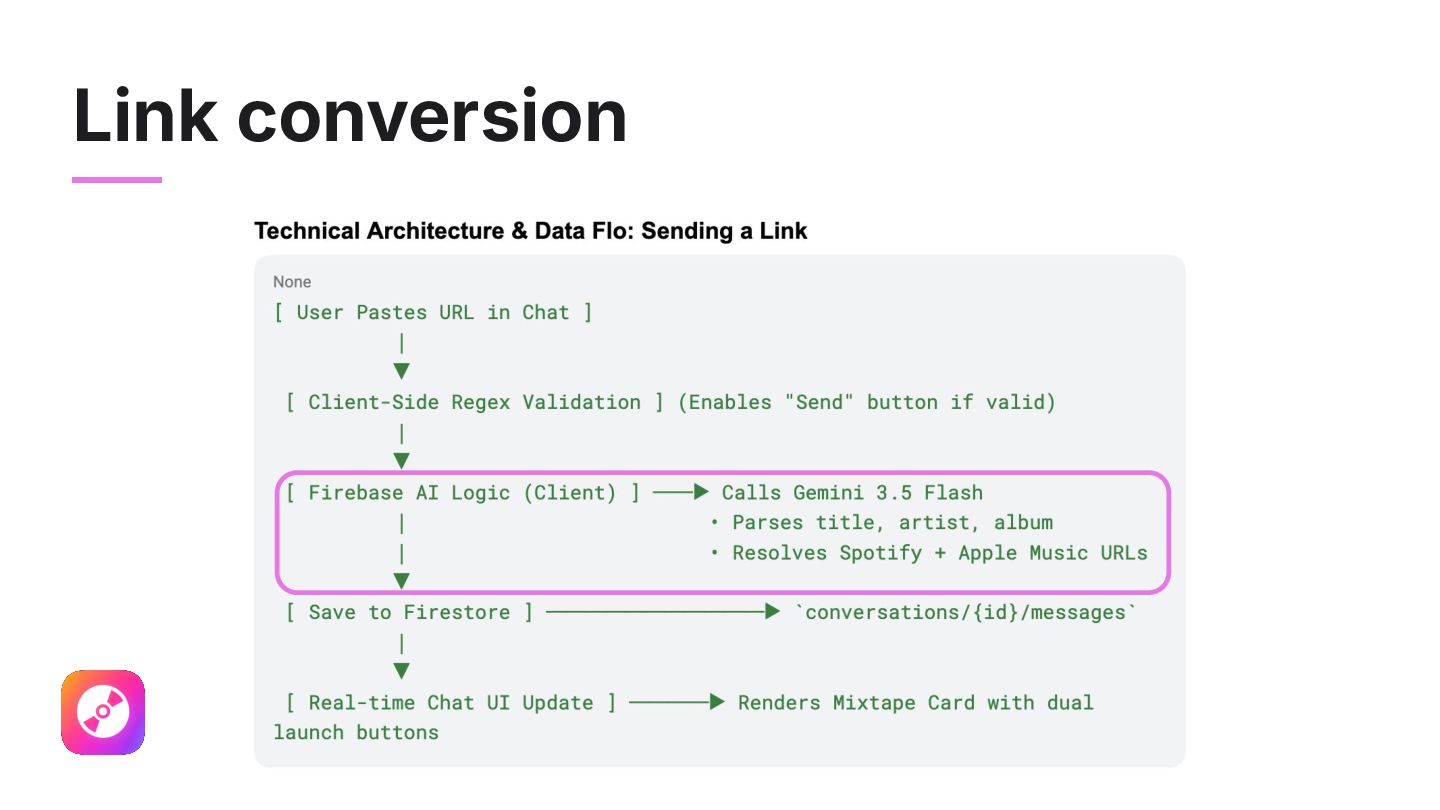
• How are we handling user authentication? • How do we alert users about new messages? Or new contact requests? • How are we keeping our backend resources safe? • Are we supporting other listening platforms beyond the ones we use? • Are we supporting other clients Android / Web)? • Letʼs use Gemini to do the link conversion!!!
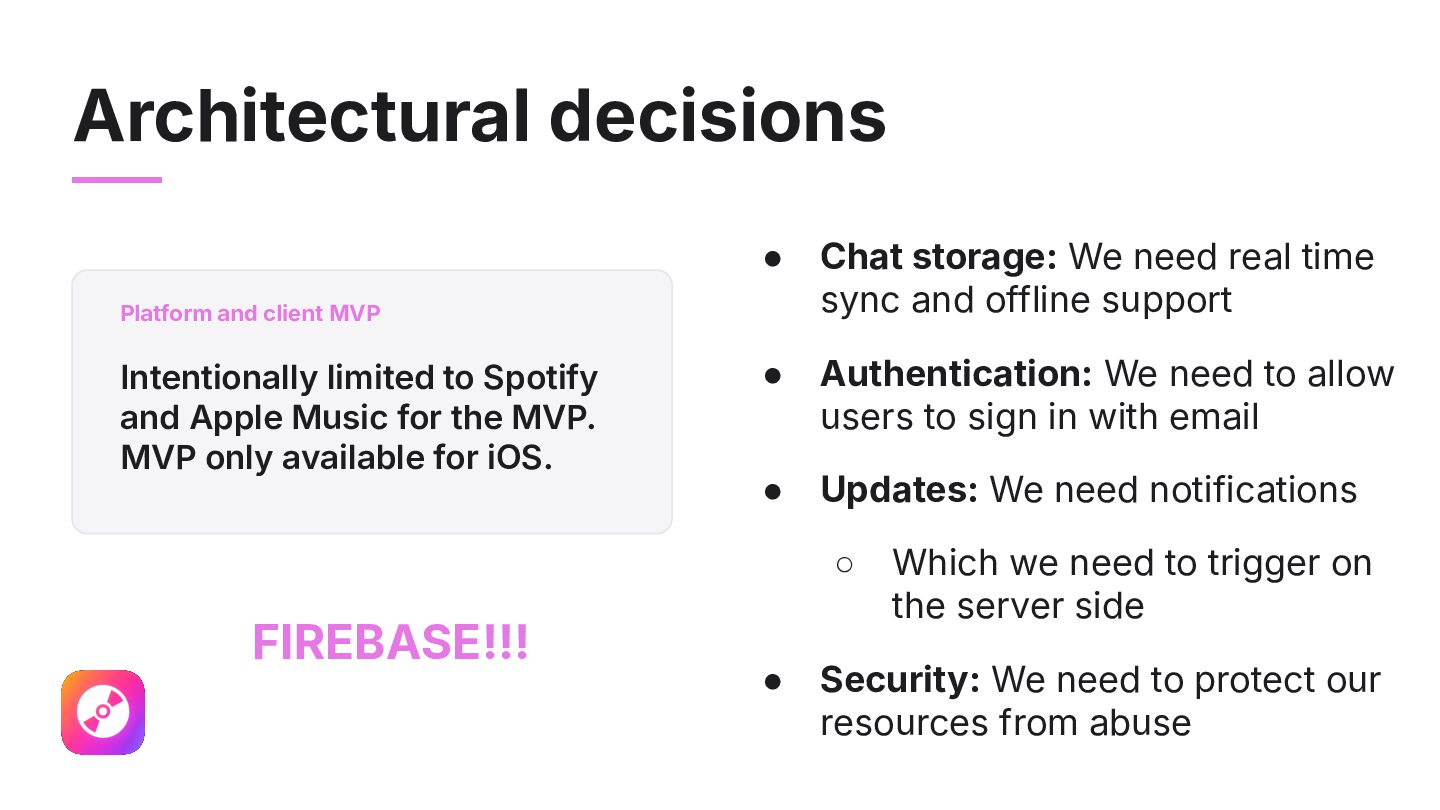
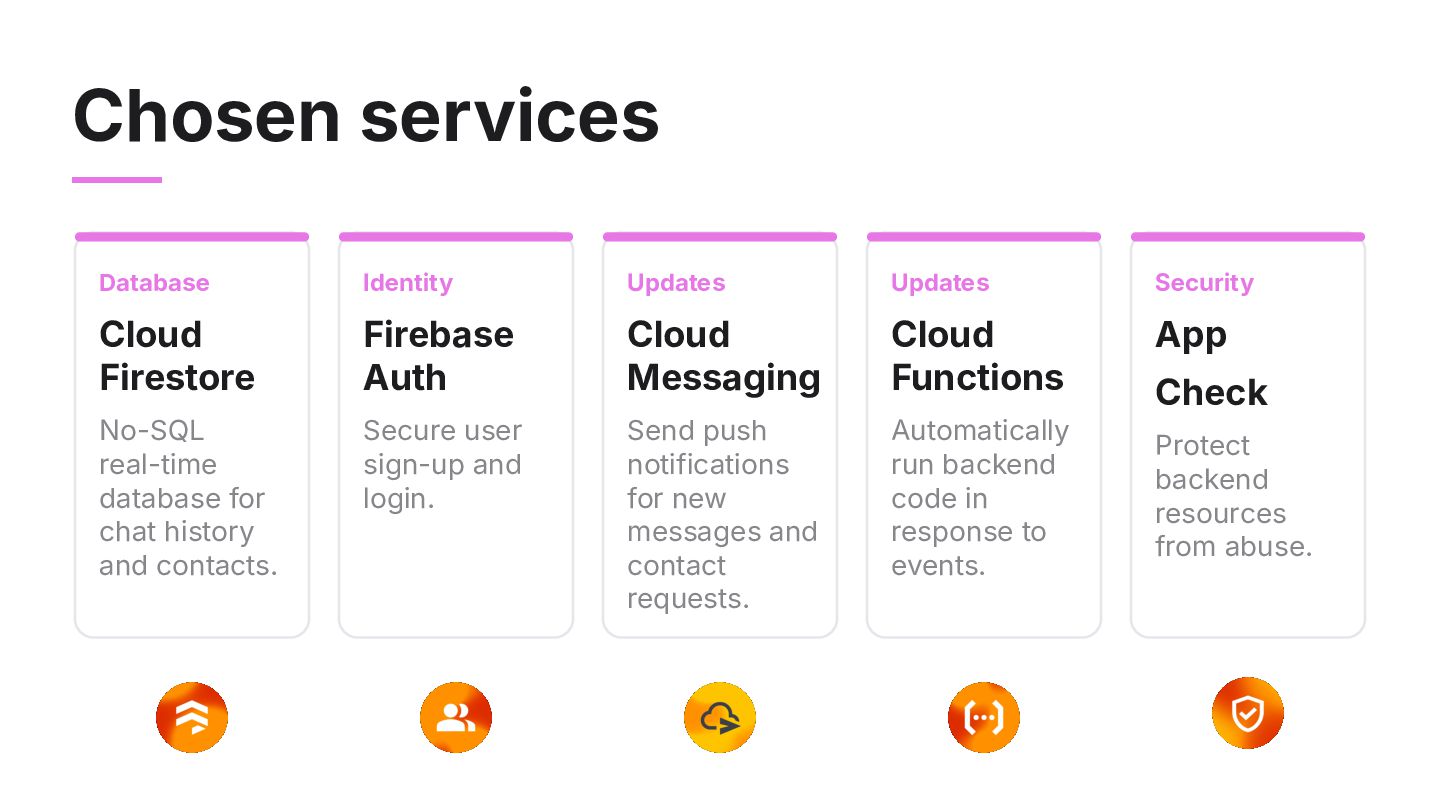
and offline support • Authentication: We need to allow users to sign in with email • Updates: We need notifications Platform and client MVP Intentionally limited to Spotify and Apple Music for the MVP. MVP only available for iOS. ◦ FIREBASE!!! • Which we need to trigger on the server side Security: We need to protect our resources from abuse
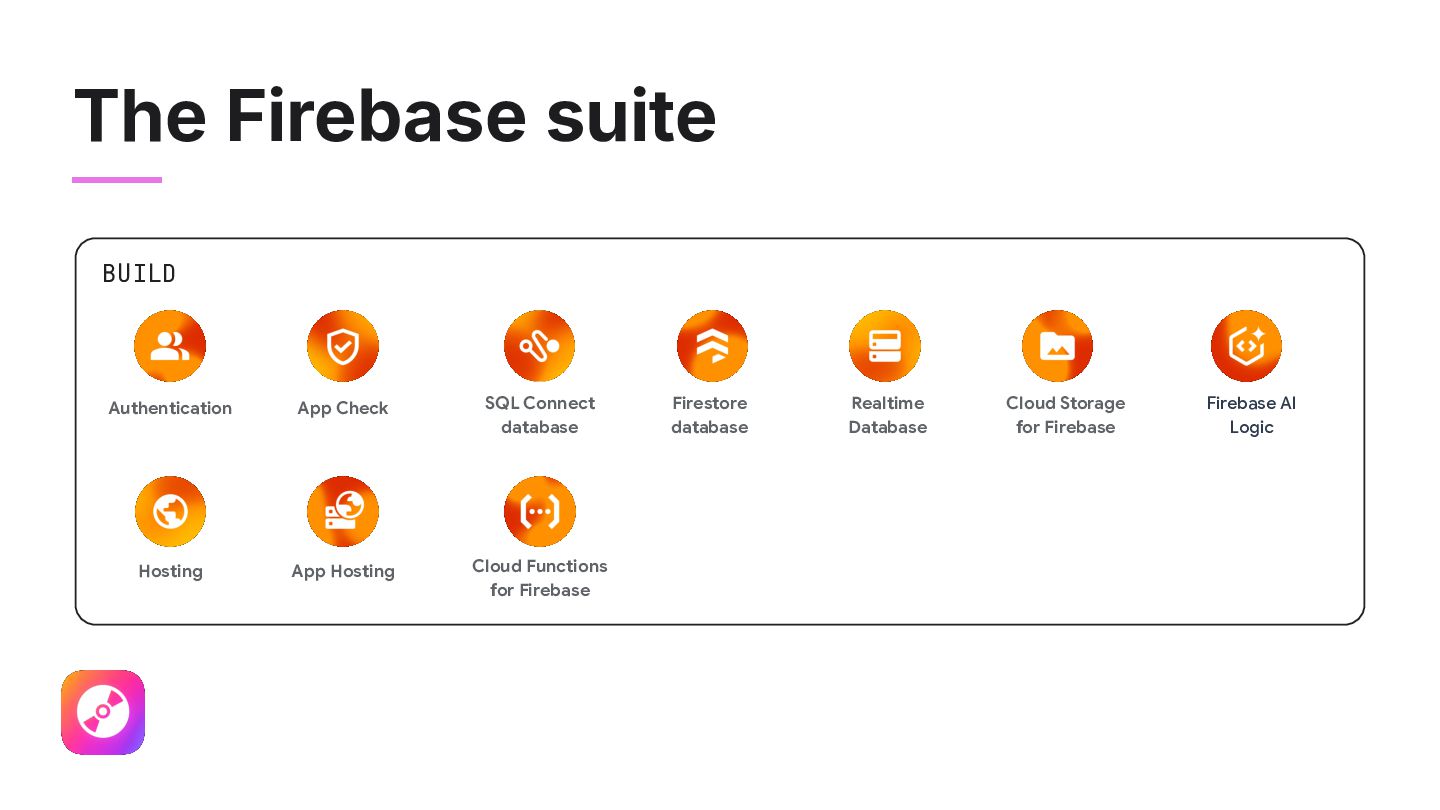
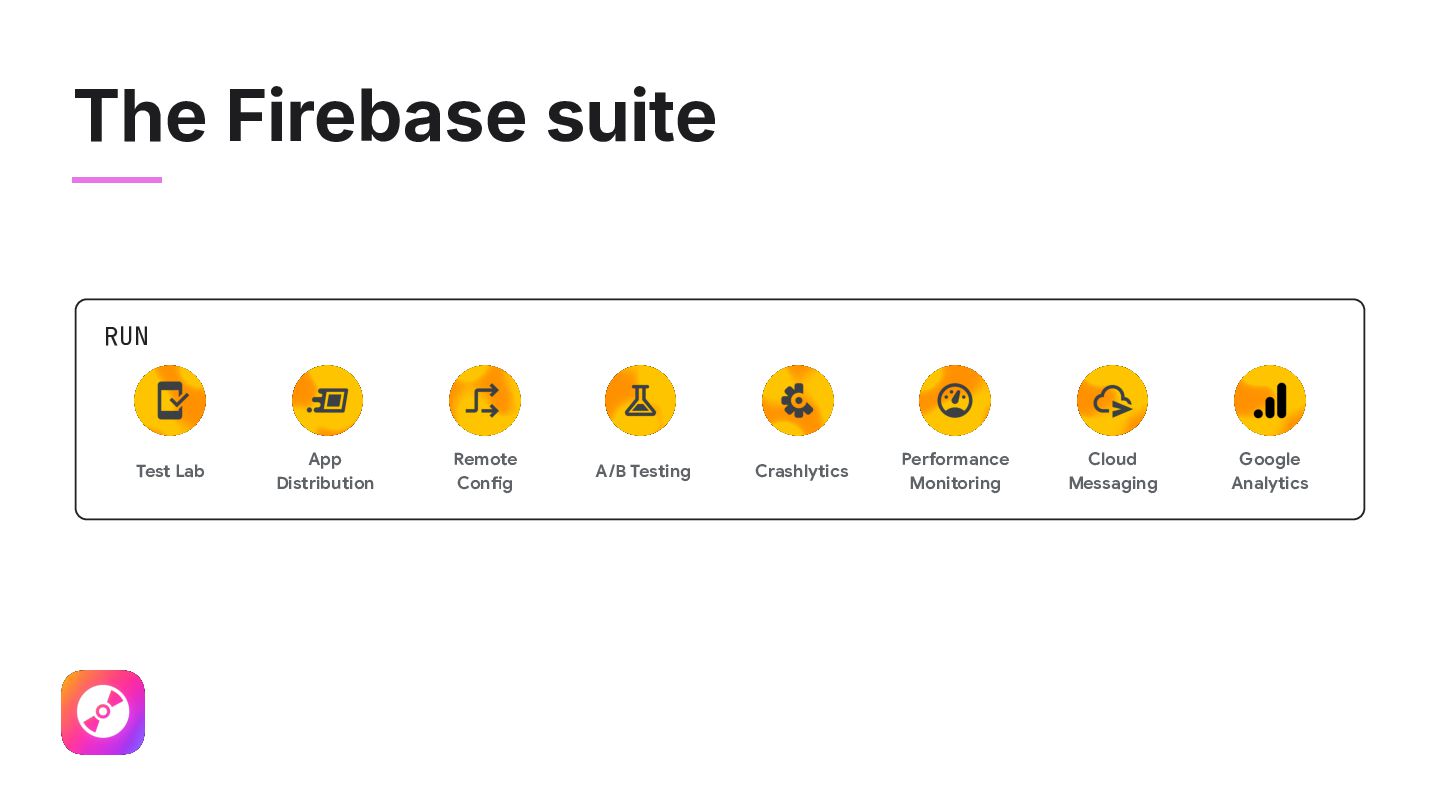
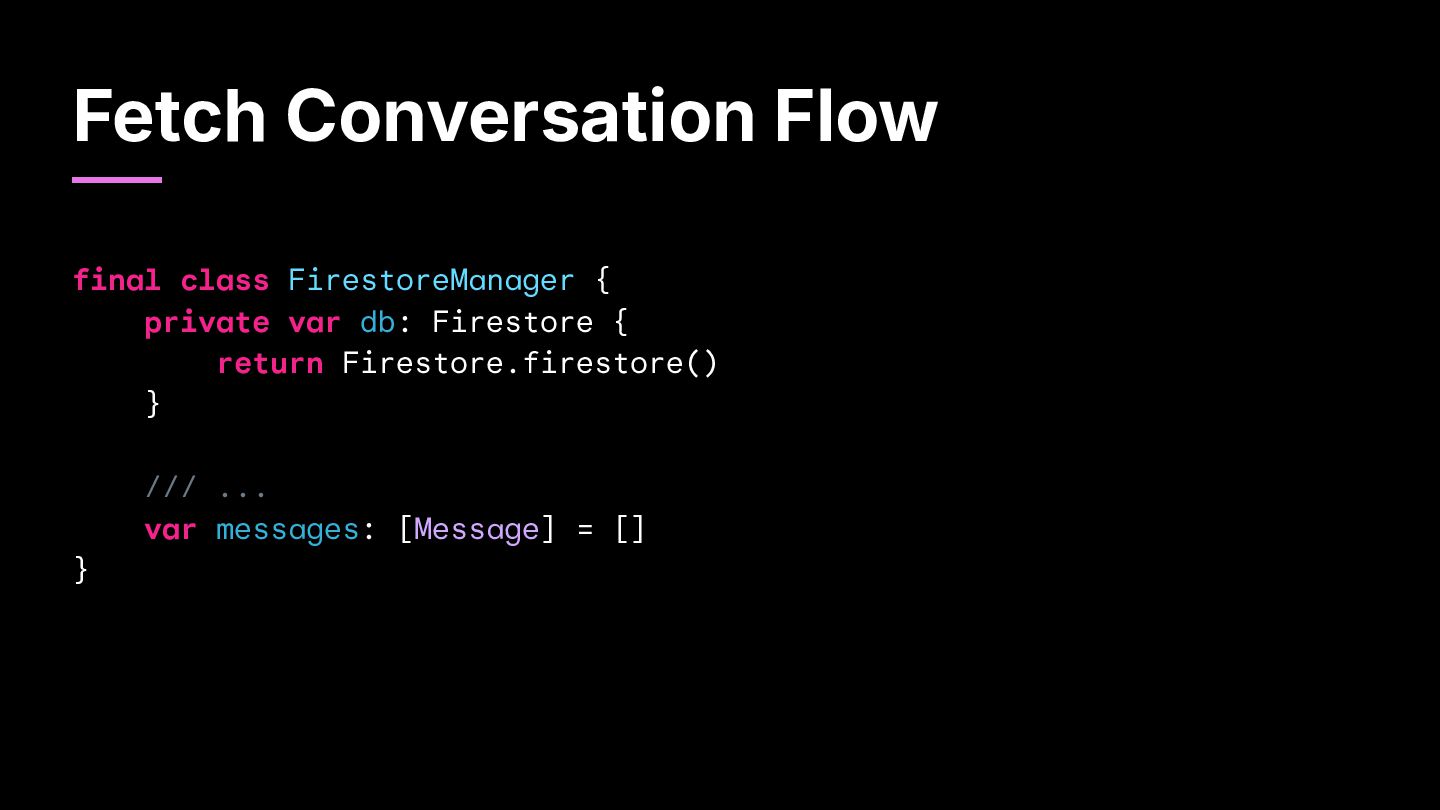
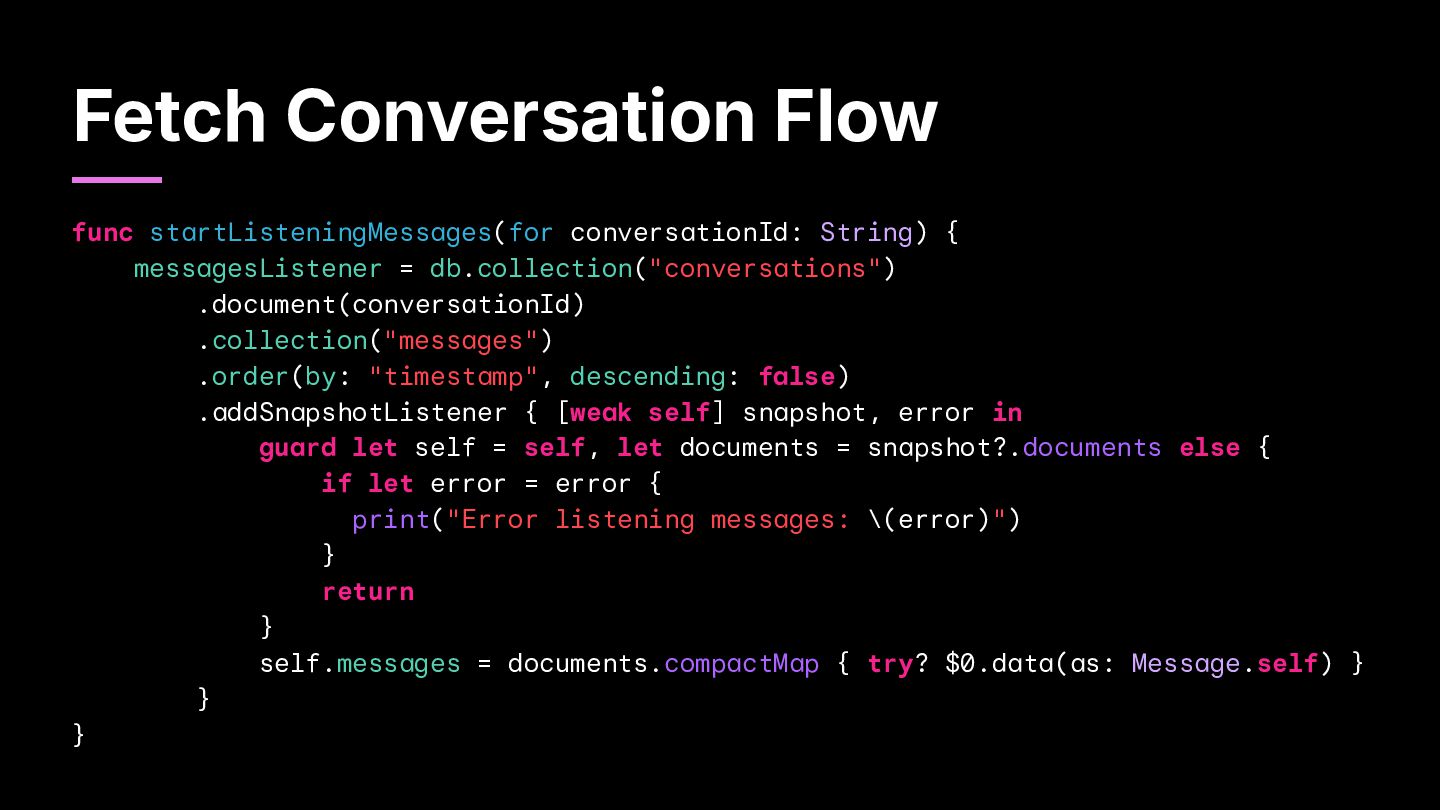
Auth Cloud Messaging Cloud Functions App No-SQL real-time database for chat history and contacts. Secure user sign-up and login. Send push notifications for new messages and contact requests. Automatically run backend code in response to events. Check Protect backend resources from abuse.
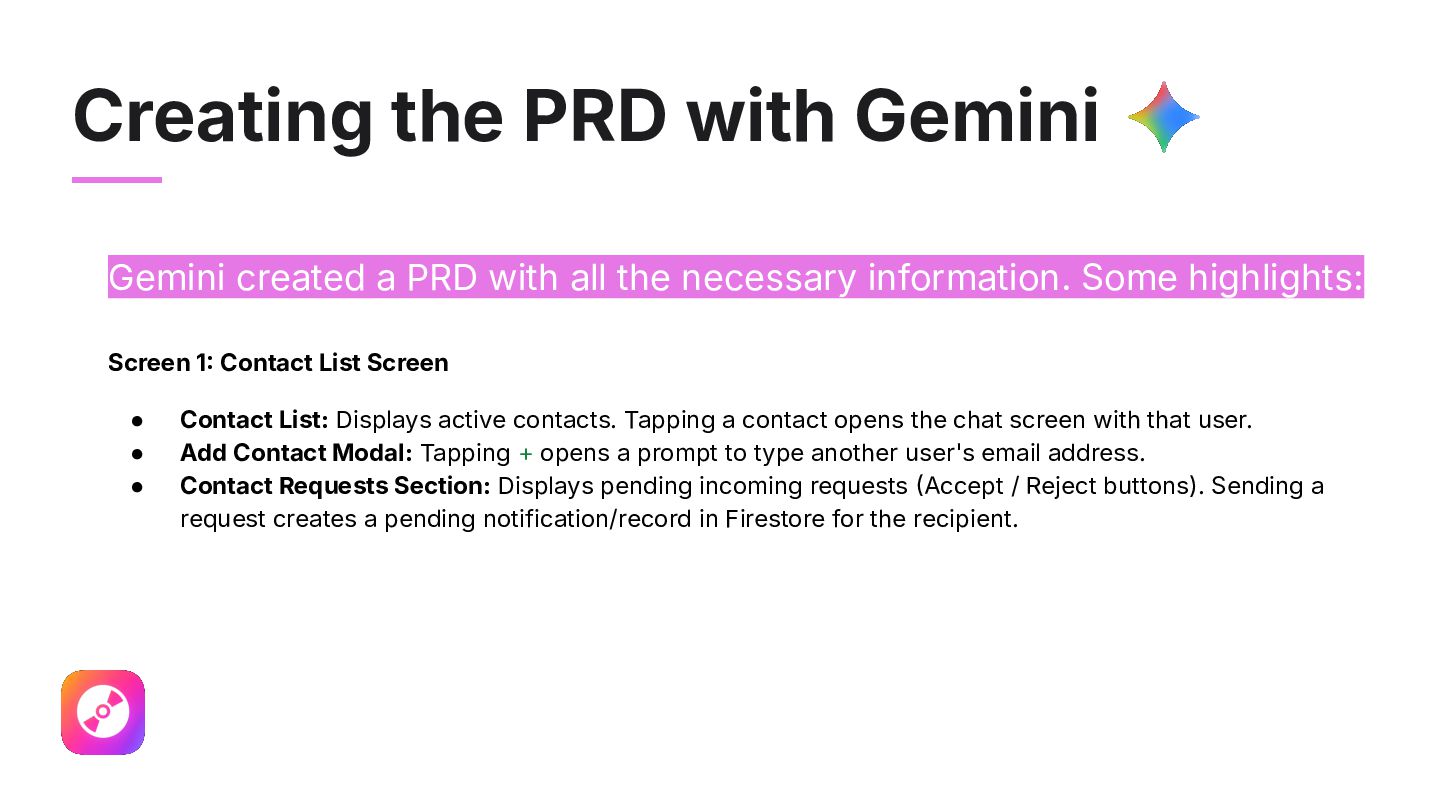
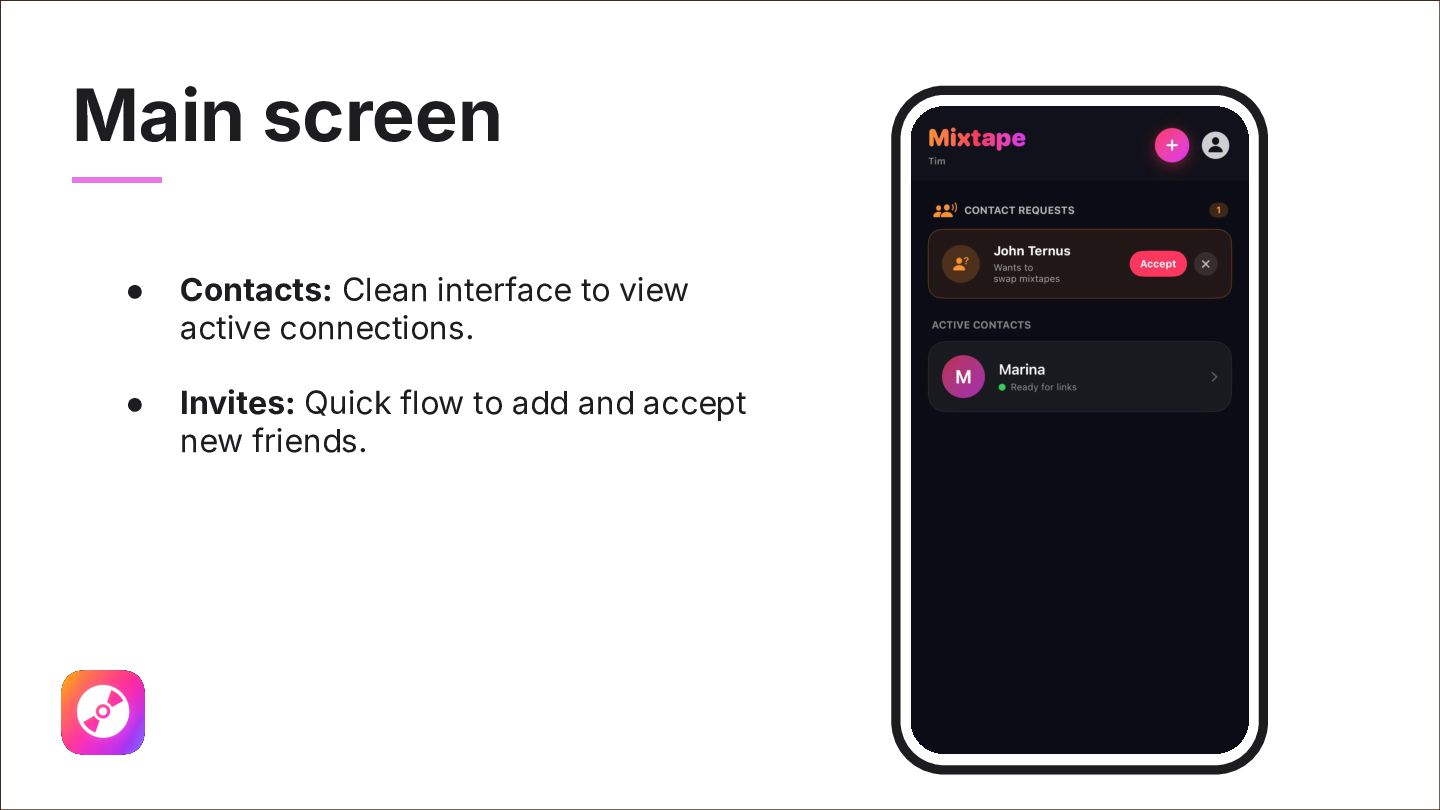
all the necessary information. Some highlights: Screen 1 Contact List Screen • • • Contact List: Displays active contacts. Tapping a contact opens the chat screen with that user. Add Contact Modal: Tapping + opens a prompt to type another user's email address. Contact Requests Section: Displays pending incoming requests Accept / Reject buttons). Sending a request creates a pending notification/record in Firestore for the recipient.
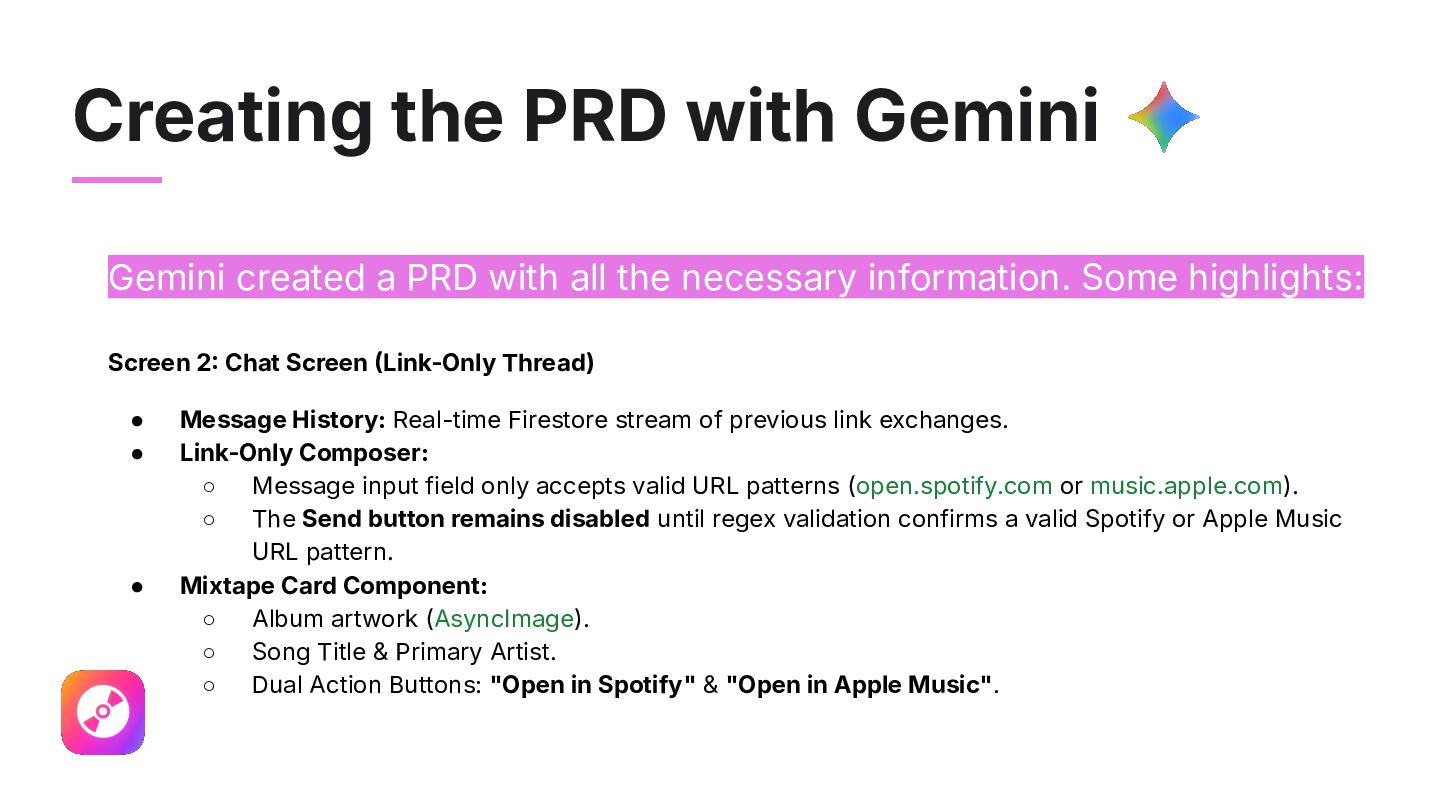
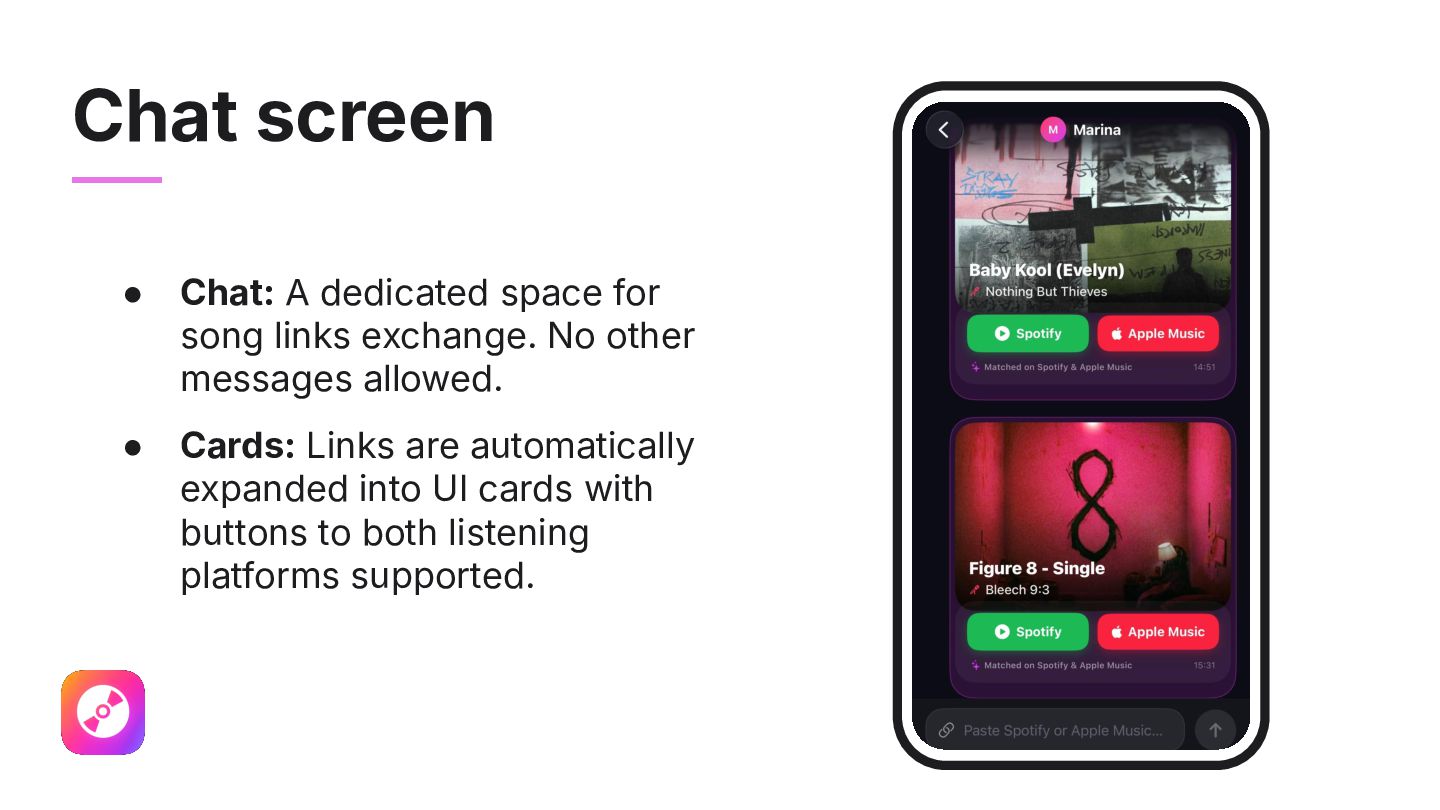
all the necessary information. Some highlights: Screen 2 Chat Screen Link-Only Thread) • • • Message History: Real-time Firestore stream of previous link exchanges. Link-Only Composer: ◦ Message input field only accepts valid URL patterns (open.spotify.com or music.apple.com). ◦ The Send button remains disabled until regex validation confirms a valid Spotify or Apple Music URL pattern. Mixtape Card Component: ◦ Album artwork (AsyncImage). ◦ Song Title & Primary Artist. ◦ Dual Action Buttons: "Open in Spotify" & "Open in Apple Music".
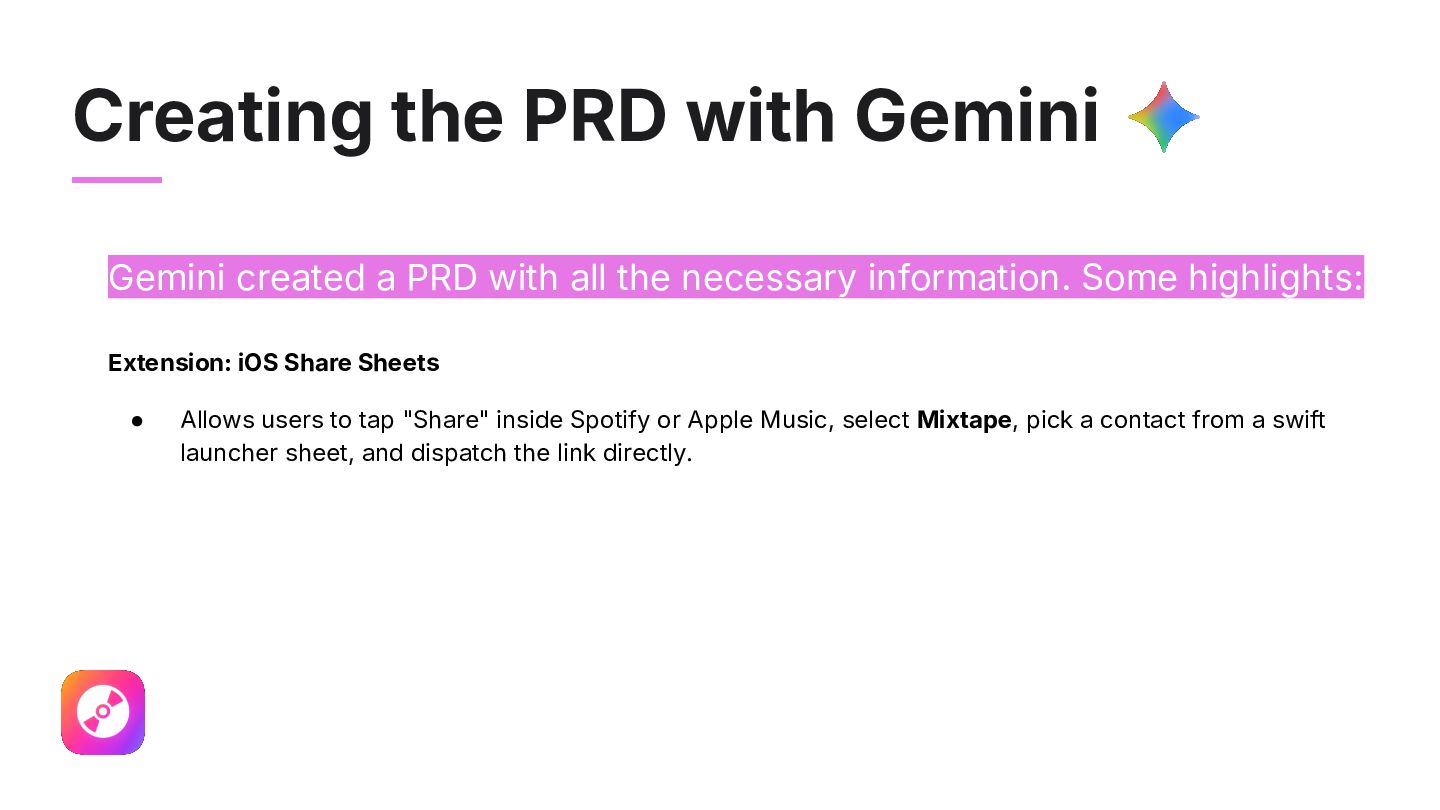
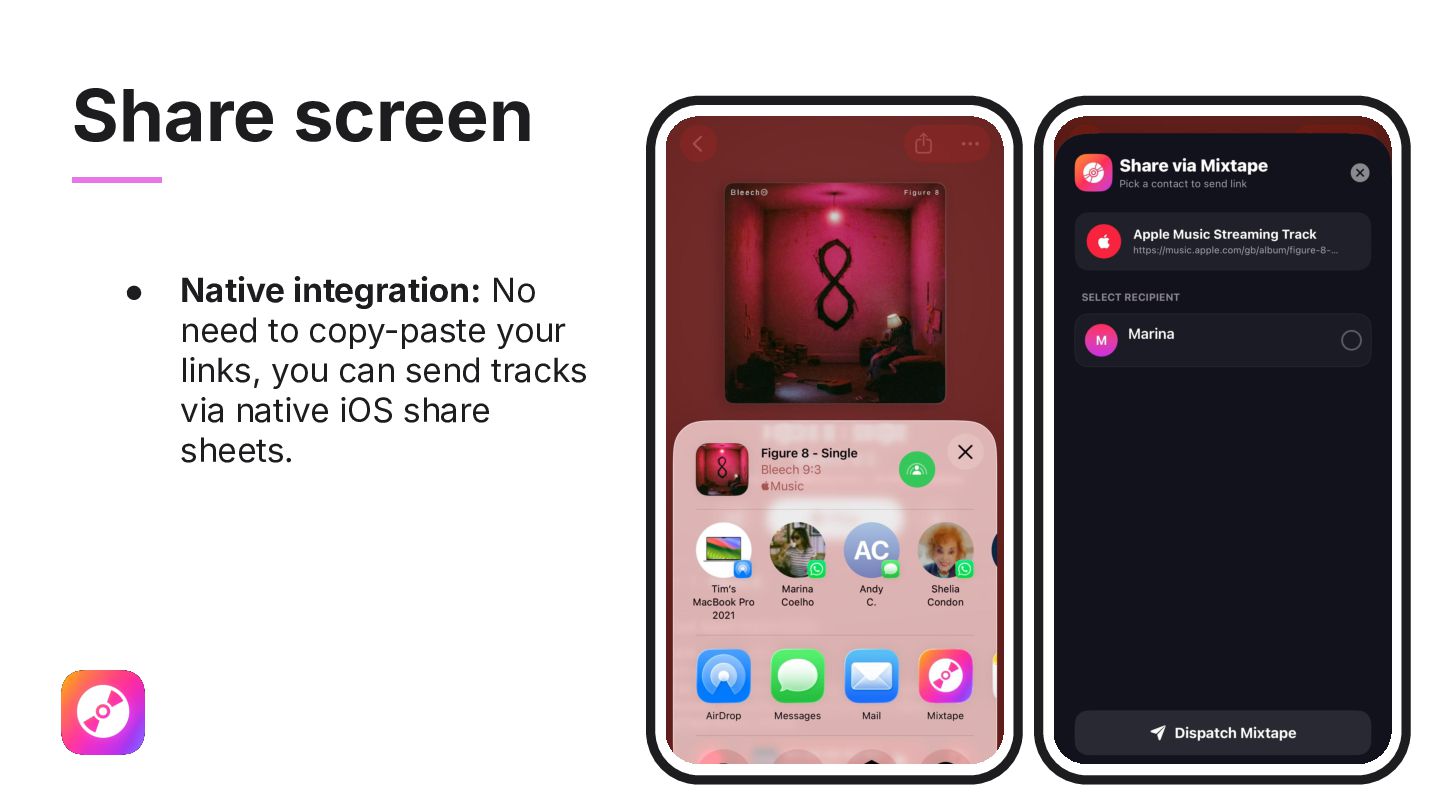
all the necessary information. Some highlights: Extension: iOS Share Sheets • Allows users to tap "Share" inside Spotify or Apple Music, select Mixtape, pick a contact from a swift launcher sheet, and dispatch the link directly.
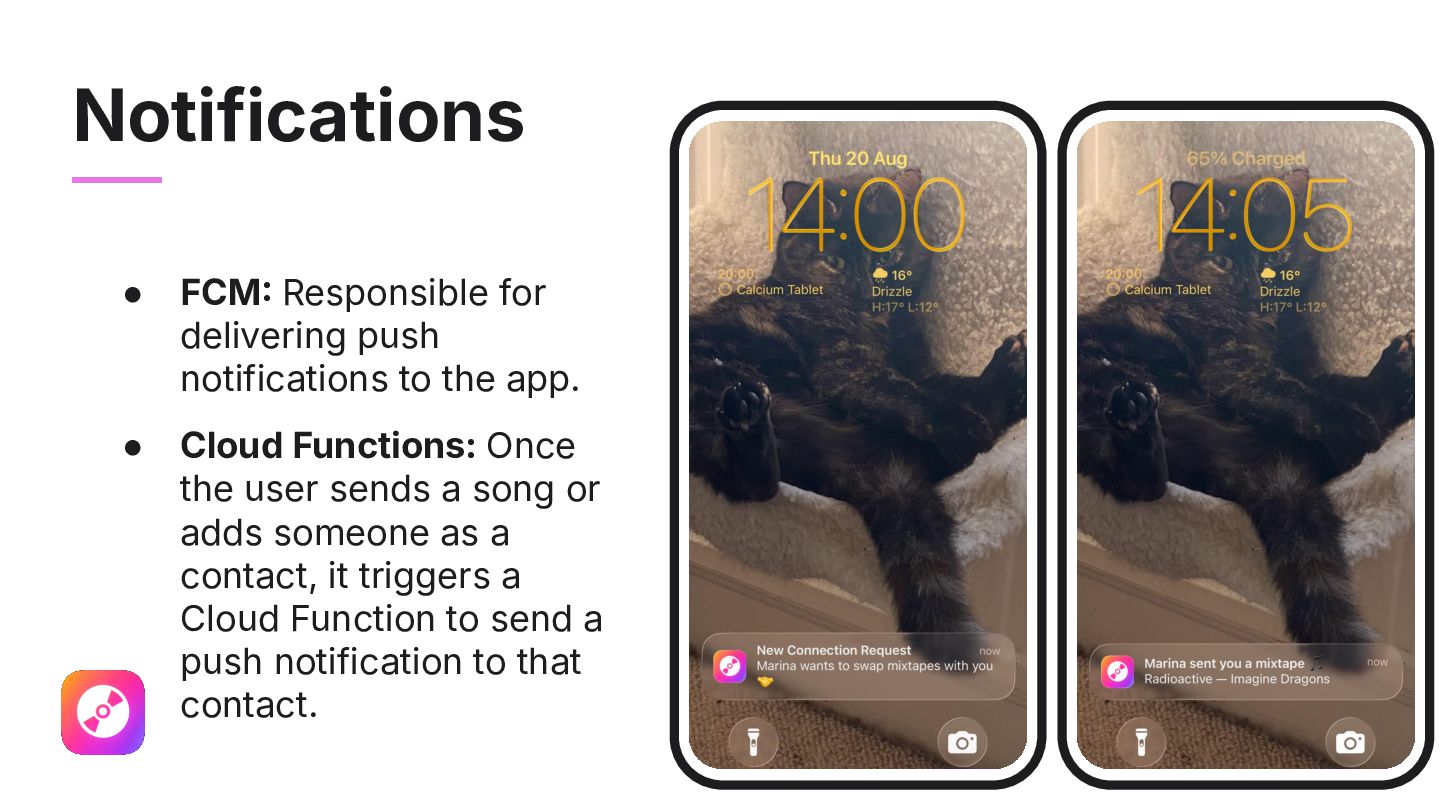
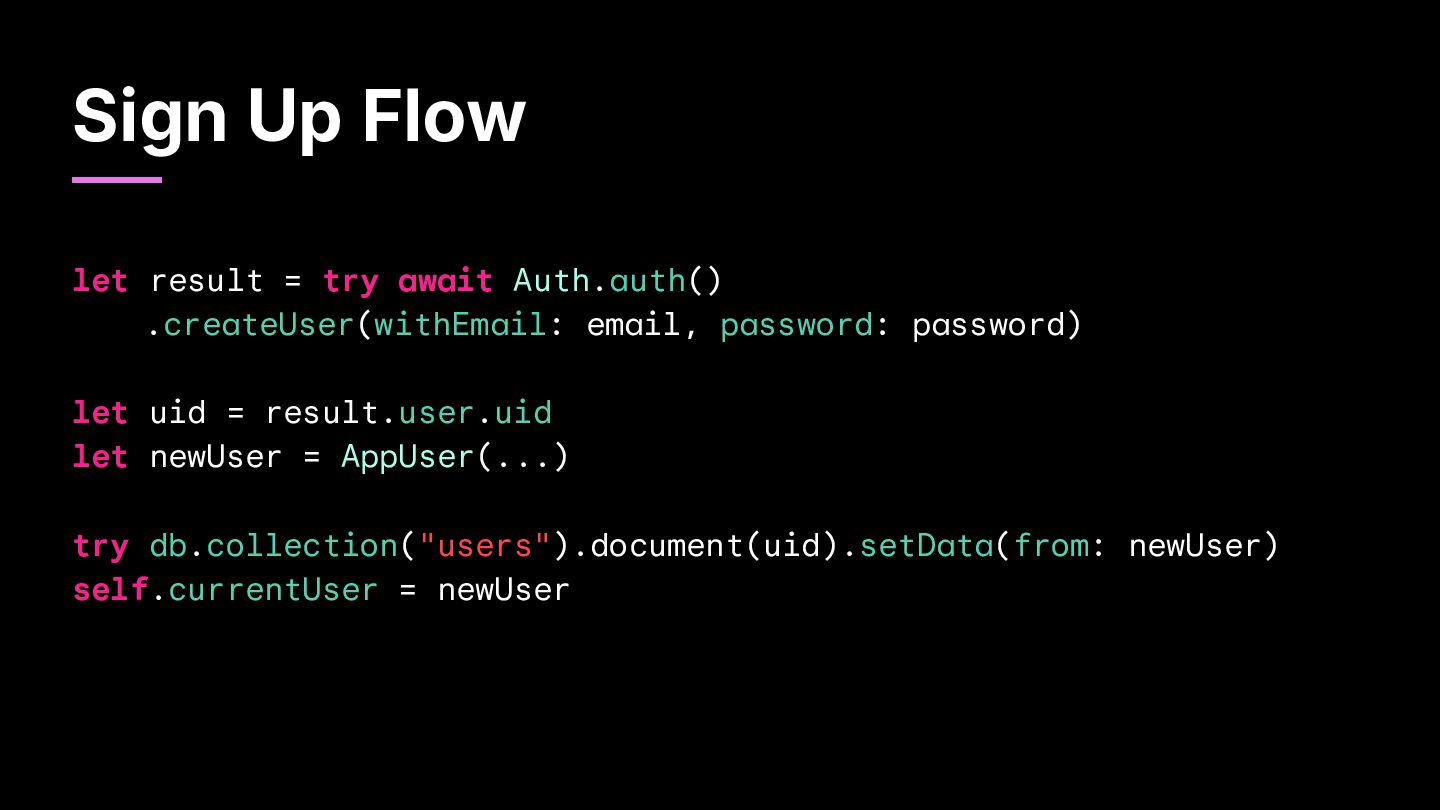
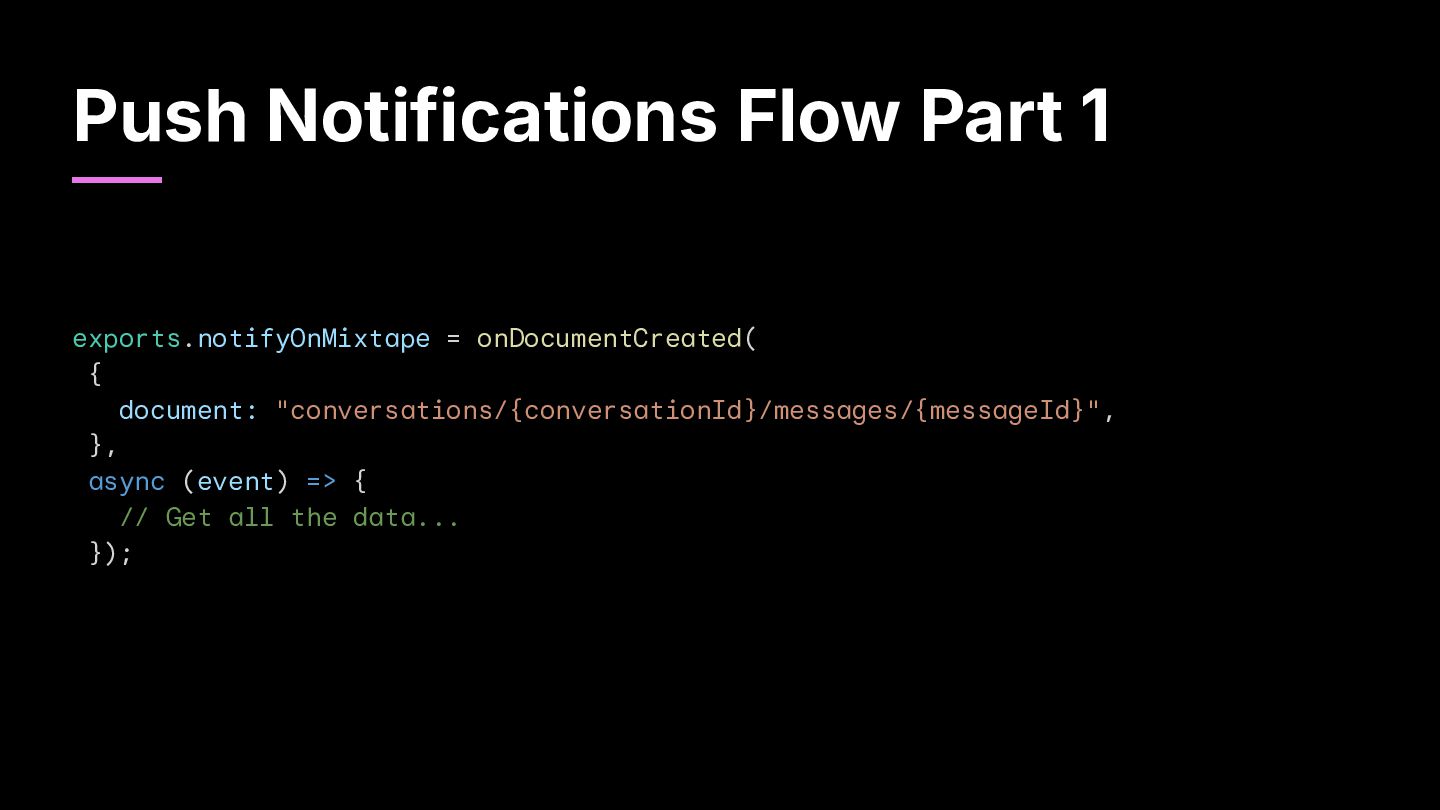
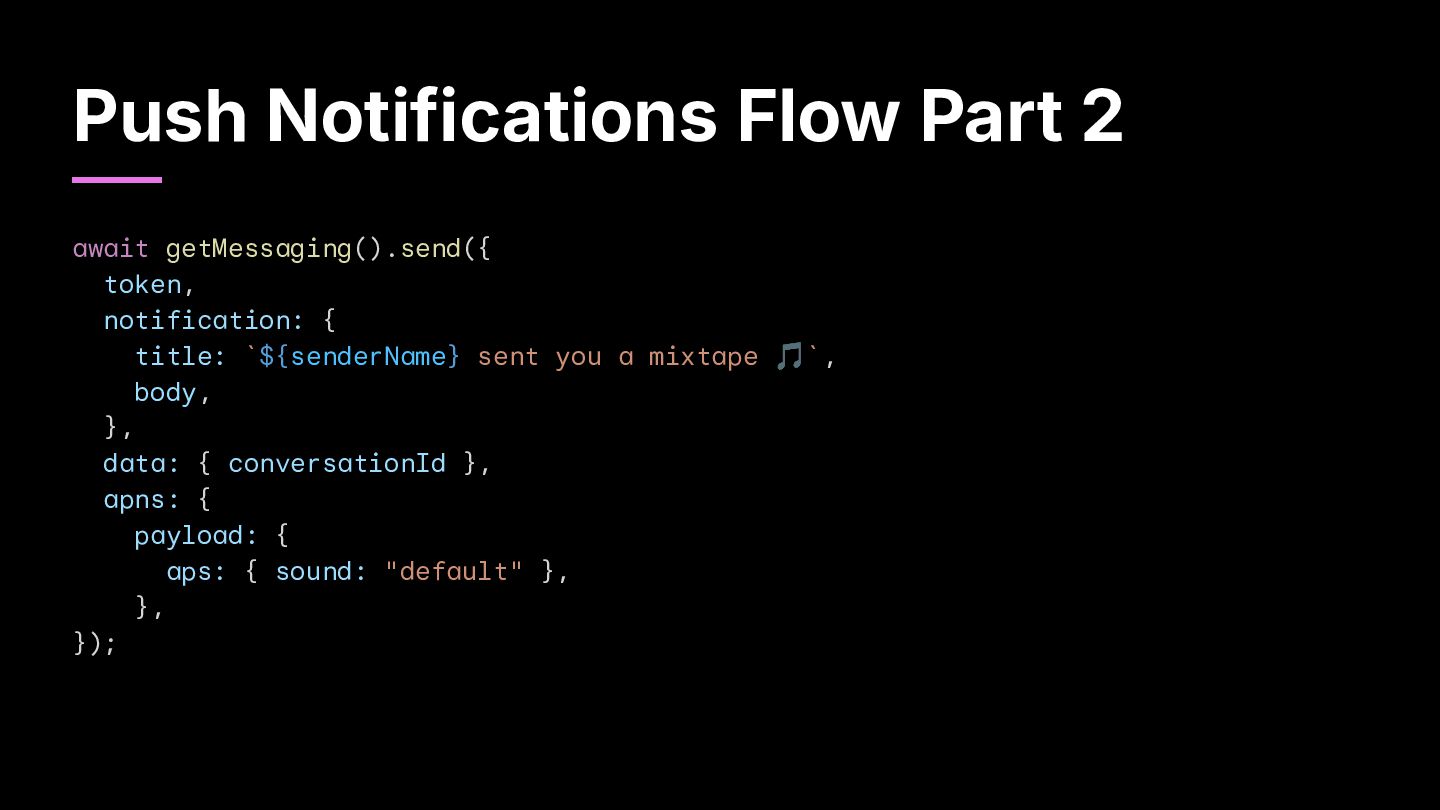
app. • Cloud Functions: Once the user sends a song or adds someone as a contact, it triggers a Cloud Function to send a push notification to that contact.
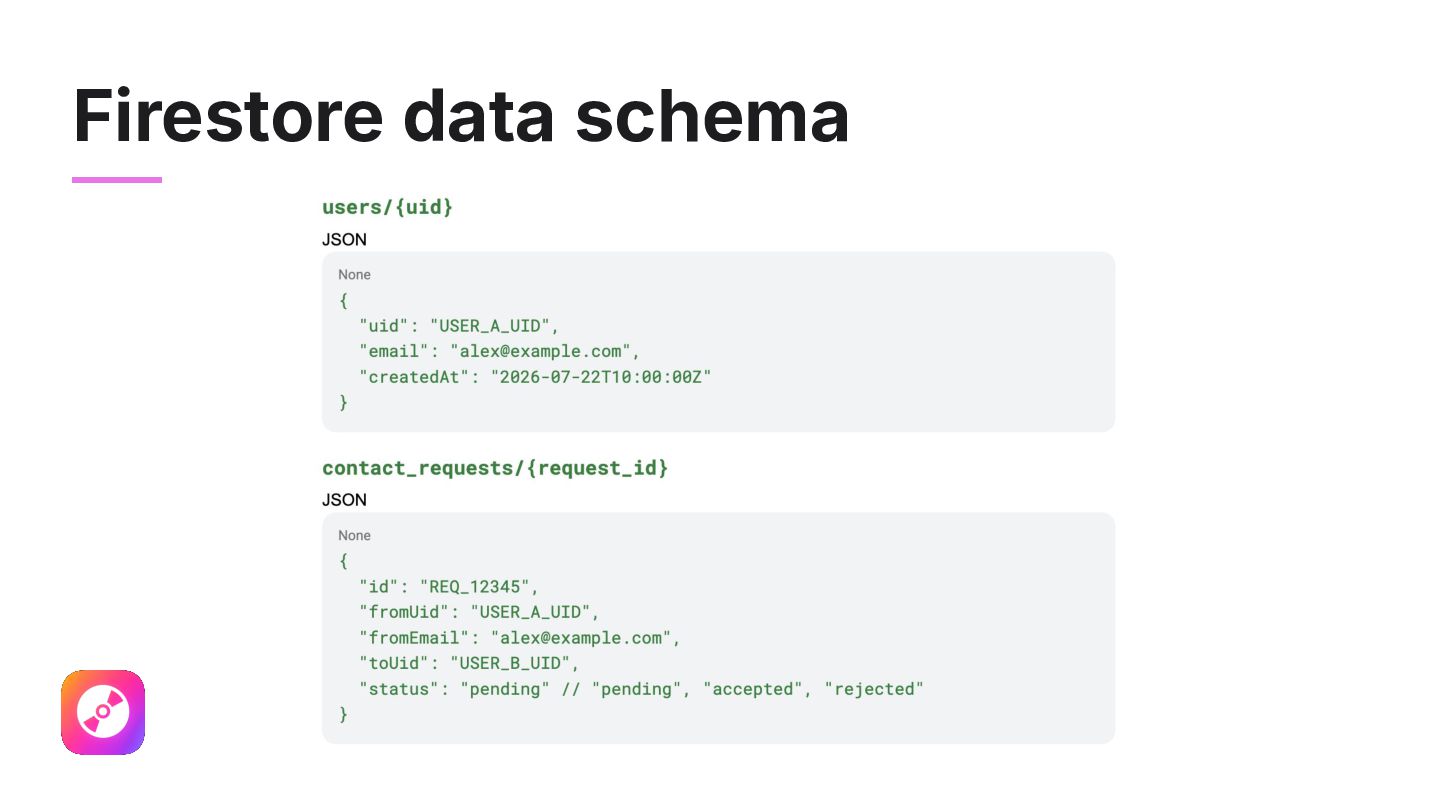
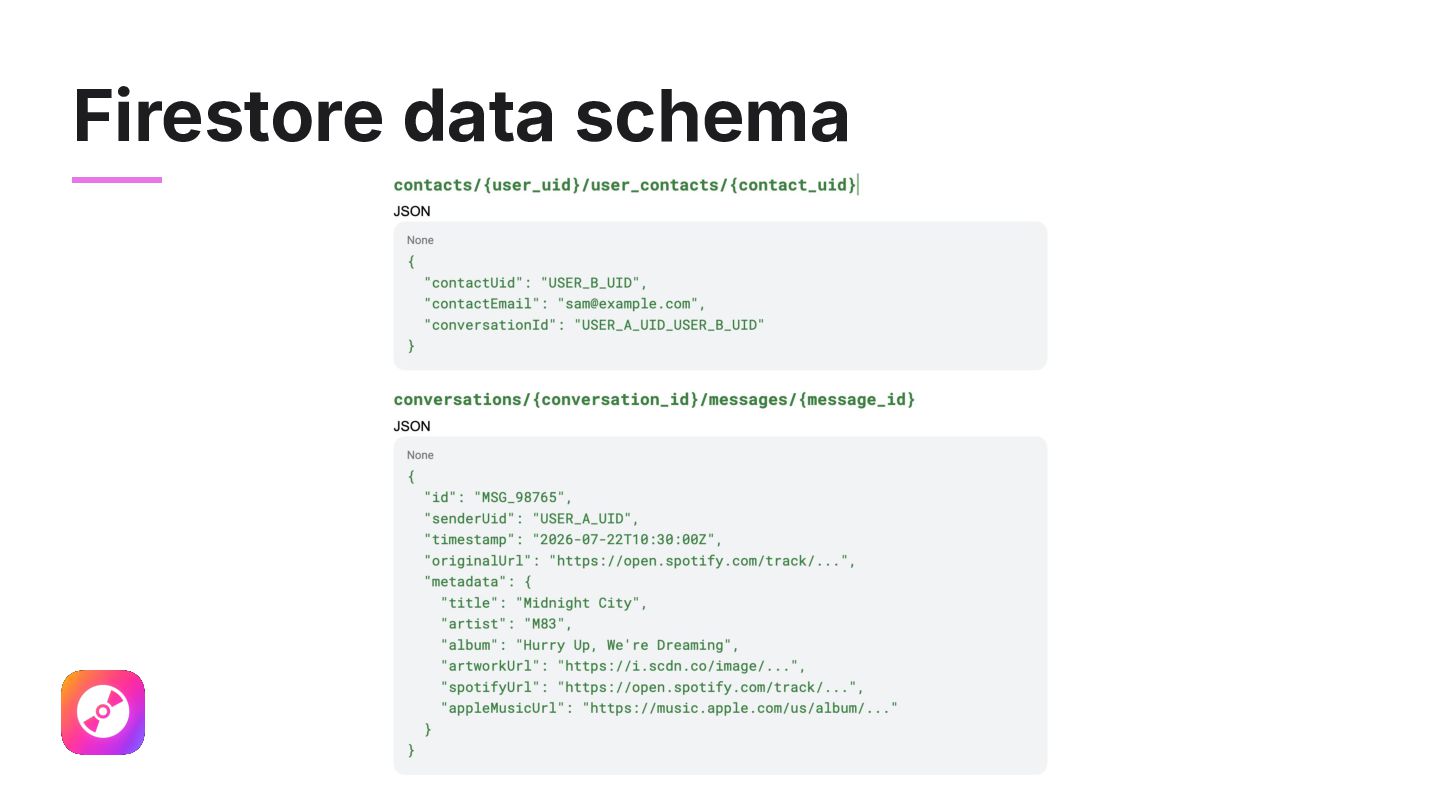
time, we had some interesting findings: • Firebase Authentication was working perfectly! • The flow to add a contact worked well and was easy to complete. • The collections and documents created in Firestore were indeed following what we had established in the PRD. • App Check code was implemented correctly. • But the link conversion and album cover were not working :(
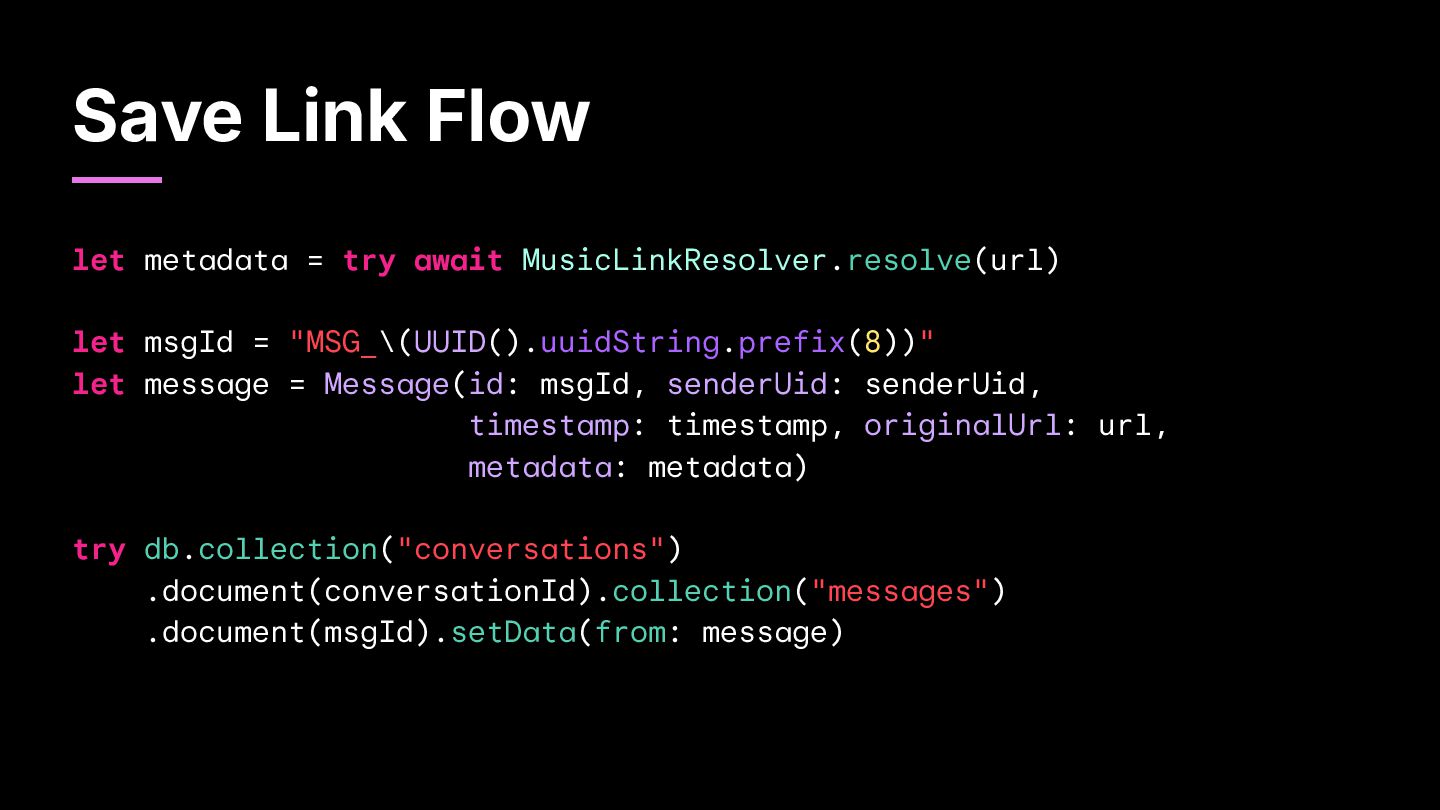
converting the link to another platform. • We tried different prompts and different models, but it still didnʼt work. • So we went the “traditionalˮ way: using Spotify and Apple Music web APIs! • Well… not that traditional, since we used Claude to implement that!
API key to query iTunes for metadata! • As for Spotify: ◦ You need to have a premium account ◦ Sign in to Spotify for Developers with that account ◦ Register your app and select "Web API" for the question asking which APIs are you planning to use ◦ Copy the access token generated for your app and use it in your API requests
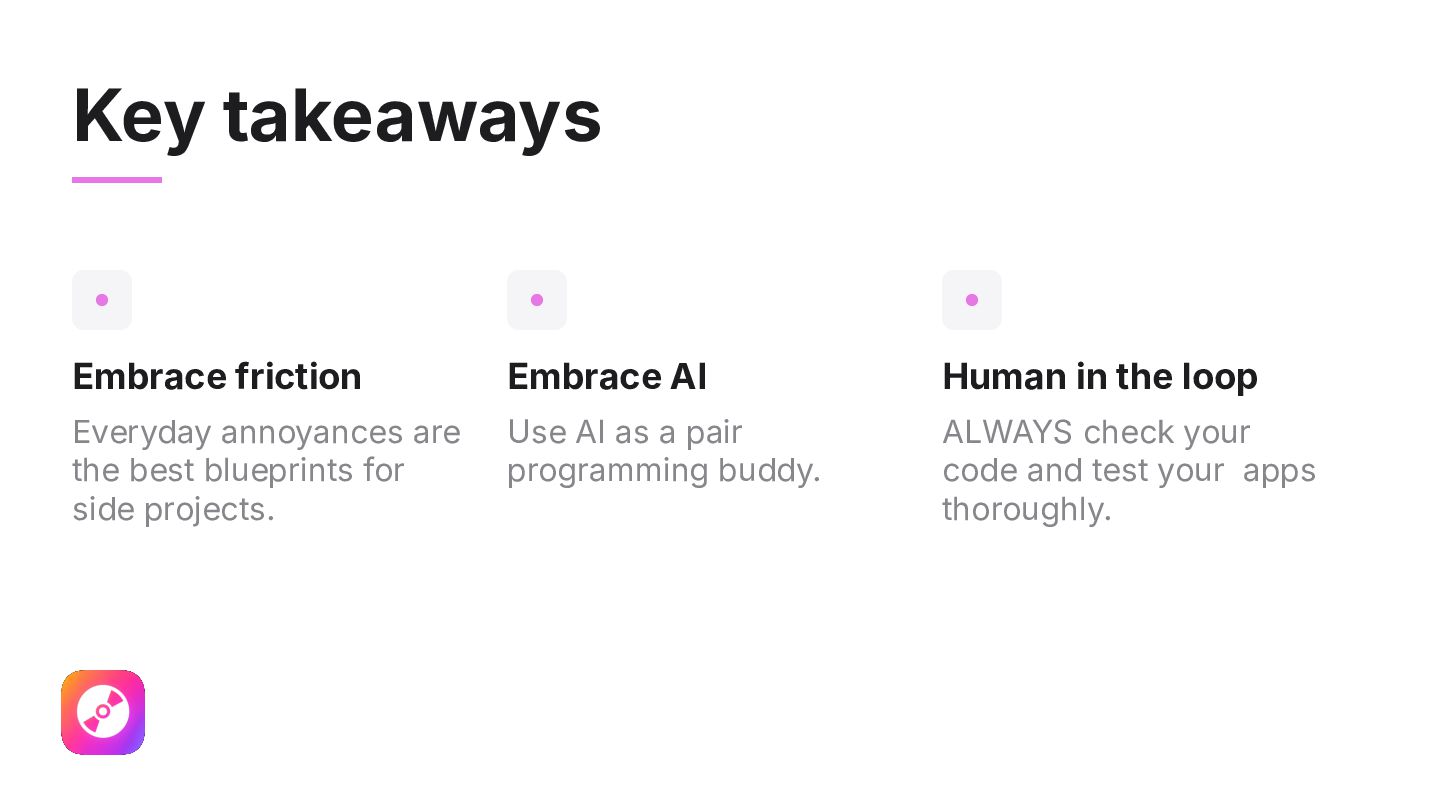
Everyday annoyances are the best blueprints for side projects. Use AI as a pair programming buddy. ALWAYS check your code and test your apps thoroughly.


 marinacoelho
 revsystem
 yuukiyo
 freee
freee
 cmusudakeisuke
 yamahiro
 kentarofujii
 ohorig
 suikabar
 yoshida0129
 sansantech
 finengine
 lara
lara
 mfonobong
 dugsong
 hatefulcrawdad
 skipperchong
 apolaine
 ammeep
 bluesmoon
 reverentgeek
 frankvandijk
 kimpetersen
 cassininazir