Upgrade to Pro — share decks privately, control downloads, hide ads and more …

公開サーバーのセキュリティを考える

Sponsored · SiteGround - Reliable hosting with speed, security, and support you can count on. →

 公開サーバーのセキュリティを考える

Kenichiro MATOHARA

November 22, 2026

Transcript

57 slides
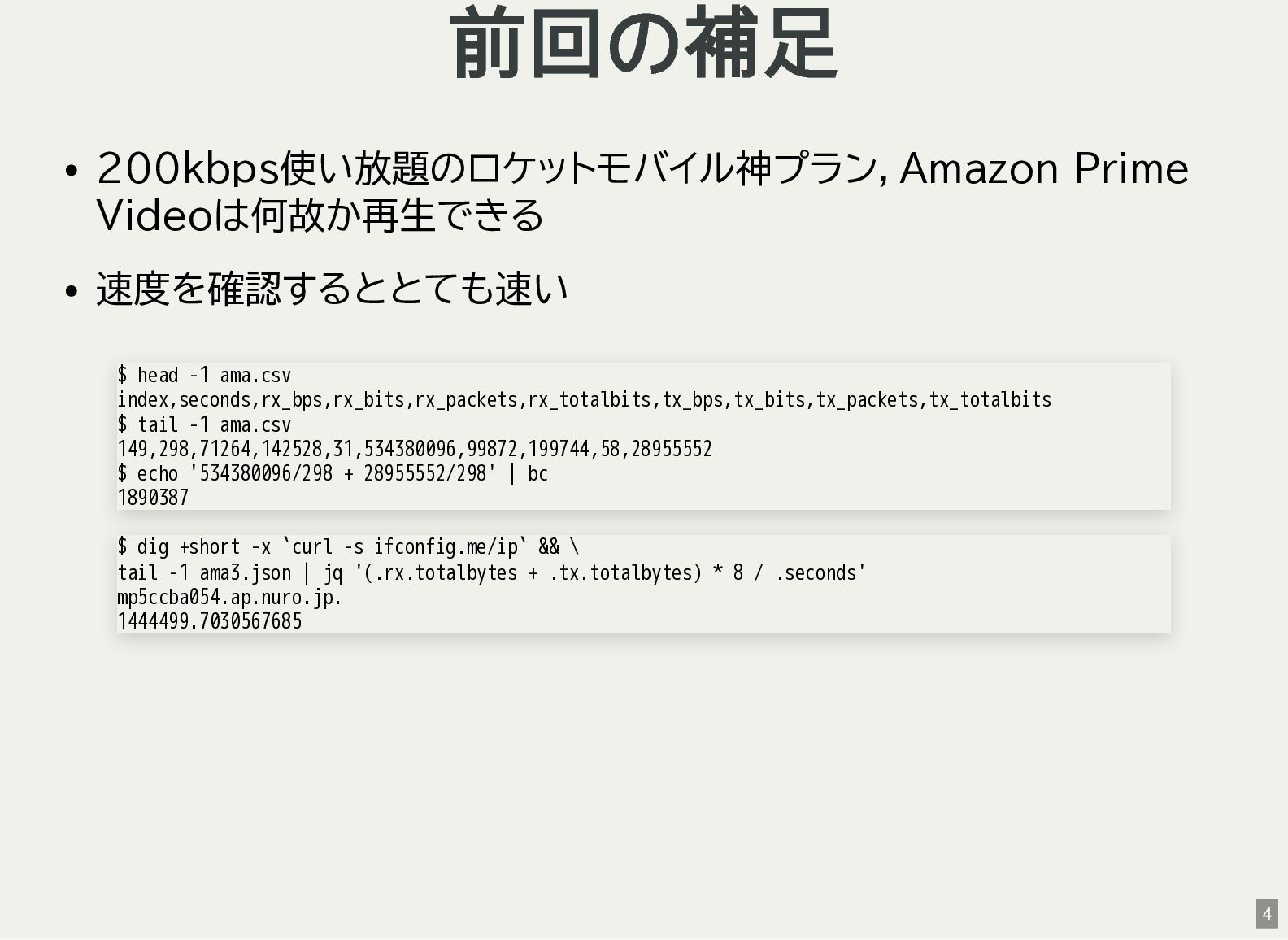
  1. 前回の補足 200kbps使い放題のロケットモバイル神プラン,Amazon Prime Videoは何故か再生できる 速度を確認するととても速い $ head -1 ama.csv index,seconds,rx_bps,rx_bits,rx_packets,rx_totalbits,tx_bps,tx_bits,tx_packets,tx_totalbits

    $ tail -1 ama.csv 149,298,71264,142528,31,534380096,99872,199744,58,28955552 $ echo '534380096/298 + 28955552/298' | bc 1890387 $ dig +short -x `curl -s ifconfig.me/ip` && \ tail -1 ama3.json | jq '(.rx.totalbytes + .tx.totalbytes) * 8 / .seconds' mp5ccba054.ap.nuro.jp. 1444499.7030567685 4
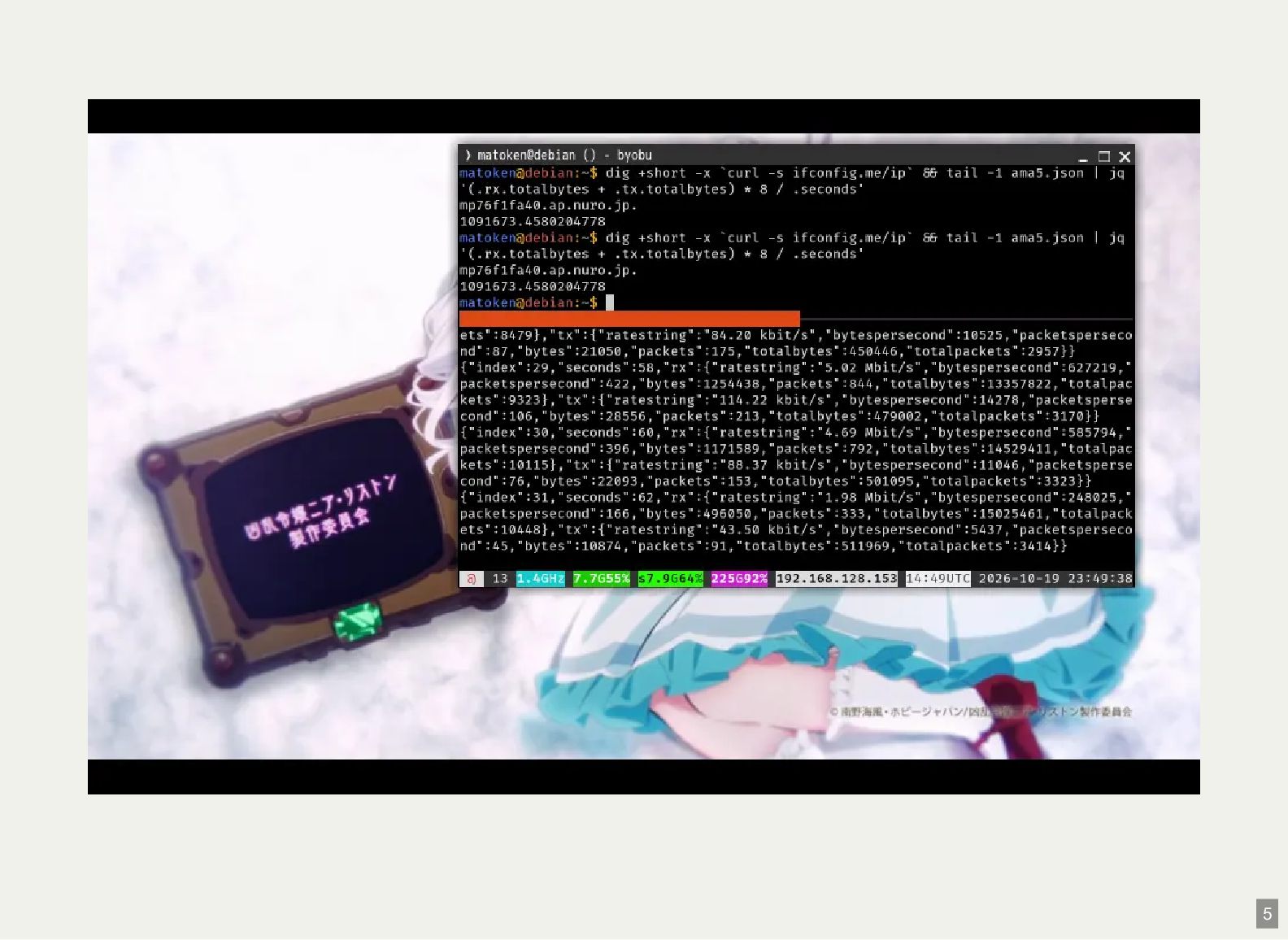
  2. 5

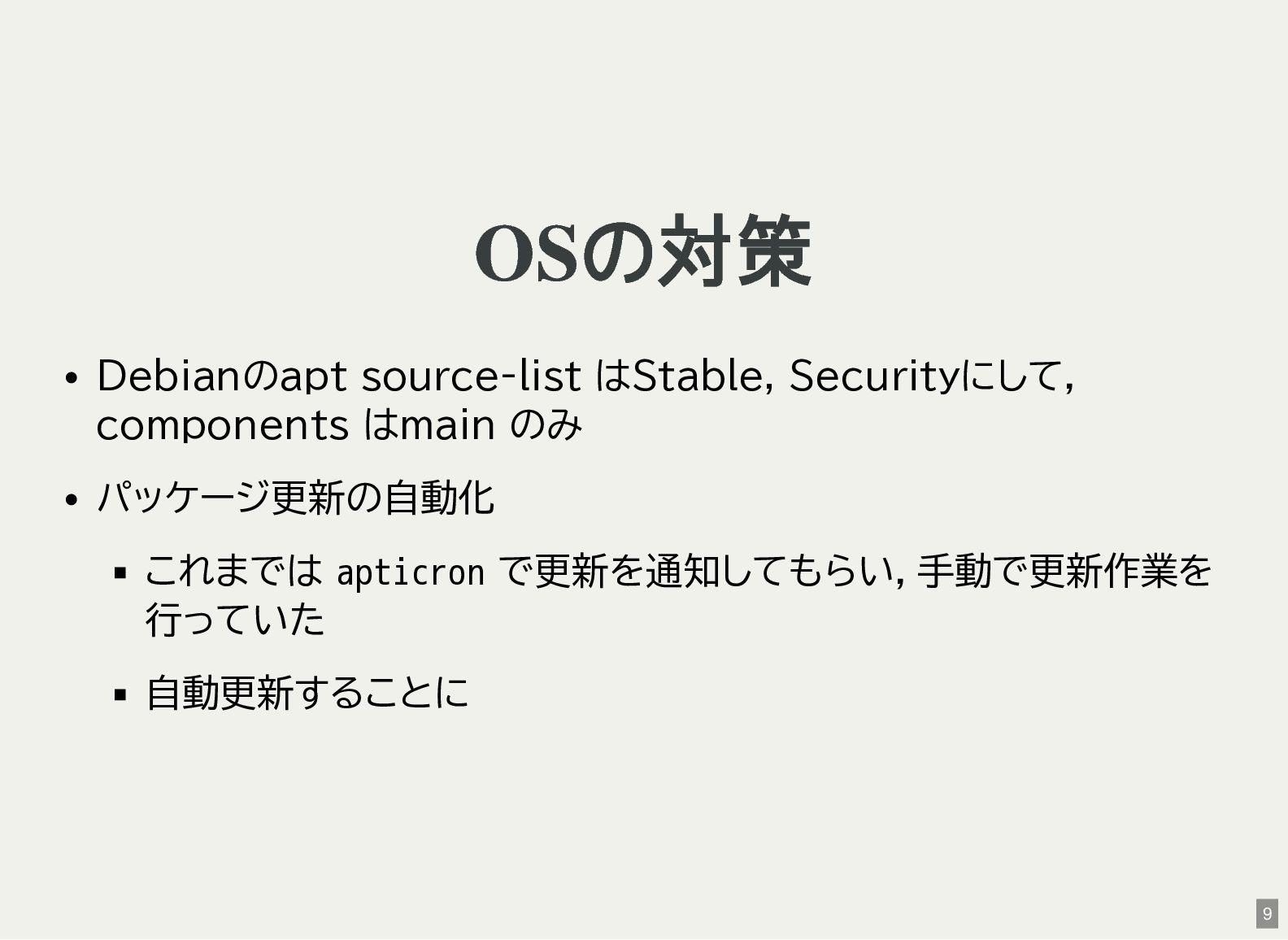
  3. の対策 OS Debianのapt source-list はStable, Securityにして, components はmain のみ パッケージ更新の自動化

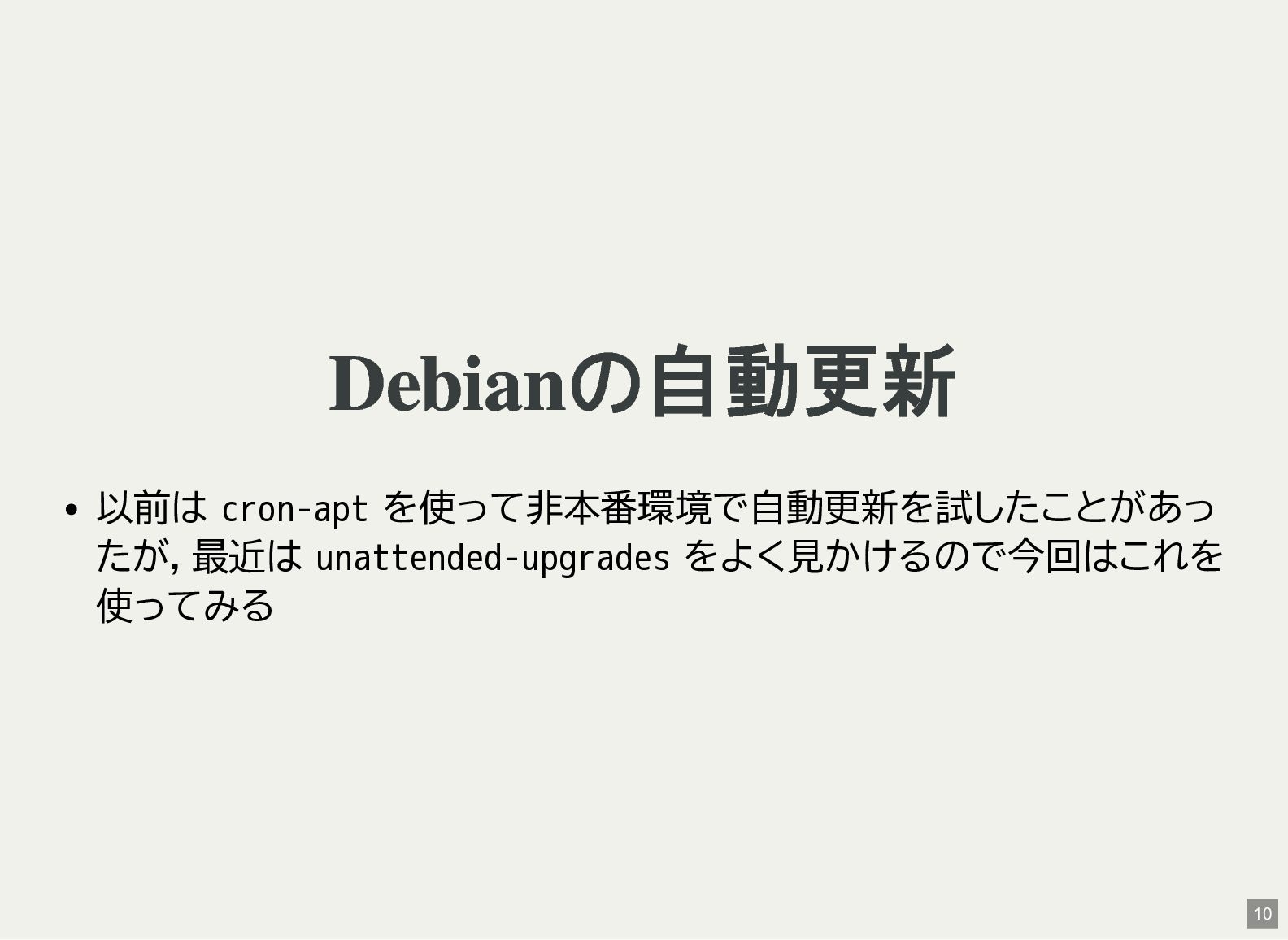
    これまでは apticron で更新を通知してもらい,手動で更新作業を 行っていた 自動更新することに 9
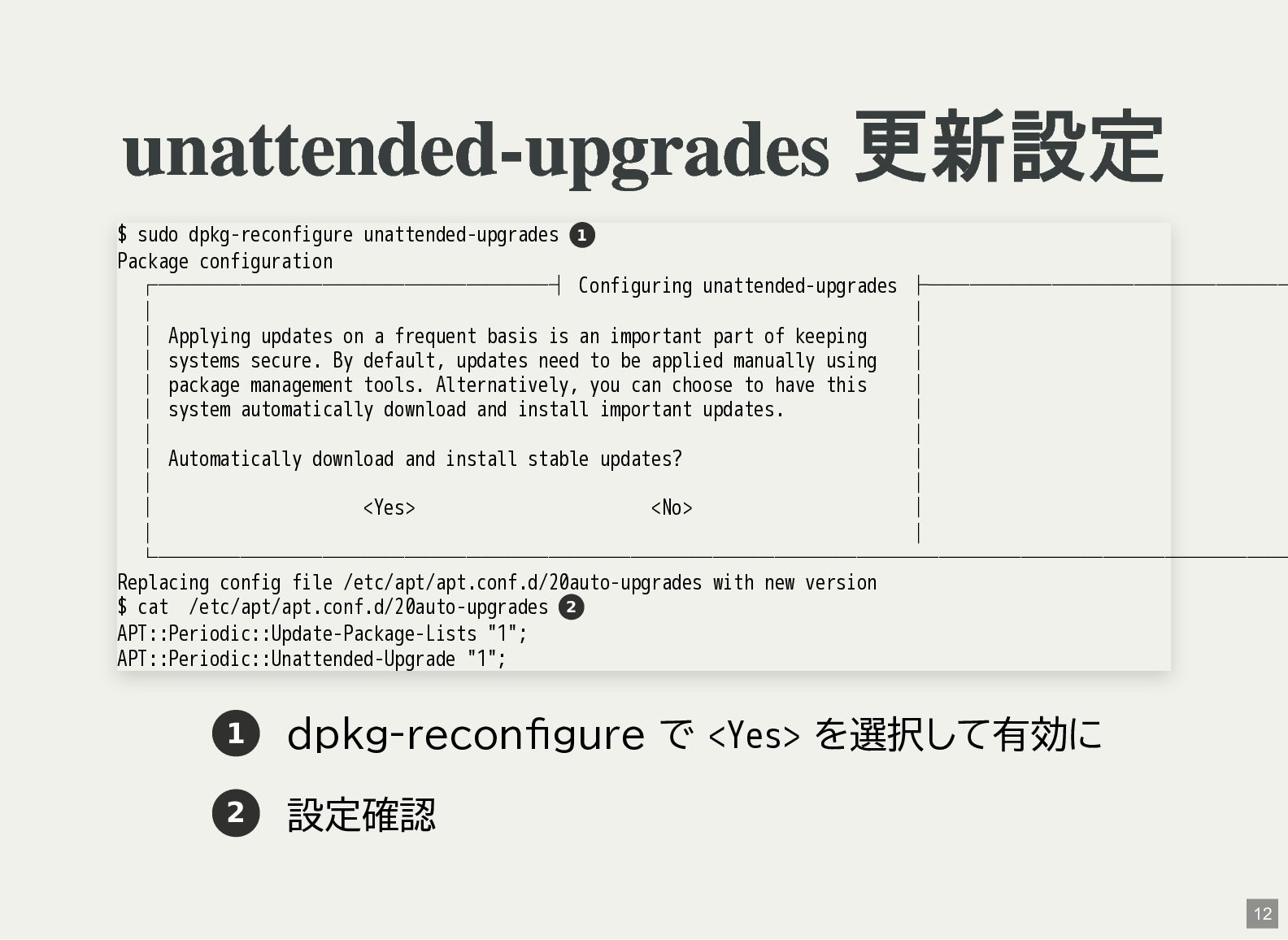
  4. unattended-upgrades 更新設定 $ sudo dpkg-reconfigure unattended-upgrades 1 Package configuration ┌───────────────────┤

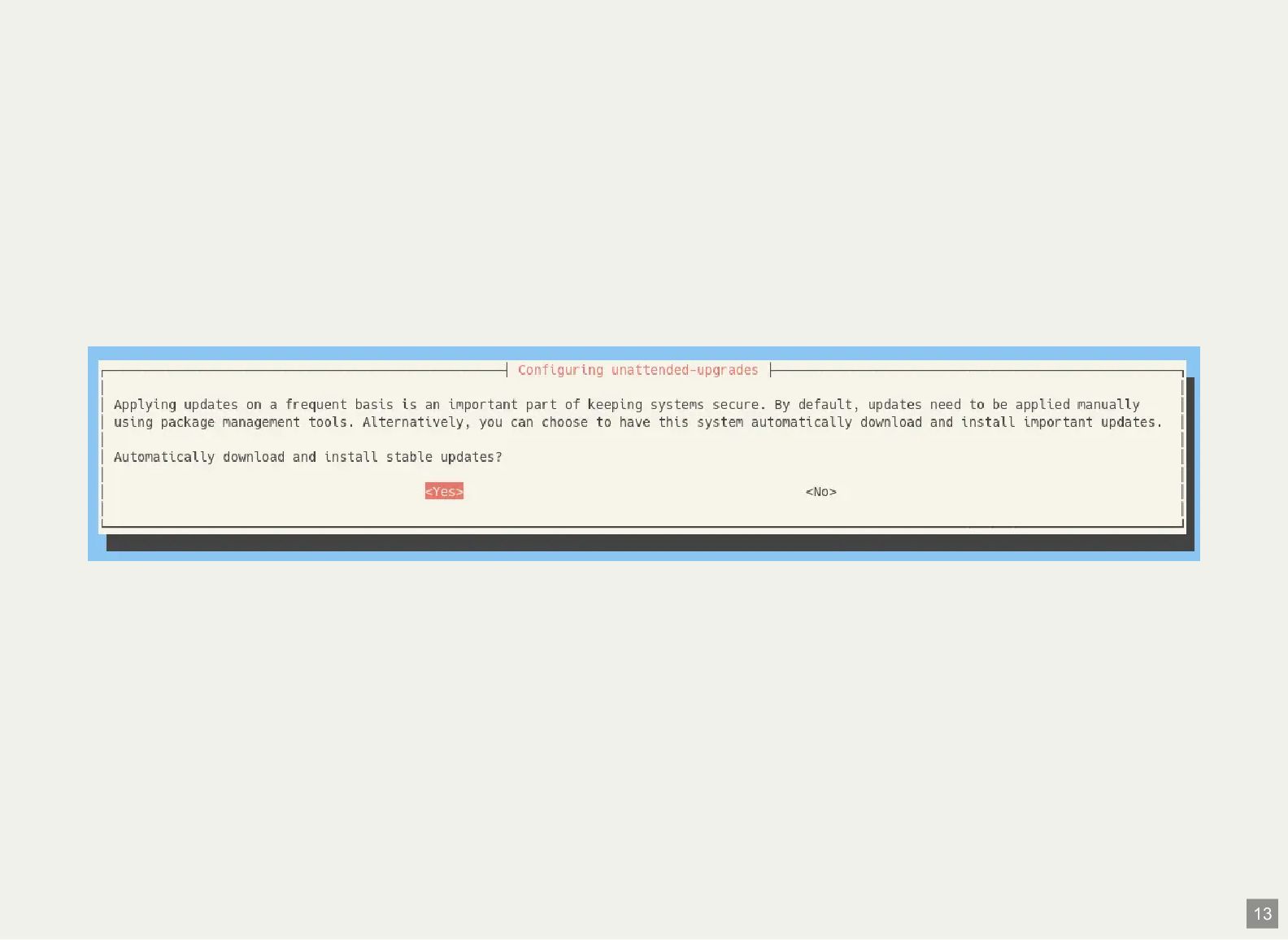
    Configuring unattended-upgrades ├────────────────── │ │ │ Applying updates on a frequent basis is an important part of keeping │ │ systems secure. By default, updates need to be applied manually using │ │ package management tools. Alternatively, you can choose to have this │ │ system automatically download and install important updates. │ │ │ │ Automatically download and install stable updates? │ │ │ │ <Yes> <No> │ │ │ └─────────────────────────────────────────────────────── Replacing config file /etc/apt/apt.conf.d/20auto-upgrades with new version $ cat /etc/apt/apt.conf.d/20auto-upgrades 2 APT::Periodic::Update-Package-Lists "1"; APT::Periodic::Unattended-Upgrade "1"; 1 dpkg-reconfigure で <Yes> を選択して有効に 2 設定確認 12
  5. 13

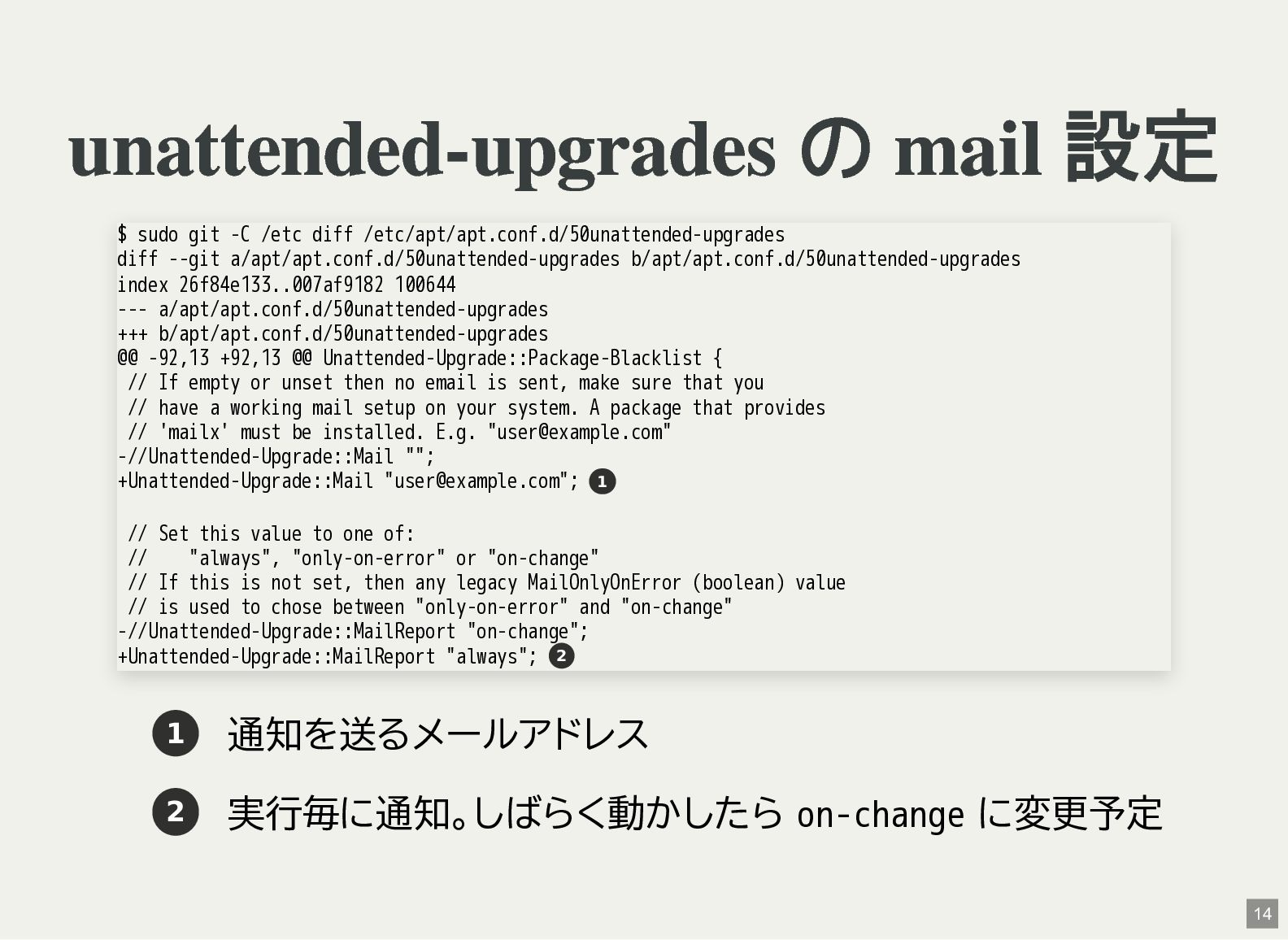
  6. unattended-upgrades の mail 設定 $ sudo git -C /etc diff

    /etc/apt/apt.conf.d/50unattended-upgrades diff --git a/apt/apt.conf.d/50unattended-upgrades b/apt/apt.conf.d/50unattended-upgrades index 26f84e133..007af9182 100644 --- a/apt/apt.conf.d/50unattended-upgrades +++ b/apt/apt.conf.d/50unattended-upgrades @@ -92,13 +92,13 @@ Unattended-Upgrade::Package-Blacklist { // If empty or unset then no email is sent, make sure that you // have a working mail setup on your system. A package that provides // 'mailx' must be installed. E.g. "[email protected]" -//Unattended-Upgrade::Mail ""; +Unattended-Upgrade::Mail "[email protected]"; 1 // Set this value to one of: // "always", "only-on-error" or "on-change" // If this is not set, then any legacy MailOnlyOnError (boolean) value // is used to chose between "only-on-error" and "on-change" -//Unattended-Upgrade::MailReport "on-change"; +Unattended-Upgrade::MailReport "always"; 2 1 通知を送るメールアドレス 2 実行毎に通知。しばらく動かしたら on-change に変更予定 14
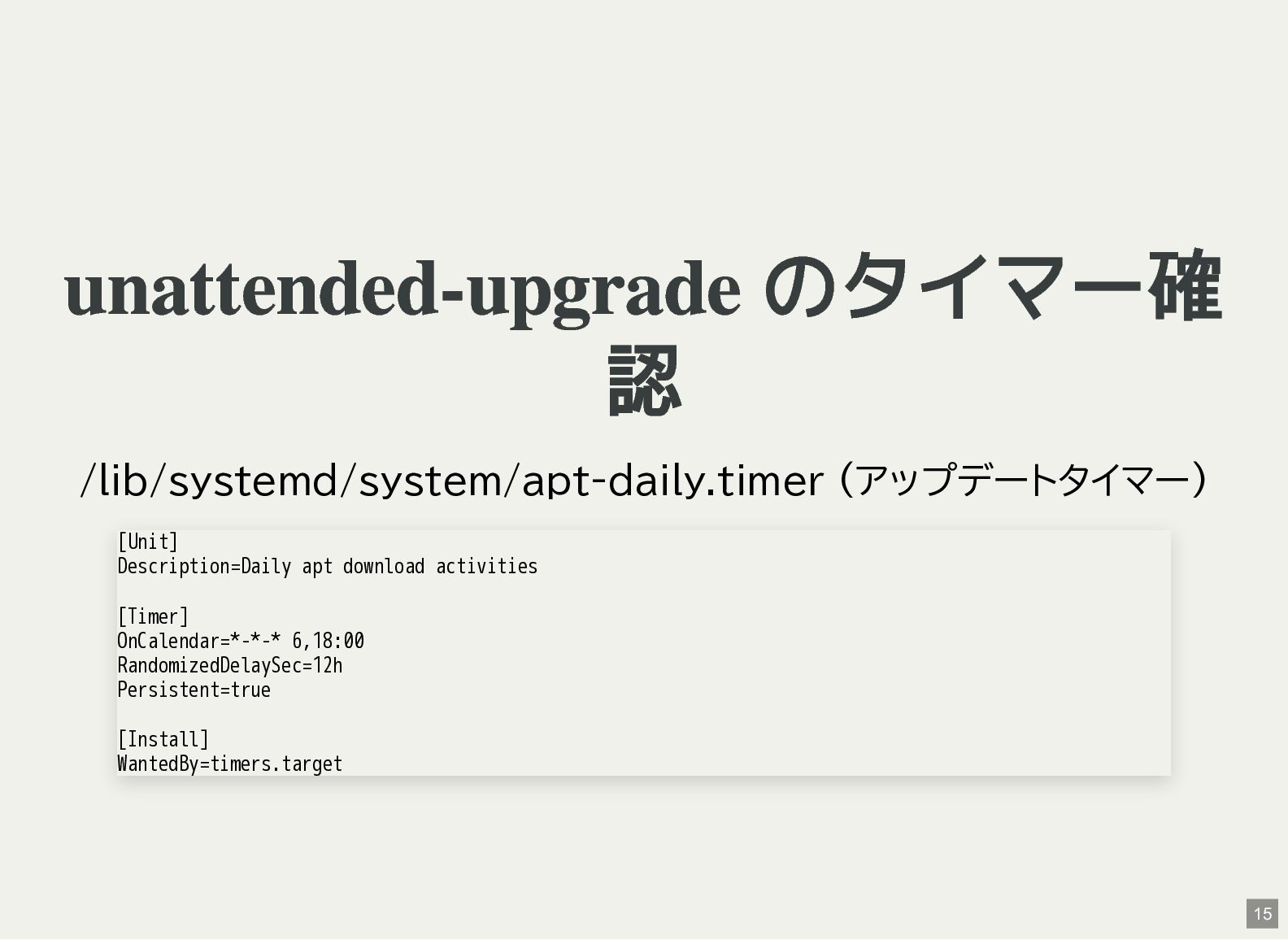
  7. unattended-upgrade 認 のタイマー確 /lib/systemd/system/apt-daily.timer (アップデートタイマー) [Unit] Description=Daily apt download activities

    [Timer] OnCalendar=*-*-* 6,18:00 RandomizedDelaySec=12h Persistent=true [Install] WantedBy=timers.target 15
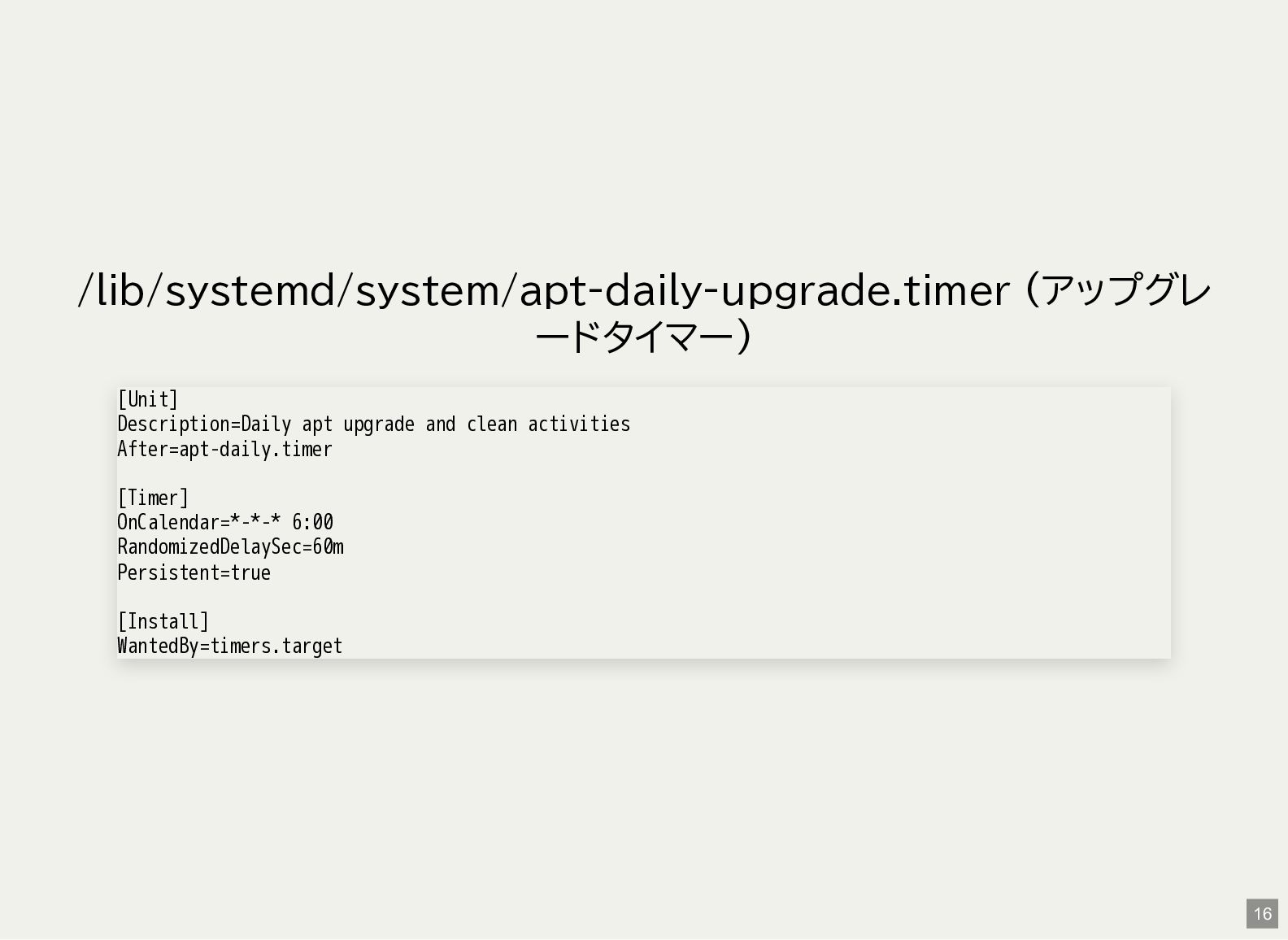
  8. /lib/systemd/system/apt-daily-upgrade.timer (アップグレ ードタイマー) [Unit] Description=Daily apt upgrade and clean activities

    After=apt-daily.timer [Timer] OnCalendar=*-*-* 6:00 RandomizedDelaySec=60m Persistent=true [Install] WantedBy=timers.target 16
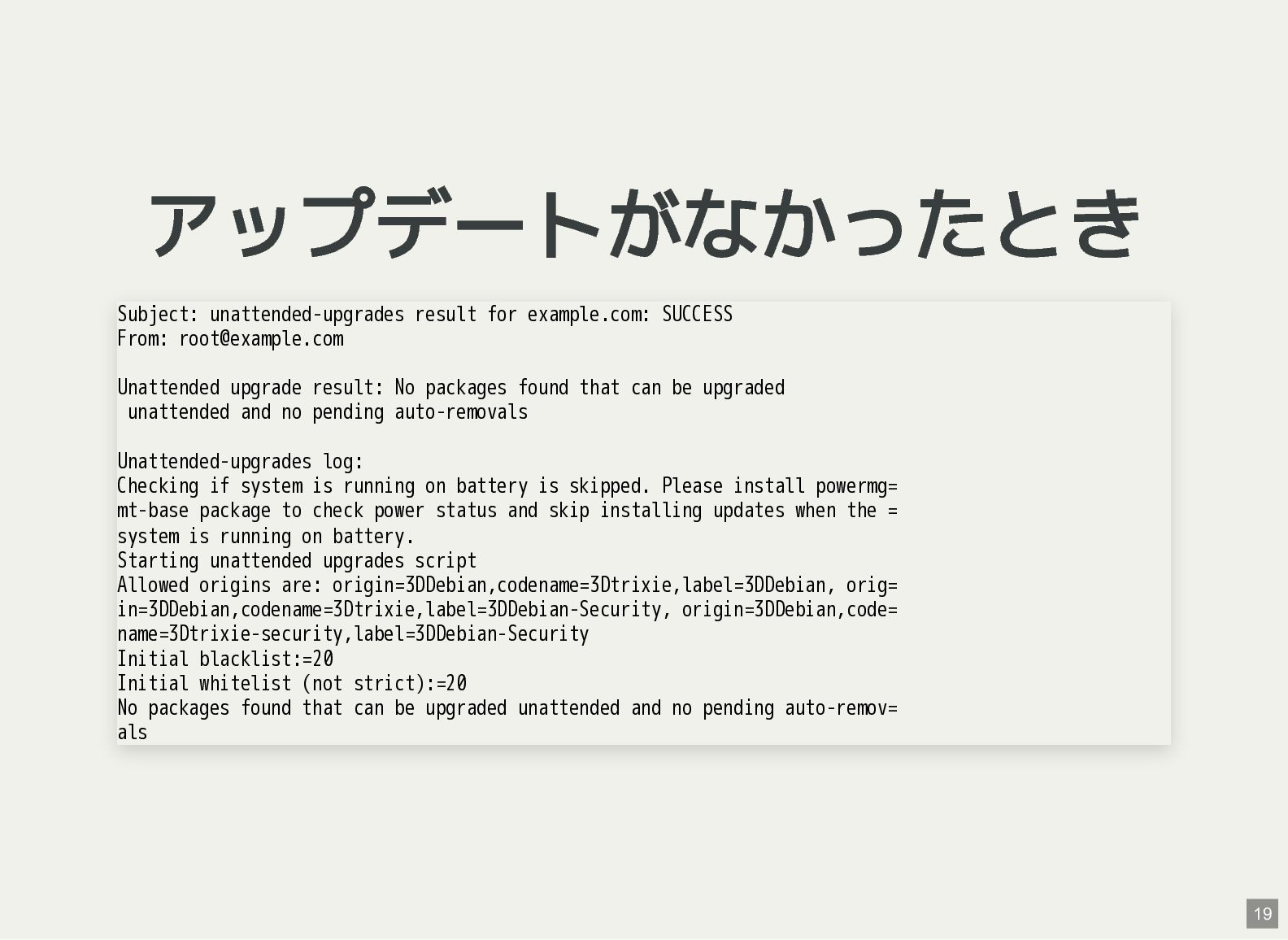
  9. アップデートがなかったとき Subject: unattended-upgrades result for example.com: SUCCESS From: [email protected] Unattended

    upgrade result: No packages found that can be upgraded unattended and no pending auto-removals Unattended-upgrades log: Checking if system is running on battery is skipped. Please install powermg= mt-base package to check power status and skip installing updates when the = system is running on battery. Starting unattended upgrades script Allowed origins are: origin=3DDebian,codename=3Dtrixie,label=3DDebian, orig= in=3DDebian,codename=3Dtrixie,label=3DDebian-Security, origin=3DDebian,code= name=3Dtrixie-security,label=3DDebian-Security Initial blacklist:=20 Initial whitelist (not strict):=20 No packages found that can be upgraded unattended and no pending auto-remov= als 19
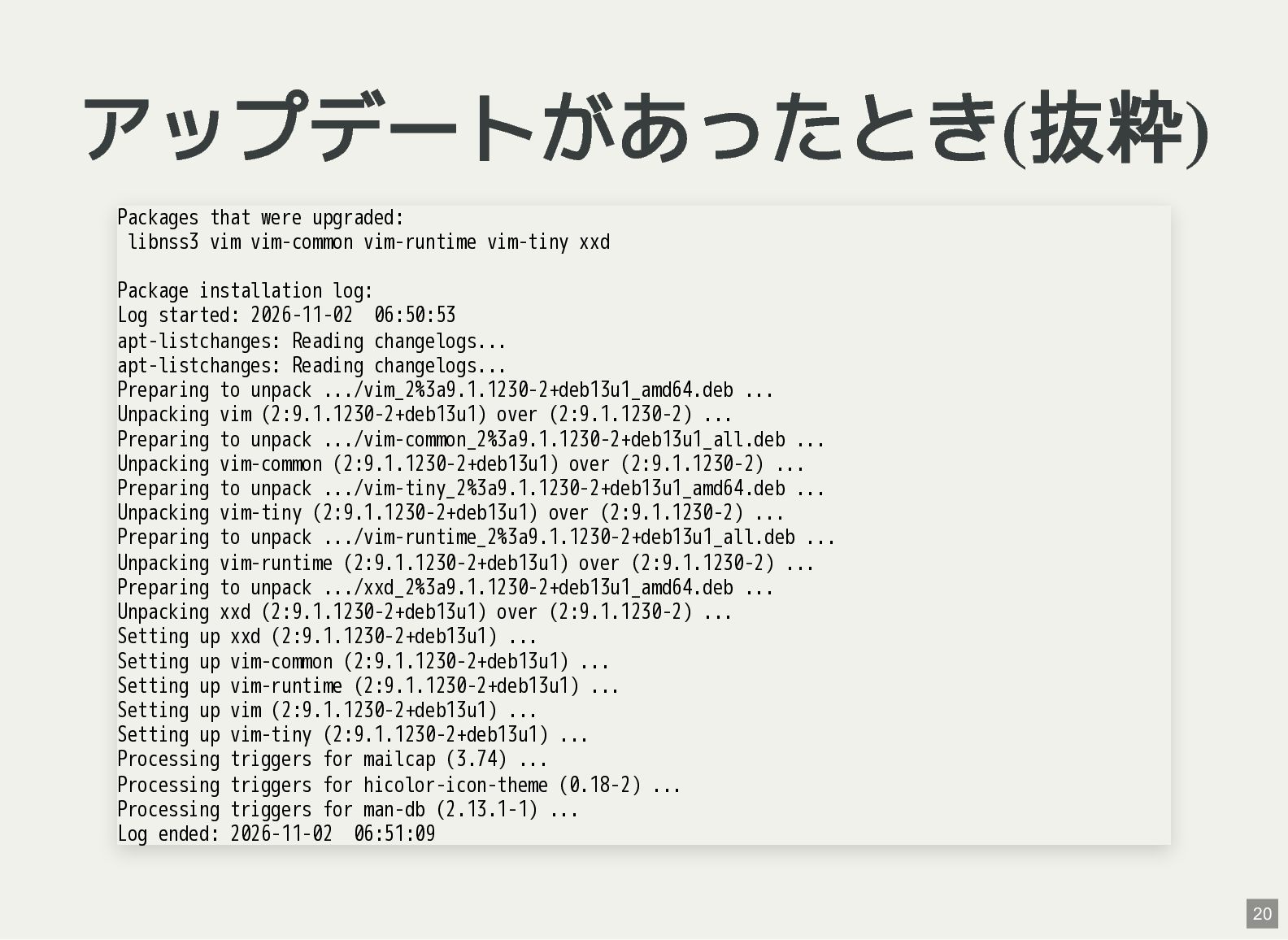
  10. アップデートがあったとき(抜粋) Packages that were upgraded: libnss3 vim vim-common vim-runtime vim-tiny

    xxd Package installation log: Log started: 2026-11-02 06:50:53 apt-listchanges: Reading changelogs... apt-listchanges: Reading changelogs... Preparing to unpack .../vim_2%3a9.1.1230-2+deb13u1_amd64.deb ... Unpacking vim (2:9.1.1230-2+deb13u1) over (2:9.1.1230-2) ... Preparing to unpack .../vim-common_2%3a9.1.1230-2+deb13u1_all.deb ... Unpacking vim-common (2:9.1.1230-2+deb13u1) over (2:9.1.1230-2) ... Preparing to unpack .../vim-tiny_2%3a9.1.1230-2+deb13u1_amd64.deb ... Unpacking vim-tiny (2:9.1.1230-2+deb13u1) over (2:9.1.1230-2) ... Preparing to unpack .../vim-runtime_2%3a9.1.1230-2+deb13u1_all.deb ... Unpacking vim-runtime (2:9.1.1230-2+deb13u1) over (2:9.1.1230-2) ... Preparing to unpack .../xxd_2%3a9.1.1230-2+deb13u1_amd64.deb ... Unpacking xxd (2:9.1.1230-2+deb13u1) over (2:9.1.1230-2) ... Setting up xxd (2:9.1.1230-2+deb13u1) ... Setting up vim-common (2:9.1.1230-2+deb13u1) ... Setting up vim-runtime (2:9.1.1230-2+deb13u1) ... Setting up vim (2:9.1.1230-2+deb13u1) ... Setting up vim-tiny (2:9.1.1230-2+deb13u1) ... Processing triggers for mailcap (3.74) ... Processing triggers for hicolor-icon-theme (0.18-2) ... Processing triggers for man-db (2.13.1-1) ... Log ended: 2026-11-02 06:51:09 20
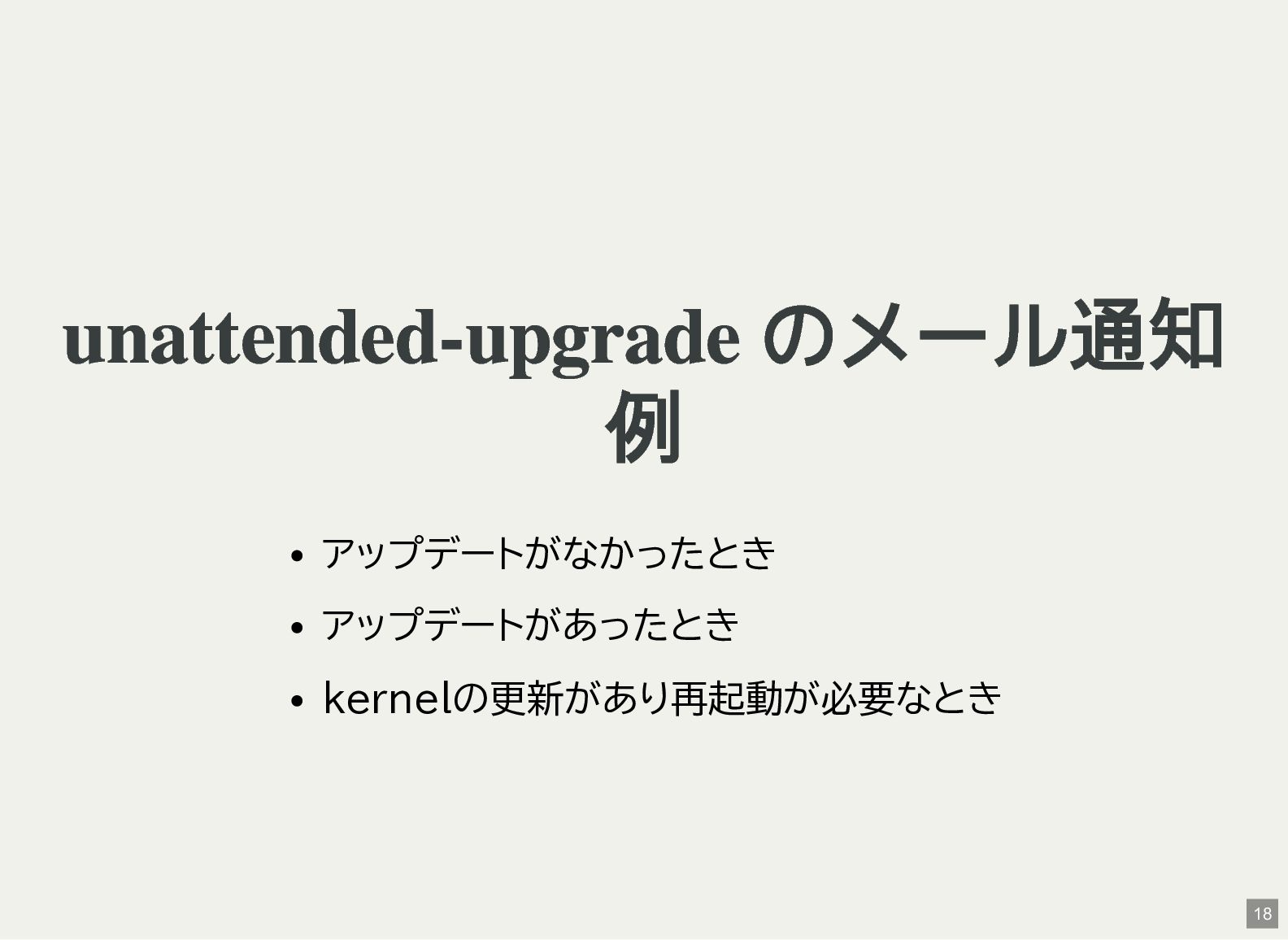
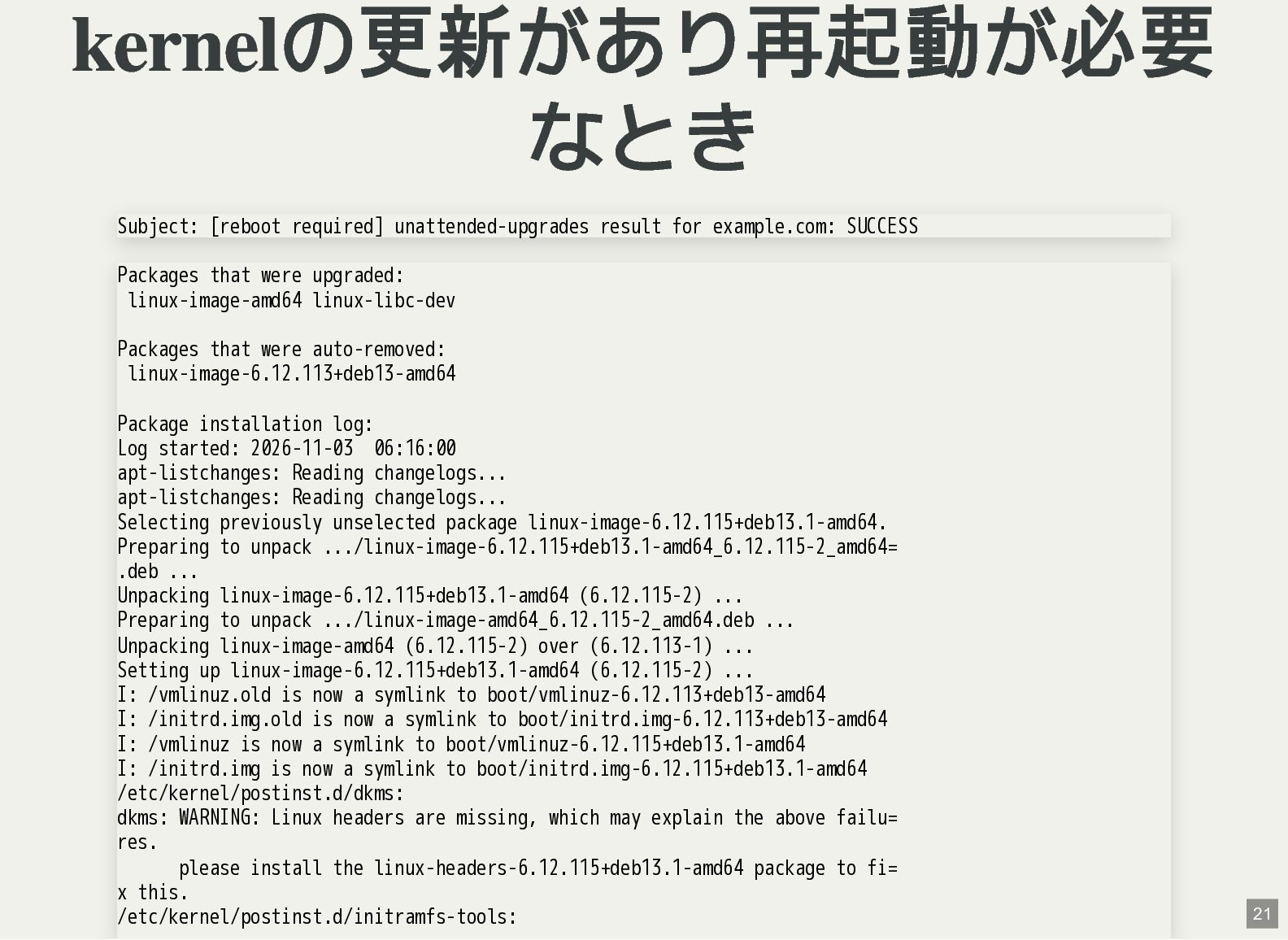
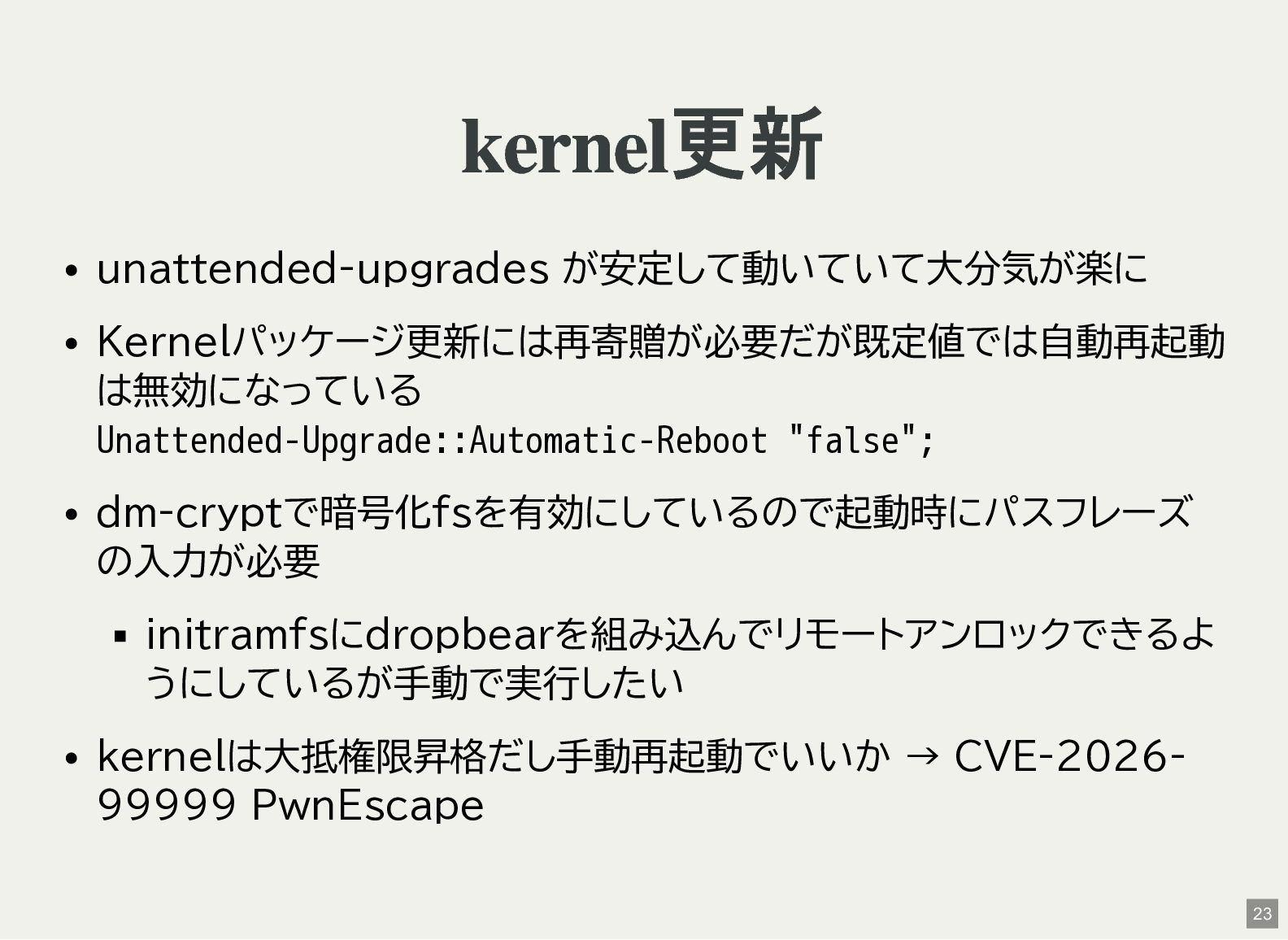
  11. の更新があり再起動が必要 なとき kernel Subject: [reboot required] unattended-upgrades result for example.com:

    SUCCESS Packages that were upgraded: linux-image-amd64 linux-libc-dev Packages that were auto-removed: linux-image-6.12.113+deb13-amd64 Package installation log: Log started: 2026-11-03 06:16:00 apt-listchanges: Reading changelogs... apt-listchanges: Reading changelogs... Selecting previously unselected package linux-image-6.12.115+deb13.1-amd64. Preparing to unpack .../linux-image-6.12.115+deb13.1-amd64_6.12.115-2_amd64= .deb ... Unpacking linux-image-6.12.115+deb13.1-amd64 (6.12.115-2) ... Preparing to unpack .../linux-image-amd64_6.12.115-2_amd64.deb ... Unpacking linux-image-amd64 (6.12.115-2) over (6.12.113-1) ... Setting up linux-image-6.12.115+deb13.1-amd64 (6.12.115-2) ... I: /vmlinuz.old is now a symlink to boot/vmlinuz-6.12.113+deb13-amd64 I: /initrd.img.old is now a symlink to boot/initrd.img-6.12.113+deb13-amd64 I: /vmlinuz is now a symlink to boot/vmlinuz-6.12.115+deb13.1-amd64 I: /initrd.img is now a symlink to boot/initrd.img-6.12.115+deb13.1-amd64 /etc/kernel/postinst.d/dkms: dkms: WARNING: Linux headers are missing, which may explain the above failu= res. please install the linux-headers-6.12.115+deb13.1-amd64 package to fi= x this. /etc/kernel/postinst.d/initramfs-tools: 21
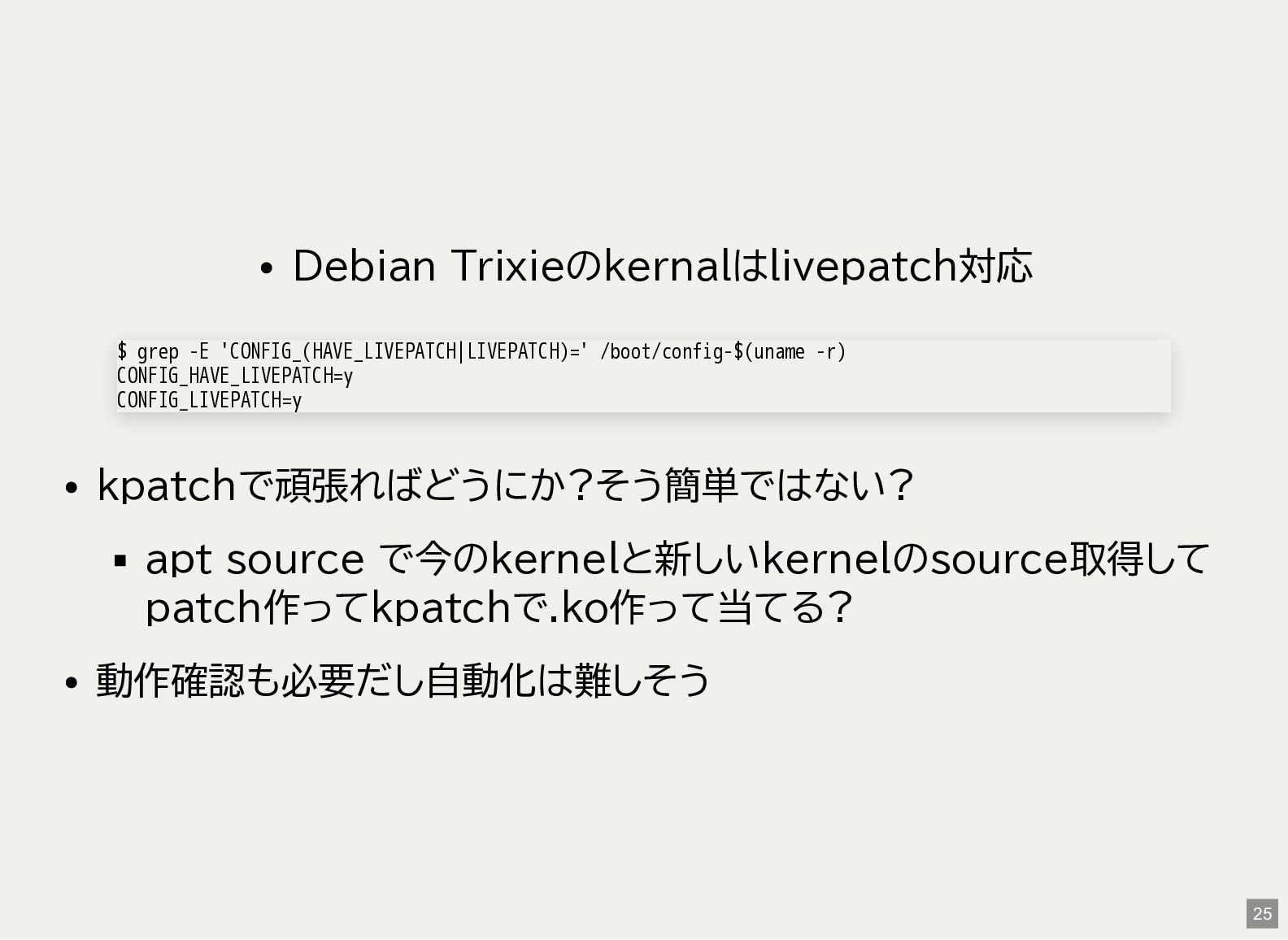
  12. Debian Trixieのkernalはlivepatch対応 $ grep -E 'CONFIG_(HAVE_LIVEPATCH|LIVEPATCH)=' /boot/config-$(uname -r) CONFIG_HAVE_LIVEPATCH=y CONFIG_LIVEPATCH=y

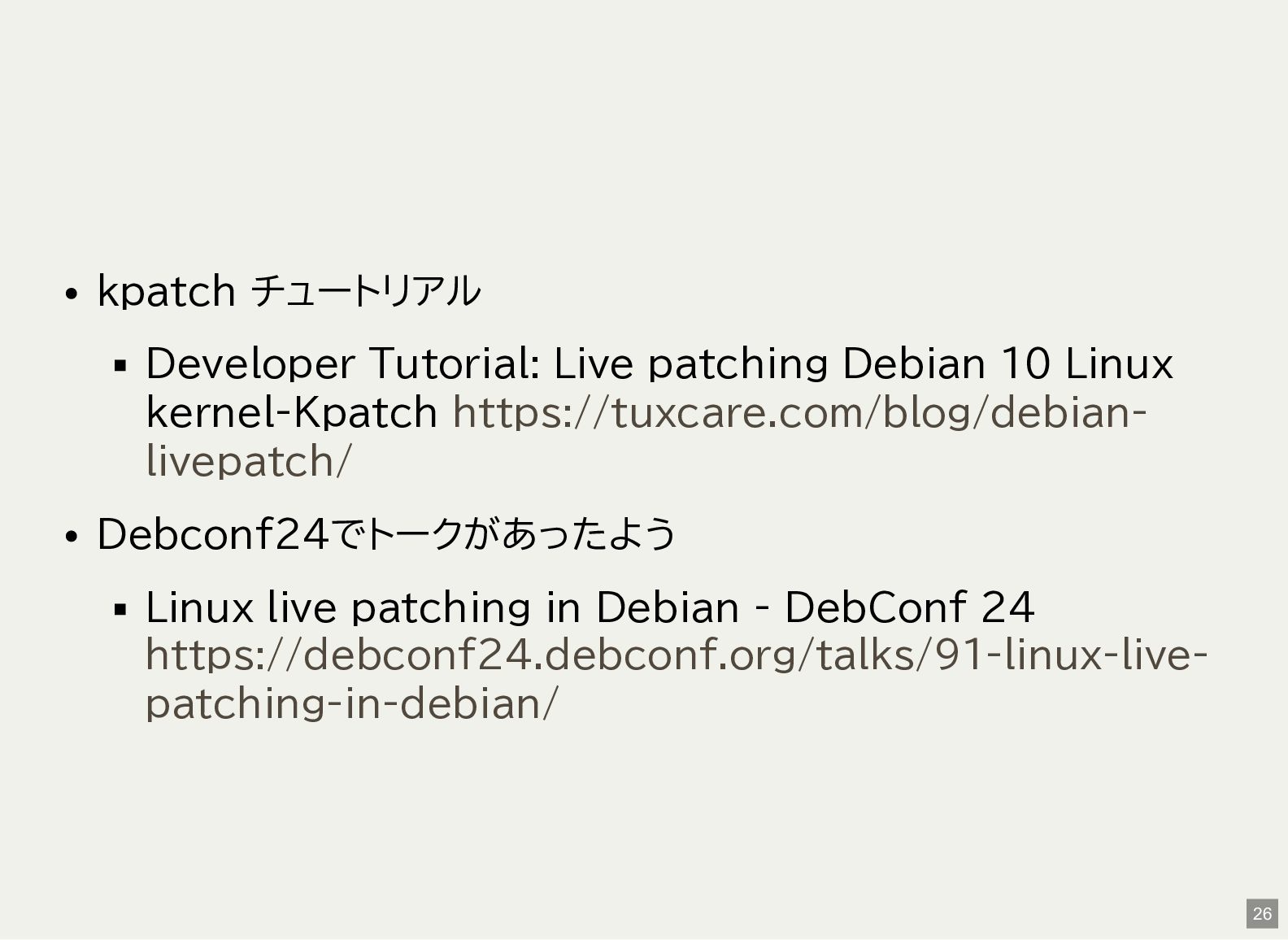
    kpatchで頑張ればどうにか?そう簡単ではない? apt source で今のkernelと新しいkernelのsource取得して patch作ってkpatchで.ko作って当てる? 動作確認も必要だし自動化は難しそう 25
  13. kpatch チュートリアル Developer Tutorial: Live patching Debian 10 Linux kernel-Kpatch

    https://tuxcare.com/blog/debianlivepatch/ Debconf24でトークがあったよう Linux live patching in Debian - DebConf 24 https://debconf24.debconf.org/talks/91-linux-livepatching-in-debian/ 26
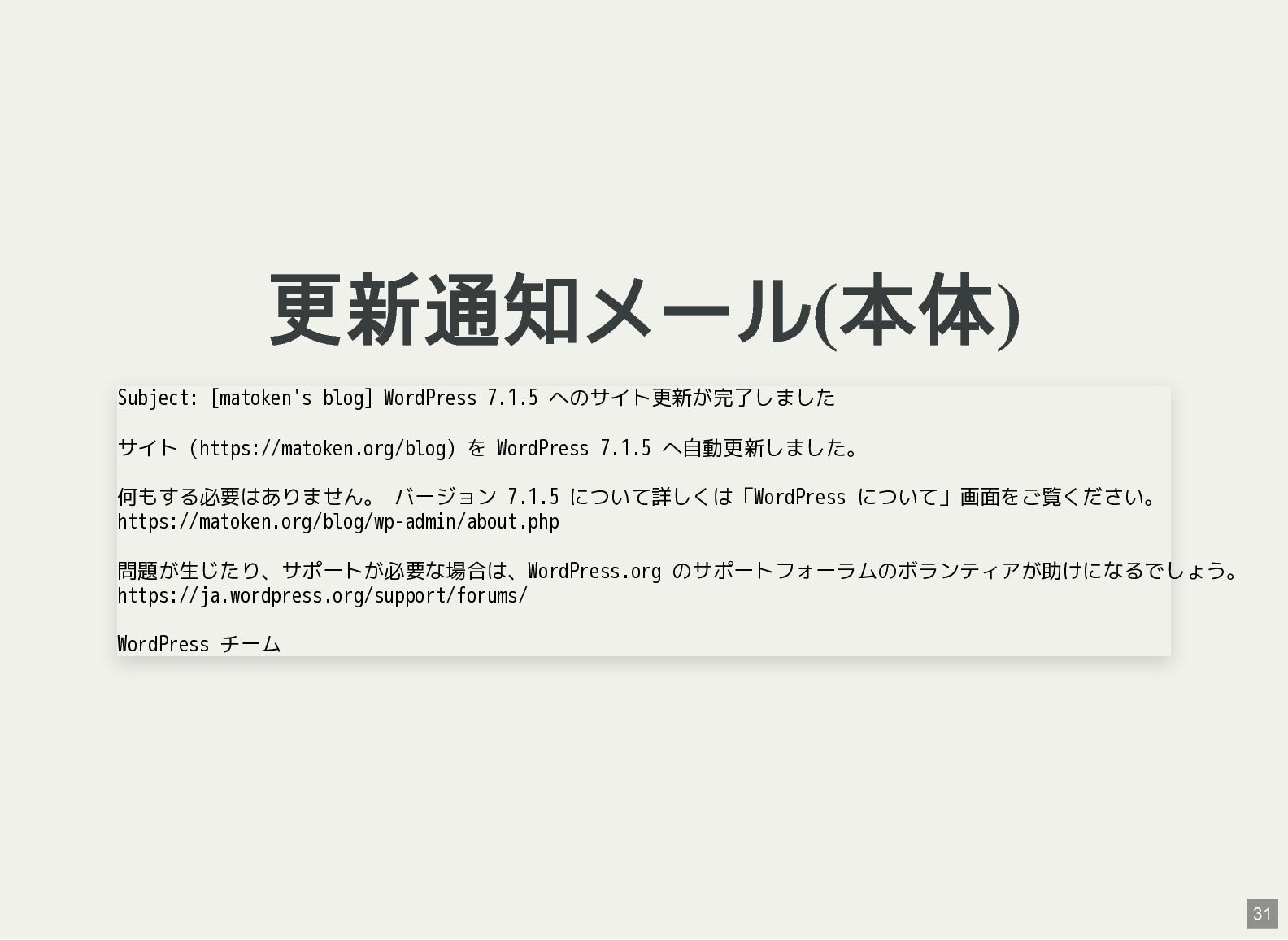
  14. 更新通知メール(本体) Subject: [matoken's blog] WordPress 7.1.5 へのサイト更新が完了しました サイト (https://matoken.org/blog) を

    WordPress 7.1.5 へ自動更新しました。 何もする必要はありません。 バージョン 7.1.5 について詳しくは「WordPress について」画面をご覧ください。 https://matoken.org/blog/wp-admin/about.php 問題が生じたり、サポートが必要な場合は、WordPress.org のサポートフォーラムのボランティアが助けになるでしょう。 https://ja.wordpress.org/support/forums/ WordPress チーム 31
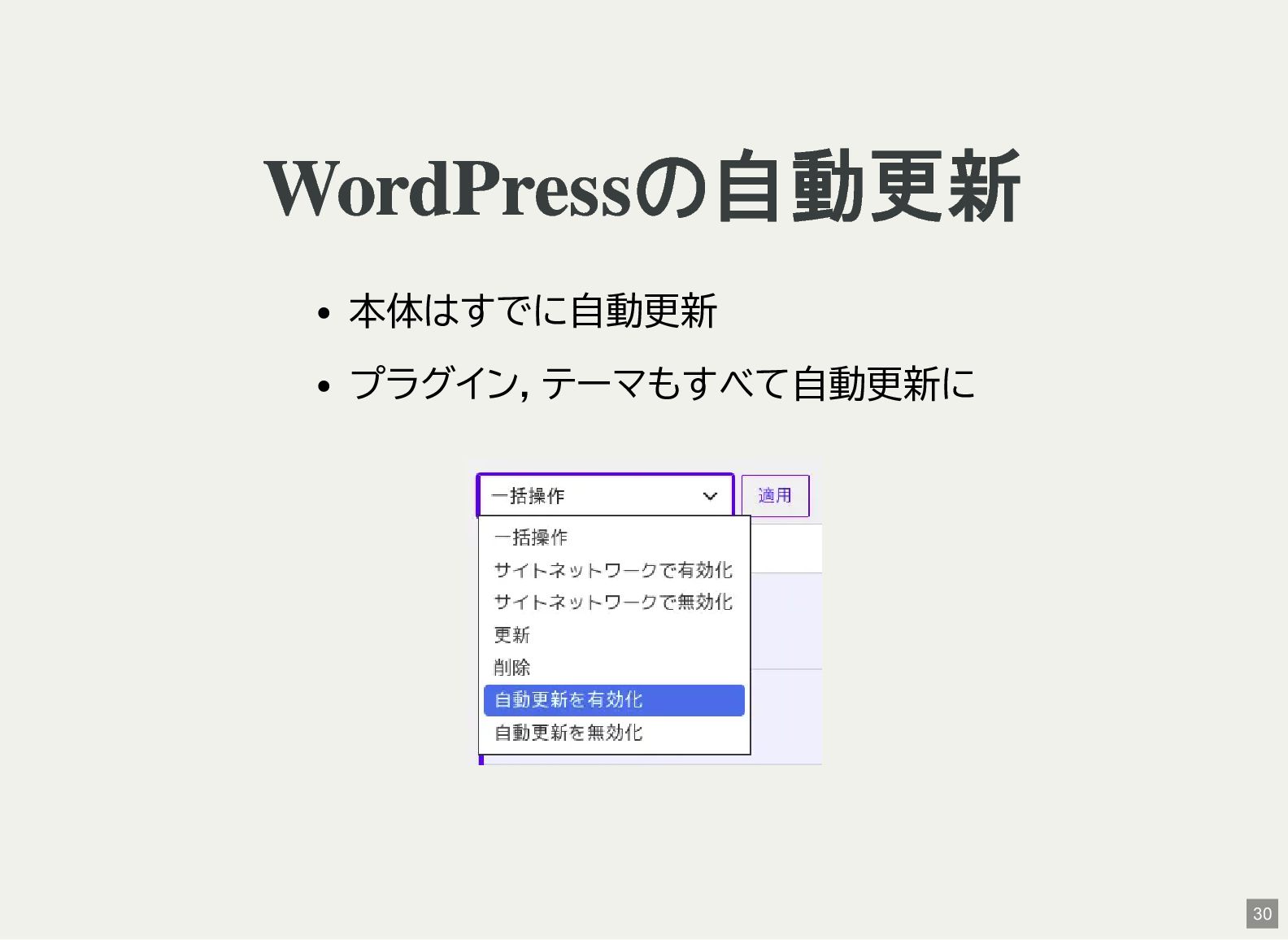
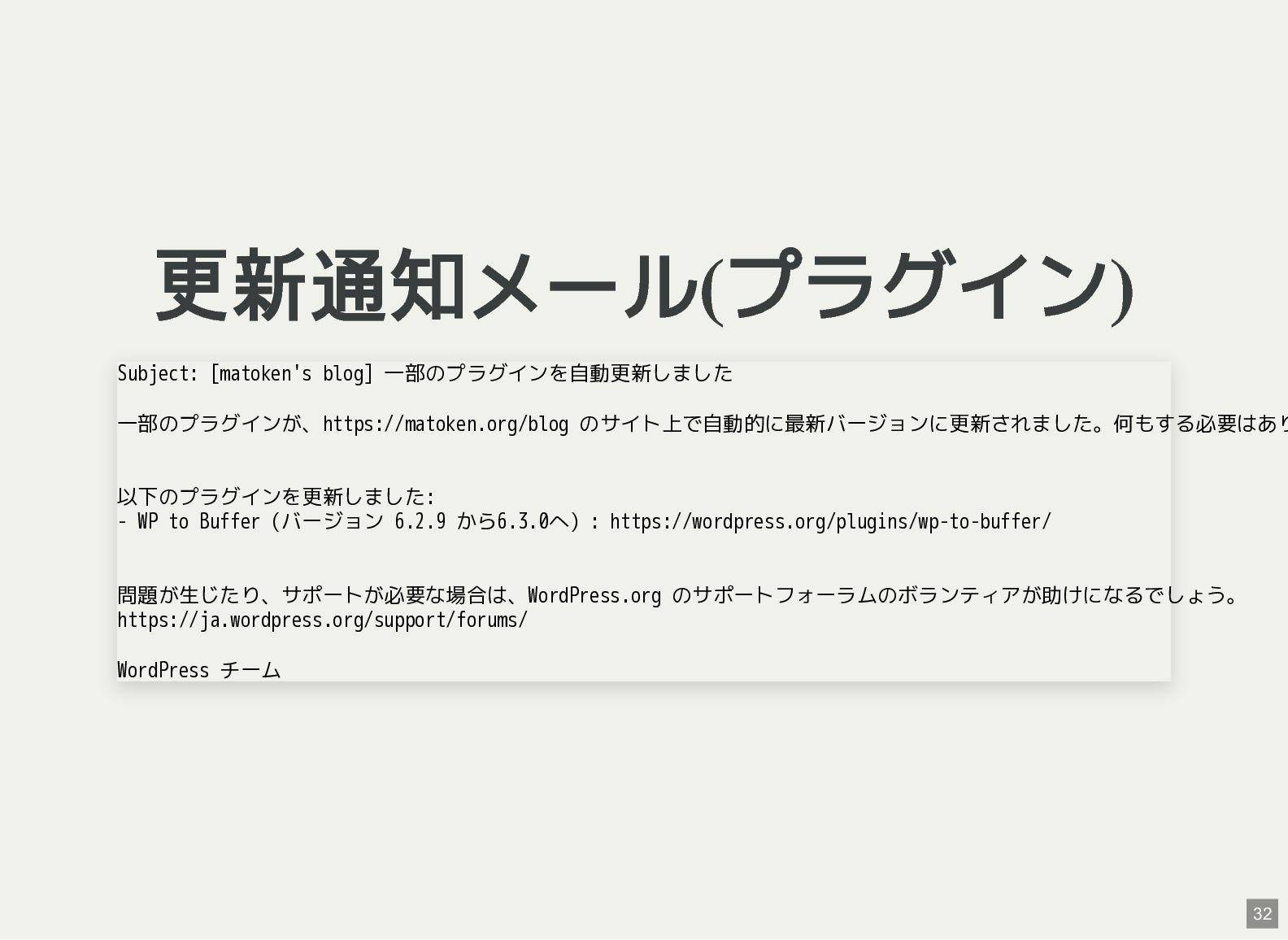
  15. 更新通知メール(プラグイン) Subject: [matoken's blog] 一部のプラグインを自動更新しました 一部のプラグインが、https://matoken.org/blog のサイト上で自動的に最新バージョンに更新されました。何もする必要はあり 以下のプラグインを更新しました: - WP

    to Buffer (バージョン 6.2.9 から6.3.0へ) : https://wordpress.org/plugins/wp-to-buffer/ 問題が生じたり、サポートが必要な場合は、WordPress.org のサポートフォーラムのボランティアが助けになるでしょう。 https://ja.wordpress.org/support/forums/ WordPress チーム 32
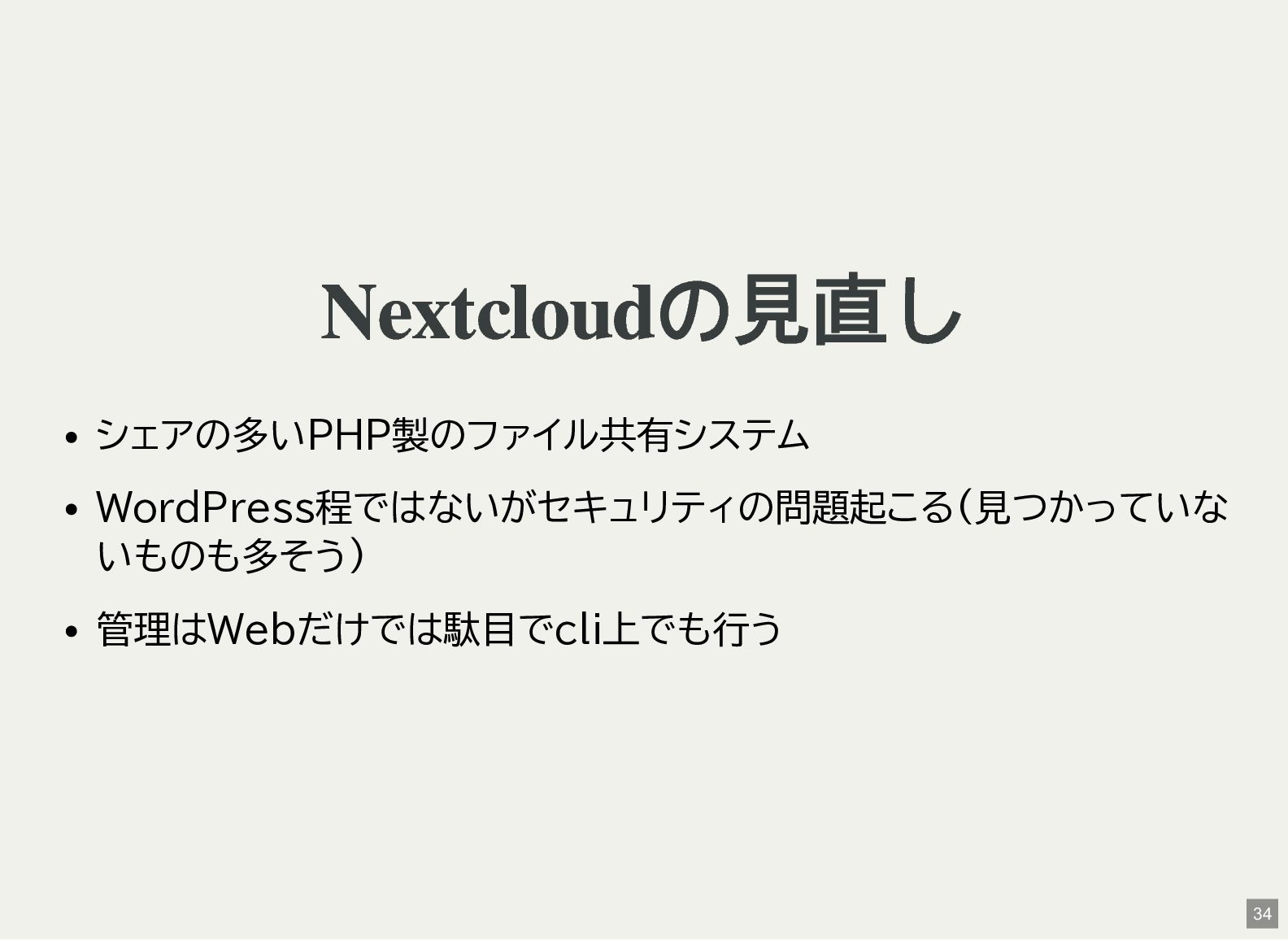
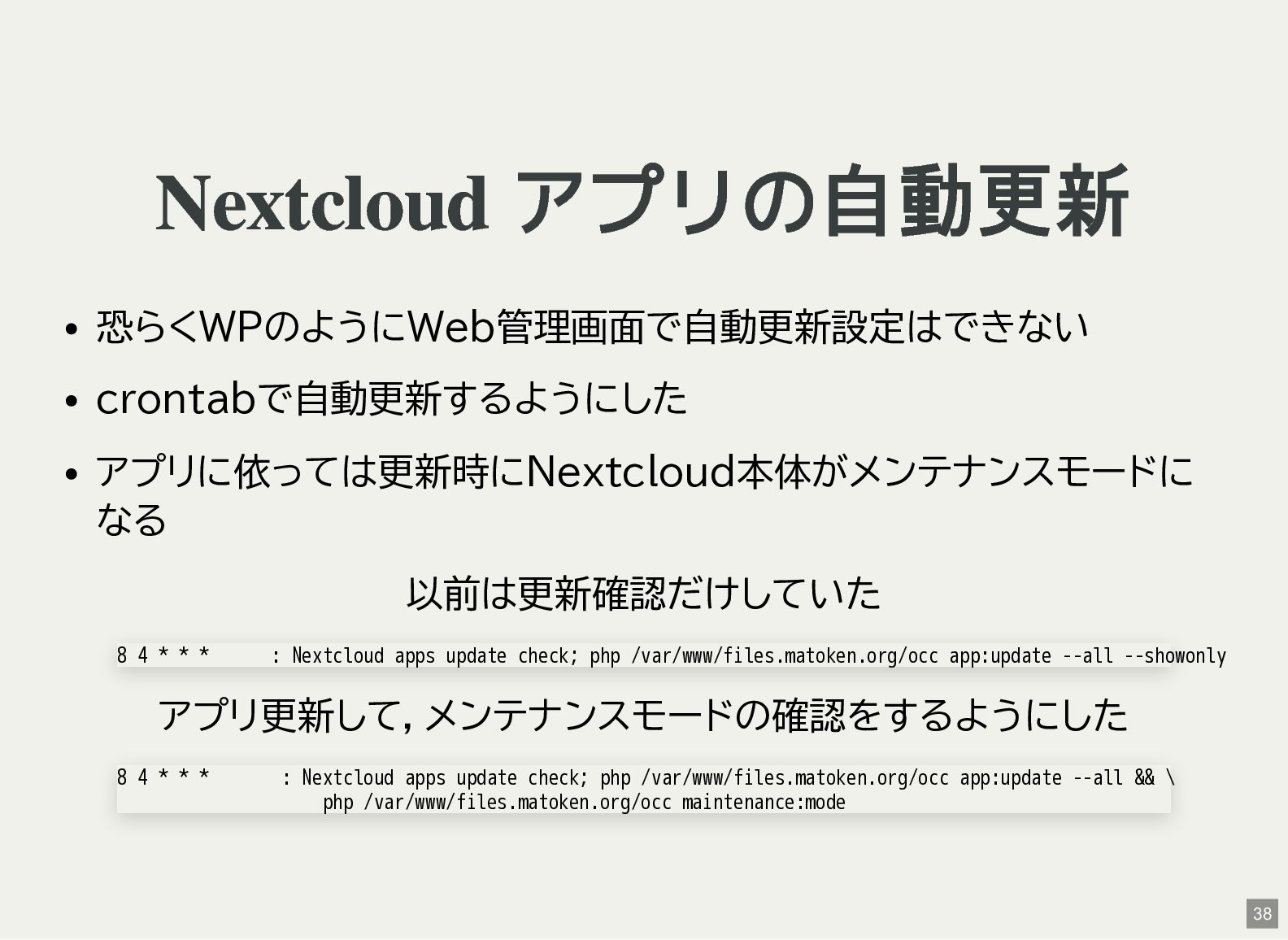
  16. Nextcloud アプリの自動更新 恐らくWPのようにWeb管理画面で自動更新設定はできない crontabで自動更新するようにした アプリに依っては更新時にNextcloud本体がメンテナンスモードに なる 以前は更新確認だけしていた 8 4 *

    * * : Nextcloud apps update check; php /var/www/files.matoken.org/occ app:update --all --showonly アプリ更新して,メンテナンスモードの確認をするようにした 8 4 * * * : Nextcloud apps update check; php /var/www/files.matoken.org/occ app:update --all && \ php /var/www/files.matoken.org/occ maintenance:mode 38
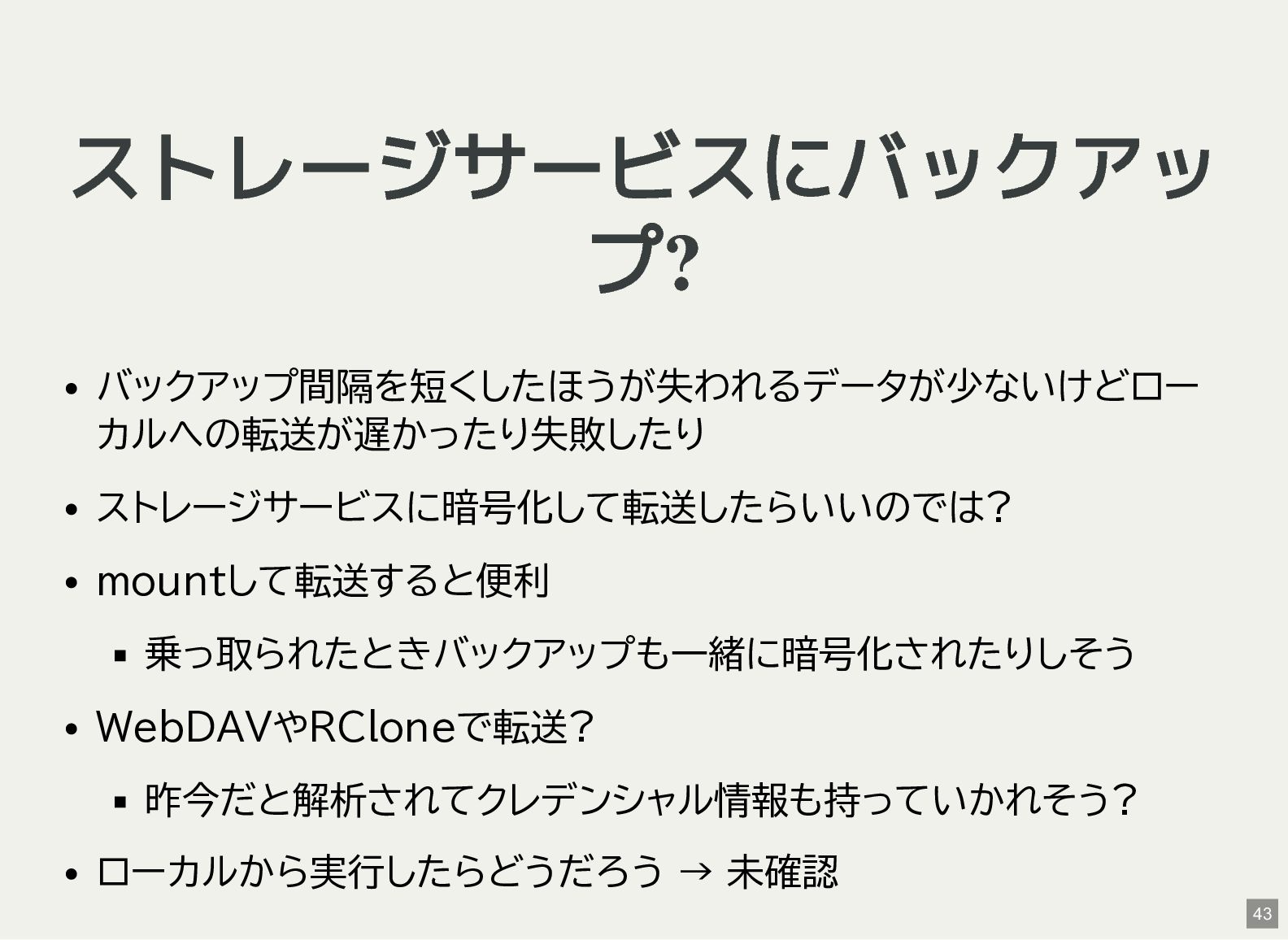
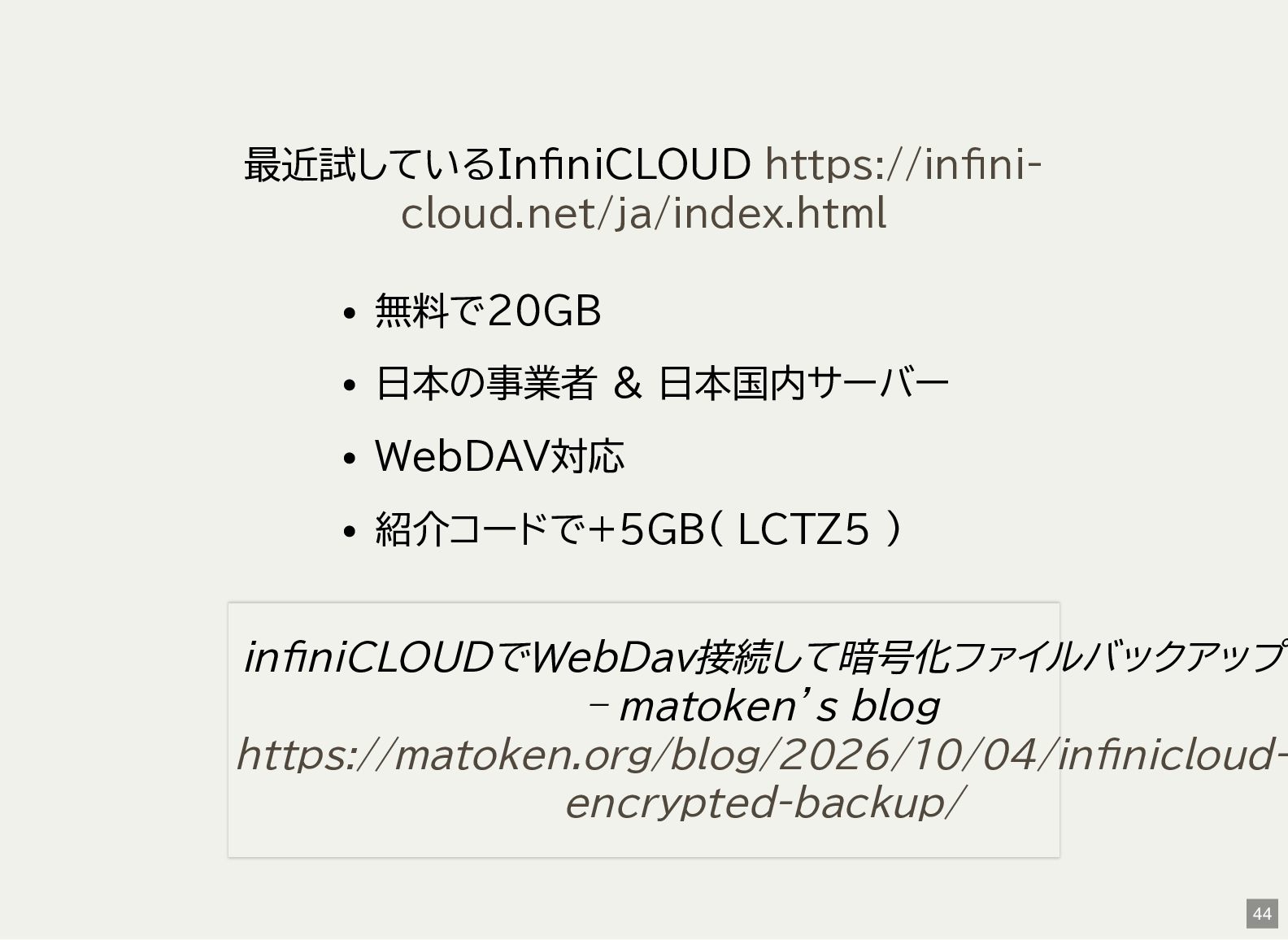
  17. 最近試しているInfiniCLOUD https://infinicloud.net/ja/index.html 無料で20GB 日本の事業者 & 日本国内サーバー WebDAV対応 紹介コードで+5GB( LCTZ5 )

    infiniCLOUDでWebDav接続して暗号化ファイルバックアップ – matoken’s blog https://matoken.org/blog/2026/10/04/infinicloudencrypted-backup/ 44
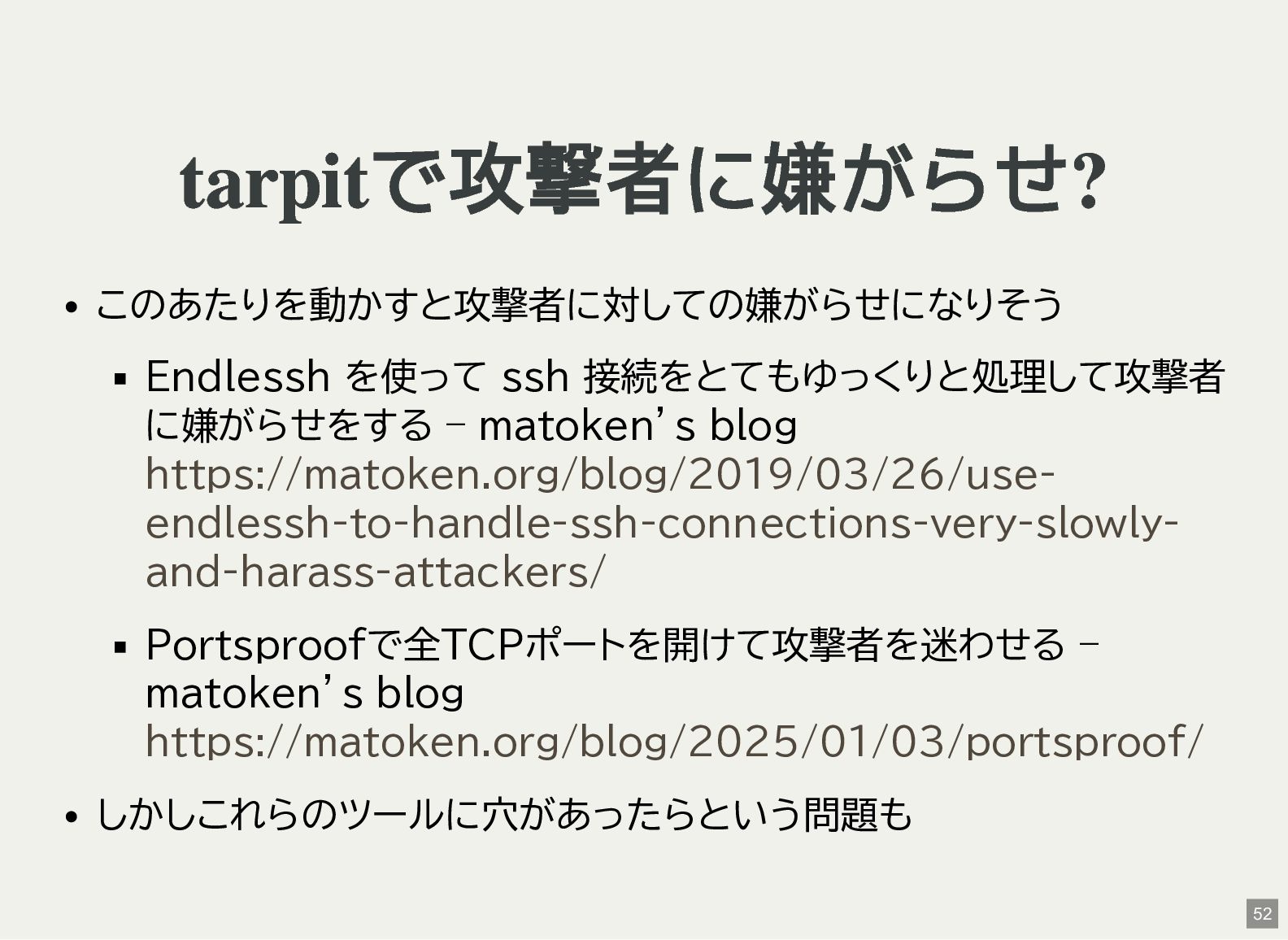
  18. で攻撃者に嫌がらせ? tarpit このあたりを動かすと攻撃者に対しての嫌がらせになりそう Endlessh を使って ssh 接続をとてもゆっくりと処理して攻撃者 に嫌がらせをする – matoken’s

    blog https://matoken.org/blog/2019/03/26/useendlessh-to-handle-ssh-connections-very-slowlyand-harass-attackers/ Portsproofで全TCPポートを開けて攻撃者を迷わせる – matoken’s blog https://matoken.org/blog/2025/01/03/portsproof/ しかしこれらのツールに穴があったらという問題も 52
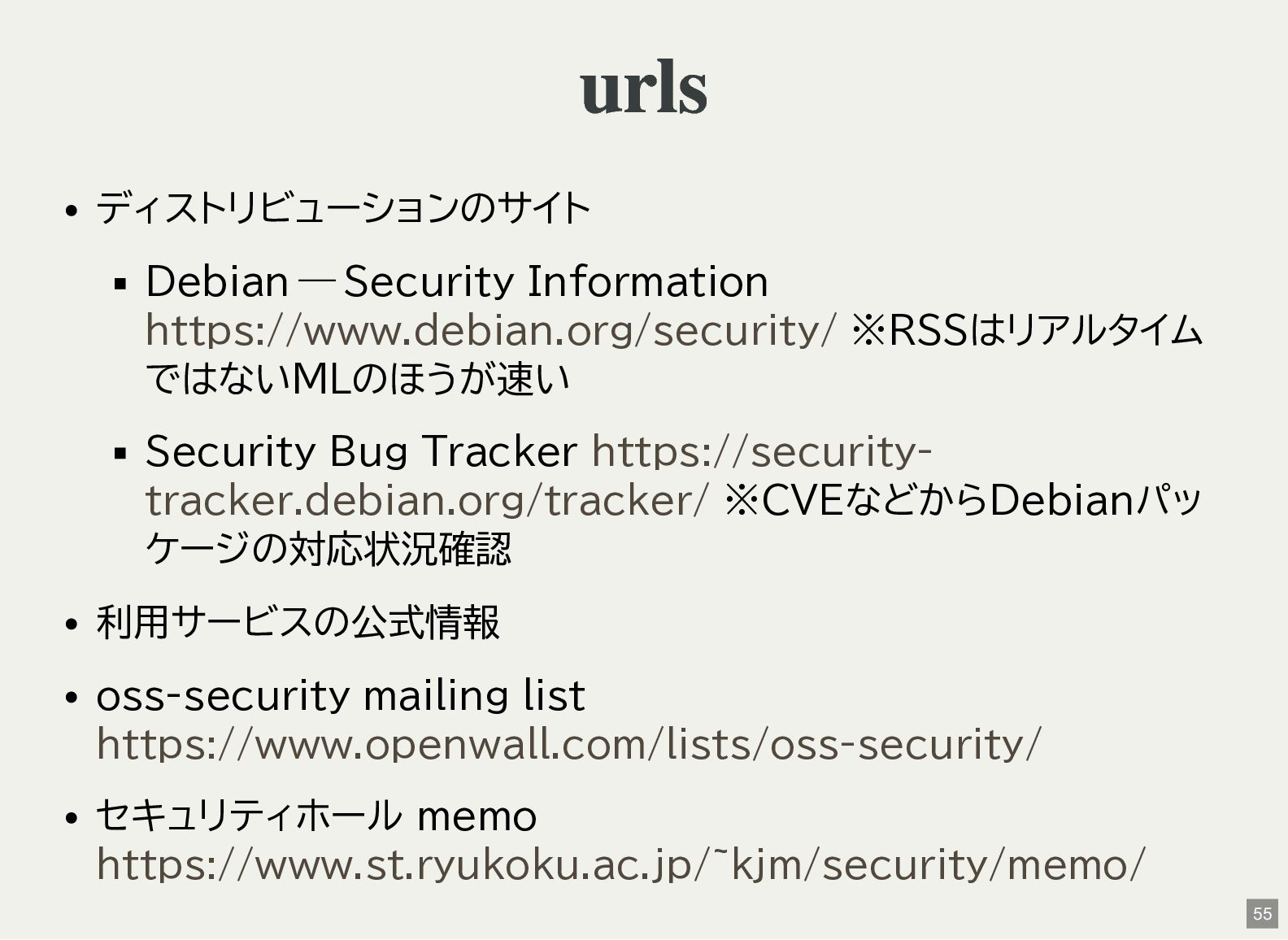
  19. urls ディストリビューションのサイト Debian — Security Information https://www.debian.org/security/ ※RSSはリアルタイム ではないMLのほうが速い Security

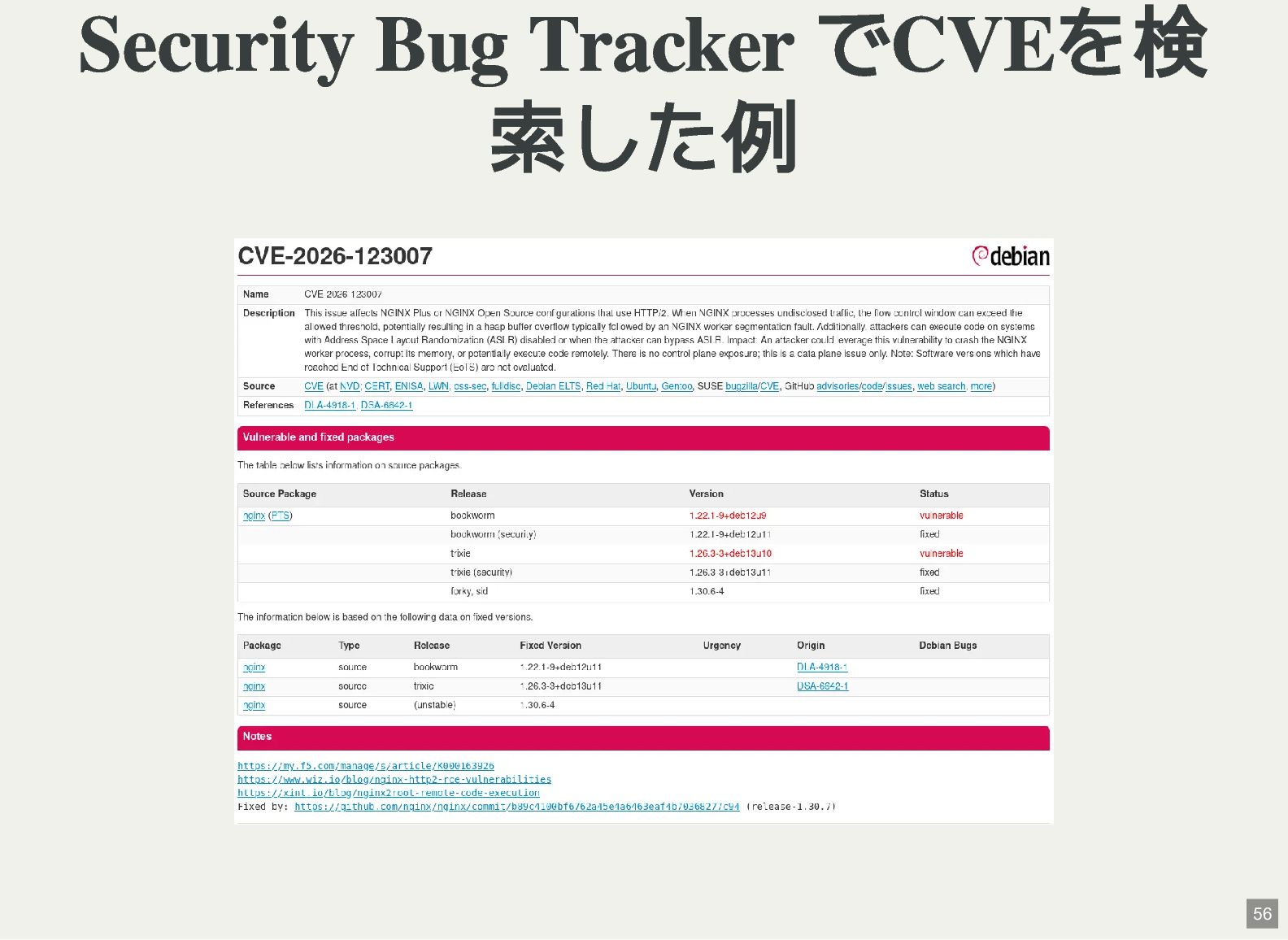
    Bug Tracker https://securitytracker.debian.org/tracker/ ※CVEなどからDebianパッ ケージの対応状況確認 利用サービスの公式情報 oss-security mailing list https://www.openwall.com/lists/oss-security/ セキュリティホール memo https://www.st.ryukoku.ac.jp/~kjm/security/memo/ 55

More Decks by Kenichiro MATOHARA

Other Decks in Technology