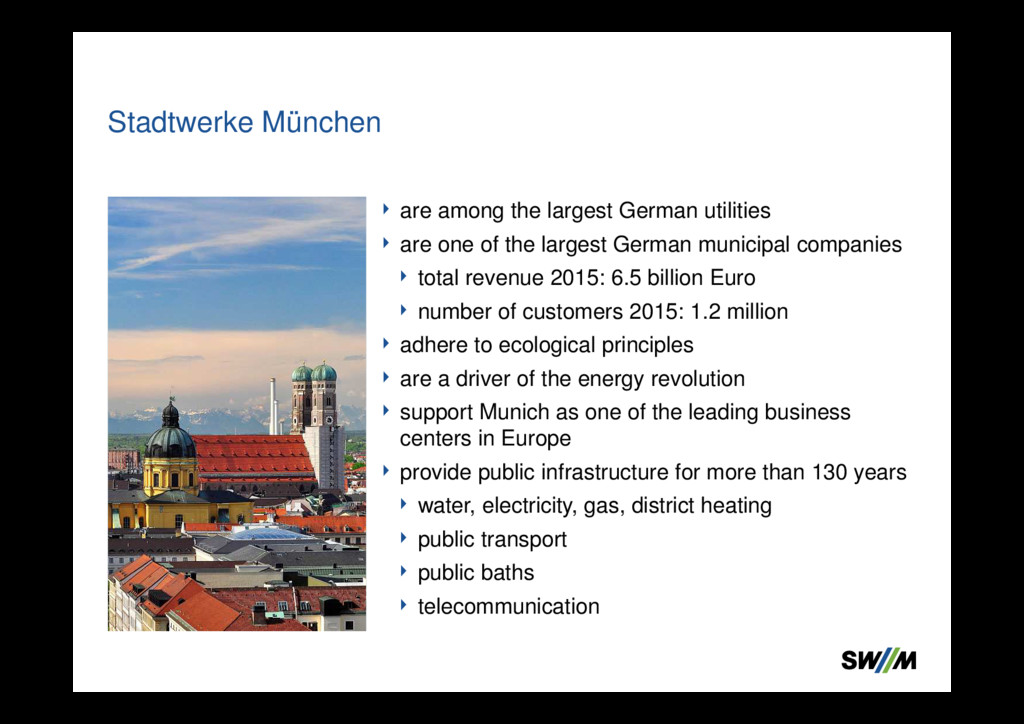
largest German municipal companies total revenue 2015: 6.5 billion Euro number of customers 2015: 1.2 million adhere to ecological principles are a driver of the energy revolution support Munich as one of the leading business centers in Europe provide public infrastructure for more than 130 years water, electricity, gas, district heating public transport public baths telecommunication Stadtwerke München
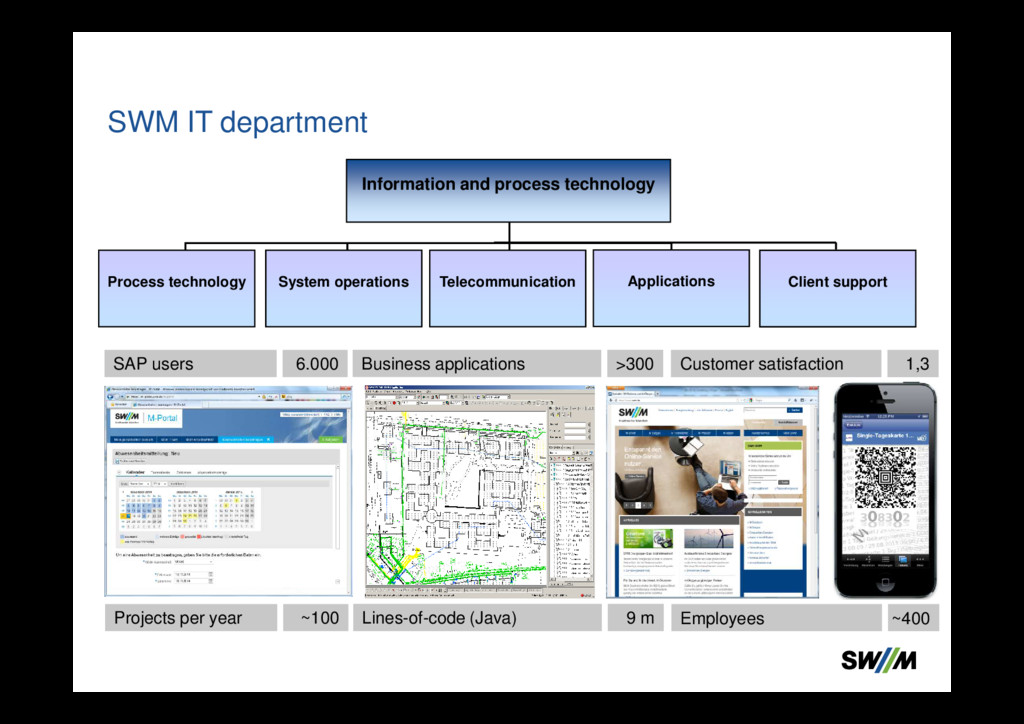
Business applications >300 Applications Customer satisfaction 1,3 Projects per year ~100 Lines-of-code (Java) 9 m Employees ~400 Process technology System operations Telecommunication Client support
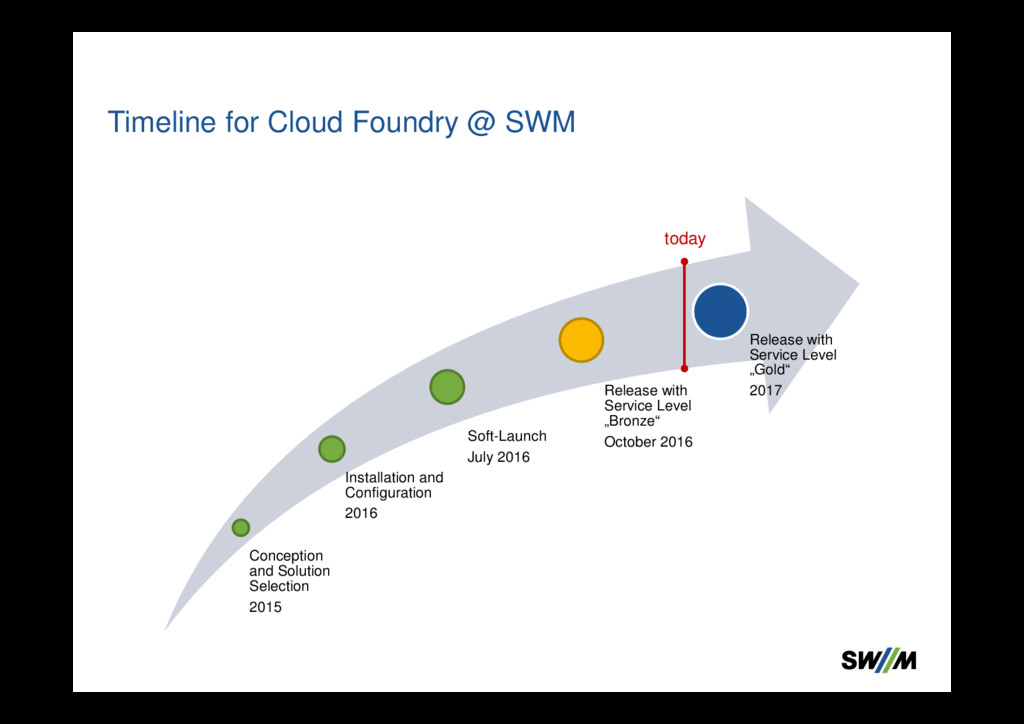
2015 Installation and Configuration 2016 Soft-Launch July 2016 Release with Service Level „Bronze“ October 2016 Release with Service Level „Gold“ 2017 today
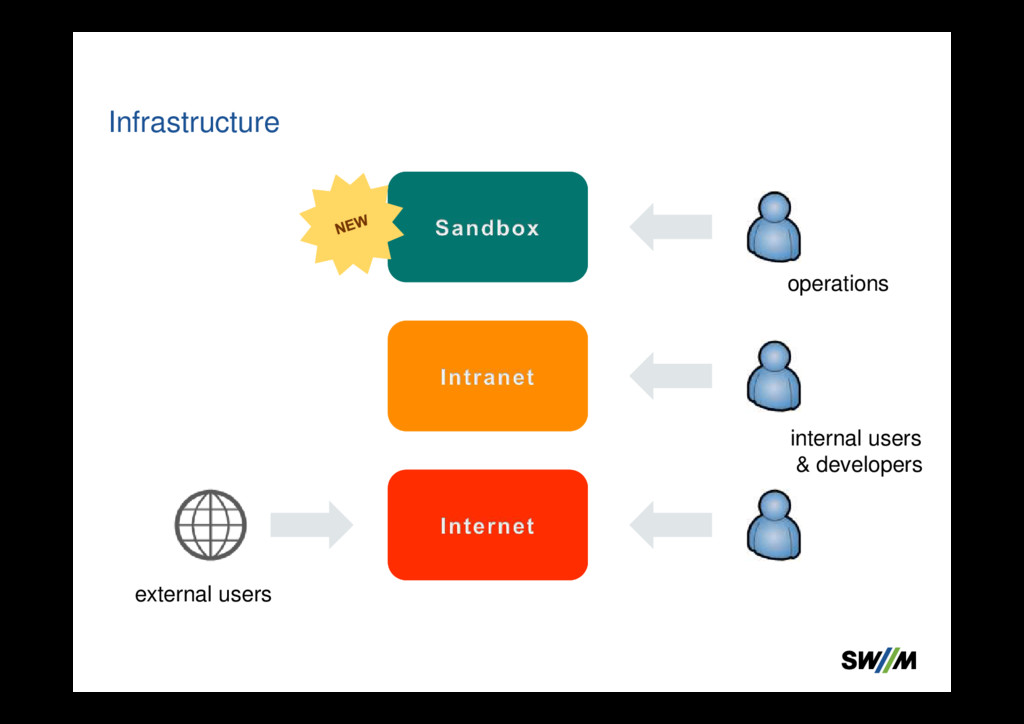
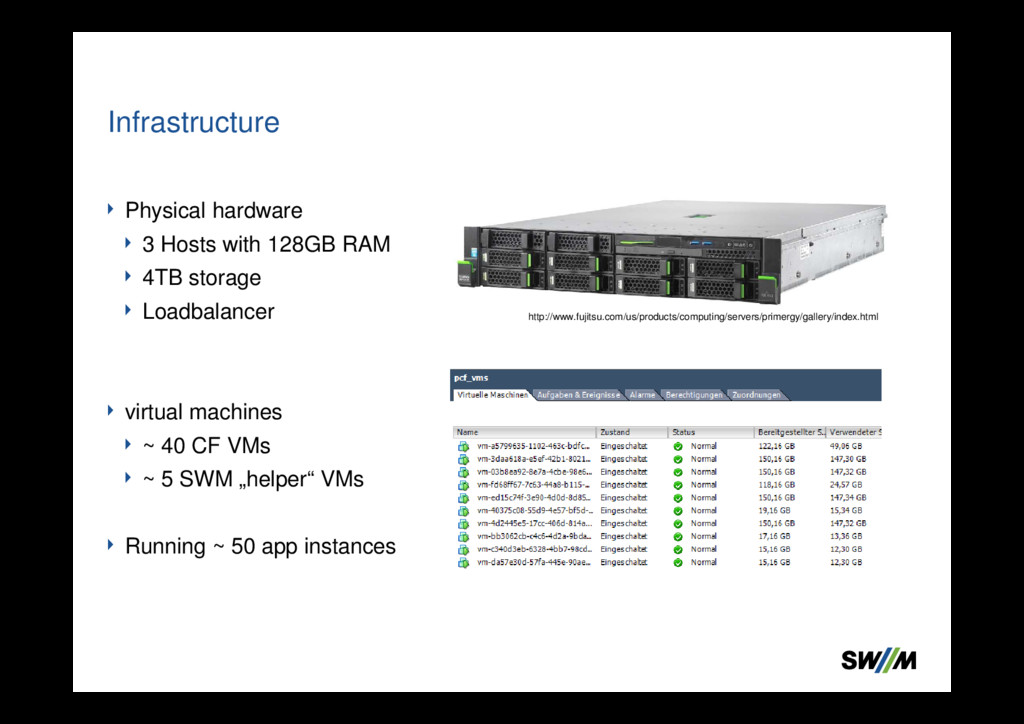
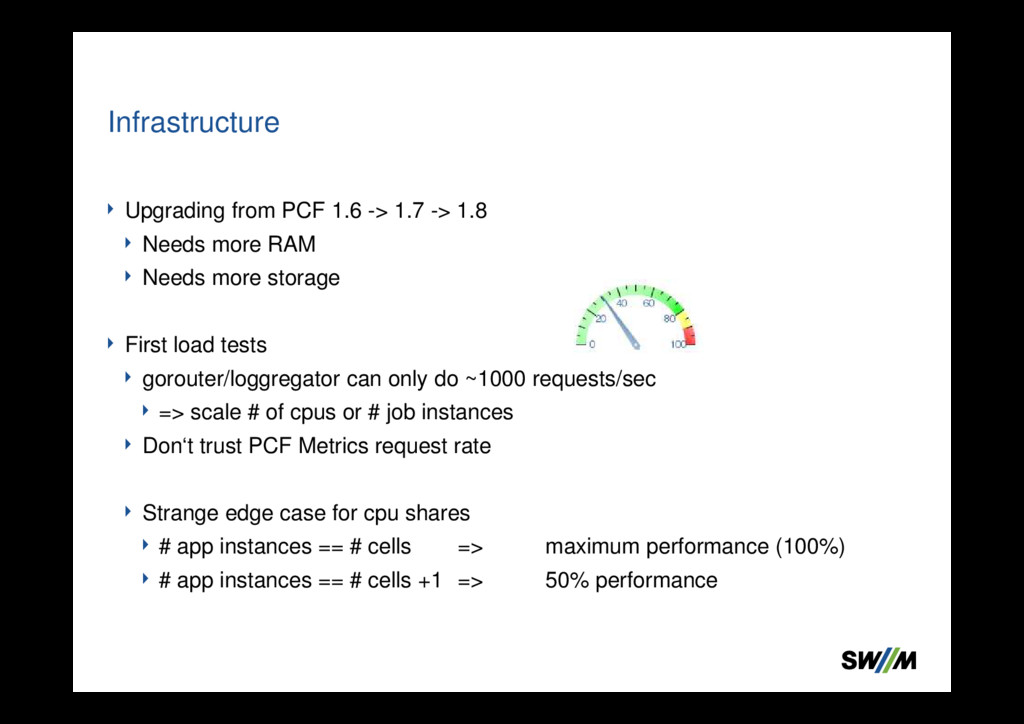
RAM Needs more storage First load tests gorouter/loggregator can only do ~1000 requests/sec => scale # of cpus or # job instances Don‘t trust PCF Metrics request rate Strange edge case for cpu shares # app instances == # cells => maximum performance (100%) # app instances == # cells +1 => 50% performance Infrastructure
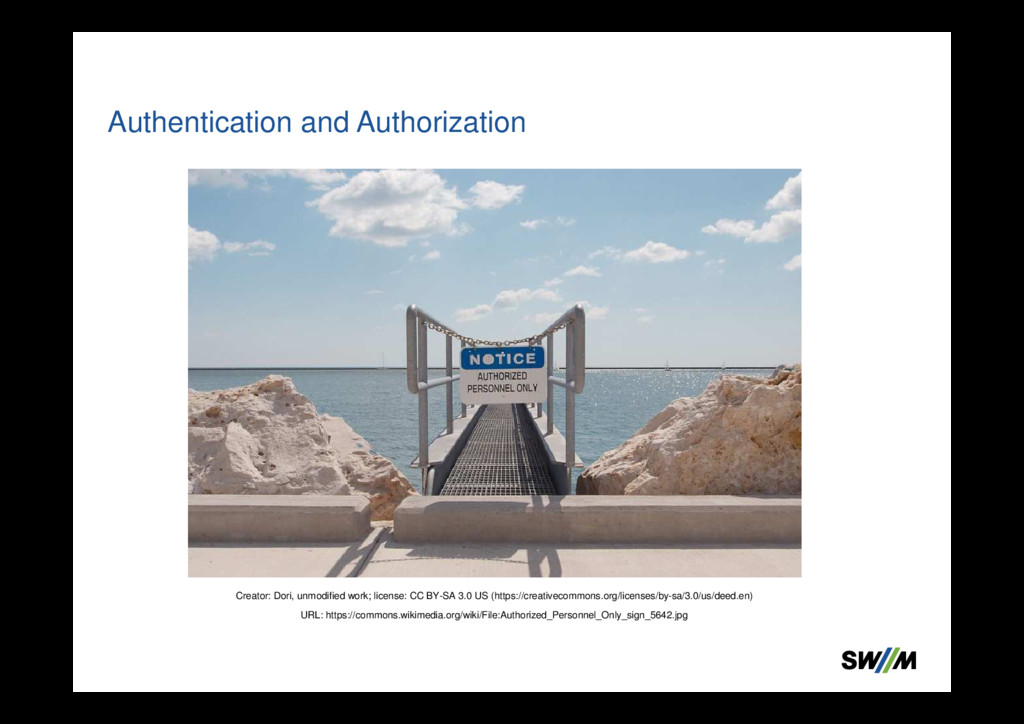
3.0 US (https://creativecommons.org/licenses/by-sa/3.0/us/deed.en) URL: https://commons.wikimedia.org/wiki/File:Authorized_Personnel_Only_sign_5642.jpg
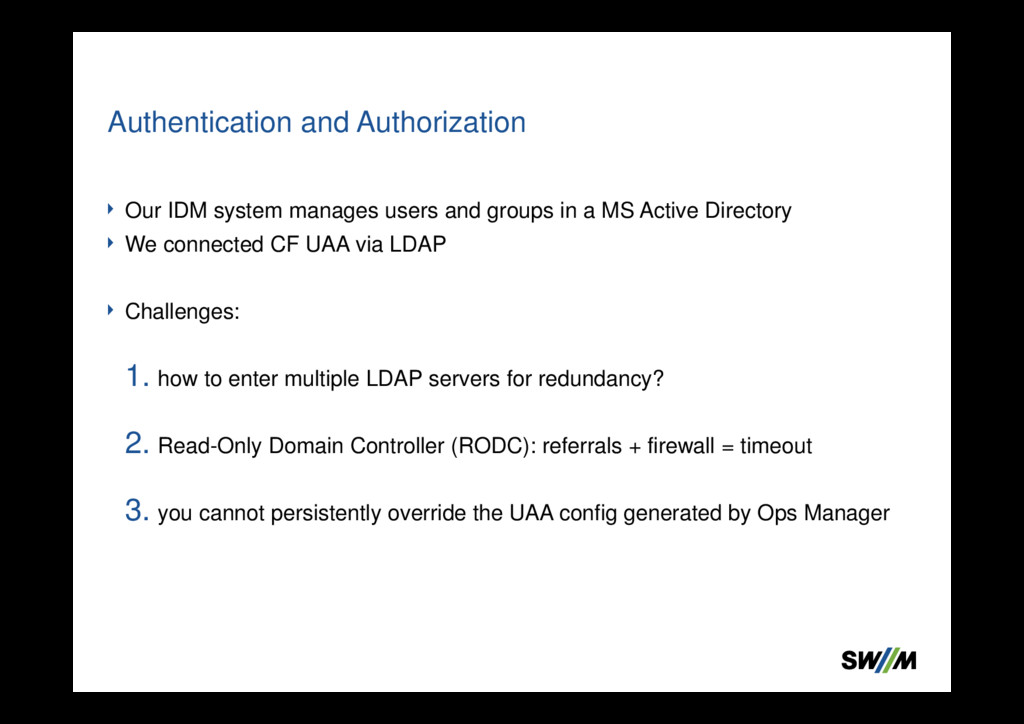
Active Directory We connected CF UAA via LDAP Challenges: 1. how to enter multiple LDAP servers for redundancy? 2. Read-Only Domain Controller (RODC): referrals + firewall = timeout 3. you cannot persistently override the UAA config generated by Ops Manager Authentication and Authorization
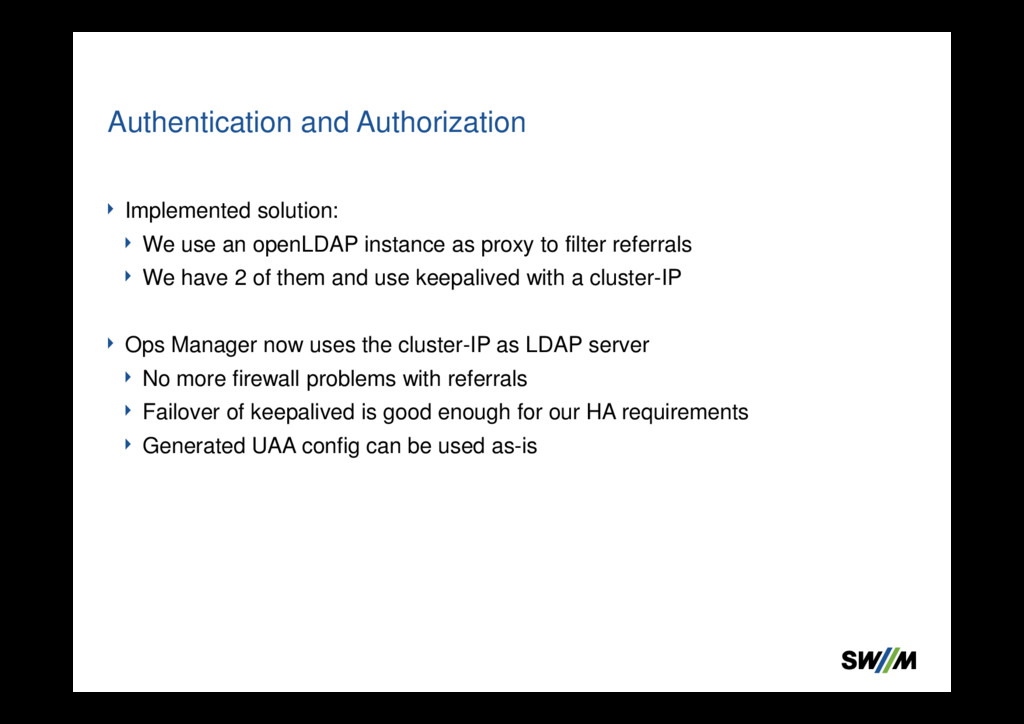
filter referrals We have 2 of them and use keepalived with a cluster-IP Ops Manager now uses the cluster-IP as LDAP server No more firewall problems with referrals Failover of keepalived is good enough for our HA requirements Generated UAA config can be used as-is Authentication and Authorization
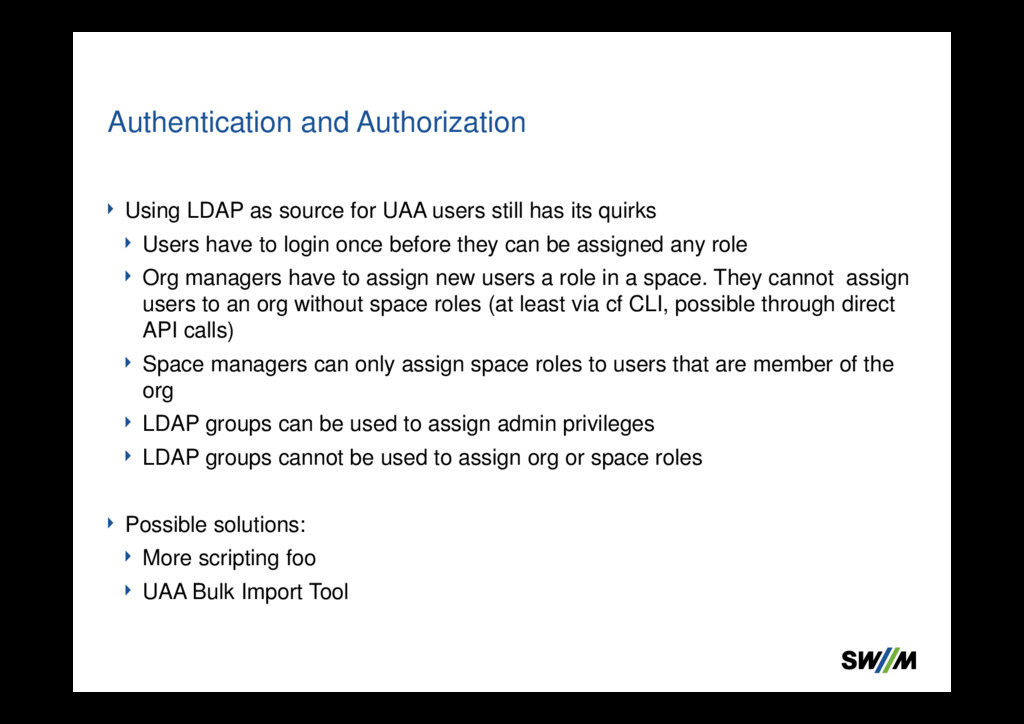
quirks Users have to login once before they can be assigned any role Org managers have to assign new users a role in a space. They cannot assign users to an org without space roles (at least via cf CLI, possible through direct API calls) Space managers can only assign space roles to users that are member of the org LDAP groups can be used to assign admin privileges LDAP groups cannot be used to assign org or space roles Possible solutions: More scripting foo UAA Bulk Import Tool Authentication and Authorization
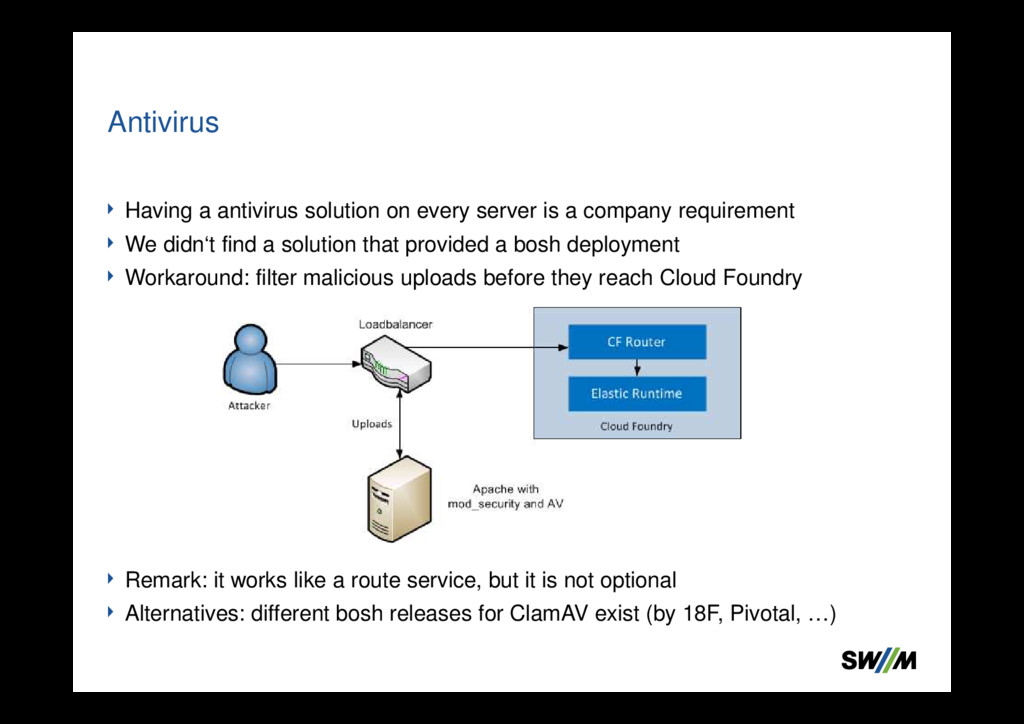
requirement We didn‘t find a solution that provided a bosh deployment Workaround: filter malicious uploads before they reach Cloud Foundry Remark: it works like a route service, but it is not optional Alternatives: different bosh releases for ClamAV exist (by 18F, Pivotal, …) Antivirus
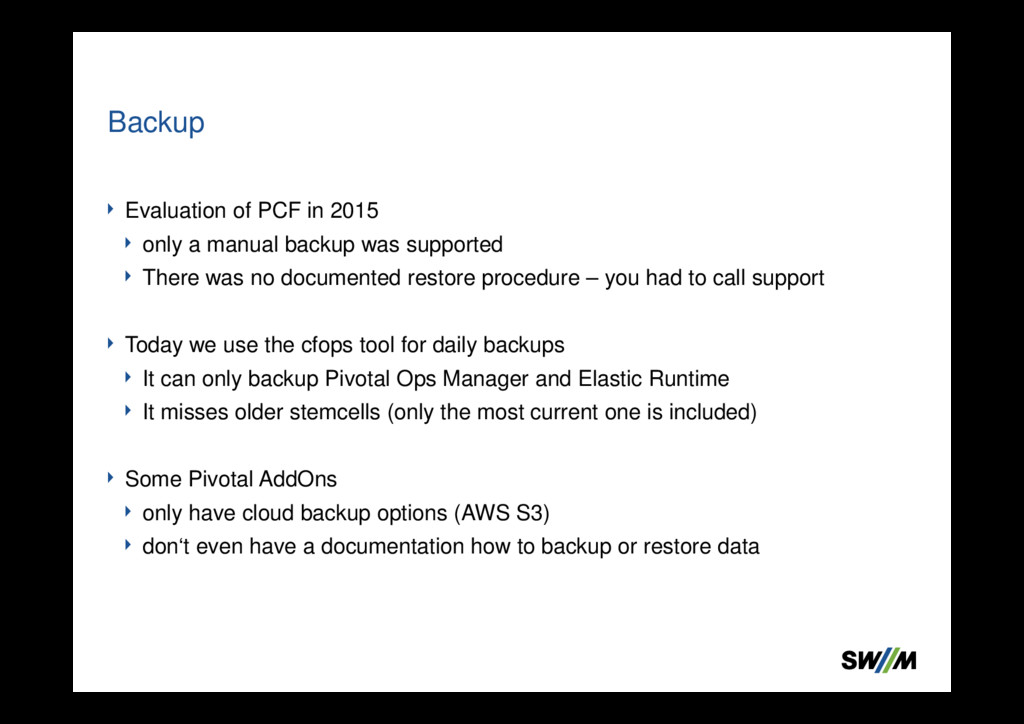
supported There was no documented restore procedure – you had to call support Today we use the cfops tool for daily backups It can only backup Pivotal Ops Manager and Elastic Runtime It misses older stemcells (only the most current one is included) Some Pivotal AddOns only have cloud backup options (AWS S3) don‘t even have a documentation how to backup or restore data Backup
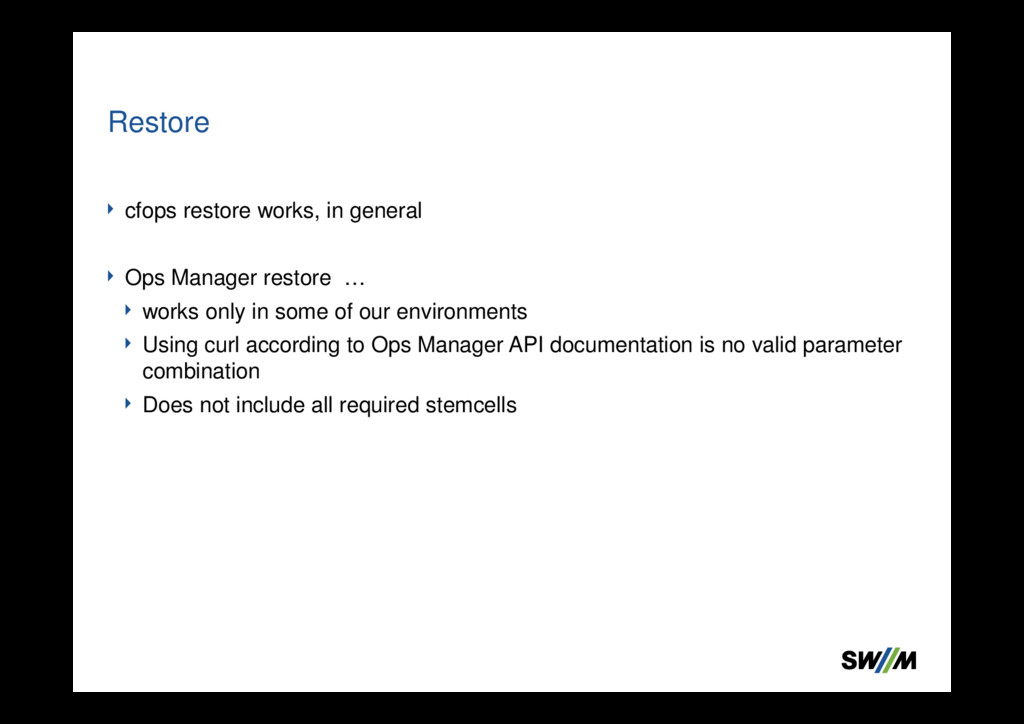
only in some of our environments Using curl according to Ops Manager API documentation is no valid parameter combination Does not include all required stemcells Restore
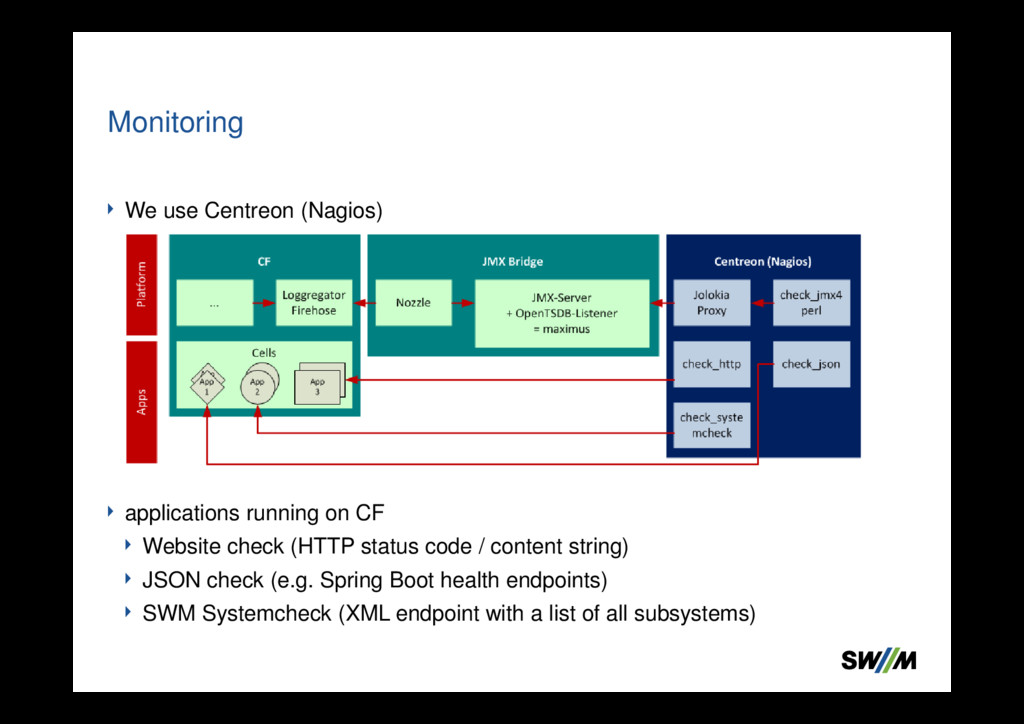
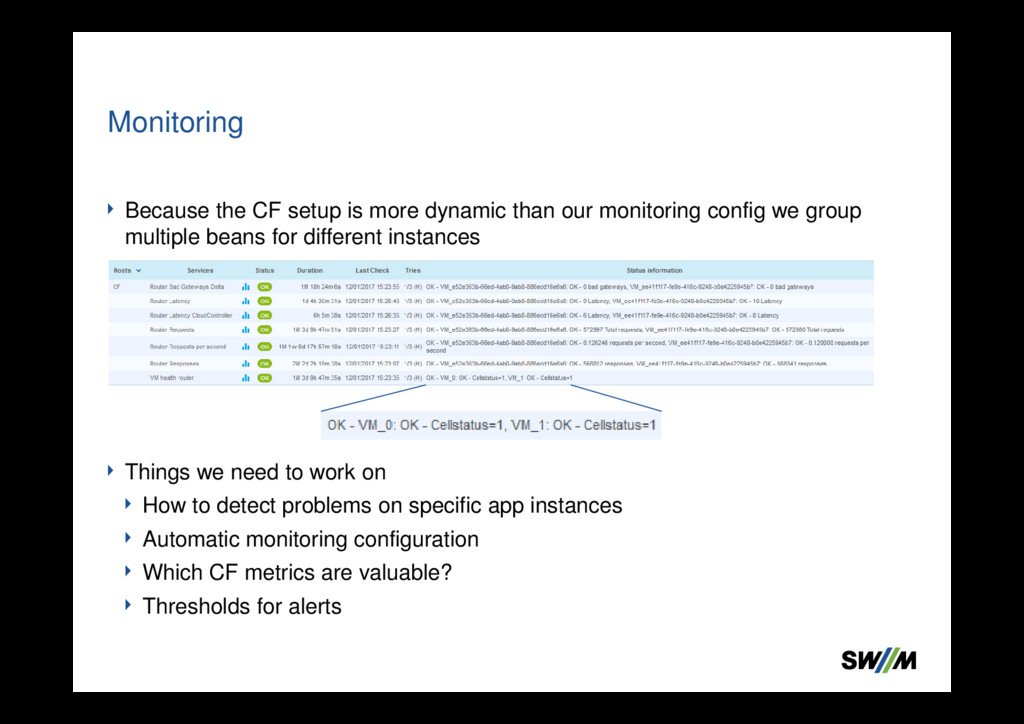
(HTTP status code / content string) JSON check (e.g. Spring Boot health endpoints) SWM Systemcheck (XML endpoint with a list of all subsystems) Monitoring
config we group multiple beans for different instances Things we need to work on How to detect problems on specific app instances Automatic monitoring configuration Which CF metrics are valuable? Thresholds for alerts Monitoring
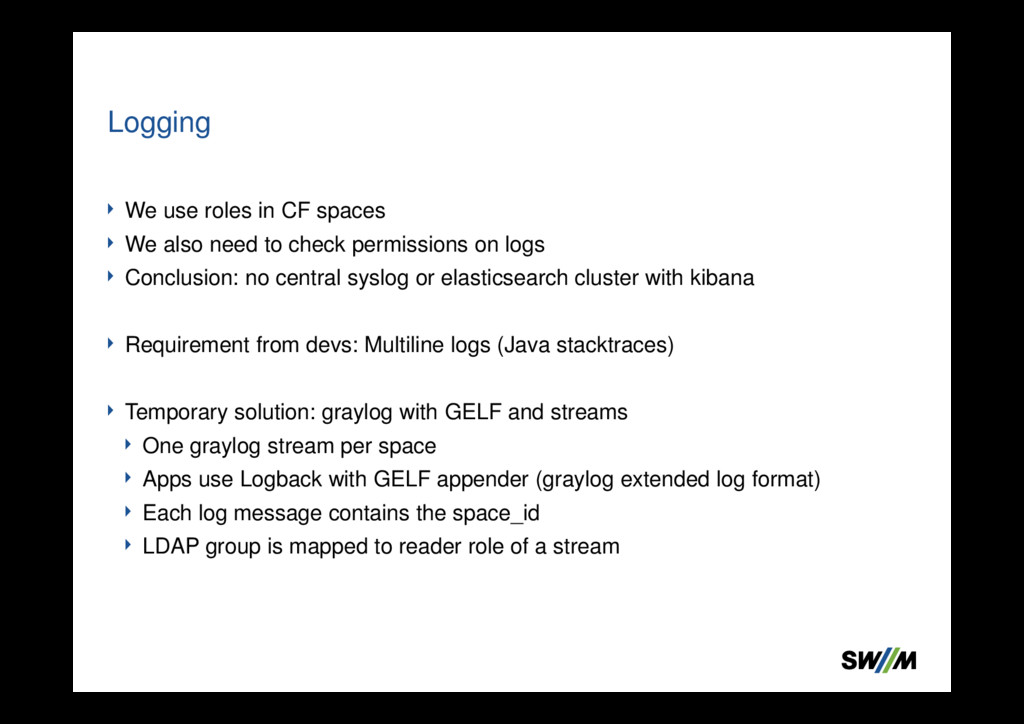
check permissions on logs Conclusion: no central syslog or elasticsearch cluster with kibana Requirement from devs: Multiline logs (Java stacktraces) Temporary solution: graylog with GELF and streams One graylog stream per space Apps use Logback with GELF appender (graylog extended log format) Each log message contains the space_id LDAP group is mapped to reader role of a stream Logging
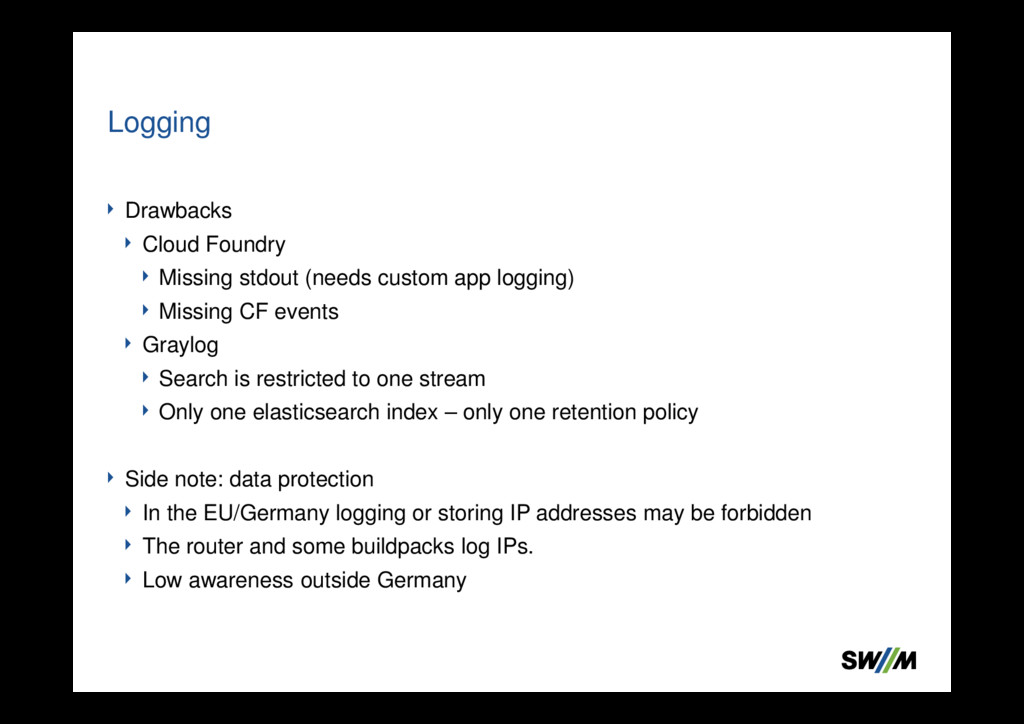
CF events Graylog Search is restricted to one stream Only one elasticsearch index – only one retention policy Side note: data protection In the EU/Germany logging or storing IP addresses may be forbidden The router and some buildpacks log IPs. Low awareness outside Germany Logging
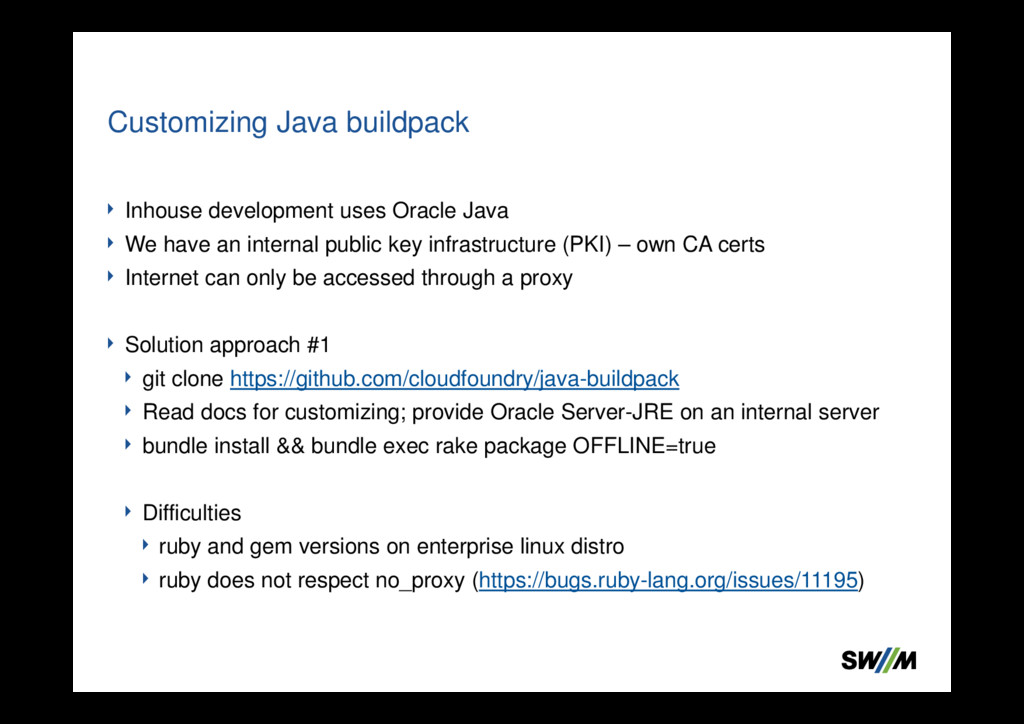
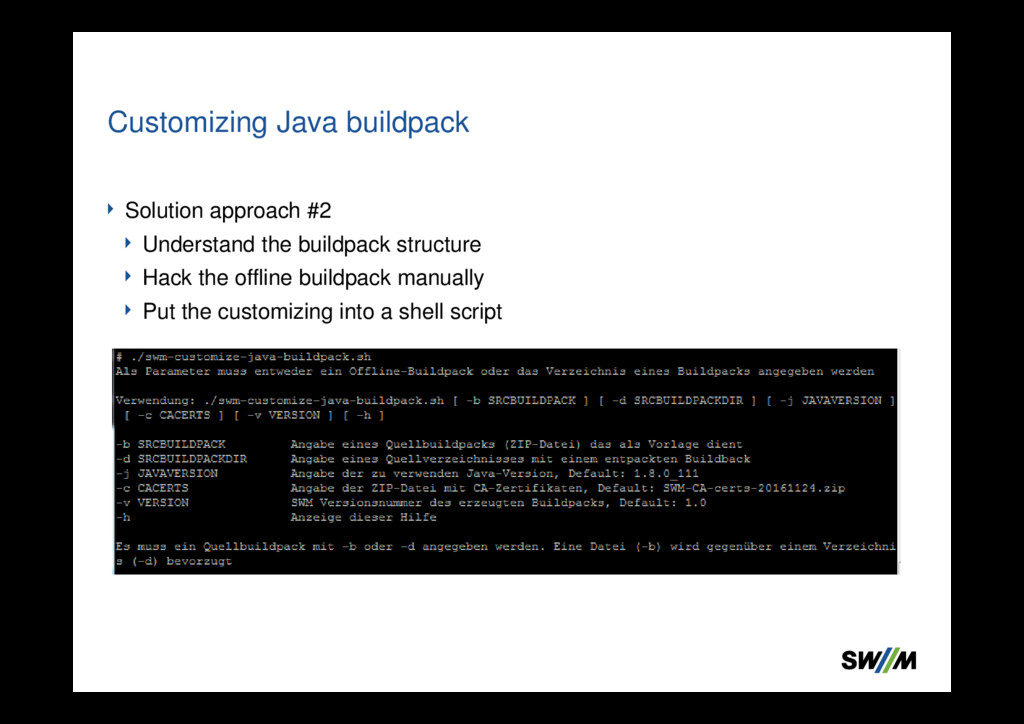
key infrastructure (PKI) – own CA certs Internet can only be accessed through a proxy Solution approach #1 git clone https://github.com/cloudfoundry/java-buildpack Read docs for customizing; provide Oracle Server-JRE on an internal server bundle install && bundle exec rake package OFFLINE=true Difficulties ruby and gem versions on enterprise linux distro ruby does not respect no_proxy (https://bugs.ruby-lang.org/issues/11195) Customizing Java buildpack
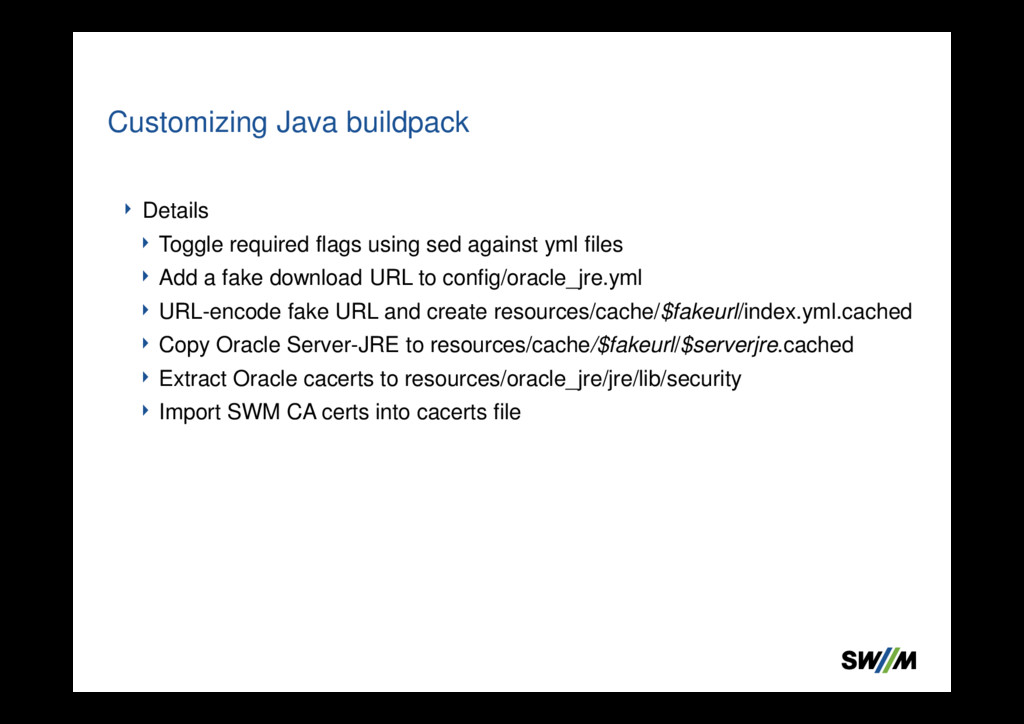
a fake download URL to config/oracle_jre.yml URL-encode fake URL and create resources/cache/$fakeurl/index.yml.cached Copy Oracle Server-JRE to resources/cache/$fakeurl/$serverjre.cached Extract Oracle cacerts to resources/oracle_jre/jre/lib/security Import SWM CA certs into cacerts file Customizing Java buildpack


 sh_fk2
 daidaidai
 yut0naga1_fa
 kentapapa
 yuuuuuuu168
 sansantech
 ludicmind
 kworkdev
 hiracky16
.png) codatum
codatum
 odashi
 bgpat
bgpat
 thoeni
 ryanjones
 pauljervisheath
 honzajavorek
.png) helenjbeal
helenjbeal
 speakerdeck
 sergeychernyshev
 kneath
 morganepeng
 jdejongh
 smashingmag
 trallard