Upgrade to Pro
— share decks privately, control downloads, hide ads and more …
Speaker Deck
Sign up for free
Menu
Search
Features
All features
Private URLs
Password Protection
Custom URLS
Scheduled publishing
Remove Branding
Restrict embedding
Deck Collections
Notes
Features
All features
Private URLs
Password Protection
Custom URLS
Scheduled publishing
Remove Branding
Restrict embedding
Deck Collections
Notes
Explore
Featured decks
Featured speakers
Programming
Technology
Storyboards
Explore
Featured decks
Featured speakers
Programming
Technology
Storyboards
Pricing
Search
Sign in
Sign up for free
Materialien via Internet zugänglich machen
Search
Sponsored
·
Your Podcast. Everywhere. Effortlessly.
Share. Educate. Inspire. Entertain. You do you. We'll handle the rest.
→
Martin Guggisberg
March 18, 2020
40
0
Share
Embed
Copy iframe code
Copy JS code
Copy link
Start on current slide
Materialien via Internet zugänglich machen
Martin Guggisberg
March 18, 2020
Featured
See All Featured
Automating Front-end Workflow
addyosmani
1369
210k
VelocityConf: Rendering Performance Case Studies
addyosmani
331
25k
We Are The Robots
honzajavorek
0
400
Test your architecture with Archunit
thirion
2
2.4k
The Limits of Empathy - UXLibs8
cassininazir
2
720
Conquering PDFs: document understanding beyond plain text
inesmontani
PRO
4
3.2k
How People are Using Generative and Agentic AI to Supercharge Their Products, Projects, Services and Value Streams Today
helenjbeal
2
360
SEOcharity - Dark patterns in SEO and UX: How to avoid them and build a more ethical web
sarafernandez
0
300
CoffeeScript is Beautiful & I Never Want to Write Plain JavaScript Again
sstephenson
162
16k
Build your cross-platform service in a week with App Engine
jlugia
234
19k
How Fast Is Fast Enough? [PerfNow 2025]
tammyeverts
3
940
Designing Dashboards & Data Visualisations in Web Apps
destraynor
232
55k
Transcript
Institut für Informatik, Educational Engineering Informationen & Materialien via Internet
zugänglich machen Martin Guggisberg PH FHNW
[email protected]
© 2020 M. Guggisberg PH FHNW
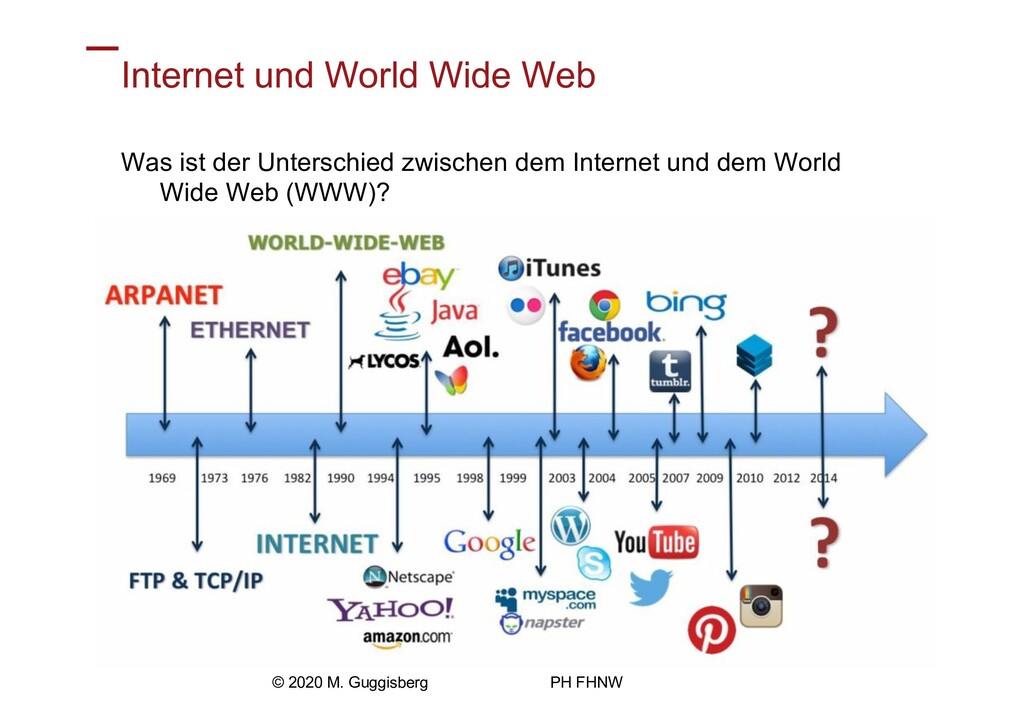
Institut für Informatik, Educational Engineering Internet und World Wide Web
Was ist der Unterschied zwischen dem Internet und dem World Wide Web (WWW)? © 2020 M. Guggisberg PH FHNW
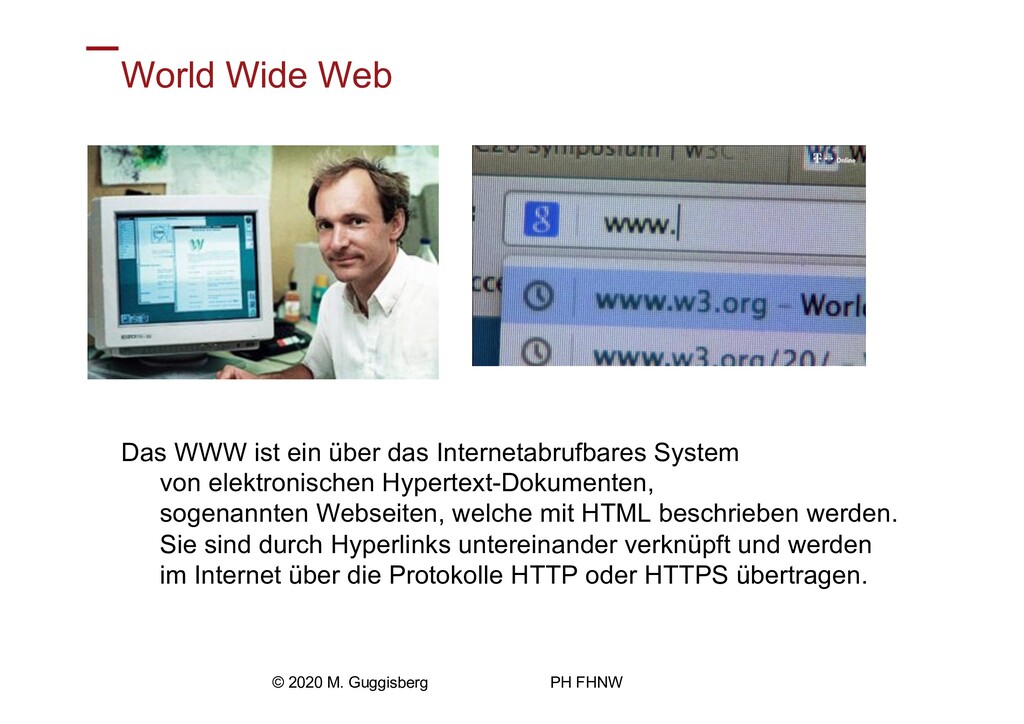
Institut für Informatik, Educational Engineering World Wide Web Das WWW
ist ein über das Internetabrufbares System von elektronischen Hypertext-Dokumenten, sogenannten Webseiten, welche mit HTML beschrieben werden. Sie sind durch Hyperlinks untereinander verknüpft und werden im Internet über die Protokolle HTTP oder HTTPS übertragen. © 2020 M. Guggisberg PH FHNW
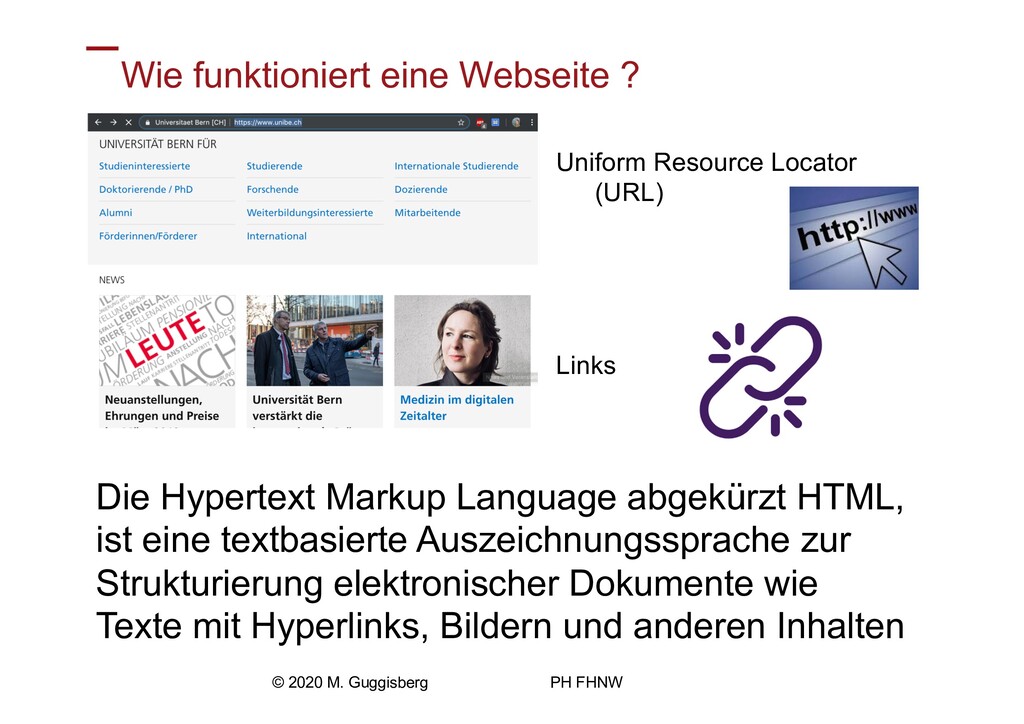
Institut für Informatik, Educational Engineering Wie funktioniert eine Webseite ?
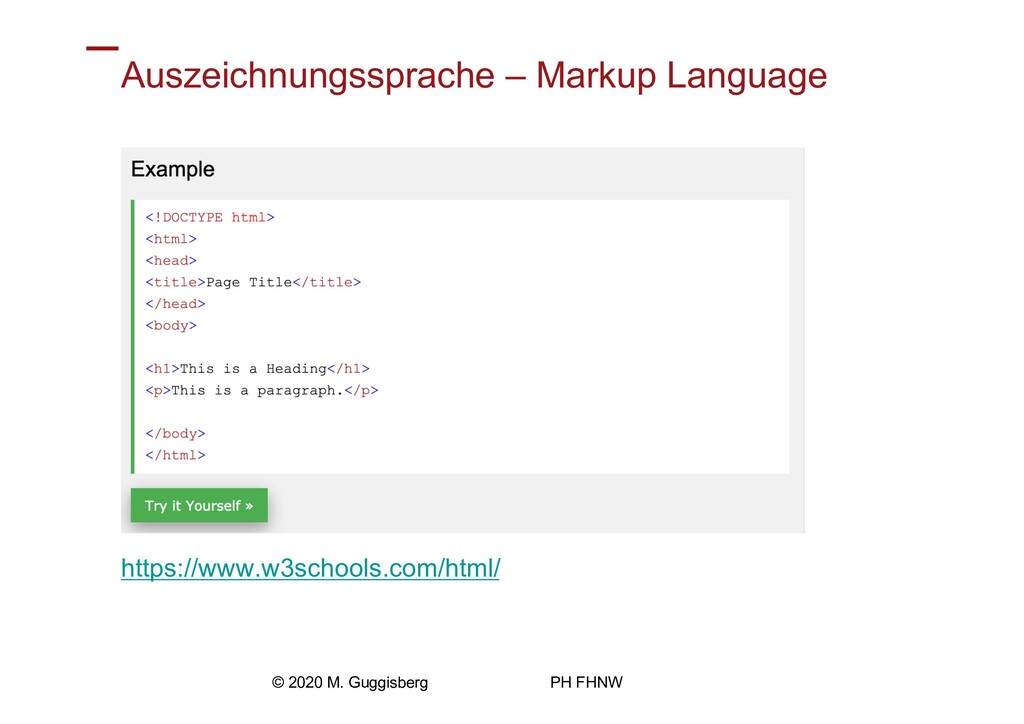
Uniform Resource Locator (URL) Links © 2020 M. Guggisberg PH FHNW Die Hypertext Markup Language abgekürzt HTML, ist eine textbasierte Auszeichnungssprache zur Strukturierung elektronischer Dokumente wie Texte mit Hyperlinks, Bildern und anderen Inhalten
Institut für Informatik, Educational Engineering Auszeichnungssprache – Markup Language https://www.w3schools.com/html/
© 2020 M. Guggisberg PH FHNW
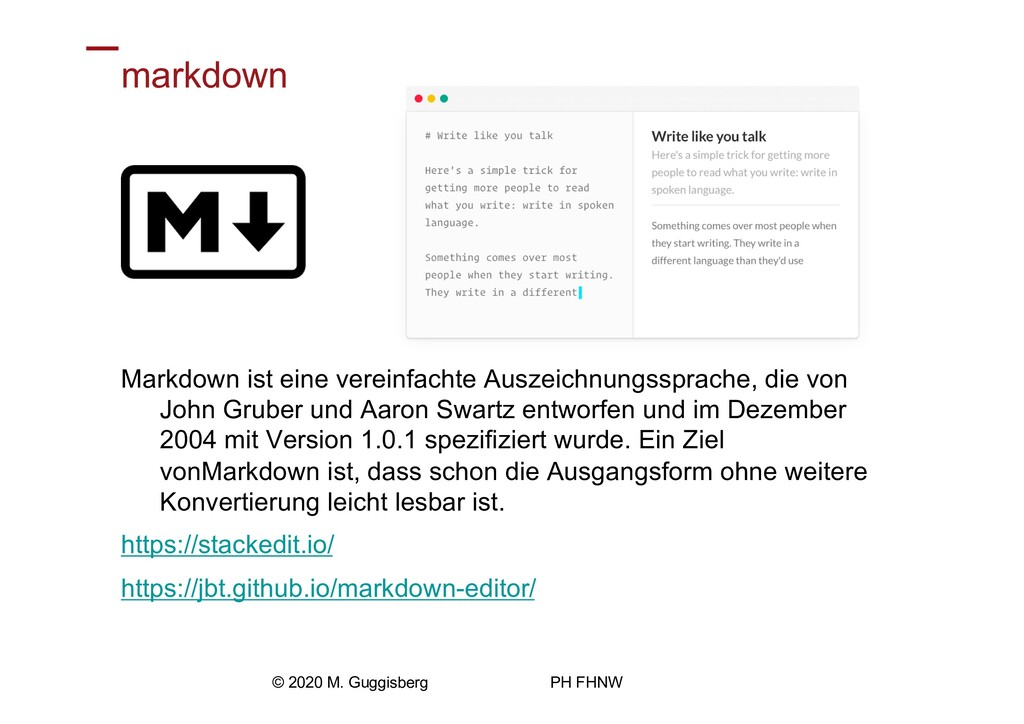
Institut für Informatik, Educational Engineering markdown Markdown ist eine vereinfachte
Auszeichnungssprache, die von John Gruber und Aaron Swartz entworfen und im Dezember 2004 mit Version 1.0.1 spezifiziert wurde. Ein Ziel vonMarkdown ist, dass schon die Ausgangsform ohne weitere Konvertierung leicht lesbar ist. https://stackedit.io/ https://jbt.github.io/markdown-editor/ © 2020 M. Guggisberg PH FHNW
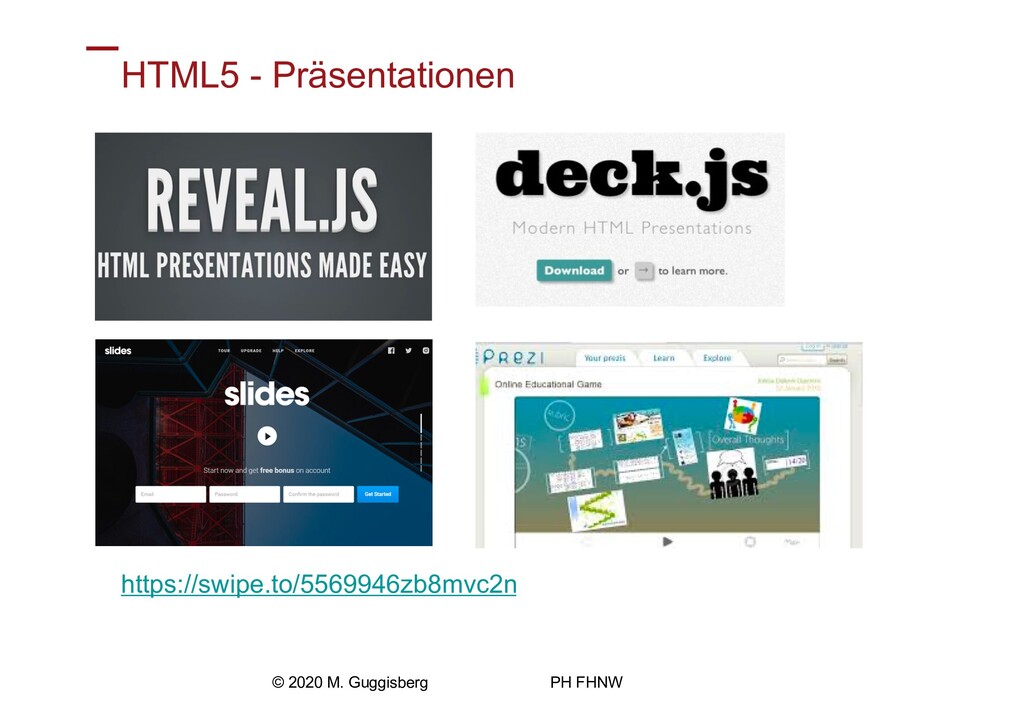
Institut für Informatik, Educational Engineering HTML5 - Präsentationen https://swipe.to/5569946zb8mvc2n ©
2020 M. Guggisberg PH FHNW
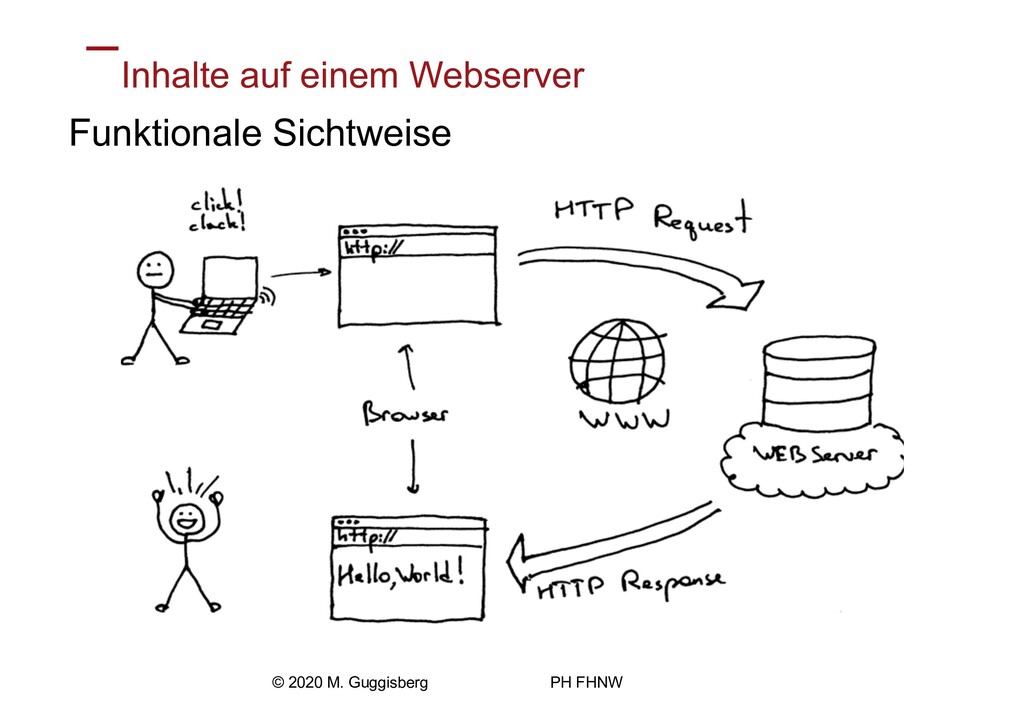
Institut für Informatik, Educational Engineering Inhalte auf einem Webserver Funktionale
Sichtweise © 2020 M. Guggisberg PH FHNW
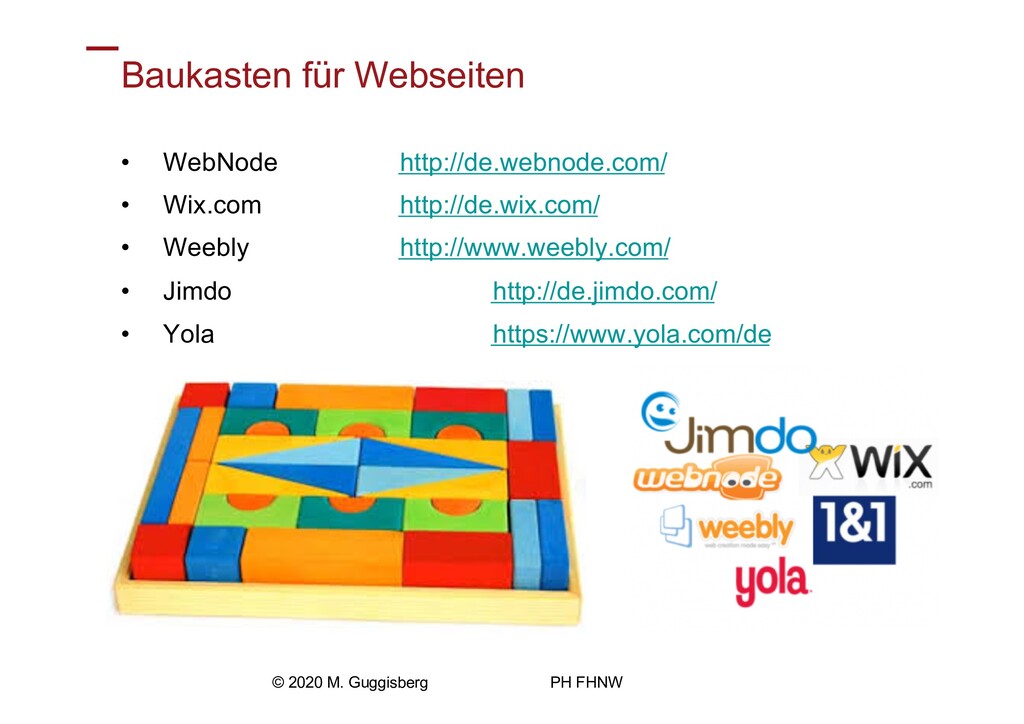
Institut für Informatik, Educational Engineering Baukasten für Webseiten • WebNode
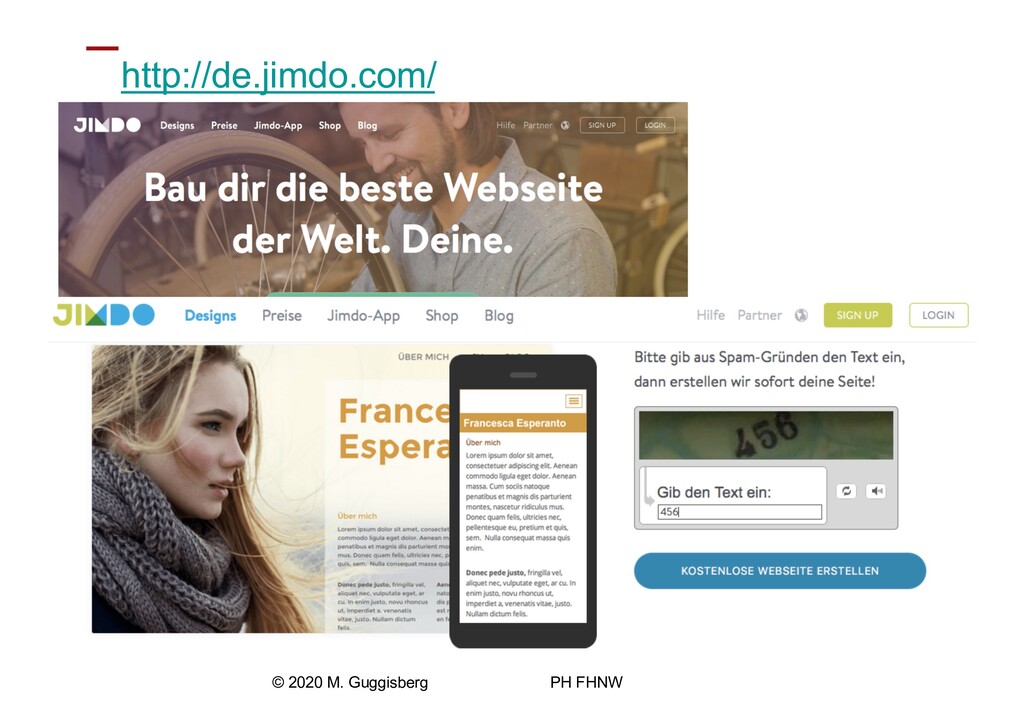
http://de.webnode.com/ • Wix.com http://de.wix.com/ • Weebly http://www.weebly.com/ • Jimdo http://de.jimdo.com/ • Yola https://www.yola.com/de © 2020 M. Guggisberg PH FHNW
Institut für Informatik, Educational Engineering http://de.jimdo.com/ © 2020 M. Guggisberg
PH FHNW
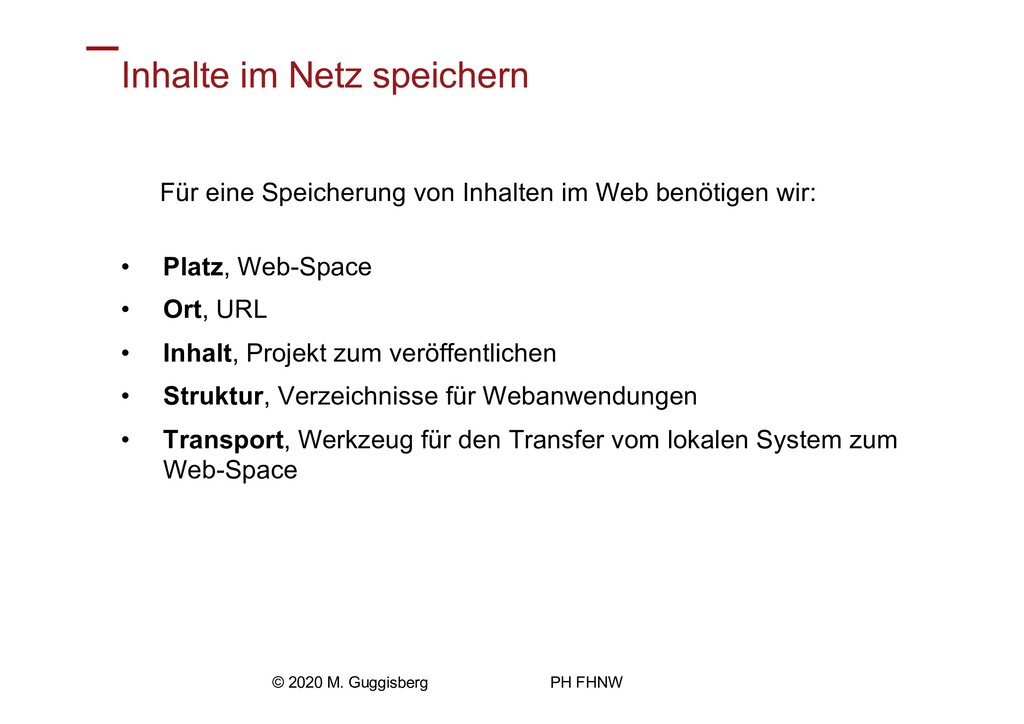
Institut für Informatik, Educational Engineering Inhalte im Netz speichern Für
eine Speicherung von Inhalten im Web benötigen wir: • Platz, Web-Space • Ort, URL • Inhalt, Projekt zum veröffentlichen • Struktur, Verzeichnisse für Webanwendungen • Transport, Werkzeug für den Transfer vom lokalen System zum Web-Space © 2020 M. Guggisberg PH FHNW
Institut für Informatik, Educational Engineering Mögliche Speicherorte Cloud - https://drive.switch.ch/
- https://drive.google.com/ - https://www.dropbox.com - https://onedrive.live.com Webseite • GitHub https://github.com/ • bplaced https://www.bplaced.net/ • GoDaddy https://ch.godaddy.com/ © 2020 M. Guggisberg PH FHNW


 addyosmani
 honzajavorek
 thirion
 cassininazir
 inesmontani
.png) helenjbeal
helenjbeal
 sarafernandez
 sstephenson
 jlugia
 tammyeverts
 destraynor