Upgrade to Pro — share decks privately, control downloads, hide ads and more …

WordPress, the automated way

Sponsored · SiteGround - Reliable hosting with speed, security, and support you can count on. →

WordPress, the automated way

This topic introduces tools to automate the development and deployment workflow of a WordPress web application.

I will show the main benefits of such a workflow and how it allows making the installation and update of the project fully automatic, predictable, versioned, and ready to be integrated into a continuous deployment system. Tools like Docker and WP-CLI, will be introduced to implement that process along with a simple tool that I have developed to automatically deploy the basic data that a project needs to be up and running.

My mantra? No manual clicks whatsoever in the web interface for configuring WordPress!

Avatar for Michaël Perrin

Michaël Perrin

September 28, 2019

Other Decks in Programming

Transcript

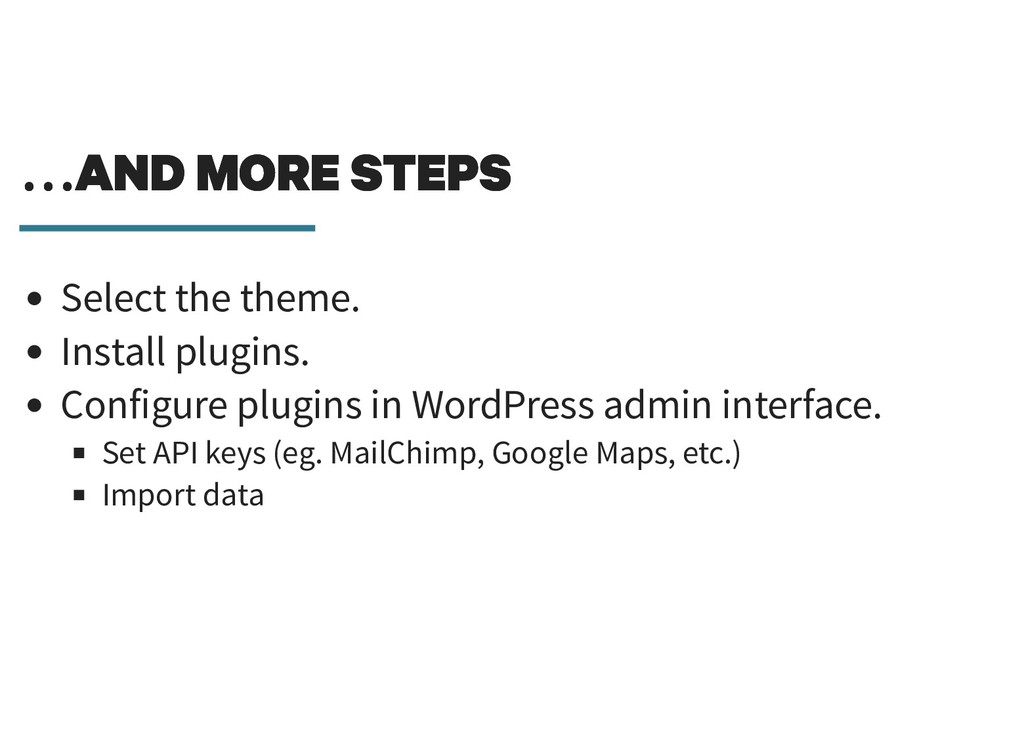
  1. … AND MORE STEPS … AND MORE STEPS Select the

    theme. Install plugins. Configure plugins in WordPress admin interface.
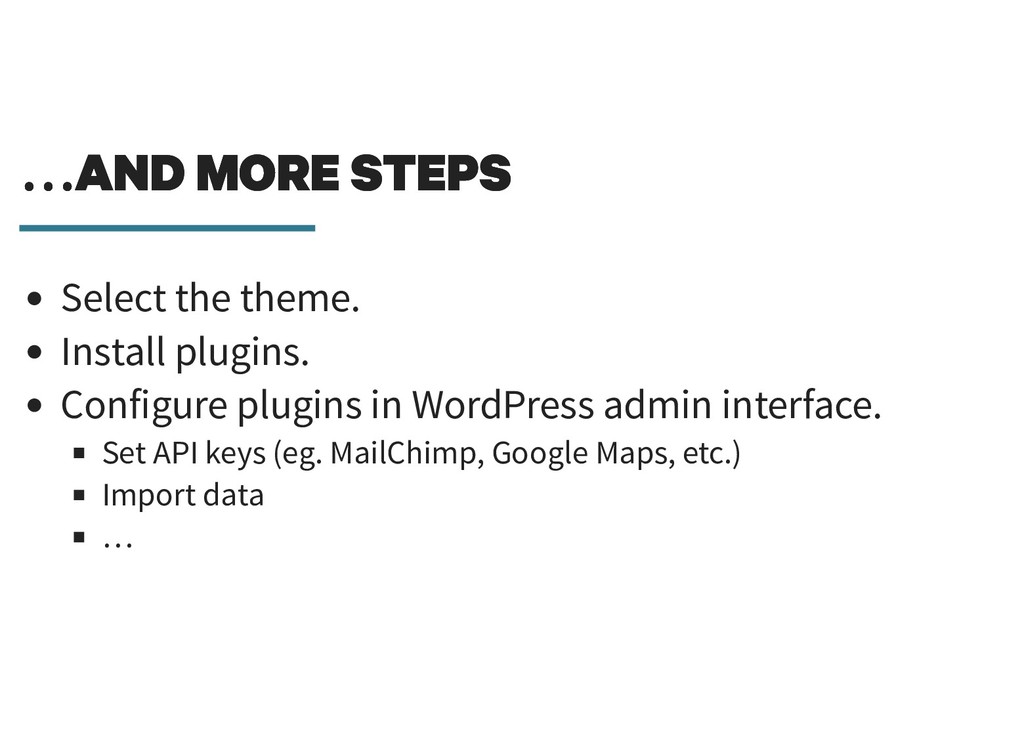
  2. … AND MORE STEPS … AND MORE STEPS Select the

    theme. Install plugins. Configure plugins in WordPress admin interface. Set API keys (eg. MailChimp, Google Maps, etc.)
  3. … AND MORE STEPS … AND MORE STEPS Select the

    theme. Install plugins. Configure plugins in WordPress admin interface. Set API keys (eg. MailChimp, Google Maps, etc.) Import data
  4. … AND MORE STEPS … AND MORE STEPS Select the

    theme. Install plugins. Configure plugins in WordPress admin interface. Set API keys (eg. MailChimp, Google Maps, etc.) Import data …
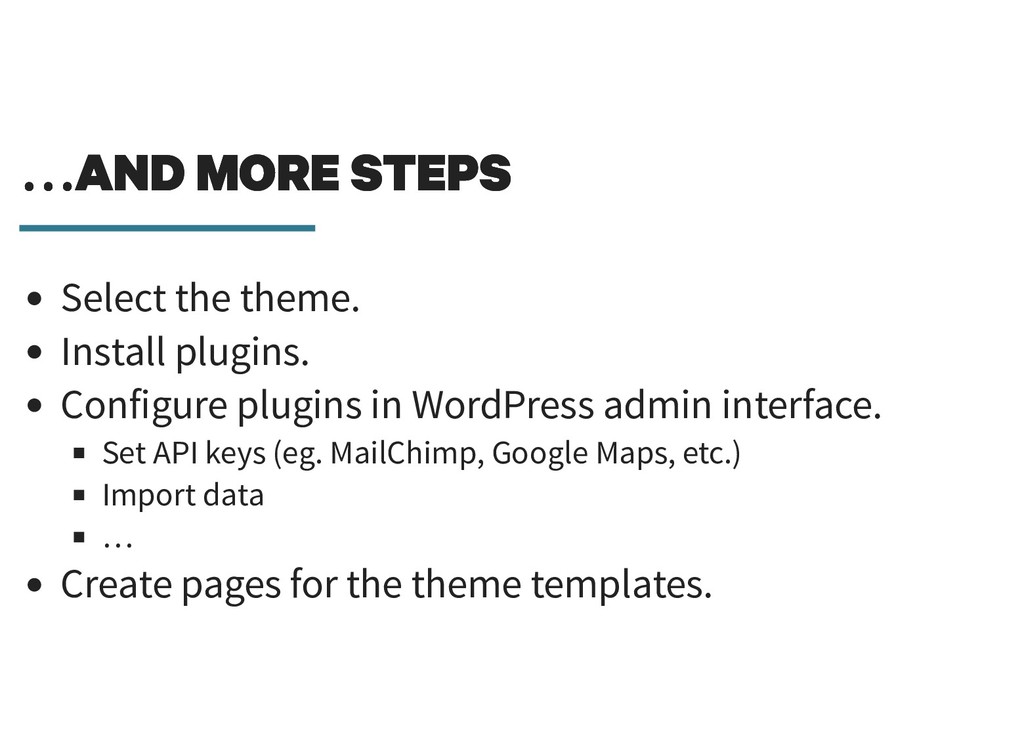
  5. … AND MORE STEPS … AND MORE STEPS Select the

    theme. Install plugins. Configure plugins in WordPress admin interface. Set API keys (eg. MailChimp, Google Maps, etc.) Import data … Create pages for the theme templates.
  6. WHAT ARE WE GOING TO AUTOMATE? WHAT ARE WE GOING

    TO AUTOMATE? 1. Infrastructure setup.
  7. WHAT ARE WE GOING TO AUTOMATE? WHAT ARE WE GOING

    TO AUTOMATE? 1. Infrastructure setup. 2. WordPress configuration.
  8. WHAT ARE WE GOING TO AUTOMATE? WHAT ARE WE GOING

    TO AUTOMATE? 1. Infrastructure setup. 2. WordPress configuration. 3. WordPress data.
  9. BENEFITS OF AUTOMATION BENEFITS OF AUTOMATION Why do we want

    to automate things? Because developers are lazy?
  10. BENEFITS OF AUTOMATION BENEFITS OF AUTOMATION Why do we want

    to automate things? Because developers are lazy? Multi-environments (staging, QA, production, …)
  11. BENEFITS OF AUTOMATION BENEFITS OF AUTOMATION Why do we want

    to automate things? Because developers are lazy? Multi-environments (staging, QA, production, …) Server configuration consistency.
  12. BENEFITS OF AUTOMATION BENEFITS OF AUTOMATION Why do we want

    to automate things? Because developers are lazy? Multi-environments (staging, QA, production, …) Server configuration consistency. Avoids « It works on my machine ¯\_( )_/¯ ».
  13. BENEFITS OF AUTOMATION BENEFITS OF AUTOMATION Why do we want

    to automate things? Because developers are lazy? Multi-environments (staging, QA, production, …) Server configuration consistency. Avoids « It works on my machine ¯\_( )_/¯ ». Easy versioning.
  14. BENEFITS OF AUTOMATION BENEFITS OF AUTOMATION Why do we want

    to automate things? Because developers are lazy? Multi-environments (staging, QA, production, …) Server configuration consistency. Avoids « It works on my machine ¯\_( )_/¯ ». Easy versioning. Continuous Integration and Deployment.
  15. BENEFITS OF AUTOMATION BENEFITS OF AUTOMATION Why do we want

    to automate things? Because developers are lazy? Multi-environments (staging, QA, production, …) Server configuration consistency. Avoids « It works on my machine ¯\_( )_/¯ ». Easy versioning. Continuous Integration and Deployment. Streamline team work.
  16. BENEFITS OF AUTOMATION BENEFITS OF AUTOMATION Why do we want

    to automate things? Because developers are lazy? Multi-environments (staging, QA, production, …) Server configuration consistency. Avoids « It works on my machine ¯\_( )_/¯ ». Easy versioning. Continuous Integration and Deployment. Streamline team work. Faster and predictable deployments.
  17. BENEFITS OF AUTOMATION BENEFITS OF AUTOMATION Why do we want

    to automate things? Because developers are lazy? Multi-environments (staging, QA, production, …) Server configuration consistency. Avoids « It works on my machine ¯\_( )_/¯ ». Easy versioning. Continuous Integration and Deployment. Streamline team work. Faster and predictable deployments. "Cloud-ready".
  18. QUICK INTRODUCTION ON DOCKER QUICK INTRODUCTION ON DOCKER "Lightweight virtualisation".

    Each service runs in a separate Docker container. Many services already have official images.
  19. QUICK INTRODUCTION ON DOCKER QUICK INTRODUCTION ON DOCKER "Lightweight virtualisation".

    Each service runs in a separate Docker container. Many services already have official images.
  20. QUICK INTRODUCTION ON DOCKER QUICK INTRODUCTION ON DOCKER "Lightweight virtualisation".

    Each service runs in a separate Docker container. Many services already have official images. Rule of thumb: one service per container.
  21. QUICK INTRODUCTION ON DOCKER QUICK INTRODUCTION ON DOCKER "Lightweight virtualisation".

    Each service runs in a separate Docker container. Many services already have official images. Rule of thumb: one service per container. Works on Linux, Windows, MacOS.
  22. DOCKER : BENEFITS DOCKER : BENEFITS Very handy for local

    development and for servers. Documents and versions the infrastructure of the project. Allows to install any version of any dependency. Easy to update configuration for all environmnents. Isolation of projects. Easy to deploy.
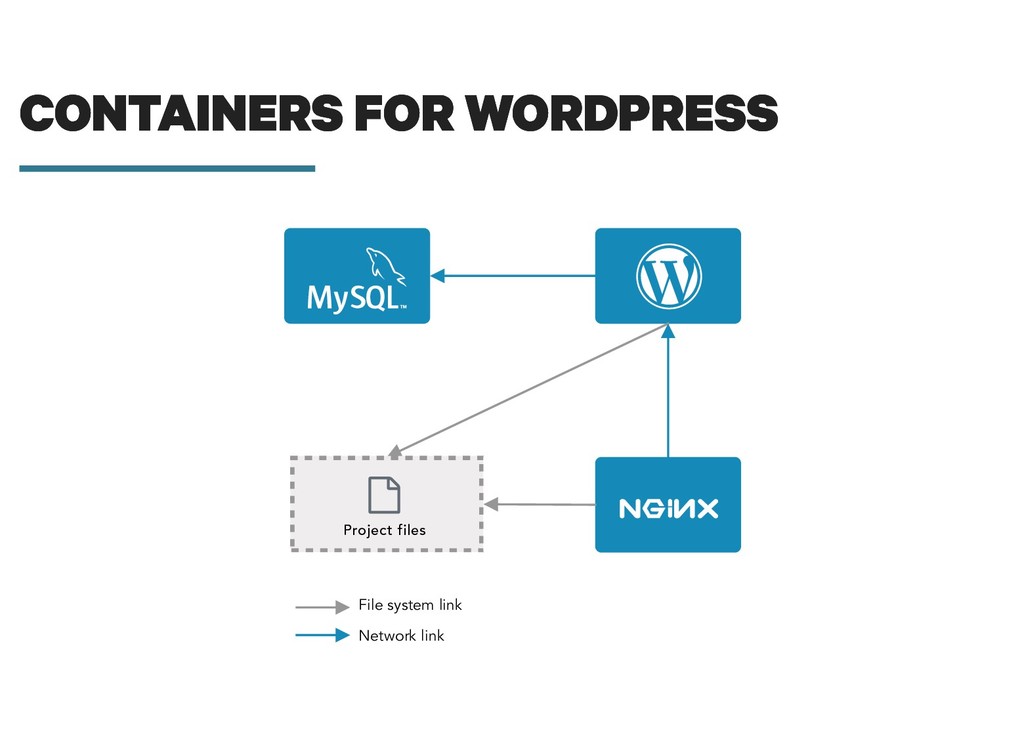
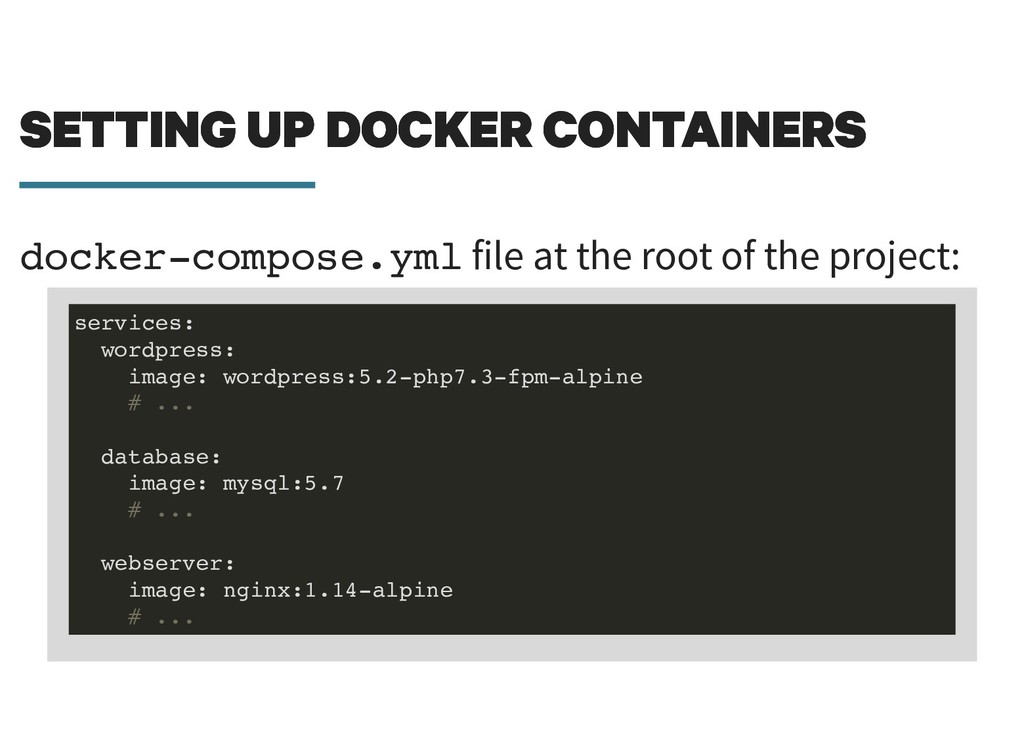
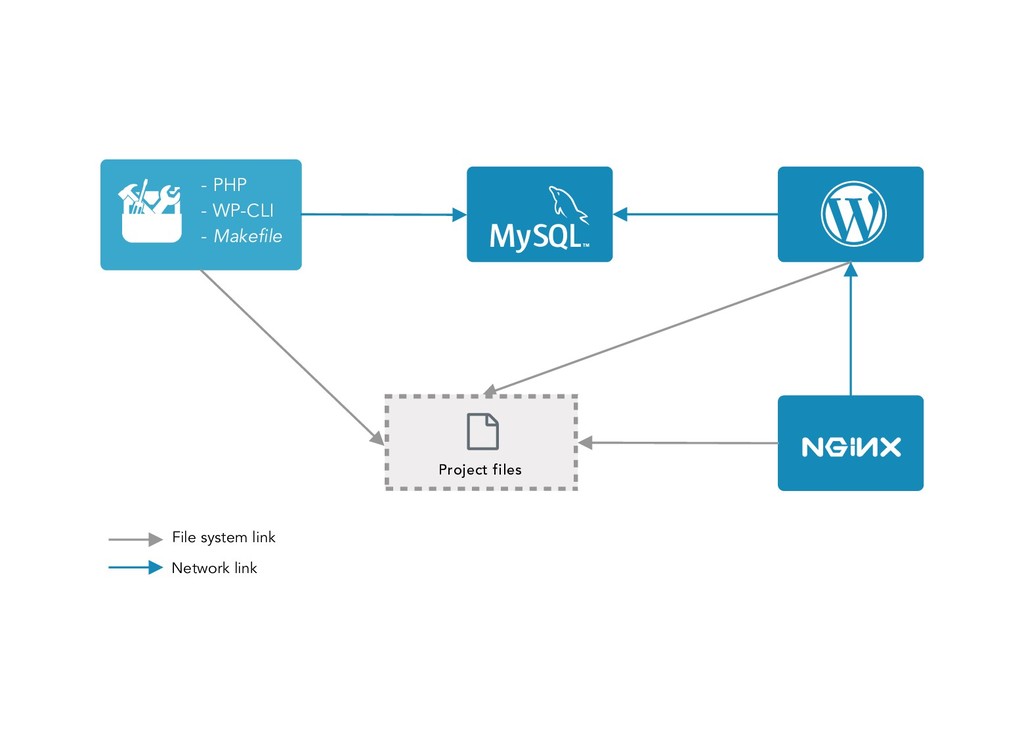
  23. SETTING UP DOCKER CONTAINERS SETTING UP DOCKER CONTAINERS docker-compose.yml file

    at the root of the project: services: wordpress: image: wordpress:5.2-php7.3-fpm-alpine # ... database: image: mysql:5.7 # ... webserver: image: nginx:1.14-alpine # ...
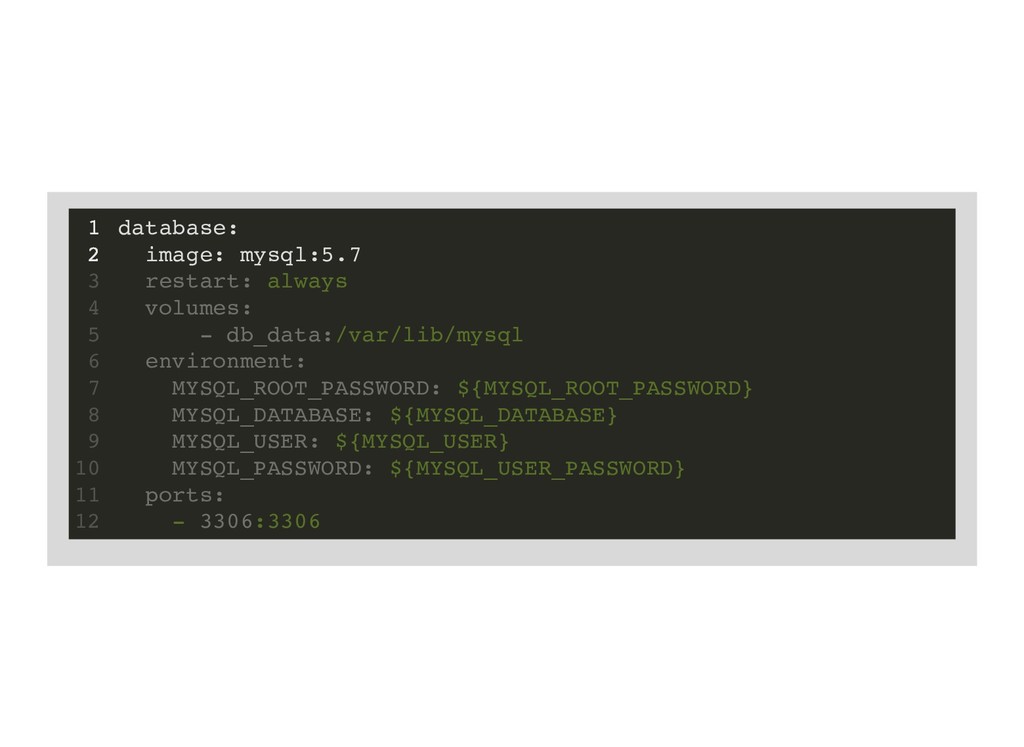
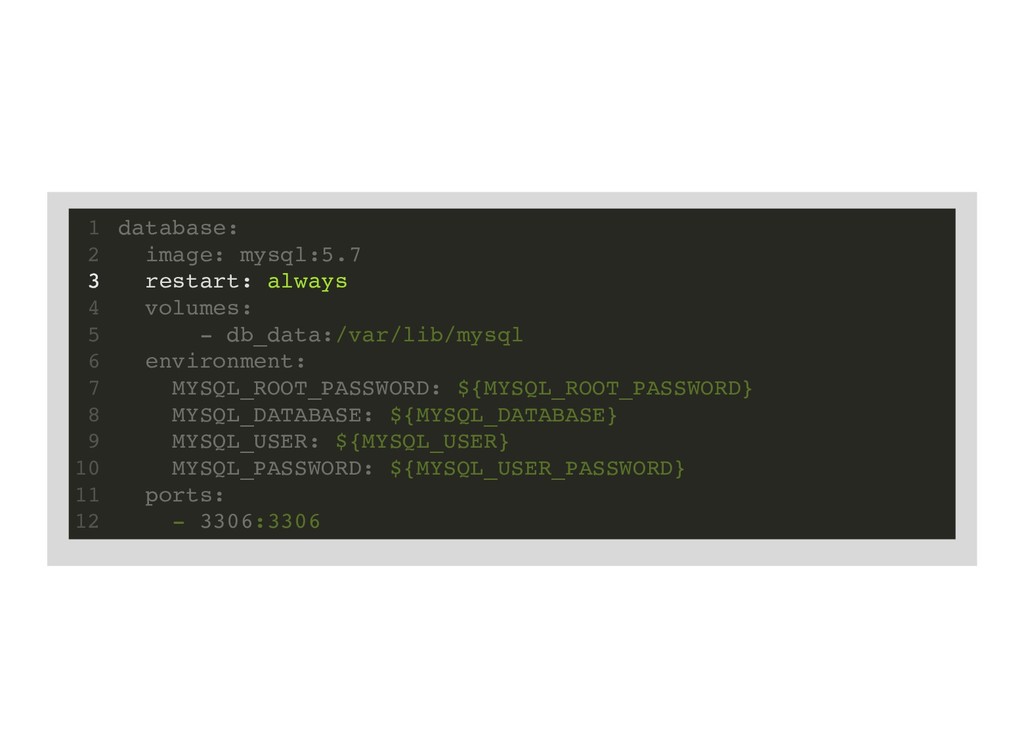
  24. database: image: mysql:5.7 1 2 restart: always 3 volumes: 4

    - db_data:/var/lib/mysql 5 environment: 6 MYSQL_ROOT_PASSWORD: ${MYSQL_ROOT_PASSWORD} 7 MYSQL_DATABASE: ${MYSQL_DATABASE} 8 MYSQL_USER: ${MYSQL_USER} 9 MYSQL_PASSWORD: ${MYSQL_USER_PASSWORD} 10 ports: 11 - 3306:3306 12
  25. restart: always database: 1 image: mysql:5.7 2 3 volumes: 4

    - db_data:/var/lib/mysql 5 environment: 6 MYSQL_ROOT_PASSWORD: ${MYSQL_ROOT_PASSWORD} 7 MYSQL_DATABASE: ${MYSQL_DATABASE} 8 MYSQL_USER: ${MYSQL_USER} 9 MYSQL_PASSWORD: ${MYSQL_USER_PASSWORD} 10 ports: 11 - 3306:3306 12
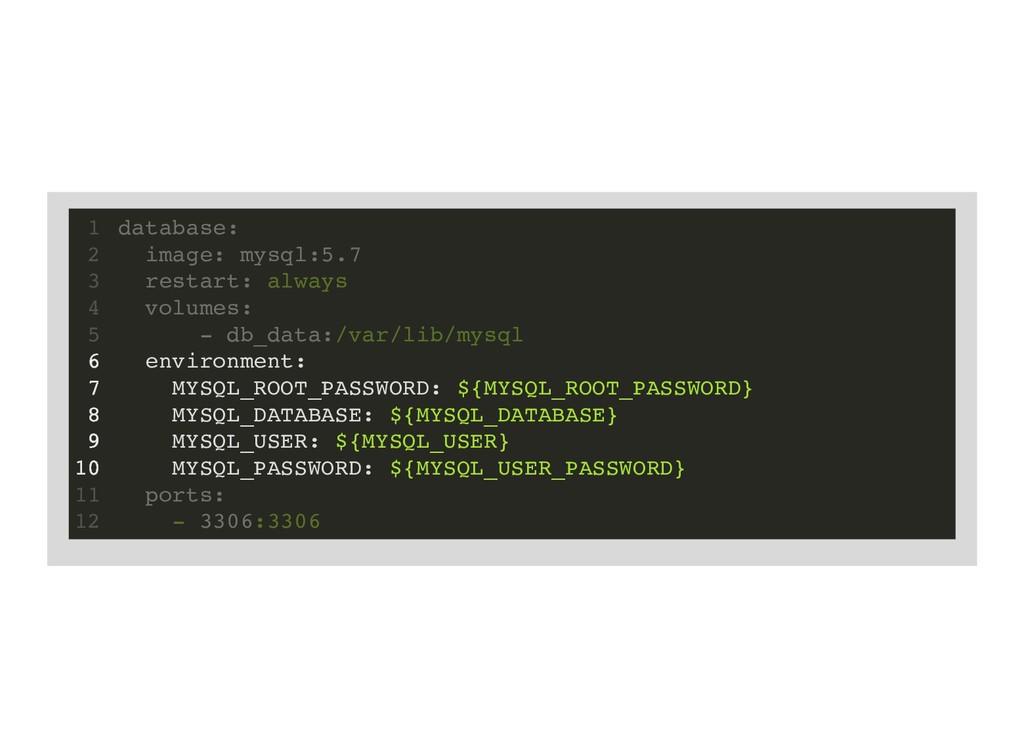
  26. environment: MYSQL_ROOT_PASSWORD: ${MYSQL_ROOT_PASSWORD} MYSQL_DATABASE: ${MYSQL_DATABASE} MYSQL_USER: ${MYSQL_USER} MYSQL_PASSWORD: ${MYSQL_USER_PASSWORD} database:

    1 image: mysql:5.7 2 restart: always 3 volumes: 4 - db_data:/var/lib/mysql 5 6 7 8 9 10 ports: 11 - 3306:3306 12
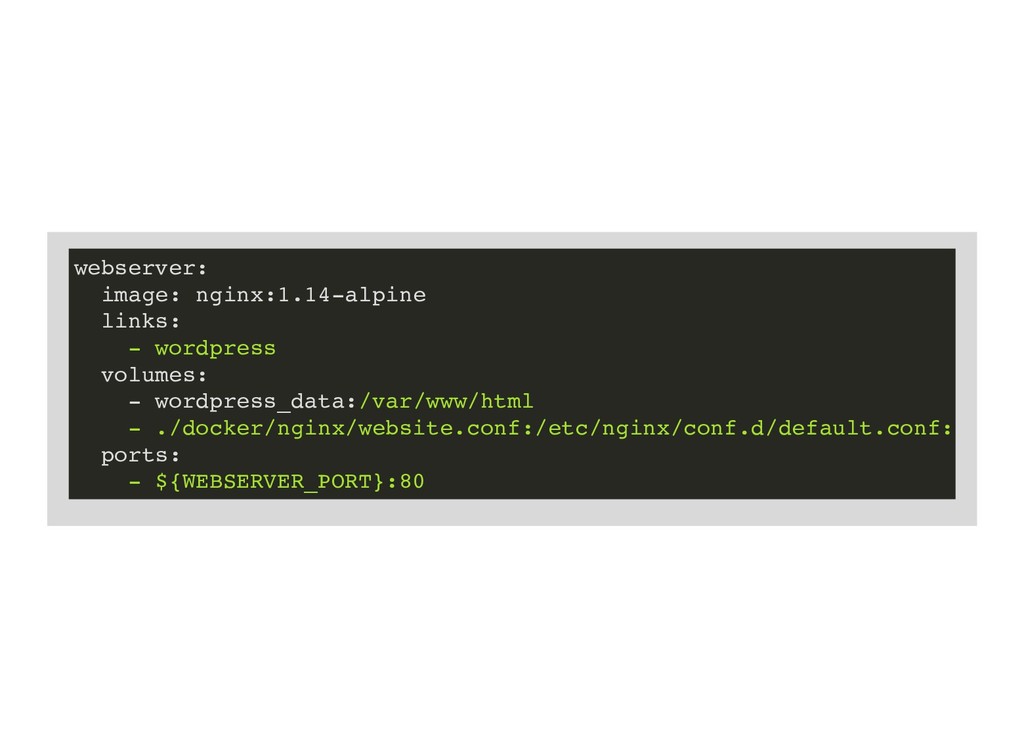
  27. webserver: image: nginx:1.14-alpine links: - wordpress volumes: - wordpress_data:/var/www/html -

    ./docker/nginx/website.conf:/etc/nginx/conf.d/default.conf: ports: - ${WEBSERVER_PORT}:80
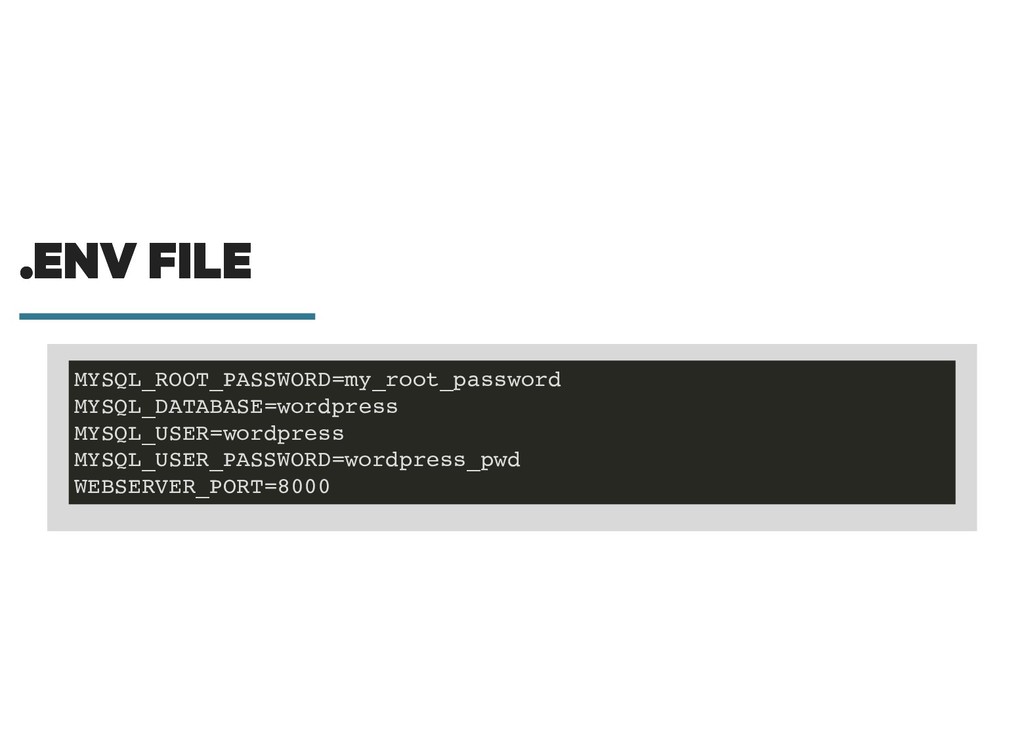
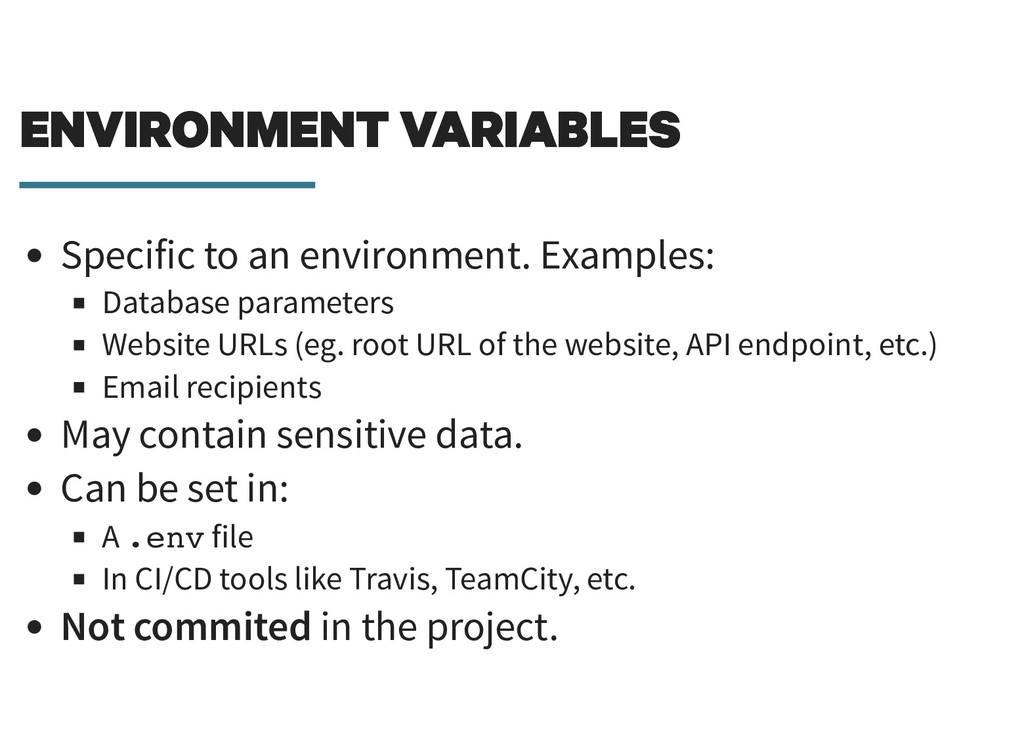
  28. ENVIRONMENT VARIABLES ENVIRONMENT VARIABLES Specific to an environment. Examples: Database

    parameters Website URLs (eg. root URL of the website, API endpoint, etc.) Email recipients May contain sensitive data. Can be set in: A .env file In CI/CD tools like Travis, TeamCity, etc. Not commited in the project.
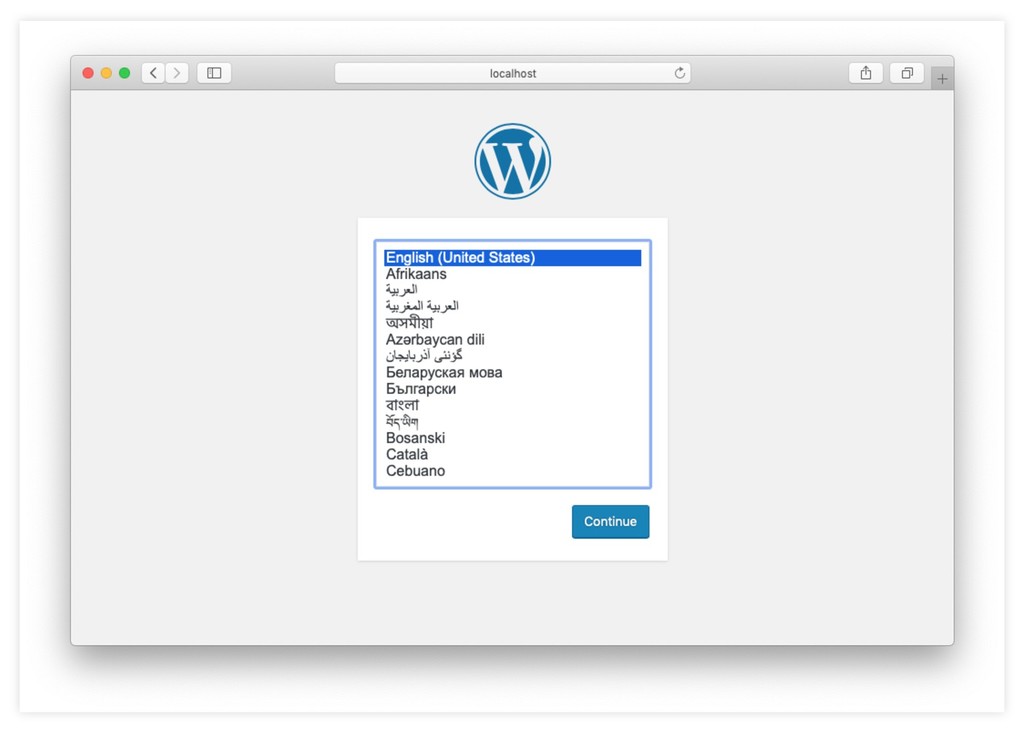
  29. LET'S RUN IT LET'S RUN IT One command to start

    Docker containers: docker-compose up -d
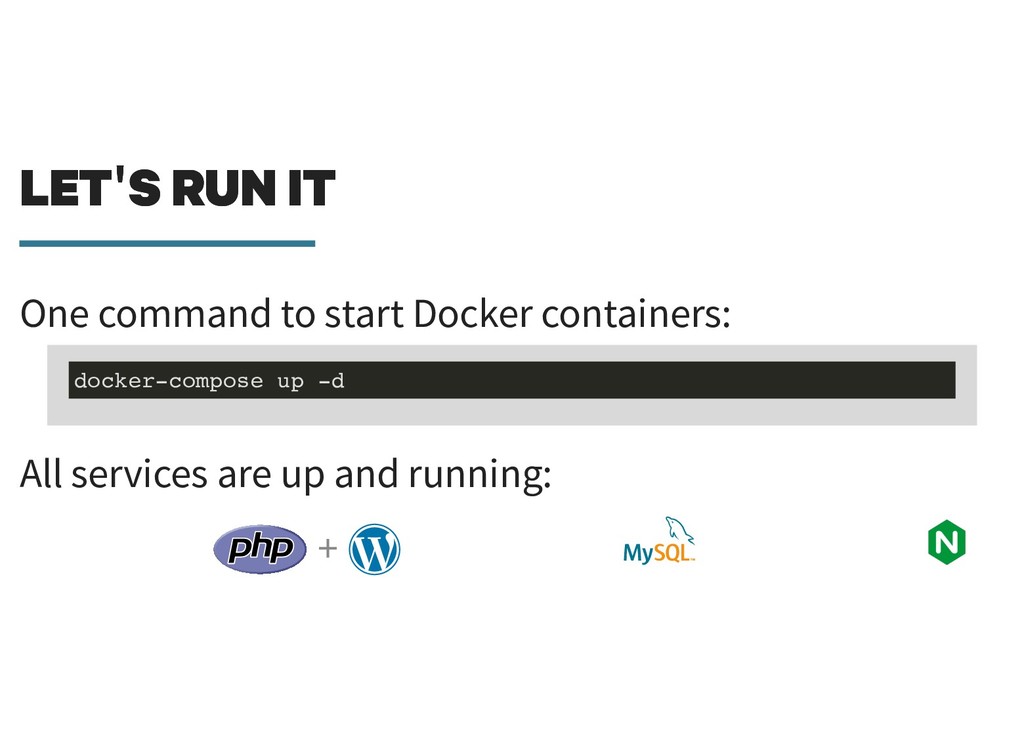
  30. LET'S RUN IT LET'S RUN IT One command to start

    Docker containers: All services are up and running: + docker-compose up -d
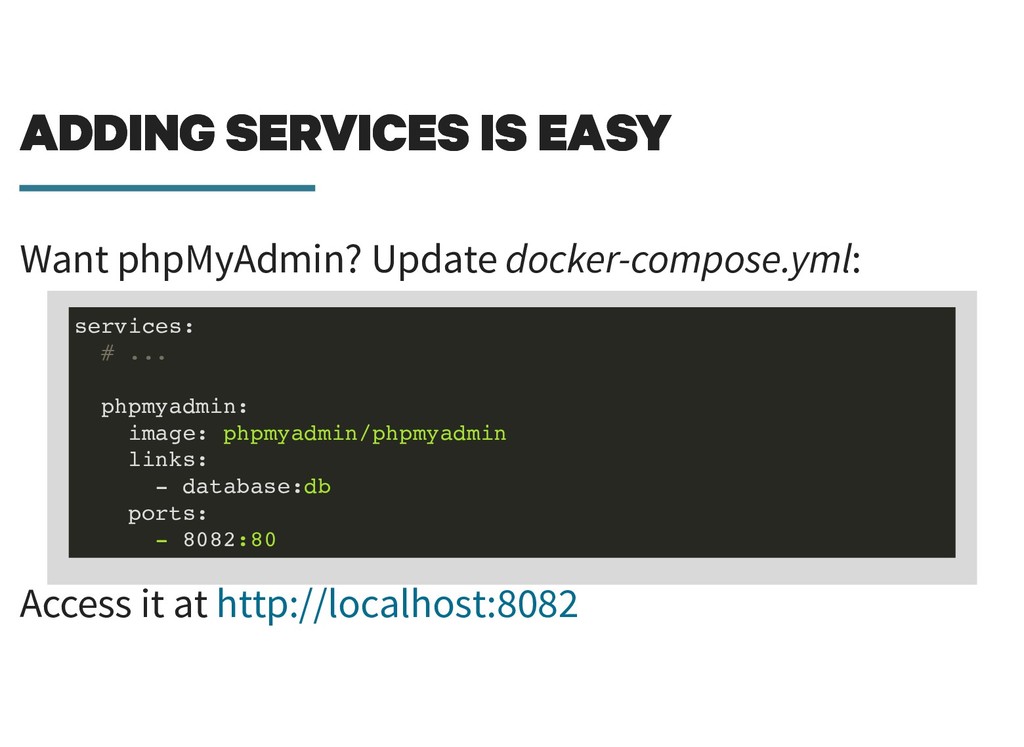
  31. ADDING SERVICES IS EASY ADDING SERVICES IS EASY Want phpMyAdmin?

    Update docker-compose.yml: Access it at services: # ... phpmyadmin: image: phpmyadmin/phpmyadmin links: - database:db ports: - 8082:80 http://localhost:8082
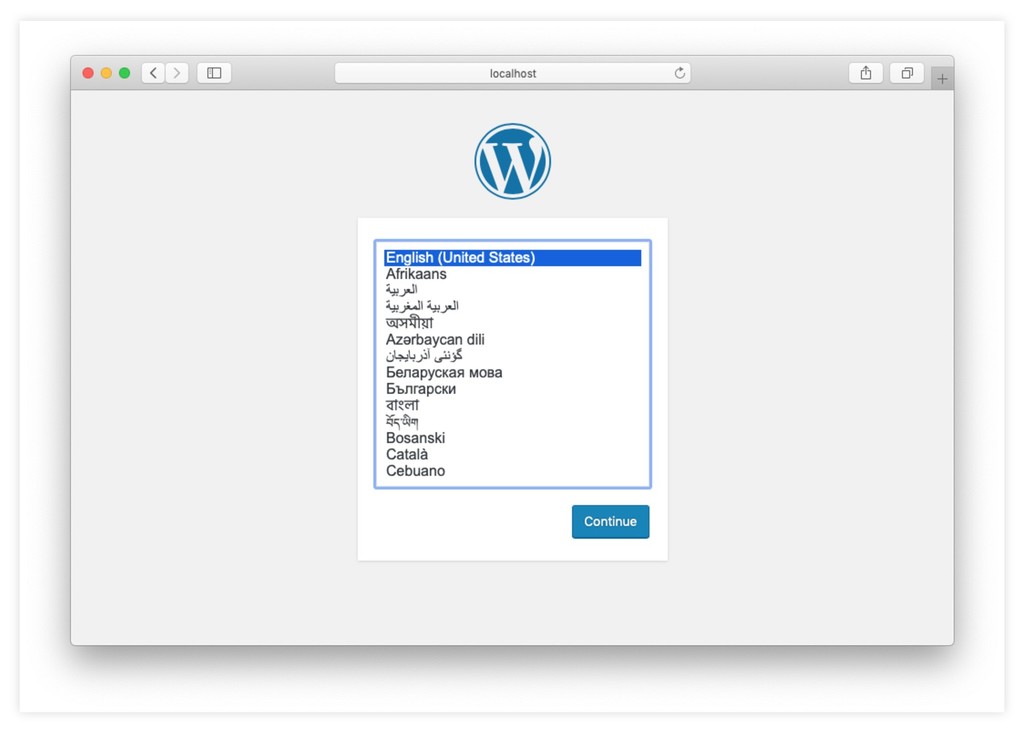
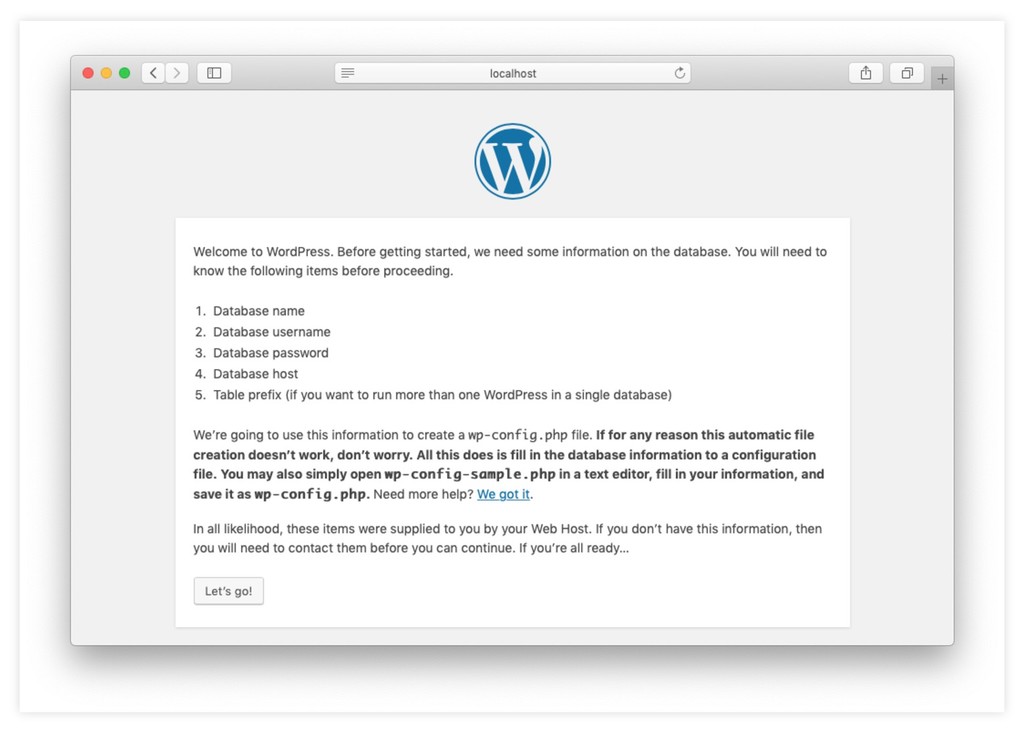
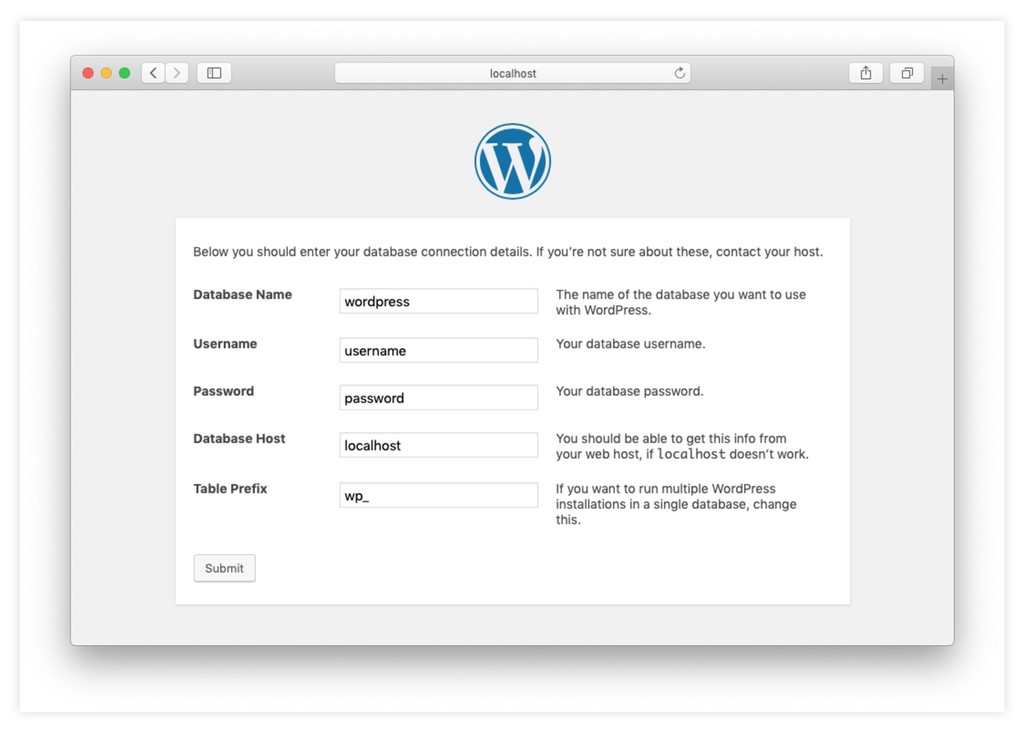
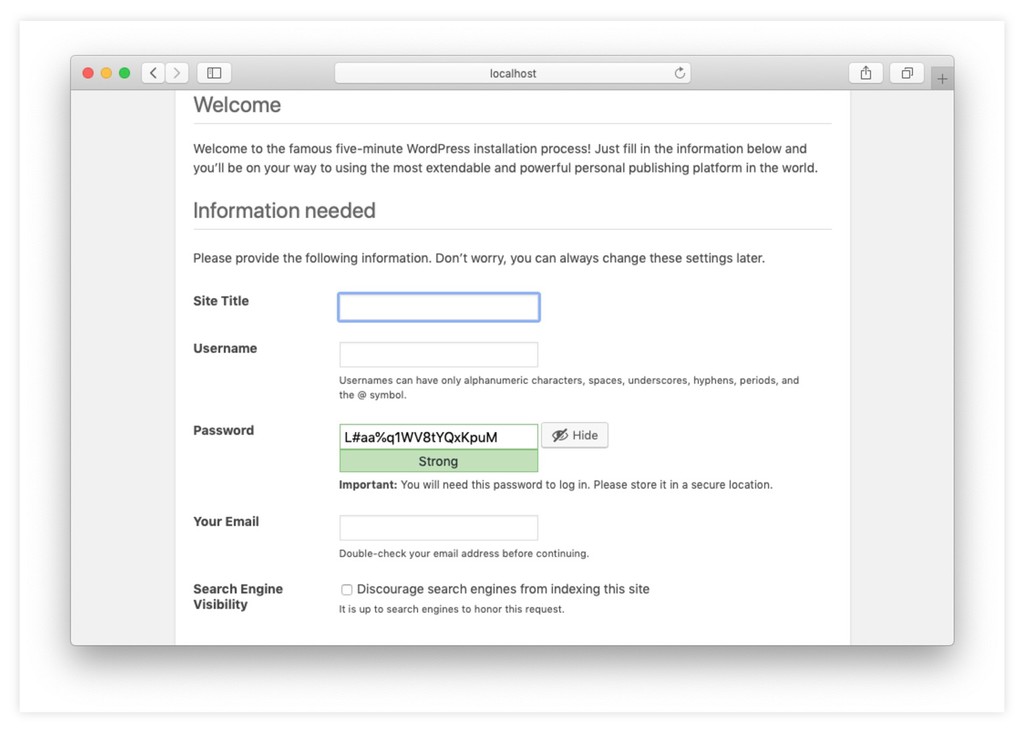
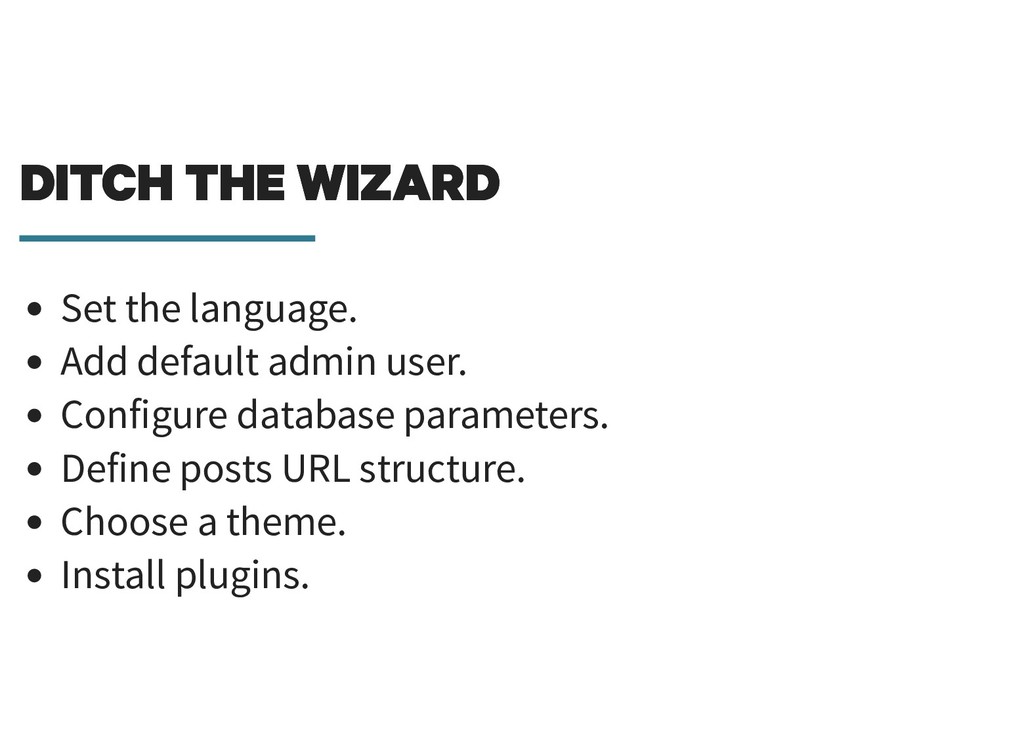
  32. DITCH THE WIZARD DITCH THE WIZARD Set the language. Add

    default admin user. Configure database parameters. Define posts URL structure. Choose a theme. Install plugins.
  33. WP-CLI WP-CLI WP-CLI provides a command-line interface for many actions

    you might perform in the WordPress admin. wp-cli.org
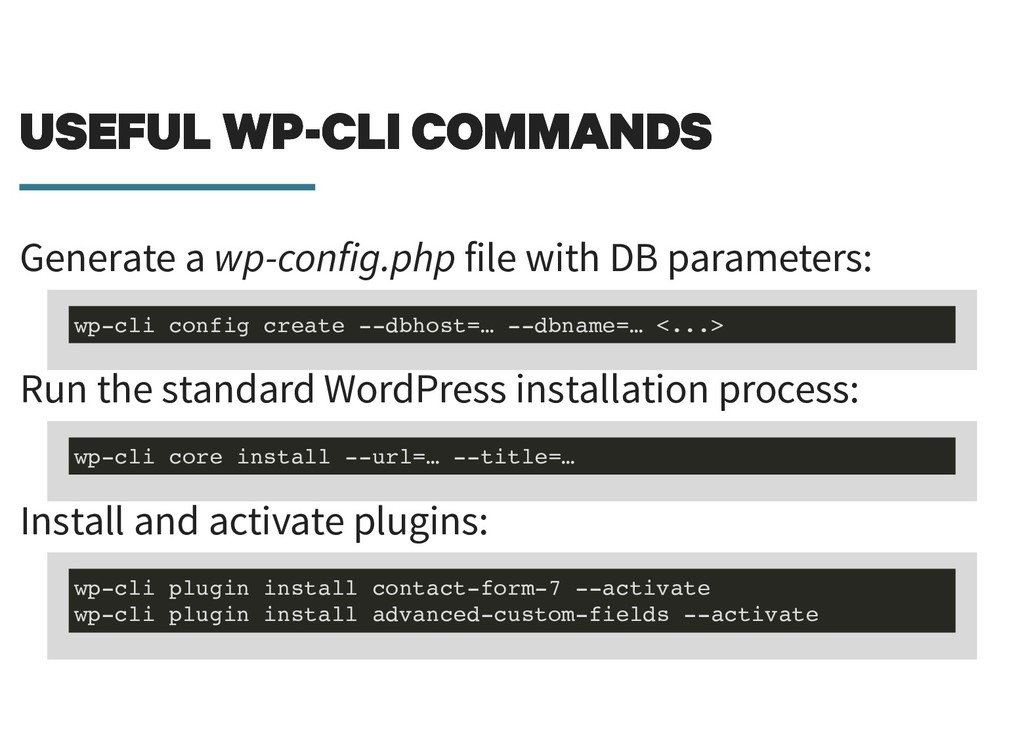
  34. USEFUL WP-CLI COMMANDS USEFUL WP-CLI COMMANDS Generate a wp-config.php file

    with DB parameters: Run the standard WordPress installation process: Install and activate plugins: wp-cli config create --dbhost=… --dbname=… <...> wp-cli core install --url=… --title=… wp-cli plugin install contact-form-7 --activate wp-cli plugin install advanced-custom-fields --activate
  35. HOW TO INSTALL HOW TO INSTALL Requirements for running WP-CLI:

    A PHP installation. Installing it (on every environment). Access to the WordPress directory.
  36. HOW TO INSTALL HOW TO INSTALL Requirements for running WP-CLI:

    A PHP installation. Installing it (on every environment). Access to the WordPress directory. Let's use a Docker container!
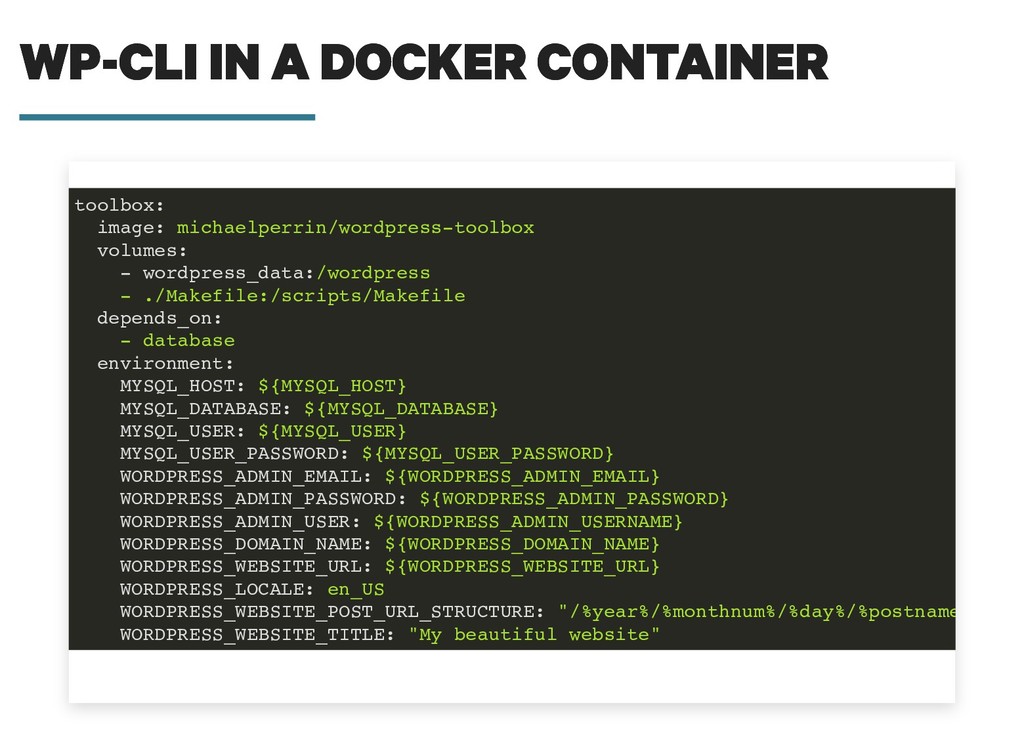
  37. WP-CLI IN A DOCKER CONTAINER WP-CLI IN A DOCKER CONTAINER

    toolbox: image: michaelperrin/wordpress-toolbox volumes: - wordpress_data:/wordpress - ./Makefile:/scripts/Makefile depends_on: - database environment: MYSQL_HOST: ${MYSQL_HOST} MYSQL_DATABASE: ${MYSQL_DATABASE} MYSQL_USER: ${MYSQL_USER} MYSQL_USER_PASSWORD: ${MYSQL_USER_PASSWORD} WORDPRESS_ADMIN_EMAIL: ${WORDPRESS_ADMIN_EMAIL} WORDPRESS_ADMIN_PASSWORD: ${WORDPRESS_ADMIN_PASSWORD} WORDPRESS_ADMIN_USER: ${WORDPRESS_ADMIN_USERNAME} WORDPRESS_DOMAIN_NAME: ${WORDPRESS_DOMAIN_NAME} WORDPRESS_WEBSITE_URL: ${WORDPRESS_WEBSITE_URL} WORDPRESS_LOCALE: en_US WORDPRESS_WEBSITE_POST_URL_STRUCTURE: "/%year%/%monthnum%/%day%/%postname WORDPRESS_WEBSITE_TITLE: "My beautiful website"
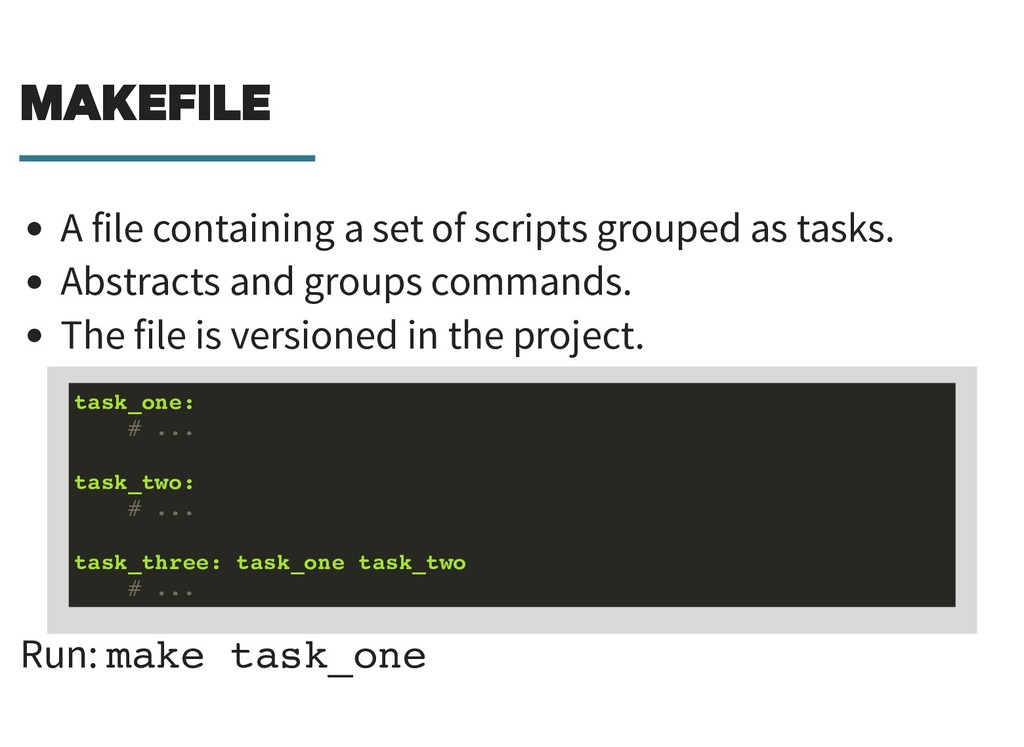
  38. MAKEFILE MAKEFILE A file containing a set of scripts grouped

    as tasks. Abstracts and groups commands. The file is versioned in the project. Run: make task_one task_one: # ... task_two: # ... task_three: task_one task_two # ...
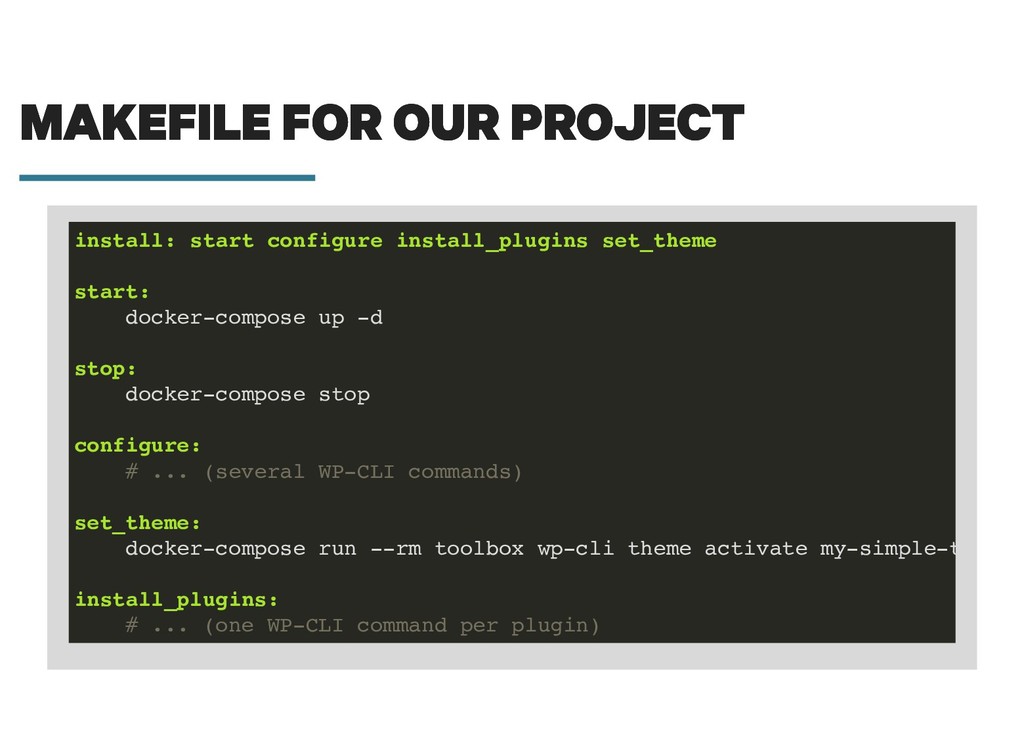
  39. MAKEFILE FOR OUR PROJECT MAKEFILE FOR OUR PROJECT install: start

    configure install_plugins set_theme start: docker-compose up -d stop: docker-compose stop configure: # ... (several WP-CLI commands) set_theme: docker-compose run --rm toolbox wp-cli theme activate my-simple-t install_plugins: # ... (one WP-CLI command per plugin)
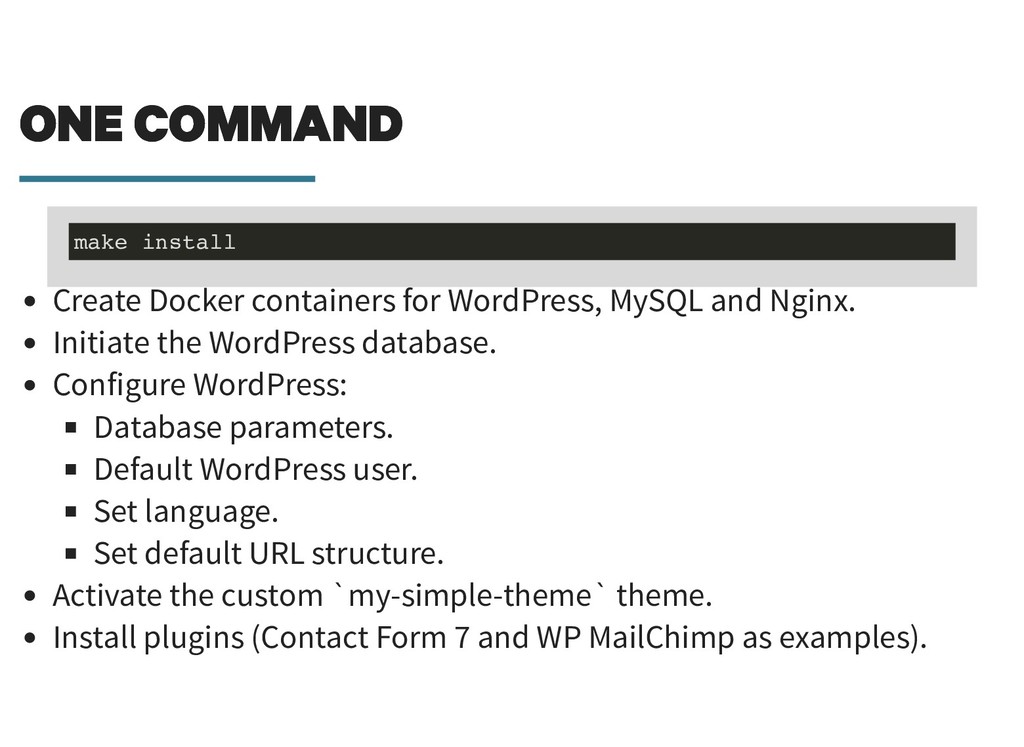
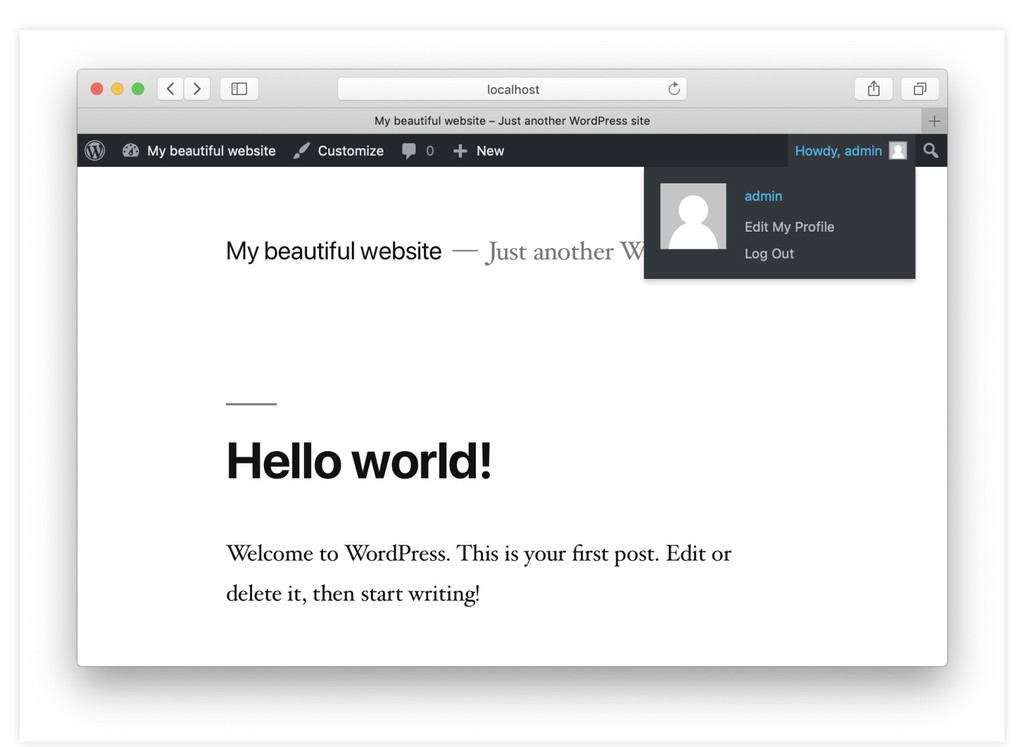
  40. ONE COMMAND ONE COMMAND Create Docker containers for WordPress, MySQL

    and Nginx. Initiate the WordPress database. Configure WordPress: Database parameters. Default WordPress user. Set language. Set default URL structure. Activate the custom `my-simple-theme` theme. Install plugins (Contact Form 7 and WP MailChimp as examples). make install
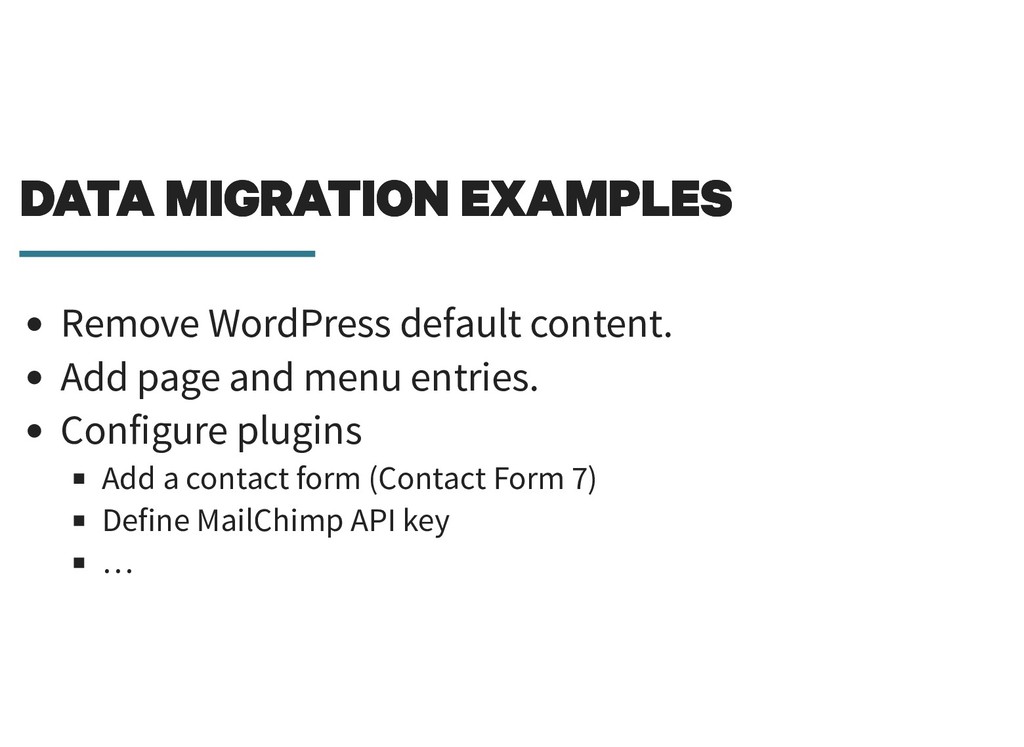
  41. DATA MIGRATION EXAMPLES DATA MIGRATION EXAMPLES Remove WordPress default content.

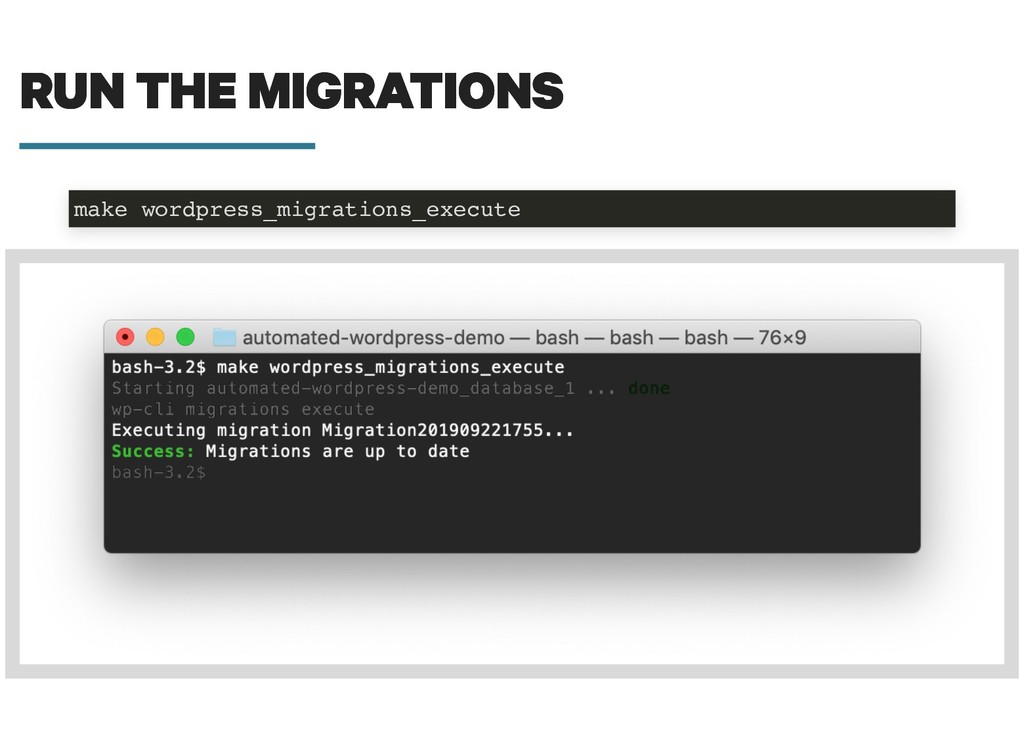
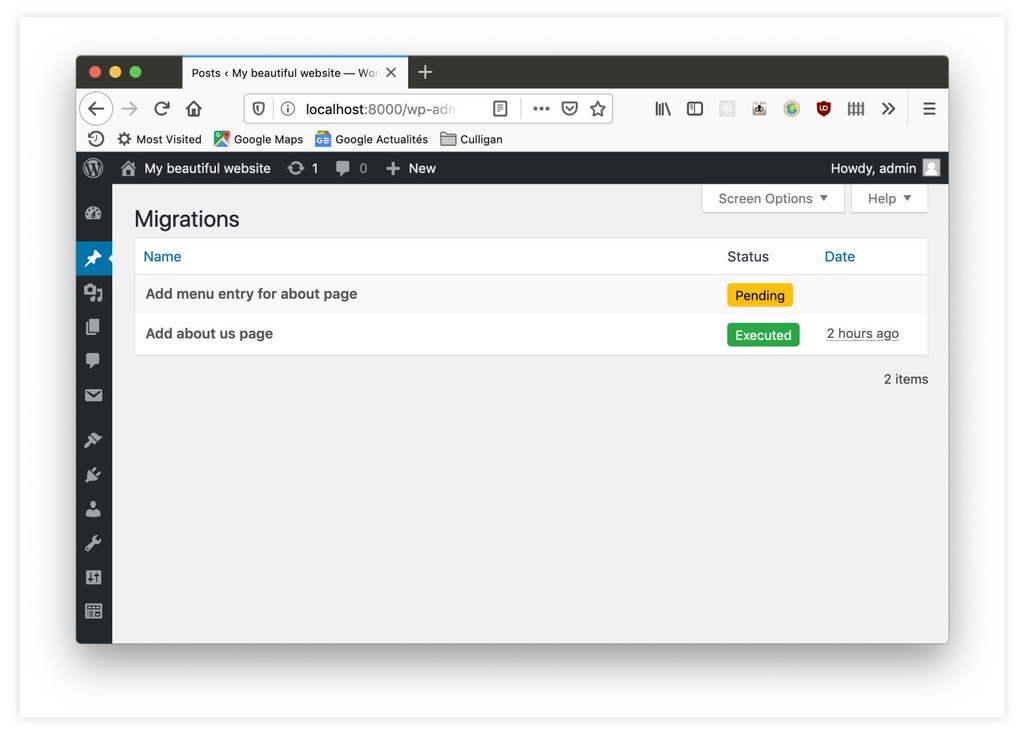
    Add page and menu entries. Configure plugins Add a contact form (Contact Form 7) Define MailChimp API key …
  42. WP-MIGRATIONS PLUGIN WP-MIGRATIONS PLUGIN Inspired by for PHP and SQL

    Runs user-defined migration files to describe data changes. Doctrine Migrations
  43. WP-MIGRATIONS PLUGIN WP-MIGRATIONS PLUGIN Inspired by for PHP and SQL

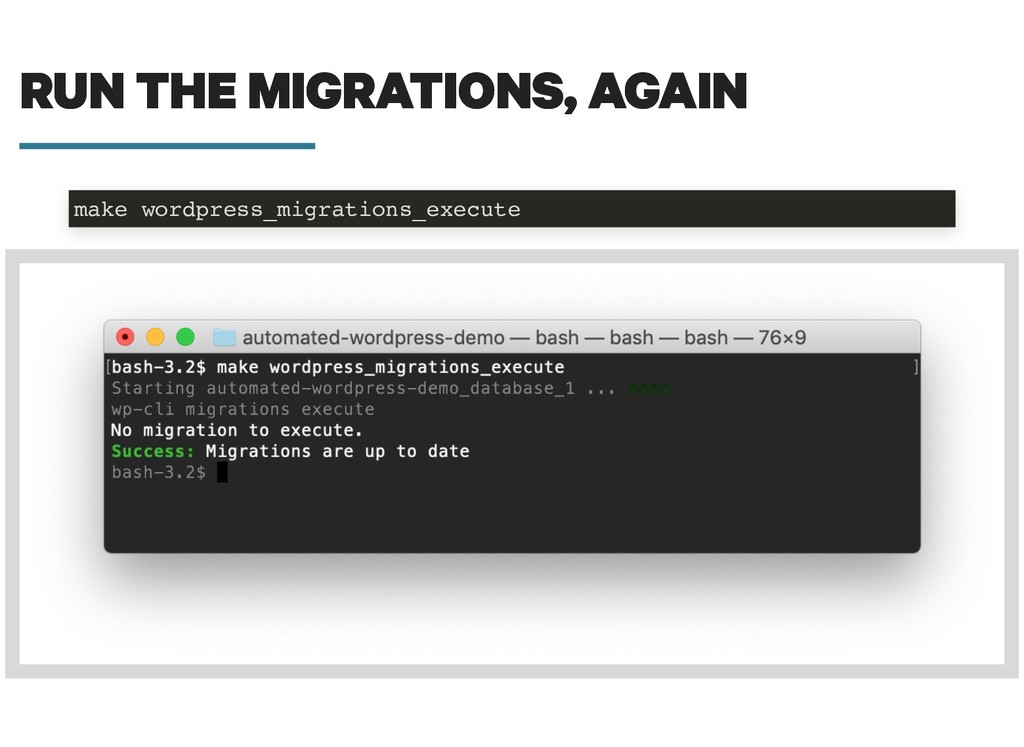
    Runs user-defined migration files to describe data changes. Embeds a WP-CLI command to execute migrations. Doctrine Migrations
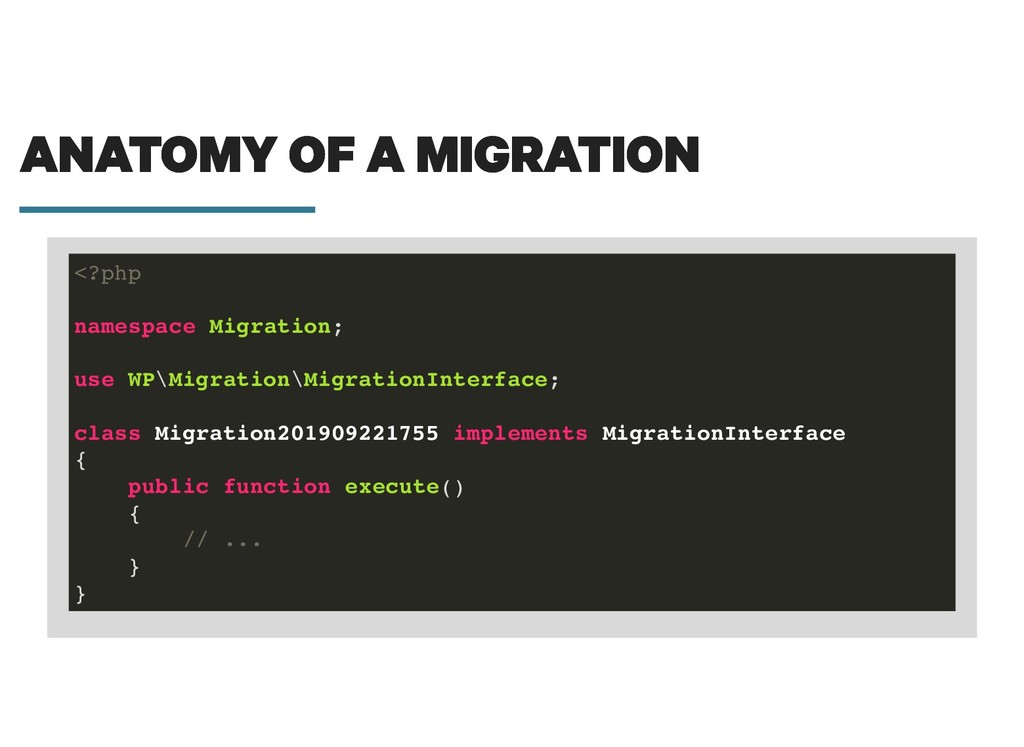
  44. ANATOMY OF A MIGRATION ANATOMY OF A MIGRATION <?php namespace

    Migration; use WP\Migration\MigrationInterface; class Migration201909221755 implements MigrationInterface { public function execute() { // ... } }
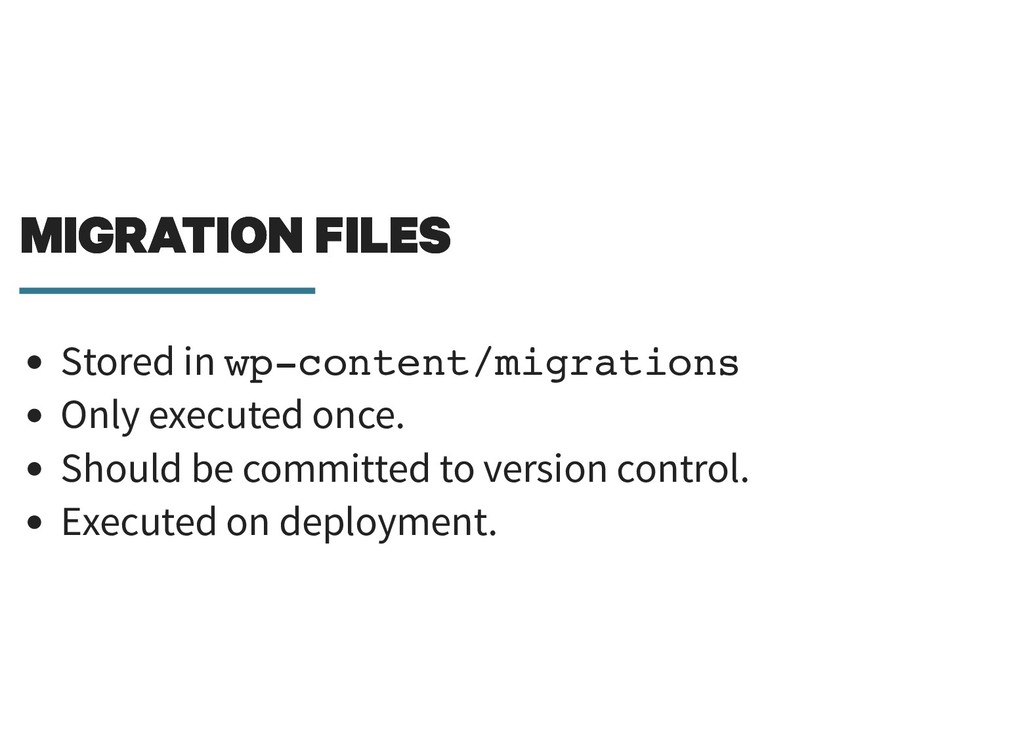
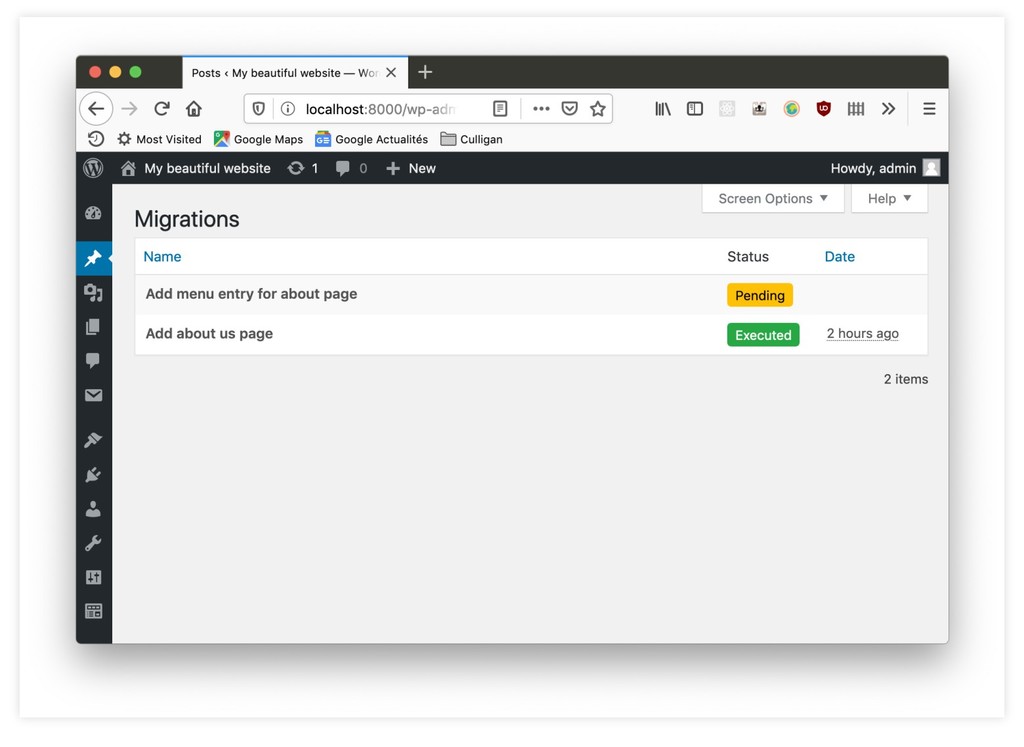
  45. MIGRATION FILES MIGRATION FILES Stored in wp-content/migrations Only executed once.

    Should be committed to version control. Executed on deployment.
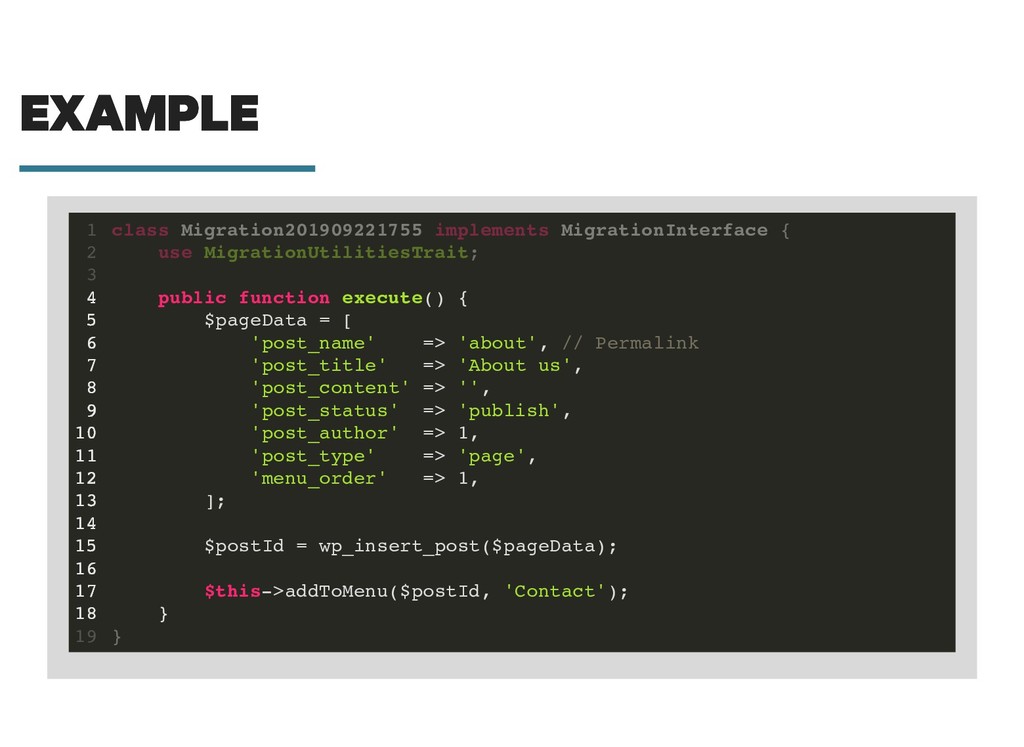
  46. EXAMPLE EXAMPLE public function execute() { $pageData = [ 'post_name'

    => 'about', // Permalink 'post_title' => 'About us', 'post_content' => '', 'post_status' => 'publish', 'post_author' => 1, 'post_type' => 'page', 'menu_order' => 1, ]; $postId = wp_insert_post($pageData); $this->addToMenu($postId, 'Contact'); } class Migration201909221755 implements MigrationInterface { 1 use MigrationUtilitiesTrait; 2 3 4 5 6 7 8 9 10 11 12 13 14 15 16 17 18 } 19
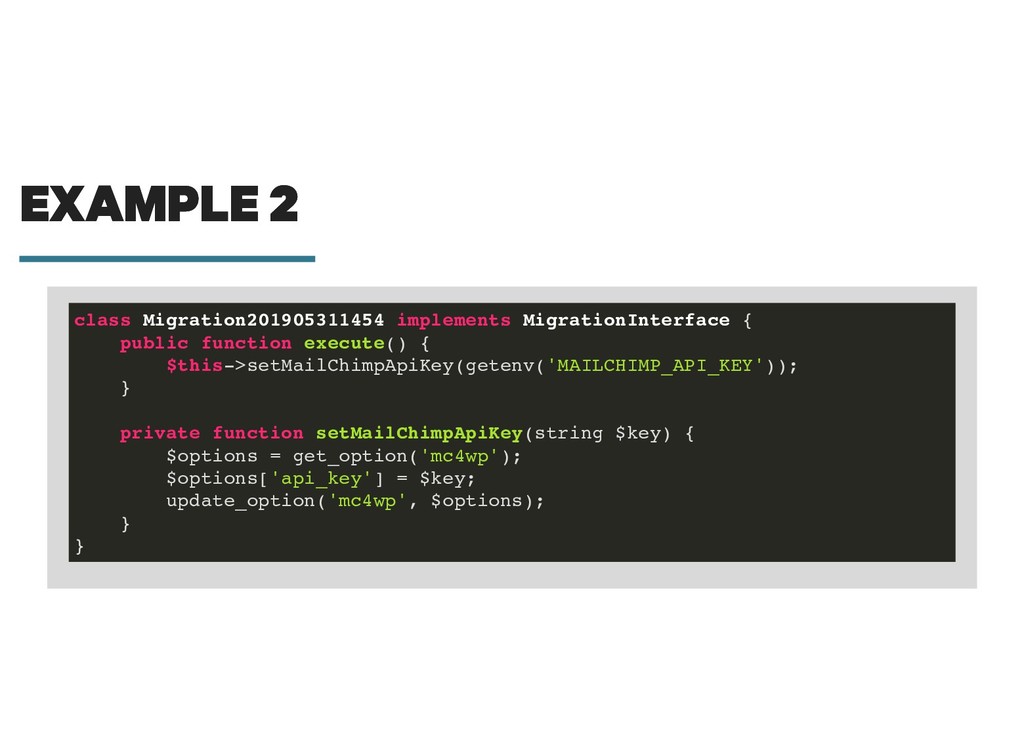
  47. EXAMPLE 2 EXAMPLE 2 class Migration201905311454 implements MigrationInterface { public

    function execute() { $this->setMailChimpApiKey(getenv('MAILCHIMP_API_KEY')); } private function setMailChimpApiKey(string $key) { $options = get_option('mc4wp'); $options['api_key'] = $key; update_option('mc4wp', $options); } }
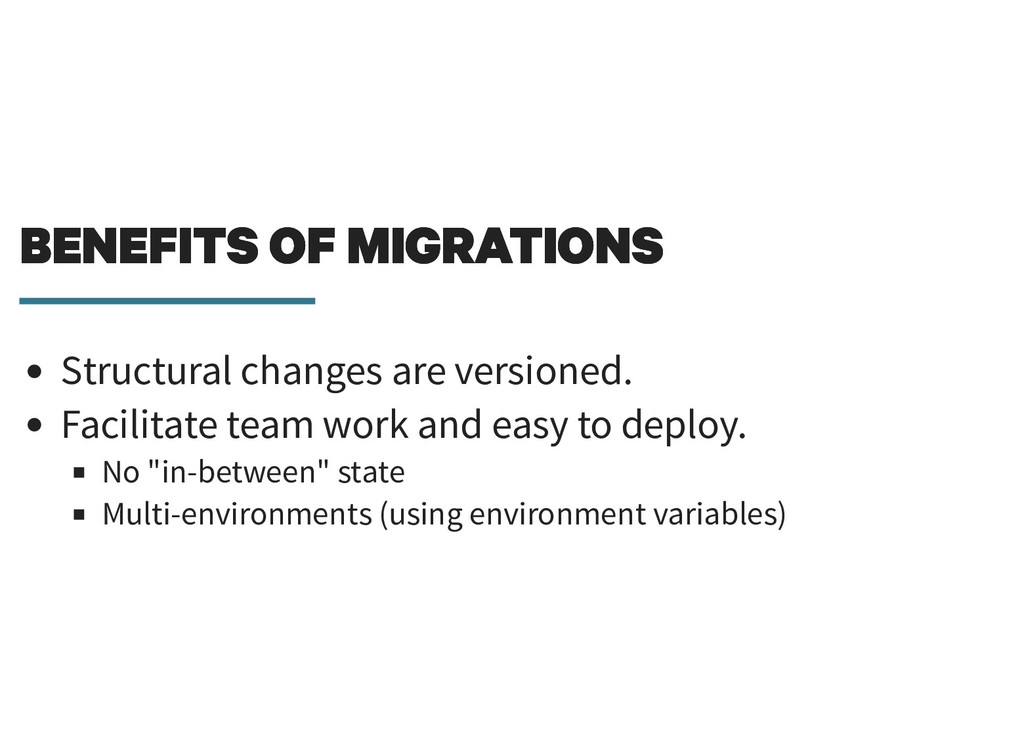
  48. BENEFITS OF MIGRATIONS BENEFITS OF MIGRATIONS Structural changes are versioned.

    Facilitate team work and easy to deploy. No "in-between" state Multi-environments (using environment variables)
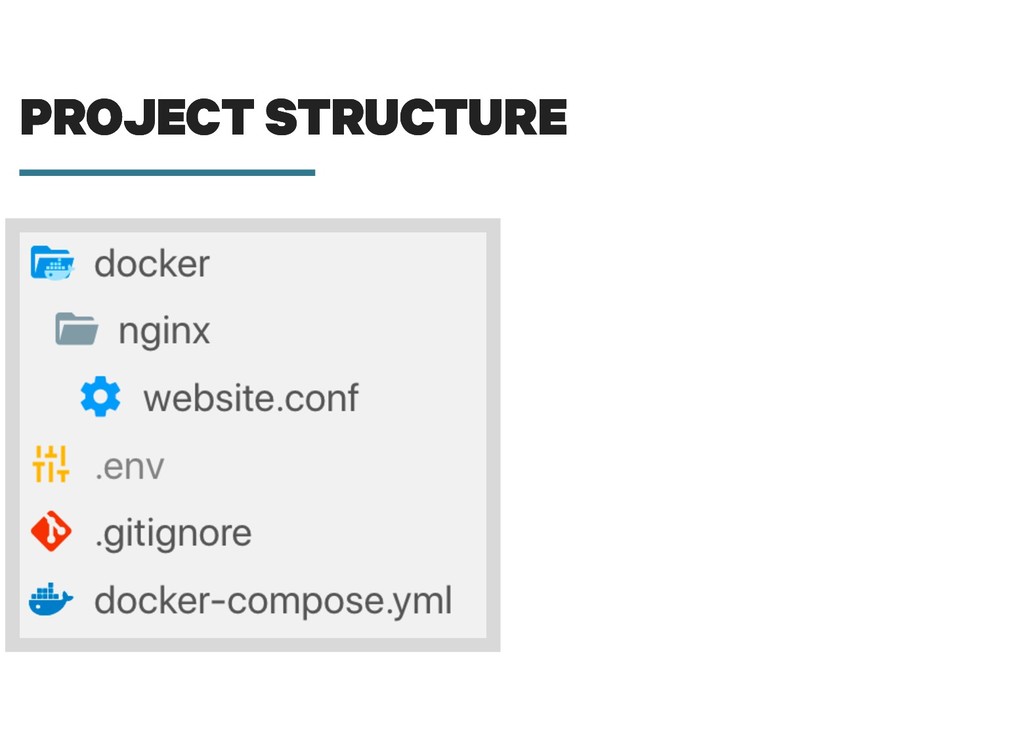
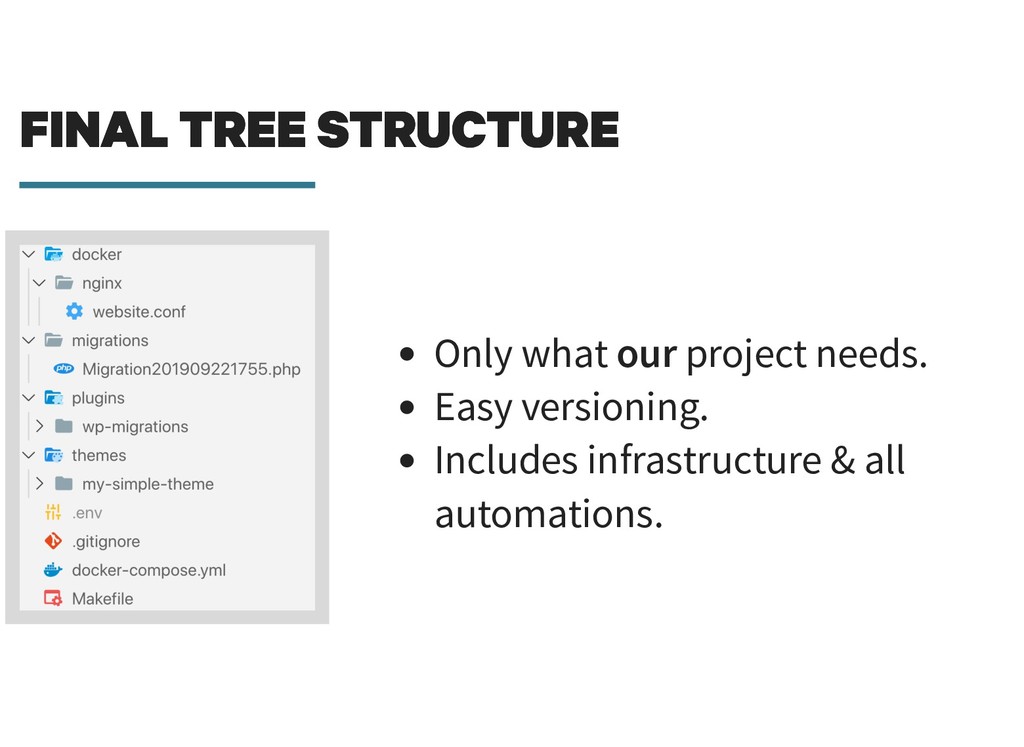
  49. FINAL TREE STRUCTURE FINAL TREE STRUCTURE Only what our project

    needs. Easy versioning. Includes infrastructure & all automations.
  50. THANK YOU! THANK YOU! Twitter: Demo repository: Slides (soon): @michael_perrin

    https://github.com/michaelperrin/automated- wordpress-demo http://blog.michaelperrin.fr/