Upgrade to Pro
— share decks privately, control downloads, hide ads and more …
Speaker Deck
Sign up for free
Menu
Search
Features
All features
Private URLs
Password Protection
Custom URLS
Scheduled publishing
Remove Branding
Restrict embedding
Deck Collections
Notes
Features
All features
Private URLs
Password Protection
Custom URLS
Scheduled publishing
Remove Branding
Restrict embedding
Deck Collections
Notes
Explore
Featured decks
Featured speakers
Programming
Technology
Storyboards
Explore
Featured decks
Featured speakers
Programming
Technology
Storyboards
Pricing
Search
Sign in
Sign up for free
選んだ対象物をpokestopに採用マニュアル
Search
Sponsored
·
Your Podcast. Everywhere. Effortlessly.
Share. Educate. Inspire. Entertain. You do you. We'll handle the rest.
→
Miki Okuma
July 14, 2016
60
0
Share
Embed
Copy iframe code
Copy JS code
Copy link
Start on current slide
選んだ対象物をpokestopに採用マニュアル
Miki Okuma
July 14, 2016
More Decks by Miki Okuma
See All by Miki Okuma
選んだ対象物をpokestopに採用するためのマニュアル
mikion
0
49
選んだ対象物をpokestopに採用するためのマニュアル
mikion
0
70
マッピング作業のマニュアル
mikion
0
68
Featured
See All Featured
Designing for Timeless Needs
cassininazir
1
530
A designer walks into a library…
pauljervisheath
211
25k
Bash Introduction
62gerente
615
220k
Collaborative Software Design: How to facilitate domain modelling decisions
baasie
1
340
Side Projects
sachag
456
43k
KATA
mclloyd
PRO
35
16k
How Software Deployment tools have changed in the past 20 years
geshan
2
35k
Making the Leap to Tech Lead
cromwellryan
135
10k
The Curious Case for Waylosing
cassininazir
1
570
Exploring the Power of Turbo Streams & Action Cable | RailsConf2023
kevinliebholz
37
6.6k
Applied NLP in the Age of Generative AI
inesmontani
PRO
4
2.5k
Unsuck your backbone
ammeep
672
58k
Transcript
選んだ対象物をPokestopに採用 マニュアル 氏名:大熊 美貴 学籍番号:1A116043
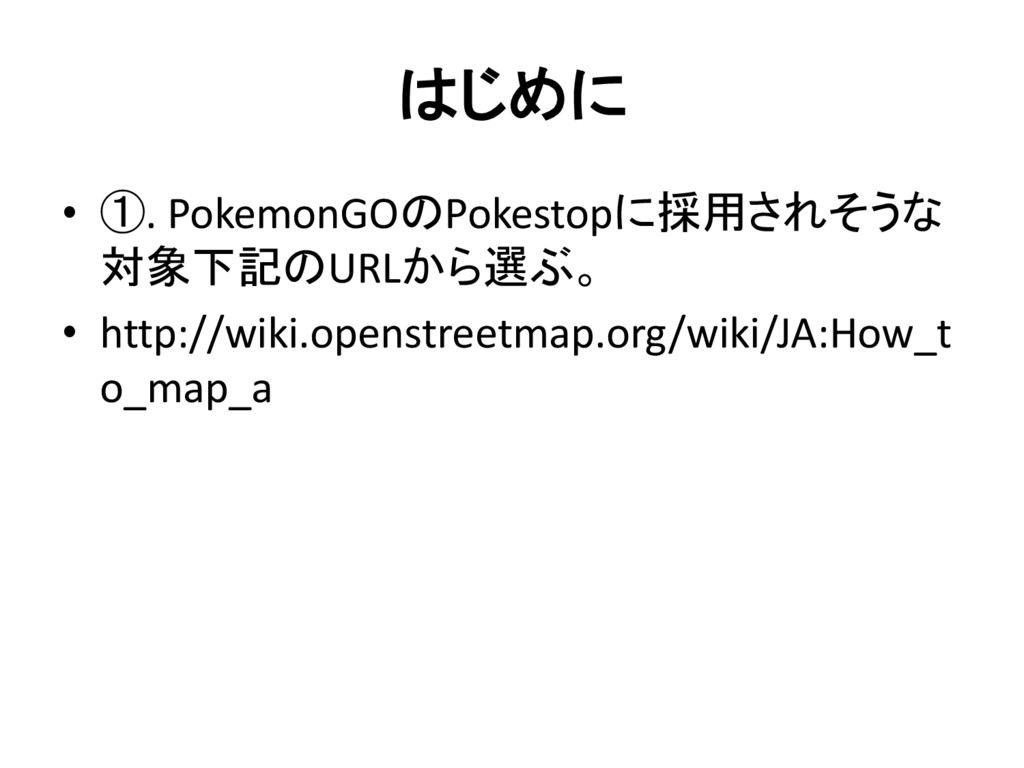
はじめに • ①. PokemonGOのPokestopに採用されそうな 対象下記のURLから選ぶ。 • http://wiki.openstreetmap.org/wiki/JA:How_t o_map_a
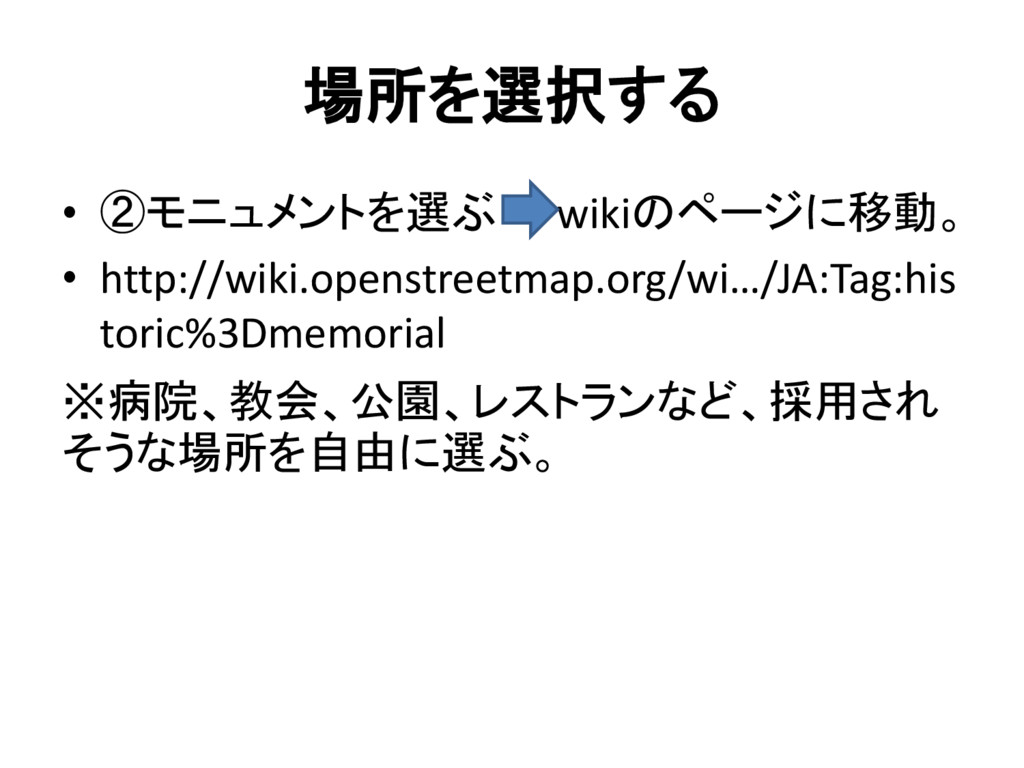
場所を選択する • ②モニュメントを選ぶ wikiのページに移動。 • http://wiki.openstreetmap.org/wi…/JA:Tag:his toric%3Dmemorial ※病院、教会、公園、レストランなど、採用され そうな場所を自由に選ぶ。
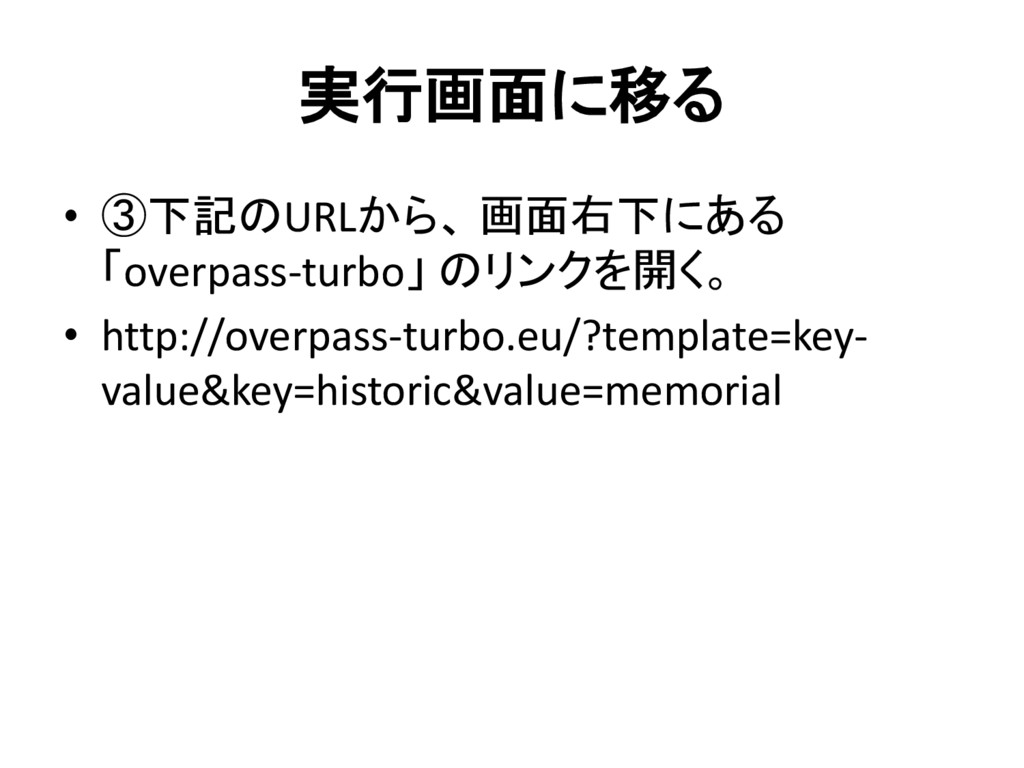
実行画面に移る • ③下記のURLから、 画面右下にある 「overpass-turbo」 のリンクを開く。 • http://overpass-turbo.eu/?template=key- value&key=historic&value=memorial
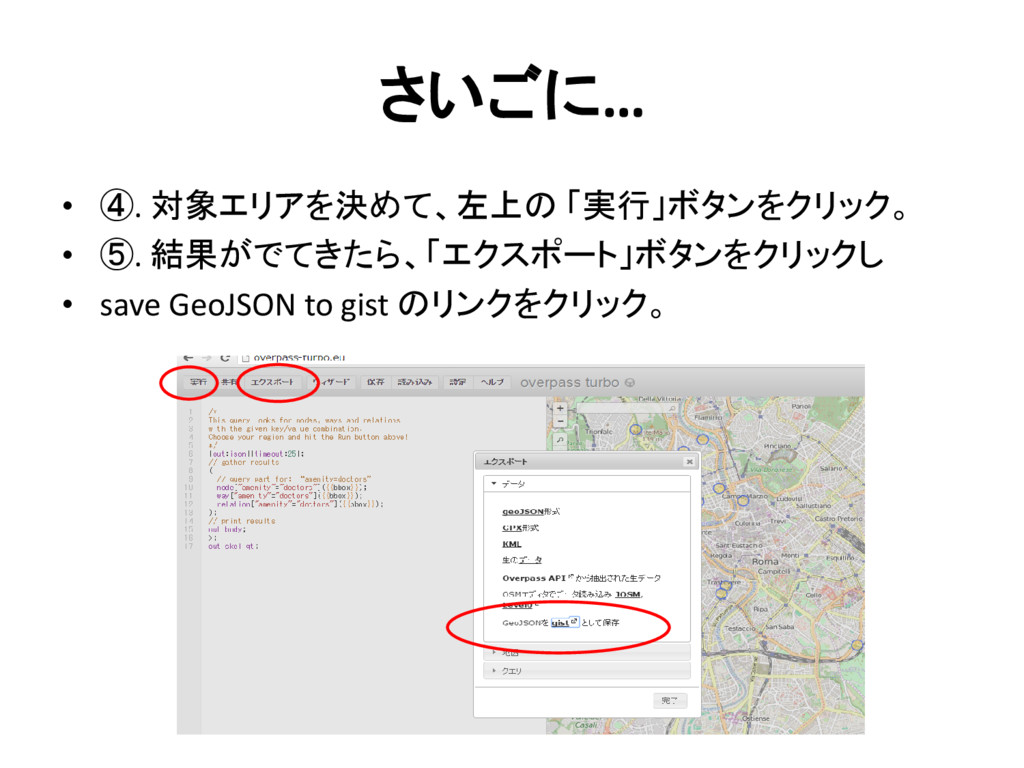
さいごに… • ④. 対象エリアを決めて、左上の 「実行」ボタンをクリック。 • ⑤. 結果がでてきたら、「エクスポート」ボタンをクリックし • save
GeoJSON to gist のリンクをクリック。


 mikion
 cassininazir
 pauljervisheath
 62gerente
 baasie
 sachag
 mclloyd
 geshan
 cromwellryan
 kevinliebholz
 inesmontani
 ammeep