Upgrade to Pro
— share decks privately, control downloads, hide ads and more …
Speaker Deck
Sign up for free
Menu
Search
Features
All features
Private URLs
Password Protection
Custom URLS
Scheduled publishing
Remove Branding
Restrict embedding
Deck Collections
Notes
Features
All features
Private URLs
Password Protection
Custom URLS
Scheduled publishing
Remove Branding
Restrict embedding
Deck Collections
Notes
Explore
Featured decks
Featured speakers
Programming
Technology
Storyboards
Explore
Featured decks
Featured speakers
Programming
Technology
Storyboards
Pricing
Search
Sign in
Sign up for free
選んだ対象物をpokestopに採用するためのマニュアル
Search
Miki Okuma
July 14, 2016
70
0
Share
Embed
Copy iframe code
Copy JS code
Copy link
Start on current slide
選んだ対象物をpokestopに採用するためのマニュアル
Miki Okuma
July 14, 2016
More Decks by Miki Okuma
See All by Miki Okuma
選んだ対象物をpokestopに採用マニュアル
mikion
0
60
選んだ対象物をpokestopに採用するためのマニュアル
mikion
0
49
マッピング作業のマニュアル
mikion
0
68
Featured
See All Featured
Measuring Dark Social's Impact On Conversion and Attribution
stephenakadiri
2
310
Optimising Largest Contentful Paint
csswizardry
37
4k
Leo the Paperboy
mayatellez
10
2.4k
Imperfection Machines: The Place of Print at Facebook
scottboms
270
14k
Easily Structure & Communicate Ideas using Wireframe
afnizarnur
194
17k
How to Get Subject Matter Experts Bought In and Actively Contributing to SEO & PR Initiatives.
livdayseo
0
220
jQuery: Nuts, Bolts and Bling
dougneiner
66
8.6k
Optimizing for Happiness
mojombo
378
71k
Digital Ethics as a Driver of Design Innovation
axbom
PRO
1
460
Fight the Zombie Pattern Library - RWD Summit 2016
marcelosomers
234
18k
Understanding Cognitive Biases in Performance Measurement
bluesmoon
32
3.1k
So, you think you're a good person
axbom
PRO
2
2.2k
Transcript
選んだ対象物をPokestopに採用 マニュアル 氏名:大熊 美貴 学籍番号:1A116043
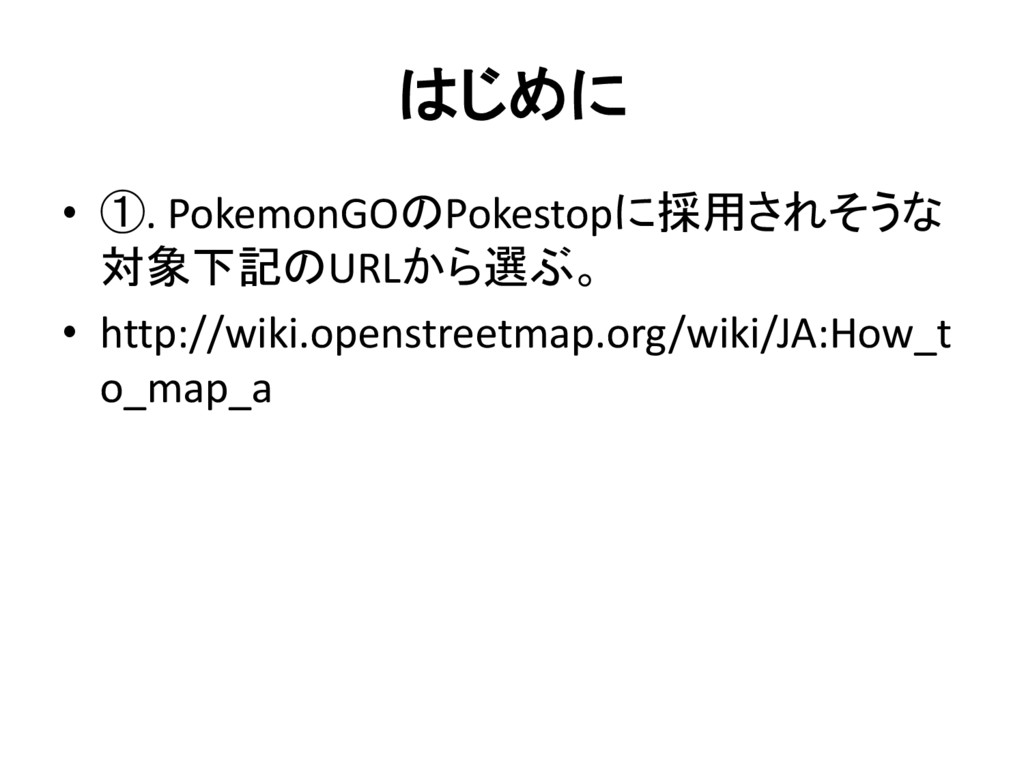
はじめに • ①. PokemonGOのPokestopに採用されそうな 対象下記のURLから選ぶ。 • http://wiki.openstreetmap.org/wiki/JA:How_t o_map_a
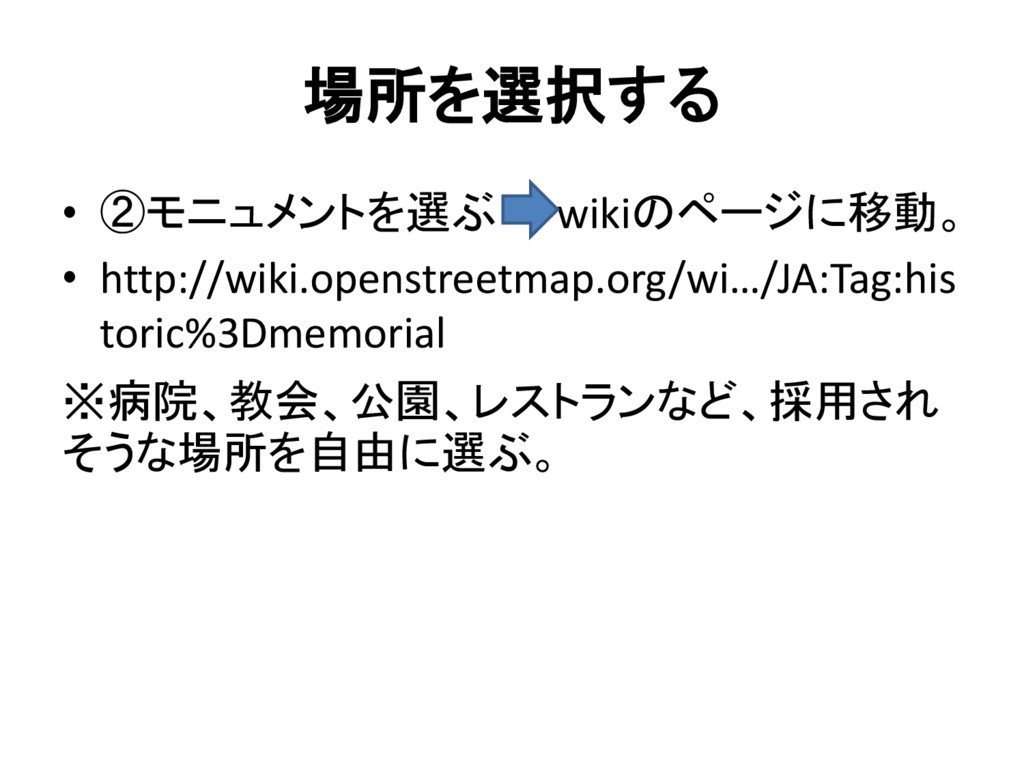
場所を選択する • ②モニュメントを選ぶ wikiのページに移動。 • http://wiki.openstreetmap.org/wi…/JA:Tag:his toric%3Dmemorial ※病院、教会、公園、レストランなど、採用され そうな場所を自由に選ぶ。
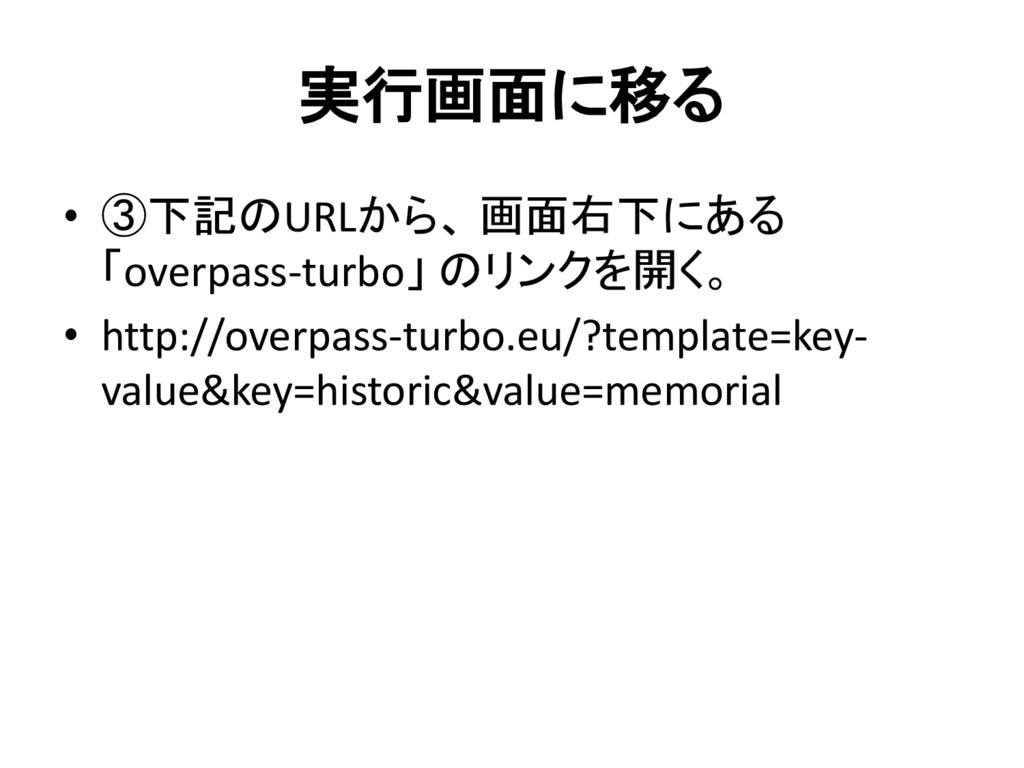
実行画面に移る • ③下記のURLから、 画面右下にある 「overpass-turbo」 のリンクを開く。 • http://overpass-turbo.eu/?template=key- value&key=historic&value=memorial
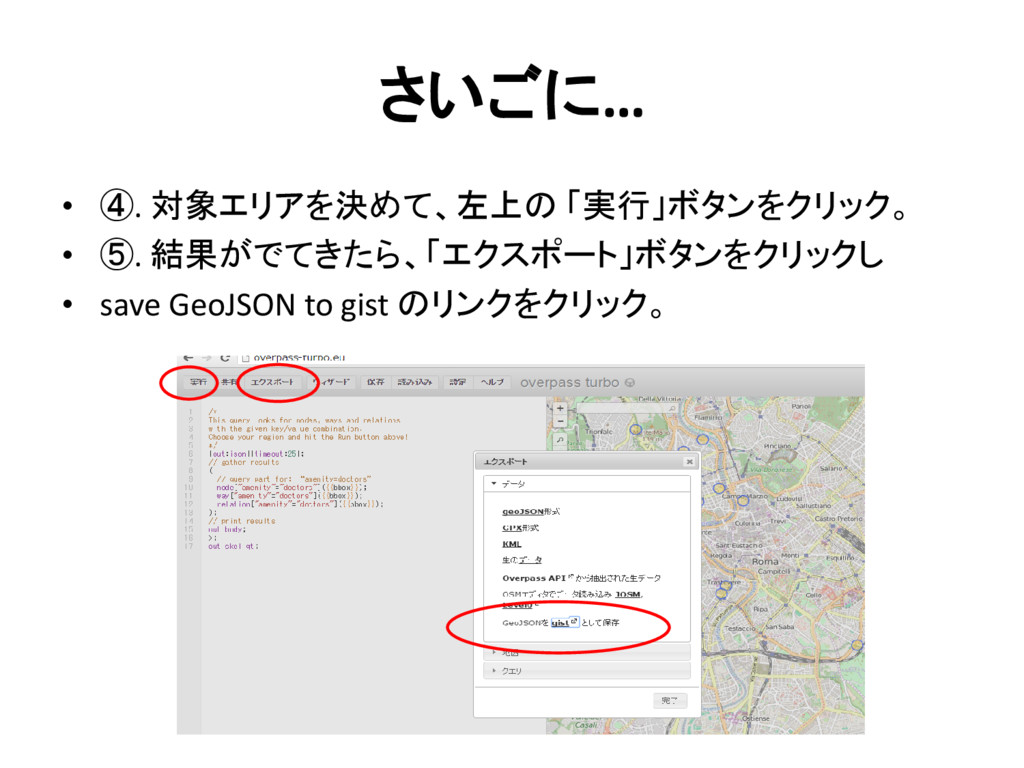
さいごに… • ④. 対象エリアを決めて、左上の 「実行」ボタンをクリック。 • ⑤. 結果がでてきたら、「エクスポート」ボタンをクリックし • save
GeoJSON to gist のリンクをクリック。


 mikion
 stephenakadiri
 csswizardry
 mayatellez
 scottboms
 afnizarnur
 livdayseo
 dougneiner
 mojombo
 axbom
axbom
 marcelosomers
 bluesmoon