Upgrade to Pro
— share decks privately, control downloads, hide ads and more …
Speaker Deck
Sign up for free
Menu
Search
Features
All features
Private URLs
Password Protection
Custom URLS
Scheduled publishing
Remove Branding
Restrict embedding
Deck Collections
Notes
Features
All features
Private URLs
Password Protection
Custom URLS
Scheduled publishing
Remove Branding
Restrict embedding
Deck Collections
Notes
Explore
Featured decks
Featured speakers
Programming
Technology
Storyboards
Explore
Featured decks
Featured speakers
Programming
Technology
Storyboards
Pricing
Search
Sign in
Sign up for free
選んだ対象物をpokestopに採用するためのマニュアル
Search
Miki Okuma
July 14, 2016
49
0
Share
Embed
Copy iframe code
Copy JS code
Copy link
Start on current slide
選んだ対象物をpokestopに採用するためのマニュアル
Miki Okuma
July 14, 2016
More Decks by Miki Okuma
See All by Miki Okuma
選んだ対象物をpokestopに採用マニュアル
mikion
0
60
選んだ対象物をpokestopに採用するためのマニュアル
mikion
0
70
マッピング作業のマニュアル
mikion
0
68
Featured
See All Featured
AI in Enterprises - Java and Open Source to the Rescue
ivargrimstad
0
1.5k
Cheating the UX When There Is Nothing More to Optimize - PixelPioneers
stephaniewalter
287
14k
Making Projects Easy
brettharned
120
6.8k
Art, The Web, and Tiny UX
lynnandtonic
304
22k
Designing Dashboards & Data Visualisations in Web Apps
destraynor
232
55k
Measuring Dark Social's Impact On Conversion and Attribution
stephenakadiri
2
310
Agile that works and the tools we love
rasmusluckow
331
22k
Organizational Design Perspectives: An Ontology of Organizational Design Elements
kimpetersen
PRO
1
850
Mozcon NYC 2025: Stop Losing SEO Traffic
samtorres
1
580
Building Experiences: Design Systems, User Experience, and Full Site Editing
marktimemedia
1
630
The Director’s Chair: Orchestrating AI for Truly Effective Learning
tmiket
1
330
Why Mistakes Are the Best Teachers: Turning Failure into a Pathway for Growth
auna
0
330
Transcript
選んだ対象物をPokestopに採用 マニュアル 氏名:大熊 美貴 学籍番号:1A116043
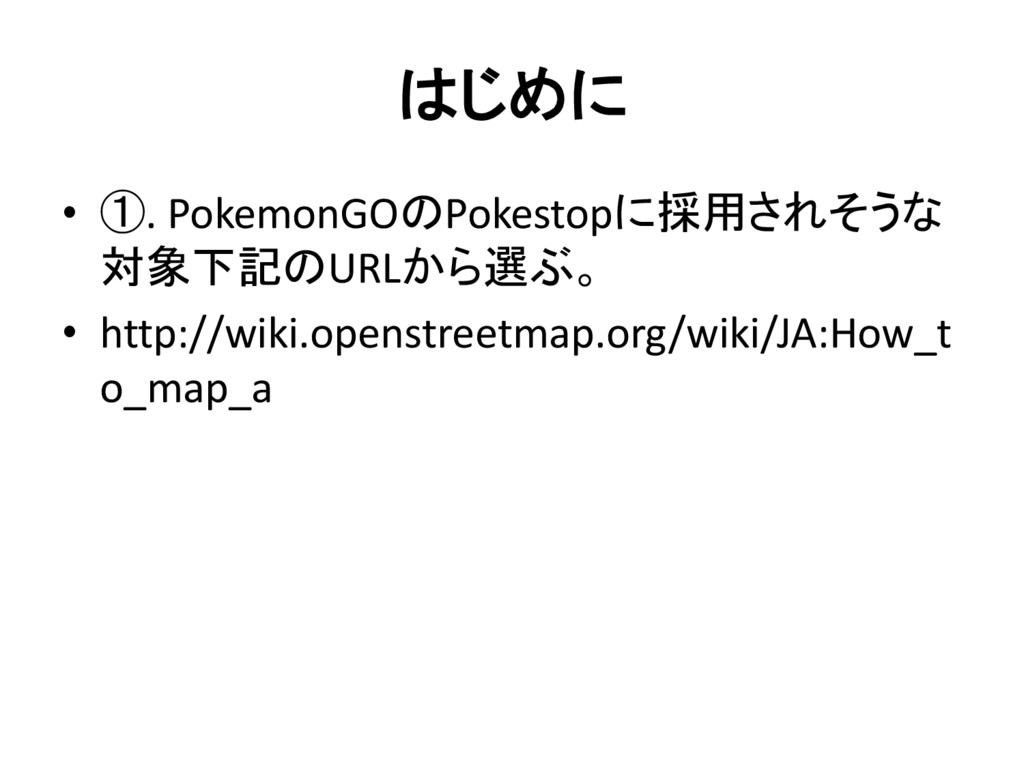
はじめに • ①. PokemonGOのPokestopに採用されそうな 対象下記のURLから選ぶ。 • http://wiki.openstreetmap.org/wiki/JA:How_t o_map_a
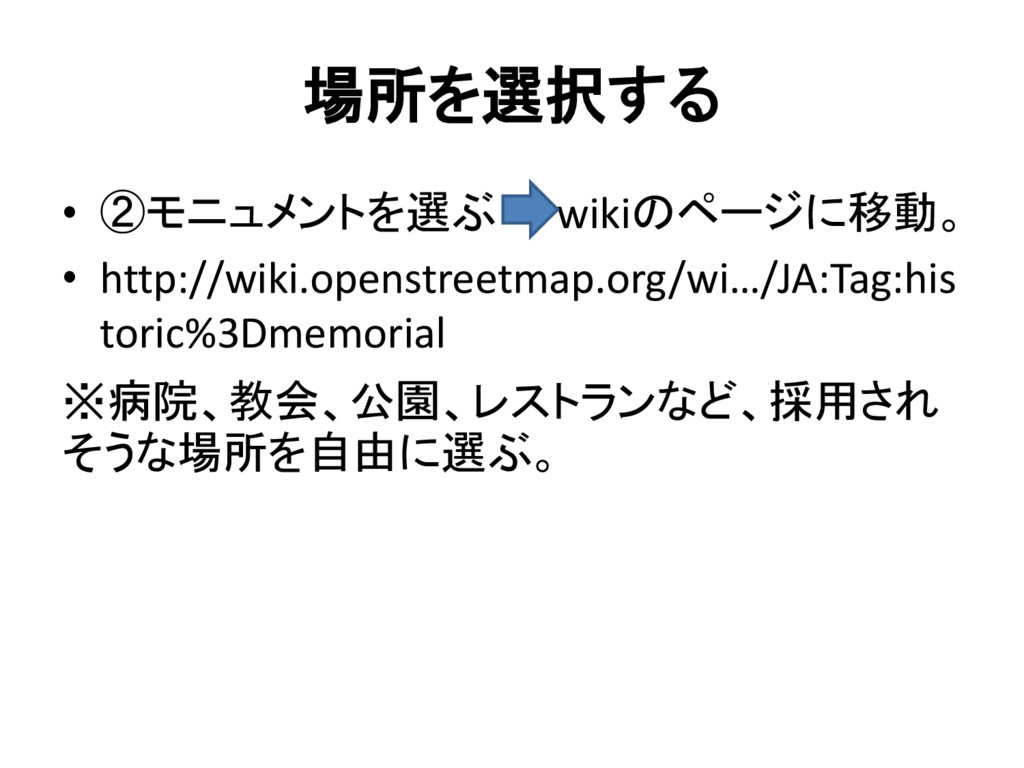
場所を選択する • ②モニュメントを選ぶ wikiのページに移動。 • http://wiki.openstreetmap.org/wi…/JA:Tag:his toric%3Dmemorial ※病院、教会、公園、レストランなど、採用され そうな場所を自由に選ぶ。
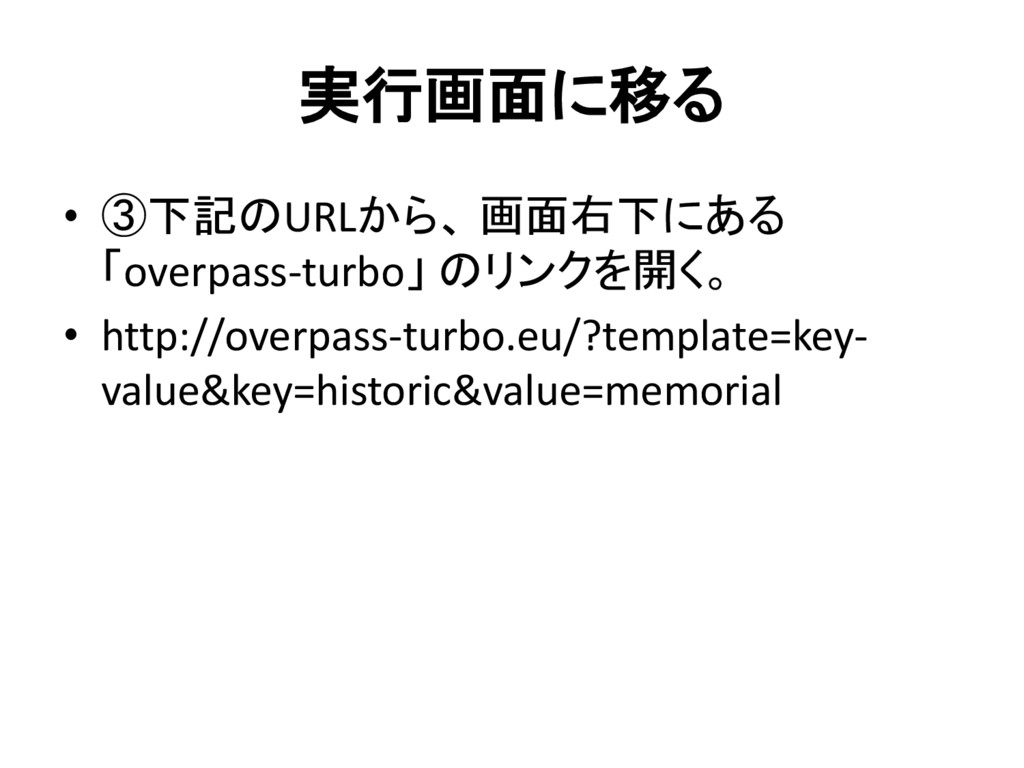
実行画面に移る • ③下記のURLから、 画面右下にある 「overpass-turbo」 のリンクを開く。 • http://overpass-turbo.eu/?template=key- value&key=historic&value=memorial
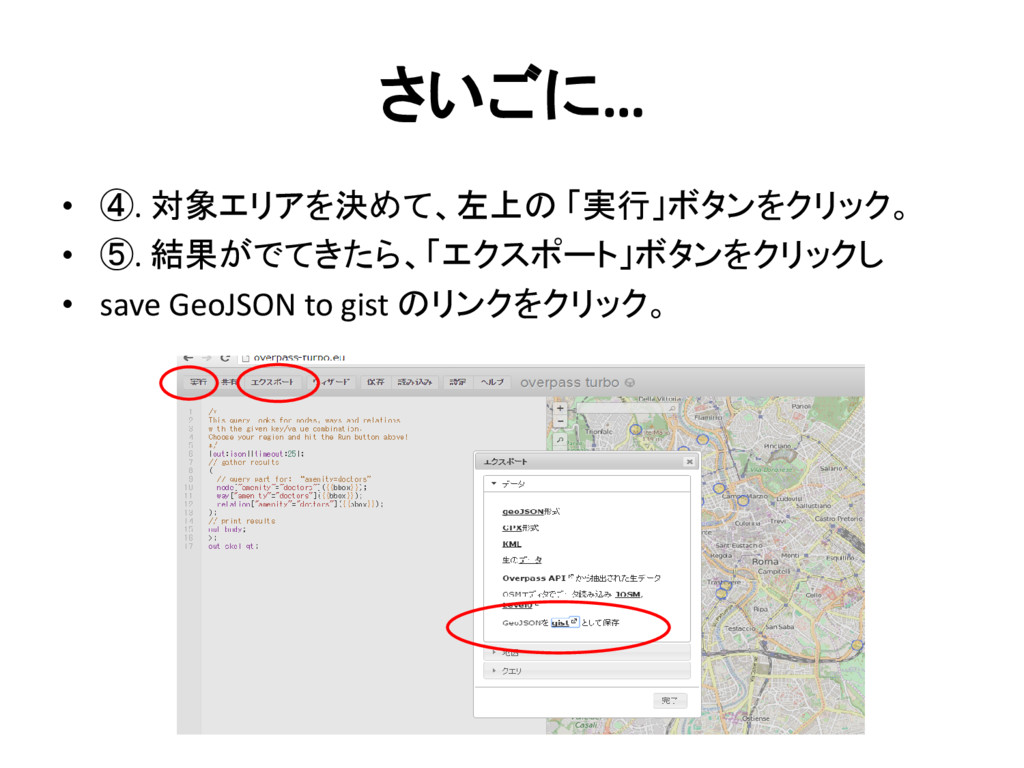
さいごに… • ④. 対象エリアを決めて、左上の 「実行」ボタンをクリック。 • ⑤. 結果がでてきたら、「エクスポート」ボタンをクリックし • save
GeoJSON to gist のリンクをクリック。


 mikion
 ivargrimstad
 stephaniewalter
 brettharned
 lynnandtonic
 destraynor
 stephenakadiri
 rasmusluckow
 kimpetersen
 samtorres
 marktimemedia
 tmiket
 auna
auna