Upgrade to Pro
— share decks privately, control downloads, hide ads and more …
Speaker Deck
Sign up for free
Menu
Search
Features
All features
Private URLs
Password Protection
Custom URLS
Scheduled publishing
Remove Branding
Restrict embedding
Deck Collections
Notes
Features
All features
Private URLs
Password Protection
Custom URLS
Scheduled publishing
Remove Branding
Restrict embedding
Deck Collections
Notes
Explore
Featured decks
Featured speakers
Programming
Technology
Storyboards
Explore
Featured decks
Featured speakers
Programming
Technology
Storyboards
Pricing
Search
Sign in
Sign up for free
マッピング作業のマニュアル
Search
Miki Okuma
June 16, 2016
68
0
Share
Embed
Copy iframe code
Copy JS code
Copy link
Start on current slide
マッピング作業のマニュアル
空間情報1
Miki Okuma
June 16, 2016
More Decks by Miki Okuma
See All by Miki Okuma
選んだ対象物をpokestopに採用マニュアル
mikion
0
60
選んだ対象物をpokestopに採用するためのマニュアル
mikion
0
49
選んだ対象物をpokestopに採用するためのマニュアル
mikion
0
70
Featured
See All Featured
Believing is Seeing
oripsolob
1
240
Imperfection Machines: The Place of Print at Facebook
scottboms
270
14k
Building a A Zero-Code AI SEO Workflow
portentint
PRO
0
780
Winning Ecommerce Organic Search in an AI Era - #searchnstuff2025
aleyda
2
2.2k
Mozcon NYC 2025: Stop Losing SEO Traffic
samtorres
1
580
State of Search Keynote: SEO is Dead Long Live SEO
ryanjones
0
320
How People are Using Generative and Agentic AI to Supercharge Their Products, Projects, Services and Value Streams Today
helenjbeal
2
360
Writing Fast Ruby
sferik
630
63k
How to build an LLM SEO readiness audit: a practical framework
nmsamuel
2
950
What does AI have to do with Human Rights?
axbom
PRO
1
2.5k
The Myth of the Modular Monolith - Day 2 Keynote - Rails World 2024
eileencodes
28
3.7k
The SEO Collaboration Effect
kristinabergwall1
1
590
Transcript
マッピング作業のマニュアル 1A116043 大熊 美貴
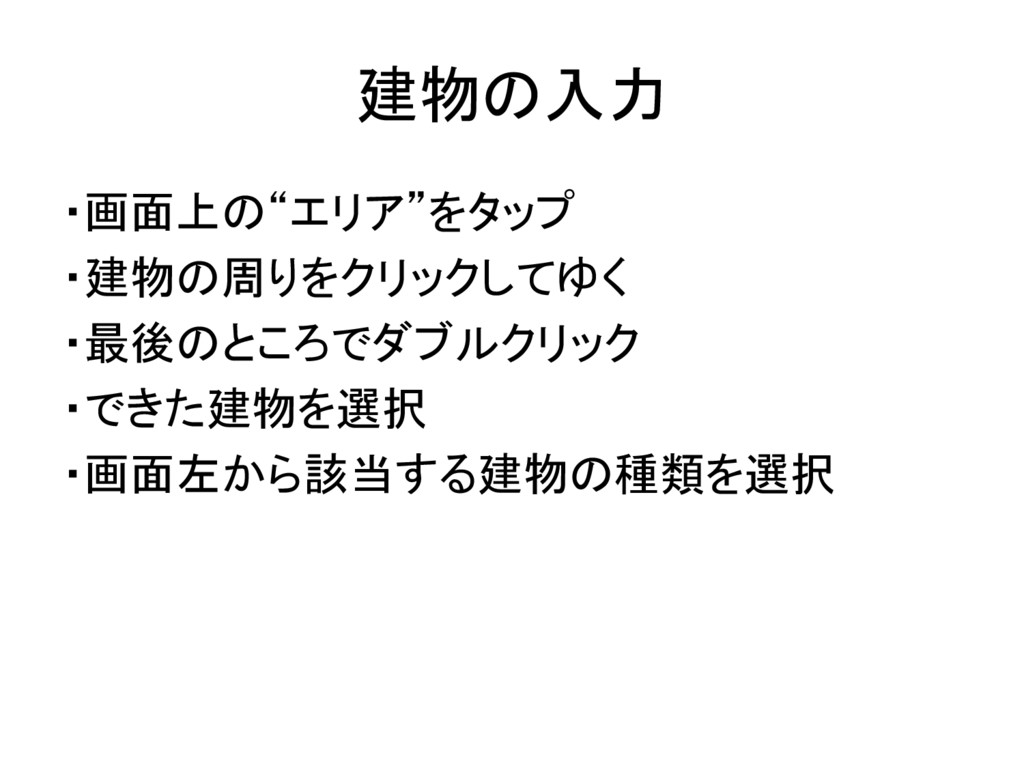
建物の入力 ・画面上の“エリア”をタップ ・建物の周りをクリックしてゆく ・最後のところでダブルクリック ・できた建物を選択 ・画面左から該当する建物の種類を選択
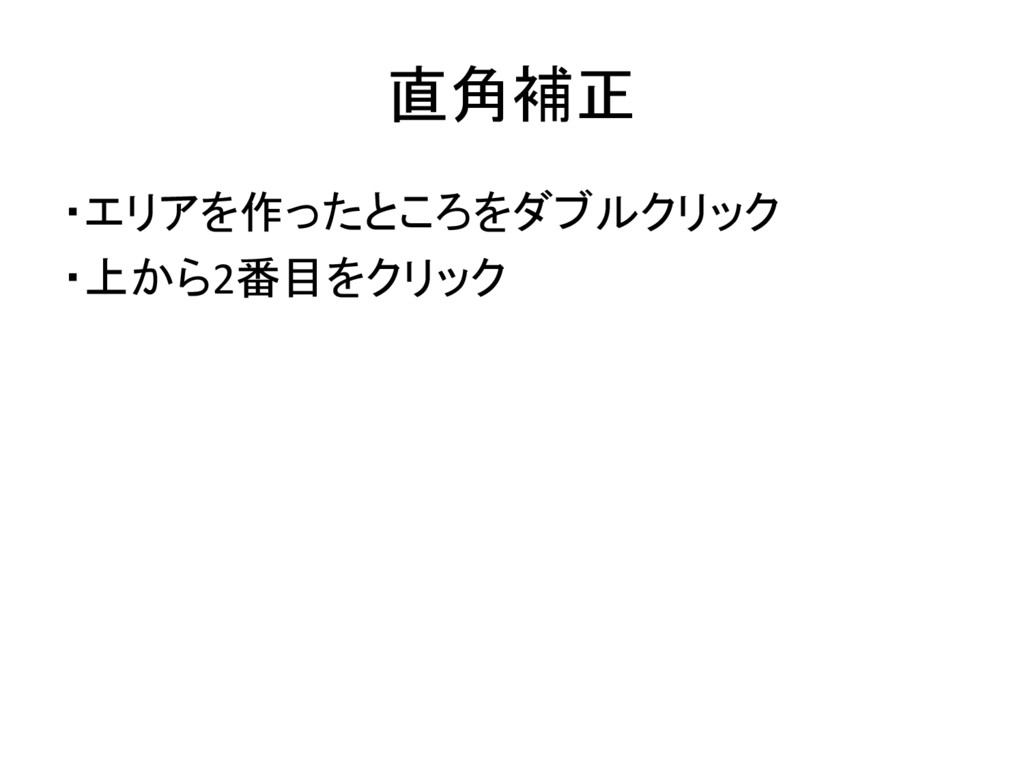
直角補正 ・エリアを作ったところをダブルクリック ・上から2番目をクリック
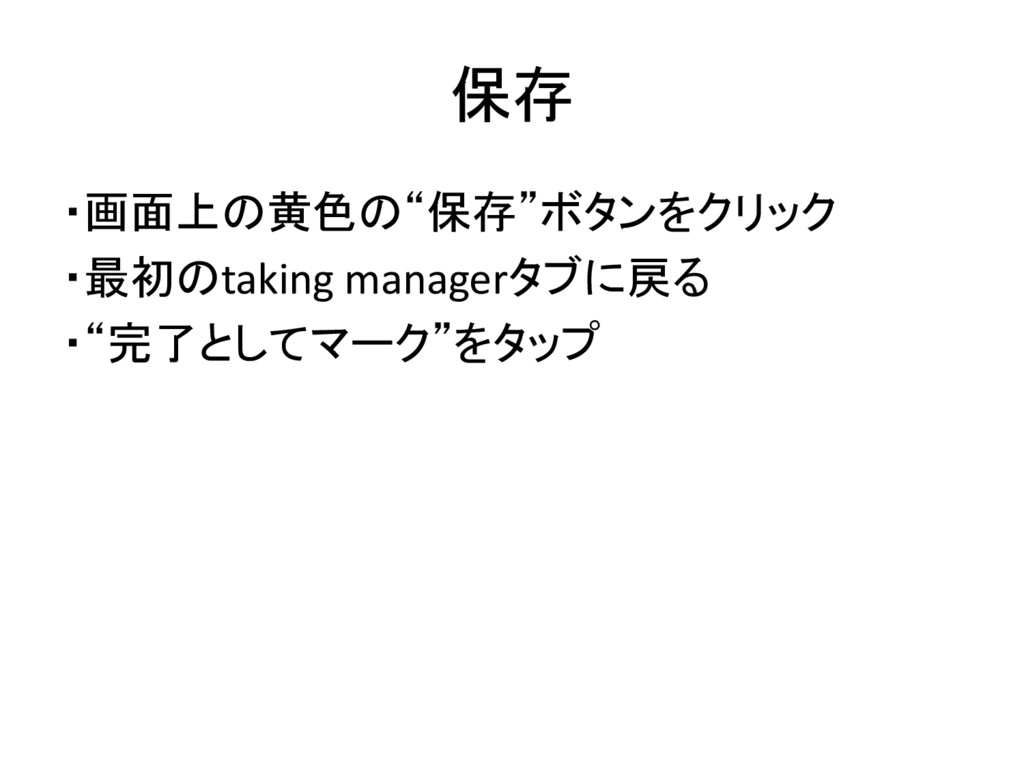
保存 ・画面上の黄色の“保存”ボタンをクリック ・最初のtaking managerタブに戻る ・“完了としてマーク”をタップ
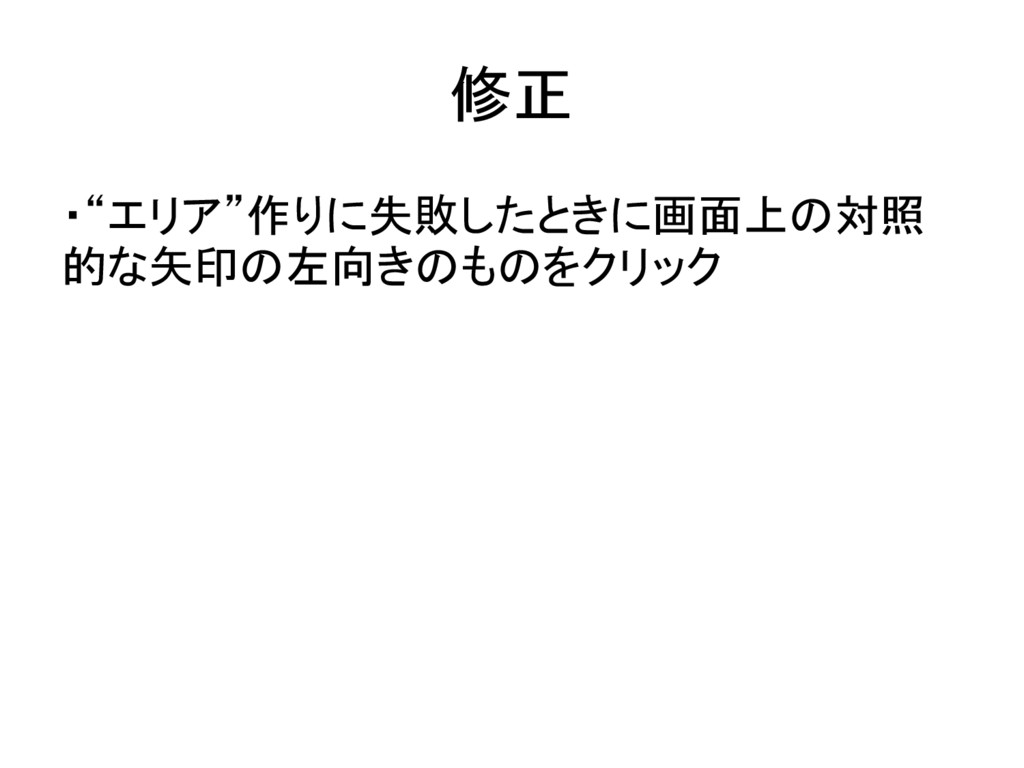
修正 ・“エリア”作りに失敗したときに画面上の対照 的な矢印の左向きのものをクリック
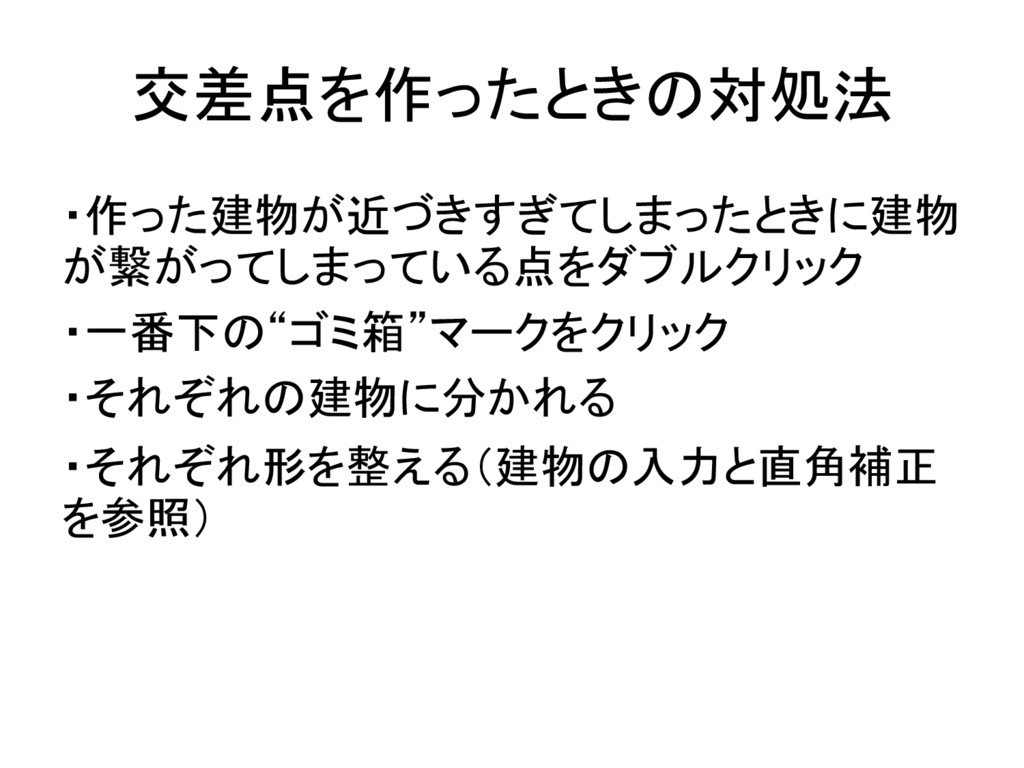
交差点を作ったときの対処法 ・作った建物が近づきすぎてしまったときに建物 が繋がってしまっている点をダブルクリック ・一番下の“ゴミ箱”マークをクリック ・それぞれの建物に分かれる ・それぞれ形を整える(建物の入力と直角補正 を参照)
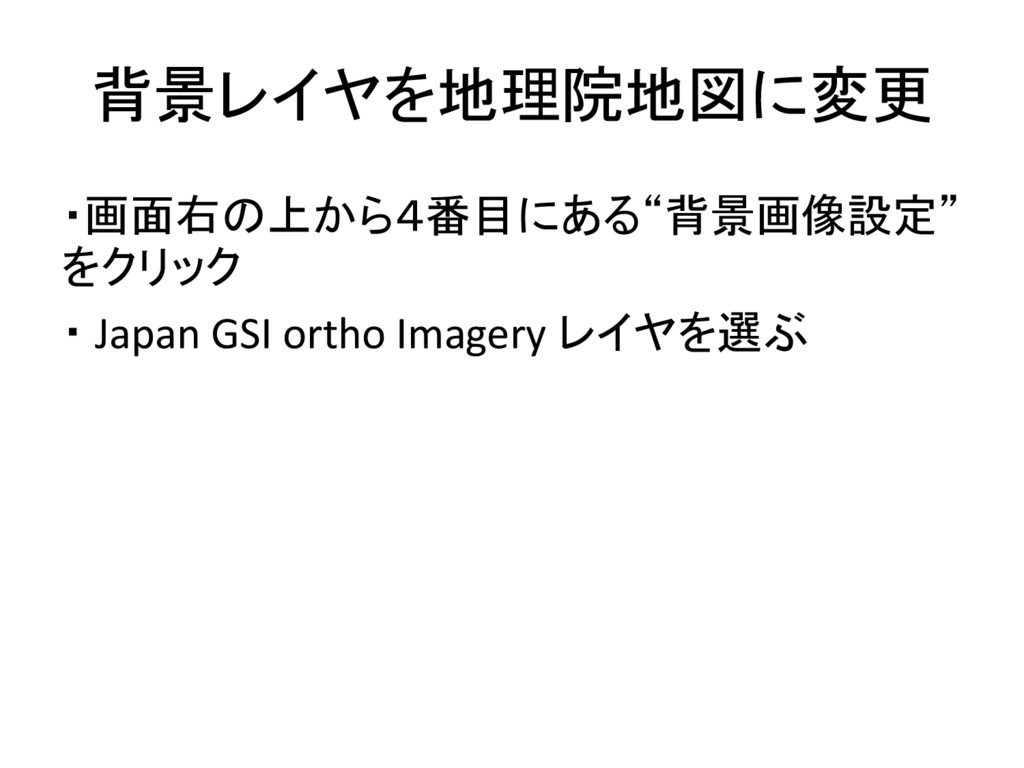
背景レイヤを地理院地図に変更 ・画面右の上から4番目にある“背景画像設定” をクリック ・ Japan GSI ortho Imagery レイヤを選ぶ
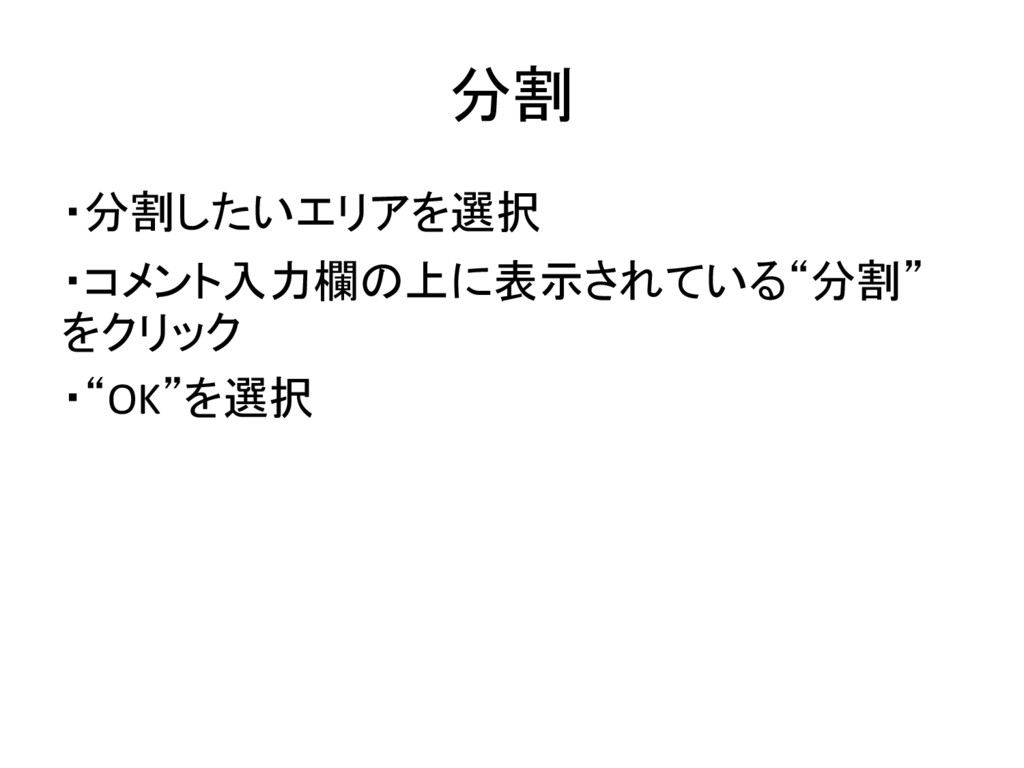
分割 ・分割したいエリアを選択 ・コメント入力欄の上に表示されている“分割” をクリック ・“OK”を選択
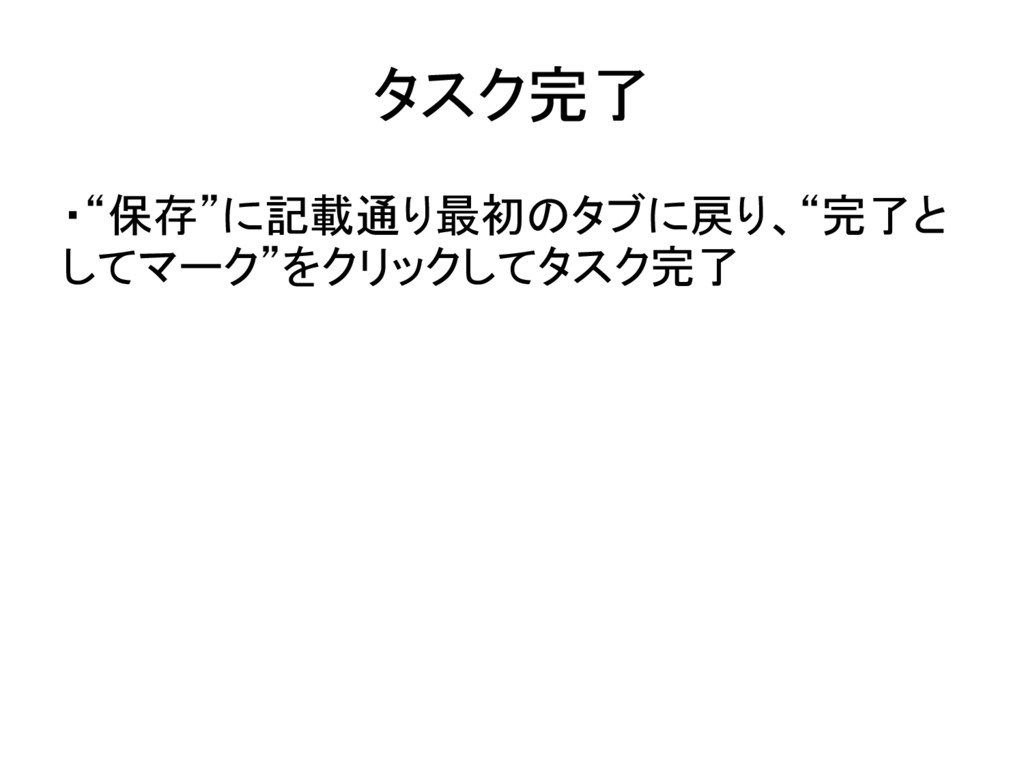
タスク完了 ・“保存”に記載通り最初のタブに戻り、“完了と してマーク”をクリックしてタスク完了


 mikion
 oripsolob
 scottboms
 portentint
 aleyda
 samtorres
 ryanjones
.png) helenjbeal
helenjbeal
 sferik
 nmsamuel
 axbom
axbom
 eileencodes
 kristinabergwall1