Upgrade to Pro
— share decks privately, control downloads, hide ads and more …
Speaker Deck
Sign up for free
Menu
Search
Features
All features
Private URLs
Password Protection
Custom URLS
Scheduled publishing
Remove Branding
Restrict embedding
Deck Collections
Notes
Features
All features
Private URLs
Password Protection
Custom URLS
Scheduled publishing
Remove Branding
Restrict embedding
Deck Collections
Notes
Explore
Featured decks
Featured speakers
Programming
Technology
Storyboards
Explore
Featured decks
Featured speakers
Programming
Technology
Storyboards
Pricing
Search
Sign in
Sign up for free
Field Papers マニュアル 自分用
Search
Sponsored
·
Your Podcast. Everywhere. Effortlessly.
Share. Educate. Inspire. Entertain. You do you. We'll handle the rest.
→
misatoteen
June 13, 2017
80
0
Share
Embed
Copy iframe code
Copy JS code
Copy link
Start on current slide
Field Papers マニュアル 自分用
misatoteen
June 13, 2017
More Decks by misatoteen
See All by misatoteen
OSM_宣伝文.pdf
misatoteen
0
22
OSM マニュアル
misatoteen
0
96
多賀谷美里
misatoteen
0
320
空間情報システム入門1#02 2016.06.16
misatoteen
0
78
Featured
See All Featured
Speed Design
sergeychernyshev
33
2.2k
Future Trends and Review - Lecture 12 - Web Technologies (1019888BNR)
signer
PRO
0
3.8k
Keith and Marios Guide to Fast Websites
keithpitt
413
23k
The AI Search Optimization Roadmap by Aleyda Solis
aleyda
2
6.3k
Building Adaptive Systems
keathley
44
3.3k
Winning Ecommerce Organic Search in an AI Era - #searchnstuff2025
aleyda
2
2.2k
Paper Plane (Part 1)
katiecoart
PRO
2
12k
SEOcharity - Dark patterns in SEO and UX: How to avoid them and build a more ethical web
sarafernandez
0
300
Redefining SEO in the New Era of Traffic Generation
szymonslowik
1
480
AI: The stuff that nobody shows you
jnunemaker
PRO
10
1.2k
Designing Dashboards & Data Visualisations in Web Apps
destraynor
232
55k
The Illustrated Guide to Node.js - THAT Conference 2024
reverentgeek
1
570
Transcript
Field Papers Transifex マニュアル グローバルコミュニティの翻訳作業
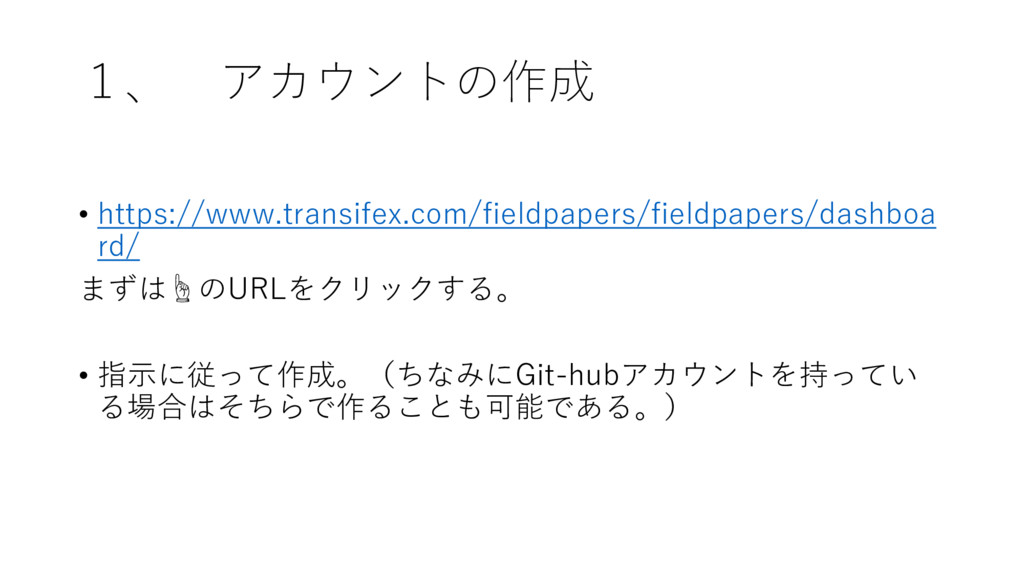
1、 アカウントの作成 • https://www.transifex.com/fieldpapers/fieldpapers/dashboa rd/ まずは☝のURLをクリックする。 • 指示に従って作成。(ちなみにGit-hubアカウントを持ってい る場合はそちらで作ることも可能である。)
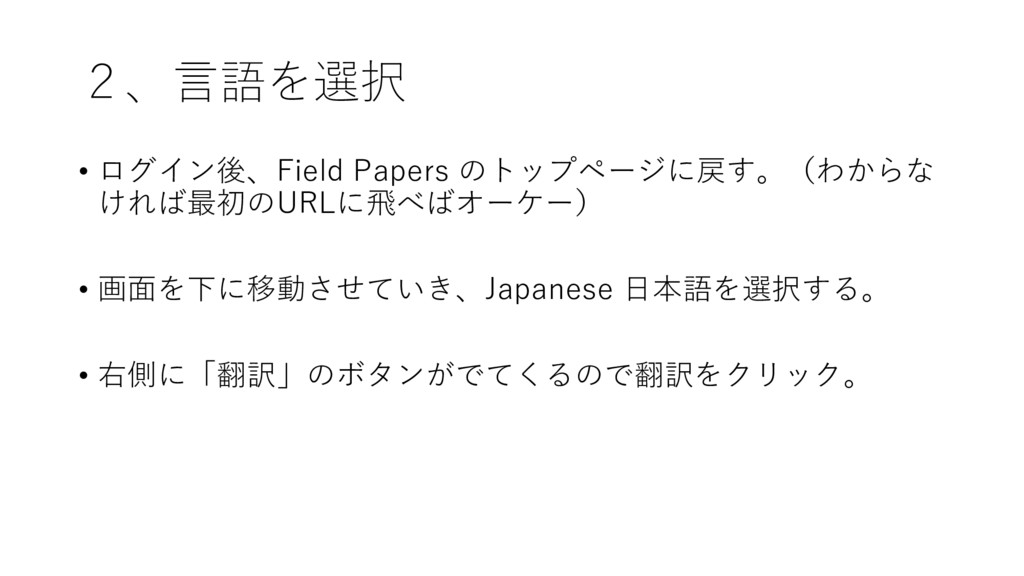
2、言語を選択 • ログイン後、Field Papers のトップページに戻す。(わからな ければ最初のURLに飛べばオーケー) • 画面を下に移動させていき、Japanese 日本語を選択する。 •
右側に「翻訳」のボタンがでてくるので翻訳をクリック。
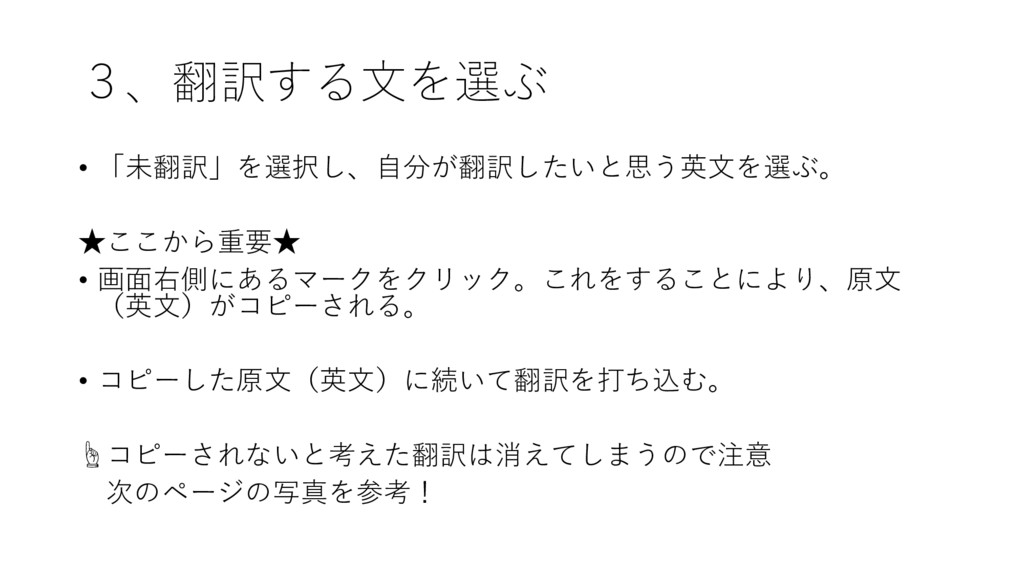
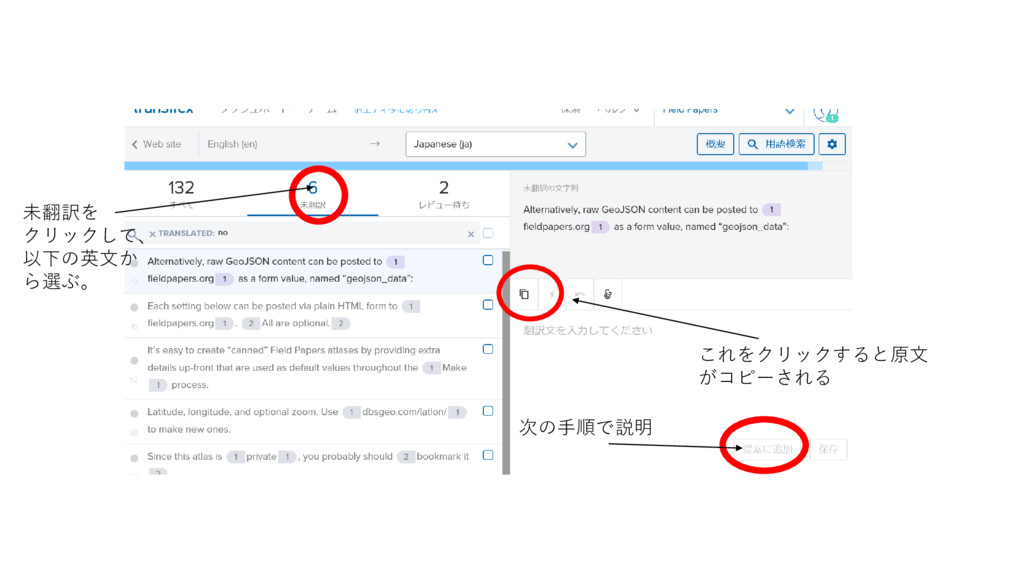
3、翻訳する文を選ぶ • 「未翻訳」を選択し、自分が翻訳したいと思う英文を選ぶ。 ★ここから重要★ • 画面右側にあるマークをクリック。これをすることにより、原文 (英文)がコピーされる。 • コピーした原文(英文)に続いて翻訳を打ち込む。 ☝コピーされないと考えた翻訳は消えてしまうので注意
次のページの写真を参考!
これをクリックすると原文 がコピーされる 未翻訳を クリックして、 以下の英文か ら選ぶ。 次の手順で説明
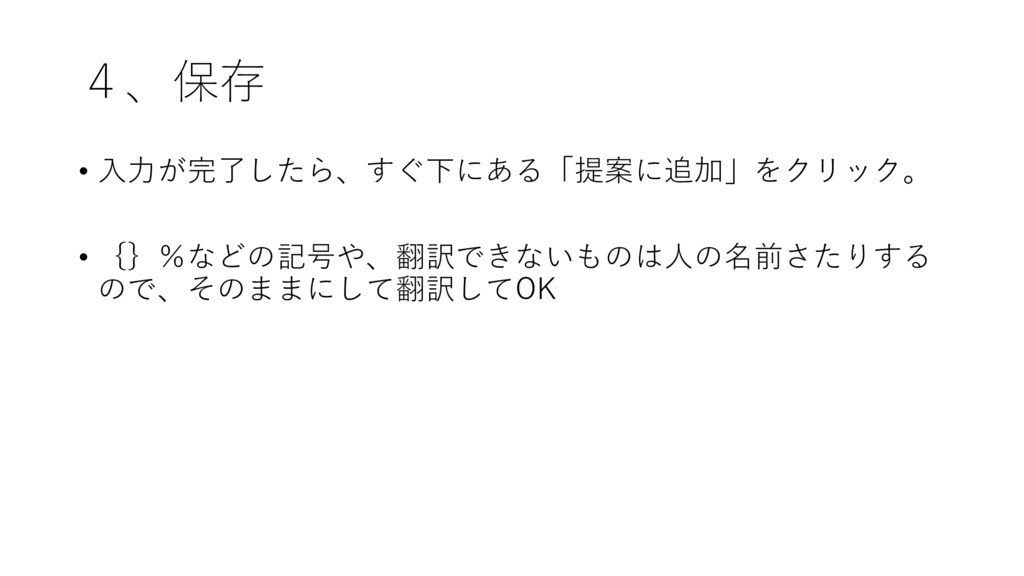
4、保存 • 入力が完了したら、すぐ下にある「提案に追加」をクリック。 • {}%などの記号や、翻訳できないものは人の名前さたりする ので、そのままにして翻訳してOK
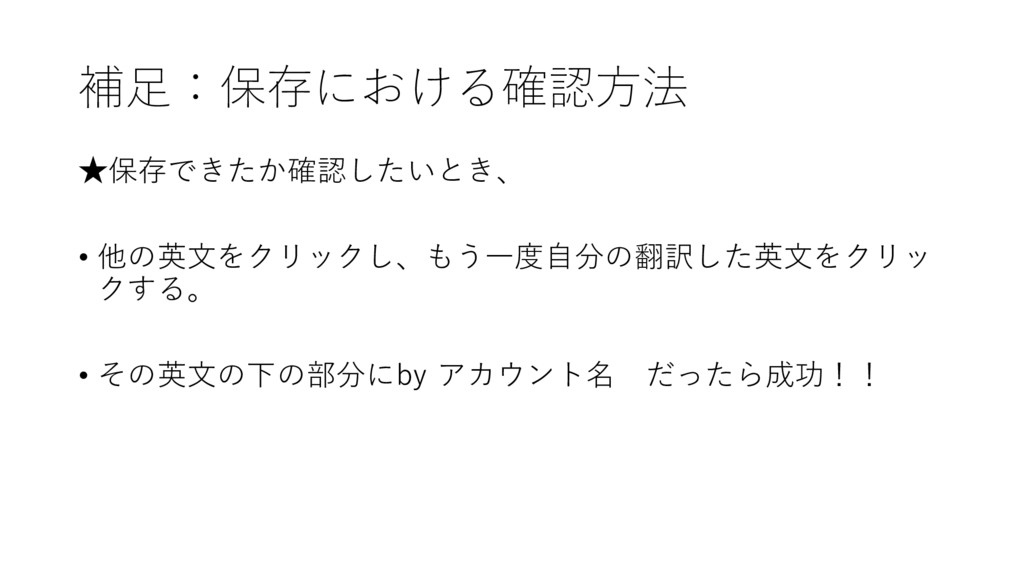
補足:保存における確認方法 ★保存できたか確認したいとき、 • 他の英文をクリックし、もう一度自分の翻訳した英文をクリッ クする。 • その英文の下の部分にby アカウント名 だったら成功!!


 misatoteen
 sergeychernyshev
 signer
 keithpitt
 aleyda
 keathley
 katiecoart
 sarafernandez
 szymonslowik
 jnunemaker
 destraynor
 reverentgeek