Upgrade to Pro
— share decks privately, control downloads, hide ads and more …
Speaker Deck
Sign up for free
Menu
Search
Features
All features
Private URLs
Password Protection
Custom URLS
Scheduled publishing
Remove Branding
Restrict embedding
Deck Collections
Notes
Features
All features
Private URLs
Password Protection
Custom URLS
Scheduled publishing
Remove Branding
Restrict embedding
Deck Collections
Notes
Explore
Featured decks
Featured speakers
Programming
Technology
Storyboards
Explore
Featured decks
Featured speakers
Programming
Technology
Storyboards
Pricing
Search
Sign in
Sign up for free
空間情報システム入門1#02 2016.06.16
Search
misatoteen
June 16, 2016
78
0
Share
Embed
Copy iframe code
Copy JS code
Copy link
Start on current slide
空間情報システム入門1#02 2016.06.16
misatoteen
June 16, 2016
More Decks by misatoteen
See All by misatoteen
Field Papers マニュアル 自分用
misatoteen
0
80
OSM_宣伝文.pdf
misatoteen
0
22
OSM マニュアル
misatoteen
0
96
多賀谷美里
misatoteen
0
320
Featured
See All Featured
Gemini Prompt Engineering: Practical Techniques for Tangible AI Outcomes
mfonobong
2
590
Public Speaking Without Barfing On Your Shoes - THAT 2023
reverentgeek
1
600
SERP Conf. Vienna - Web Accessibility: Optimizing for Inclusivity and SEO
sarafernandez
2
1.6k
Fight the Zombie Pattern Library - RWD Summit 2016
marcelosomers
234
18k
Ethics towards AI in product and experience design
skipperchong
2
440
The Myth of the Modular Monolith - Day 2 Keynote - Rails World 2024
eileencodes
28
3.7k
The AI Revolution Will Not Be Monopolized: How open-source beats economies of scale, even for LLMs
inesmontani
PRO
3
3.8k
How to Talk to Developers About Accessibility
jct
2
580
No one is an island. Learnings from fostering a developers community.
thoeni
21
3.9k
Bash Introduction
62gerente
615
220k
Impact Scores and Hybrid Strategies: The future of link building
tamaranovitovic
0
460
How Software Deployment tools have changed in the past 20 years
geshan
2
35k
Transcript
空間情報システムマニュアル
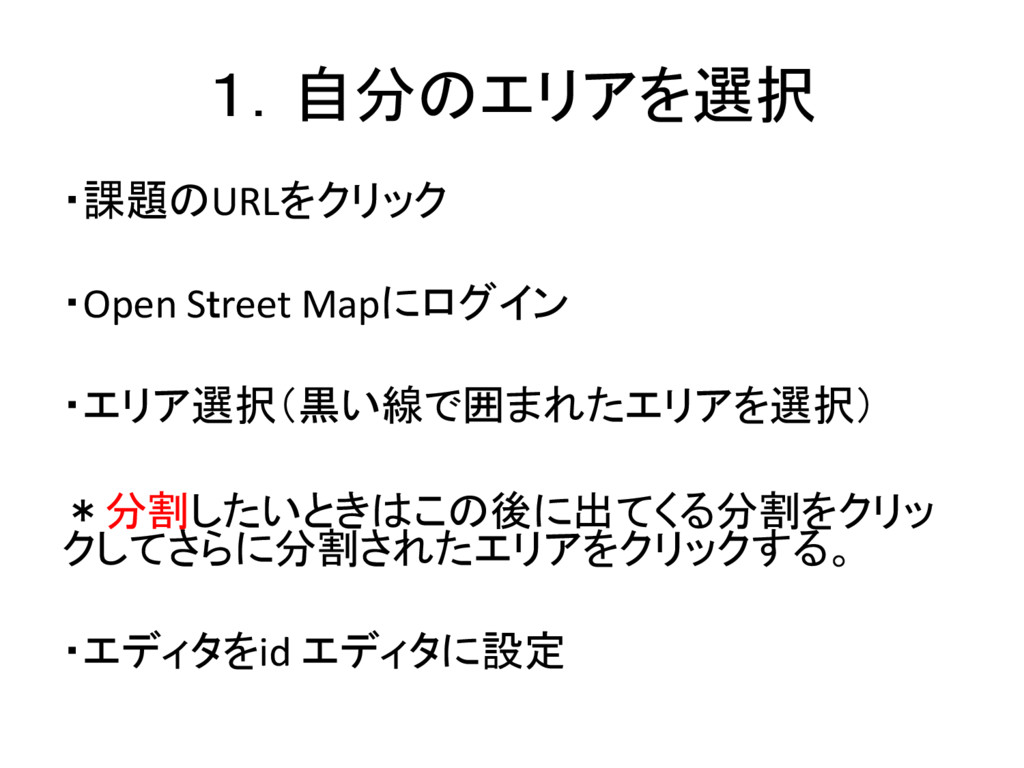
1.自分のエリアを選択 ・課題のURLをクリック ・Open Street Mapにログイン ・エリア選択(黒い線で囲まれたエリアを選択) *分割したいときはこの後に出てくる分割をクリッ クしてさらに分割されたエリアをクリックする。 ・エディタをid エディタに設定
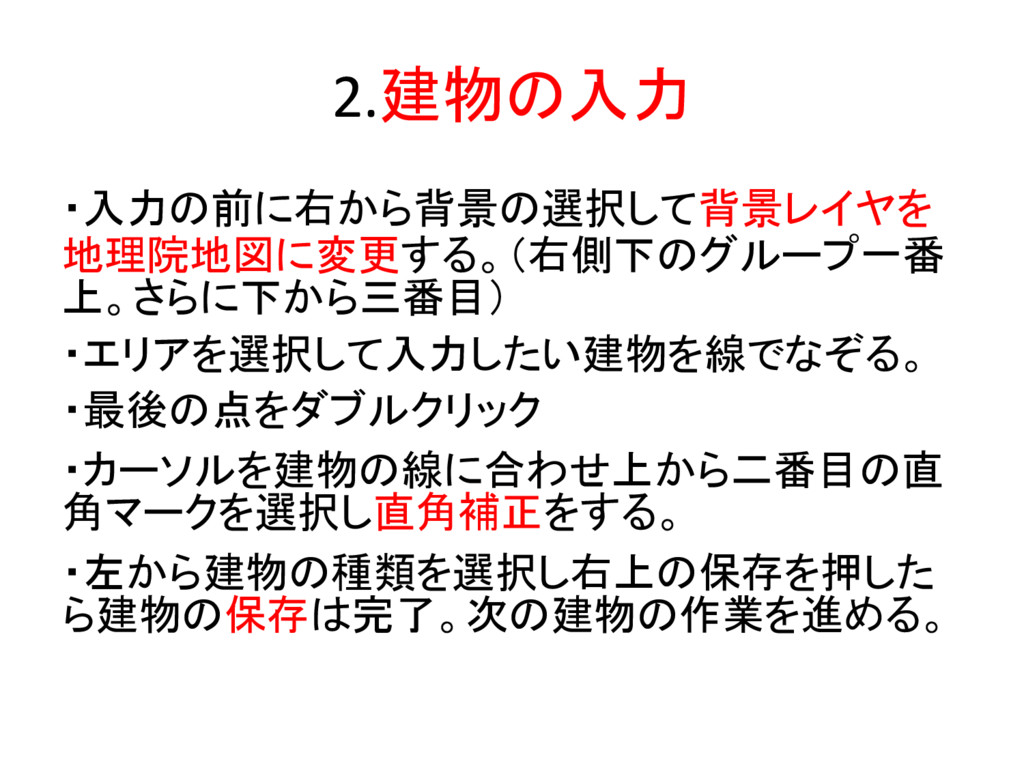
2.建物の入力 ・入力の前に右から背景の選択して背景レイヤを 地理院地図に変更する。(右側下のグループ一番 上。さらに下から三番目) ・エリアを選択して入力したい建物を線でなぞる。 ・最後の点をダブルクリック ・カーソルを建物の線に合わせ上から二番目の直 角マークを選択し直角補正をする。 ・左から建物の種類を選択し右上の保存を押した ら建物の保存は完了。次の建物の作業を進める。
*建物入力の注意点* ・修正したいときは線をクリックしてごみ箱マー クをクリック。 ・交差点を作った場合の対処法(点が灰色の場 合)はどちらかを削除する。点が白色になれば 削除成功。
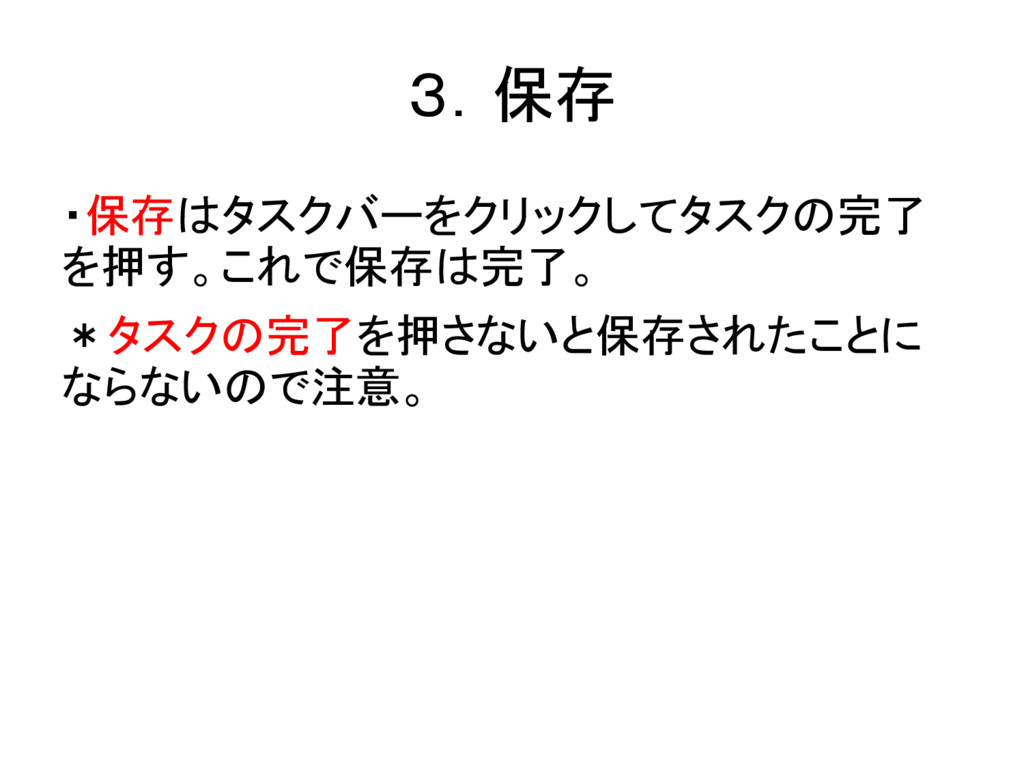
3.保存 ・保存はタスクバーをクリックしてタスクの完了 を押す。これで保存は完了。 *タスクの完了を押さないと保存されたことに ならないので注意。


 misatoteen
 mfonobong
 reverentgeek
 sarafernandez
 marcelosomers
 skipperchong
 eileencodes
 inesmontani
 jct
jct
 thoeni
 62gerente
 tamaranovitovic
 geshan