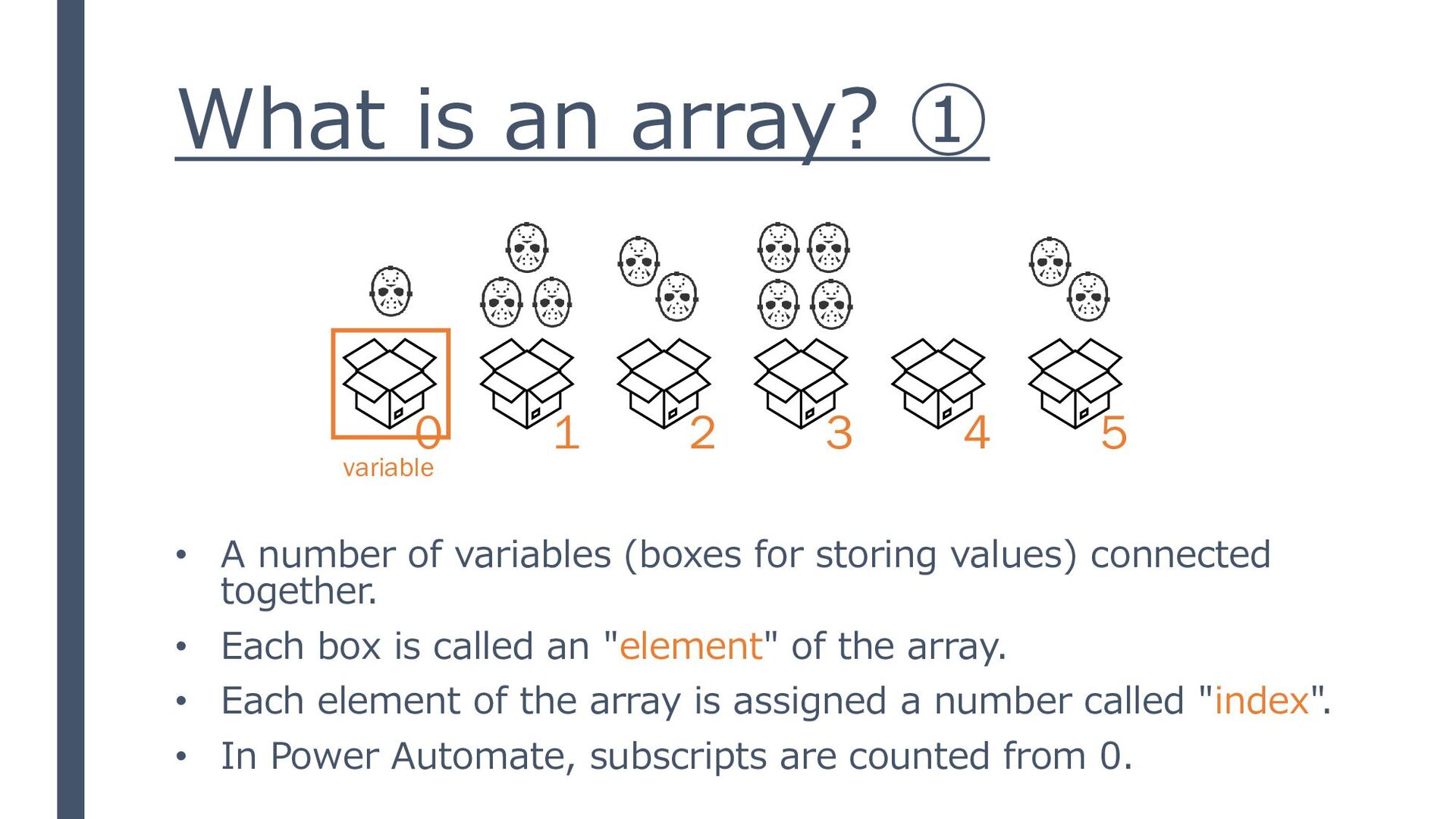
(boxes for storing values) connected together. • Each box is called an "element" of the array. • Each element of the array is assigned a number called "index". • In Power Automate, subscripts are counted from 0. variable 0 1 2 3 4 5
can only handle values of the same type. Only values of the same nature should be included. • Enclose the data in brackets, and separate each item (element) with a comma (JSON) • When retrieving data, specify the subscript. (how many data items) • Powe Automate can interpret strings as a sequence of individual characters (=array). [ 1, 3, 2, 4, 0, 2 ]
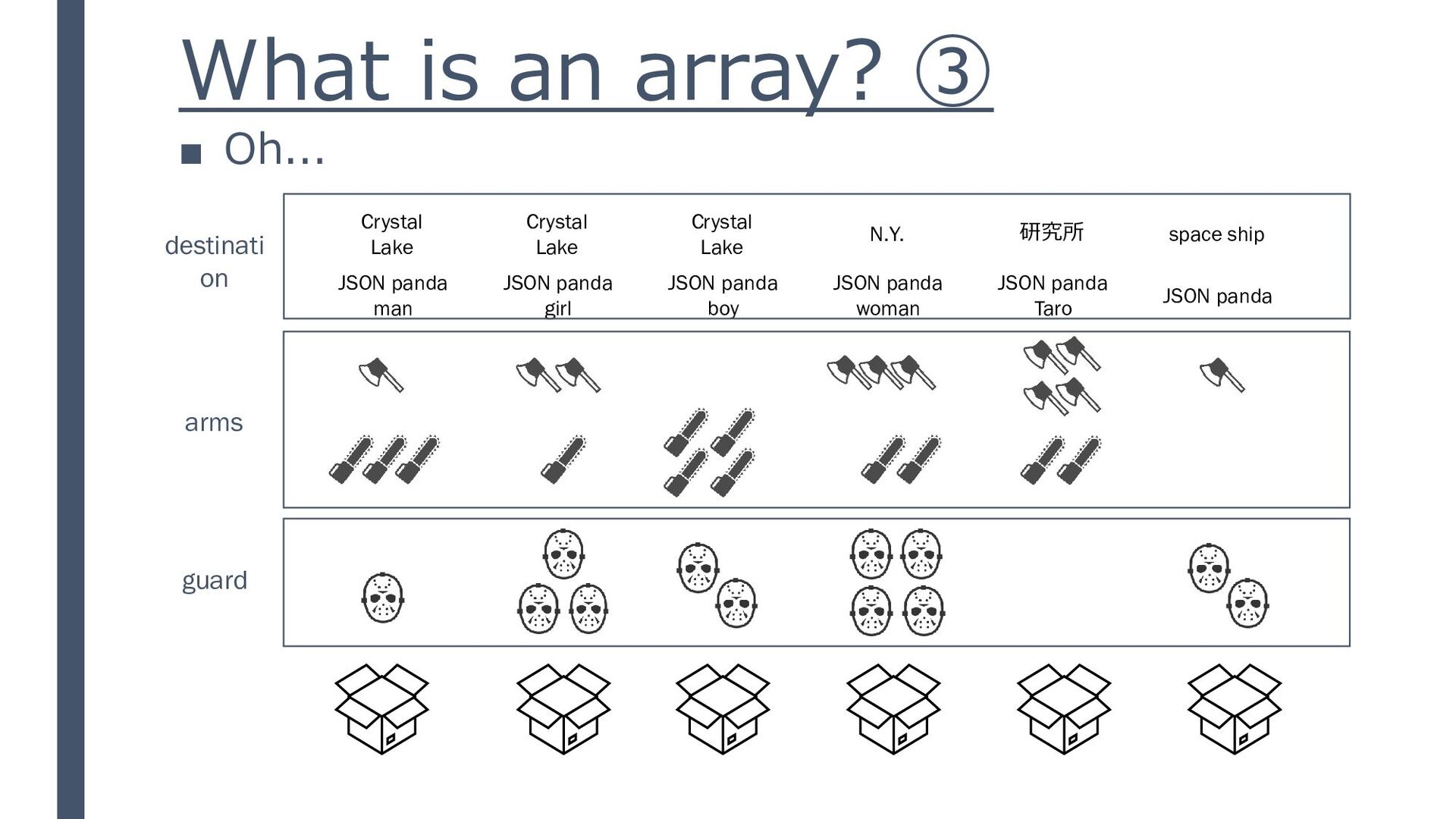
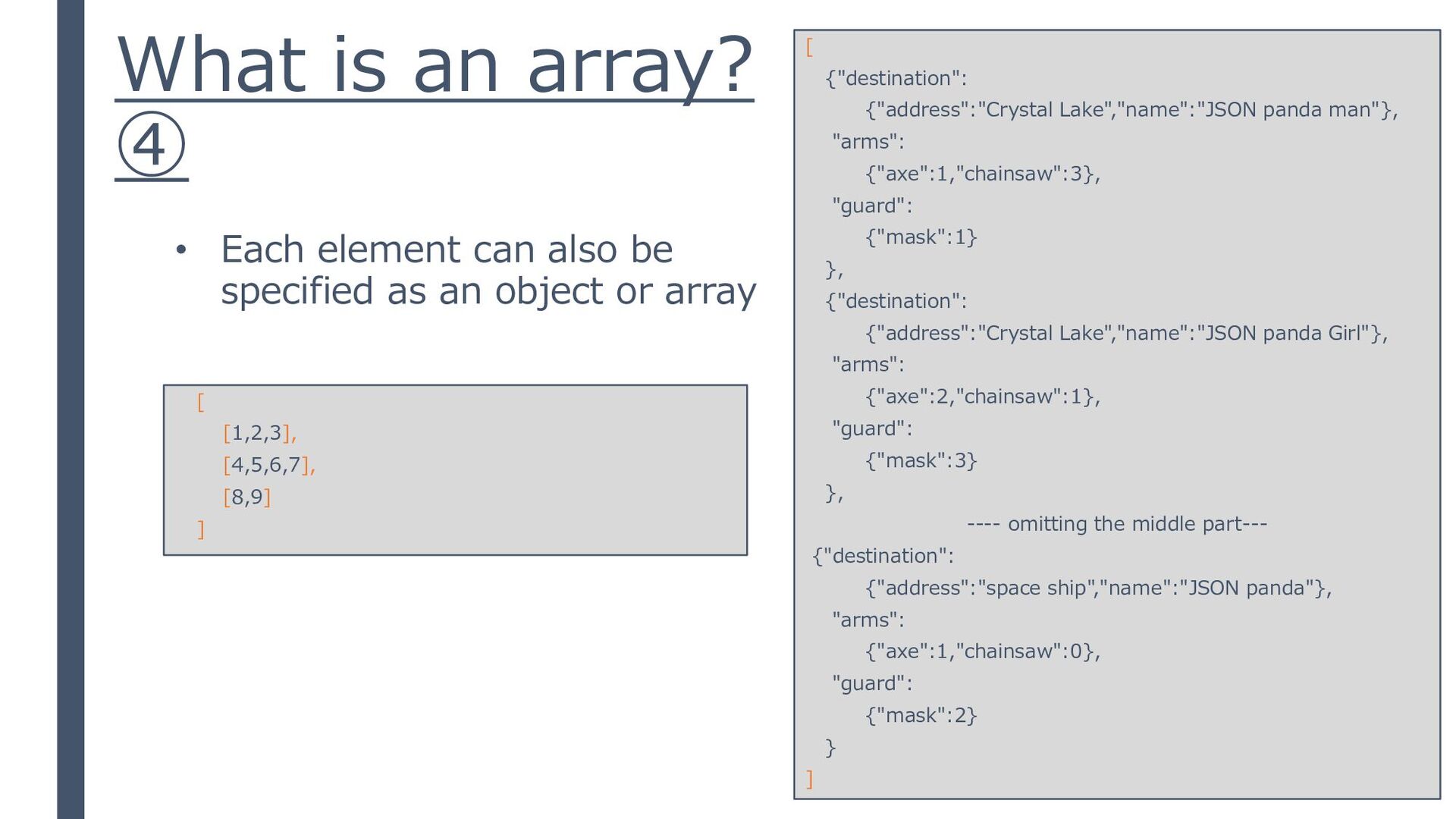
Lake JSON panda man Crystal Lake JSON panda girl Crystal Lake JSON panda boy N.Y. JSON panda woman 研究所 JSON panda Taro space ship JSON panda destinati on
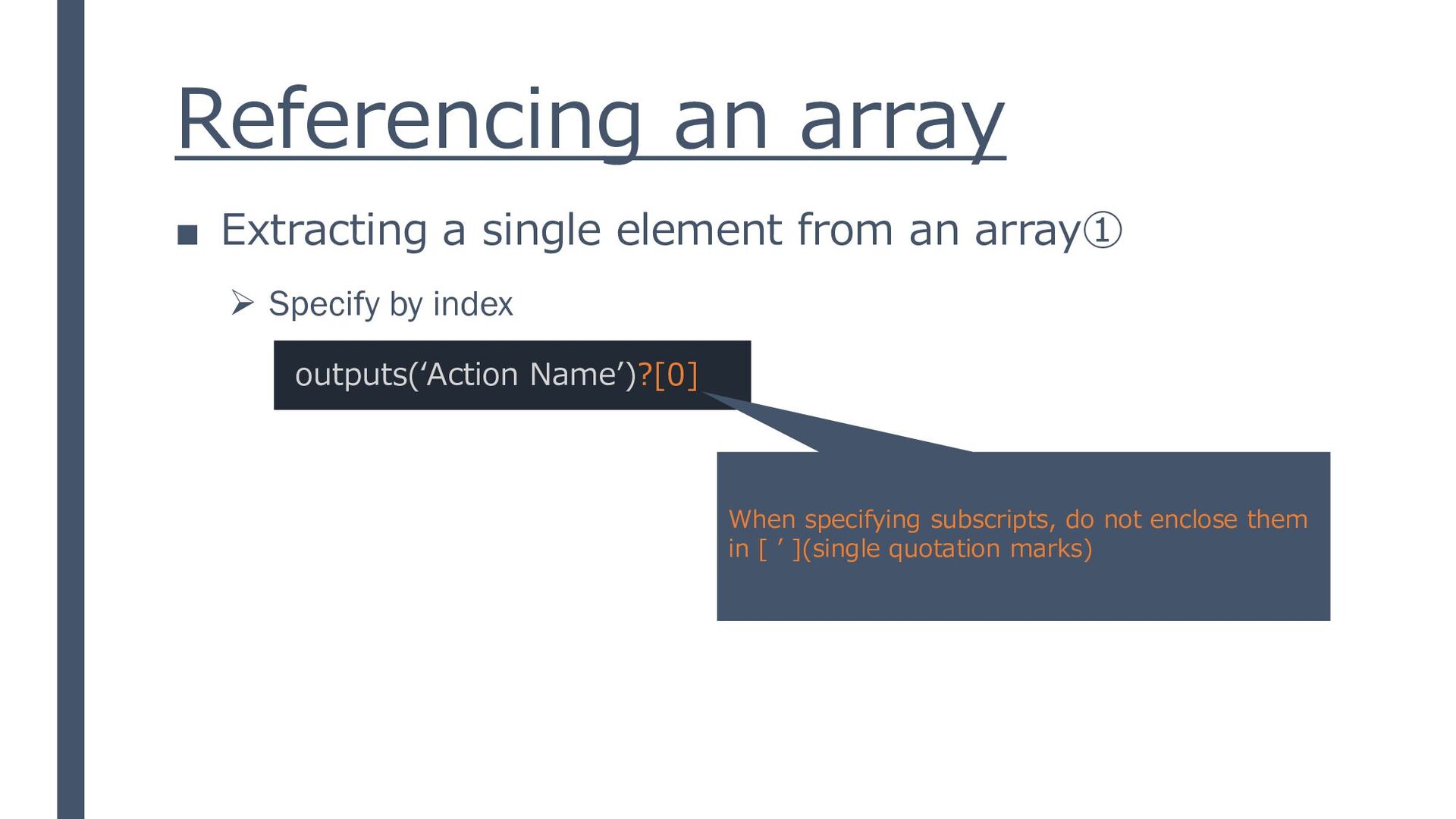
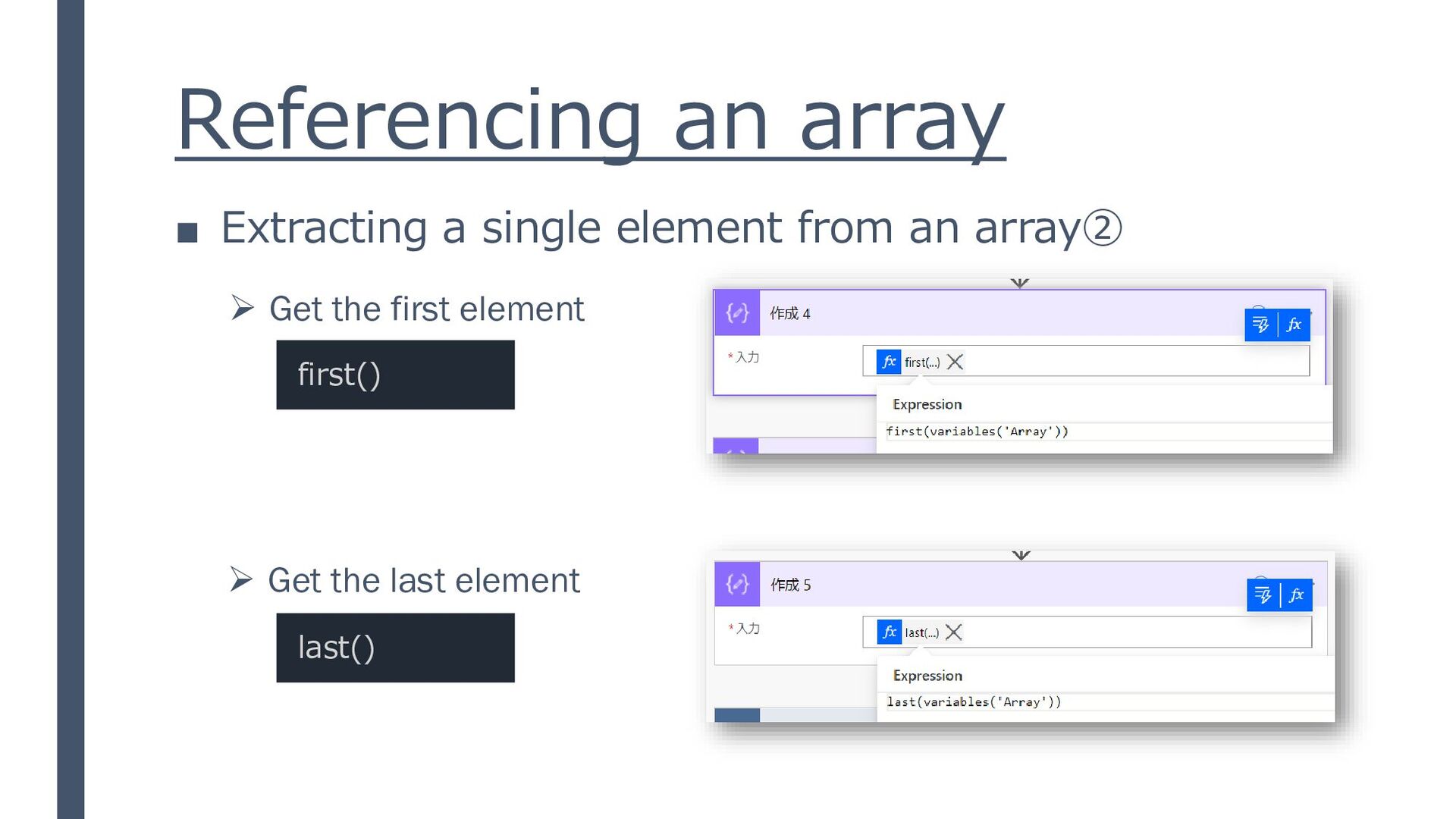
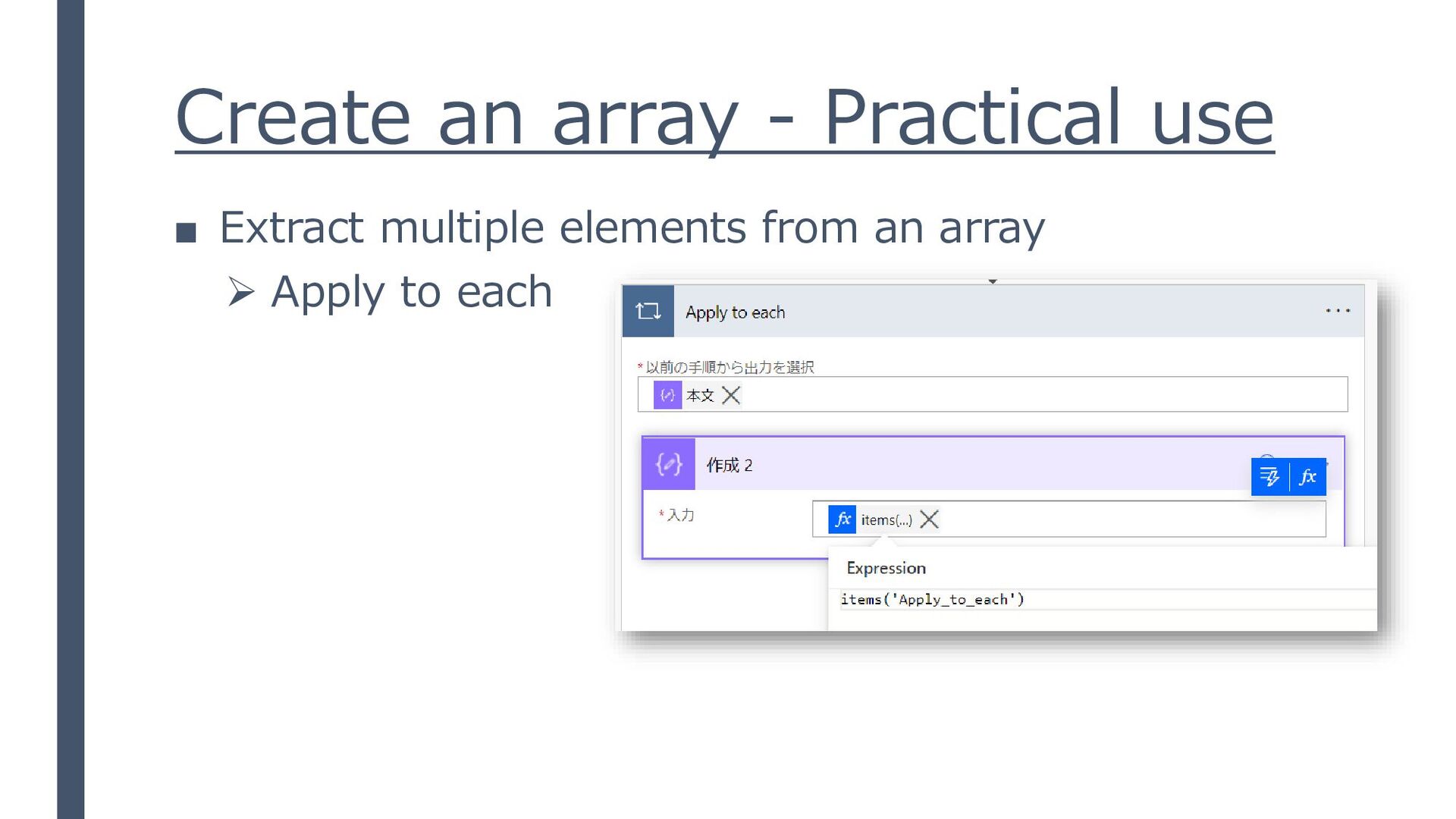
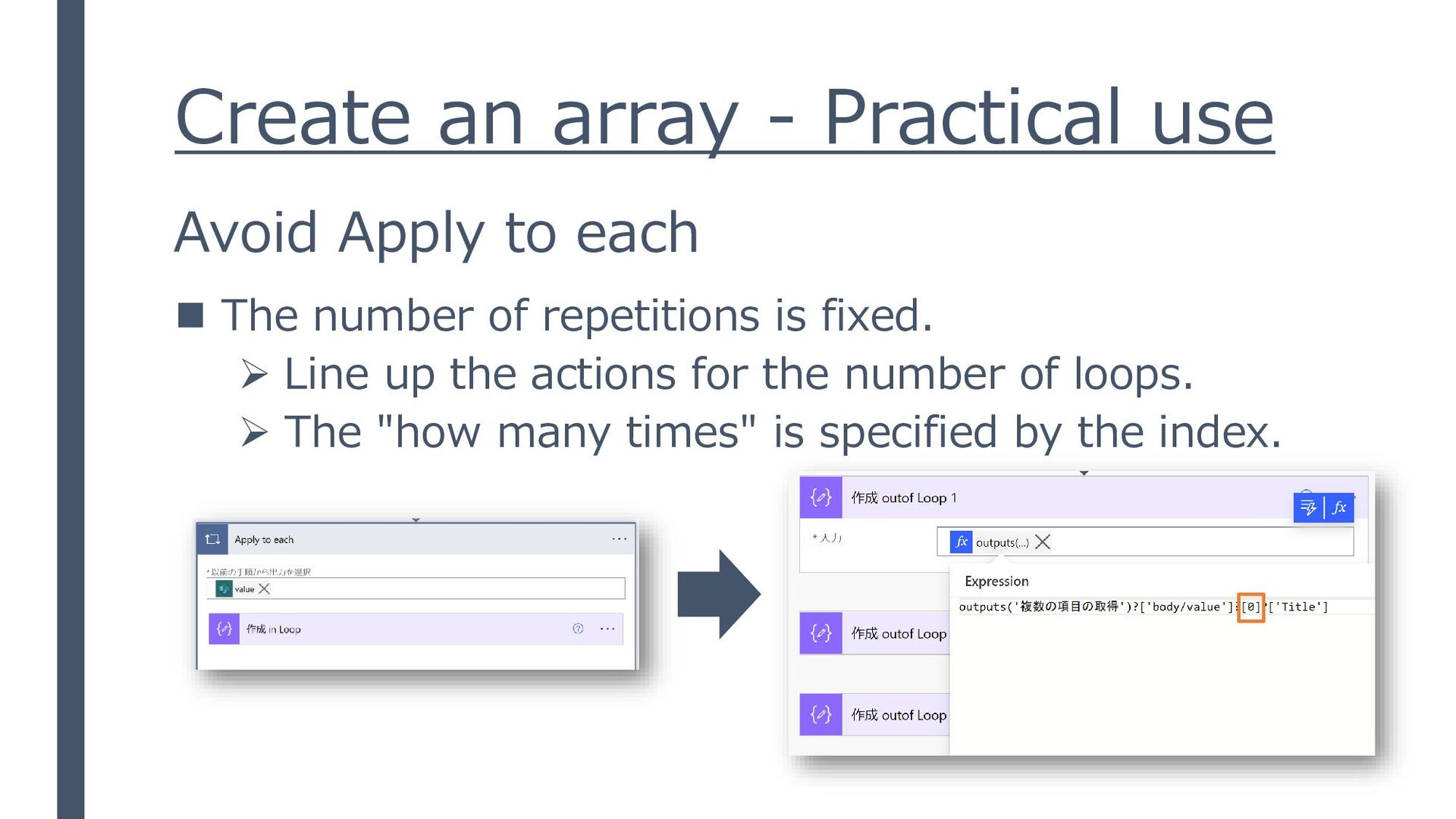
element from an array① 1. JSON Pretty Linter (https://lab.syncer.jp/Tool/JSON-Viewer/) reference「気ままに勉強会 #6 JSONについて」 https://speakerdeck.com/miyakemito/jsonhabu-kunai outputs(‘Action Name’)?[0]?[‘destination’]?[‘name’] ➢ Specify by index
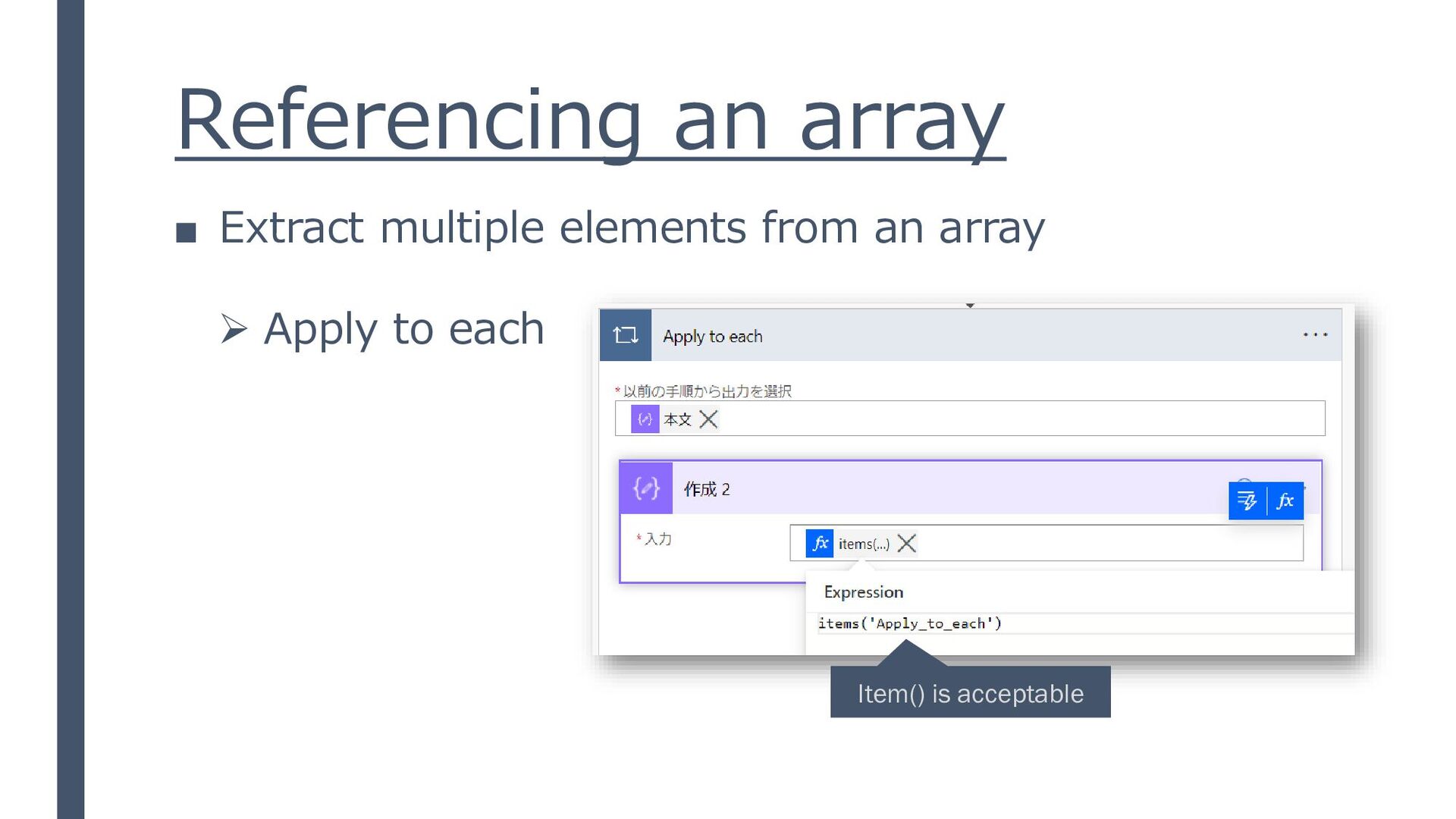
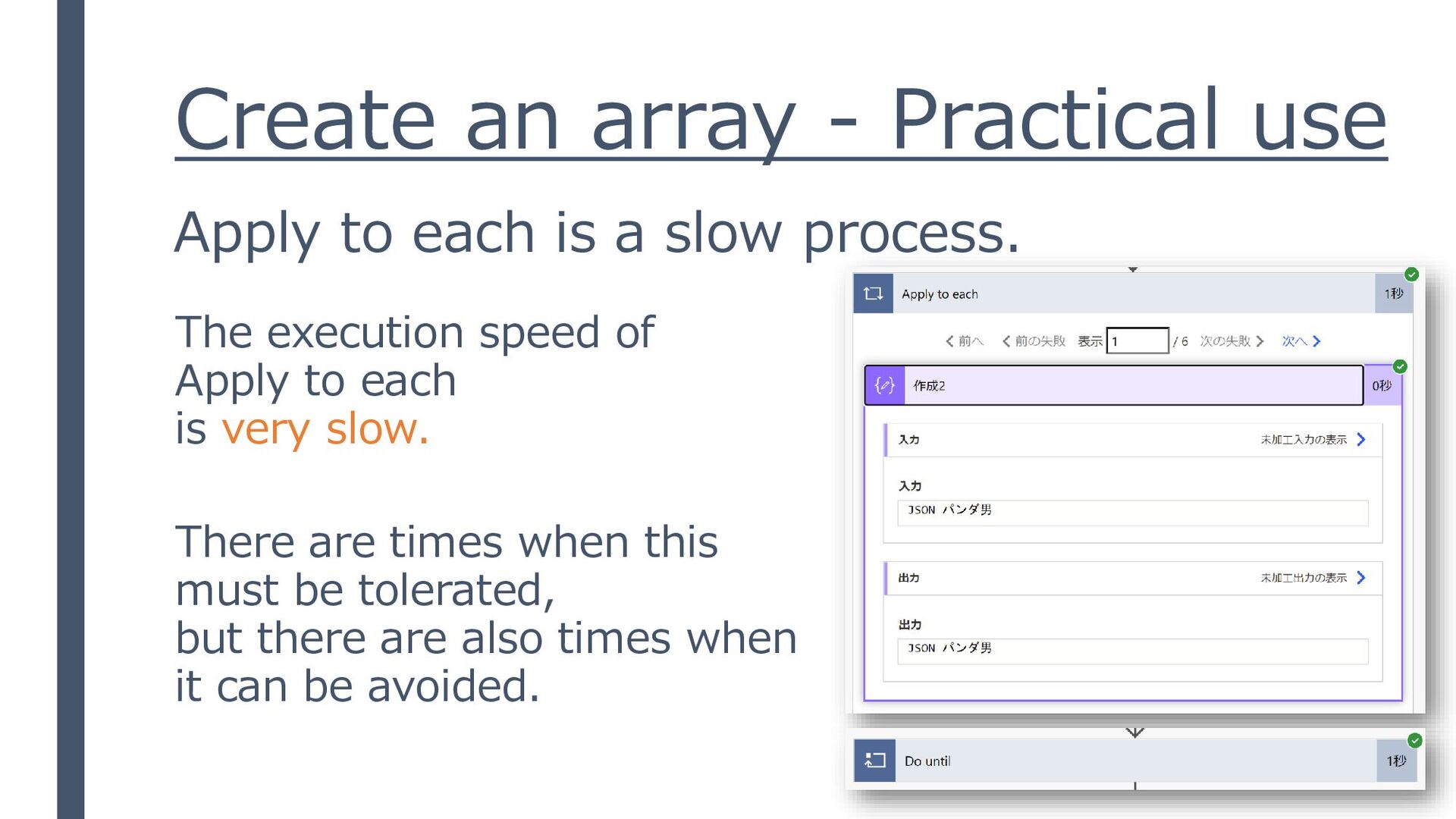
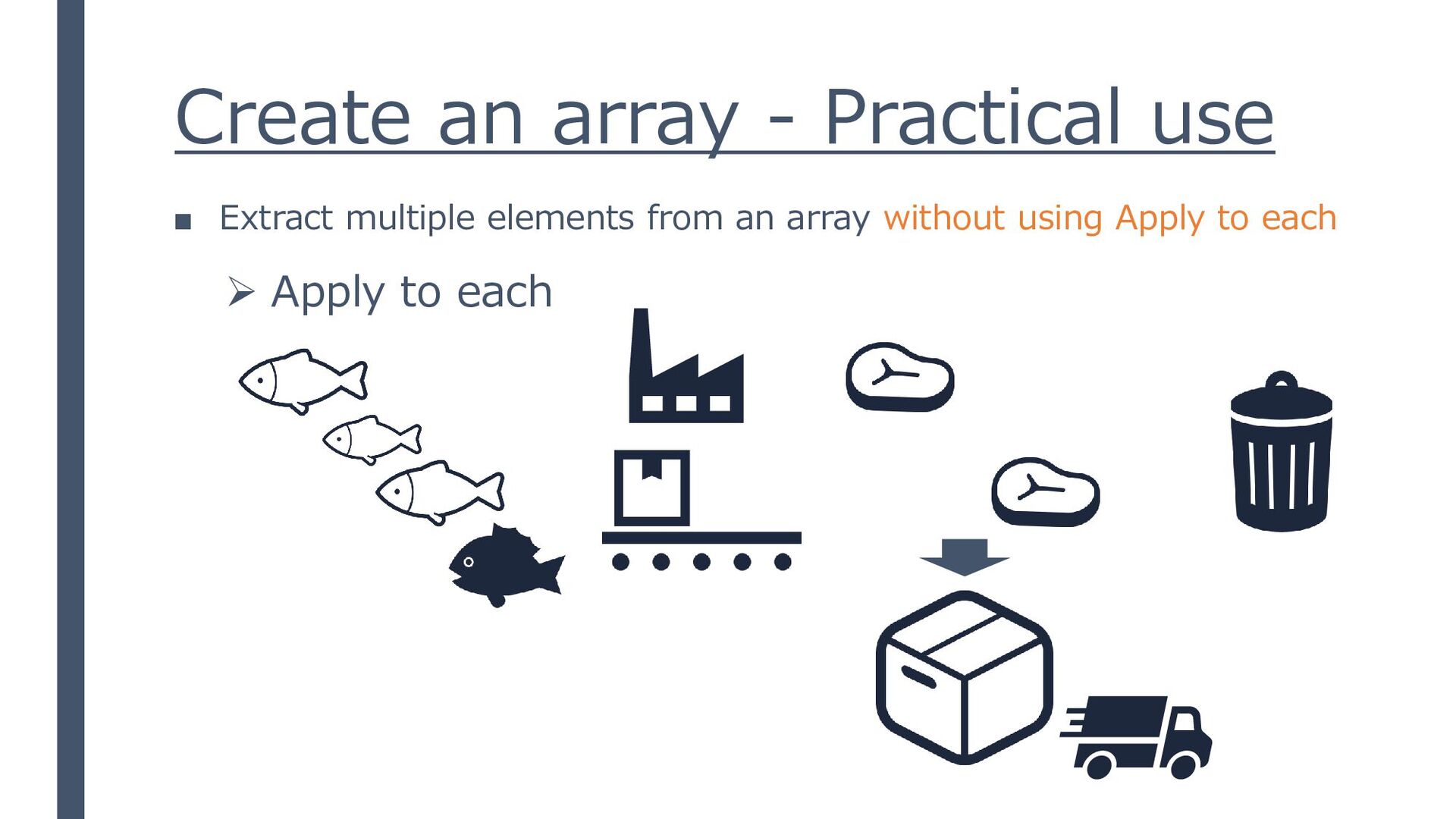
a slow process. The execution speed of Apply to each is very slow. There are times when this must be tolerated, but there are also times when it can be avoided.
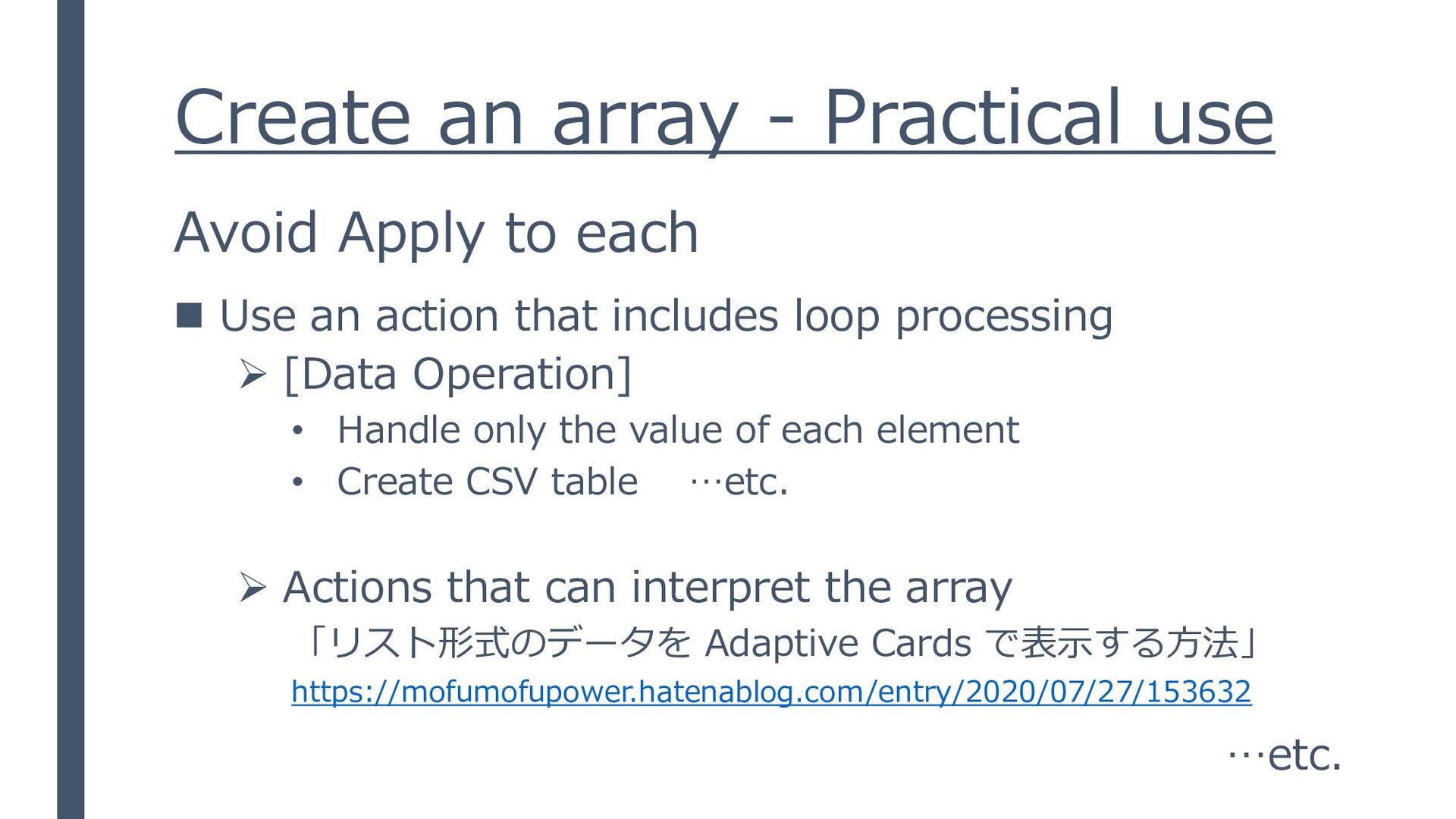
◼ Use an action that includes loop processing ➢ [Data Operation] • Handle only the value of each element • Create CSV table …etc. ➢ Actions that can interpret the array 「リスト形式のデータを Adaptive Cards で表示する方法」 https://mofumofupower.hatenablog.com/entry/2020/07/27/153632 …etc.
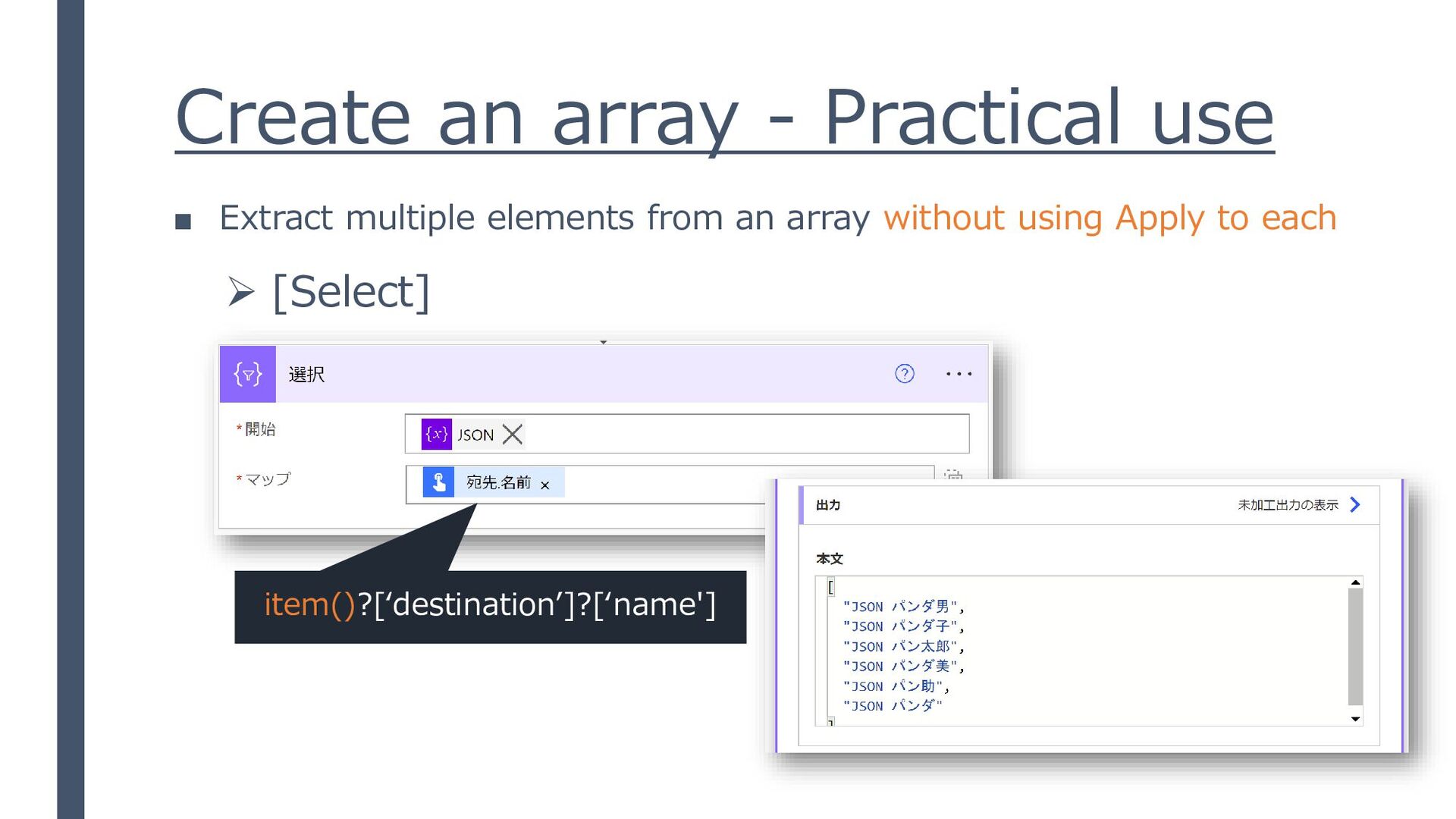
man,JSON panda Girl, JSON panda boy,JSON JSON panda woman, JSON panda Taro,JSON panda" ▪ Extract multiple elements from an array without using Apply to each
name,mask JSON panda man,1 JSON panda Girl,3 JSON panda boy,2 JSON panda woman,4 JSON panda Taro,0 JSON panda,2 ▪ Extract multiple elements from an array without using Apply to each


 miyakemito
 yu23ki14
 kash1064
 keeg
keeg
 raspython3
 stomk
stomk
 ueponx
 occhi
occhi
 koukihosaka
 ivry_presentationmaterials
 kzkhykw1991
 codmoninc
 satomasahiro2005
 orderedlist
 aleyda
 madoxten
 philnash
 jeffersonlam
 szymonslowik
 427marketing
 maggiecrowley
 dougneiner
 mayatellez
 soudai





![Create an array ▪ [Data Operation] – [Compose] ▪ [Initialize](https://files.speakerdeck.com/presentations/4c97291e31d9487197af373faed88bd2/slide_11.jpg)

![Create an array - Practical use ▪ [Data Operation] –](https://files.speakerdeck.com/presentations/4c97291e31d9487197af373faed88bd2/slide_18.jpg)

![Create an array - Practical use ➢ [Select] item()?[‘slice‘] item()?[‘fish](https://files.speakerdeck.com/presentations/4c97291e31d9487197af373faed88bd2/slide_25.jpg)
![Create an array - Practical use ➢ [Fiter array] item()?[‘guard’]?[‘mask']](https://files.speakerdeck.com/presentations/4c97291e31d9487197af373faed88bd2/slide_26.jpg)
![Create an array - Practical use ➢ [Filter array] ▪](https://files.speakerdeck.com/presentations/4c97291e31d9487197af373faed88bd2/slide_27.jpg)
![Create an array - Practical use ➢ [Join] “JSON panda](https://files.speakerdeck.com/presentations/4c97291e31d9487197af373faed88bd2/slide_29.jpg)
![Create an array - Practical use ➢ [Create CSV table]](https://files.speakerdeck.com/presentations/4c97291e31d9487197af373faed88bd2/slide_30.jpg)