Driving Your Domain by Examples - Code Mastery Meetup
This is the same talk I've delivered twice before, but with some improvements. This version was delivered at the Code Mastery meetup and can be seen online here https://www.youtube.com/watch?v=EUYE0cFQbiU
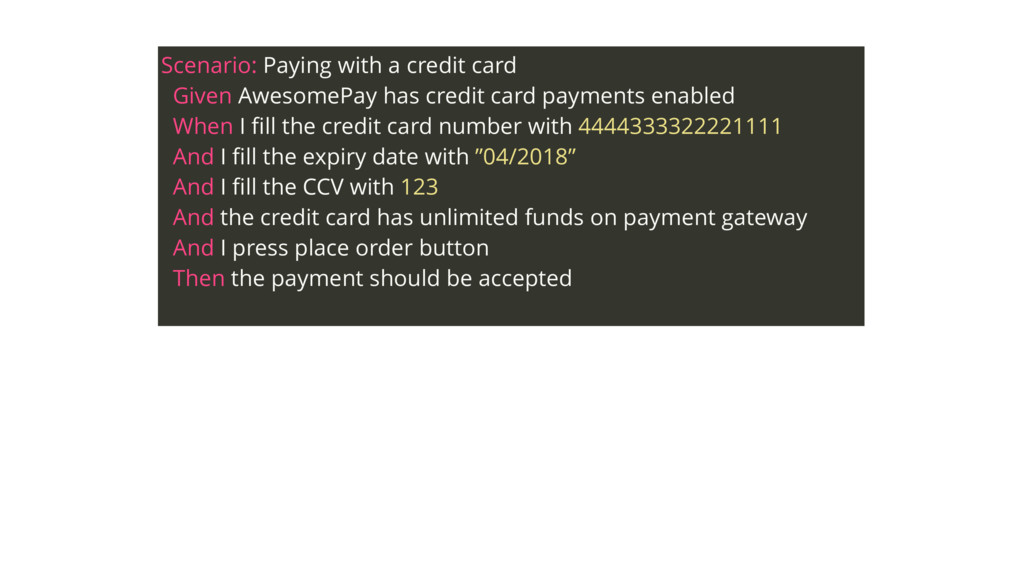
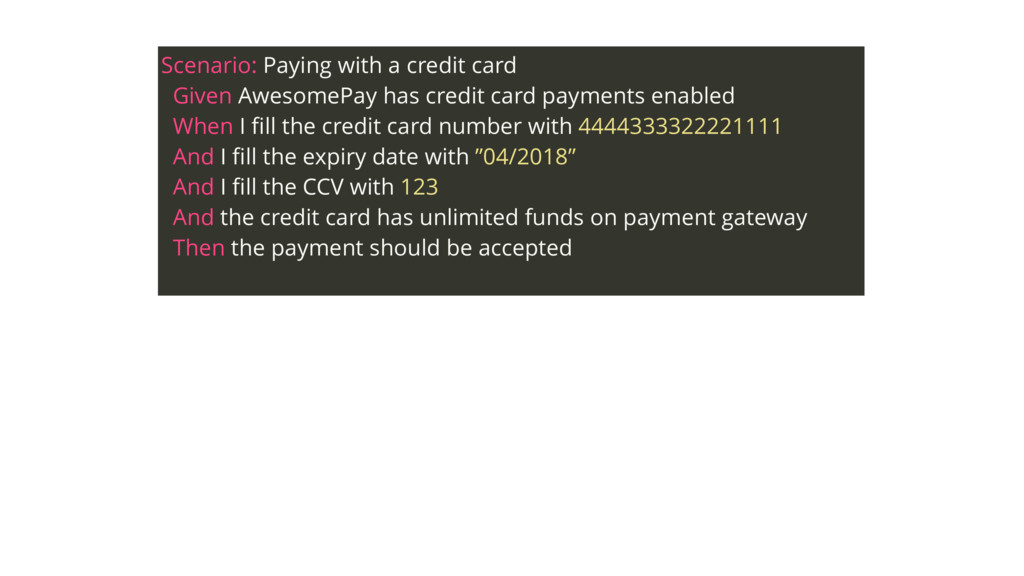
card payments enabled When I fill the credit card number with 4444333322221111 And I fill the expiry date with ”04/2018” And I fill the CCV with 123 And the credit card has unlimited funds on payment gateway And I press place order button Then the payment should be accepted
card payments enabled When I fill the credit card number with 4444333322221111 And I fill the expiry date with ”04/2018” And I fill the CCV with 123 And the credit card has unlimited funds on payment gateway Then the payment should be accepted
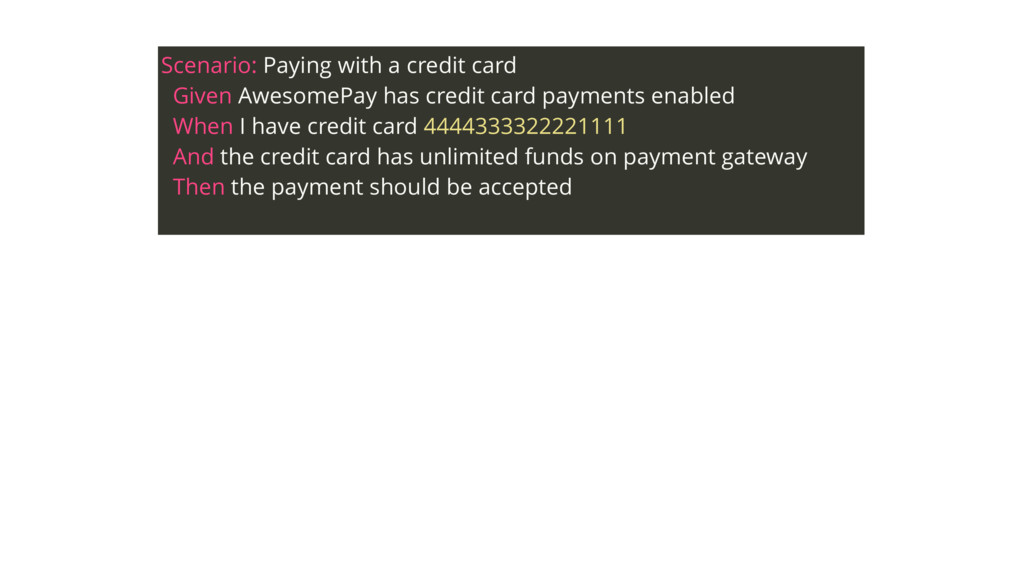
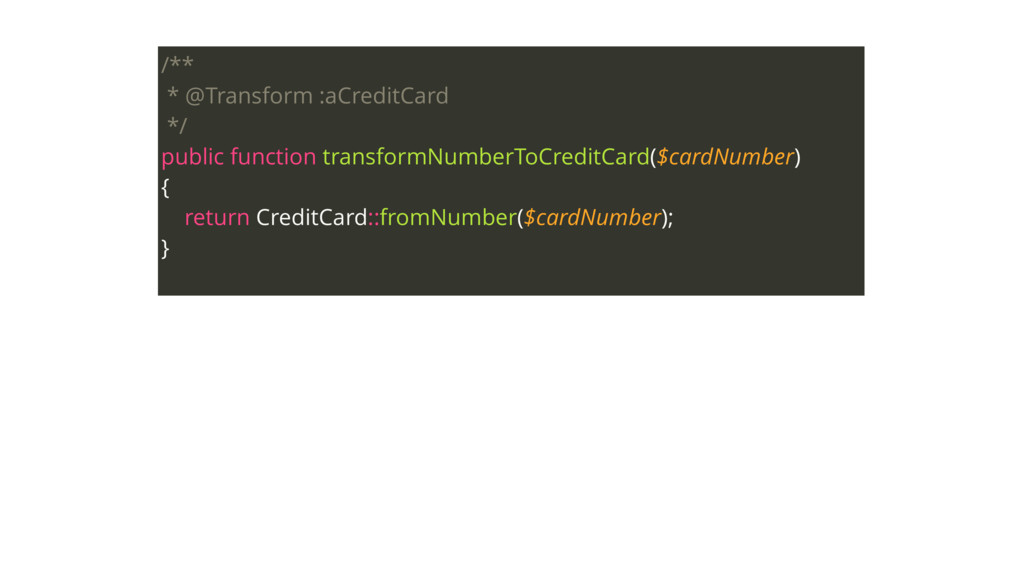
card payments enabled When I have credit card 4444333322221111 And the credit card has unlimited funds on payment gateway Then the payment should be accepted
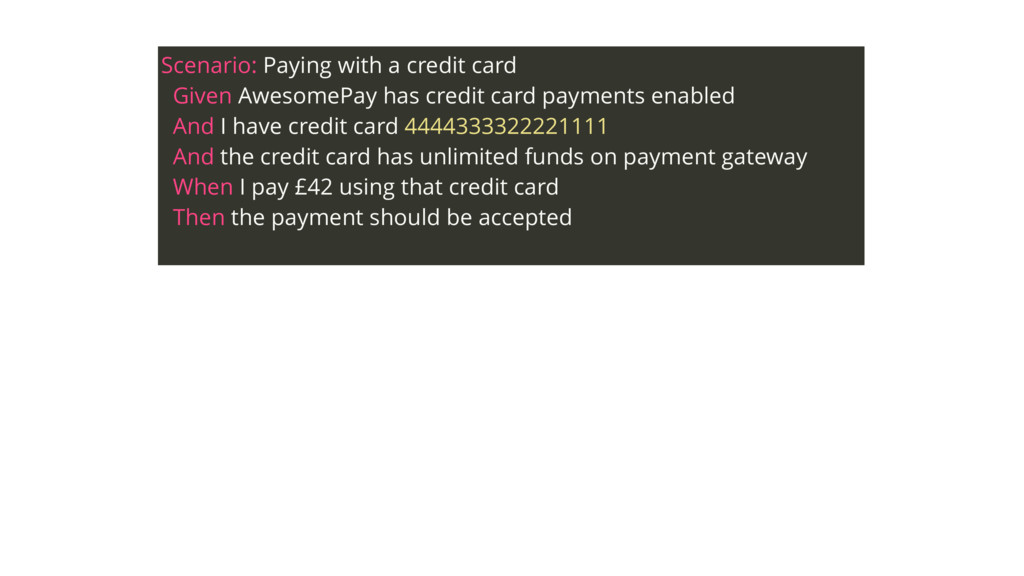
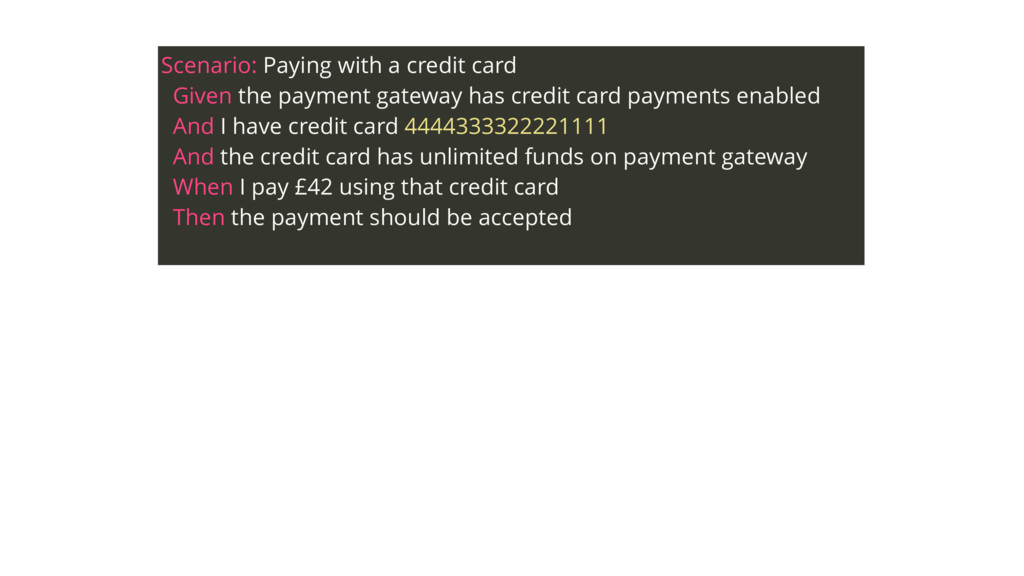
card payments enabled And I have credit card 4444333322221111 And the credit card has unlimited funds on payment gateway When I pay £42 using that credit card Then the payment should be accepted
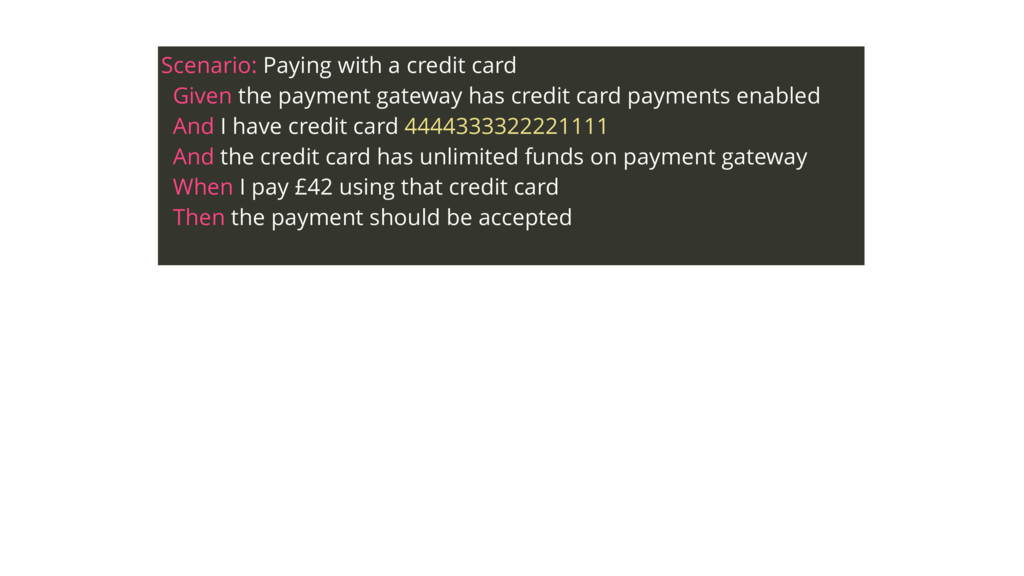
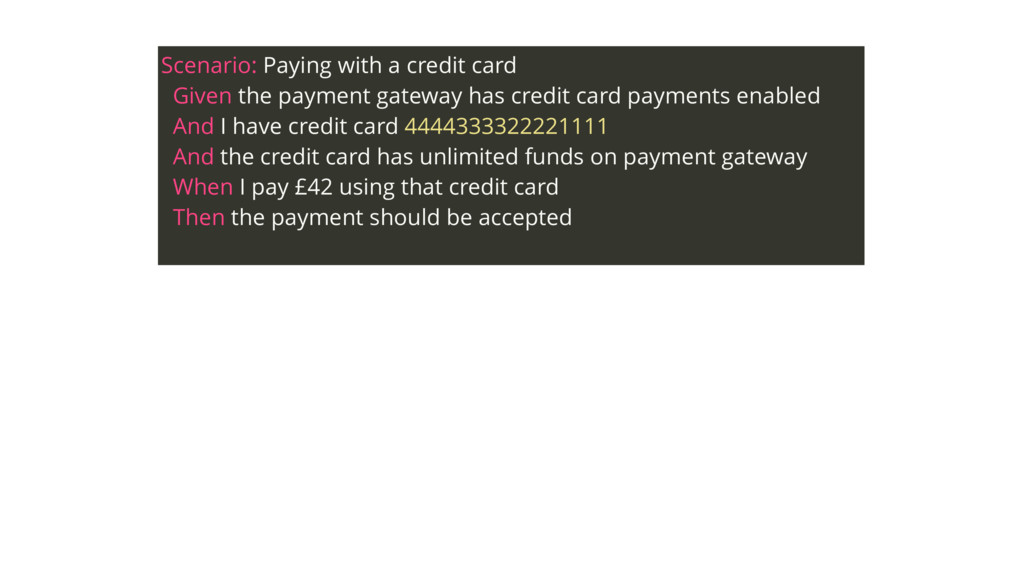
has credit card payments enabled And I have credit card 4444333322221111 And the credit card has unlimited funds on payment gateway When I pay £42 using that credit card Then the payment should be accepted
has credit card payments enabled And I have credit card 4444333322221111 And the credit card has unlimited funds on payment gateway When I pay £42 using that credit card Then the payment should be accepted
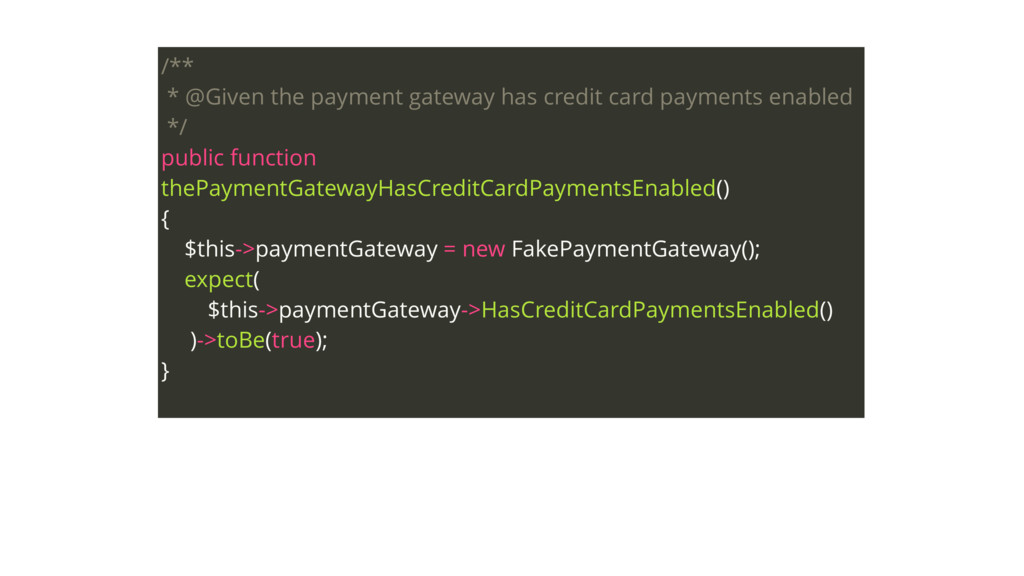
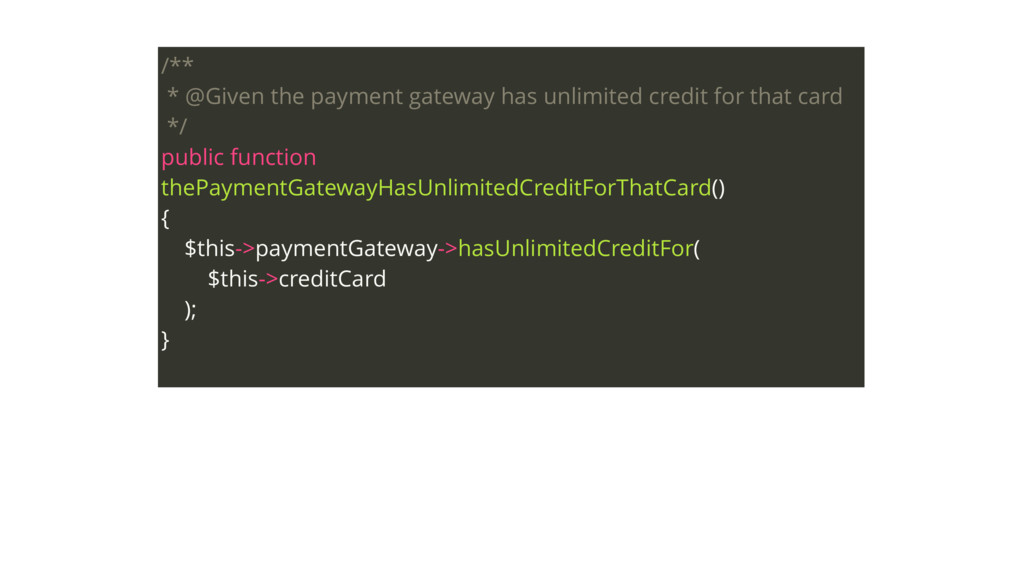
enabled */ public function thePaymentGatewayHasCreditCardPaymentsEnabled() { $this->paymentGateway = new FakePaymentGateway(); expect( $this->paymentGateway->HasCreditCardPaymentsEnabled() )->toBe(true); }
has credit card payments enabled And I have credit card 4444333322221111 And the credit card has unlimited funds on payment gateway When I pay £42 using that credit card Then the payment should be accepted
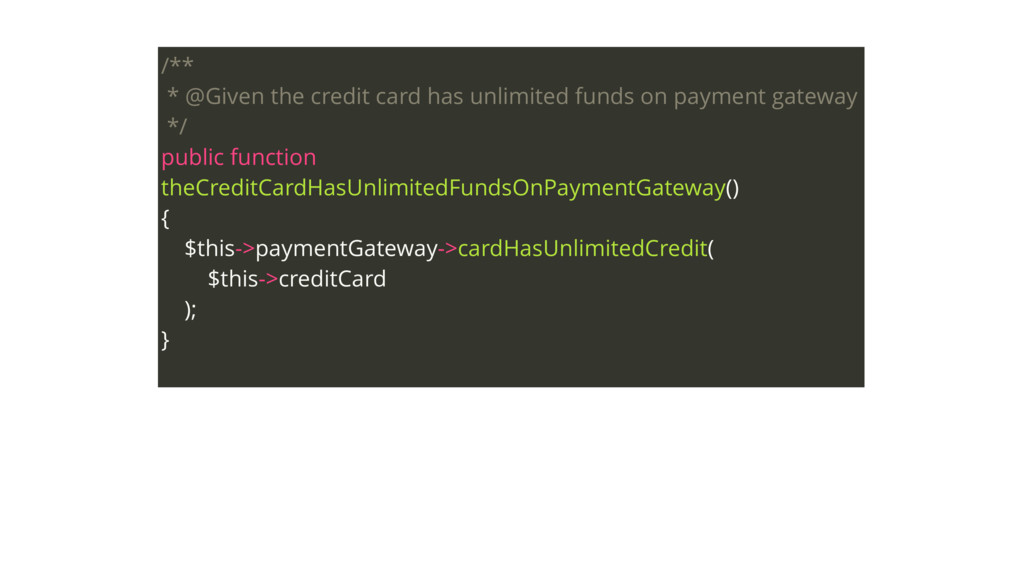
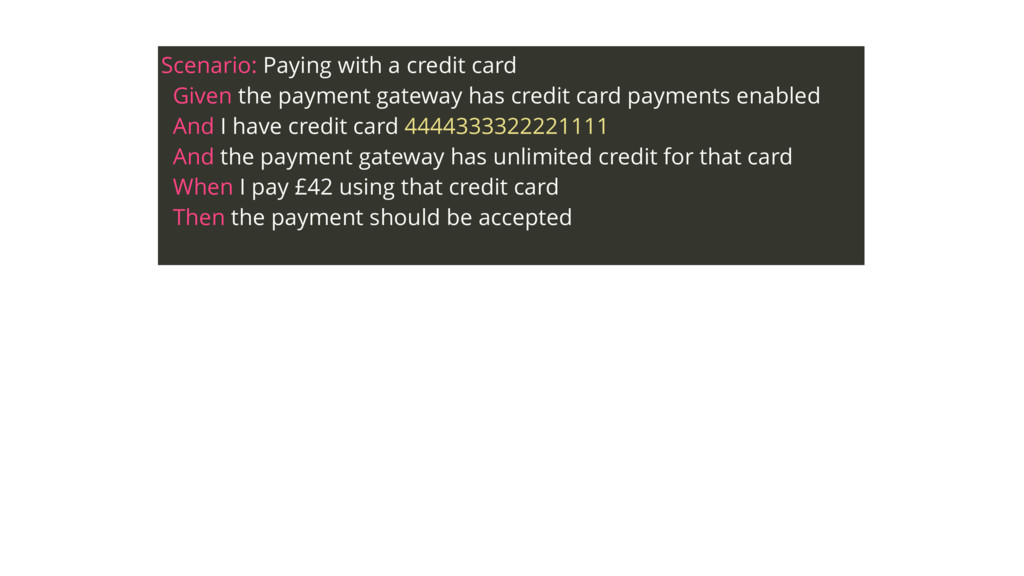
has credit card payments enabled And I have credit card 4444333322221111 And the payment gateway has unlimited credit for that card When I pay £42 using that credit card Then the payment should be accepted


 mlopes
 ivargrimstad
 kaityo256
 palkan
 oku053
 optim
optim
 rkaga
rkaga
 yub0n
yub0n
 moro
moro
 o0h
o0h
 florets1
 chobishiba
 mofurune
 mlcsv
mlcsv
 inesmontani
 popppiees
 tmiket
 michielstock
 auna
auna
 davidcarrasco
 axbom
axbom
 jmmastey
 jonoalderson










![default: suites: domain: contexts: [DomainContext]](https://files.speakerdeck.com/presentations/538867e272ae4808a64e699130dc9137/slide_47.jpg)
![default: suites: domain: contexts: [DomainContext] web: contexts: [WebContext] filters:](https://files.speakerdeck.com/presentations/538867e272ae4808a64e699130dc9137/slide_48.jpg)
![default: suites: domain: contexts: [DomainContext] filters: { tags: '~@ui' }](https://files.speakerdeck.com/presentations/538867e272ae4808a64e699130dc9137/slide_49.jpg)
![default: suites: domain: contexts: [DomainContext] filters: { tags: '~@ui' }](https://files.speakerdeck.com/presentations/538867e272ae4808a64e699130dc9137/slide_50.jpg)
![default: suites: domain: contexts: [DomainContext] filters: { tags: '~@ui' }](https://files.speakerdeck.com/presentations/538867e272ae4808a64e699130dc9137/slide_51.jpg)