Upgrade to Pro — share decks privately, control downloads, hide ads and more …

Strings don’t exist

Sponsored · SiteGround - Reliable hosting with speed, security, and support you can count on. →

Strings don’t exist

We take a look behind the scenes at how strings are stored both on disk and in memory, where the need for character sets and encodings comes from, and finally how to think about strings to effectively troubleshoot problems with strings in Python. You will never think about strings the same way again!

Avatar for Martin Matusiak

Martin Matusiak

April 14, 2016

Other Decks in Technology

Transcript

  1. Who am I? Python programmer for 10 years, big fan!
    Did lots of web apps & Django Later web services - flask and REST frameworks Then Now
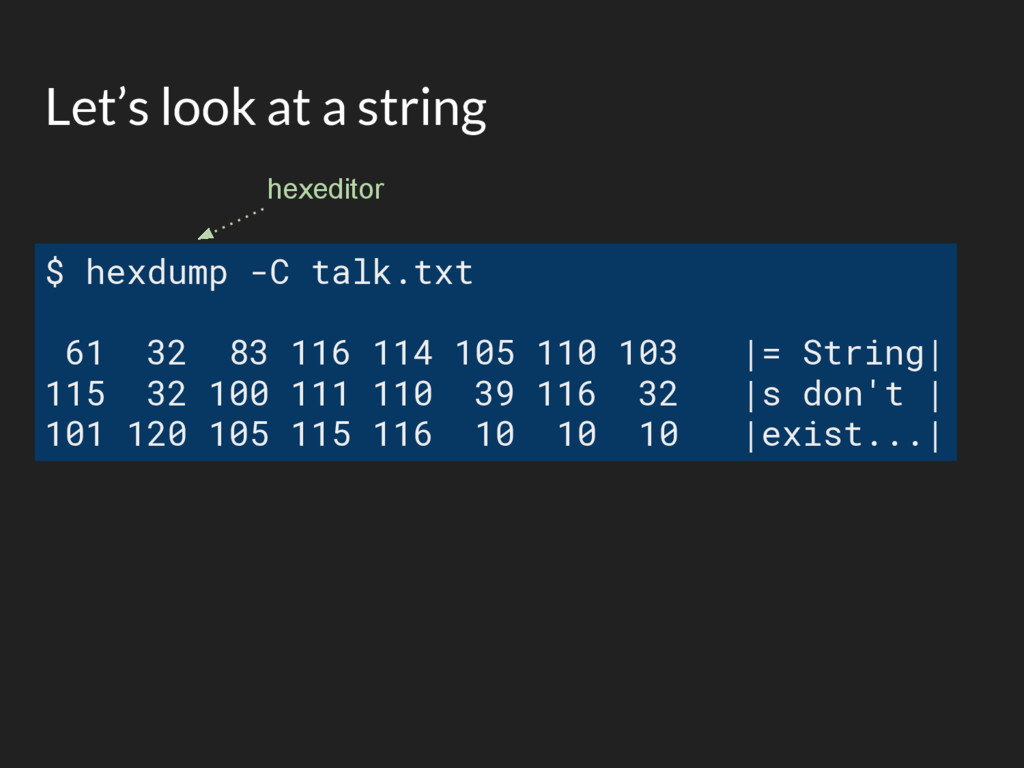
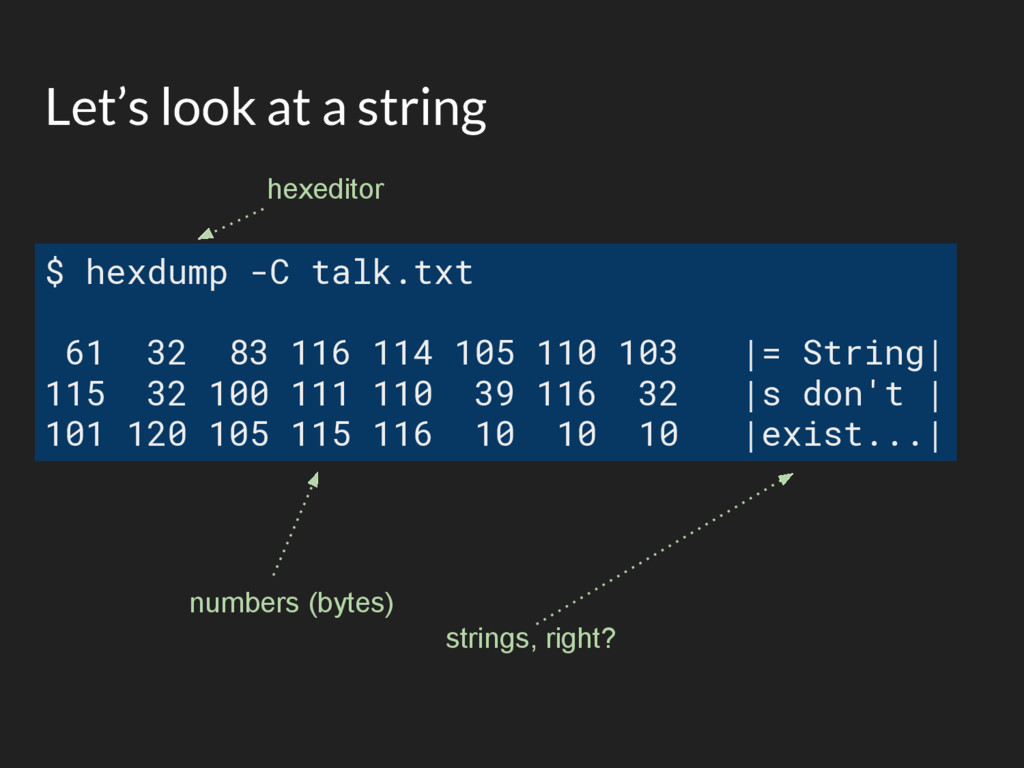
  2. Let’s look at a string $ hexdump -C talk.txt 61

    32 83 116 114 105 110 103 |= String| 115 32 100 111 110 39 116 32 |s don't | 101 120 105 115 116 10 10 10 |exist...| hexeditor
  3. Let’s look at a string $ hexdump -C talk.txt 61

    32 83 116 114 105 110 103 |= String| 115 32 100 111 110 39 116 32 |s don't | 101 120 105 115 116 10 10 10 |exist...| hexeditor numbers (bytes) strings, right?
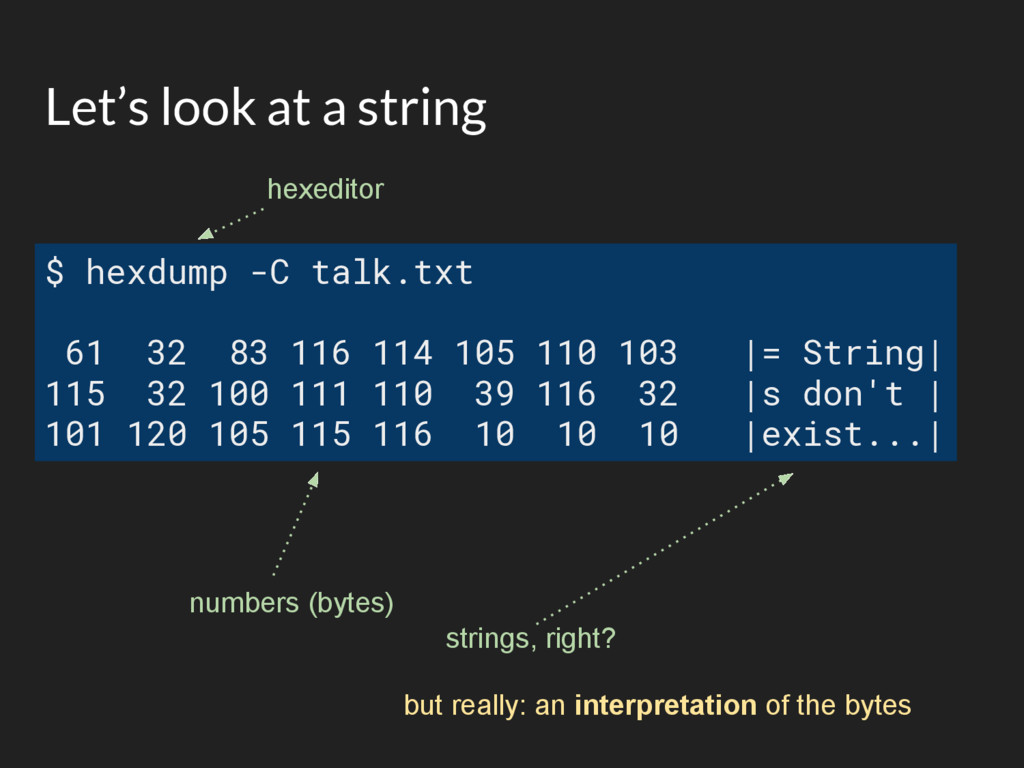
  4. Let’s look at a string $ hexdump -C talk.txt 61

    32 83 116 114 105 110 103 |= String| 115 32 100 111 110 39 116 32 |s don't | 101 120 105 115 116 10 10 10 |exist...| hexeditor numbers (bytes) strings, right? but really: an interpretation of the bytes
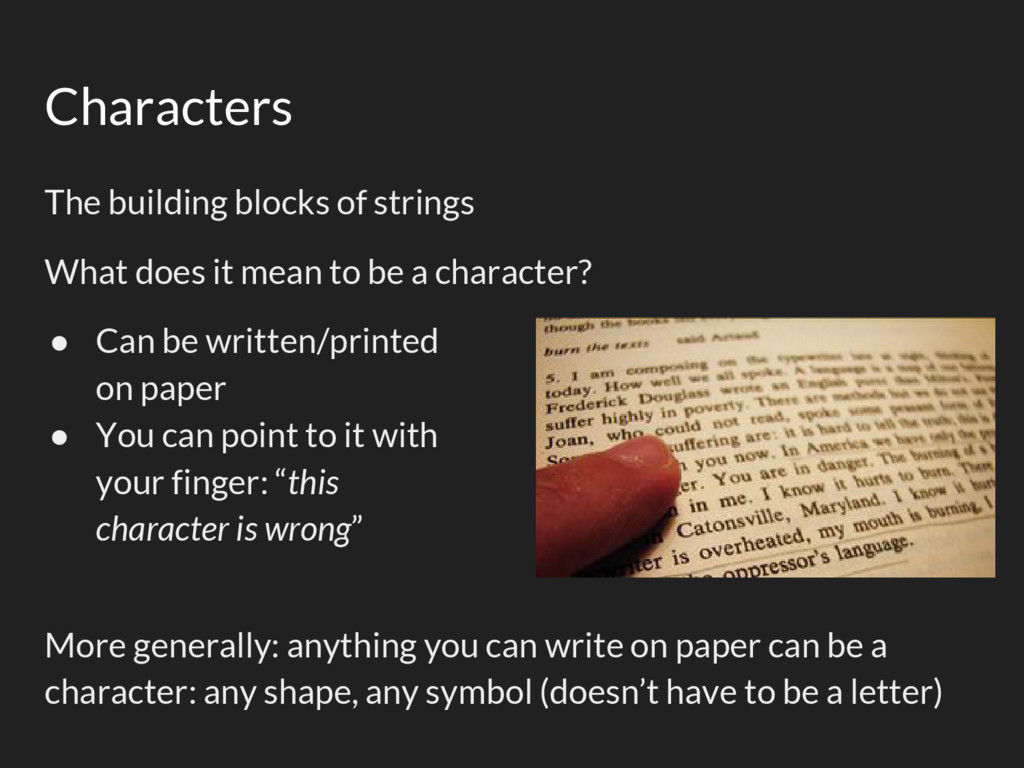
  5. Characters The building blocks of strings What does it mean

    to be a character? • Can be written/printed on paper • You can point to it with your finger: “this character is wrong” More generally: anything you can write on paper can be a character: any shape, any symbol (doesn’t have to be a letter)
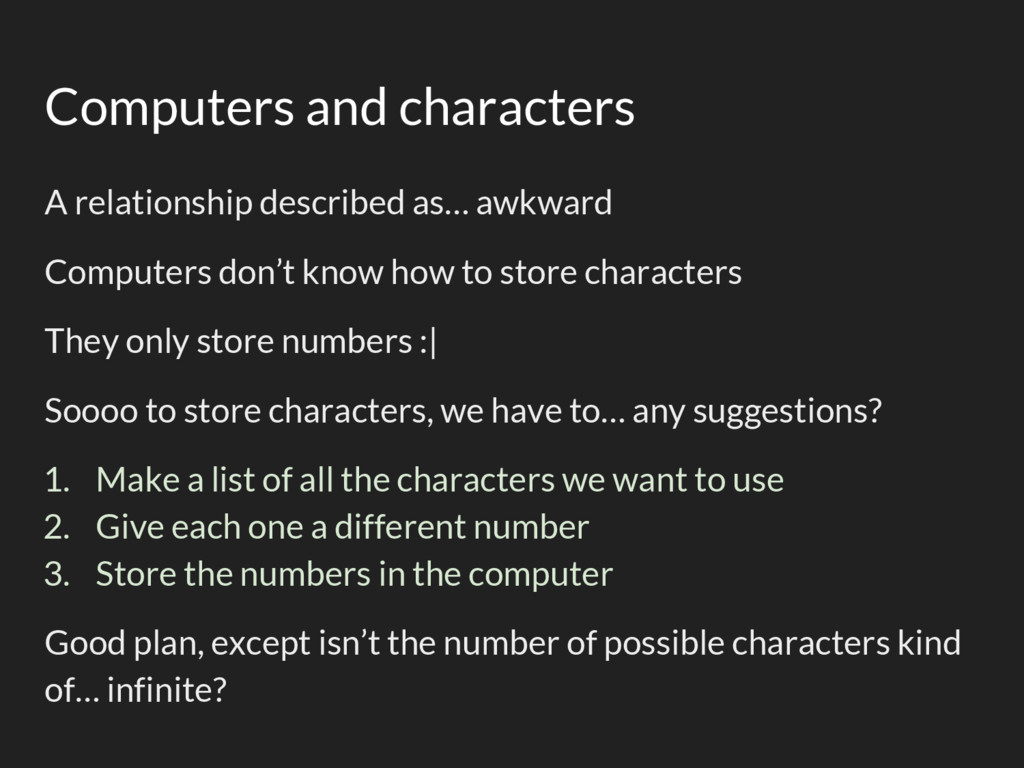
  6. Computers and characters A relationship described as… awkward Computers don’t

    know how to store characters They only store numbers :| Soooo to store characters, we have to… any suggestions?
  7. Computers and characters A relationship described as… awkward Computers don’t

    know how to store characters They only store numbers :| Soooo to store characters, we have to… any suggestions? 1. Make a list of all the characters we want to use 2. Give each one a different number 3. Store the numbers in the computer Good plan, except isn’t the number of possible characters kind of… infinite?
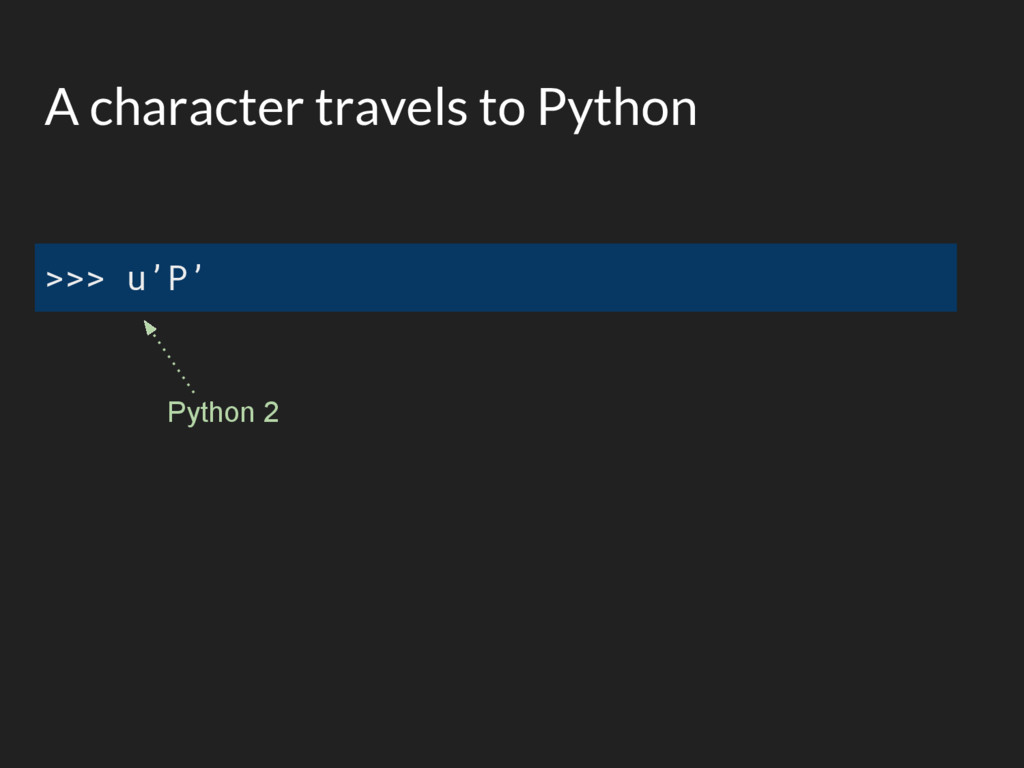
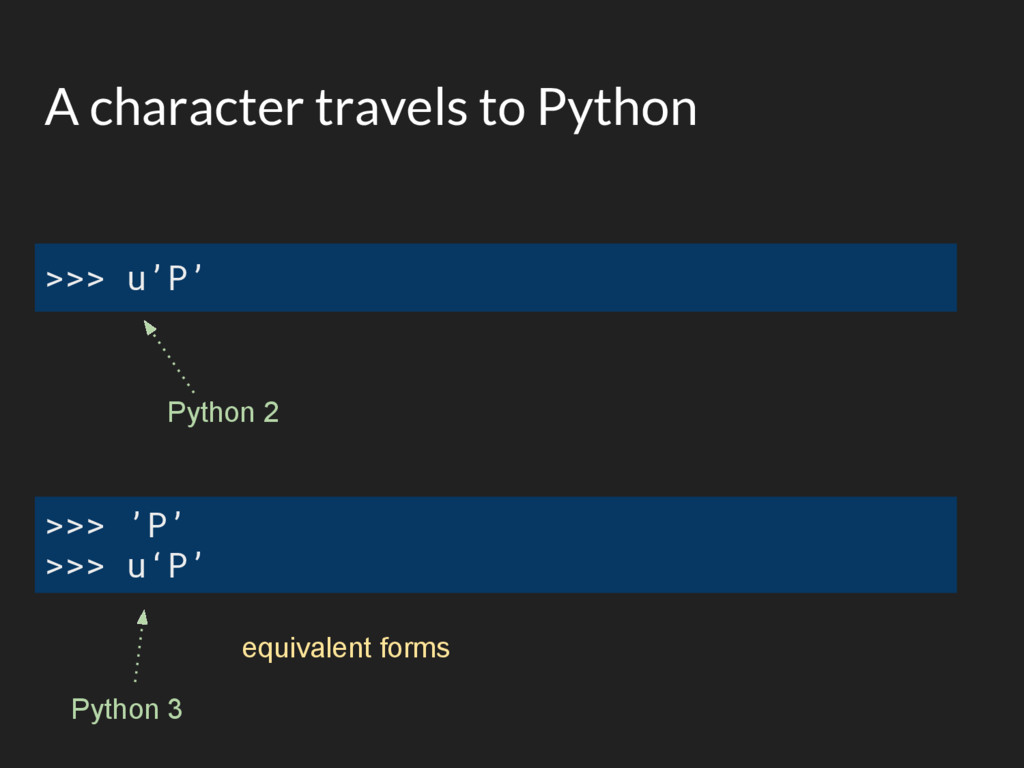
  8. A character travels to Python >>> u’P’ Python 2 >>>

    ’P’ >>> u‘P’ Python 3 equivalent forms
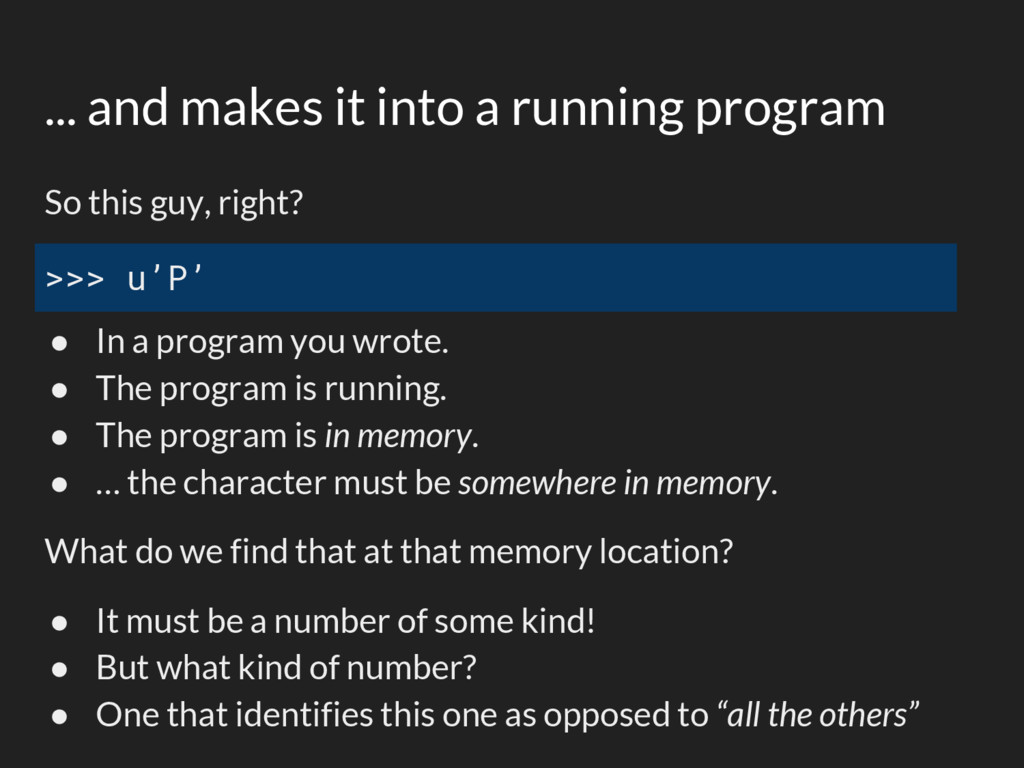
  9. ... and makes it into a running program >>> u’P’

    So this guy, right? • In a program you wrote. • The program is running. • The program is in memory. • … the character must be somewhere in memory. What do we find that at that memory location? • It must be a number of some kind! • But what kind of number? • One that identifies this one as opposed to “all the others”
  10. Unicode - aka “all the characters” 1,114,112 characters is enough

    for everyone, for a while We need a number type big enough:
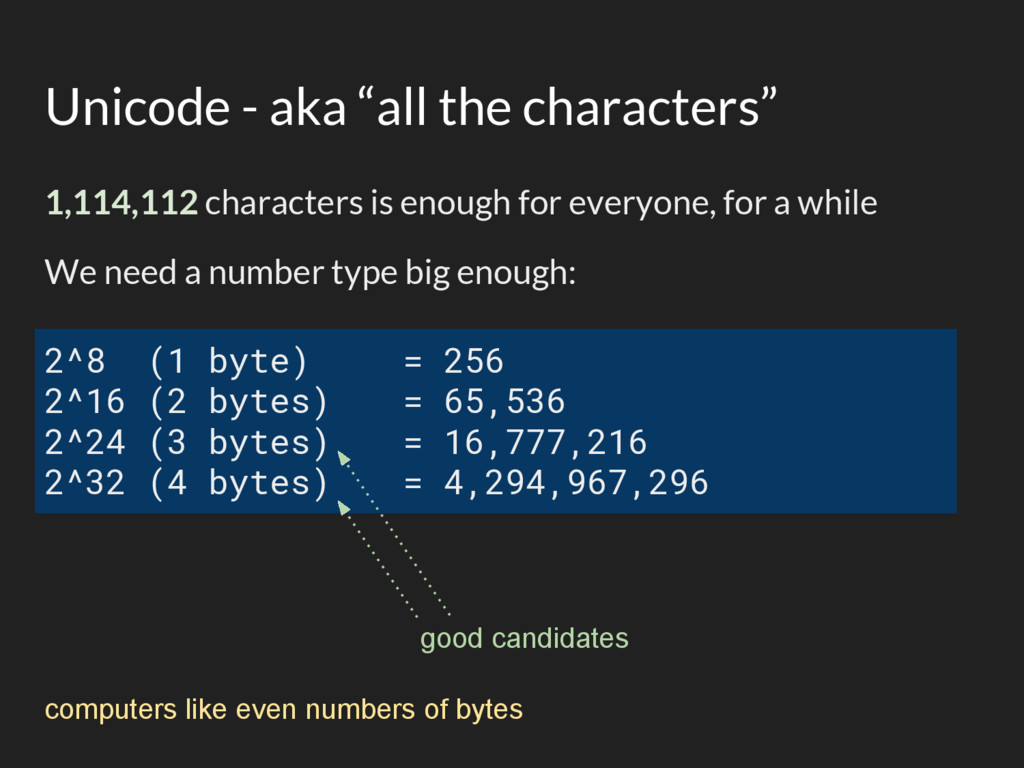
  11. Unicode - aka “all the characters” 1,114,112 characters is enough

    for everyone, for a while We need a number type big enough: 2^8 (1 byte) = 256 2^16 (2 bytes) = 65,536 2^24 (3 bytes) = 16,777,216 2^32 (4 bytes) = 4,294,967,296 good candidates computers like even numbers of bytes
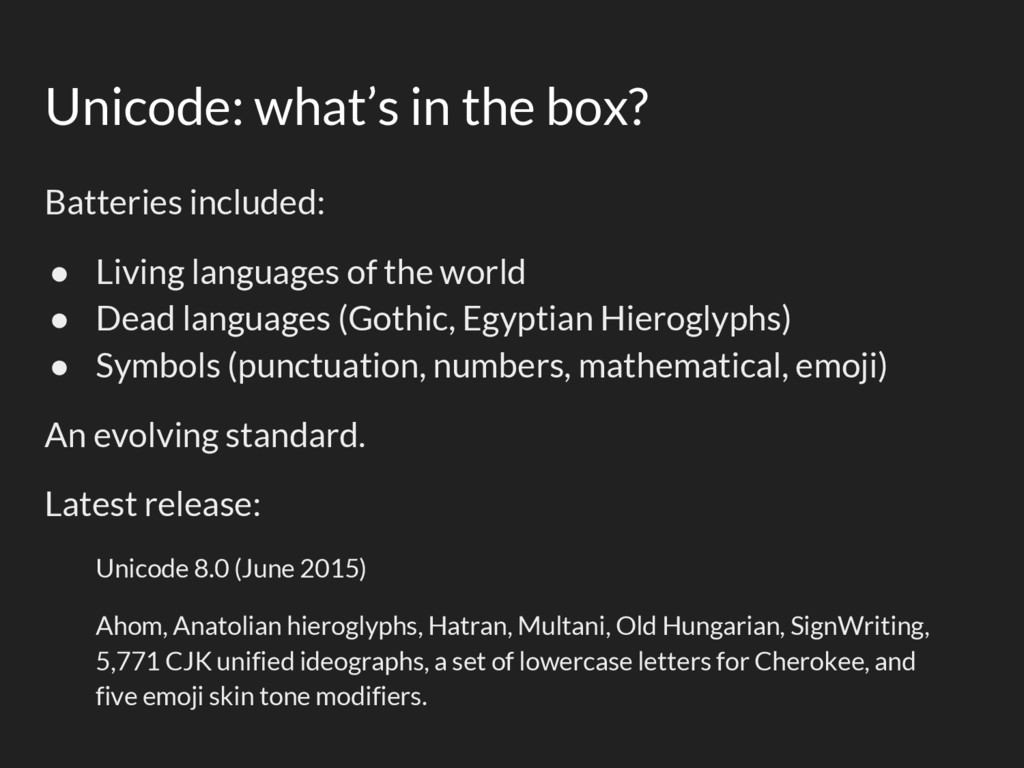
  12. Unicode: what’s in the box? Batteries included: • Living languages

    of the world • Dead languages (Gothic, Egyptian Hieroglyphs) • Symbols (punctuation, numbers, mathematical, emoji) An evolving standard. Latest release: Unicode 8.0 (June 2015) Ahom, Anatolian hieroglyphs, Hatran, Multani, Old Hungarian, SignWriting, 5,771 CJK unified ideographs, a set of lowercase letters for Cherokee, and five emoji skin tone modifiers.
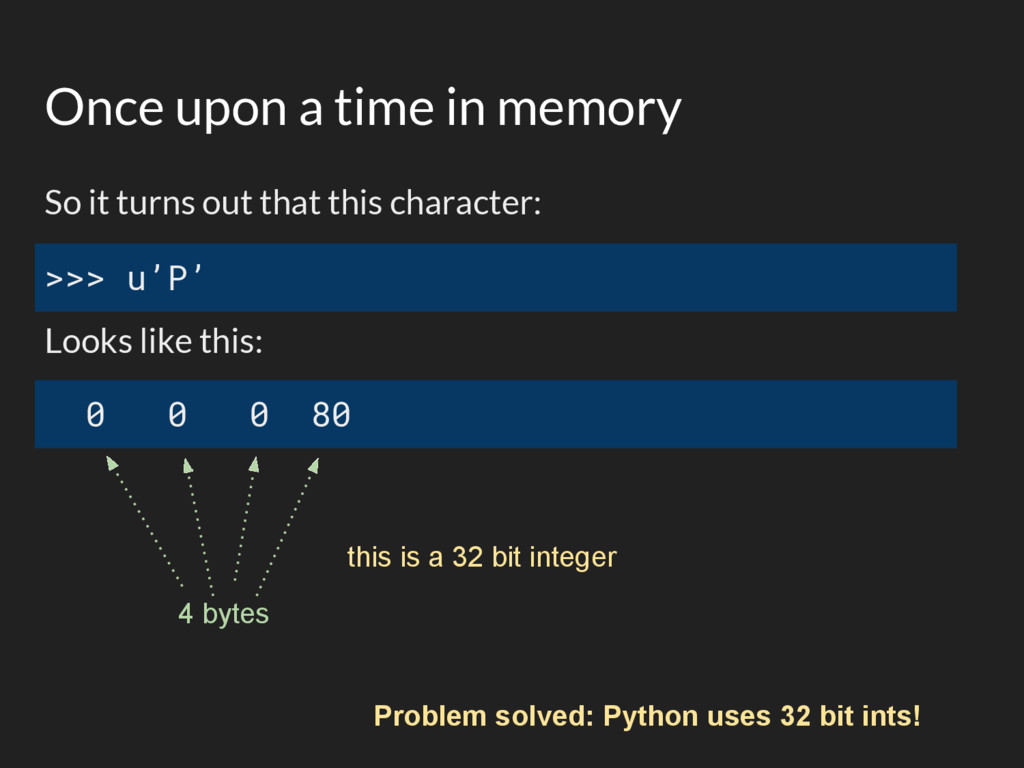
  13. Once upon a time in memory So it turns out

    that this character: Looks like this: >>> u’P’ 0 0 0 80 4 bytes this is a 32 bit integer Problem solved: Python uses 32 bit ints!
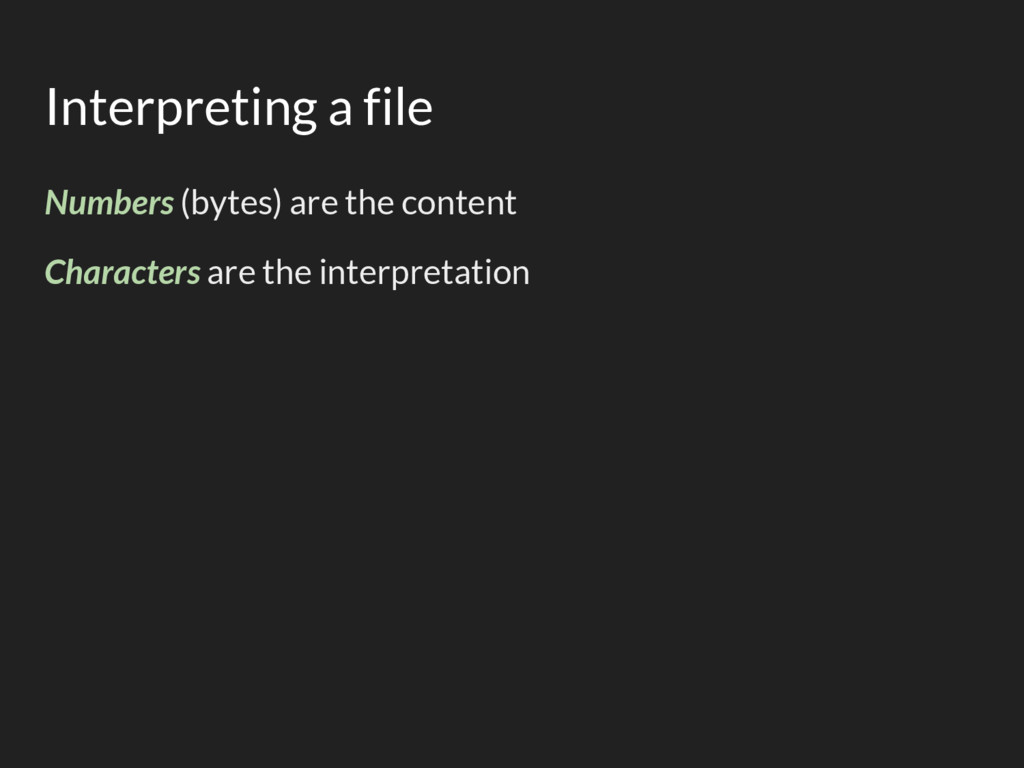
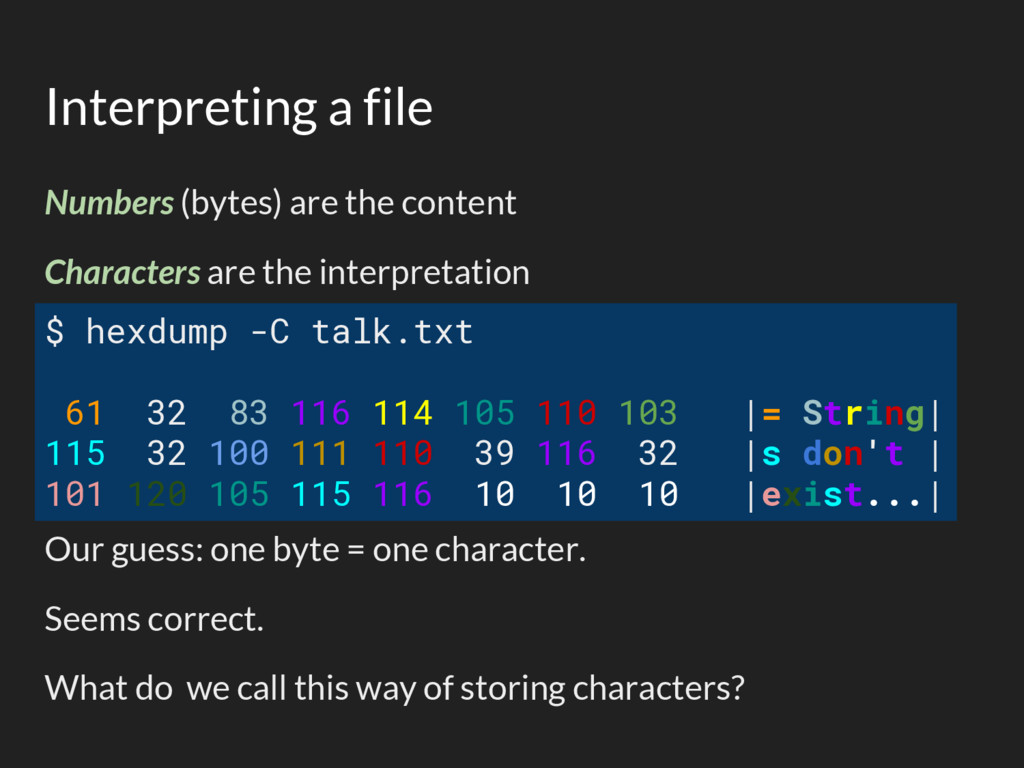
  14. Interpreting a file Numbers (bytes) are the content Characters are

    the interpretation Our guess: one byte = one character. Seems correct. What do we call this way of storing characters? $ hexdump -C talk.txt 61 32 83 116 114 105 110 103 |= String| 115 32 100 111 110 39 116 32 |s don't | 101 120 105 115 116 10 10 10 |exist...|
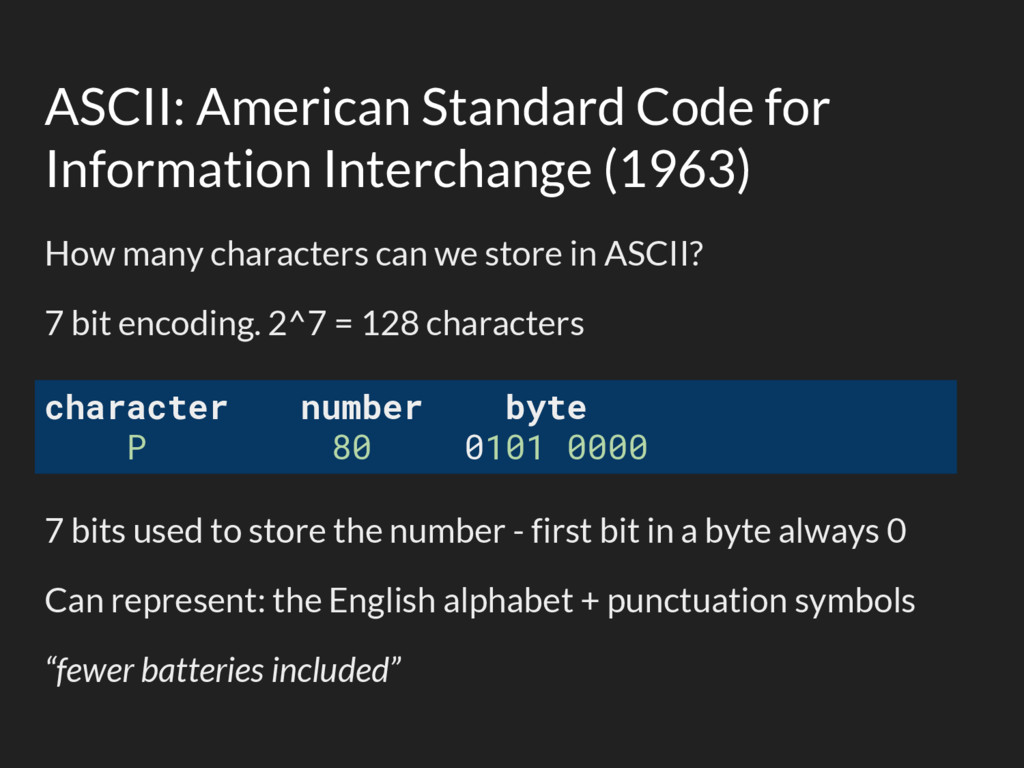
  15. ASCII: American Standard Code for Information Interchange (1963) How many

    characters can we store in ASCII? 7 bit encoding. 2^7 = 128 characters 7 bits used to store the number - first bit in a byte always 0 Can represent: the English alphabet + punctuation symbols “fewer batteries included” character number byte P 80 0101 0000
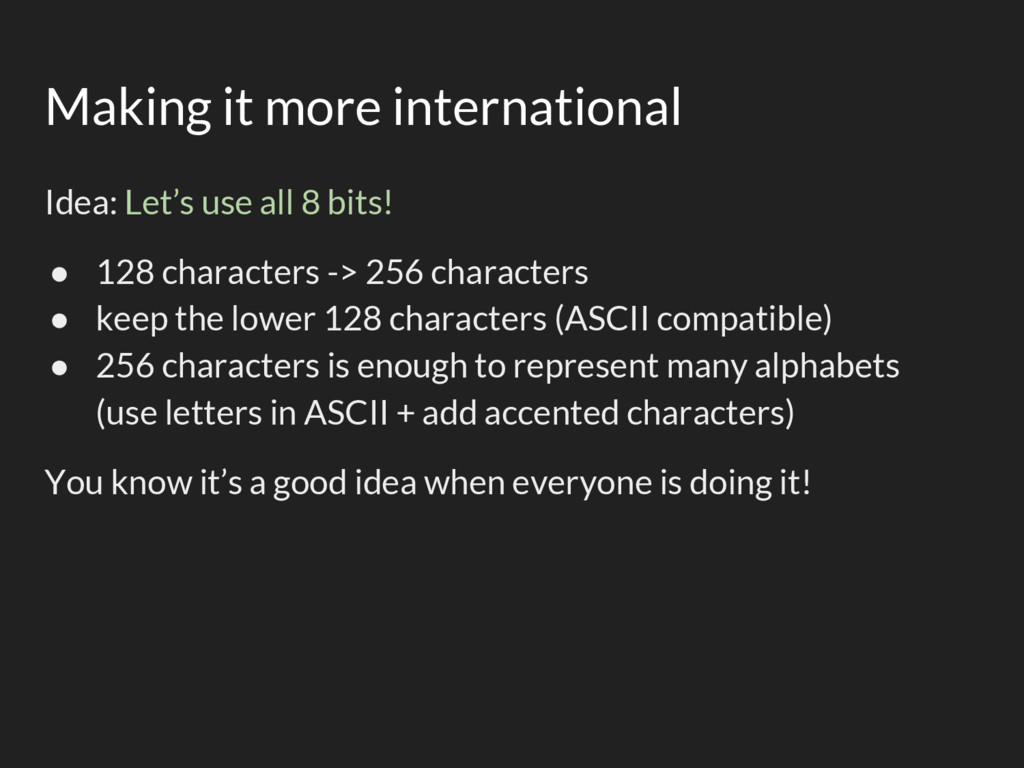
  16. Making it more international Idea: Let’s use all 8 bits!

    • 128 characters -> 256 characters • keep the lower 128 characters (ASCII compatible) • 256 characters is enough to represent many alphabets (use letters in ASCII + add accented characters) You know it’s a good idea when everyone is doing it!
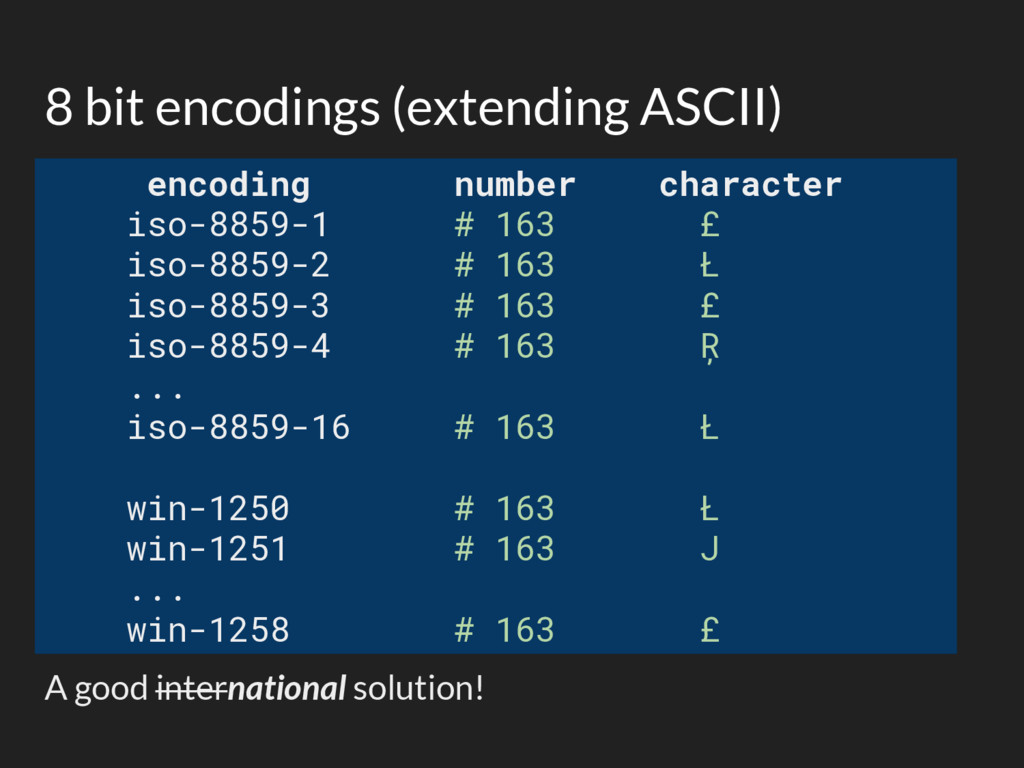
  17. 8 bit encodings (extending ASCII) encoding number character iso-8859-1 #

    163 £ iso-8859-2 # 163 Ł iso-8859-3 # 163 £ iso-8859-4 # 163 Ŗ ... iso-8859-16 # 163 Ł win-1250 # 163 Ł win-1251 # 163 Ј ... win-1258 # 163 £ A good international solution!
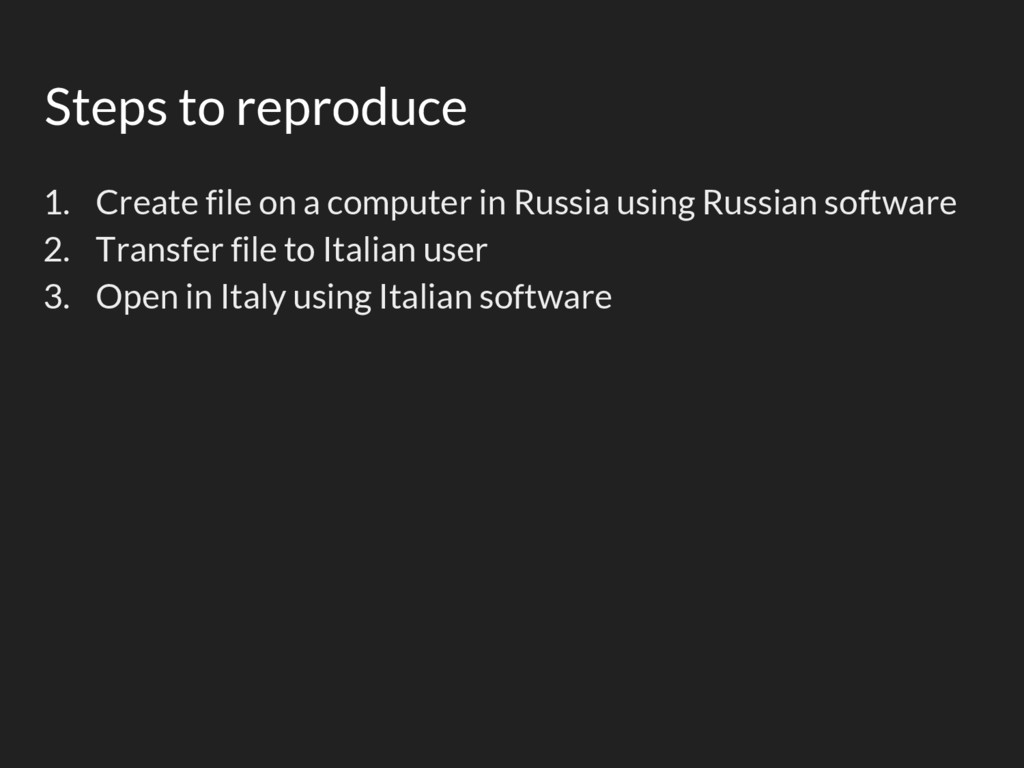
  18. Steps to reproduce 1. Create file on a computer in

    Russia using Russian software 2. Transfer file to Italian user 3. Open in Italy using Italian software
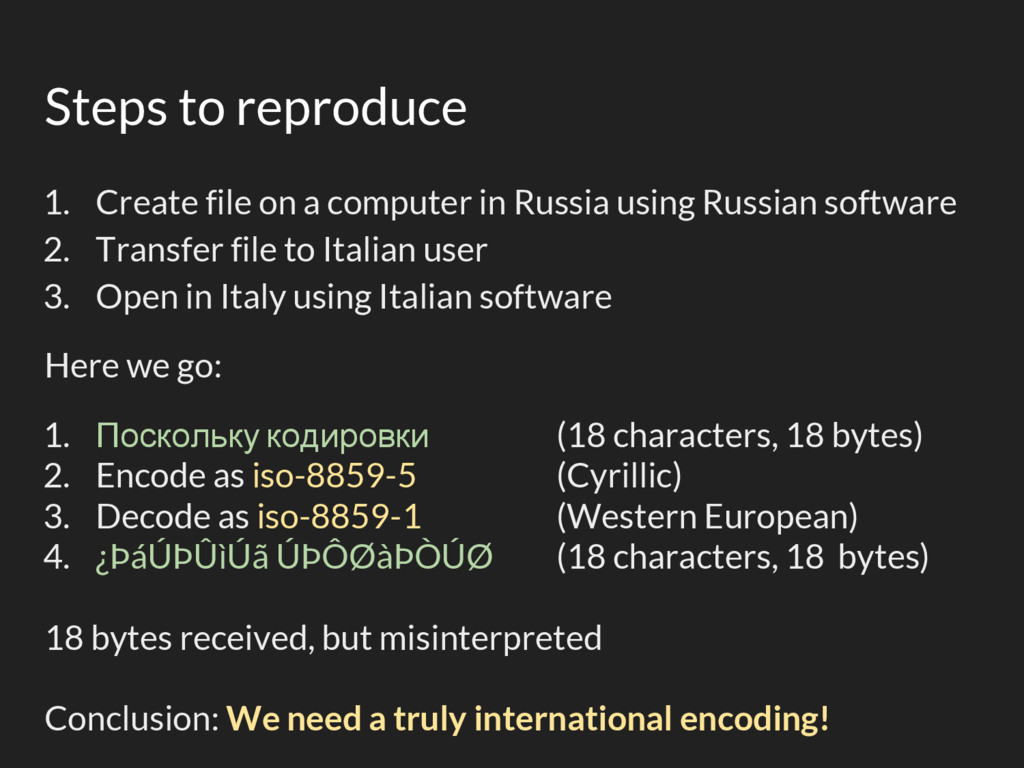
  19. Steps to reproduce 1. Create file on a computer in

    Russia using Russian software 2. Transfer file to Italian user 3. Open in Italy using Italian software Here we go: 1. Поскольку кодировки (18 characters, 18 bytes) 2. Encode as iso-8859-5 (Cyrillic) 3. Decode as iso-8859-1 (Western European) 4. ¿ÞáÚÞÛìÚã ÚÞÔØàÞÒÚØ (18 characters, 18 bytes) 18 bytes received, but misinterpreted Conclusion: We need a truly international encoding!
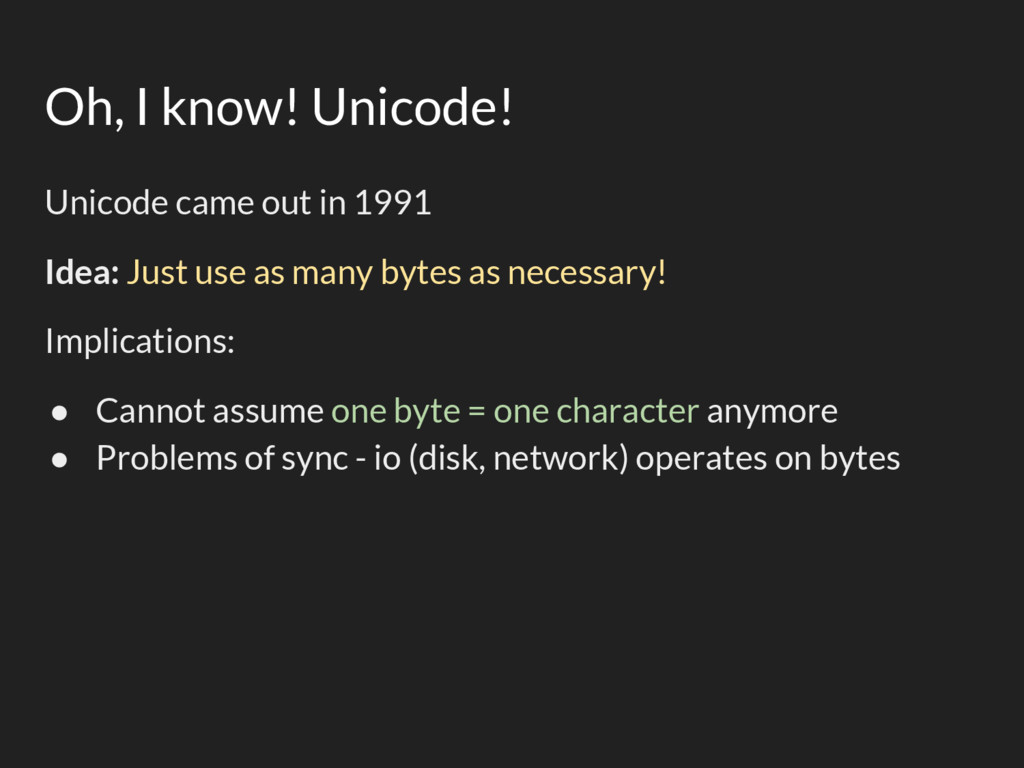
  20. Oh, I know! Unicode! Unicode came out in 1991 Idea:

    Just use as many bytes as necessary! Implications: • Cannot assume one byte = one character anymore • Problems of sync - io (disk, network) operates on bytes
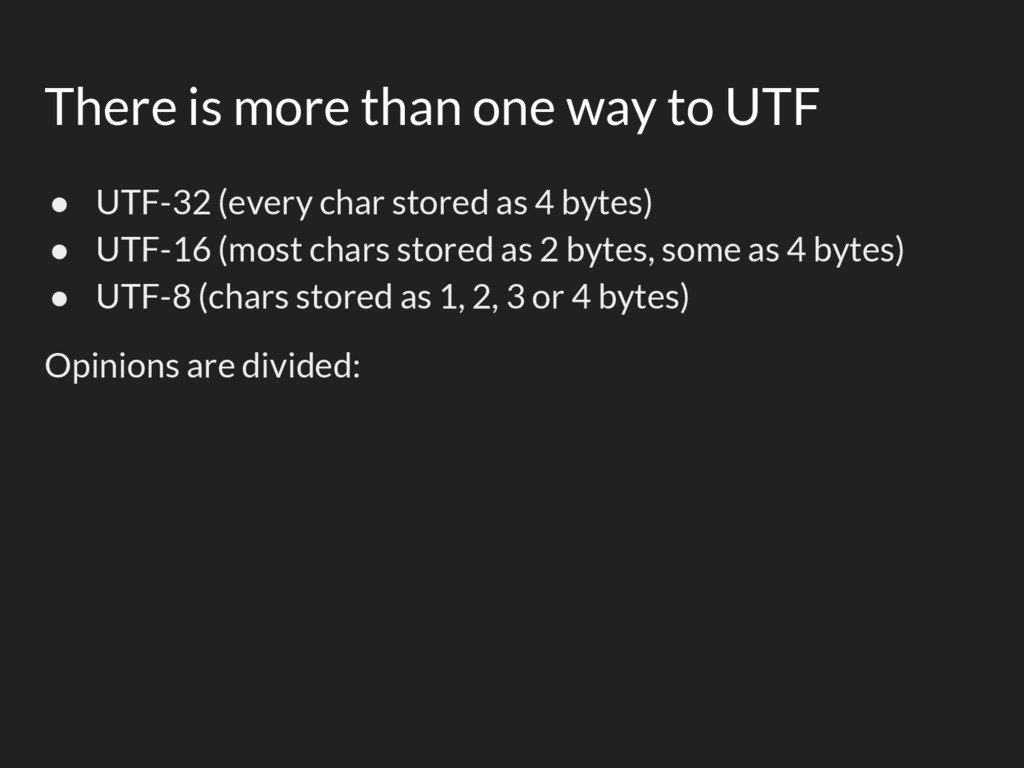
  21. There is more than one way to UTF • UTF-32

    (every char stored as 4 bytes) • UTF-16 (most chars stored as 2 bytes, some as 4 bytes) • UTF-8 (chars stored as 1, 2, 3 or 4 bytes) Opinions are divided:
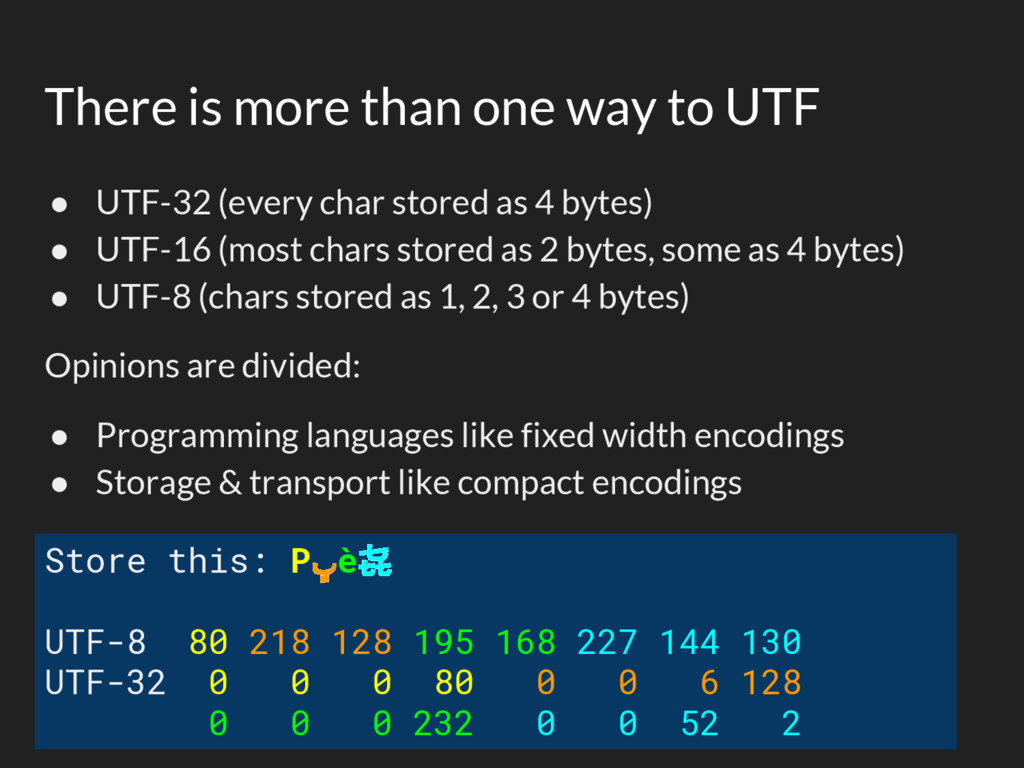
  22. There is more than one way to UTF • UTF-32

    (every char stored as 4 bytes) • UTF-16 (most chars stored as 2 bytes, some as 4 bytes) • UTF-8 (chars stored as 1, 2, 3 or 4 bytes) Opinions are divided: • Programming languages like fixed width encodings • Storage & transport like compact encodings Store this: Pڀè㐂 UTF-8 80 218 128 195 168 227 144 130 UTF-32 0 0 0 80 0 0 6 128 0 0 0 232 0 0 52 2
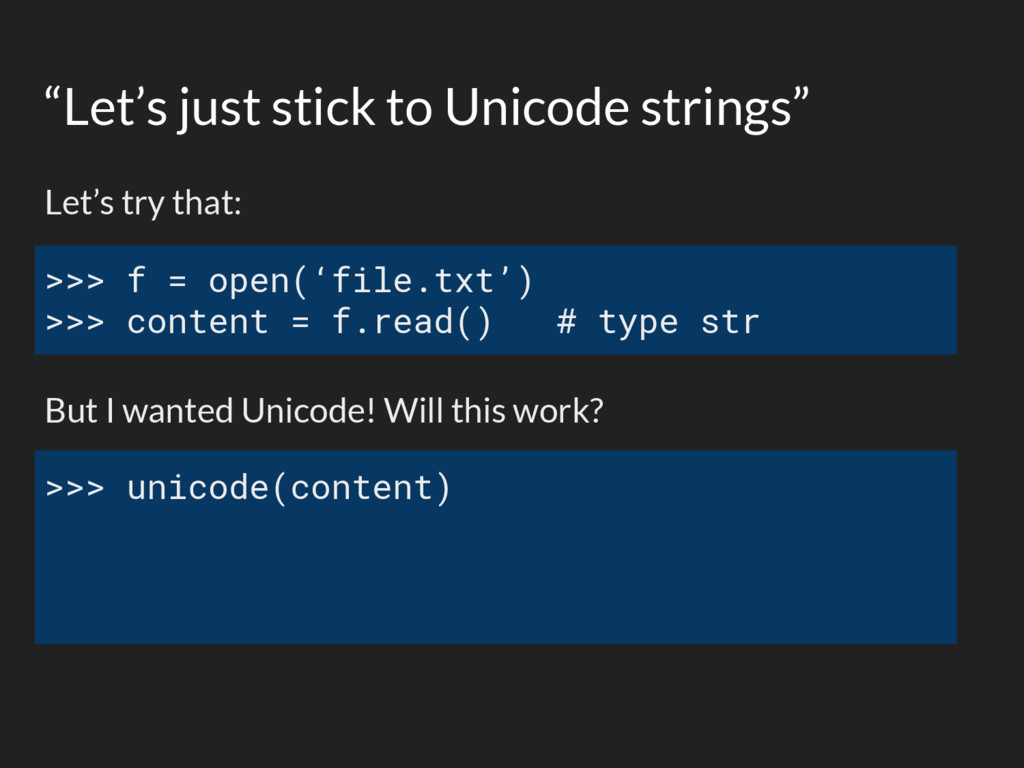
  23. “Let’s just stick to Unicode strings” Let’s try that: But

    I wanted Unicode! Will this work? >>> f = open(‘file.txt’) >>> content = f.read() # type str >>> unicode(content)
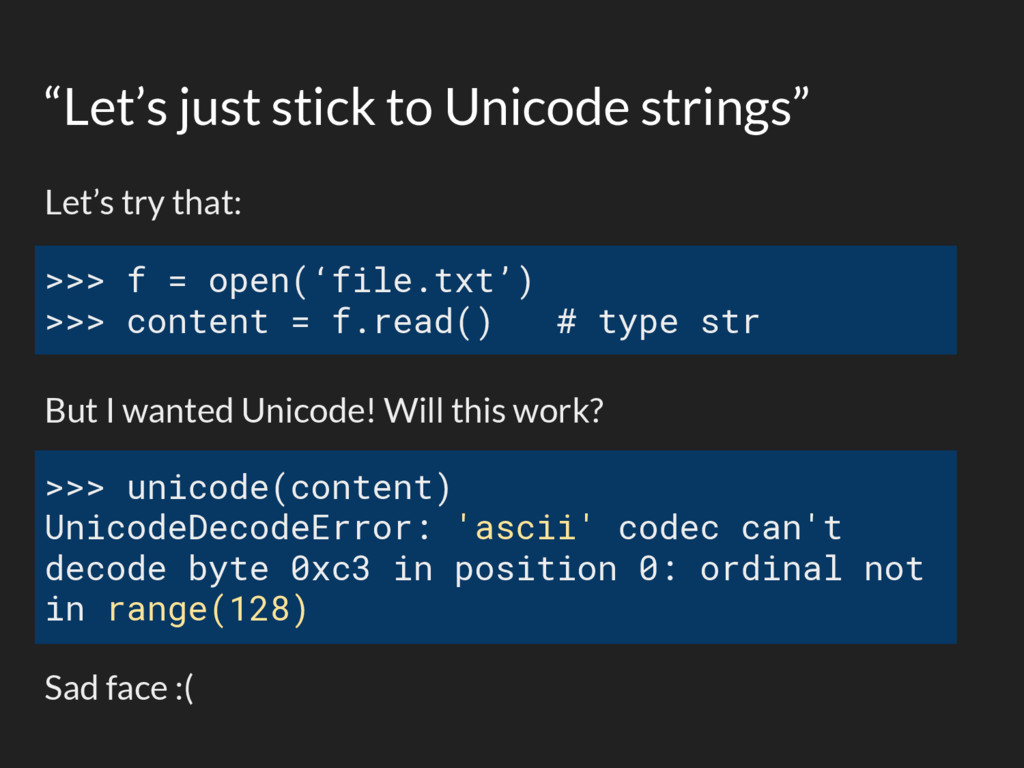
  24. “Let’s just stick to Unicode strings” Let’s try that: But

    I wanted Unicode! Will this work? Sad face :( >>> f = open(‘file.txt’) >>> content = f.read() # type str >>> unicode(content) UnicodeDecodeError: 'ascii' codec can't decode byte 0xc3 in position 0: ordinal not in range(128)
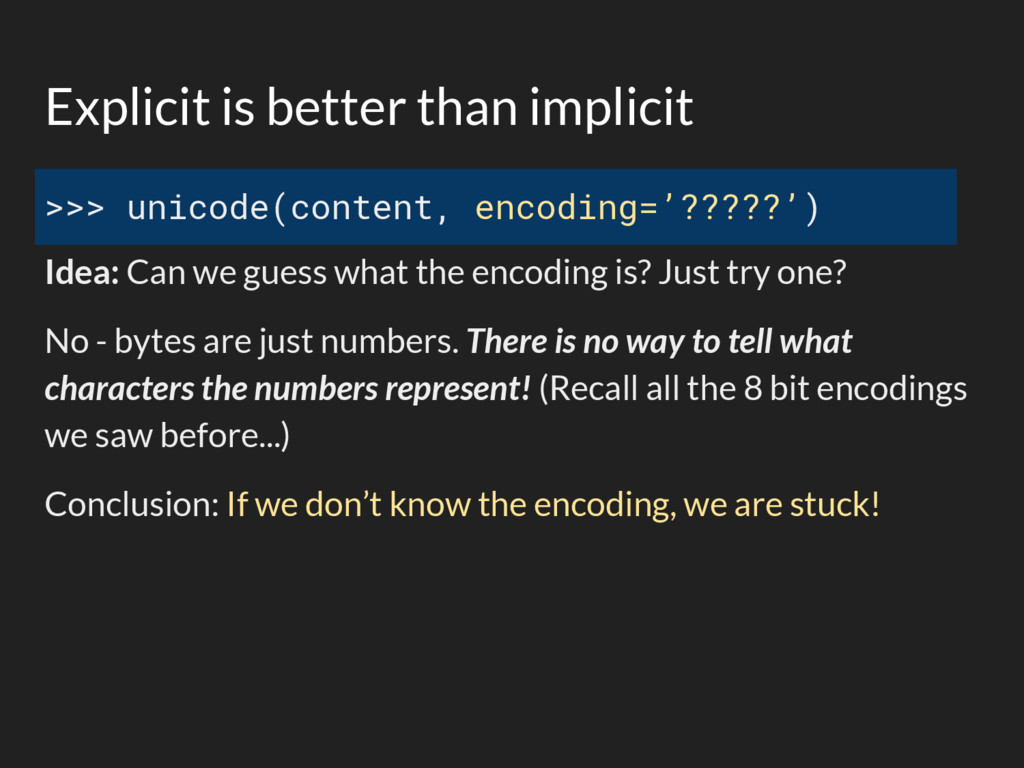
  25. Explicit is better than implicit >>> unicode(content, encoding=’?????’) Idea: Can

    we guess what the encoding is? Just try one? No - bytes are just numbers. There is no way to tell what characters the numbers represent! (Recall all the 8 bit encodings we saw before...) Conclusion: If we don’t know the encoding, we are stuck!
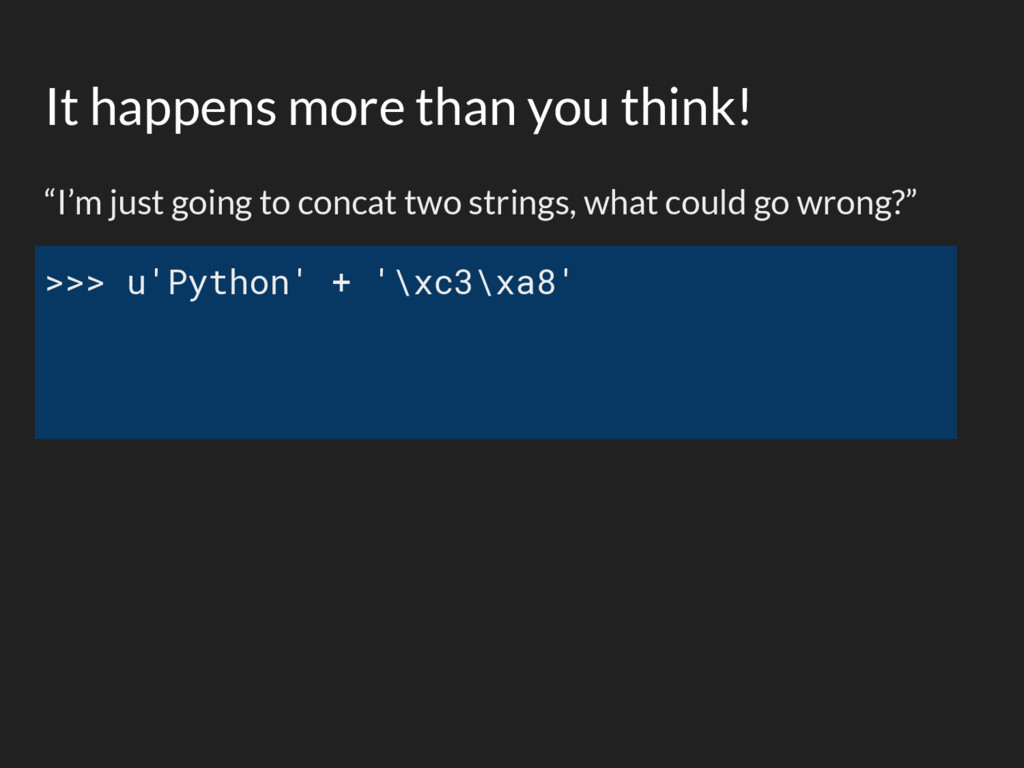
  26. It happens more than you think! “I’m just going to

    concat two strings, what could go wrong?” >>> u'Python' + '\xc3\xa8'
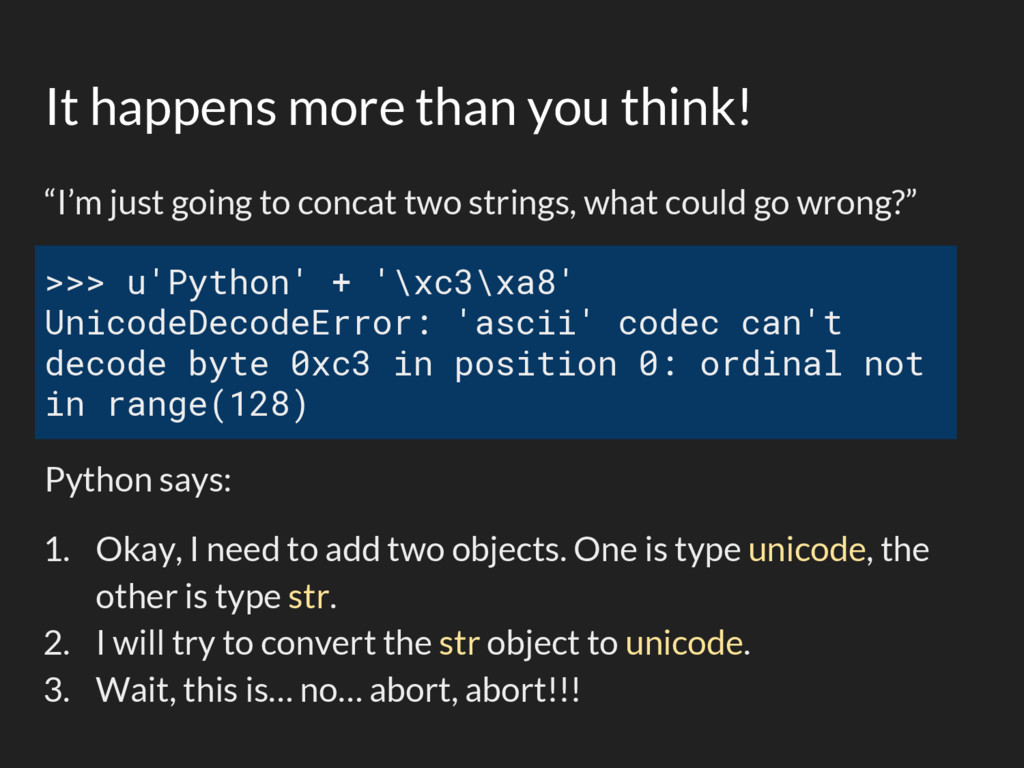
  27. It happens more than you think! “I’m just going to

    concat two strings, what could go wrong?” Python says: 1. Okay, I need to add two objects. One is type unicode, the other is type str. 2. I will try to convert the str object to unicode. 3. Wait, this is… no… abort, abort!!! >>> u'Python' + '\xc3\xa8' UnicodeDecodeError: 'ascii' codec can't decode byte 0xc3 in position 0: ordinal not in range(128)
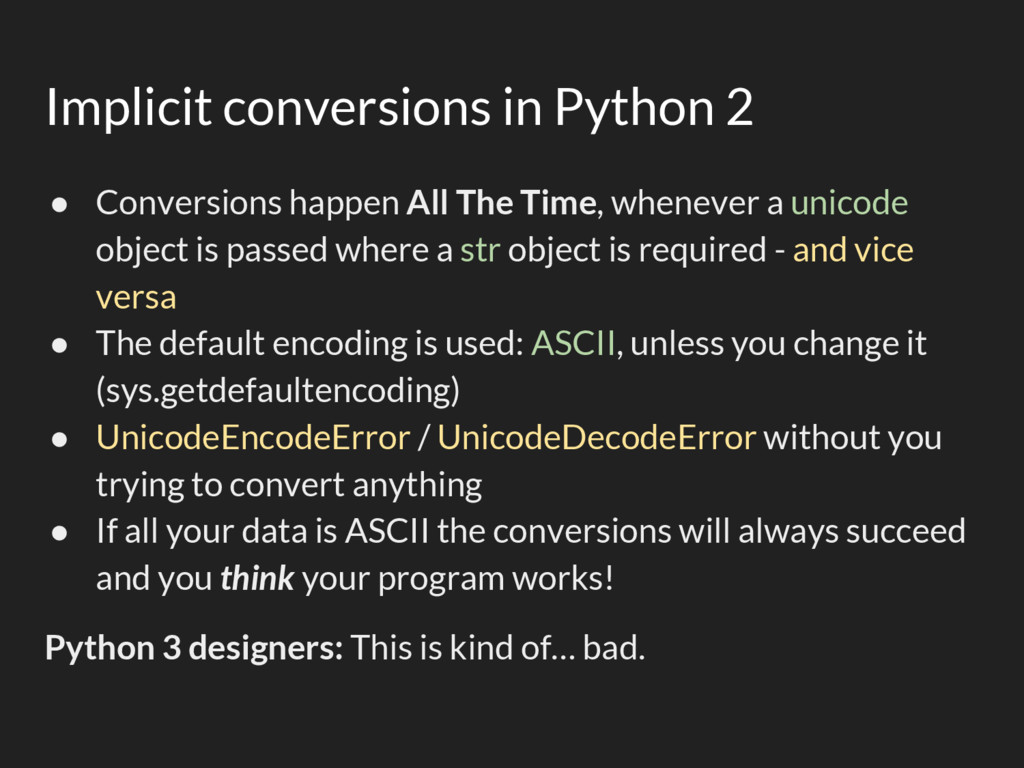
  28. Implicit conversions in Python 2 • Conversions happen All The

    Time, whenever a unicode object is passed where a str object is required - and vice versa • The default encoding is used: ASCII, unless you change it (sys.getdefaultencoding) • UnicodeEncodeError / UnicodeDecodeError without you trying to convert anything • If all your data is ASCII the conversions will always succeed and you think your program works! Python 3 designers: This is kind of… bad.
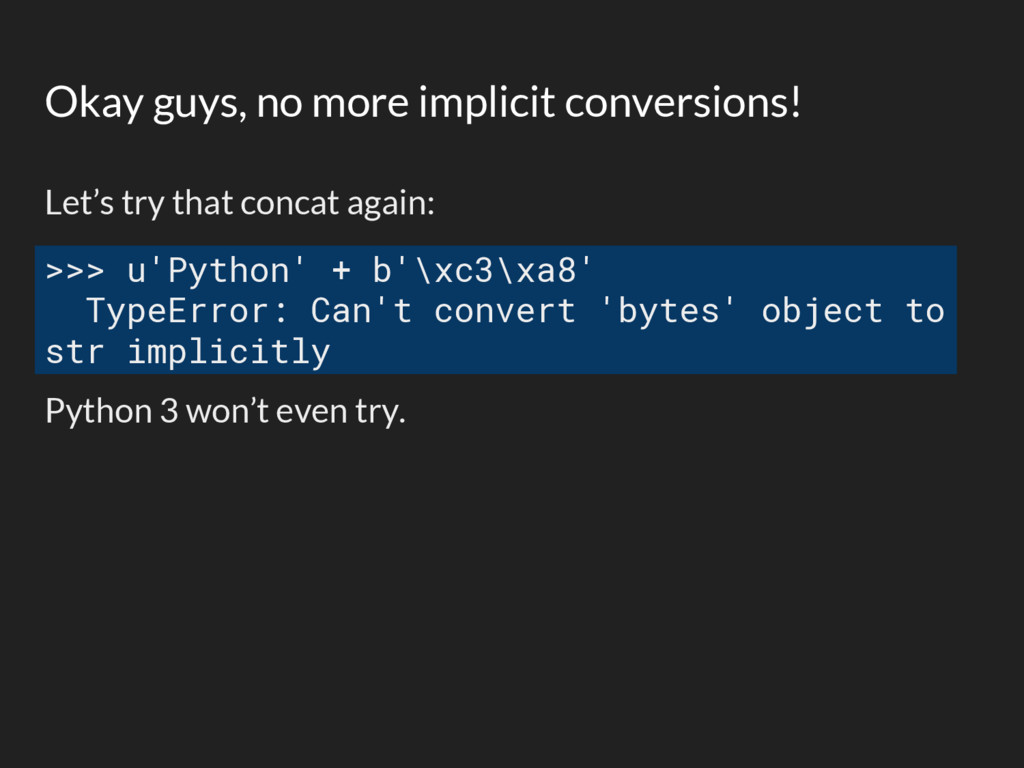
  29. Okay guys, no more implicit conversions! Let’s try that concat

    again: Python 3 won’t even try. >>> u'Python' + b'\xc3\xa8' TypeError: Can't convert 'bytes' object to str implicitly
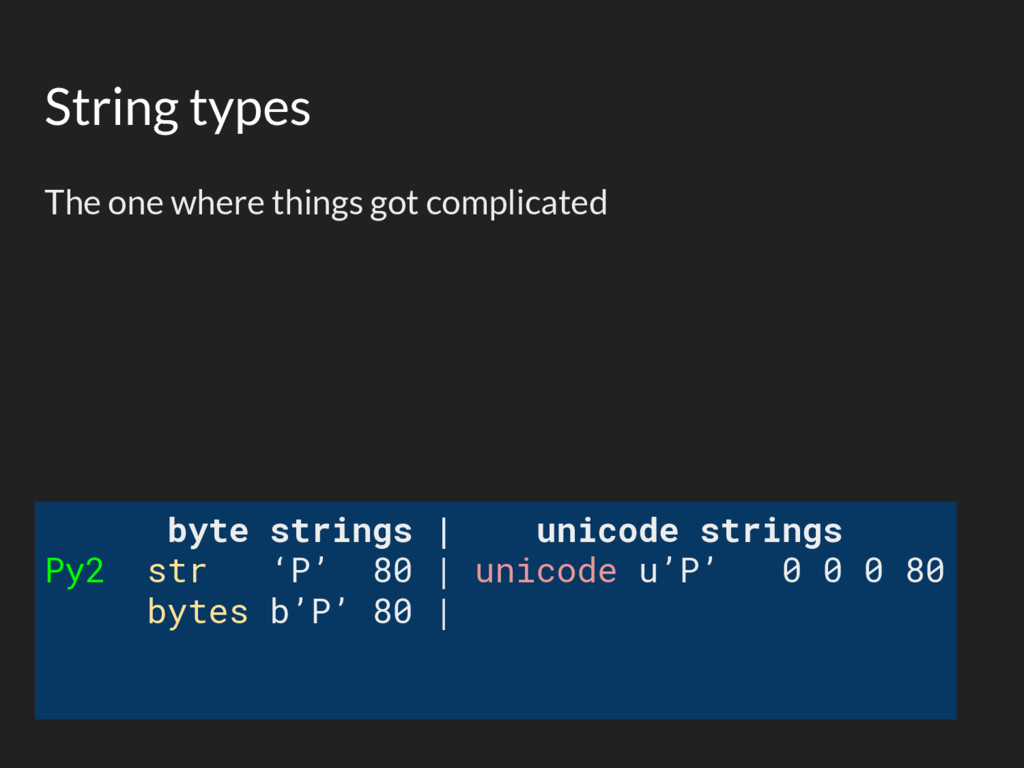
  30. The one where things got complicated String types byte strings

    | unicode strings Py2 str ‘P’ 80 | unicode u’P’ 0 0 0 80 bytes b’P’ 80 |
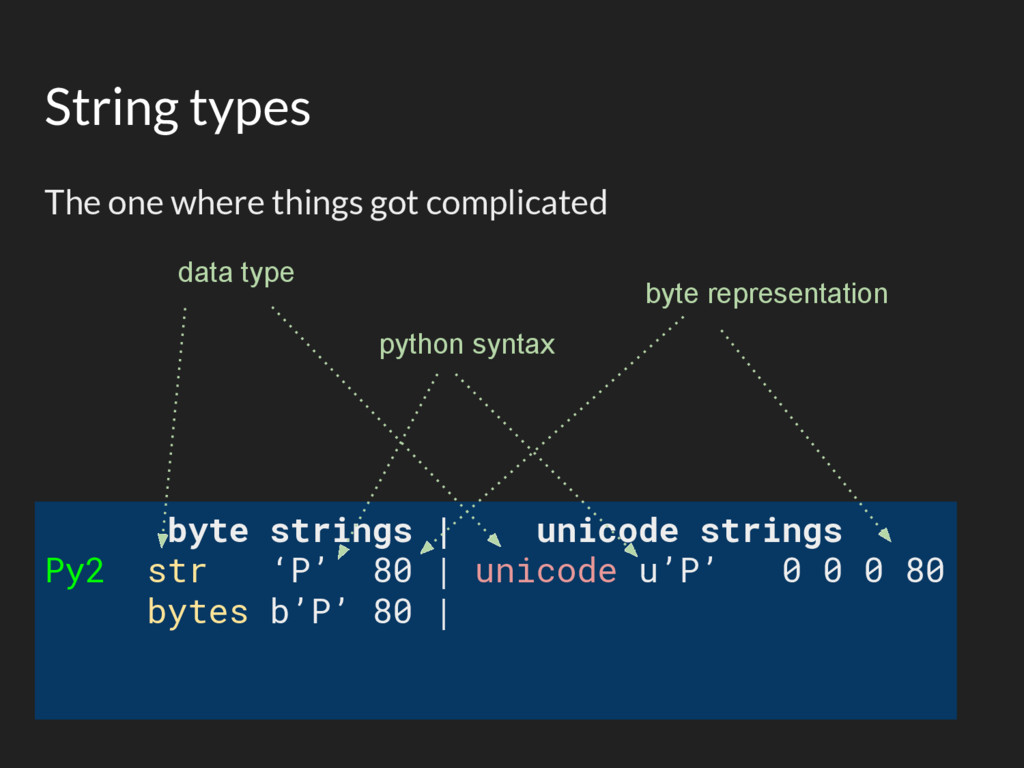
  31. The one where things got complicated String types byte strings

    | unicode strings Py2 str ‘P’ 80 | unicode u’P’ 0 0 0 80 bytes b’P’ 80 | data type python syntax byte representation
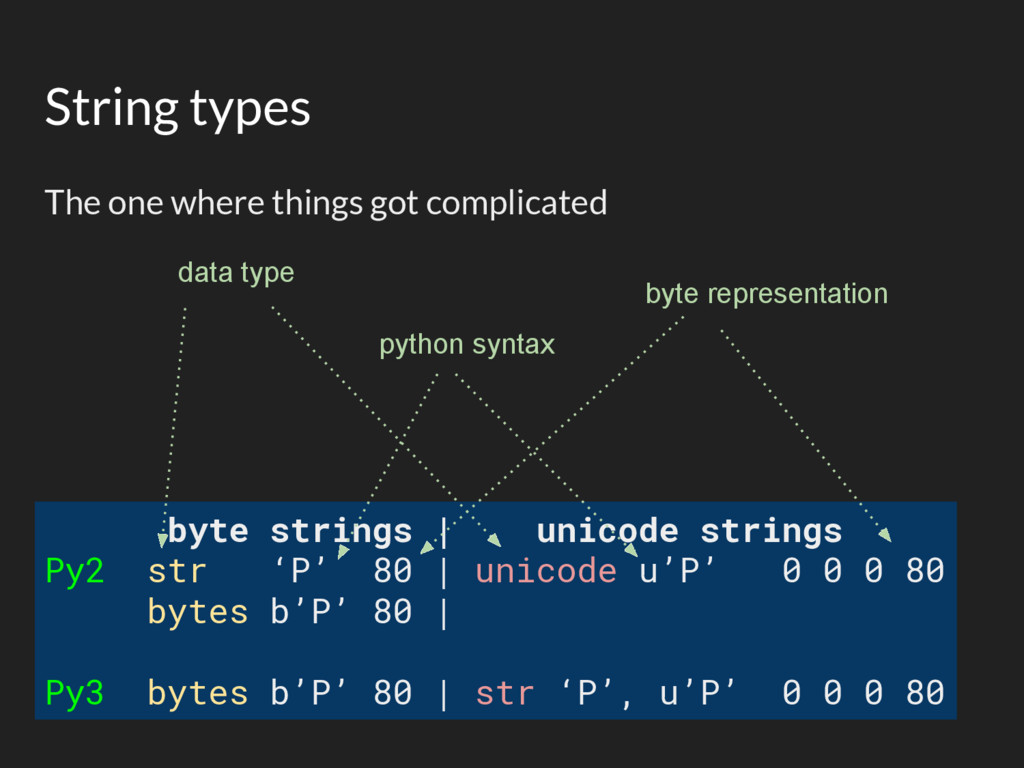
  32. The one where things got complicated String types byte strings

    | unicode strings Py2 str ‘P’ 80 | unicode u’P’ 0 0 0 80 bytes b’P’ 80 | Py3 bytes b’P’ 80 | str ‘P’, u’P’ 0 0 0 80 data type python syntax byte representation
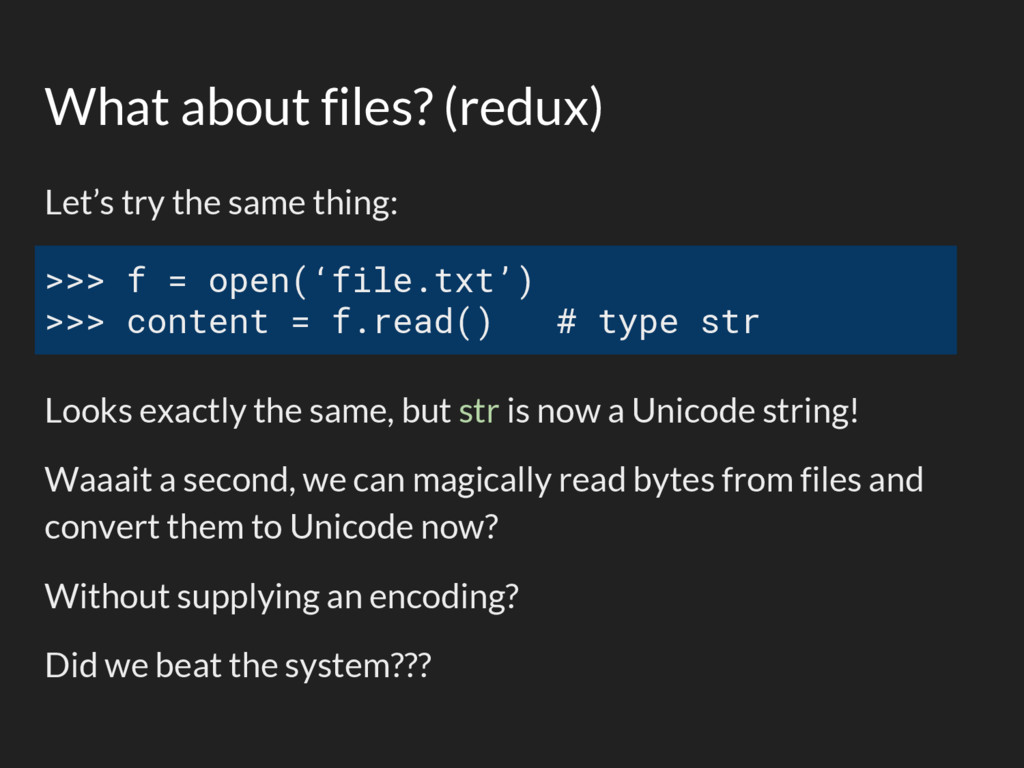
  33. What about files? (redux) Let’s try the same thing: Looks

    exactly the same, but str is now a Unicode string! Waaait a second, we can magically read bytes from files and convert them to Unicode now? Without supplying an encoding? Did we beat the system??? >>> f = open(‘file.txt’) >>> content = f.read() # type str
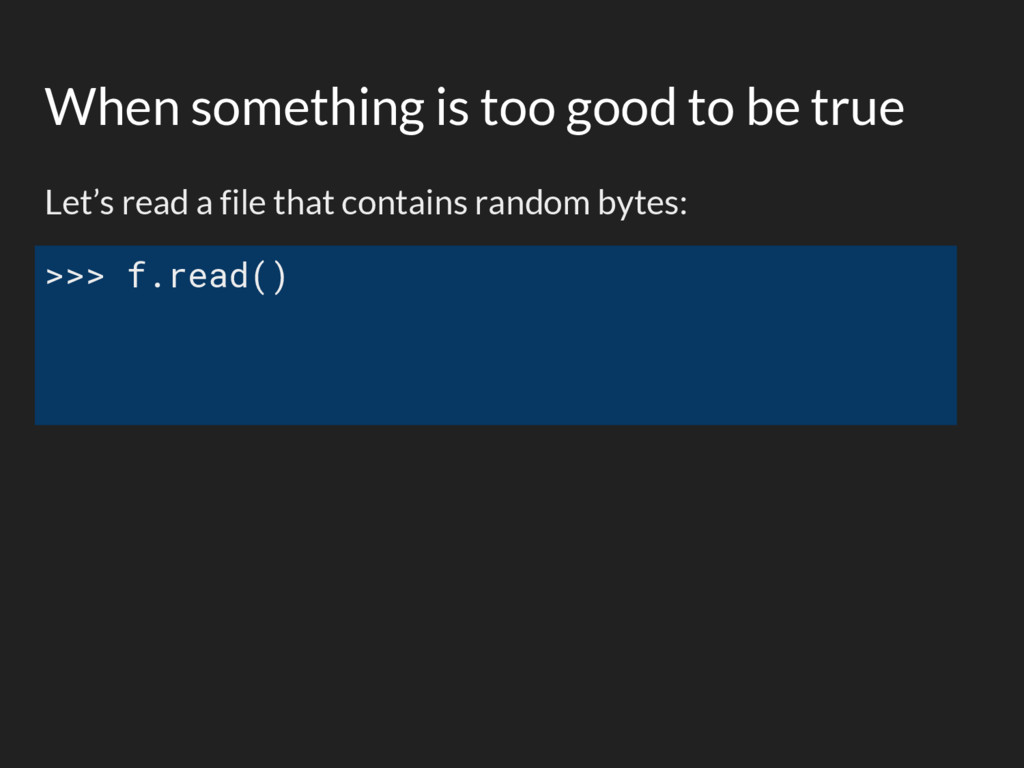
  34. When something is too good to be true Let’s read

    a file that contains random bytes: >>> f.read()
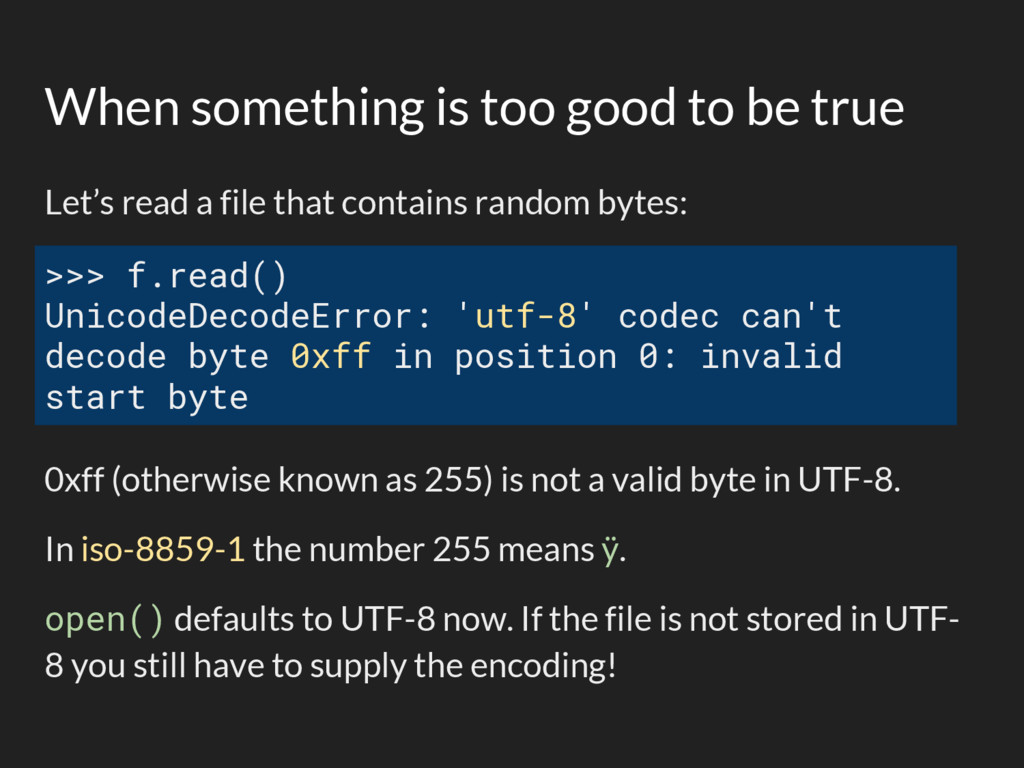
  35. When something is too good to be true Let’s read

    a file that contains random bytes: 0xff (otherwise known as 255) is not a valid byte in UTF-8. In iso-8859-1 the number 255 means ÿ. open() defaults to UTF-8 now. If the file is not stored in UTF- 8 you still have to supply the encoding! >>> f.read() UnicodeDecodeError: 'utf-8' codec can't decode byte 0xff in position 0: invalid start byte
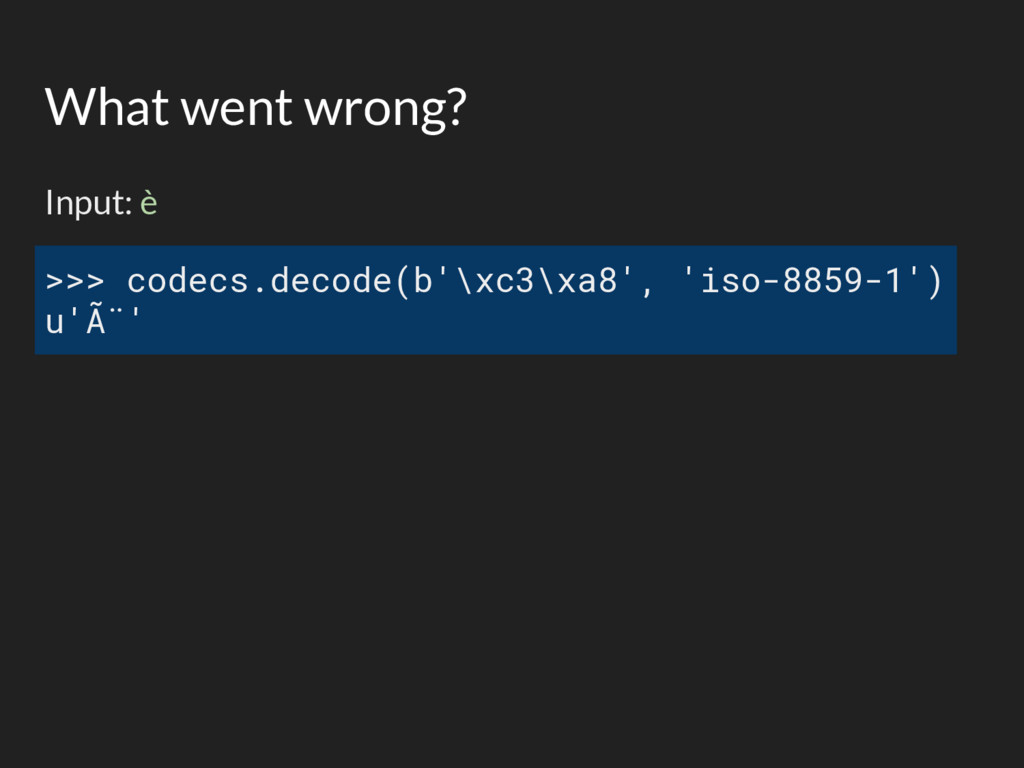
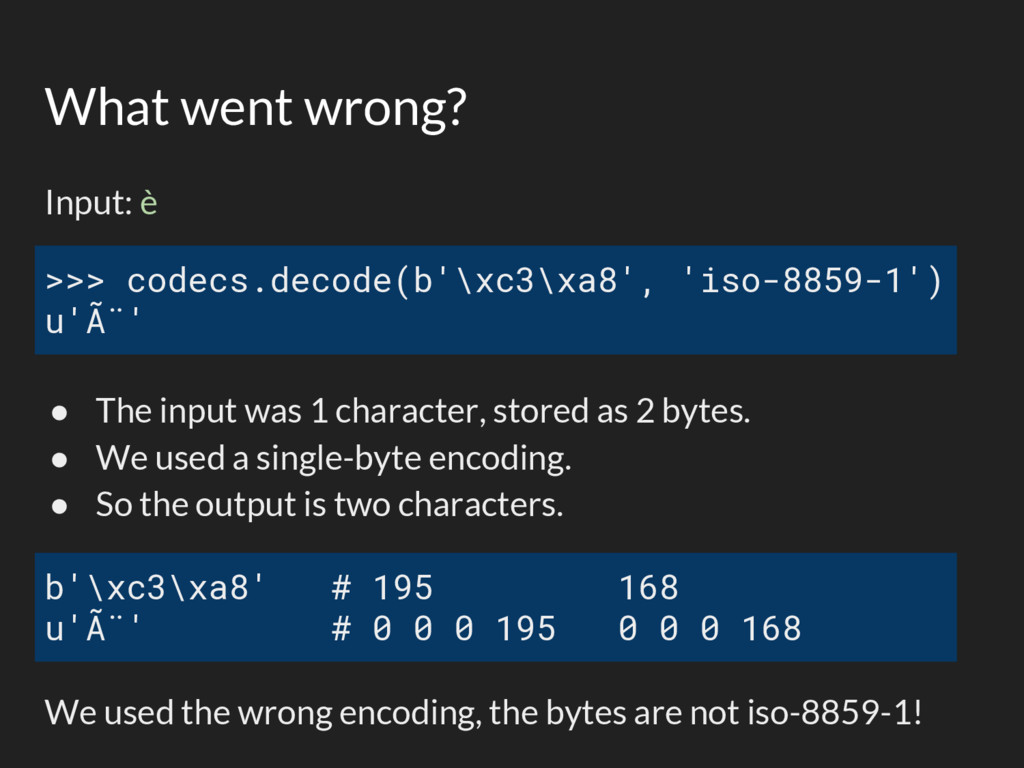
  36. What went wrong? Input: è • The input was 1

    character, stored as 2 bytes. • We used a single-byte encoding. • So the output is two characters. We used the wrong encoding, the bytes are not iso-8859-1! >>> codecs.decode(b'\xc3\xa8', 'iso-8859-1') u'è' b'\xc3\xa8' # 195 168 u'è' # 0 0 0 195 0 0 0 168
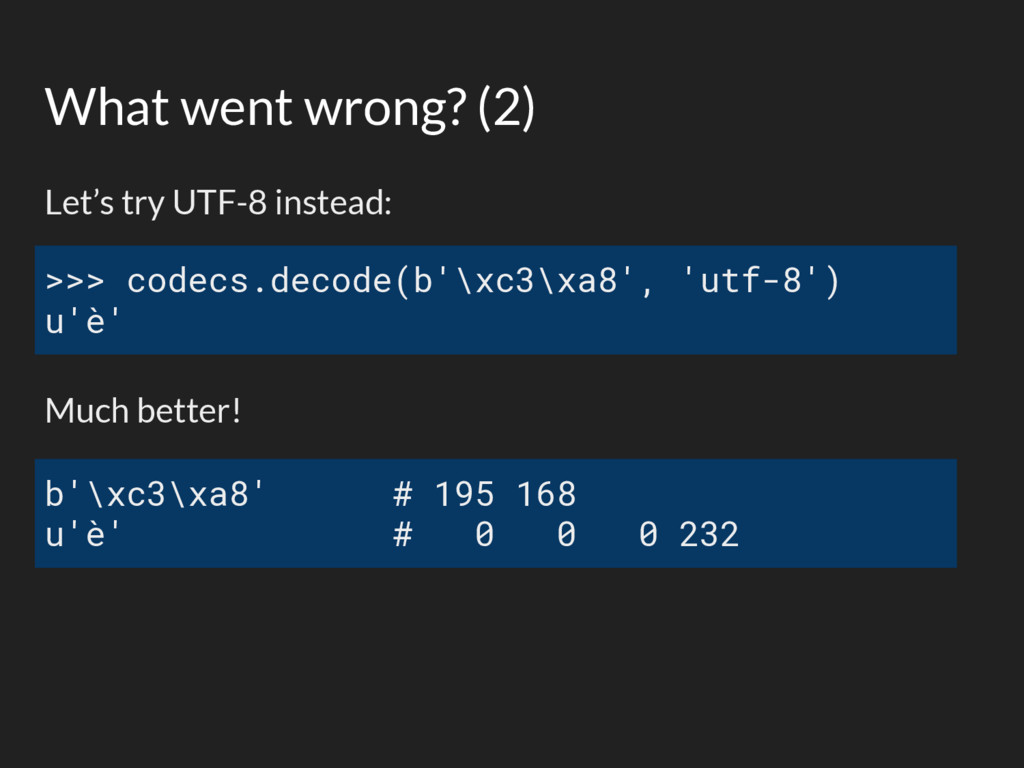
  37. What went wrong? (2) Let’s try UTF-8 instead: Much better!

    >>> codecs.decode(b'\xc3\xa8', 'utf-8') u'è' b'\xc3\xa8' # 195 168 u'è' # 0 0 0 232
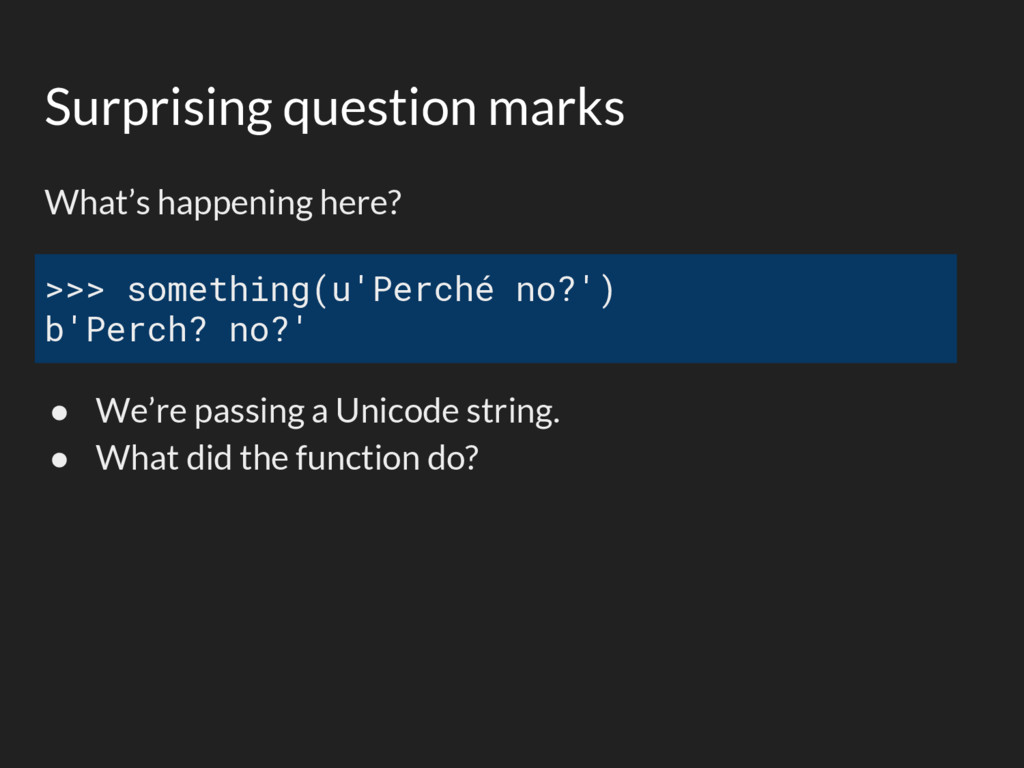
  38. Surprising question marks What’s happening here? • We’re passing a

    Unicode string. • What did the function do? >>> something(u'Perché no?') b'Perch? no?'
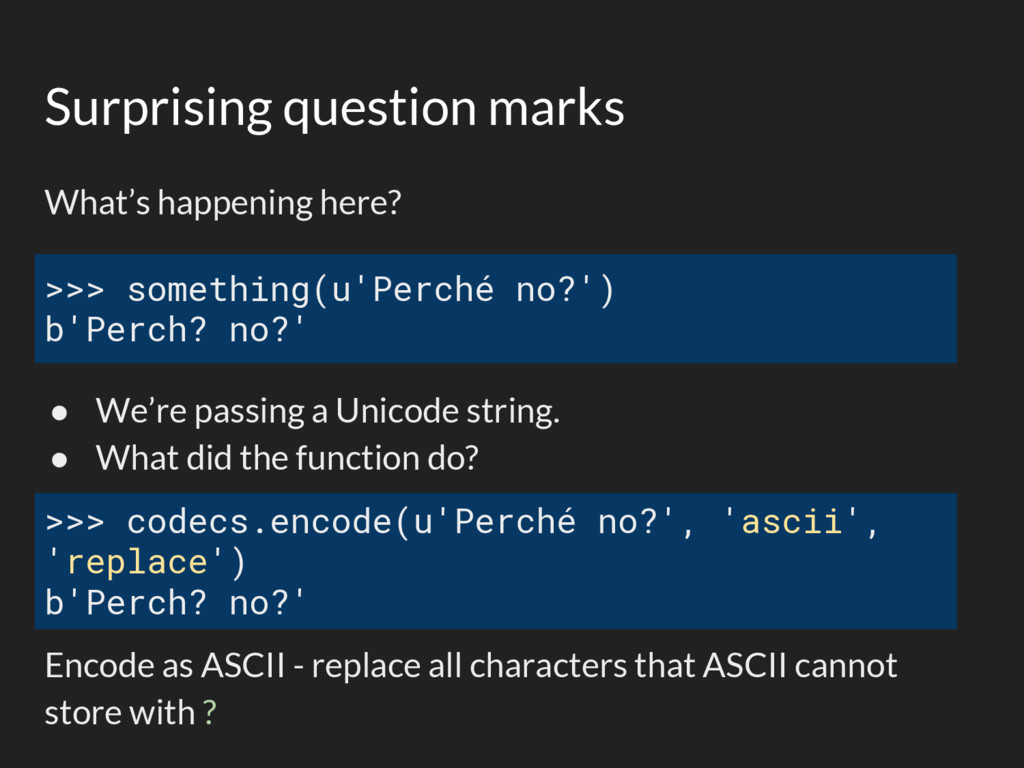
  39. Surprising question marks What’s happening here? • We’re passing a

    Unicode string. • What did the function do? Encode as ASCII - replace all characters that ASCII cannot store with ? >>> something(u'Perché no?') b'Perch? no?' >>> codecs.encode(u'Perché no?', 'ascii', 'replace') b'Perch? no?'
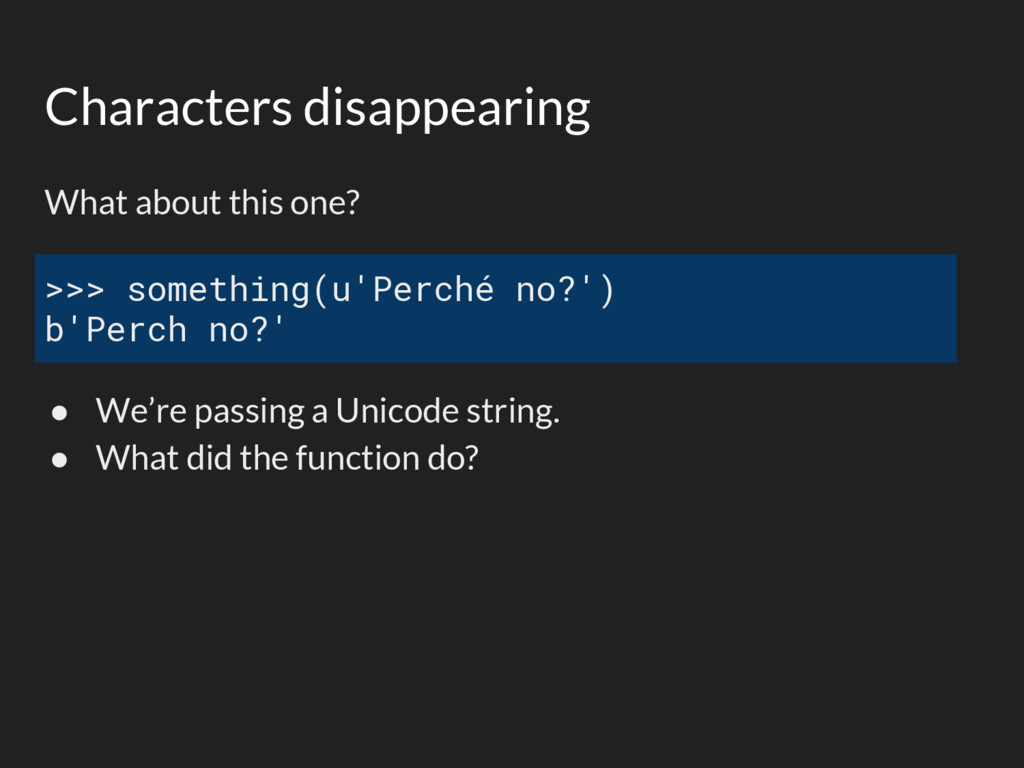
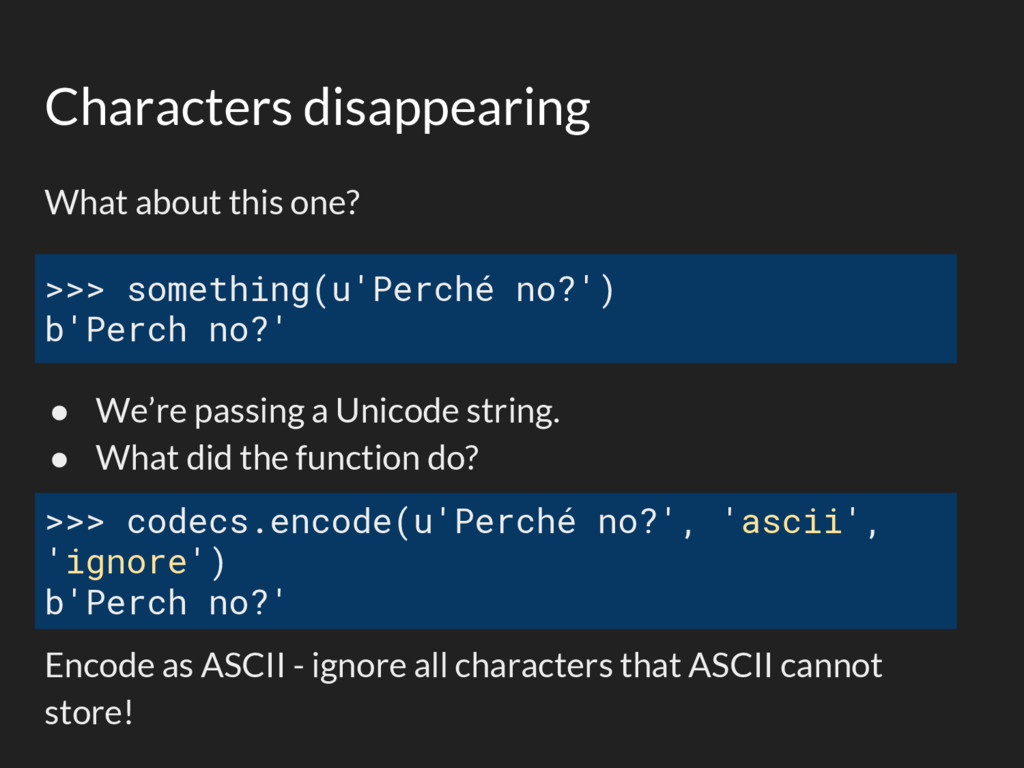
  40. Characters disappearing What about this one? • We’re passing a

    Unicode string. • What did the function do? >>> something(u'Perché no?') b'Perch no?'
  41. Characters disappearing What about this one? • We’re passing a

    Unicode string. • What did the function do? Encode as ASCII - ignore all characters that ASCII cannot store! >>> something(u'Perché no?') b'Perch no?' >>> codecs.encode(u'Perché no?', 'ascii', 'ignore') b'Perch no?'
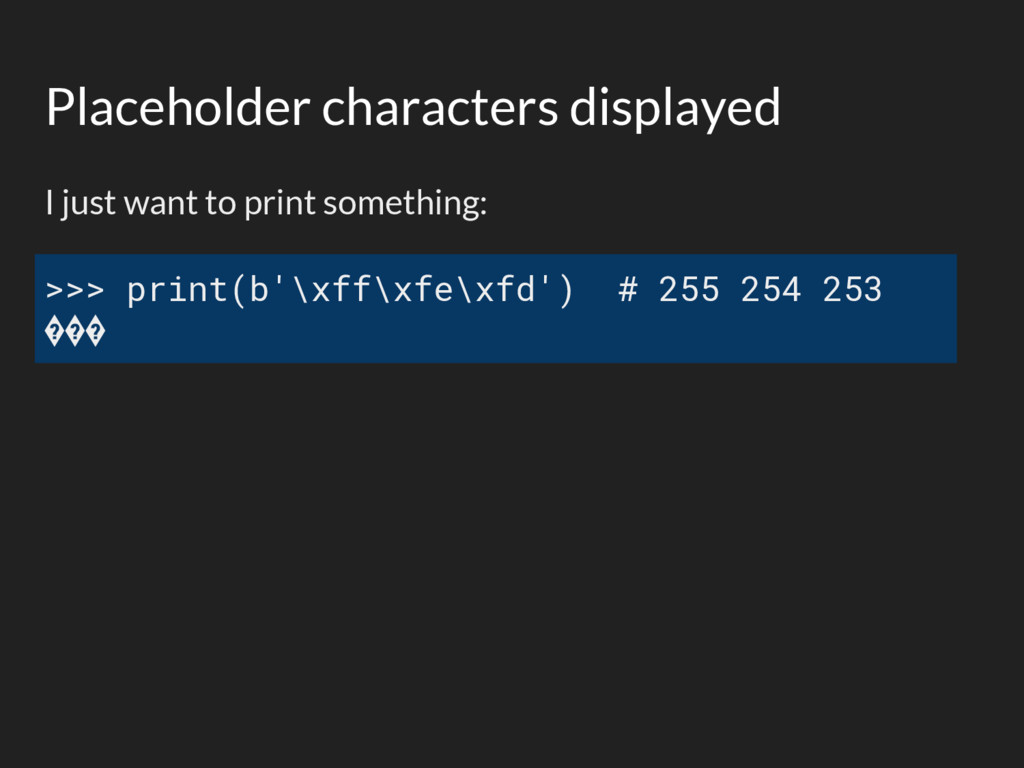
  42. Placeholder characters displayed I just want to print something: >>>

    print(b'\xff\xfe\xfd') # 255 254 253 ���
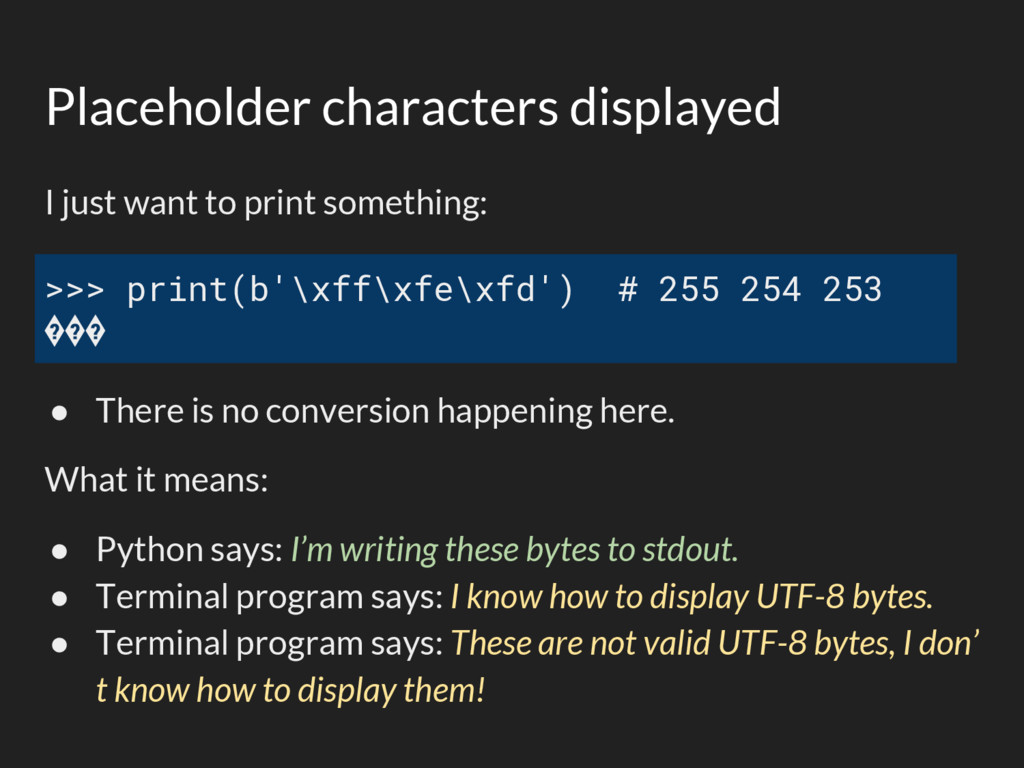
  43. Placeholder characters displayed I just want to print something: •

    There is no conversion happening here. What it means: • Python says: I’m writing these bytes to stdout. • Terminal program says: I know how to display UTF-8 bytes. • Terminal program says: These are not valid UTF-8 bytes, I don’ t know how to display them! >>> print(b'\xff\xfe\xfd') # 255 254 253 ���
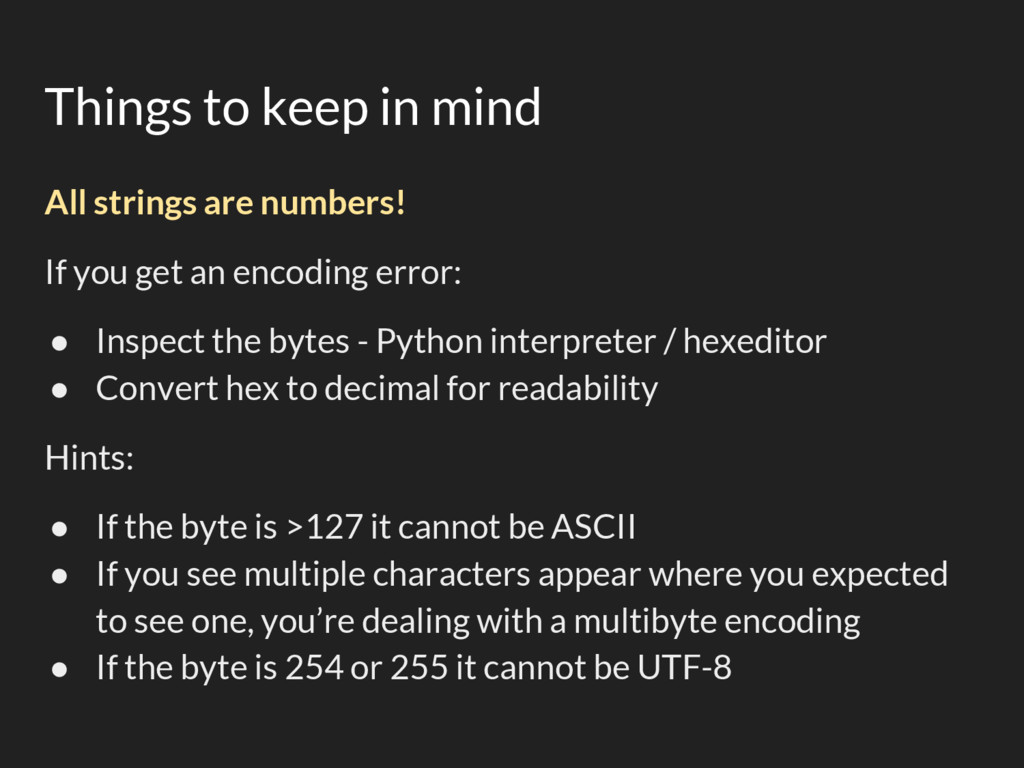
  44. Things to keep in mind All strings are numbers! If

    you get an encoding error: • Inspect the bytes - Python interpreter / hexeditor • Convert hex to decimal for readability Hints: • If the byte is >127 it cannot be ASCII • If you see multiple characters appear where you expected to see one, you’re dealing with a multibyte encoding • If the byte is 254 or 255 it cannot be UTF-8