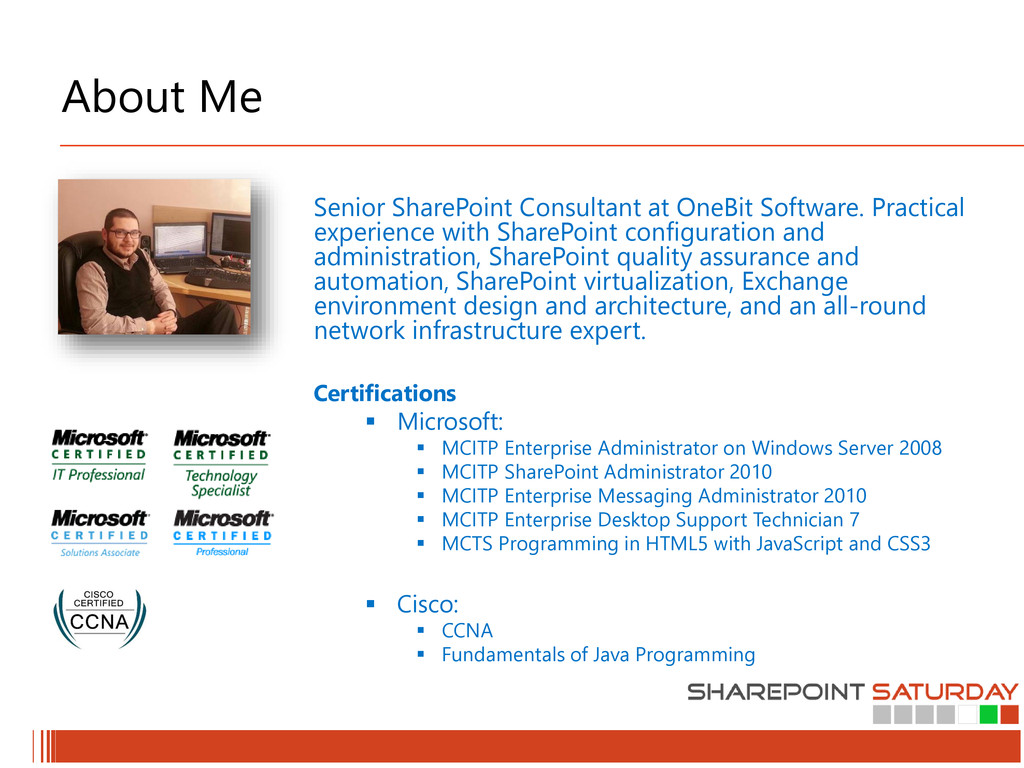
with SharePoint configuration and administration, SharePoint quality assurance and automation, SharePoint virtualization, Exchange environment design and architecture, and an all-round network infrastructure expert. Certifications Microsoft: MCITP Enterprise Administrator on Windows Server 2008 MCITP SharePoint Administrator 2010 MCITP Enterprise Messaging Administrator 2010 MCITP Enterprise Desktop Support Technician 7 MCTS Programming in HTML5 with JavaScript and CSS3 Cisco: CCNA Fundamentals of Java Programming
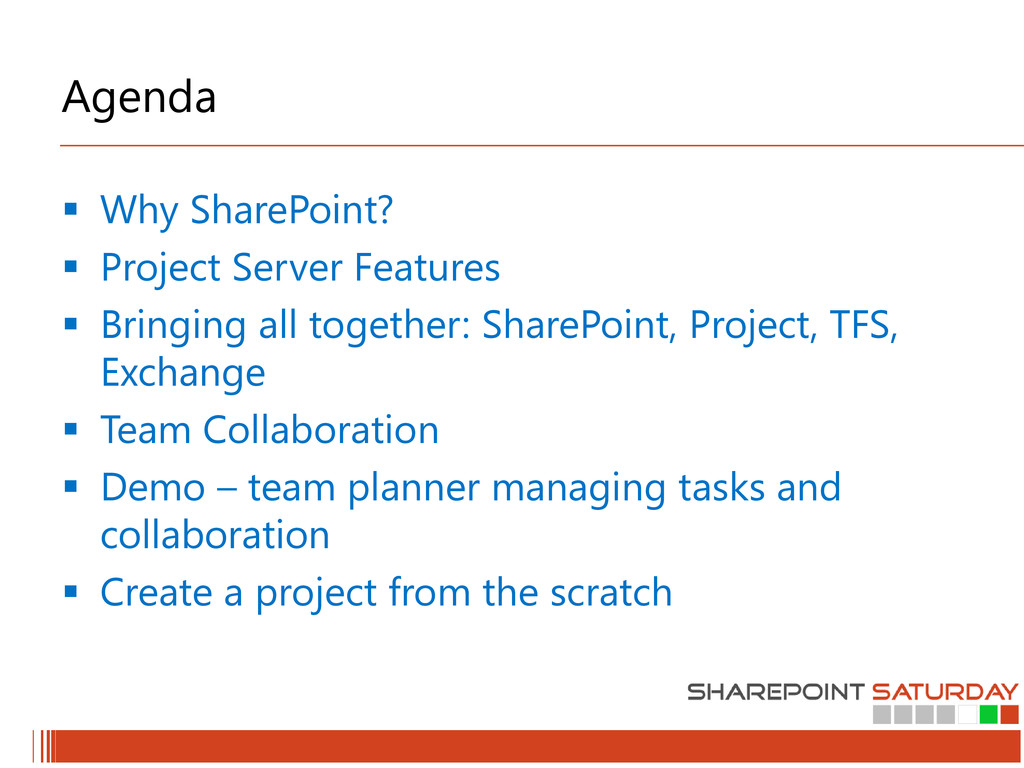
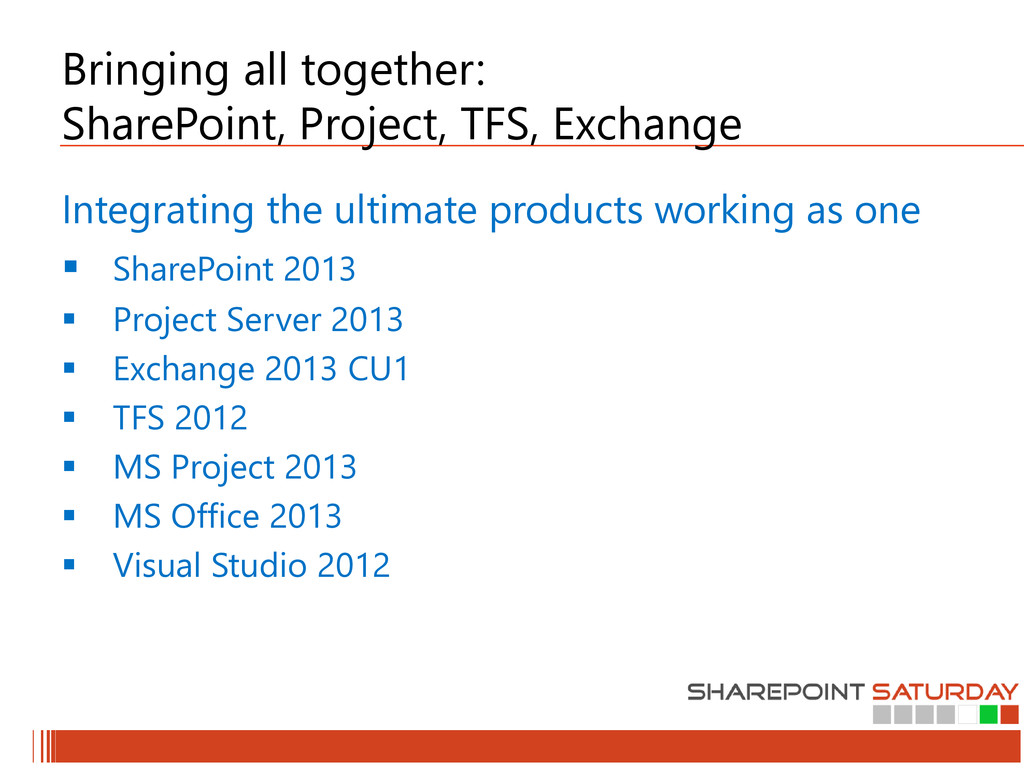
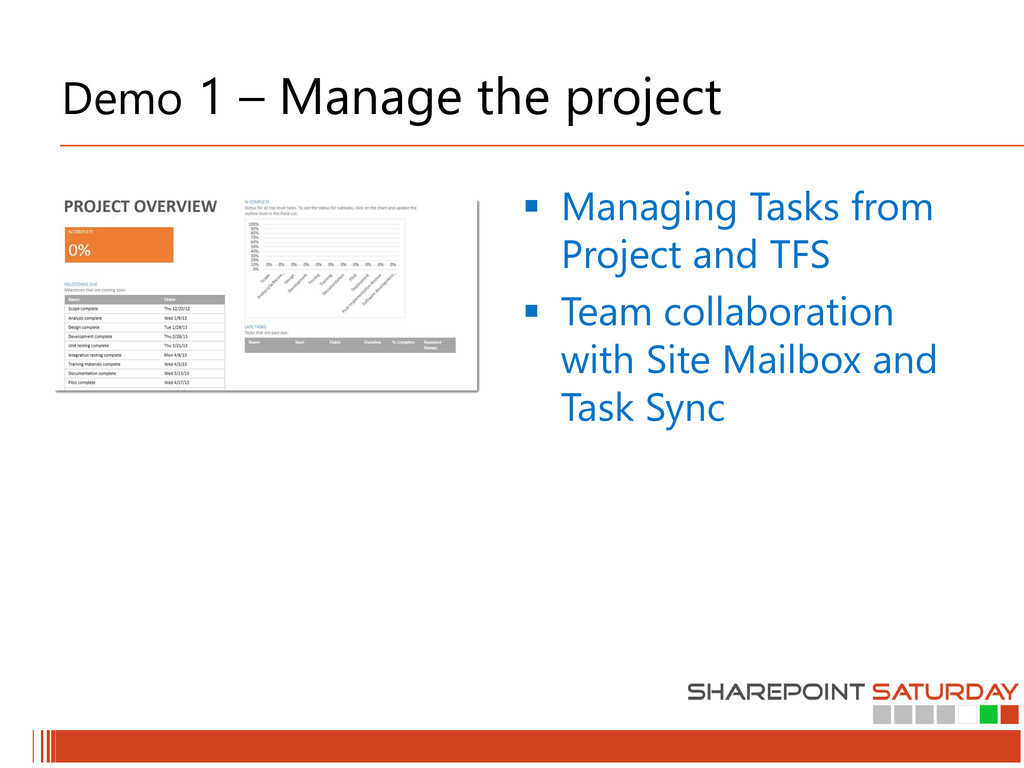
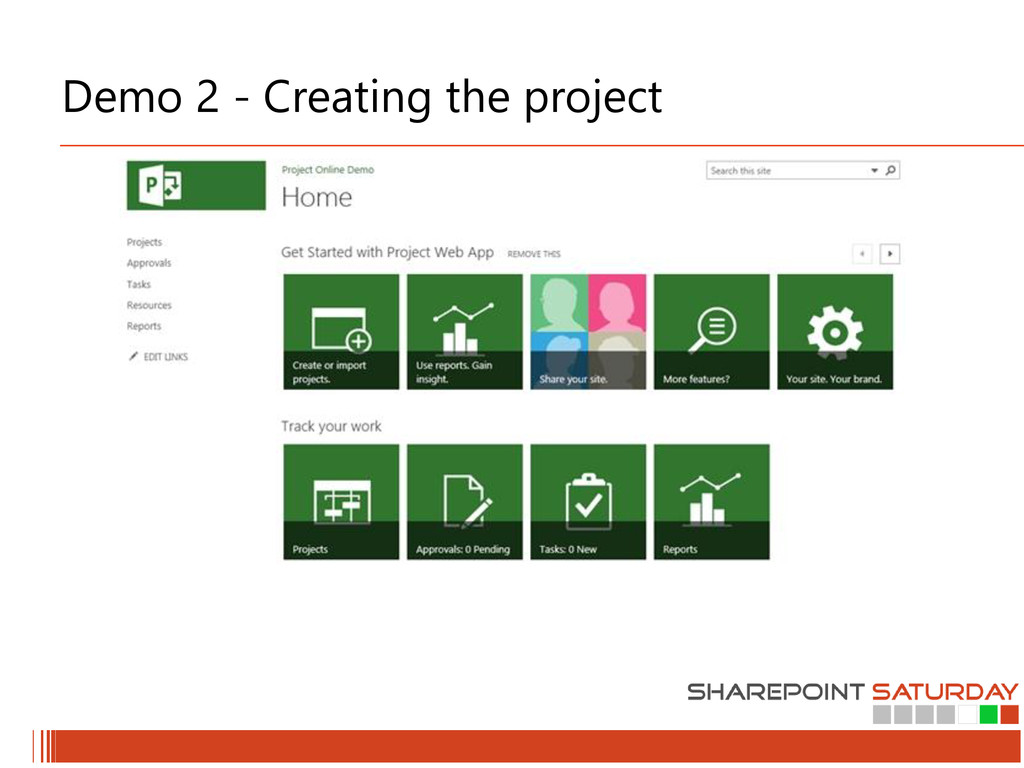
all together: SharePoint, Project, TFS, Exchange Team Collaboration Demo – team planner managing tasks and collaboration Create a project from the scratch
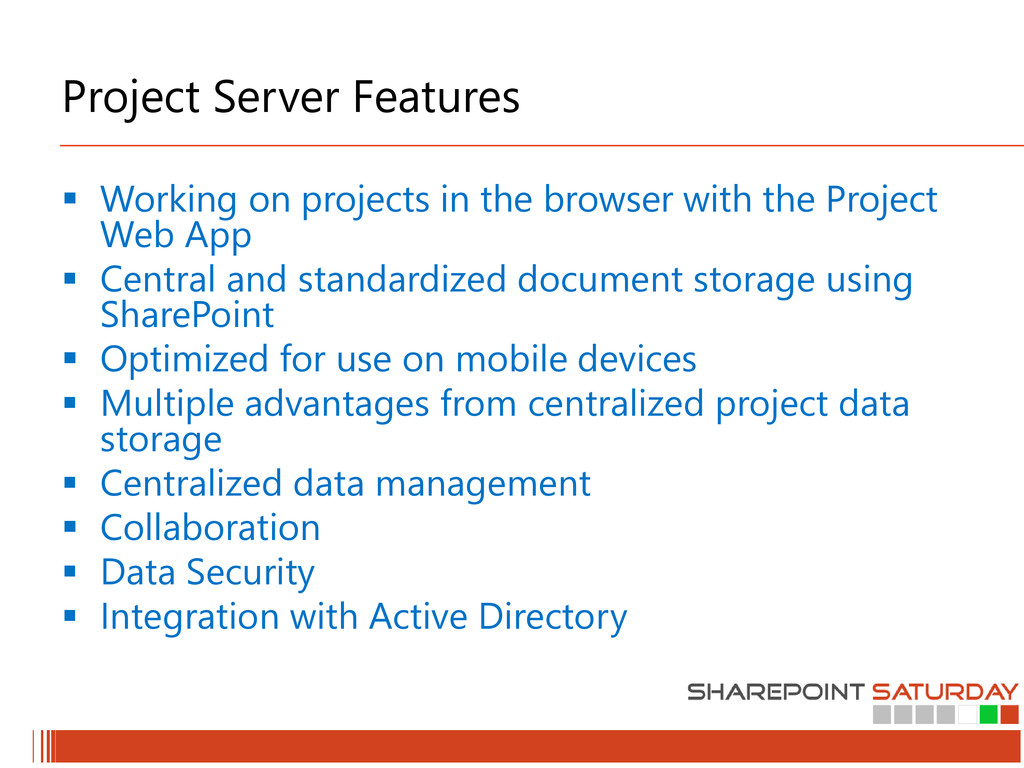
with the Project Web App Central and standardized document storage using SharePoint Optimized for use on mobile devices Multiple advantages from centralized project data storage Centralized data management Collaboration Data Security Integration with Active Directory
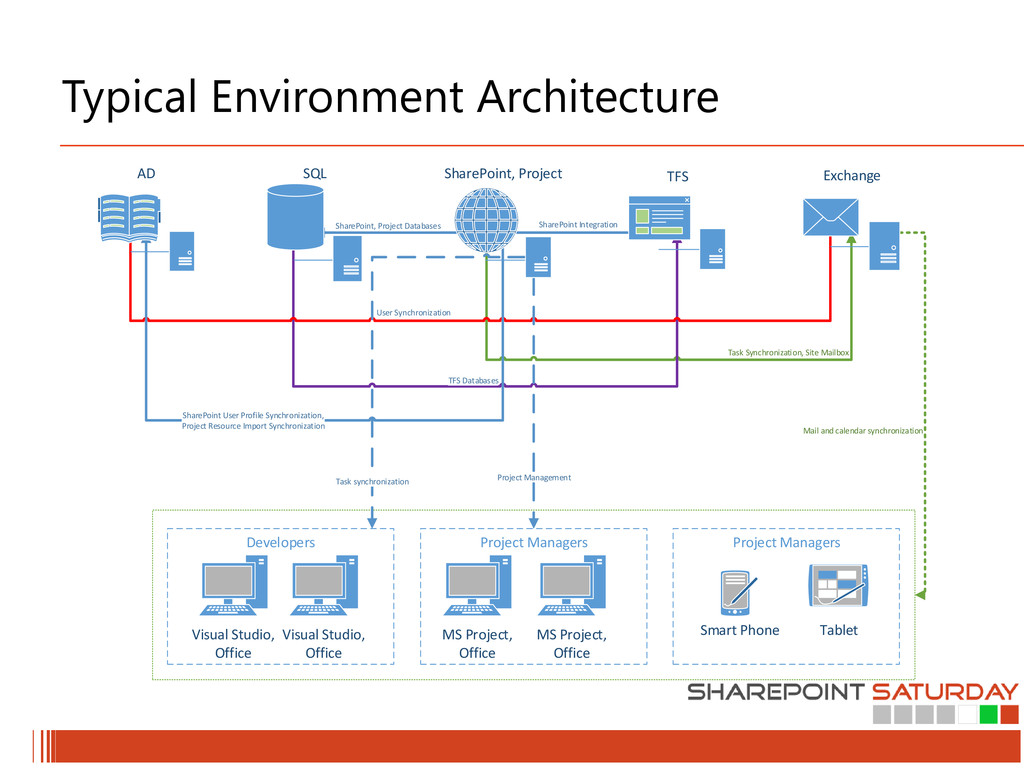
between the team – send emails to all the members involved in the project and upload documents to the project site directly from your outlook or your smartphone .. Or tablet Task Synchronization – check out your projects tasks on your outlook.. Or even better – your smartphone and tablet! Code Review – share your code for approve or review directly from your VS
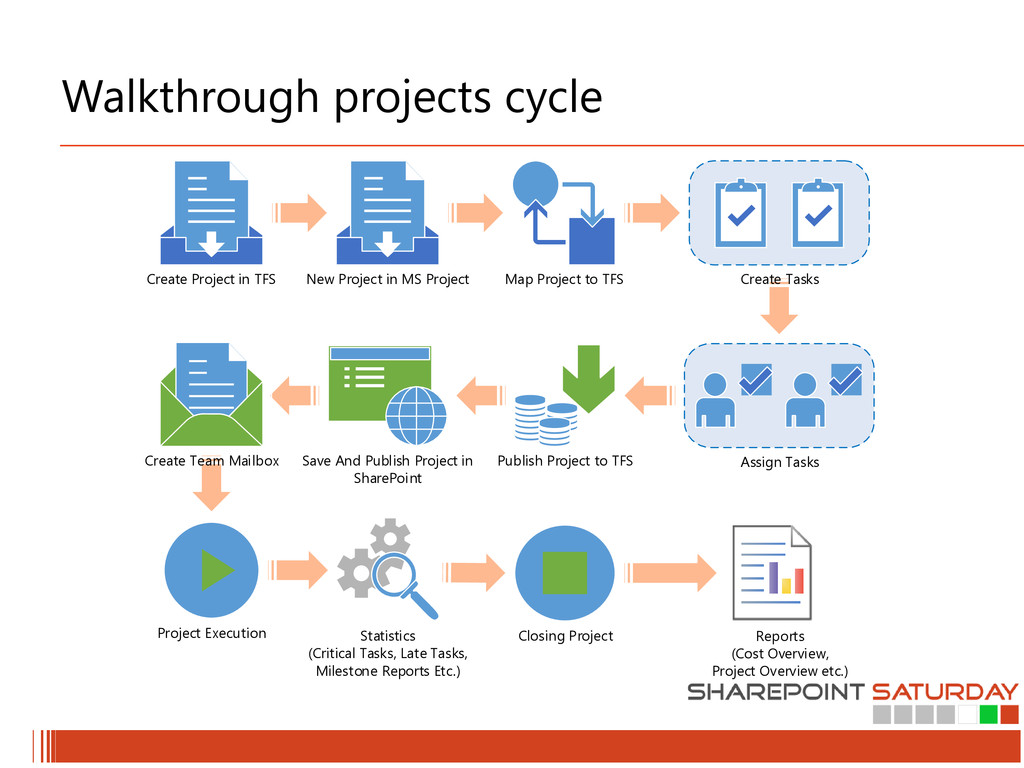
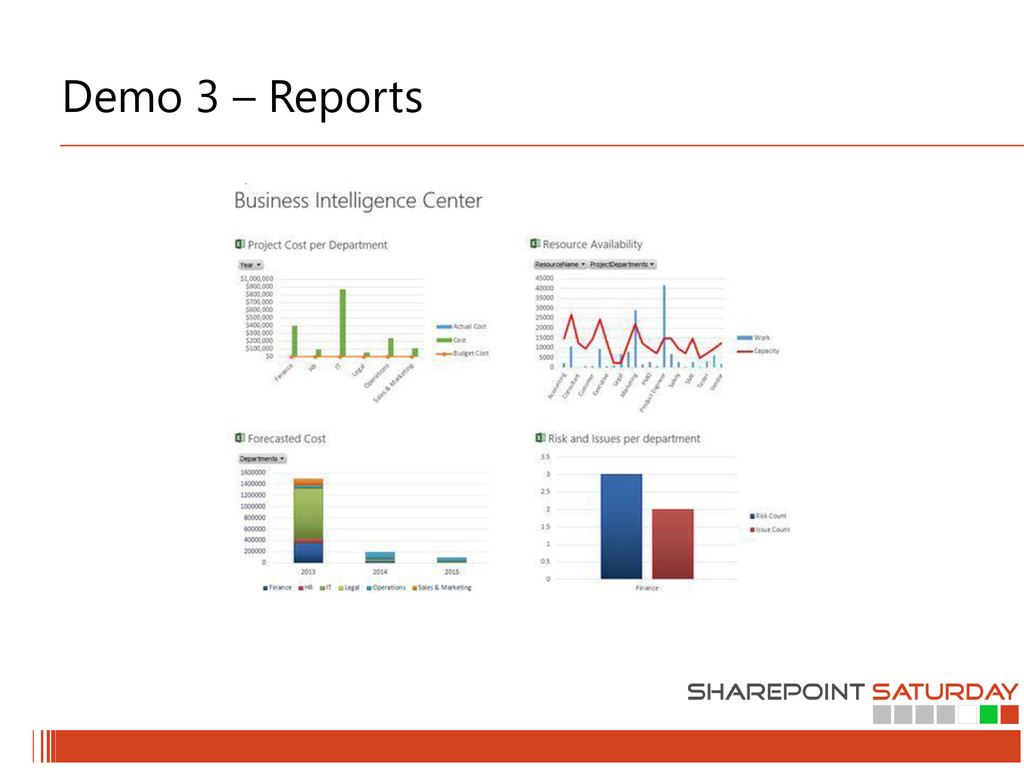
Project in MS Project Map Project to TFS Assign Tasks Publish Project to TFS Save And Publish Project in SharePoint Create Team Mailbox Project Execution Closing Project Reports (Cost Overview, Project Overview etc.) Statistics (Critical Tasks, Late Tasks, Milestone Reports Etc.)
For the second time in Bulgaria! Free 1-day training event by/for SQL Server & BI professionals More info and registration at: http://www.sqlsaturday.com/199/


 carta_engineering
 grimoh
 glaforge
 codmoninc
 jyouryuusui
 yut0naga1_fa
 persolserverworks
 terapyon
 kash1064
 kaminashi
 camiha
 keeg
keeg
 reverentgeek
 jct
jct
 jonoalderson
 katarinadahlin
 baasie
 techseoconnect
 mlcsv
mlcsv
 cassininazir
 greggifford
 inesmontani
 eileencodes
 mfonobong