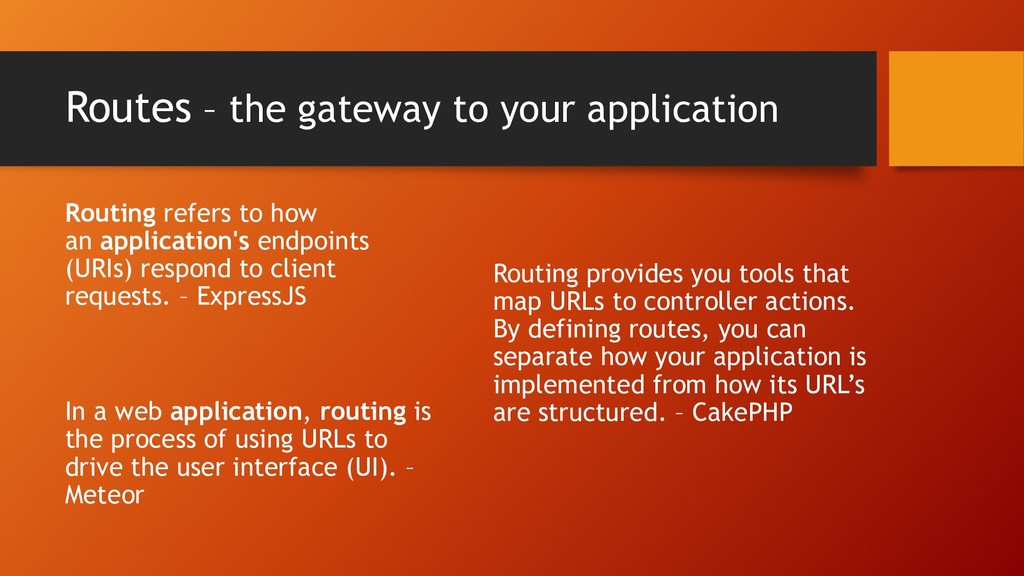
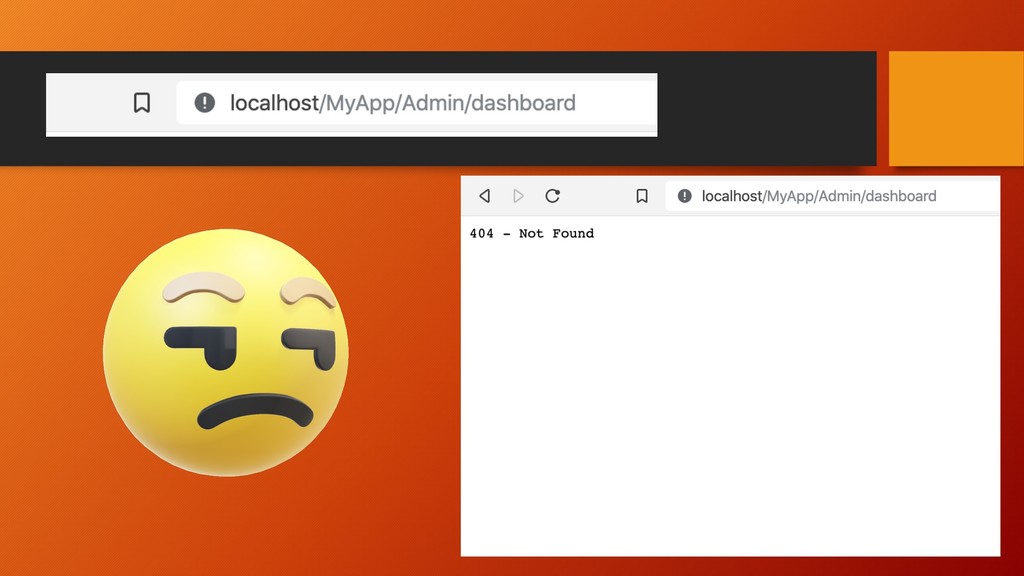
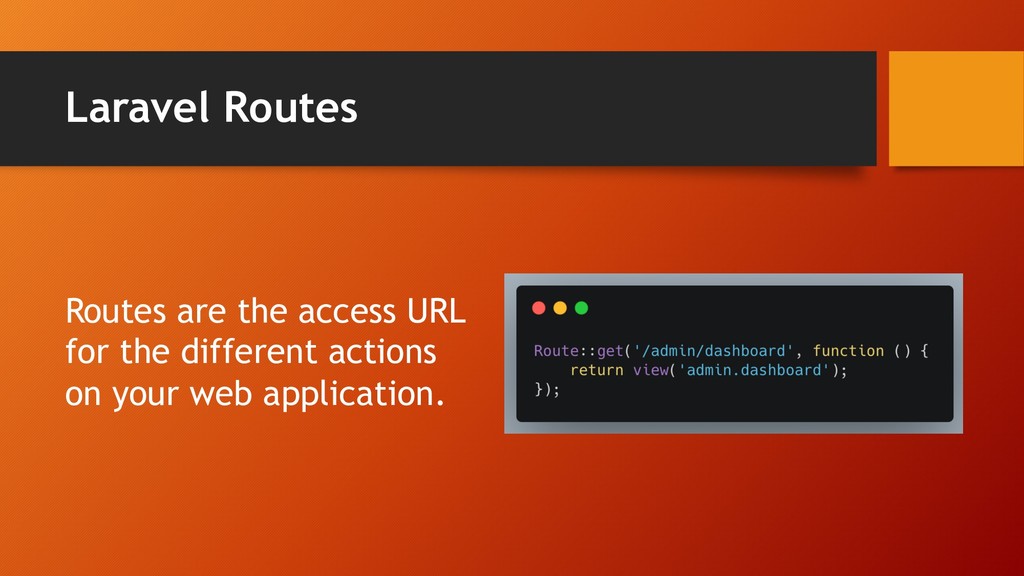
how an application's endpoints (URIs) respond to client requests. – ExpressJS In a web application, routing is the process of using URLs to drive the user interface (UI). – Meteor Routing provides you tools that map URLs to controller actions. By defining routes, you can separate how your application is implemented from how its URL’s are structured. – CakePHP
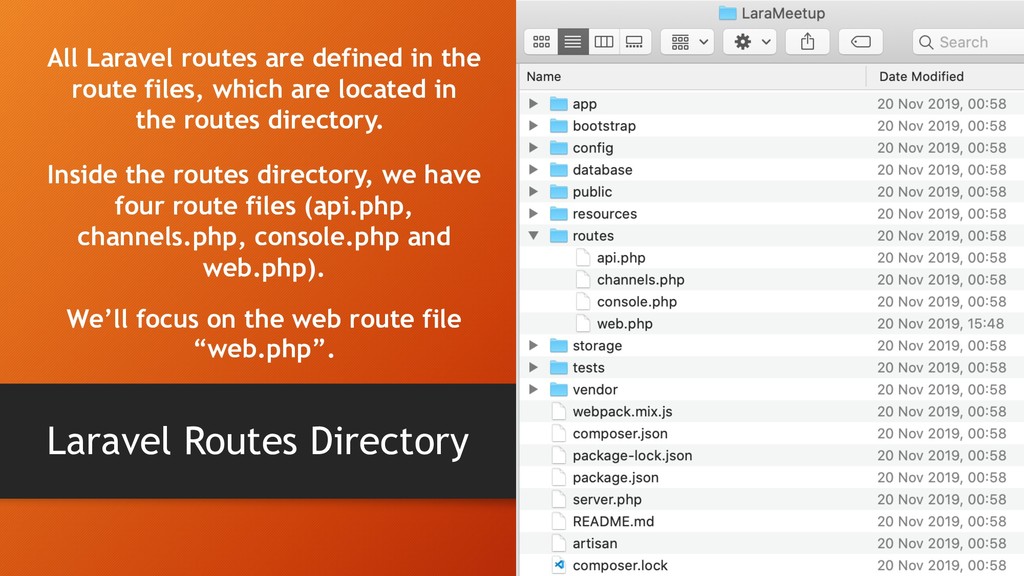
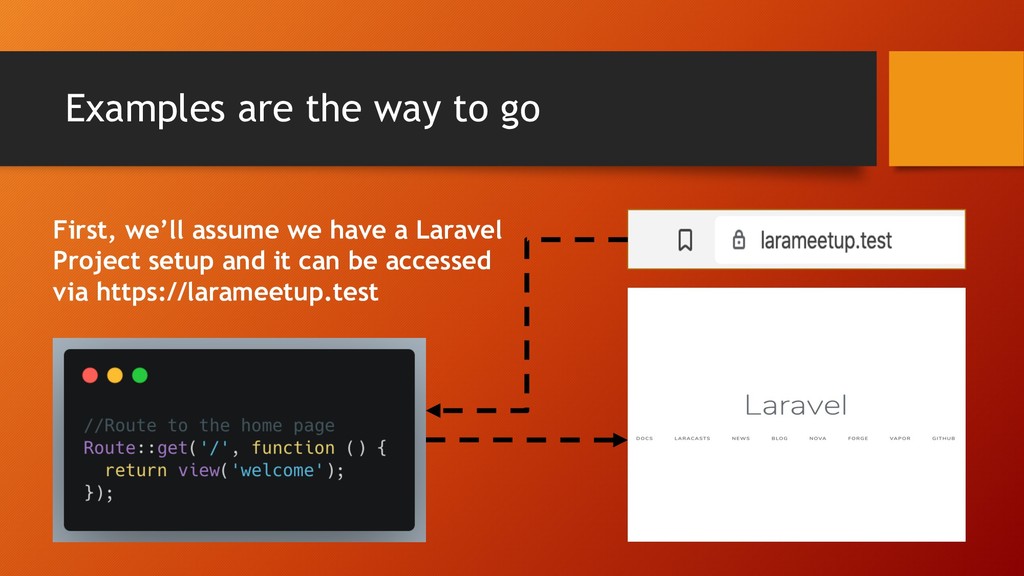
route files, which are located in the routes directory. Inside the routes directory, we have four route files (api.php, channels.php, console.php and web.php). We’ll focus on the web route file “web.php”.
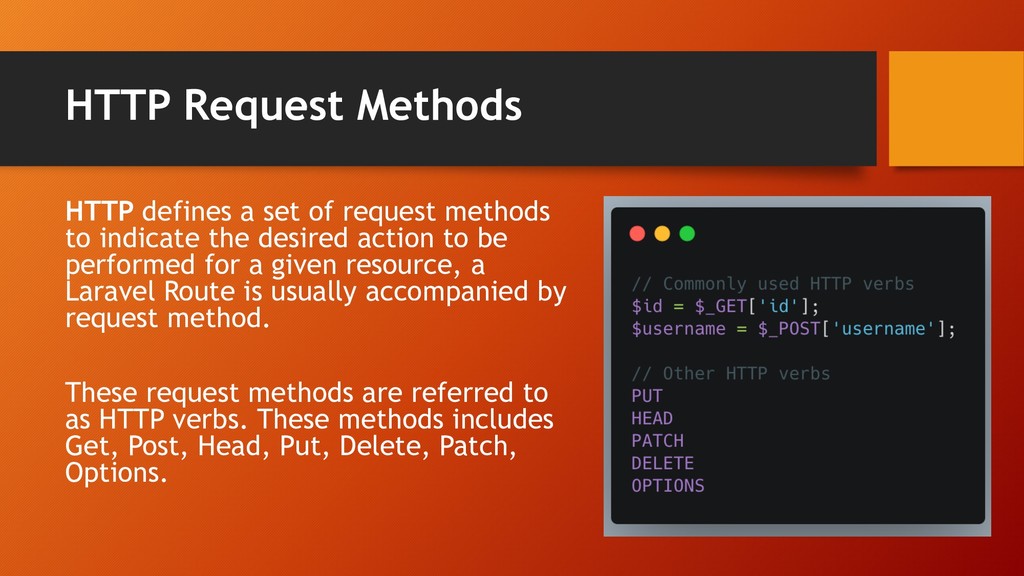
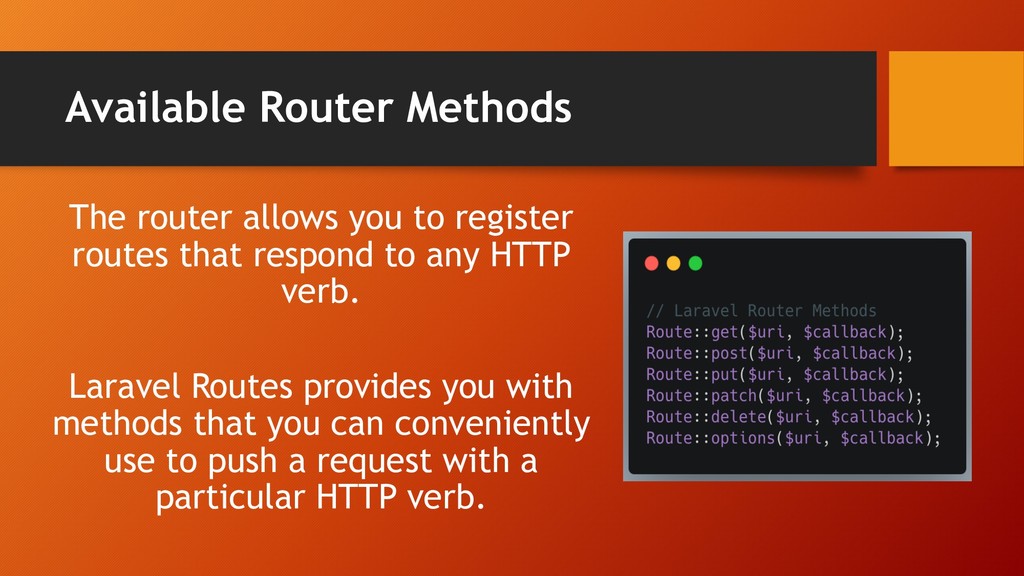
to indicate the desired action to be performed for a given resource, a Laravel Route is usually accompanied by request method. These request methods are referred to as HTTP verbs. These methods includes Get, Post, Head, Put, Delete, Patch, Options.
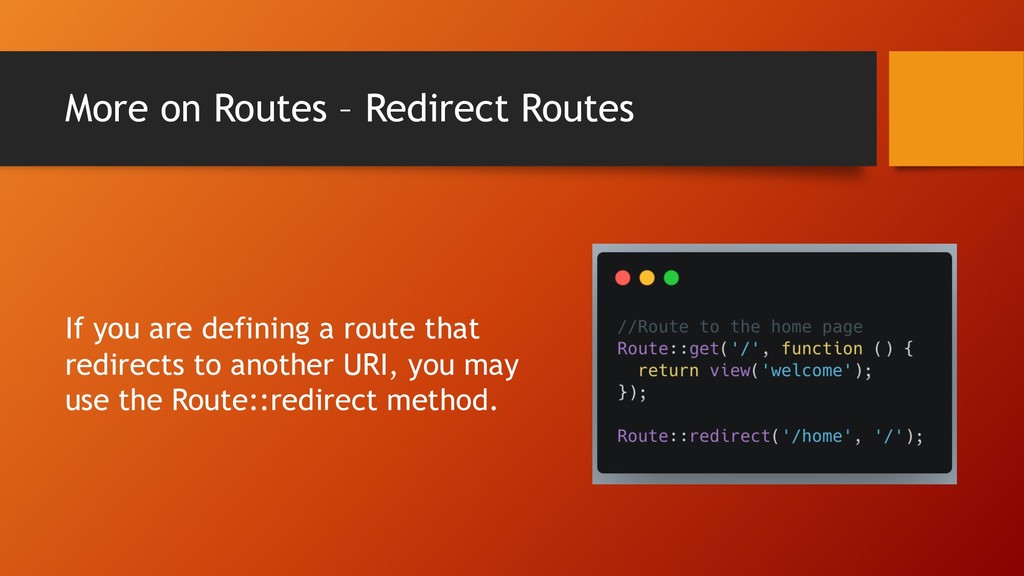
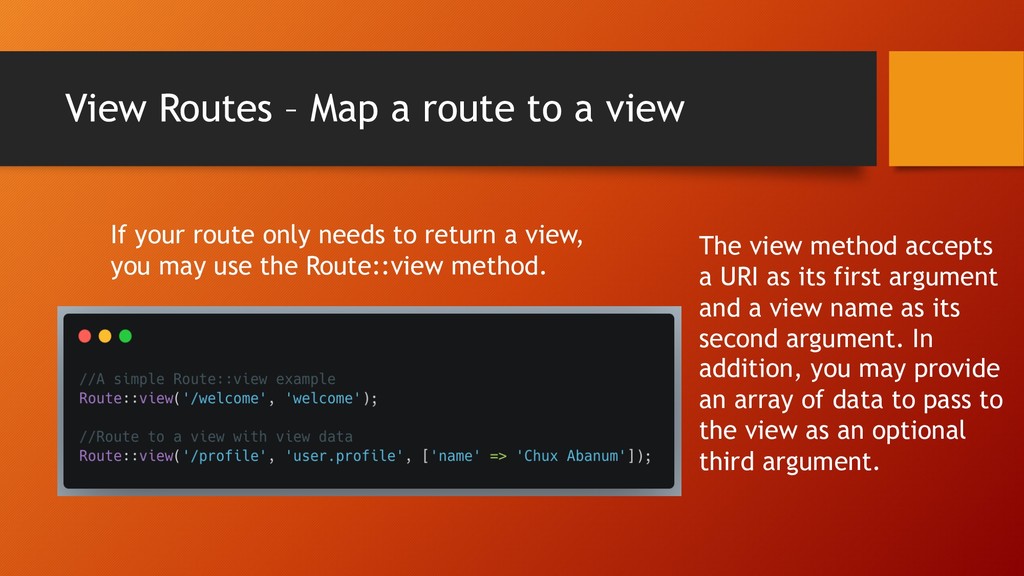
your route only needs to return a view, you may use the Route::view method. The view method accepts a URI as its first argument and a view name as its second argument. In addition, you may provide an array of data to pass to the view as an optional third argument.
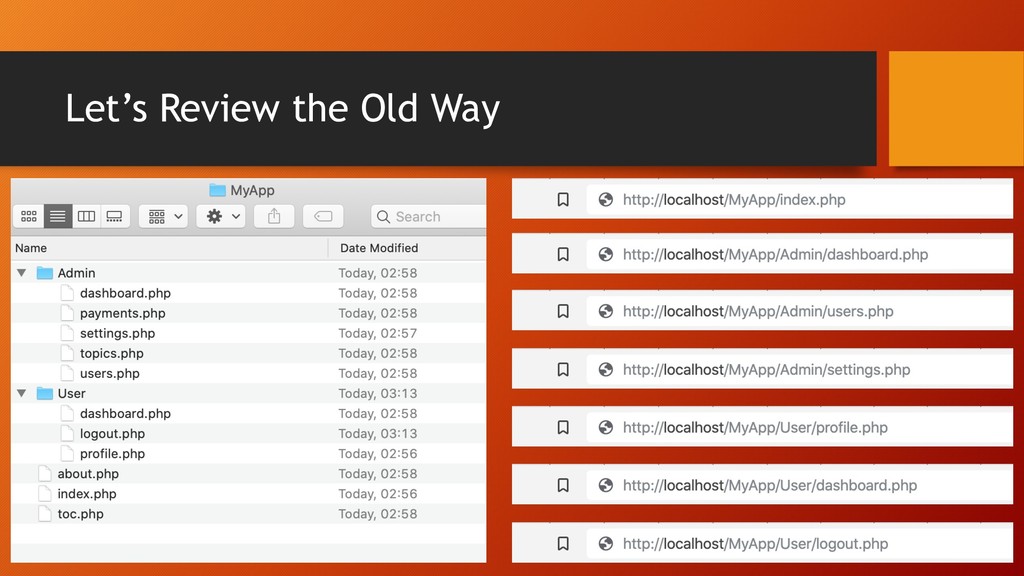
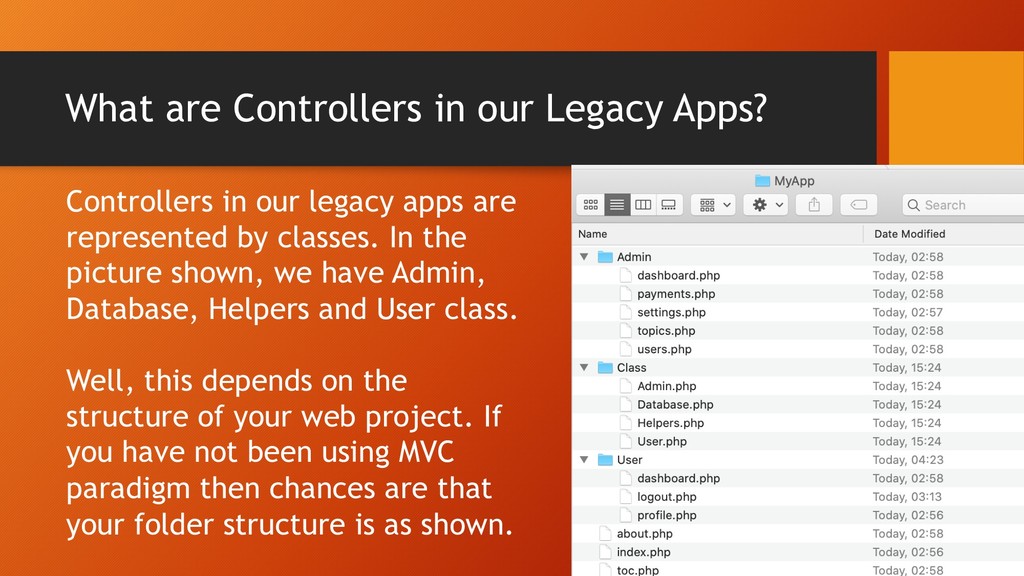
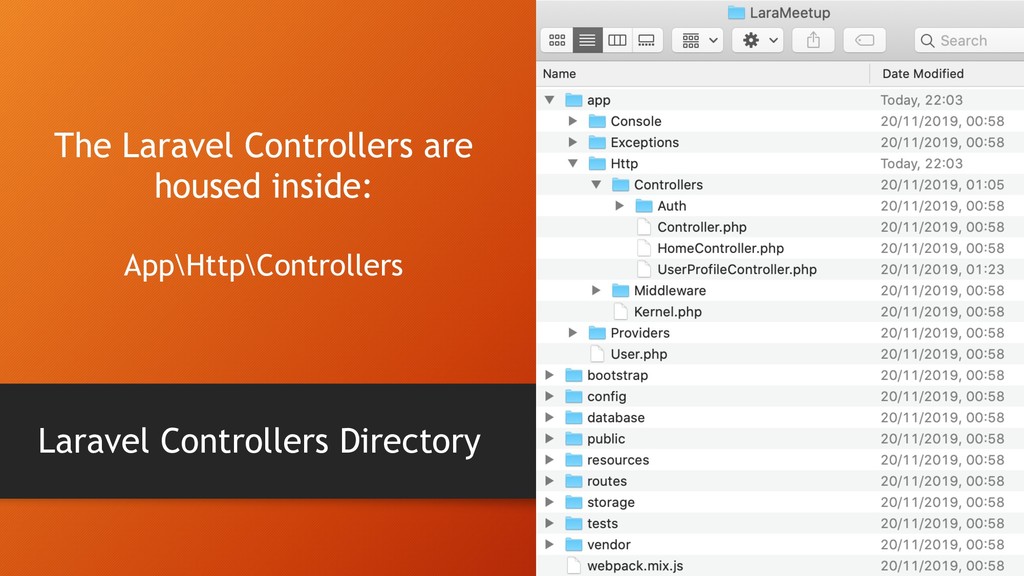
legacy apps are represented by classes. In the picture shown, we have Admin, Database, Helpers and User class. Well, this depends on the structure of your web project. If you have not been using MVC paradigm then chances are that your folder structure is as shown.
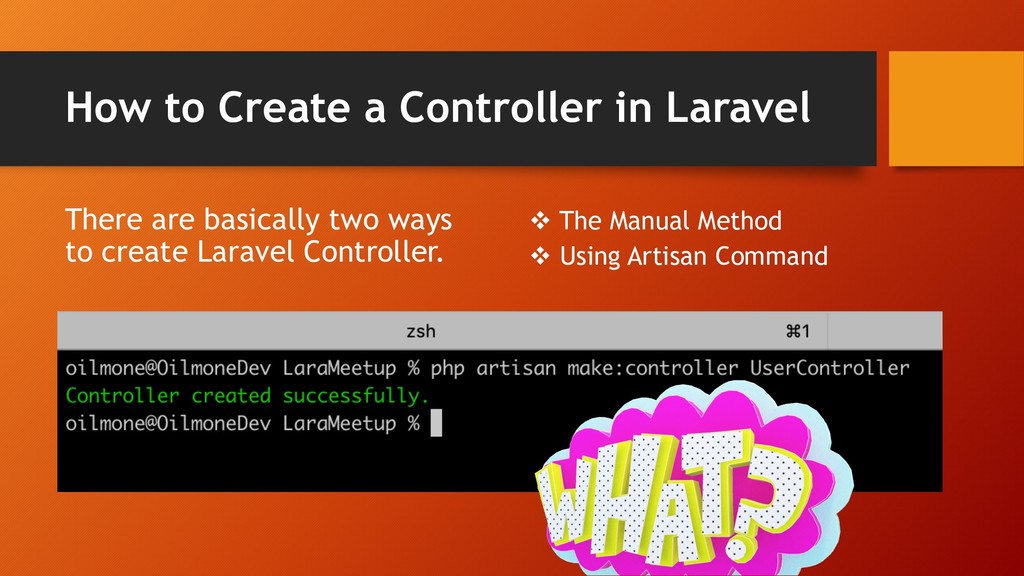
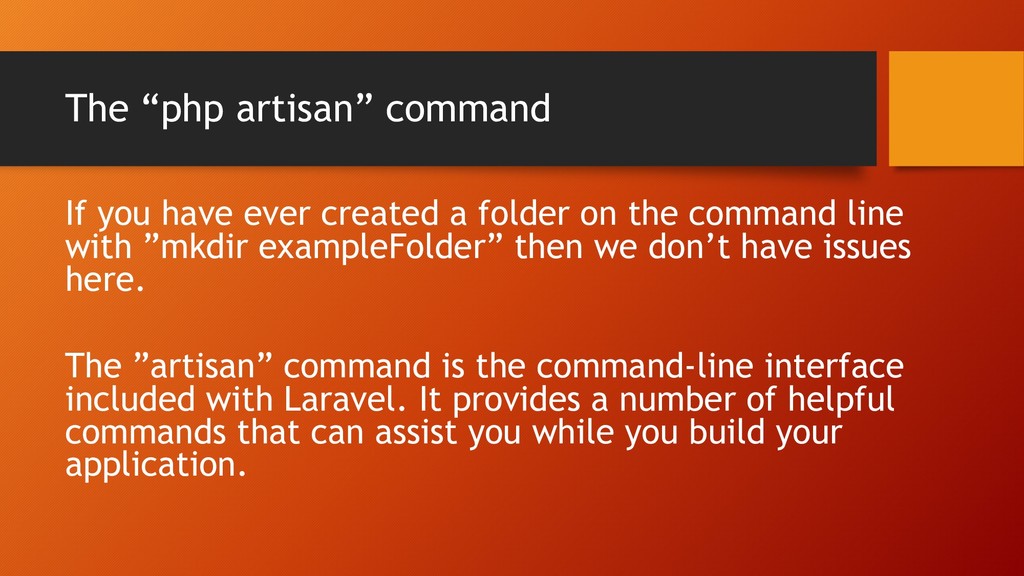
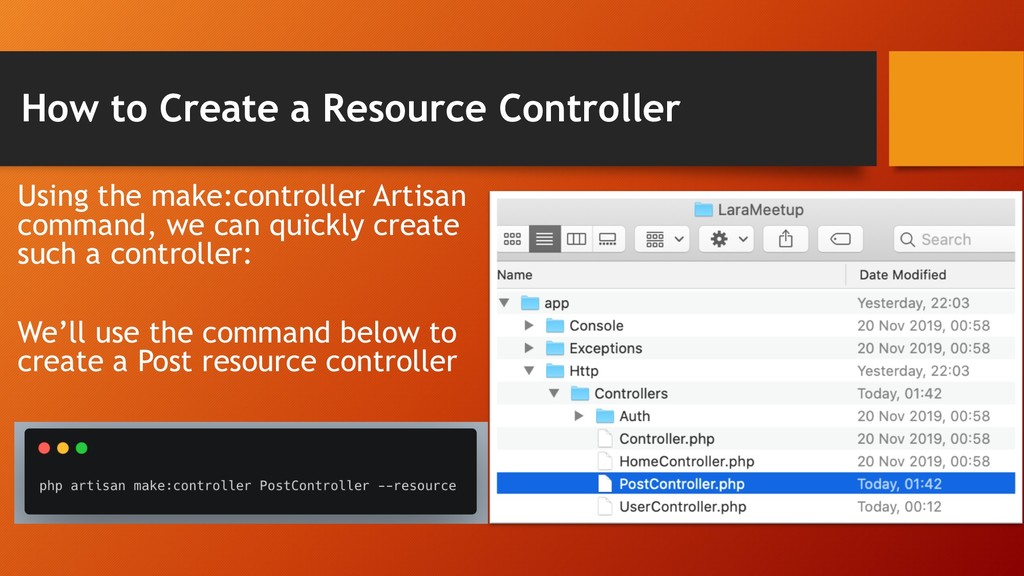
folder on the command line with ”mkdir exampleFolder” then we don’t have issues here. The ”artisan” command is the command-line interface included with Laravel. It provides a number of helpful commands that can assist you while you build your application.
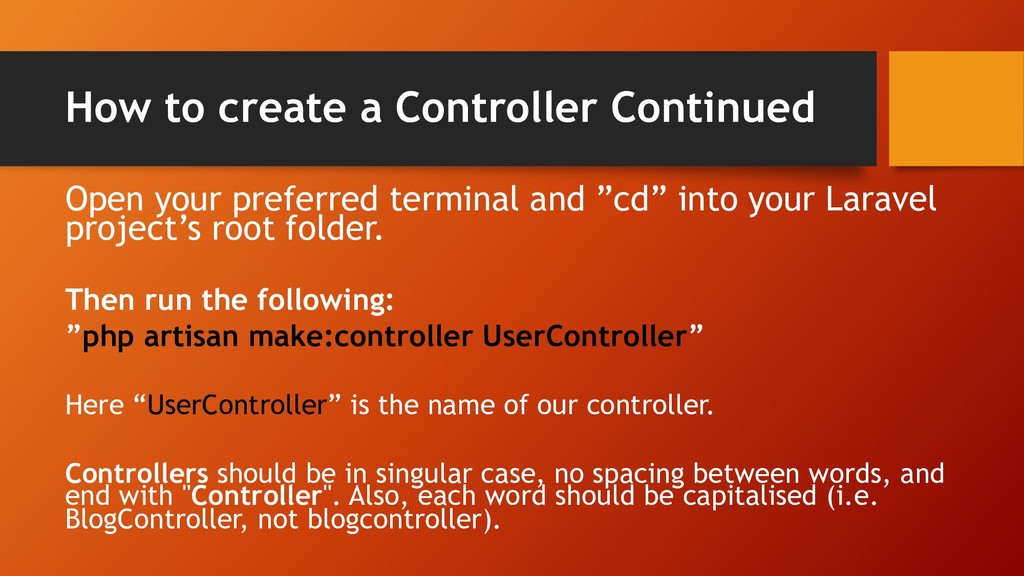
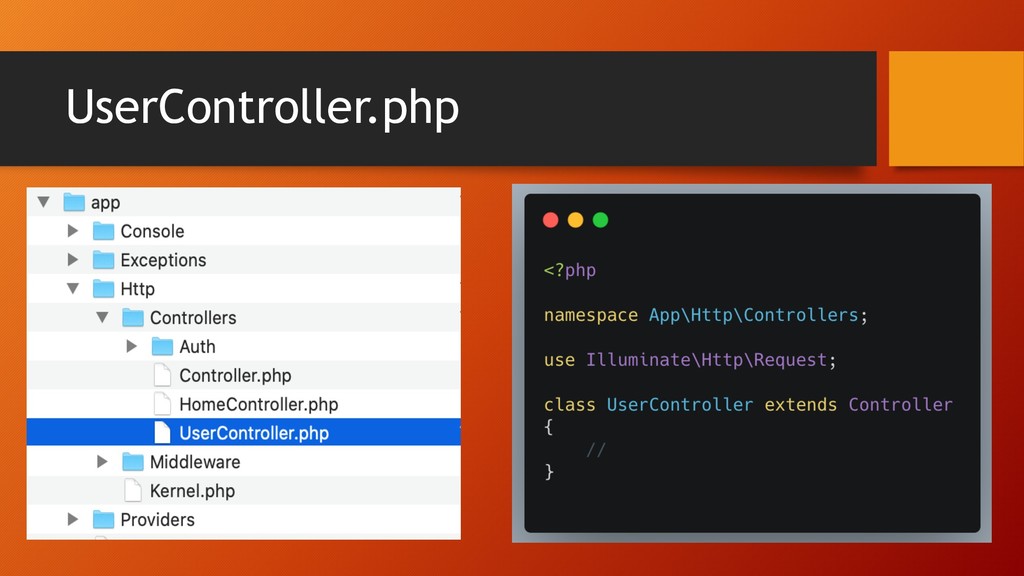
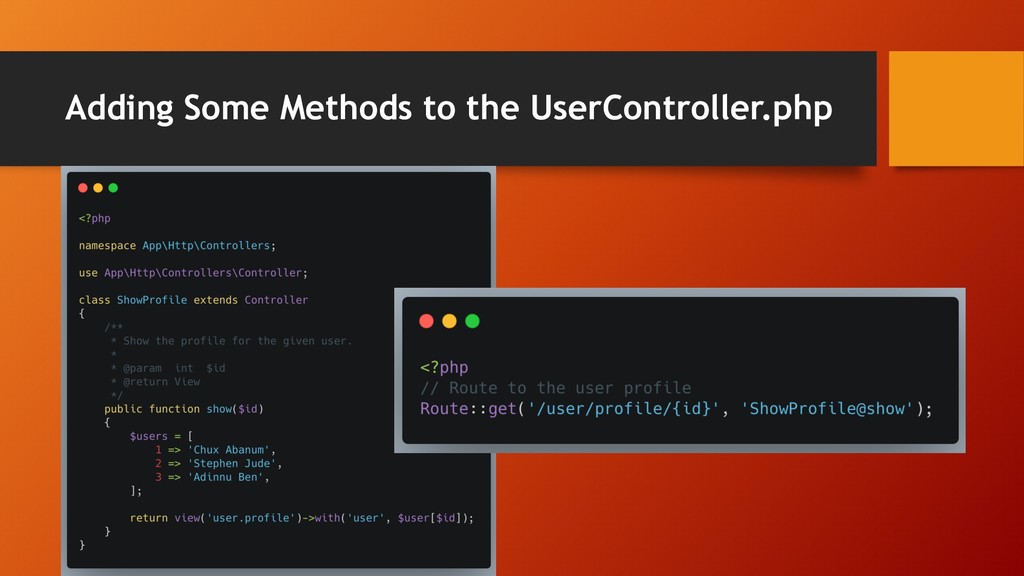
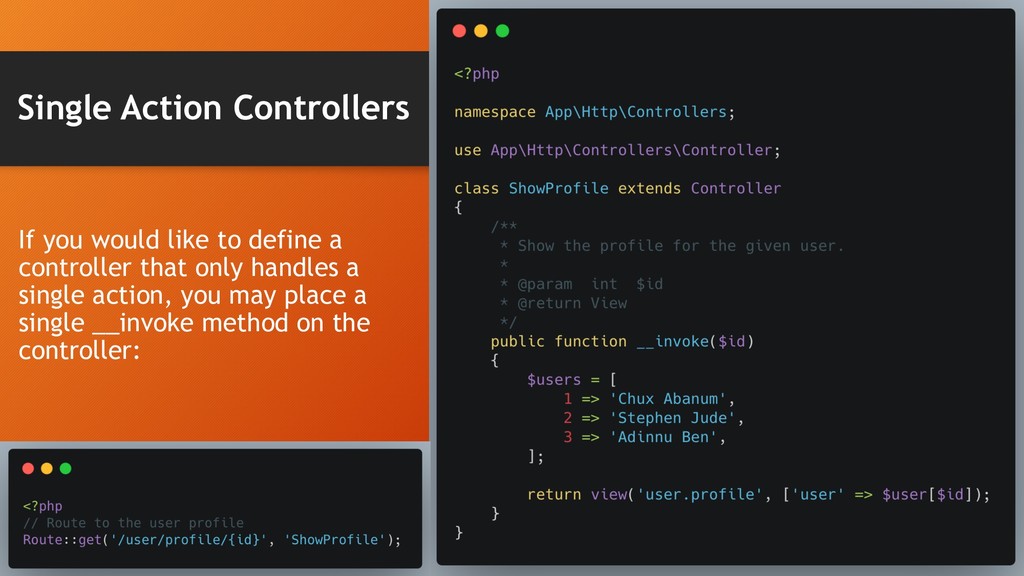
and ”cd” into your Laravel project’s root folder. Then run the following: ”php artisan make:controller UserController” Here “UserController” is the name of our controller. Controllers should be in singular case, no spacing between words, and end with "Controller". Also, each word should be capitalised (i.e. BlogController, not blogcontroller).
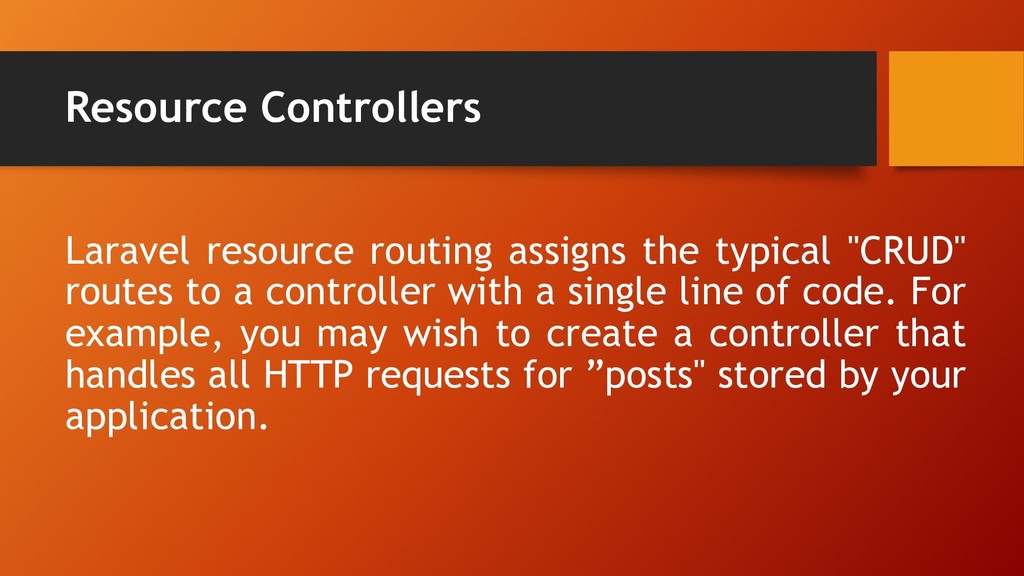
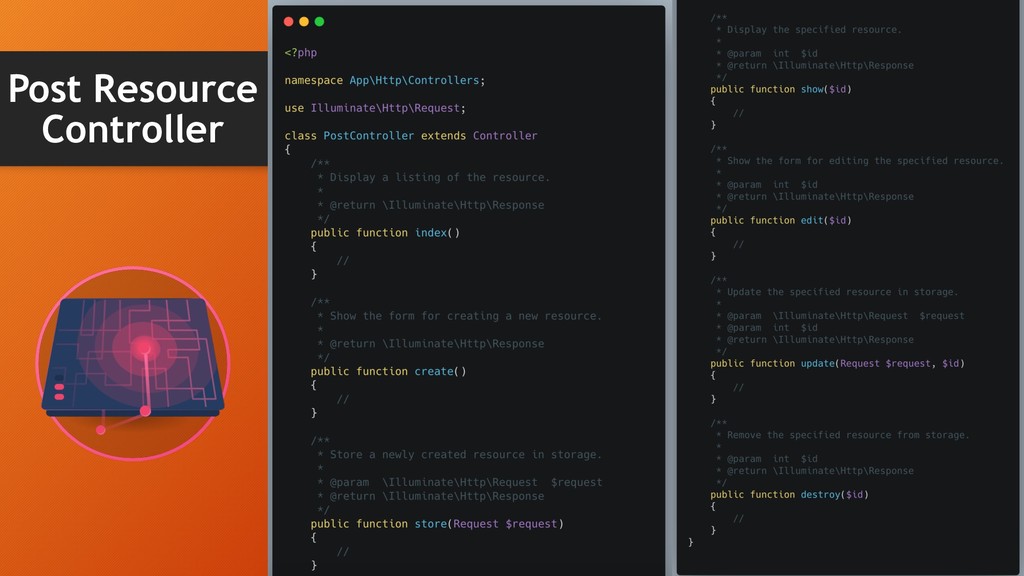
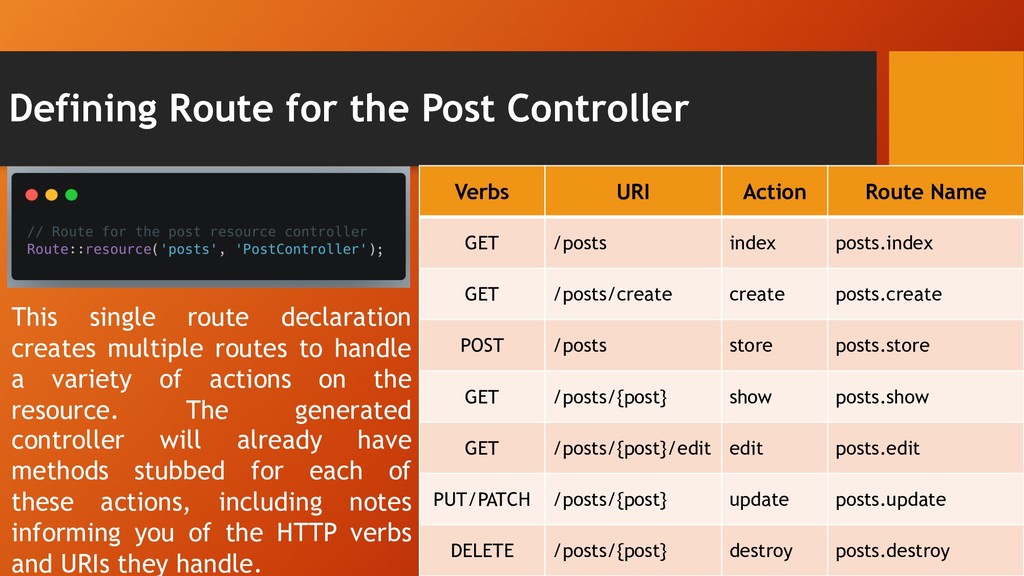
to a controller with a single line of code. For example, you may wish to create a controller that handles all HTTP requests for ”posts" stored by your application.
creates multiple routes to handle a variety of actions on the resource. The generated controller will already have methods stubbed for each of these actions, including notes informing you of the HTTP verbs and URIs they handle. Verbs URI Action Route Name GET /posts index posts.index GET /posts/create create posts.create POST /posts store posts.store GET /posts/{post} show posts.show GET /posts/{post}/edit edit posts.edit PUT/PATCH /posts/{post} update posts.update DELETE /posts/{post} destroy posts.destroy


 econanringo
 andpad
 florets1
 tmikov2023
 hschwentner
 deka_morita
 lef237
 kishida
 texmeijin
 suneo3476
 marcoroth
 akase244
 eileencodes
 reverentgeek
 asonas
 cassininazir
 skipperchong
 bkeepers
 bluesmoon
 thekraken
 matthewcrist
 rkaga
rkaga
 sergeychernyshev
 eitanlees
![Laravel Routes & Controllers Presented By Chux Abanum [@Oilmonedev]](https://files.speakerdeck.com/presentations/3c98b995ad3740b18d116ebcb551dd29/slide_0.jpg)