Agenda:
1) Flex box history;
2) Flexbox as an alternative to abusing floats and tables;
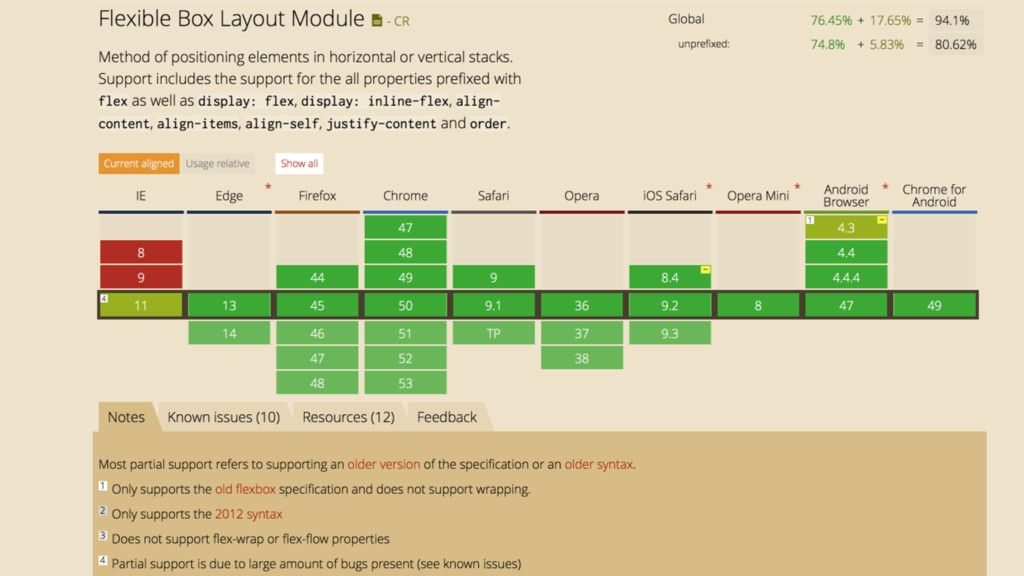
3) Main advantages and disadvantages; Browser support and Polyfills;
4) Useful resources to learn flex box fast.
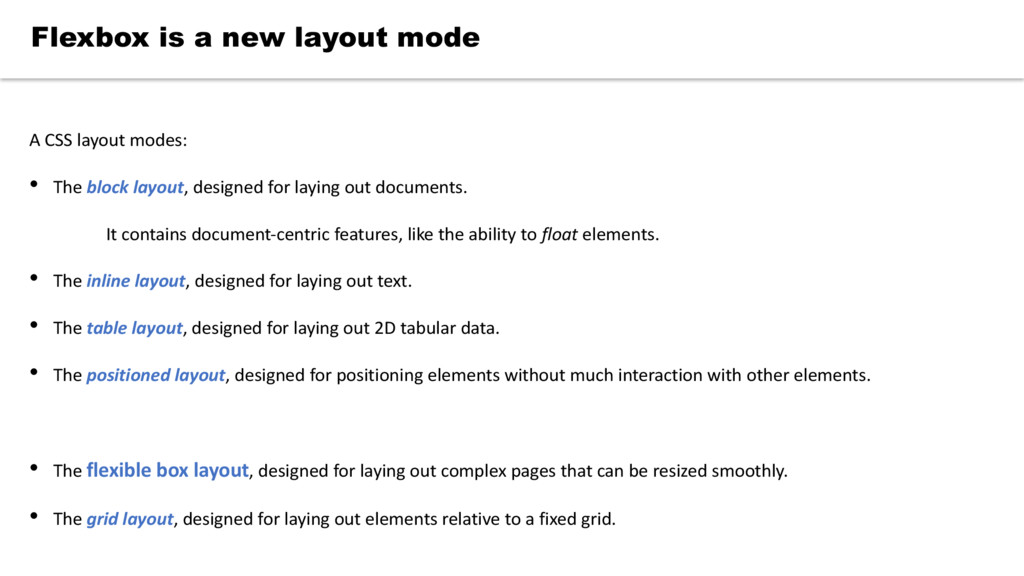
laying out documents. It contains document-centric features, like the ability to float elements. • The inline layout, designed for laying out text. • The table layout, designed for laying out 2D tabular data. • The positioned layout, designed for positioning elements without much interaction with other elements. • The flexible box layout, designed for laying out complex pages that can be resized smoothly. • The grid layout, designed for laying out elements relative to a fixed grid. Flexbox is a new layout mode
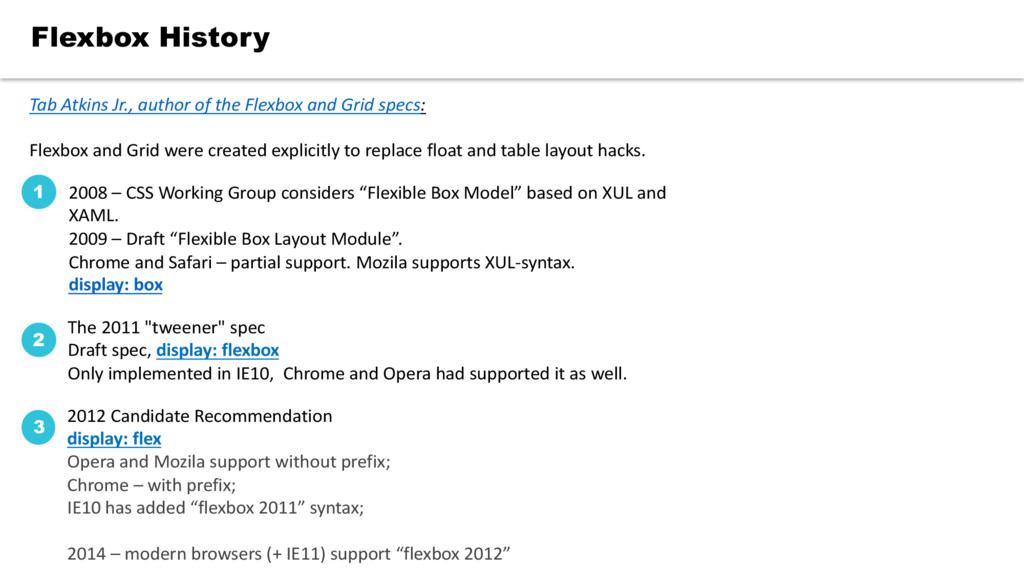
Model” based on XUL and XAML. 2009 – Draft “Flexible Box Layout Module”. Chrome and Safari – partial support. Mozila supports XUL-syntax. display: box 1 The 2011 "tweener" spec Draft spec, display: flexbox Only implemented in IE10, Chrome and Opera had supported it as well. 2 2012 Candidate Recommendation display: flex Opera and Mozila support without prefix; Chrome – with prefix; IE10 has added “flexbox 2011” syntax; 2014 – modern browsers (+ IE11) support “flexbox 2012” 3 Tab Atkins Jr., author of the Flexbox and Grid specs: Flexbox and Grid were created explicitly to replace float and table layout hacks.
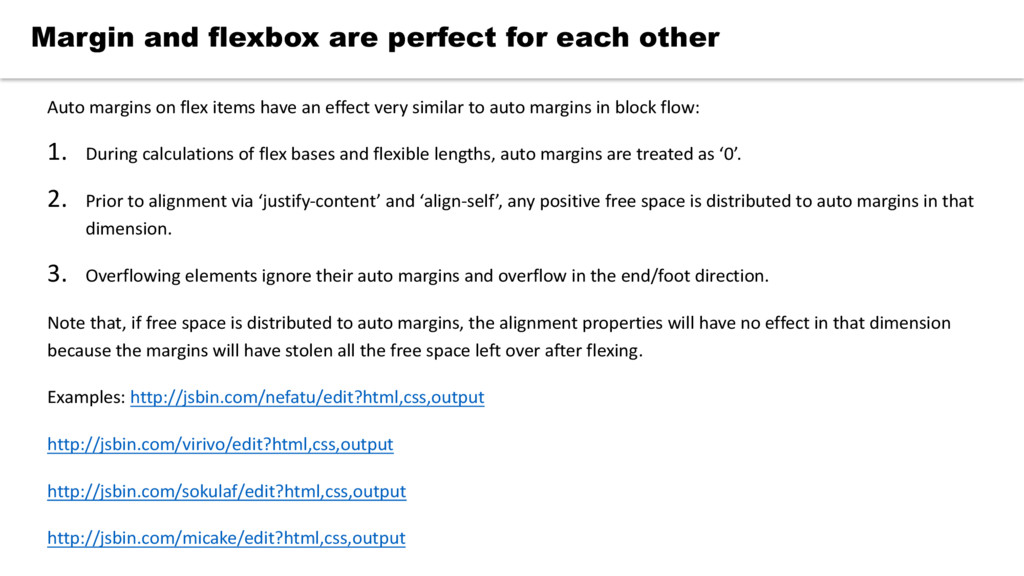
to auto margins in block flow: 1. During calculations of flex bases and flexible lengths, auto margins are treated as ‘0’. 2. Prior to alignment via ‘justify-content’ and ‘align-self’, any positive free space is distributed to auto margins in that dimension. 3. Overflowing elements ignore their auto margins and overflow in the end/foot direction. Note that, if free space is distributed to auto margins, the alignment properties will have no effect in that dimension because the margins will have stolen all the free space left over after flexing. Examples: http://jsbin.com/nefatu/edit?html,css,output http://jsbin.com/virivo/edit?html,css,output http://jsbin.com/sokulaf/edit?html,css,output http://jsbin.com/micake/edit?html,css,output Margin and flexbox are perfect for each other
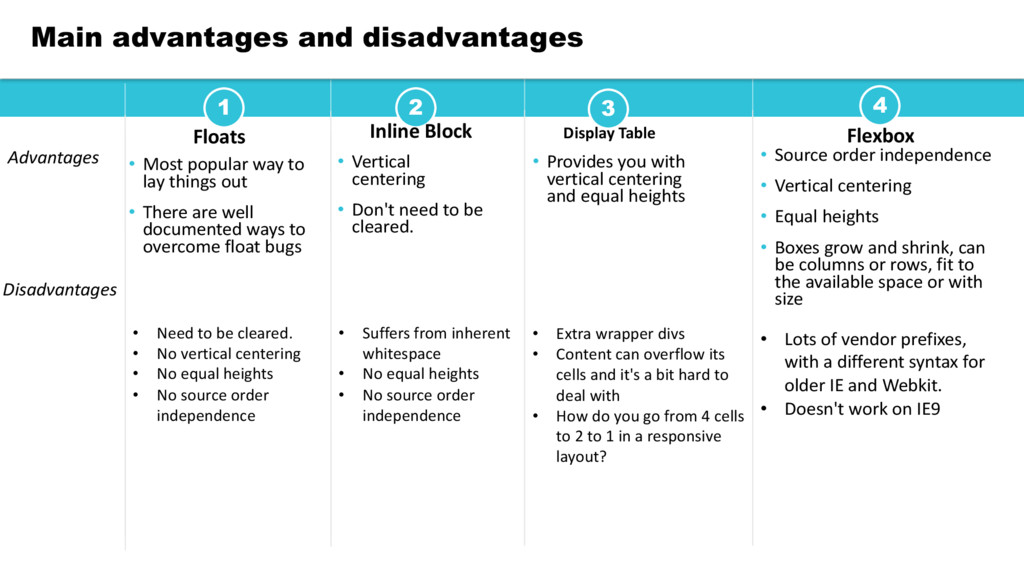
• There are well documented ways to overcome float bugs 2 Inline Block • Vertical centering • Don't need to be cleared. 4 Flexbox • Source order independence • Vertical centering • Equal heights • Boxes grow and shrink, can be columns or rows, fit to the available space or with size 3 Display Table • Provides you with vertical centering and equal heights Main advantages and disadvantages Advantages • Need to be cleared. • No vertical centering • No equal heights • No source order independence Disadvantages • Suffers from inherent whitespace • No equal heights • No source order independence • Extra wrapper divs • Content can overflow its cells and it's a bit hard to deal with • How do you go from 4 cells to 2 to 1 in a responsive layout? • Lots of vendor prefixes, with a different syntax for older IE and Webkit. • Doesn't work on IE9
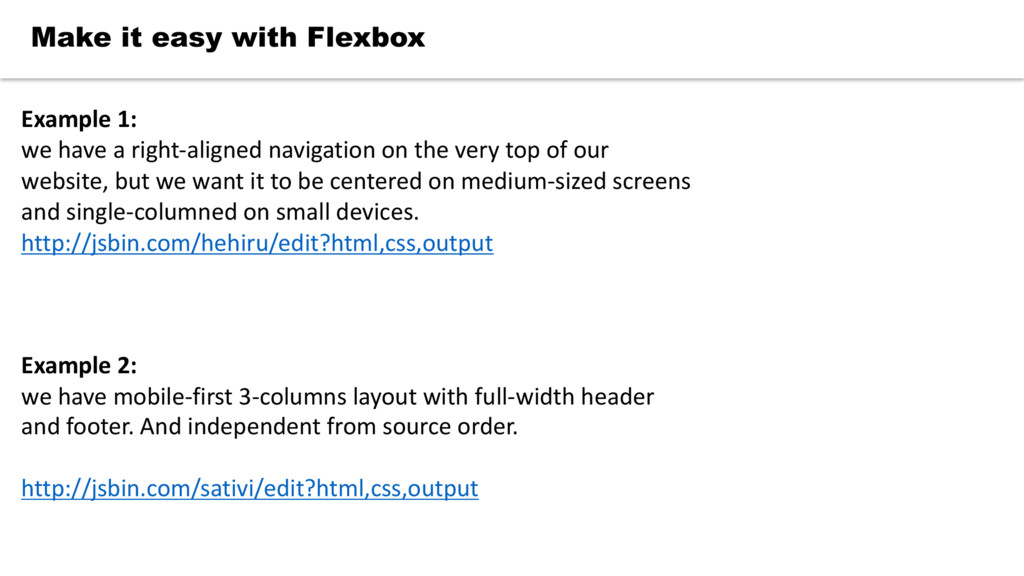
right-aligned navigation on the very top of our website, but we want it to be centered on medium-sized screens and single-columned on small devices. http://jsbin.com/hehiru/edit?html,css,output Example 2: we have mobile-first 3-columns layout with full-width header and footer. And independent from source order. http://jsbin.com/sativi/edit?html,css,output


 takanorip
 codmoninc
 teamlab
 sudoakiy
 rfdnxbro
 hiracky16
 kash1064
 4o1sobblue
 pfn
pfn
 mhrtech
 ezaki
ezaki
 ueponx
 marktimemedia
 smashingmag
 samtorres
 popppiees
 tammyeverts
 mkilby
 thoeni
 jdejongh
 productmarketing
 axbom
axbom
 akademiya2063
 scottboms