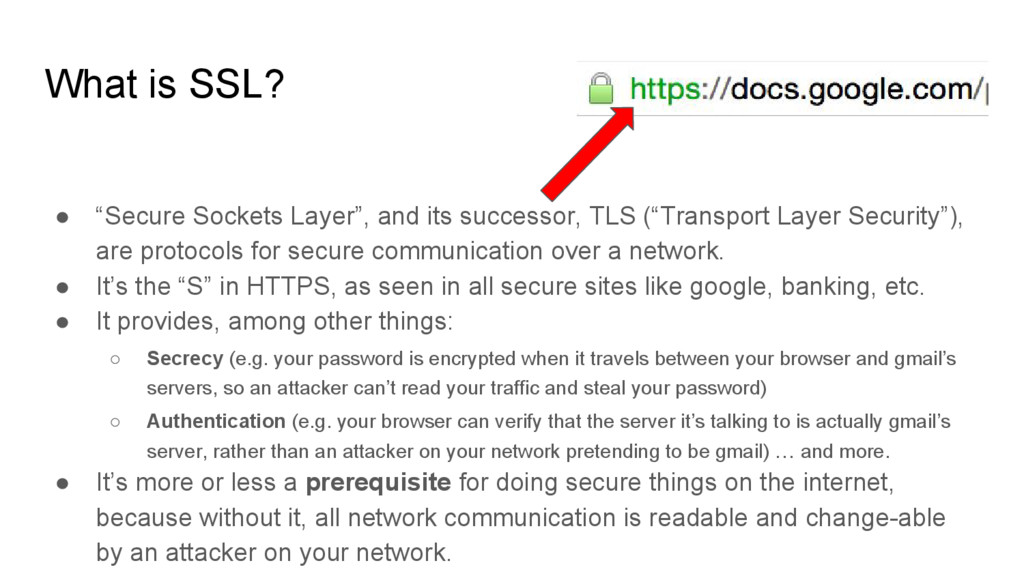
TLS (“Transport Layer Security”), are protocols for secure communication over a network. • It’s the “S” in HTTPS, as seen in all secure sites like google, banking, etc. • It provides, among other things: ◦ Secrecy (e.g. your password is encrypted when it travels between your browser and gmail’s servers, so an attacker can’t read your traffic and steal your password) ◦ Authentication (e.g. your browser can verify that the server it’s talking to is actually gmail’s server, rather than an attacker on your network pretending to be gmail) … and more. • It’s more or less a prerequisite for doing secure things on the internet, because without it, all network communication is readable and change-able by an attacker on your network.
various parts of the SSL protocol, and also includes utilities for crypto, certificate operations, etc. • A cryptography “swiss army knife” of sorts. • Underlies SSL implementations in many languages. • For example, if you make an SSL connection with Python via Requests or a similar library, under the hood the Python interpreter is calling the OpenSSL binary to actually do the cryptographic operations. • Bundled with some versions of Mac OSX, available in Debian, Ubuntu etc. • Wikipedia: “As of 2014 two thirds of all webservers use OpenSSL” (link) • … and … • Comes with a fun CLI: • run $ which openssl to verify you’ve got it installed.
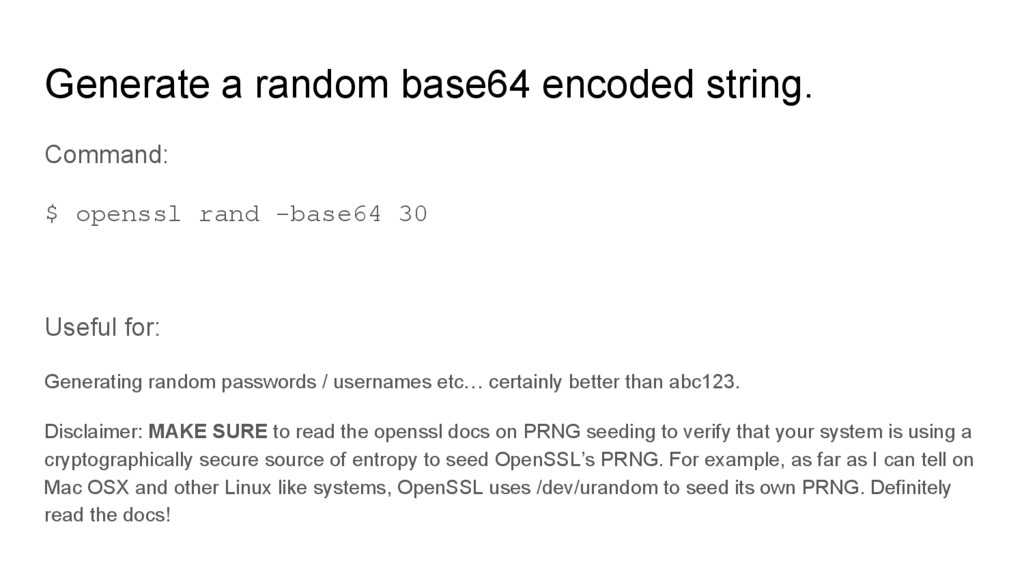
-base64 30 Useful for: Generating random passwords / usernames etc… certainly better than abc123. Disclaimer: MAKE SURE to read the openssl docs on PRNG seeding to verify that your system is using a cryptographically secure source of entropy to seed OpenSSL’s PRNG. For example, as far as I can tell on Mac OSX and other Linux like systems, OpenSSL uses /dev/urandom to seed its own PRNG. Definitely read the docs!
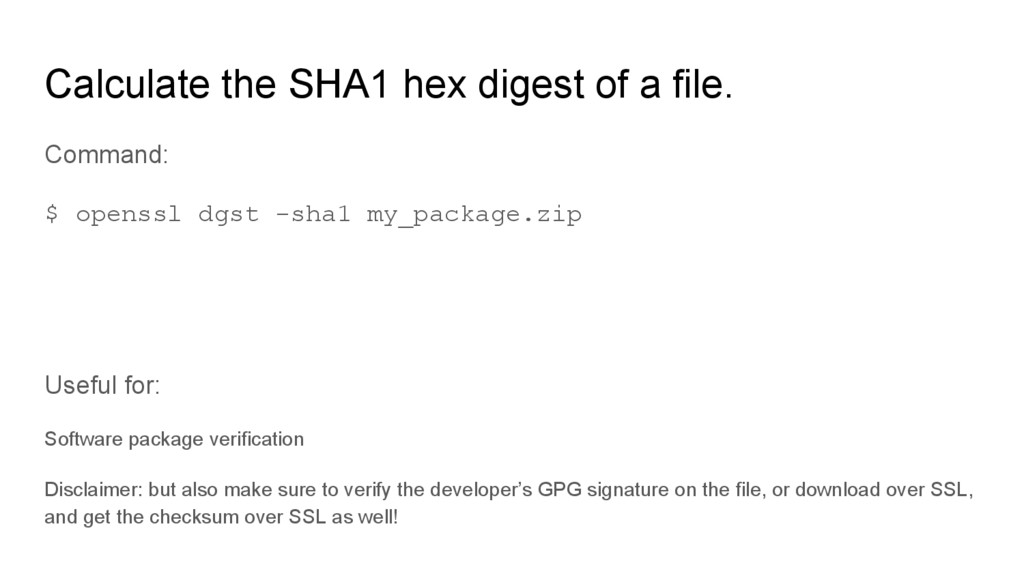
openssl dgst -sha1 my_package.zip Useful for: Software package verification Disclaimer: but also make sure to verify the developer’s GPG signature on the file, or download over SSL, and get the checksum over SSL as well!


 kenjiyoneyama
 andpad
 yub0n
yub0n
 y0hgi
y0hgi
 shihochan
 akase244
 minodriven
 nao_randd
 satoshi256kbyte
 kawashimo0
 teyamagu
 utakaha
 ks91
ks91
 watany
 inesmontani
 mongodb
 rkendrick25
 aleyda
 reverentgeek
 kevinliebholz
 schroneko
 afnizarnur
 hannesfritz
 marcelosomers