Screenshots as code: shipping Play Store assets...

Screenshots as code: shipping Play Store assets from a unit test
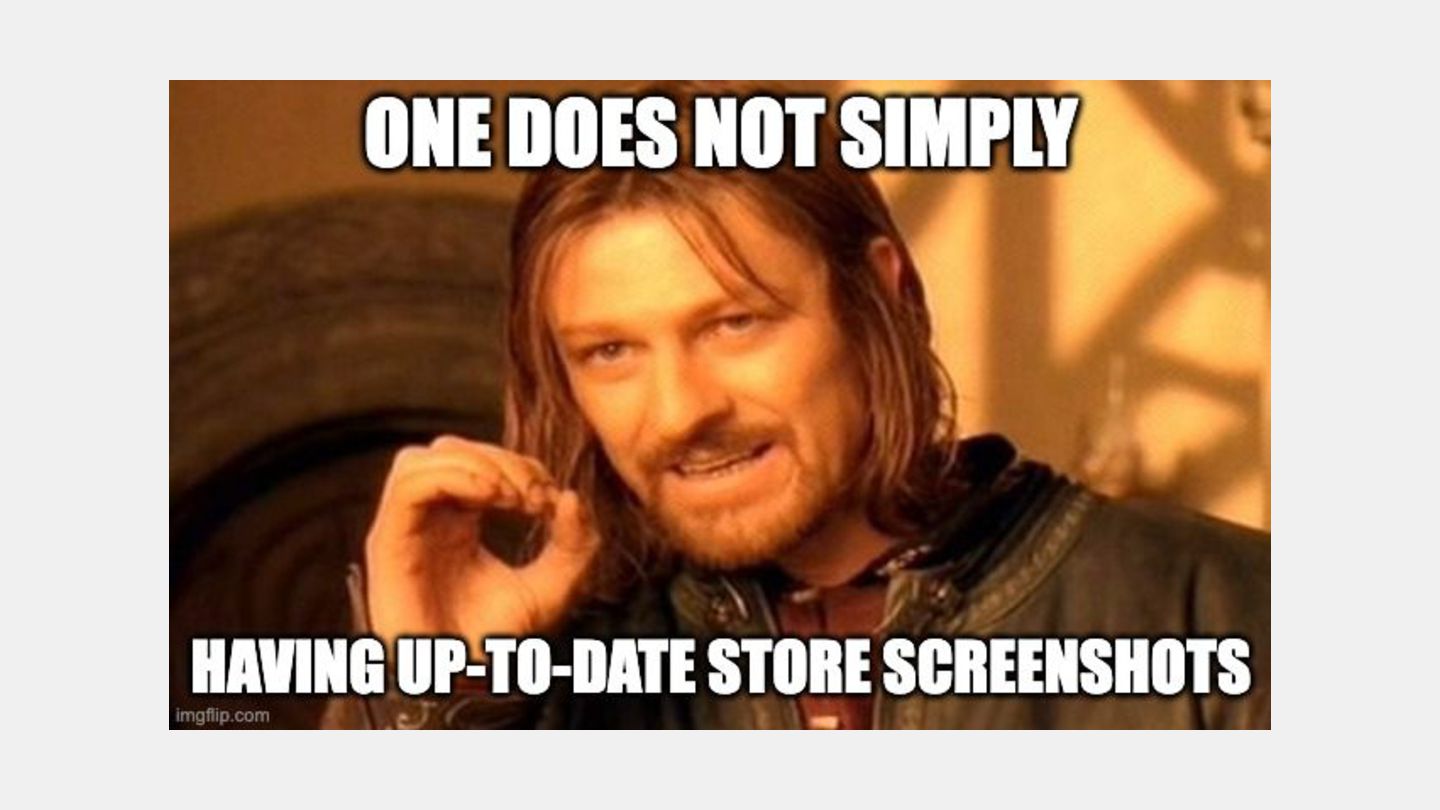
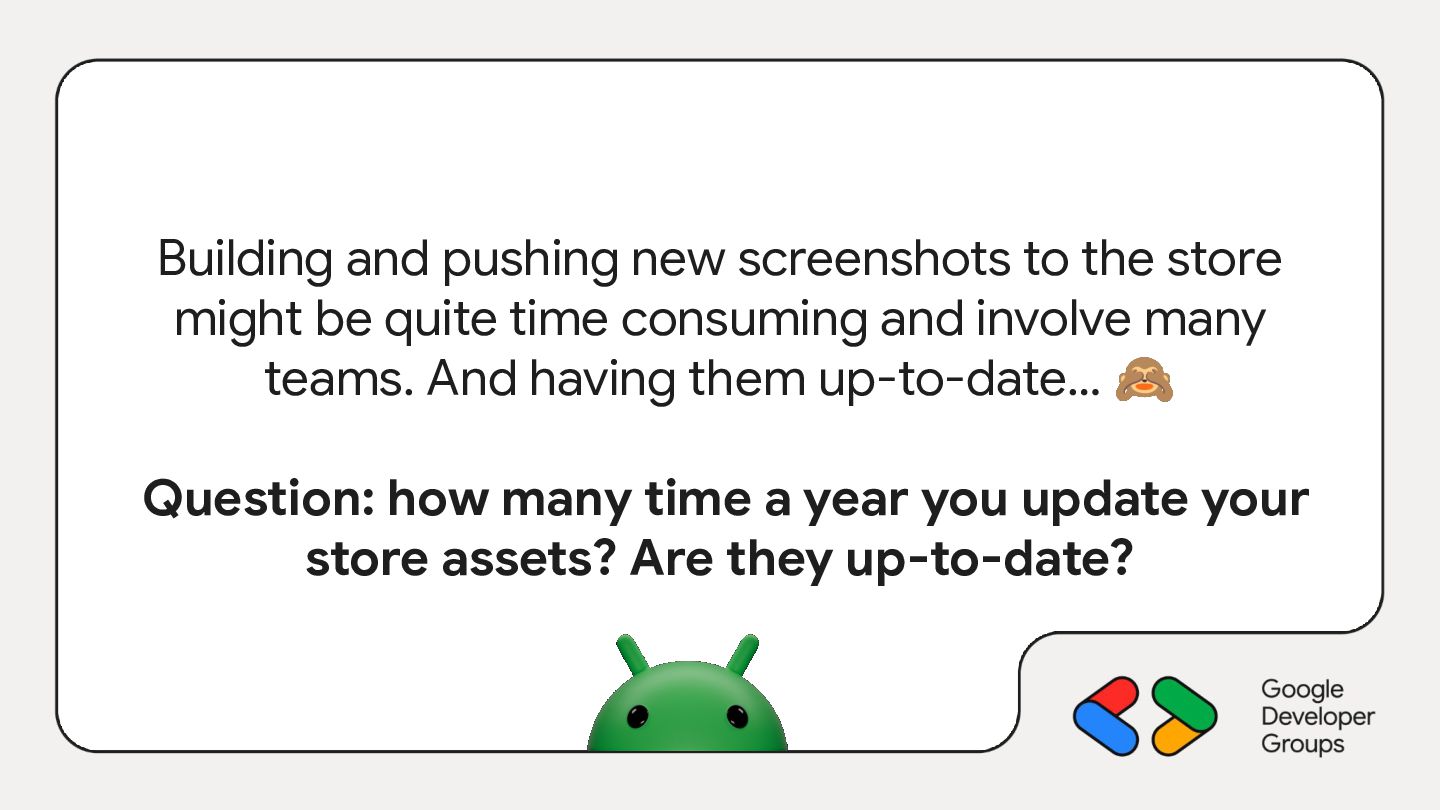
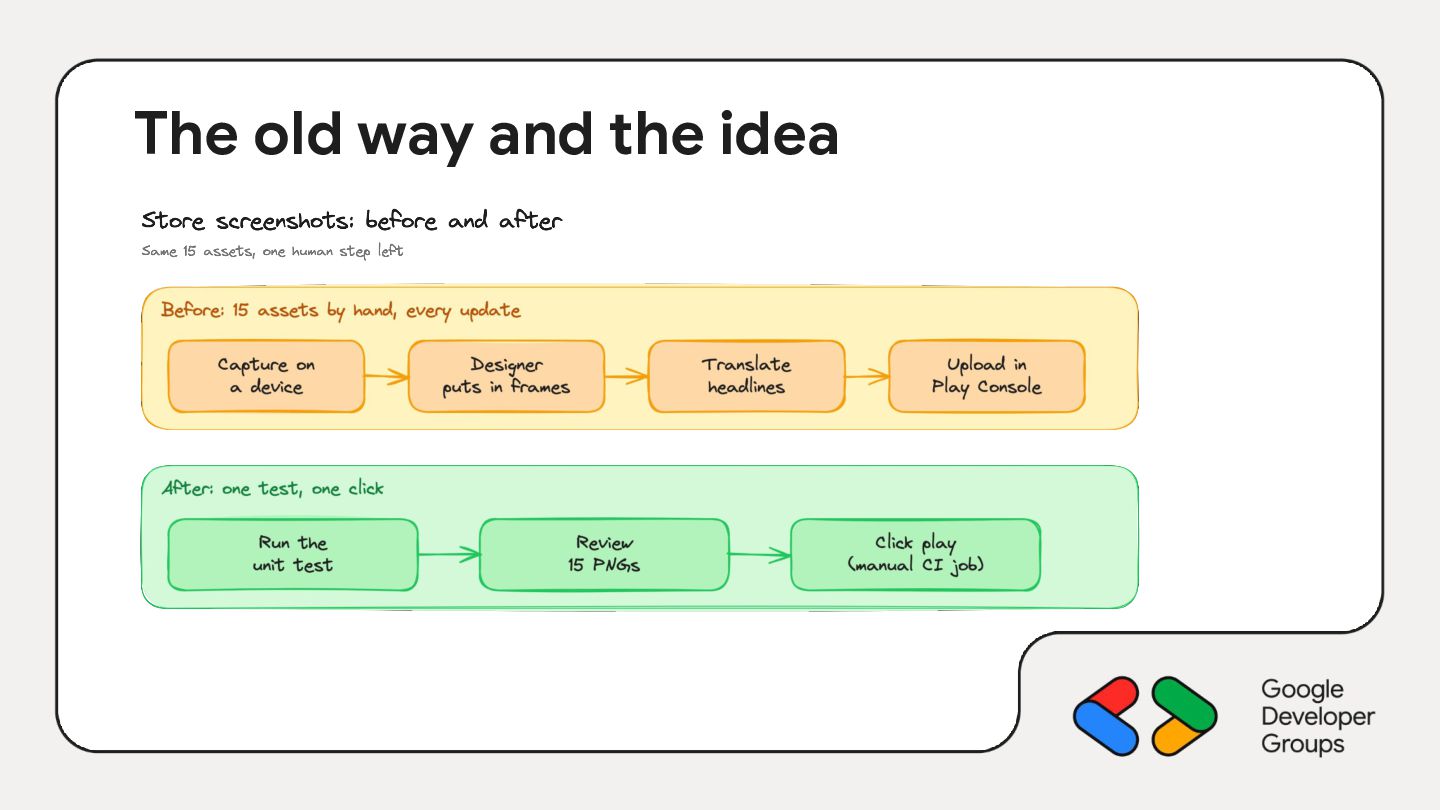
Updating Play Store screenshots usually goes like this: someone takes captures on a device, a designer puts them into frames, someone else translates the headlines, and the whole thing goes out of date at the next redesign. At Aircall we replaced that process with a JVM unit test.
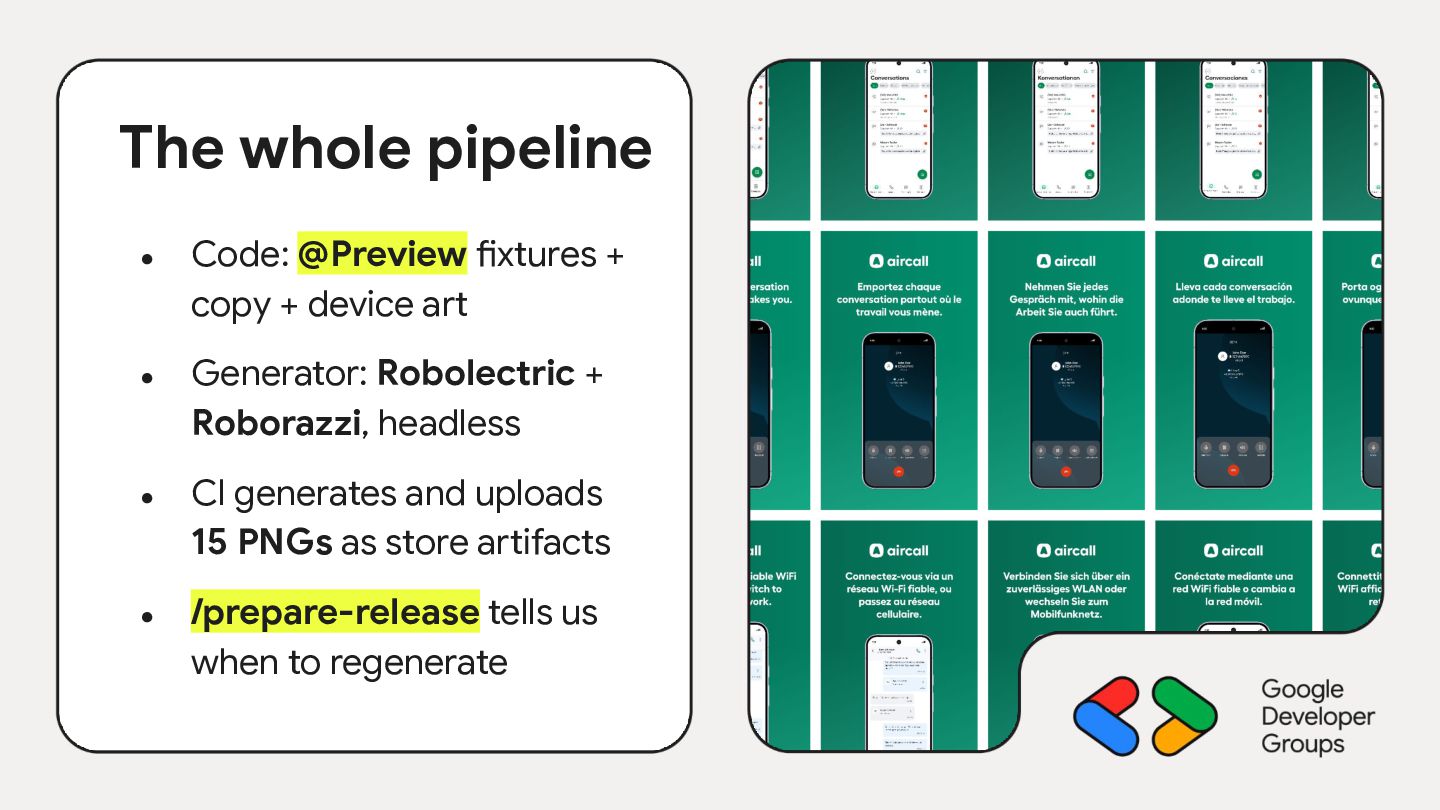
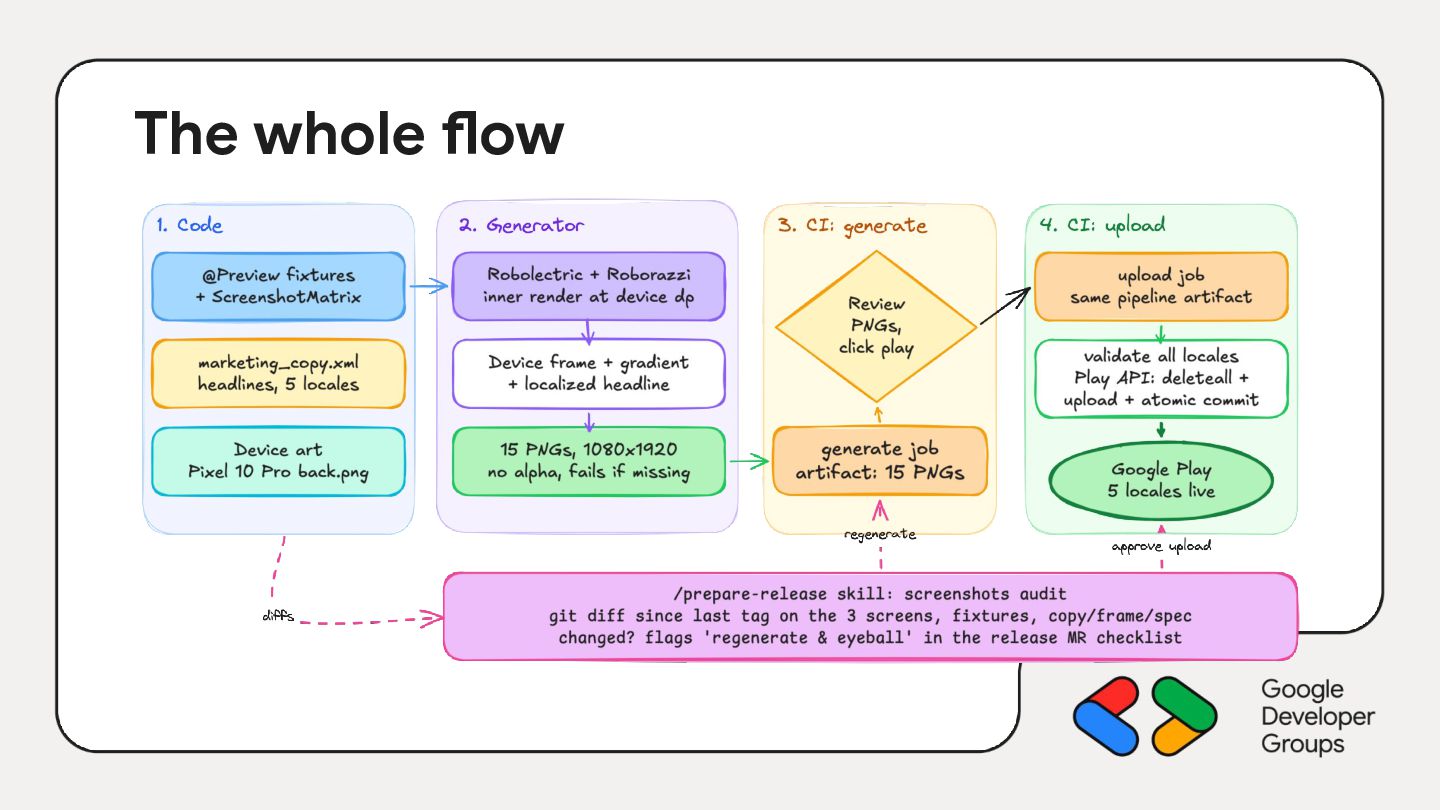
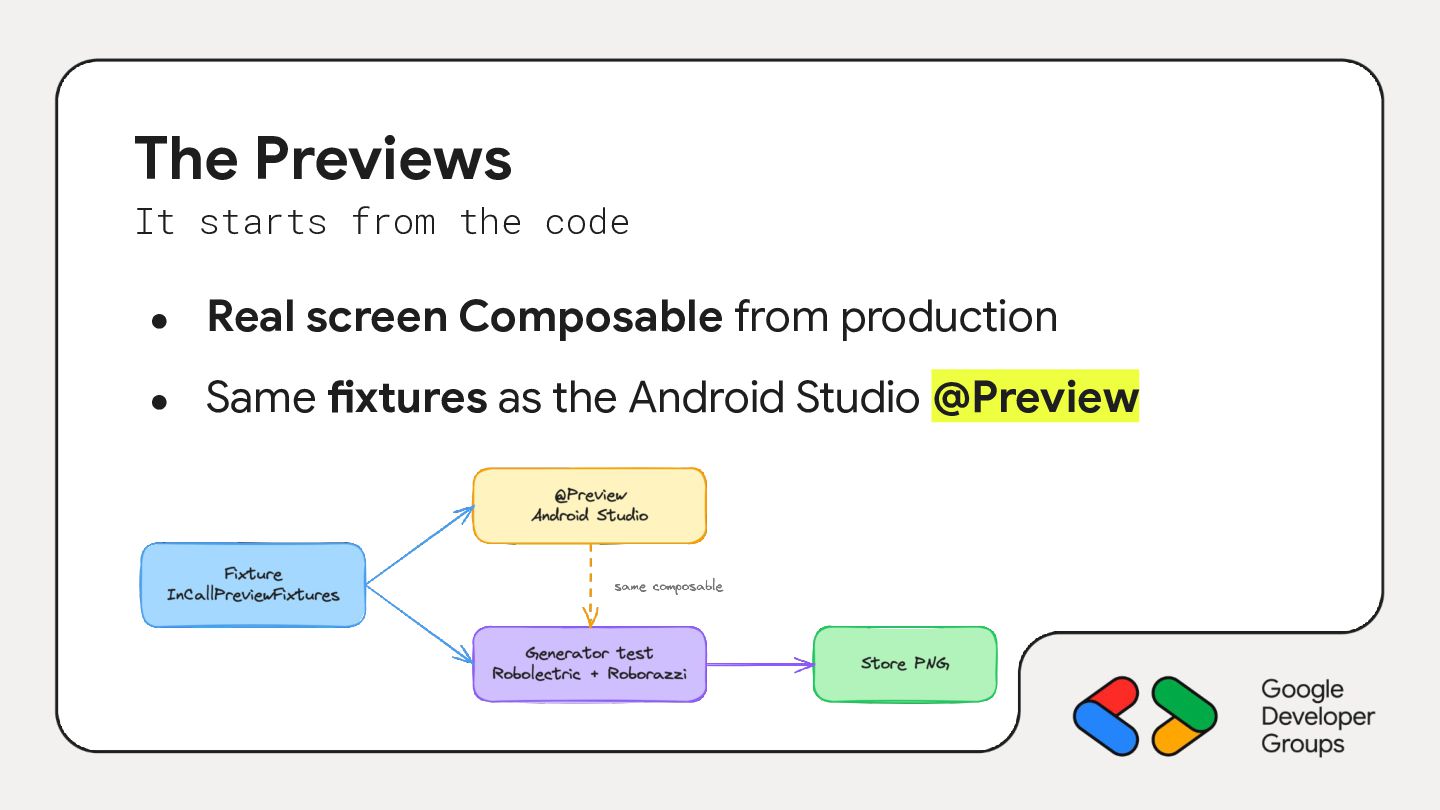
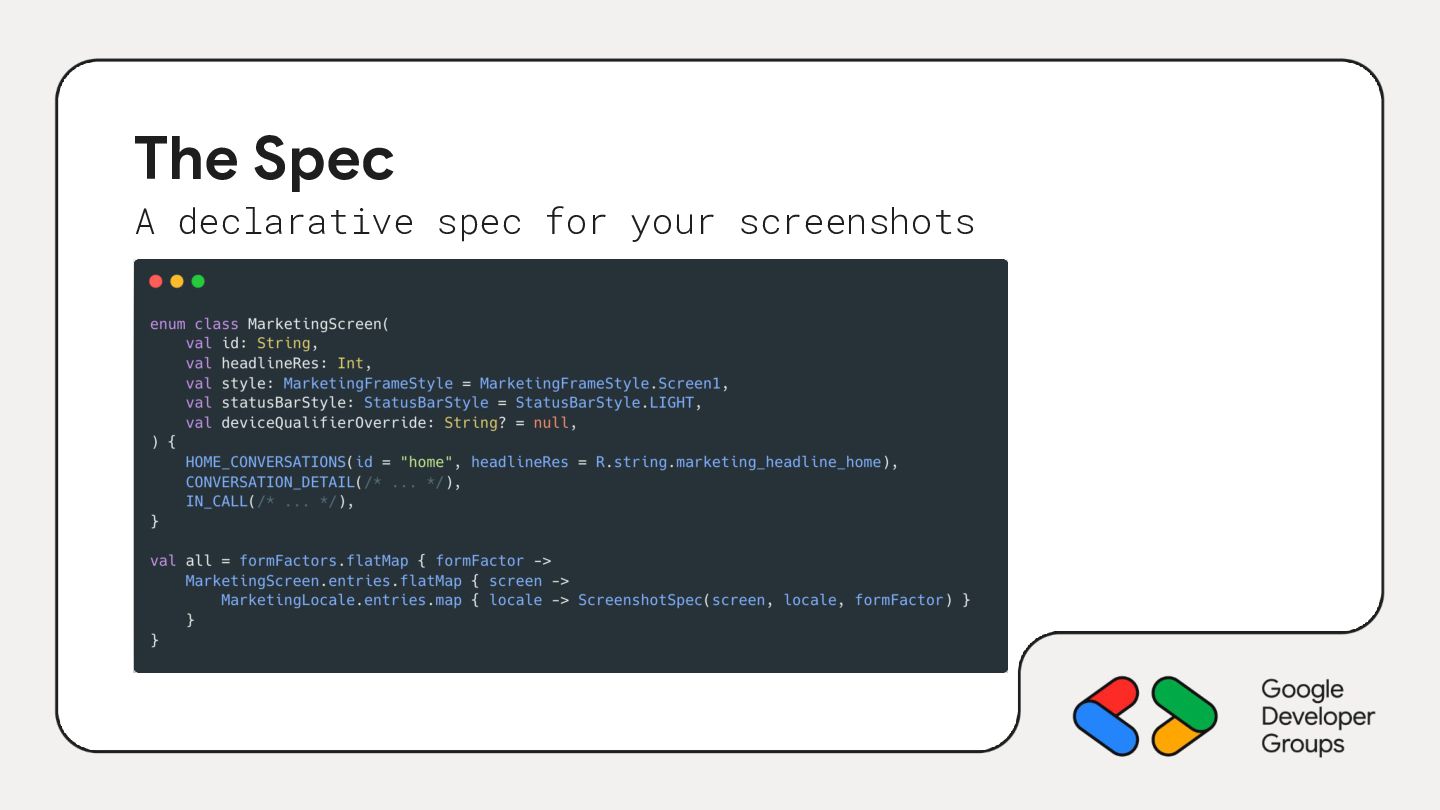
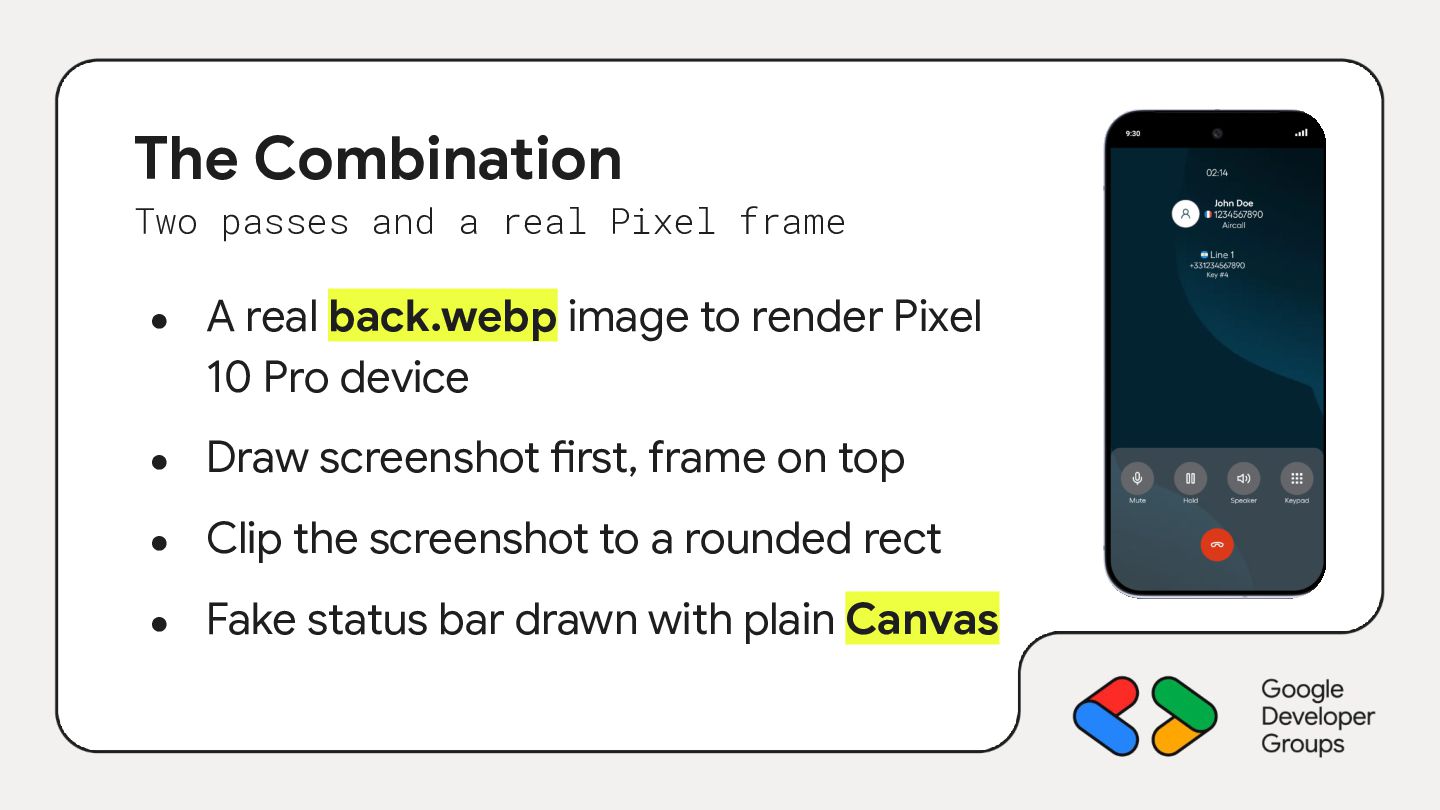
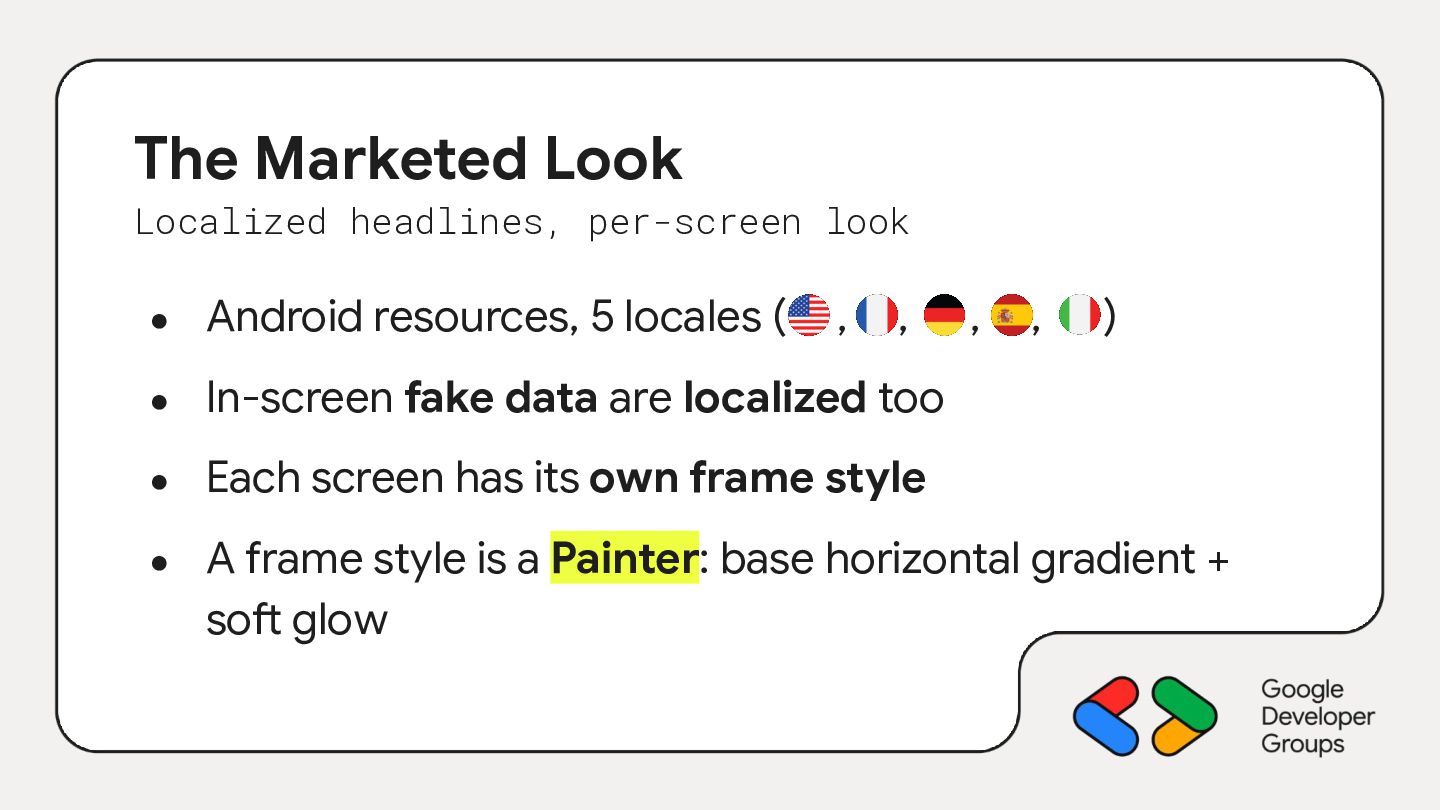
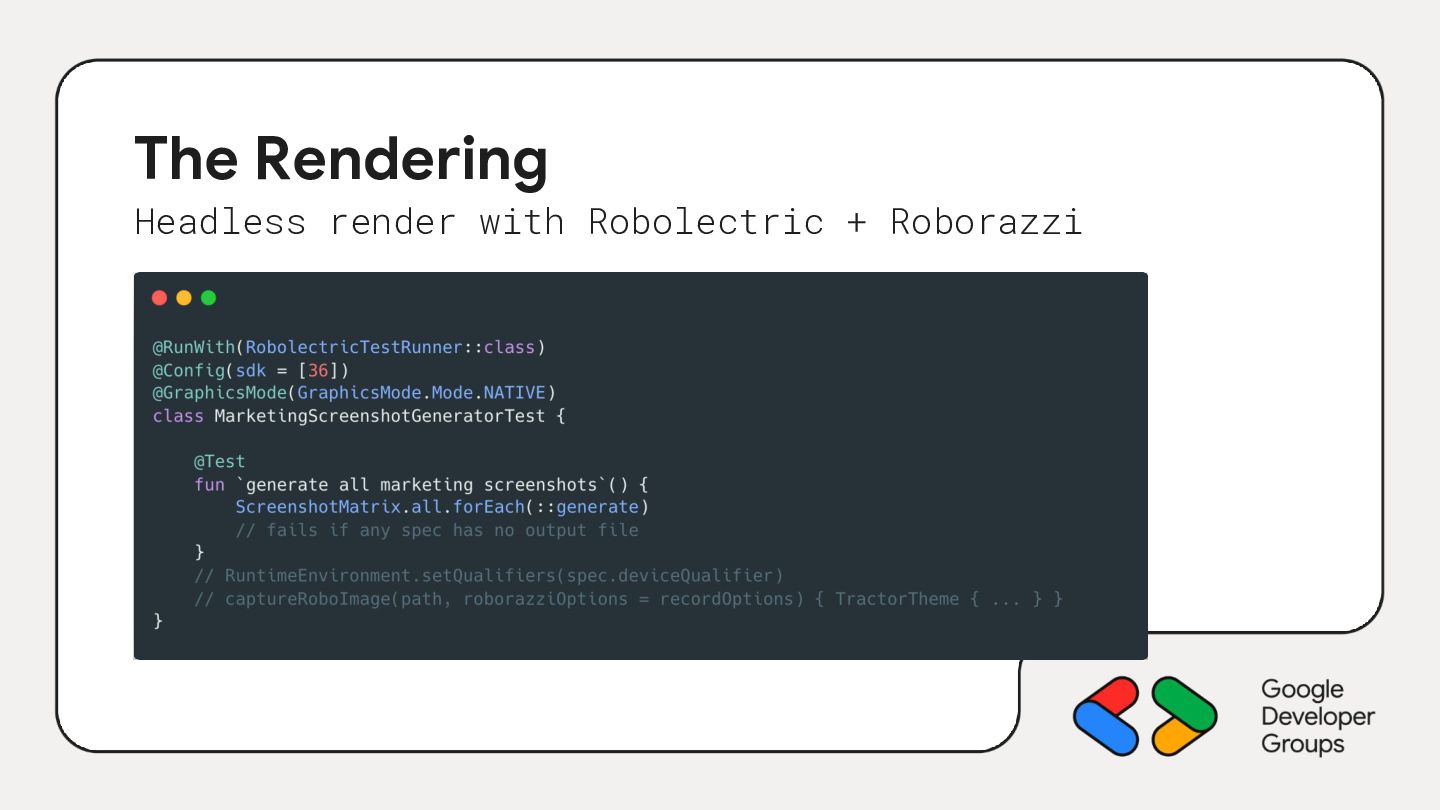
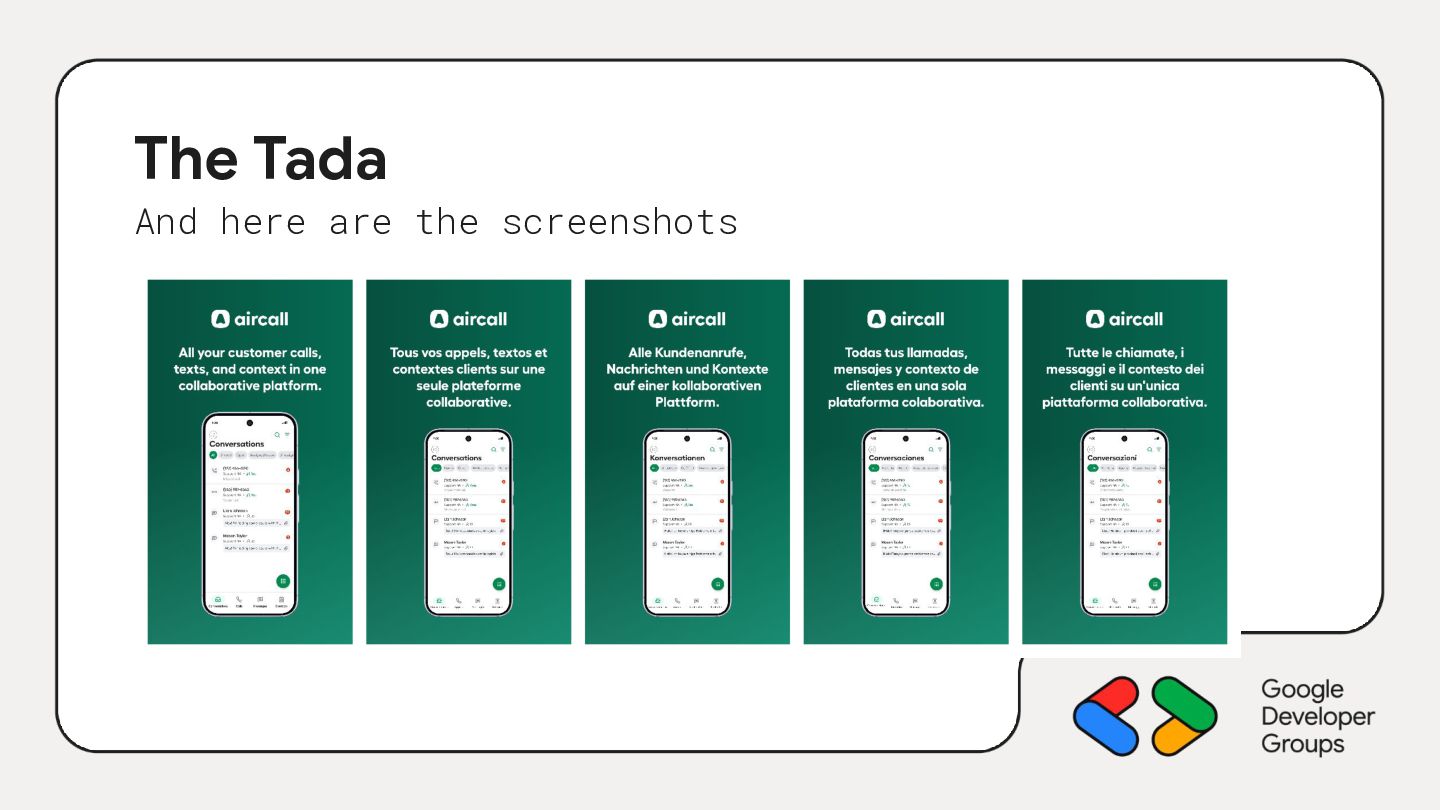
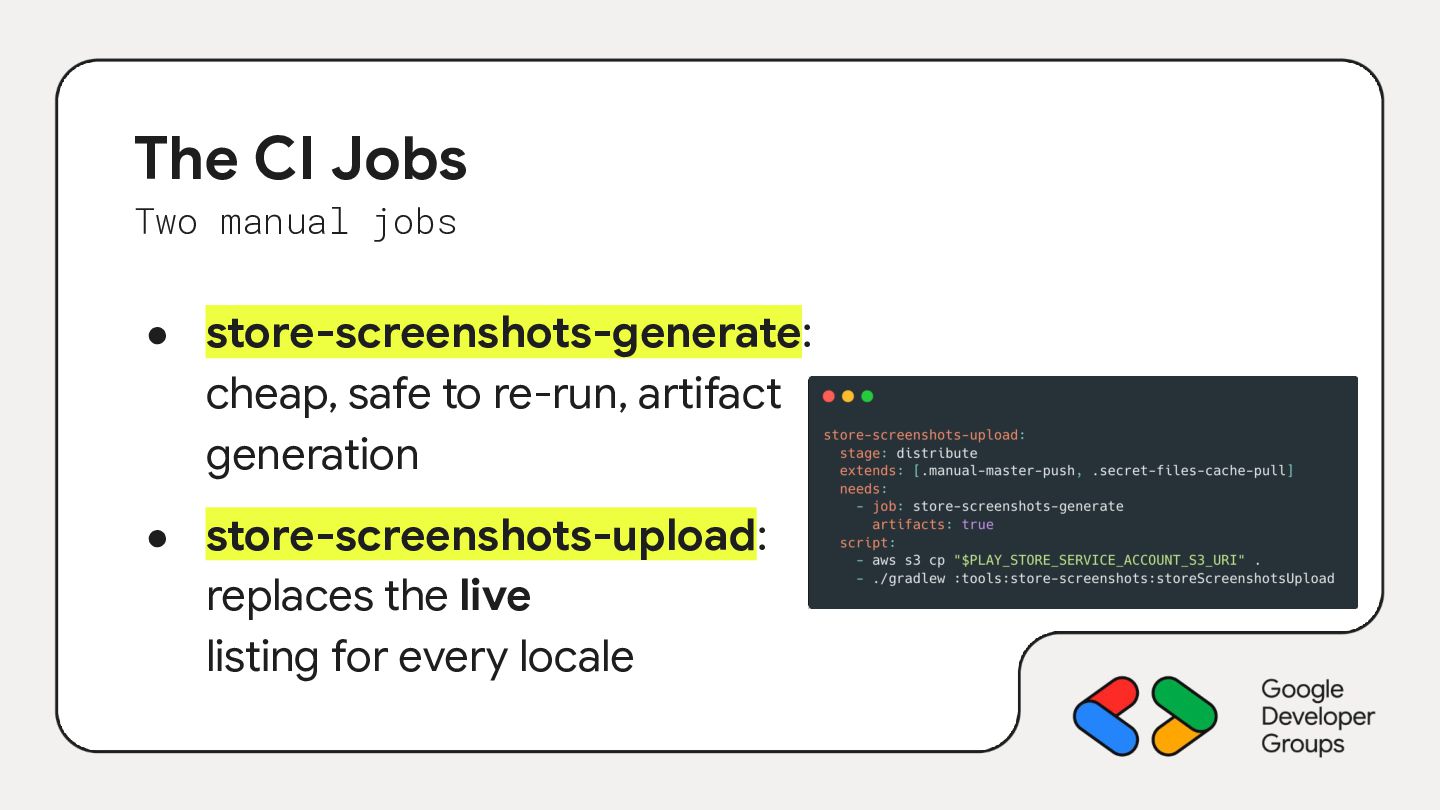
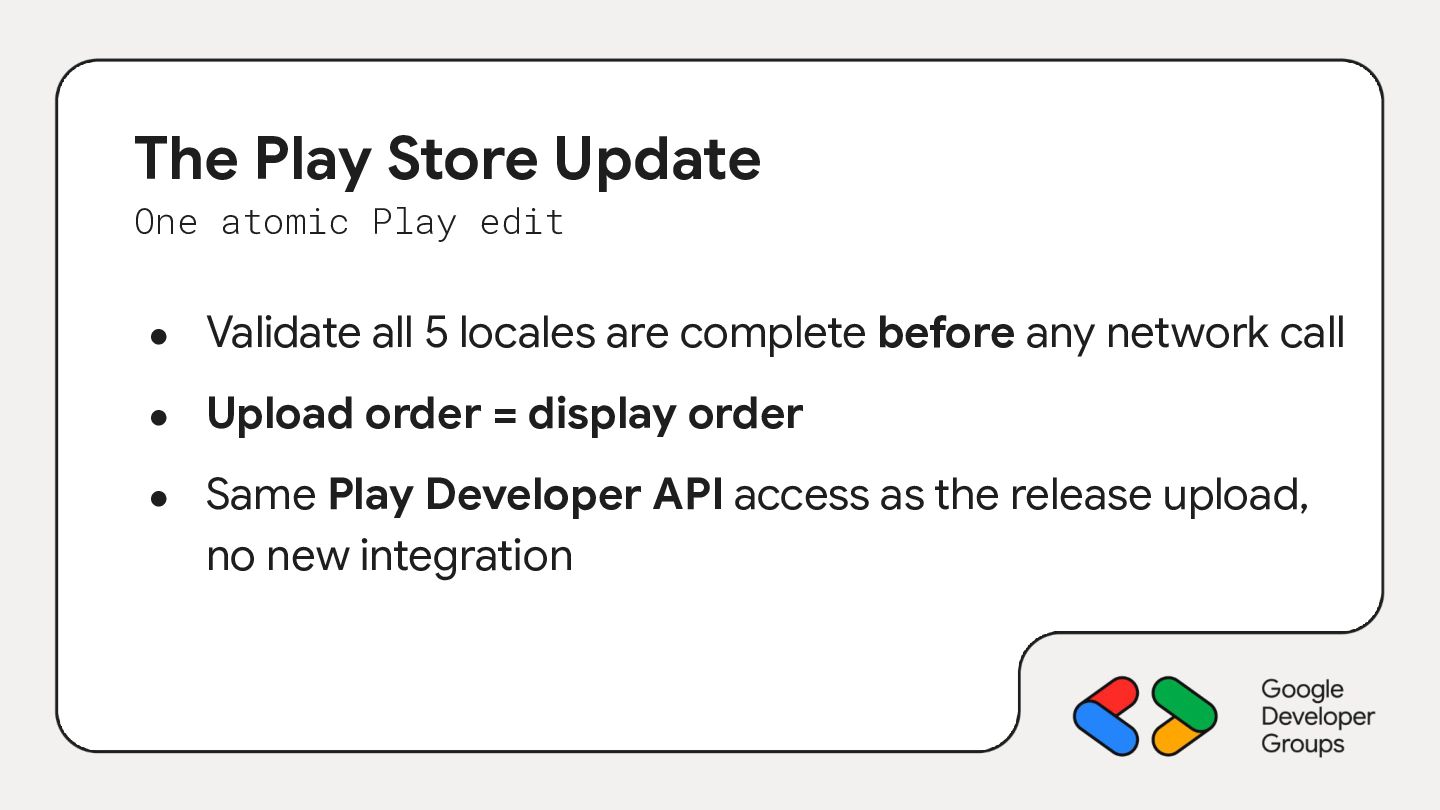
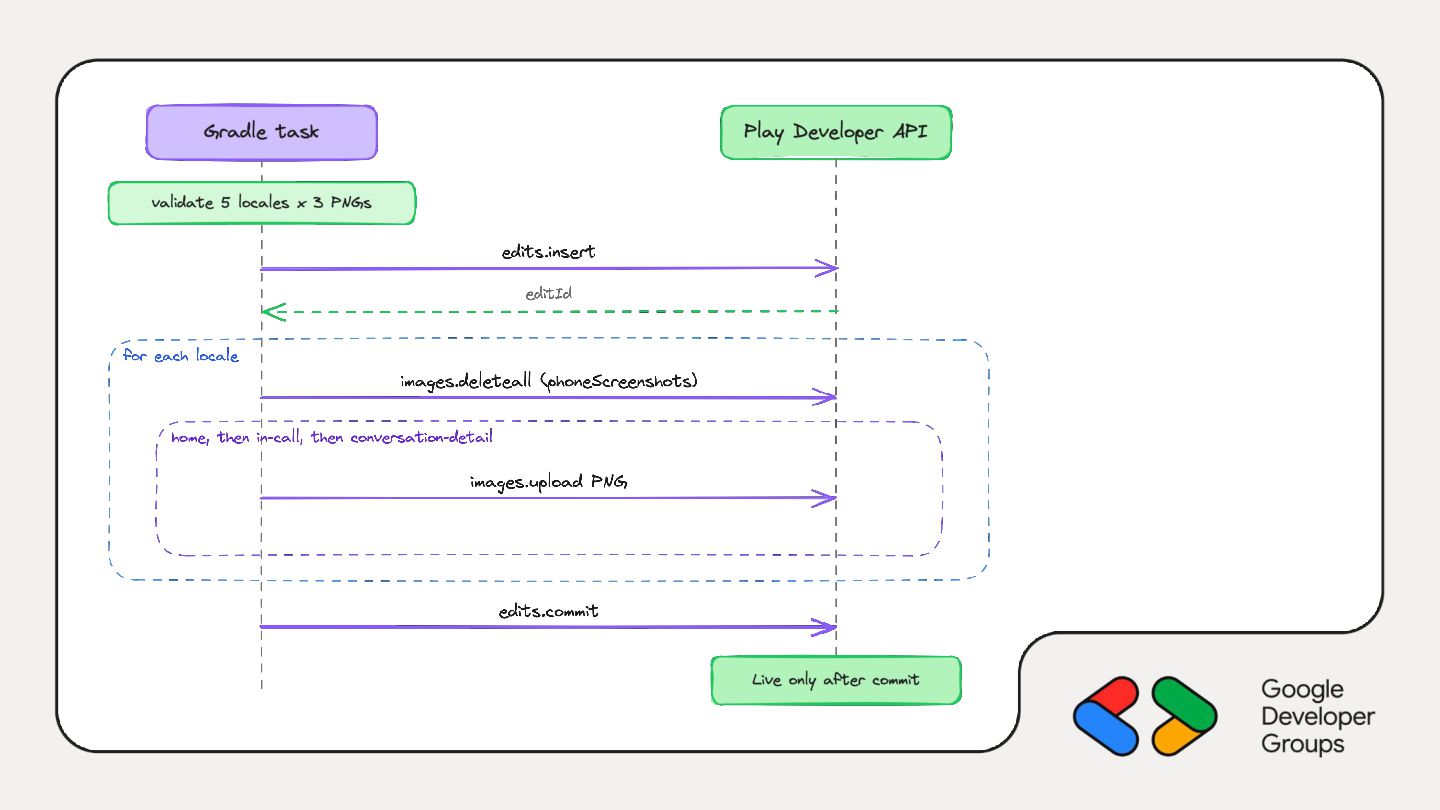
This talk covers a small tool module that renders our real Compose screens from the same fixtures as their Android Studio previews. It runs headlessly with Robolectric and Roborazzi, so there’s no emulator, no device and no golden images. Each screen goes into a real Pixel device frame on a mesh gradient background with a localized headline, and the output is Play-compliant PNGs for every screen and locale. A manual CI job then uploads them through the Play Developer API as a single atomic edit.
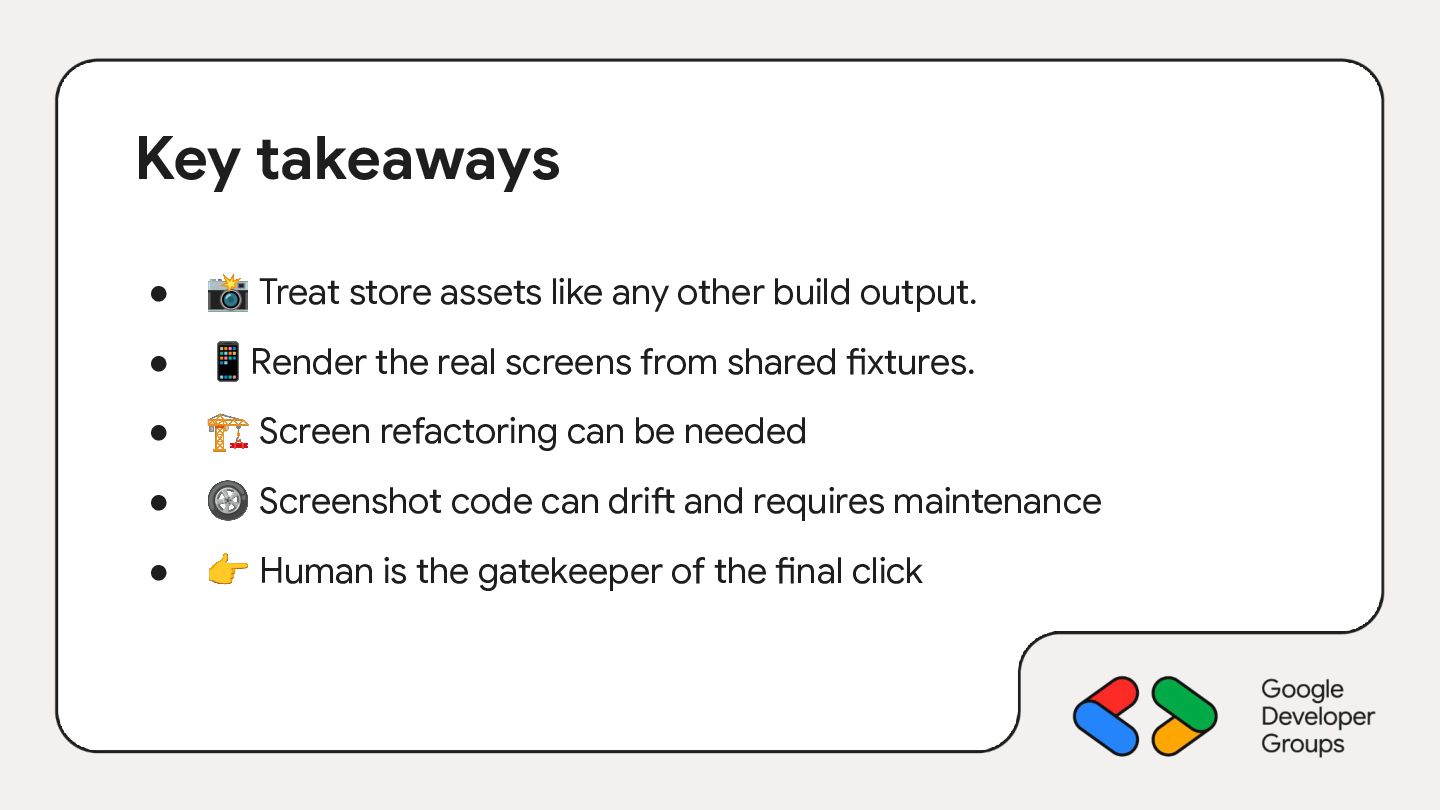
You’ll leave with a pattern you can reuse to treat store assets like any other build output: reviewable, reproducible and one click away from the store.

 oleur
 ryunakayama
 mitohato14
 kmars0605
 ivargrimstad
 simas
 kamina_zzz
 iwiwi
 utakaha
 hakkadaikon
 siroemk
 t0yohei
 har1101
 jonoalderson
 marktimemedia
 katarinadahlin
 elsirapls
 apolaine
 ryanjones
 chrislema
 akosma
 aleyda
 geshan
 mlcsv
 inesmontani