Upgrade to Pro
— share decks privately, control downloads, hide ads and more …
Speaker Deck
Sign up for free
Menu
Search
Features
All features
Private URLs
Password Protection
Custom URLS
Scheduled publishing
Remove Branding
Restrict embedding
Deck Collections
Notes
Features
All features
Private URLs
Password Protection
Custom URLS
Scheduled publishing
Remove Branding
Restrict embedding
Deck Collections
Notes
Explore
Featured decks
Featured speakers
Programming
Technology
Storyboards
Explore
Featured decks
Featured speakers
Programming
Technology
Storyboards
Pricing
Search
Sign in
Sign up for free
09 - Node.JS - OpenWebSchool
Search
openwebschool
August 20, 2012
Programming
400
1
Share
Embed
Copy iframe code
Copy JS code
Copy link
Start on current slide
09 - Node.JS - OpenWebSchool
openwebschool
August 20, 2012
More Decks by openwebschool
See All by openwebschool
11 - CodeIgniter - OpenWebSchool
openwebschool
1
380
07 - Javascript - OpenWebSchool
openwebschool
3
350
08 - js frontend & jQuery - OpenWebSchool
openwebschool
3
290
05 - MySQL - OpenWebSchool
openwebschool
1
280
06 - PHP & MySQL - OpenWebSchool
openwebschool
1
300
03 - PHP II - OpenWebSchool
openwebschool
2
400
04 - CSS - OpenWebSchool
openwebschool
4
360
01 - W3 intro - OpenWebSchool
openwebschool
3
260
02 - PHP I - OpenWebSchool
openwebschool
3
280
Other Decks in Programming
See All in Programming
[DroidKnights 2026] Workflow AX: From Auto-Documented Policies to E2E Testing
raeminkang
0
360
AI時代のTerminal環境を UNIX哲学で設計・運用する
yasunori0418
1
330
学びを記事・スライド・Xへ高速展開する― AI-assisted Learning Loopで回すコンテンツ生成術
ochtum
0
180
SFCで実現する病院・医療システムの動的組み立て式UI
koukimiura
1
160
No More NoSuchMethodError
exoego
1
120
LLM 101
dalinaum
0
450
AI-Powered Domain-Driven Design
ziobrando
0
370
クラウドゲーミングのパフォーマンス最適化に挑む / Cloud Gaming Performance Tuning
vivion
0
320
エージェントを使い続けるためのメタワーク / Meta-work for keeping using the agent
rkaga
6
2.1k
AmebaブログはKMPから卒業します
kmars0605
0
310
AIがコードを書いてくれる時代、我々は何を確かめるのか
yosuke_furukawa
PRO
13
5.5k
Railsのためのパスキー実践入門 〜マルチテナントSaaSでの意思決定〜
utakaha
3
2.5k
Featured
See All Featured
Context Engineering - Making Every Token Count
addyosmani
9
1.3k
Leo the Paperboy
mayatellez
10
2.4k
Reality Check: Gamification 10 Years Later
codingconduct
0
2.4k
Have SEOs Ruined the Internet? - User Awareness of SEO in 2025
akashhashmi
0
540
How to make the Groovebox
asonas
2
2.5k
How to Build an AI Search Optimization Roadmap - Criteria and Steps to Take #SEOIRL
aleyda
1
2.2k
JAMstack: Web Apps at Ludicrous Speed - All Things Open 2022
reverentgeek
1
660
Automating Front-end Workflow
addyosmani
1370
210k
Ethics towards AI in product and experience design
skipperchong
2
450
No one is an island. Learnings from fostering a developers community.
thoeni
21
3.9k
Future Trends and Review - Lecture 12 - Web Technologies (1019888BNR)
signer
PRO
0
3.8k
Lessons Learnt from Crawling 1000+ Websites
charlesmeaden
PRO
1
1.7k
Transcript
None
除了瀏覽器之外 JS 還有其他的環境
Node 是其中之一
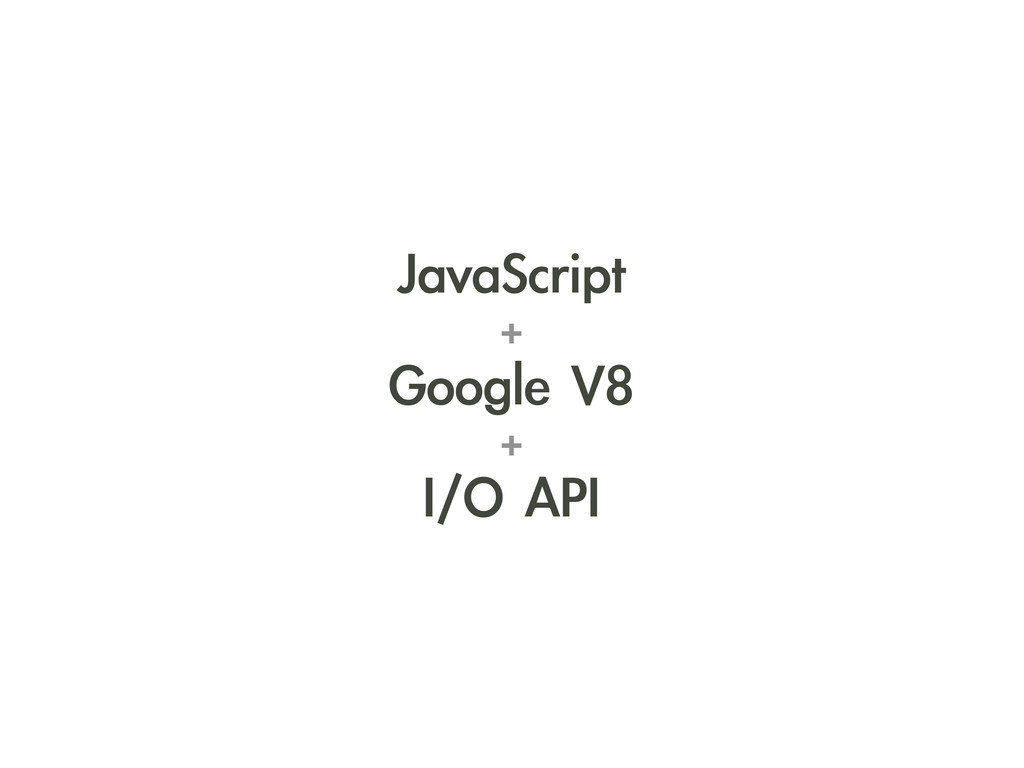
JavaScript + Google V8 + I/O API
None
JavaScript 引擎 Google Chrome 裡面跑得那顆
與 Chrome 是互相獨立的項目 可以單獨瀏覽器在外面跑
Node 用的也是這顆
但是因為 JS 語言本身 不包含輸入輸出
於是 Ryan Dahl 便幫他 加了一套上去
文字 Ryan Dahl
讀寫檔案、網路 ... 這套 API 能做的事情
完全沒什麼特別的
特別的地方在於 他做輸入輸出的方式
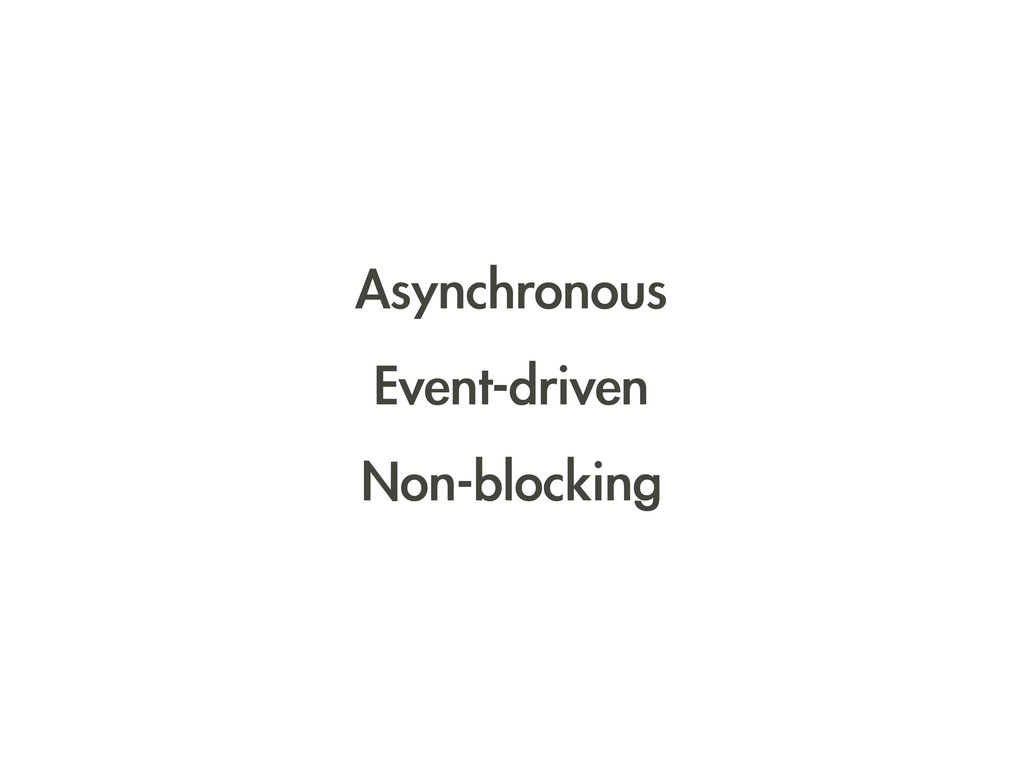
Asynchronous Event-driven Non-blocking
這些特色又是什麼意思?
Node 的輸入輸出模型
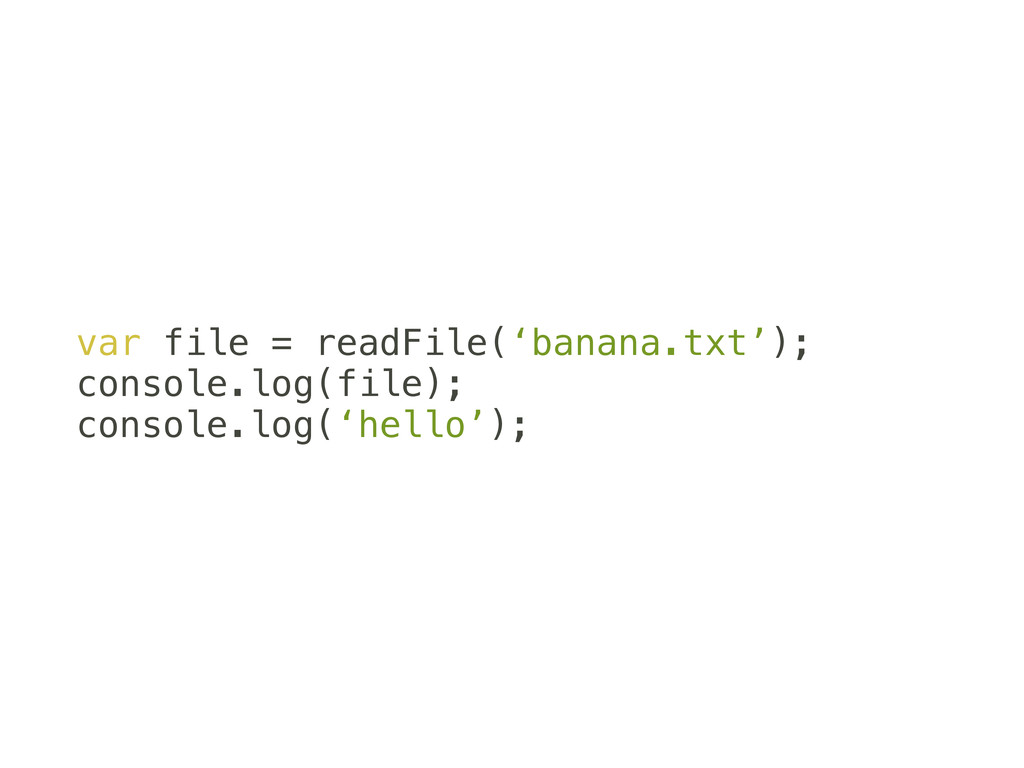
var file = readFile(‘banana.txt’); console.log(file); console.log(‘hello’);
1. 讀檔 2. 印出來 3. 印其他東西
一句做完接著一句 稀鬆平常的三行
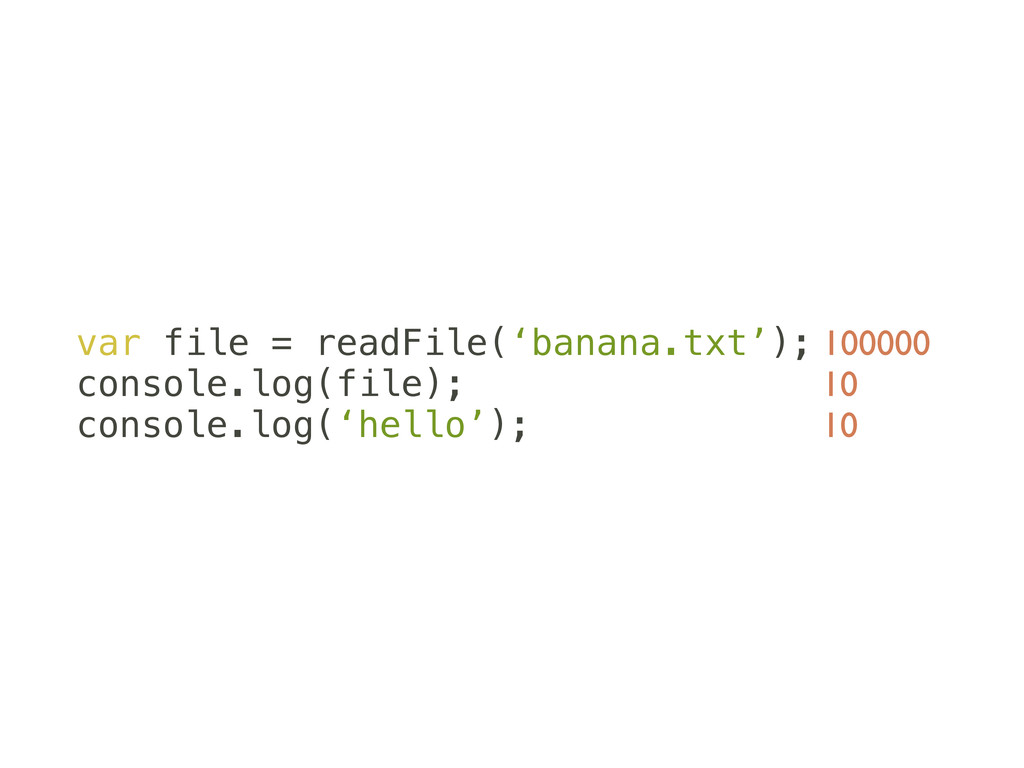
但是執行這三行 各花費的時間不成比例
var file = readFile(‘banana.txt’); console.log(file); console.log(‘hello’); 100000 10 10
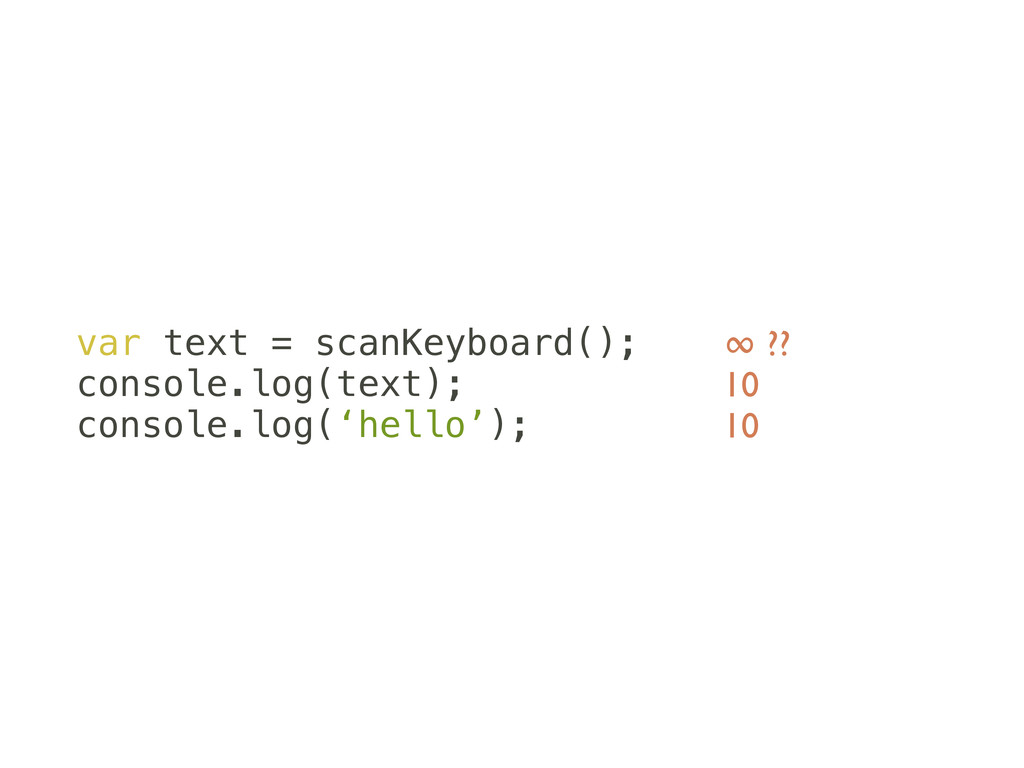
來個可能要等到死的
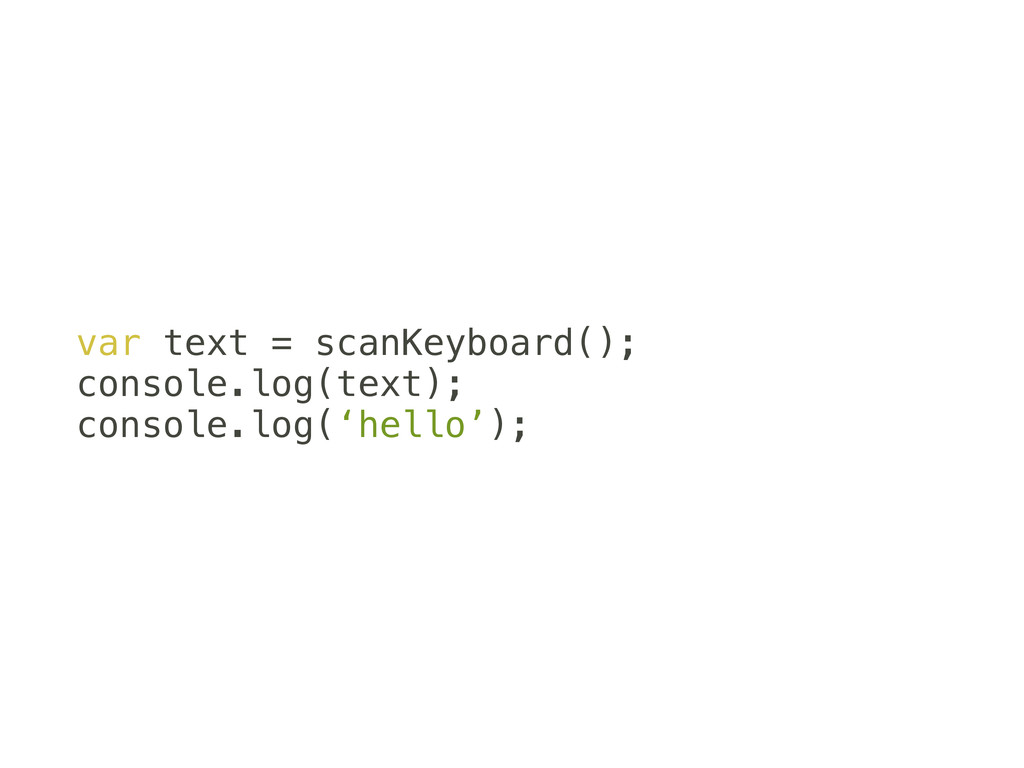
var text = scanKeyboard(); console.log(text); console.log(‘hello’);
var text = scanKeyboard(); console.log(text); console.log(‘hello’); ∞ ?? 10 10
假如使用者永遠不敲鍵盤 後面兩行永遠都不會被執行
Blocking I/O 會讓後面塞住的輸入輸出方式
傳統解決方式:Thread 一次開多一點一起等
傳統解決方式:Thread 一次開多一點一起等
Thread
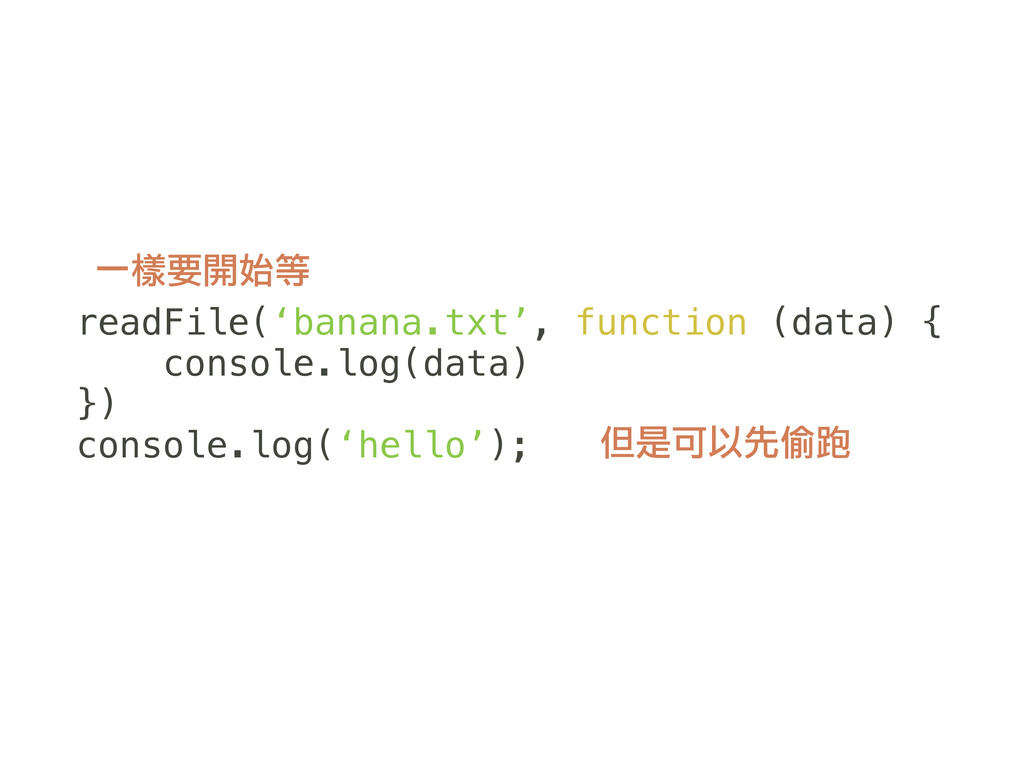
Node 的解決方式 老子不等你
等你好了再叫我 我先去做其他事情
readFile(‘banana.txt’, function (data) { console.log(data) }) console.log(‘hello’); 一樣要開始等 但是可以先偷跑
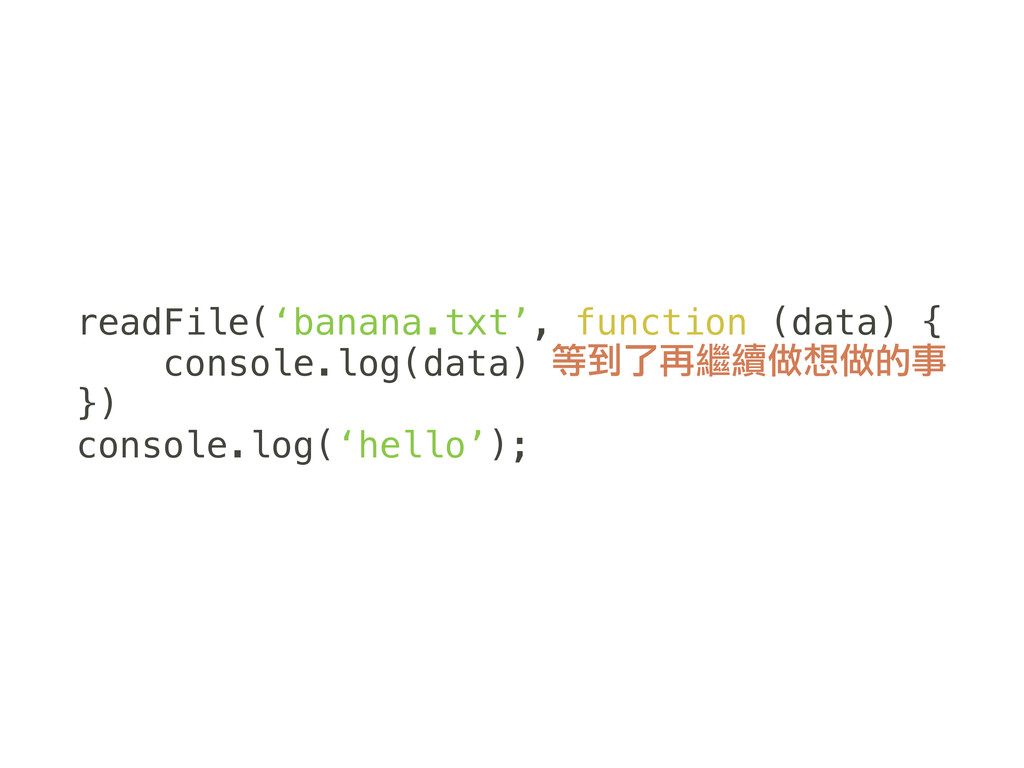
readFile(‘banana.txt’, function (data) { console.log(data) }) console.log(‘hello’); 等到了再繼續做想做的事
Event-driven Node 利用事件與 callback 來改變執行的時間與順序
Non-blocking I/O 所以也不會讓後面塞住了
Asynchronous 程式是非同步的 輸入從開始到完成不在同一行
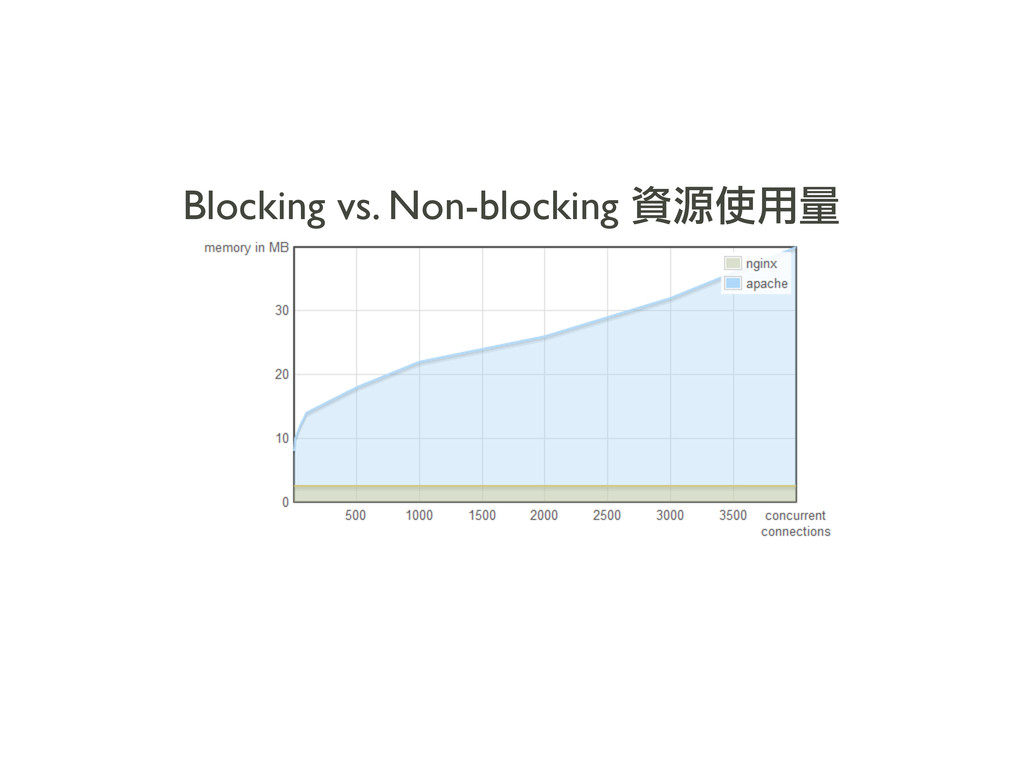
文字 Blocking vs. Non-blocking 資源使用量
優點 & 缺點
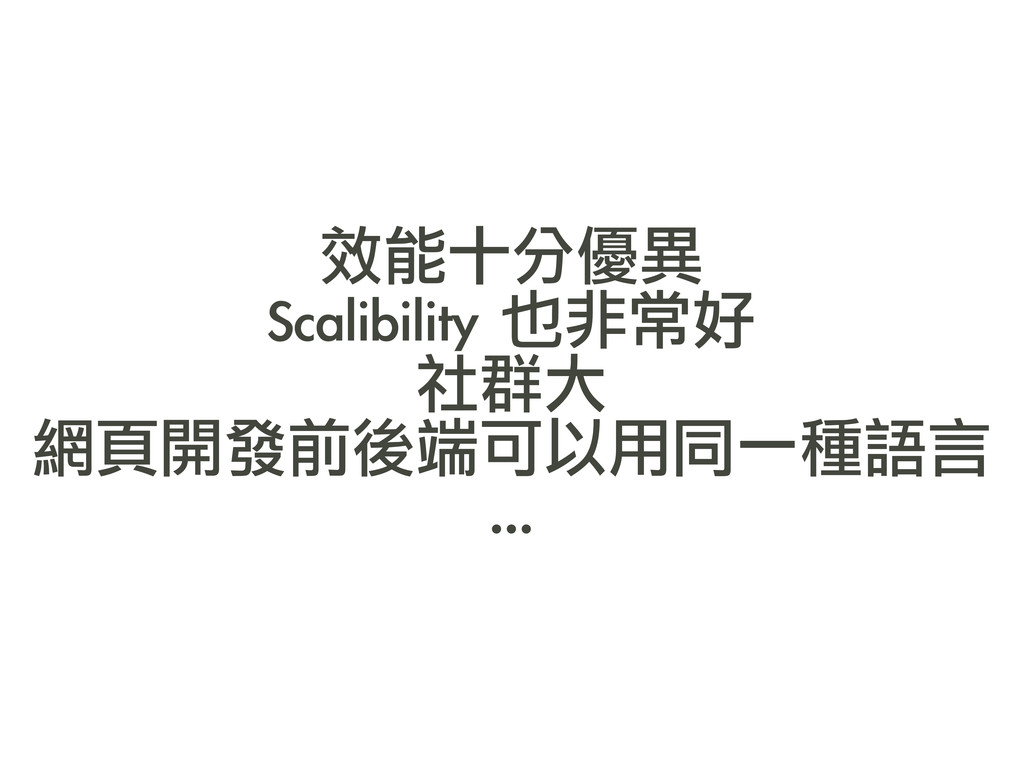
效能十分優異 Scalibility 也非常好 社群大 網頁開發前後端可以用同一種語言 ...
Single-threaded 還太年輕
使用方法
可以去官網下載然後安裝 應該都找得到自己平台的版本
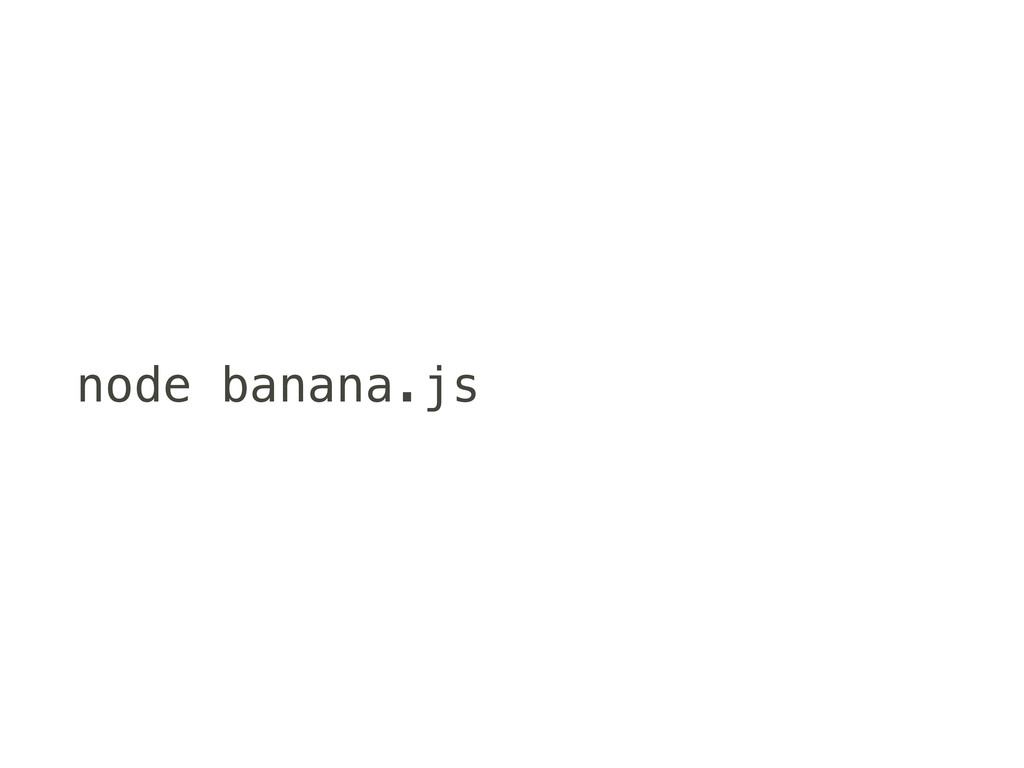
node banana.js
2009 年誕生 同年釋出第一個穩定版 v0.2 目前最新的穩定版本為 v0.8
雙數版本號為穩定版 單數版本號回開發版
整個專案都在 Github 上面
內建模組
Node 內建了許多基本的 I/O 模組 讀寫檔、網路 ...
Node 弄了一套模組系統 這些模組都可以用 野生的物件 reqiure 取得
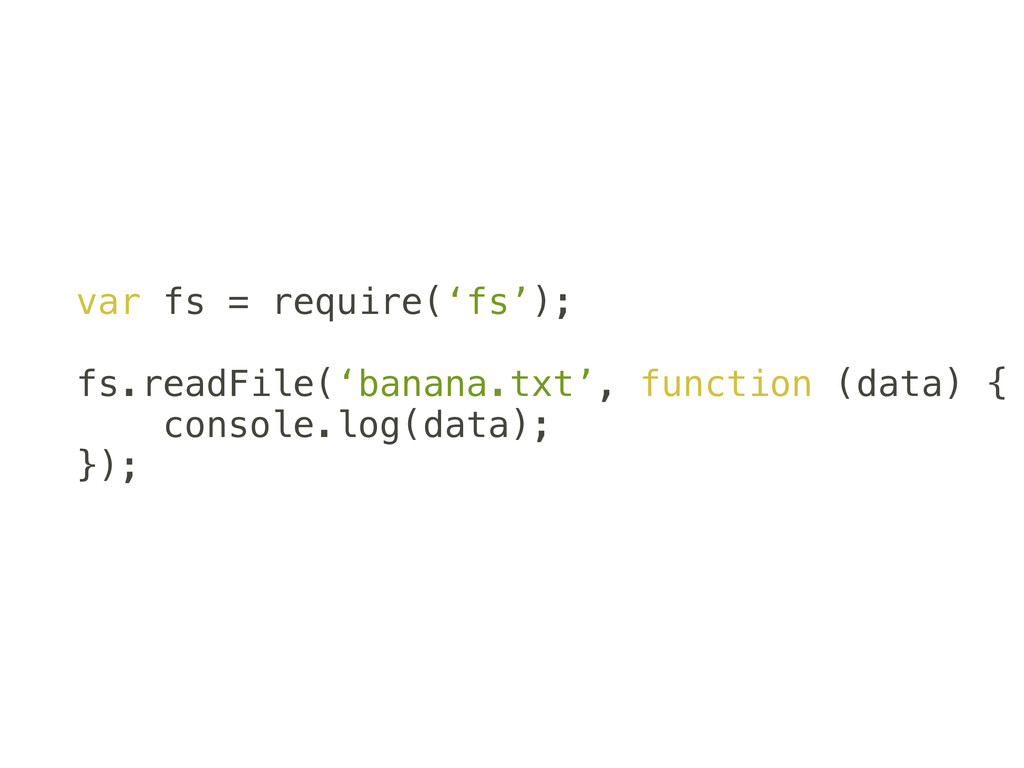
var fs = require(‘fs’); fs.readFile(‘banana.txt’, function (data) { console.log(data); });
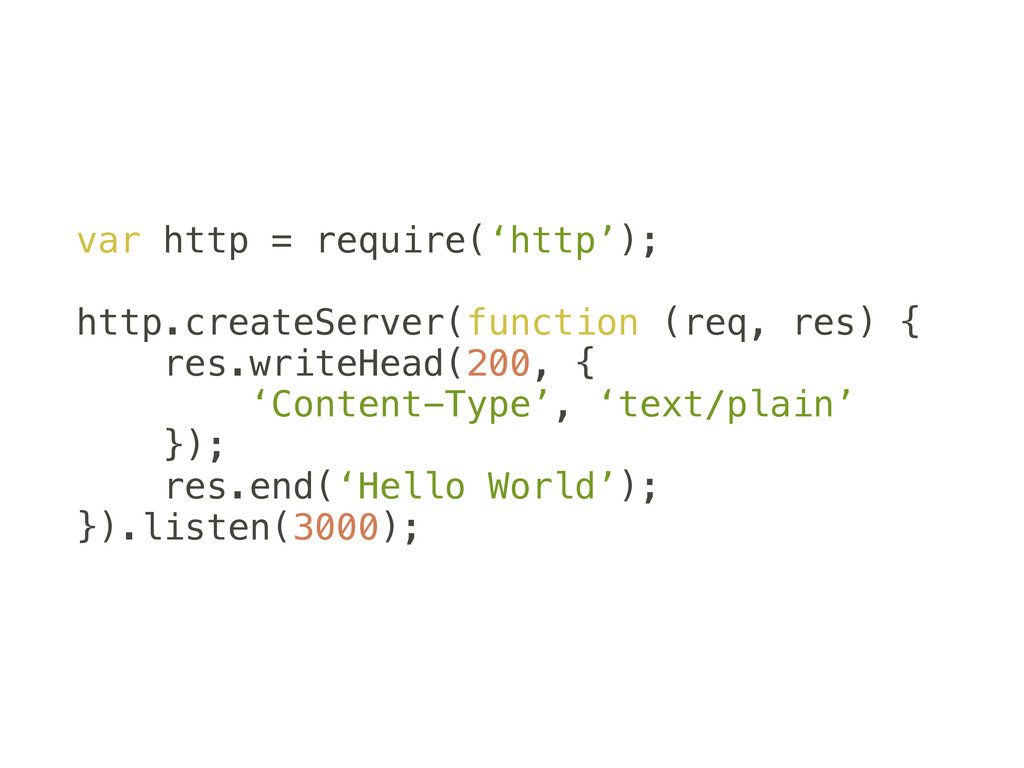
var http = require(‘http’); http.createServer(function (req, res) { res.writeHead(200, {
‘Content-Type’, ‘text/plain’ }); res.end(‘Hello World’); }).listen(3000);
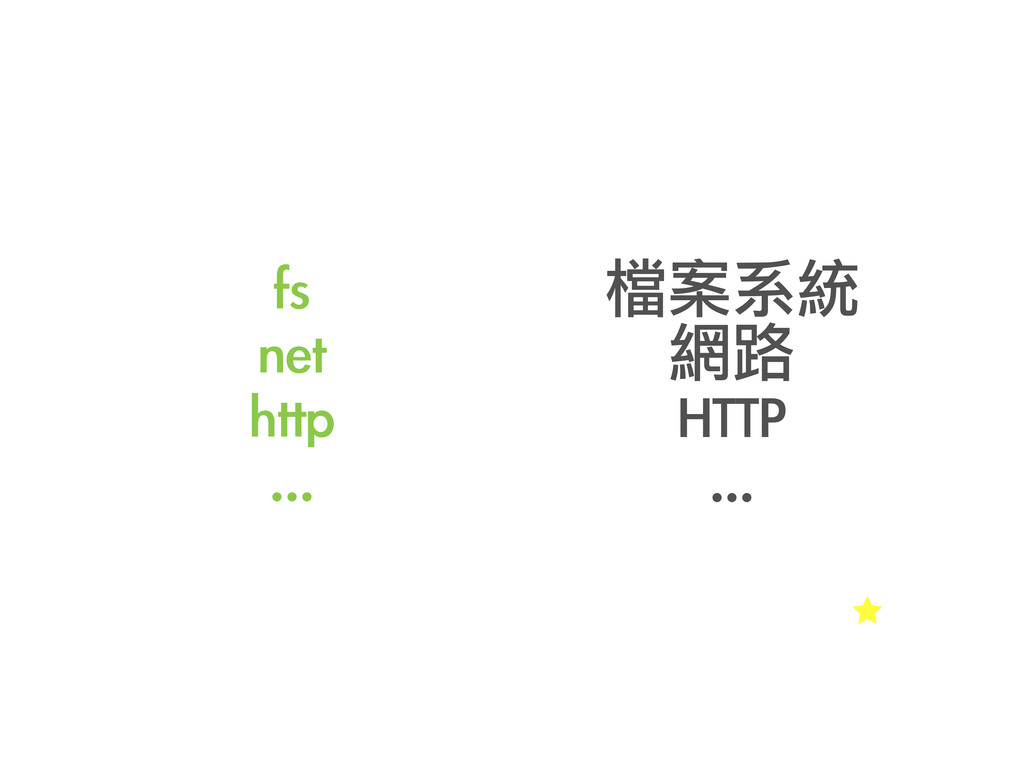
fs net http ... 檔案系統 網路 HTTP ...
自己寫個模組
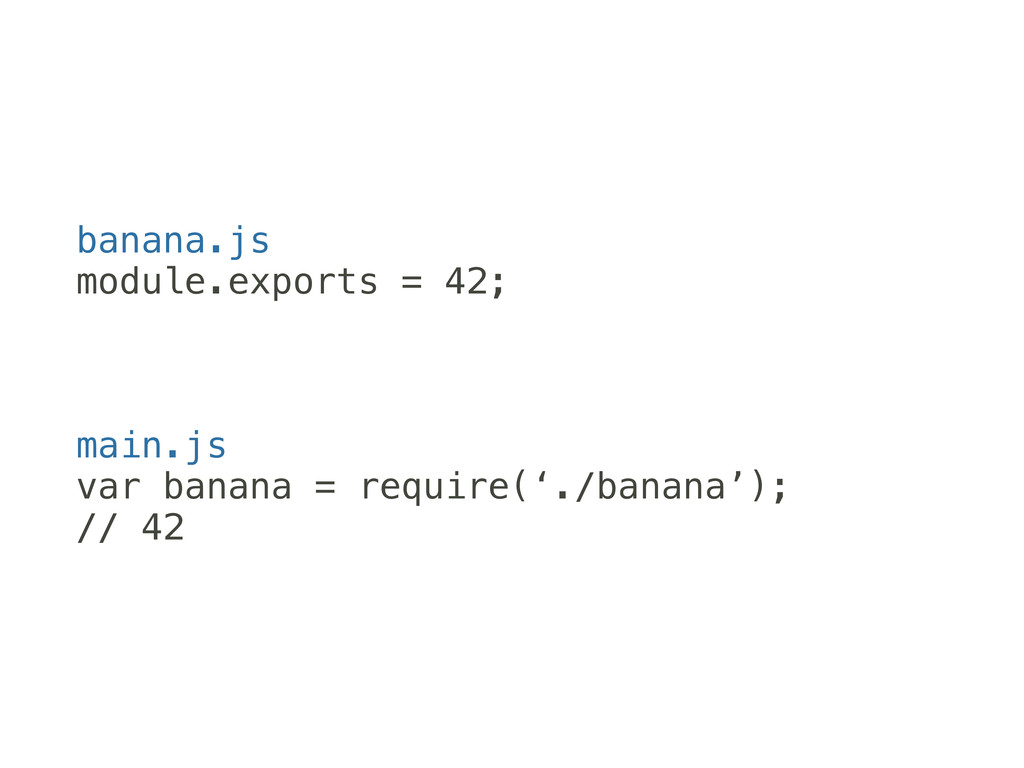
只要在 require 放進相對路徑
用 module.exports 輸出
banana.js module.exports = 42; main.js var banana = require(‘./banana’); //
42
用別人寫的模組
NPM
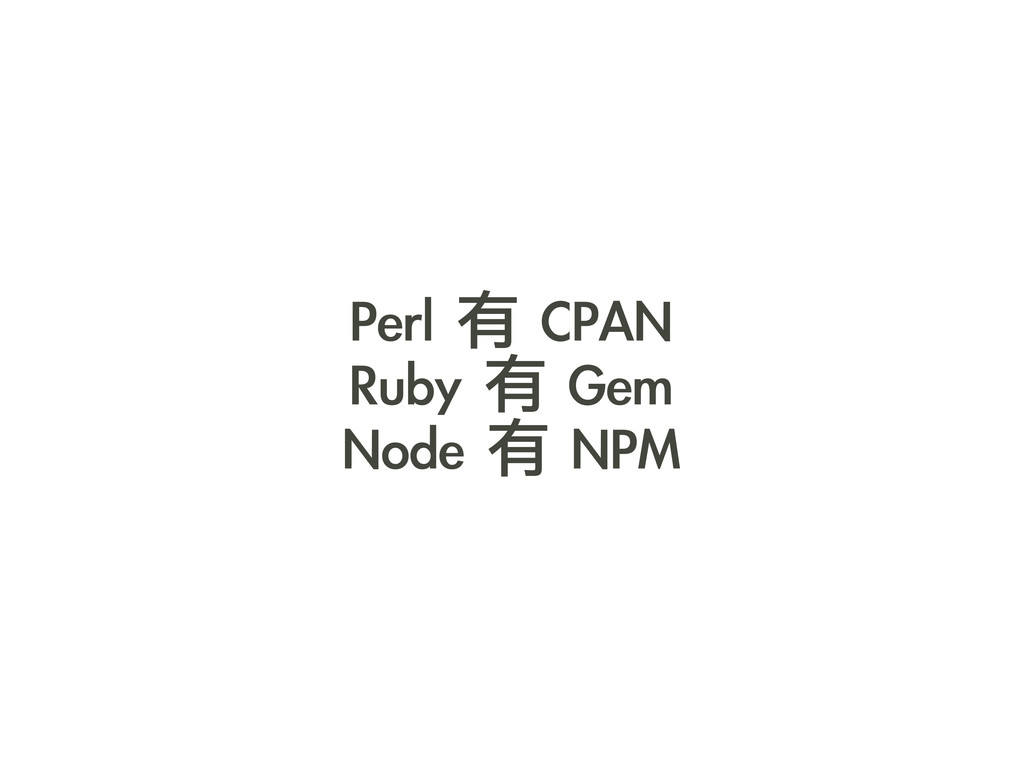
Perl 有 CPAN Ruby 有 Gem Node 有 NPM
可以到這裡去找看要什麼 https://npmjs.org/ http://blago.dachev.com/modules
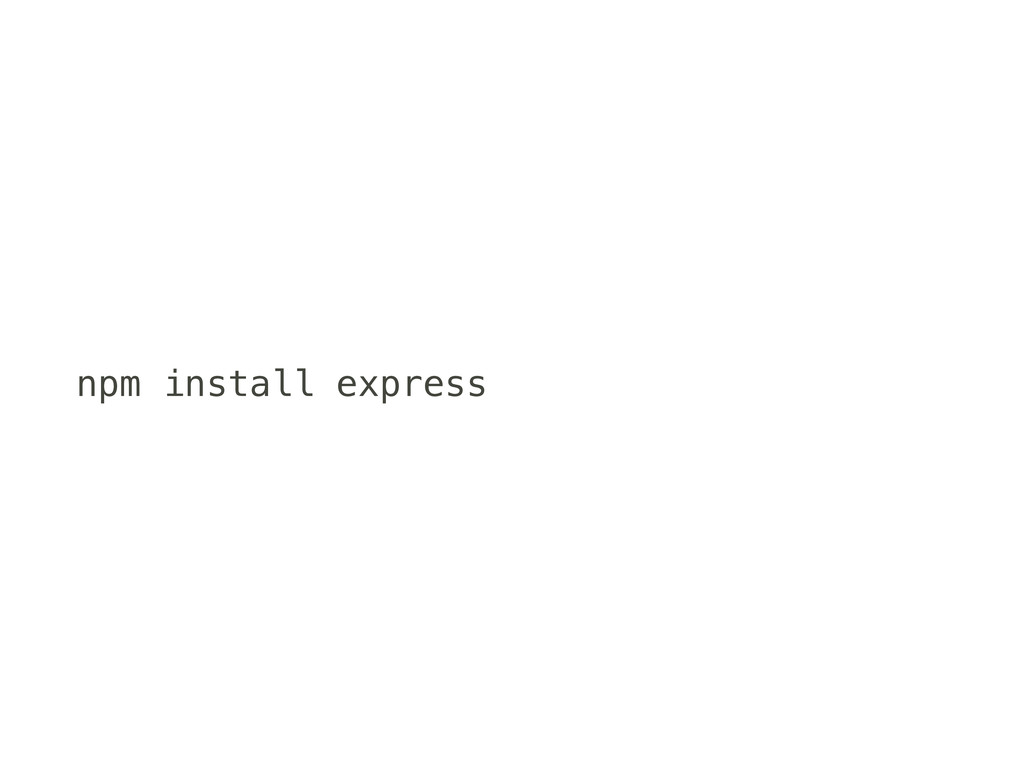
npm install express


 openwebschool
 raeminkang
 yasunori0418
 ochtum
 koukimiura
 exoego
 dalinaum
 ziobrando
 vivion
 rkaga
 kmars0605
 yosuke_furukawa
 utakaha
 addyosmani
 mayatellez
 codingconduct
 akashhashmi
 asonas
 aleyda
 reverentgeek
 skipperchong
 thoeni
 signer
 charlesmeaden