Upgrade to Pro — share decks privately, control downloads, hide ads and more …

Responsive Particle Density Without Pretending ...

Sponsored · Your Podcast. Everywhere. Effortlessly. Share. Educate. Inspire. Entertain. You do you. We'll handle the rest. →
Avatar for PatilRB PatilRB
October 20, 2026

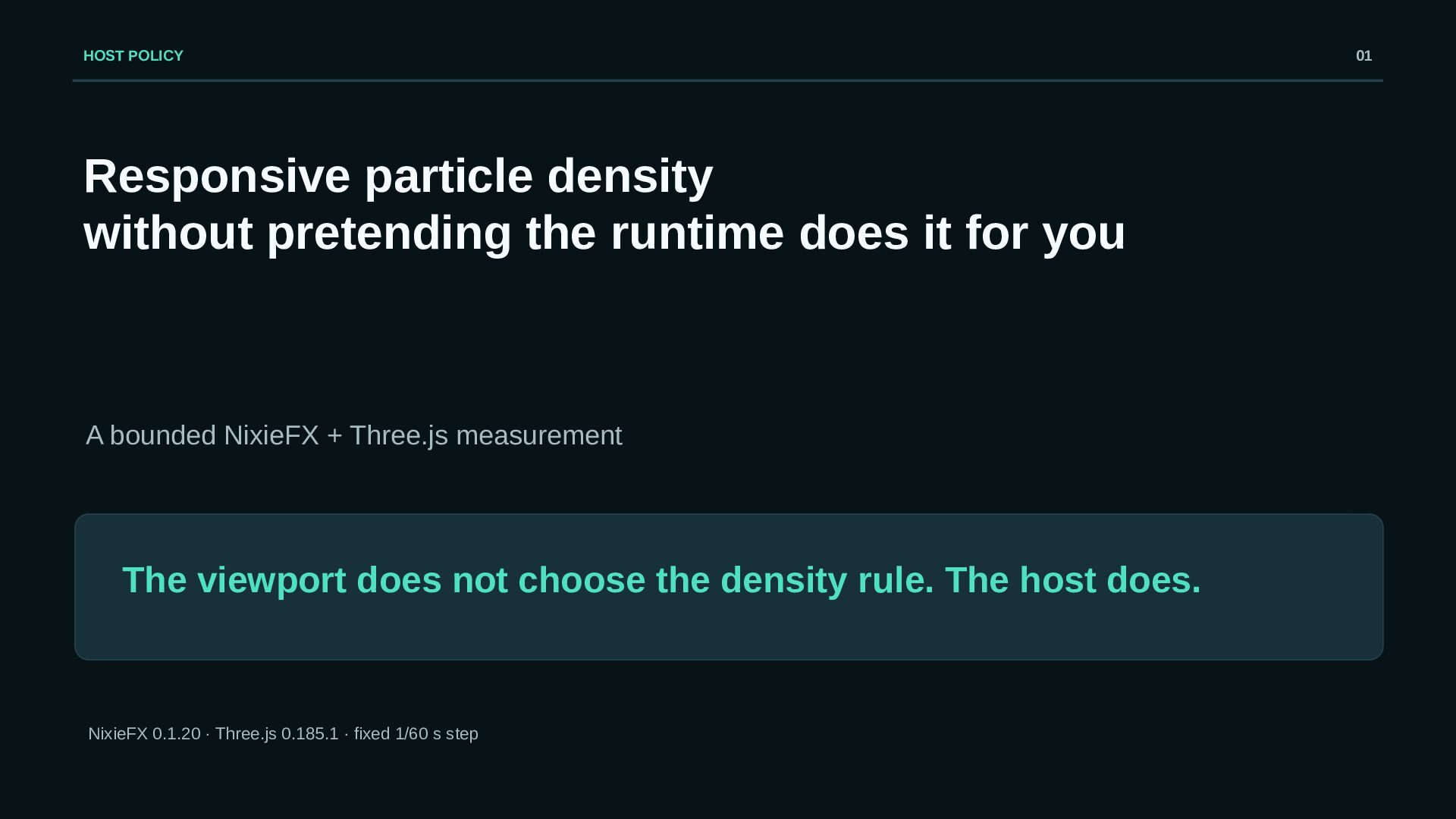
Responsive Particle Density Without Pretending the Runtime Does It for You

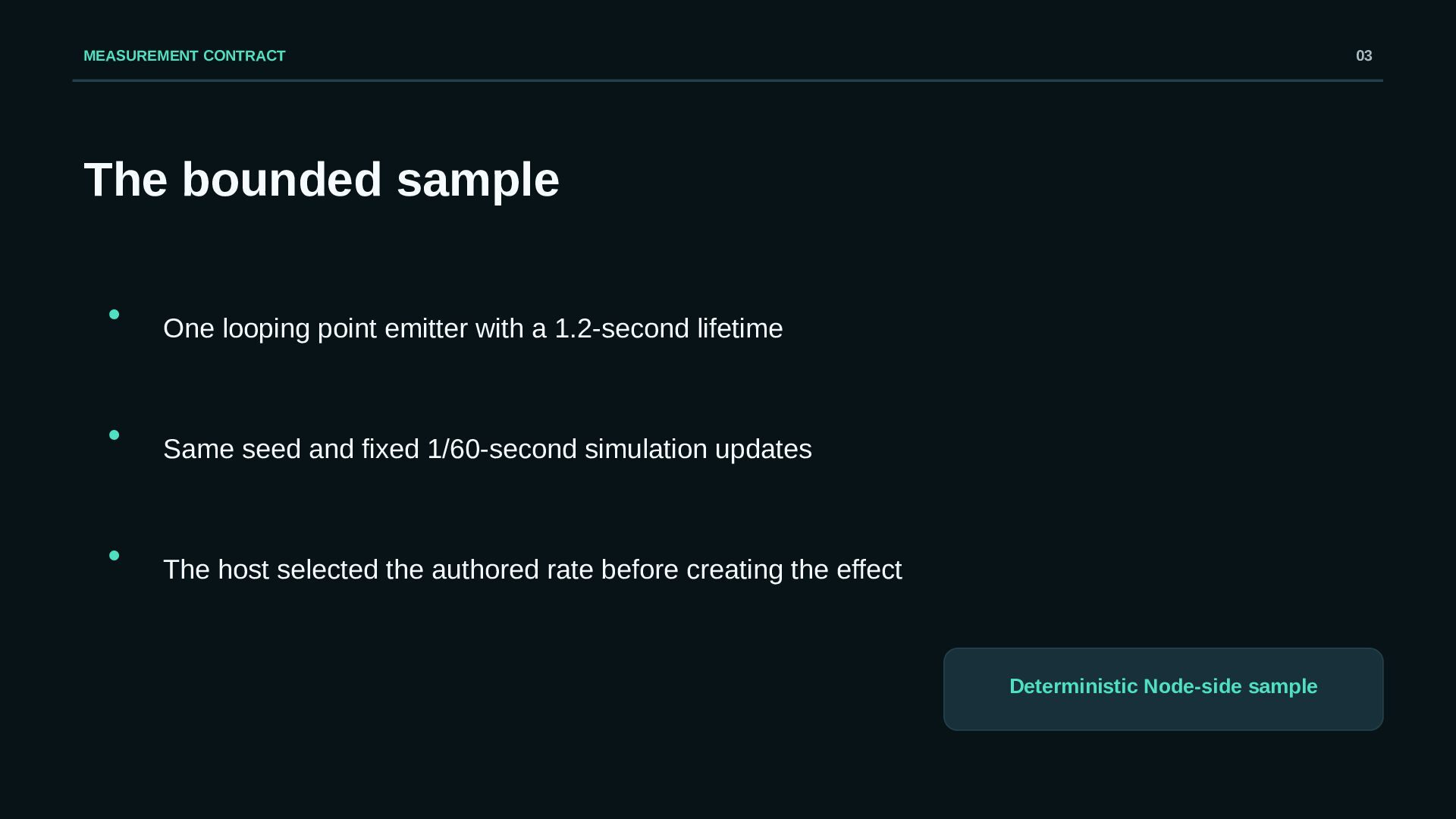
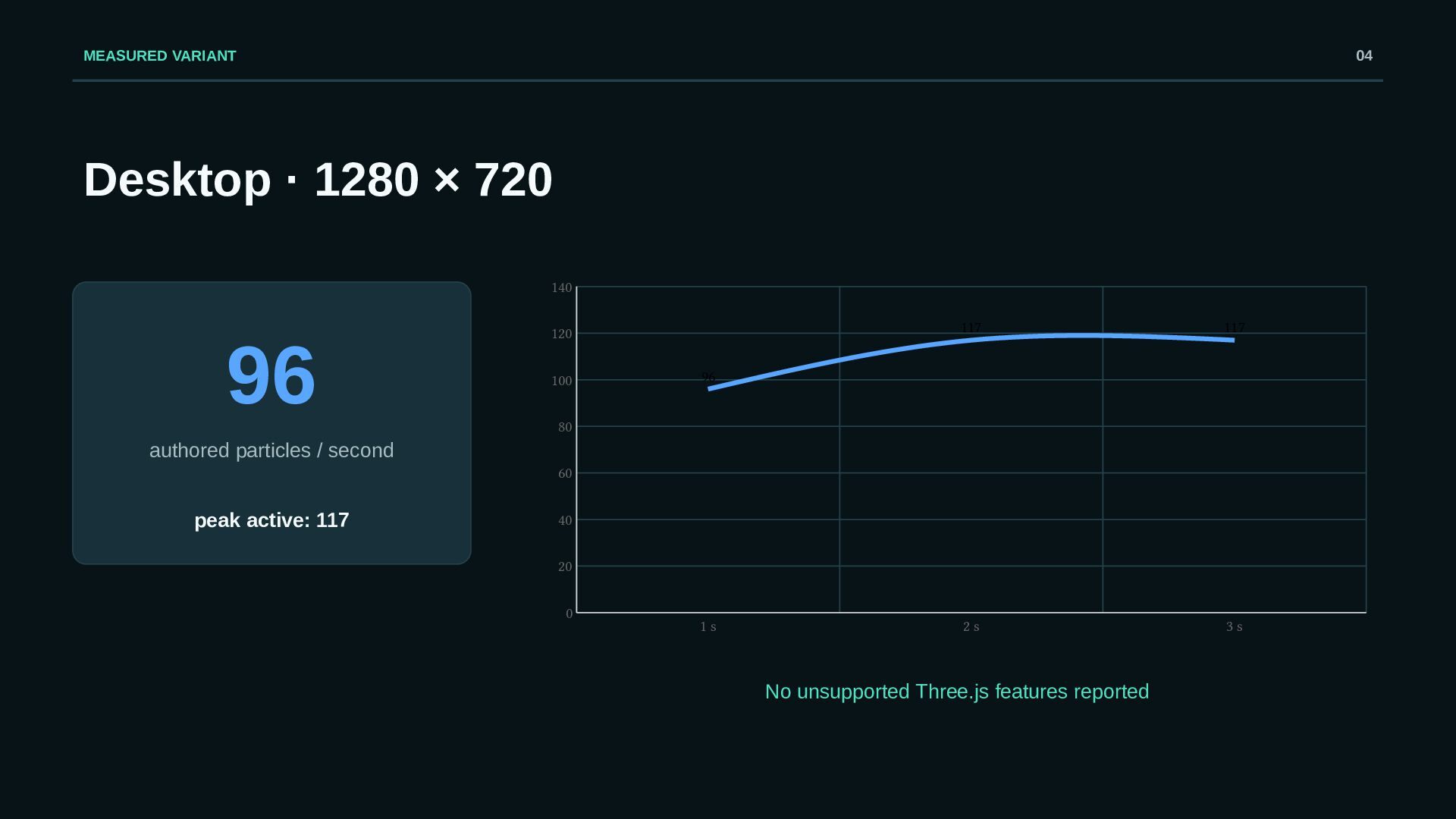
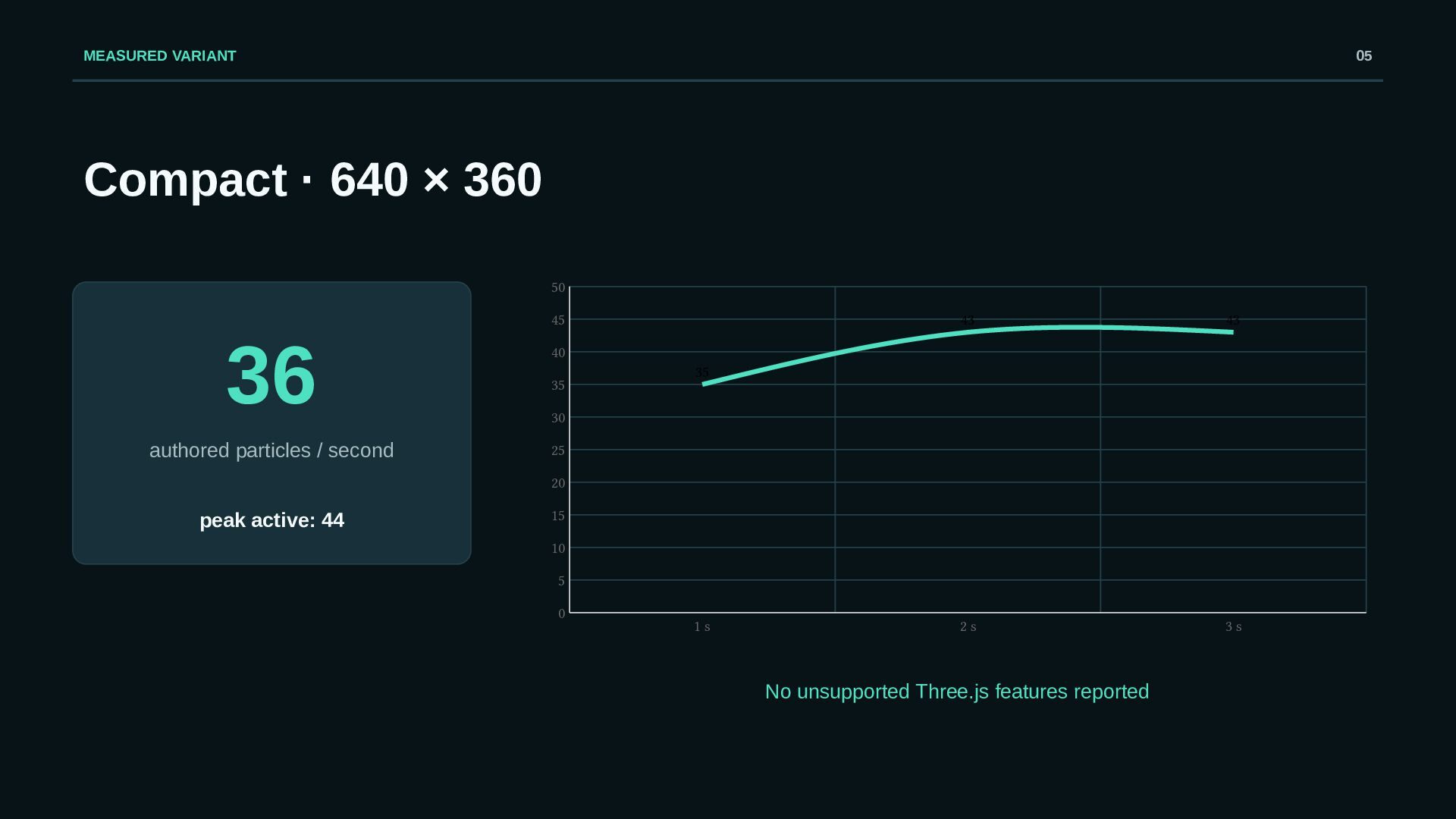
Shrinking a canvas does not make a particle system responsive by itself. This deck shows a bounded Three.js runtime sample in which the host deliberately selects one of two authored emission rates: 96 particles per second for a 1280 × 720 viewport and 36 for 640 × 360. With a 1.2-second lifetime and fixed 1/60-second updates, the desktop run stabilized at 117 active particles in the two- and three-second samples; the compact run stabilized at 43 and peaked at 44. Both reported zero unsupported Three.js features.

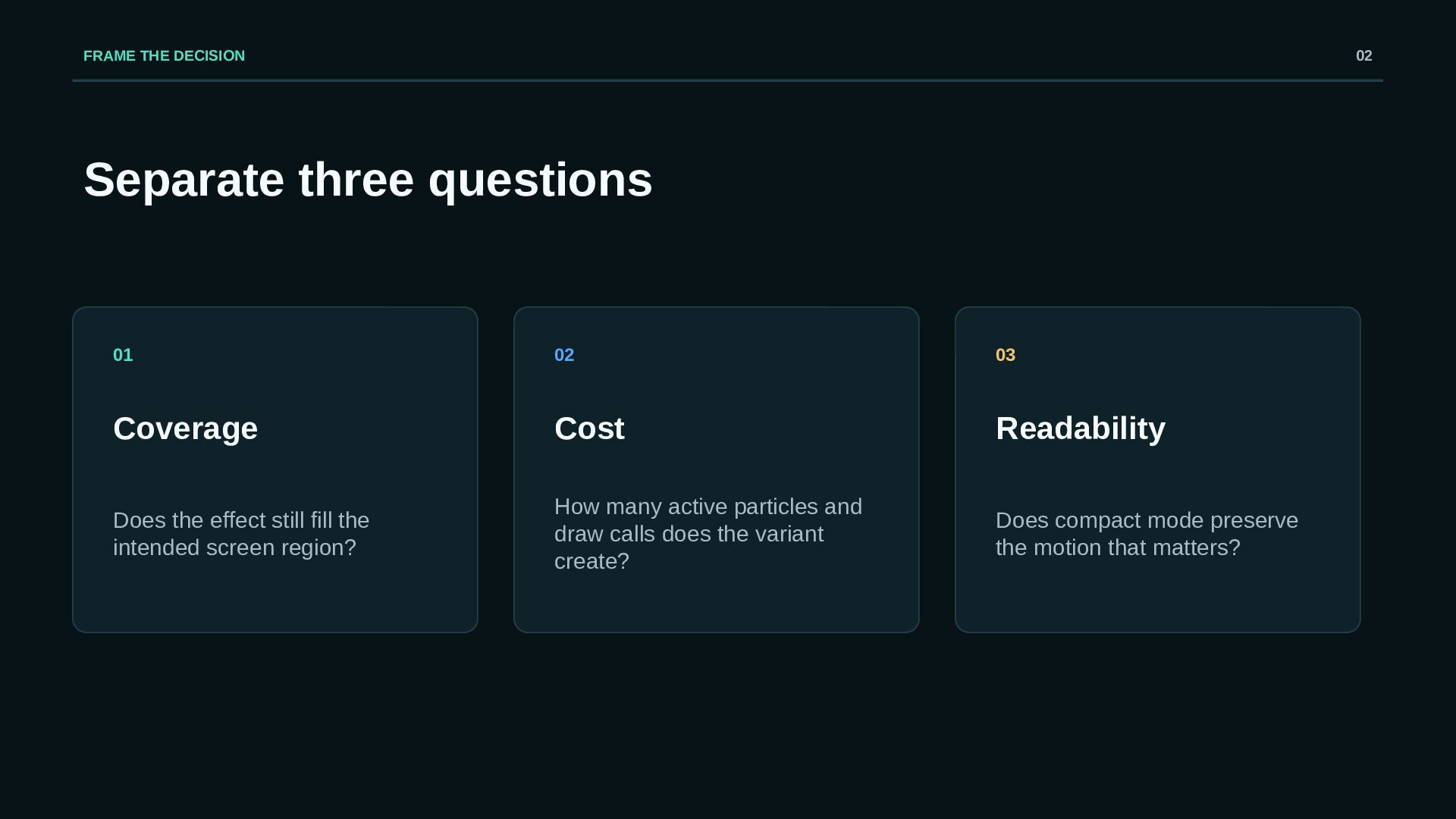
The numbers demonstrate the selection rule, not device performance. The sample did not measure GPU time, visual quality, browser behavior, or a target phone. A web game VFX editor can make the two variants easy to author and validate, but the host still owns the viewport policy. The NixieFX runtime reference documents the shared simulation, backend support reports, and runtime integration needed to verify that boundary: https://nixiefx.com/vfx-runtime-docs/

Avatar for PatilRB

PatilRB

October 20, 2026

More Decks by PatilRB

Other Decks in Programming

Transcript

  1. HOST POLICY Responsive particle density without pretending the runtime does

    it for you A bounded NixieFX + Three.js measurement The viewport does not choose the density rule. The host does. NixieFX 0.1.20 · Three.js 0.185.1 · fixed 1/60 s step 01
  2. FRAME THE DECISION 02 Separate three questions 01 02 03

    Coverage Cost Readability Does the effect still fill the intended screen region? How many active particles and draw calls does the variant create? Does compact mode preserve the motion that matters?
  3. MEASUREMENT CONTRACT 03 The bounded sample • One looping point

    emitter with a 1.2-second lifetime • Same seed and fixed 1/60-second simulation updates • The host selected the authored rate before creating the effect Deterministic Node-side sample
  4. MEASURED VARIANT 04 Desktop · 1280 × 720 140 96

    120 100 117 117 2s 3s 96 80 authored particles / second 60 peak active: 117 40 20 0 1s No unsupported Three.js features reported
  5. MEASURED VARIANT 05 Compact · 640 × 360 50 45

    36 authored particles / second 43 43 2s 3s 40 35 35 30 25 20 peak active: 44 15 10 5 0 1s No unsupported Three.js features reported
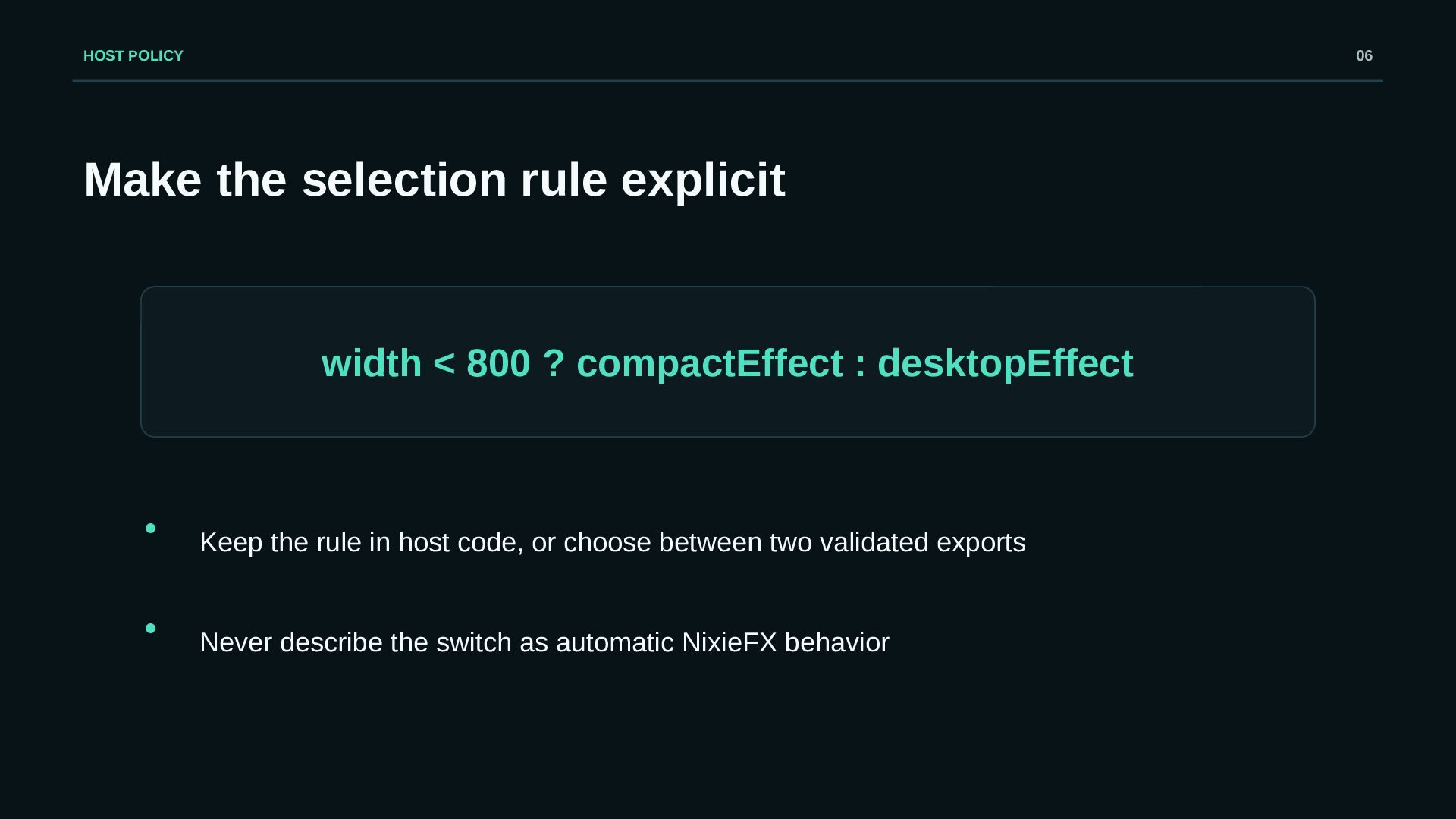
  6. HOST POLICY 06 Make the selection rule explicit width <

    800 ? compactEffect : desktopEffect • Keep the rule in host code, or choose between two validated exports • Never describe the switch as automatic NixieFX behavior
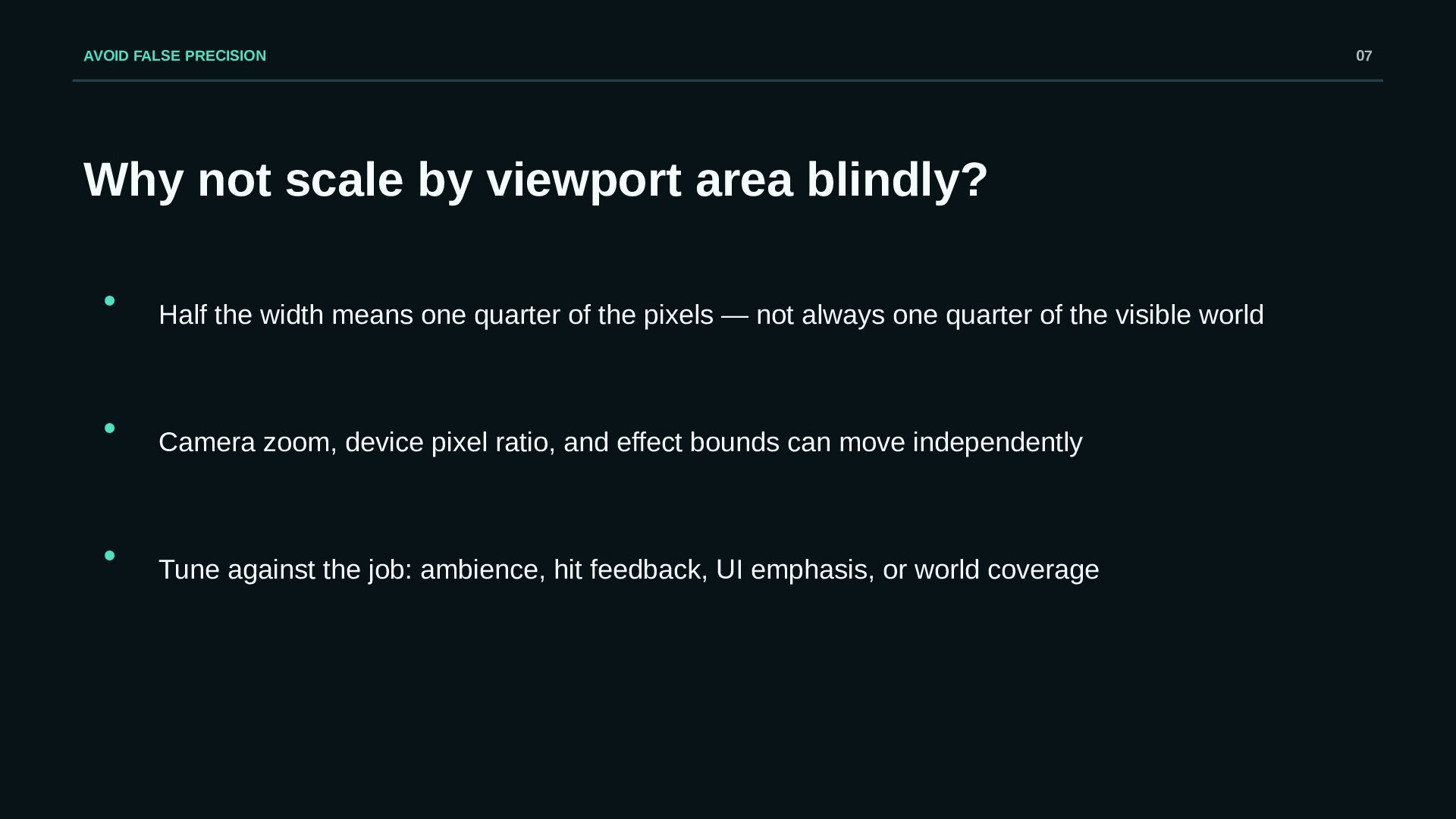
  7. AVOID FALSE PRECISION Why not scale by viewport area blindly?

    • Half the width means one quarter of the pixels — not always one quarter of the visible world • Camera zoom, device pixel ratio, and effect bounds can move independently • Tune against the job: ambience, hit feedback, UI emphasis, or world coverage 07
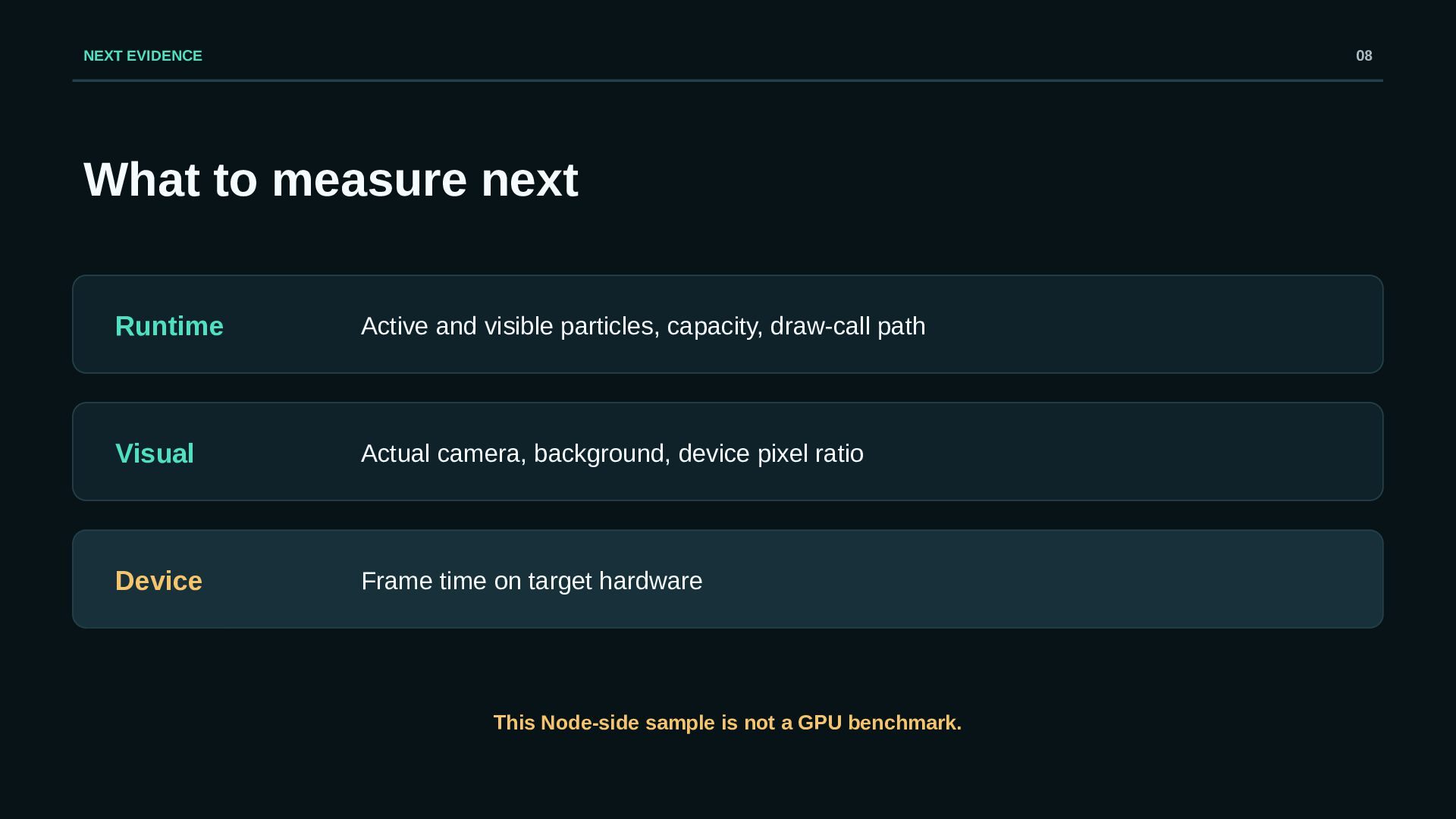
  8. NEXT EVIDENCE 08 What to measure next Runtime Active and

    visible particles, capacity, draw-call path Visual Actual camera, background, device pixel ratio Device Frame time on target hardware This Node-side sample is not a GPU benchmark.
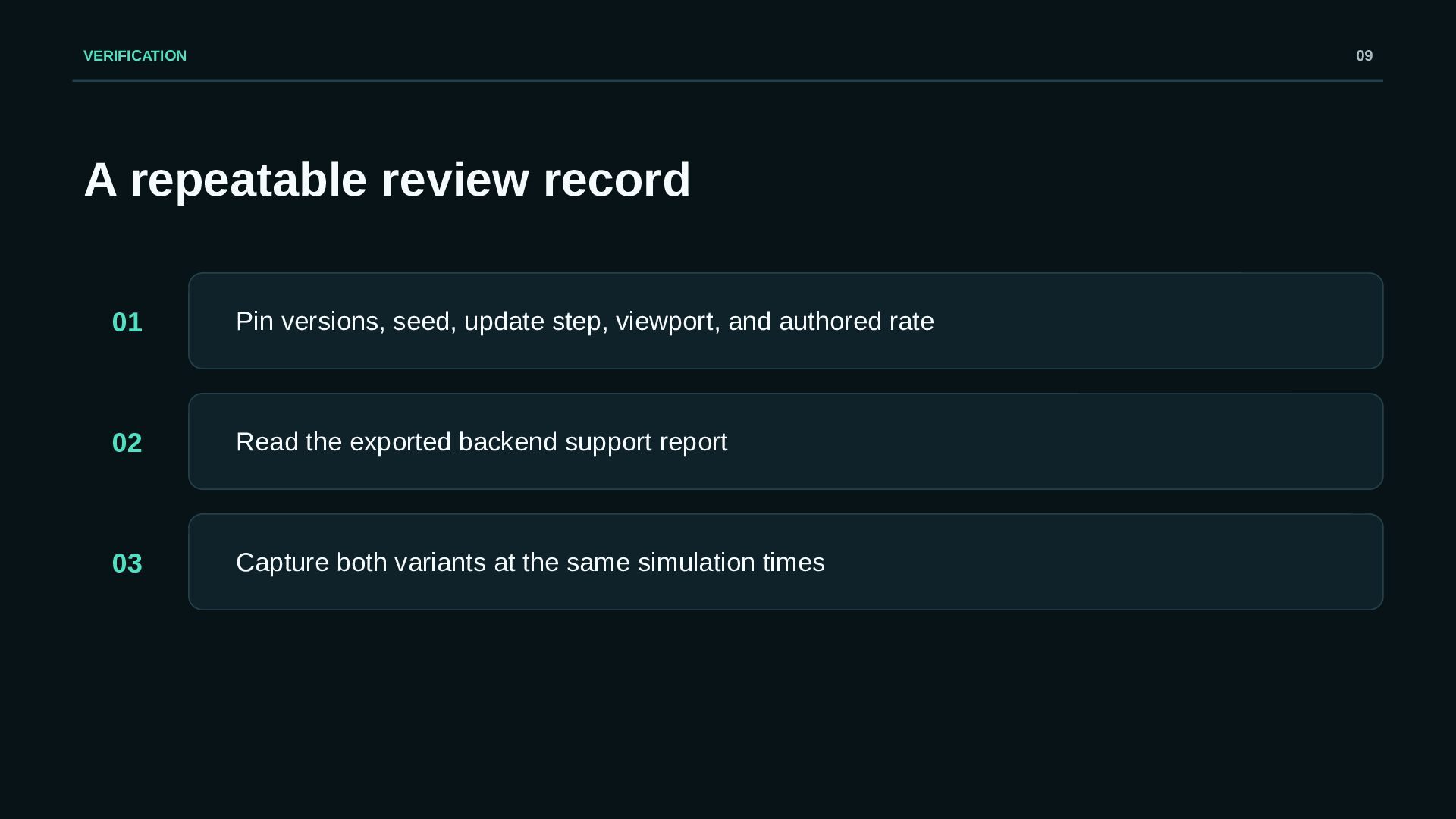
  9. VERIFICATION 09 A repeatable review record 01 Pin versions, seed,

    update step, viewport, and authored rate 02 Read the exported backend support report 03 Capture both variants at the same simulation times
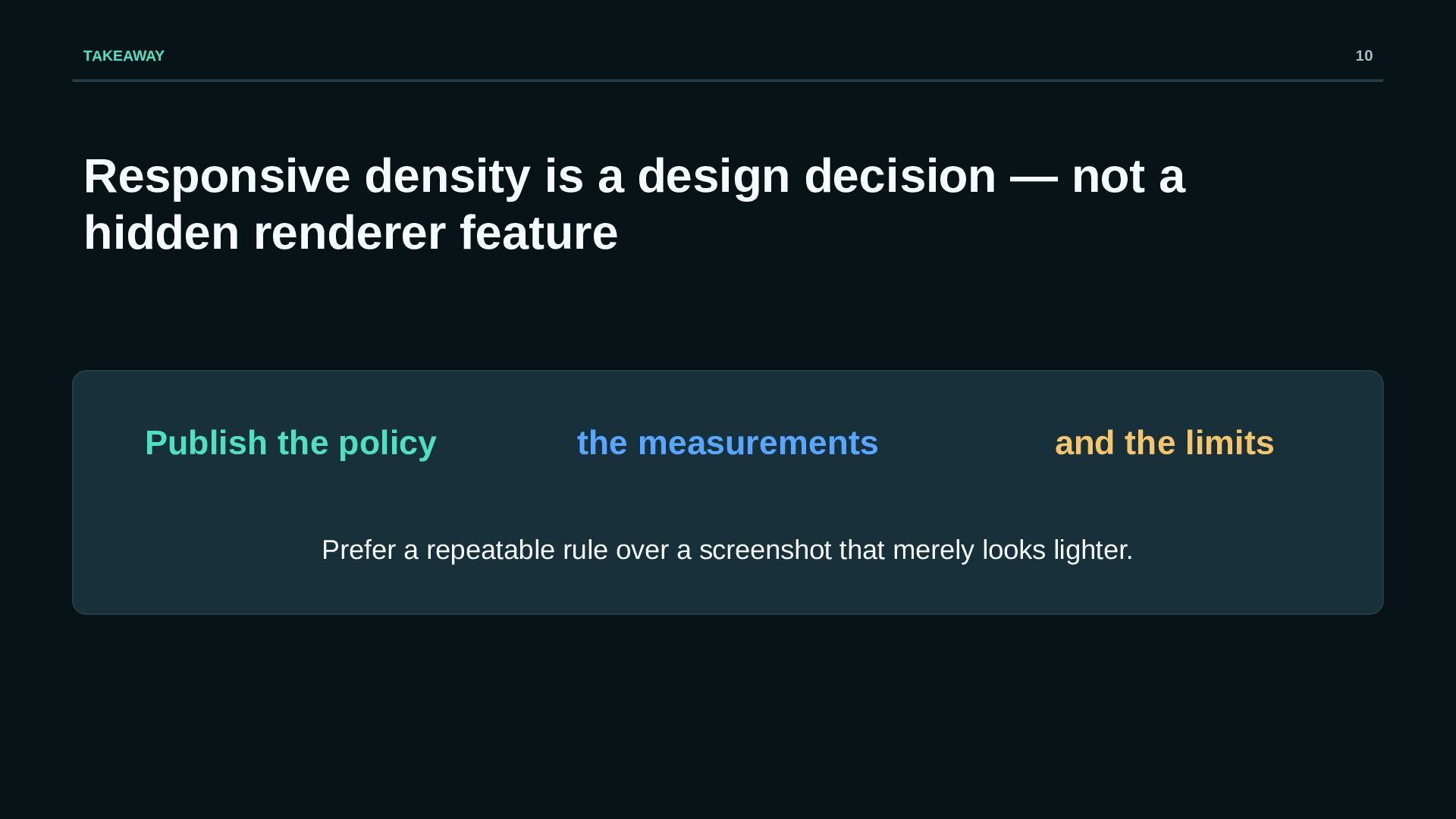
  10. TAKEAWAY 10 Responsive density is a design decision — not

    a hidden renderer feature Publish the policy the measurements and the limits Prefer a repeatable rule over a screenshot that merely looks lighter.