Upgrade to Pro — share decks privately, control downloads, hide ads and more …

A review path for broken sprite exports

Sponsored · SiteGround - Reliable hosting with speed, security, and support you can count on. →
Avatar for PatilRB PatilRB
October 19, 2026

A review path for broken sprite exports

A sprite export bug often crosses several disciplines before anyone can close it. This deck follows an illustrative minimap arrow whose tip is clipped after import. It gives a small file contract, a repeatable export path, and a review packet that lets an artist inspect the result without reconstructing the engineer's investigation.

The workflow assigns preparation to the reporting artist and QA, execution to an authorized tools engineer with optional agent assistance, and acceptance to the art reviewer and QA. It also separates automated file checks from visual approval. No production screenshots or successful repair are claimed; the presenter should add real evidence from a permitted test fixture before describing a completed case study.

For broader context on coordinating the disciplines involved, see Wagglet's AI-native mobile game studio stack. The deck is intended as a review checklist that a studio can adapt to its own export pipeline.

Avatar for PatilRB

PatilRB

October 19, 2026

More Decks by PatilRB

Other Decks in Programming

Transcript

  1. A review path for broken sprite exports An illustrative cross

    functional AI workflow for a game studio. Follow one minimap arrow from bug report to visual acceptance. The example defines a test plan; it reports no completed repair. 01
  2. The symptom that starts the task The arrow's tip disappears

    after export and import. Source artwork appears complete in the art tool. Preserve both files before changing a preset. 02
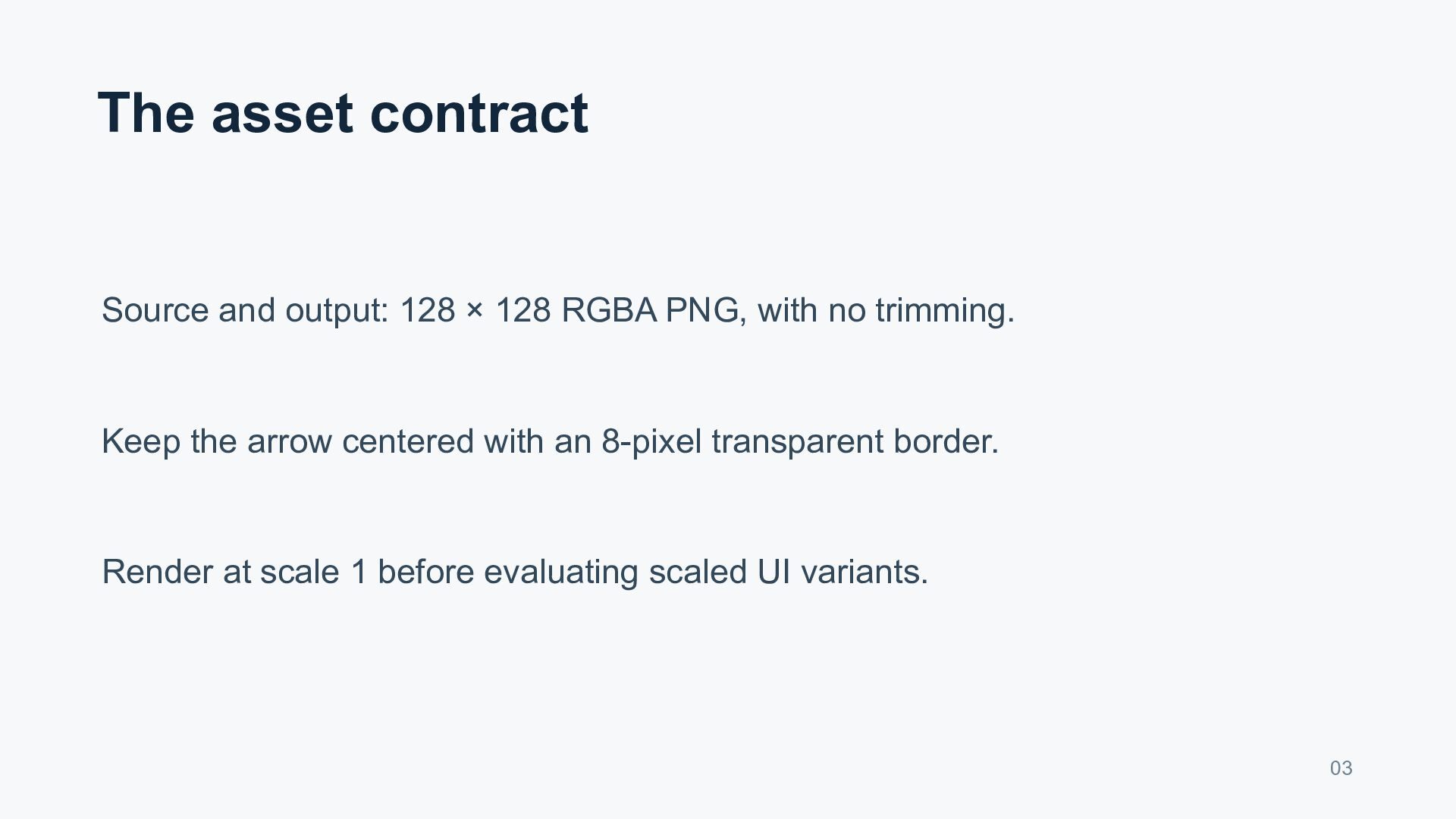
  3. The asset contract Source and output: 128 × 128 RGBA

    PNG, with no trimming. Keep the arrow centered with an 8-pixel transparent border. Render at scale 1 before evaluating scaled UI variants. 03
  4. Preparation belongs to the reporter The UI artist supplies the

    source revision and affected screen. QA records the export preset, importer settings, and exact steps. The task names an art reviewer before execution begins. 04
  5. Build a repeatable comparison Export from a clean source copy

    with the suspected preset. Import into a minimal minimap scene through the normal path. Capture the tip, transparent corners, and full minimap at a fixed scale. 05
  6. Assign one bounded investigation A tools engineer investigates cropping, offsets,

    and importer behavior. A coding agent may assist through the engineer's own authorized tools. Change one setting at a time and retain rejected outputs. 06
  7. Evidence required for a proposed fix Attach the output PNG

    and exact revised preset. Add before-and-after captures with matching crops and build labels. Repeat the export and import independently from the saved source. 07
  8. The acceptance decision The UI artist checks the full arrow

    silhouette and alignment. QA verifies the repeated path and intended display size. Reject a passing file check if the rendered result is still wrong. 08
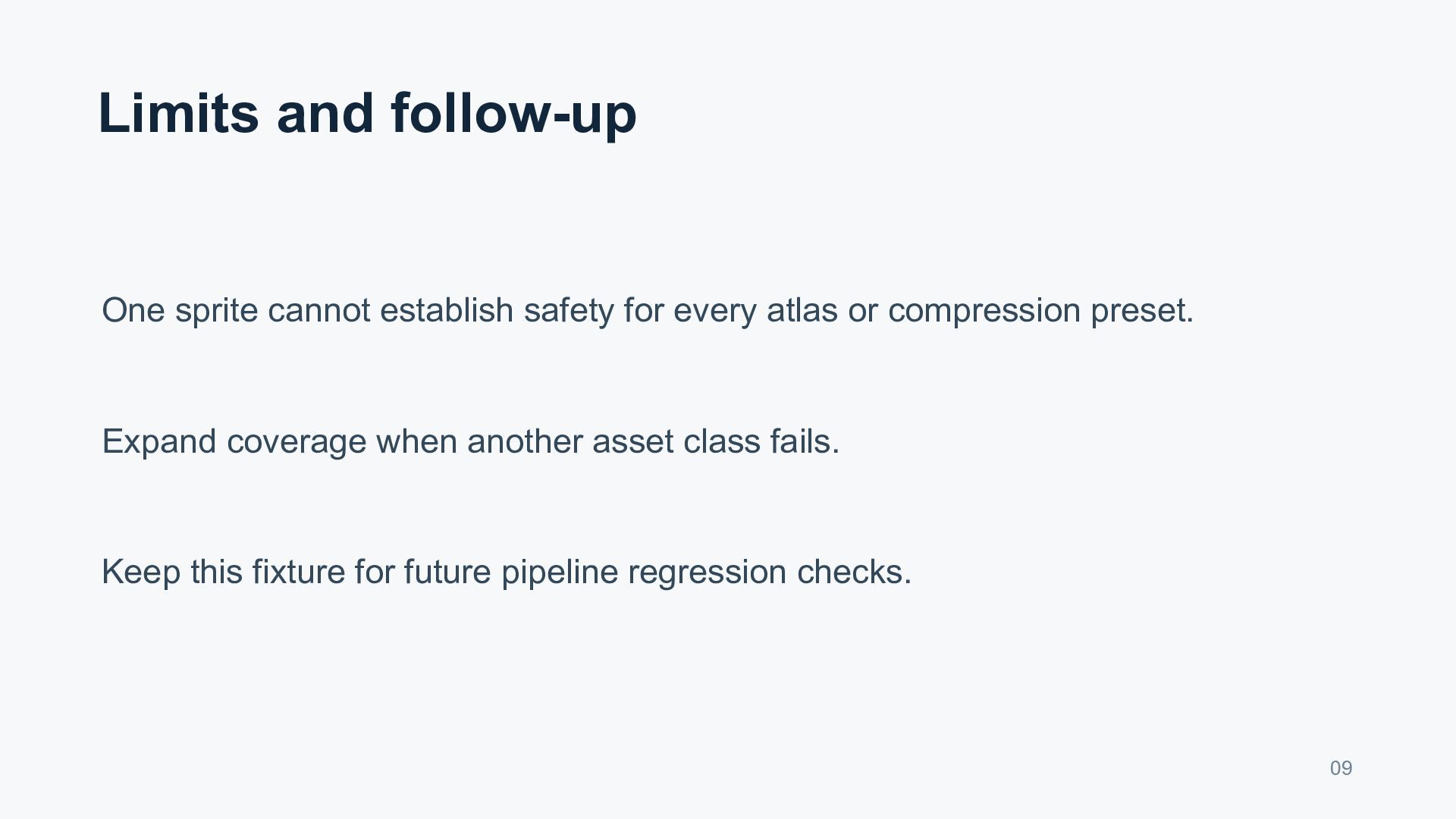
  9. Limits and follow-up One sprite cannot establish safety for every

    atlas or compression preset. Expand coverage when another asset class fails. Keep this fixture for future pipeline regression checks. 09
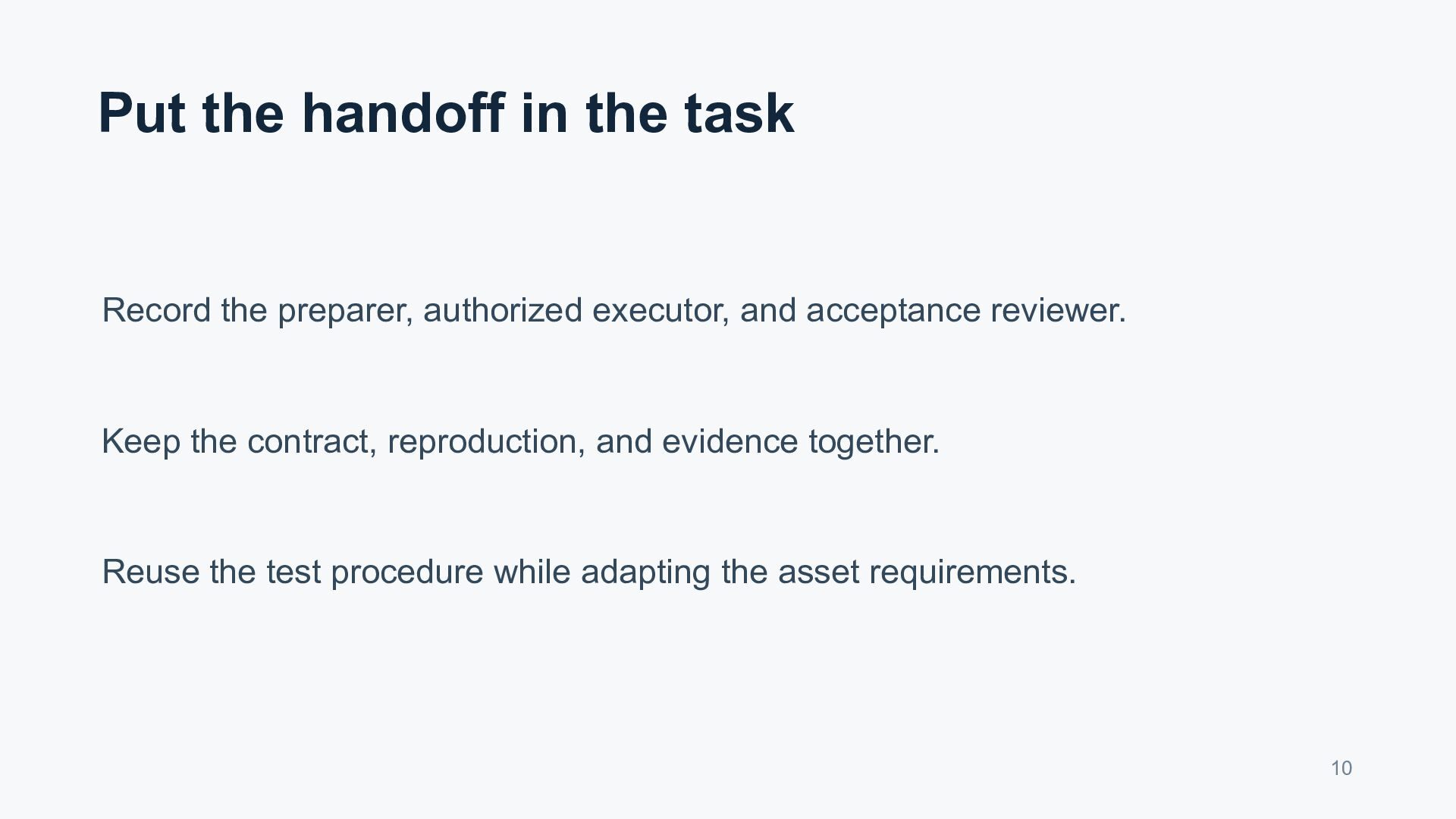
  10. Put the handoff in the task Record the preparer, authorized

    executor, and acceptance reviewer. Keep the contract, reproduction, and evidence together. Reuse the test procedure while adapting the asset requirements. 10