PineGen Optimizer: Automated Parameter Tuning for TradingView Pine Script Strategies
PineGen Optimizer is a TradingView browser extension that automatically tunes your Pine Script strategy parameters — no manual backtesting required.
Watch the full demo: https://youtu.be/dBXFttm-CqI?si=lerOc8Kz0MmY2FN0
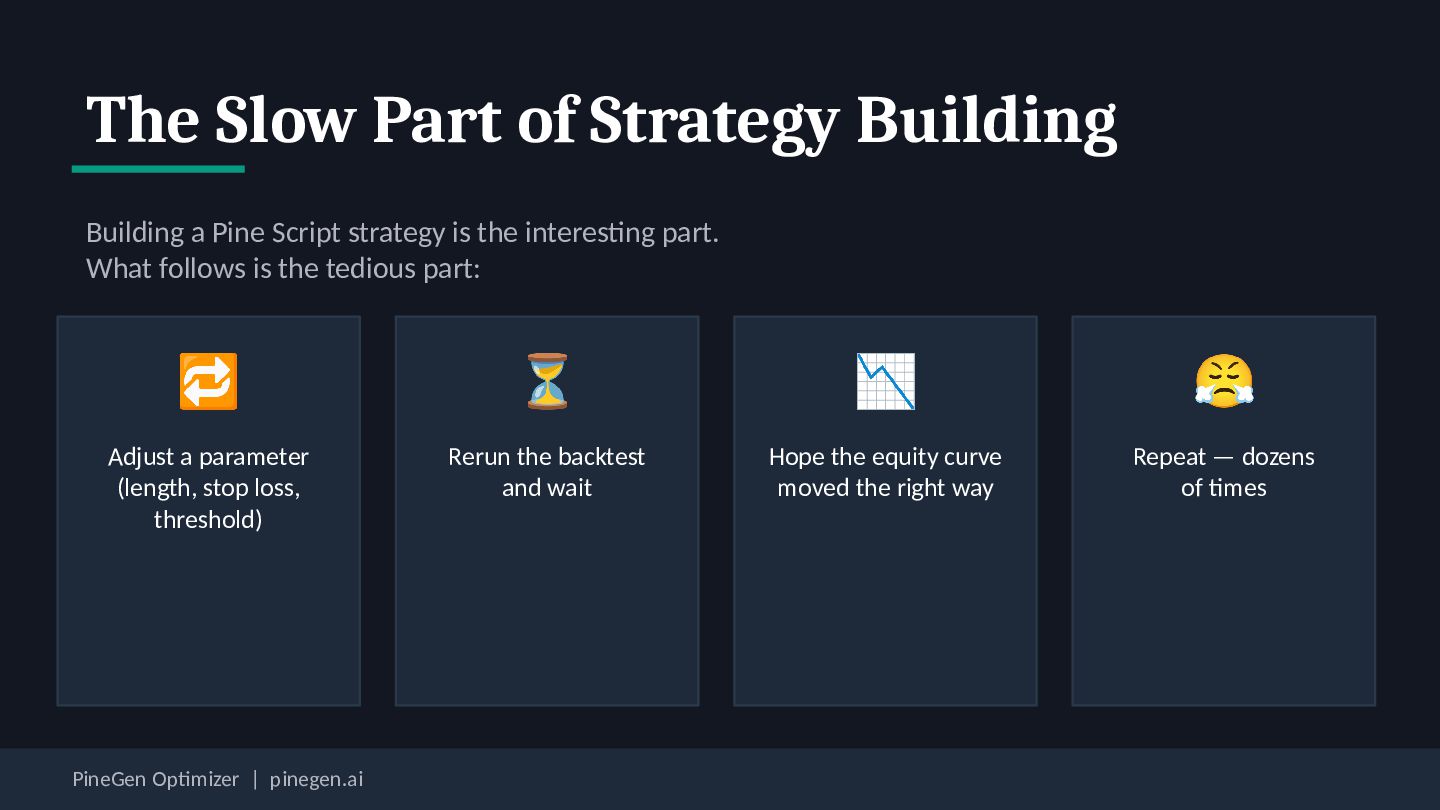
strategy is the interesting part. What follows is the tedious part: 🔁 ⏳ 📉 😤 Adjust a parameter (length, stop loss, threshold) Rerun the backtest and wait Hope the equity curve moved the right way Repeat — dozens of times PineGen Optimizer | pinegen.ai
Editor automatically Meet PineGen Optimizer Reads your active chart Picks up the exchange, symbol, and timeframe you're on Returns optimized code Tuned to the real market you're trading — not a generic default Works inside TradingView A browser extension built for TradingView PineGen Optimizer | pinegen.ai No external tools, no copy-pasting between windows
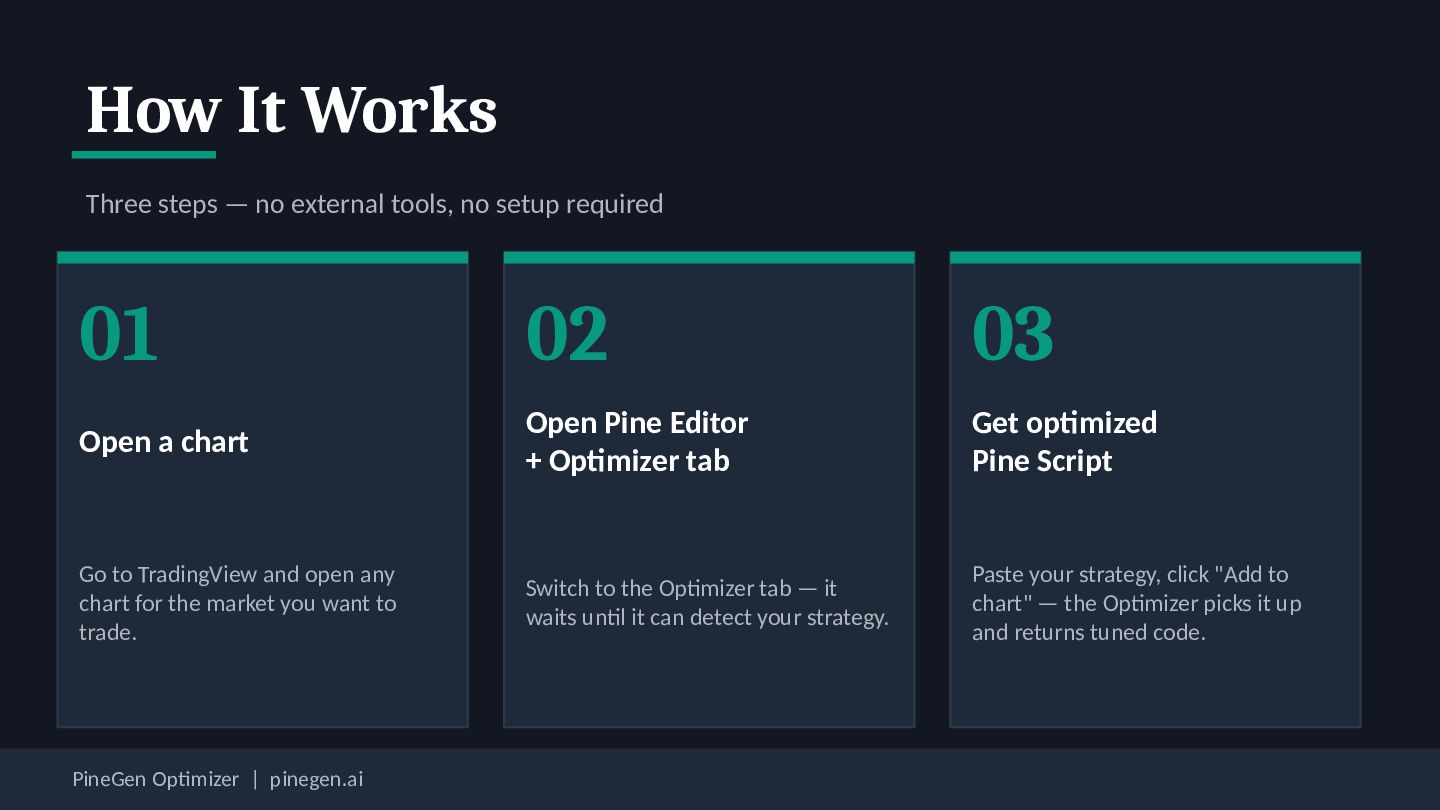
setup required 01 02 03 Open a chart Open Pine Editor + Optimizer tab Get optimized Pine Script Go to TradingView and open any chart for the market you want to trade. Switch to the Optimizer tab — it waits until it can detect your strategy. Paste your strategy, click "Add to chart" — the Optimizer picks it up and returns tuned code. PineGen Optimizer | pinegen.ai
the tool that writes Pine Script from plain English. 1 Describe your strategy Plain English 2 PineGen AI → writes the code Working Pine Script The full loop — from idea to tuned strategy — without leaving TradingView. PineGen Optimizer | pinegen.ai 3 PineGen Optimizer → tunes the parameters Optimized for your market
NASDAQ, daily chart — live code preview, compilation check, and optimized parameters returned automatically. ▶ youtu.be/dBXFttm-CqI Built by PineGen AI | pinegen.ai PineGen Optimizer | pinegen.ai

-4.png)

-4.png)
 pinegenai
pinegenai
 pfn
pfn
 grimoh
 greenmidori
 satoshi7
 kakehashi
 endonanana
 ykanoh
 sh_fk2
 riyaamemiya
 terurou
 yamanoku
 usanchuu
 samtorres
 tanoku
 productmarketing
 davidcarrasco
 tammyeverts
 smashingmag
 codingconduct
 matthewcrist
 jonoalderson
 notwaldorf
 lemiorhan
 aleyda